Upgrade to Pro — share decks privately, control downloads, hide ads and more …

Introduction to GCP

Sponsored · Your Podcast. Everywhere. Effortlessly. Share. Educate. Inspire. Entertain. You do you. We'll handle the rest.

Introduction to GCP

Avatar for Krunal Kapadiya

Krunal Kapadiya

August 29, 2021
Tweet

More Decks by Krunal Kapadiya

Other Decks in Technology

Transcript

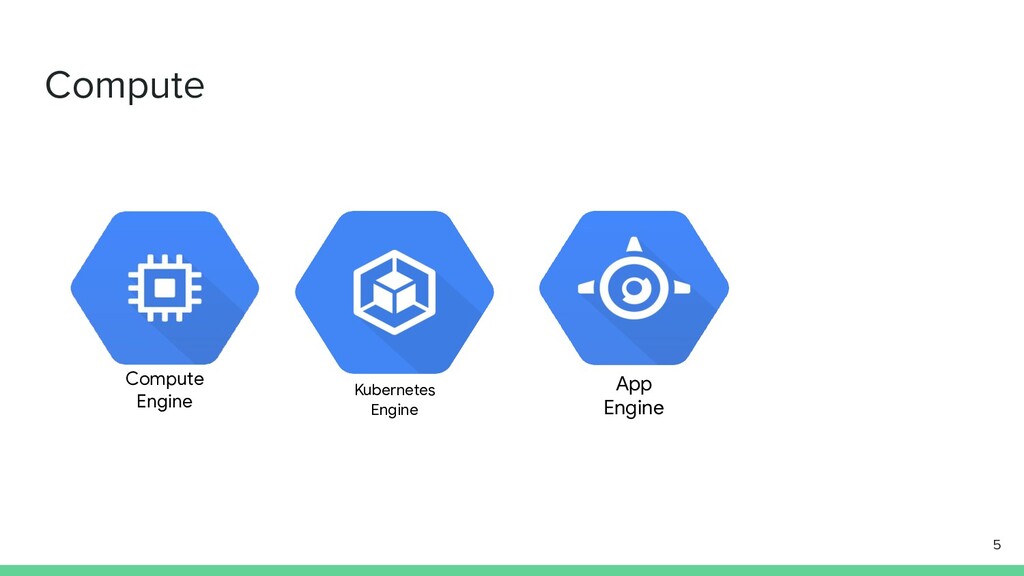
  1. Agenda - Getting Started... - Cloud Platform services - Resource

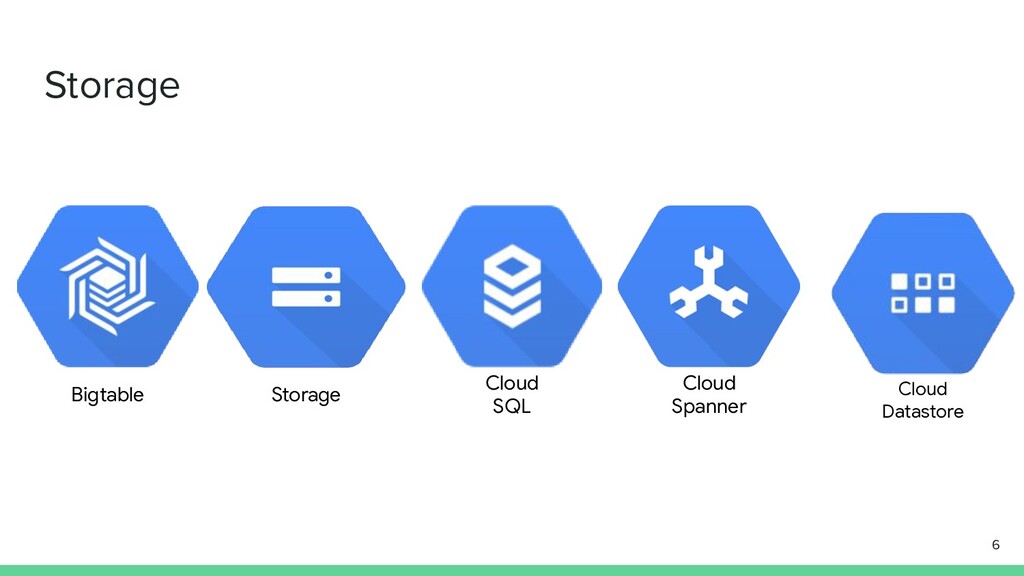
    Management - Developing, Deploying and Monitoring into Cloud - Kubernetes Engine - Big data and Machine Learning Services - Machine Learning APIs enable apps to see, hear and understand 2
  2. Getting Started... - What is Google Cloud - Difference between

    other cloud platform to Google Cloud - Cloud Network Architecture - Global - Regional - Zonal 3
  3. 10

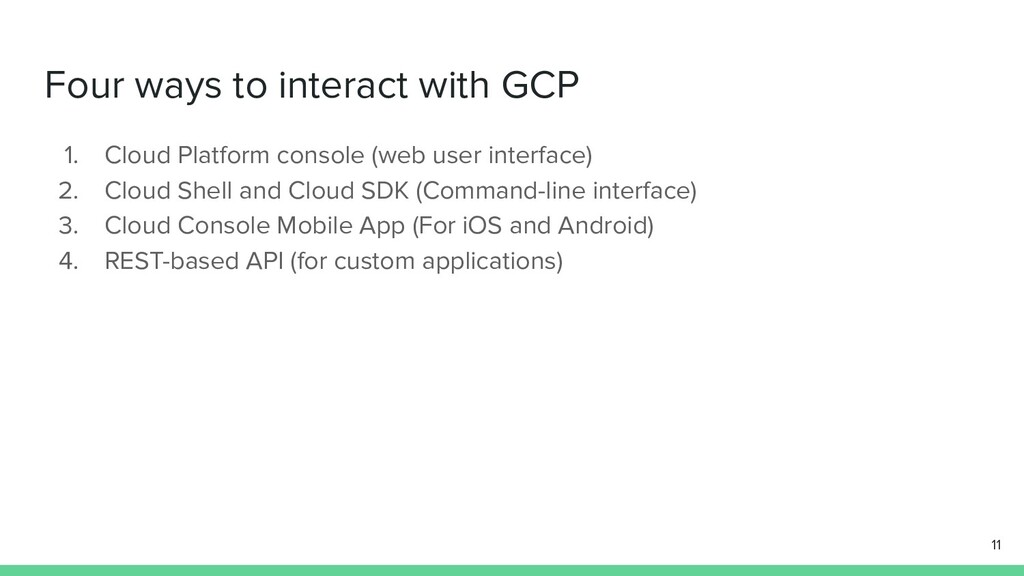
  4. Four ways to interact with GCP 1. Cloud Platform console

    (web user interface) 2. Cloud Shell and Cloud SDK (Command-line interface) 3. Cloud Console Mobile App (For iOS and Android) 4. REST-based API (for custom applications) 11
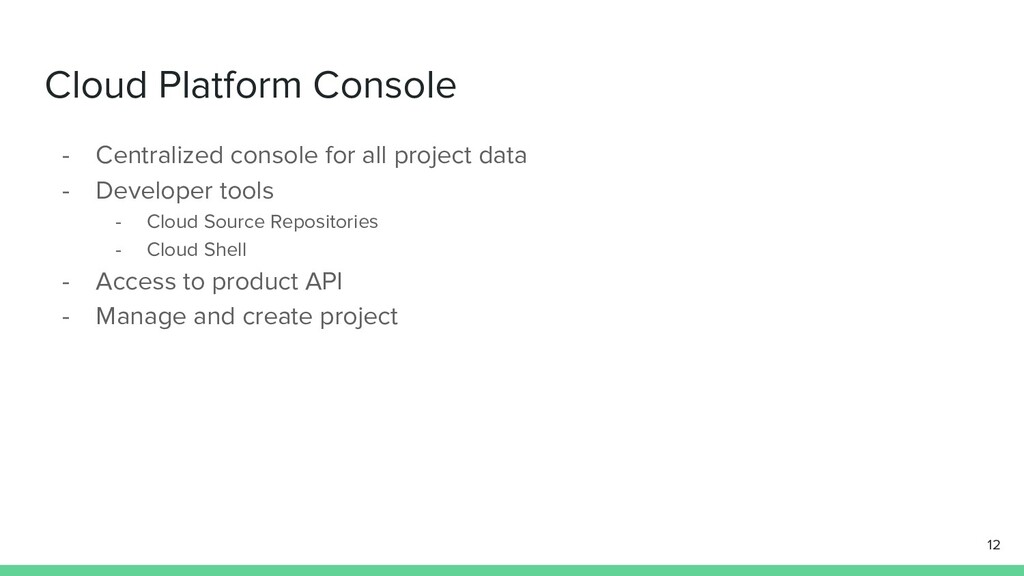
  5. Cloud Platform Console - Centralized console for all project data

    - Developer tools - Cloud Source Repositories - Cloud Shell - Access to product API - Manage and create project 12
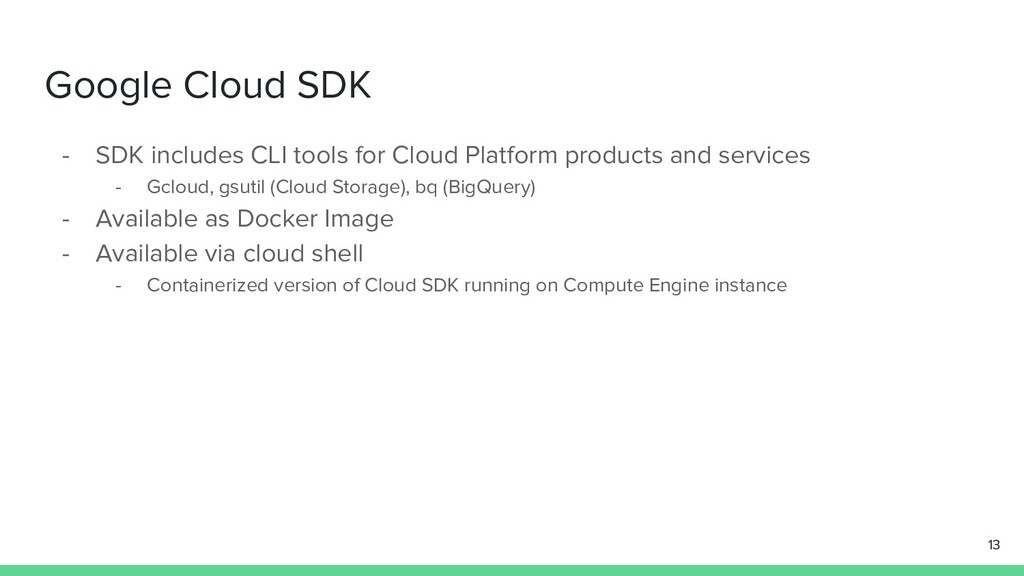
  6. Google Cloud SDK - SDK includes CLI tools for Cloud

    Platform products and services - Gcloud, gsutil (Cloud Storage), bq (BigQuery) - Available as Docker Image - Available via cloud shell - Containerized version of Cloud SDK running on Compute Engine instance 13
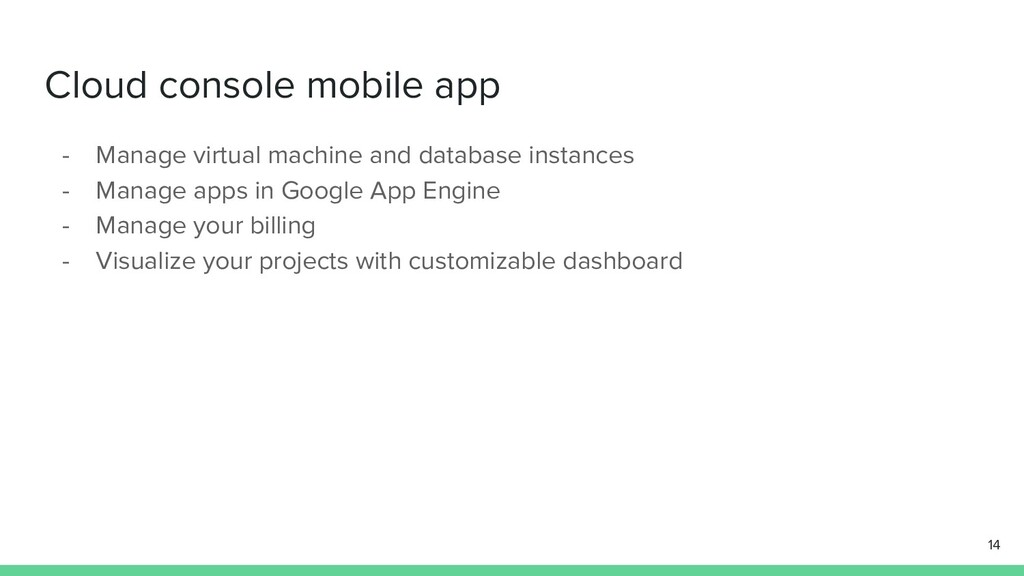
  7. Cloud console mobile app - Manage virtual machine and database

    instances - Manage apps in Google App Engine - Manage your billing - Visualize your projects with customizable dashboard 14
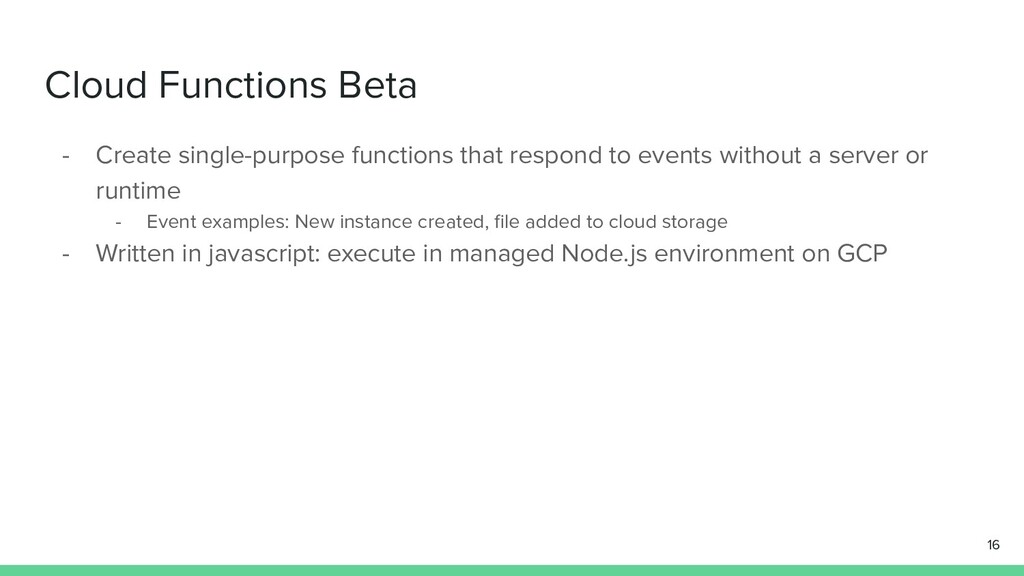
  8. Cloud Functions Beta - Create single-purpose functions that respond to

    events without a server or runtime - Event examples: New instance created, file added to cloud storage - Written in javascript: execute in managed Node.js environment on GCP 16
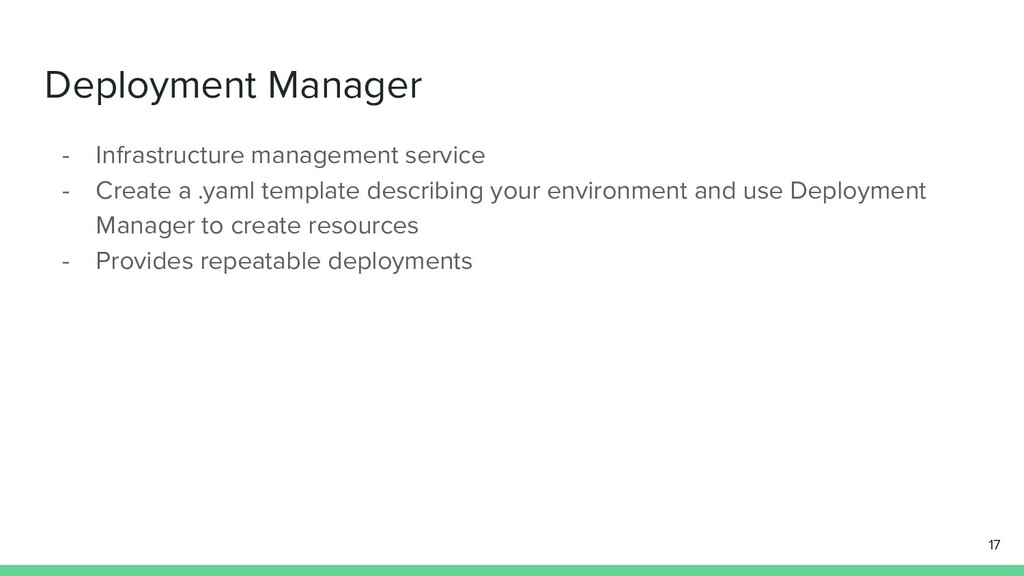
  9. Deployment Manager - Infrastructure management service - Create a .yaml

    template describing your environment and use Deployment Manager to create resources - Provides repeatable deployments 17
  10. Monitoring using stackdriver - Monitoring - Platform, system and application

    metrices - Uptime/health checks - Dashboards and alerts - Logging - Platform system, and application logs - Log search, view, filter and export - Log-based metrics - Debug (Debug applications) - Error reporting (Error notification, Error dashboard) - Trace (Letency reporting and sampling, Per-URL latency and statistics) 18
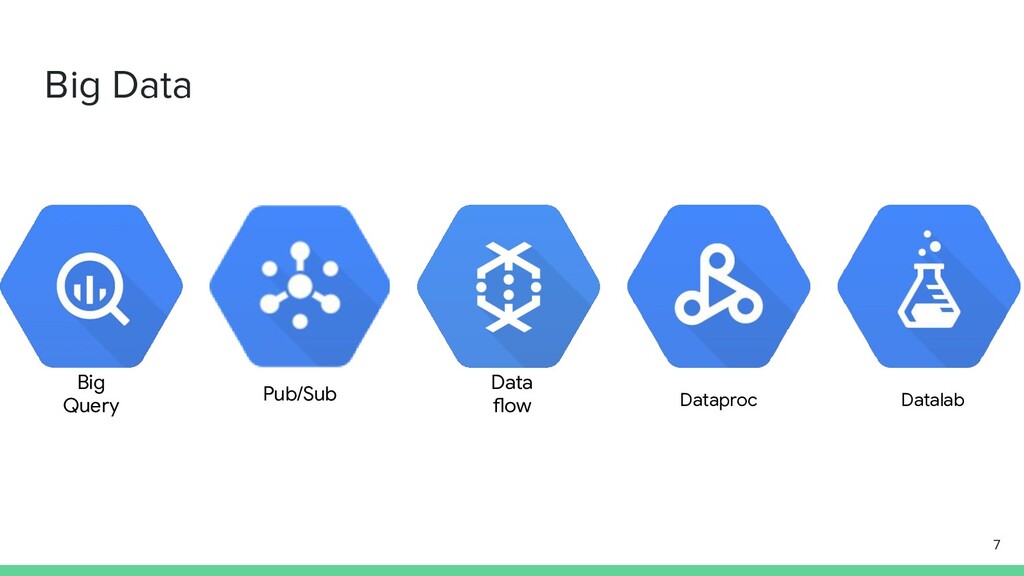
  11. Cloud Dataproc - Fast, easy, managed way to run Hadoop

    and Spark/Hive/Pig on GCP - Create clusters in 90 seconds or less, on average - Scale clusters up and down even when jobs are running 20
  12. Cloud Dataflow - Processes data using Compute Engine Instances -

    Clusters are sized for you - Automated scaling, no instance provisioning required - Write code once and get batch and streaming. - Transform-based programming model 21
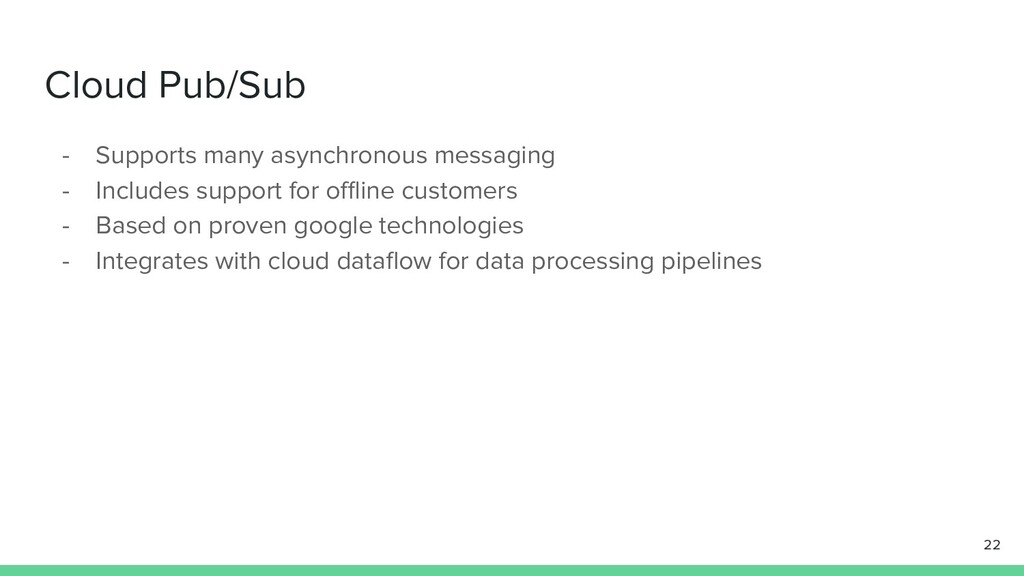
  13. Cloud Pub/Sub - Supports many asynchronous messaging - Includes support

    for offline customers - Based on proven google technologies - Integrates with cloud dataflow for data processing pipelines 22
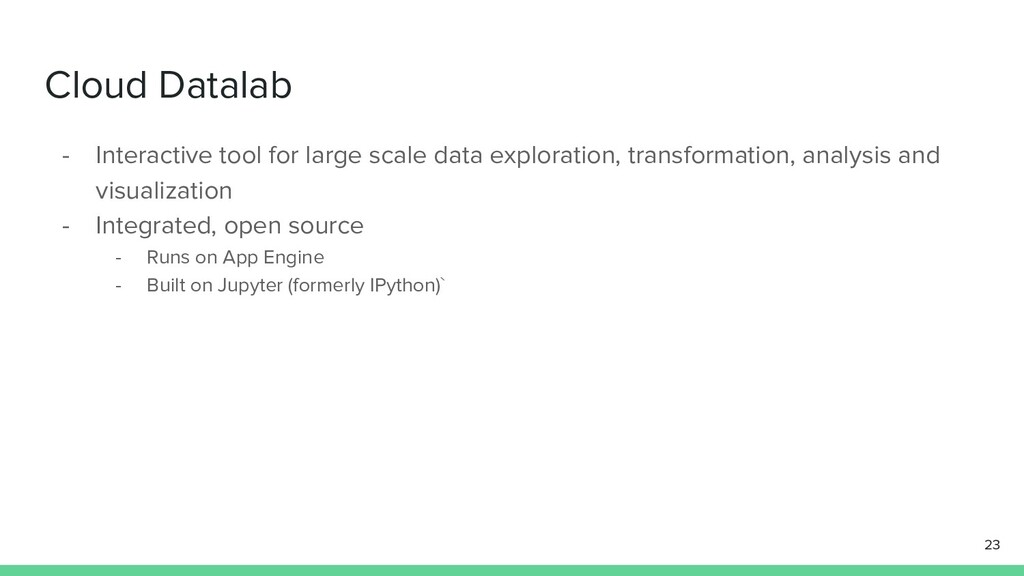
  14. Cloud Datalab - Interactive tool for large scale data exploration,

    transformation, analysis and visualization - Integrated, open source - Runs on App Engine - Built on Jupyter (formerly IPython)` 23
  15. Cloud Machine Learning Platform Open source tool to build and

    run neural network Models - Wide platform support CPU or GPU mobile, server or cloud Fully managed machine learning service - Familiar notebook-based developer experience - Optimized for Google infrastructure: integrates with BigQuery and Cloud Storage 26
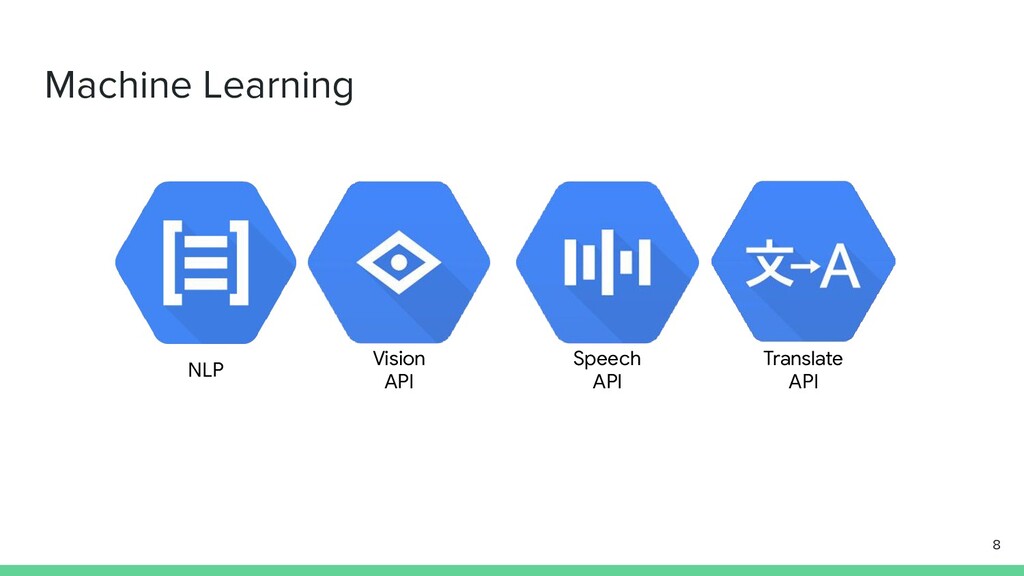
  16. Cloud Machine Learning Platform Pretrained machine learning models built by

    Google - Speech: Stream results in real time, detects 80 languages - Vision: Identify objects, landmarks, text and content - Translate: Language translation including detection - Natural Language: Structure, meaning of text 27
  17. Structured data For structured data - Classification and regression -

    Recommendation - Anomaly detection For unstructured data - Image and video analytics - Text analytics 28
  18. Cloud Vision API - Analize images with a simple REST

    API - Logo detection, label detection etc - With Cloud vision API you can - Gain insight from images - Detect inappropriate content - Analyze sentiment - Extract text 29
  19. Cloud speech API - Recognizes over 80 languages and variants

    - Can return text in real time - Highly accurate, even in noisy environment - Access from any devices - Powered by Google’s Machine Learning 30
  20. Cloud Natural Language API - Uses machine learning models to

    reveal structure and meaning of text - Extract information about items mentioned in text documents, news articles, and blog posts - Analyze text uploaded in request or integrate with Cloud storage 31
  21. Cloud translation API - Translate arbitrary strings between thousands of

    languages in pairs - Programmatically detect a document’s language - Supports for dozens of languages 32
  22. Cloud Video Intelligence API Beta - Annotate the content of

    videos - Detect scenes changes - Flag inappropriate content - Support for variety of video formats 33
  23. References and links for GCP - (Hands on training) https://google.qwiklabs.com/

    - (More training with multiple APIs) https://cloud.google.com/training/ 34