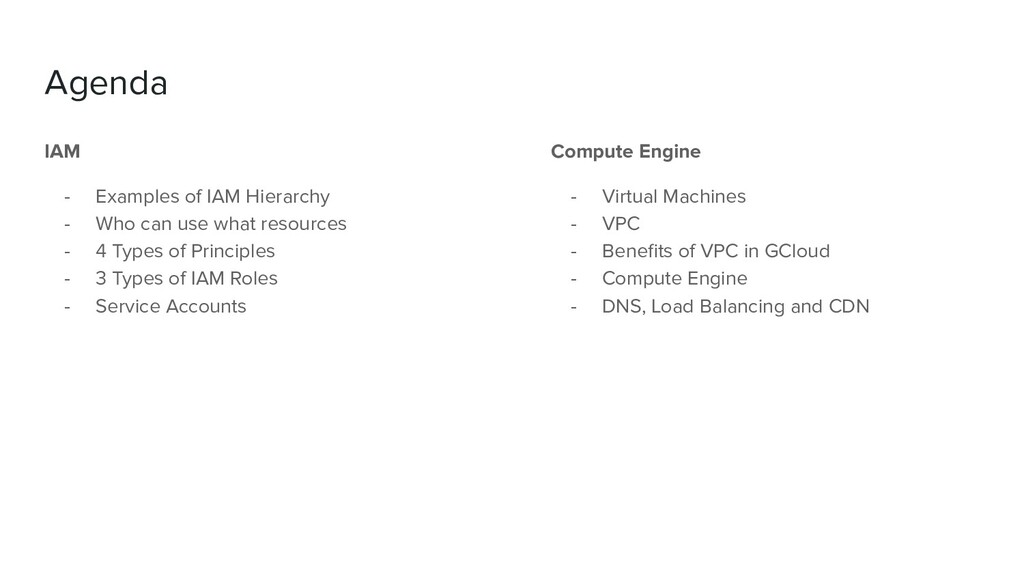
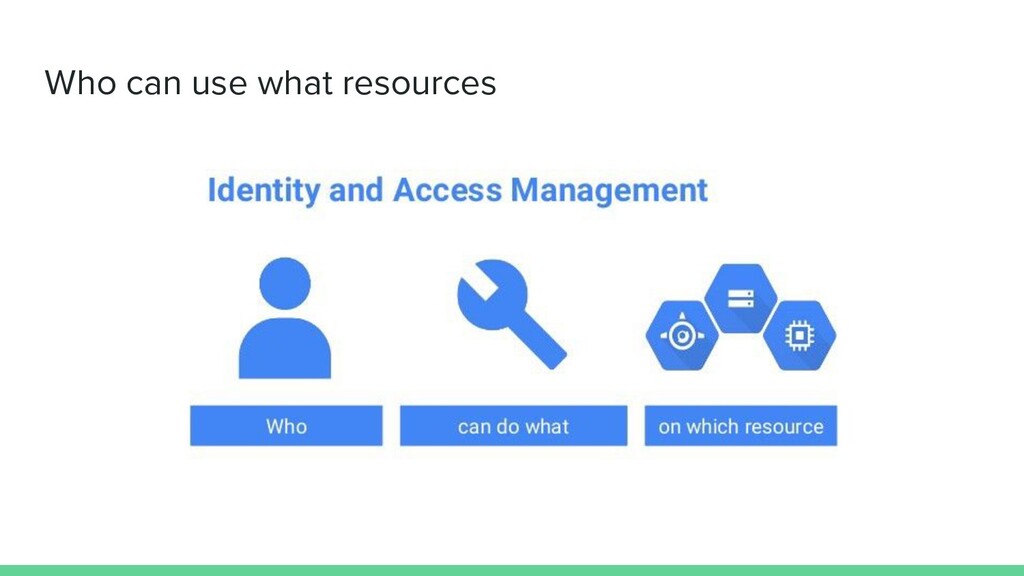
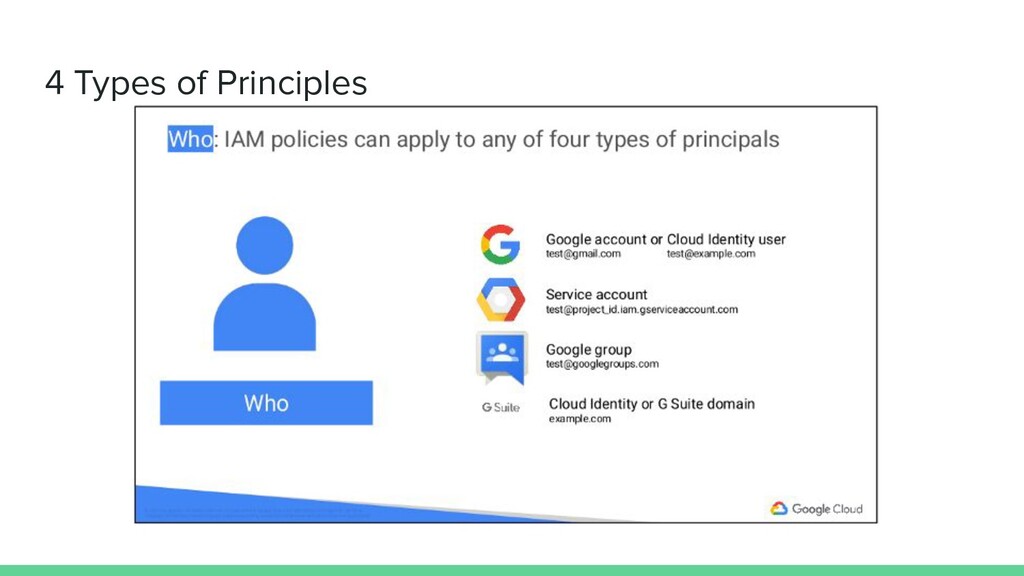
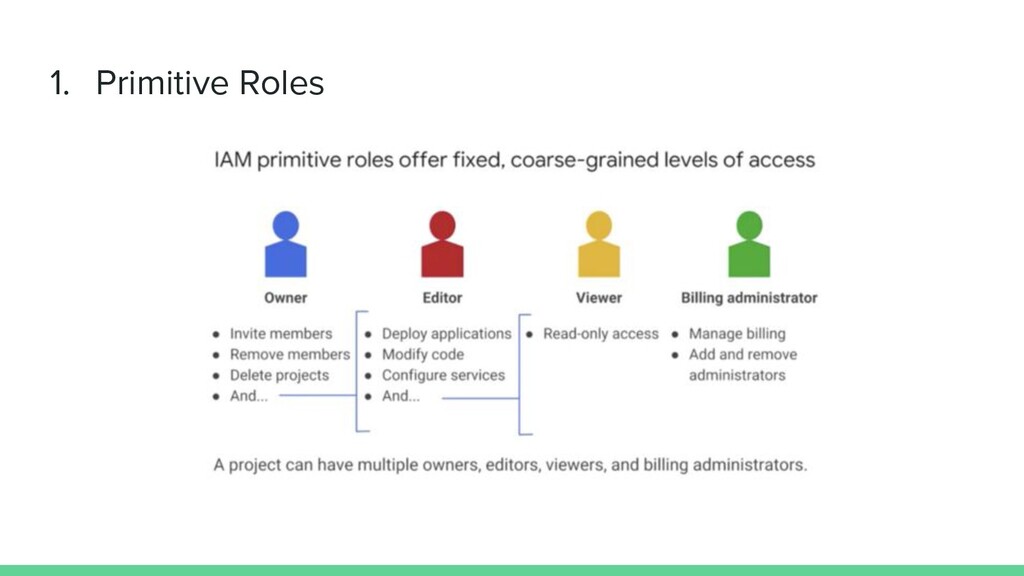
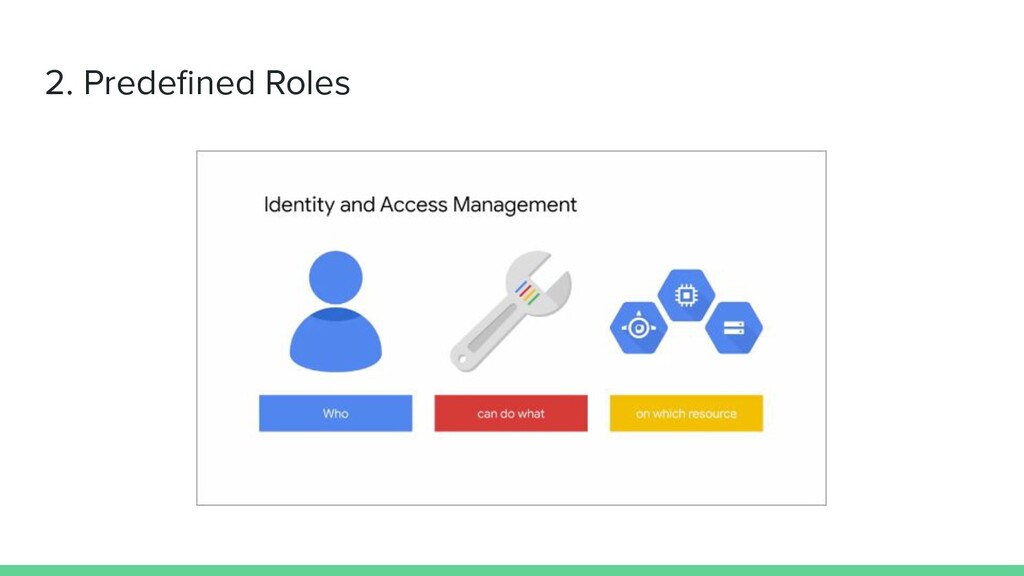
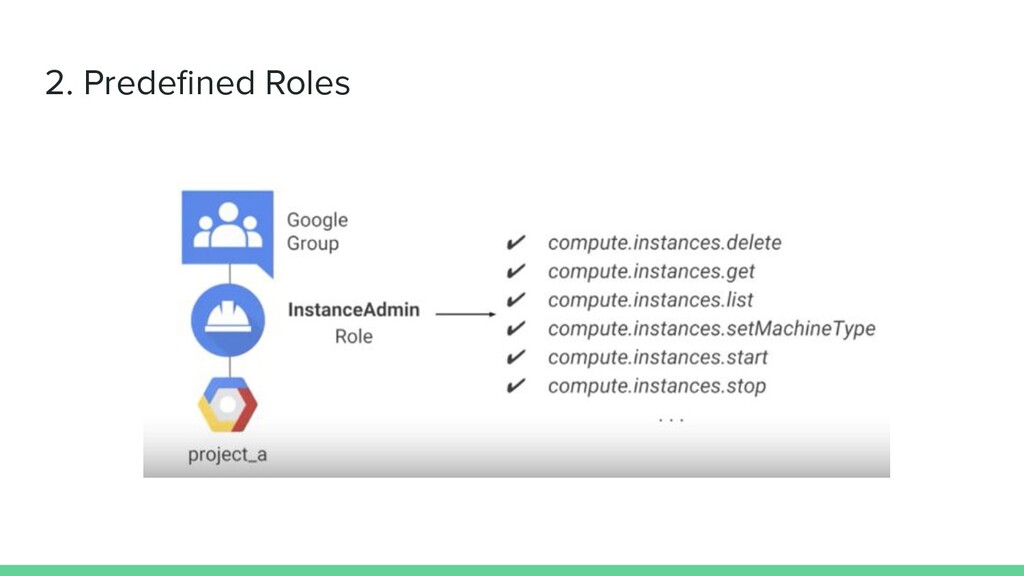
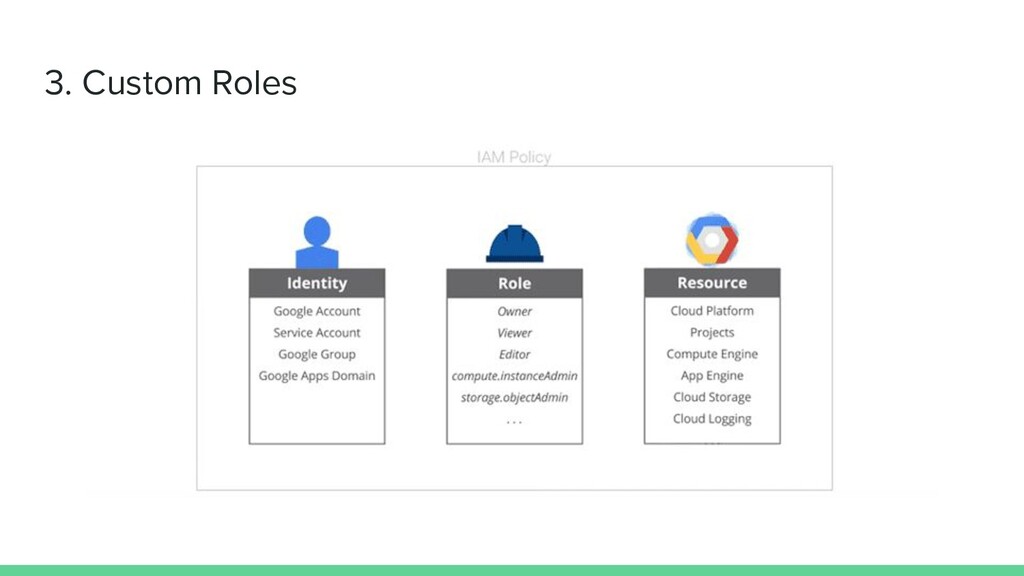
use what resources - 4 Types of Principles - 3 Types of IAM Roles - Service Accounts Compute Engine - Virtual Machines - VPC - Benefits of VPC in GCloud - Compute Engine - DNS, Load Balancing and CDN
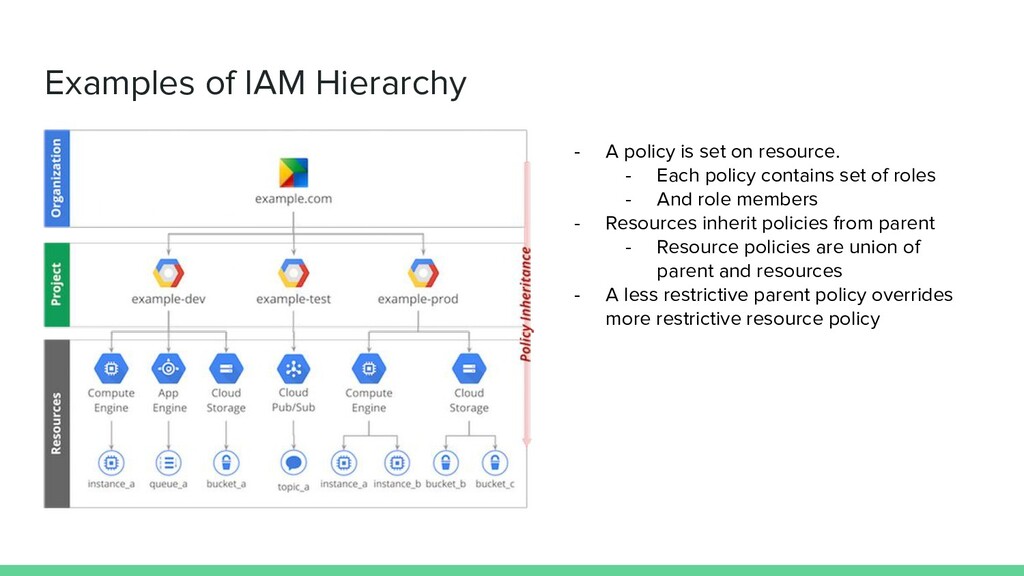
resource. - Each policy contains set of roles - And role members - Resources inherit policies from parent - Resource policies are union of parent and resources - A less restrictive parent policy overrides more restrictive resource policy
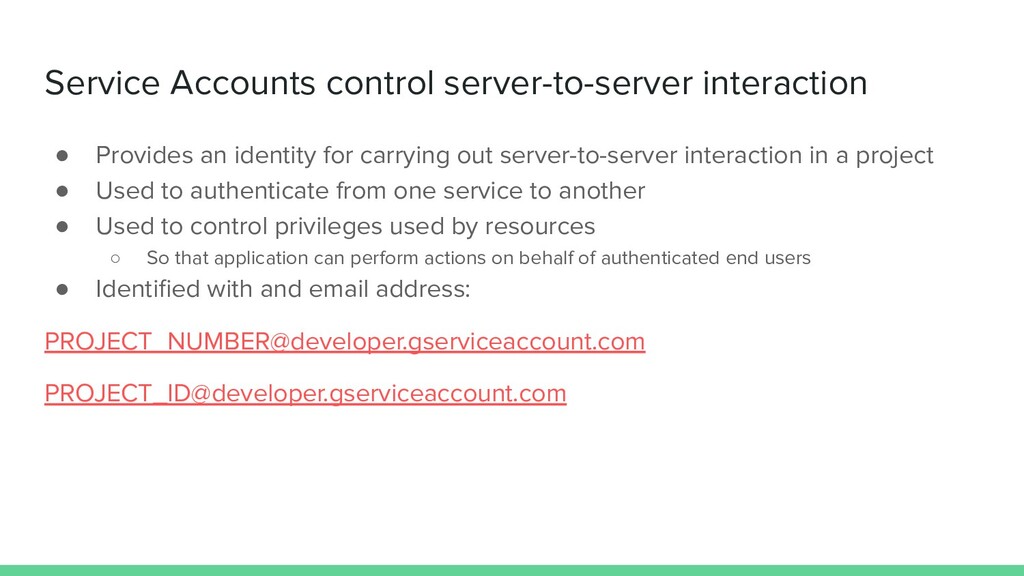
carrying out server-to-server interaction in a project • Used to authenticate from one service to another • Used to control privileges used by resources ◦ So that application can perform actions on behalf of authenticated end users • Identified with and email address: [email protected][email protected]
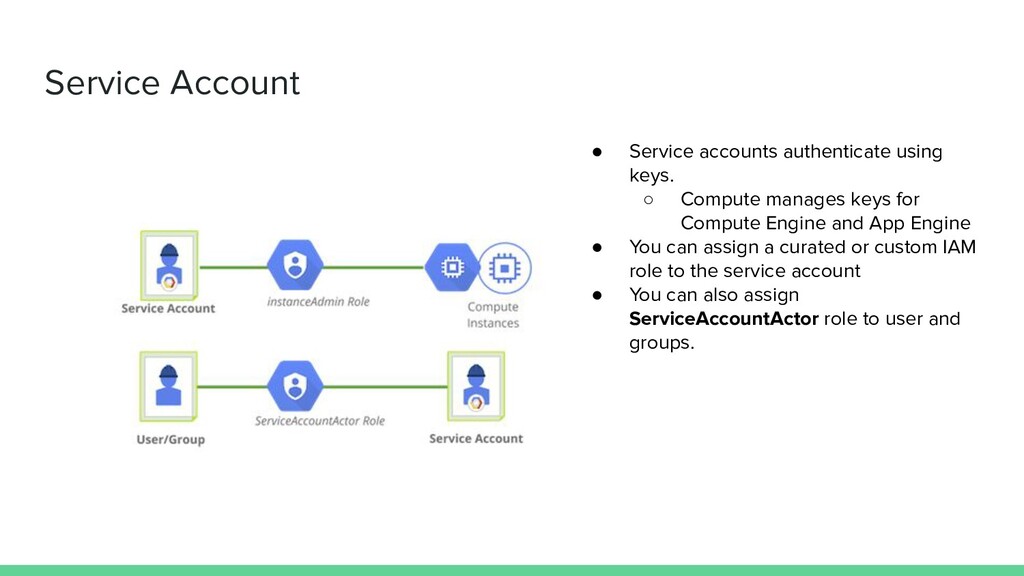
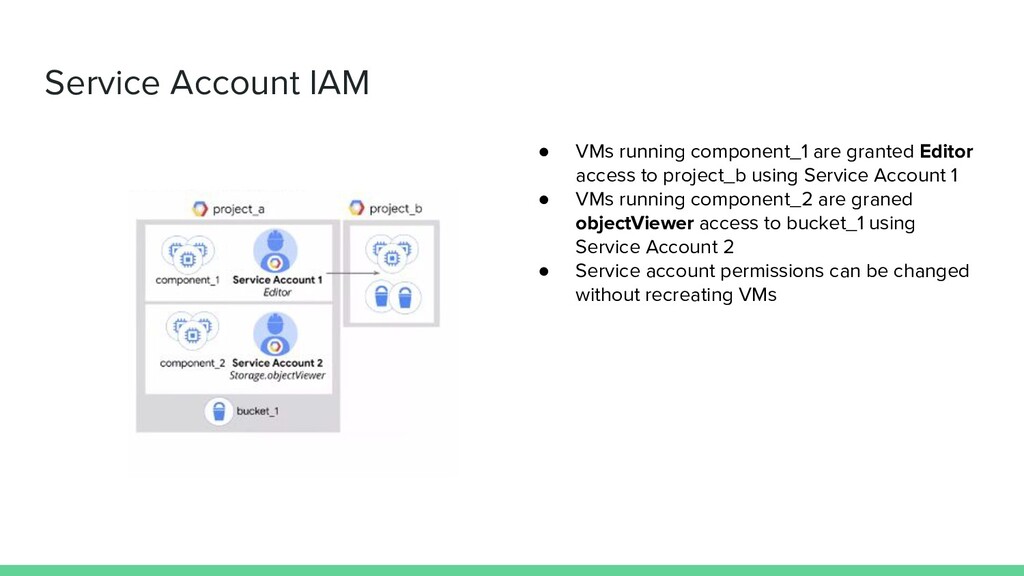
manages keys for Compute Engine and App Engine • You can assign a curated or custom IAM role to the service account • You can also assign ServiceAccountActor role to user and groups.
access to project_b using Service Account 1 • VMs running component_2 are graned objectViewer access to bucket_1 using Service Account 2 • Service account permissions can be changed without recreating VMs
CPU, high memory, standard and shared-core machine types • Persistance disks ◦ Standard SSD, local SSD ◦ Snapshots • Resize disks with no downtime • Instance metadata and startup scripts
billing, sustained use accounts • Preemptible instances • High throughput to storage at no extra cost • Custom machine types: Only pay for the hardware you need
across multiple Compute Engine regions • Global external IP address routes traffic • Traffic is directed only to instances that pass health checks • Scalable, requires no pre-warming and provides resilience, fault tolerance
and UDP traffic over pool of instances within a Compute Engine region • Traffic is directed only to instances that pass health checks • Scalable, requires no pre-warming
catches to HTTP(S) load-balanced content far closer to your users then your instances ◦ Faster delivery of content to users while reducing costs • Cloud CDN uses caches at network location to store responses generated by instances


 krunal3kapadiya
 junkifurukawa
 toru_kubota
 mkdev10
 camiha
.png) codatum
codatum
 mochizuki875
 aoto
aoto
 furuton
 toshimaru
 sansantech
 jozono
 mewuto
 aleyda
 shpigford
 tanoku
 katarinadahlin
 baasie
 frankvandijk
 3n
3n
 sferik
 lara
lara
 jonoalderson
 quramy