Lock in $30 Savings on PRO—Offer Ends Soon! ⏳

Introduction slides for R-tistic class

Introduction slides for R-tistic class

Avatar for Lars Schoebitz

Lars Schoebitz

March 16, 2017
Tweet

More Decks by Lars Schoebitz

Other Decks in Programming

Transcript

  1. R-tistic Overview 1. Introduction to R and RStudio basics of

    data visualisation basics of reproducible research 2. Basics of data manipulation 3. Basics of using R for statistical analyses 4. Basics of Git, GitHub and collaborative programming 5. Advanced classes of the above
  2. Why use R? R is able to perform every type

    data analyses. R is free and open source. R is a language and is interactive. R produces amazing graphics. R has a fast growing user network. …and many more reasons.
  3. Why use R? Data Analyses why do we analyse data?

    to summarise data in tables and graphs. to explore relationships in data by using statistical analysis. to visualise data for publications. to get answers for our questions.
  4. what types of data analyses do you know? descriptive exploratory

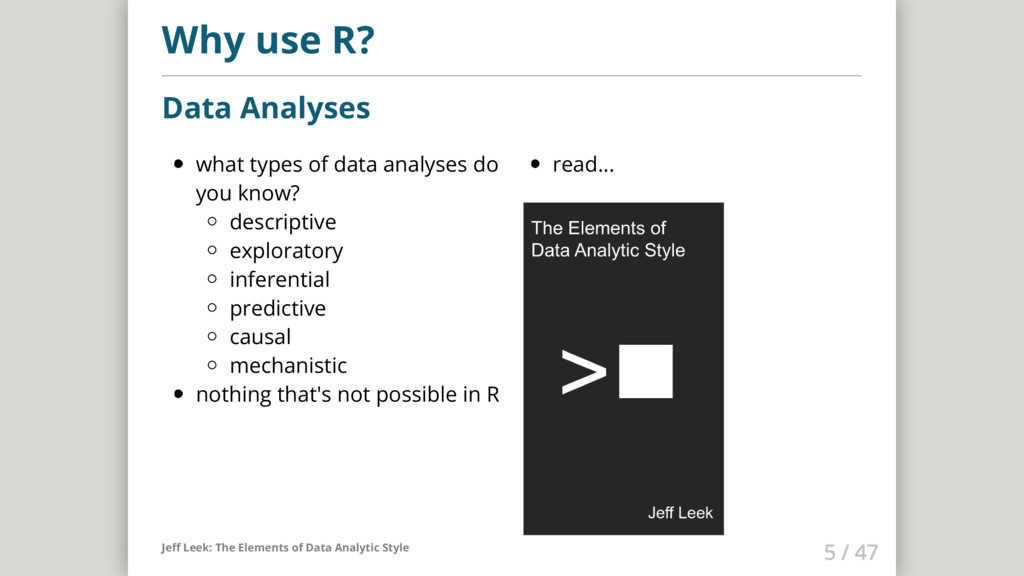
    inferential predictive causal mechanistic nothing that's not possible in R read... Why use R? Data Analyses Jeff Leek: The Elements of Data Analytic Style
  5. Why use R? Data Visualisation Talk: Stefanie Posavec on Data

    Visualization at Awwwards Conference London Great resource: Data visualisation catalogue Another great resource: R Graph Gallery
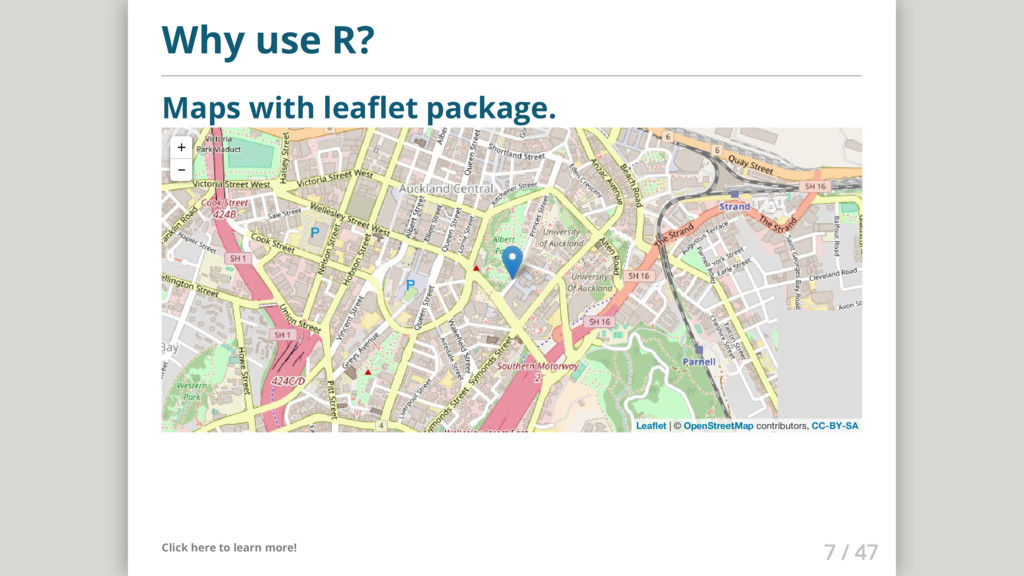
  6. Why use R? Maps with leaflet package. Click here to

    learn more! + - Leaflet | © OpenStreetMap contributors, CC-BY-SA
  7. Why use R? More than 10'000 other packages Nice curated

    list of R packages here: Awesome R
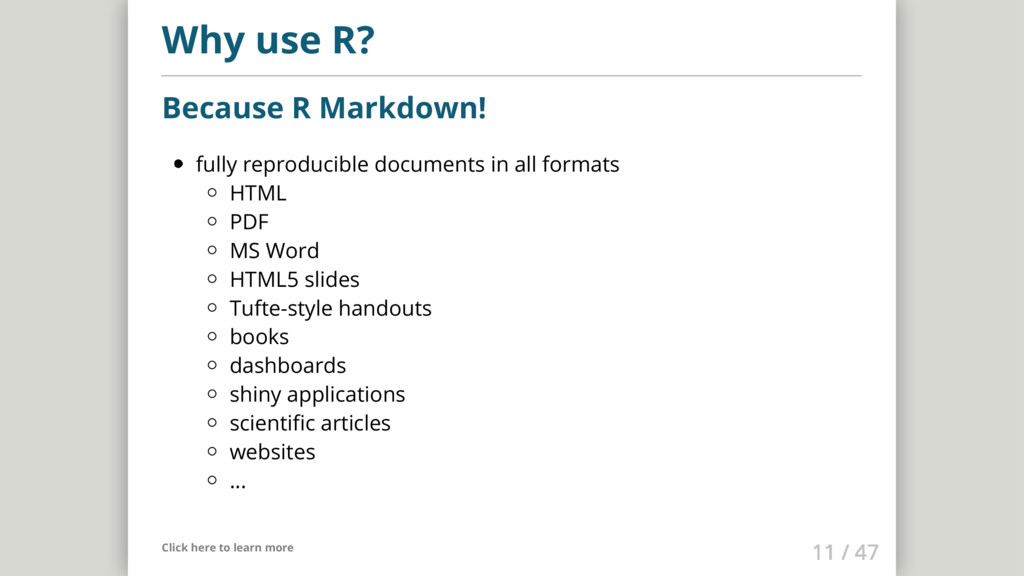
  8. Why use R? Because R Markdown! fully reproducible documents in

    all formats HTML PDF MS Word HTML5 slides Tufte-style handouts books dashboards shiny applications scientific articles websites ... Click here to learn more
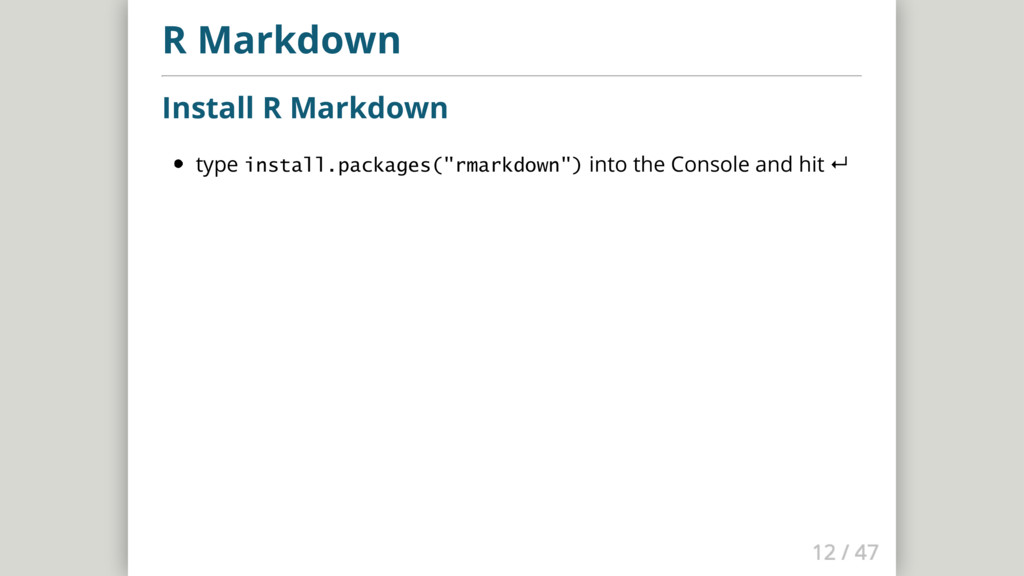
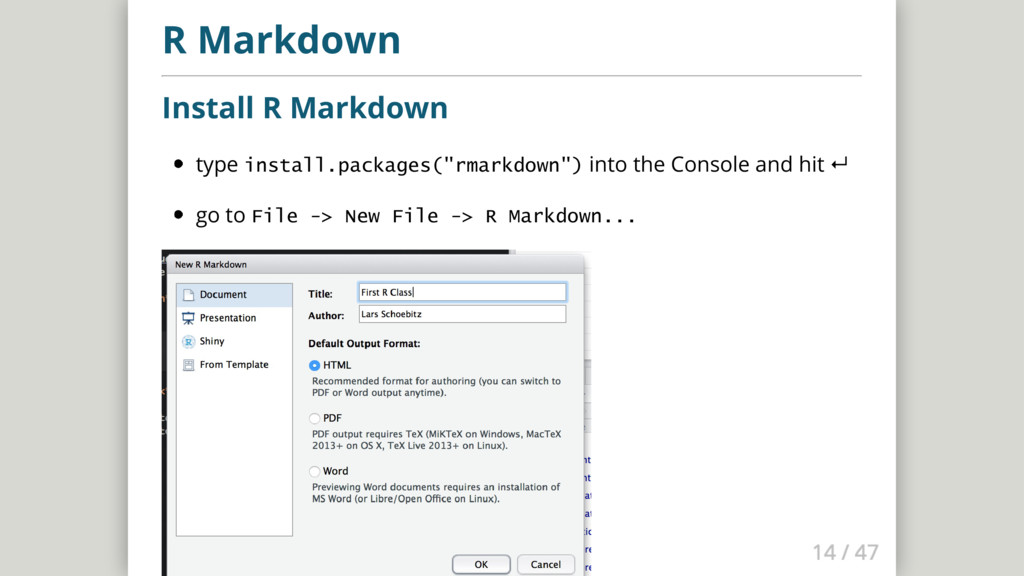
  9. R Markdown Install R Markdown type install.packages("rmarkdown") into the Console

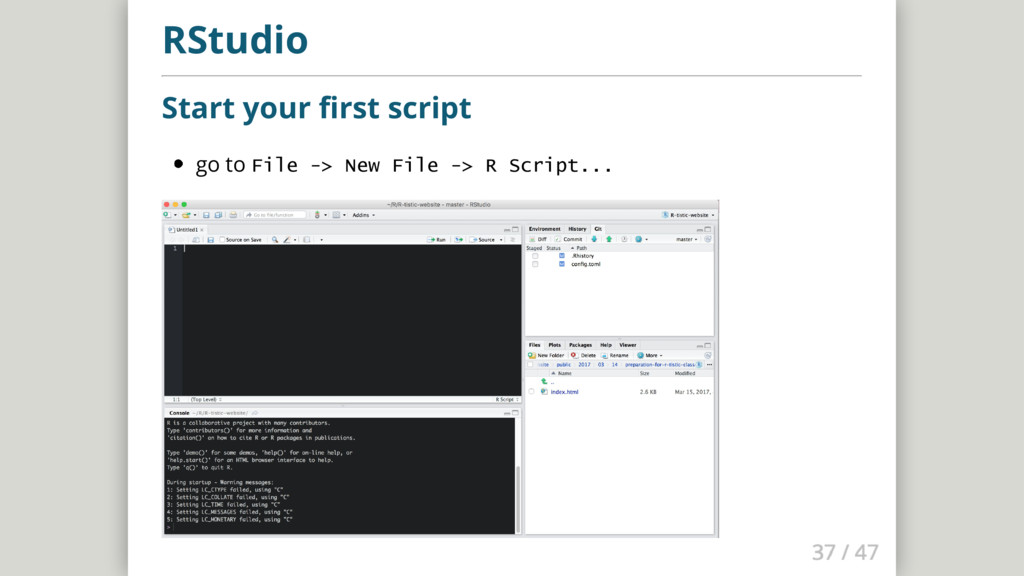
    and hit ↵ go to File -> New File -> R Markdown...
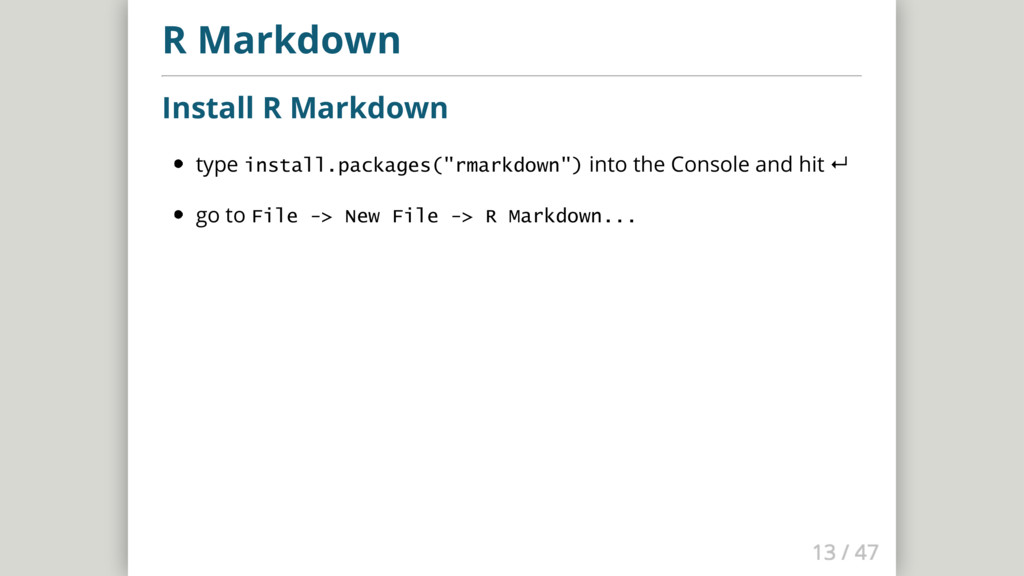
  10. R Markdown Install R Markdown type install.packages("rmarkdown") into the Console

    and hit ↵ go to File -> New File -> R Markdown...
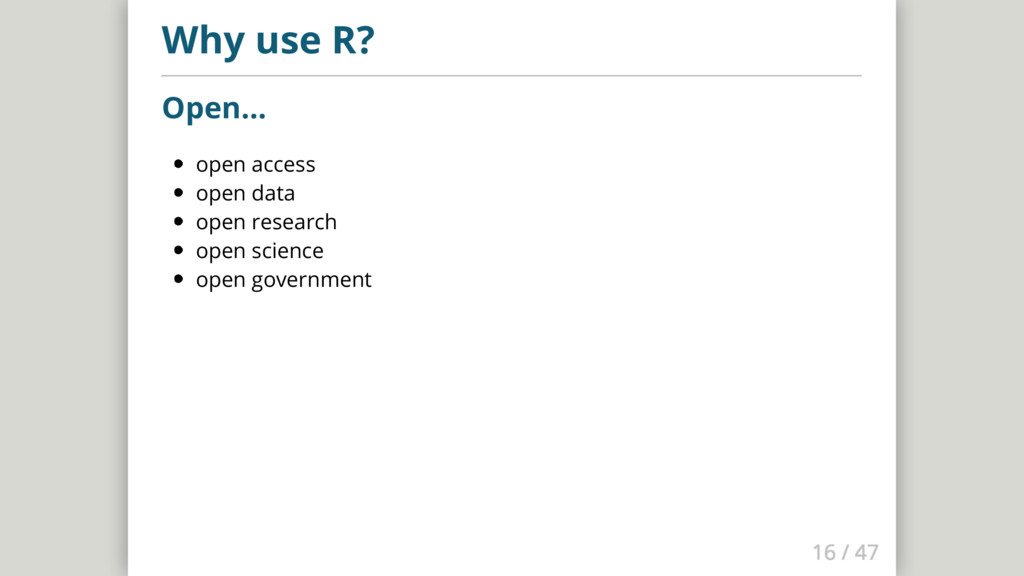
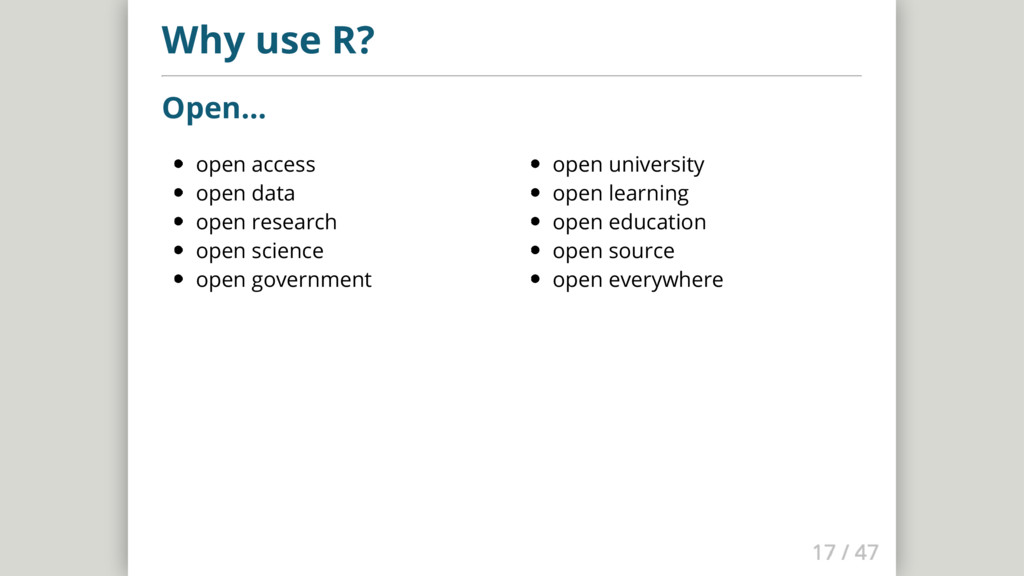
  11. open access open data open research open science open government

    open university open learning open education open source open everywhere Why use R? Open...
  12. European Data Portal Open Data Zurich World Bank DataBank World

    Bank Microdata Library rOpenSci Community Stats South Africa ArcGis opendata Open Knowledge International Gapminder Open Data Everywhere Open Data Twitter List
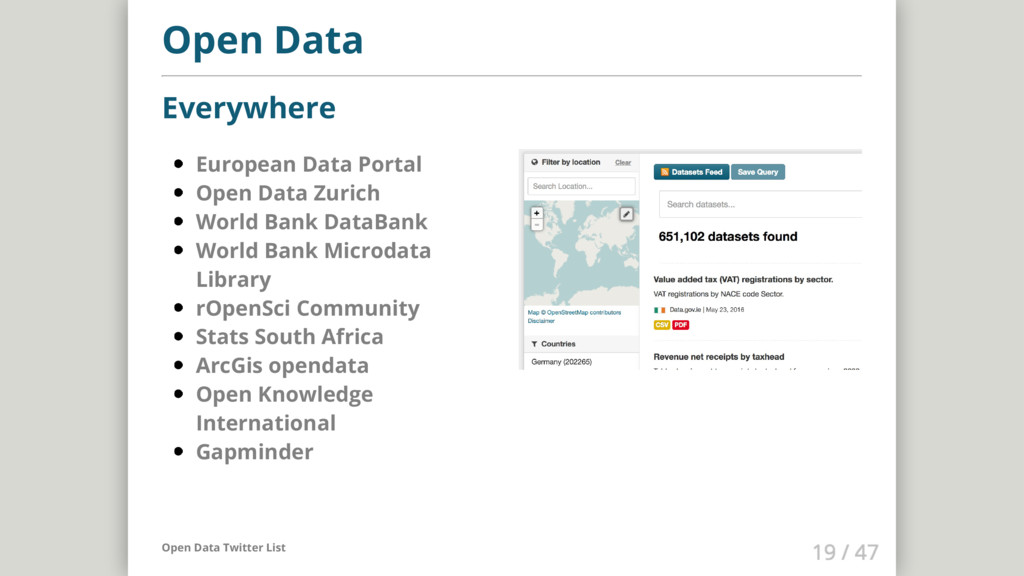
  13. European Data Portal Open Data Zurich World Bank DataBank World

    Bank Microdata Library rOpenSci Community Stats South Africa ArcGis opendata Open Knowledge International Gapminder Open Data Everywhere Open Data Twitter List
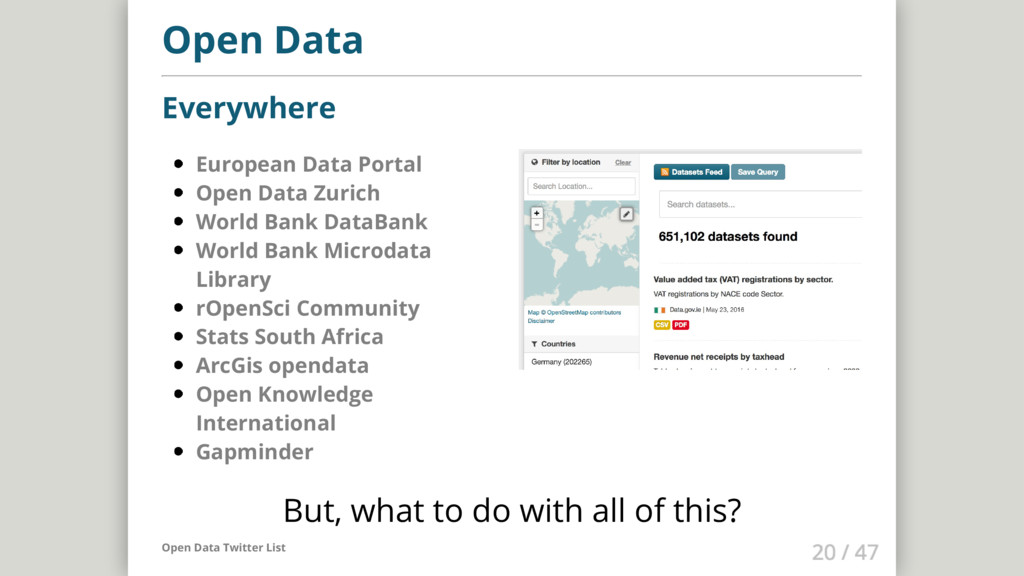
  14. European Data Portal Open Data Zurich World Bank DataBank World

    Bank Microdata Library rOpenSci Community Stats South Africa ArcGis opendata Open Knowledge International Gapminder Open Data Everywhere But, what to do with all of this? Open Data Twitter List
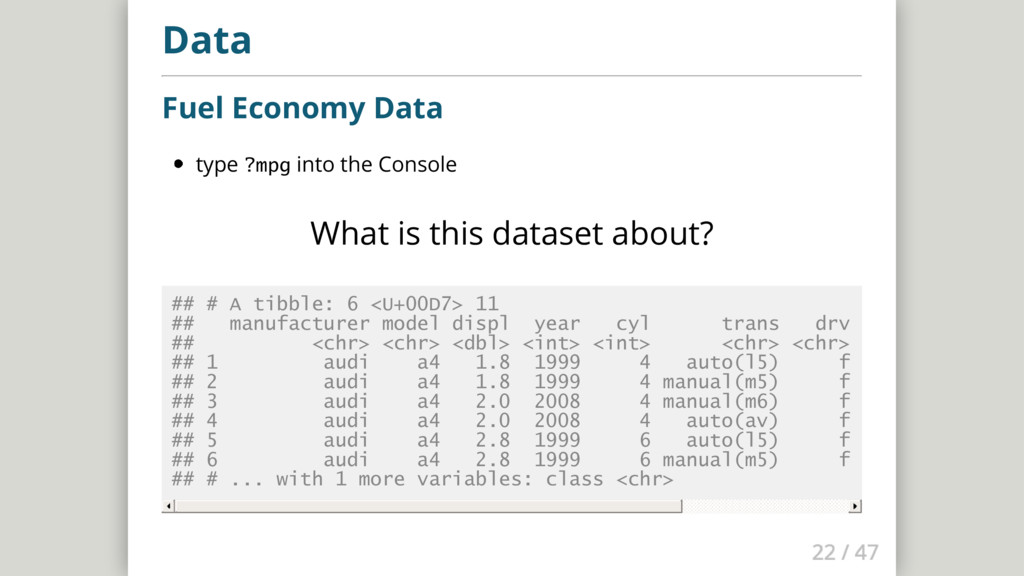
  15. Data Fuel Economy Data type ?mpg into the Console What

    is this dataset about? ## # A tibble: 6 <U+00D7> 11 ## manufacturer model displ year cyl trans drv cty hwy ## <chr> <chr> <dbl> <int> <int> <chr> <chr> <int> <int> <c ## 1 audi a4 1.8 1999 4 auto(l5) f 18 29 ## 2 audi a4 1.8 1999 4 manual(m5) f 21 29 ## 3 audi a4 2.0 2008 4 manual(m6) f 20 31 ## 4 audi a4 2.0 2008 4 auto(av) f 21 30 ## 5 audi a4 2.8 1999 6 auto(l5) f 16 26 ## 6 audi a4 2.8 1999 6 manual(m5) f 18 26 ## # ... with 1 more variables: class <chr>
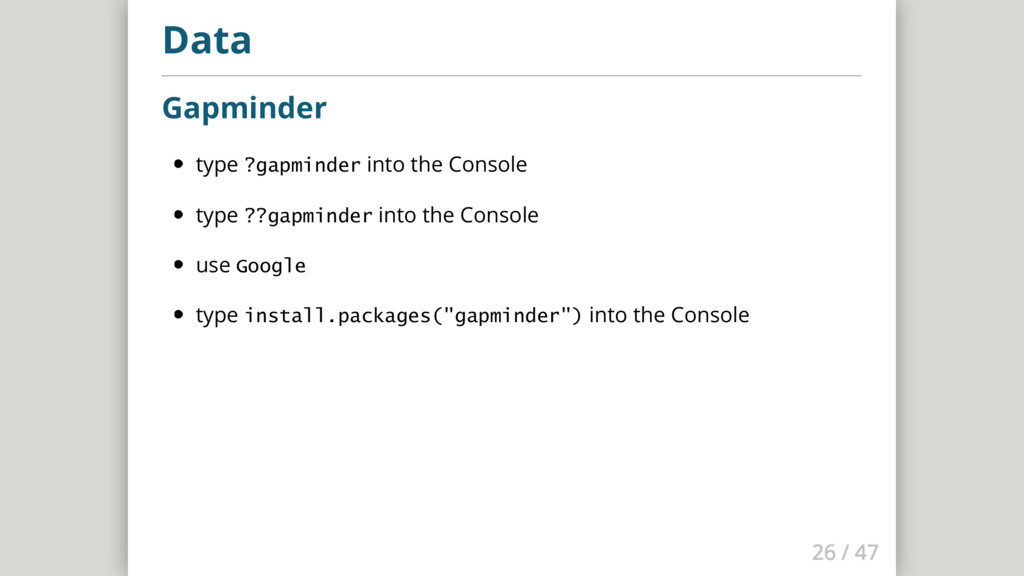
  16. Data Gapminder type ?gapminder into the Console type ??gapminder into

    the Console use Google type install.packages("gapminder") into the Console
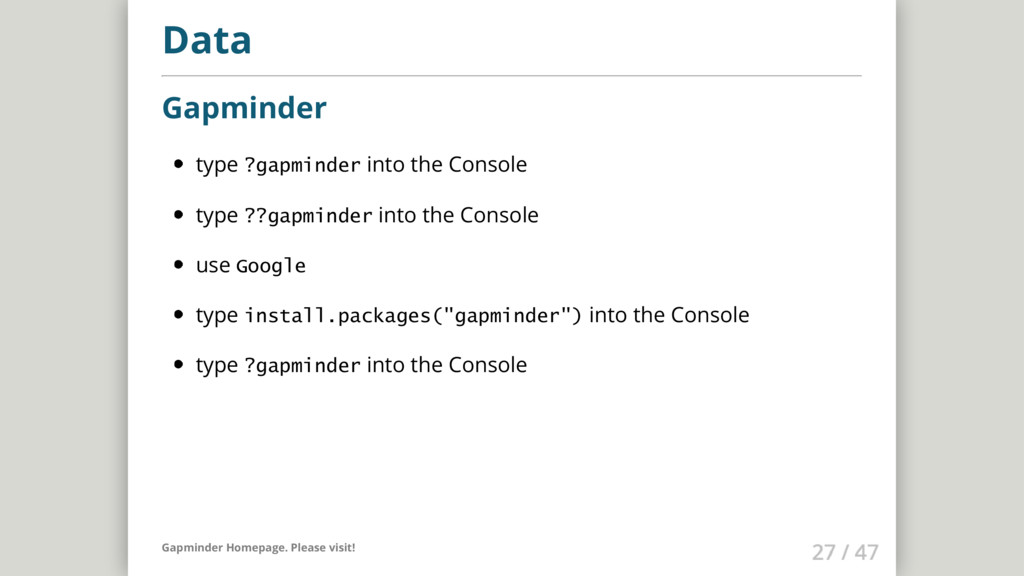
  17. Data Gapminder type ?gapminder into the Console type ??gapminder into

    the Console use Google type install.packages("gapminder") into the Console type ?gapminder into the Console Gapminder Homepage. Please visit!
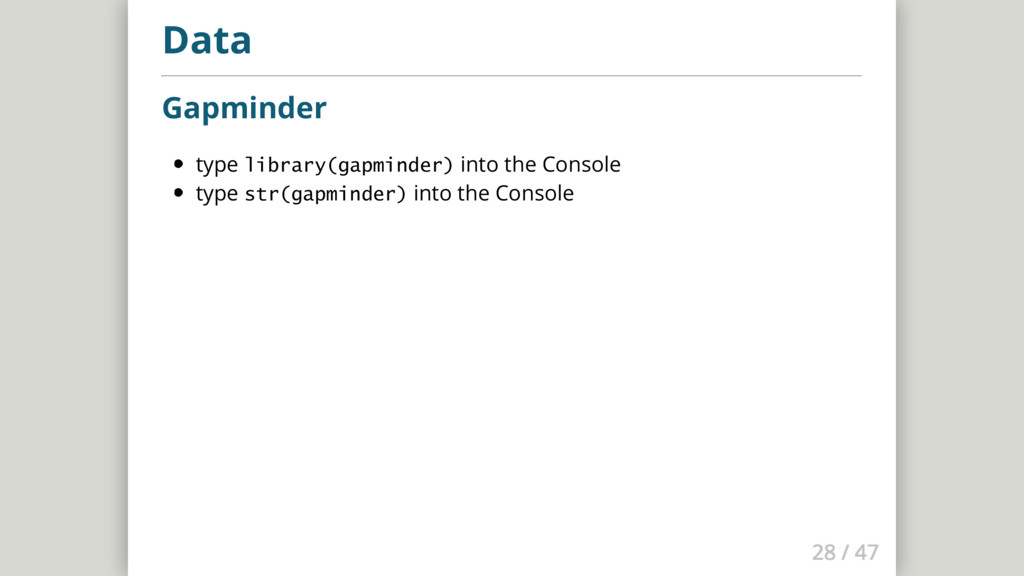
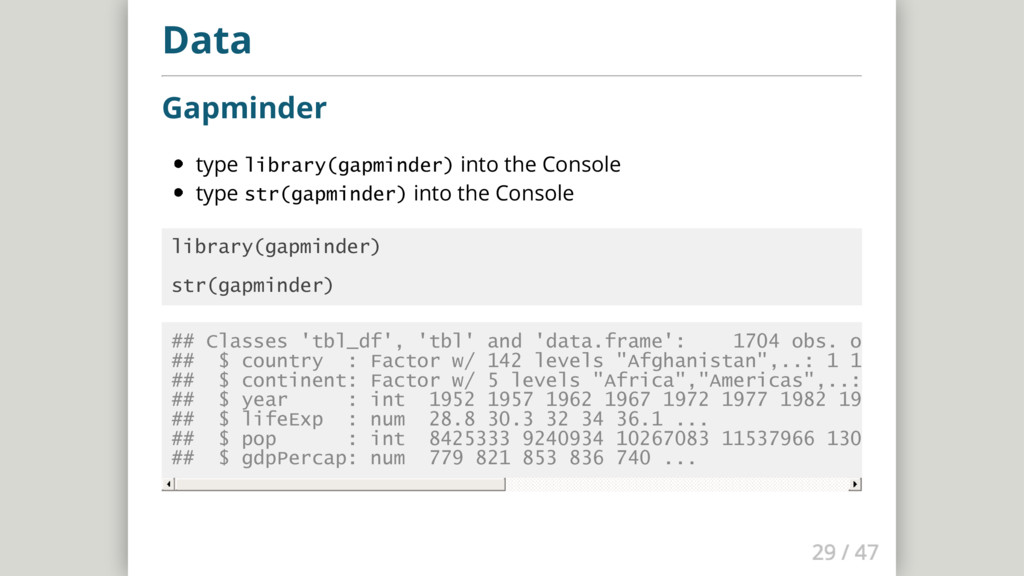
  18. Data Gapminder type library(gapminder) into the Console type str(gapminder) into

    the Console library(gapminder) str(gapminder) ## Classes 'tbl_df', 'tbl' and 'data.frame': 1704 obs. of 6 variables ## $ country : Factor w/ 142 levels "Afghanistan",..: 1 1 1 1 1 1 1 1 1 ## $ continent: Factor w/ 5 levels "Africa","Americas",..: 3 3 3 3 3 3 3 ## $ year : int 1952 1957 1962 1967 1972 1977 1982 1987 1992 1997 . ## $ lifeExp : num 28.8 30.3 32 34 36.1 ... ## $ pop : int 8425333 9240934 10267083 11537966 13079460 14880372 ## $ gdpPercap: num 779 821 853 836 740 ...
  19. Data Diamonds type ?diamonds into the Console what is the

    dataset about? type diamonds into the Console
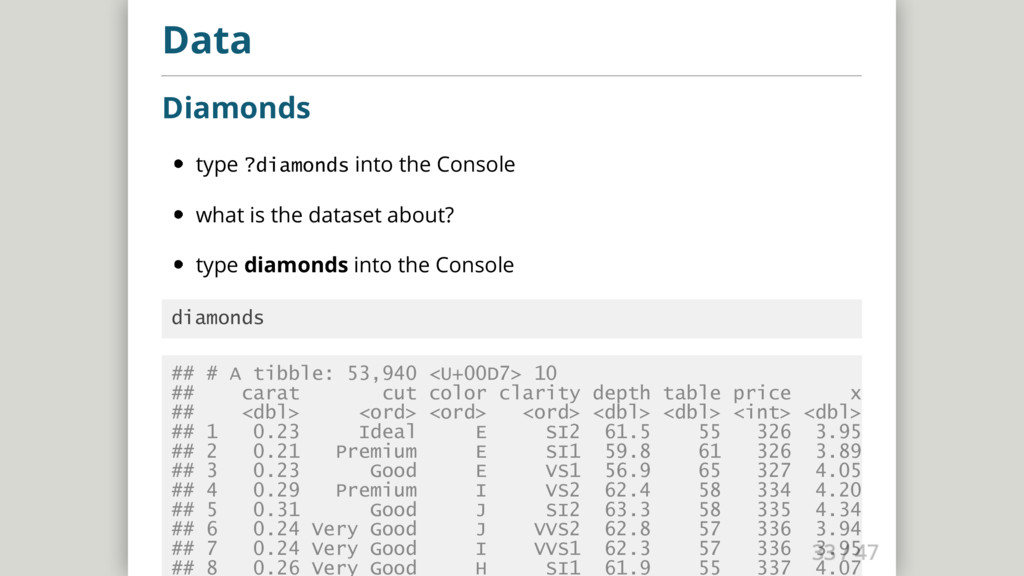
  20. Data Diamonds type ?diamonds into the Console what is the

    dataset about? type diamonds into the Console diamonds ## # A tibble: 53,940 <U+00D7> 10 ## carat cut color clarity depth table price x y z ## <dbl> <ord> <ord> <ord> <dbl> <dbl> <int> <dbl> <dbl> <dbl> ## 1 0.23 Ideal E SI2 61.5 55 326 3.95 3.98 2.43 ## 2 0.21 Premium E SI1 59.8 61 326 3.89 3.84 2.31 ## 3 0.23 Good E VS1 56.9 65 327 4.05 4.07 2.31 ## 4 0.29 Premium I VS2 62.4 58 334 4.20 4.23 2.63 ## 5 0.31 Good J SI2 63.3 58 335 4.34 4.35 2.75 ## 6 0.24 Very Good J VVS2 62.8 57 336 3.94 3.96 2.48 ## 7 0.24 Very Good I VVS1 62.3 57 336 3.95 3.98 2.47 ## 8 0.26 Very Good H SI1 61.9 55 337 4.07 4.11 2.53
  21. R and RStudio First steps with Software Carpentry Please go

    to the following website and follow through the instructions until you reach the challenges at the bottom of the page. Software Carpentry
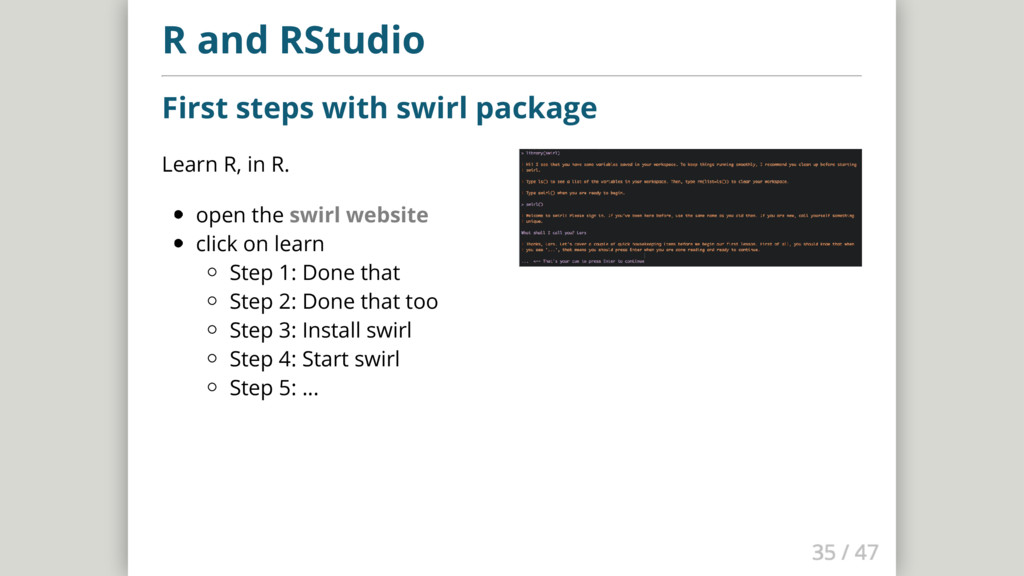
  22. Learn R, in R. open the swirl website click on

    learn Step 1: Done that Step 2: Done that too Step 3: Install swirl Step 4: Start swirl Step 5: ... R and RStudio First steps with swirl package
  23. R and RStudio First steps with R Codeschool Great way

    to learn R: http://tryr.codeschool.com
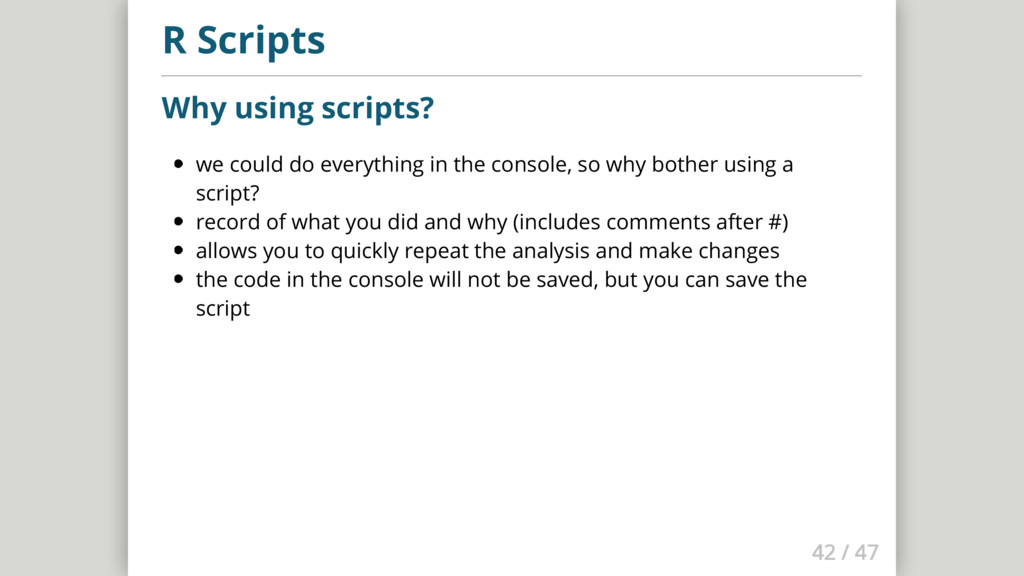
  24. R Scripts Why using scripts? we could do everything in

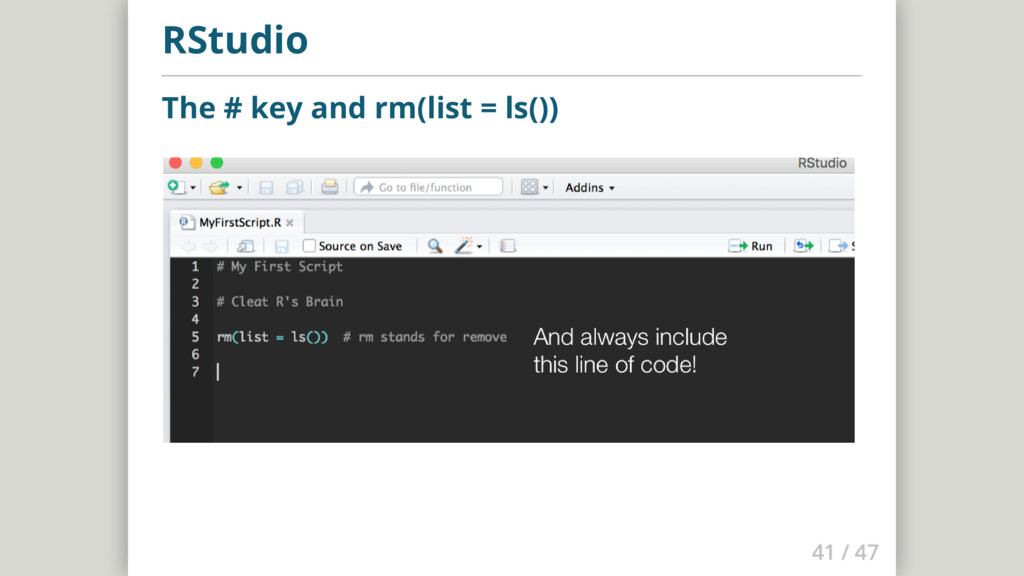
    the console, so why bother using a script? record of what you did and why (includes comments after #) allows you to quickly repeat the analysis and make changes the code in the console will not be saved, but you can save the script
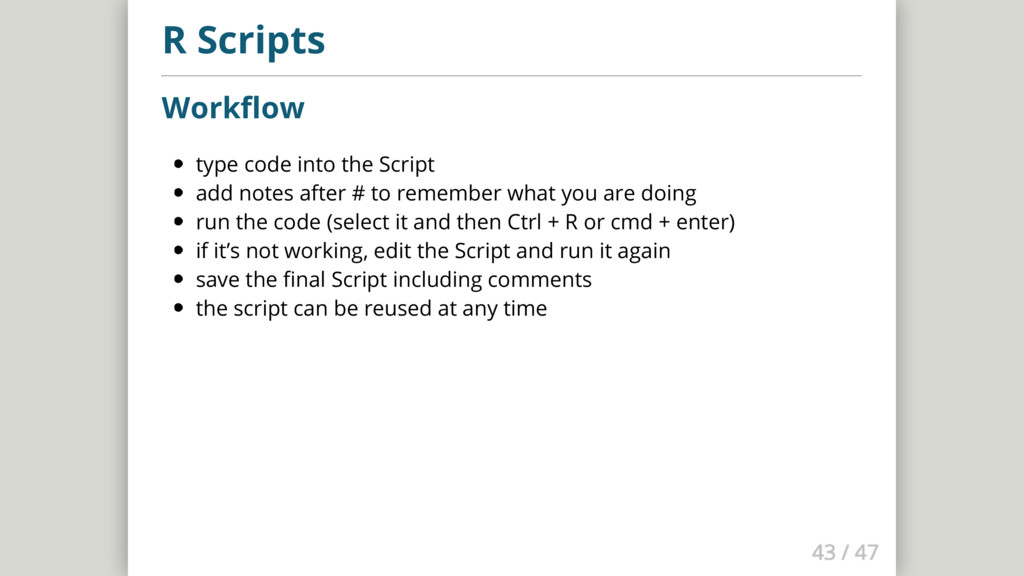
  25. R Scripts Workflow type code into the Script add notes

    after # to remember what you are doing run the code (select it and then Ctrl + R or cmd + enter) if it’s not working, edit the Script and run it again save the final Script including comments the script can be reused at any time
  26. R Scripts Write your first script write the preparation code

    into a script keep in mind: make comments load necessary libraries
  27. R Scripts Write your first script write the preparation code

    into a script keep in mind: make comments load necessary libraries save your script file make sure you remember where and the name close RStudio (do not save the workspace) find and open your Script remember keyboard shortcuts: ctrl + A / cmd + A ctrl + R / cmd + enter