Upgrade to Pro
— share decks privately, control downloads, hide ads and more …
Speaker Deck
Sign up for free
Menu
Search
Features
All features
Private URLs
Password Protection
Custom URLS
Scheduled publishing
Remove Branding
Restrict embedding
Deck Collections
Notes
Features
All features
Private URLs
Password Protection
Custom URLS
Scheduled publishing
Remove Branding
Restrict embedding
Deck Collections
Notes
Explore
Featured decks
Featured speakers
Programming
Technology
Storyboards
Explore
Featured decks
Featured speakers
Programming
Technology
Storyboards
Pricing
Search
Sign in
Sign up for free
Turning LINE Conversations into AI-Powered Work...
Search
LINE Developers Thailand
October 17, 2026
Technology
1
0
Share
Embed
Copy iframe code
Copy JS code
Copy link
Start on current slide
Turning LINE Conversations into AI-Powered Workflows
A session at LINE THAILAND DEVELOPER CONFERENCE 2026
LINE Developers Thailand
October 17, 2026
More Decks by LINE Developers Thailand
See All by LINE Developers Thailand
The Human Advantage: Outperform The Algorithm
linedevth
0
4
The Scale Saga: From Specs to 10x Engineering
linedevth
0
4
Turning Repos into the Product Second Brain with an LLM Wiki
linedevth
0
23
Beyond the Bottleneck: Infra for What's Next
linedevth
0
12
Harness & Loop Engineering: How We Let AI Agents Build Production Code Safely, Fast, and On Repeat
linedevth
0
8
How to teach your AI Agent with Agent skills
linedevth
0
23
Reinventing Motor Insurance with AI Agent by AXA and ZWIZ.AI
linedevth
0
4
AI Infrastructure at Speed: Governance Without the Drag
linedevth
0
3
Manage Agent Fleet using Work Graph
linedevth
0
2
Other Decks in Technology
See All in Technology
QA4AI 2026-Oct 生成AI時代の品質保証
tokuty
1
860
1つのリクエストを追って理解する - llm-dのP/D分離
akhino
1
160
触りたくないデータに、どう触るか AI時代のRBACアクセスガバナンス
ivry_presentationmaterials
0
260
宣言型部分更新は何を解決しどこへ向かうのか
shuta13
1
450
Metadata - Section 1: HTML Basics
mohab1
0
120
Refining Active Record
shugo
0
150
AI導入は済んだ。次は統制を作り替える番だ_AI×開発組織 Summit 2026
techtekt
PRO
0
210
Claude の新機能を、 出た日に触って社内に届けるまで
rfdnxbro
1
170
日本語に強いオープンな大規模言語モデル「LLM-jp」
odashi
4
1.1k
10年後、Engineering 行為を剥奪されるとして、わたしたちは、どう、何を創ればいいだろうか。 / If Engineering Is Taken Away in 10 Years, How and What Should We Create?
bitkey
PRO
1
190
go-sqletch
moznion
0
140
スプシの手作業からの解脱 ~更新はClaude Codeに、見せ方と使い方はGASアプリに任せる~
kentarofujii
0
150
Featured
See All Featured
Evolution of real-time – Irina Nazarova, EuRuKo, 2024
irinanazarova
9
1.6k
Building Better People: How to give real-time feedback that sticks.
wjessup
370
20k
How to Talk to Developers About Accessibility
jct
2
580
A Tale of Four Properties
chriscoyier
163
24k
New Earth Scene 8
popppiees
4
2.7k
HU Berlin: Industrial-Strength Natural Language Processing with spaCy and Prodigy
inesmontani
PRO
0
750
The Curse of the Amulet
leimatthew05
3
16k
Refactoring Trust on Your Teams (GOTO; Chicago 2020)
rmw
35
3.8k
Designing Experiences People Love
moore
143
24k
End of SEO as We Know It (SMX Advanced Version)
ipullrank
3
4.4k
The Illustrated Guide to Node.js - THAT Conference 2024
reverentgeek
1
570
The Cost Of JavaScript in 2023
addyosmani
55
10k
Transcript
Turning LINE Conversations into AI-Powered Workflows Rachata Pratheep Na Thalang
& Sittipon Kumda LINE Dev Conference 2026
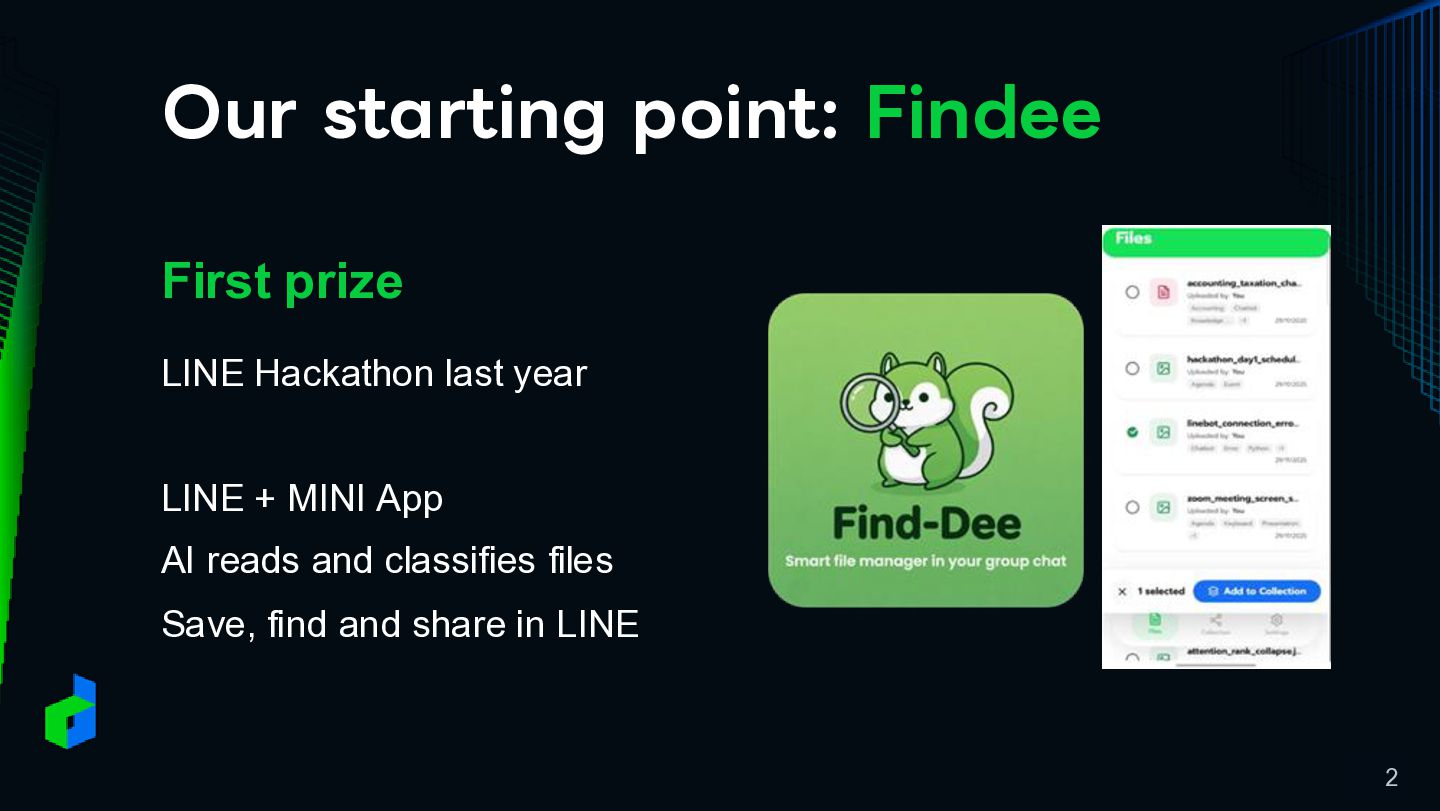
Our starting point: Findee First prize LINE Hackathon last year
LINE + MINI App AI reads and classifies files Save, find and share in LINE 2
From Findee to a Bigger Challenge We joined the pilot
project BumbleB to tackle the broader challenges of group conversations. The project is still experimental. 3
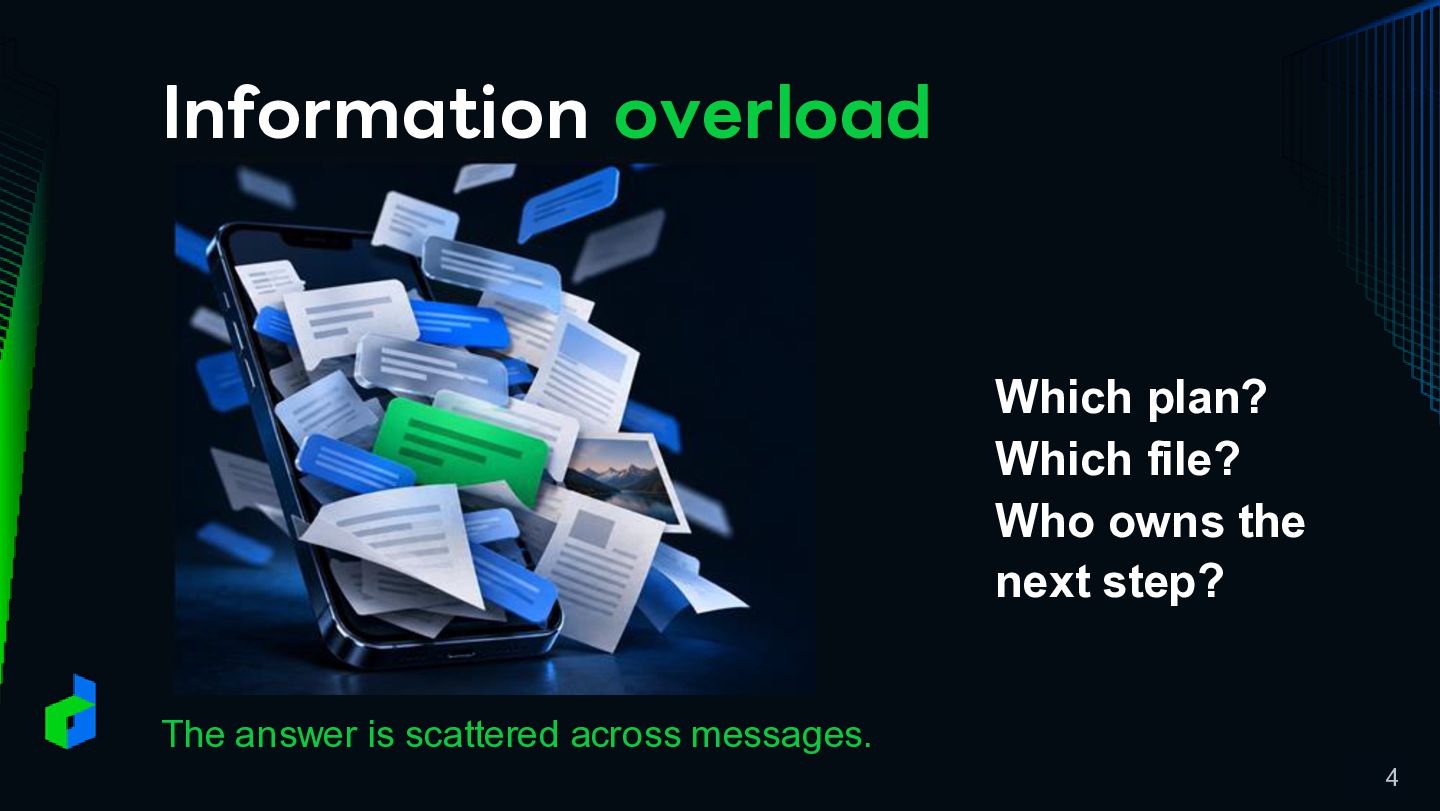
Information overload Which plan? Which file? Who owns the next
step? The answer is scattered across messages. 4
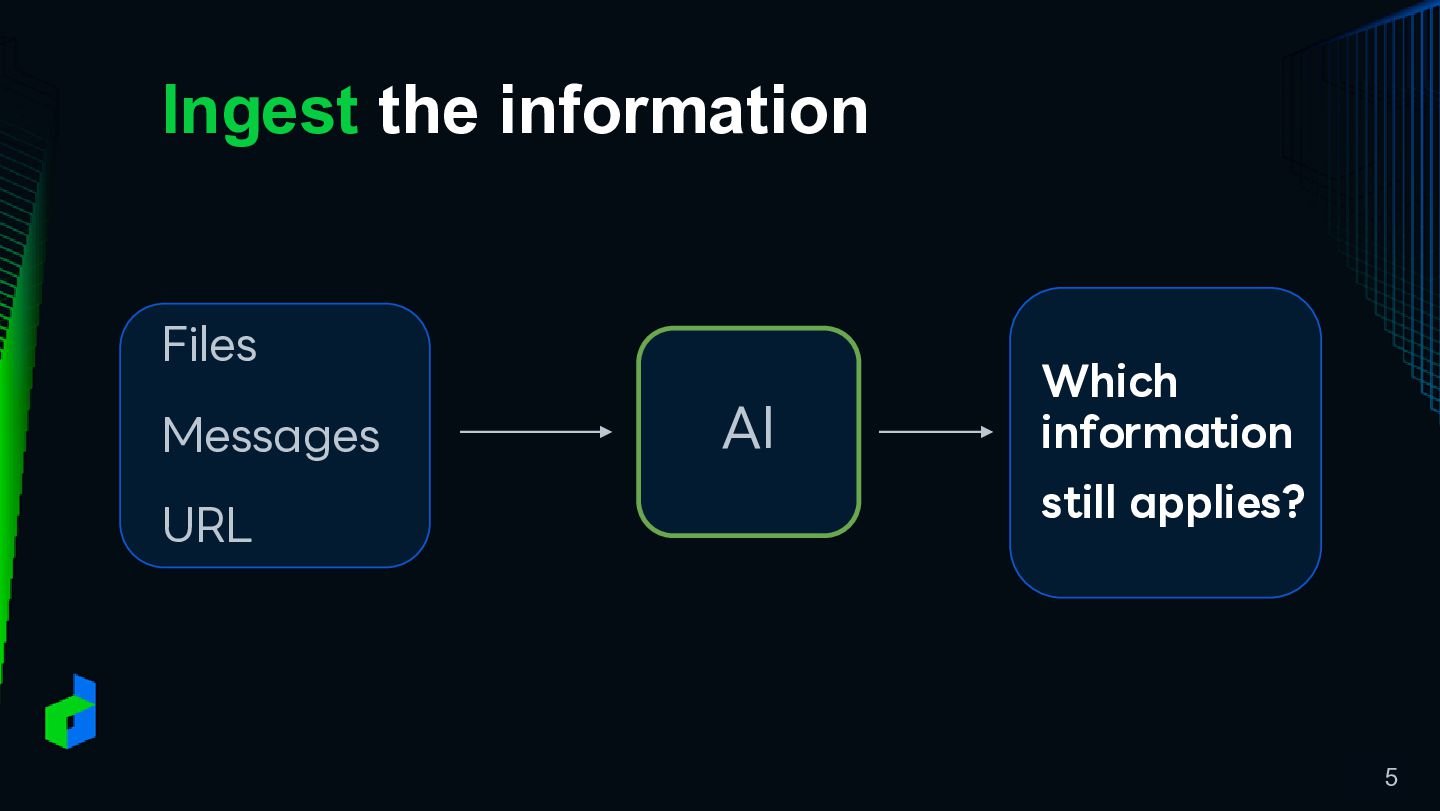
Ingest the information Files Messages URL AI Which information still
applies? 5
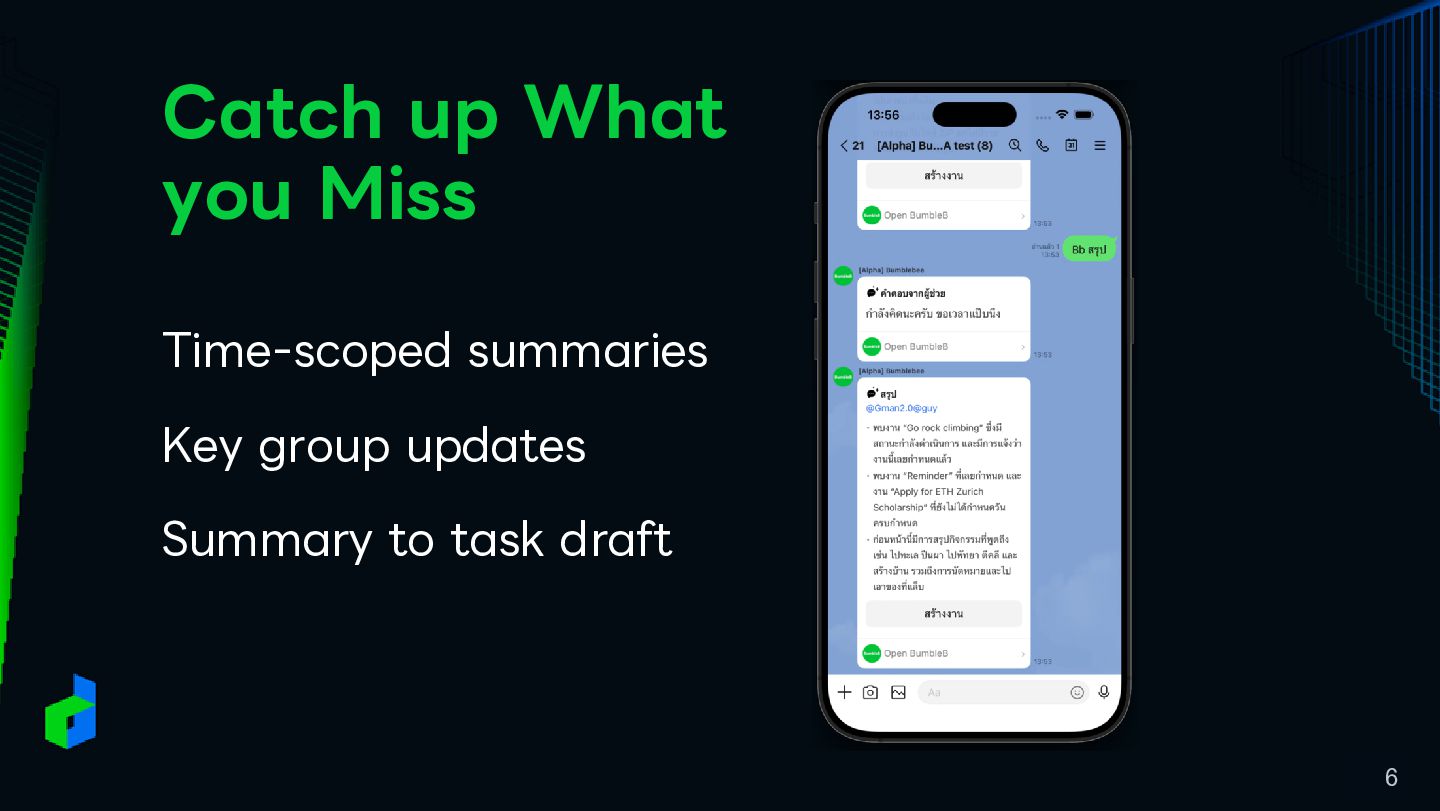
Catch up What you Miss Time-scoped summaries Key group updates
Summary to task draft 6
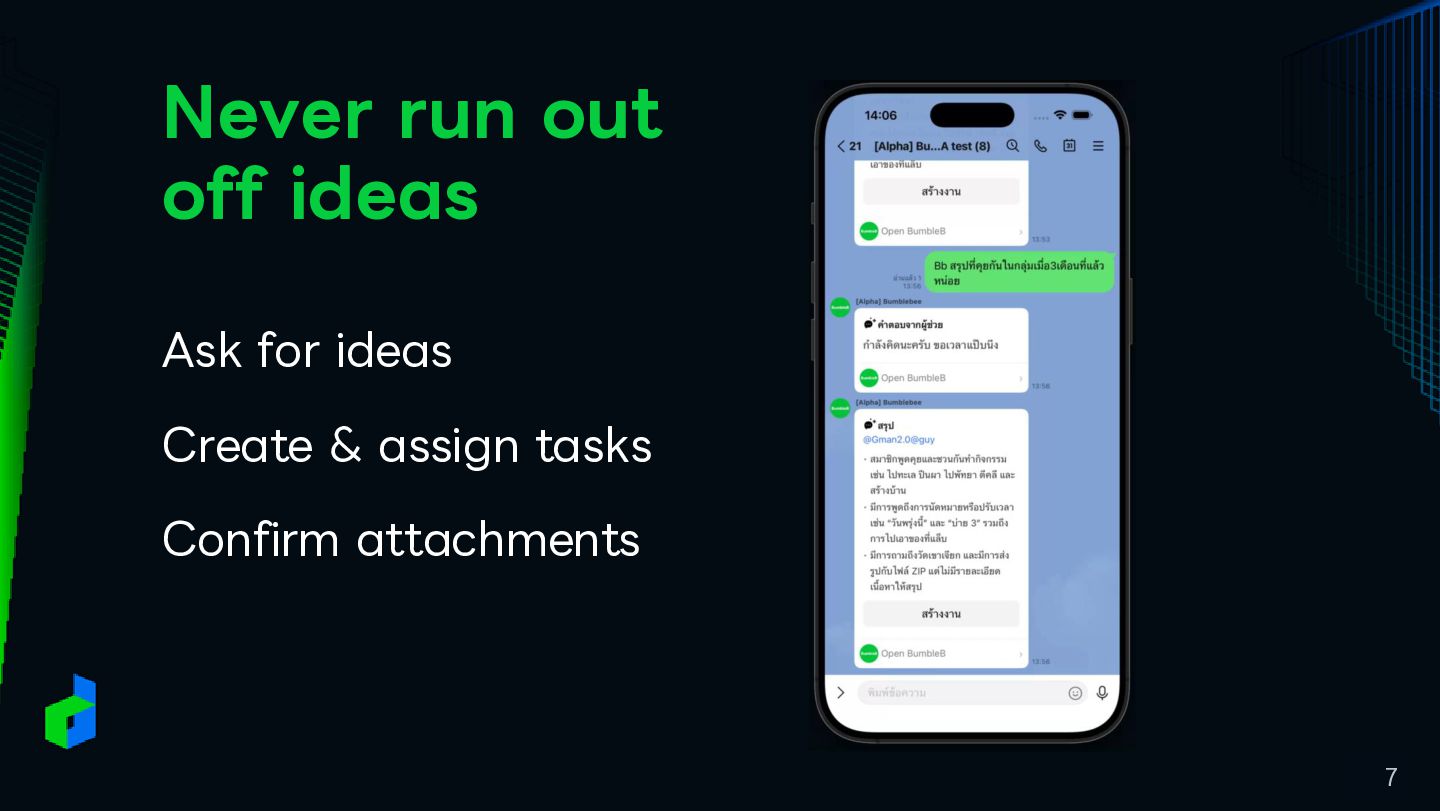
Never run out off ideas Ask for ideas Create &
assign tasks Confirm attachments 7
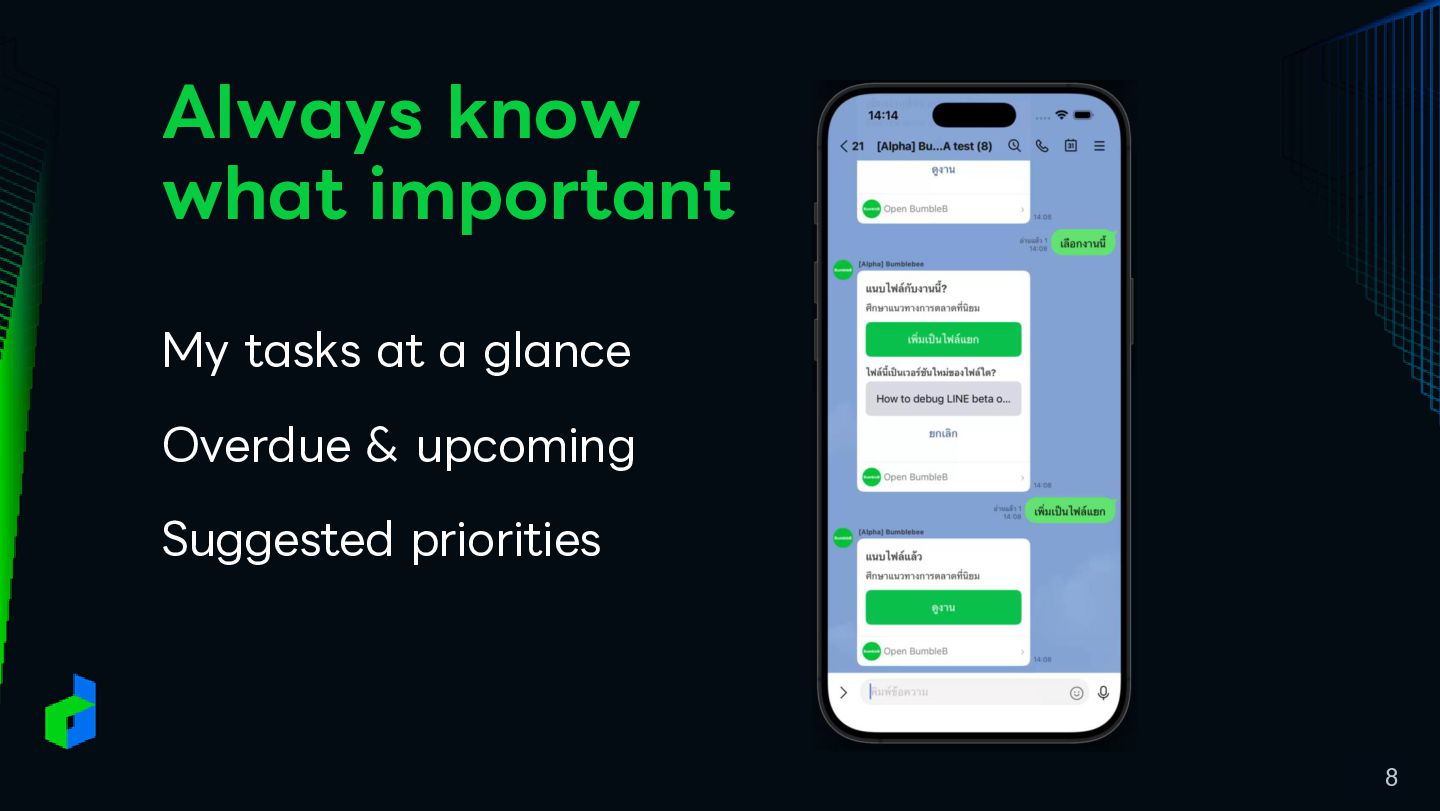
Always know what important My tasks at a glance Overdue
& upcoming Suggested priorities 8
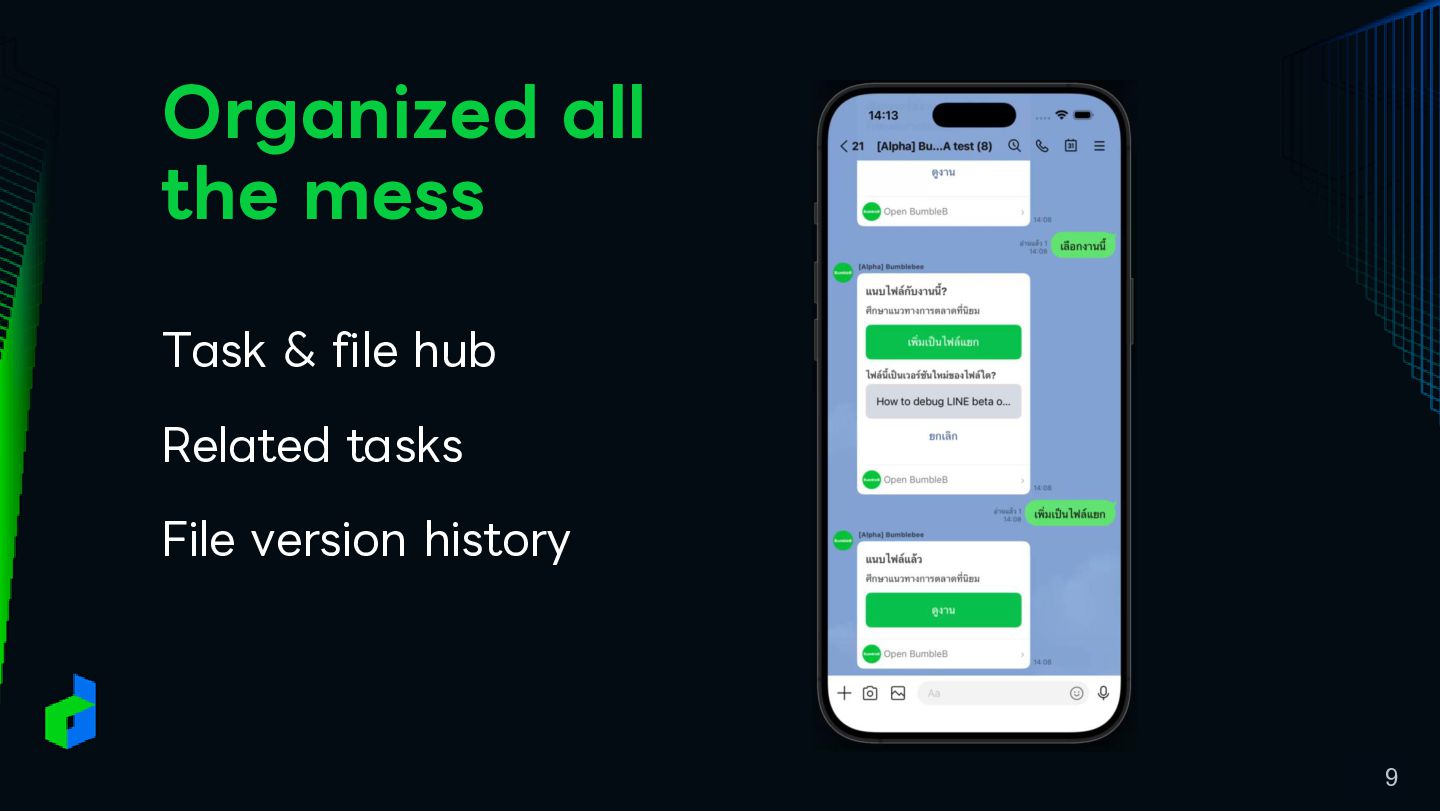
Organized all the mess Task & file hub Related tasks
File version history 9
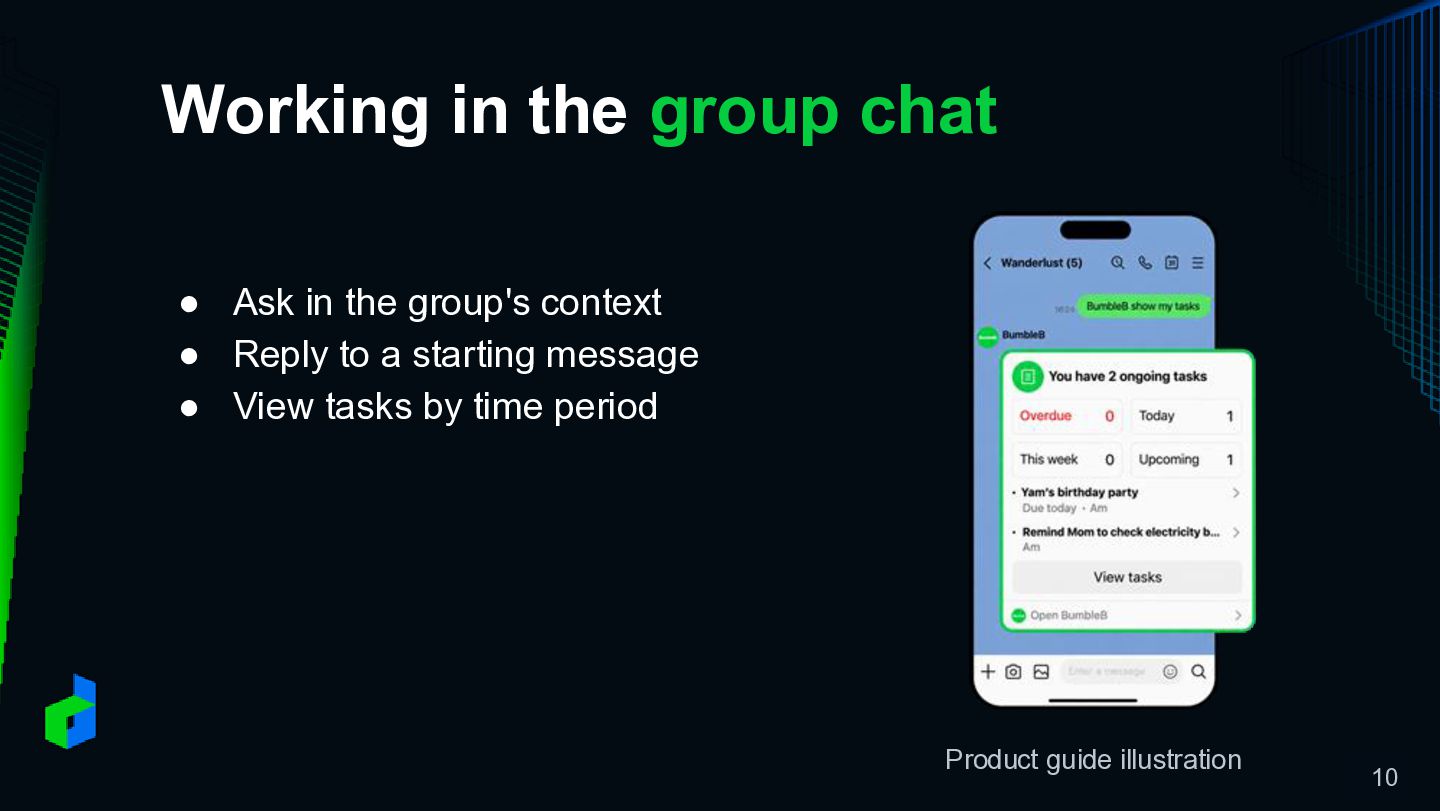
Working in the group chat • Ask in the group's
context • Reply to a starting message • View tasks by time period Product guide illustration 10
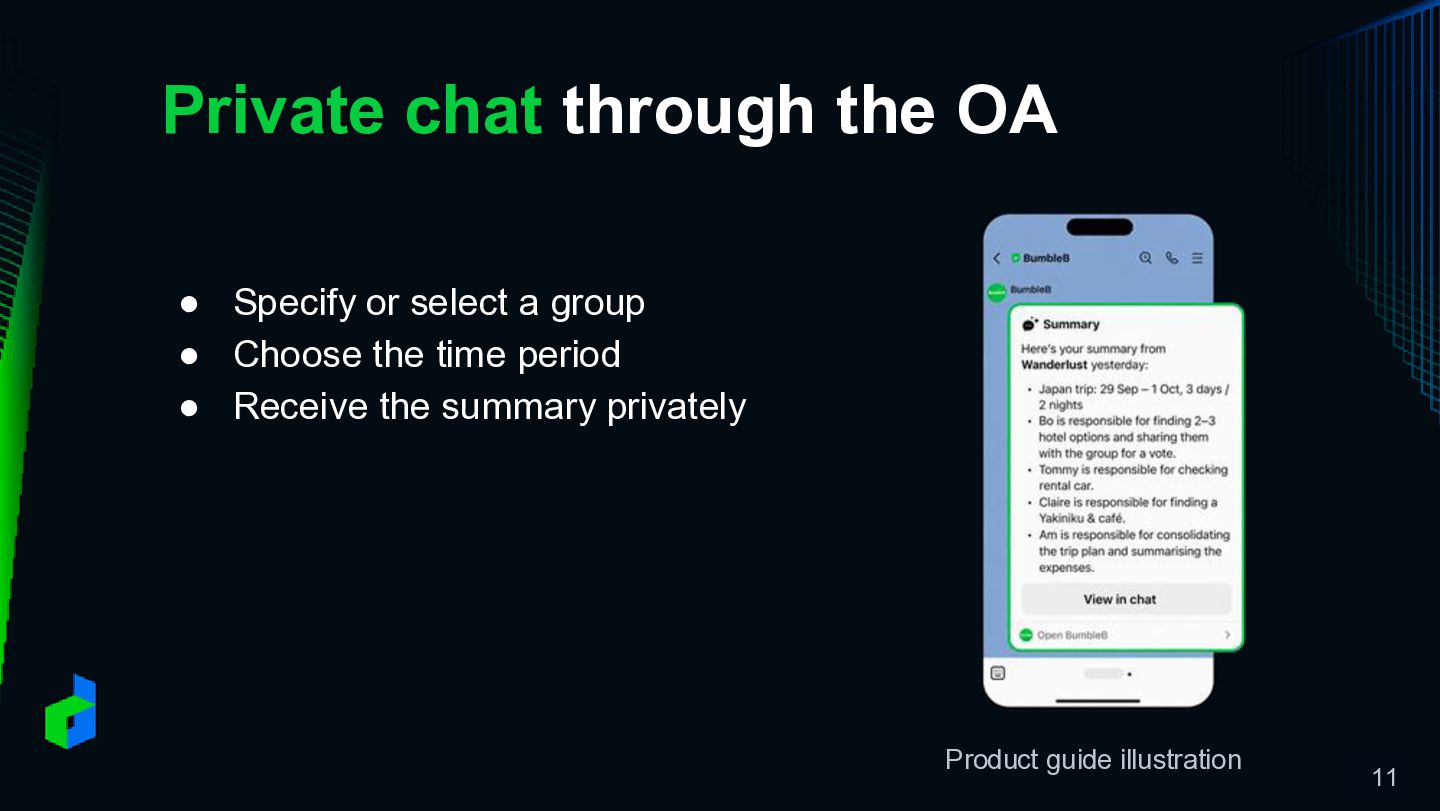
Private chat through the OA • Specify or select a
group • Choose the time period • Receive the summary privately Product guide illustration 11
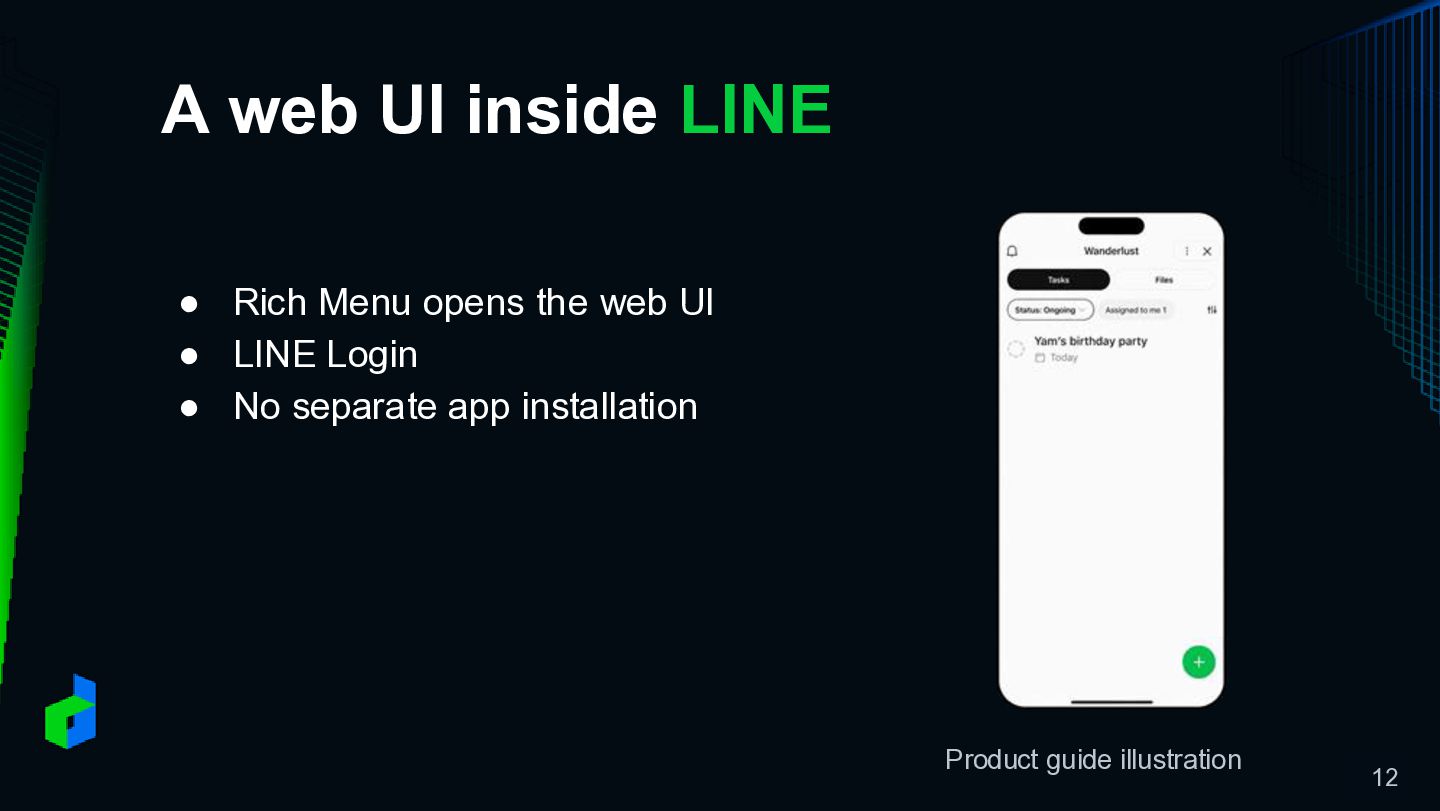
A web UI inside LINE • Rich Menu opens the
web UI • LINE Login • No separate app installation Product guide illustration 12
Behind the Scenes How BumbleB turns conversations into actions 13
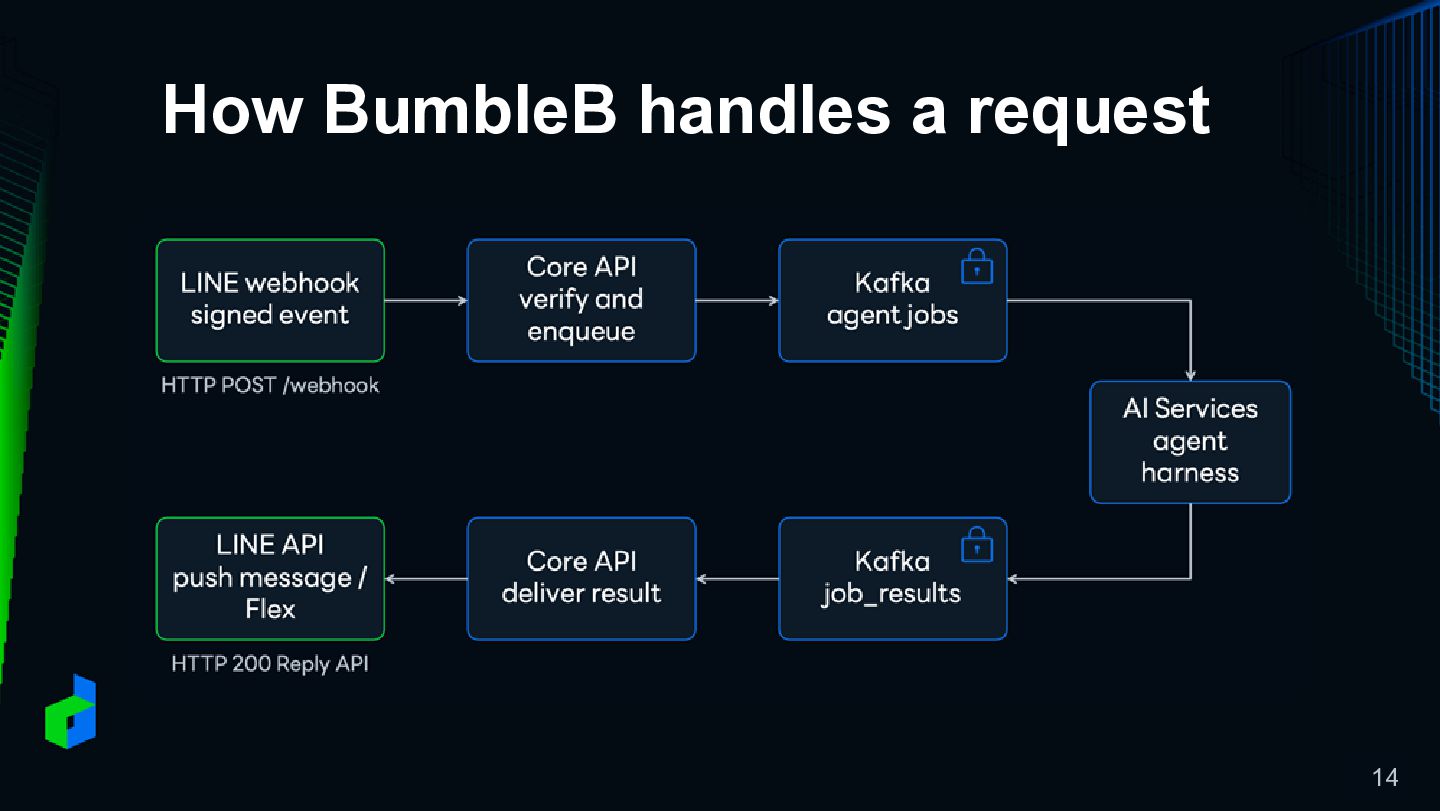
How BumbleB handles a request 14
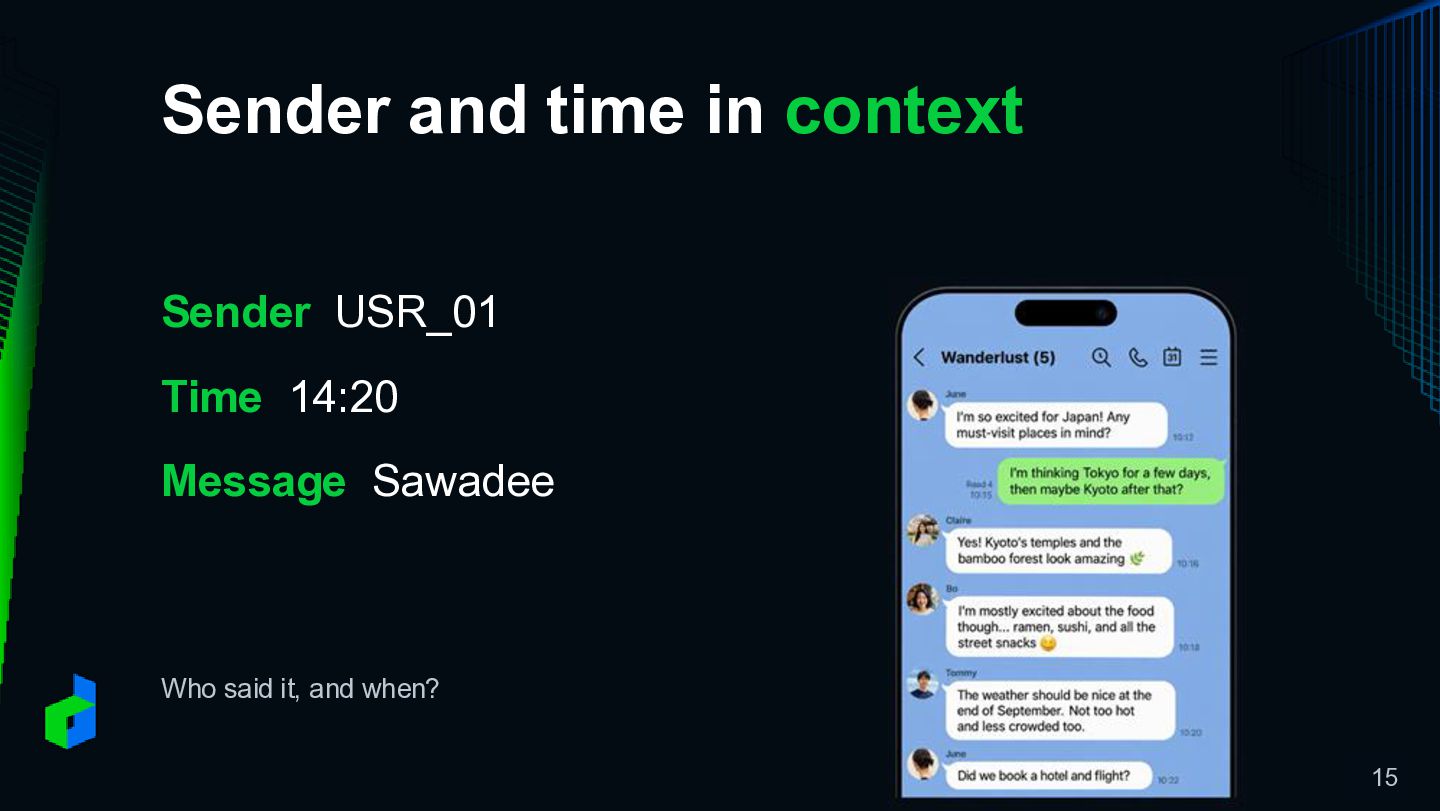
Sender and time in context Sender USR_01 Time 14:20 Message
Sawadee Who said it, and when? 15
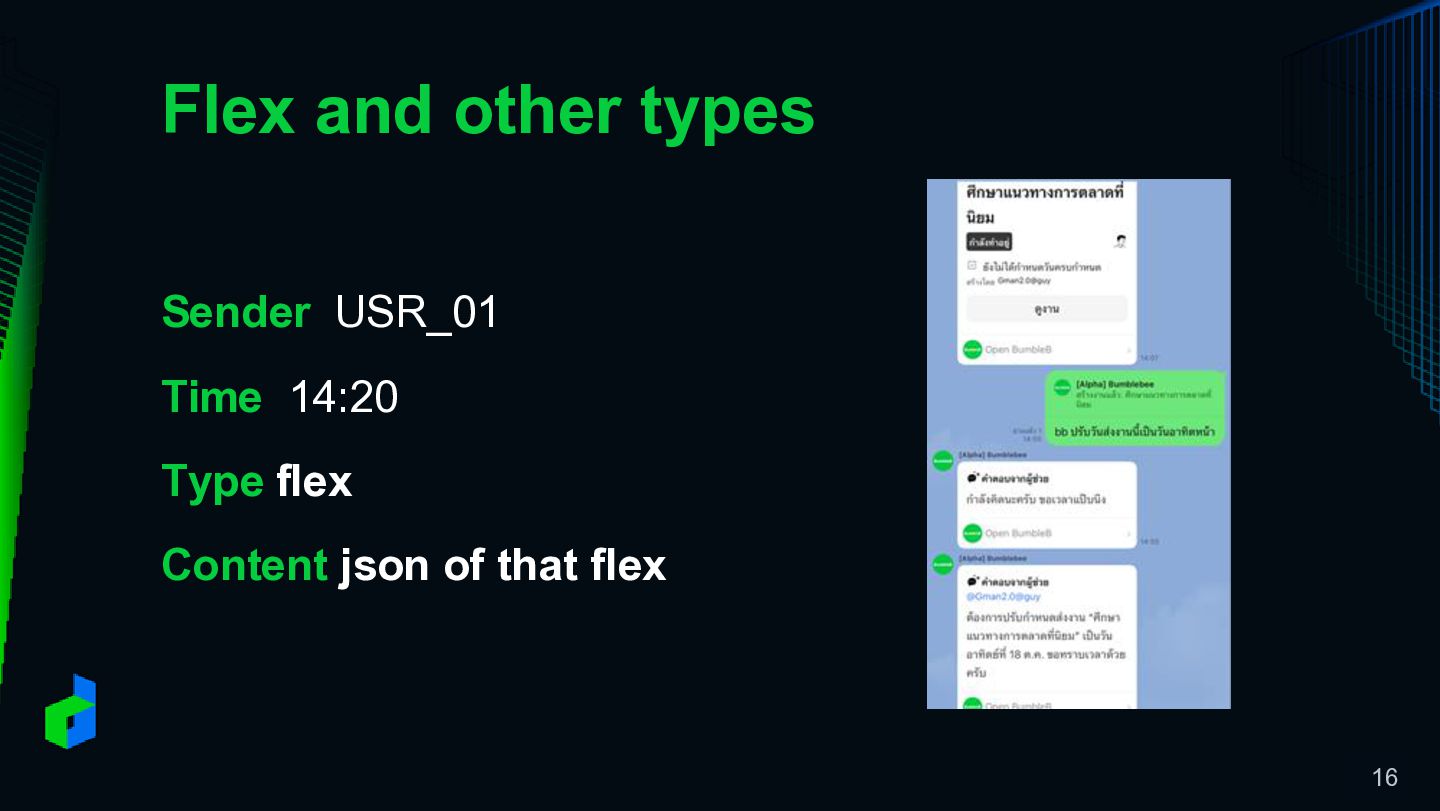
Flex and other types Sender USR_01 Time 14:20 Type flex
Content json of that flex 16
Stable reference IDs Illustrative example: the same data keeps the
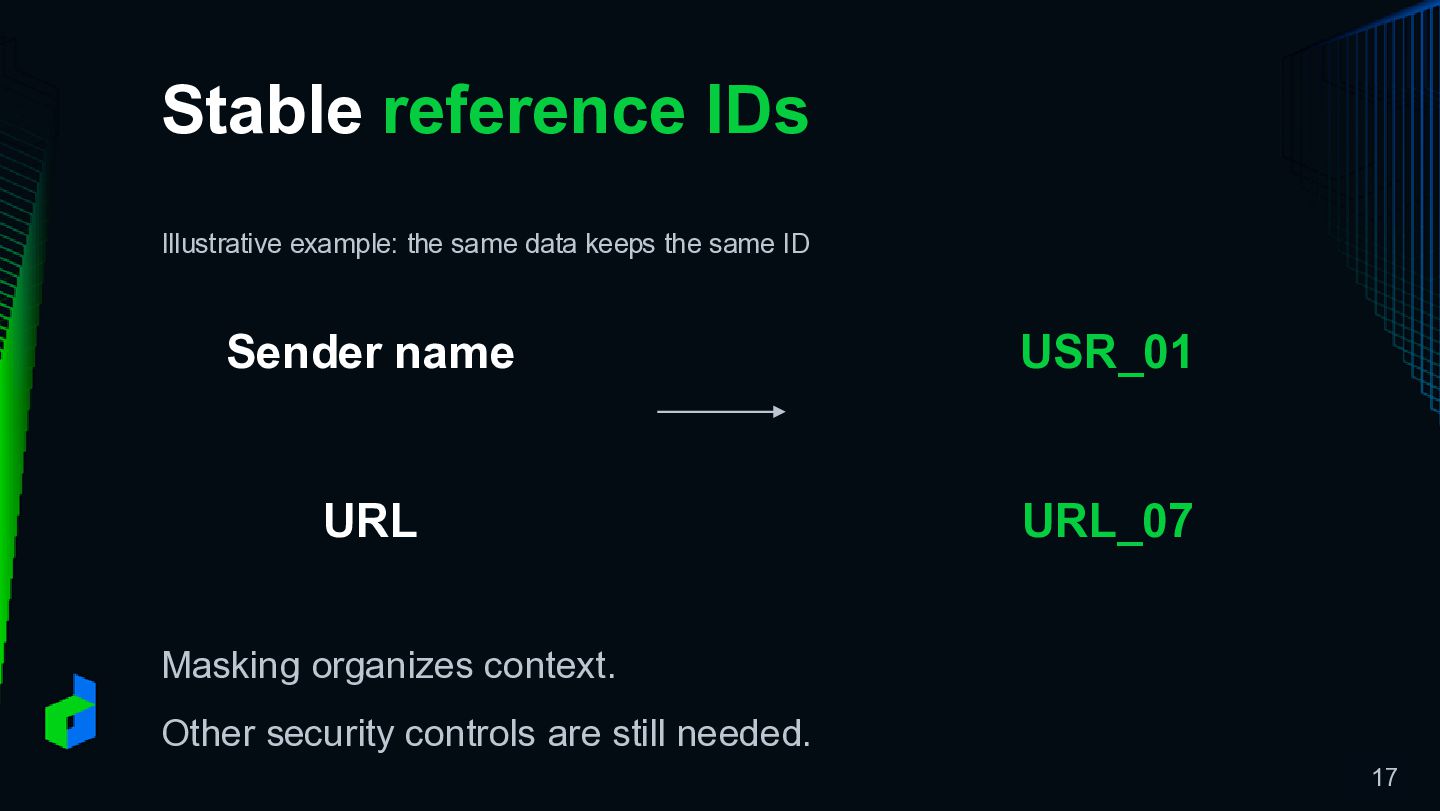
same ID Sender name USR_01 URL URL_07 Masking organizes context. Other security controls are still needed. 17
Caching repeated context Repeated context and a changing request Stable
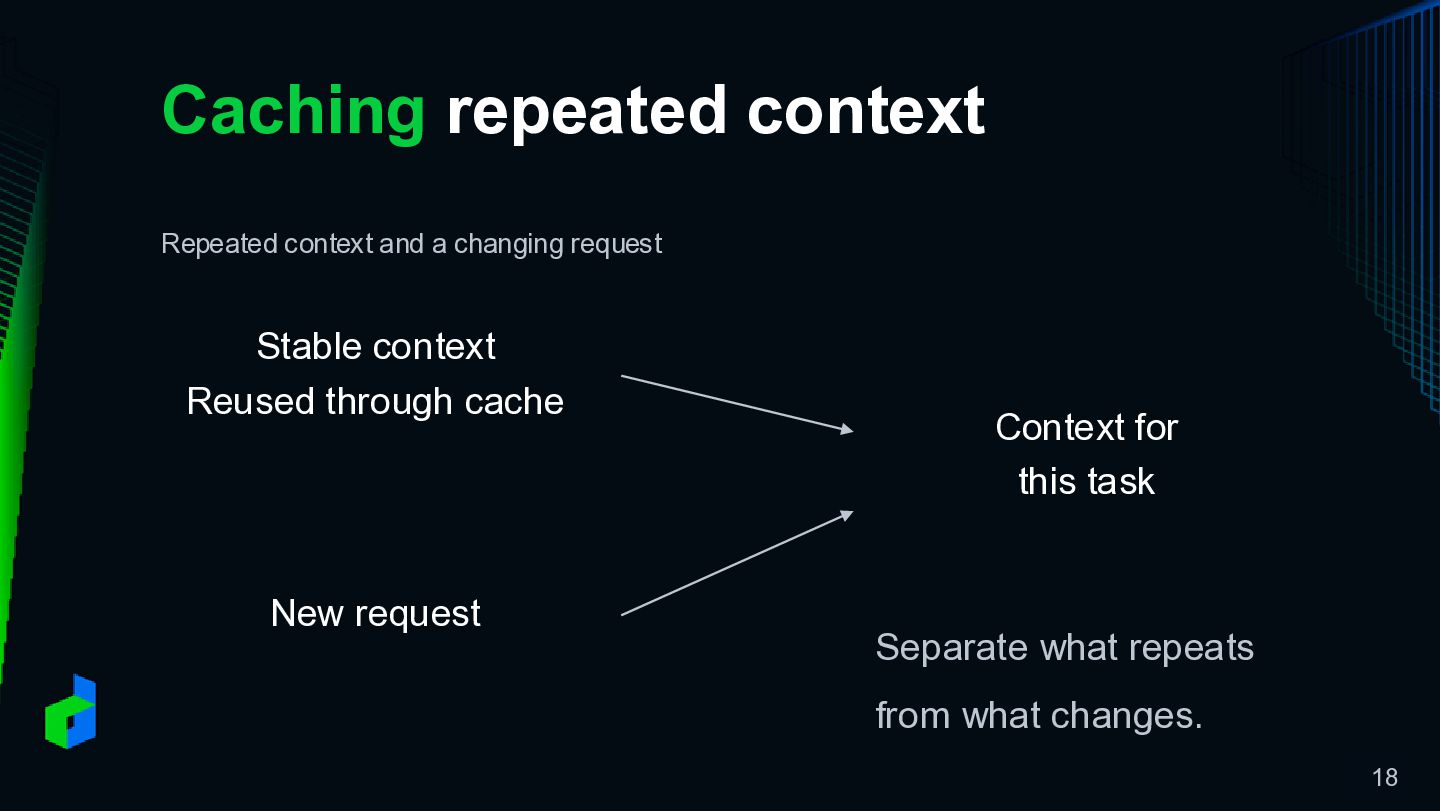
context Reused through cache New request Context for this task Separate what repeats from what changes. 18
Compaction and chat history Compaction and historical retrieval Long conversation
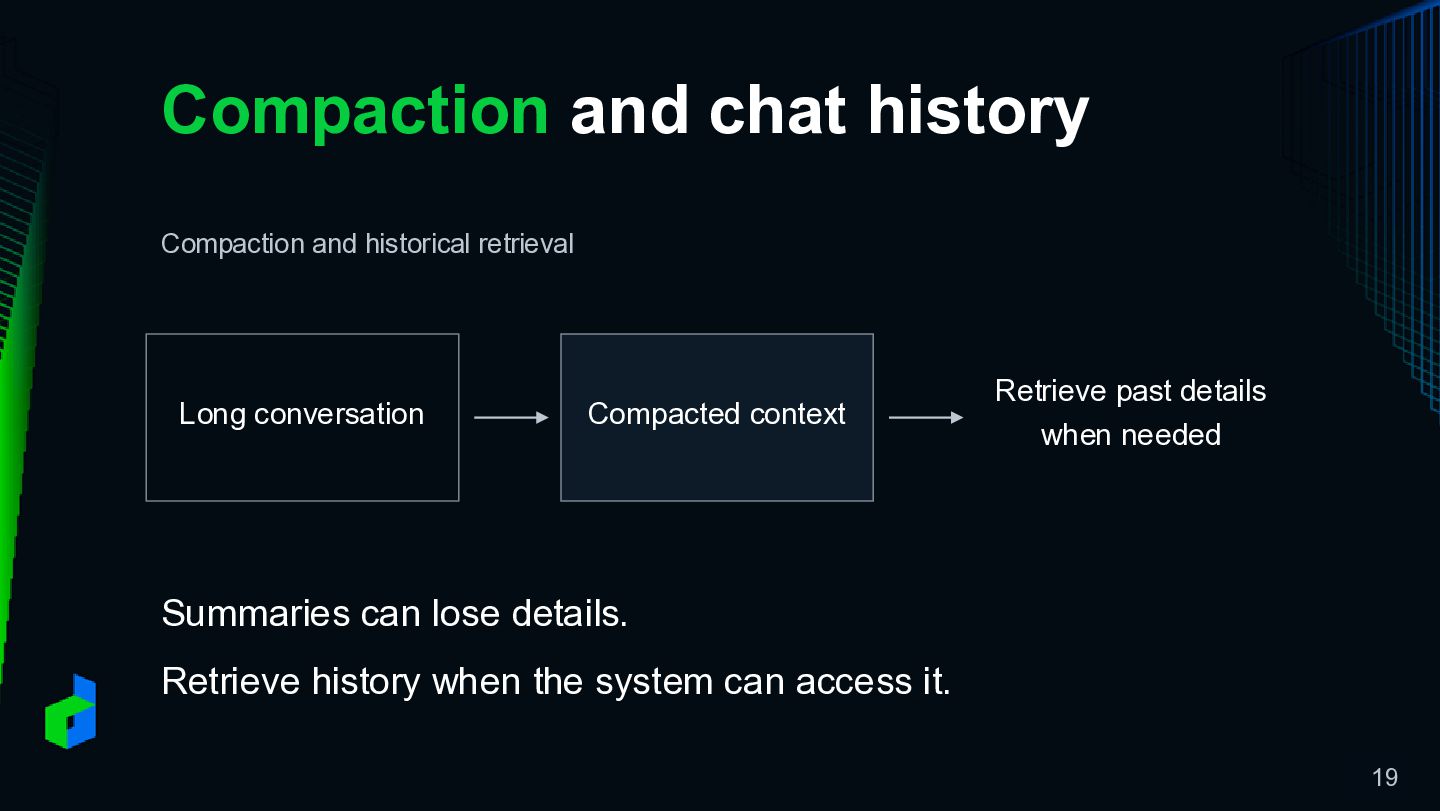
Compacted context Retrieve past details when needed Summaries can lose details. Retrieve history when the system can access it. 19
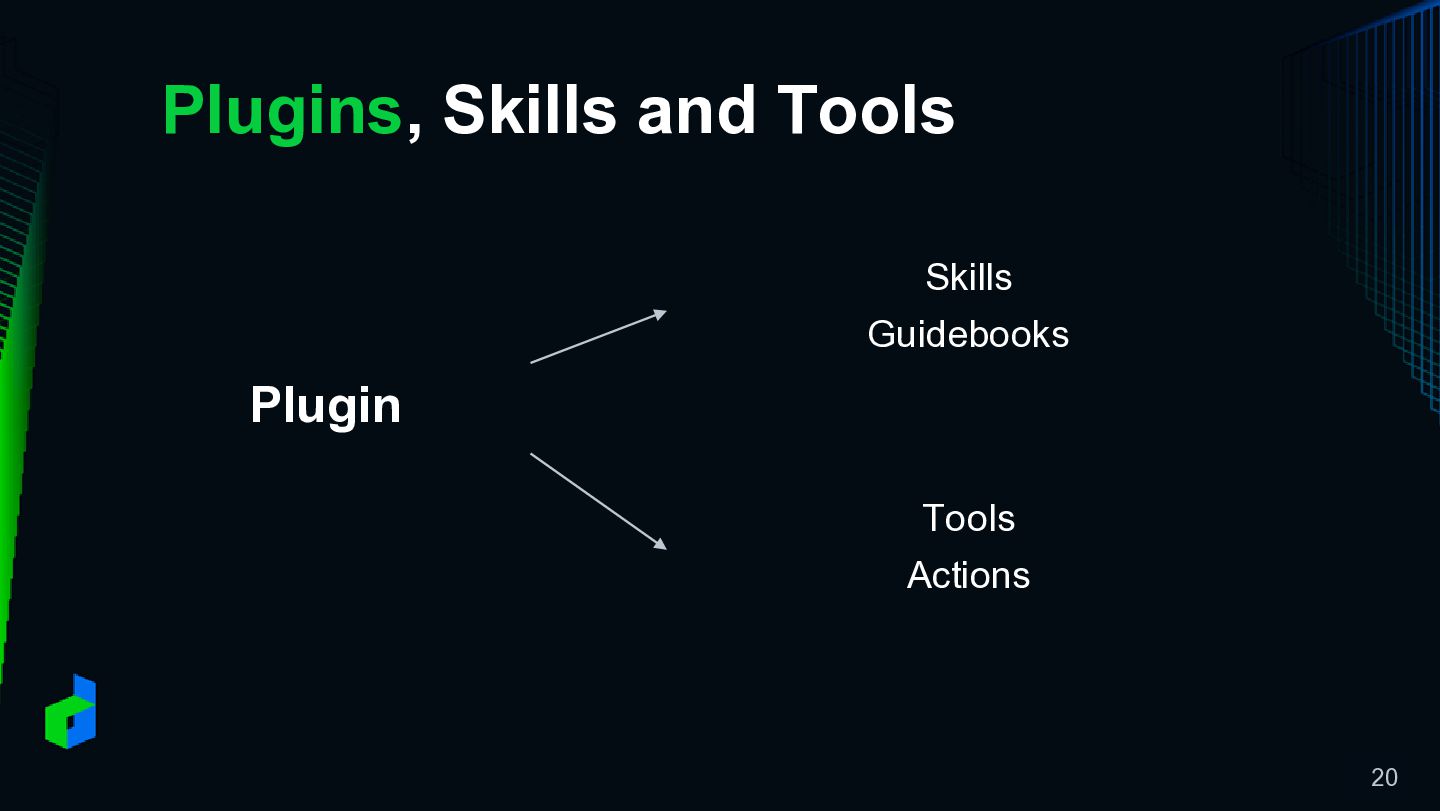
Plugins, Skills and Tools Skills Guidebooks Plugin Tools Actions 20
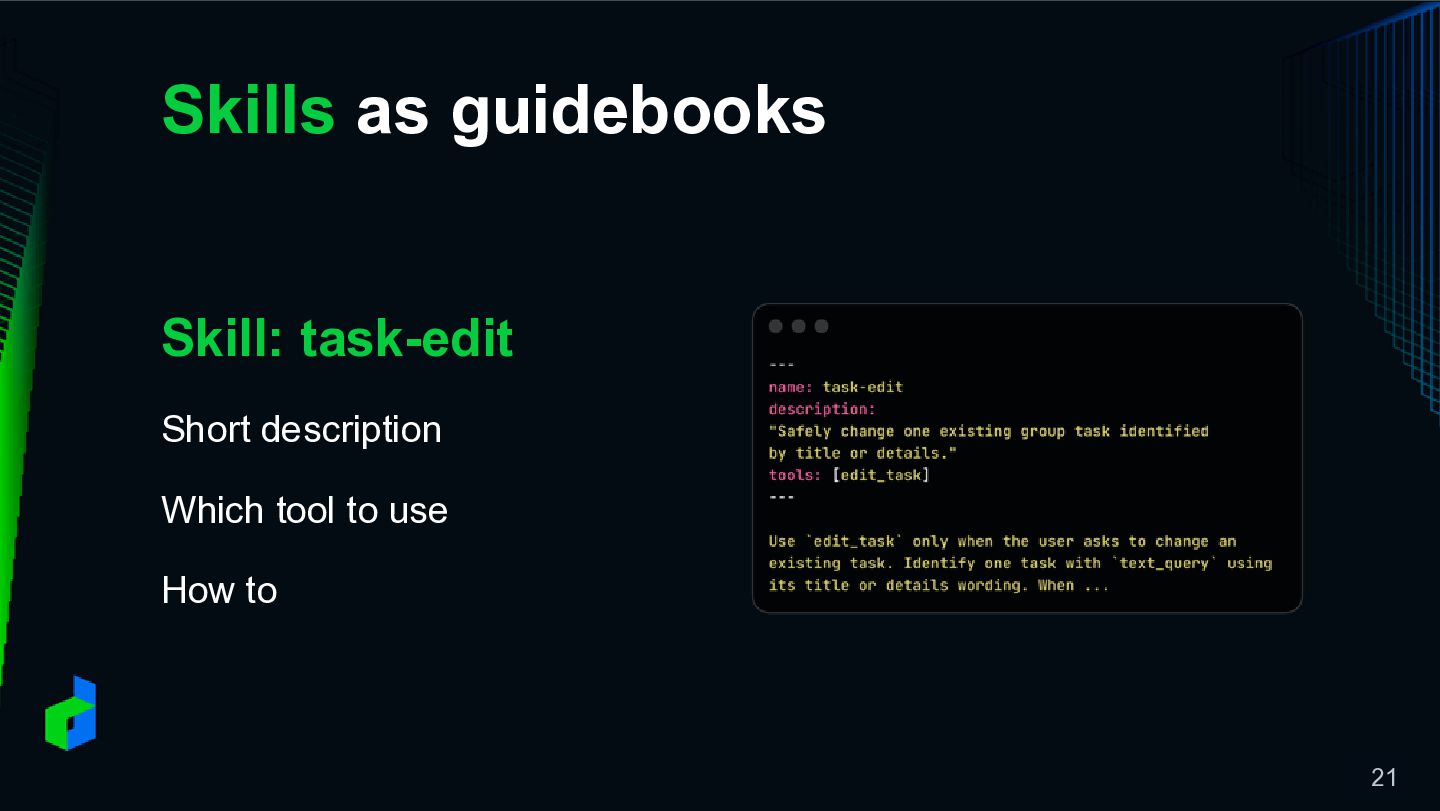
Skills as guidebooks Skill: task-edit Short description Which tool to
use How to 21
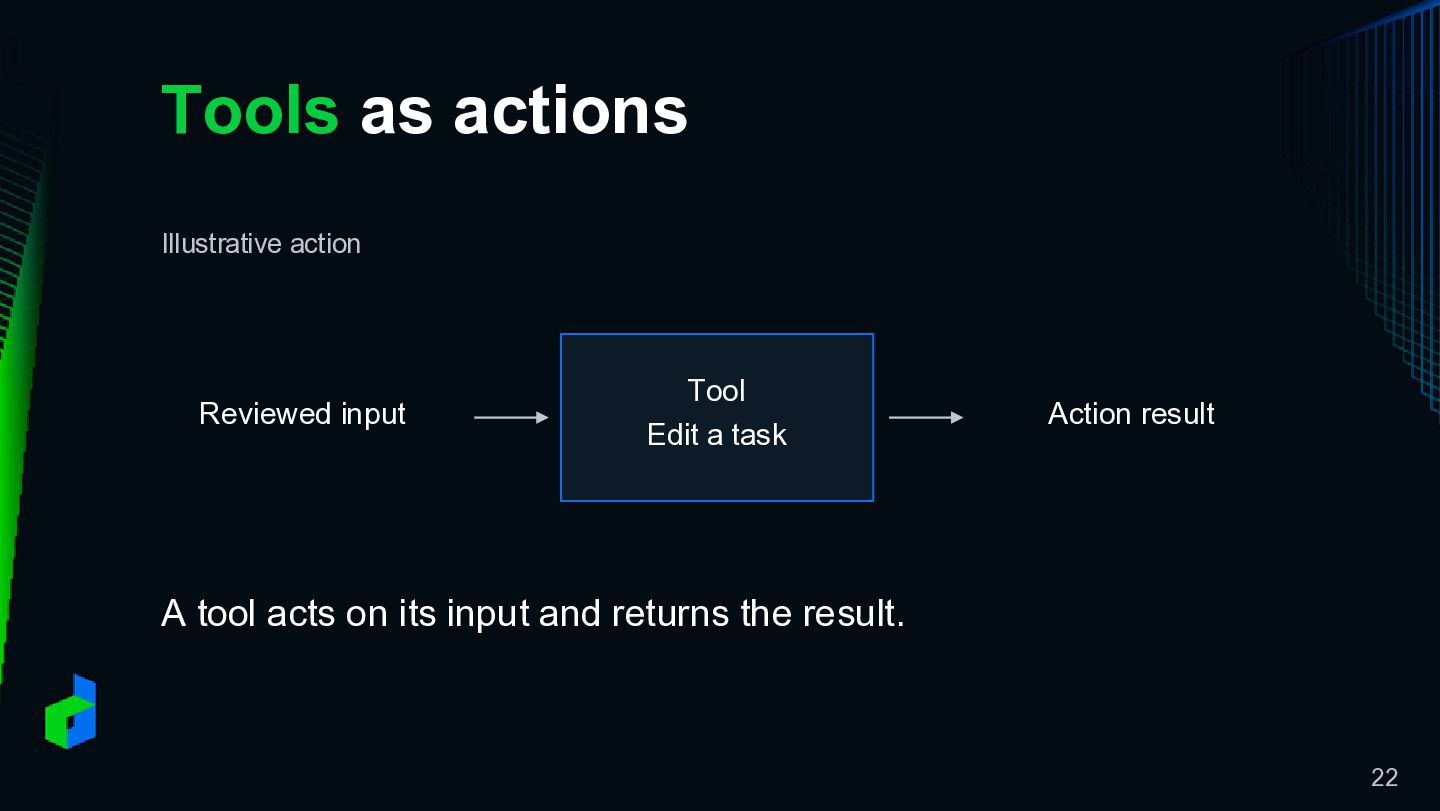
Tools as actions Illustrative action Reviewed input Tool Edit a
task Action result A tool acts on its input and returns the result. 22
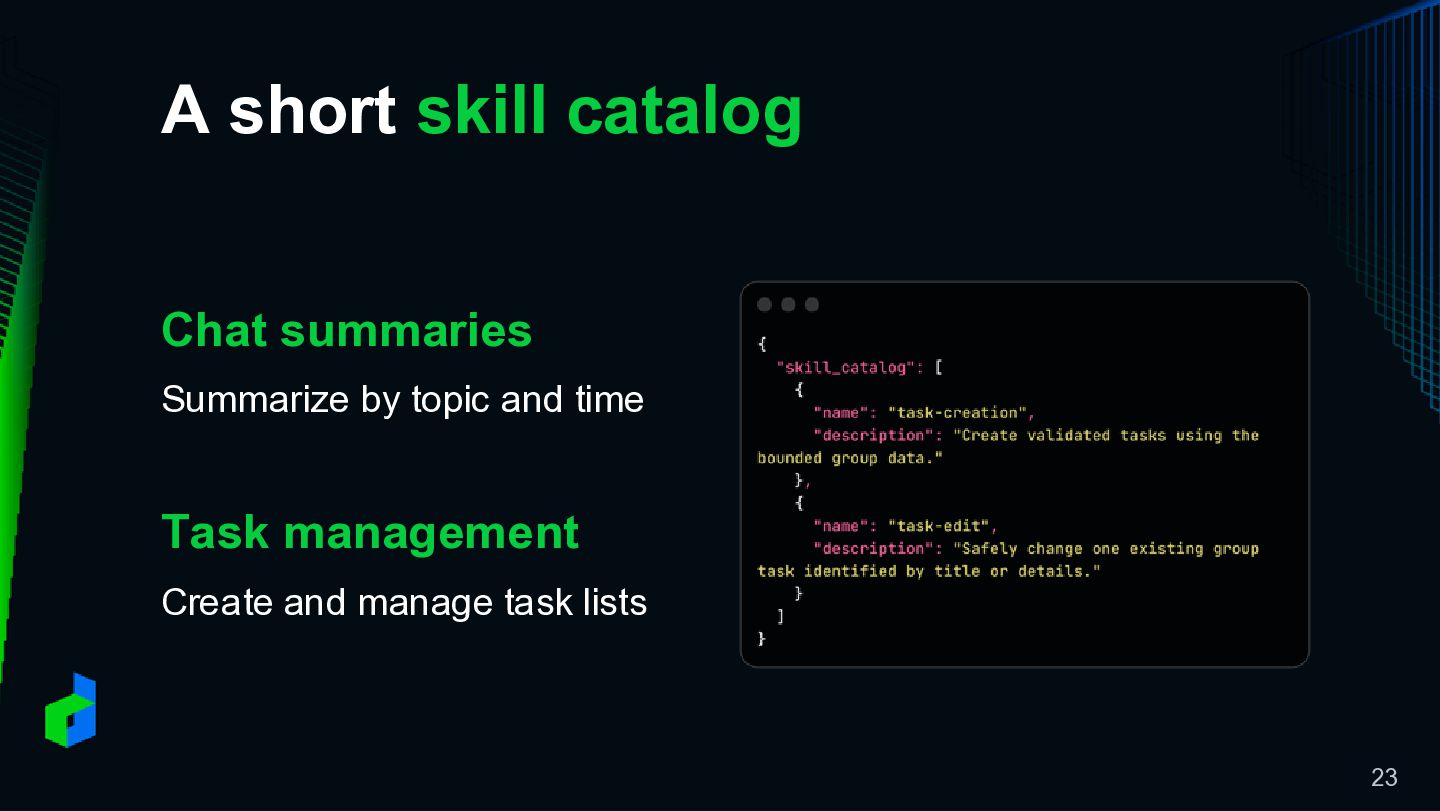
A short skill catalog Chat summaries Summarize by topic and
time Task management Create and manage task lists 23
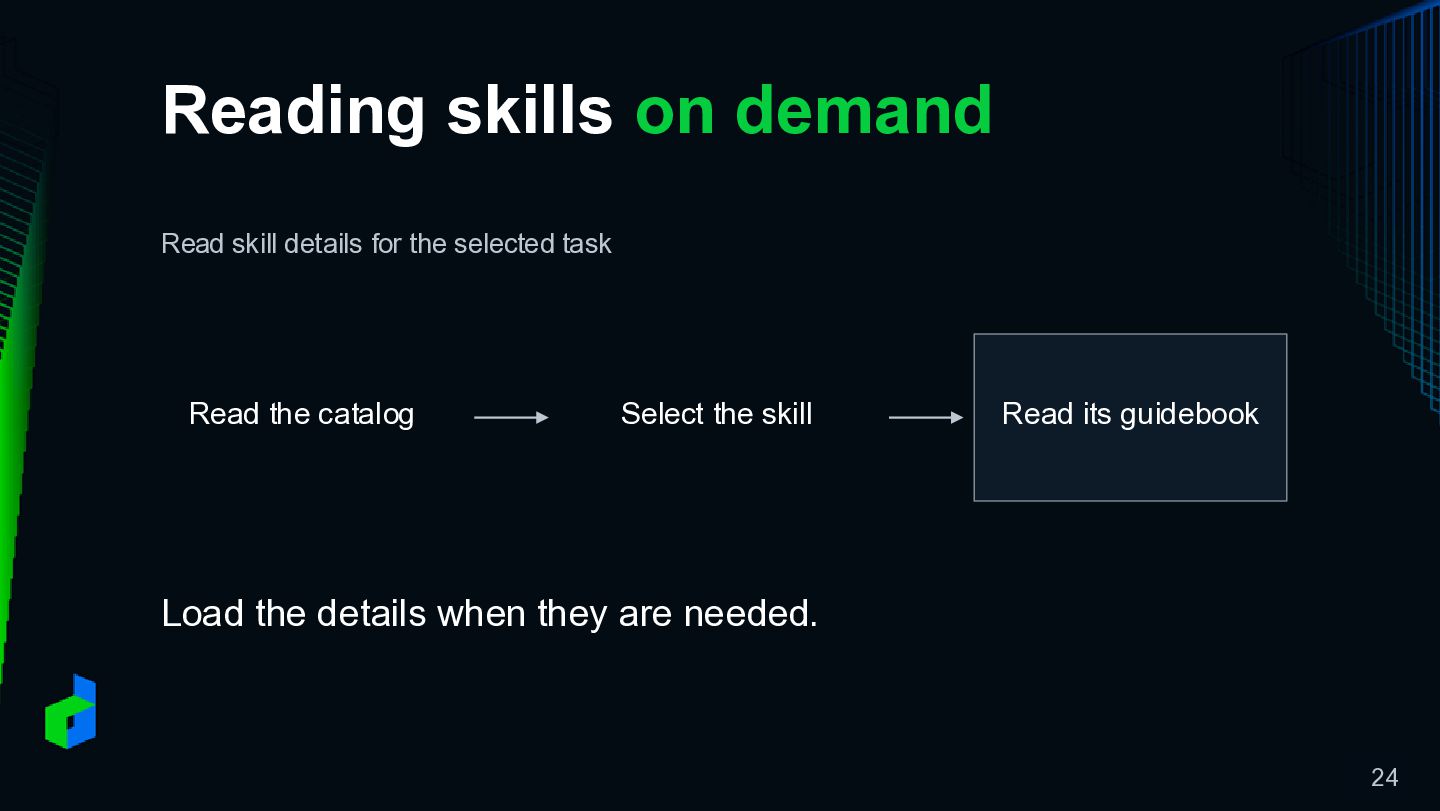
Reading skills on demand Read skill details for the selected
task Read the catalog Select the skill Read its guidebook Load the details when they are needed. 24
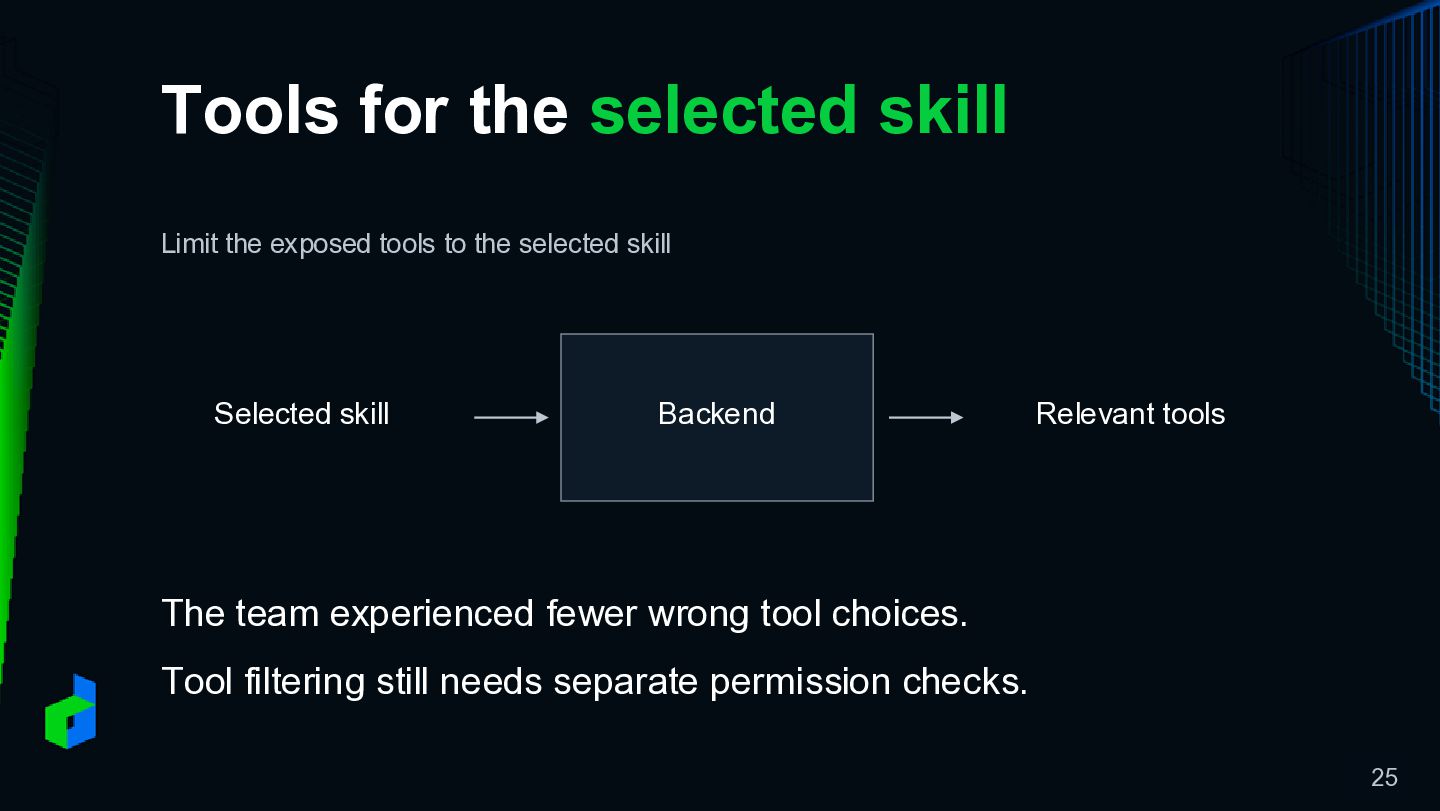
Tools for the selected skill Limit the exposed tools to
the selected skill Selected skill Backend Relevant tools The team experienced fewer wrong tool choices. Tool filtering still needs separate permission checks. 25
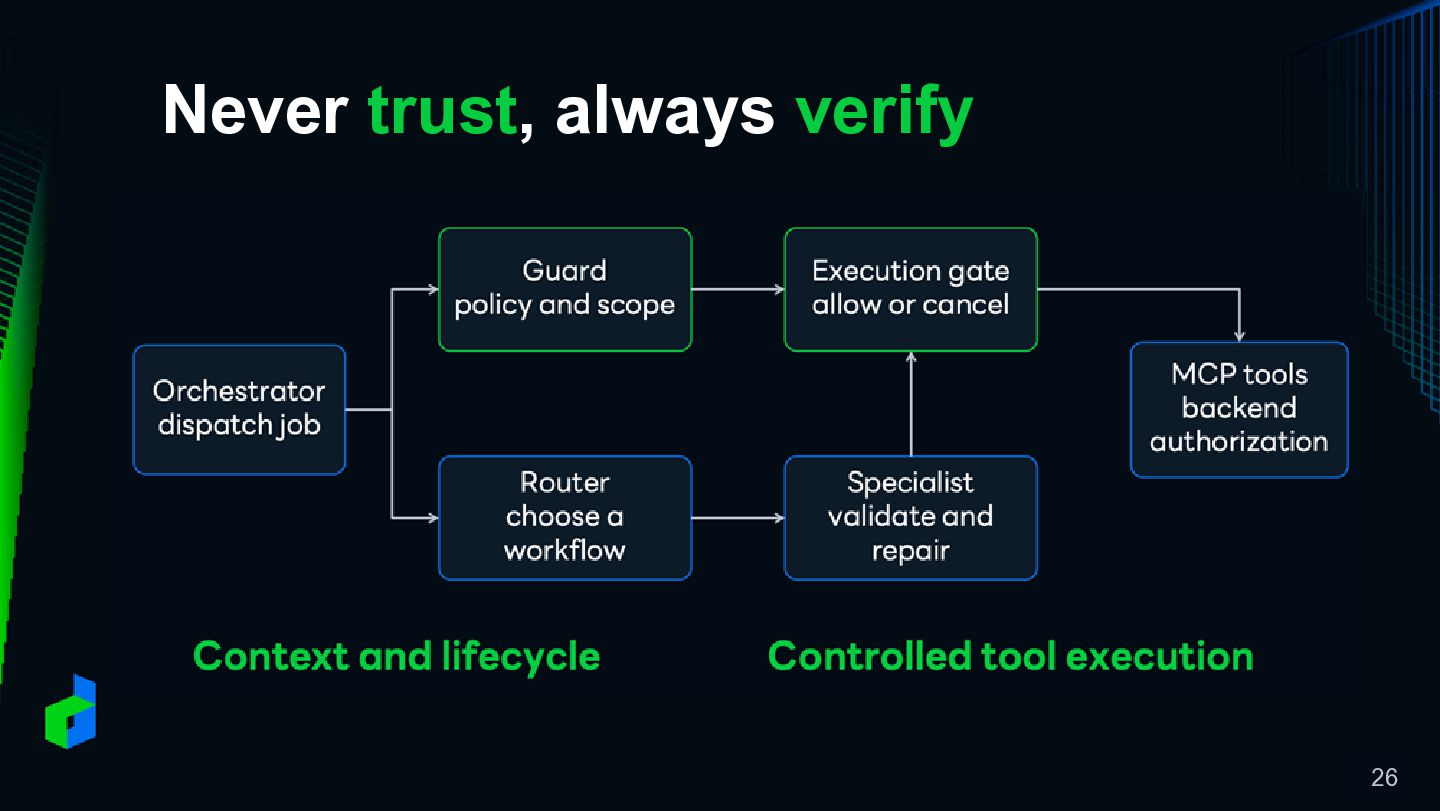
Never trust, always verify 26
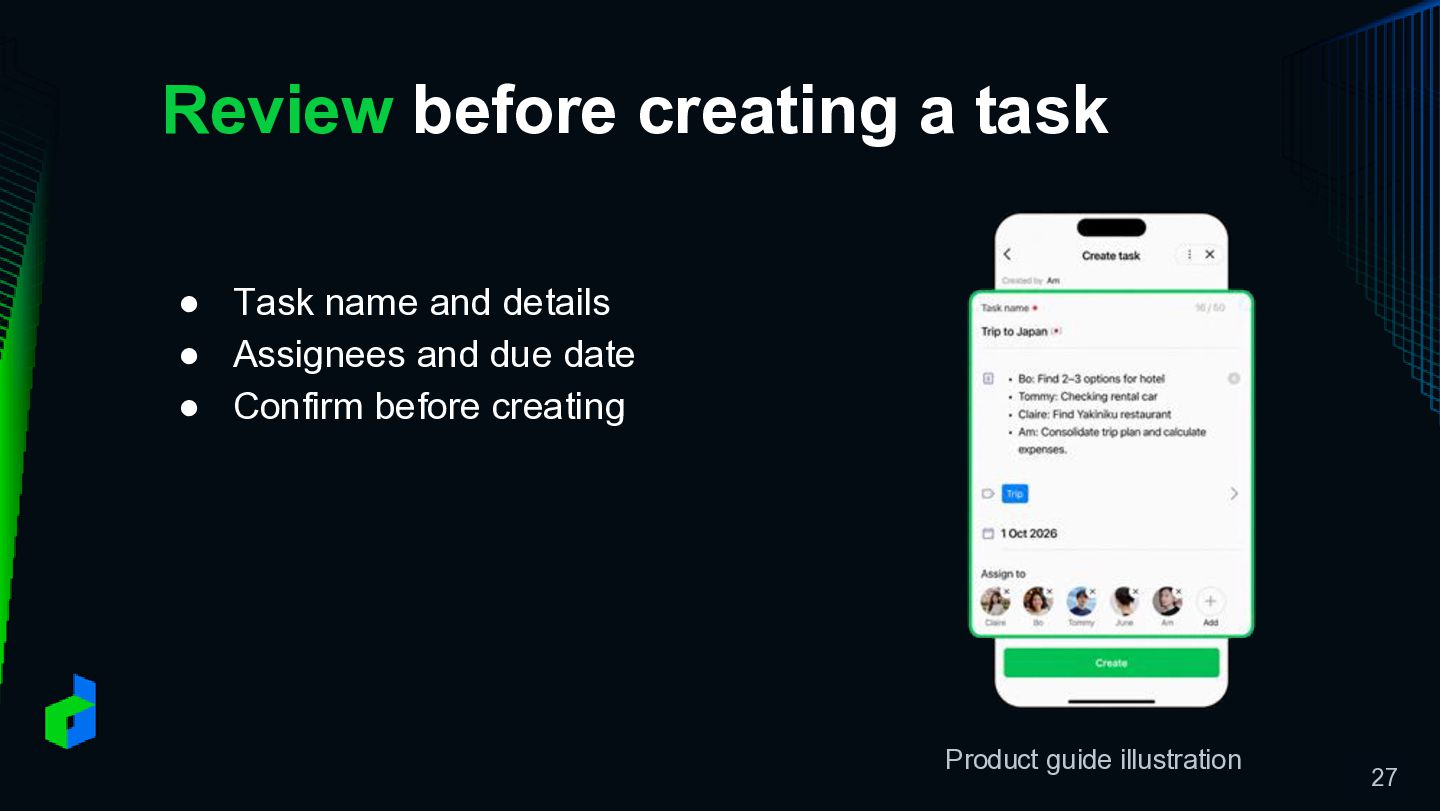
Review before creating a task • Task name and details
• Assignees and due date • Confirm before creating Product guide illustration 27
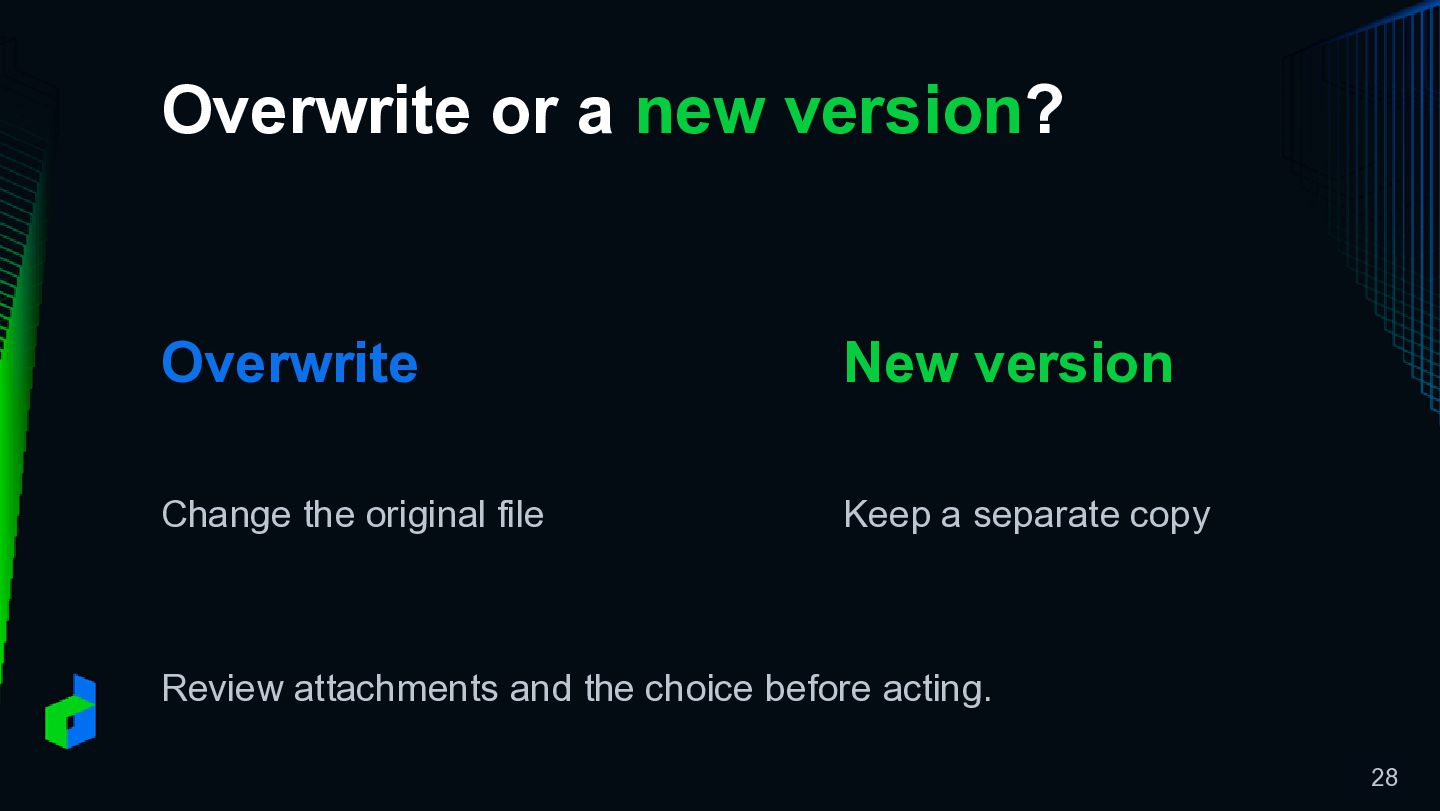
Overwrite or a new version? Overwrite New version Change the
original file Keep a separate copy Review attachments and the choice before acting. 28
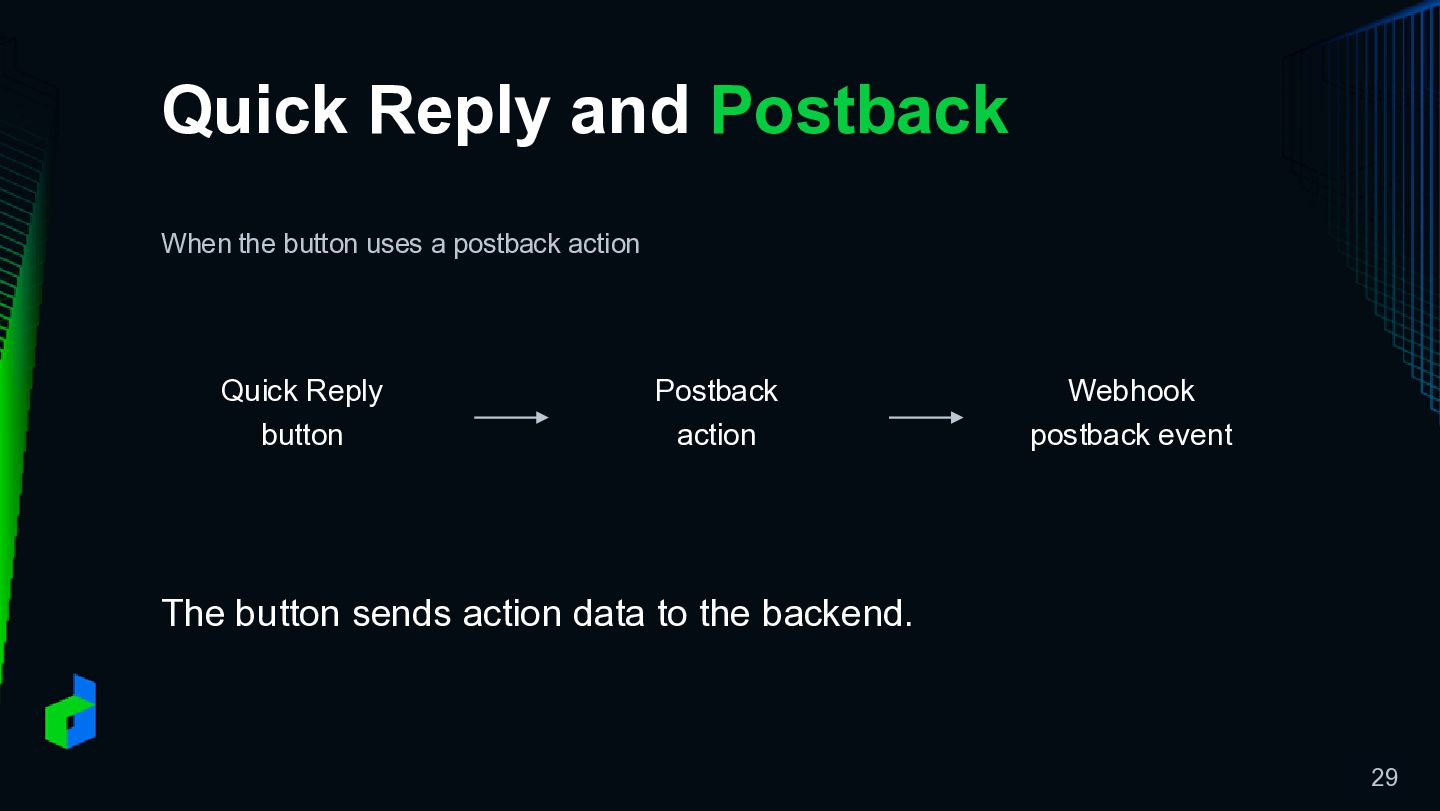
Quick Reply and Postback When the button uses a postback
action Quick Reply button Postback action Webhook postback event The button sends action data to the backend. 29
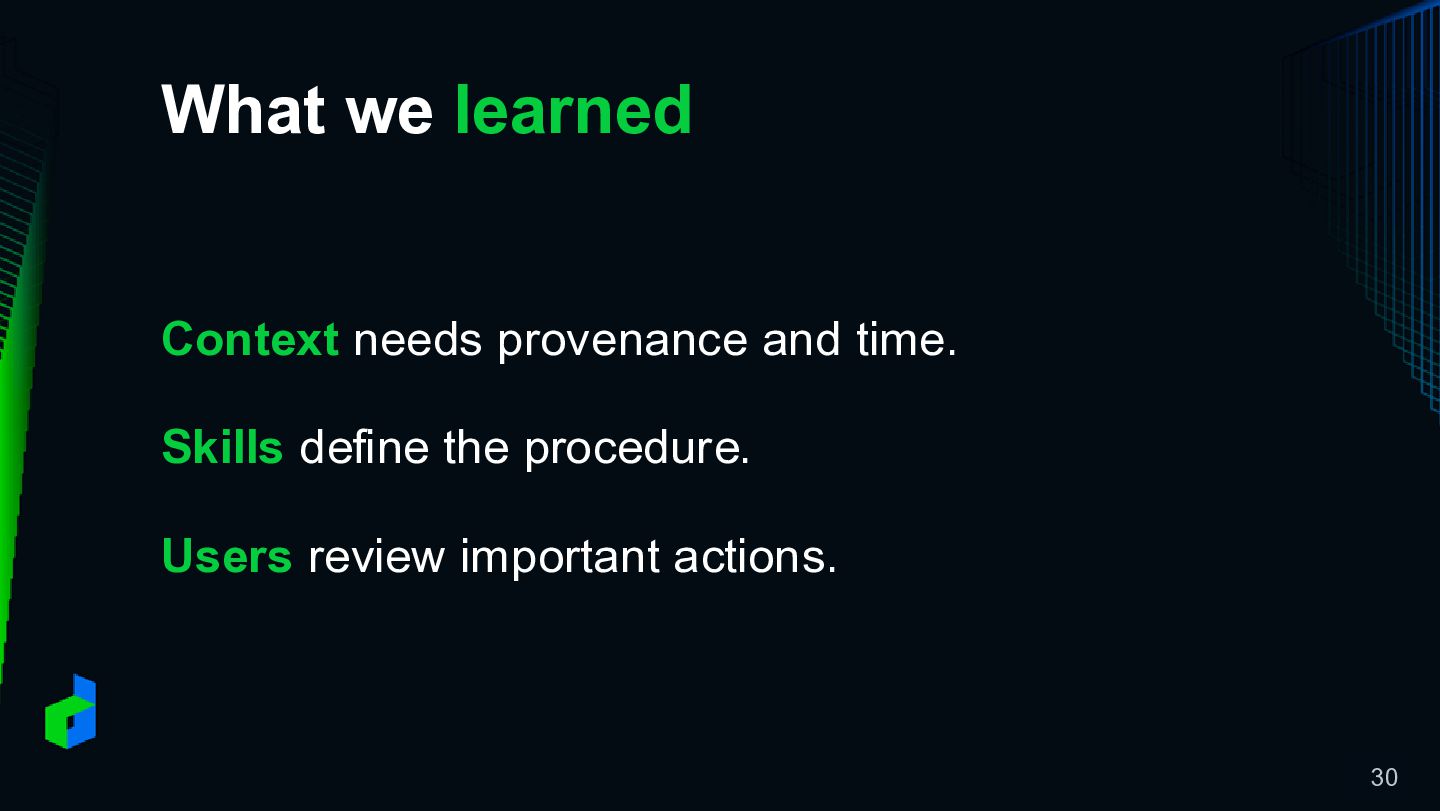
What we learned Context needs provenance and time. Skills define
the procedure. Users review important actions. 30
See you next week Follow LINE Thailand OA @linethailand 31


 linedevth
 tokuty
 akhino
 ivry_presentationmaterials
 shuta13
 mohab1
 shugo
shugo
 techtekt
 rfdnxbro
 odashi
 bitkey
 moznion
 kentarofujii
 irinanazarova
 wjessup
 jct
jct
 chriscoyier
 popppiees
 inesmontani
 leimatthew05
 rmw
rmw
 moore
moore
 ipullrank
 reverentgeek
 addyosmani