Share
Embed
How to quickly drive the track to Android Auto
A practical guide on how to quickly enable Android Auto support in Android apps, with key requirements, implementation steps, and common pitfalls.
LINEヤフーTech (LY Corporation Tech) PRO
September 17, 2025
Transcript
74 slides
-
Yuki Ando, LY Corporation How to quickly drive the track
to Android Auto Support Android Auto on your Android Apps -
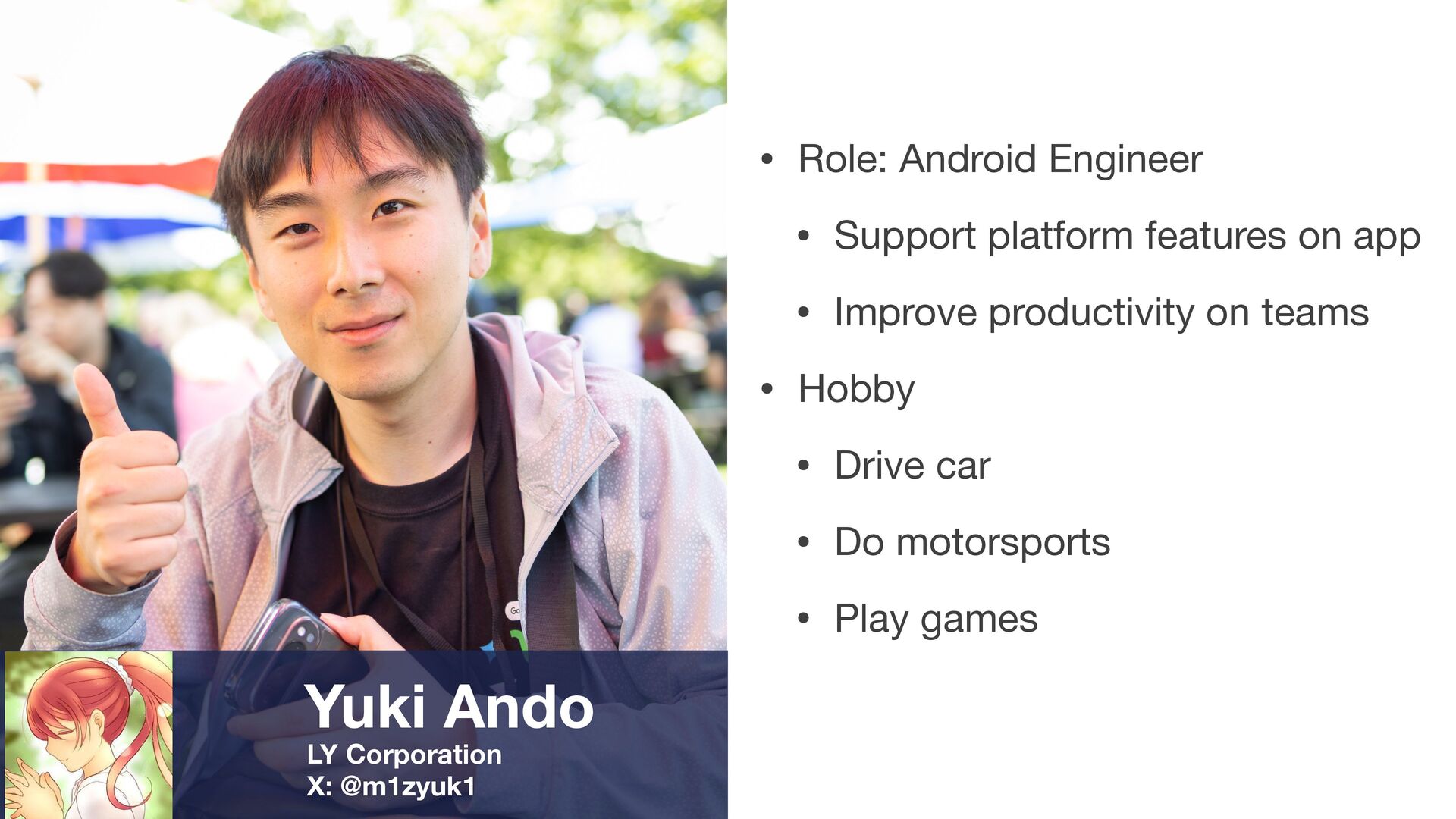
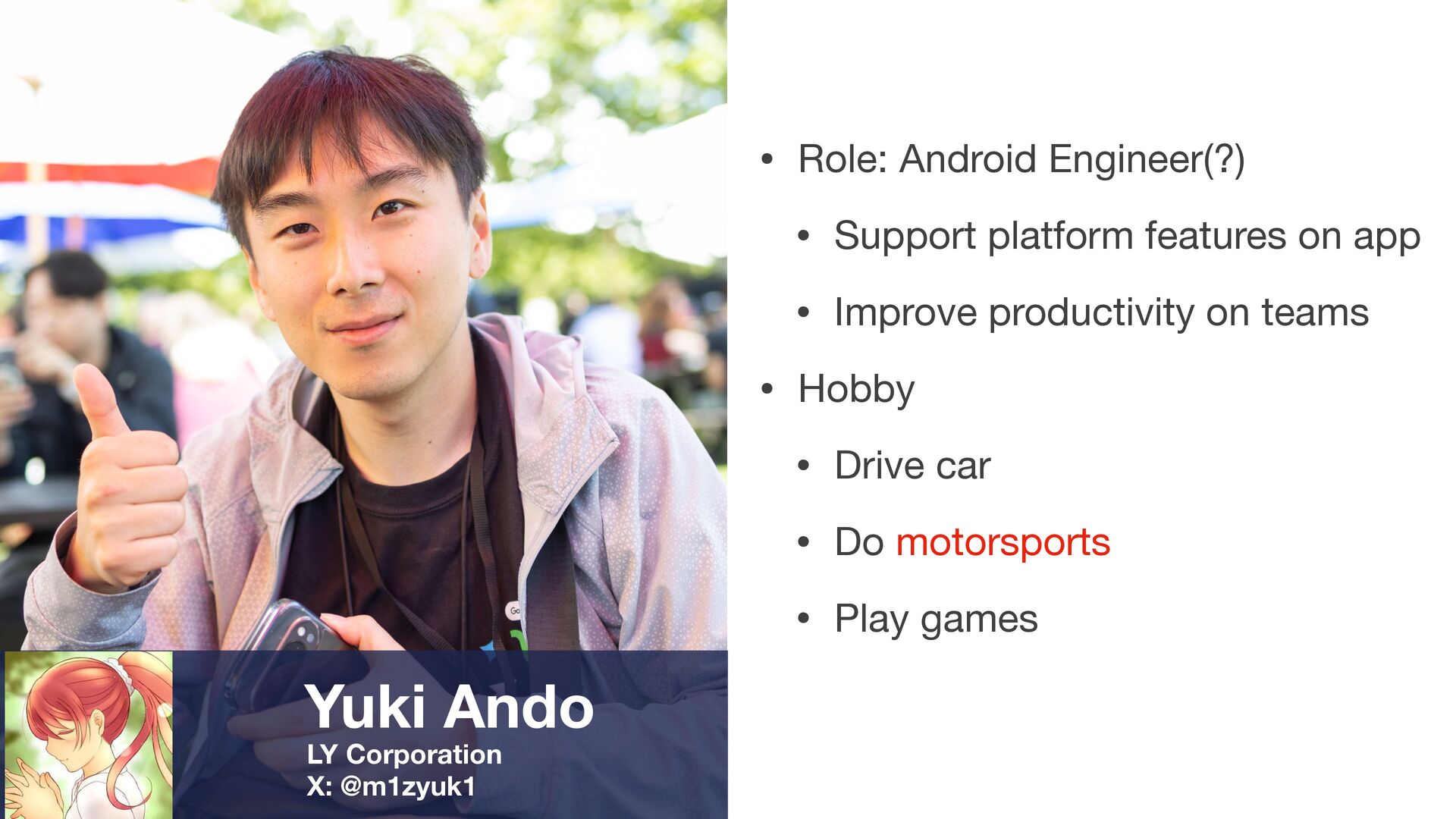
• Role: Android Engineer • Support platform features on app
• Improve productivity on teams • Hobby • Drive car • Do motorsports • Play games Yuki Ando LY Corporation X: @m1zyuk1 -
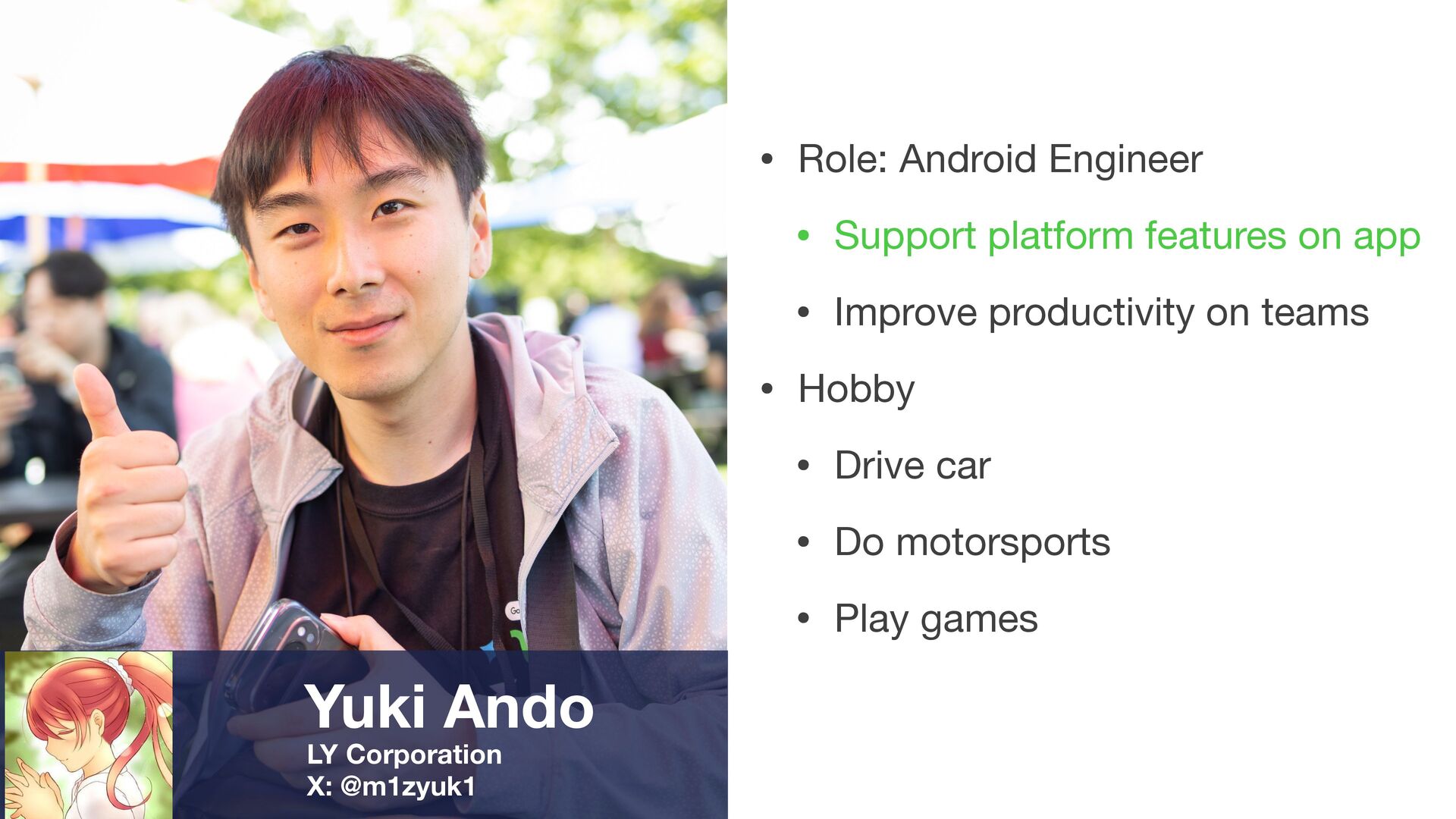
• Role: Android Engineer • Support platform features on app
• Improve productivity on teams • Hobby • Drive car • Do motorsports • Play games Yuki Ando LY Corporation X: @m1zyuk1 -
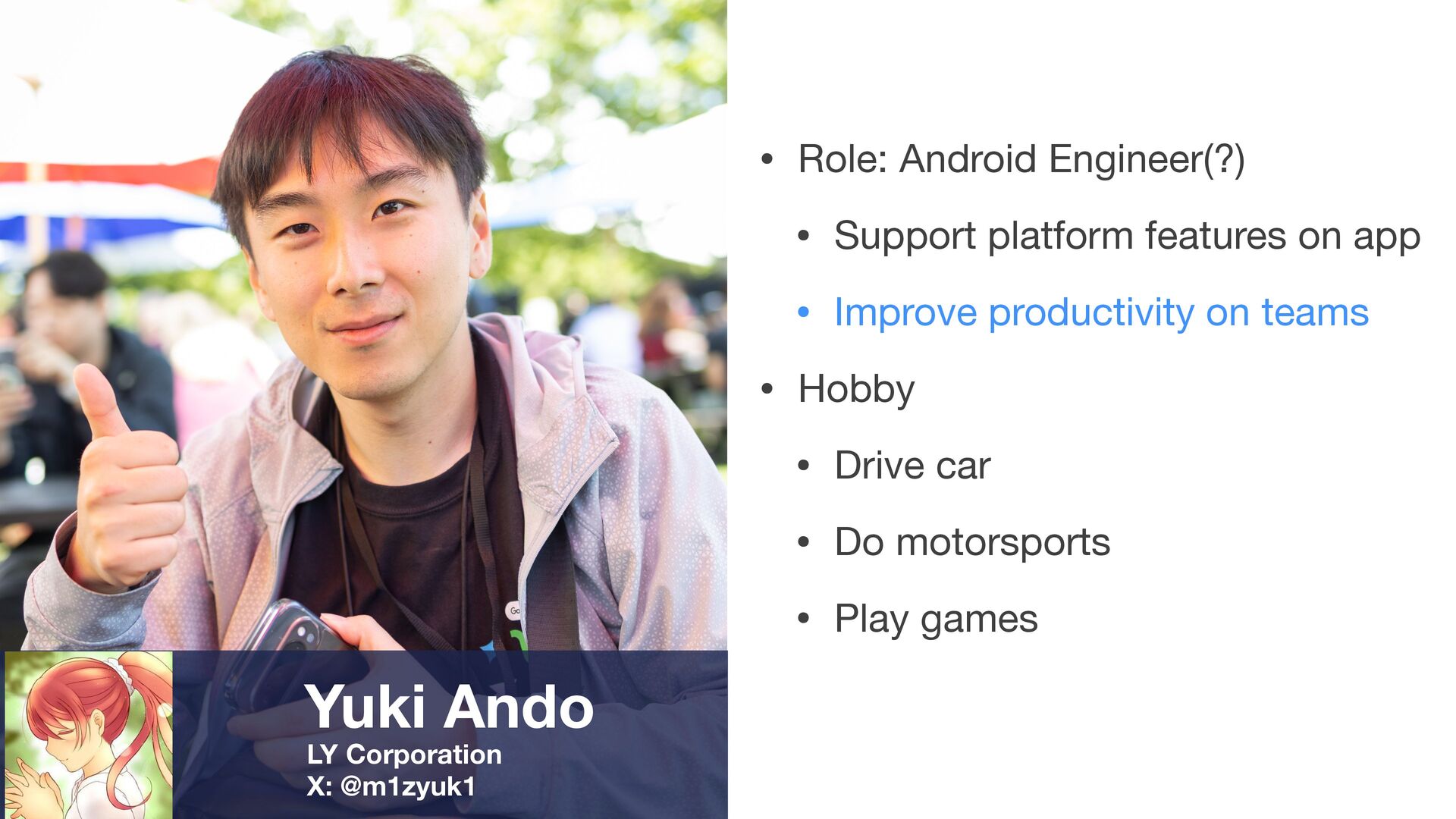
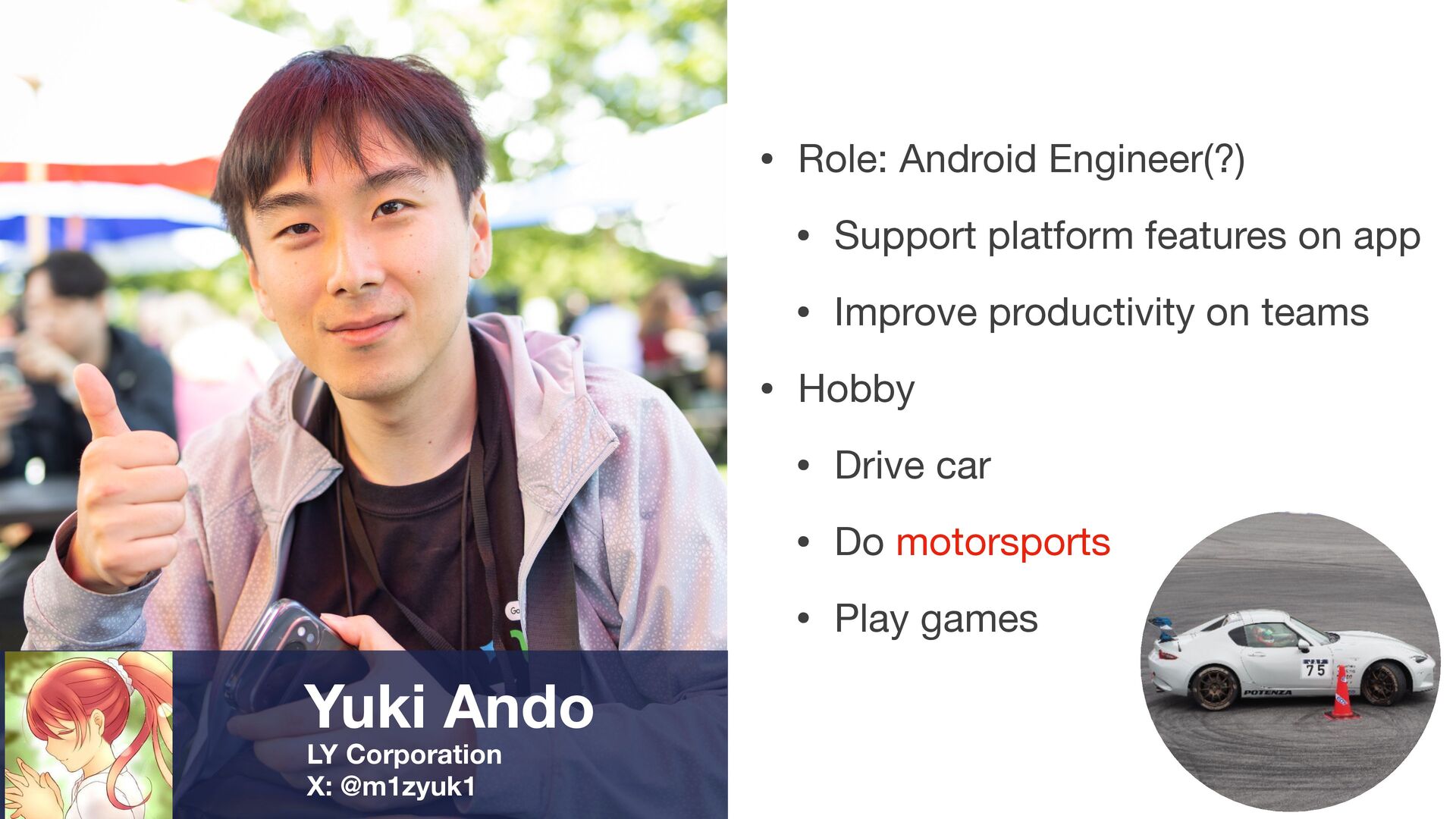
• Role: Android Engineer(?) • Support platform features on app
• Improve productivity on teams • Hobby • Drive car • Do motorsports • Play games Yuki Ando LY Corporation X: @m1zyuk1 -
• Role: Android Engineer(?) • Support platform features on app
• Improve productivity on teams • Hobby • Drive car • Do motorsports • Play games Yuki Ando LY Corporation X: @m1zyuk1 -
• Role: Android Engineer(?) • Support platform features on app
• Improve productivity on teams • Hobby • Drive car • Do motorsports • Play games Yuki Ando LY Corporation X: @m1zyuk1 -
Table of content • De fi nitions • Requirements •
How to support Android Auto for messaging type • Pitfalls to support Android Auto on the existing app -
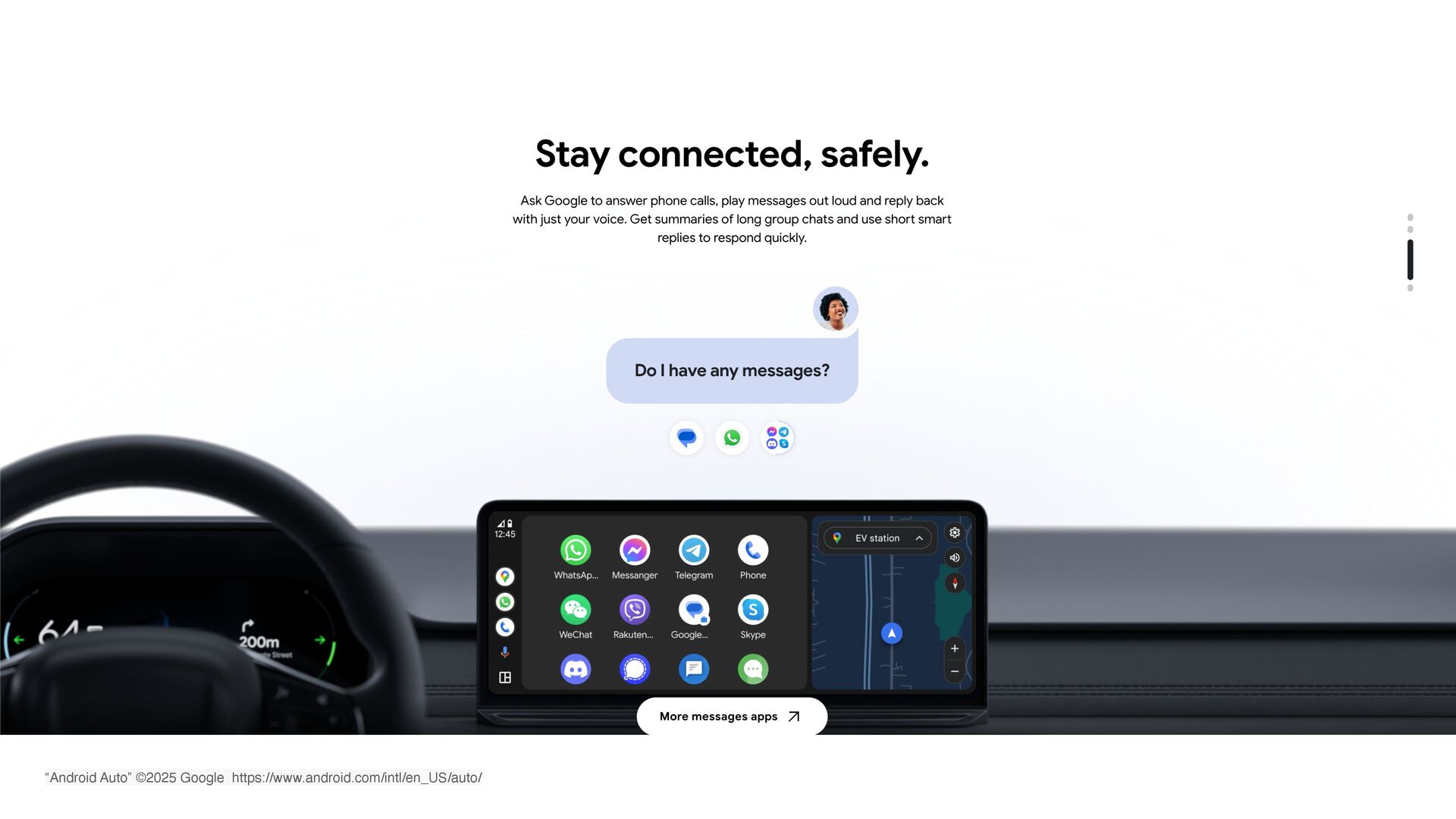
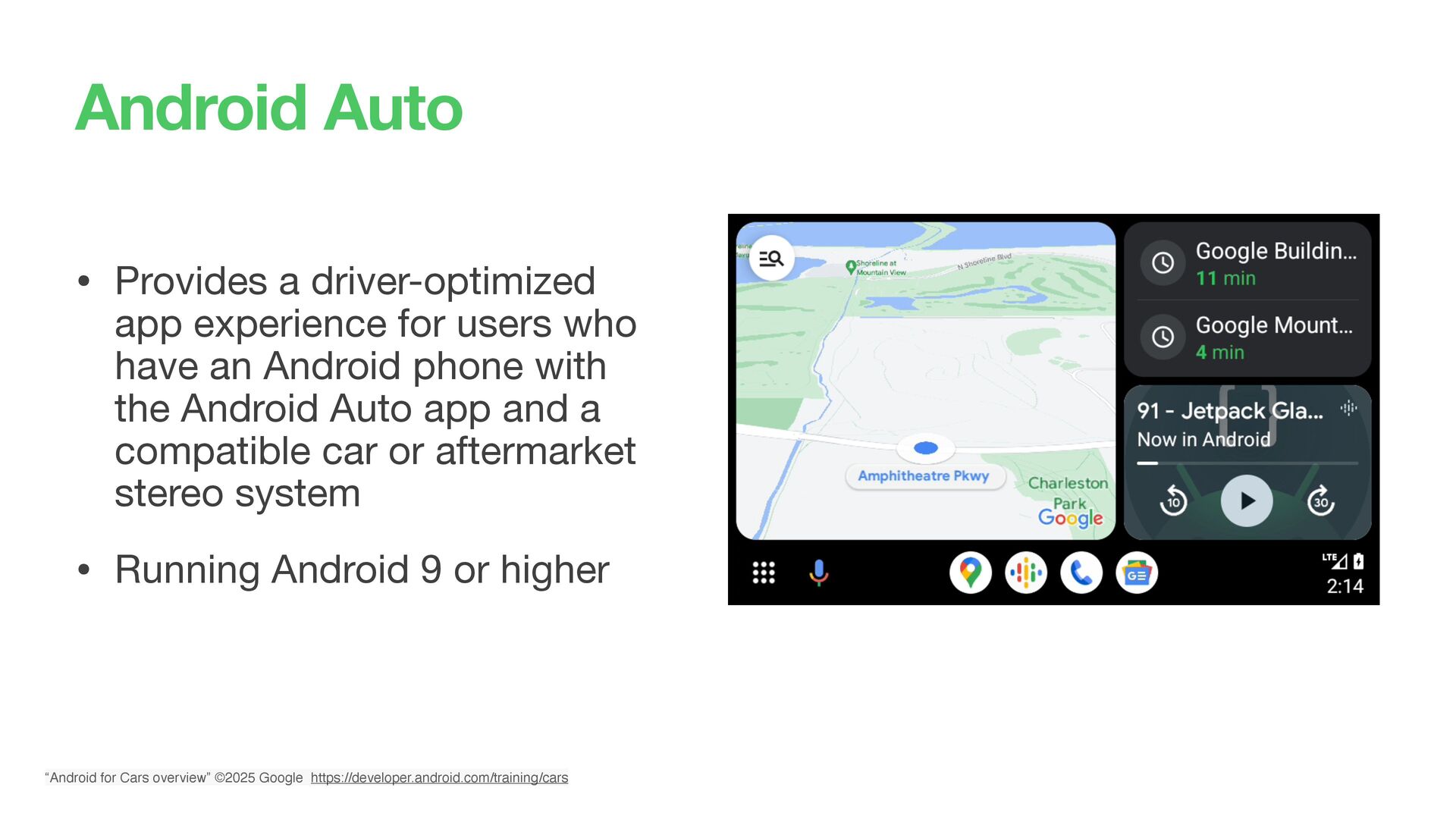
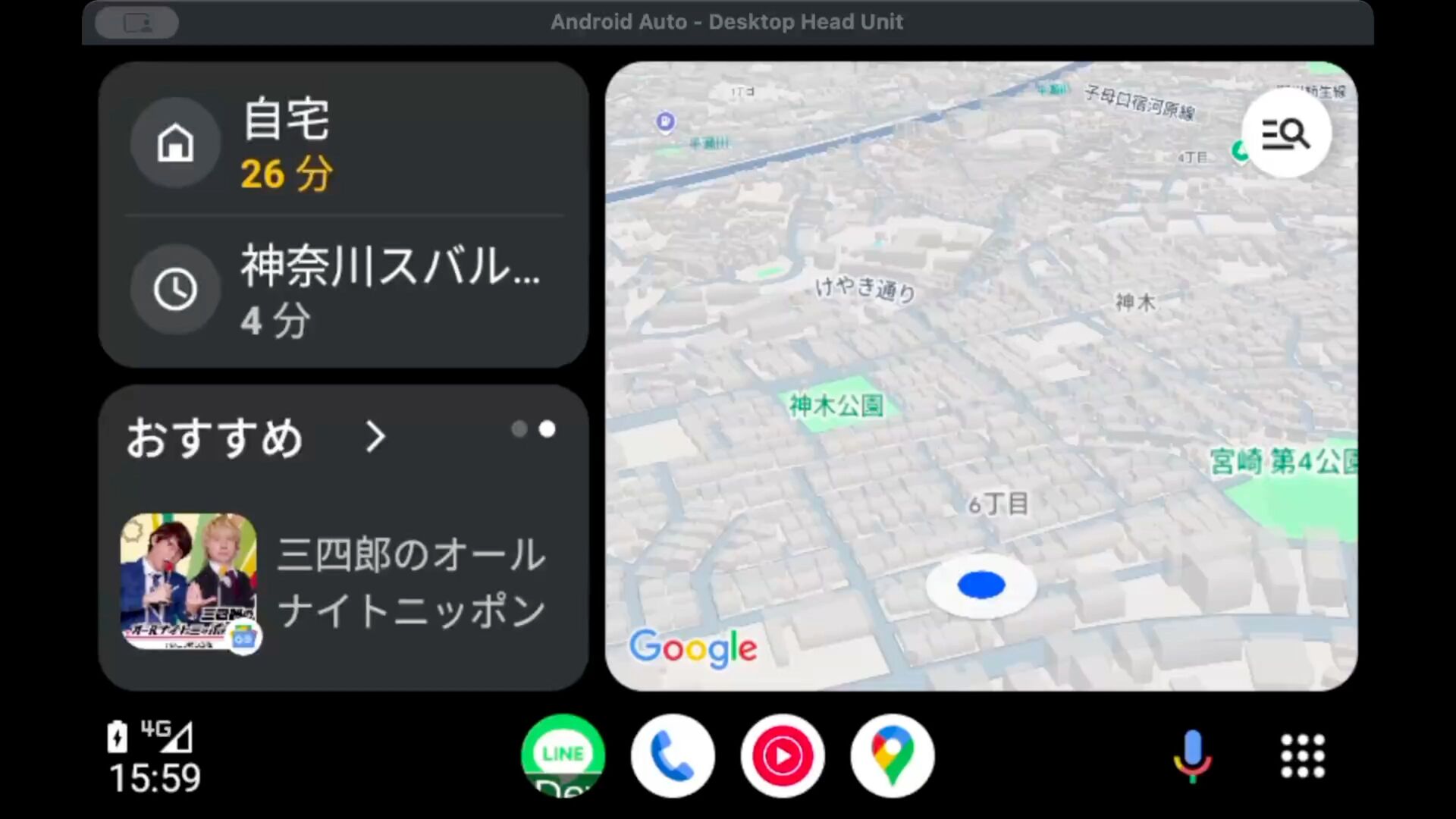
• Provides a driver-optimized app experience for users who have
an Android phone with the Android Auto app and a compatible car or aftermarket stereo system • Running Android 9 or higher Android Auto “Android for Cars overview” ©2025 Google https://developer.android.com/training/cars -
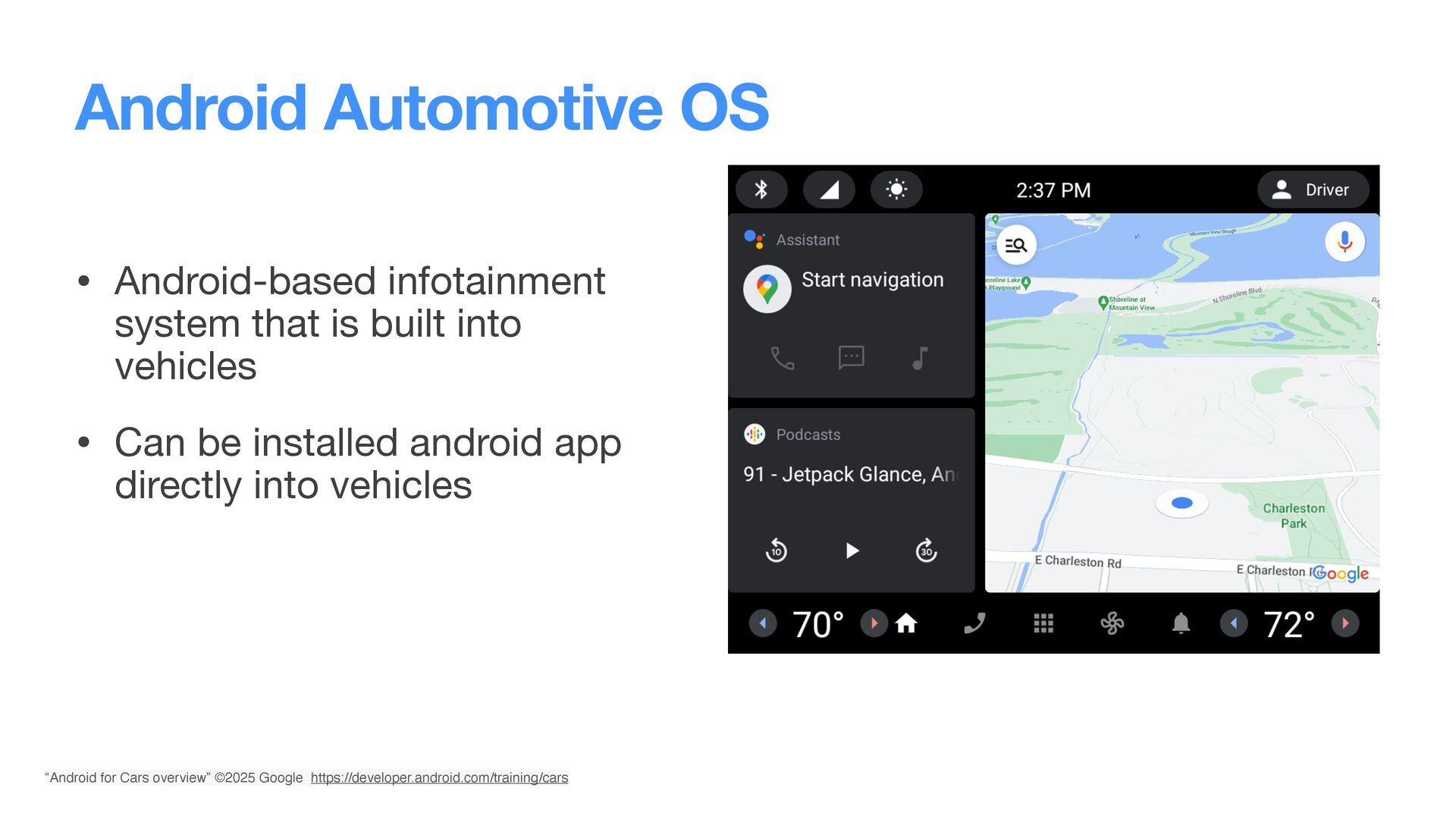
• Android-based infotainment system that is built into vehicles •
Can be installed android app directly into vehicles Android Automotive OS “Android for Cars overview” ©2025 Google https://developer.android.com/training/cars -
• Android-based infotainment system that is built into vehicles •
Can be installed android app directly into vehicles Android Automotive OS “Android for Cars overview” ©2025 Google https://developer.android.com/training/cars OUT OF SCOPE TODAY -
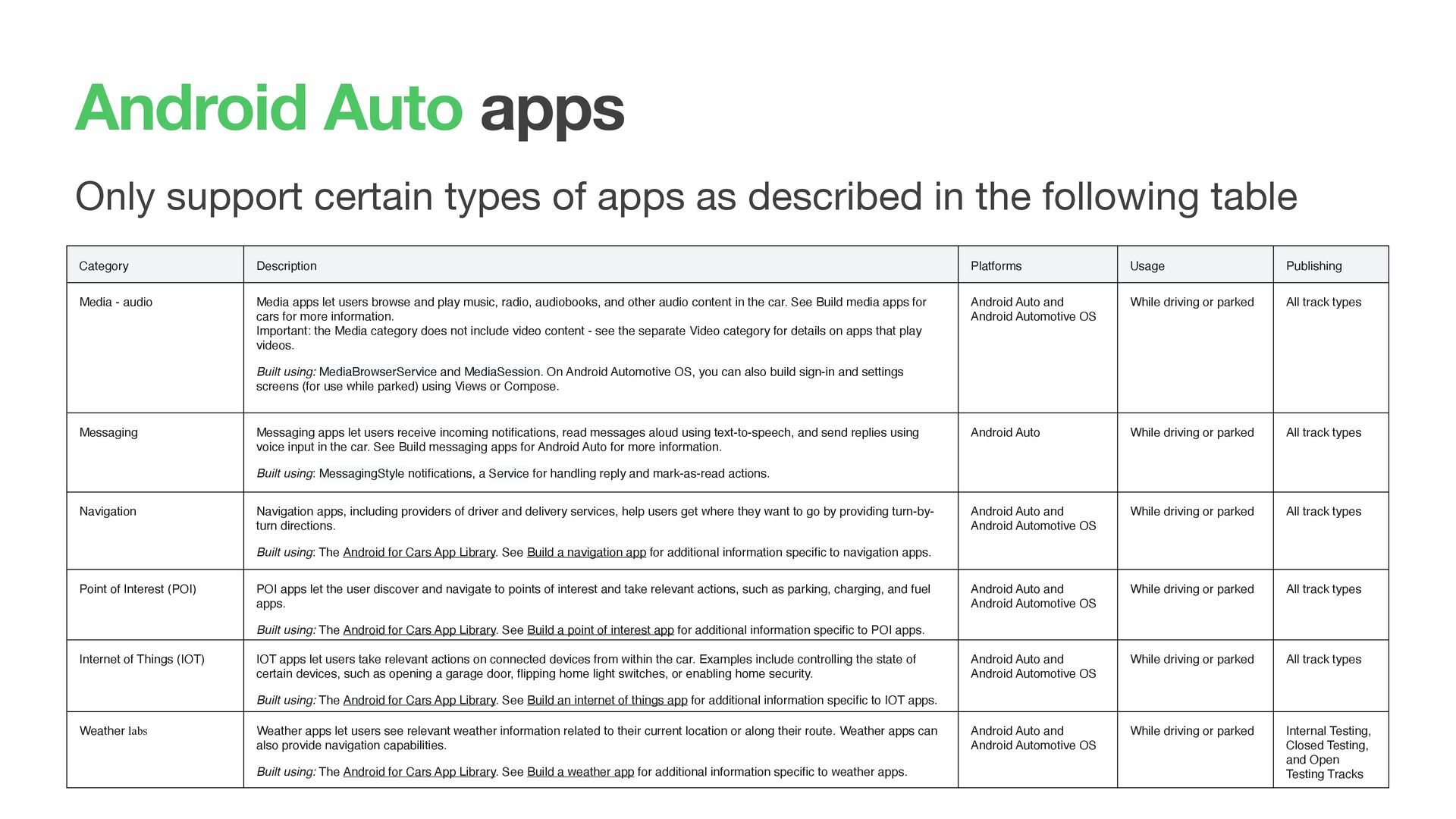
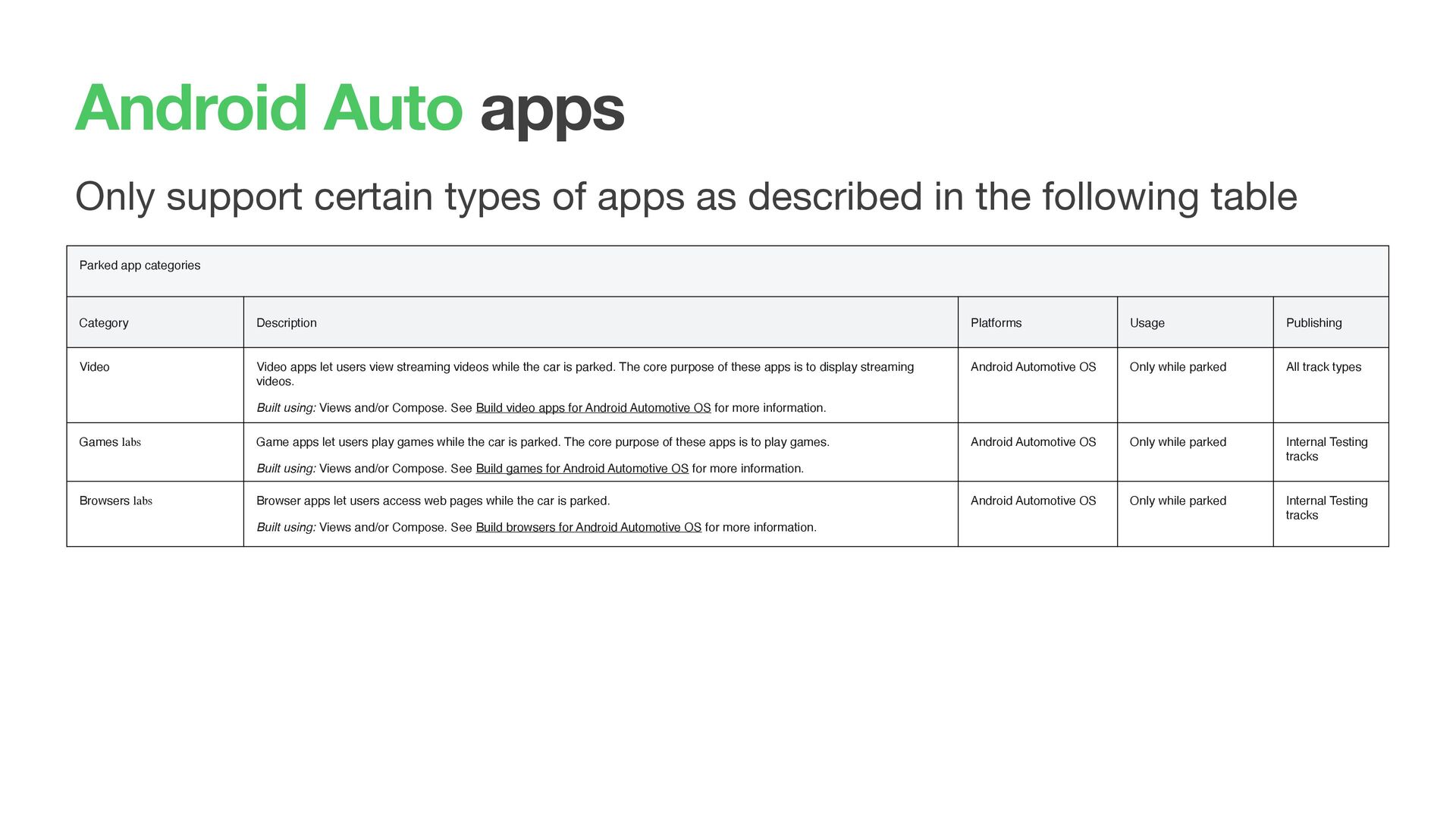
Android Auto apps Only support certain types of apps as
described in the following table Category Description Platforms Usage Publishing Media - audio Media apps let users browse and play music, radio, audiobooks, and other audio content in the car. See Build media apps for cars for more information. Important: the Media category does not include video content - see the separate Video category for details on apps that play videos. Built using: MediaBrowserService and MediaSession. On Android Automotive OS, you can also build sign-in and settings screens (for use while parked) using Views or Compose. Android Auto and Android Automotive OS While driving or parked All track types Messaging Messaging apps let users receive incoming noti fi cations, read messages aloud using text-to-speech, and send replies using voice input in the car. See Build messaging apps for Android Auto for more information. Built using: MessagingStyle noti fi cations, a Service for handling reply and mark-as-read actions. Android Auto While driving or parked All track types Navigation Navigation apps, including providers of driver and delivery services, help users get where they want to go by providing turn-by- turn directions. Built using: The Android for Cars App Library. See Build a navigation app for additional information speci fi c to navigation apps. Android Auto and Android Automotive OS While driving or parked All track types Point of Interest (POI) POI apps let the user discover and navigate to points of interest and take relevant actions, such as parking, charging, and fuel apps. Built using: The Android for Cars App Library. See Build a point of interest app for additional information speci fi c to POI apps. Android Auto and Android Automotive OS While driving or parked All track types Internet of Things (IOT) IOT apps let users take relevant actions on connected devices from within the car. Examples include controlling the state of certain devices, such as opening a garage door, fl ipping home light switches, or enabling home security. Built using: The Android for Cars App Library. See Build an internet of things app for additional information speci fi c to IOT apps. Android Auto and Android Automotive OS While driving or parked All track types Weather labs Weather apps let users see relevant weather information related to their current location or along their route. Weather apps can also provide navigation capabilities. Built using: The Android for Cars App Library. See Build a weather app for additional information speci fi c to weather apps. Android Auto and Android Automotive OS While driving or parked Internal Testing, Closed Testing, and Open Testing Tracks -
Android Auto apps Only support certain types of apps as
described in the following table Parked app categories Category Description Platforms Usage Publishing Video Video apps let users view streaming videos while the car is parked. The core purpose of these apps is to display streaming videos. Built using: Views and/or Compose. See Build video apps for Android Automotive OS for more information. Android Automotive OS Only while parked All track types Games labs Game apps let users play games while the car is parked. The core purpose of these apps is to play games. Built using: Views and/or Compose. See Build games for Android Automotive OS for more information. Android Automotive OS Only while parked Internal Testing tracks Browsers labs Browser apps let users access web pages while the car is parked. Built using: Views and/or Compose. See Build browsers for Android Automotive OS for more information. Android Automotive OS Only while parked Internal Testing tracks -
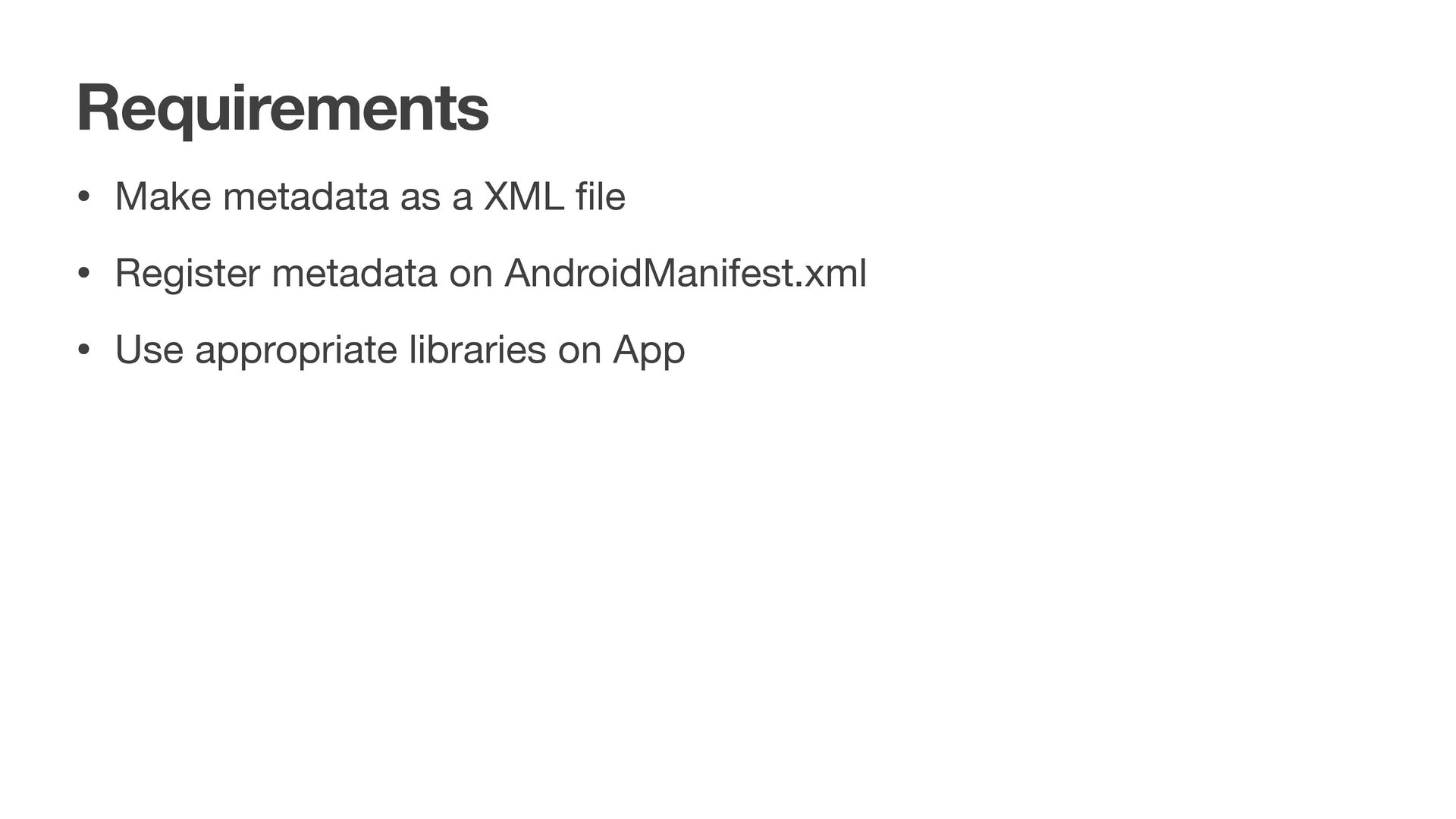
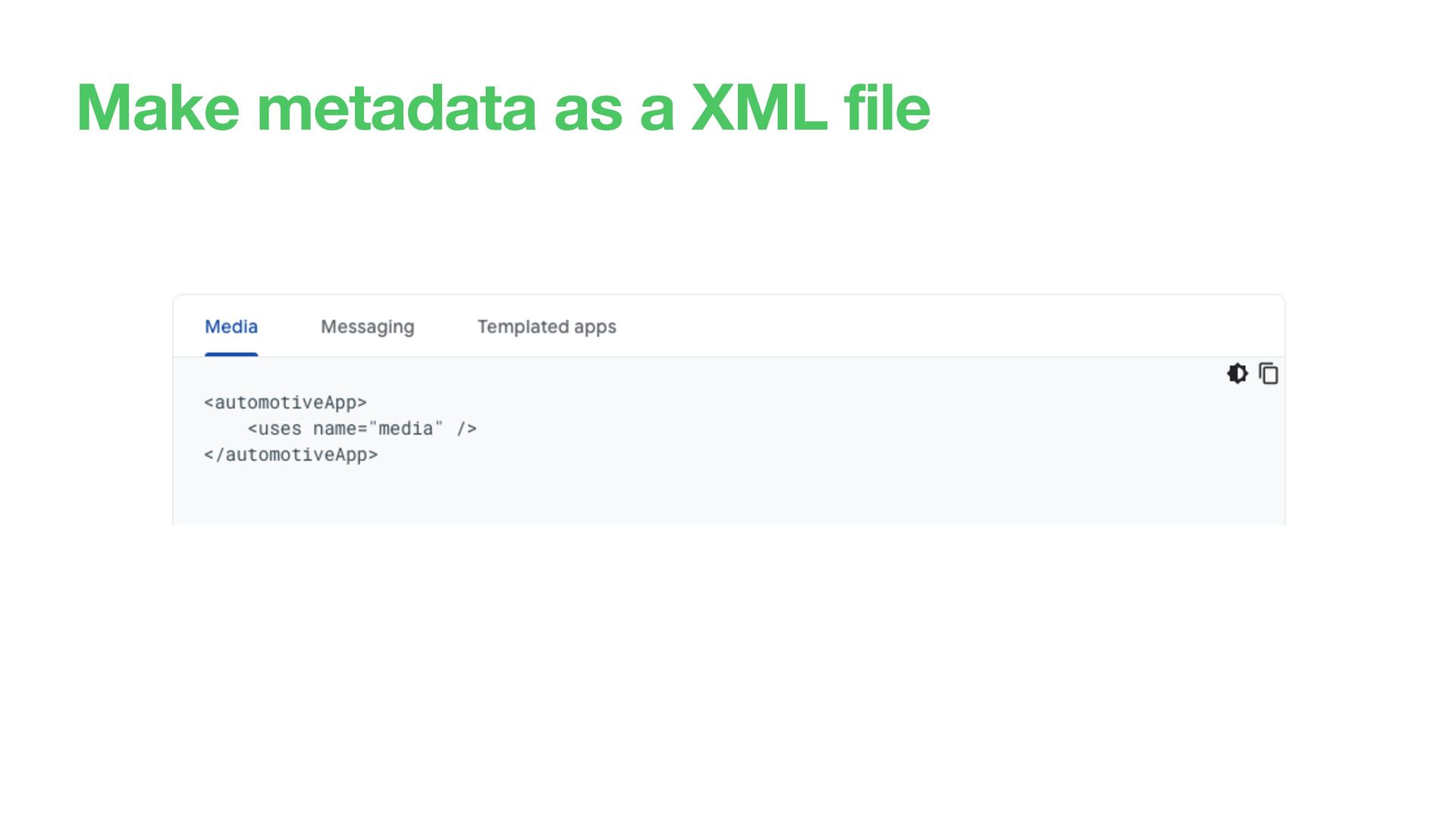
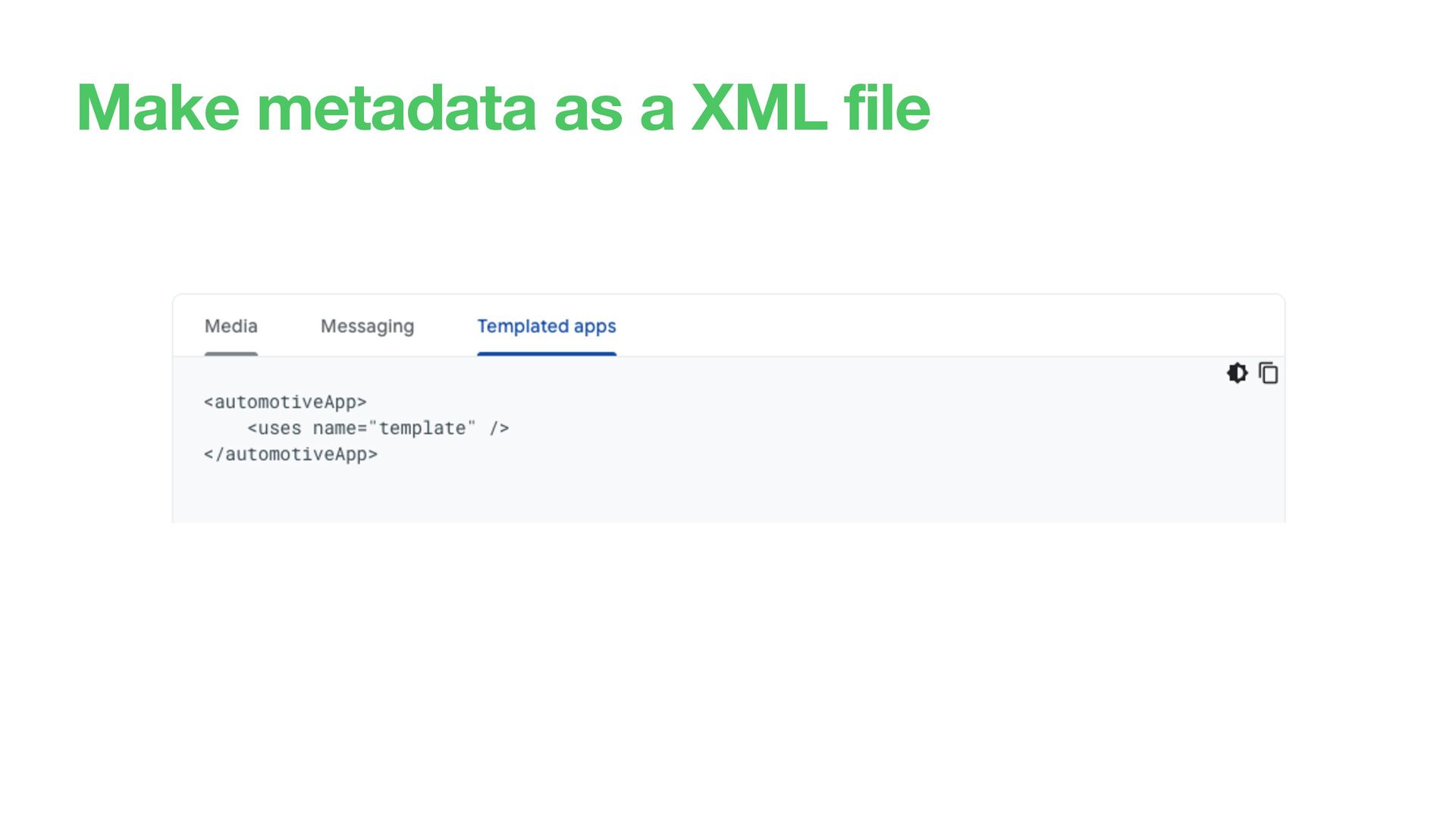
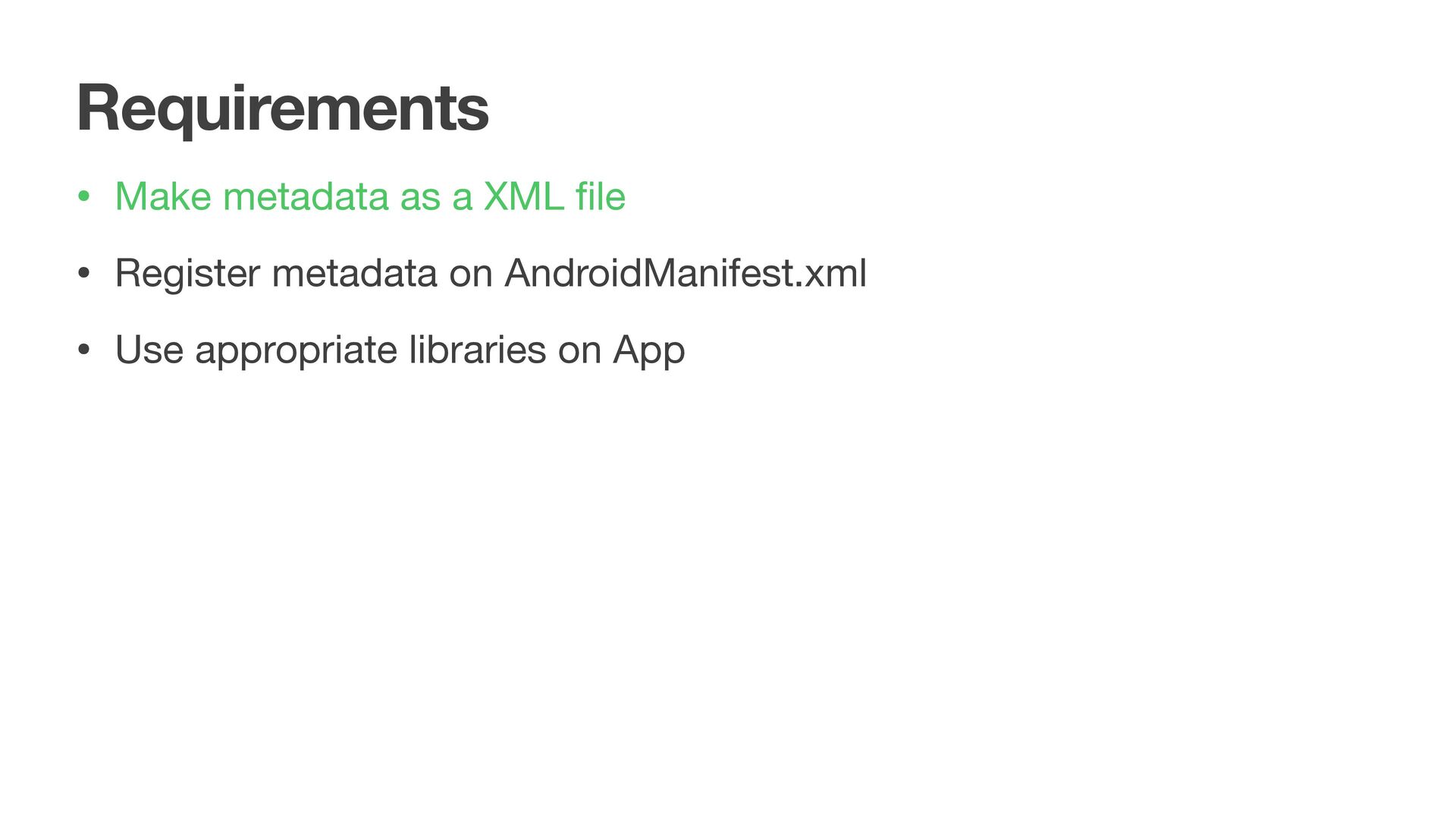
Requirements • Make metadata as a XML fi le •
Register metadata on AndroidManifest.xml • Use appropriate libraries on App -
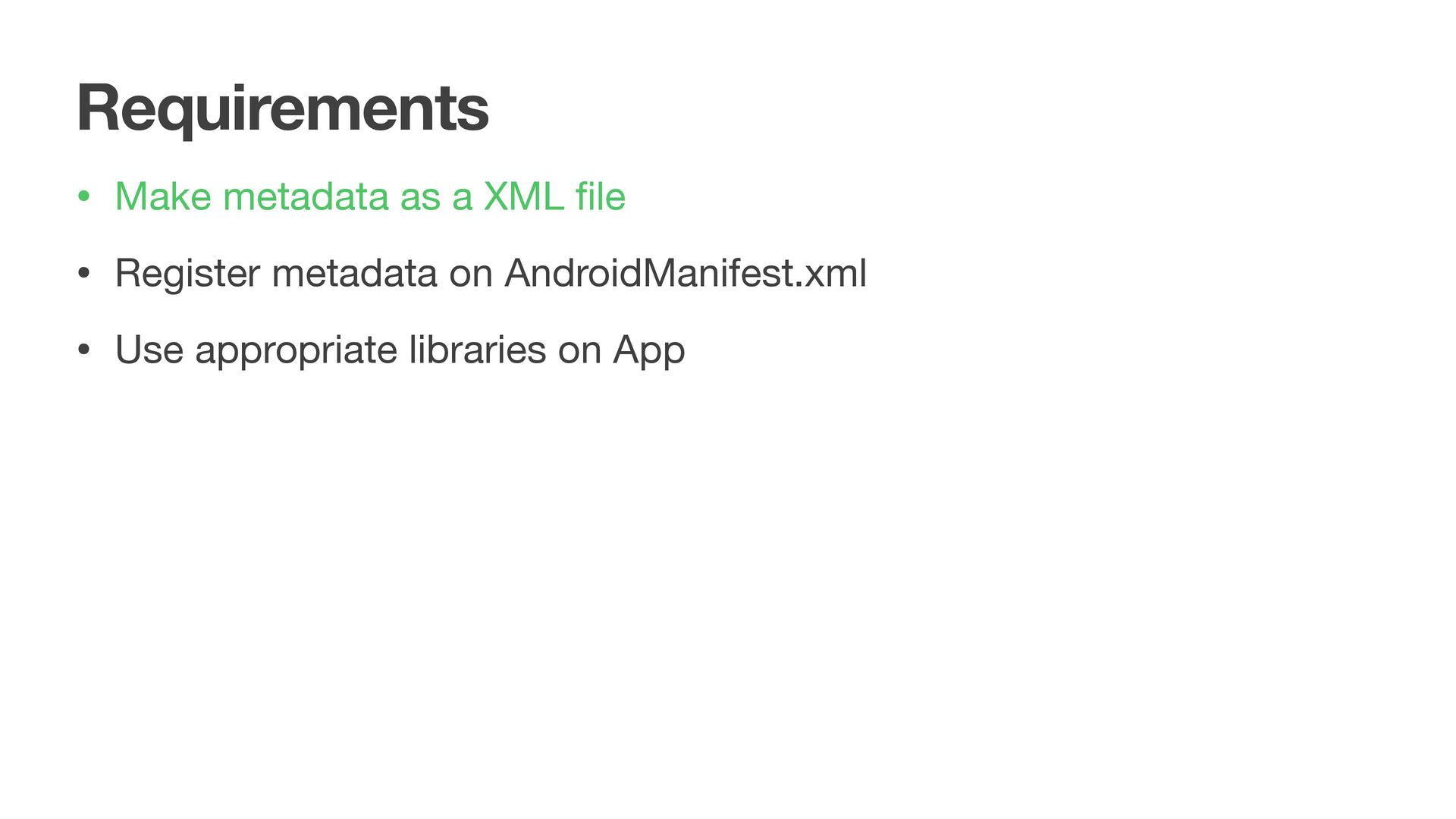
Requirements • Make metadata as a XML fi le •
Register metadata on AndroidManifest.xml • Use appropriate libraries on App -
Requirements • Make metadata as a XML fi le •
Register metadata on AndroidManifest.xml • Use appropriate libraries on App -
Requirements • Make metadata as a XML fi le •
Register metadata on AndroidManifest.xml • Use appropriate libraries on App -
Requirements • Make metadata as a XML fi le •
Register metadata on AndroidManifest.xml • Use appropriate libraries on App -
Requirements • Make metadata as a XML fi le •
Register metadata on AndroidManifest.xml • Use appropriate libraries on App -
Table of content • De fi nitions • Requirements •
How to support Android Auto for messaging type • Pitfalls to support Android Auto on the existing app -
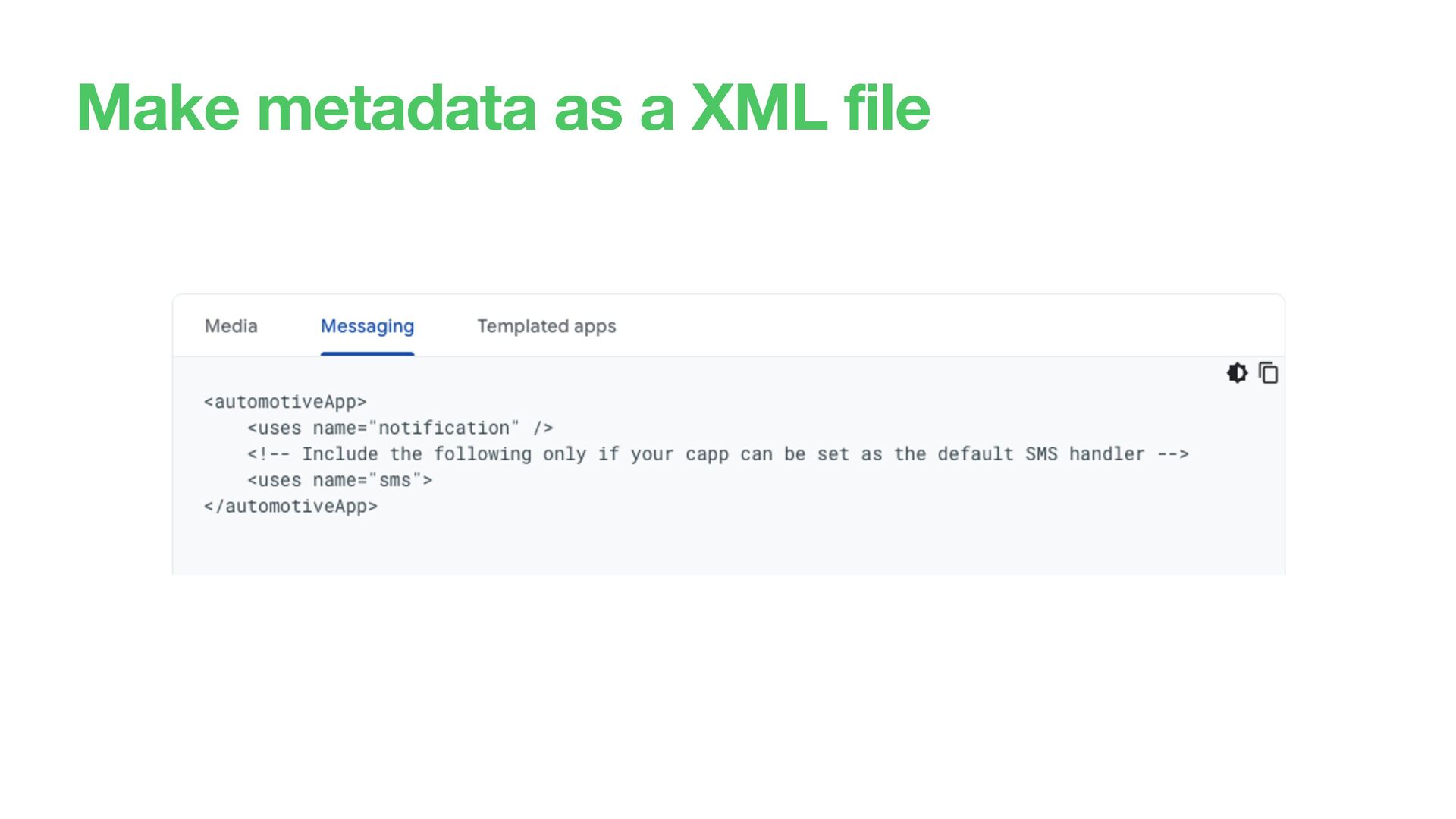
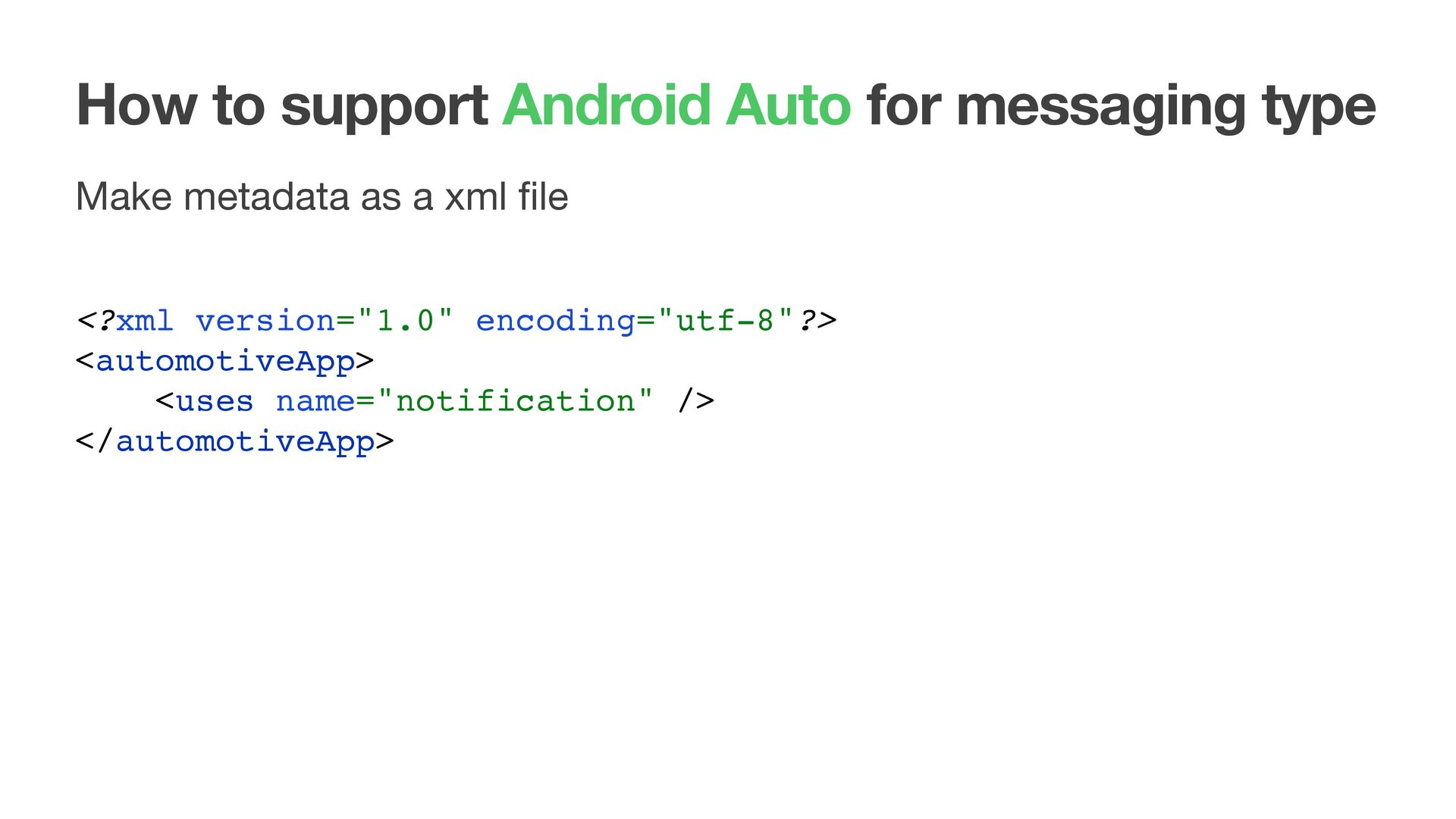
How to support Android Auto for messaging type Make metadata
as a xml fi le <?xml version="1.0" encoding="utf-8"?> <automotiveApp> <uses name="notification" /> </automotiveApp> -
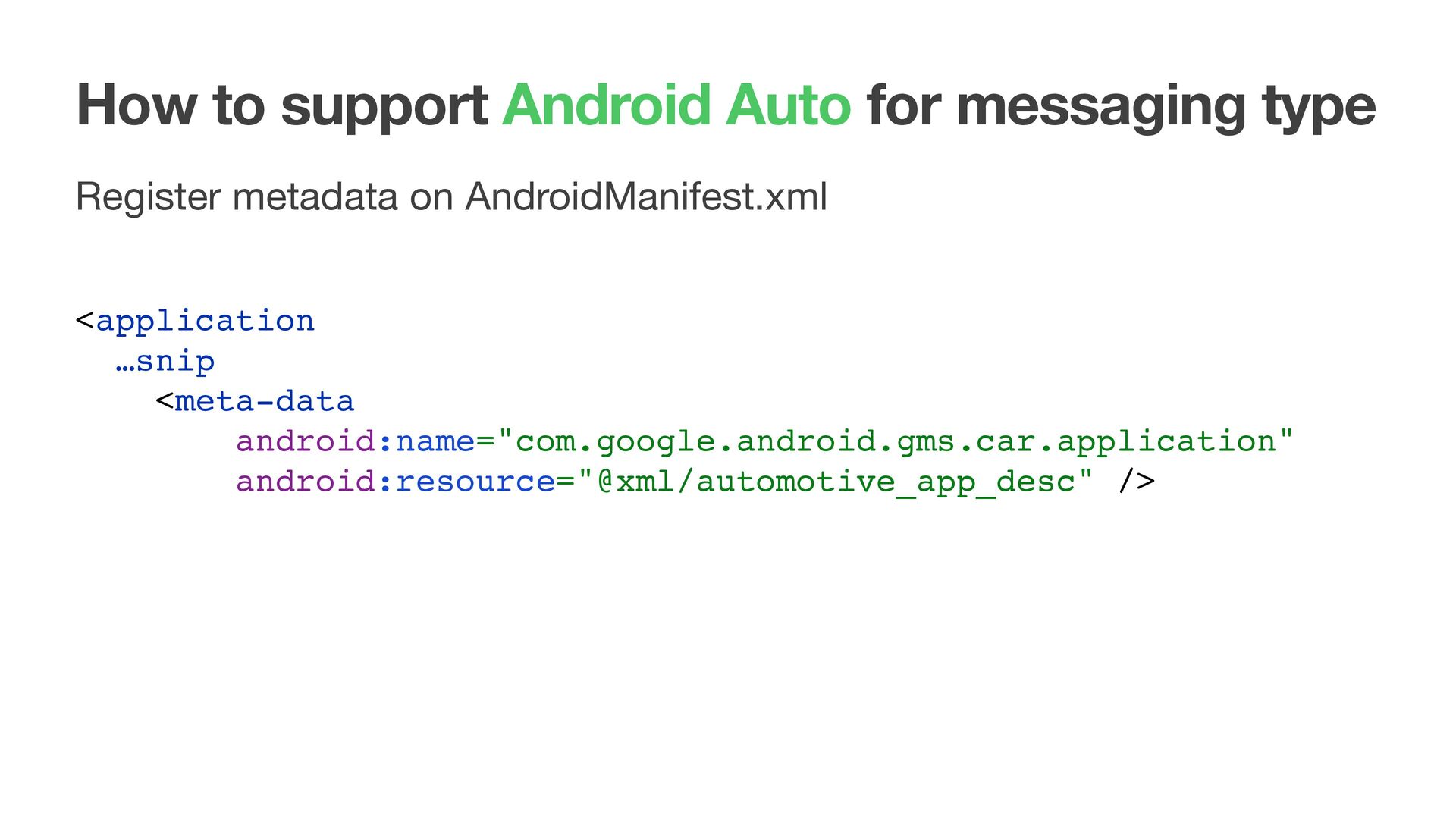
How to support Android Auto for messaging type Register metadata
on AndroidManifest.xml <application …snip <meta-data android:name="com.google.android.gms.car.application" android:resource="@xml/automotive_app_desc" /> -
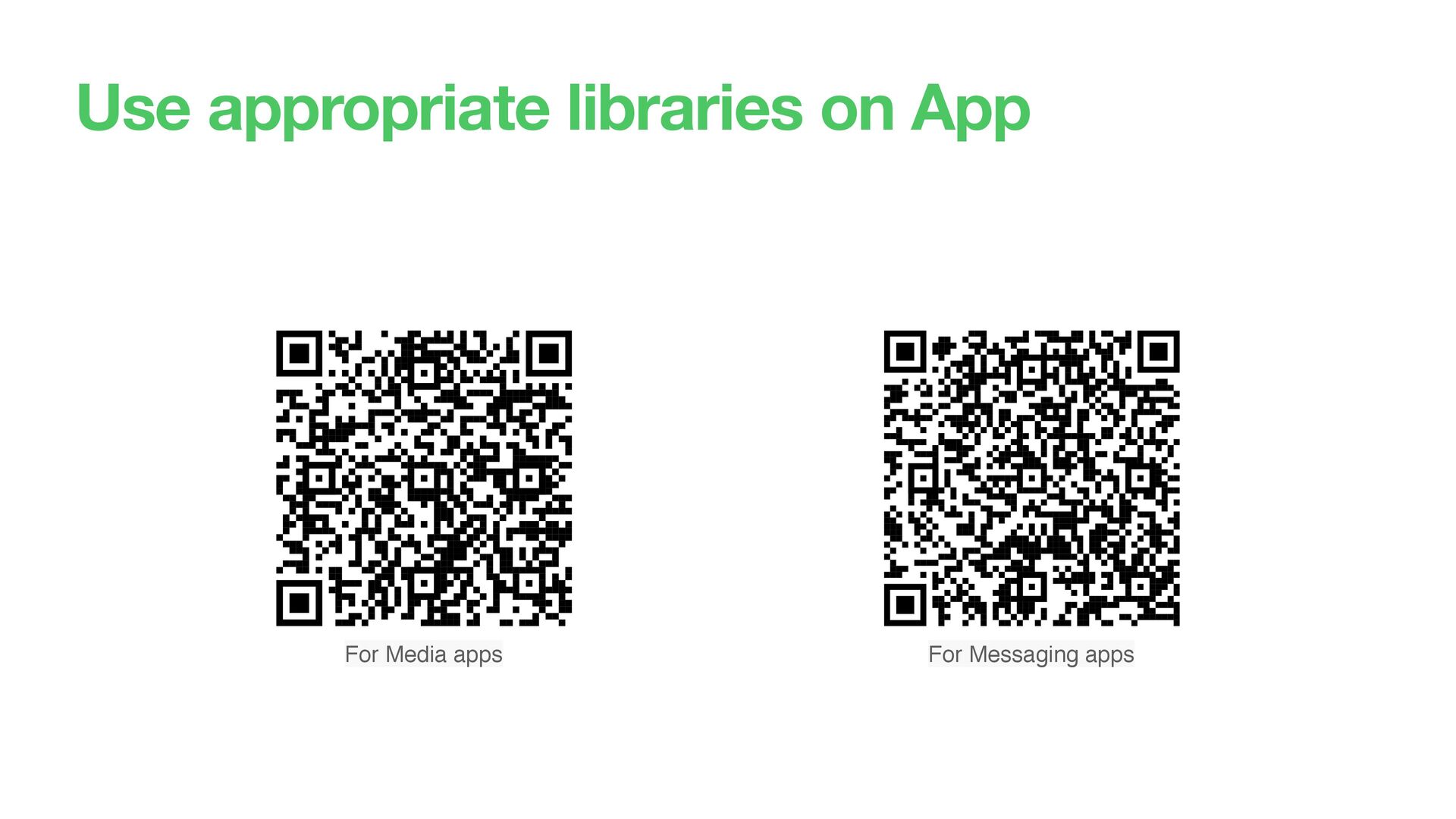
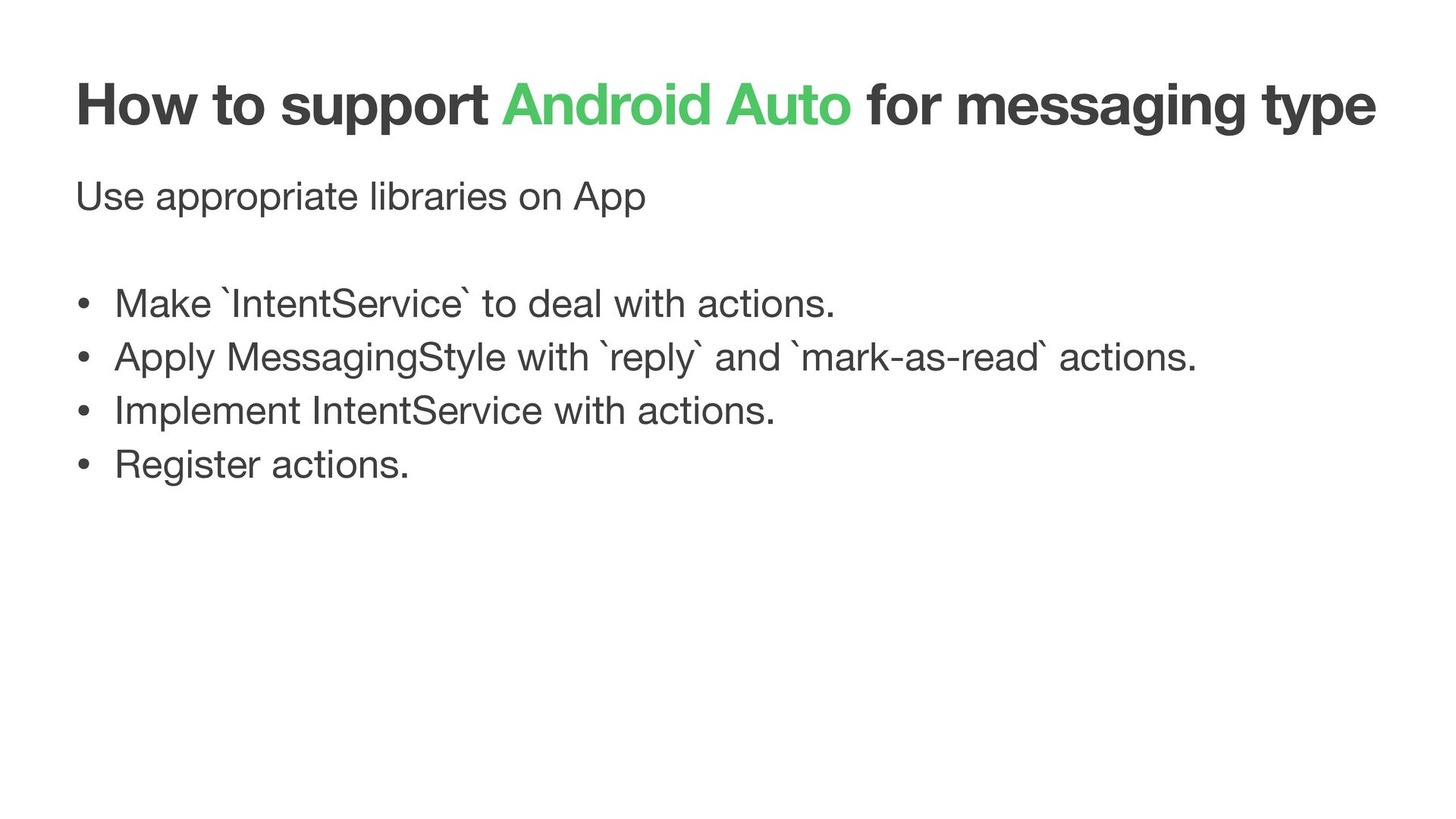
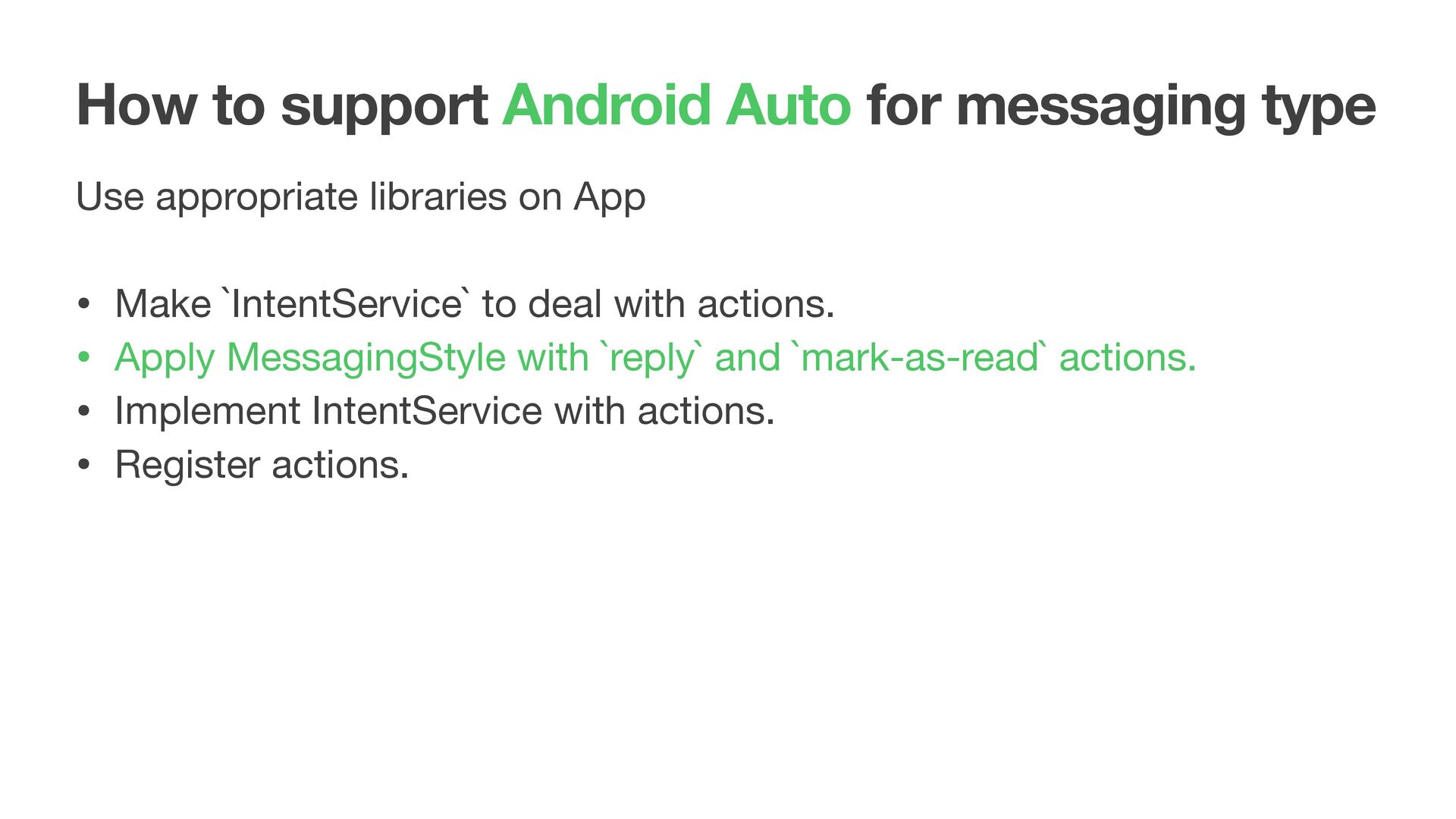
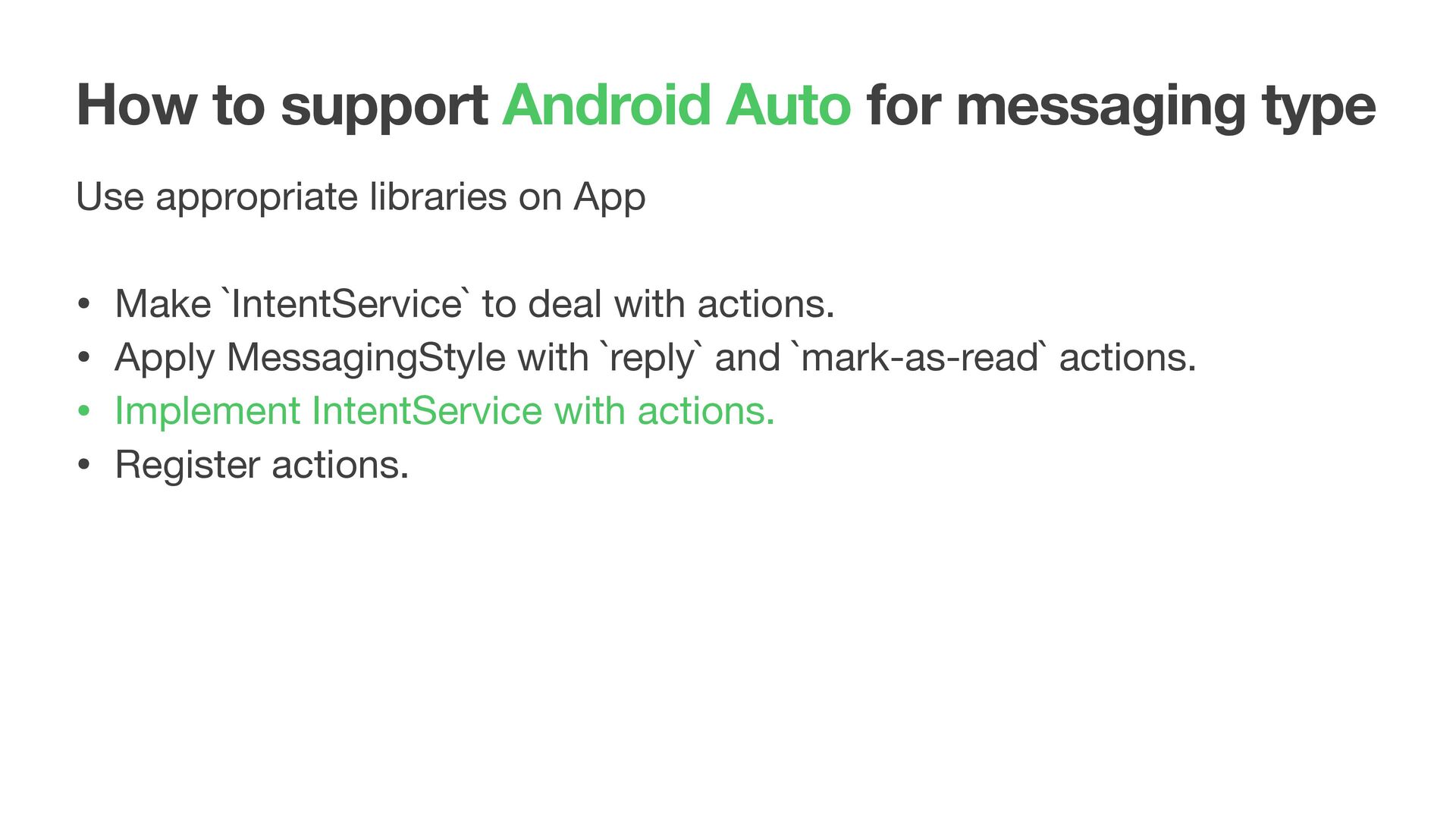
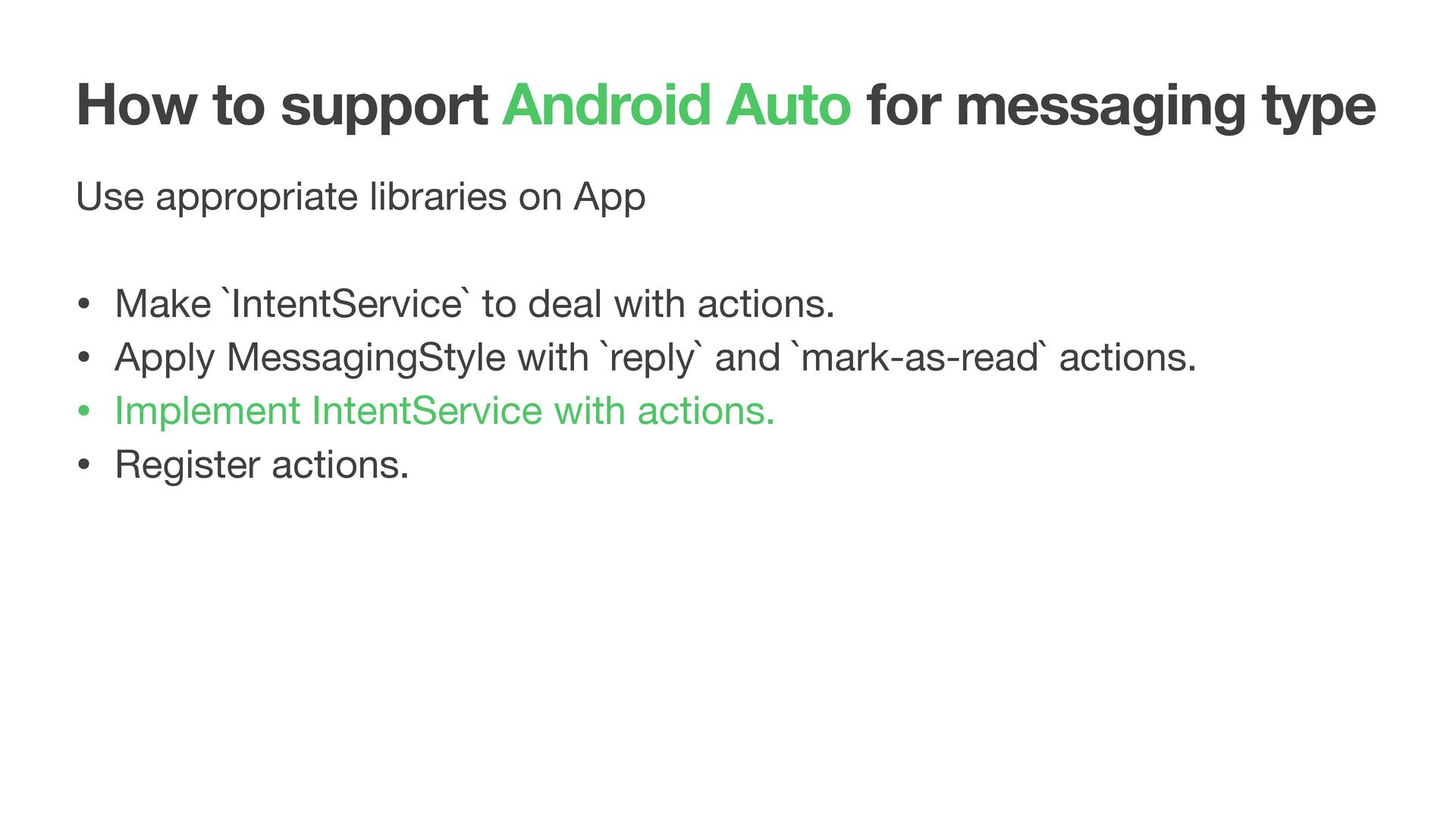
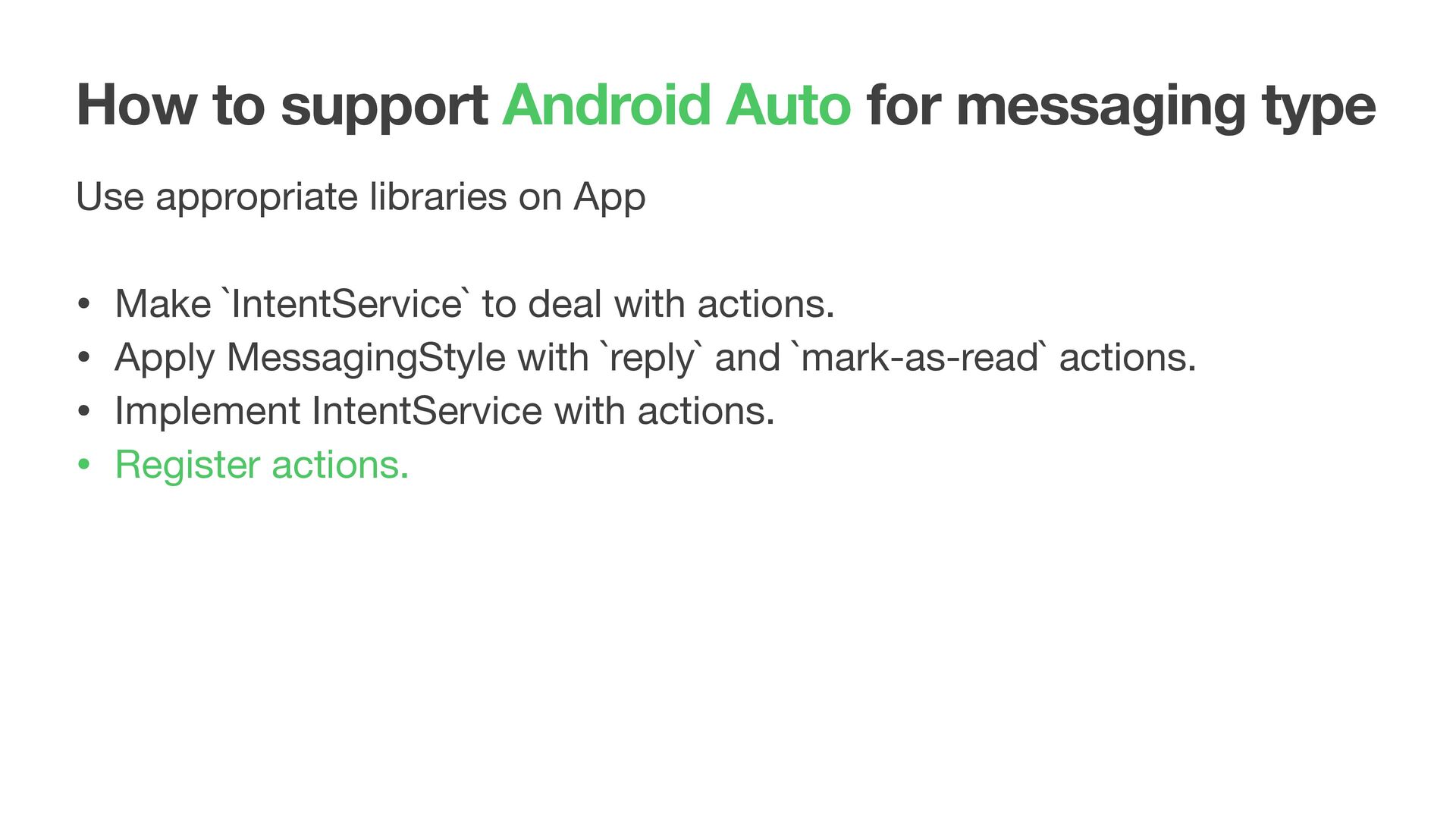
How to support Android Auto for messaging type Use appropriate
libraries on App • Make `IntentService` to deal with actions. • Apply MessagingStyle with `reply` and `mark-as-read` actions. • Implement IntentService with actions. • Register actions. -
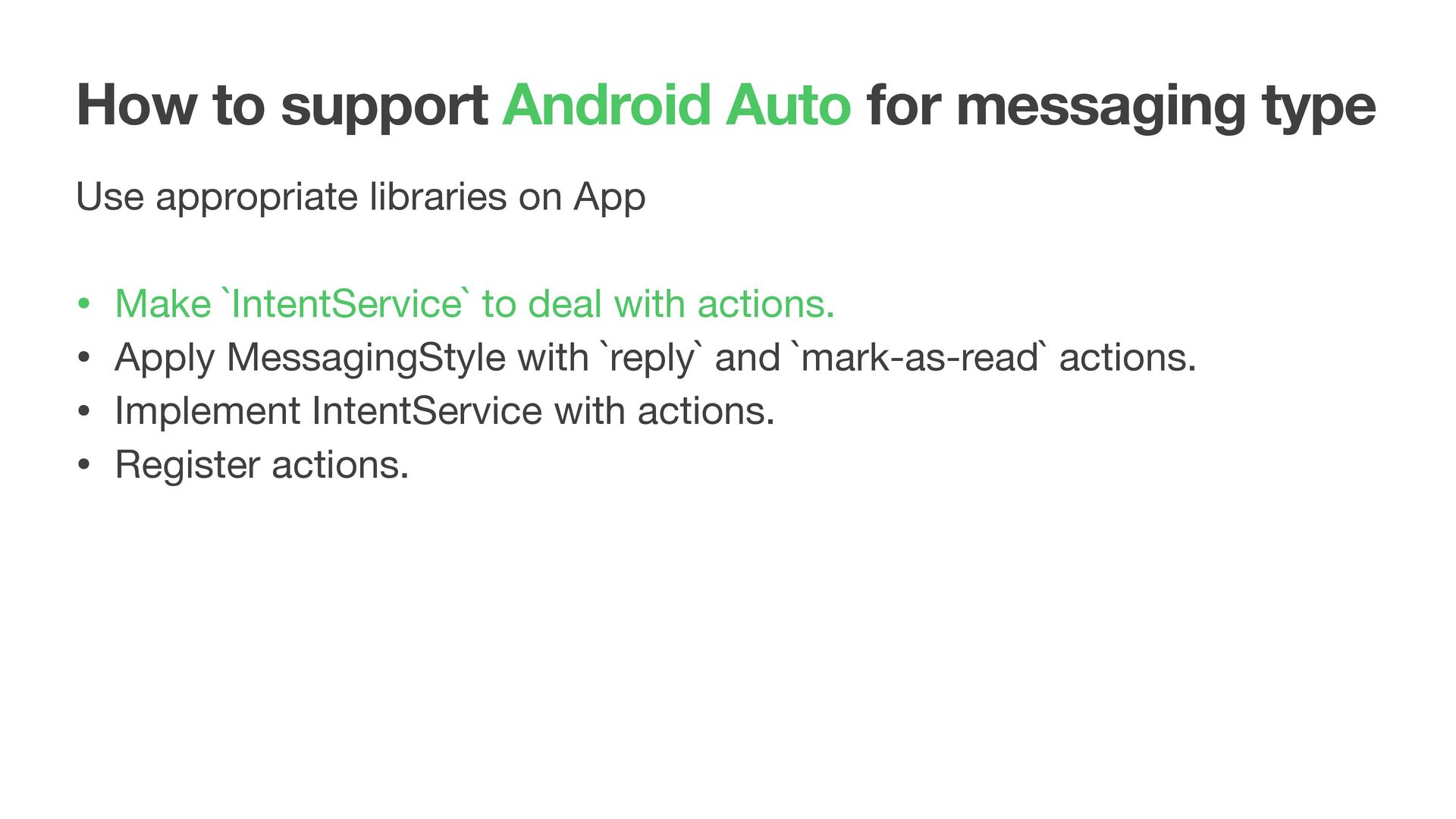
How to support Android Auto for messaging type Use appropriate
libraries on App • Make `IntentService` to deal with actions. • Apply MessagingStyle with `reply` and `mark-as-read` actions. • Implement IntentService with actions. • Register actions. -
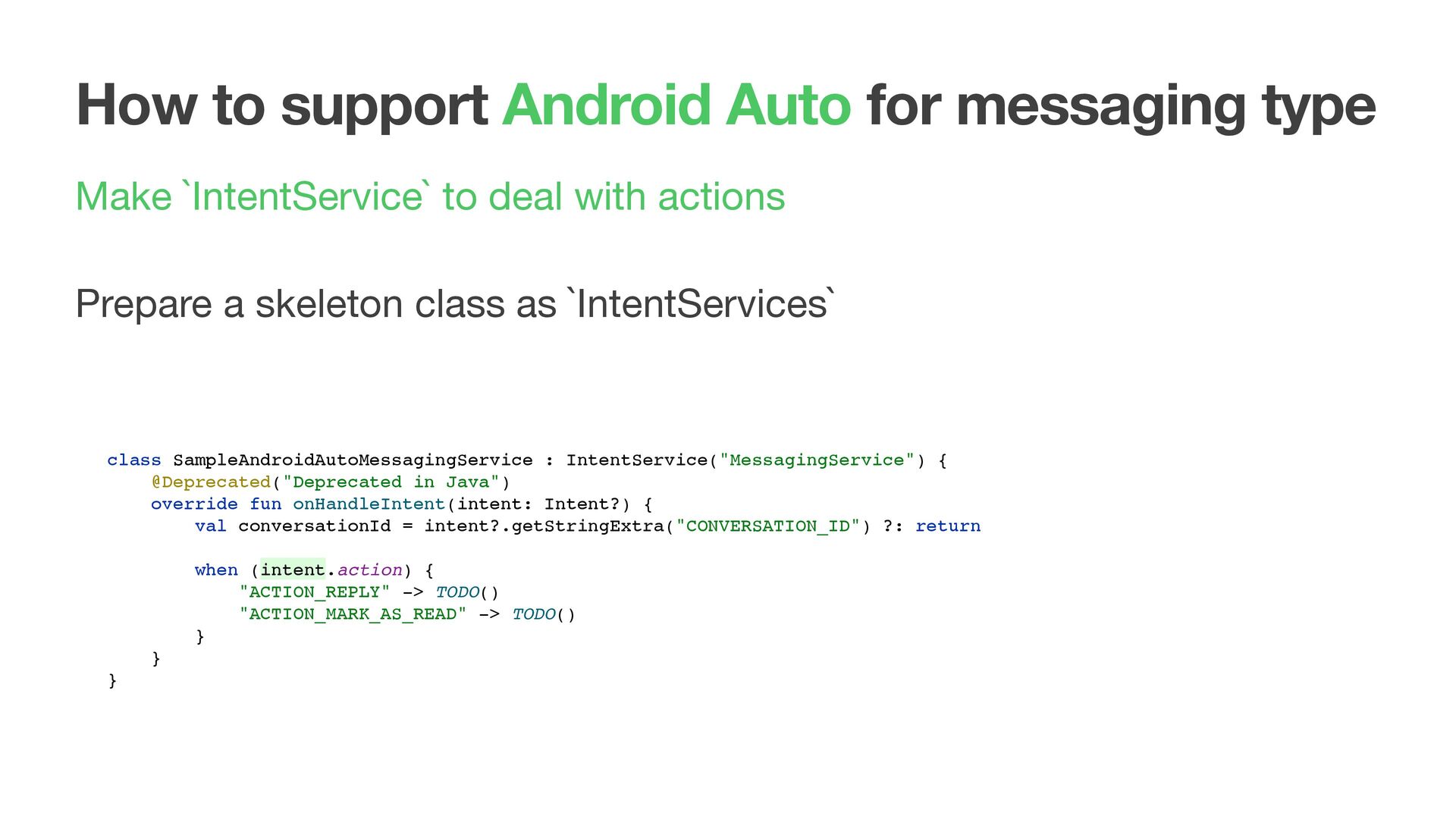
How to support Android Auto for messaging type Make `IntentService`
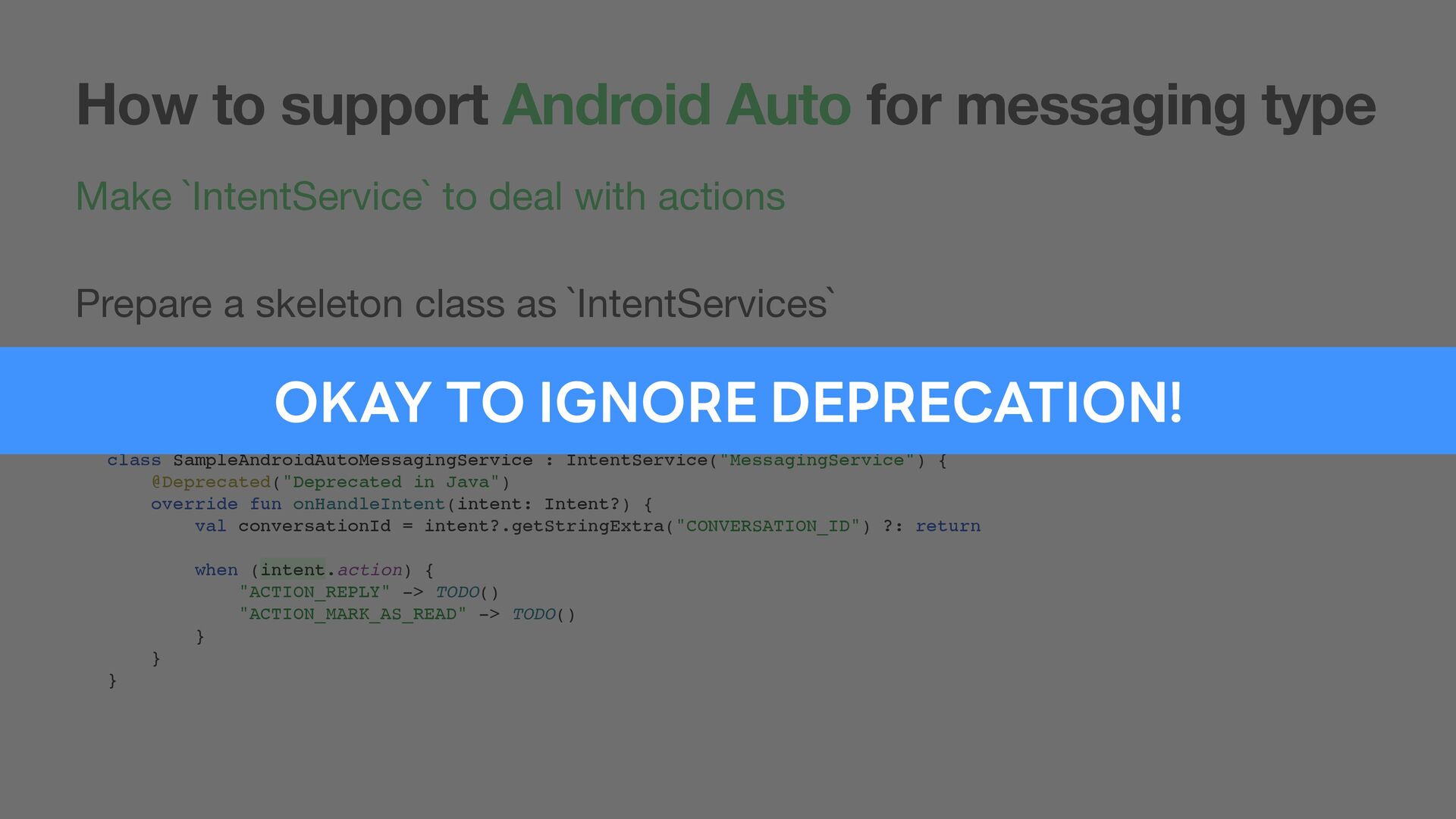
to deal with actions Prepare a skeleton class as `IntentServices` class SampleAndroidAutoMessagingService : IntentService("MessagingService") { @Deprecated("Deprecated in Java") override fun onHandleIntent(intent: Intent?) { val conversationId = intent?.getStringExtra("CONVERSATION_ID") ?: return when (intent.action) { "ACTION_REPLY" -> TODO() "ACTION_MARK_AS_READ" -> TODO() } } } -
How to support Android Auto for messaging type Make `IntentService`
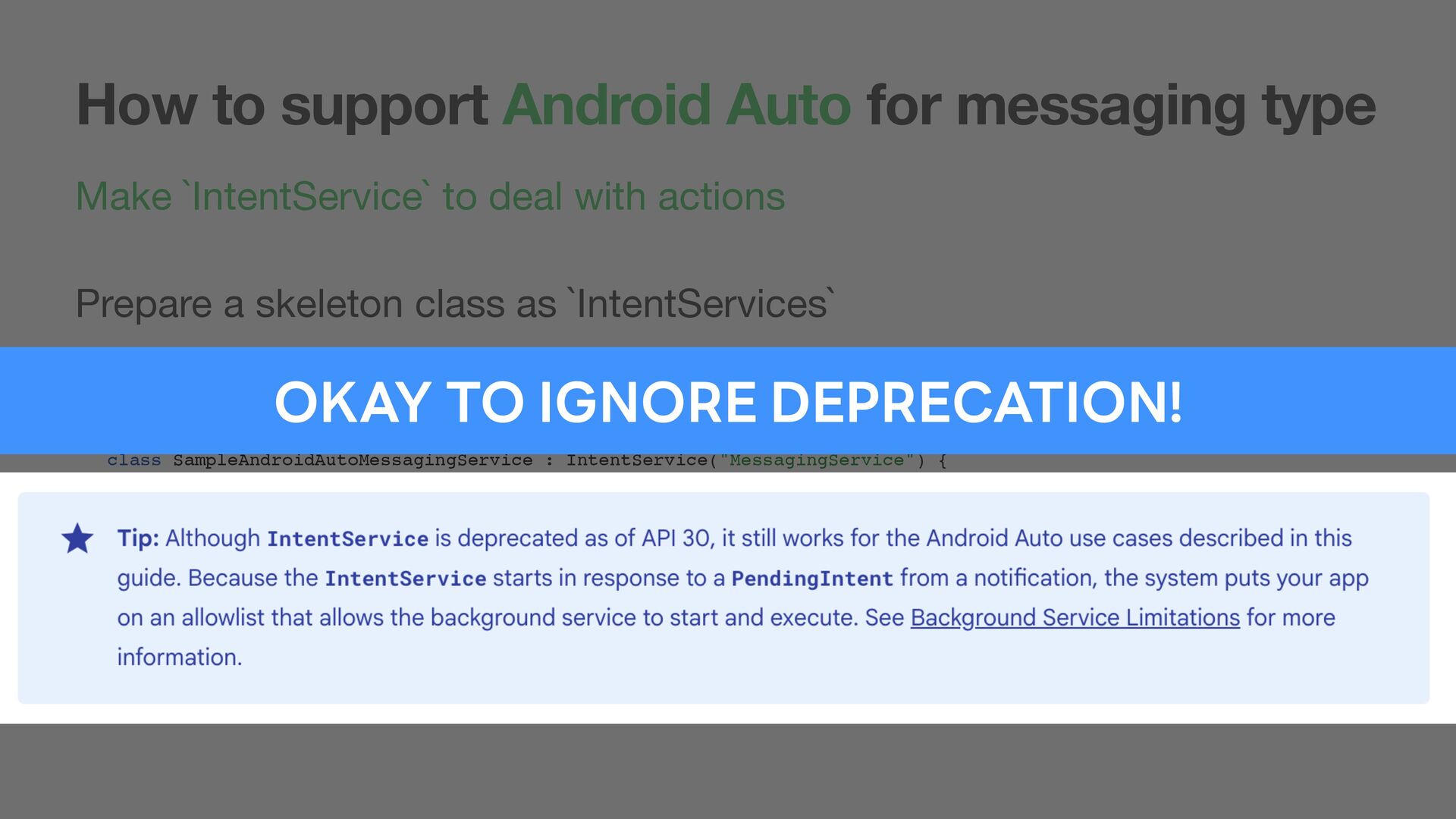
to deal with actions Prepare a skeleton class as `IntentServices` class SampleAndroidAutoMessagingService : IntentService("MessagingService") { @Deprecated("Deprecated in Java") override fun onHandleIntent(intent: Intent?) { val conversationId = intent?.getStringExtra("CONVERSATION_ID") ?: return when (intent.action) { "ACTION_REPLY" -> TODO() "ACTION_MARK_AS_READ" -> TODO() } } } OKAY TO IGNORE DEPRECATION! -
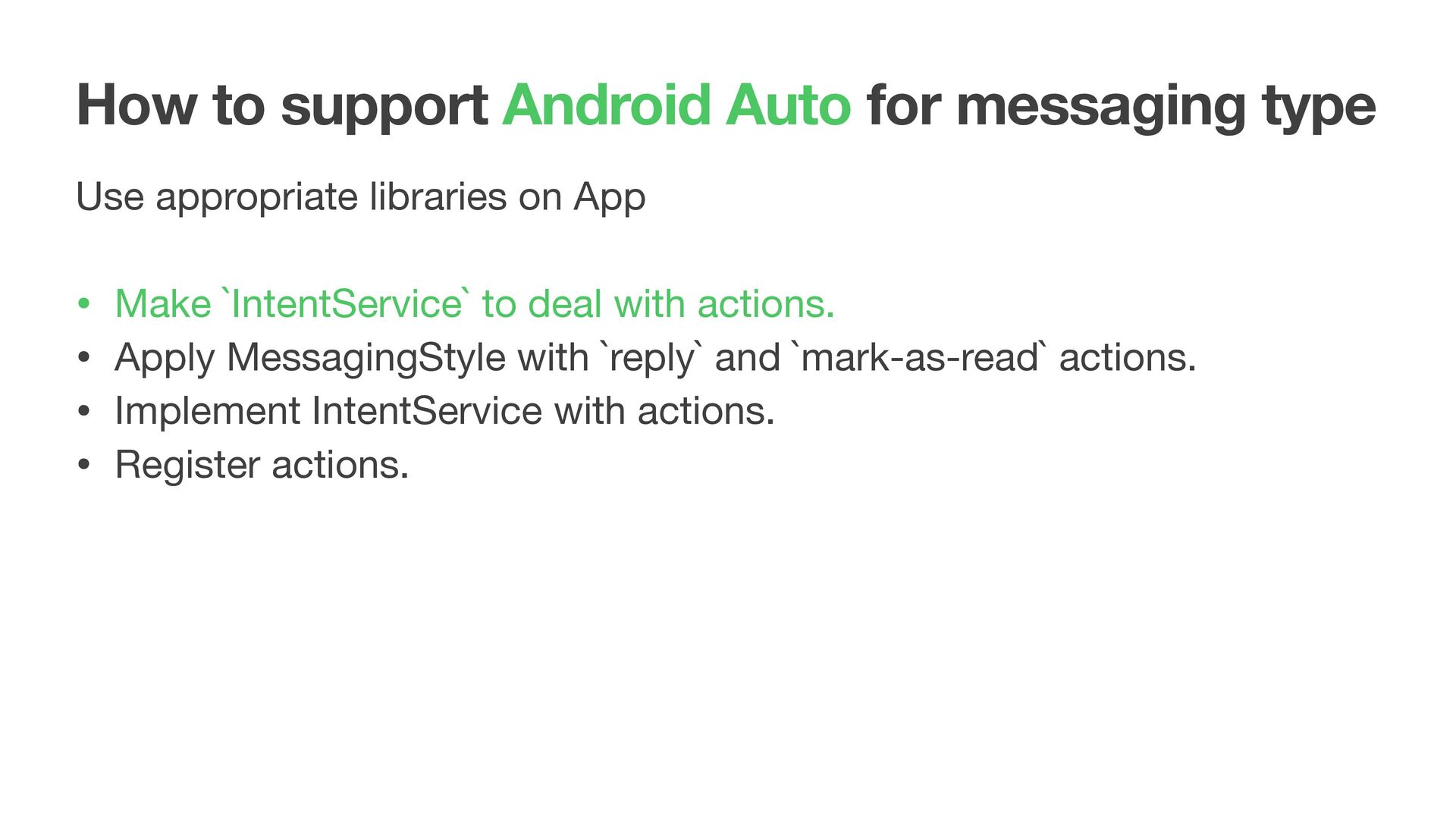
How to support Android Auto for messaging type Use appropriate
libraries on App • Make `IntentService` to deal with actions. • Apply MessagingStyle with `reply` and `mark-as-read` actions. • Implement IntentService with actions. • Register actions. -
How to support Android Auto for messaging type Use appropriate
libraries on App • Make `IntentService` to deal with actions. • Apply MessagingStyle with `reply` and `mark-as-read` actions. • Implement IntentService with actions. • Register actions. -
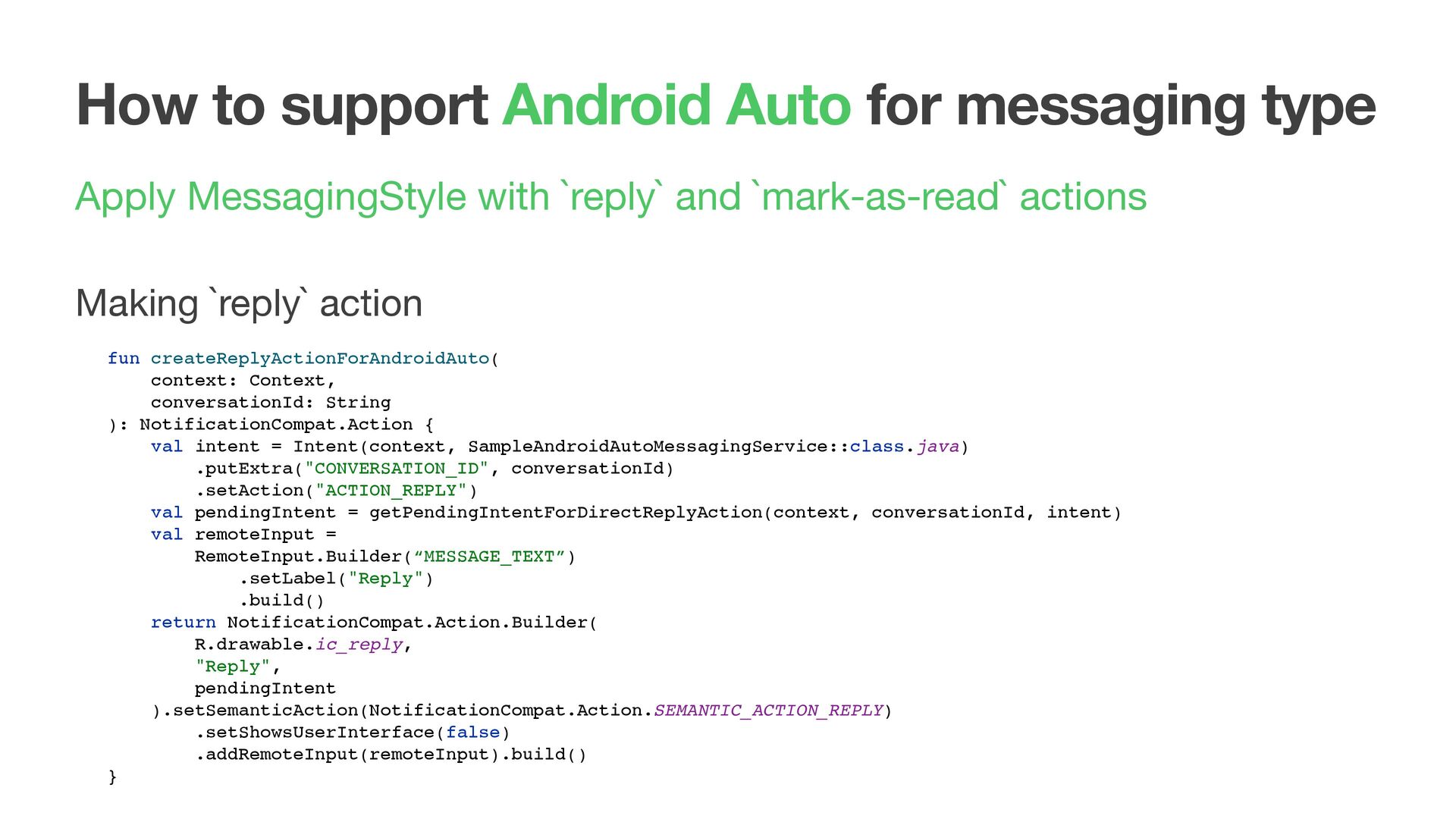
How to support Android Auto for messaging type Apply MessagingStyle
with `reply` and `mark-as-read` actions Making `reply` action fun createReplyActionForAndroidAuto( context: Context, conversationId: String ): NotificationCompat.Action { val intent = Intent(context, SampleAndroidAutoMessagingService::class.java) .putExtra("CONVERSATION_ID", conversationId) .setAction("ACTION_REPLY") val pendingIntent = getPendingIntentForDirectReplyAction(context, conversationId, intent) val remoteInput = RemoteInput.Builder(“MESSAGE_TEXT”) .setLabel("Reply") .build() return NotificationCompat.Action.Builder( R.drawable.ic_reply, "Reply", pendingIntent ).setSemanticAction(NotificationCompat.Action.SEMANTIC_ACTION_REPLY) .setShowsUserInterface(false) .addRemoteInput(remoteInput).build() } -
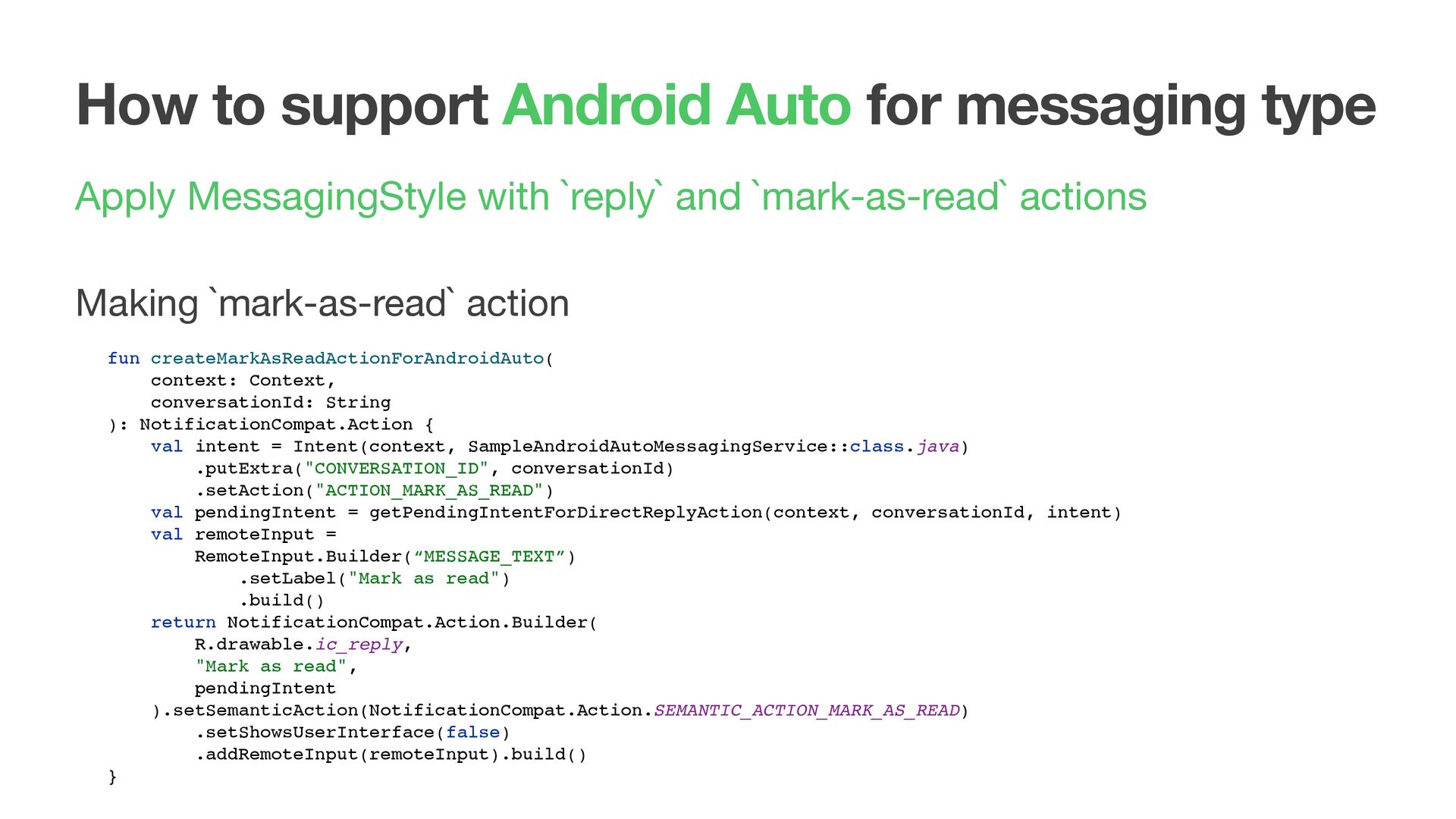
How to support Android Auto for messaging type Apply MessagingStyle
with `reply` and `mark-as-read` actions Making `mark-as-read` action fun createMarkAsReadActionForAndroidAuto( context: Context, conversationId: String ): NotificationCompat.Action { val intent = Intent(context, SampleAndroidAutoMessagingService::class.java) .putExtra("CONVERSATION_ID", conversationId) .setAction("ACTION_MARK_AS_READ") val pendingIntent = getPendingIntentForDirectReplyAction(context, conversationId, intent) val remoteInput = RemoteInput.Builder(“MESSAGE_TEXT”) .setLabel("Mark as read") .build() return NotificationCompat.Action.Builder( R.drawable.ic_reply, "Mark as read", pendingIntent ).setSemanticAction(NotificationCompat.Action.SEMANTIC_ACTION_MARK_AS_READ) .setShowsUserInterface(false) .addRemoteInput(remoteInput).build() } -
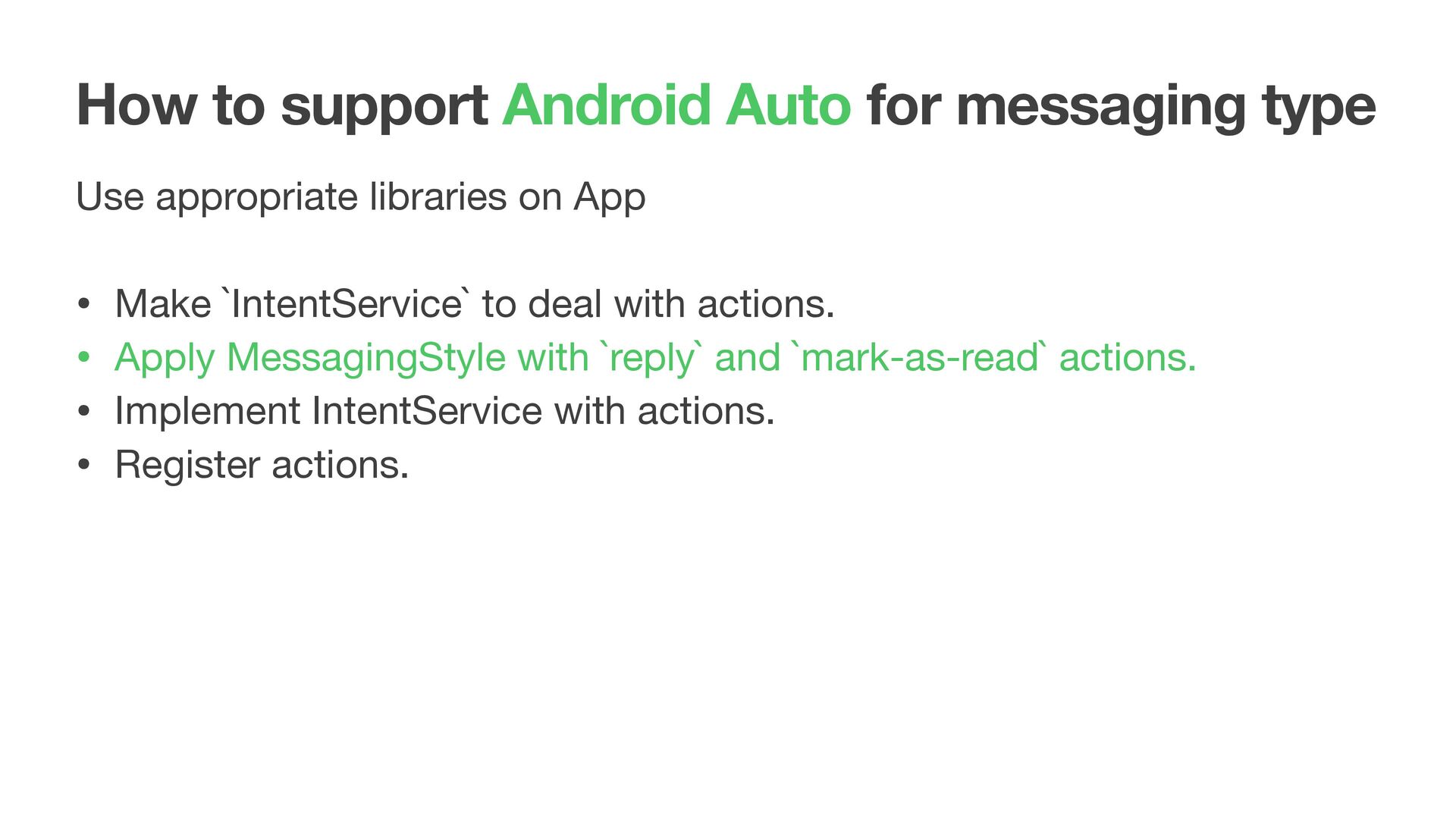
How to support Android Auto for messaging type Use appropriate
libraries on App • Make `IntentService` to deal with actions. • Apply MessagingStyle with `reply` and `mark-as-read` actions. • Implement IntentService with actions. • Register actions. -
How to support Android Auto for messaging type Use appropriate
libraries on App • Make `IntentService` to deal with actions. • Apply MessagingStyle with `reply` and `mark-as-read` actions. • Implement IntentService with actions. • Register actions. -
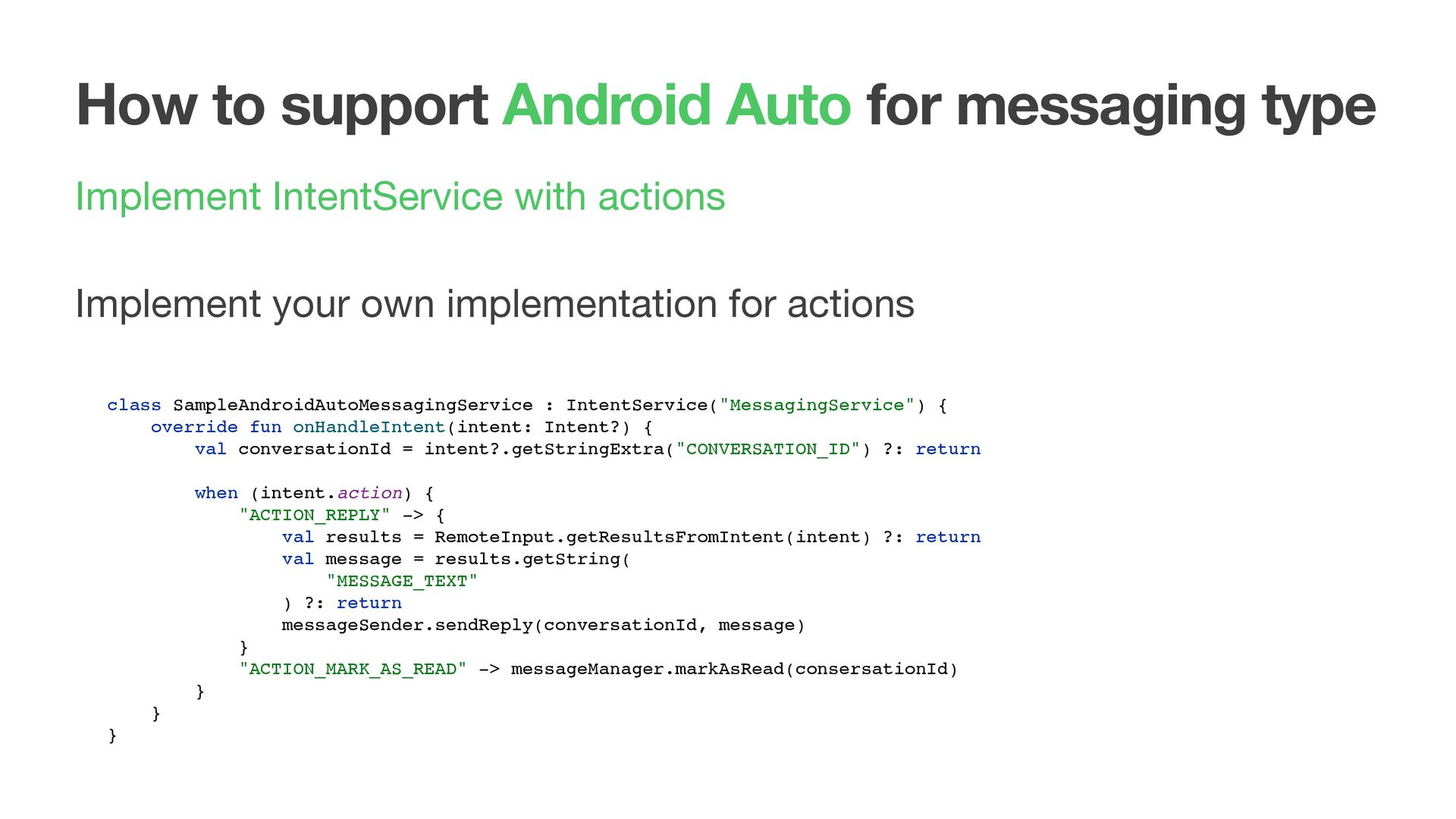
How to support Android Auto for messaging type Implement IntentService
with actions Implement your own implementation for actions class SampleAndroidAutoMessagingService : IntentService("MessagingService") { override fun onHandleIntent(intent: Intent?) { val conversationId = intent?.getStringExtra("CONVERSATION_ID") ?: return when (intent.action) { "ACTION_REPLY" -> { val results = RemoteInput.getResultsFromIntent(intent) ?: return val message = results.getString( "MESSAGE_TEXT" ) ?: return messageSender.sendReply(conversationId, message) } "ACTION_MARK_AS_READ" -> messageManager.markAsRead(consersationId) } } } -
How to support Android Auto for messaging type Use appropriate
libraries on App • Make `IntentService` to deal with actions. • Apply MessagingStyle with `reply` and `mark-as-read` actions. • Implement IntentService with actions. • Register actions. -
How to support Android Auto for messaging type Use appropriate
libraries on App • Make `IntentService` to deal with actions. • Apply MessagingStyle with `reply` and `mark-as-read` actions. • Implement IntentService with actions. • Register actions. -
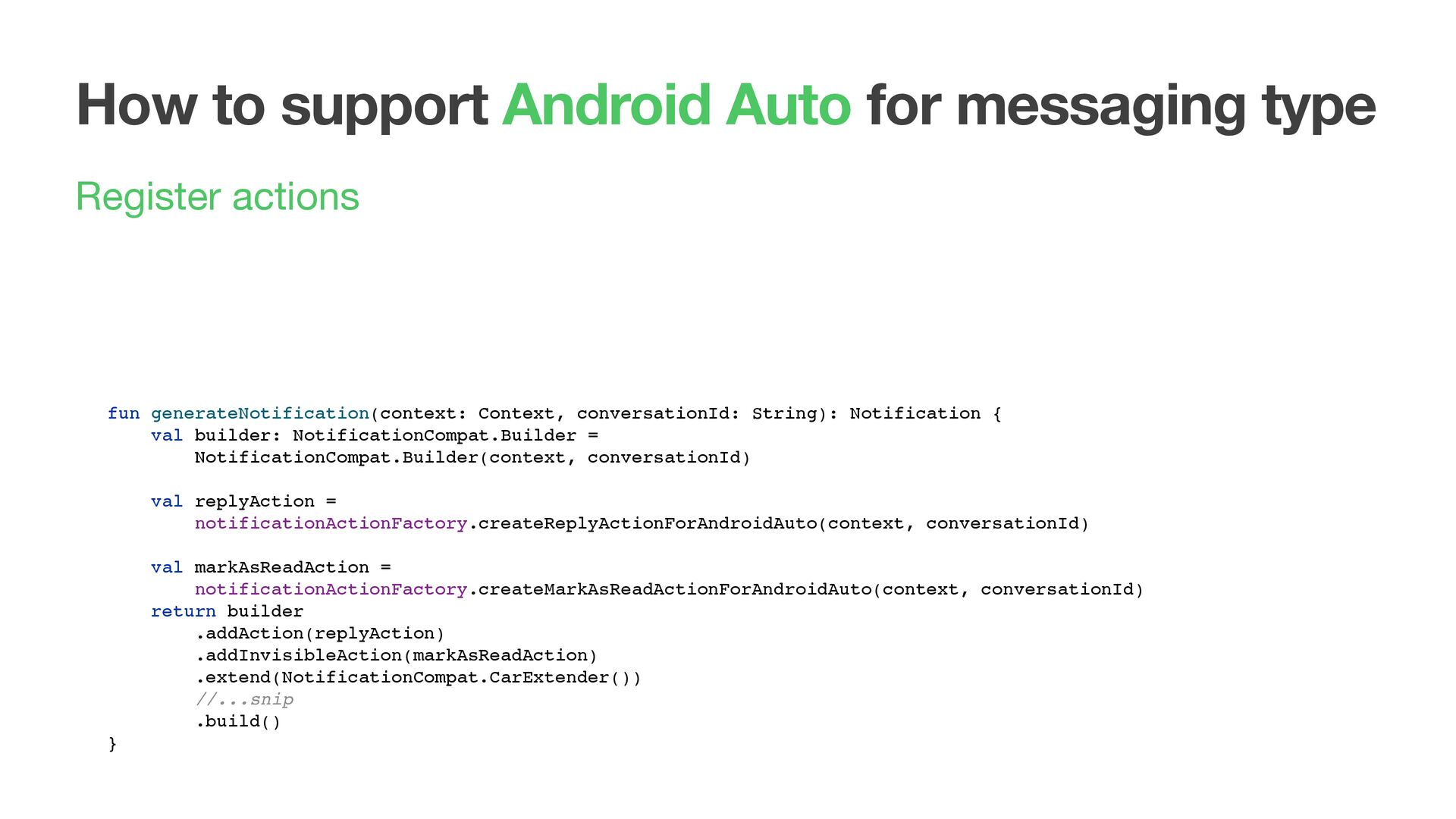
How to support Android Auto for messaging type Register actions
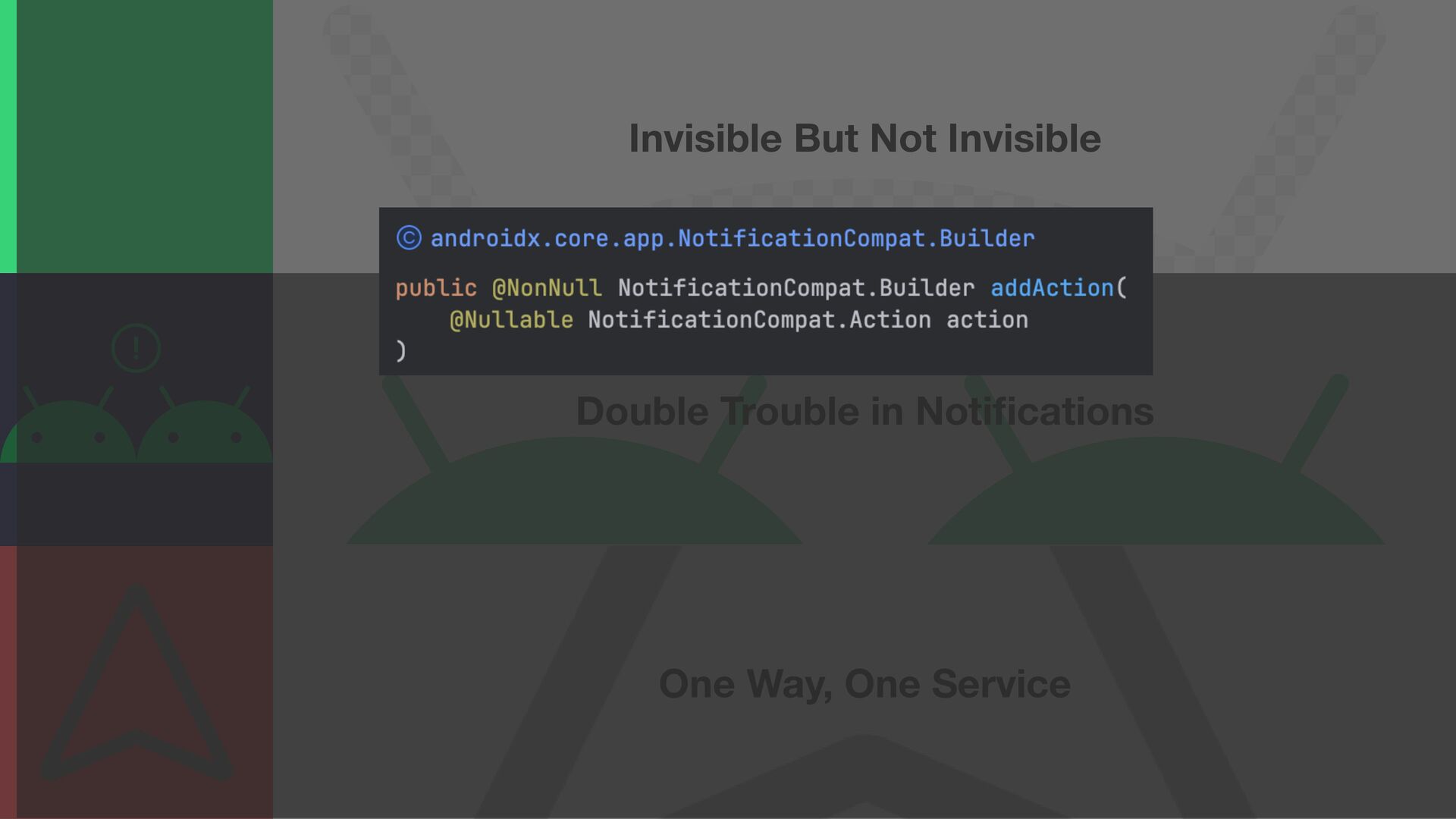
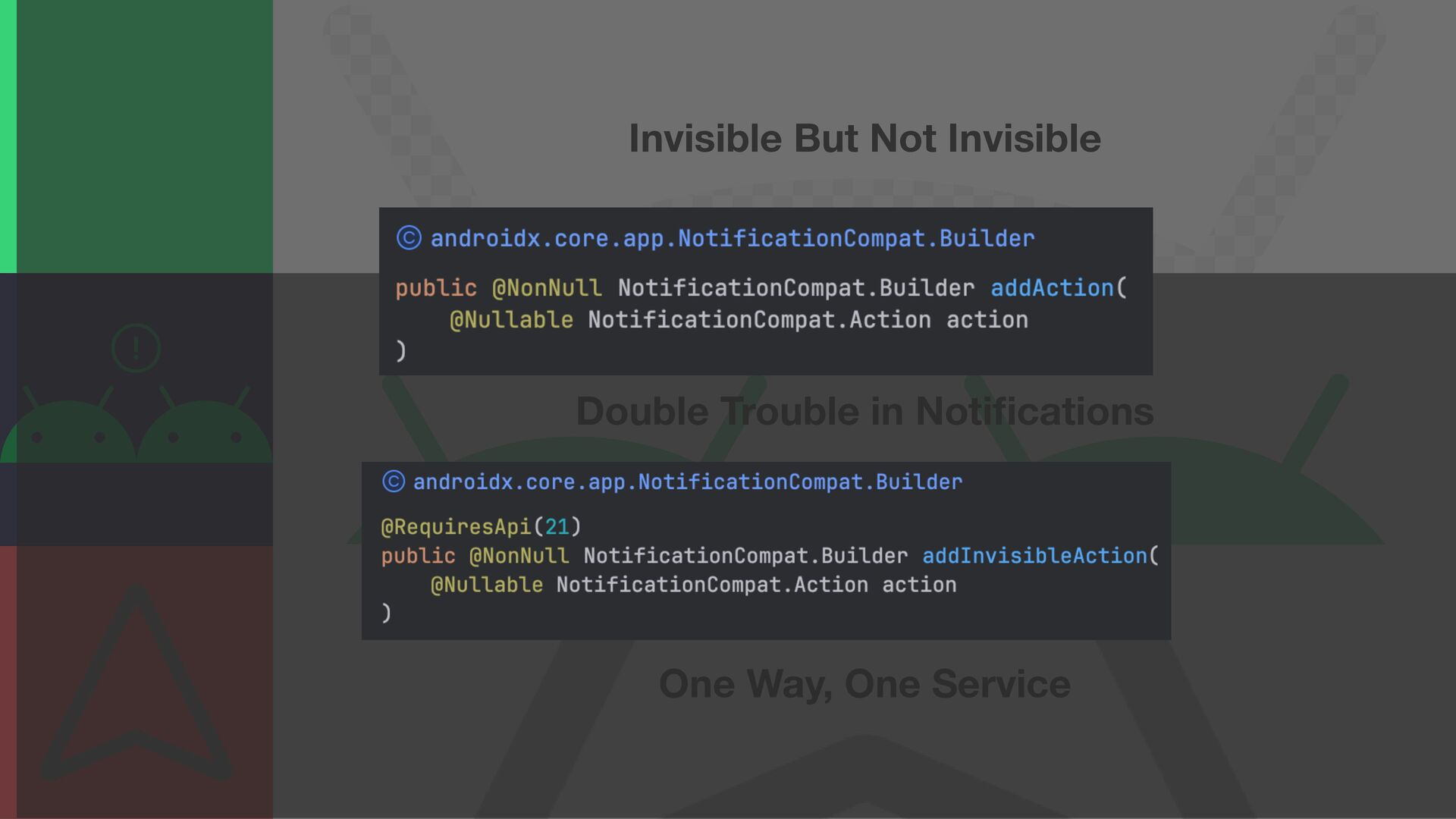
fun generateNotification(context: Context, conversationId: String): Notification { val builder: NotificationCompat.Builder = NotificationCompat.Builder(context, conversationId) val replyAction = notificationActionFactory.createReplyActionForAndroidAuto(context, conversationId) val markAsReadAction = notificationActionFactory.createMarkAsReadActionForAndroidAuto(context, conversationId) return builder .addAction(replyAction) .addInvisibleAction(markAsReadAction) .extend(NotificationCompat.CarExtender()) //...snip .build() } -
Table of content • De fi nitions • Requirements •
How to support Android Auto for messaging type • Pitfalls to support Android Auto on the existing app -
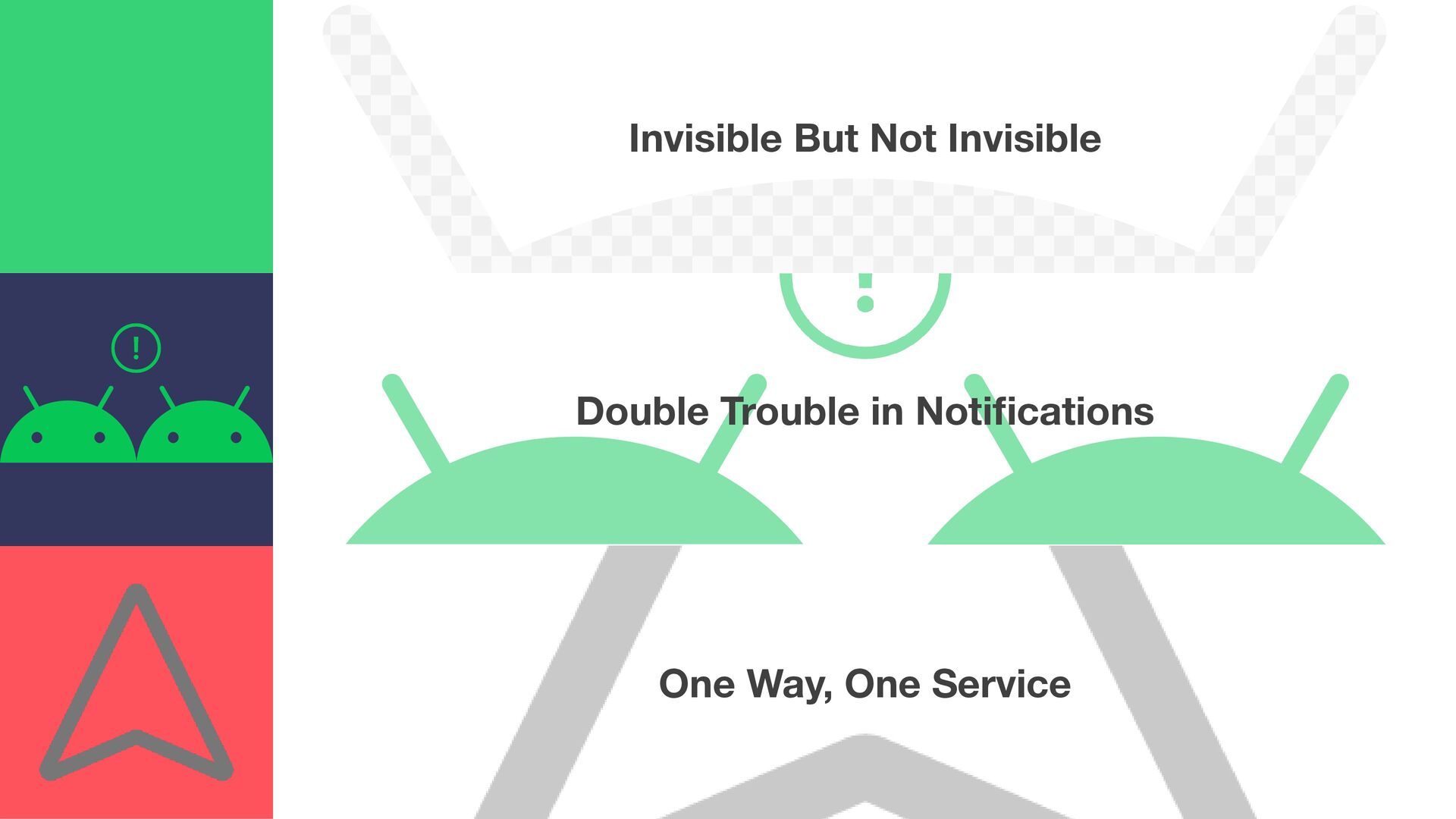
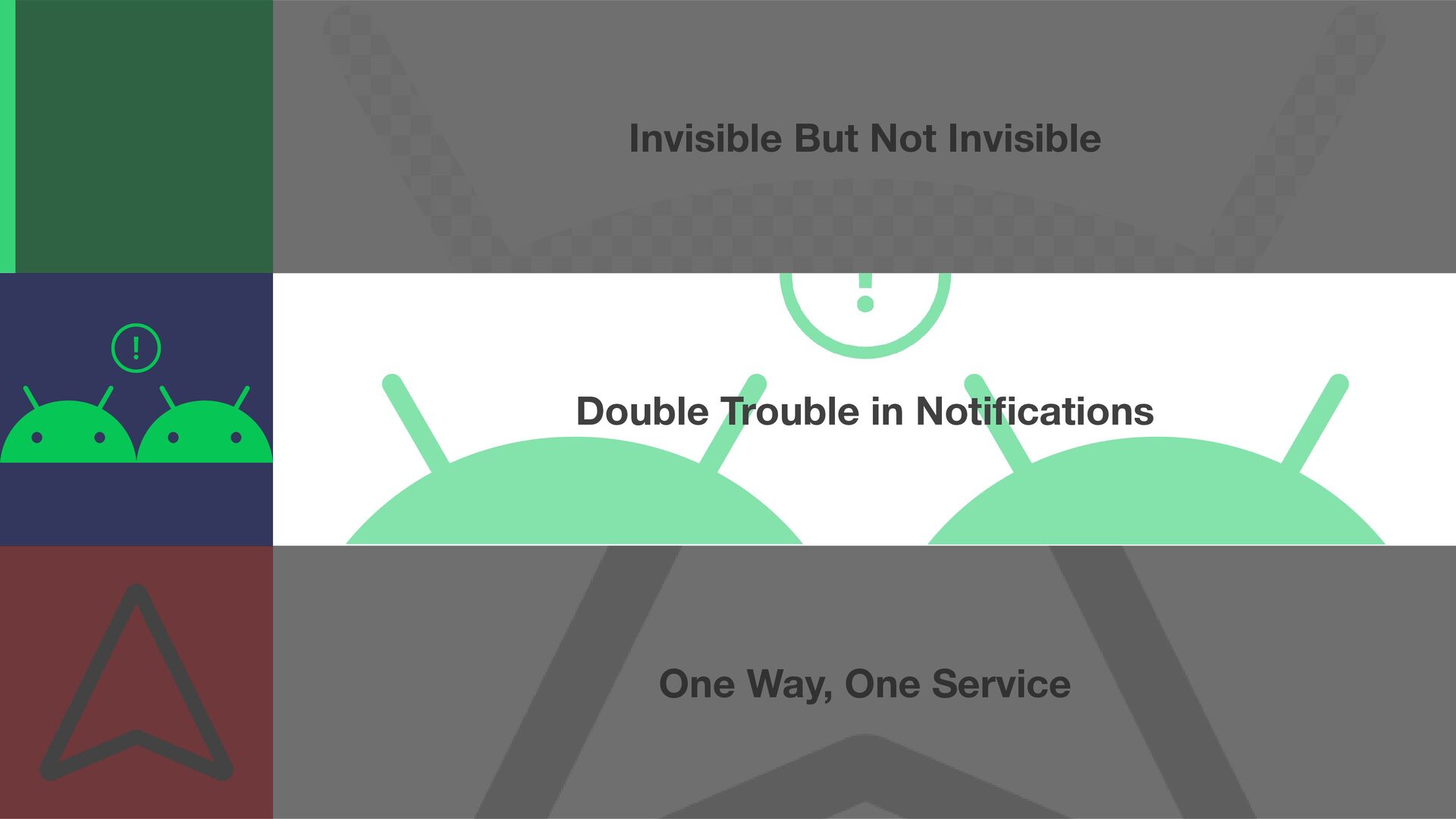
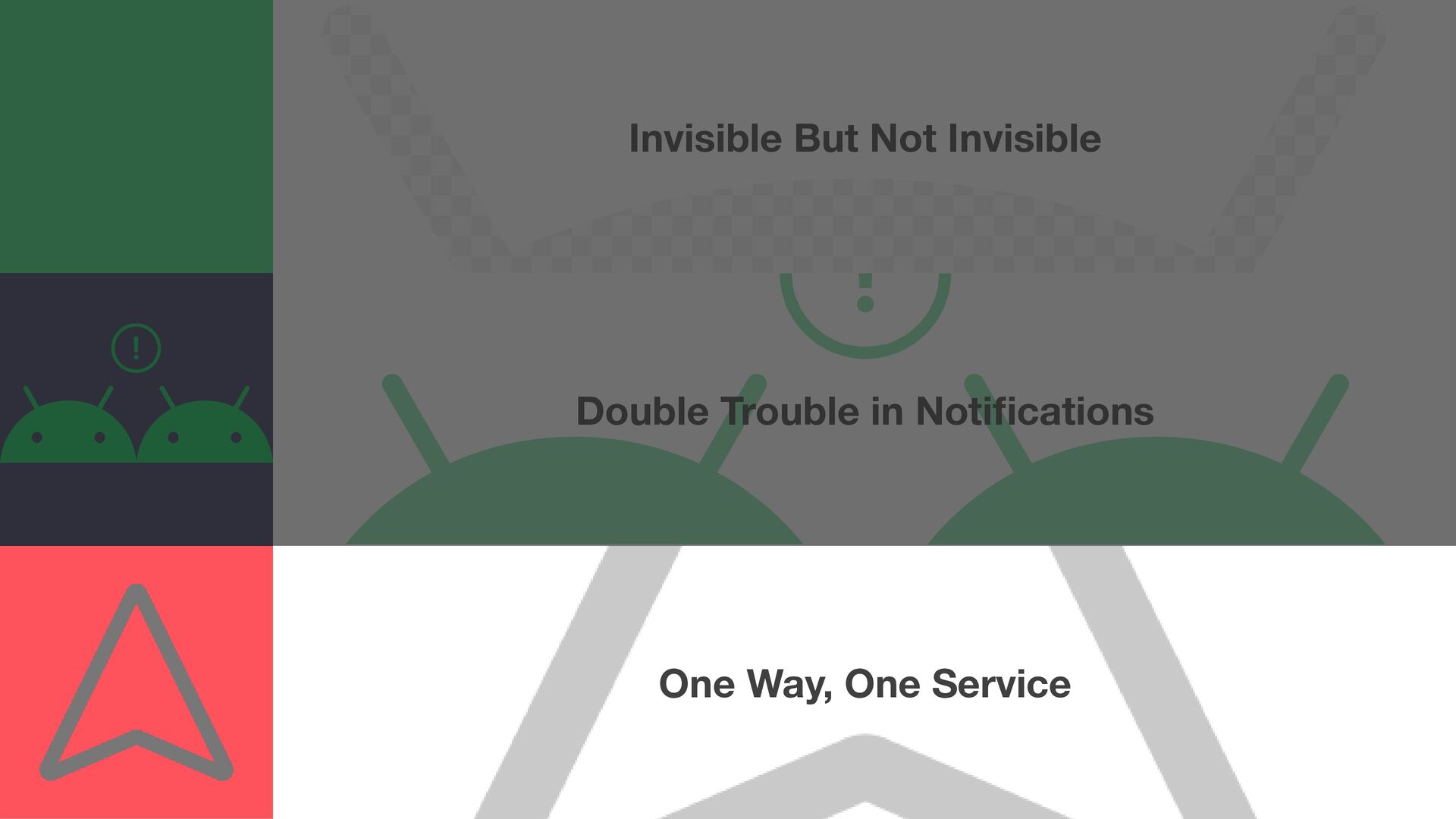
Invisible But Not Invisible Double Trouble in Noti fi cations
One Way, One Service -
Invisible But Not Invisible Double Trouble in Noti fi cations
One Way, One Service -
Invisible But Not Invisible Double Trouble in Noti fi cations
One Way, One Service -
Invisible But Not Invisible Double Trouble in Noti fi cations
One Way, One Service -
Invisible But Not Invisible Double Trouble in Noti fi cations
One Way, One Service -
Invisible But Not Invisible Double Trouble in Noti fi cations
One Way, One Service -
Invisible But Not Invisible Double Trouble in Noti fi cations
One Way, One Service -
Invisible But Not Invisible Double Trouble in Noti fi cations
One Way, One Service -
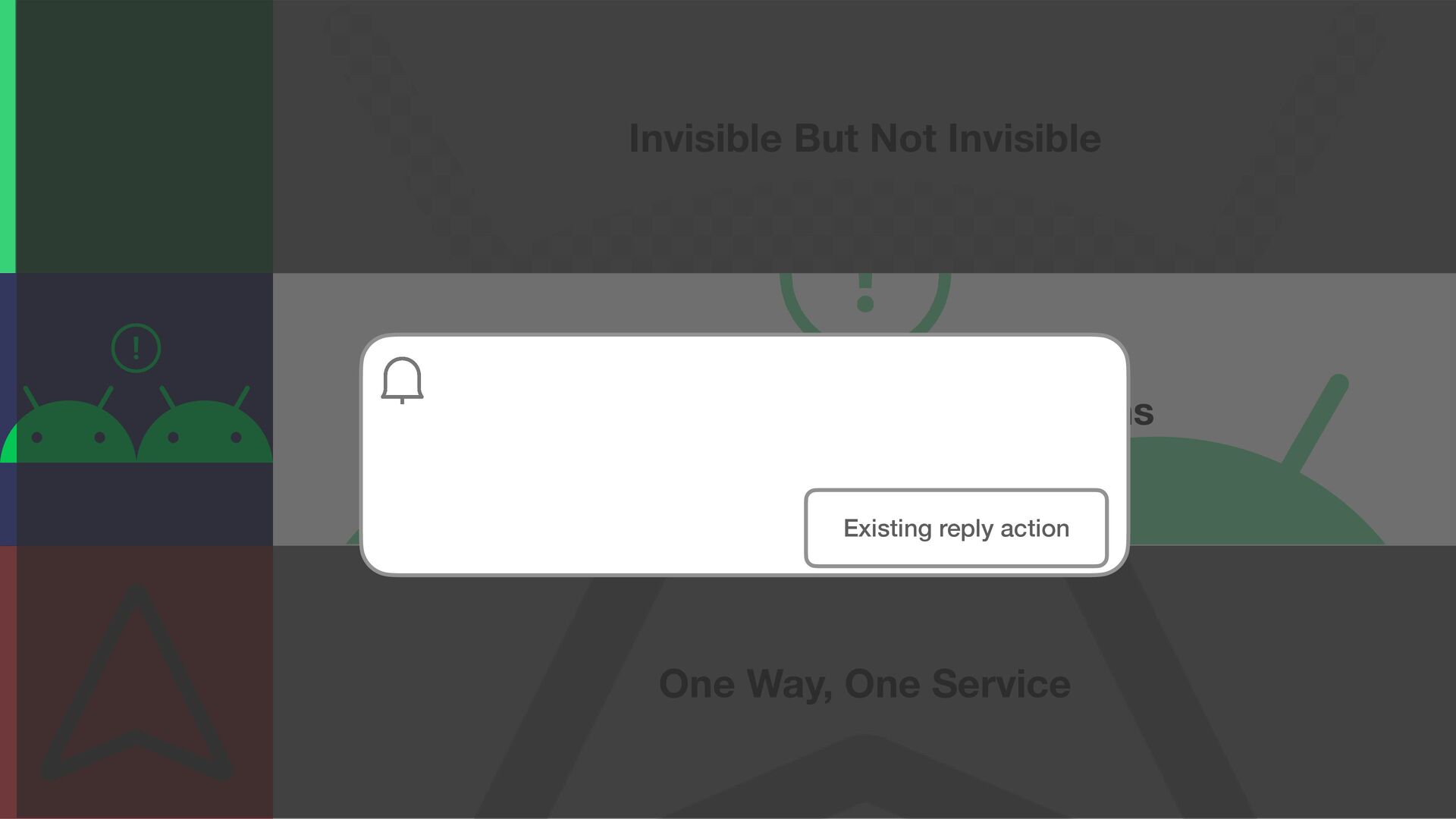
Invisible But Not Invisible Double Trouble in Noti fi cations
One Way, One Service Existing reply action -
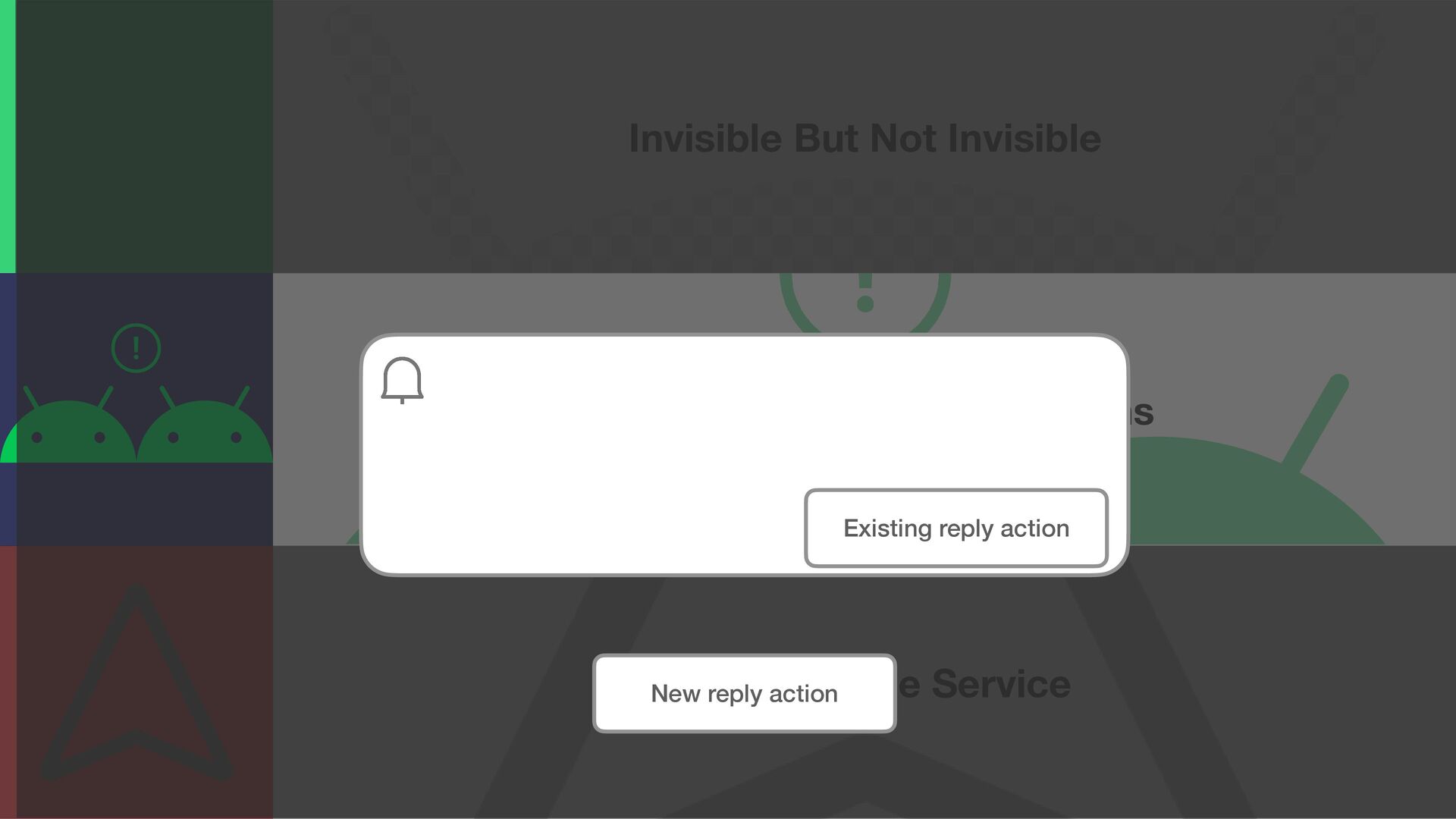
Invisible But Not Invisible Double Trouble in Noti fi cations
One Way, One Service Existing reply action New reply action -
Invisible But Not Invisible Double Trouble in Noti fi cations
One Way, One Service Existing reply action New reply action -
Invisible But Not Invisible Double Trouble in Noti fi cations
One Way, One Service Existing reply action New reply action -
Invisible But Not Invisible Double Trouble in Noti fi cations
One Way, One Service -
Invisible But Not Invisible Double Trouble in Noti fi cations
One Way, One Service -
Invisible But Not Invisible Double Trouble in Noti fi cations
One Way, One Service -
Invisible But Not Invisible Double Trouble in Noti fi cations
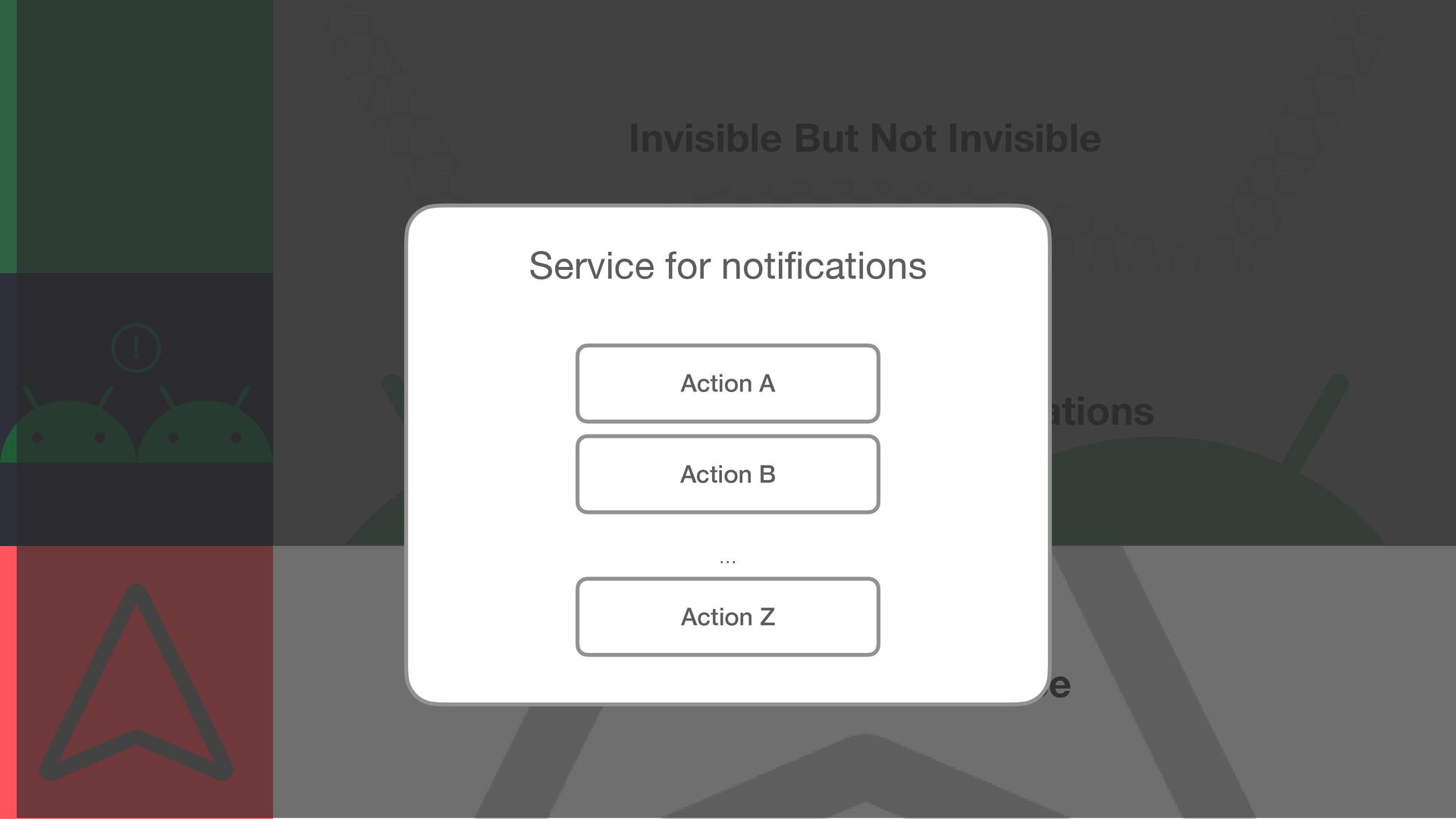
One Way, One Service Action A Action B Action Z … Service for noti fi cations -
Invisible But Not Invisible Double Trouble in Noti fi cations
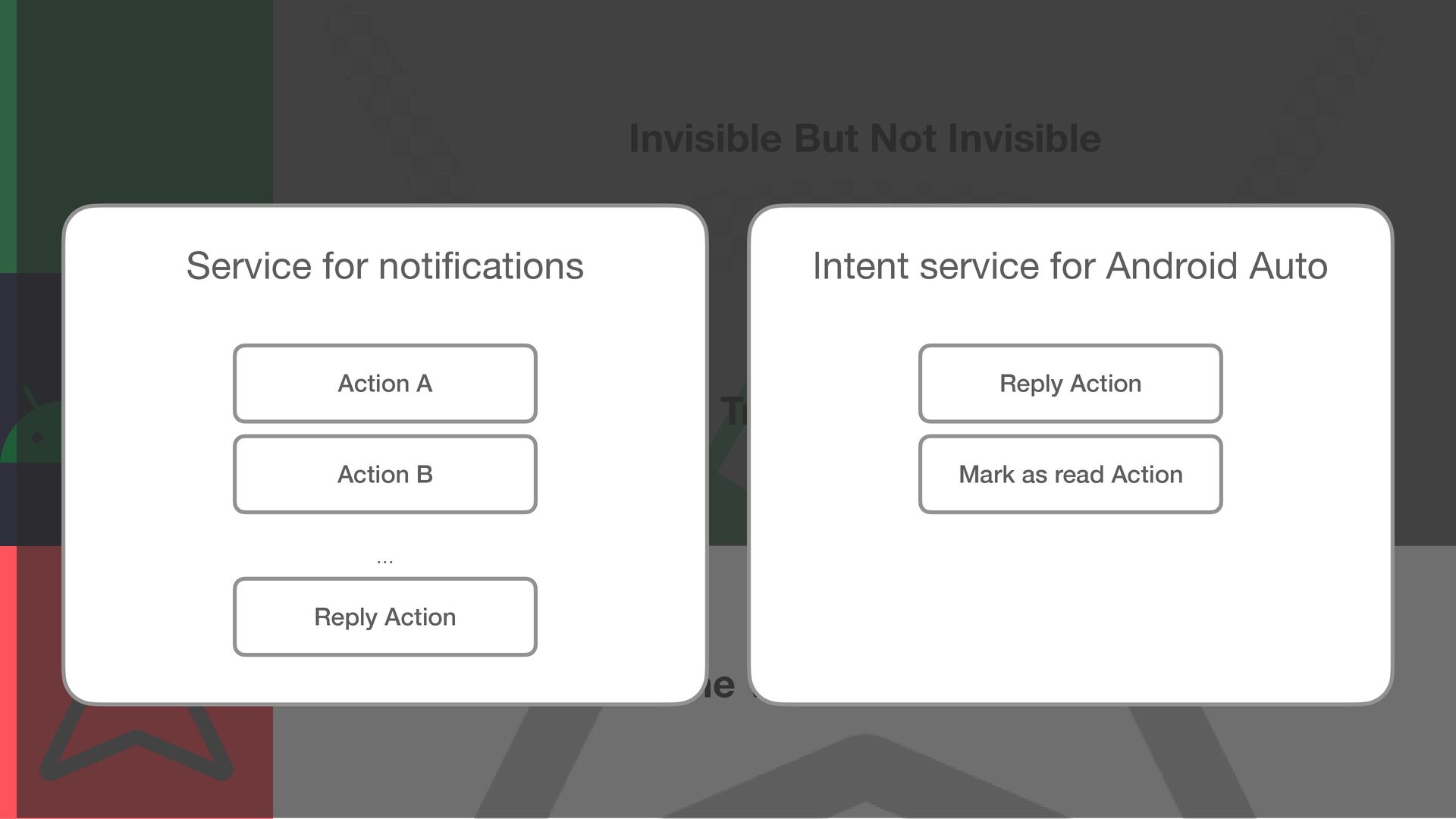
One Way, One Service Action A Action B Reply Action … Service for noti fi cations Reply Action Mark as read Action Intent service for Android Auto -
Invisible But Not Invisible Double Trouble in Noti fi cations
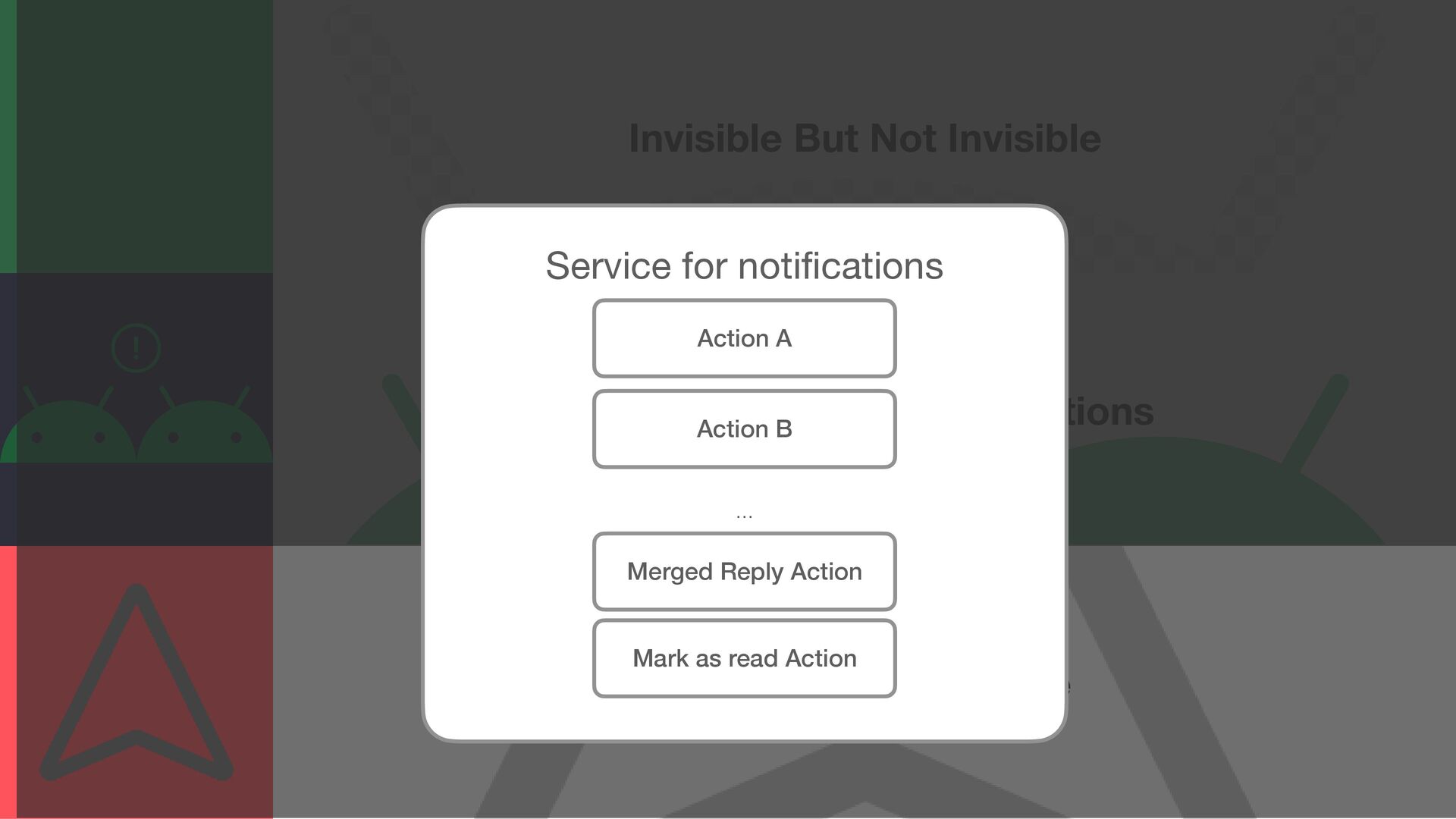
One Way, One Service Action A Action B Merged Reply Action … Service for noti fi cations Mark as read Action -
Conclusion • Android Auto is for providing driver-optimized apps on
vehicles • Need to add metadata on Android Manifest • Need to implement using an appropriate library for each category • For messaging app: • IntentService, MessagingStyle noti fi cation are required