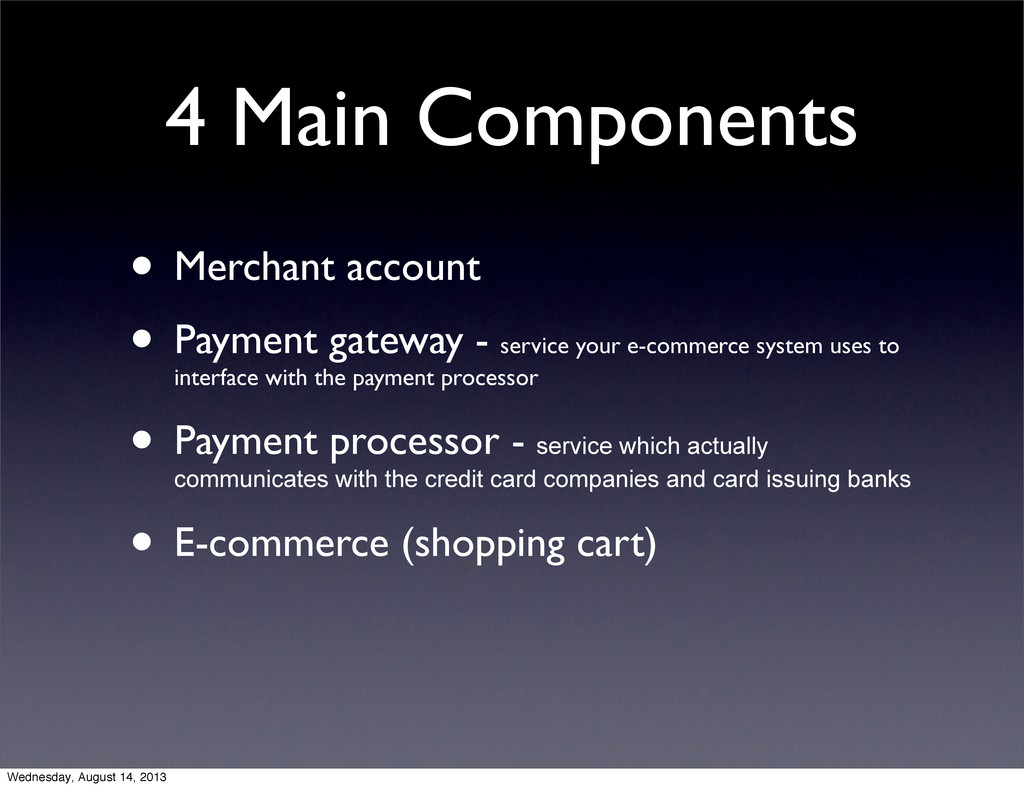
service your e-commerce system uses to interface with the payment processor • Payment processor - service which actually communicates with the credit card companies and card issuing banks • E-commerce (shopping cart) Wednesday, August 14, 2013
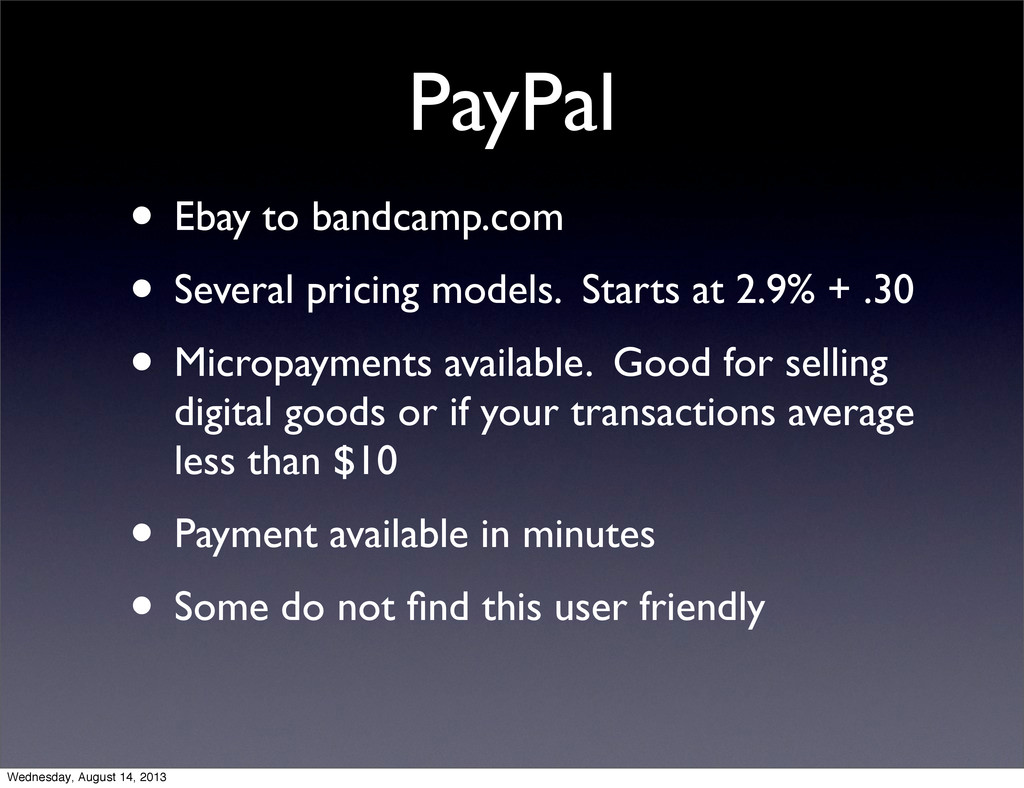
at 2.9% + .30 • Micropayments available. Good for selling digital goods or if your transactions average less than $10 • Payment available in minutes • Some do not find this user friendly Wednesday, August 14, 2013
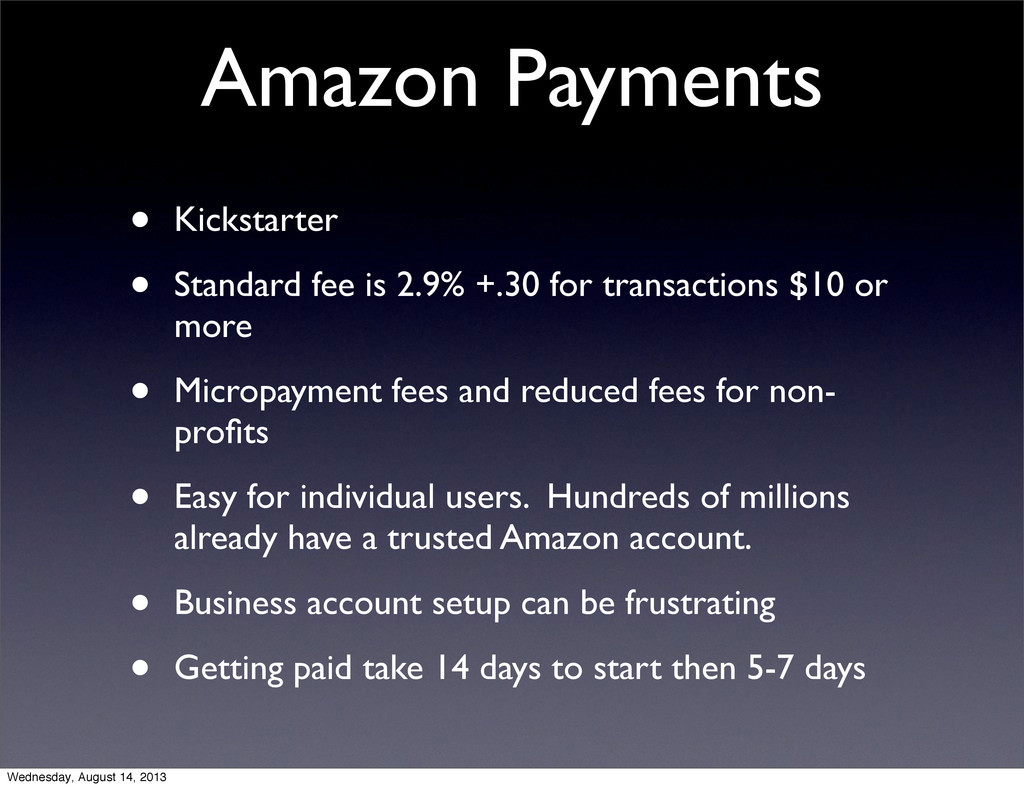
for transactions $10 or more • Micropayment fees and reduced fees for non- profits • Easy for individual users. Hundreds of millions already have a trusted Amazon account. • Business account setup can be frustrating • Getting paid take 14 days to start then 5-7 days Wednesday, August 14, 2013
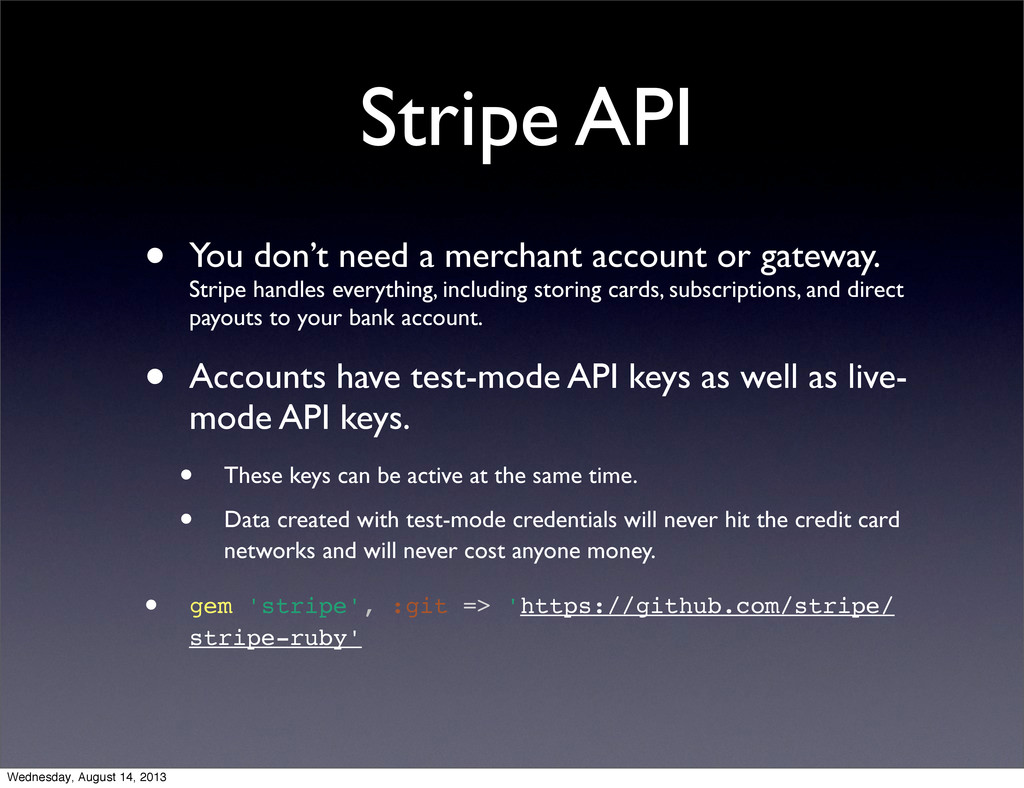
gateway. Stripe handles everything, including storing cards, subscriptions, and direct payouts to your bank account. • Accounts have test-mode API keys as well as live- mode API keys. • These keys can be active at the same time. • Data created with test-mode credentials will never hit the credit card networks and will never cost anyone money. • gem 'stripe', :git => 'https://github.com/stripe/ stripe-ruby' Wednesday, August 14, 2013
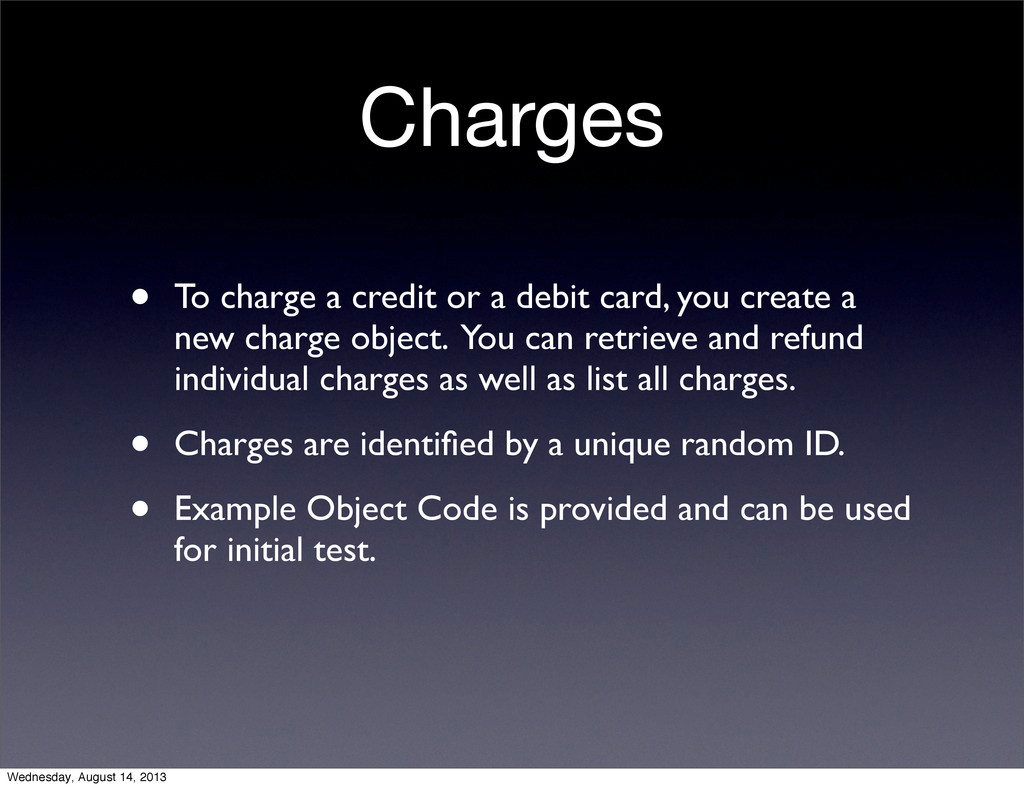
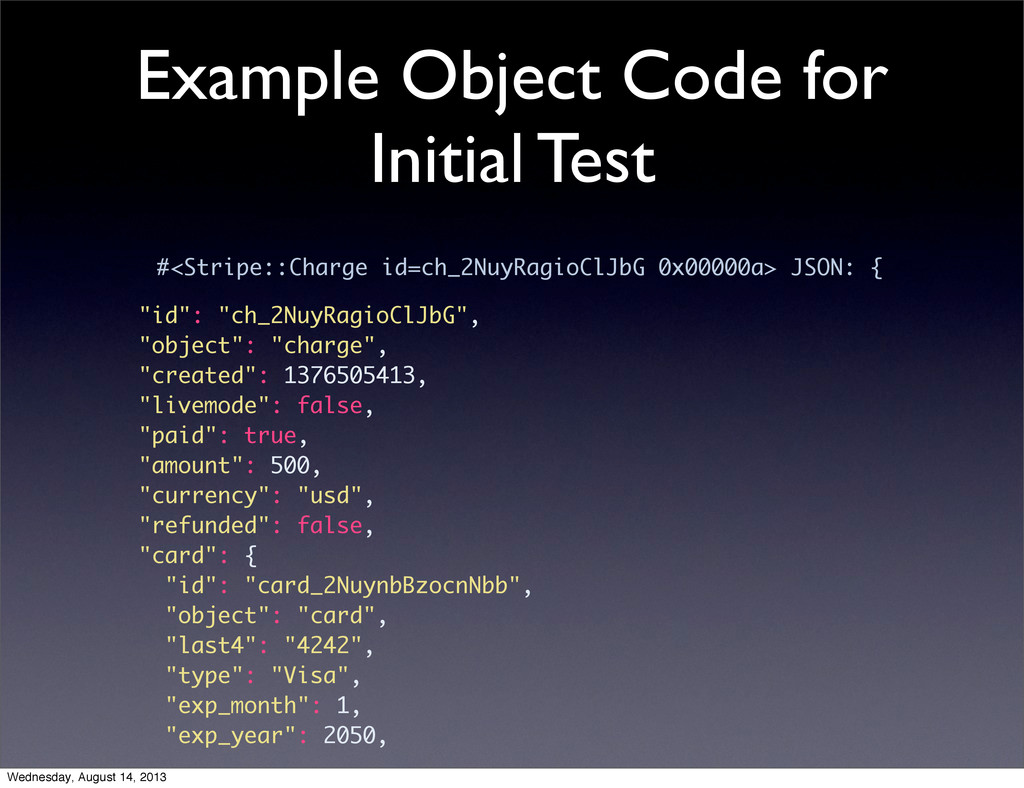
you create a new charge object. You can retrieve and refund individual charges as well as list all charges. • Charges are identified by a unique random ID. • Example Object Code is provided and can be used for initial test. Wednesday, August 14, 2013
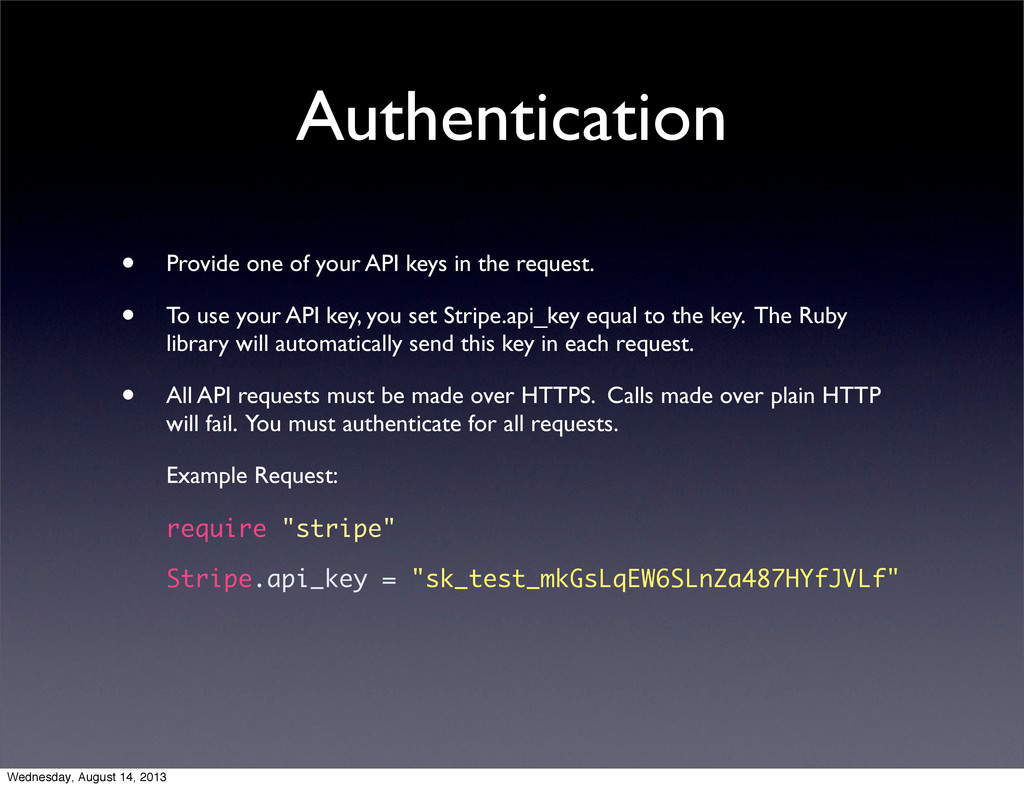
request. • To use your API key, you set Stripe.api_key equal to the key. The Ruby library will automatically send this key in each request. • All API requests must be made over HTTPS. Calls made over plain HTTP will fail. You must authenticate for all requests. Example Request: require "stripe" Stripe.api_key = "sk_test_mkGsLqEW6SLnZa487HYfJVLf" Wednesday, August 14, 2013


 margerosen
 tetsuya28
 takonda
 tsukina_7mochi
 daidaidai
 hiracky16
 iktakahiro
 glaforge
 recruitengineers
 pfn
pfn
 kakehashi
 ivry_presentationmaterials
 takanorip
 nikkihalliwell
 mza
mza
 pwiseman
 palkan
 erikaheidi
 danielanewman
 jct
jct
 holman
 thirion
 kimpetersen
 62gerente
 soudai