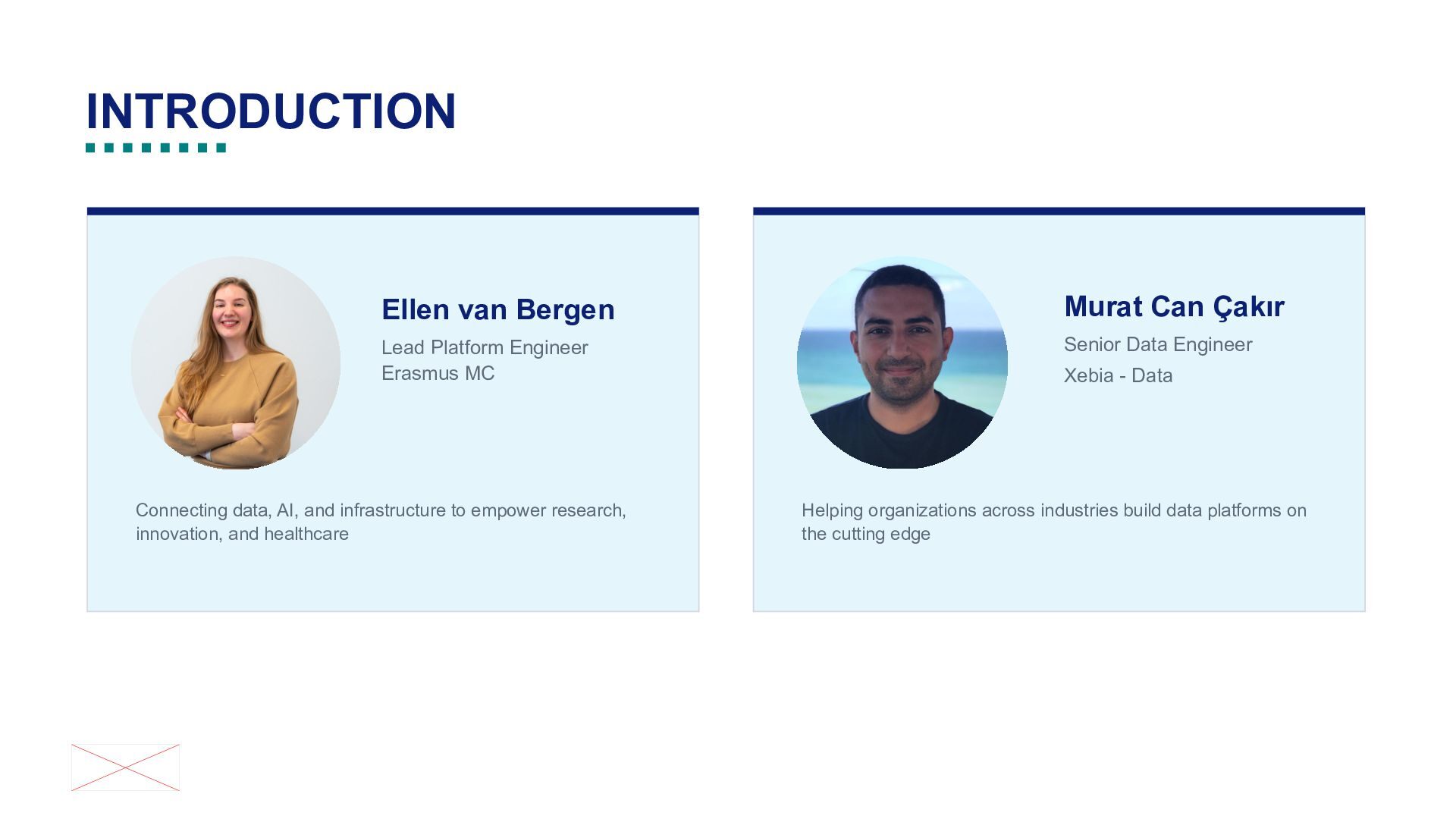
Erasmus MC Senior Data Engineer Connecting data, AI, and infrastructure to empower research, innovation, and healthcare Xebia - Data Helping organizations across industries build data platforms on the cutting edge
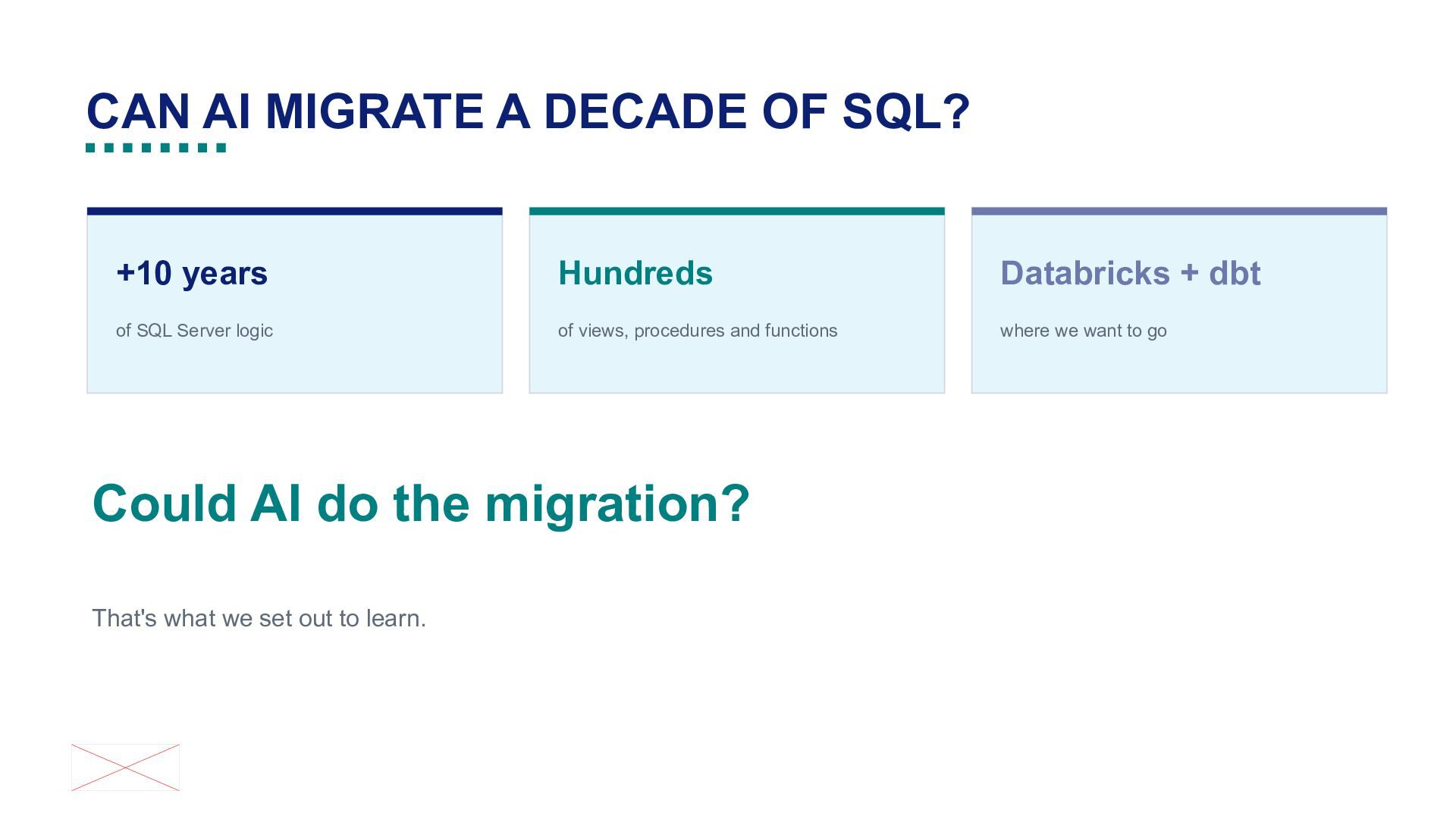
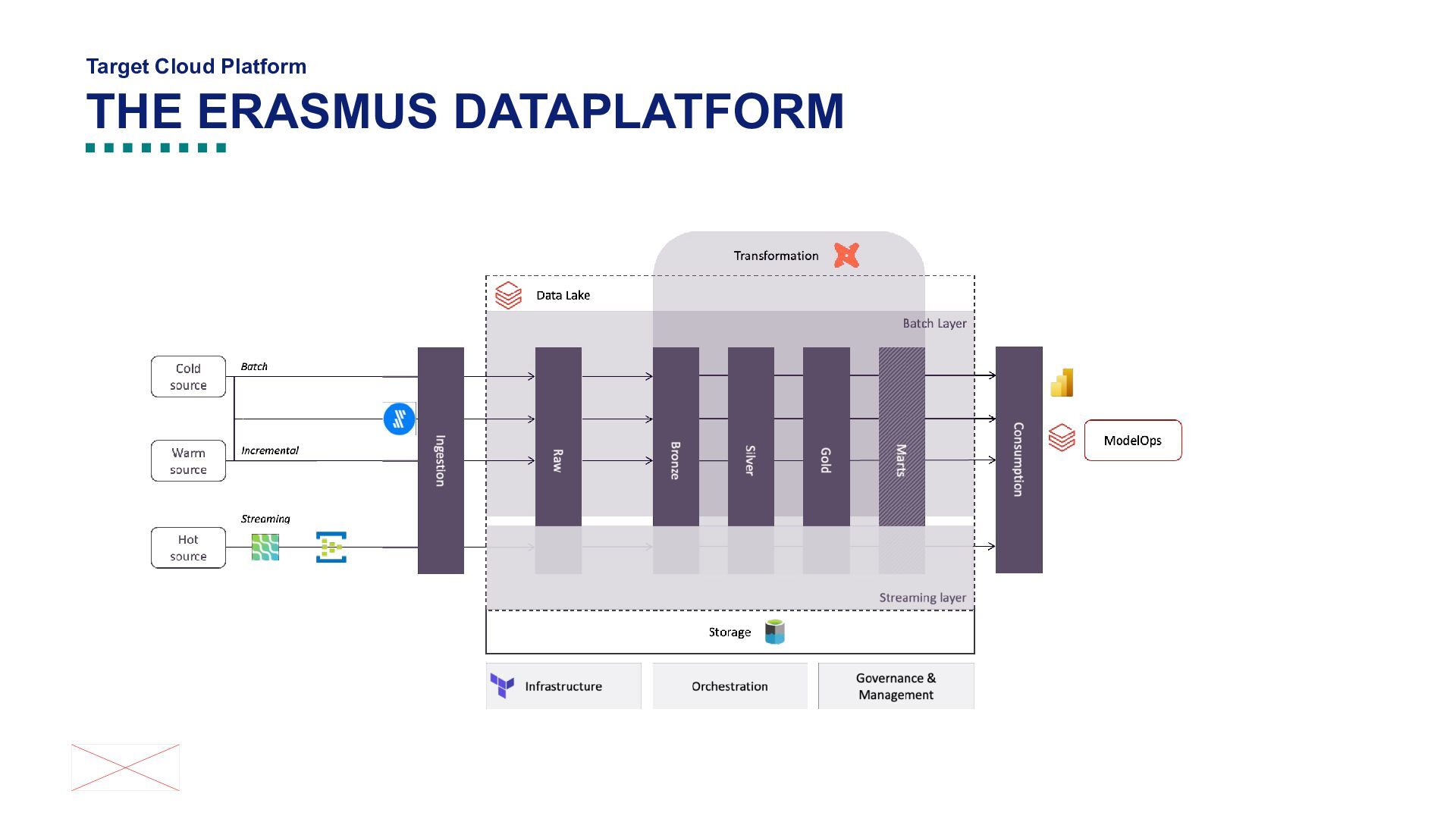
Databricks + dbt of SQL Server logic of views, procedures and functions where we want to go Could AI do the migration? That's what we set out to learn.
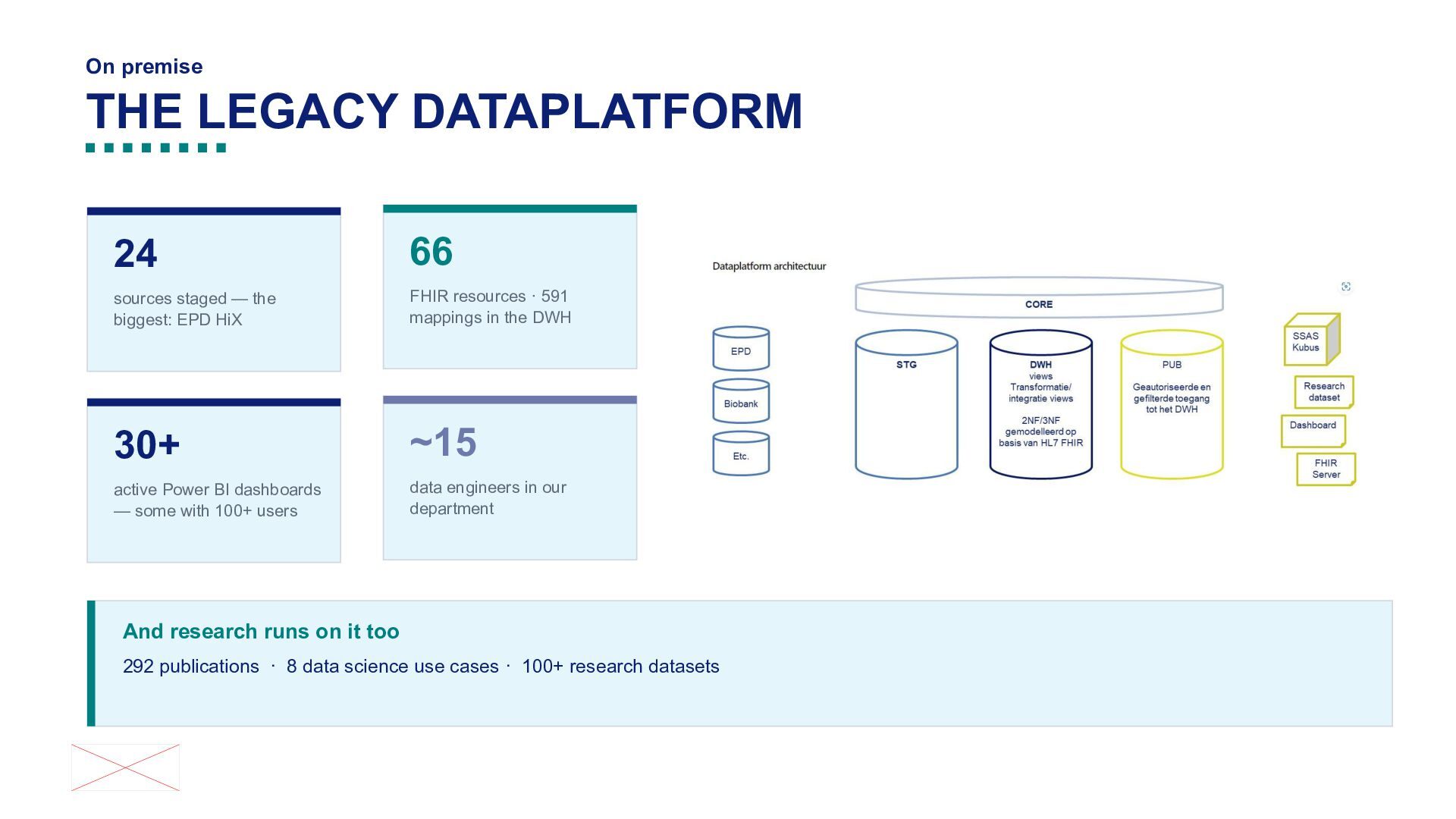
the biggest: EPD HiX FHIR resources · 591 mappings in the DWH [[Foto]] 30+ ~15 active Power BI dashboards — some with 100+ users data engineers in our department And research runs on it too 292 publications · 8 data science use cases · 100+ research datasets
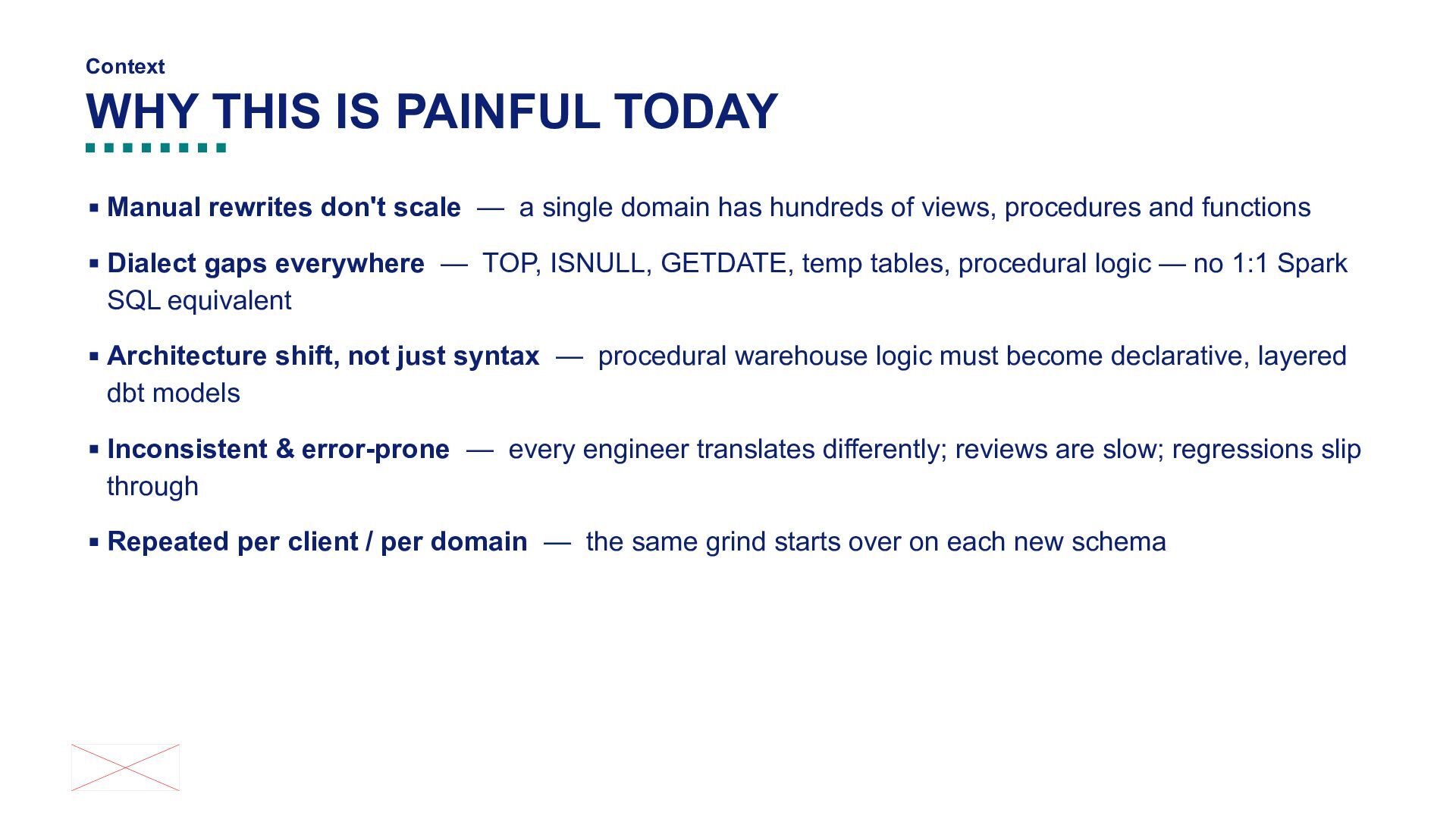
scale — a single domain has hundreds of views, procedures and functions ▪ Dialect gaps everywhere — TOP, ISNULL, GETDATE, temp tables, procedural logic — no 1:1 Spark SQL equivalent ▪ Architecture shift, not just syntax — procedural warehouse logic must become declarative, layered dbt models ▪ Inconsistent & error-prone — every engineer translates differently; reviews are slow; regressions slip through ▪ Repeated per client / per domain — the same grind starts over on each new schema
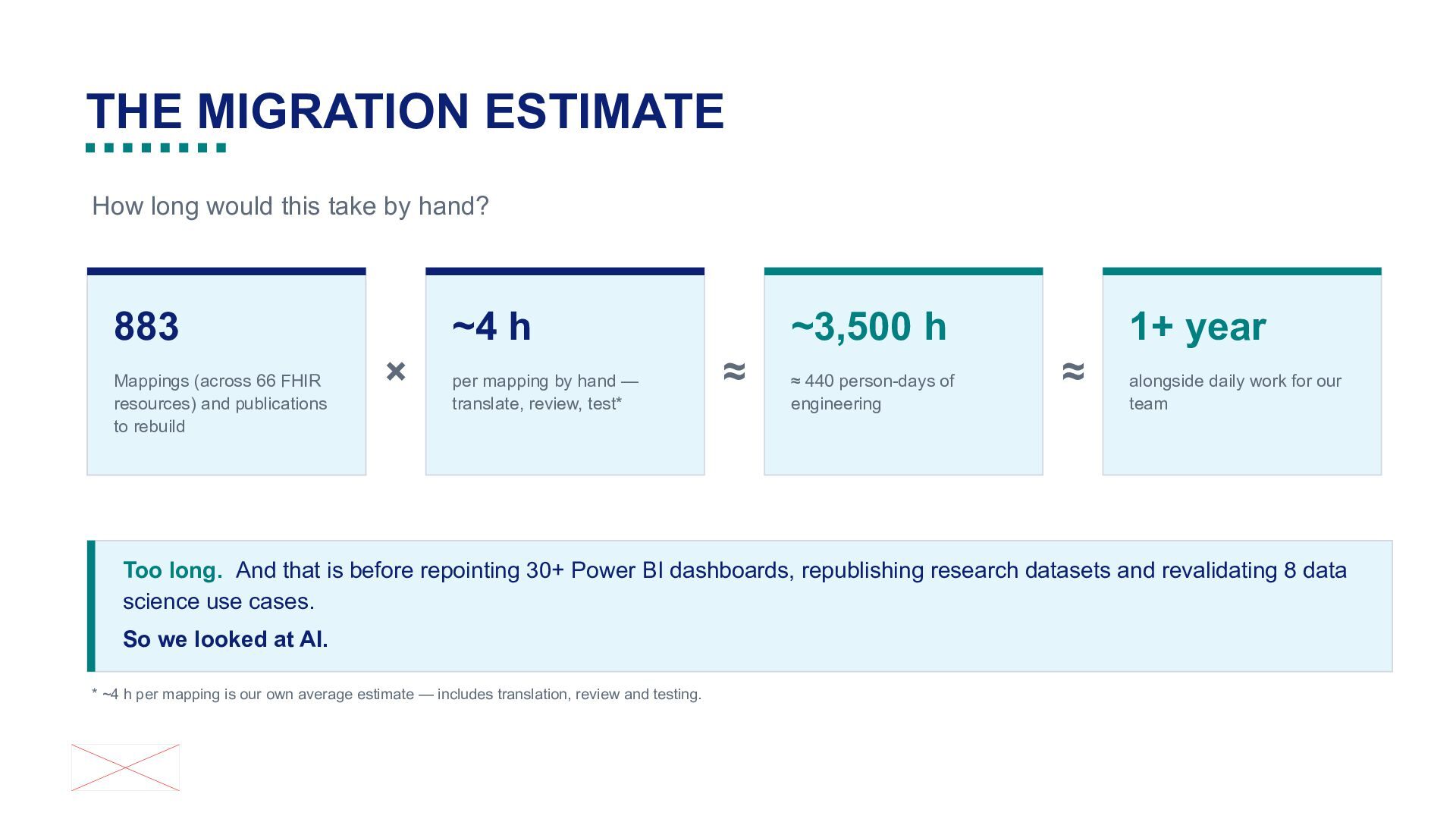
~4 h 883 Mappings (across 66 FHIR resources) and publications to rebuild × per mapping by hand — translate, review, test* 1+ year ~3,500 h ≈ ≈ 440 person-days of engineering ≈ alongside daily work for our team Too long. And that is before repointing 30+ Power BI dashboards, republishing research datasets and revalidating 8 data science use cases. So we looked at AI. * ~4 h per mapping is our own average estimate — includes translation, review and testing.
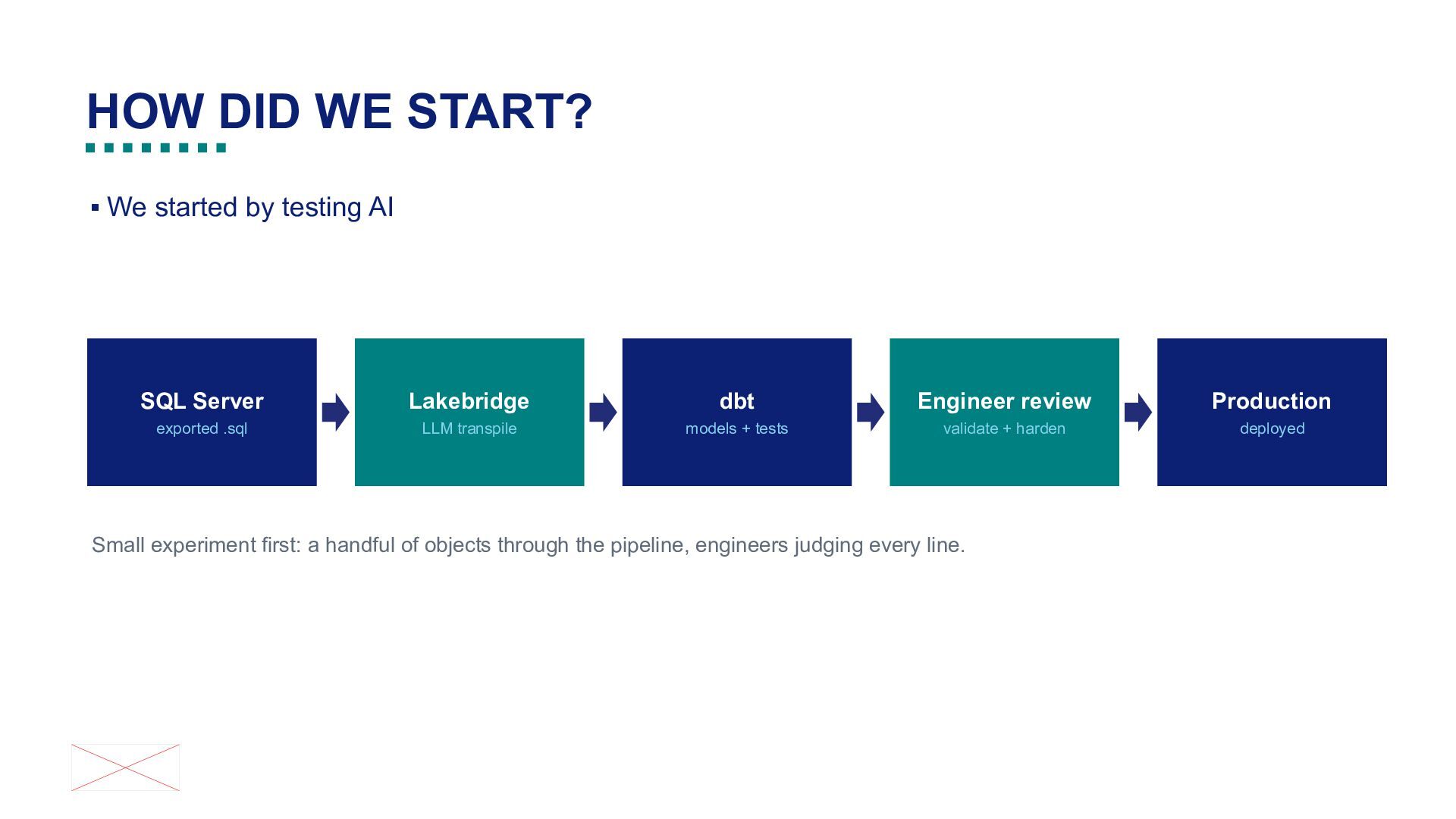
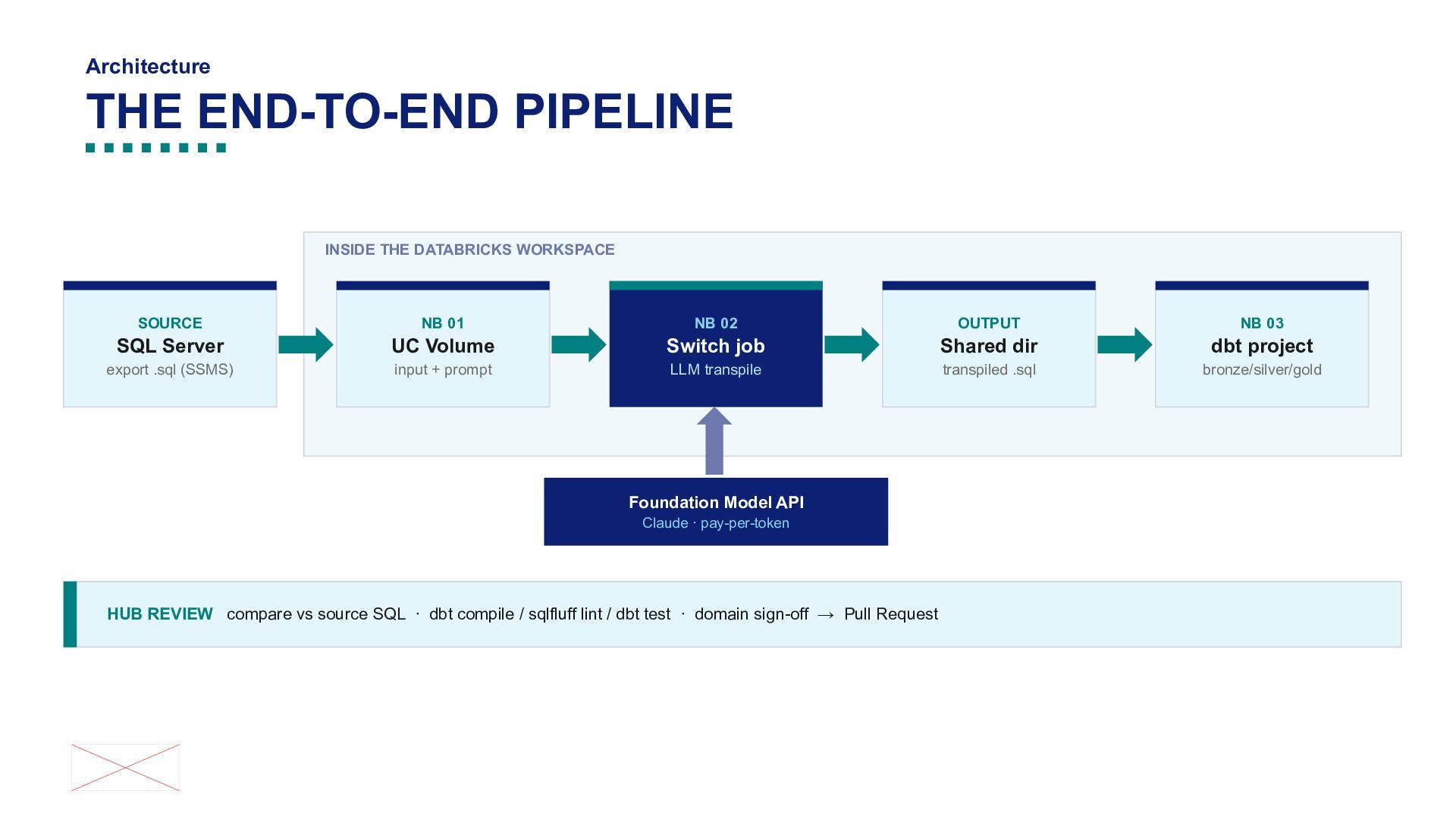
SQL Server Lakebridge dbt Engineer review Production exported .sql LLM transpile models + tests validate + harden deployed Small experiment first: a handful of objects through the pipeline, engineers judging every line.
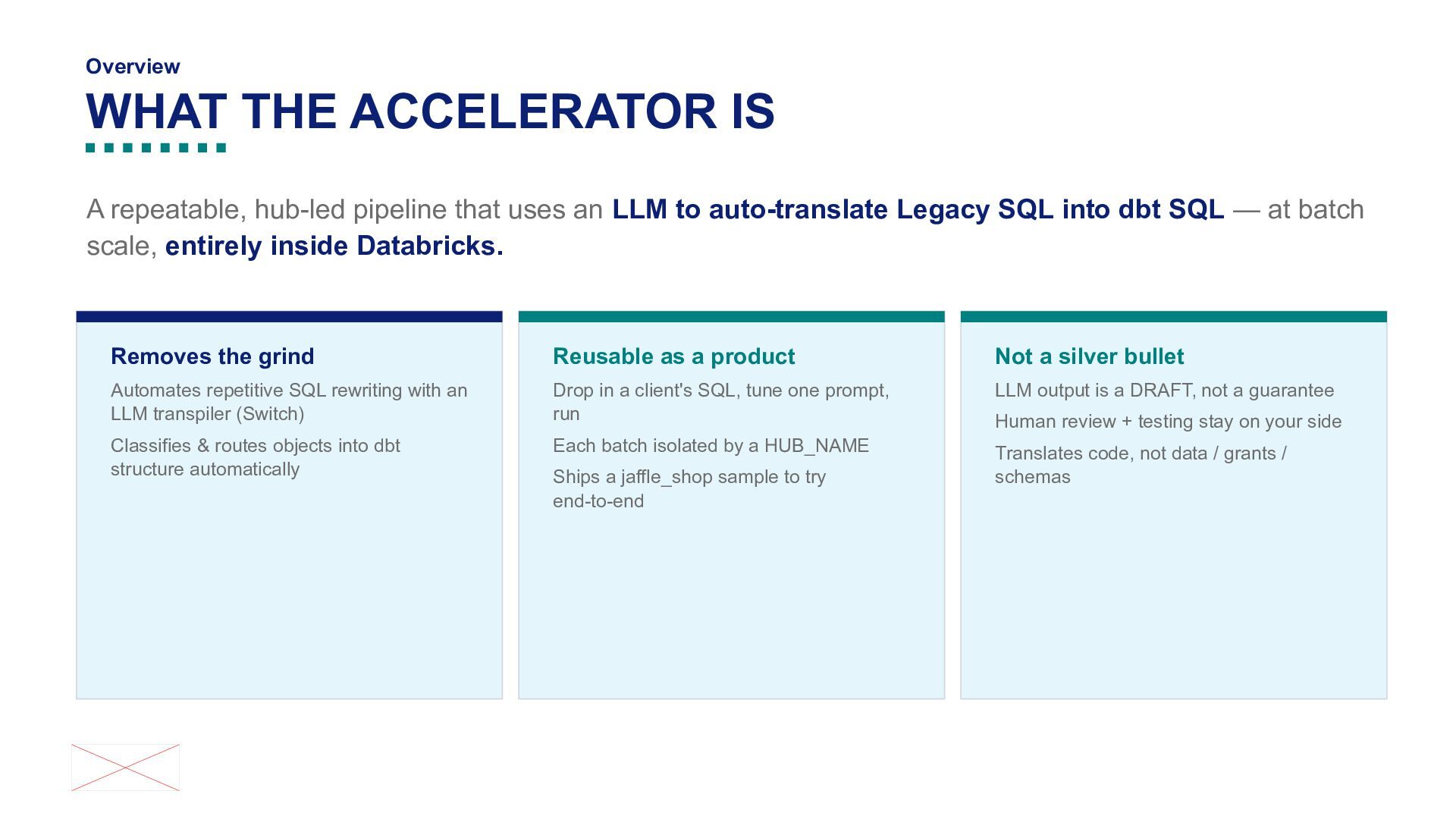
uses an LLM to auto-translate Legacy SQL into dbt SQL — at batch scale, entirely inside Databricks. Removes the grind Reusable as a product Not a silver bullet Automates repetitive SQL rewriting with an LLM transpiler (Switch) Drop in a client's SQL, tune one prompt, run LLM output is a DRAFT, not a guarantee Classifies & routes objects into dbt structure automatically Each batch isolated by a HUB_NAME Translates code, not data / grants / schemas Ships a jaffle_shop sample to try end-to-end Human review + testing stay on your side
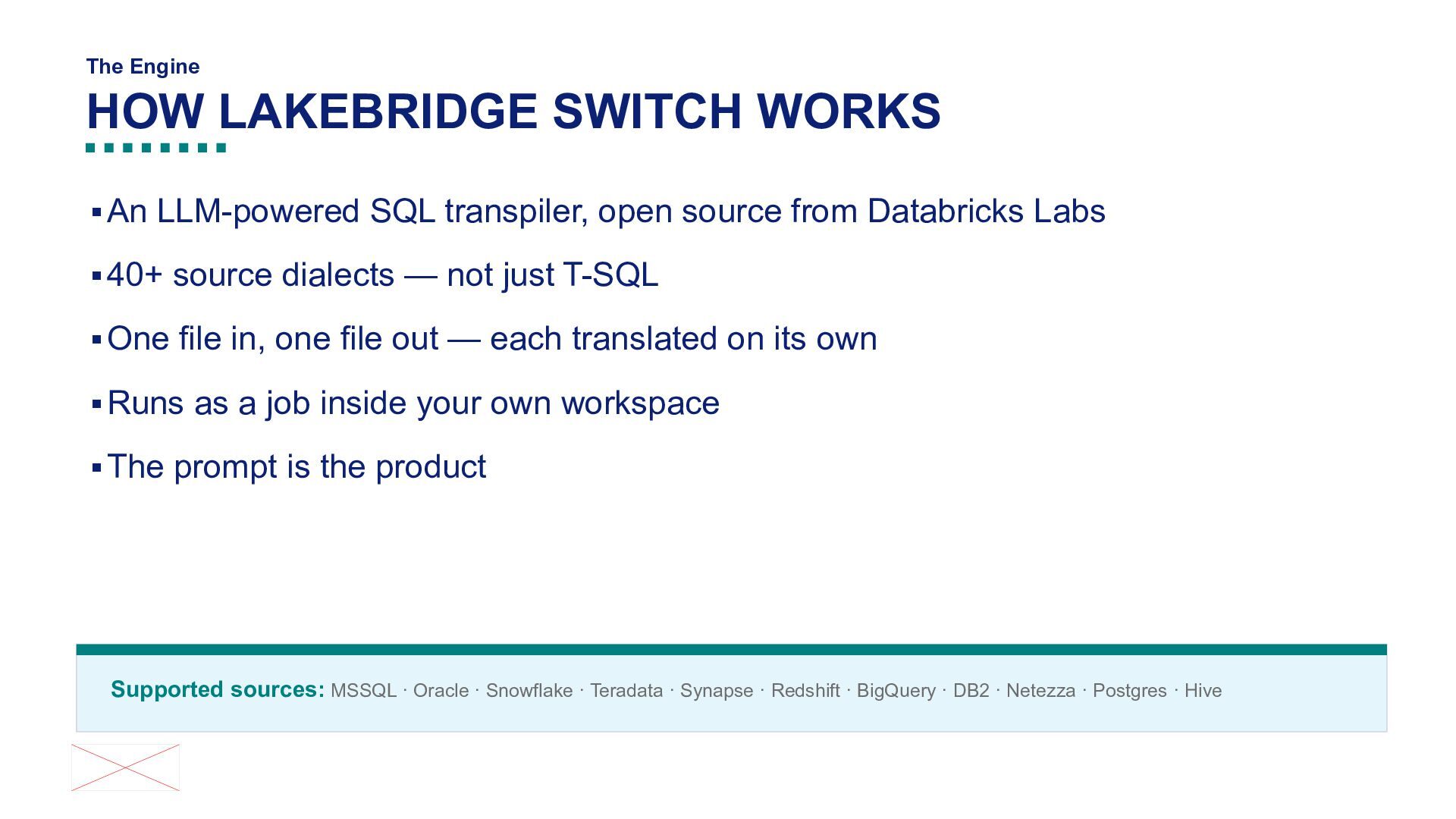
transpiler, open source from Databricks Labs ▪ 40+ source dialects — not just T-SQL ▪ One file in, one file out — each translated on its own ▪ Runs as a job inside your own workspace ▪ The prompt is the product Supported sources: MSSQL · Oracle · Snowflake · Teradata · Synapse · Redshift · BigQuery · DB2 · Netezza · Postgres · Hive
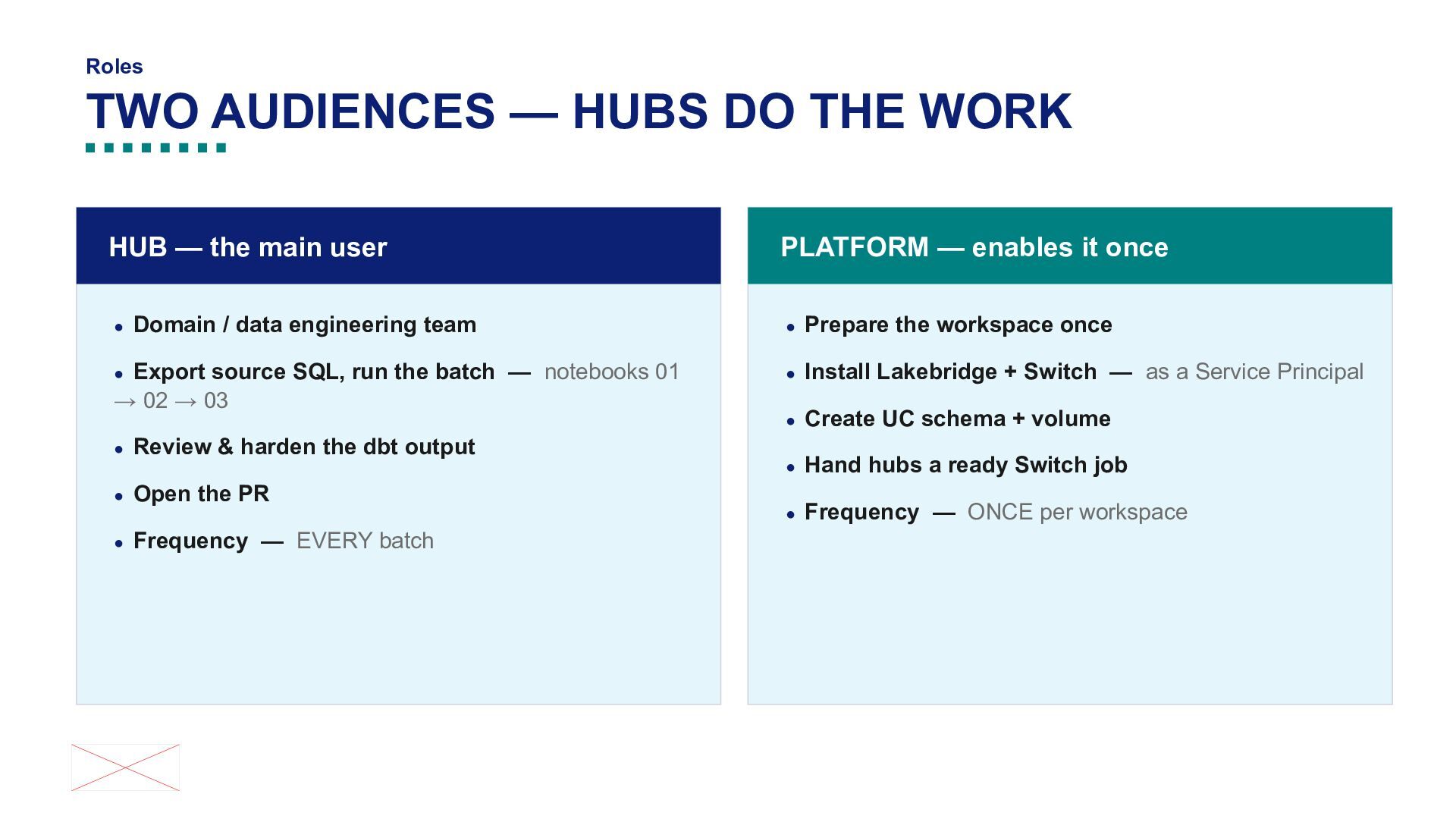
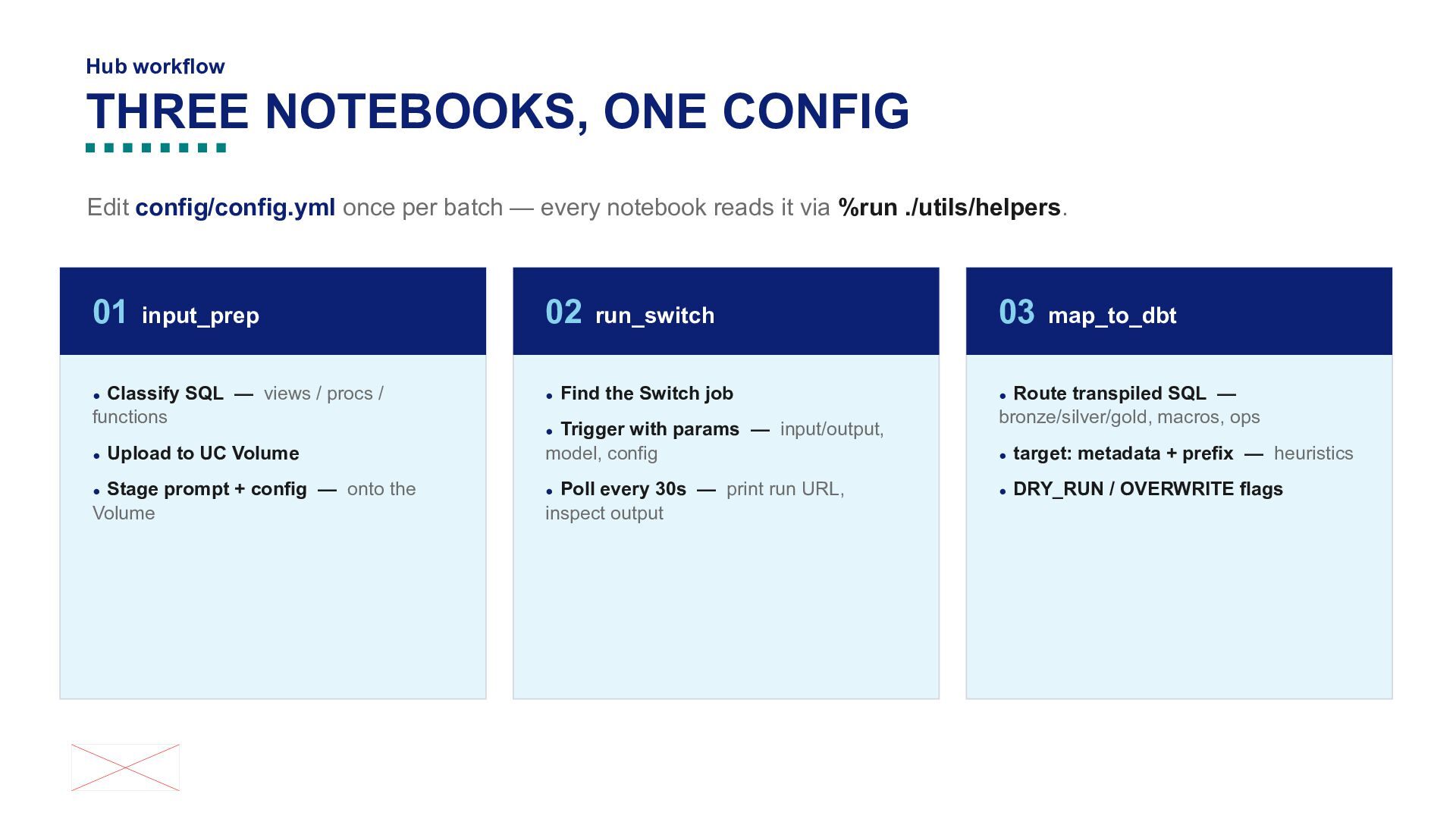
the main user PLATFORM — enables it once • Domain / data engineering team • Prepare the workspace once • Export source SQL, run the batch → 02 → 03 • Install Lakebridge + Switch — as a Service Principal • Create UC schema + volume • Review & harden the dbt output • Open the PR • Frequency — notebooks 01 — EVERY batch • Hand hubs a ready Switch job • Frequency — ONCE per workspace
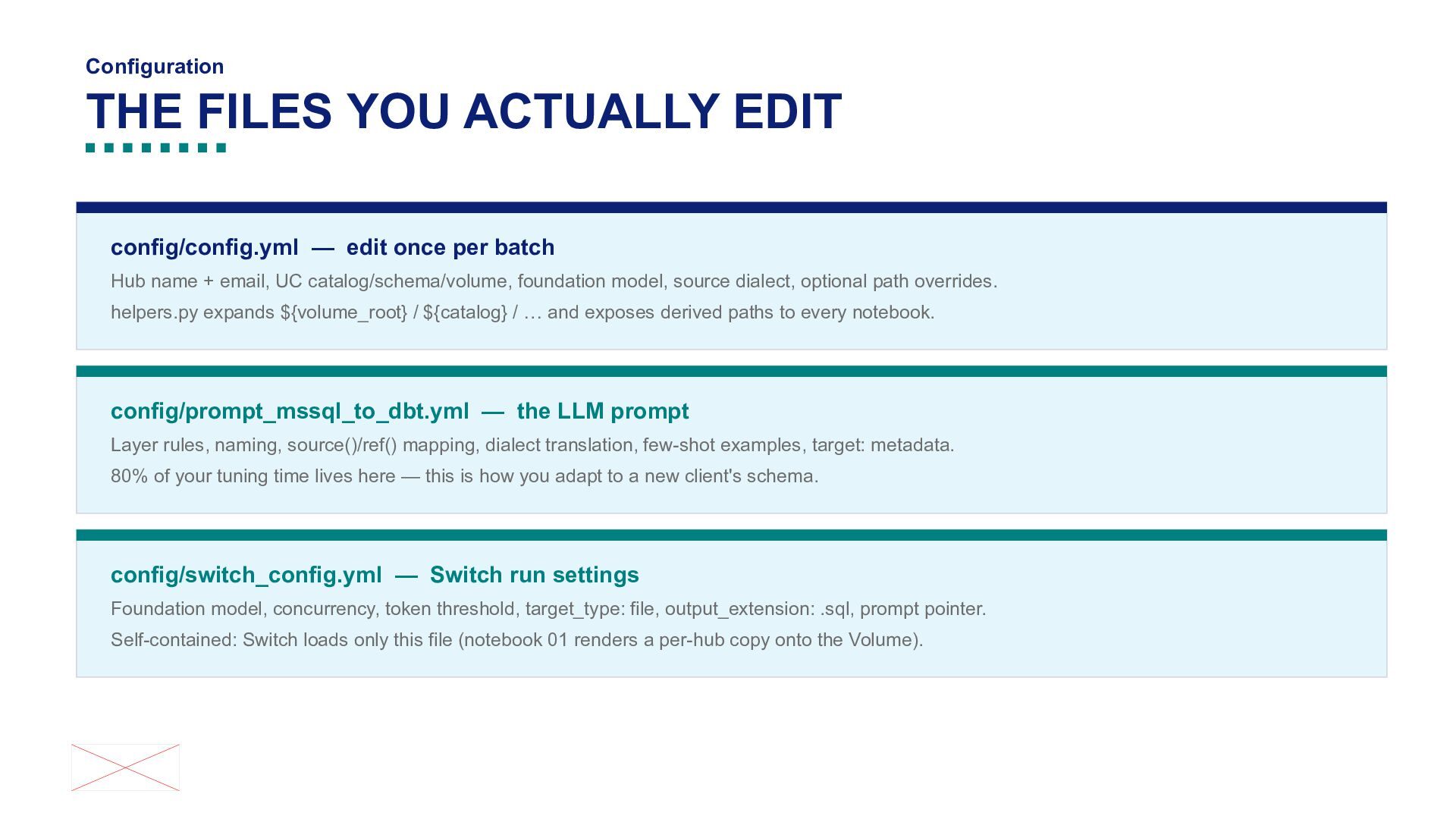
per batch Hub name + email, UC catalog/schema/volume, foundation model, source dialect, optional path overrides. helpers.py expands ${volume_root} / ${catalog} / … and exposes derived paths to every notebook. config/prompt_mssql_to_dbt.yml — the LLM prompt Layer rules, naming, source()/ref() mapping, dialect translation, few-shot examples, target: metadata. 80% of your tuning time lives here — this is how you adapt to a new client's schema. config/switch_config.yml — Switch run settings Foundation model, concurrency, token threshold, target_type: file, output_extension: .sql, prompt pointer. Self-contained: Switch loads only this file (notebook 01 renders a per-hub copy onto the Volume).
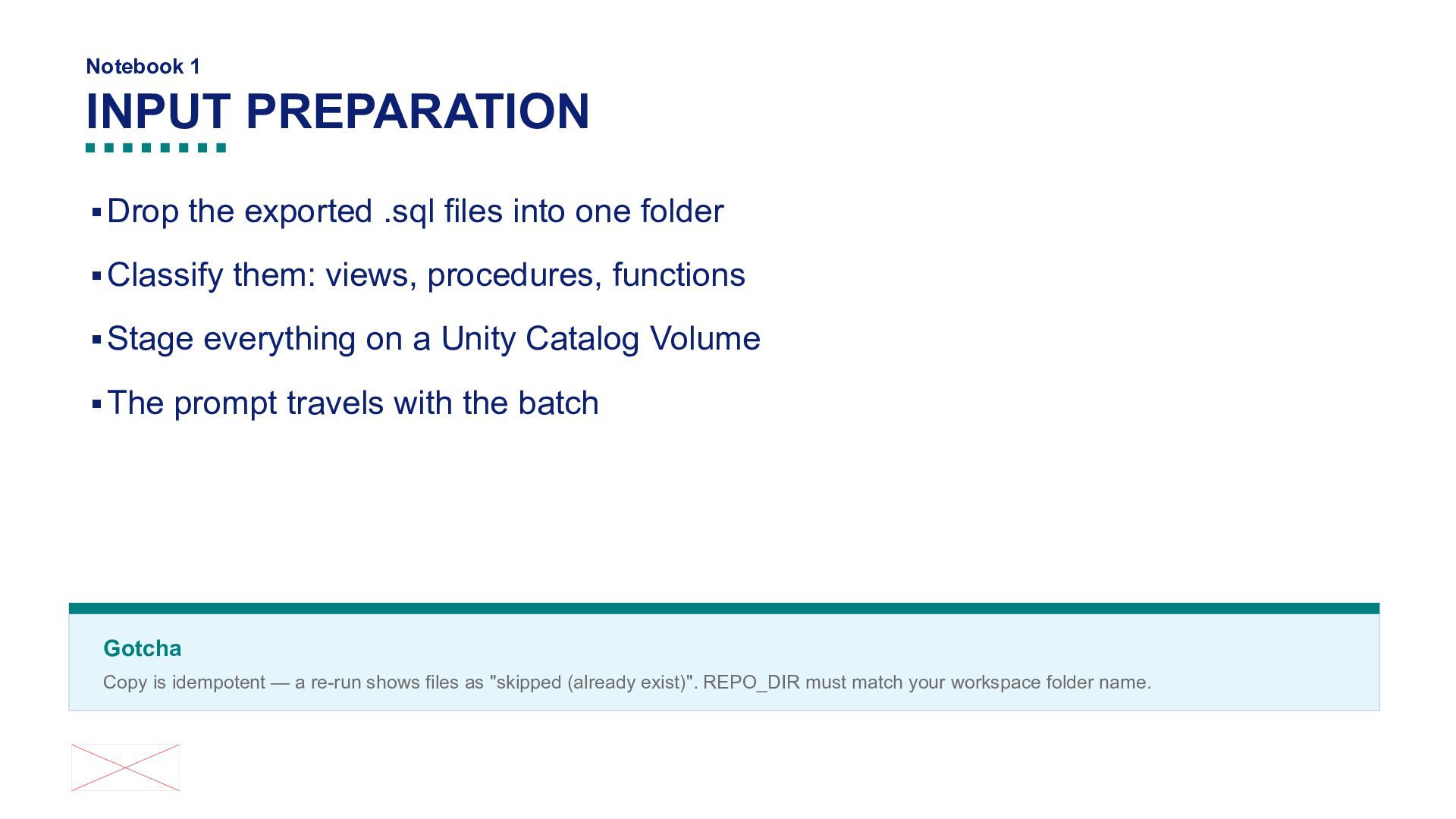
into one folder ▪ Classify them: views, procedures, functions ▪ Stage everything on a Unity Catalog Volume ▪ The prompt travels with the batch Gotcha Copy is idempotent — a re-run shows files as "skipped (already exist)". REPO_DIR must match your workspace folder name.
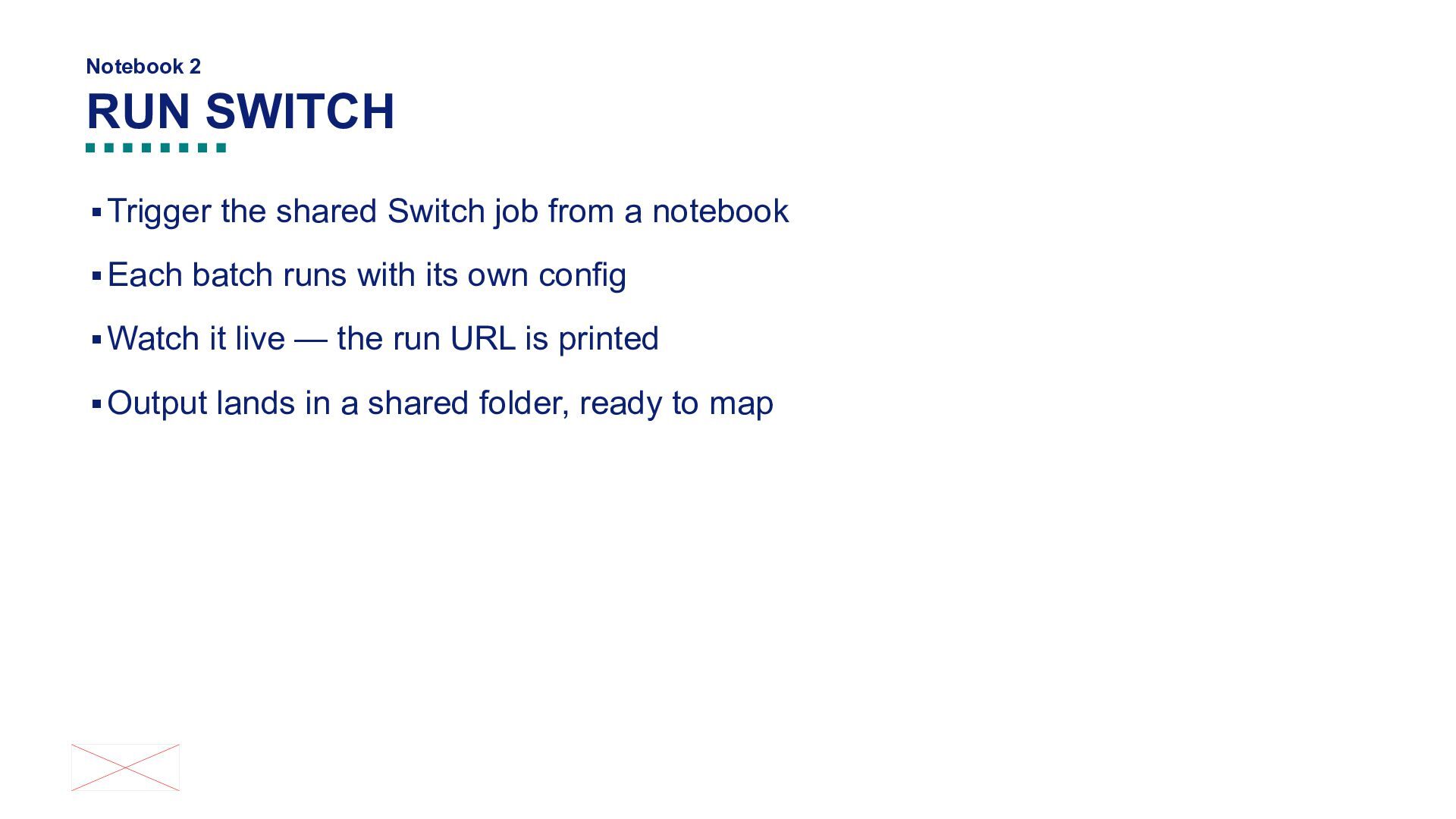
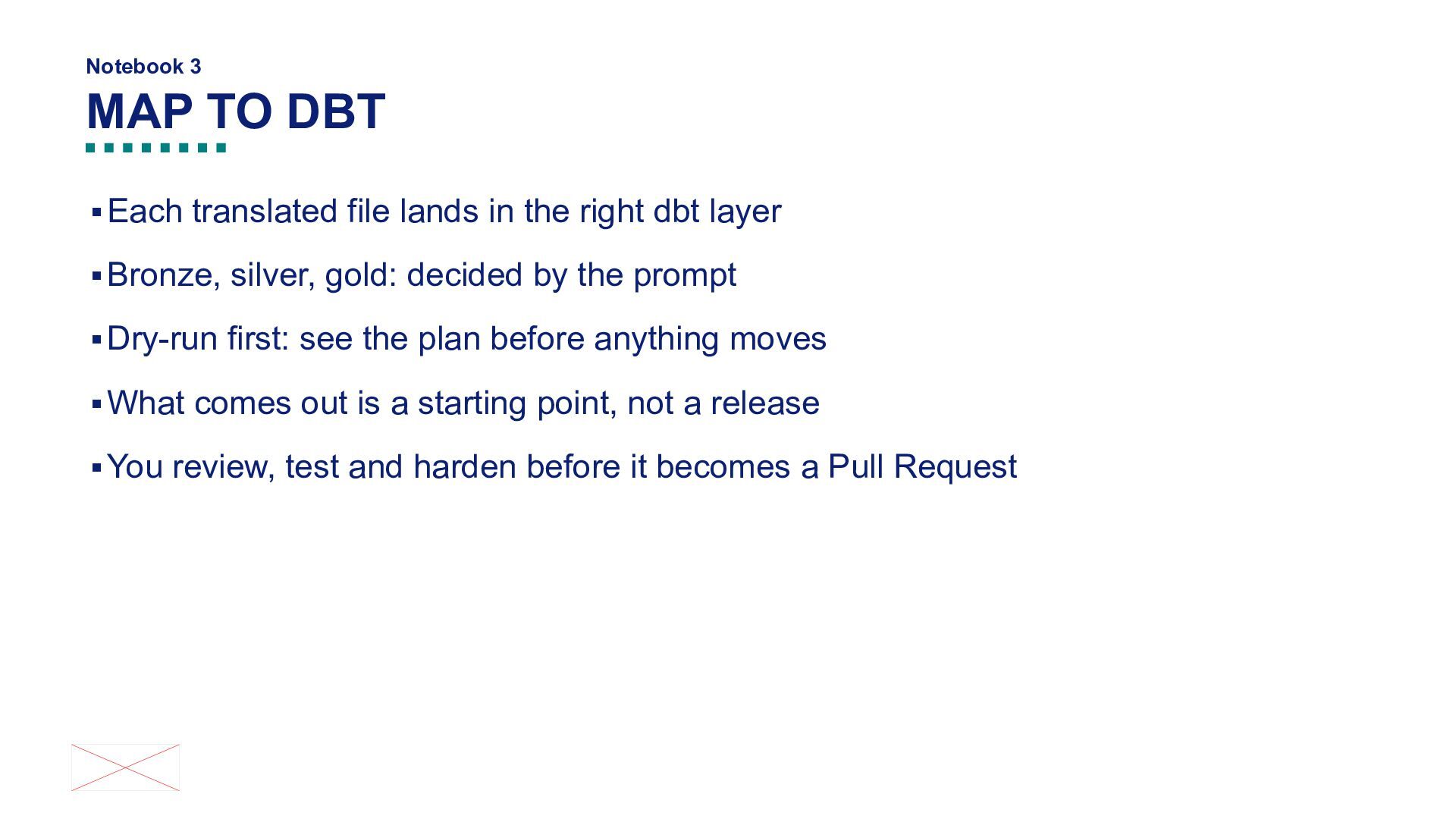
in the right dbt layer ▪ Bronze, silver, gold: decided by the prompt ▪ Dry-run first: see the plan before anything moves ▪ What comes out is a starting point, not a release ▪ You review, test and harden before it becomes a Pull Request


 mark3t1ng
 katarinadahlin
 mfonobong
 sarafernandez
 axbom
axbom
 addyosmani
 pauljervisheath
 3n
3n
 rkendrick25
 varn
varn
 kastner
 michaelherold