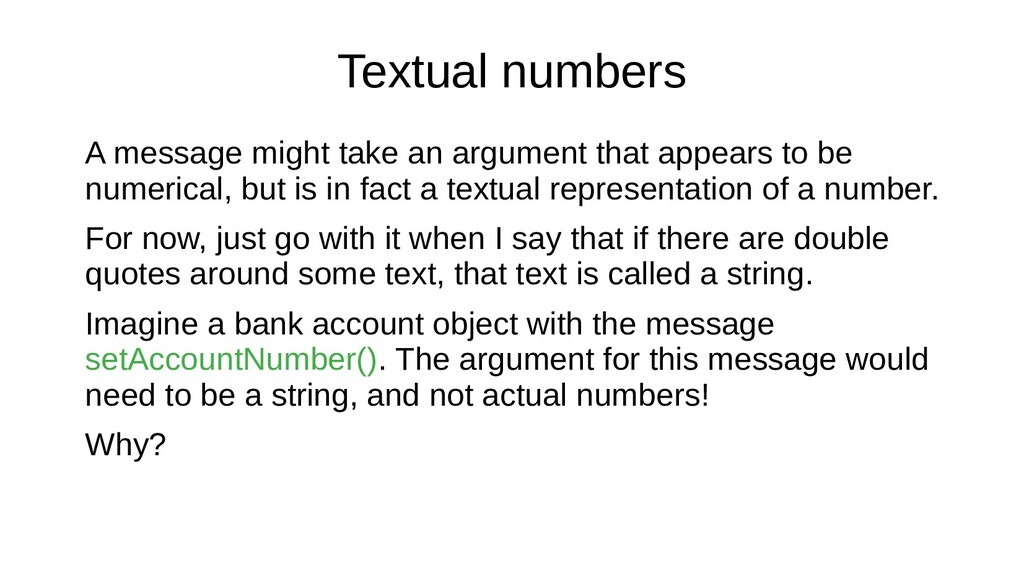
to be numerical, but is in fact a textual representation of a number. For now, just go with it when I say that if there are double quotes around some text, that text is called a string. Imagine a bank account object with the message setAccountNumber(). The argument for this message would need to be a string, and not actual numbers! Why?
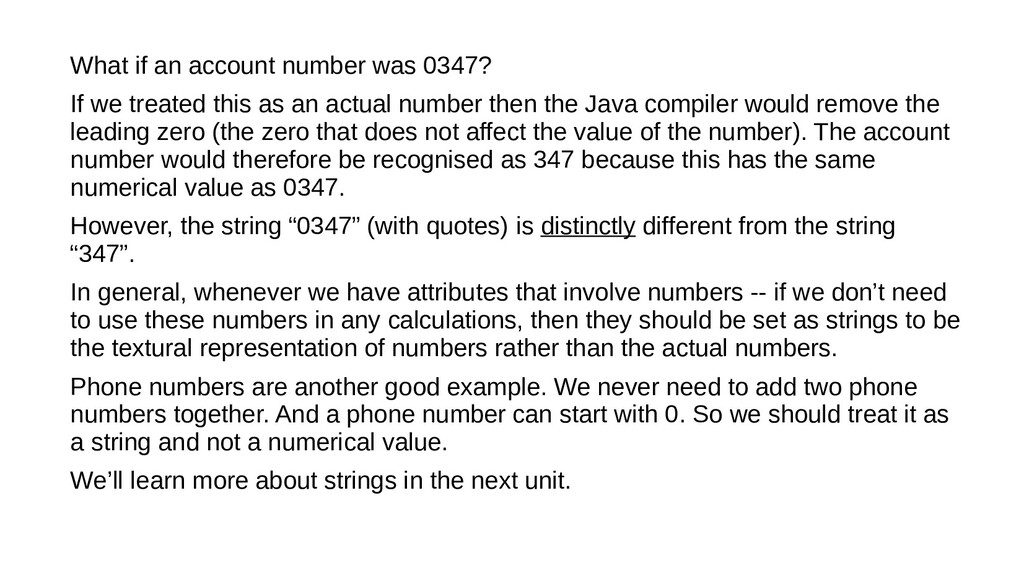
this as an actual number then the Java compiler would remove the leading zero (the zero that does not affect the value of the number). The account number would therefore be recognised as 347 because this has the same numerical value as 0347. However, the string “0347” (with quotes) is distinctly different from the string “347”. In general, whenever we have attributes that involve numbers -- if we don’t need to use these numbers in any calculations, then they should be set as strings to be the textural representation of numbers rather than the actual numbers. Phone numbers are another good example. We never need to add two phone numbers together. And a phone number can start with 0. So we should treat it as a string and not a numerical value. We’ll learn more about strings in the next unit.
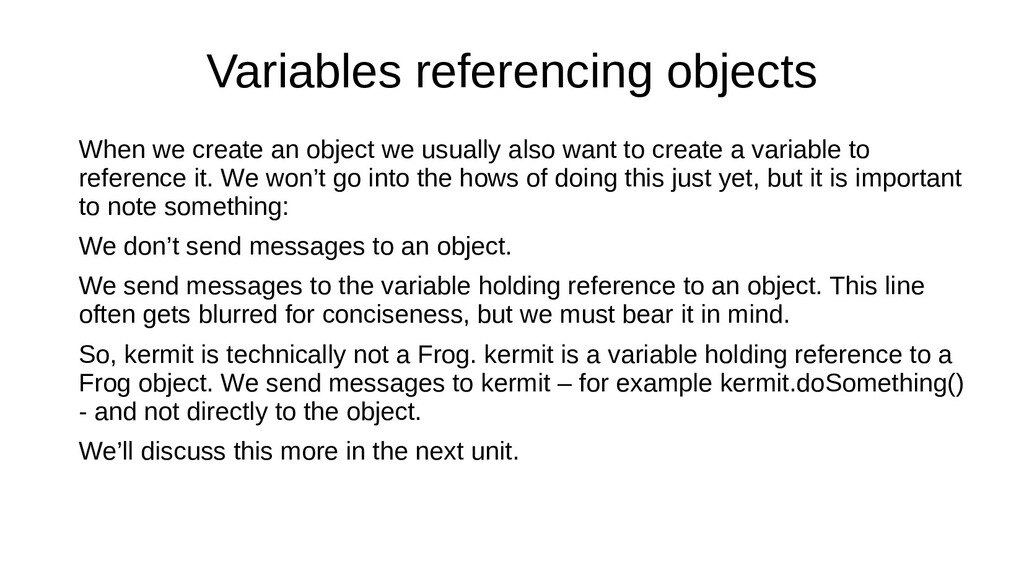
also want to create a variable to reference it. We won’t go into the hows of doing this just yet, but it is important to note something: We don’t send messages to an object. We send messages to the variable holding reference to an object. This line often gets blurred for conciseness, but we must bear it in mind. So, kermit is technically not a Frog. kermit is a variable holding reference to a Frog object. We send messages to kermit – for example kermit.doSomething() - and not directly to the object. We’ll discuss this more in the next unit.
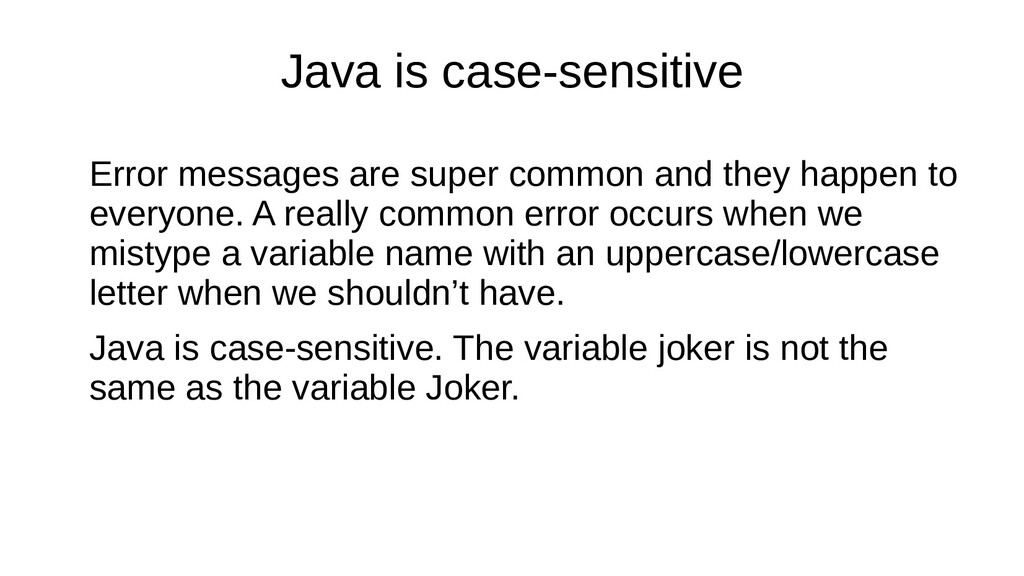
happen to everyone. A really common error occurs when we mistype a variable name with an uppercase/lowercase letter when we shouldn’t have. Java is case-sensitive. The variable joker is not the same as the variable Joker.
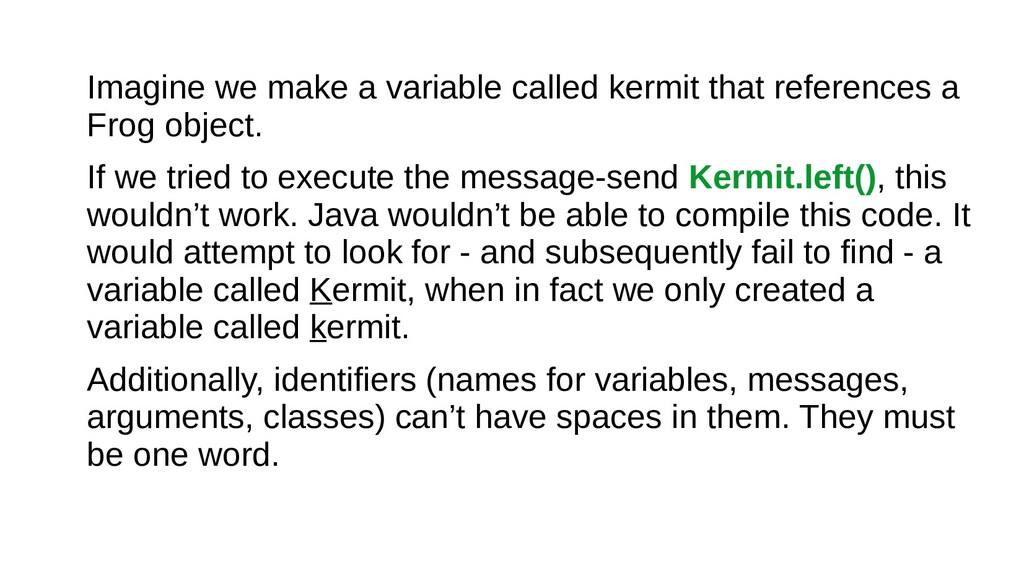
Frog object. If we tried to execute the message-send Kermit.left(), this wouldn’t work. Java wouldn’t be able to compile this code. It would attempt to look for - and subsequently fail to find - a variable called Kermit, when in fact we only created a variable called kermit. Additionally, identifiers (names for variables, messages, arguments, classes) can’t have spaces in them. They must be one word.
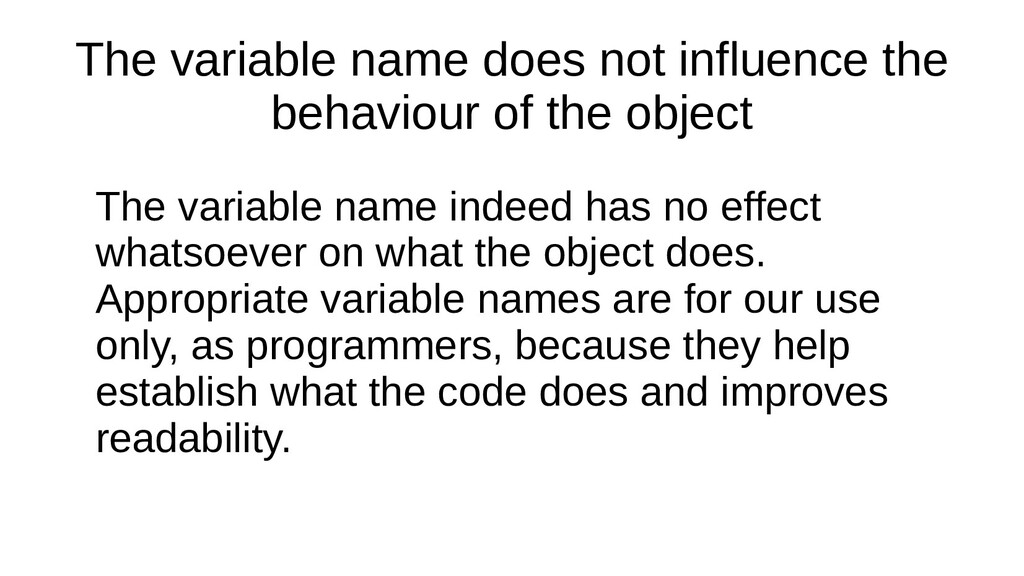
object The variable name indeed has no effect whatsoever on what the object does. Appropriate variable names are for our use only, as programmers, because they help establish what the code does and improves readability.
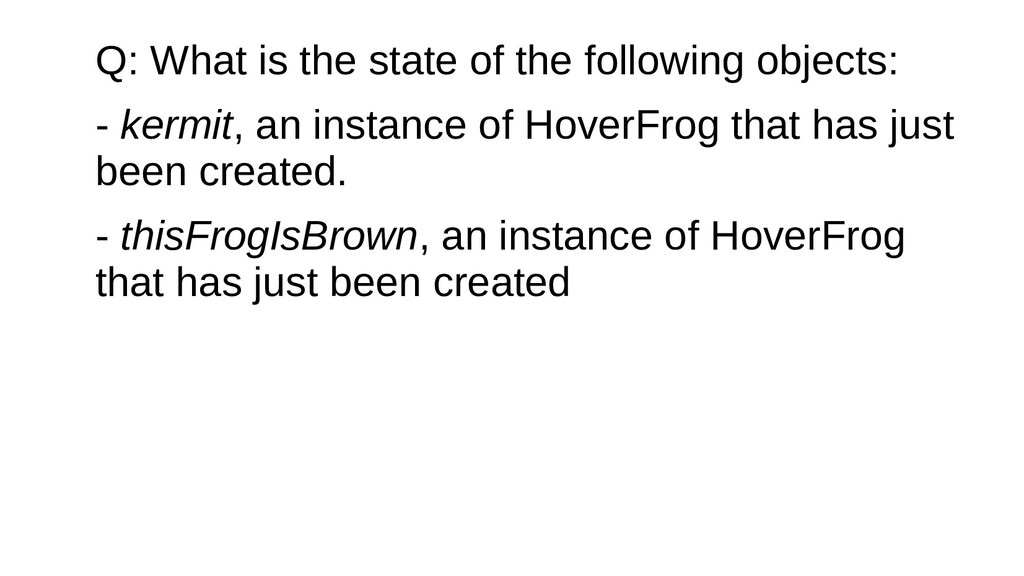
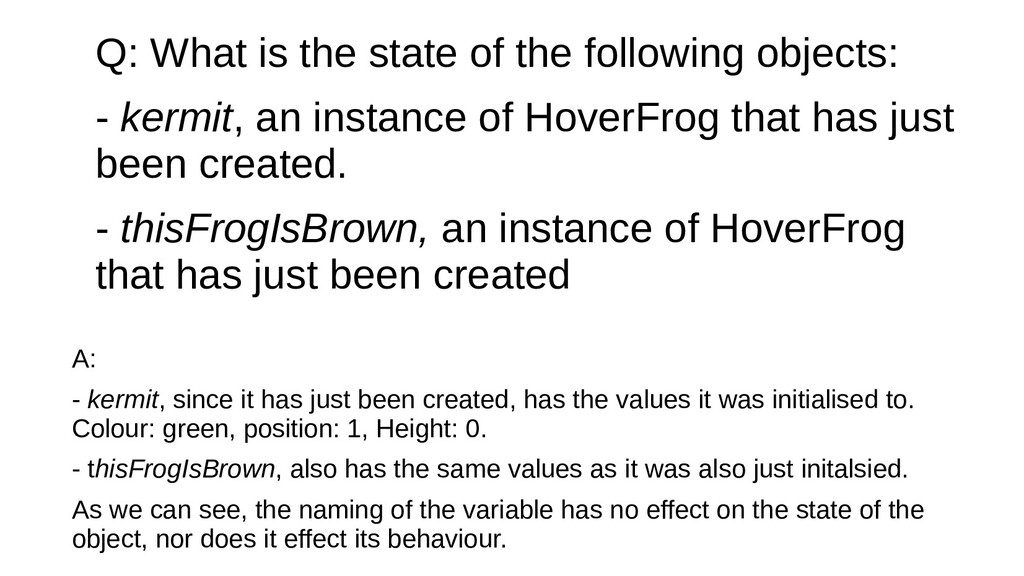
kermit, an instance of HoverFrog that has just been created. - thisFrogIsBrown, an instance of HoverFrog that has just been created A: - kermit, since it has just been created, has the values it was initialised to. Colour: green, position: 1, Height: 0. - thisFrogIsBrown, also has the same values as it was also just initalsied. As we can see, the naming of the variable has no effect on the state of the object, nor does it effect its behaviour.
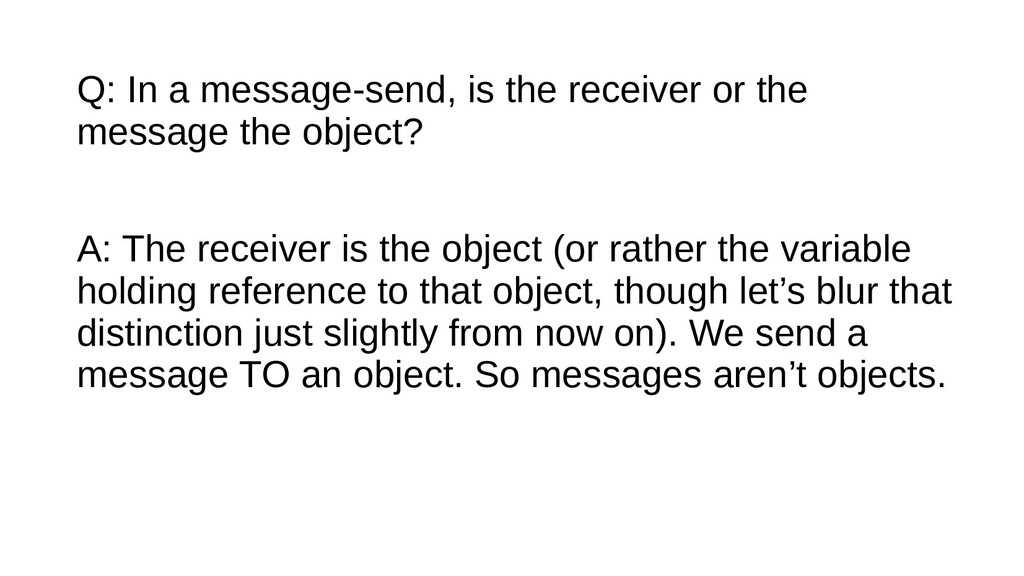
the object? A: The receiver is the object (or rather the variable holding reference to that object, though let’s blur that distinction just slightly from now on). We send a message TO an object. So messages aren’t objects.
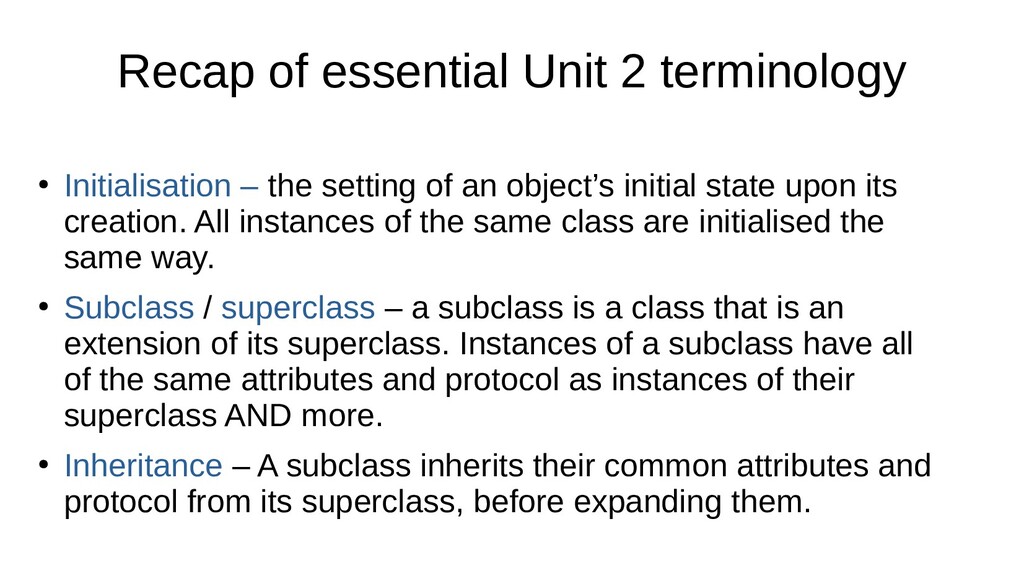
setting of an object’s initial state upon its creation. All instances of the same class are initialised the same way. • Subclass / superclass – a subclass is a class that is an extension of its superclass. Instances of a subclass have all of the same attributes and protocol as instances of their superclass AND more. • Inheritance – A subclass inherits their common attributes and protocol from its superclass, before expanding them.
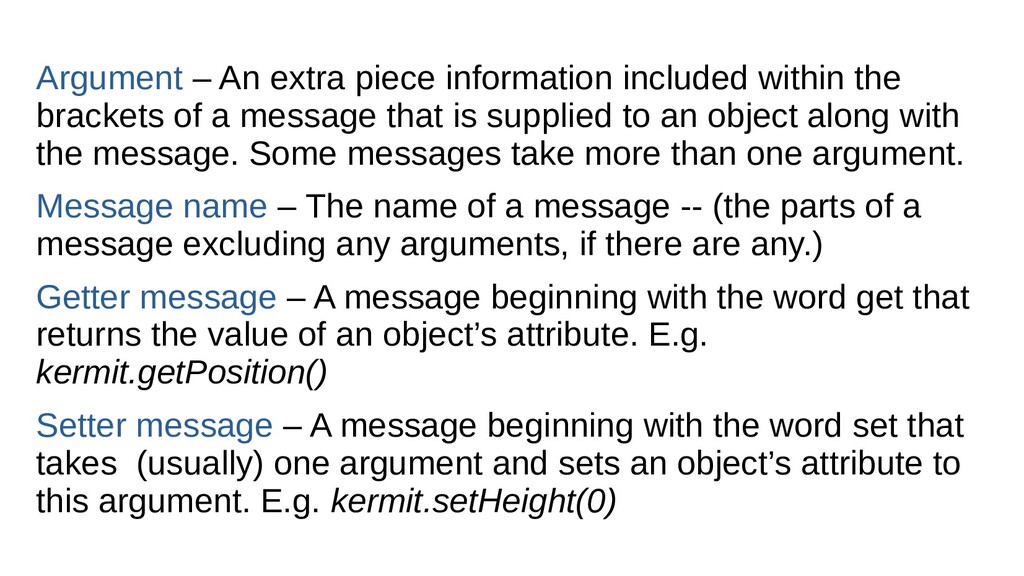
of a message that is supplied to an object along with the message. Some messages take more than one argument. Message name – The name of a message -- (the parts of a message excluding any arguments, if there are any.) Getter message – A message beginning with the word get that returns the value of an object’s attribute. E.g. kermit.getPosition() Setter message – A message beginning with the word set that takes (usually) one argument and sets an object’s attribute to this argument. E.g. kermit.setHeight(0)

 Your Podcast. Everywhere. Effortlessly.


 marsh500
 soudai
 signer
 yoshimura_datam
 ainischool
 masakiokuda
 hiragahh
 drpoonamkc
 pawan_pharm
 akiraasano
 kaityo256
 notwaldorf
 swwweet
 sachag
 dugsong
 letsgokoyo
 tanoku
 dougneiner
 palkan
 rabernat
 aleyda
 matthewcrist
 tamaranovitovic