. c o m About Me • Domino web developer since the 1990s • Lotus Award winner with IdeaJam • XPages developer since before it was released • node.js and MongoDB developer • Co-founder of LDC Via • http:/ /ldcvia.com • Domino to Cloud data migration and hosting platform
. c o m Where are we coming from? • Applications vs Mail • Mail is a commodity at this point • Typically for IBM shops we would run our own hardware and software, usually on premises • Over recent years there has been increasing pressure to move to “the cloud” • [Insert dramatic music here]
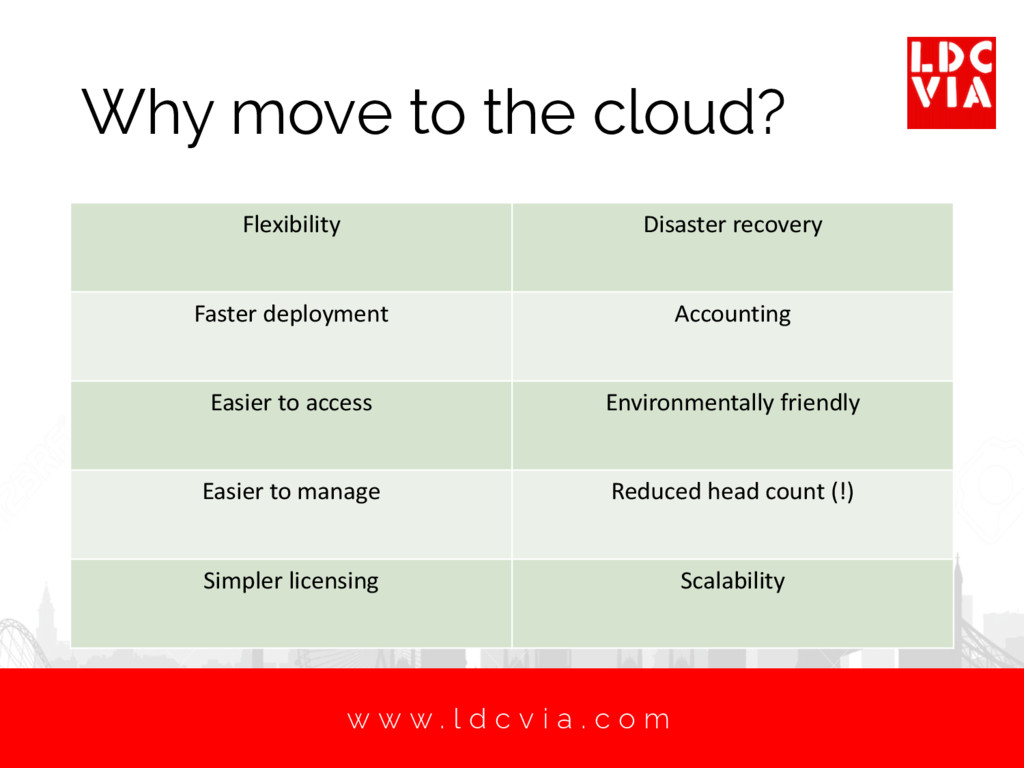
. c o m Why move to the cloud? Flexibility Disaster recovery Faster deployment Accounting Easier to access Environmentally friendly Easier to manage Reduced head count (!) Simpler licensing Scalability
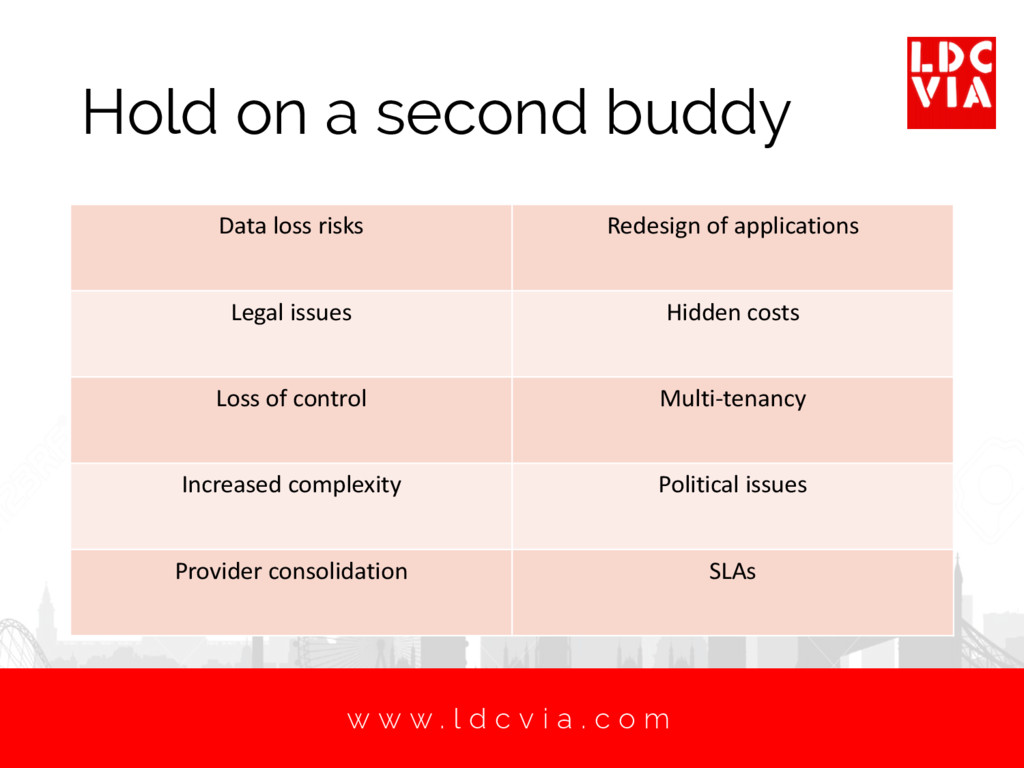
. c o m Hold on a second buddy Data loss risks Redesign of applications Legal issues Hidden costs Loss of control Multi-tenancy Increased complexity Political issues Provider consolidation SLAs
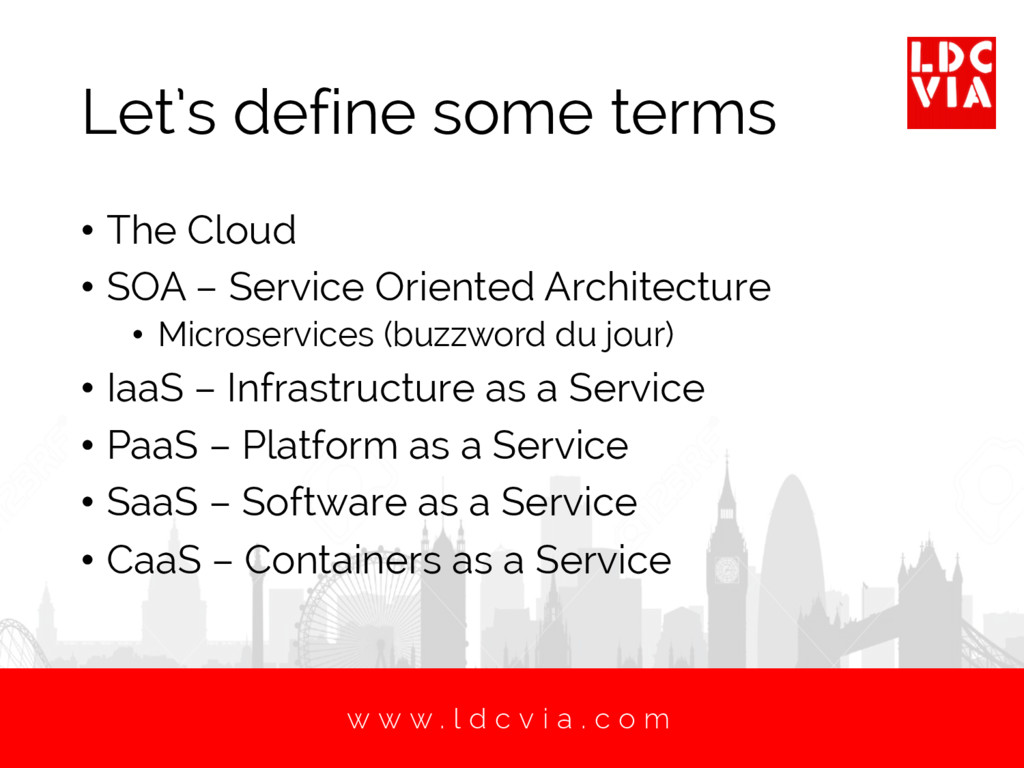
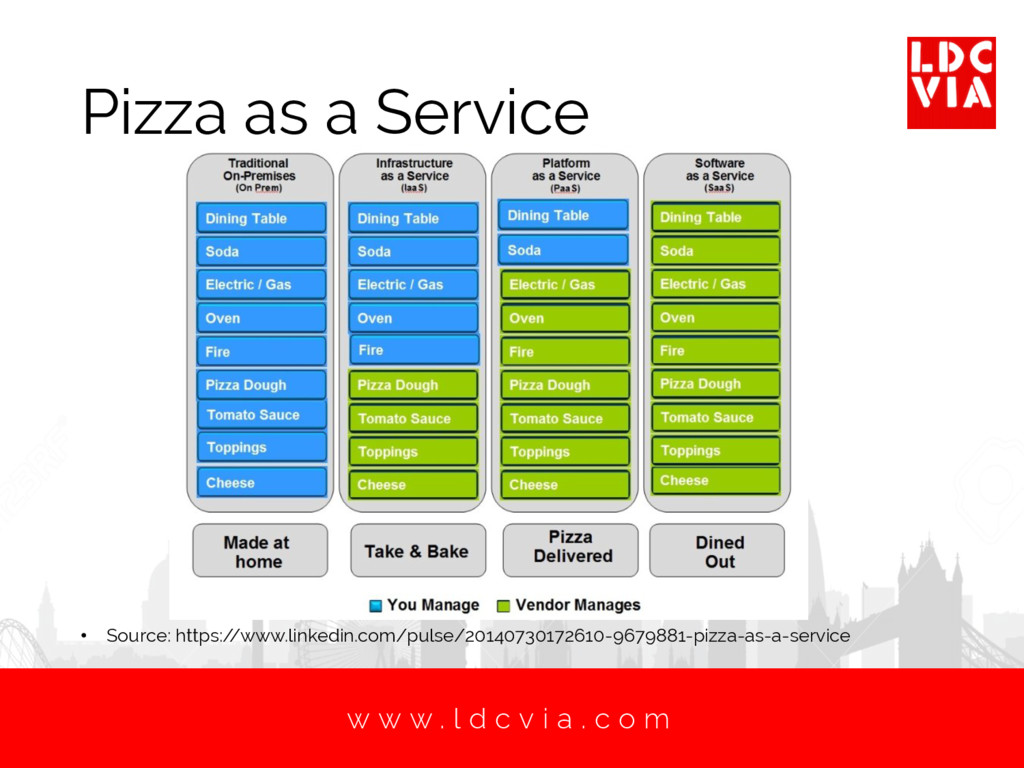
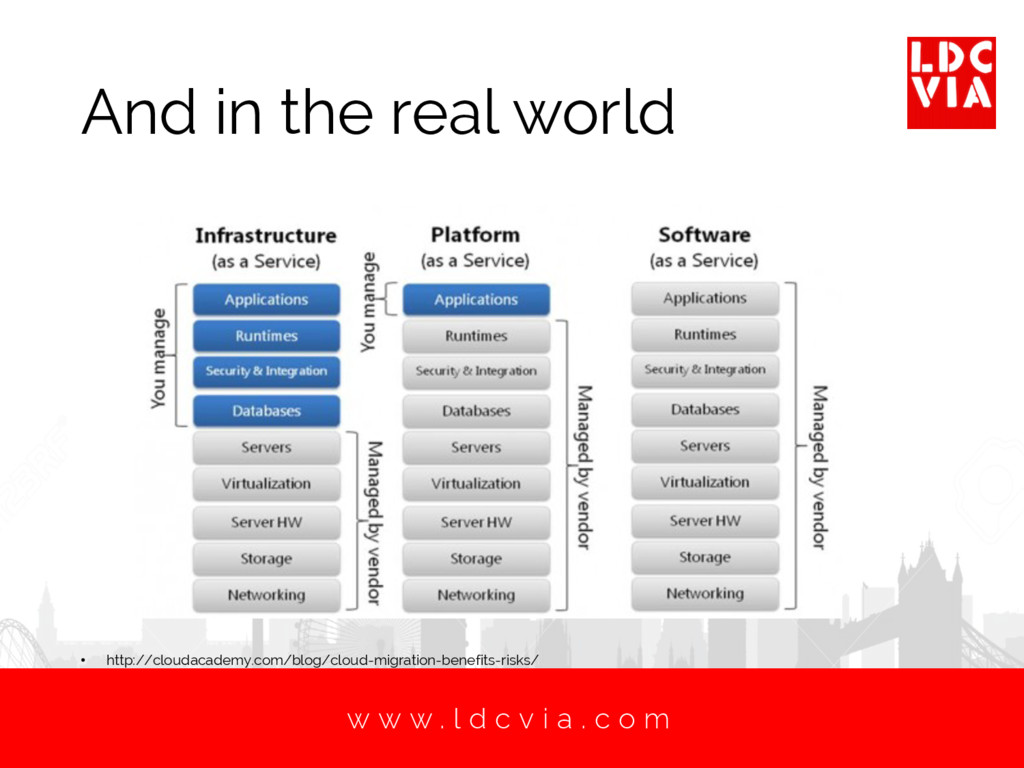
. c o m Let’s define some terms • The Cloud • SOA – Service Oriented Architecture • Microservices (buzzword du jour) • IaaS – Infrastructure as a Service • PaaS – Platform as a Service • SaaS – Software as a Service • CaaS – Containers as a Service
. c o m Technical Considerations • Development languages • No significant future for Notes and Domino development • Many alternatives: • Java, C#, JavaScript, PHP, Ruby, Python, C++, Perl, Scala, R, Objective C, Swift, Go, Turbo Pascal, LotusScript • Based on the language this will push you in one direction or another for cloud services • Development environment • How do your developers actually do work?
. c o m Technical Considerations • Database • Document • MongoDB • CouchDB • etc… • Or relational • DB2 • SQL Server • etc… • Database service or self managed • Backups
. c o m Technical Considerations • Source Control • Most likely cloud based as well • e.g. Github or Atlassian • Security is very important • How does it integrate with your application hosting platform?
. c o m Technical Considerations • Version Control • You have to worry not just about your own code • You need to keep track of database and server platforms as well • Although you may not actually have any control over them
. c o m Technical Considerations • Testing • Shouldn’t really be any different in process • However • Do you run a test environment that matches your production environment in the cloud? • Have you considered something like Docker to allow you to build consistent environments? • Can your test process be improved to allow continue integration and delivery?
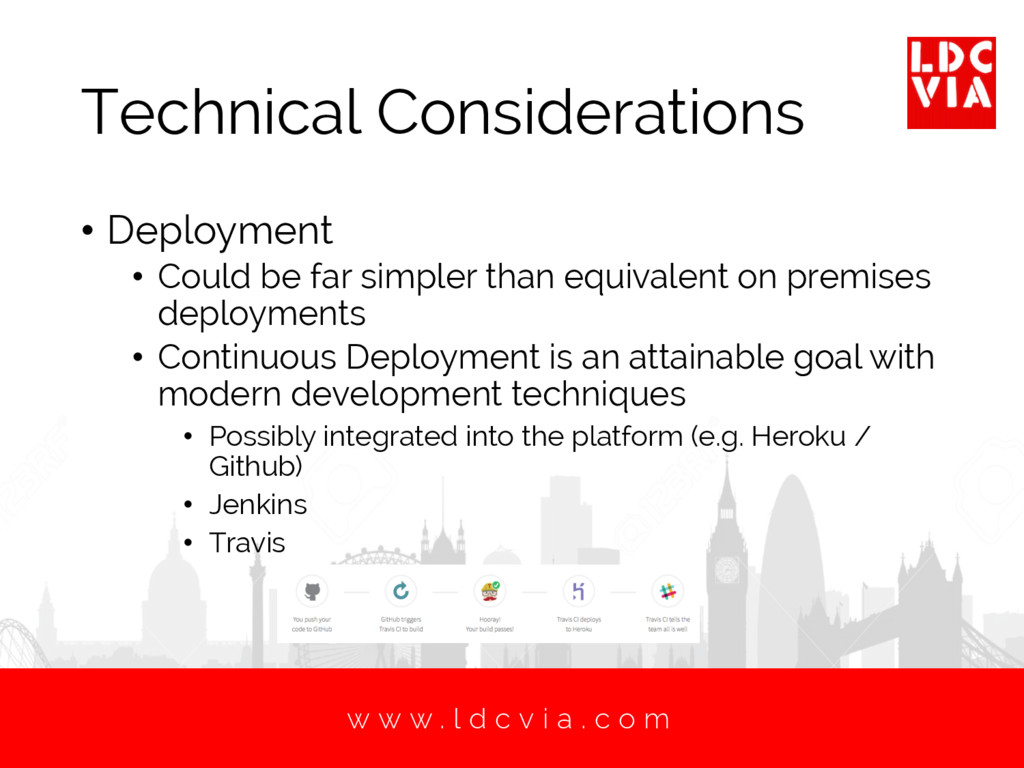
. c o m Technical Considerations • Deployment • Could be far simpler than equivalent on premises deployments • Continuous Deployment is an attainable goal with modern development techniques • Possibly integrated into the platform (e.g. Heroku / Github) • Jenkins • Travis
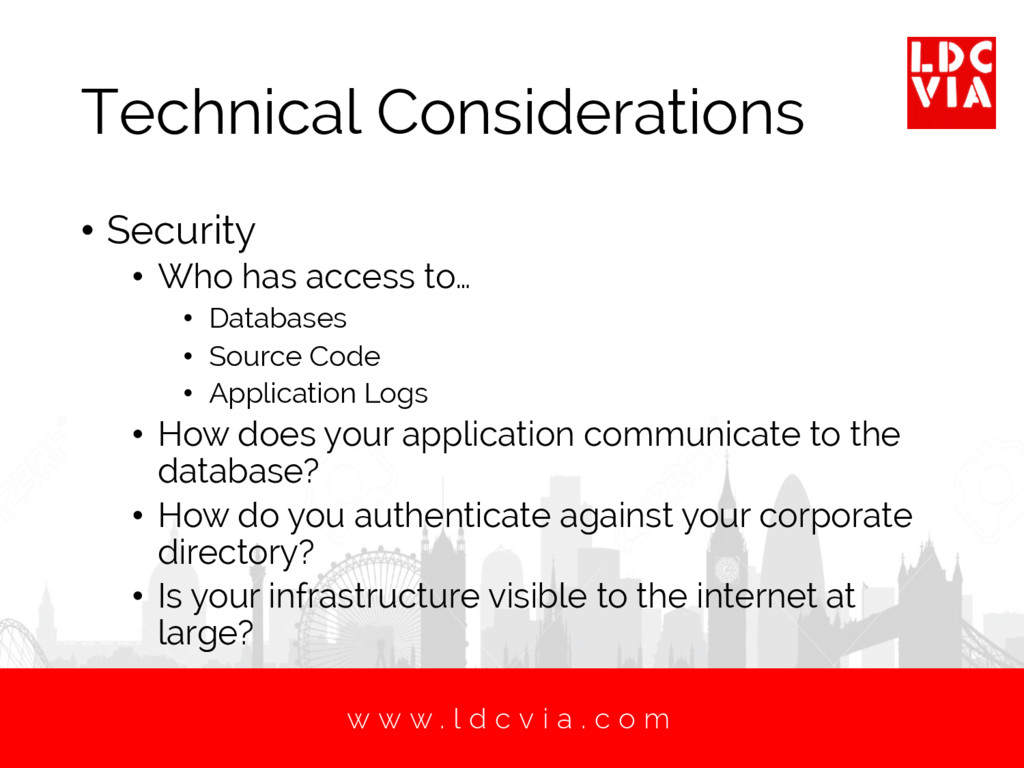
. c o m Technical Considerations • Security • Who has access to… • Databases • Source Code • Application Logs • How does your application communicate to the database? • How do you authenticate against your corporate directory? • Is your infrastructure visible to the internet at large?
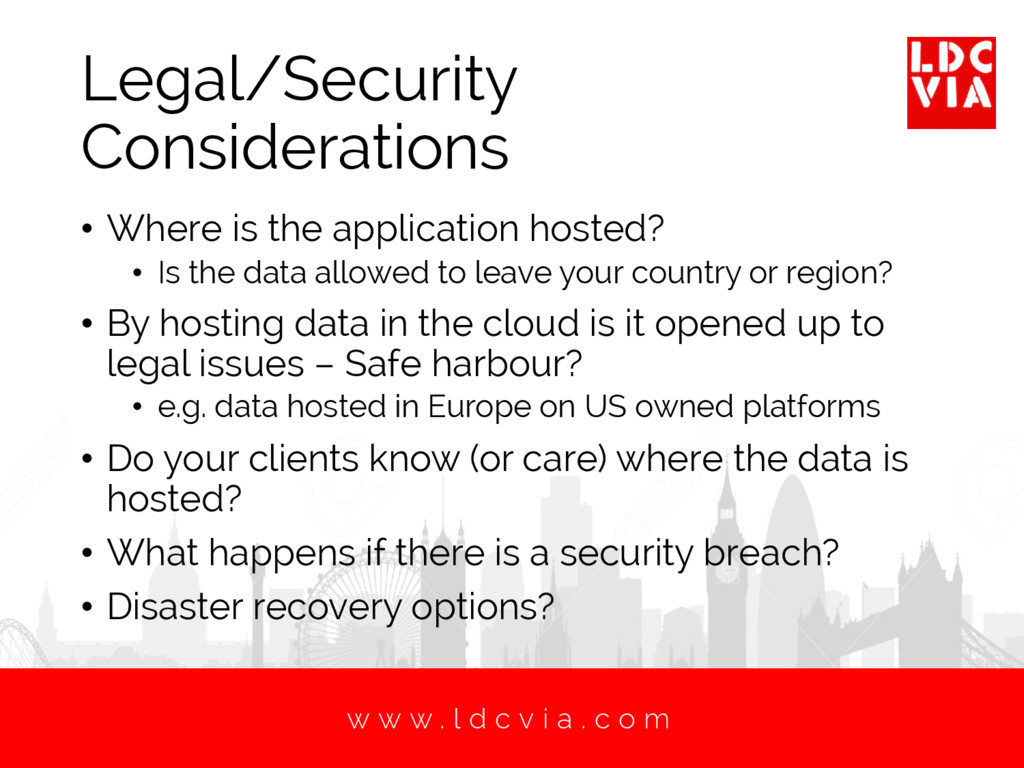
. c o m Legal/Security Considerations • Where is the application hosted? • Is the data allowed to leave your country or region? • By hosting data in the cloud is it opened up to legal issues – Safe harbour? • e.g. data hosted in Europe on US owned platforms • Do your clients know (or care) where the data is hosted? • What happens if there is a security breach? • Disaster recovery options?
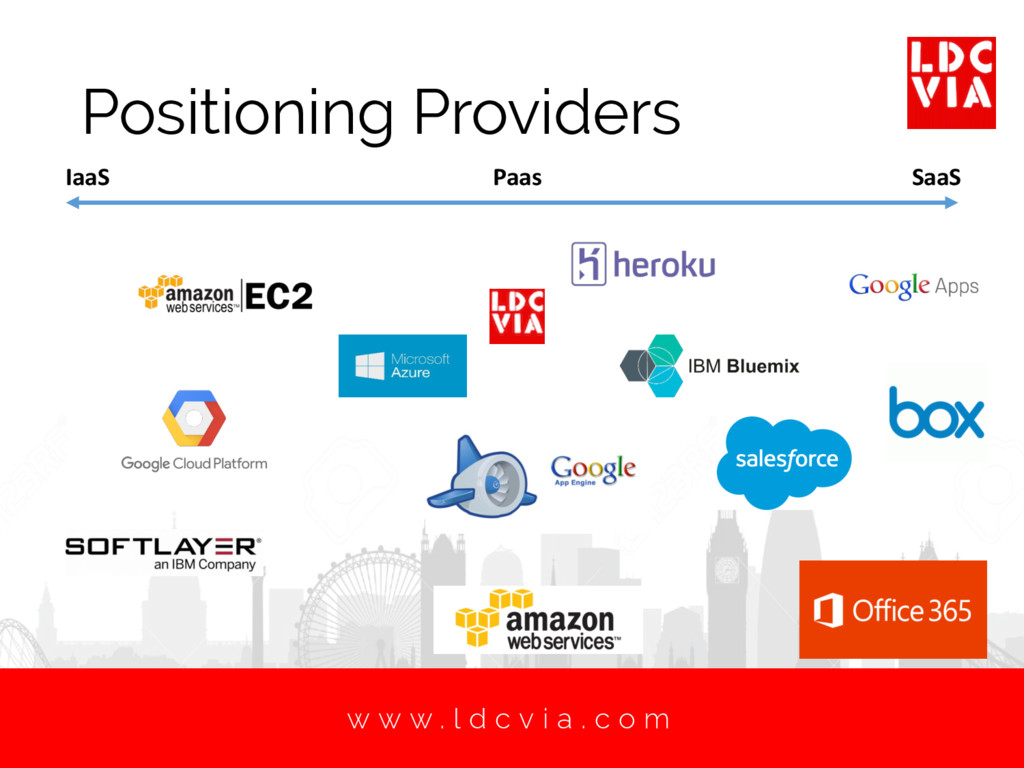
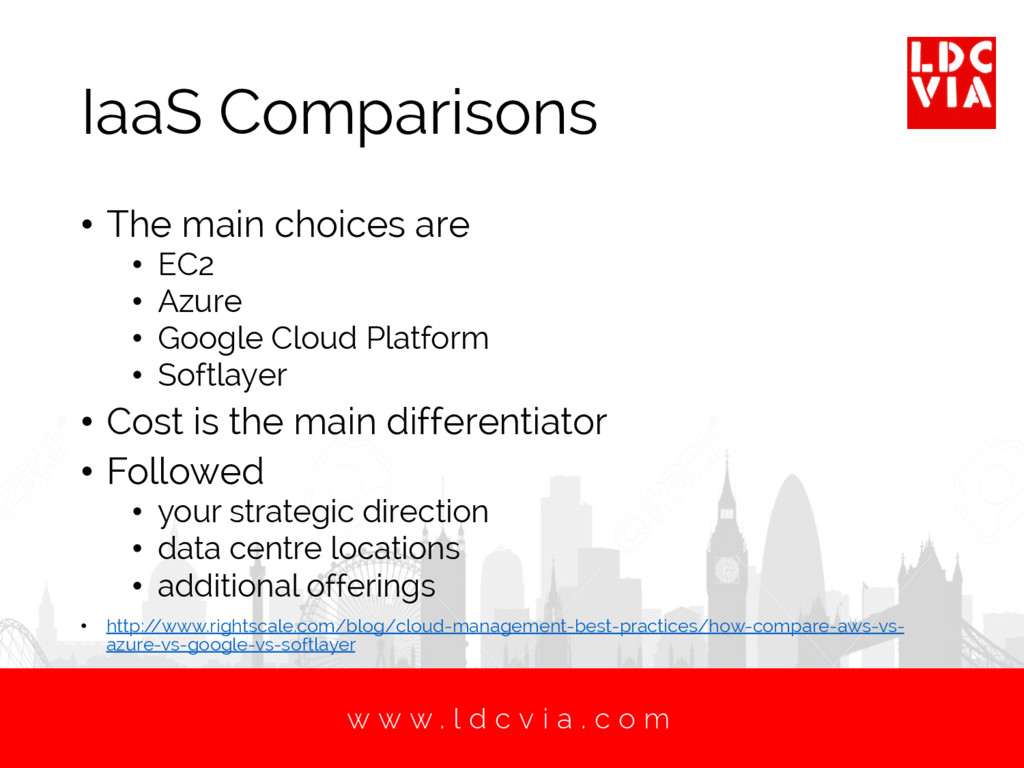
. c o m IaaS Comparisons • The main choices are • EC2 • Azure • Google Cloud Platform • Softlayer • Cost is the main differentiator • Followed • your strategic direction • data centre locations • additional offerings • http:/ /www.rightscale.com/blog/cloud-management-best-practices/how-compare-aws-vs- azure-vs-google-vs-softlayer
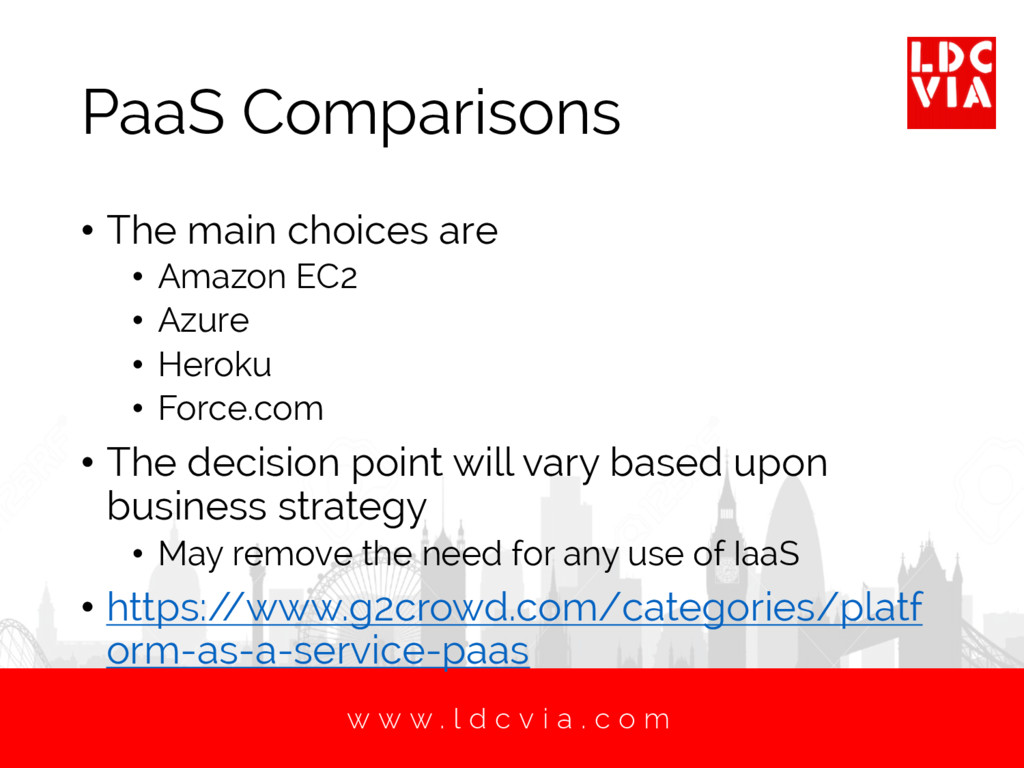
. c o m PaaS Comparisons • The main choices are • Amazon EC2 • Azure • Heroku • Force.com • The decision point will vary based upon business strategy • May remove the need for any use of IaaS • https:/ /www.g2crowd.com/categories/platf orm-as-a-service-paas
. c o m SaaS Comparisons • Hundreds of choices • Pick the task • Project Management • Accounting • CRM • Etc… • Does your business fit “standard” tools • Be wary of costs building up
. c o m Case Study: LDC Via • We run… • MongoDB • Two different node.js applications • Main application API • Front end application • Codebase sits in Github • Distributed development team • Each run own dev environment • Matching test environment • Monitoring service
. c o m Hosting databases • We use MongoDB, but the same issues hold for other databases • Our main choices • A Database as a Service provider (e.g. mLab) • Very easy to get going • Well managed • Secure • Scalable to a point • Gets expensive quickly
. c o m Hosting databases • Manage our own database infrastructure • More work to manage • Mitigated by MongoDB Cloud management software • We have to run the servers and databases • Analogous to running an on premises infrastructure • Our choice: • Database infrastructure is built using Amazon EC2 • Applications are designed to allow this to be switched to true on premises, or an alternative database host as required.
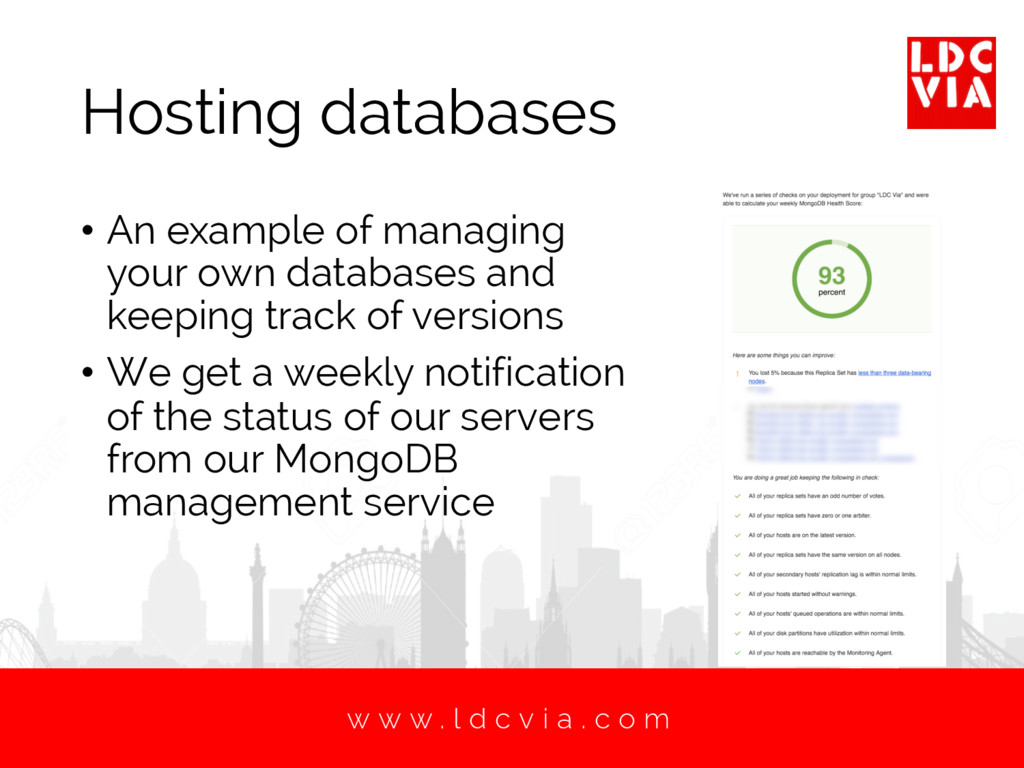
. c o m Hosting databases • An example of managing your own databases and keeping track of versions • We get a weekly notification of the status of our servers from our MongoDB management service
. c o m API Application • We had 3 obvious choices • Heroku • Bluemix • EC2 • Each had benefits to offer • The PaaS options are easier to get going and manage • EC2 allows more flexible configurations as you build the servers yourself
. c o m API Application • Preferred solution would be to use Heroku • However, we have no way to properly secure the database connection without having the database open to the internet • Same issue applies to Bluemix • Therefore, we use EC2 to host our self managed node servers • EC2 is as close to traditional On Premises admin work as you can find
. c o m Front end Application • Our new offering “KEEP.WORKS” needs to interface with the API Application but doesn’t touch the database directly • So it’s a straight choice between Heroku and Bluemix • In this case Heroku wins because it also runs on EC2, so runs far quicker against the API application. • You need to do research into your providers!
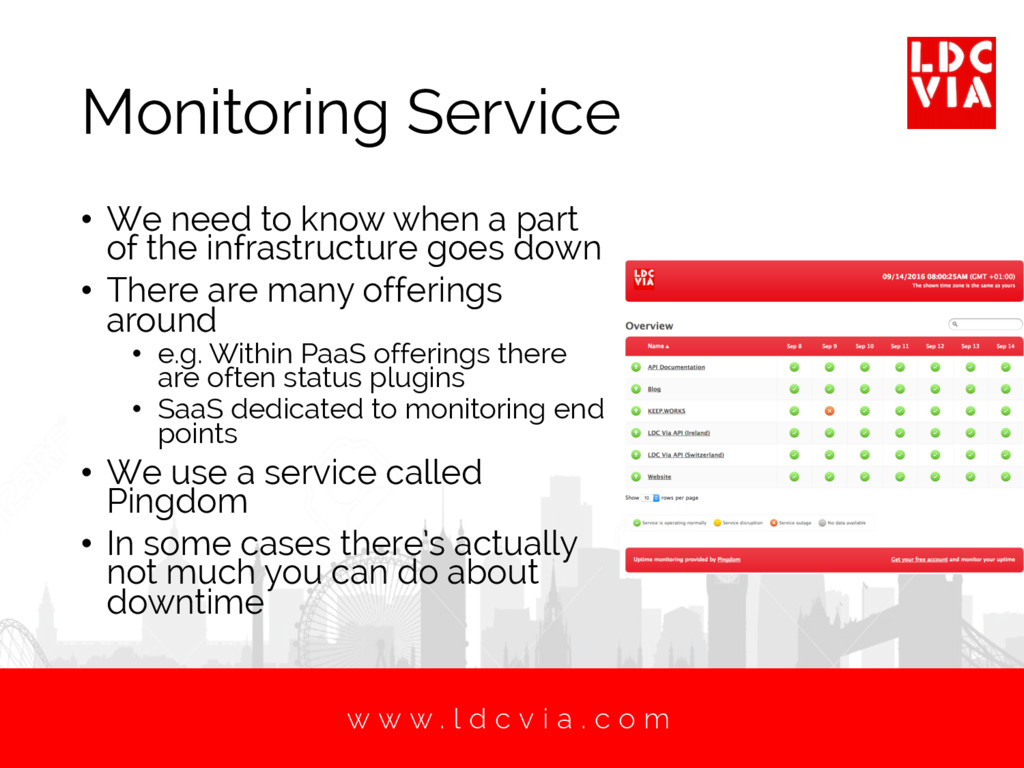
. c o m Monitoring Service • We need to know when a part of the infrastructure goes down • There are many offerings around • e.g. Within PaaS offerings there are often status plugins • SaaS dedicated to monitoring end points • We use a service called Pingdom • In some cases there’s actually not much you can do about downtime
. c o m Nickel and Dimed to Death? • The headline costs of the PaaS offerings is very appealing • A production ready node.js app on Heroku can be as little as $50 per month • But… • What about SSL – extra monthly fee • What about logging – extra monthly fee • What about monitoring – extra monthly fee • It can all mount up very quickly
. c o m Conclusions • Before you start to move to the cloud you need to understand… • What problems you want to solve • What your users need • What your developers want • If done correctly, you can radically improve your ability to provide applications to run your business.


 mattwhite
 puhitaku
 akitoshiga
 glaforge
 y0hgi
y0hgi
 gionn
gionn
 recruitengineers
 nealle
 riyaamemiya
 masakiokuda
 occhi
occhi
 ivry_presentationmaterials
 kakehashi
 baasie
 mojombo
 maltzj
 leimatthew05
 rasmusluckow
 oripsolob
 thekraken
 mfonobong
 soudai
 sergeychernyshev
 techseoconnect
 thirion