Upgrade to Pro — share decks privately, control downloads, hide ads and more …

Getting started with Google Antigravity

Sponsored · SiteGround - Reliable hosting with speed, security, and support you can count on.
Avatar for Mete Atamel Mete Atamel
February 20, 2026

Getting started with Google Antigravity

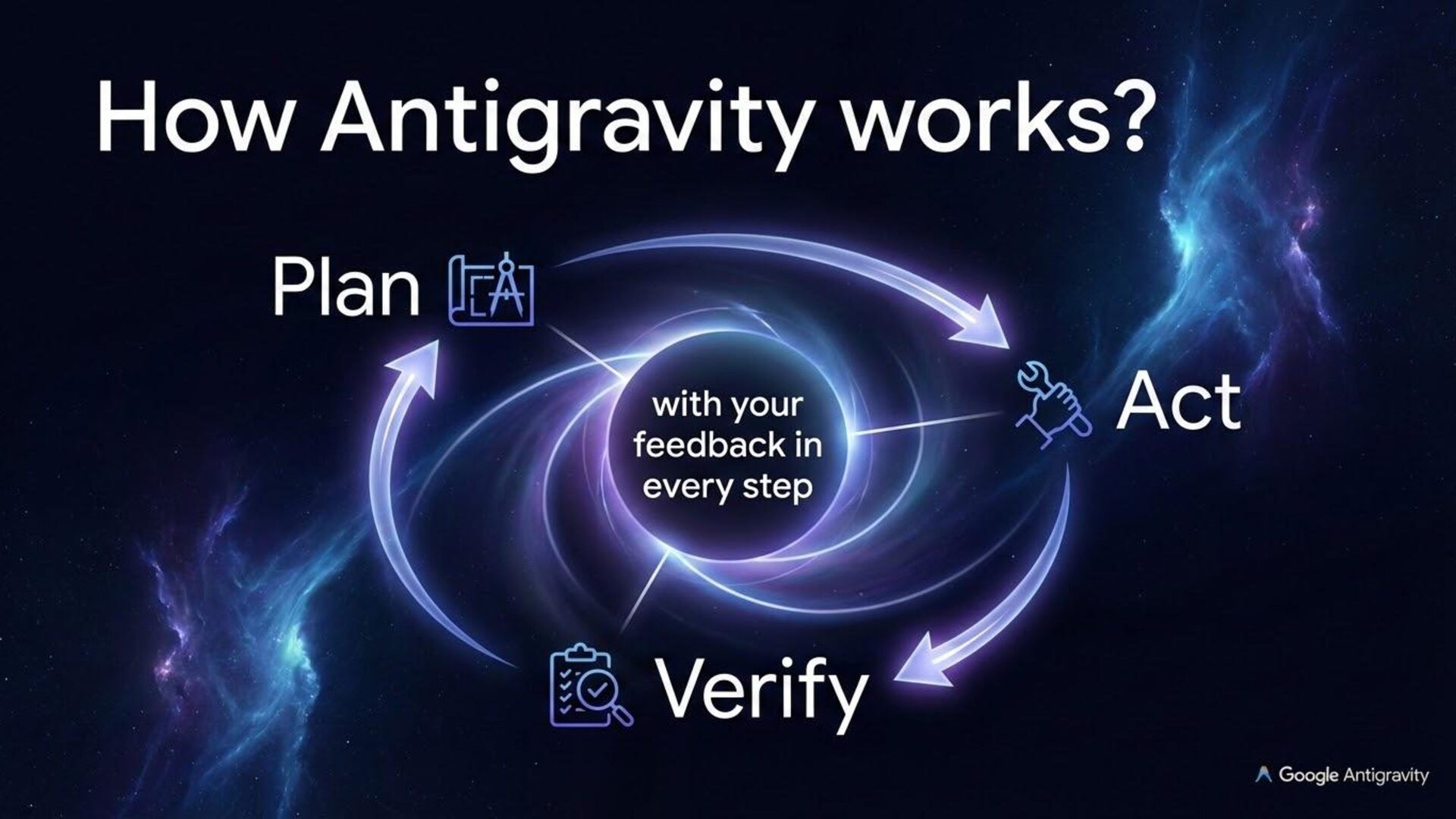
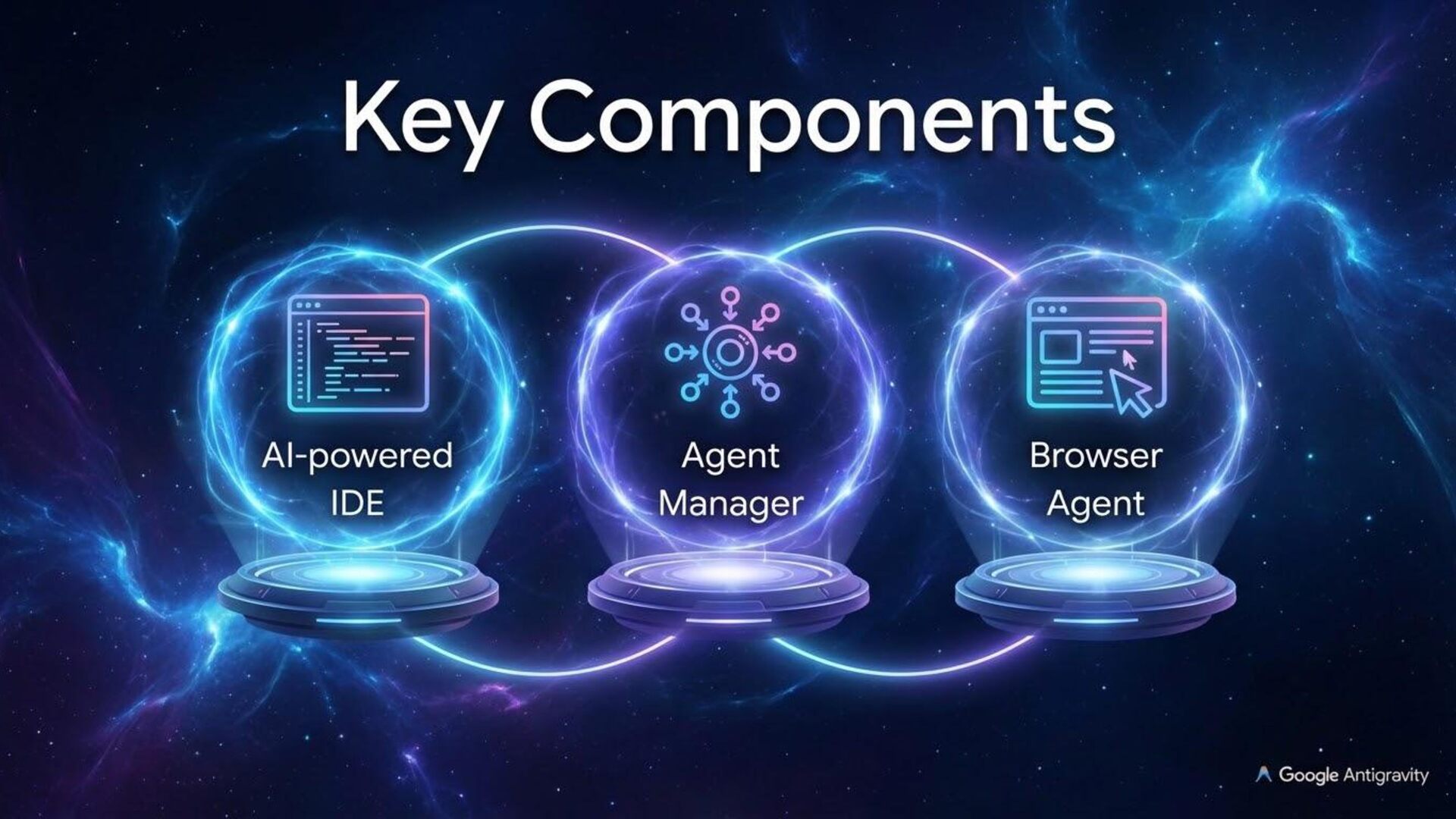
Google Antigravity transforms your regular IDE into an agentic development platform. Beyond basic tab completion, Antigravity offers an intuitive, artifact-based approach to monitoring and providing feedback to agents. By utilizing rules, workflows, and skills, you can fully customize the environment to your team’s best practices, while a dedicated browser subagent handles tasks outside the editor. Last but not least, its Agent Manager can spin up and coordinate multiple parallel agents across various workflows, allowing you to work at a higher level than the code itself.

Avatar for Mete Atamel

Mete Atamel

February 20, 2026
Tweet

More Decks by Mete Atamel

Other Decks in Technology

Transcript

  1. What is Antigravity? An agentic IDE from Google Beyond AI-assisted

    coding, it enables developers to operate at a higher level, managing AI agents across workspaces
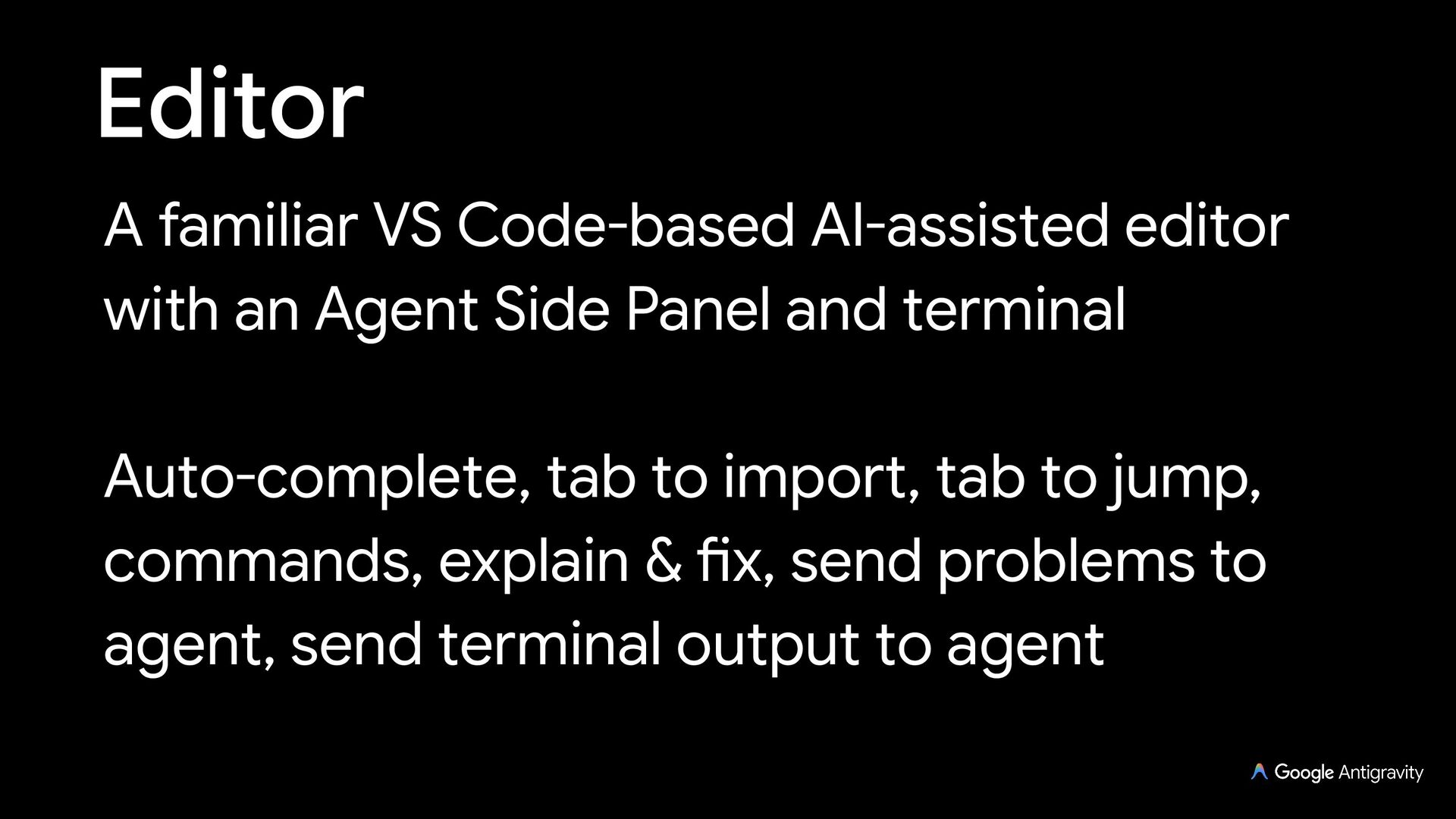
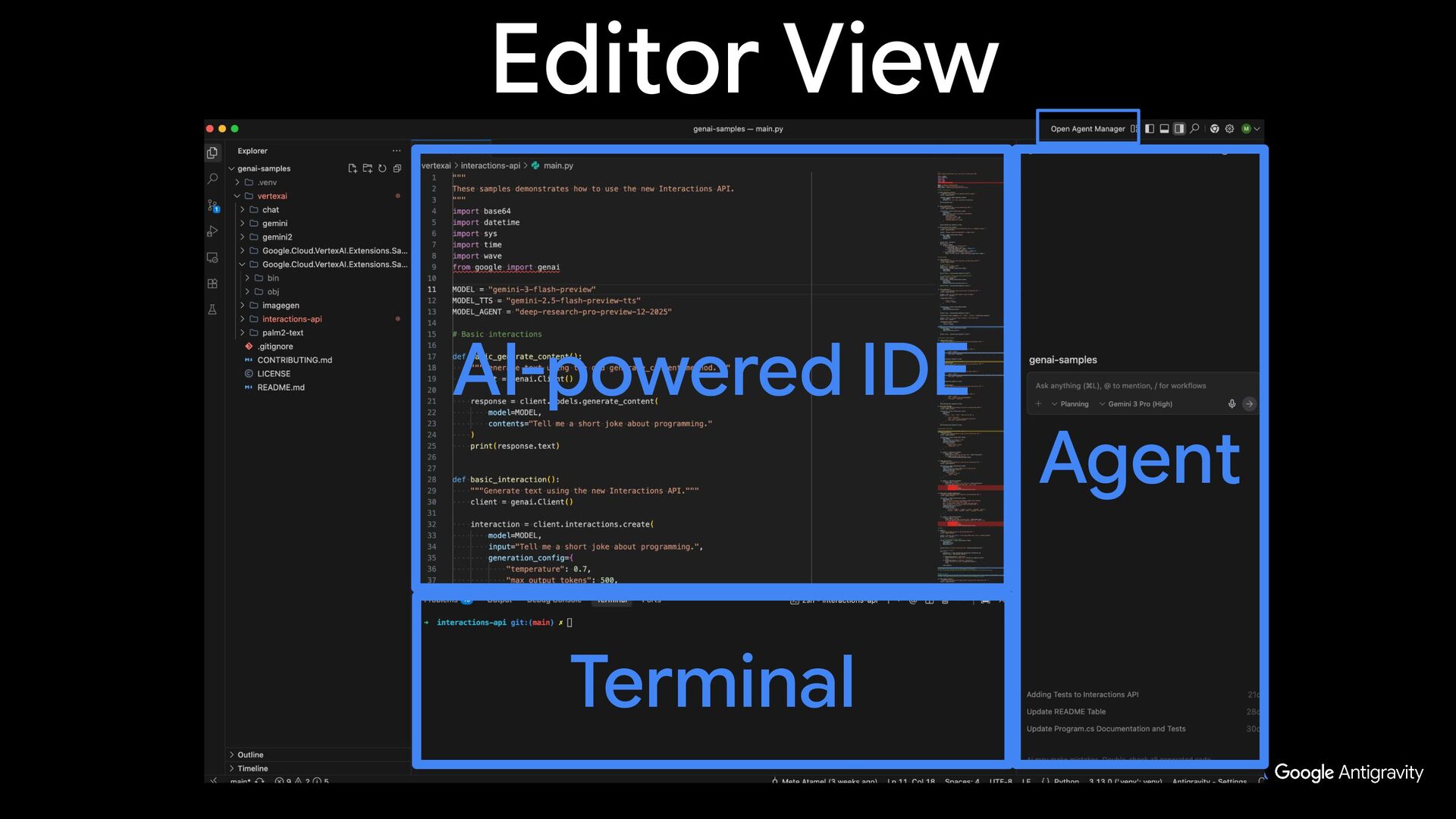
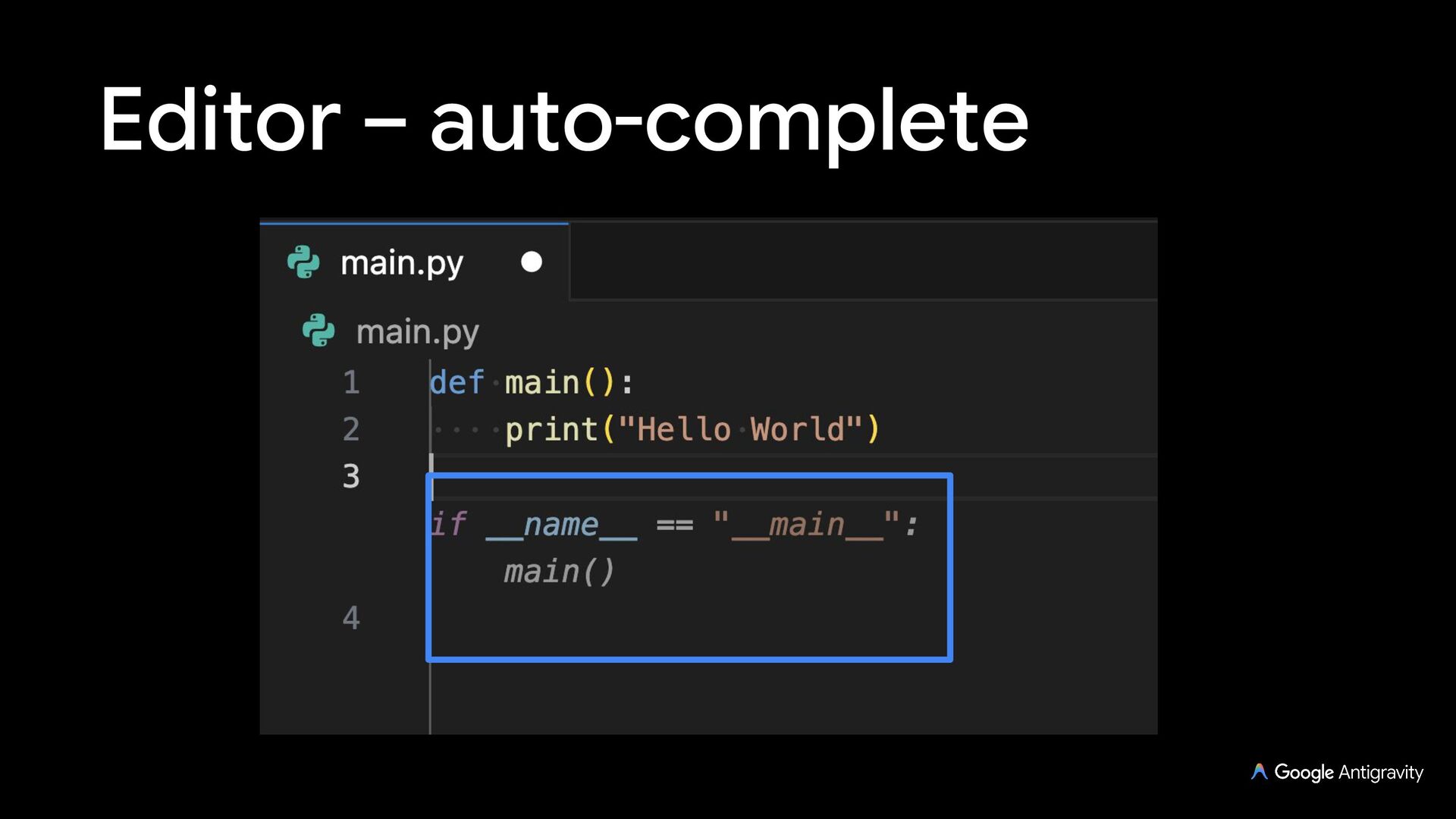
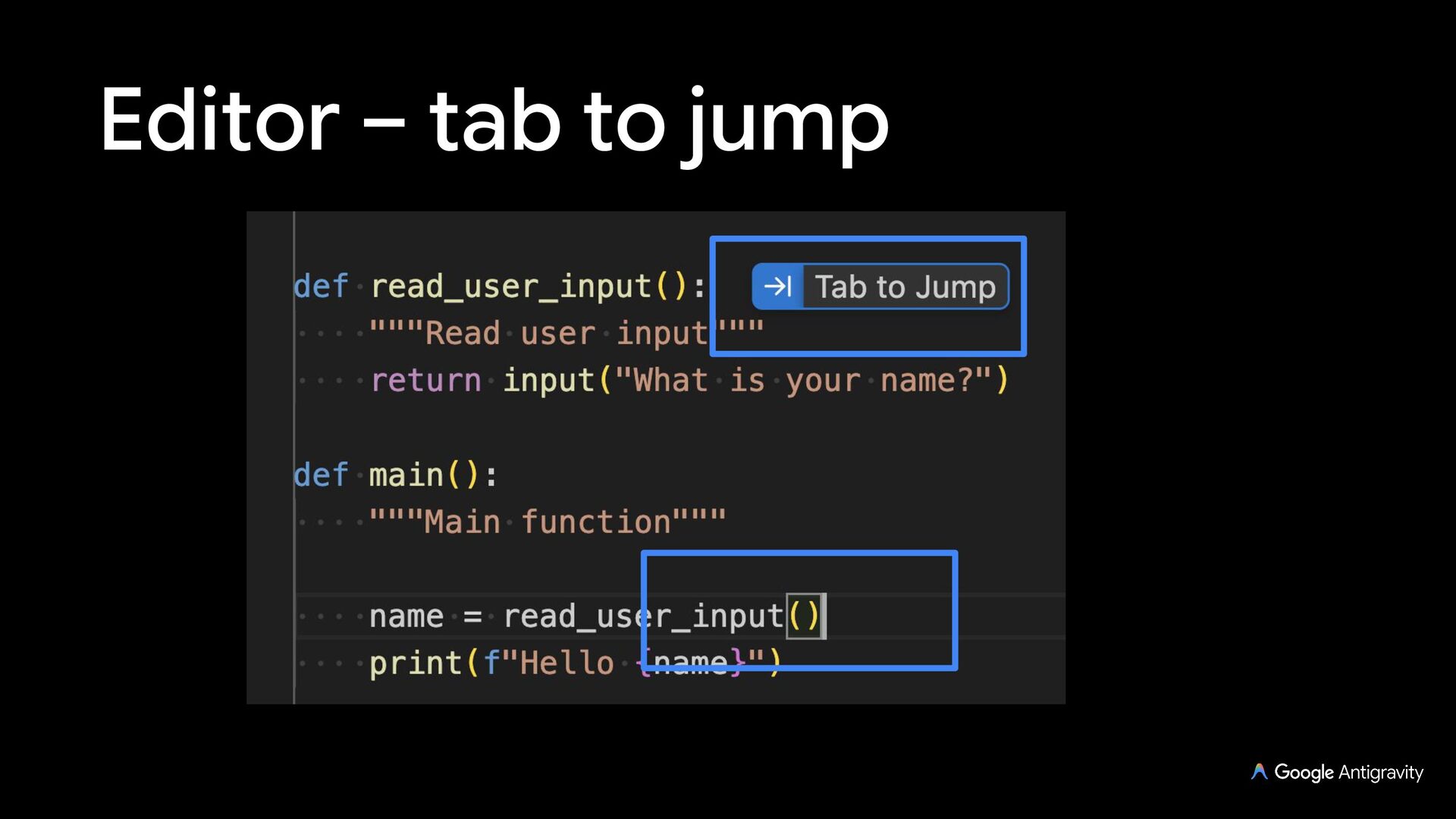
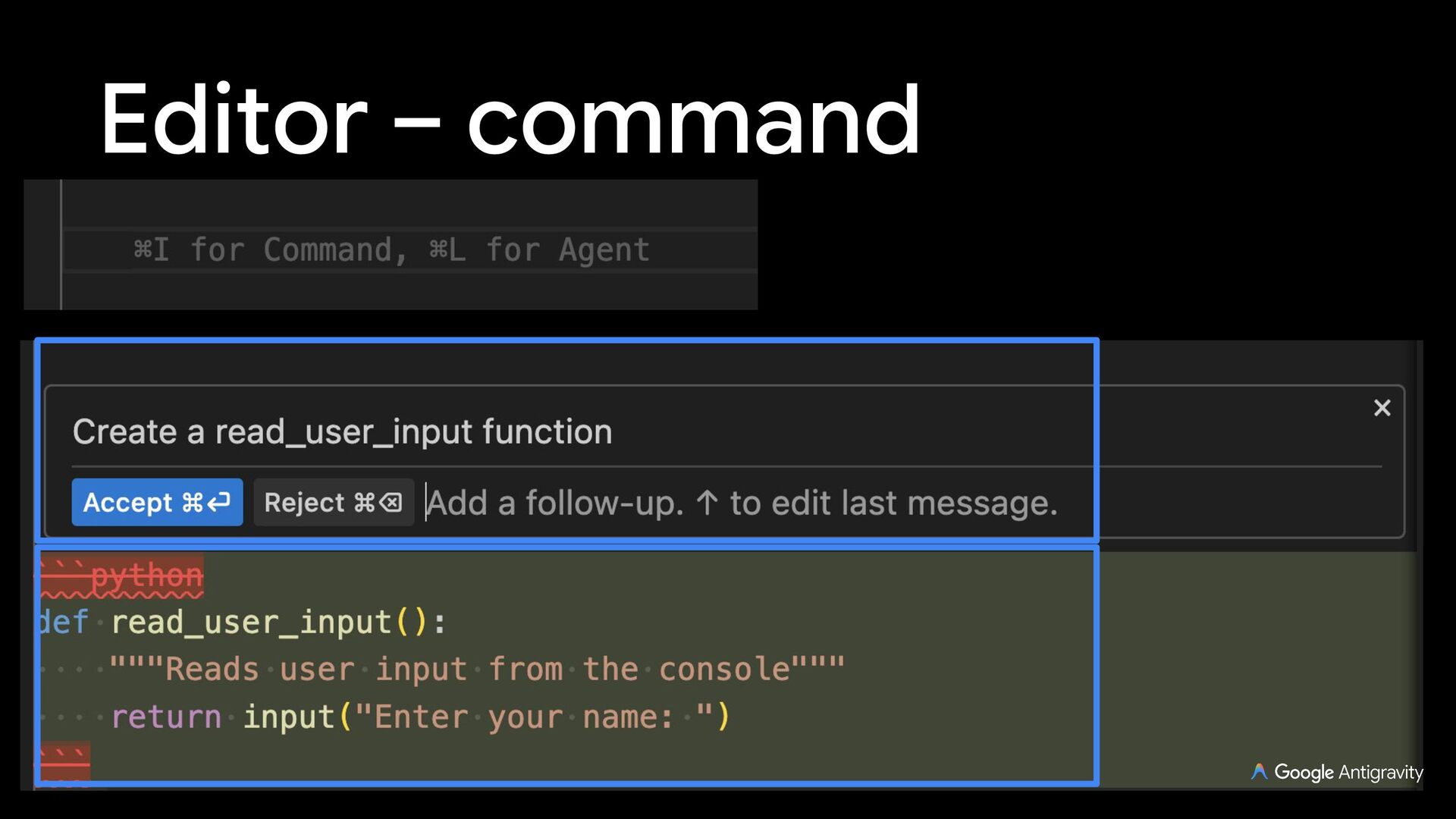
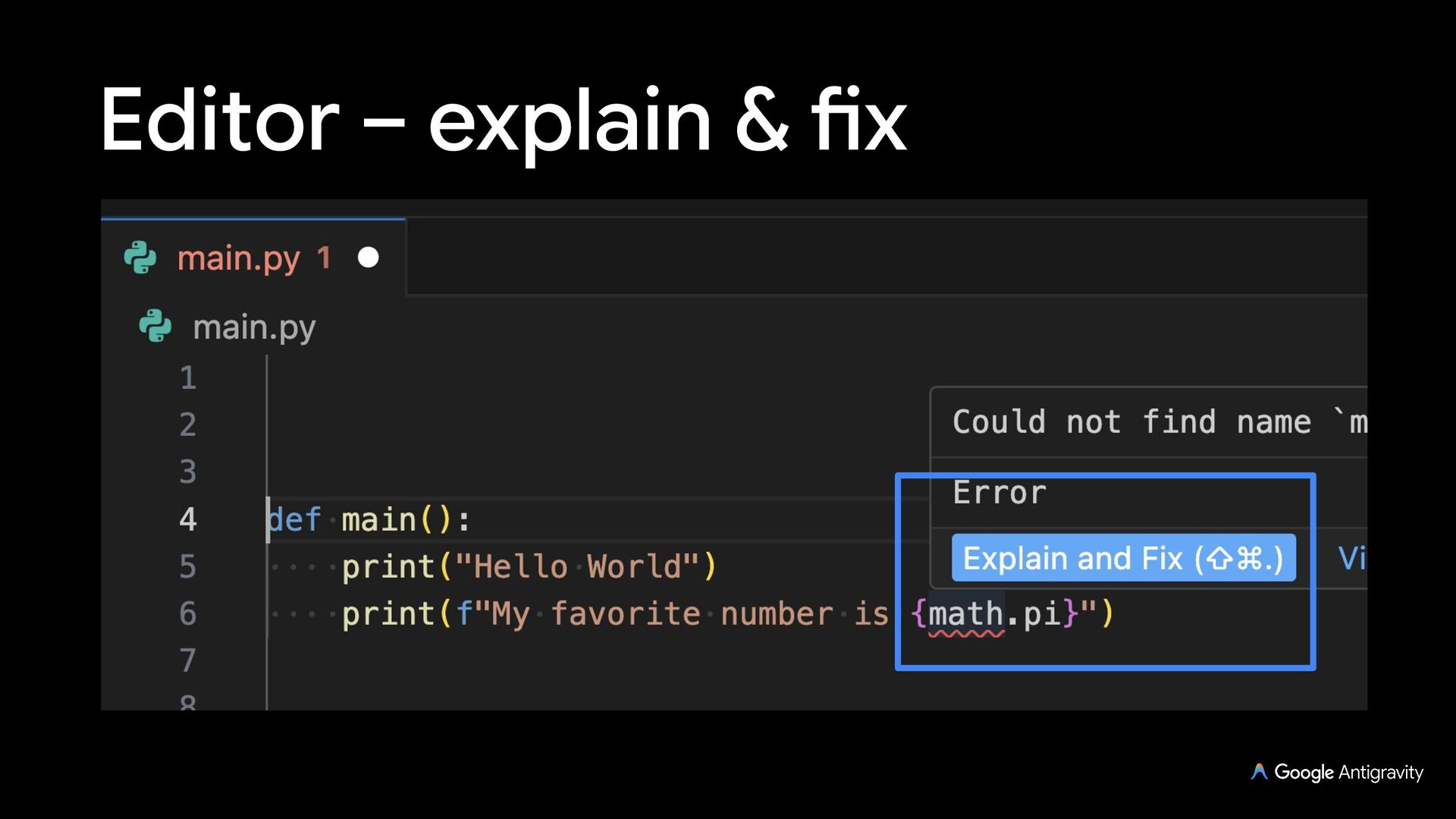
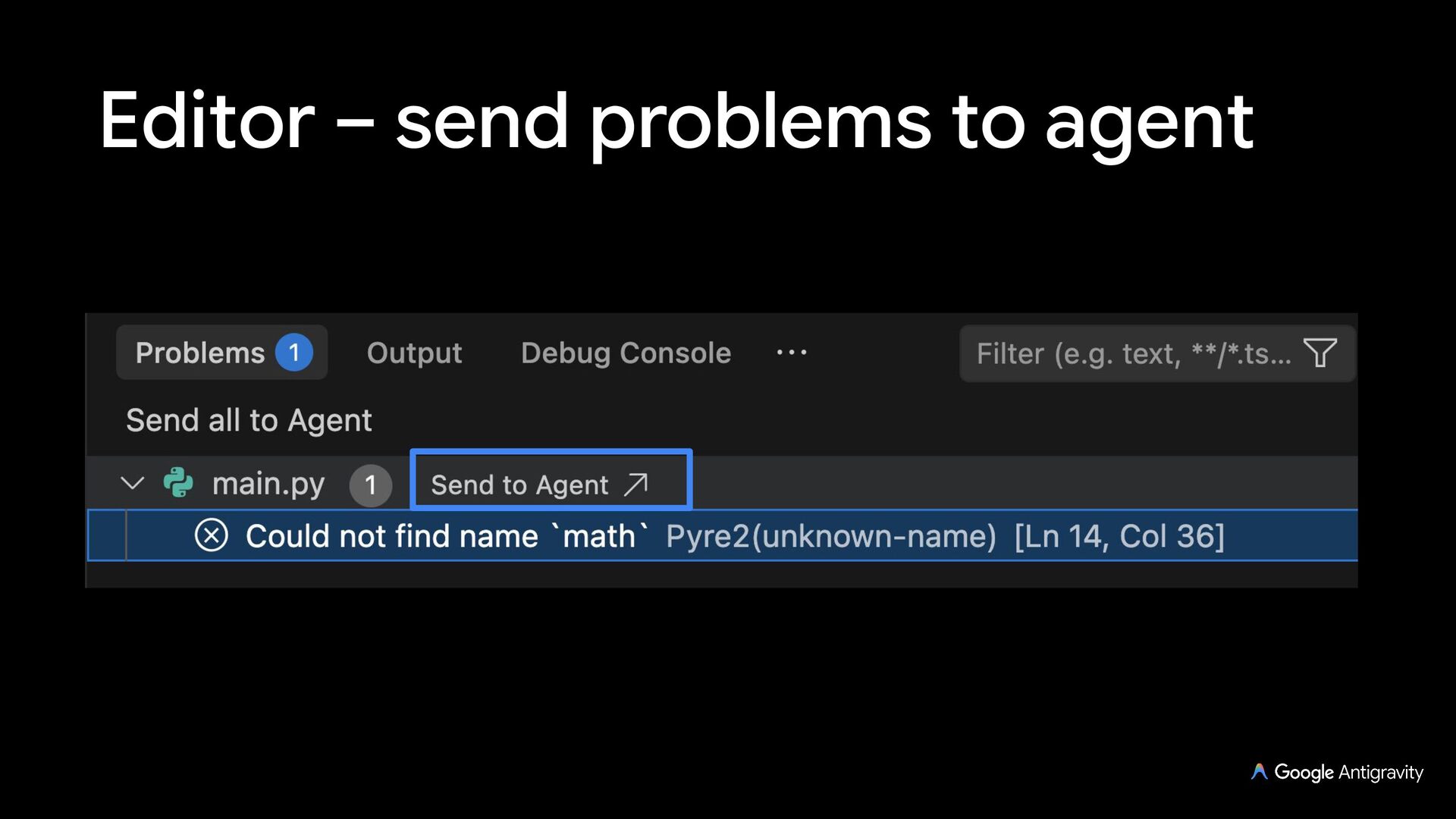
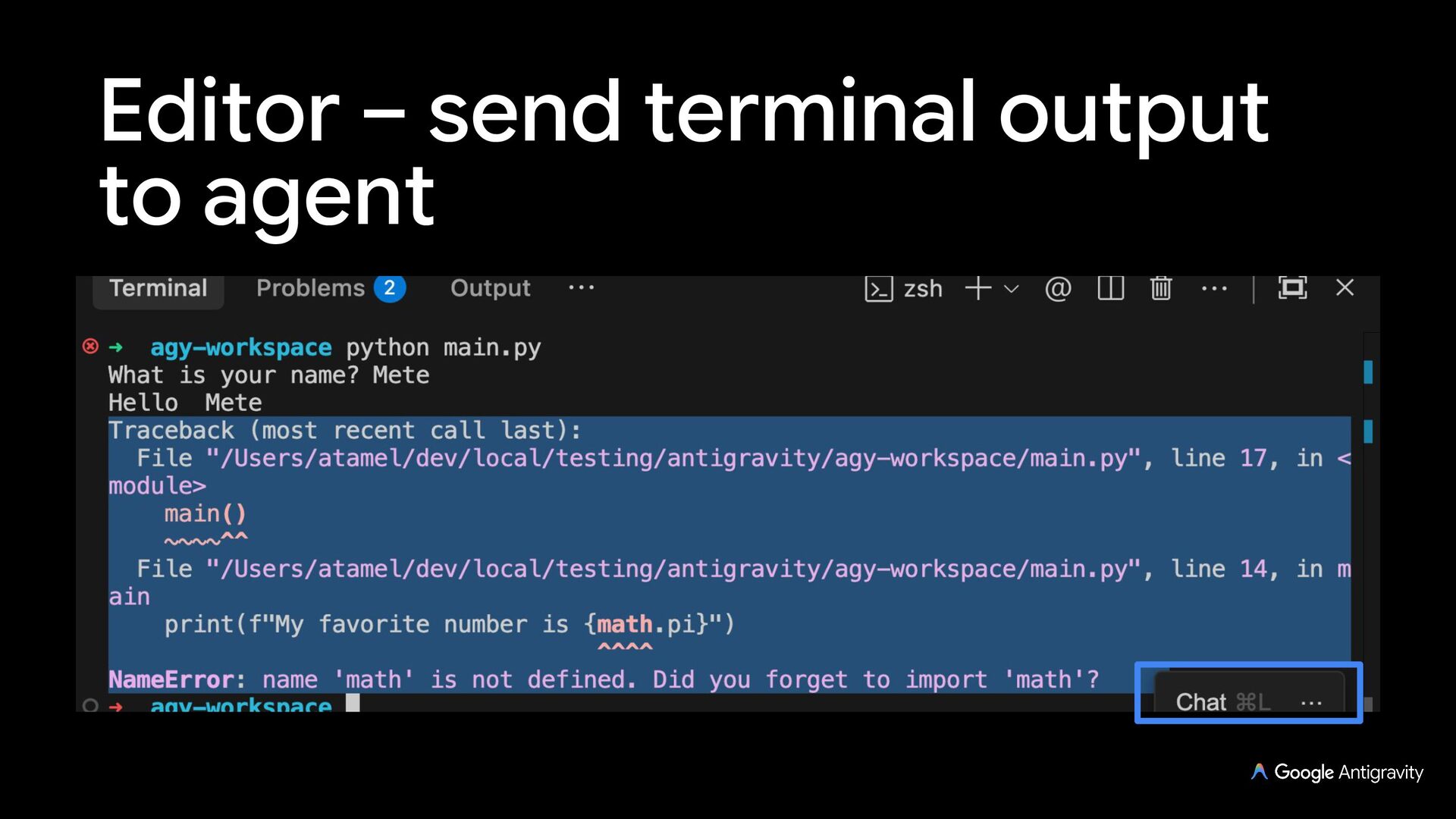
  2. Editor A familiar VS Code-based AI-assisted editor with an Agent

    Side Panel and terminal Auto-complete, tab to import, tab to jump, commands, explain & fix, send problems to agent, send terminal output to agent
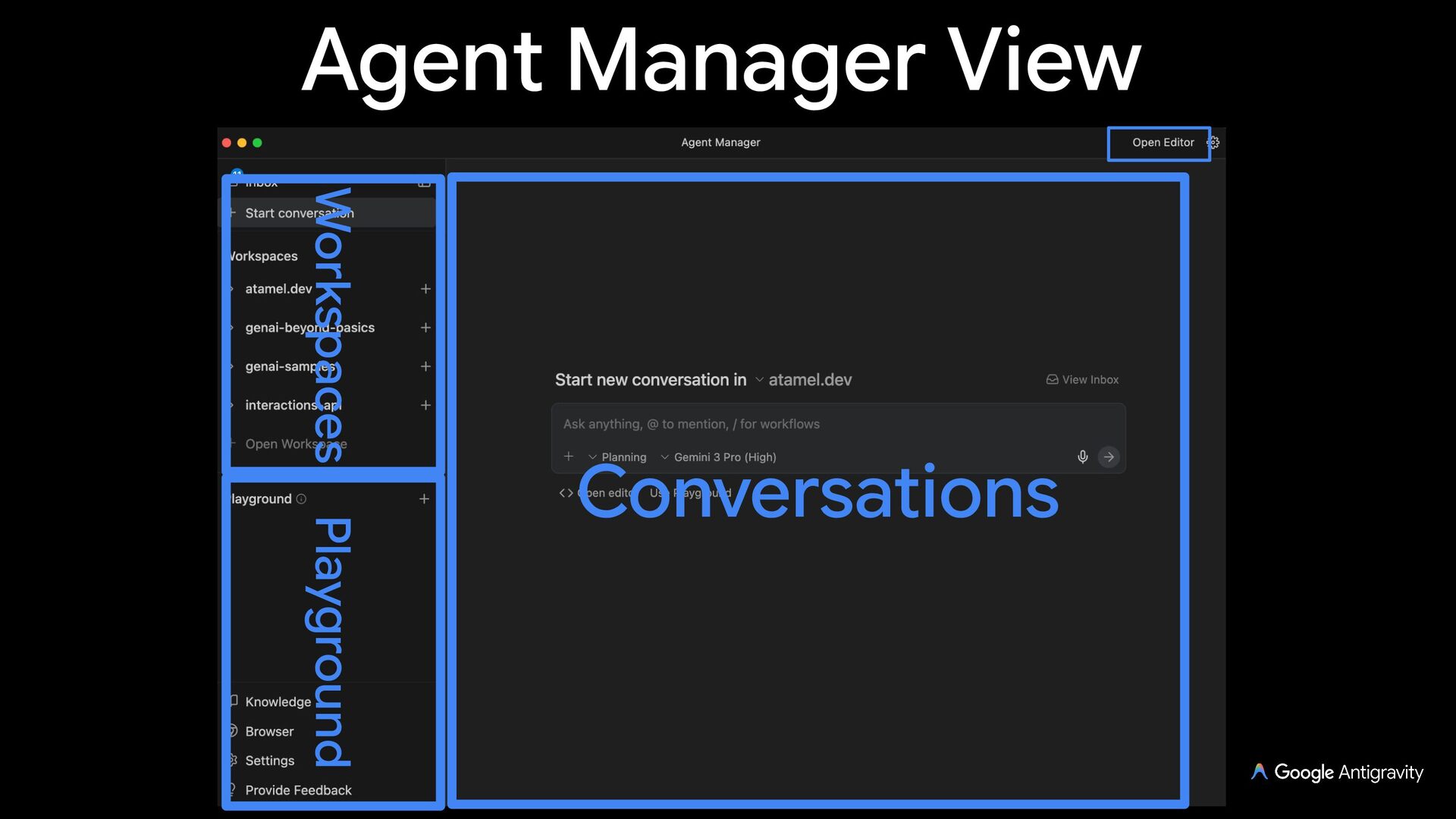
  3. Agent Manager A higher level view into the work agents
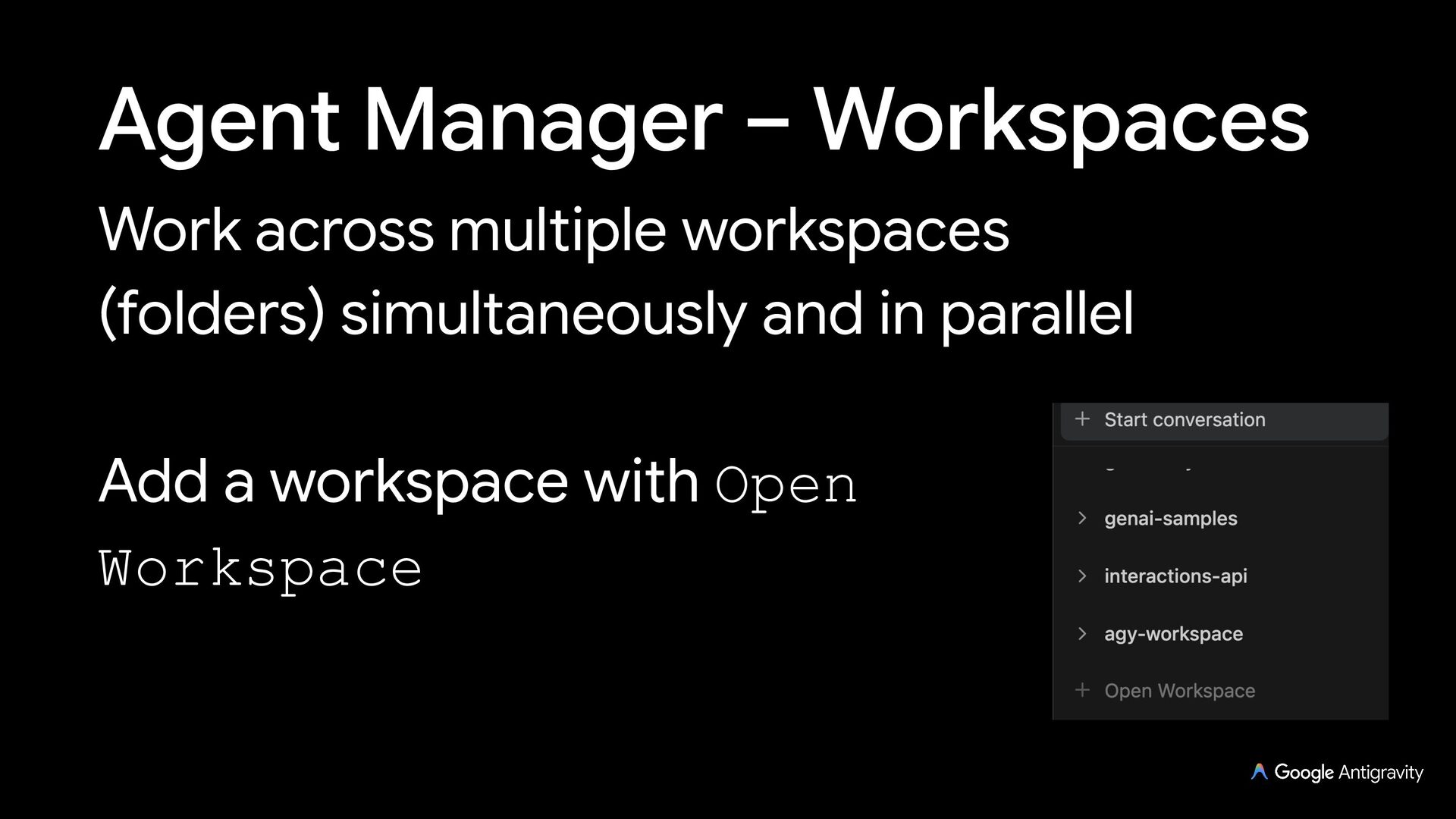
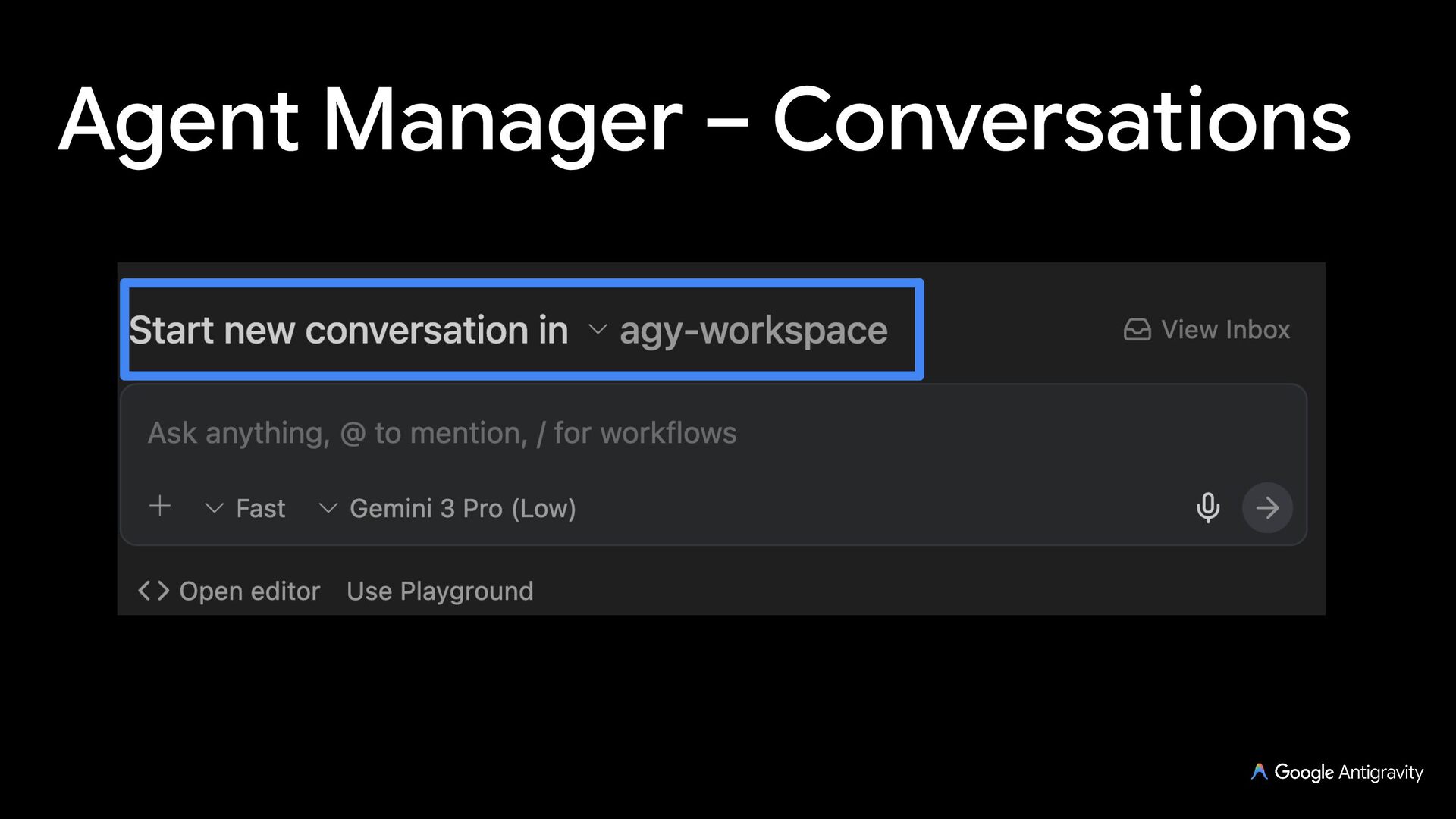
    are doing under your guidance You can work across multiple workspaces, oversee dozens of agents simultaneously
  4. Agent Manager – Playground An independent workspace for quick prototypes

    You can move playgrounds into a workspace later
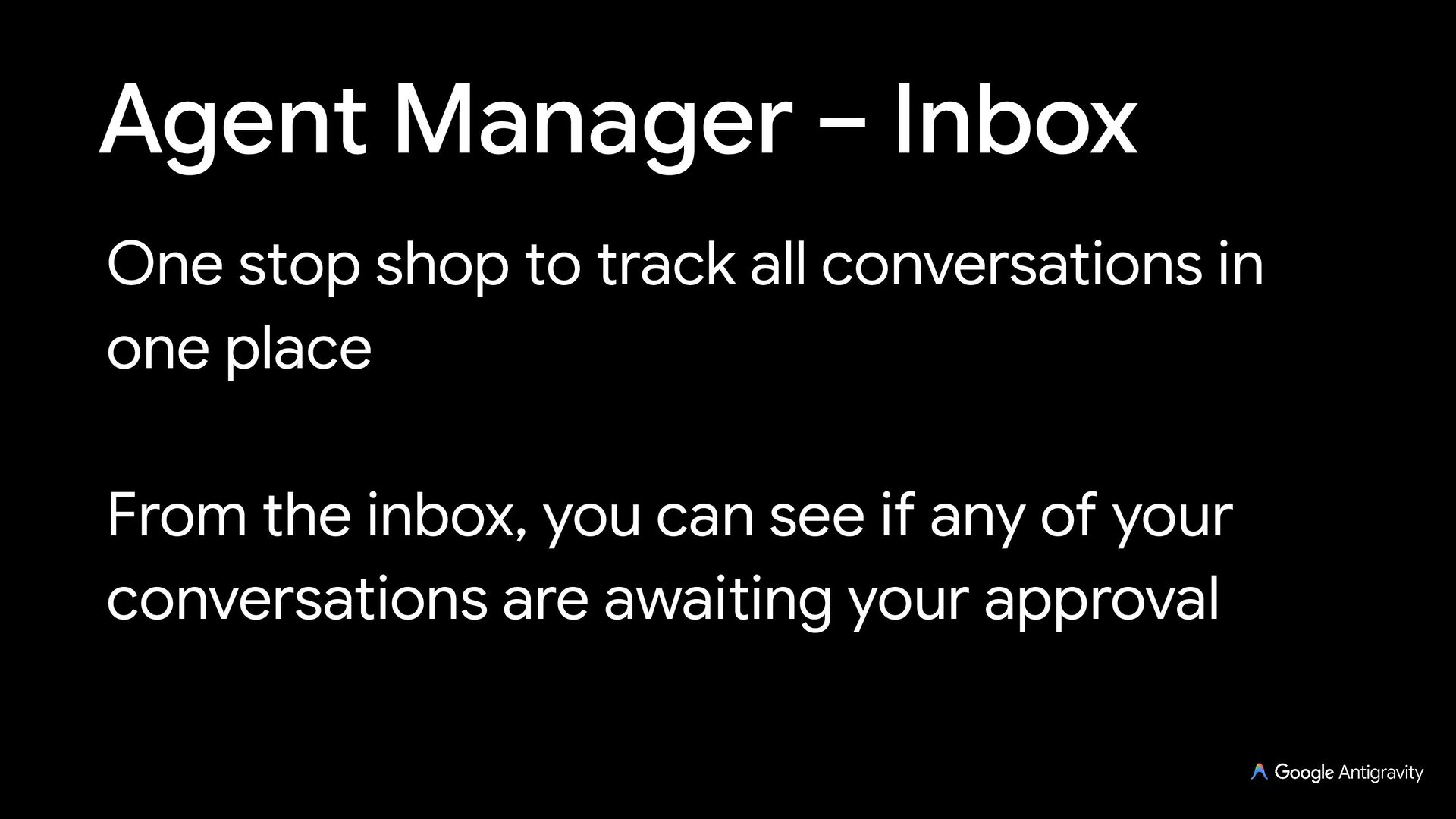
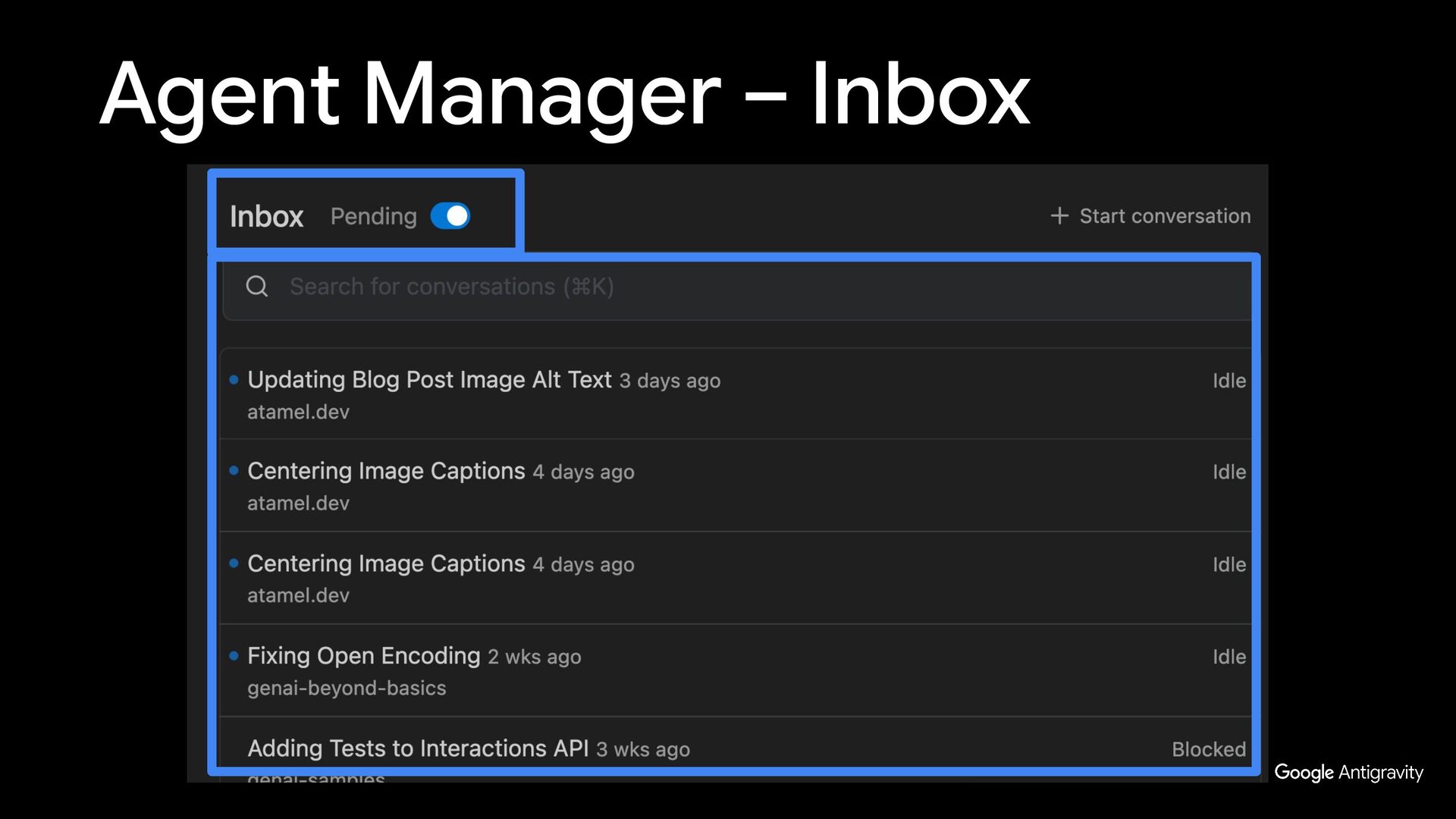
  5. Agent Manager – Inbox One stop shop to track all

    conversations in one place From the inbox, you can see if any of your conversations are awaiting your approval
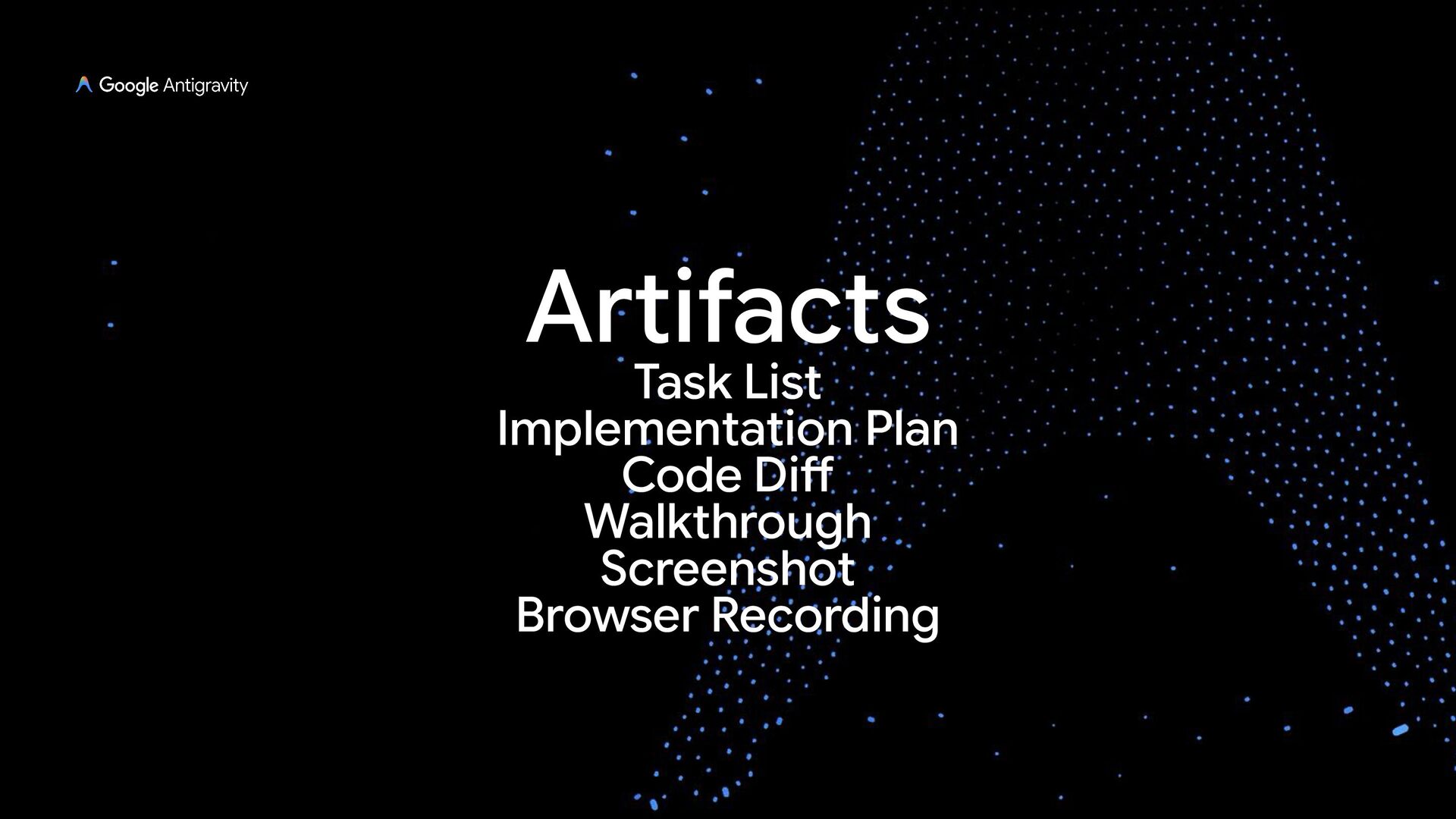
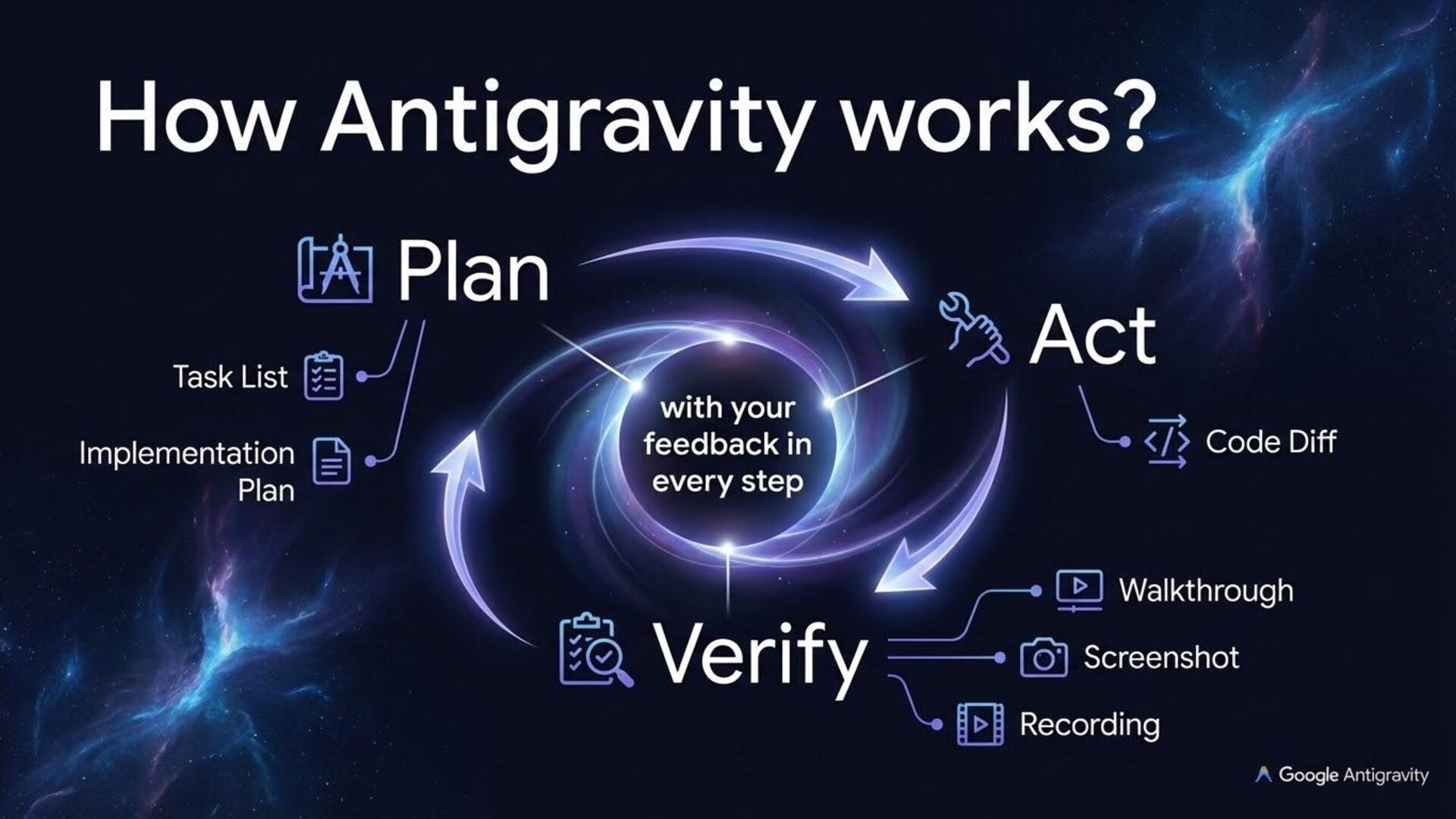
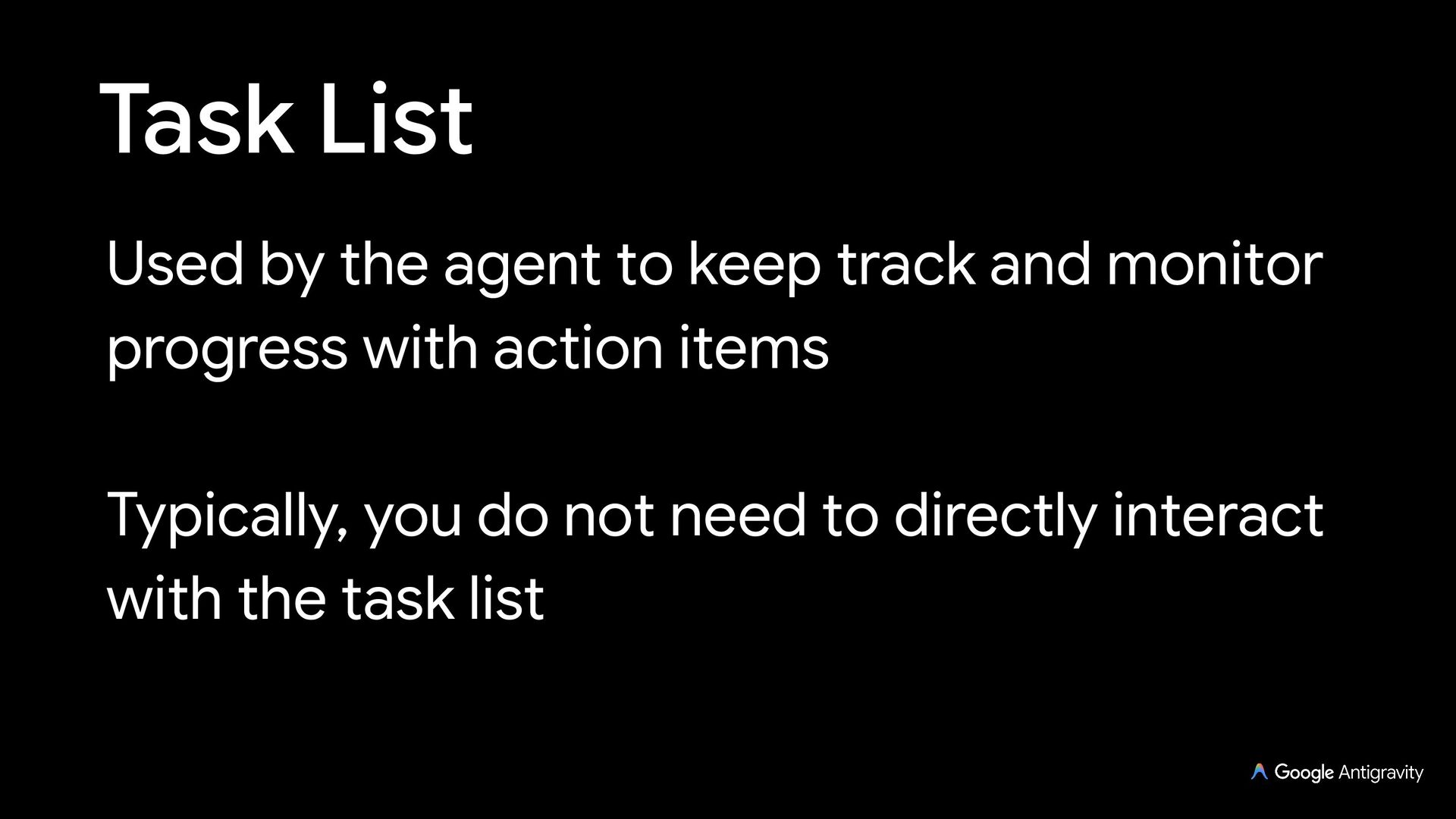
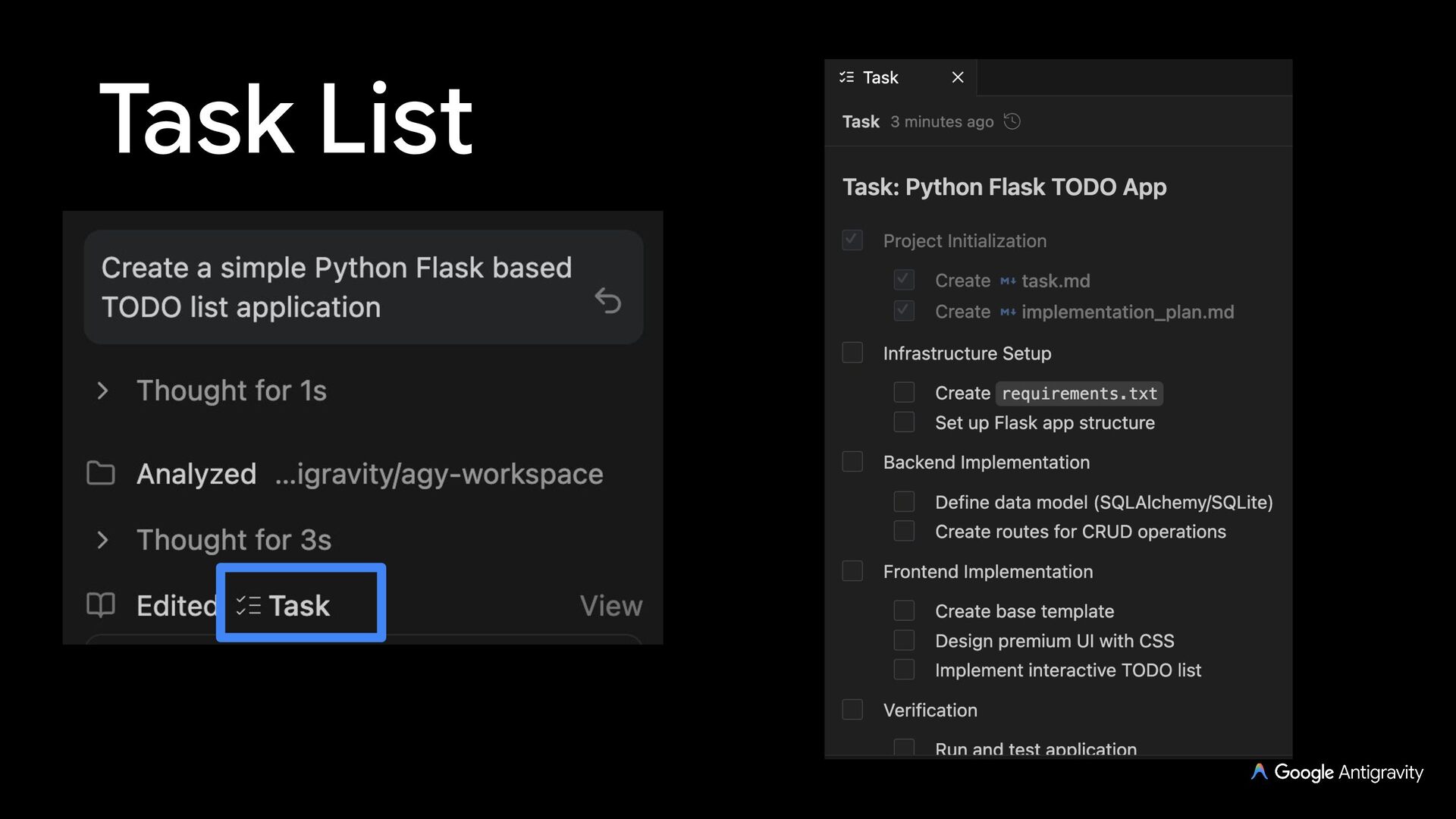
  6. Task List Used by the agent to keep track and

    monitor progress with action items Typically, you do not need to directly interact with the task list
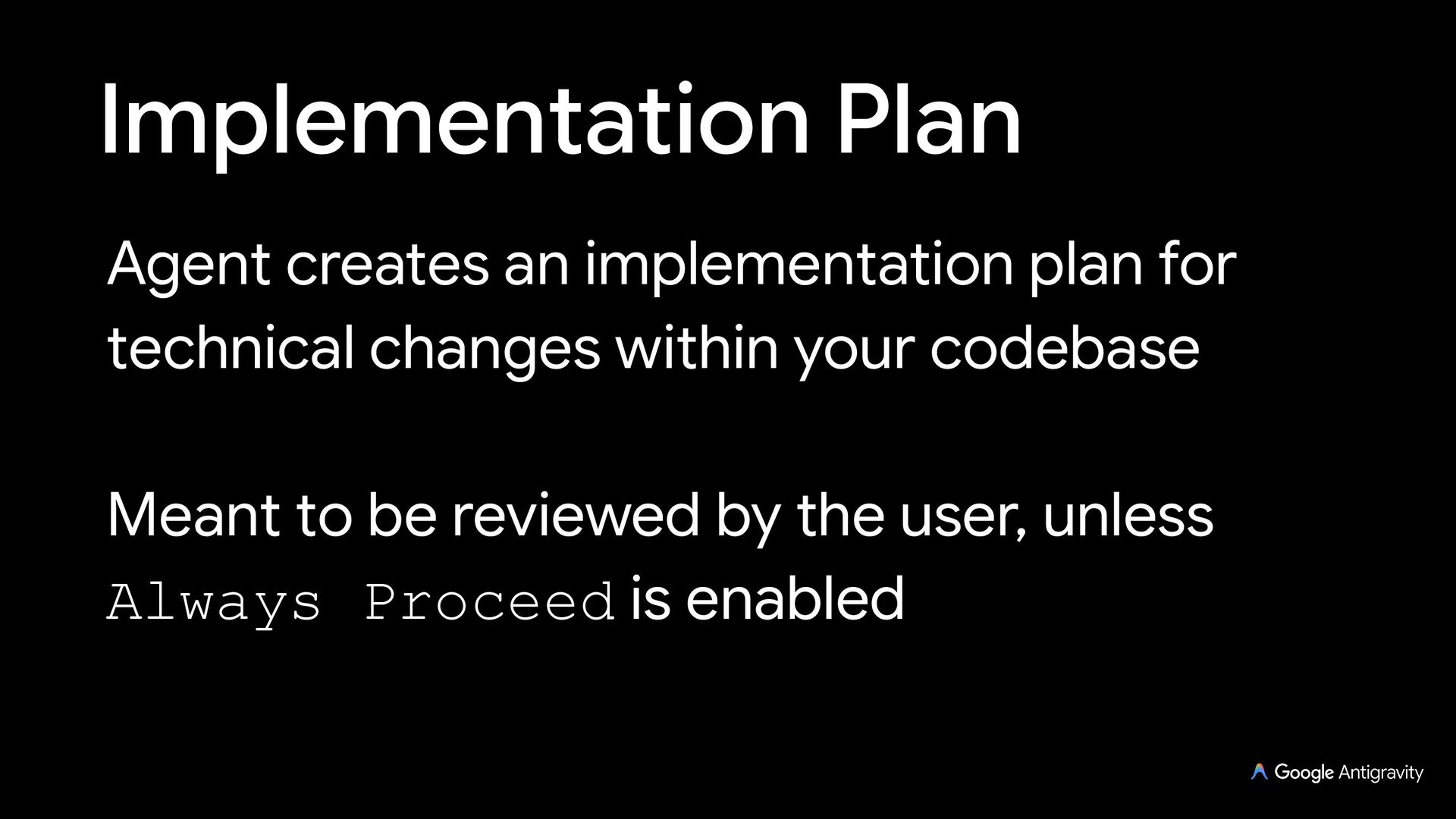
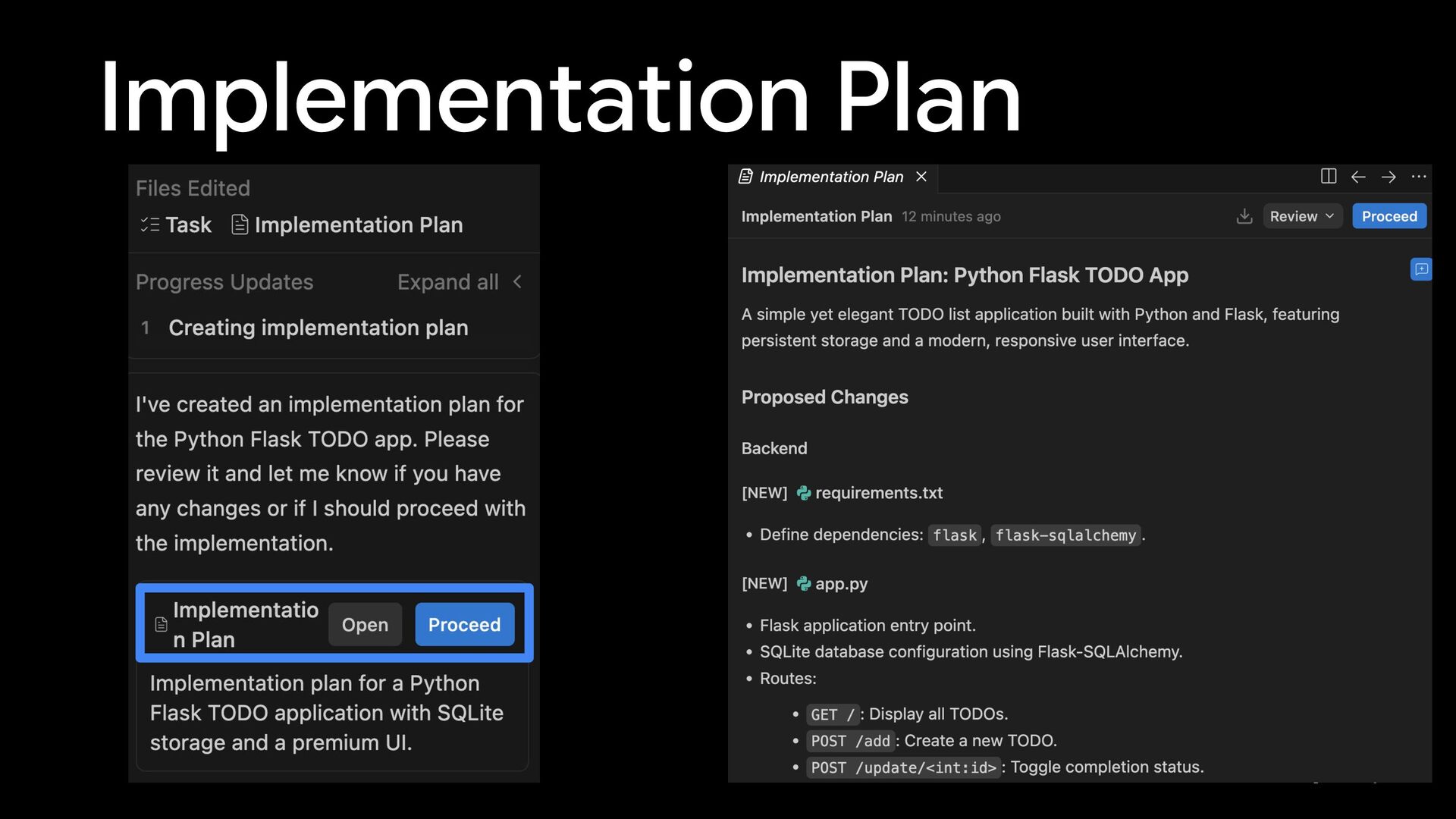
  7. Implementation Plan Agent creates an implementation plan for technical changes

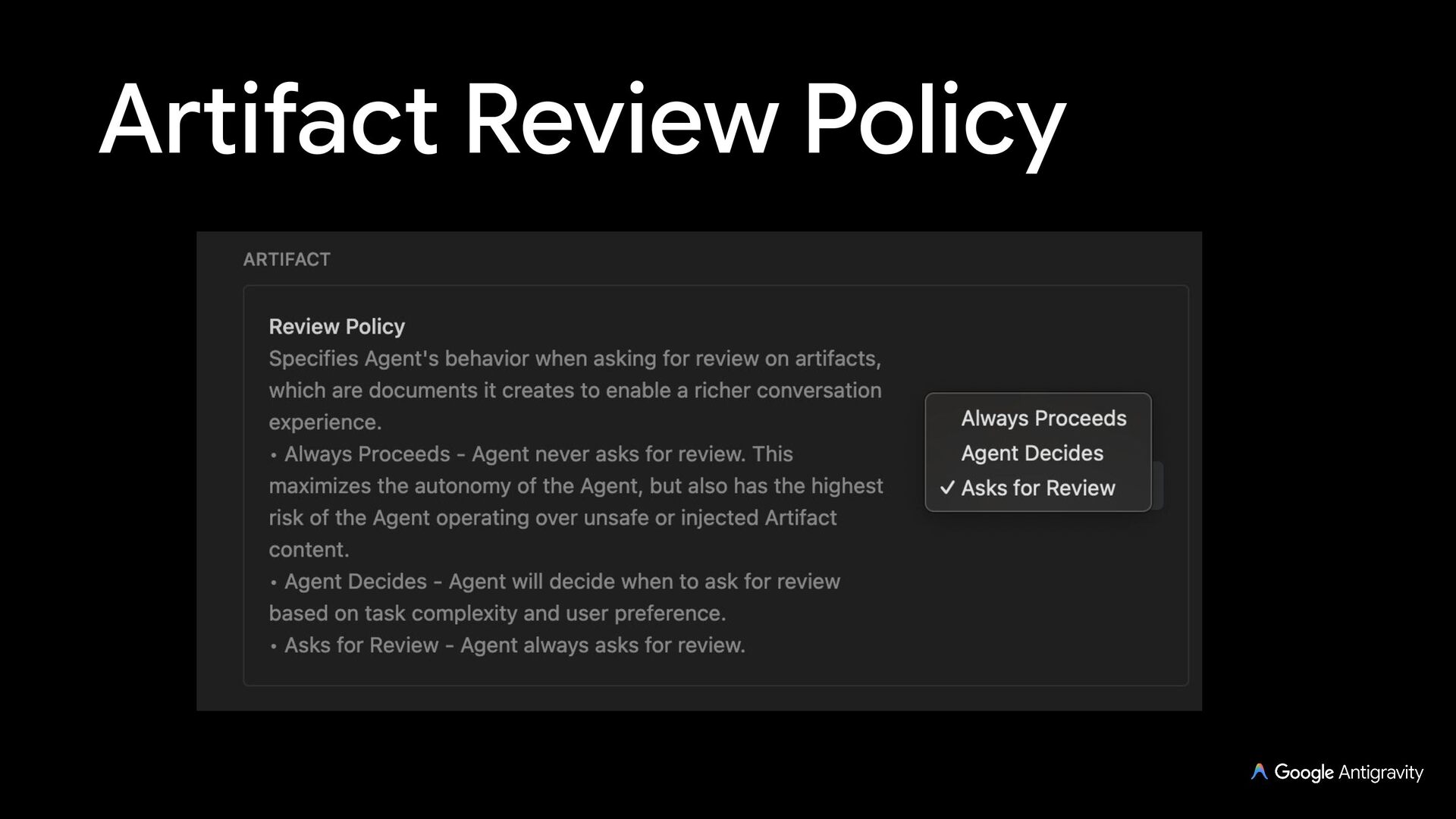
    within your codebase Meant to be reviewed by the user, unless Always Proceed is enabled
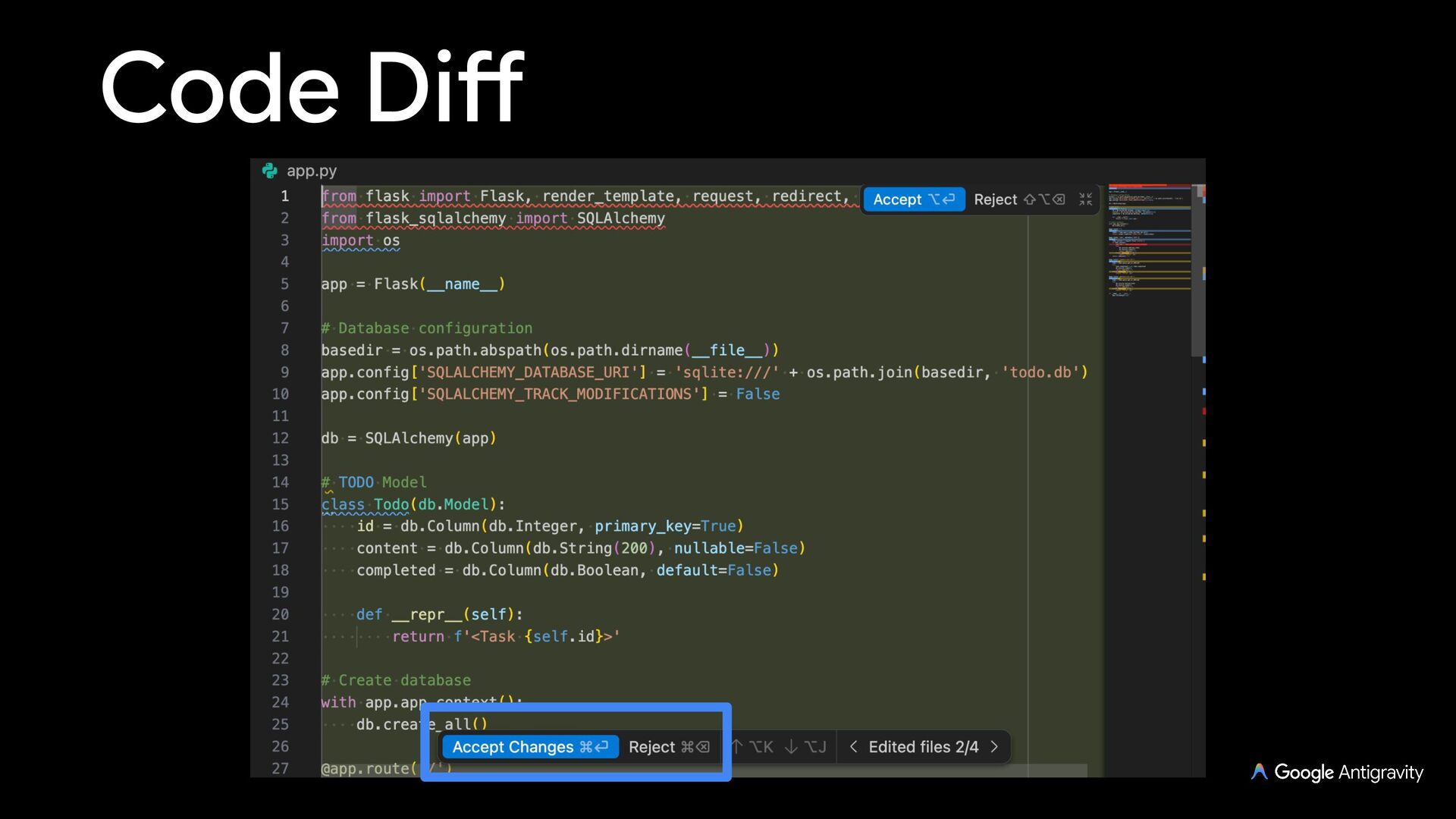
  8. Code Diff As Antigravity works on a task, it’ll create

    code diffs for you to accept or reject
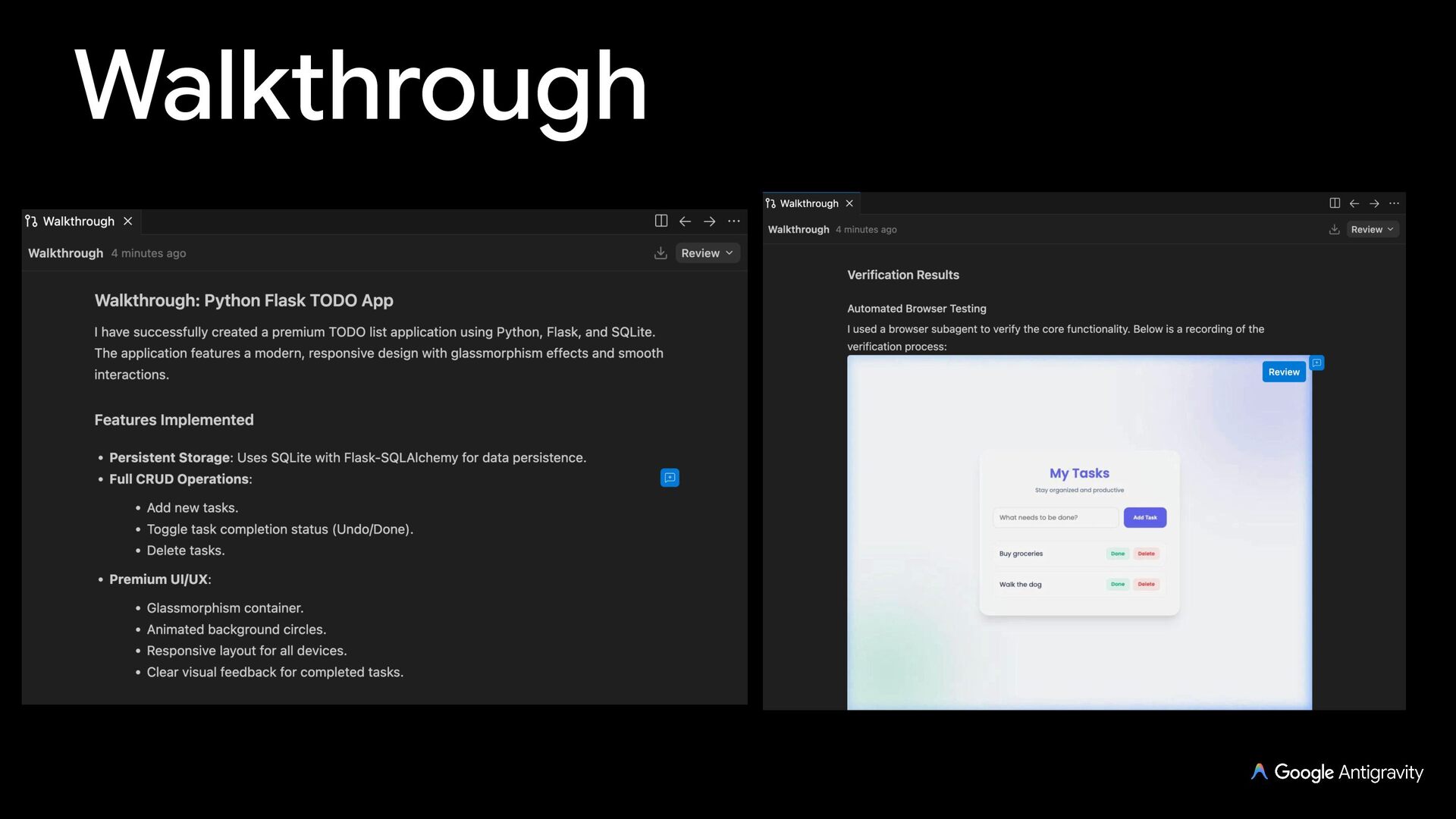
  9. Walkthrough Agent creates a walkthrough after a task is done

    Summary of the code changes and steps taken (screenshots, browser recordings) to verify the changes
  10. Screenshot & Recording Agent can take browser screenshots and recordings

    to verify functionality and add it to the walkthrough
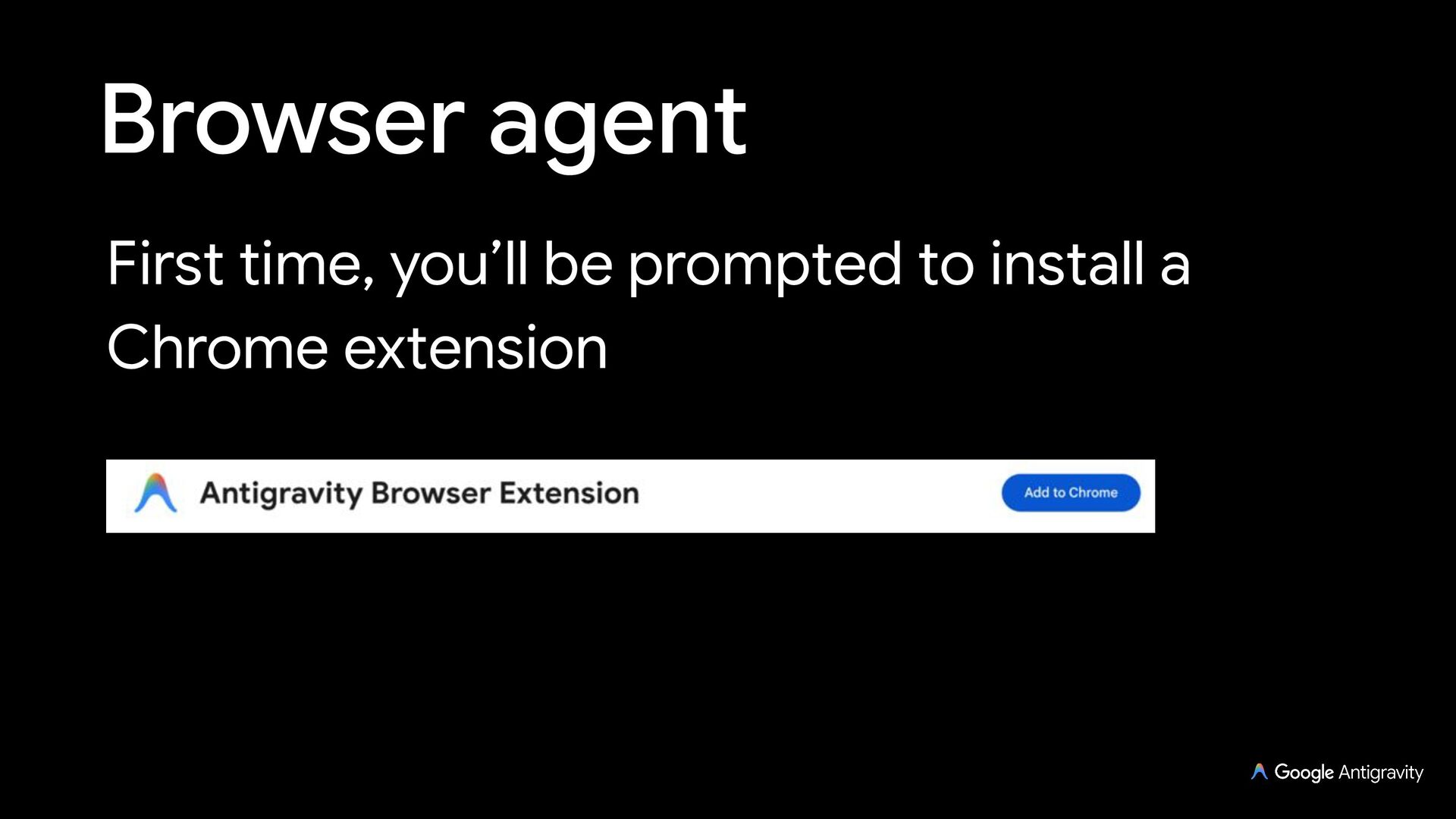
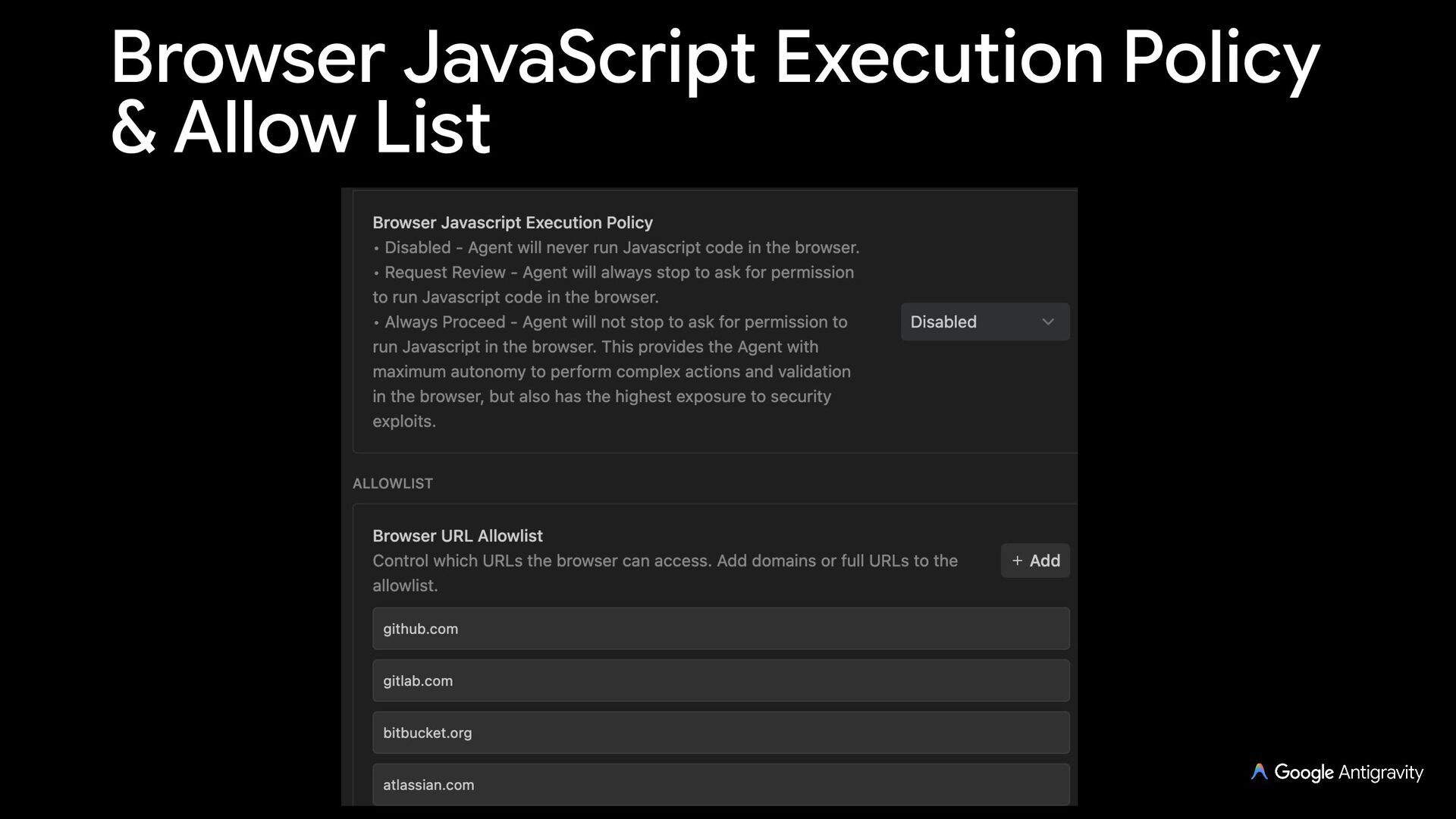
  11. Browser agent Antigravity has the ability to open, read, and

    control a Chrome browser with a subagent in a separate browser profile Useful for browser based tasks, testing, and verification web apps, etc.
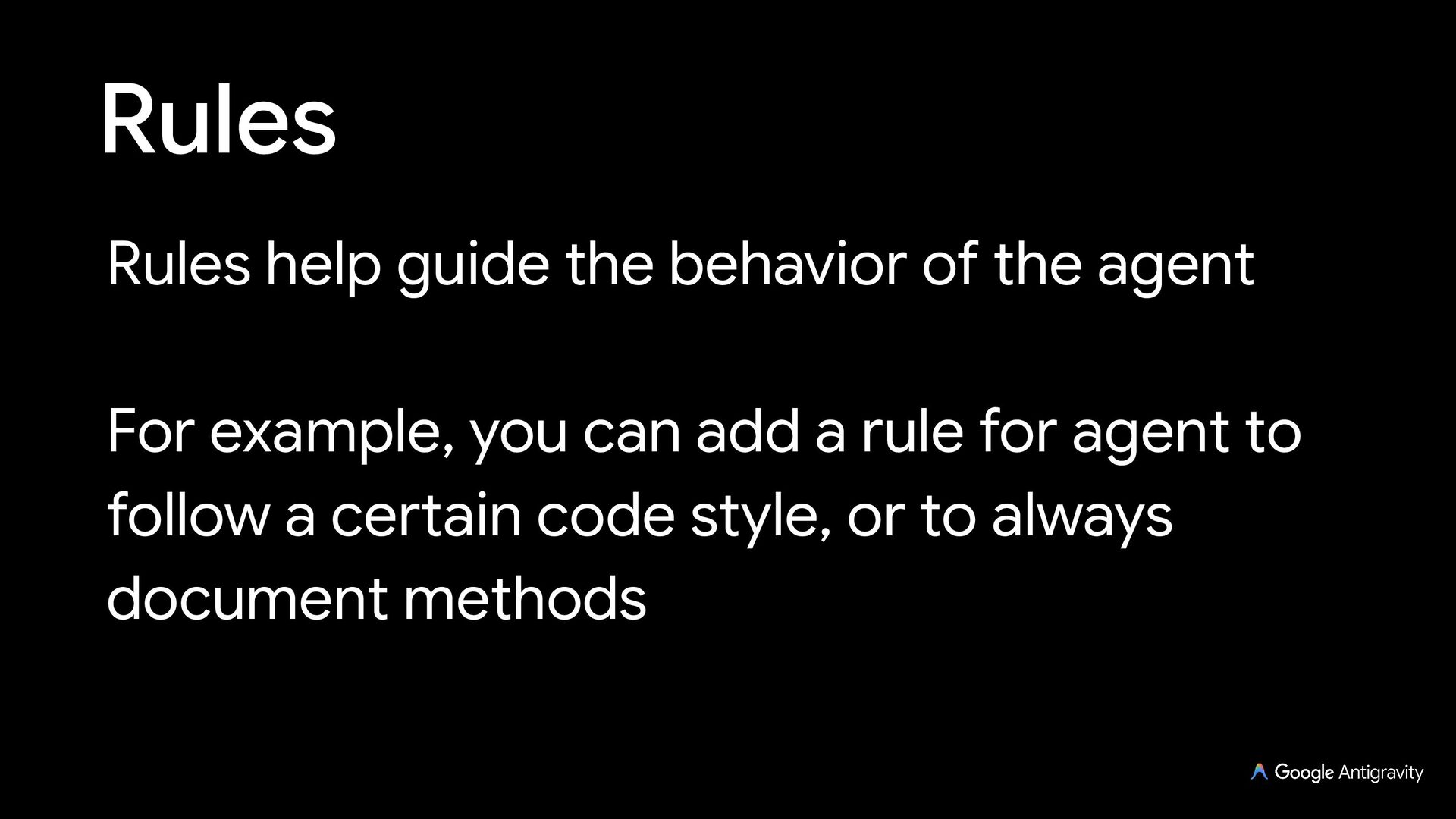
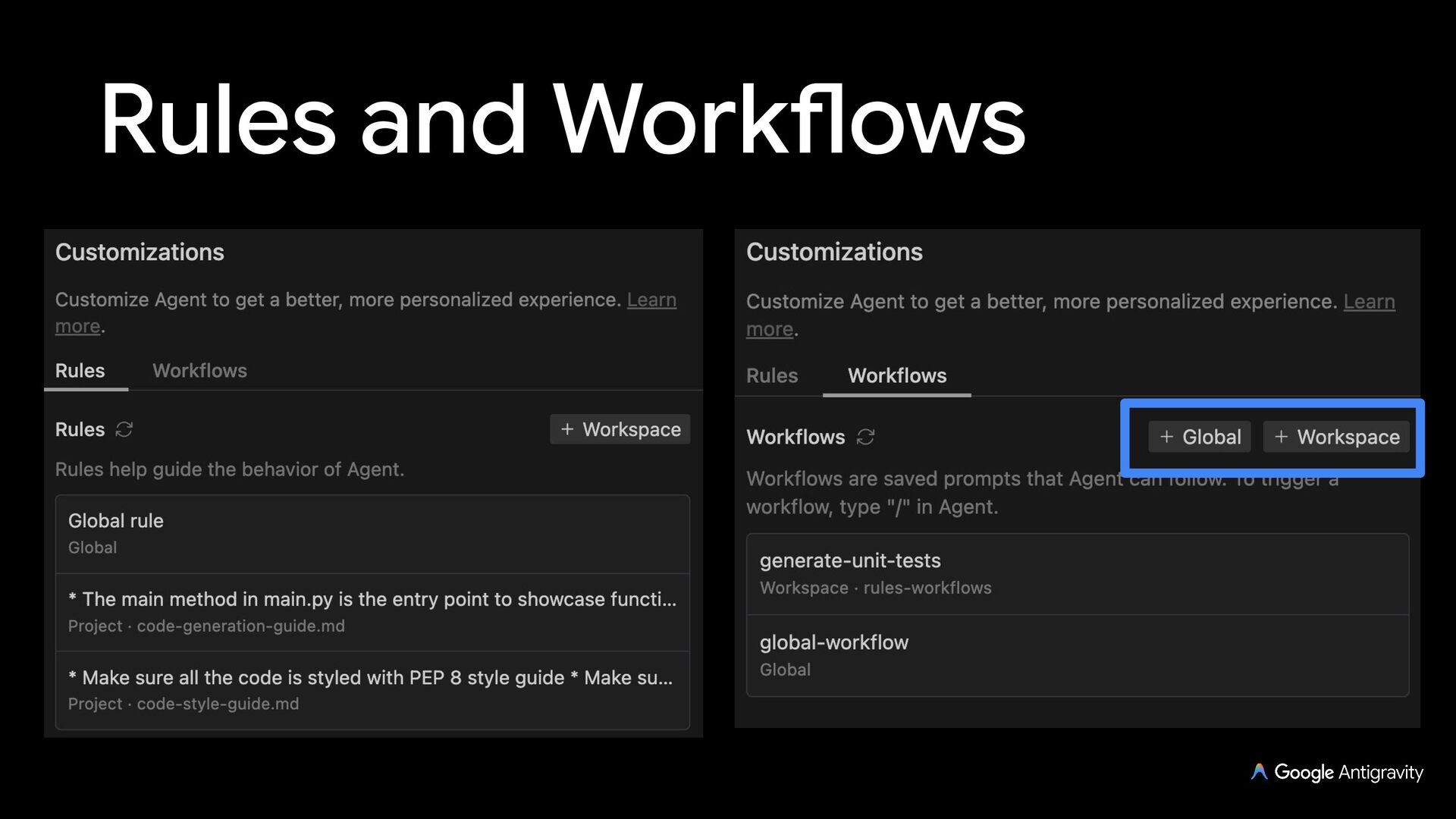
  12. Rules Rules help guide the behavior of the agent For

    example, you can add a rule for agent to follow a certain code style, or to always document methods
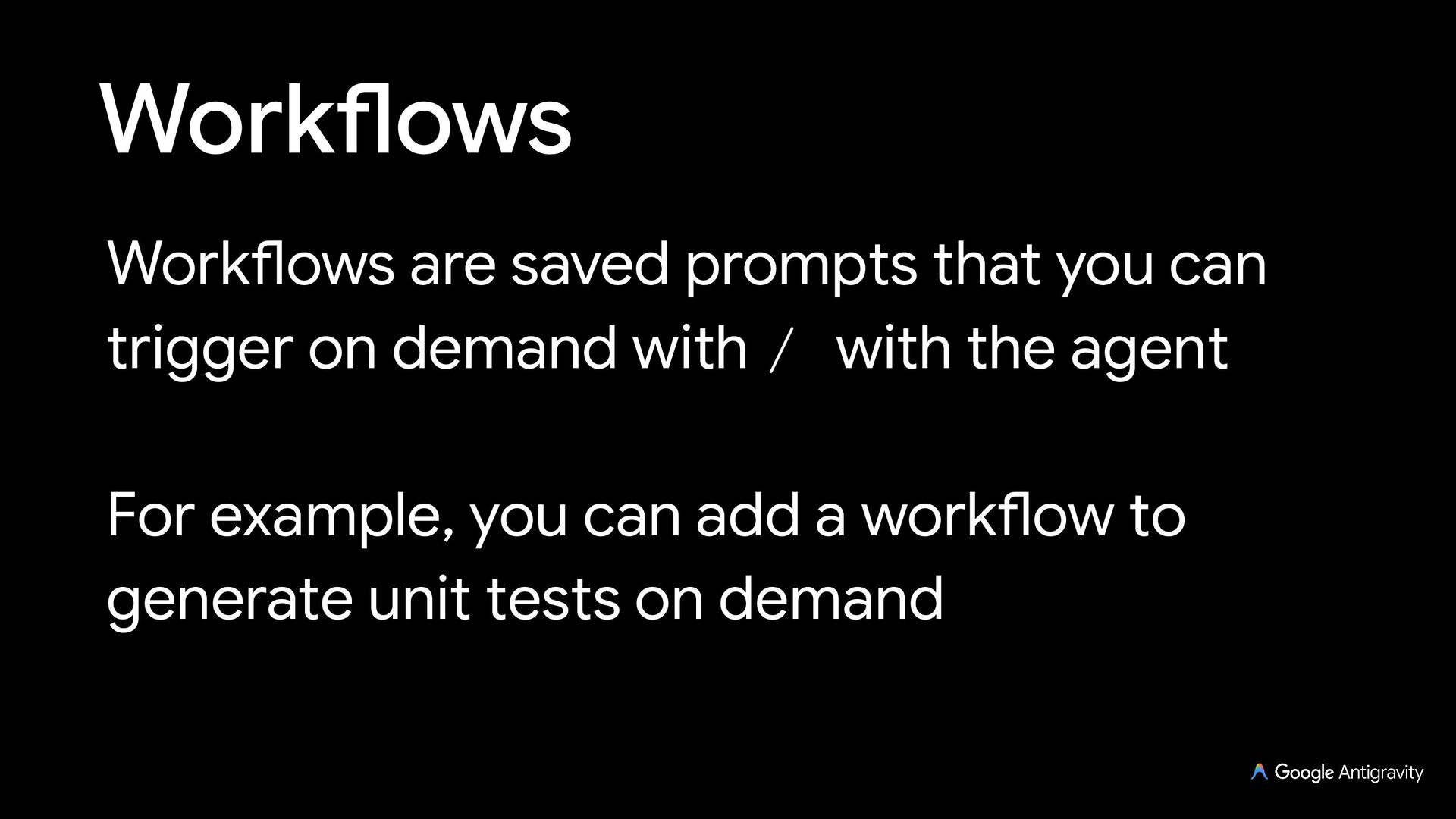
  13. Workflows Workflows are saved prompts that you can trigger on

    demand with / with the agent For example, you can add a workflow to generate unit tests on demand
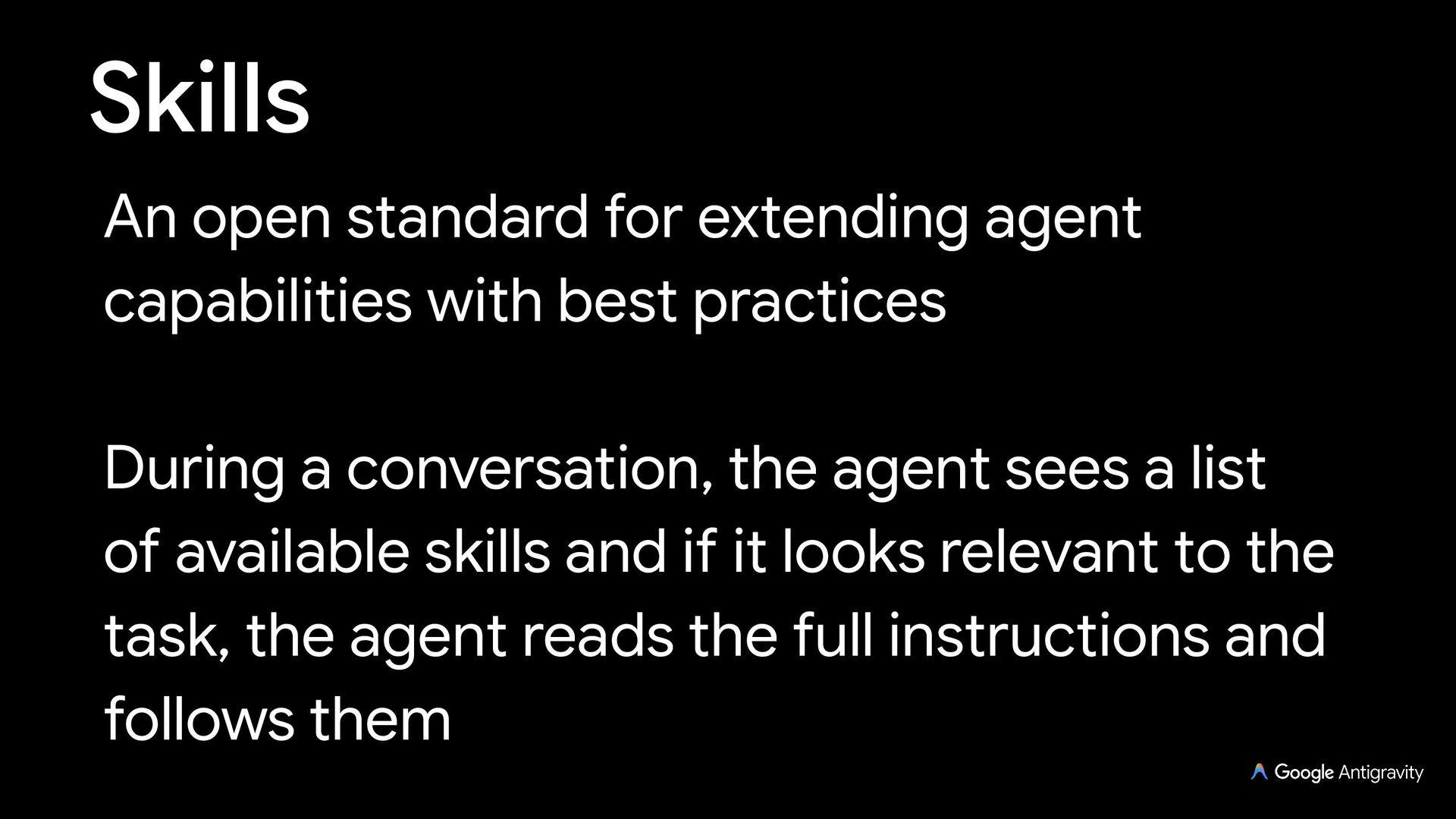
  14. Skills An open standard for extending agent capabilities with best

    practices During a conversation, the agent sees a list of available skills and if it looks relevant to the task, the agent reads the full instructions and follows them
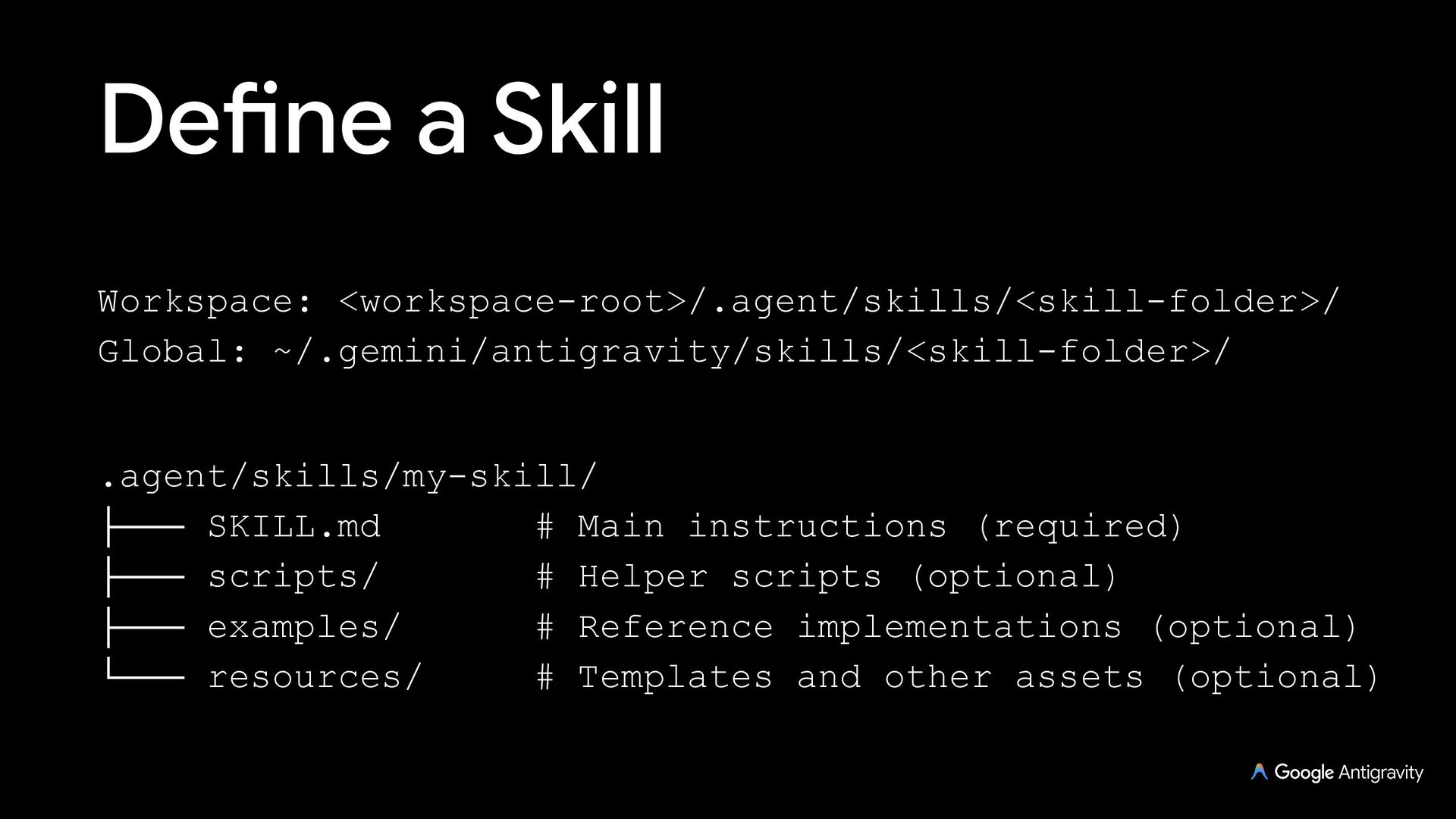
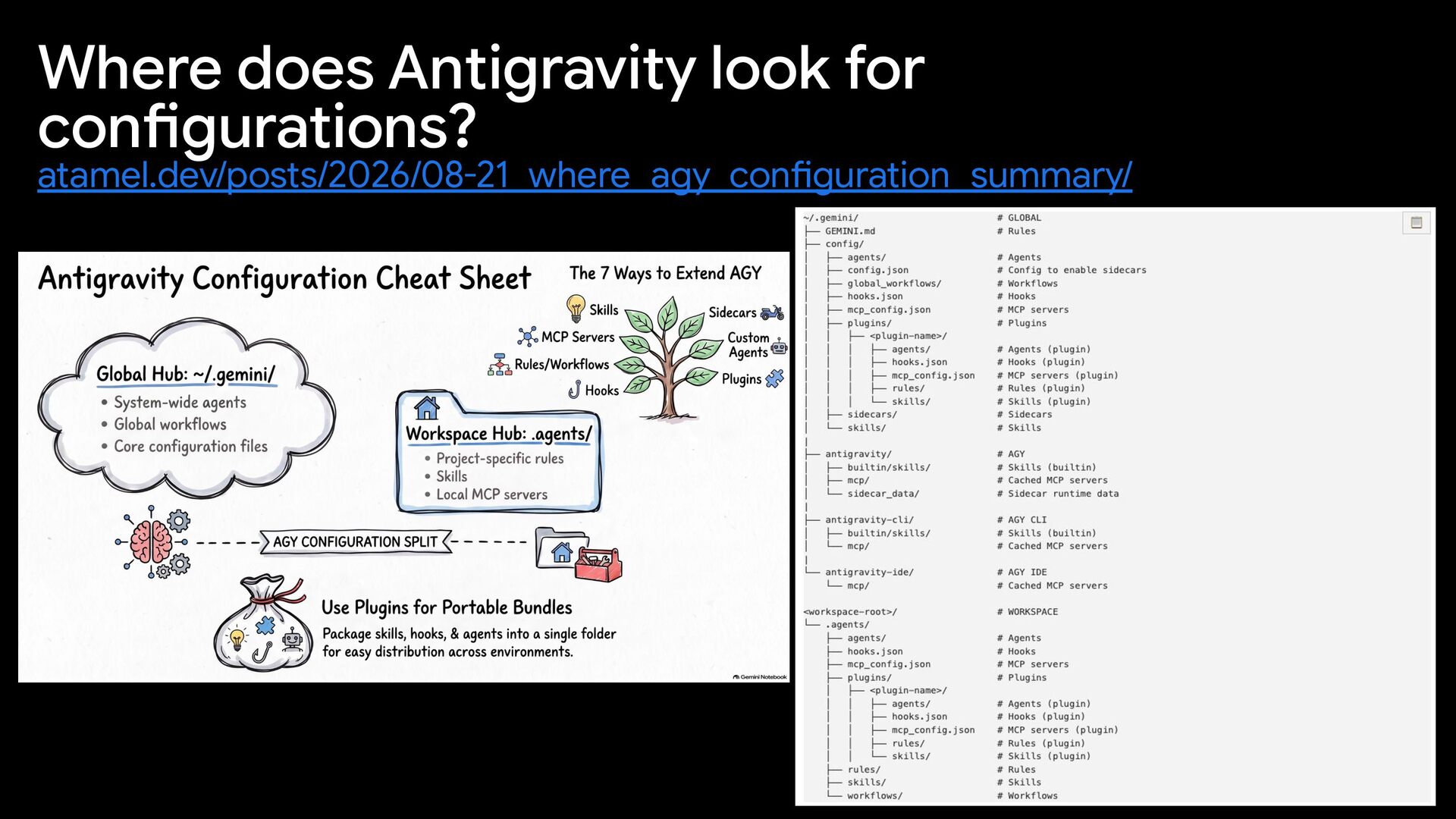
  15. Define a Skill .agent/skills/my-skill/ ├─── SKILL.md # Main instructions (required)

    ├─── scripts/ # Helper scripts (optional) ├─── examples/ # Reference implementations (optional) └─── resources/ # Templates and other assets (optional) Workspace: <workspace-root>/.agent/skills/<skill-folder>/ Global: ~/.gemini/antigravity/skills/<skill-folder>/
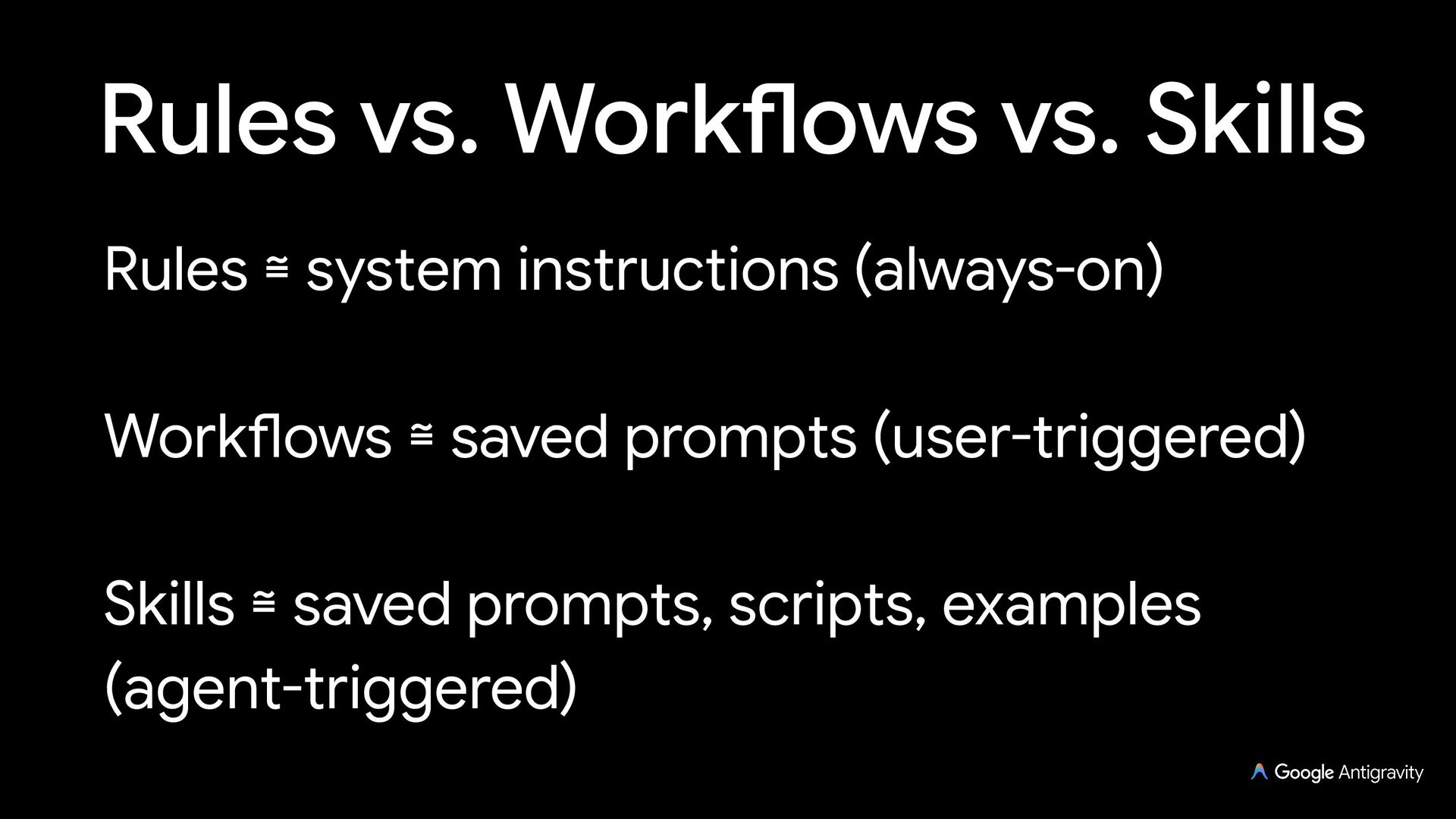
  16. Rules vs. Workflows vs. Skills Rules ≅ system instructions (always-on)

    Workflows ≅ saved prompts (user-triggered) Skills ≅ saved prompts, scripts, examples (agent-triggered)
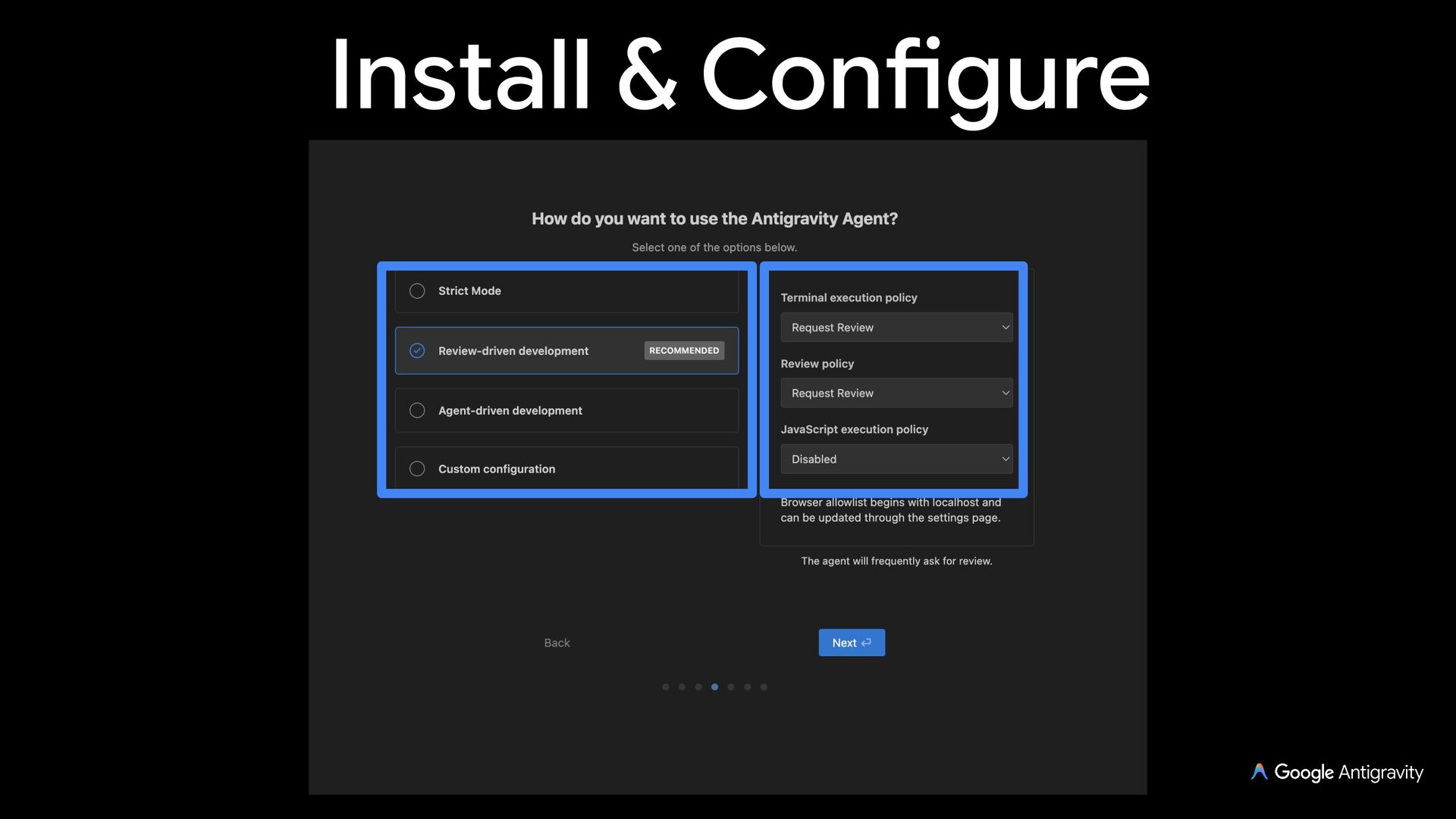
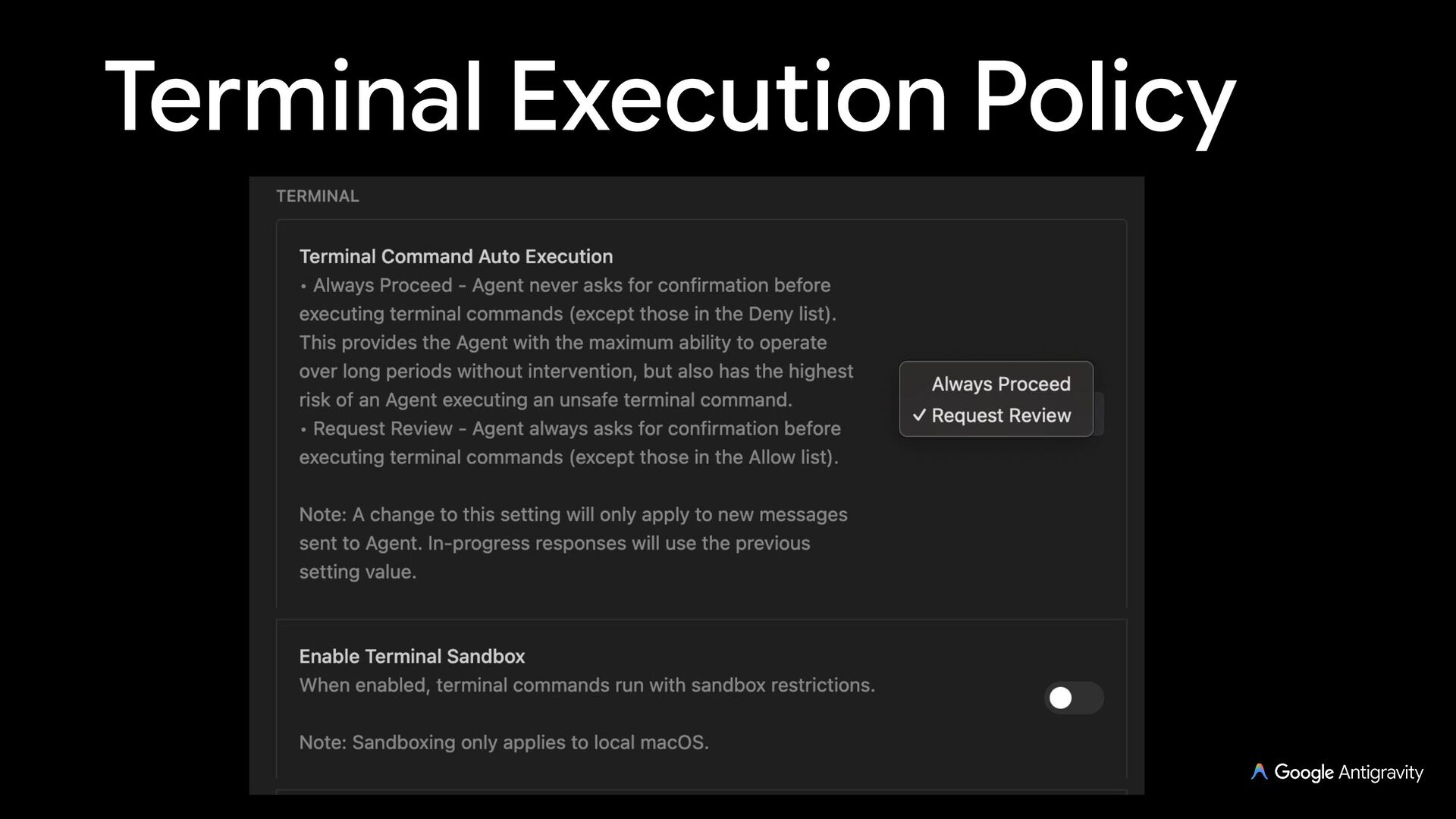
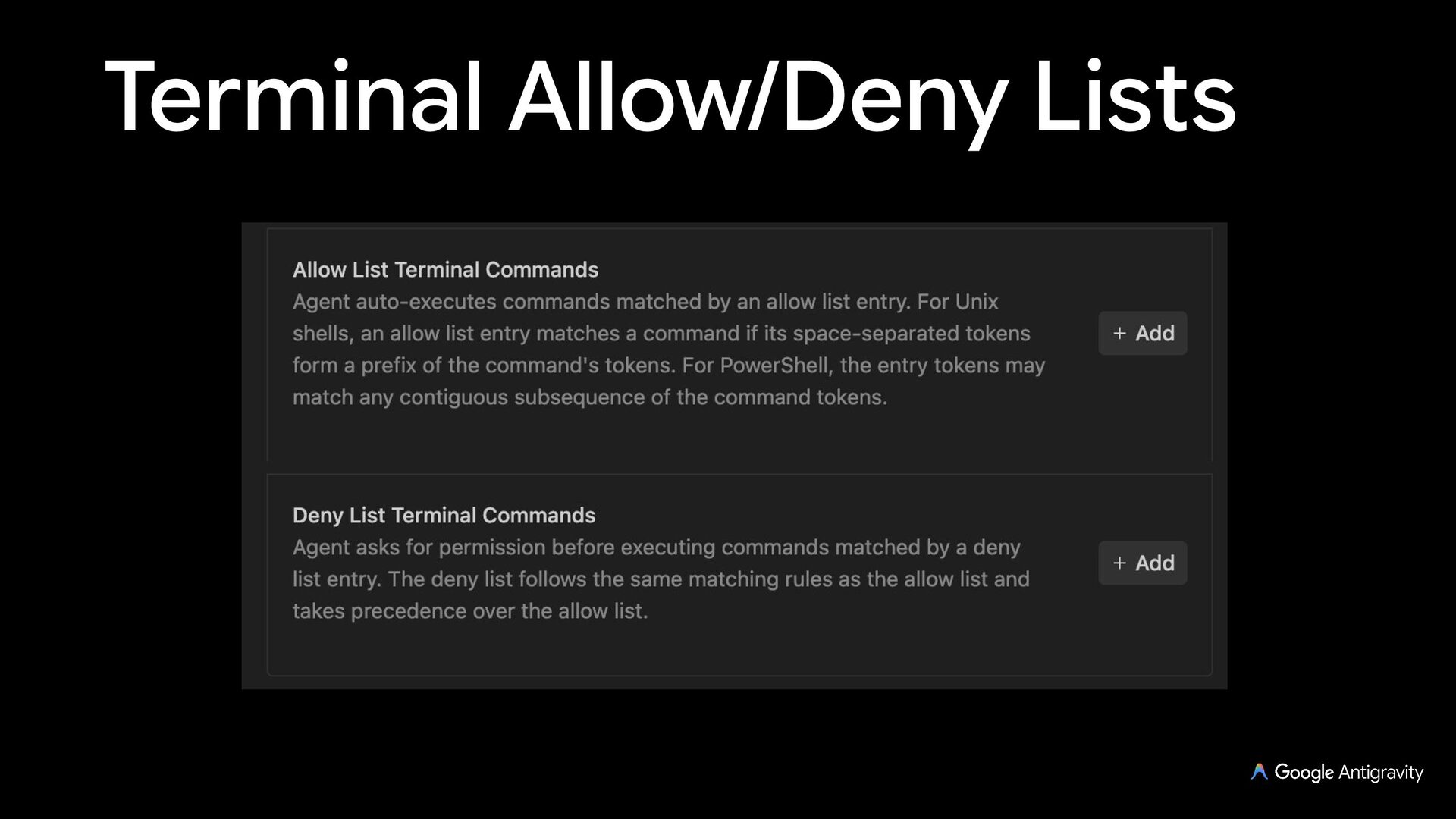
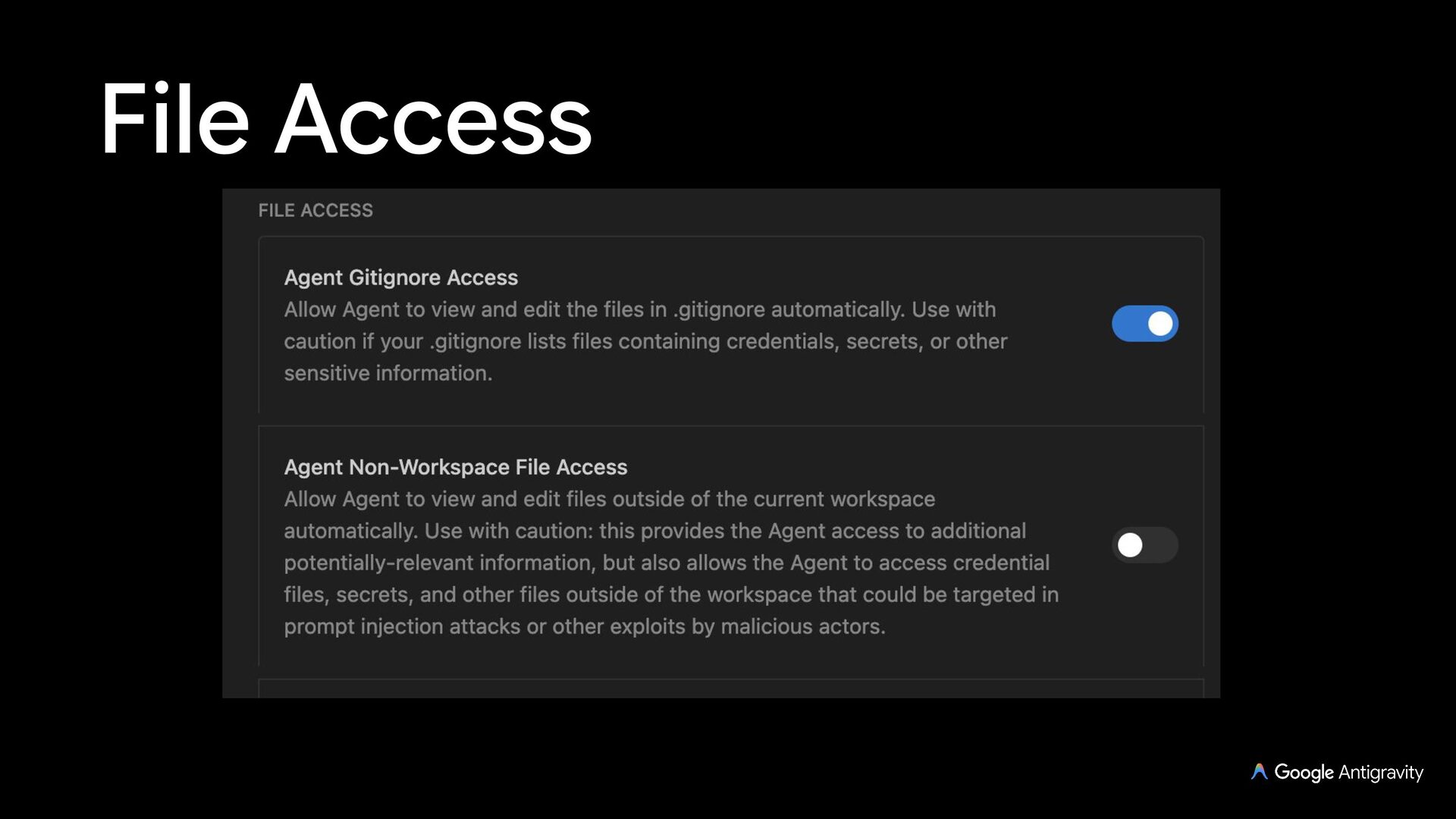
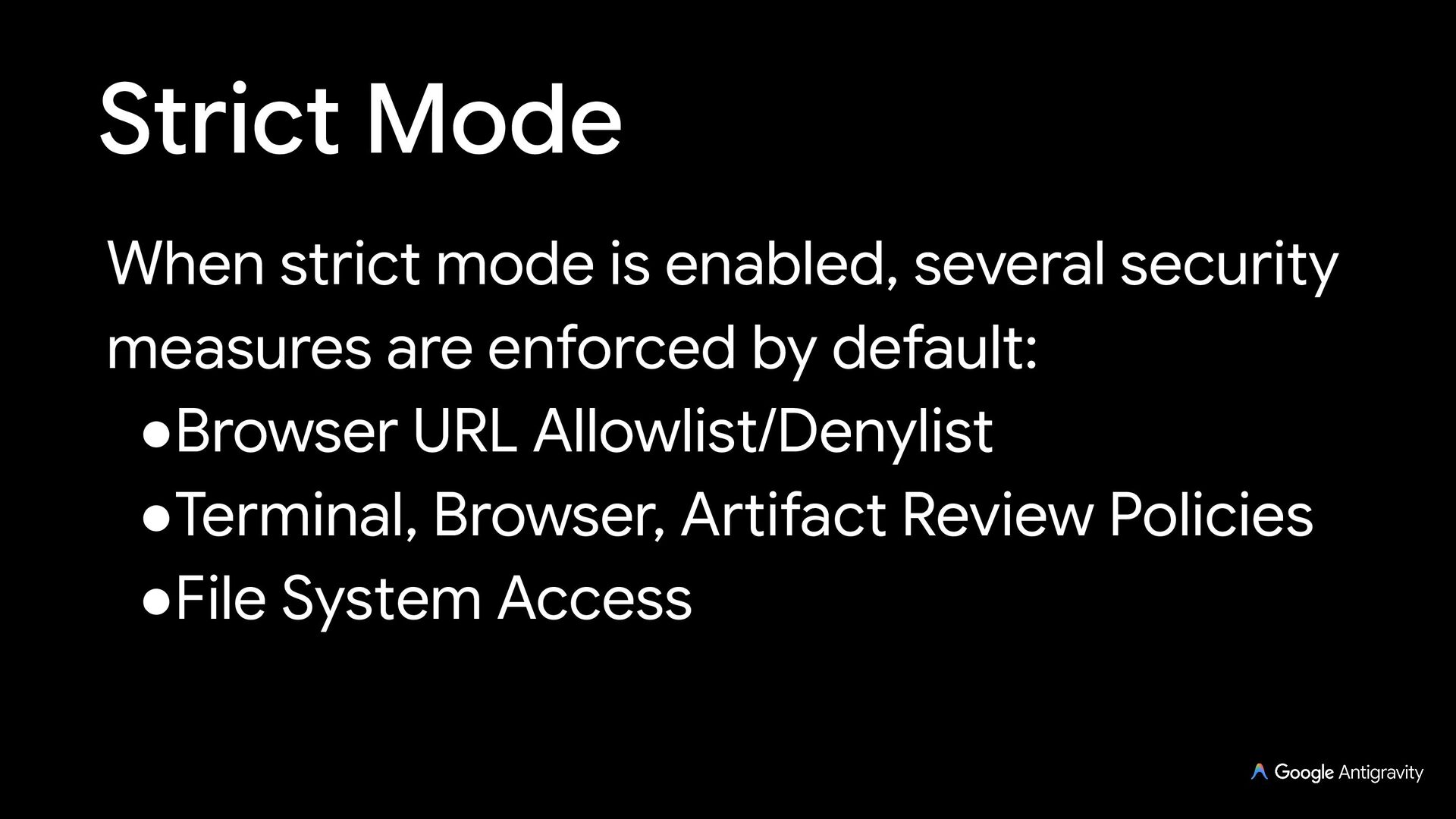
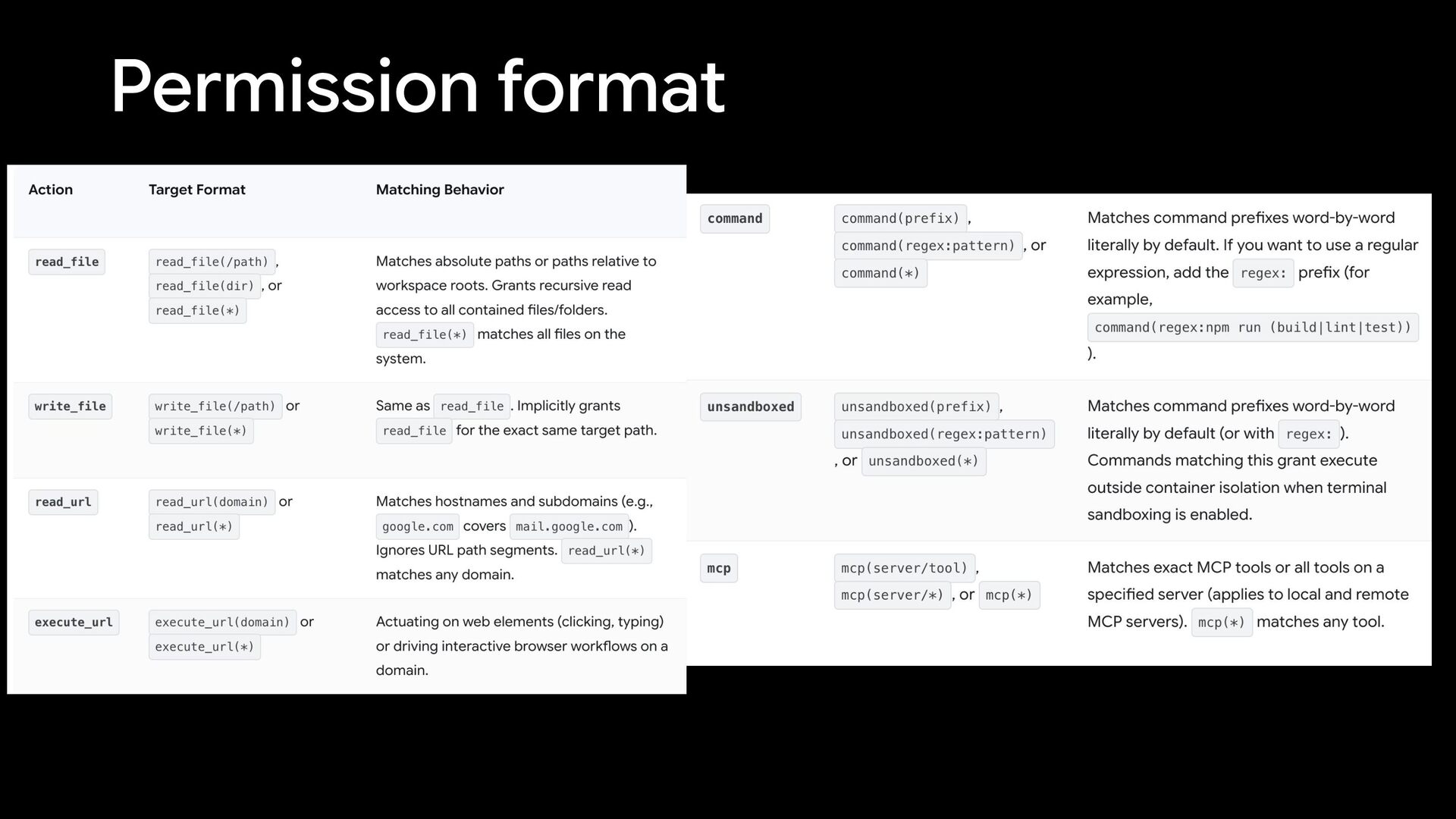
  17. Strict Mode When strict mode is enabled, several security measures

    are enforced by default: •Browser URL Allowlist/Denylist •Terminal, Browser, Artifact Review Policies •File System Access