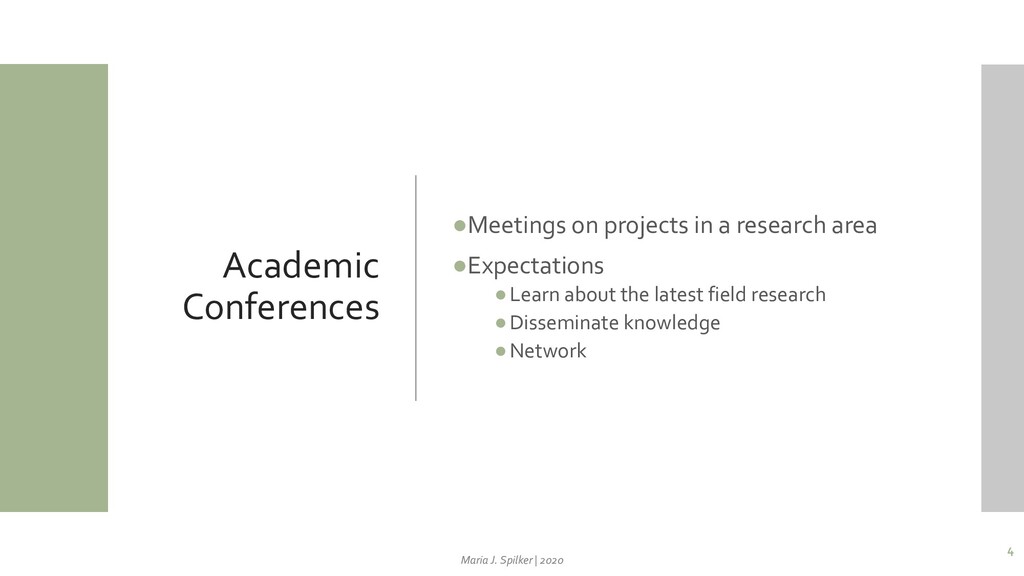
Multi-presenters, discussion on a main topic •Conference paper presentation Researchers present a submitted and reviewed paper Discussion and feedback •Posters session Researchers present their ongoing research •Seminars •Workshops •Social activities 5 Maria J. Spilker | 2020
of the conference •The type of event: Virtual, Hybrid, Face-to-Face •The format of the sessions •Registration process •Schedule •Time zone planning •Breaks and social activities 8 Maria J. Spilker | 2020
page •Populate the page with speakers’ information • Name, position, affiliation, photo •Publish the pages with session and presentation information • Presentation title • Abstract • Target audience • Micro-video •Promote networking activities (social media) •Offer instructions for presenters • Presenters are subject matter experts • Presenters are not experts in presenting online 9 Maria J. Spilker | 2020
on camera •Editing the video: Intro and Finish •Instruction for live talks •Presentation itself (template) •Two Devices for live presentation •Functionalities and setting of the web-conferencing system •Structure of the session 10 Maria J. Spilker | 2020
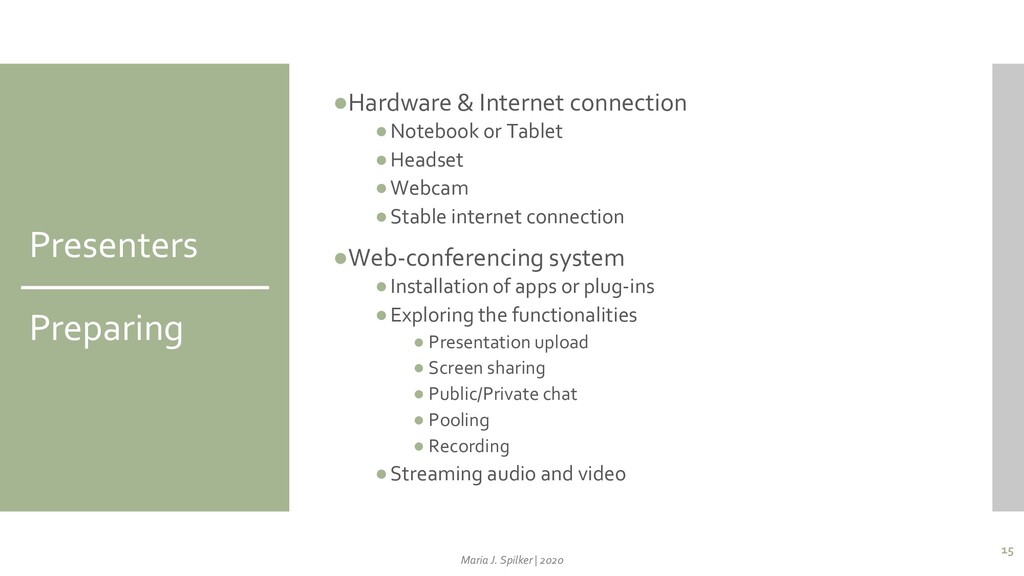
•Webcam •Stable internet connection •Web-conferencing system •Installation of apps or plug-ins •Exploring the functionalities • Presentation upload • Screen sharing • Public/Private chat • Pooling • Recording •Streaming audio and video 15 Maria J. Spilker | 2020
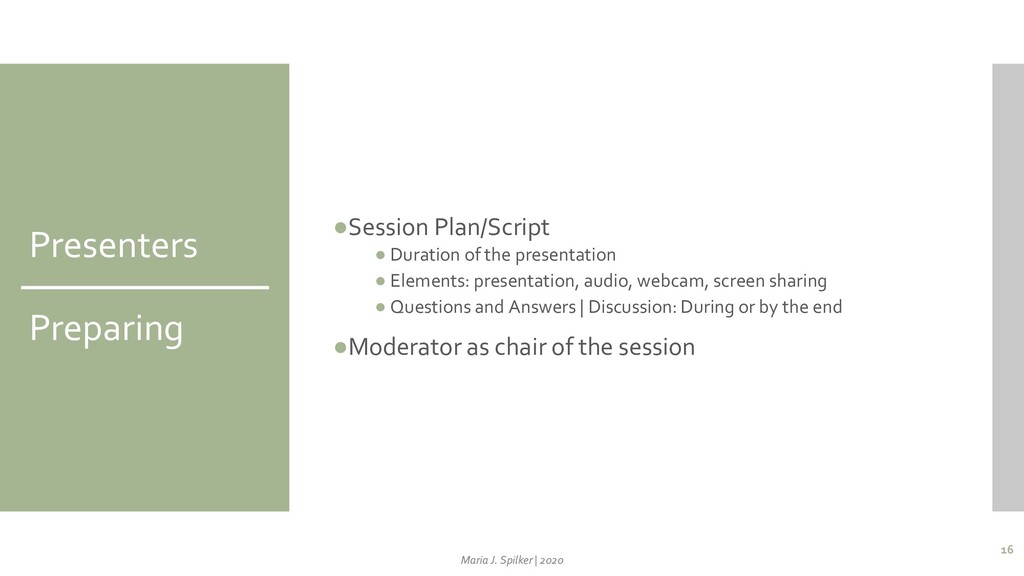
Elements: presentation, audio, webcam, screen sharing • Questions and Answers | Discussion: During or by the end •Moderator as chair of the session 16 Maria J. Spilker | 2020
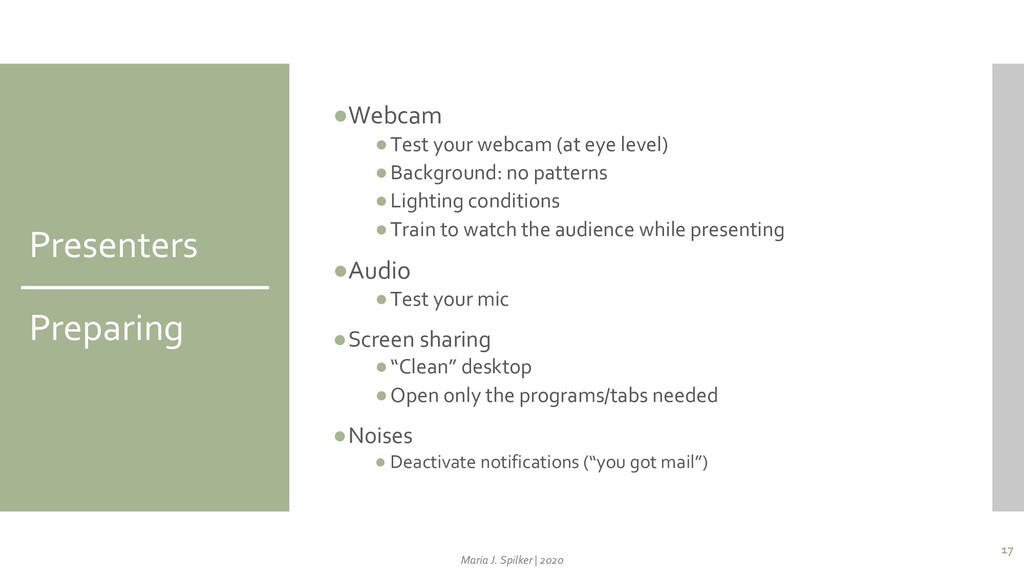
no patterns •Lighting conditions •Train to watch the audience while presenting •Audio •Test your mic •Screen sharing •“Clean” desktop •Open only the programs/tabs needed •Noises • Deactivate notifications (“you got mail”) 17 Maria J. Spilker | 2020
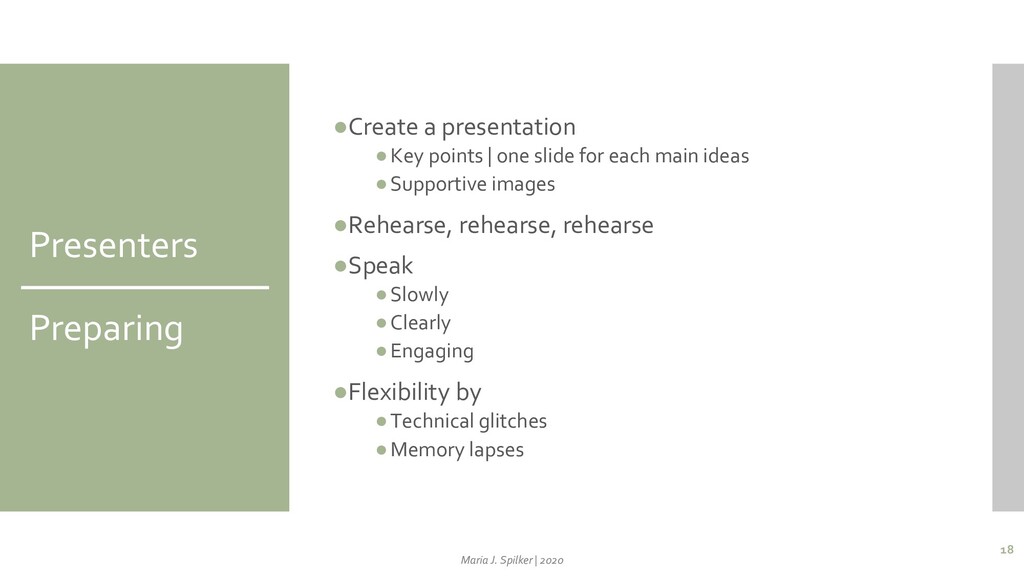
for each main ideas •Supportive images •Rehearse, rehearse, rehearse •Speak •Slowly •Clearly •Engaging •Flexibility by •Technical glitches •Memory lapses 18 Maria J. Spilker | 2020
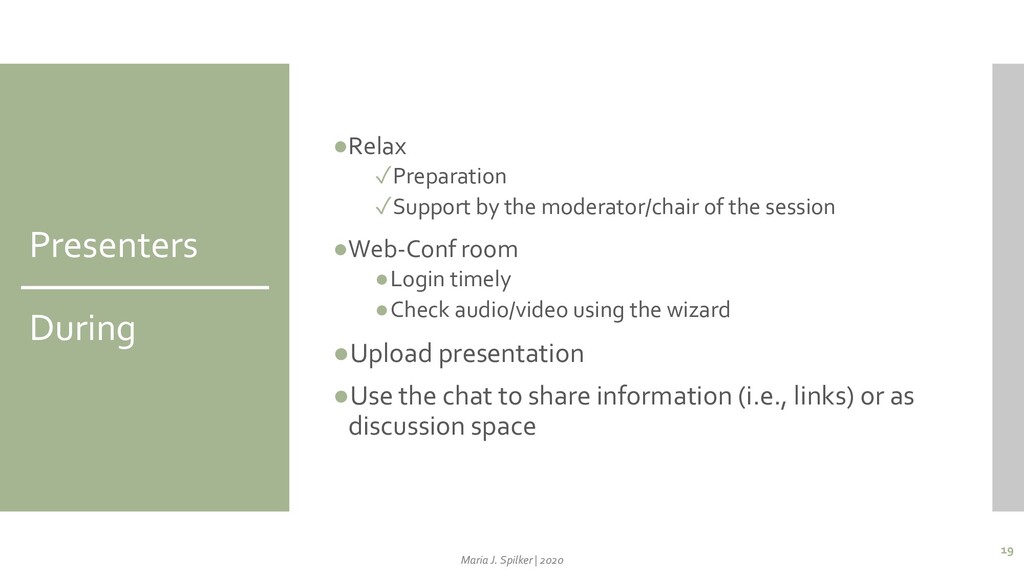
session •Web-Conf room •Login timely •Check audio/video using the wizard •Upload presentation •Use the chat to share information (i.e., links) or as discussion space 19 Maria J. Spilker | 2020
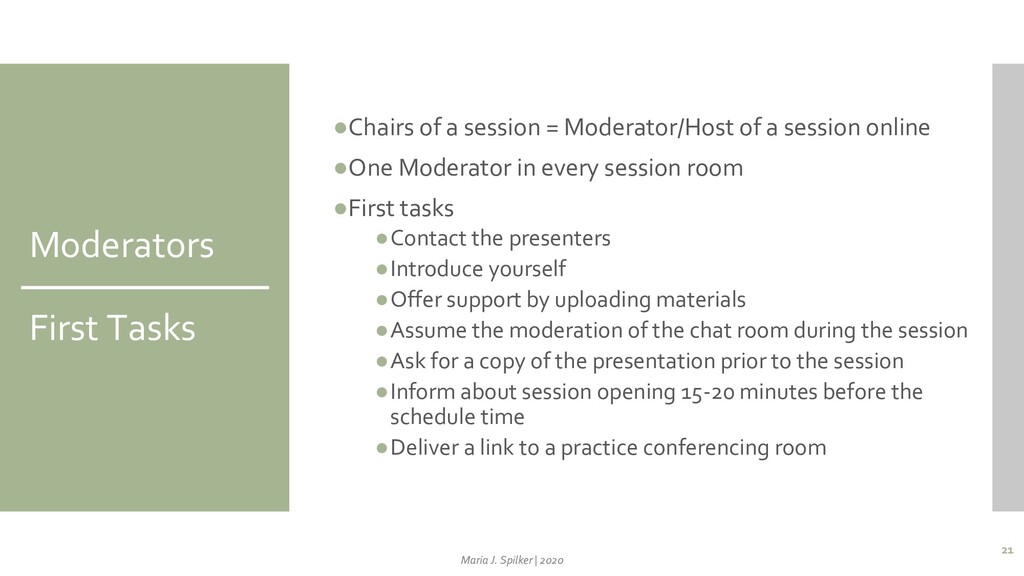
a session online •One Moderator in every session room •First tasks •Contact the presenters •Introduce yourself •Offer support by uploading materials •Assume the moderation of the chat room during the session •Ask for a copy of the presentation prior to the session •Inform about session opening 15-20 minutes before the schedule time •Deliver a link to a practice conferencing room 21 Maria J. Spilker | 2020
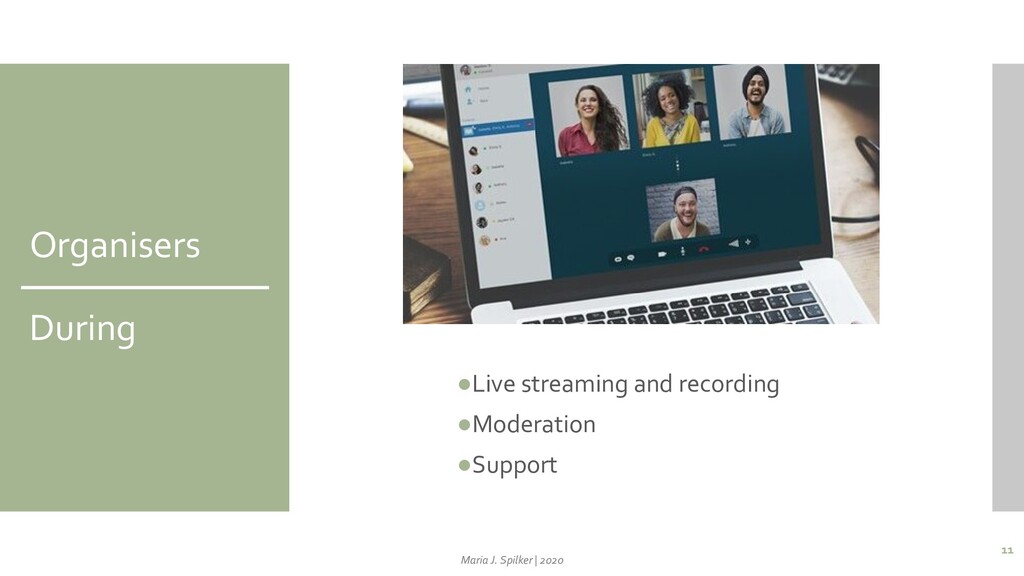
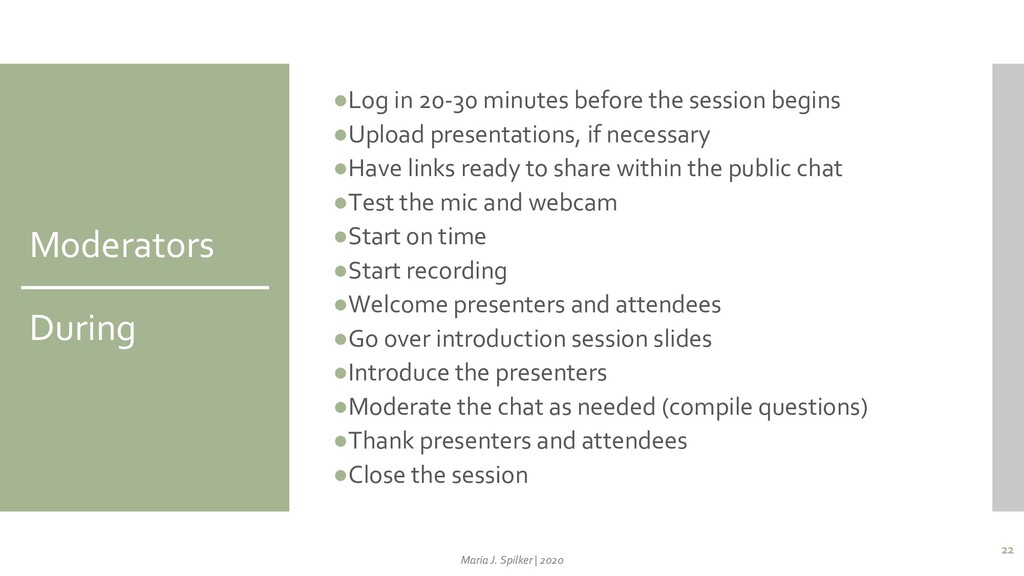
•Upload presentations, if necessary •Have links ready to share within the public chat •Test the mic and webcam •Start on time •Start recording •Welcome presenters and attendees •Go over introduction session slides •Introduce the presenters •Moderate the chat as needed (compile questions) •Thank presenters and attendees •Close the session 22 Maria J. Spilker | 2020
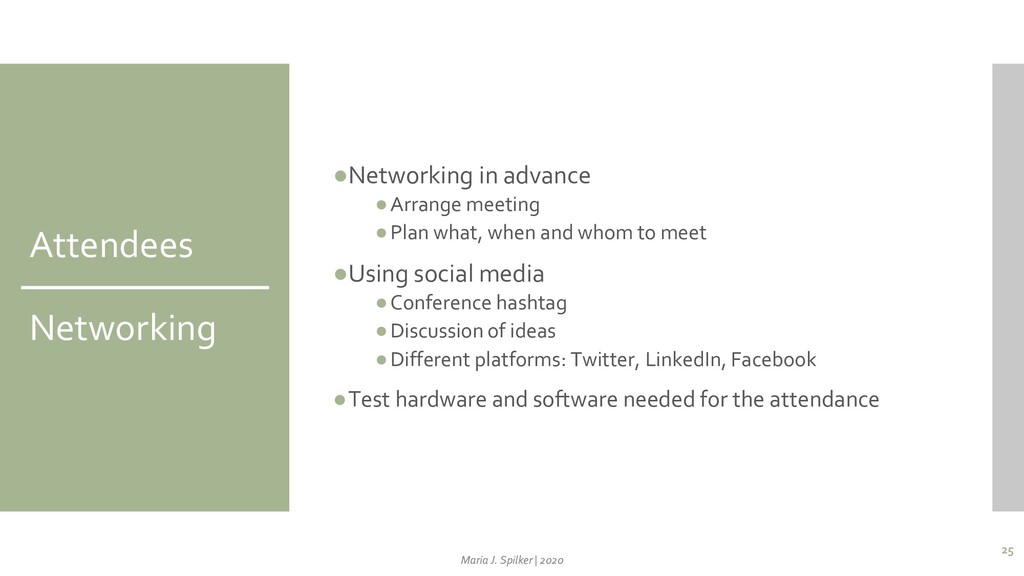
and whom to meet •Using social media •Conference hashtag •Discussion of ideas •Different platforms: Twitter, LinkedIn, Facebook •Test hardware and software needed for the attendance 25 Maria J. Spilker | 2020
contacts •Download materials, hand-outs, proceedings, presentations •Watch recorded sessions •Reflect on value creation of the attendance 27 Maria J. Spilker | 2020
A., Johal, H., … Bhandari, M. (2020). Maximizing virtual meetings and conferences: a review of best practices. International Orthopaedics. https://doi.org/10.1007/s00264-020-04615-9 31 Maria J. Spilker | 2020


 mjs
mjs
 hiola
hiola
 juanmartin2026
 uranoken
 kekekenta
 2720japanoke
 coderdojojapan
 ssmedikasda
 pawan_pharm
 drpoonamkc
 masakiokuda
 akiraasano
 sugarenia
 mkilby
 swwweet
 baasie
 codingconduct
 csswizardry
 addyosmani
 tapps
tapps
 davidcarrasco
 aleyda
 ryanjones
 ammeep