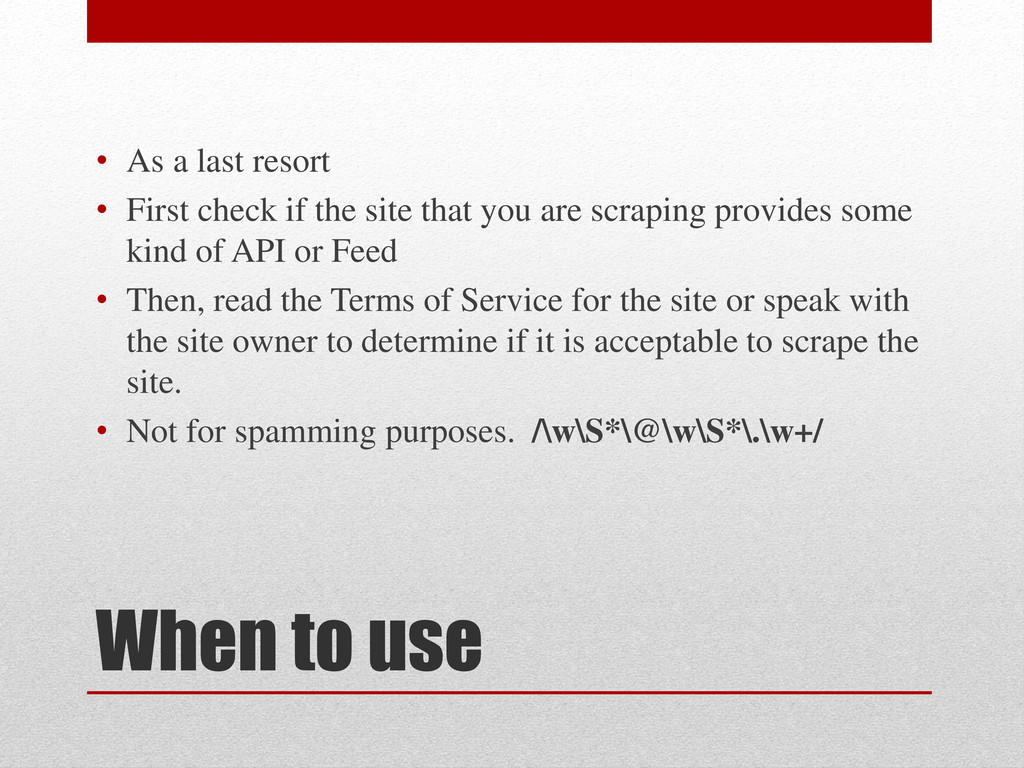
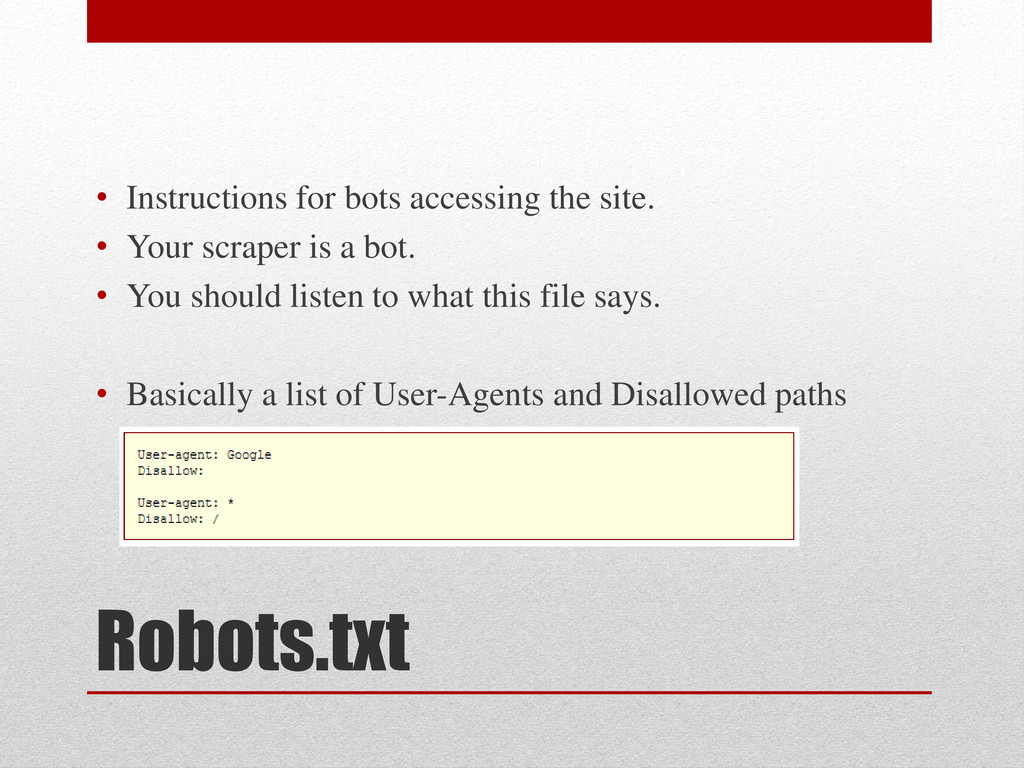
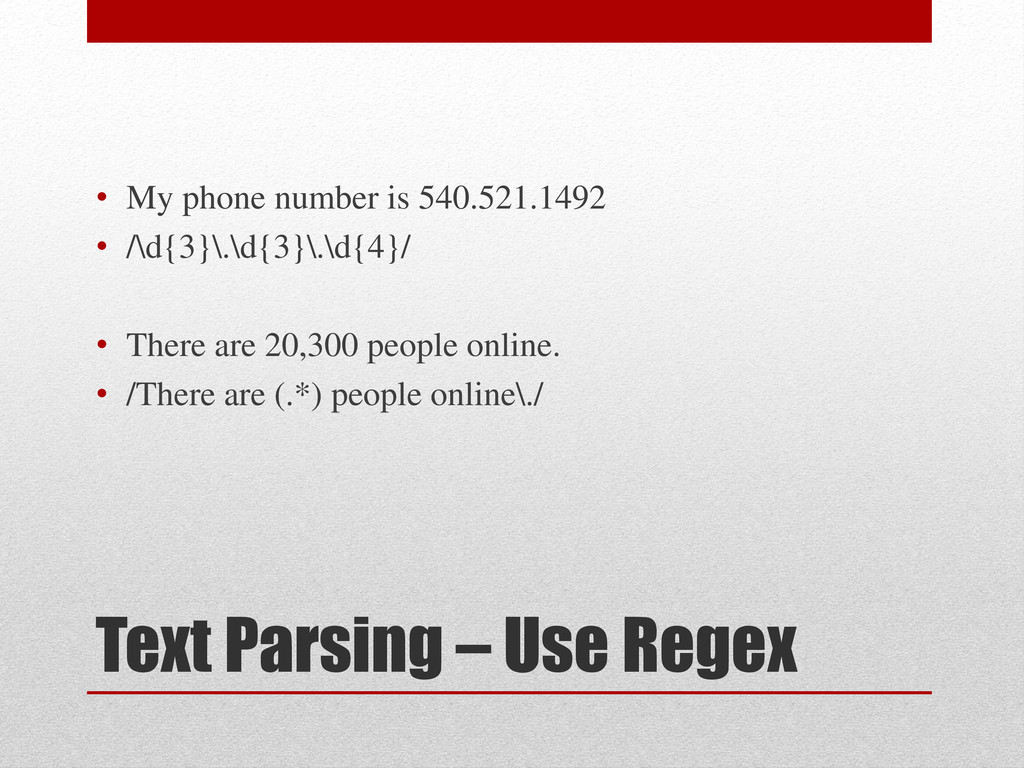
check if the site that you are scraping provides some kind of API or Feed • Then, read the Terms of Service for the site or speak with the site owner to determine if it is acceptable to scrape the site. • Not for spamming purposes. /\w\S*\@\w\S*\.\w+/
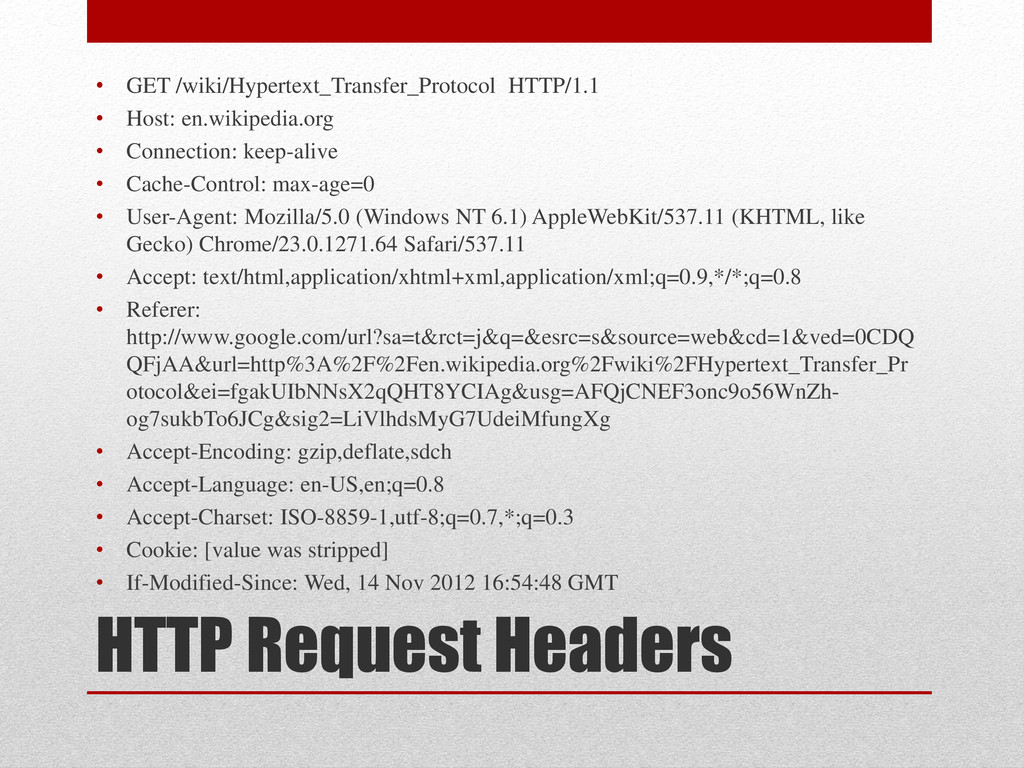
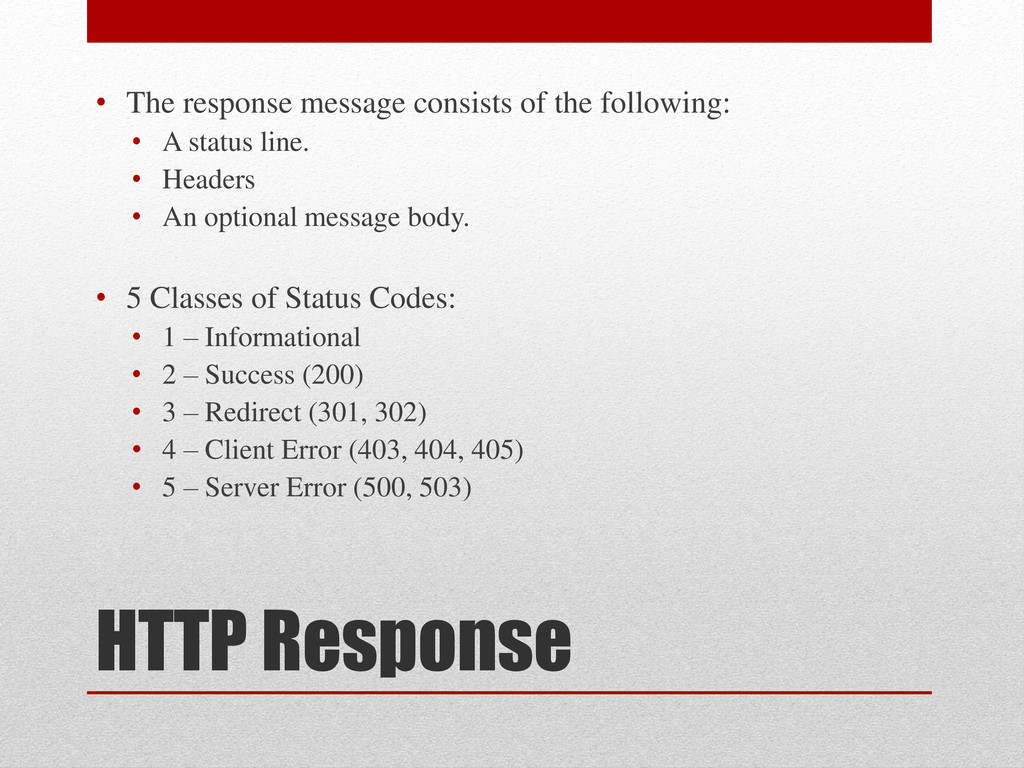
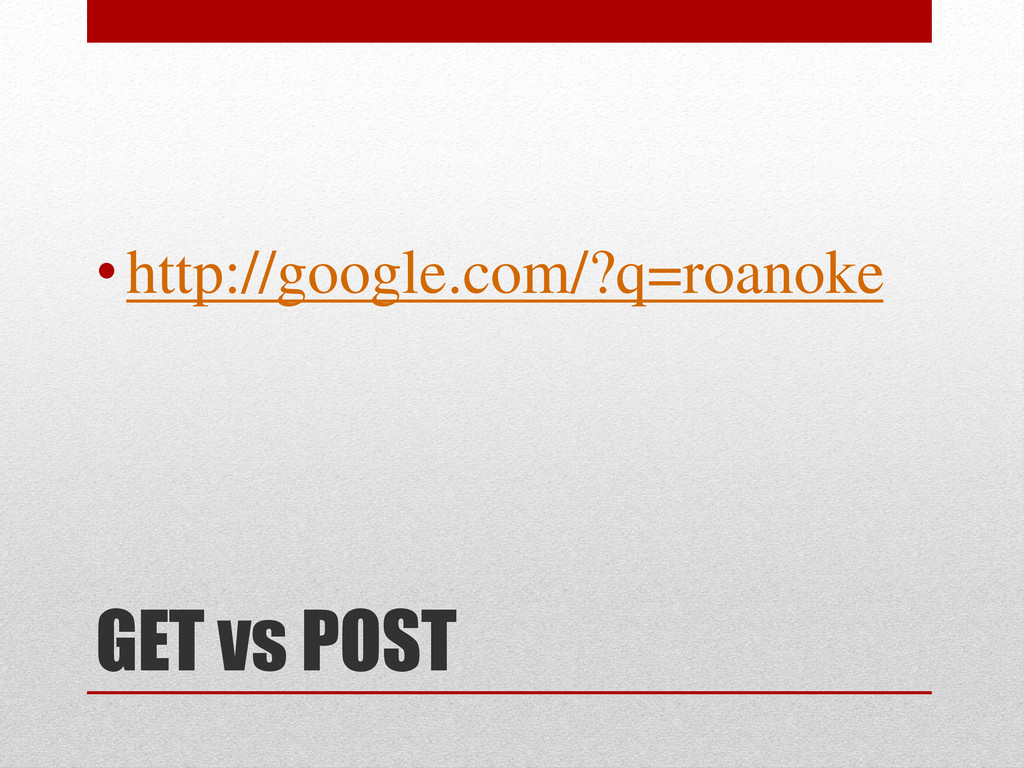
protocol built on top of TCP • Two (primary) methods: GET and POST • The request message consists of the following: • A request line. • Headers • An optional message body.
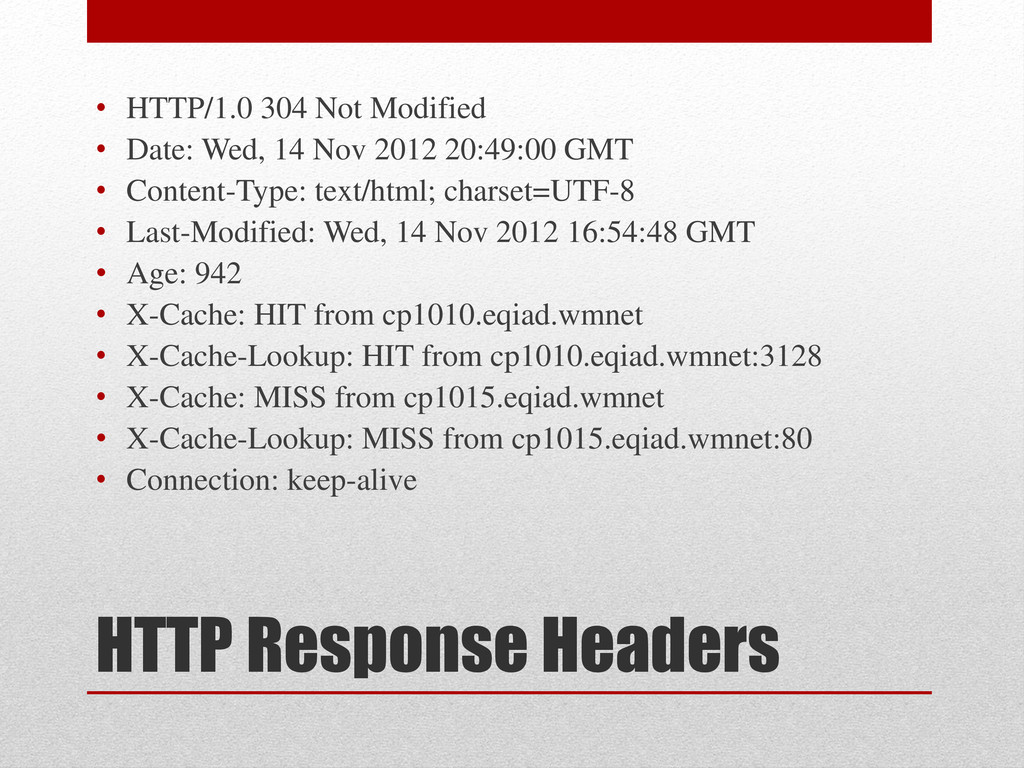
Wed, 14 Nov 2012 20:49:00 GMT • Content-Type: text/html; charset=UTF-8 • Last-Modified: Wed, 14 Nov 2012 16:54:48 GMT • Age: 942 • X-Cache: HIT from cp1010.eqiad.wmnet • X-Cache-Lookup: HIT from cp1010.eqiad.wmnet:3128 • X-Cache: MISS from cp1015.eqiad.wmnet • X-Cache-Lookup: MISS from cp1015.eqiad.wmnet:80 • Connection: keep-alive
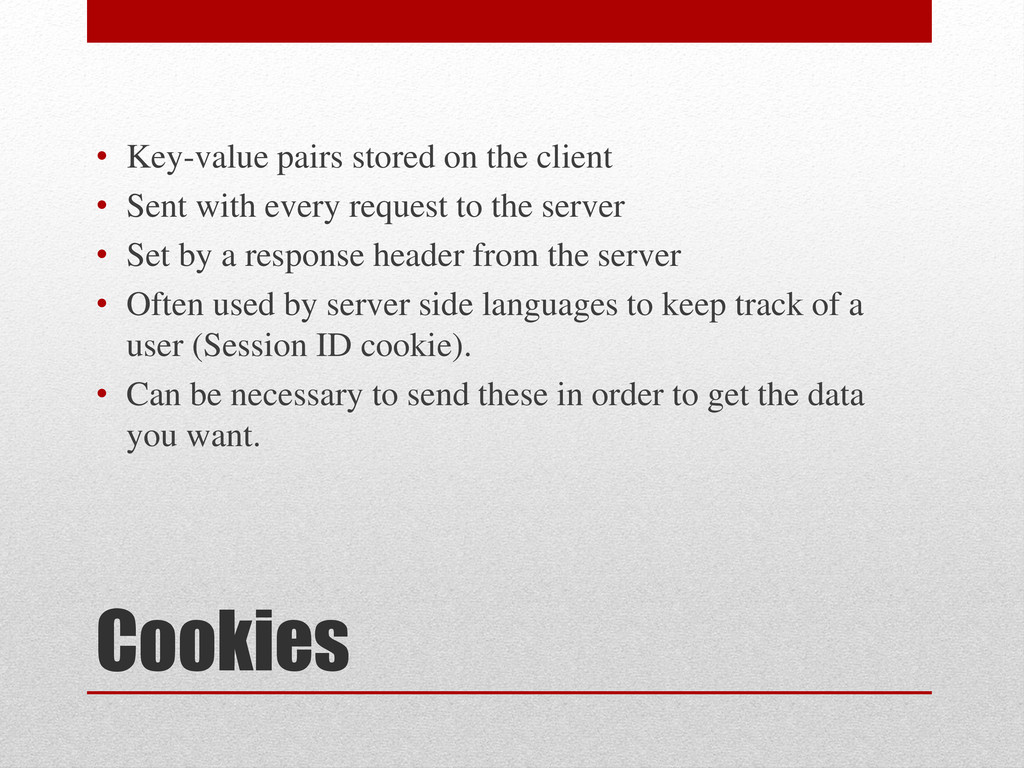
with every request to the server • Set by a response header from the server • Often used by server side languages to keep track of a user (Session ID cookie). • Can be necessary to send these in order to get the data you want.
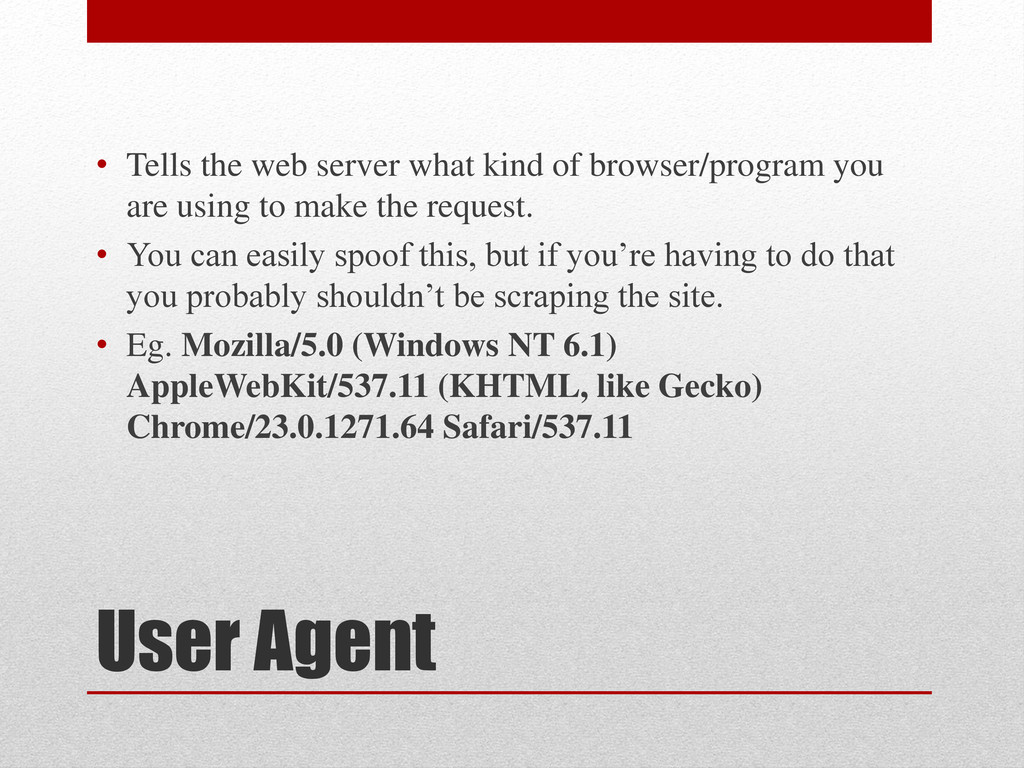
browser/program you are using to make the request. • You can easily spoof this, but if you’re having to do that you probably shouldn’t be scraping the site. • Eg. Mozilla/5.0 (Windows NT 6.1) AppleWebKit/537.11 (KHTML, like Gecko) Chrome/23.0.1271.64 Safari/537.11
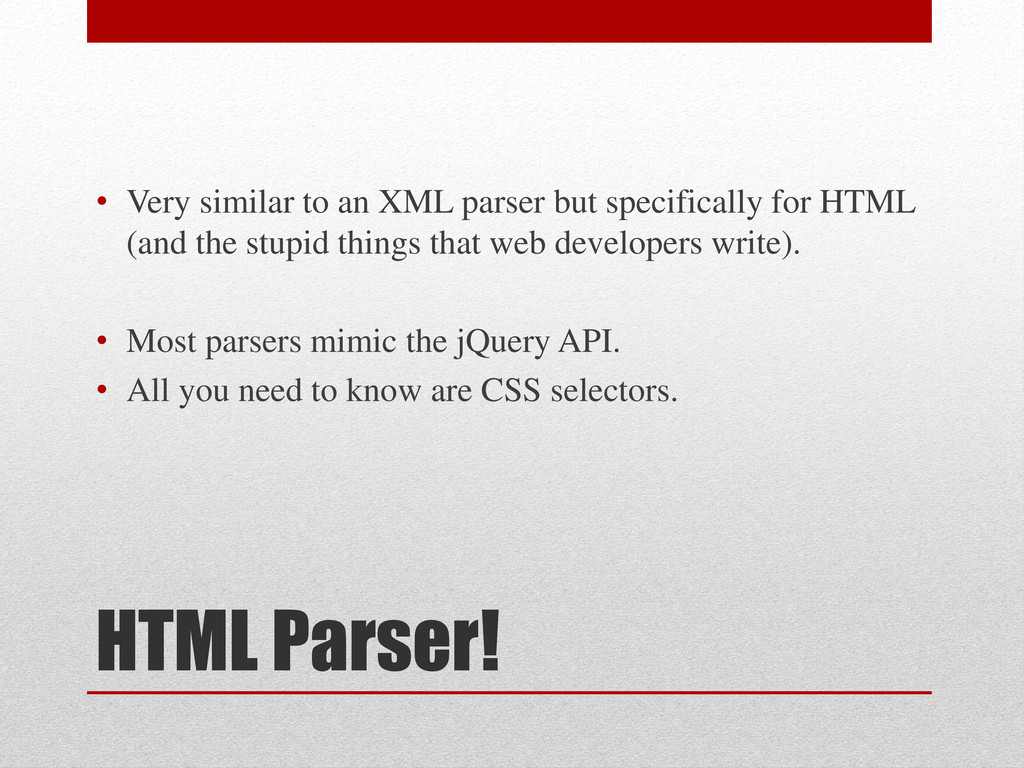
specifically for HTML (and the stupid things that web developers write). • Most parsers mimic the jQuery API. • All you need to know are CSS selectors.
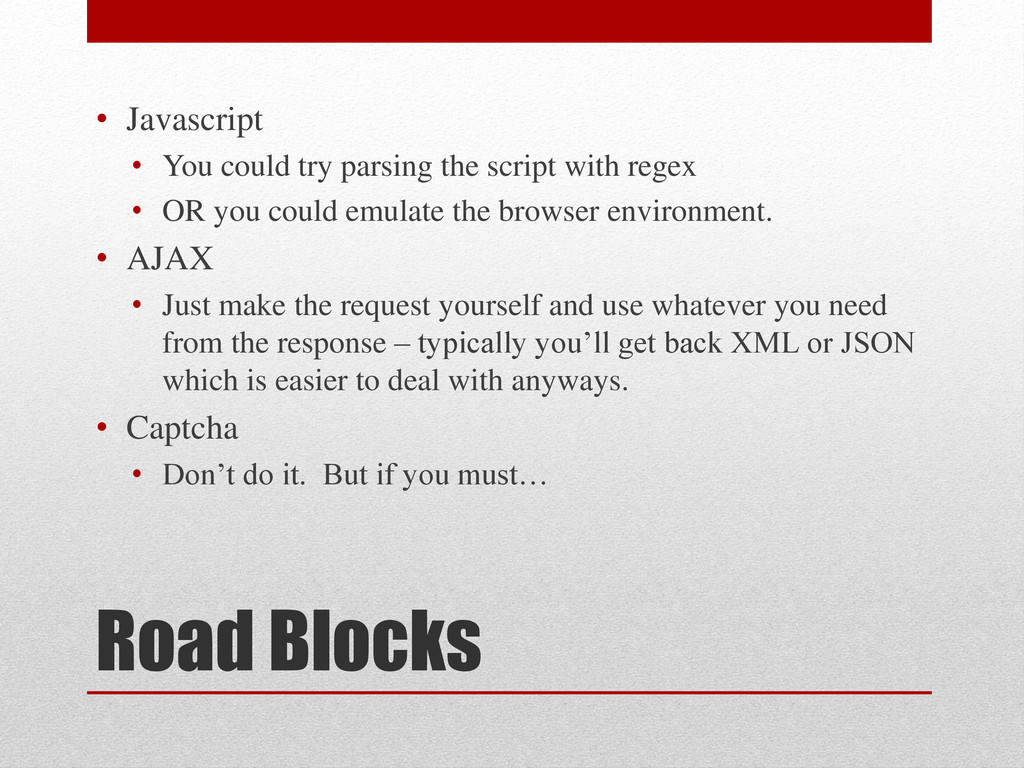
script with regex • OR you could emulate the browser environment. • AJAX • Just make the request yourself and use whatever you need from the response – typically you’ll get back XML or JSON which is easier to deal with anyways. • Captcha • Don’t do it. But if you must…
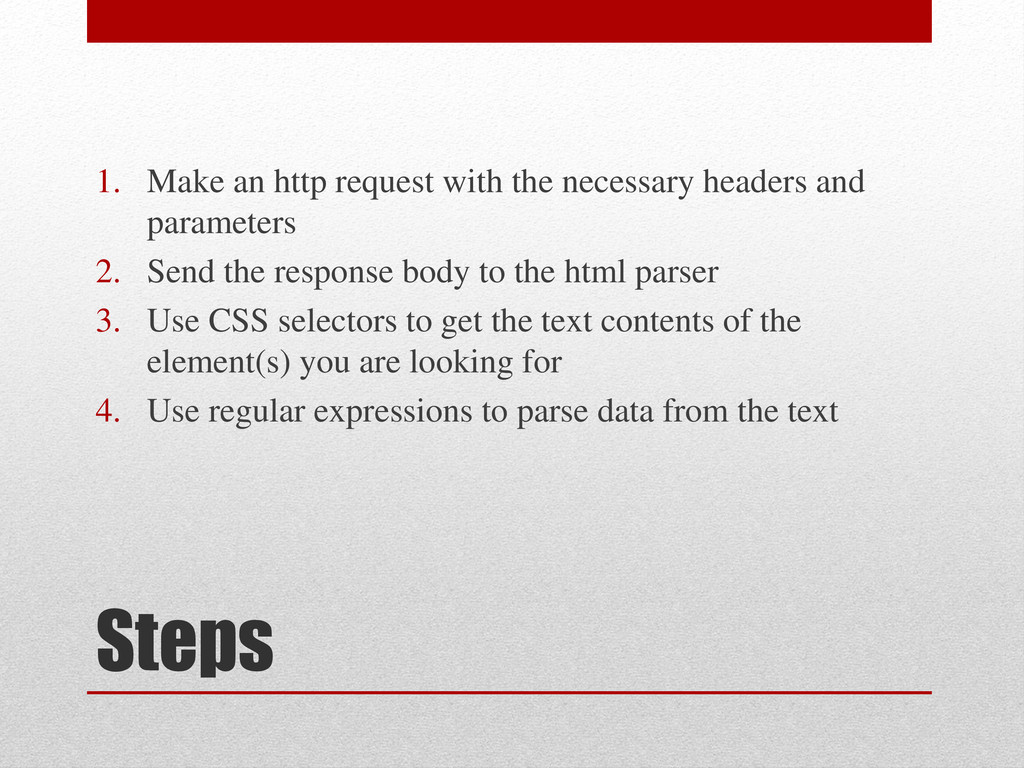
and parameters 2. Send the response body to the html parser 3. Use CSS selectors to get the text contents of the element(s) you are looking for 4. Use regular expressions to parse data from the text


 akitoshiga
 yuuuuuuu168
 occhi
occhi
 genda
genda
 prog893
 yazm
yazm
 sh_fk2
 namiki64
 codmoninc
 shogo4131
 y0hgi
y0hgi
 gionn
gionn
 palkan
 wjessup
 tammyeverts
 danielanewman
 scottboms
 akashhashmi
 jonoalderson
 kristinabergwall1
 pwiseman
 jacobian
 chriscoyier
 mongodb