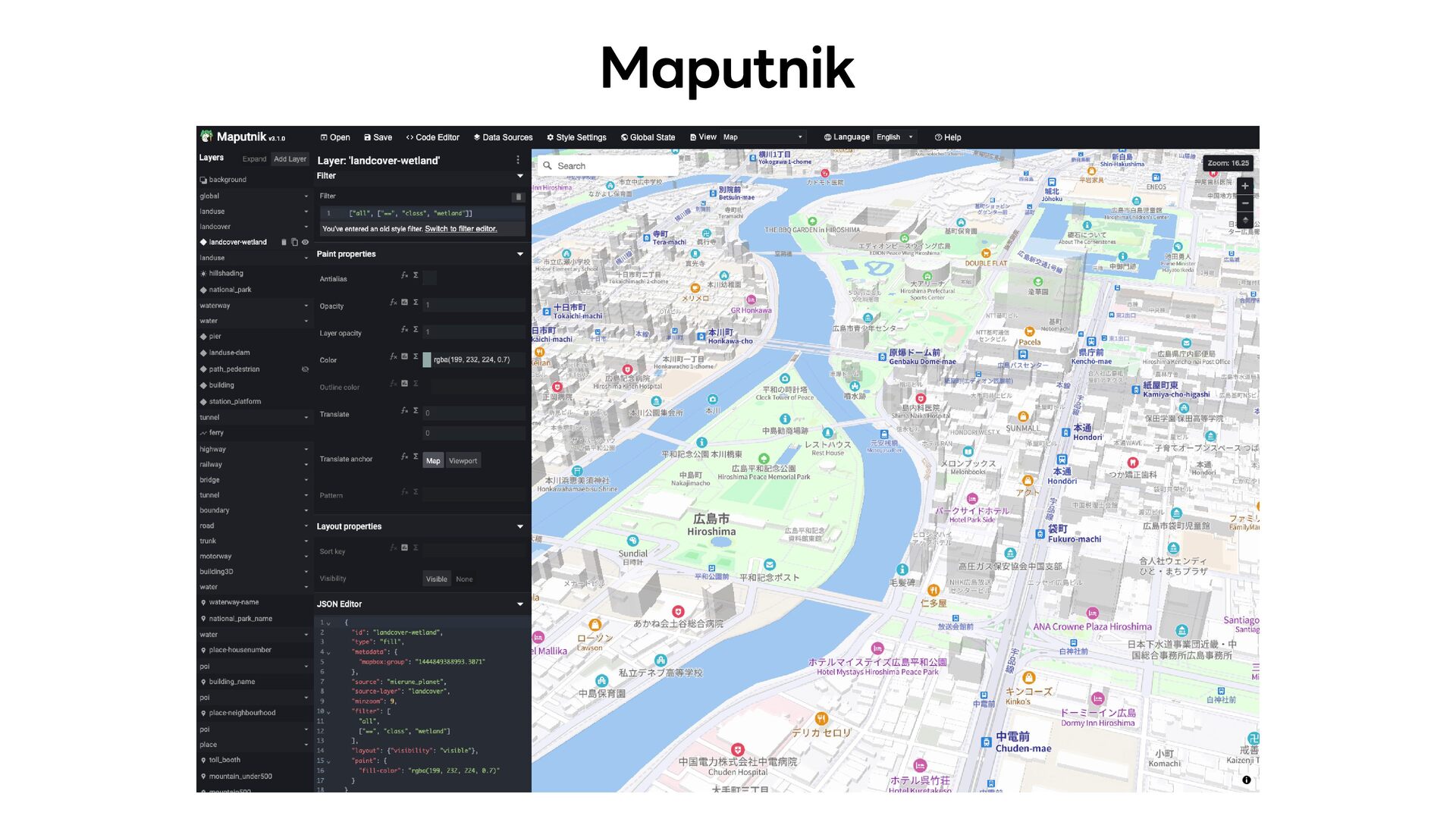
local saves and commits Colors and values cannot be shared across many layers Sprites and glyphs cannot be generated or edited It is not intuitive enough for newcomers
local saves and commits Colors and values cannot be shared across many layers Sprites and glyphs cannot be generated or edited It is not intuitive enough for newcomers
edit layer styles Inspect source data Preview the style Generate sprites from SVG icons Generate glyphs from font files Package all of the above into a single portable file Export style.json, sprite.json/PNG, and glyph PBF files from that package
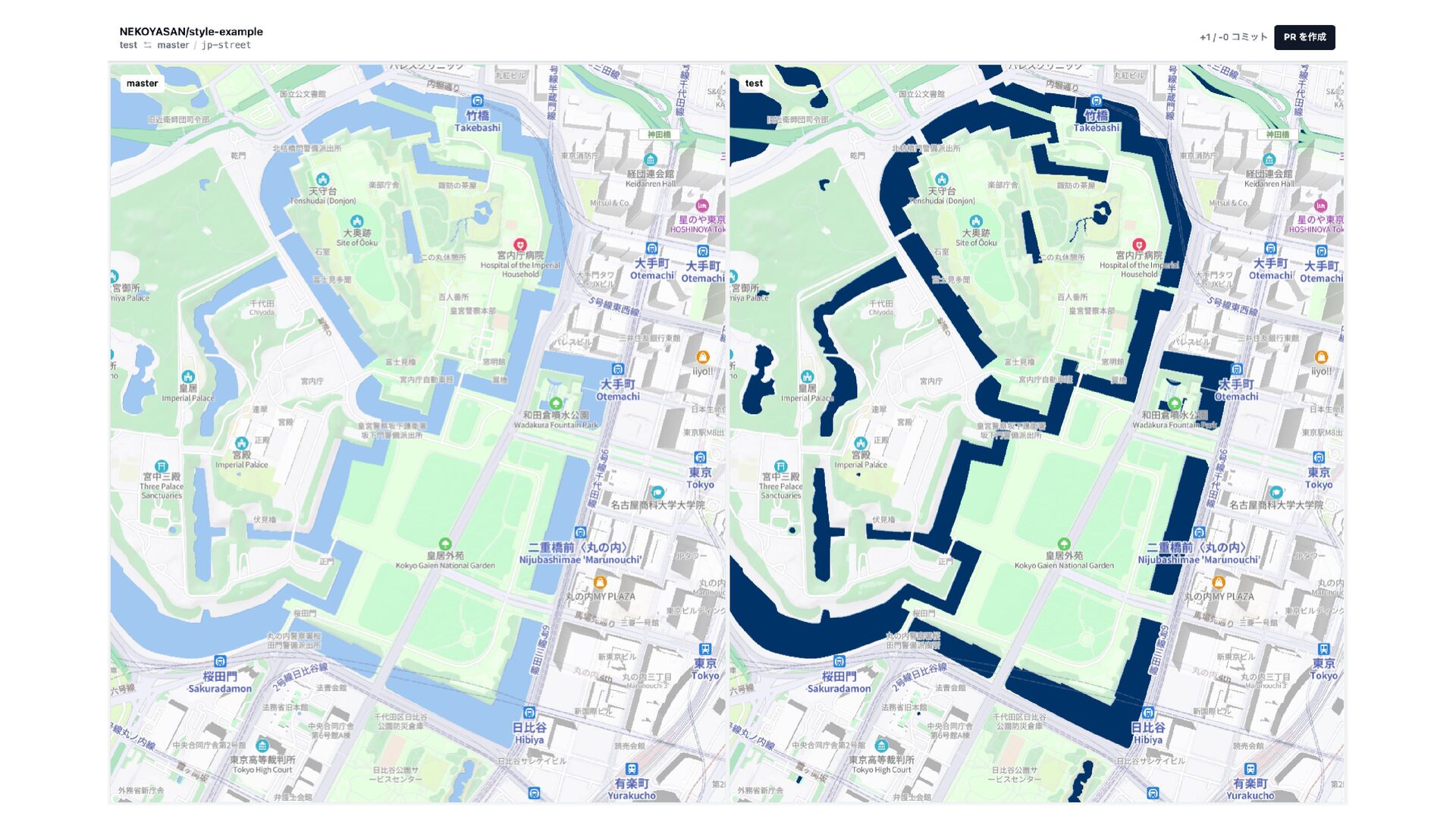
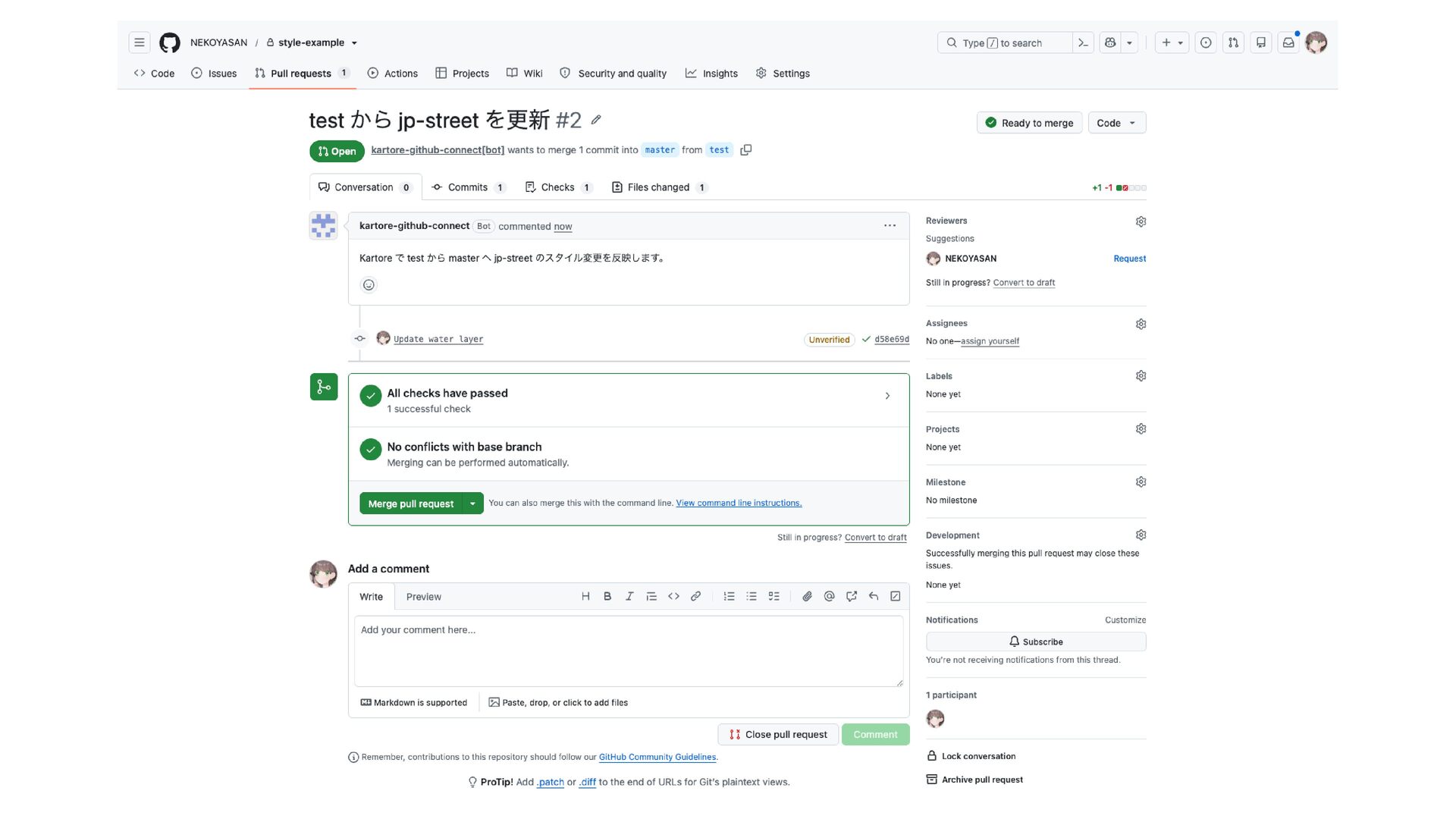
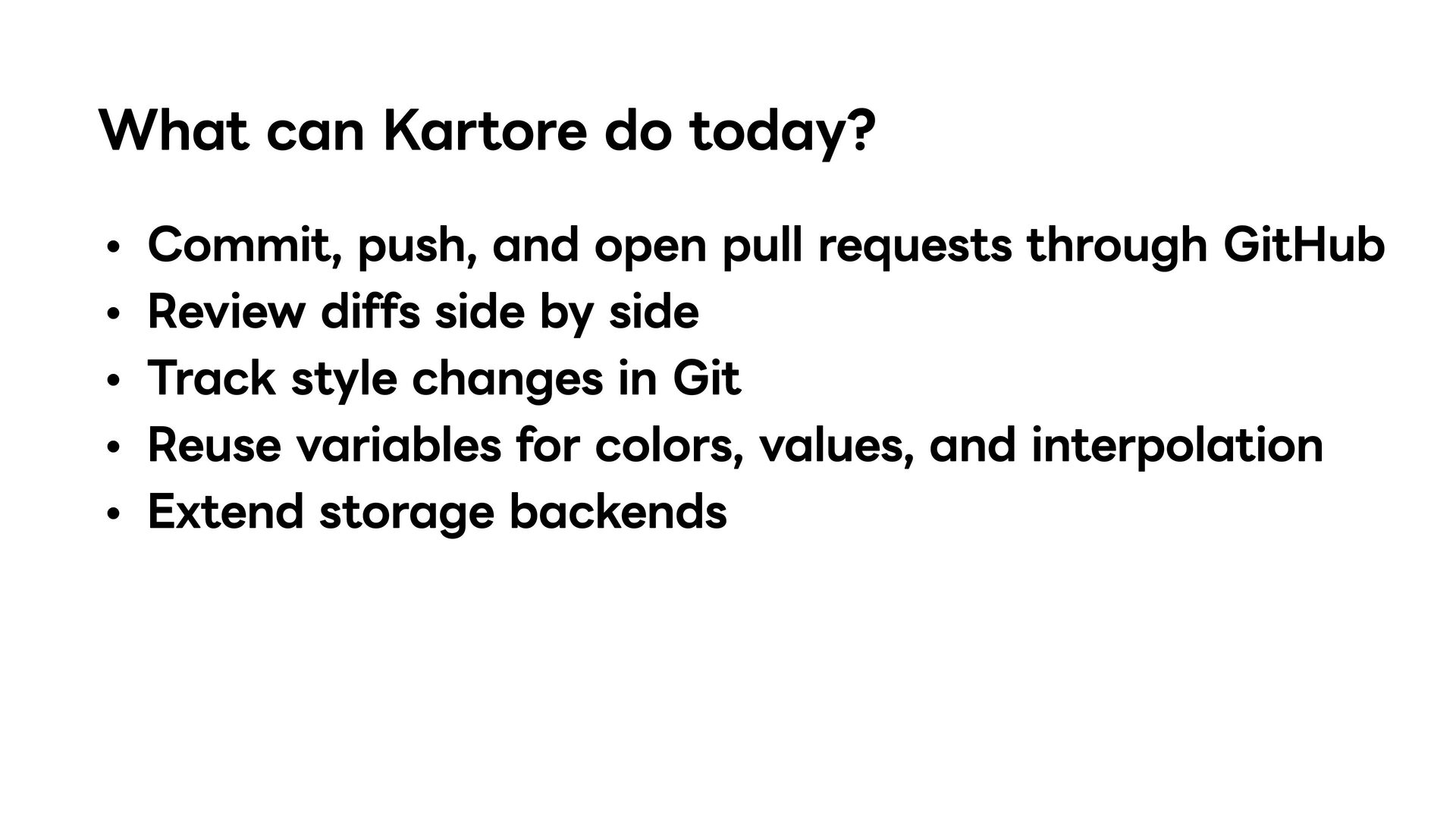
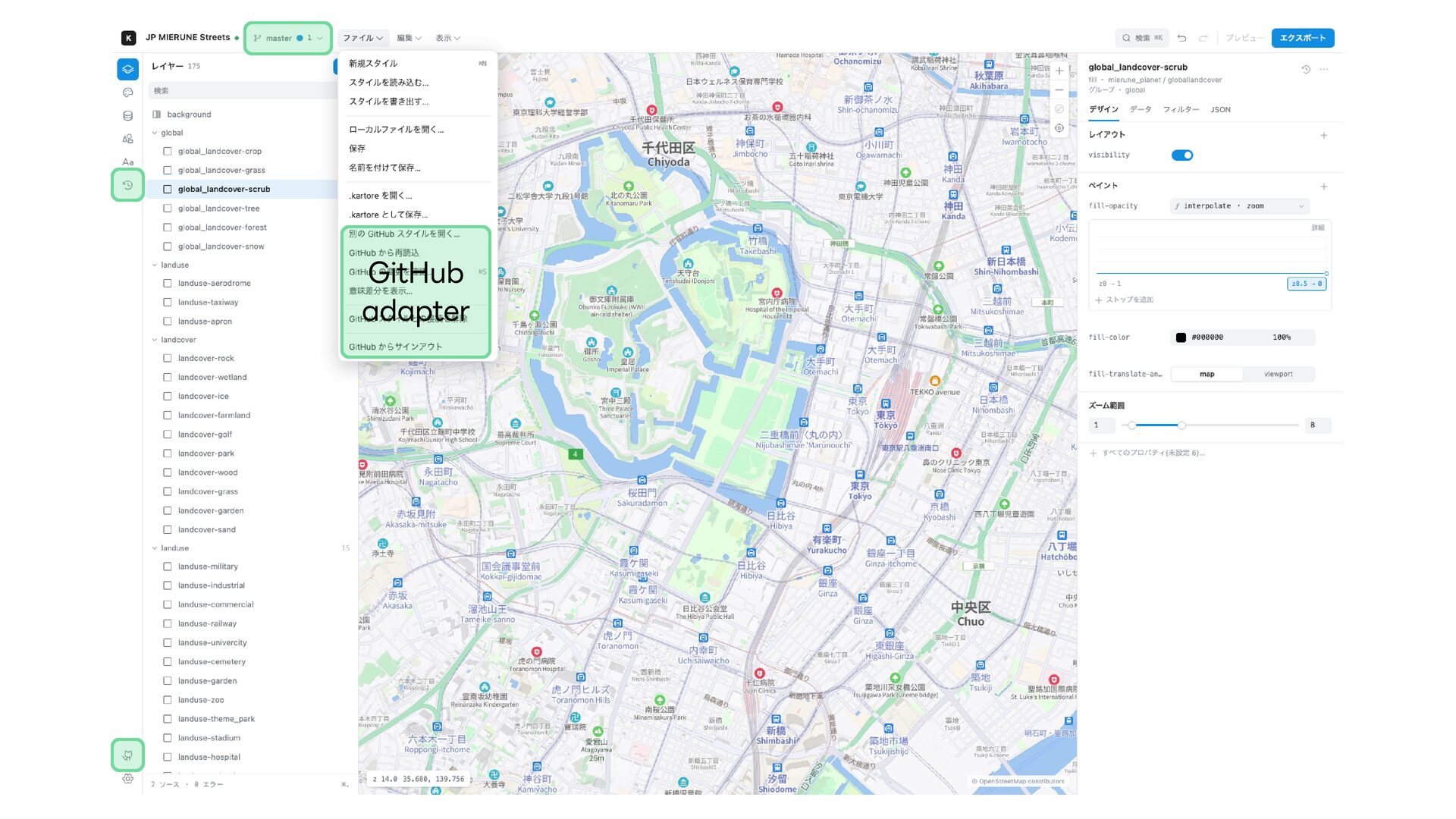
requests through GitHub Review diffs side by side Track style changes in Git Reuse variables for colors, values, and interpolation Extend storage backends
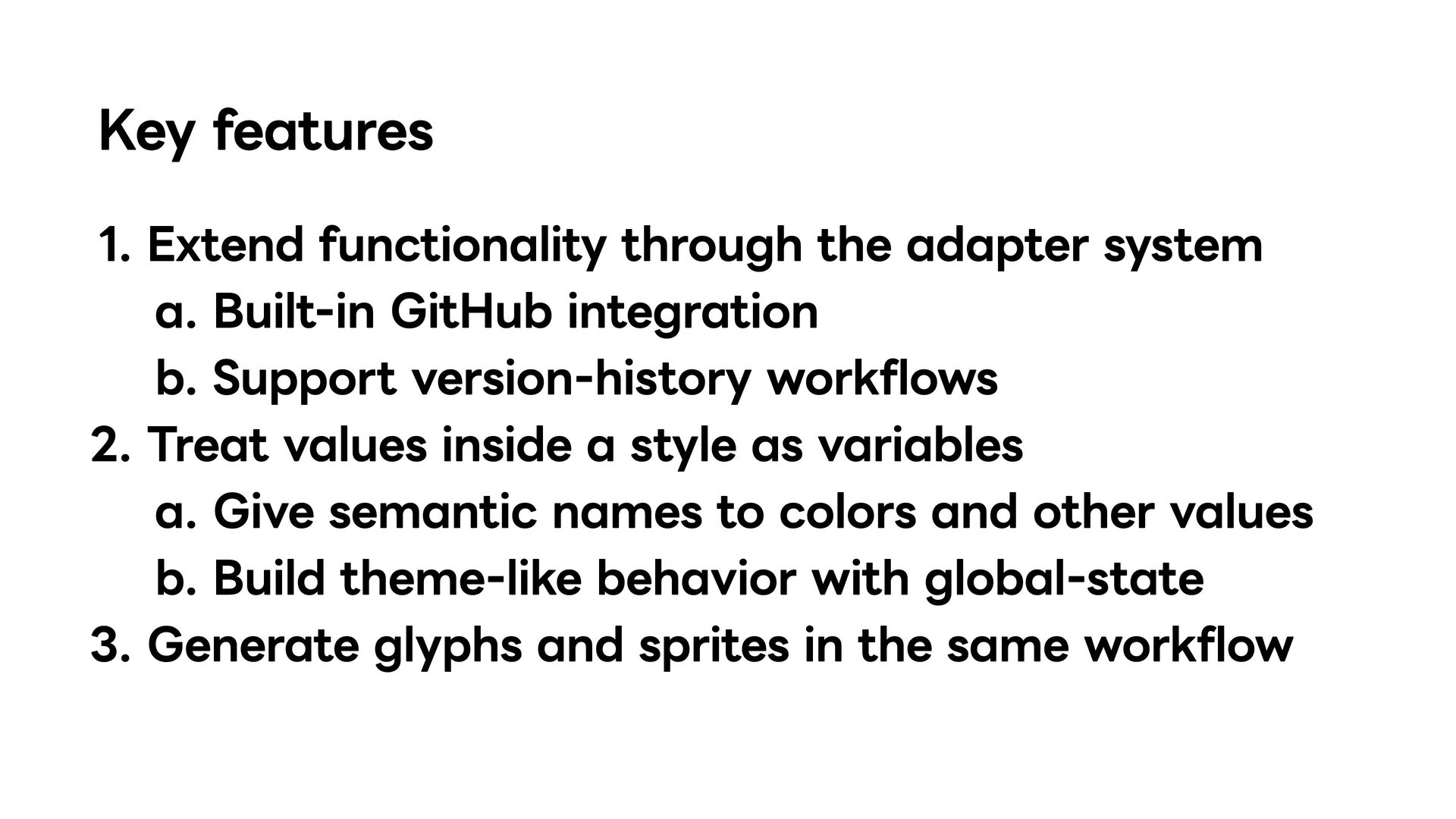
integration Support version-history workflows Treat values inside a style as variables Give semantic names to colors and other values Build theme-like behavior with global-state Generate glyphs and sprites in the same workflow
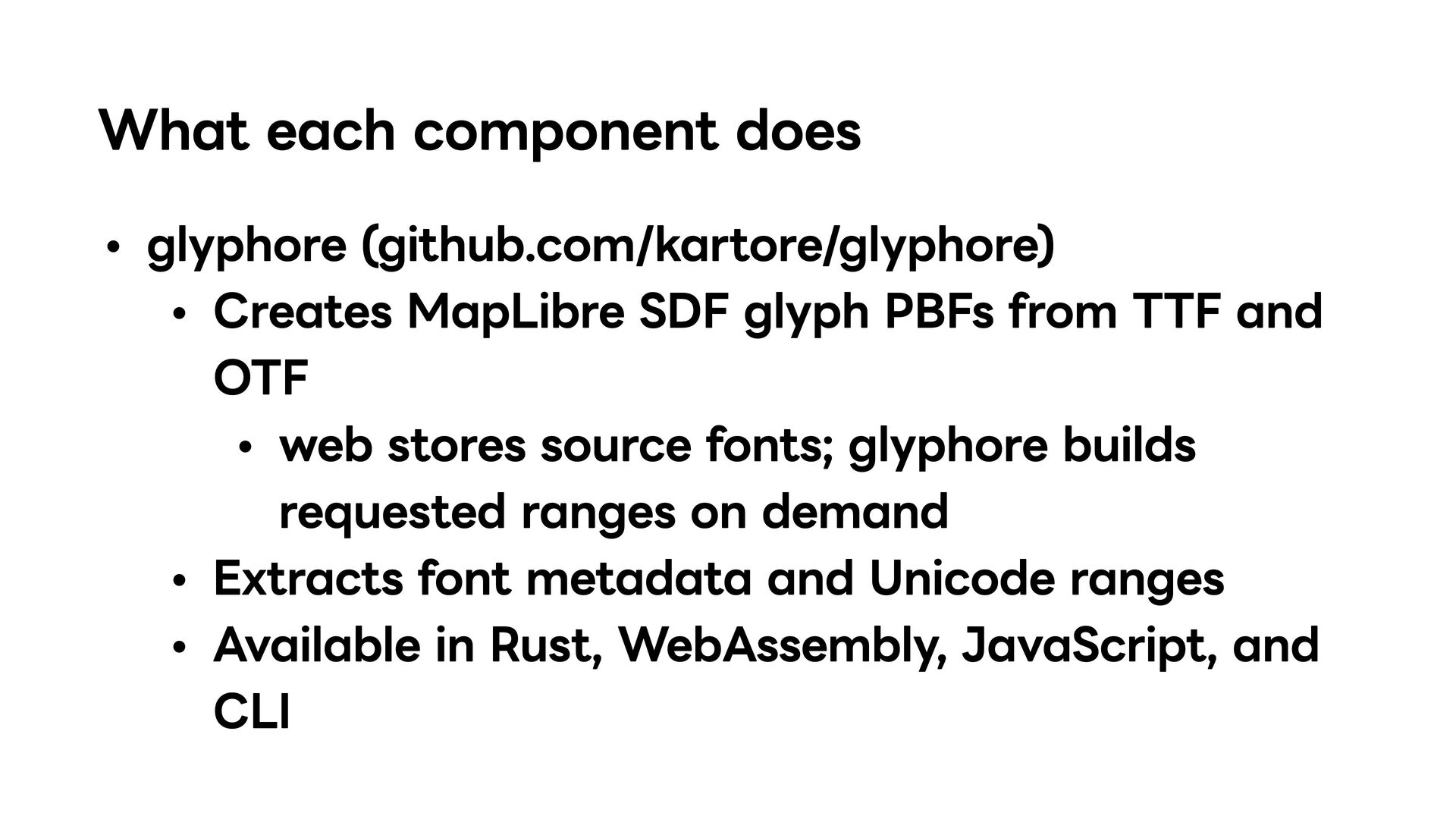
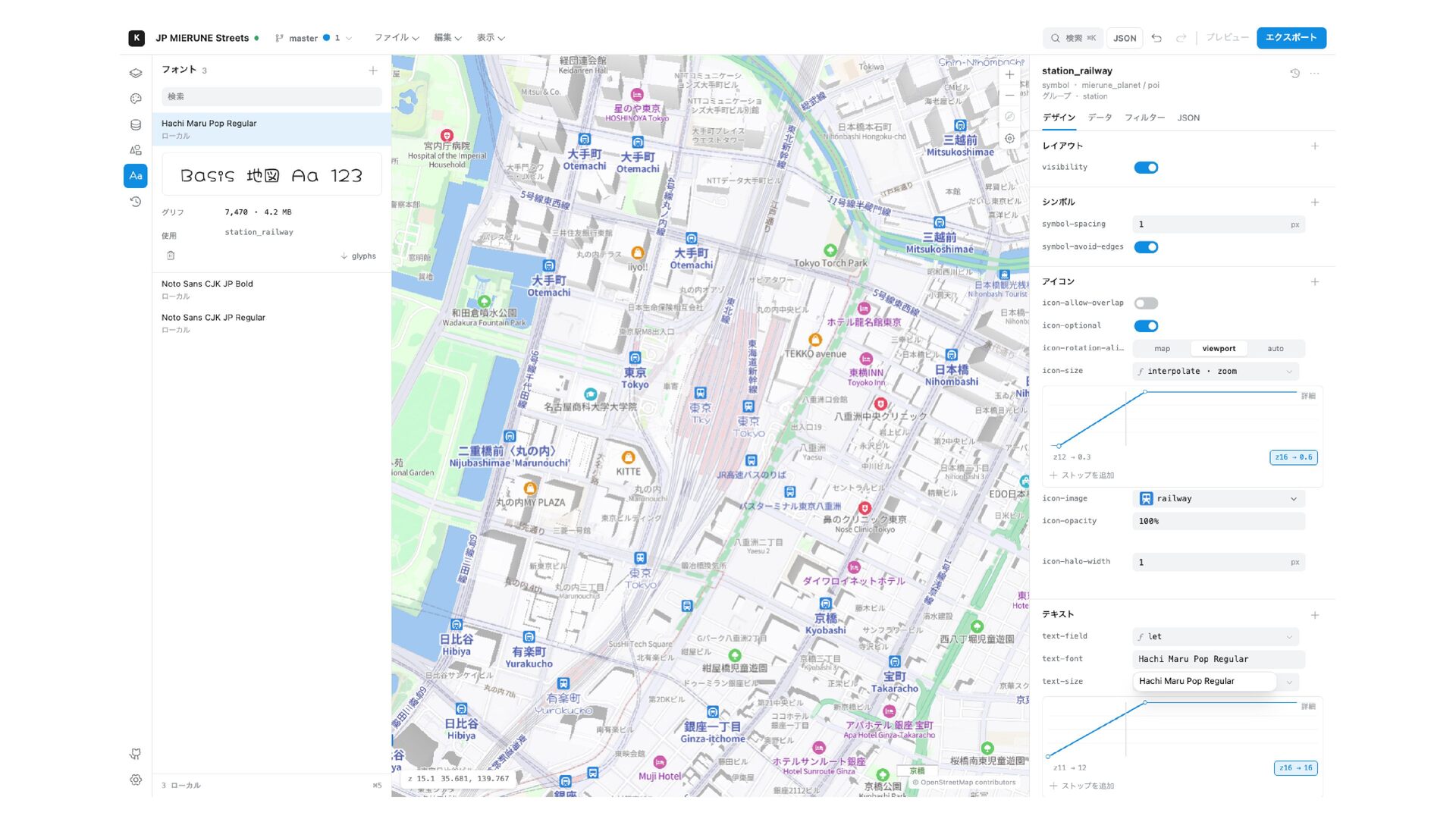
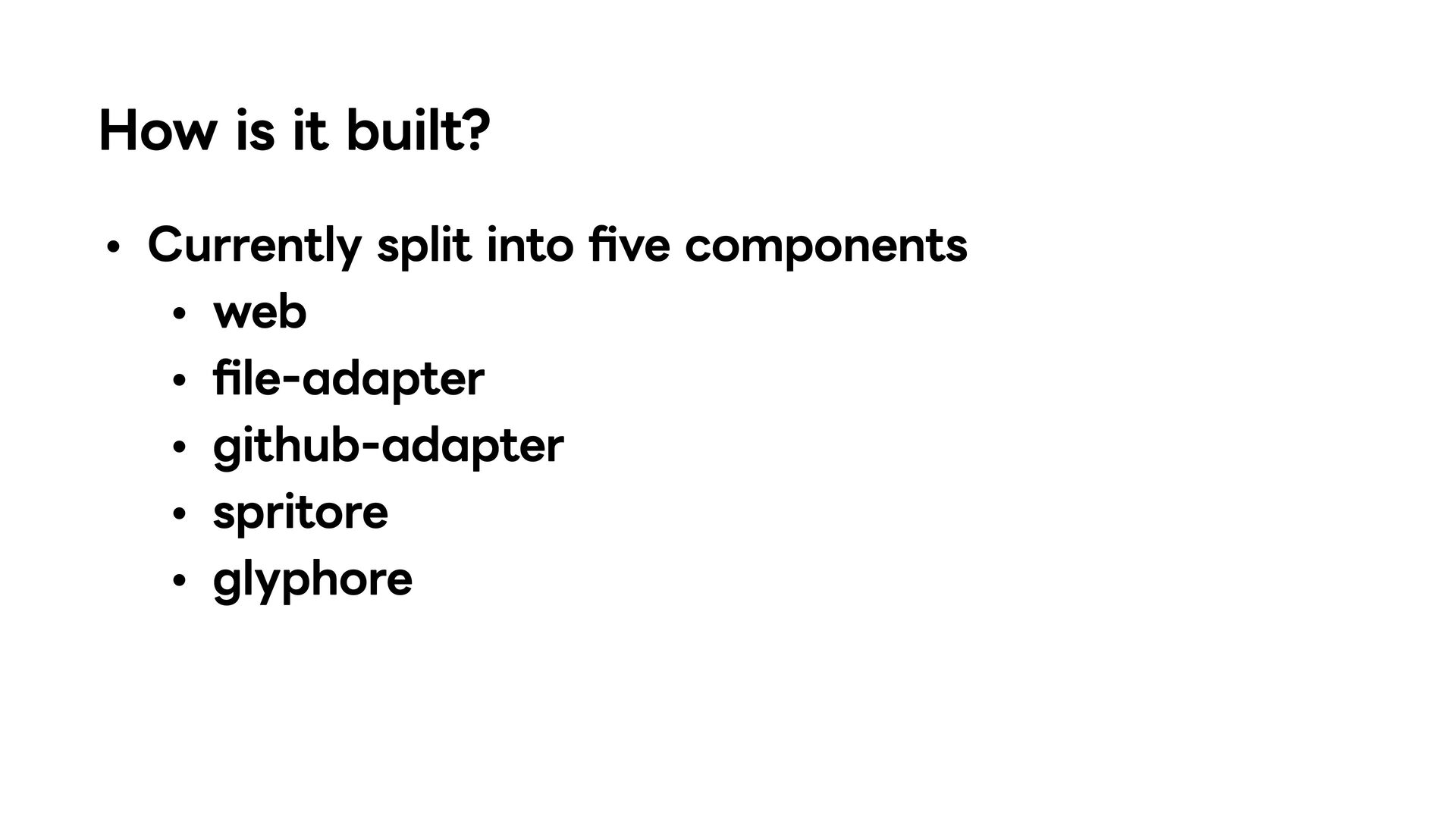
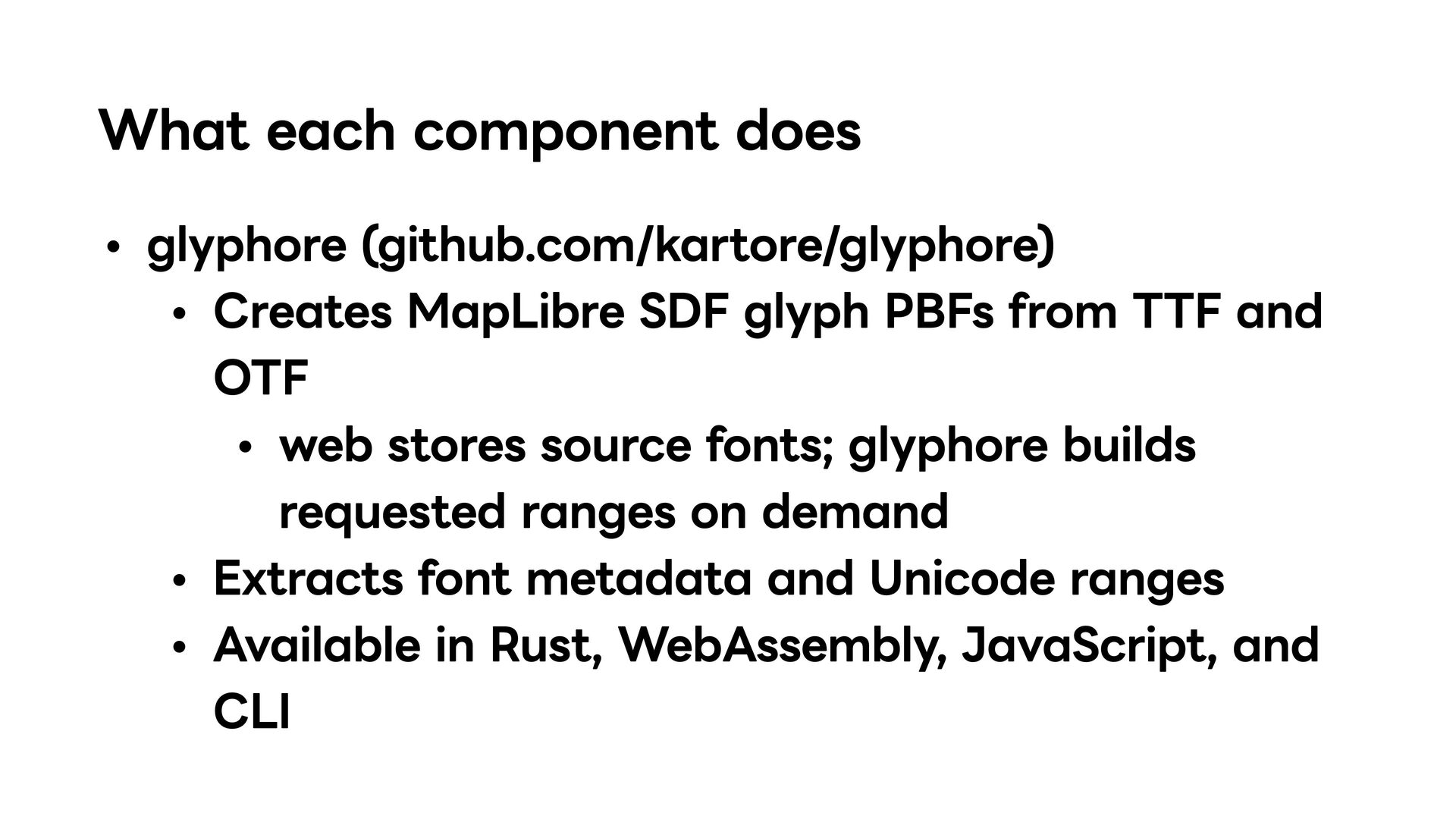
PBFs from TTF and OTF web stores source fonts; glyphore builds requested ranges on demand Extracts font metadata and Unicode ranges Available in Rust, WebAssembly, JavaScript, and CLI
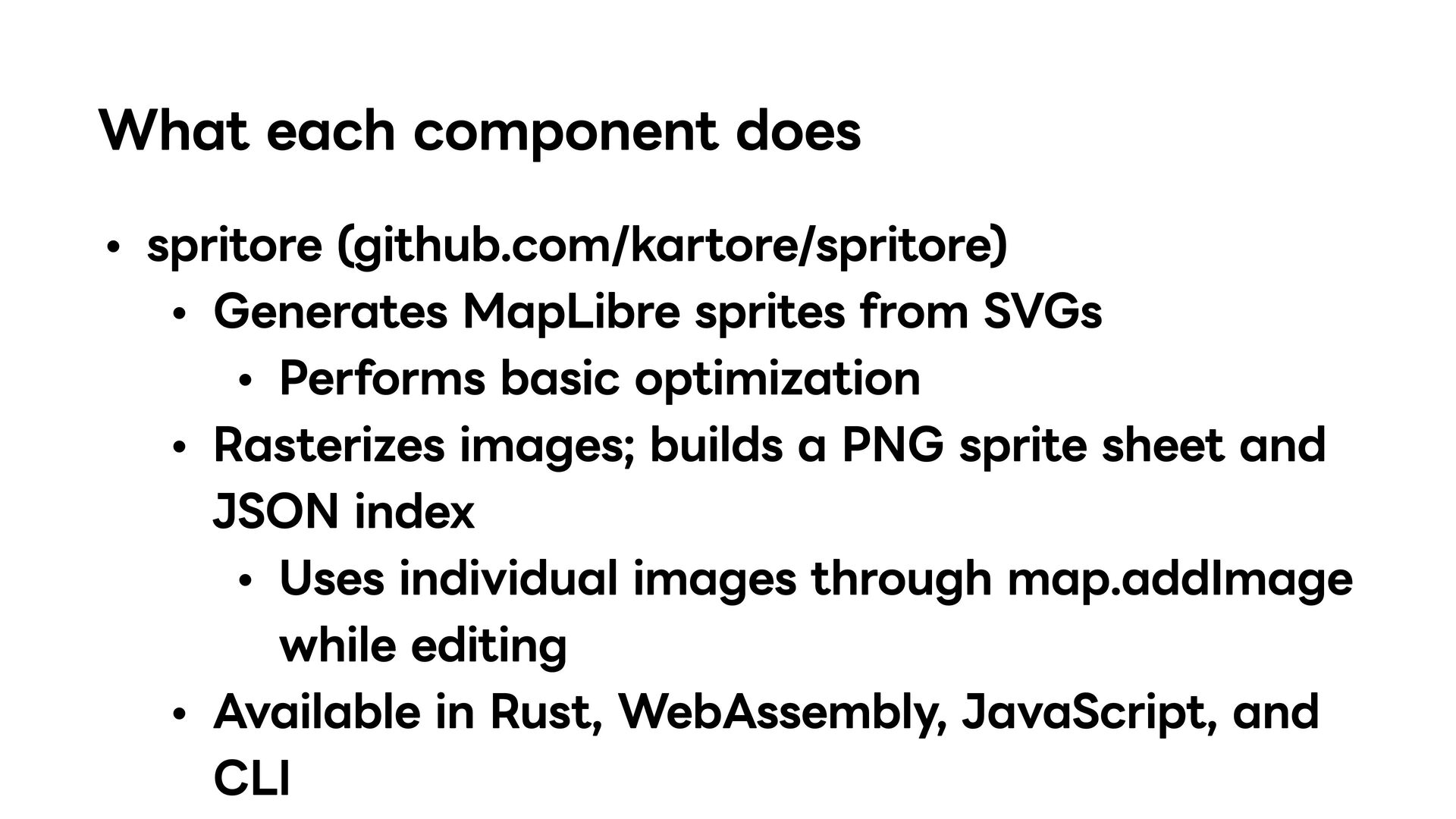
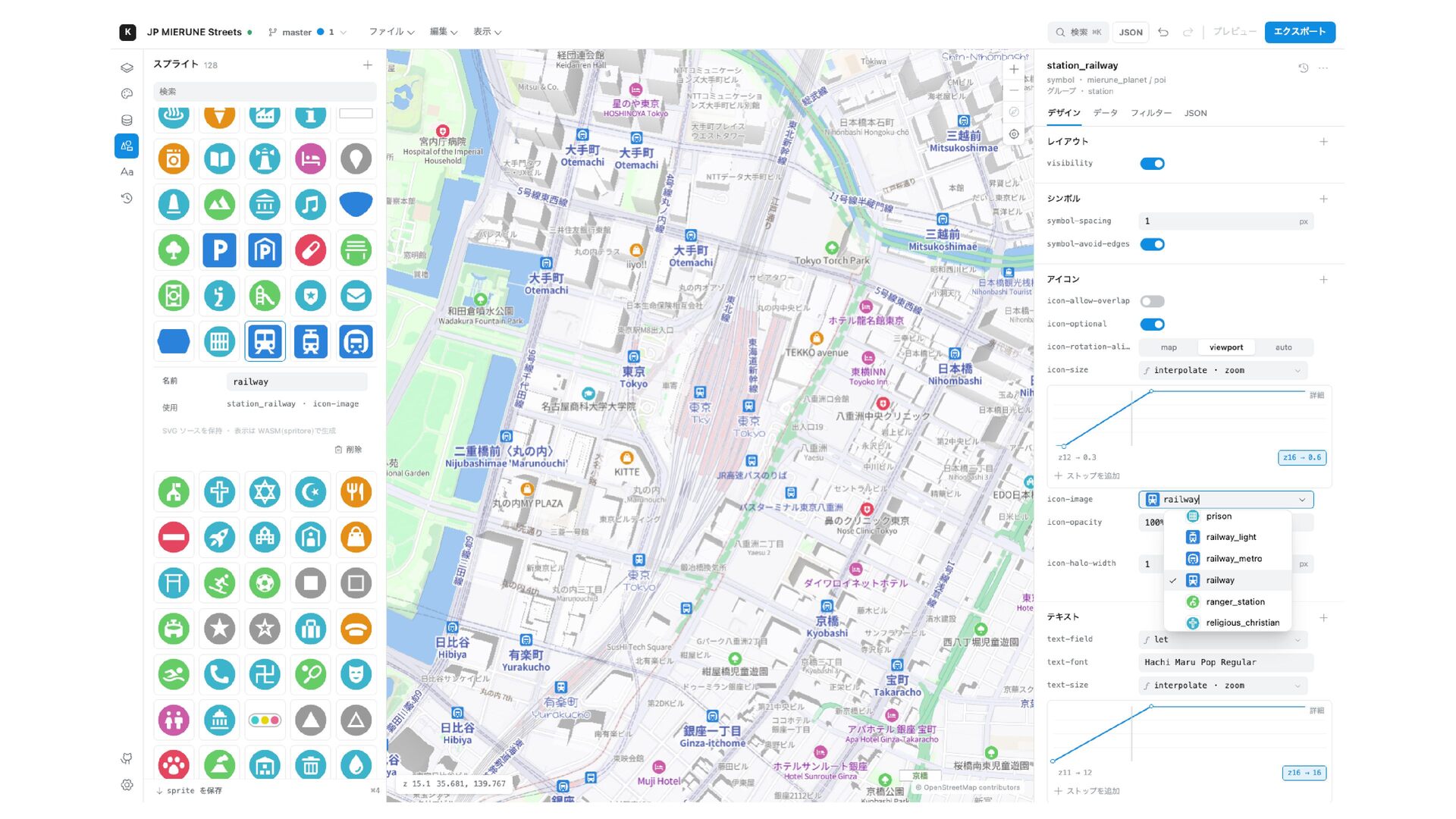
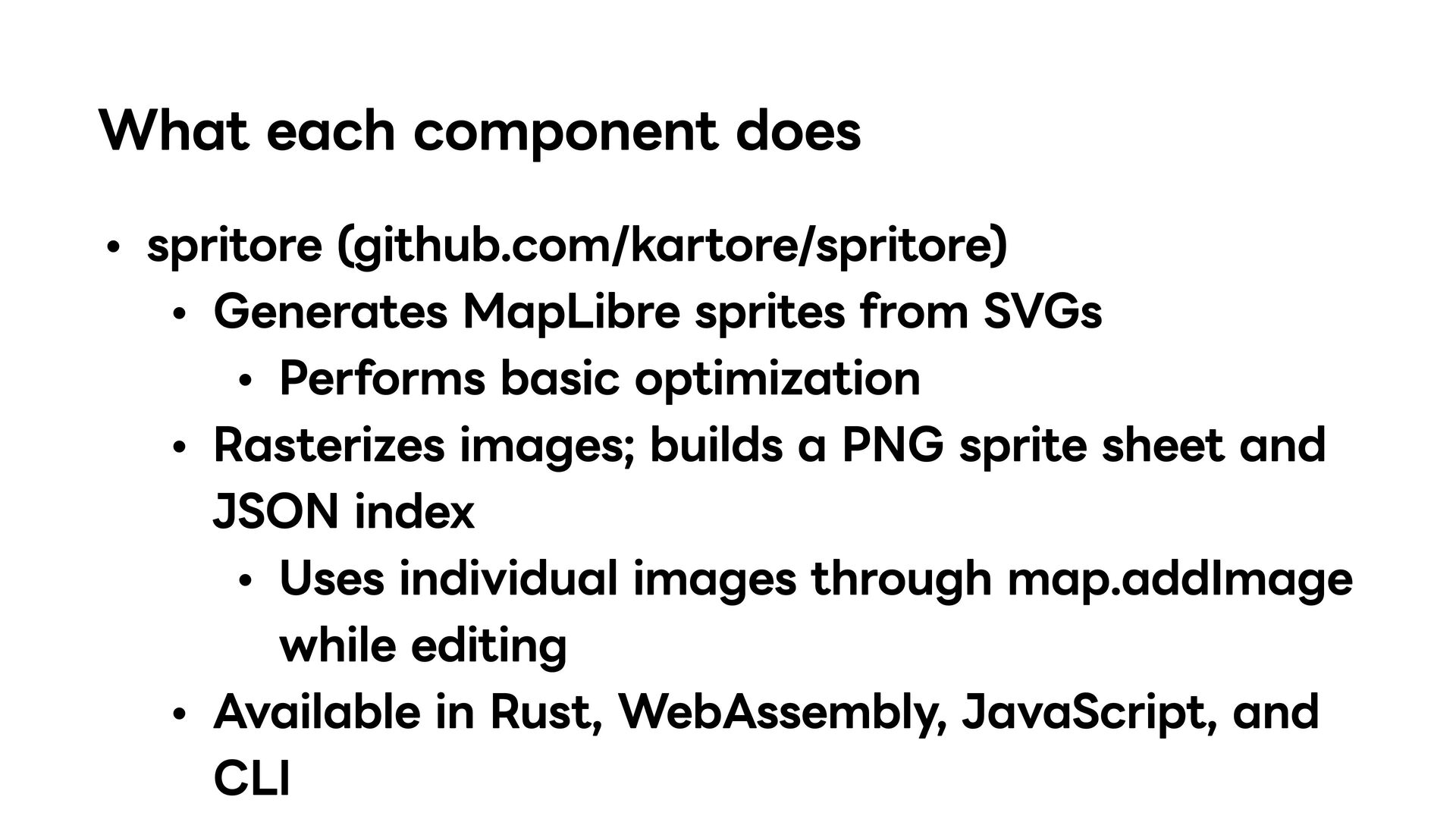
SVGs Performs basic optimization Rasterizes images; builds a PNG sprite sheet and JSON index Uses individual images through map.addImage while editing Available in Rust, WebAssembly, JavaScript, and CLI
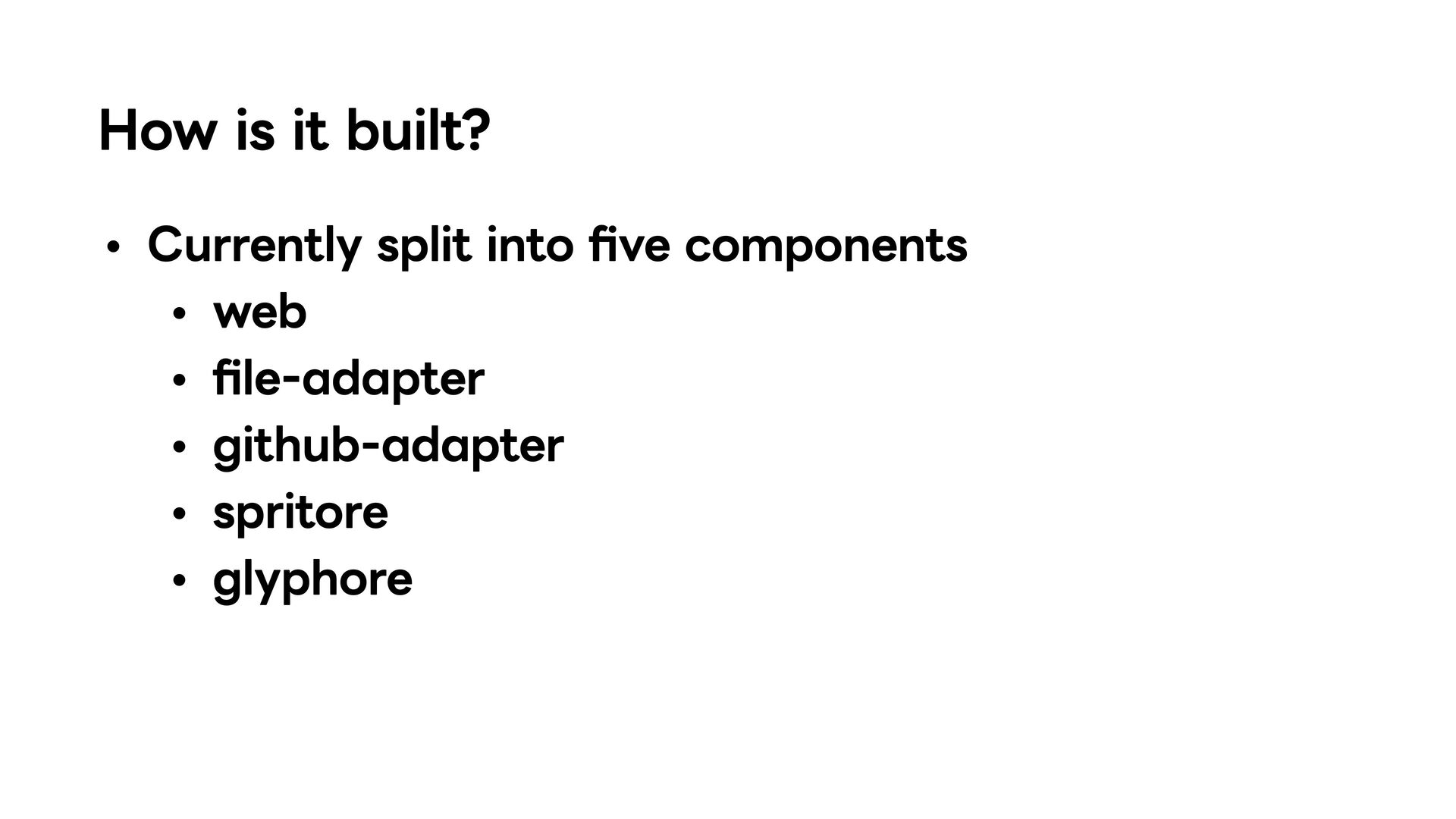
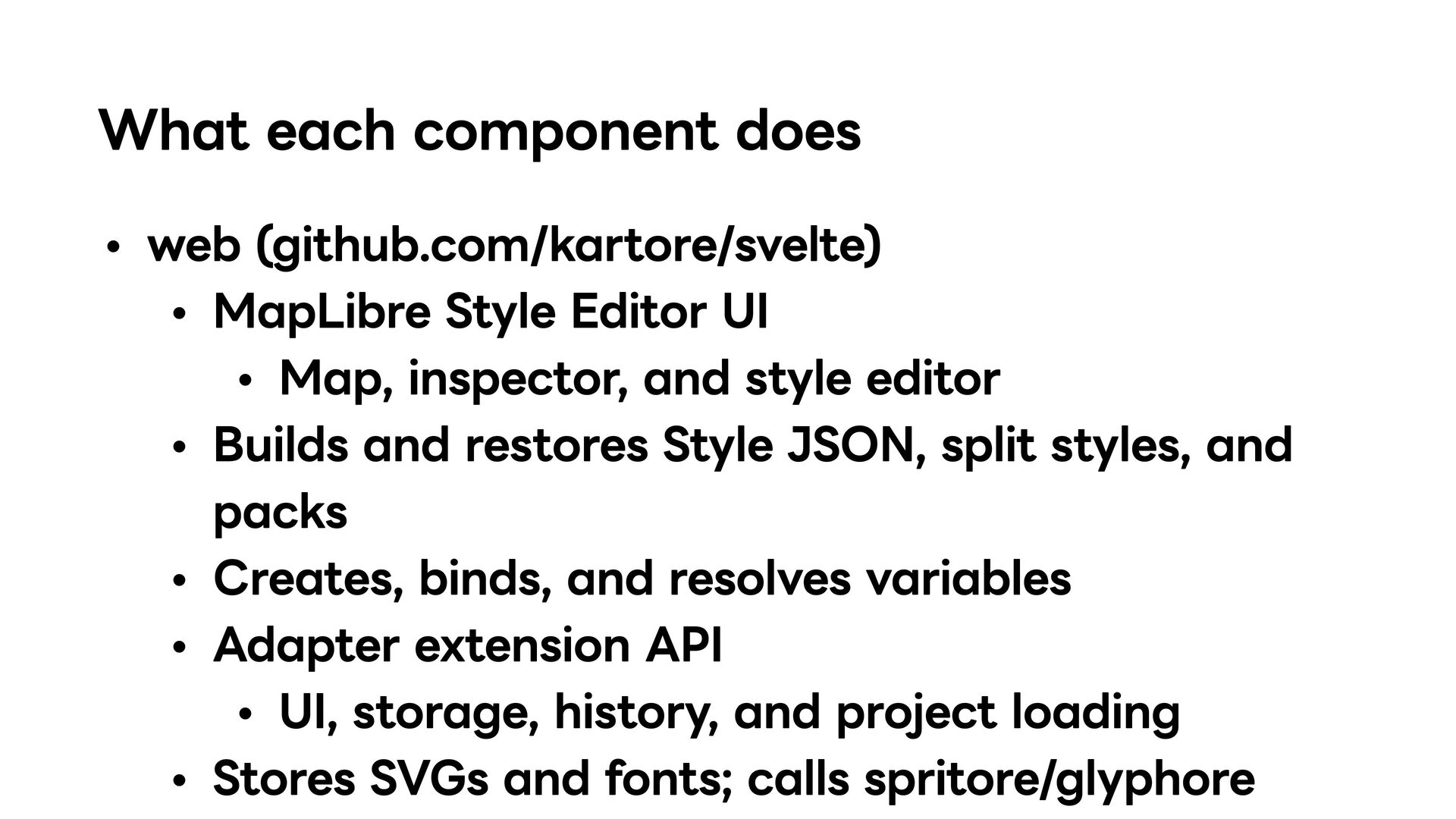
Map, inspector, and style editor Builds and restores Style JSON, split styles, and packs Creates, binds, and resolves variables Adapter extension API UI, storage, history, and project loading Stores SVGs and fonts; calls spritore/glyphore
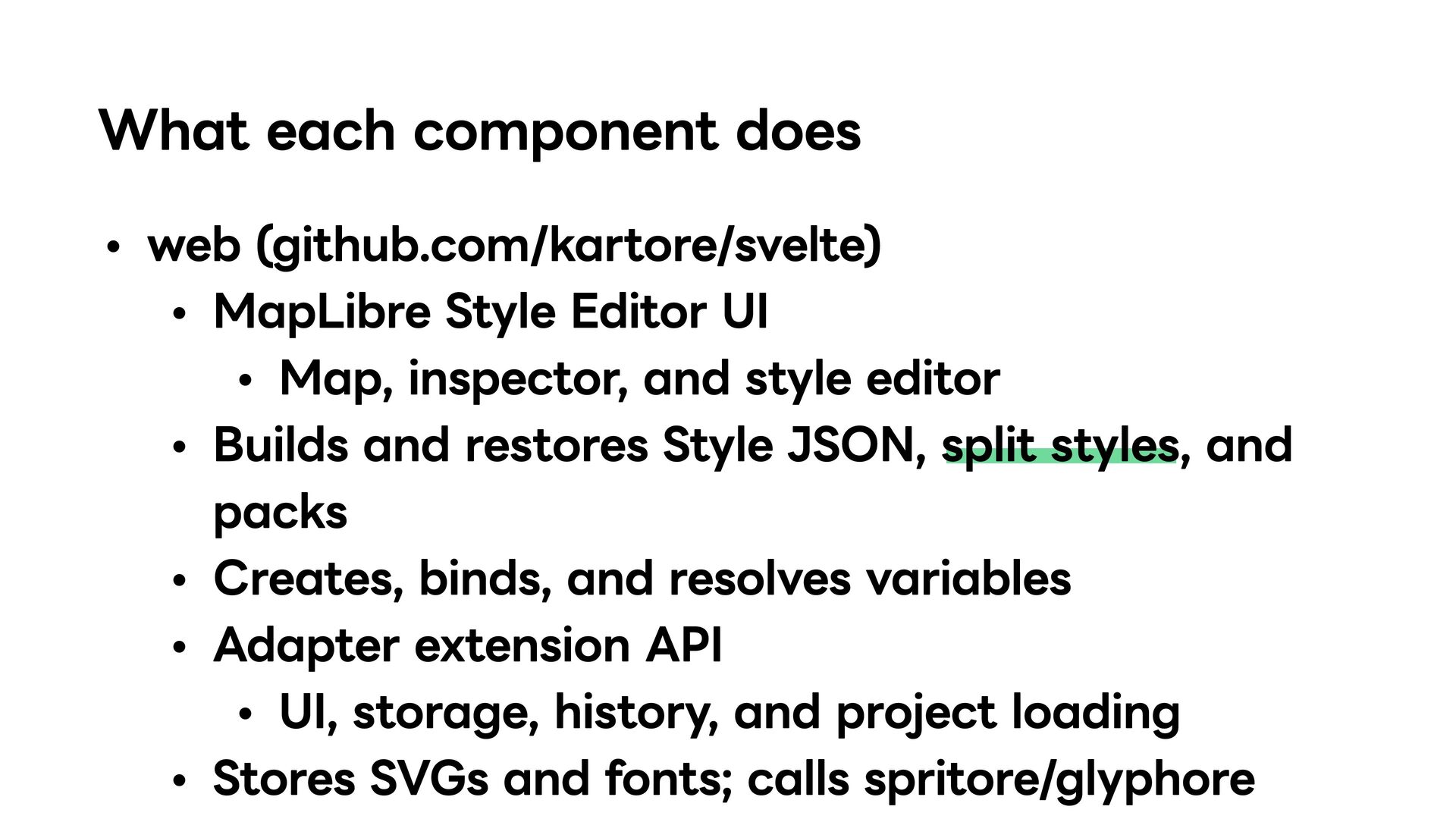
Map, inspector, and style editor Builds and restores Style JSON, split styles, and packs Creates, binds, and resolves variables Adapter extension API UI, storage, history, and project loading Stores SVGs and fonts; calls spritore/glyphore
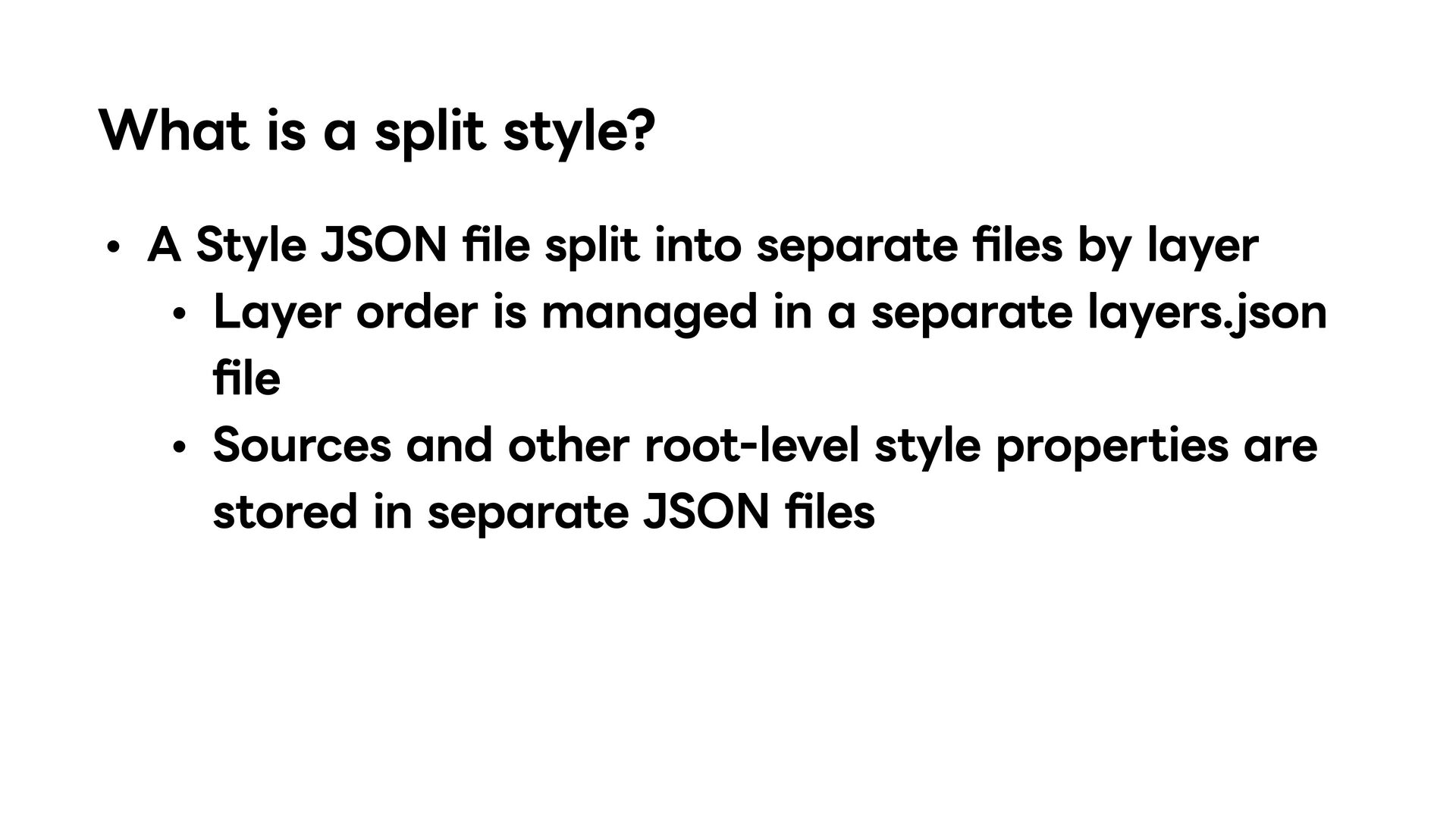
into separate files by layer Layer order is managed in a separate layers.json file Sources and other root-level style properties are stored in separate JSON files
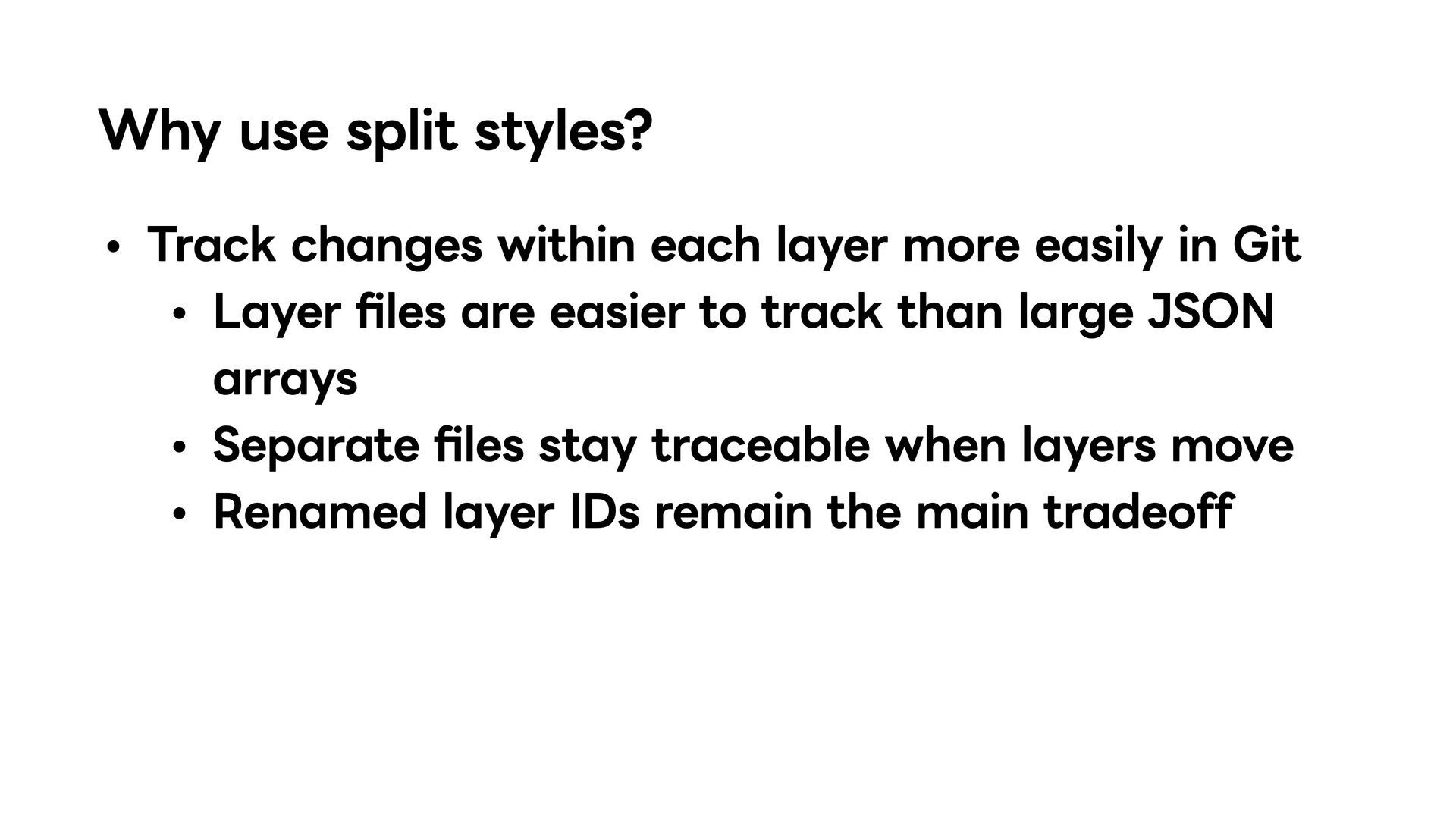
easily in Git Layer files are easier to track than large JSON arrays Separate files stay traceable when layers move Renamed layer IDs remain the main tradeoff
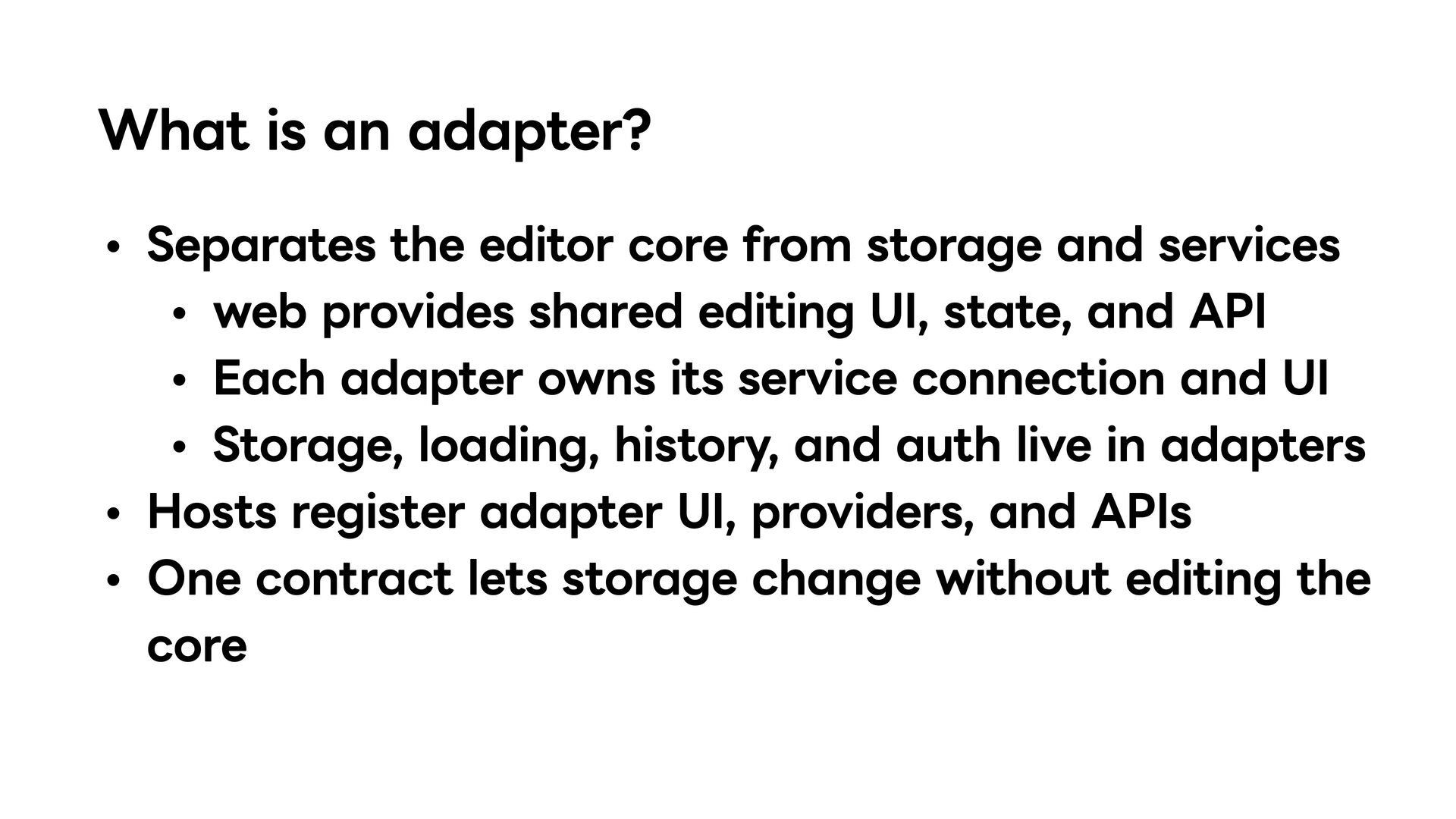
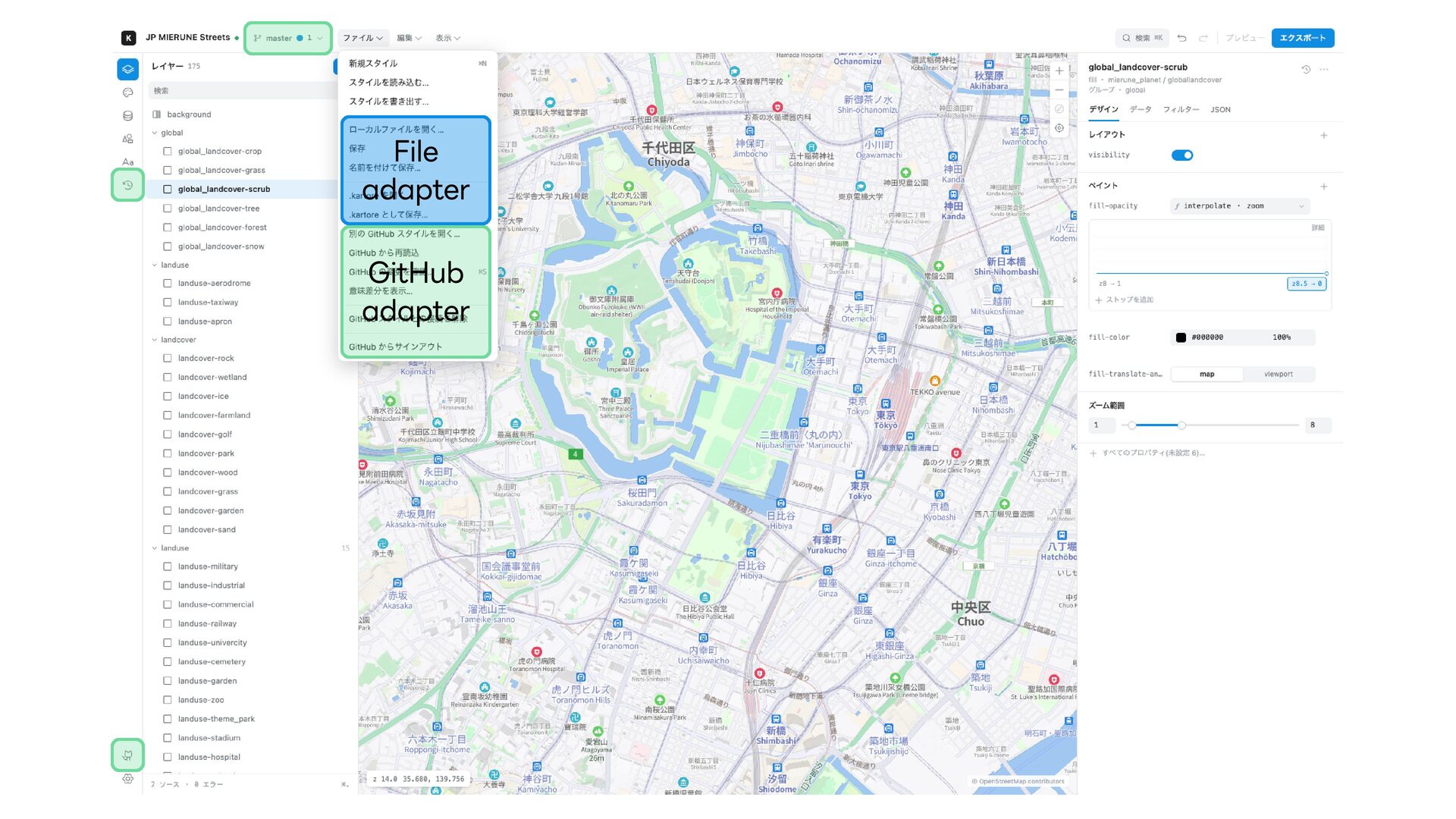
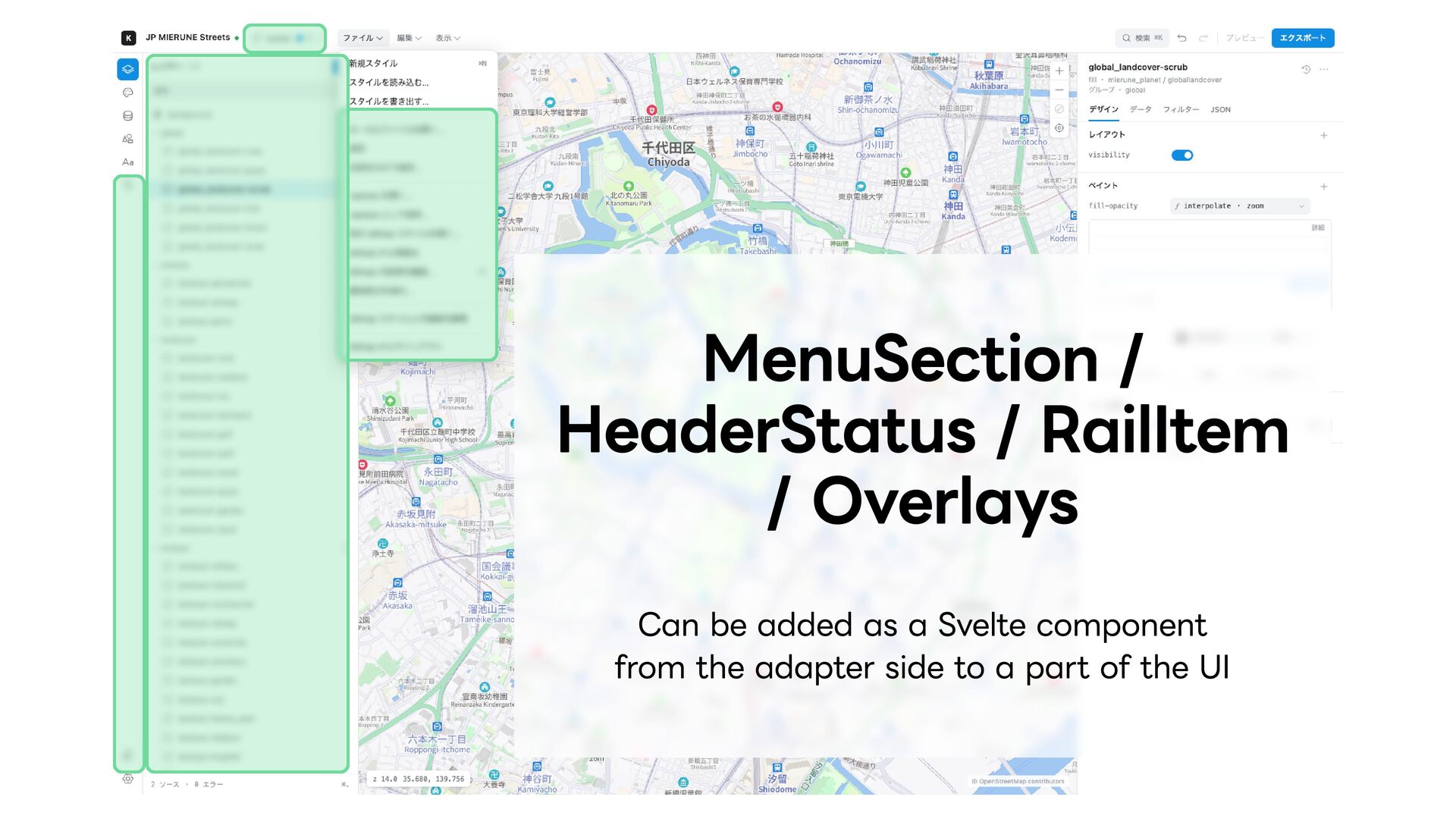
and services web provides shared editing UI, state, and API Each adapter owns its service connection and UI Storage, loading, history, and auth live in adapters Hosts register adapter UI, providers, and APIs One contract lets storage change without editing the core
page data and other framework features /api/[adapter-id]/[...path] API routes are exposed in the same way A Hono application is mounted internally through app.fetch Cloudflare bindings are available through ctx
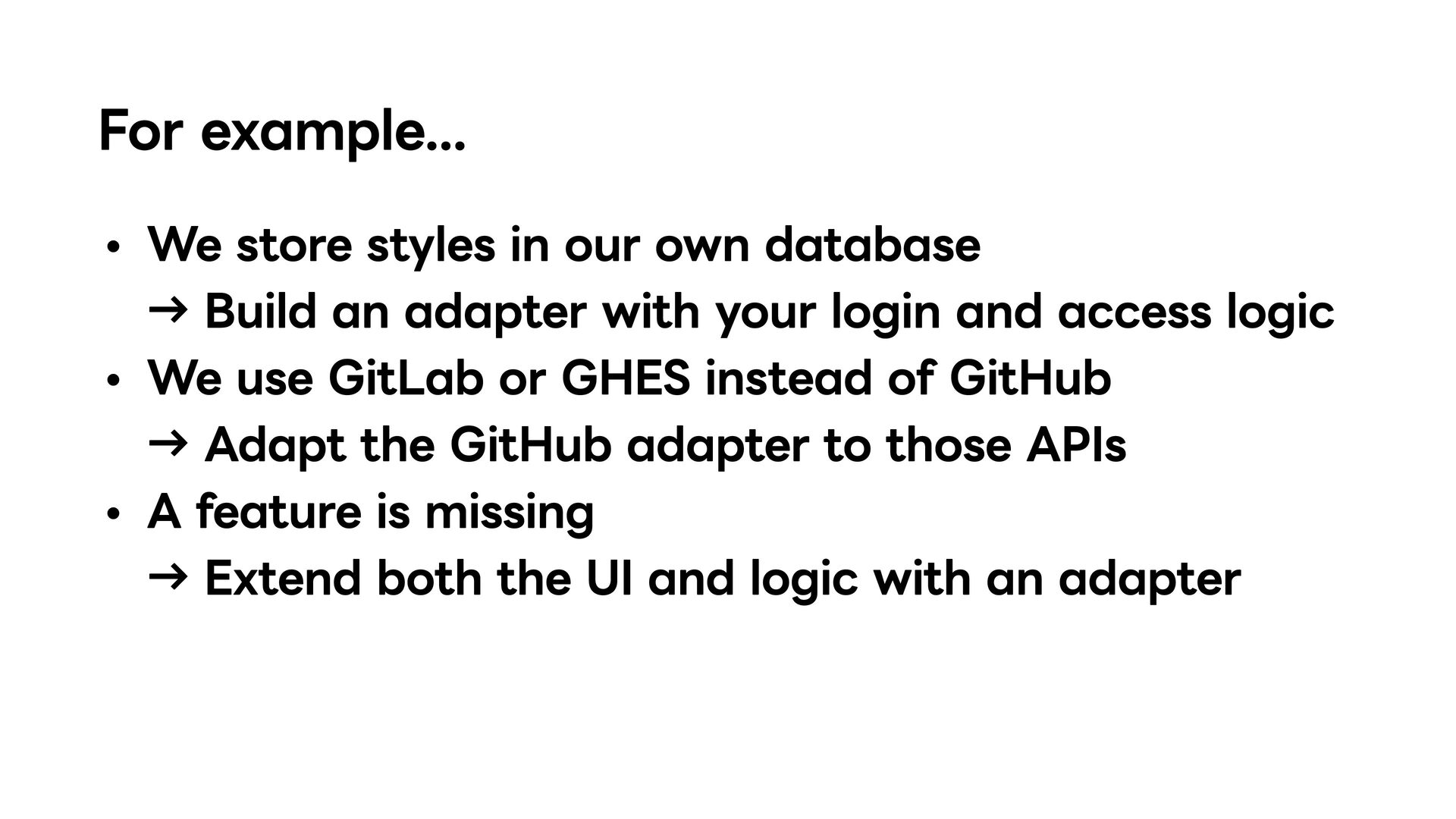
Build an adapter with your login and access logic We use GitLab or GHES instead of GitHub → Adapt the GitHub adapter to those APIs A feature is missing → Extend both the UI and logic with an adapter
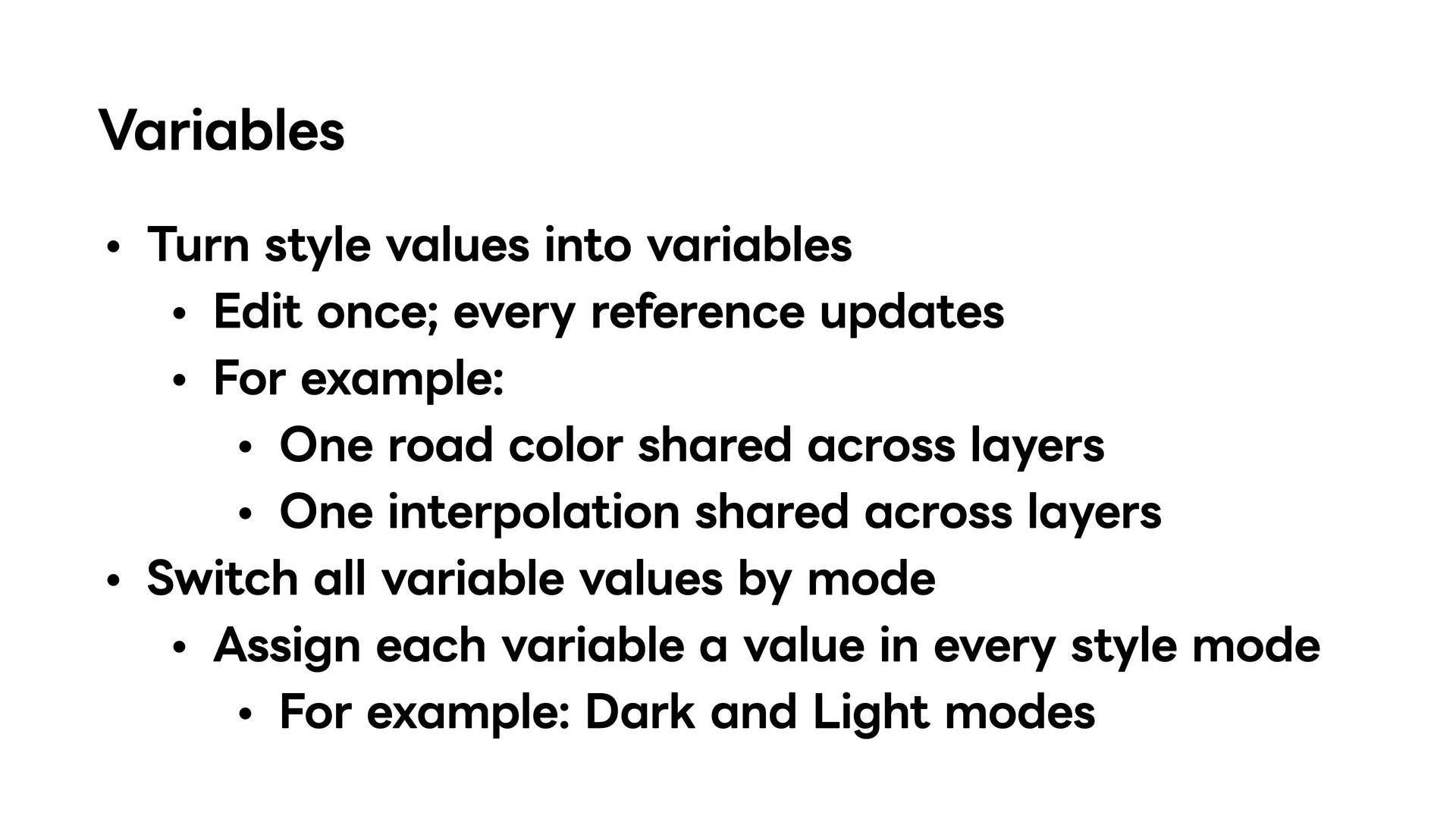
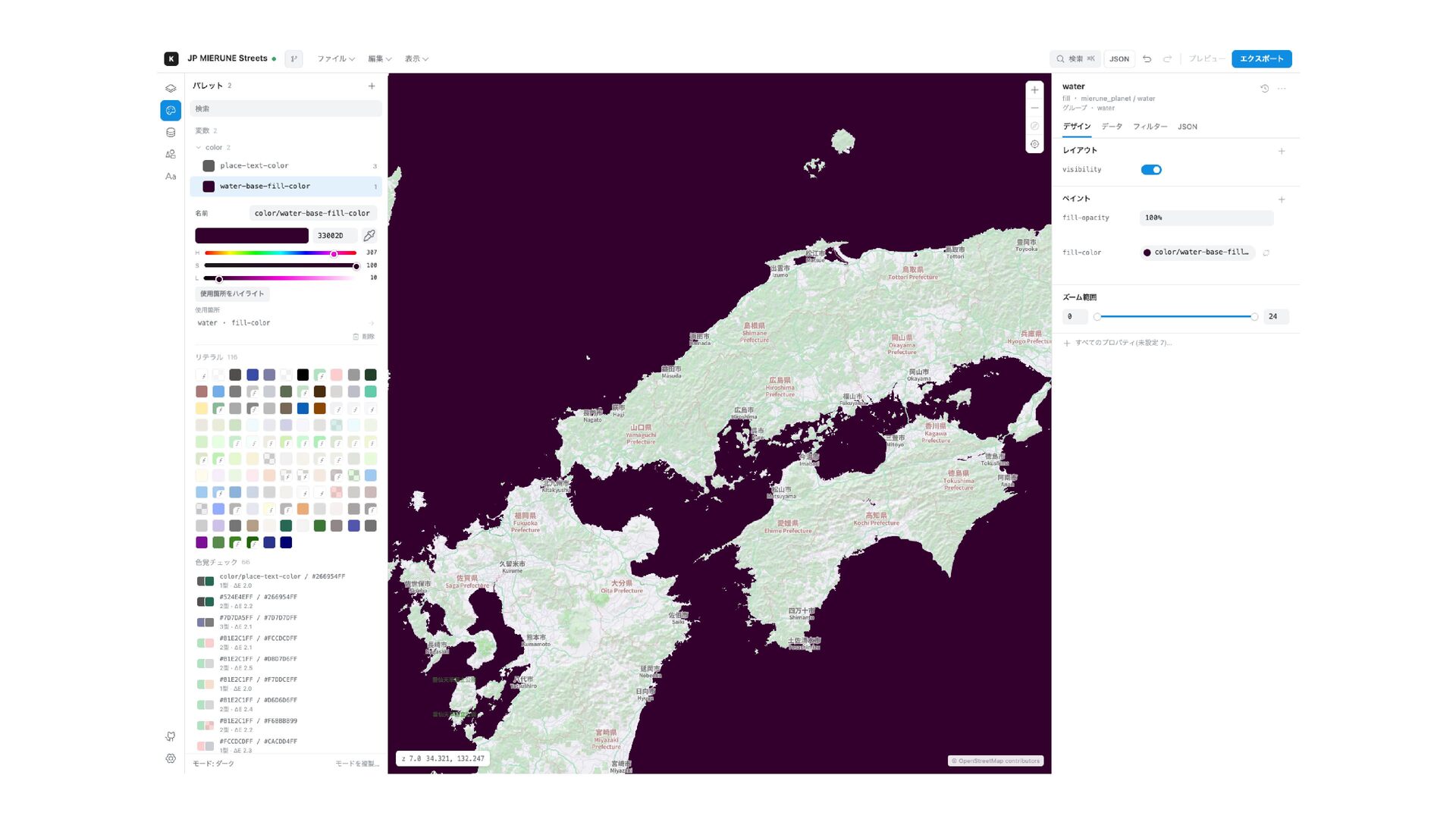
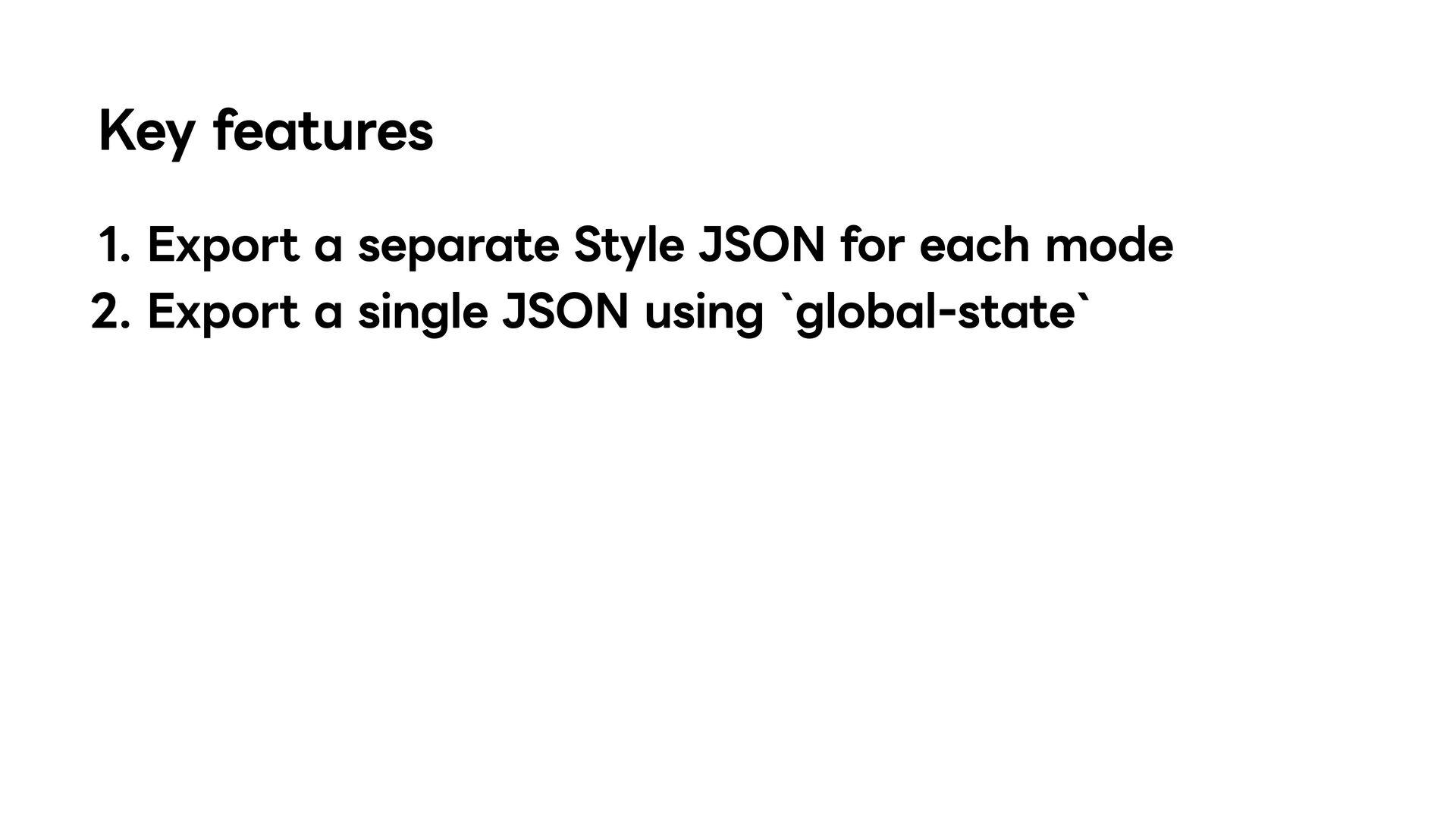
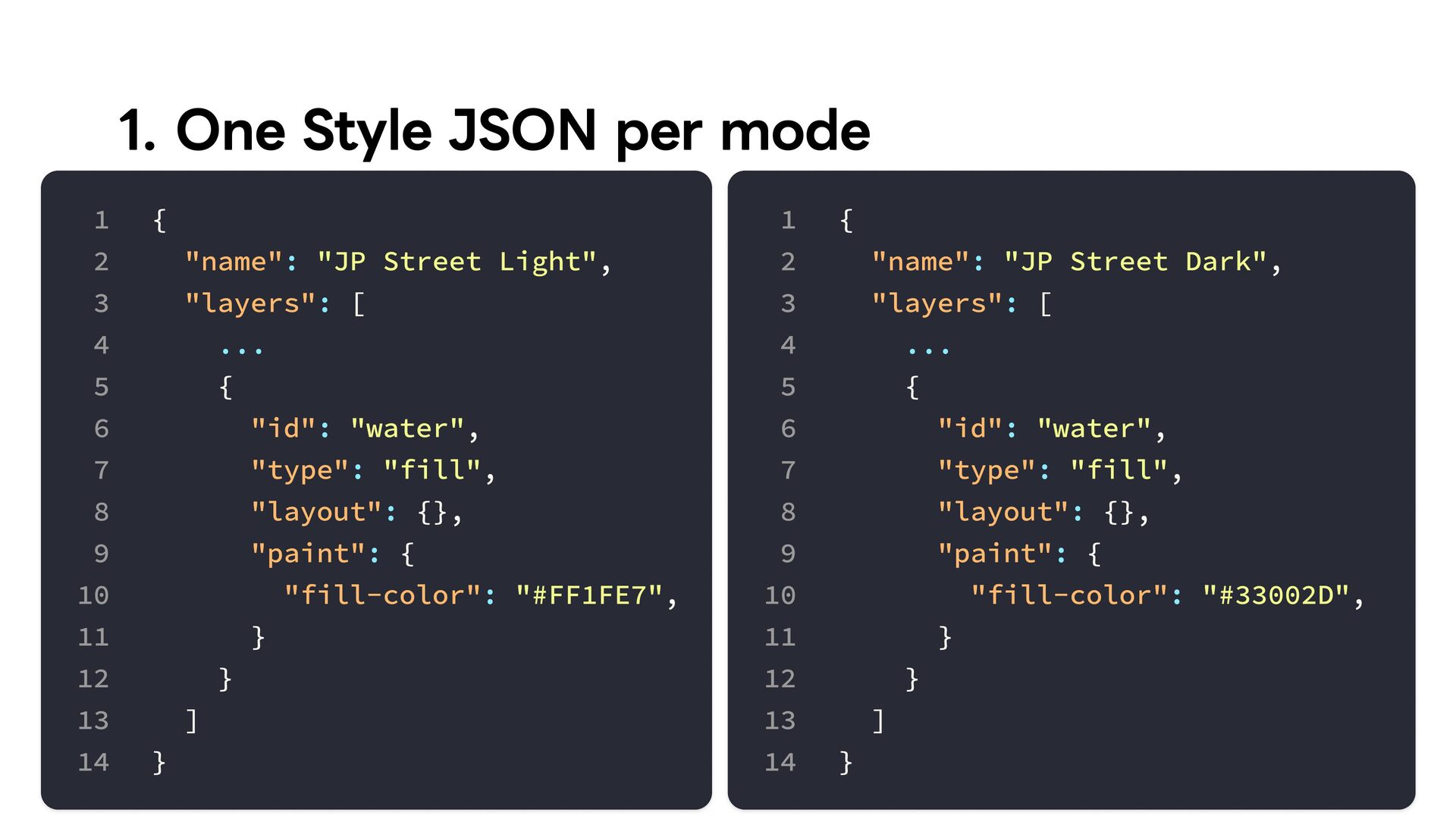
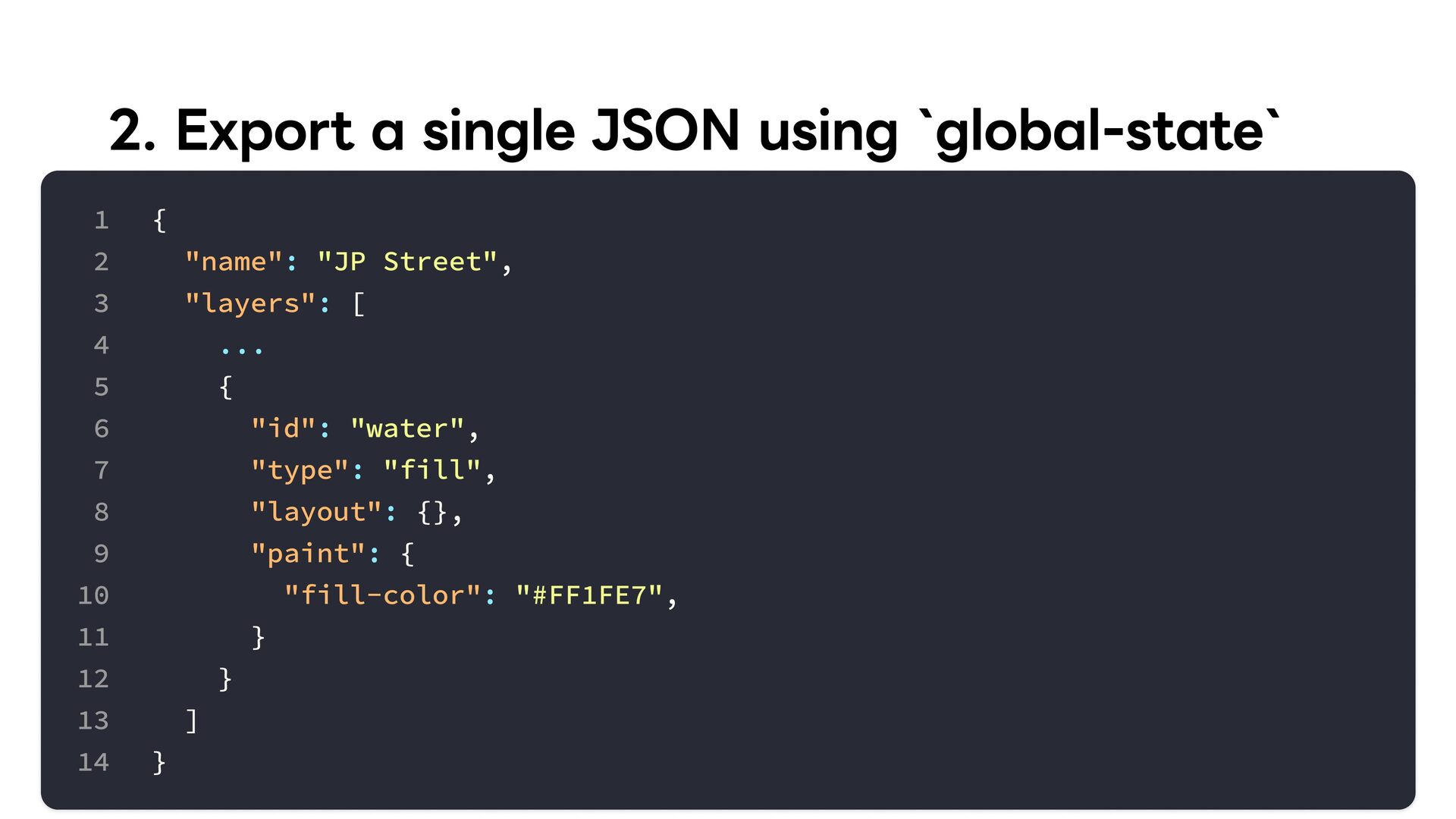
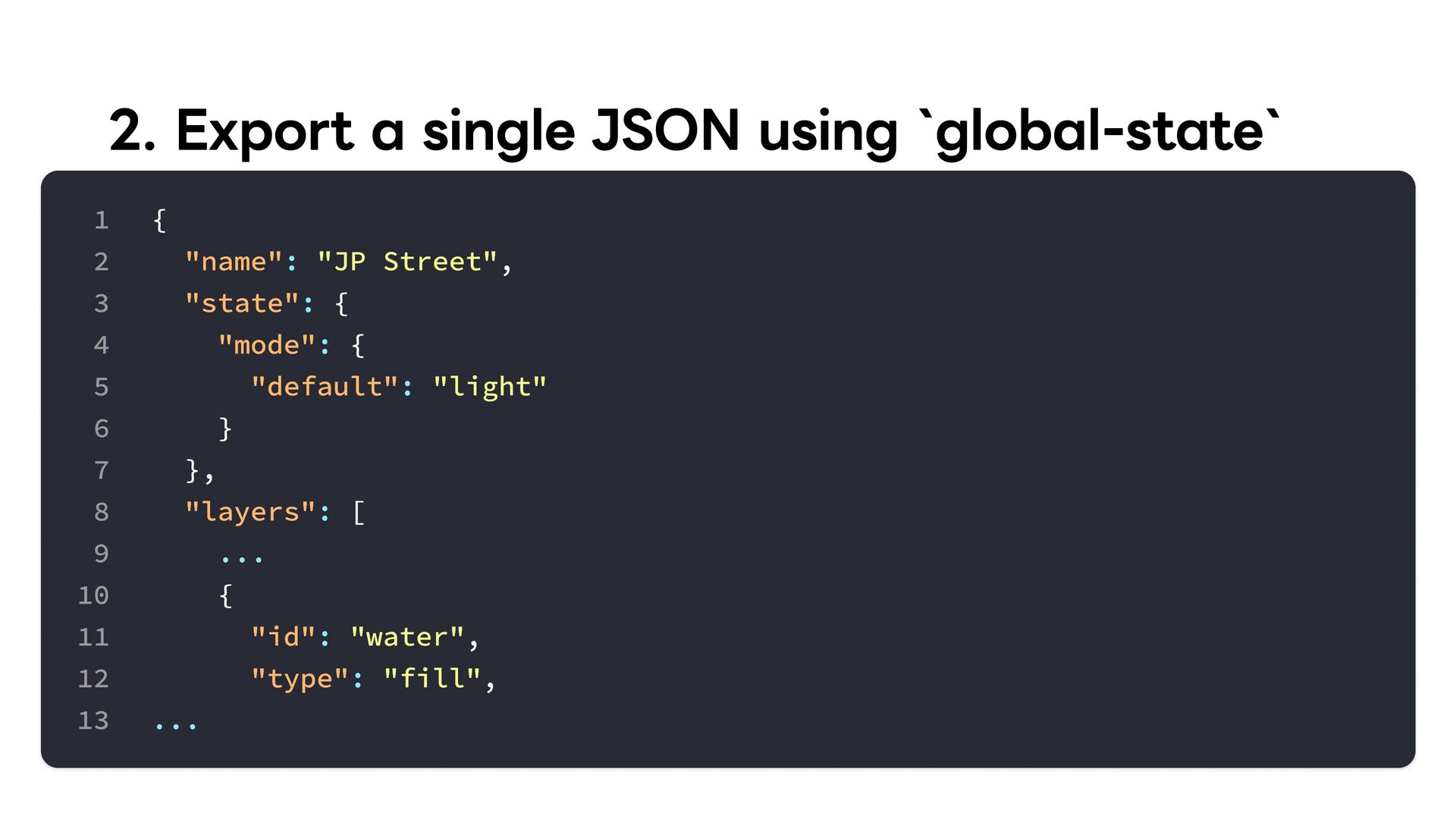
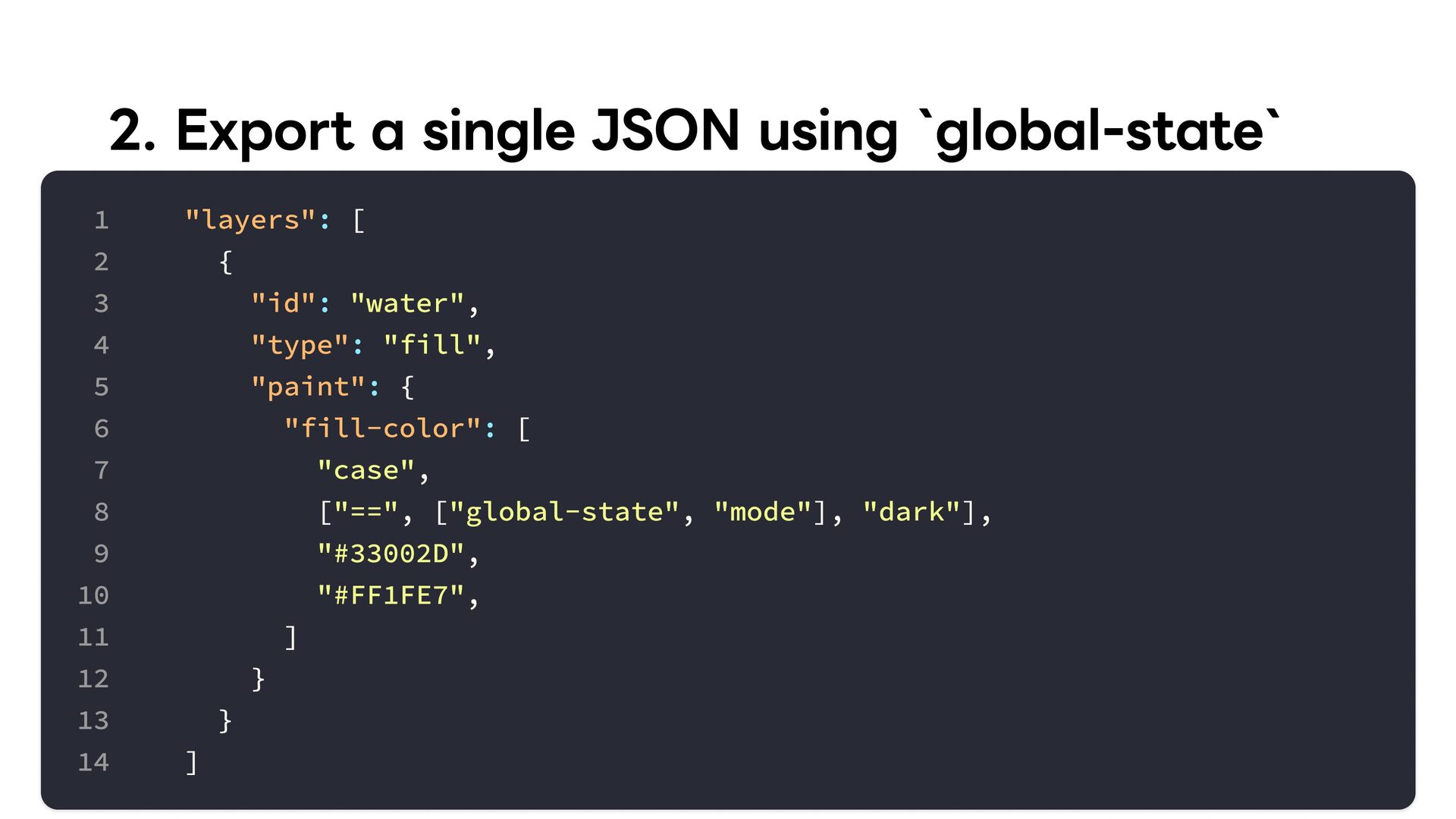
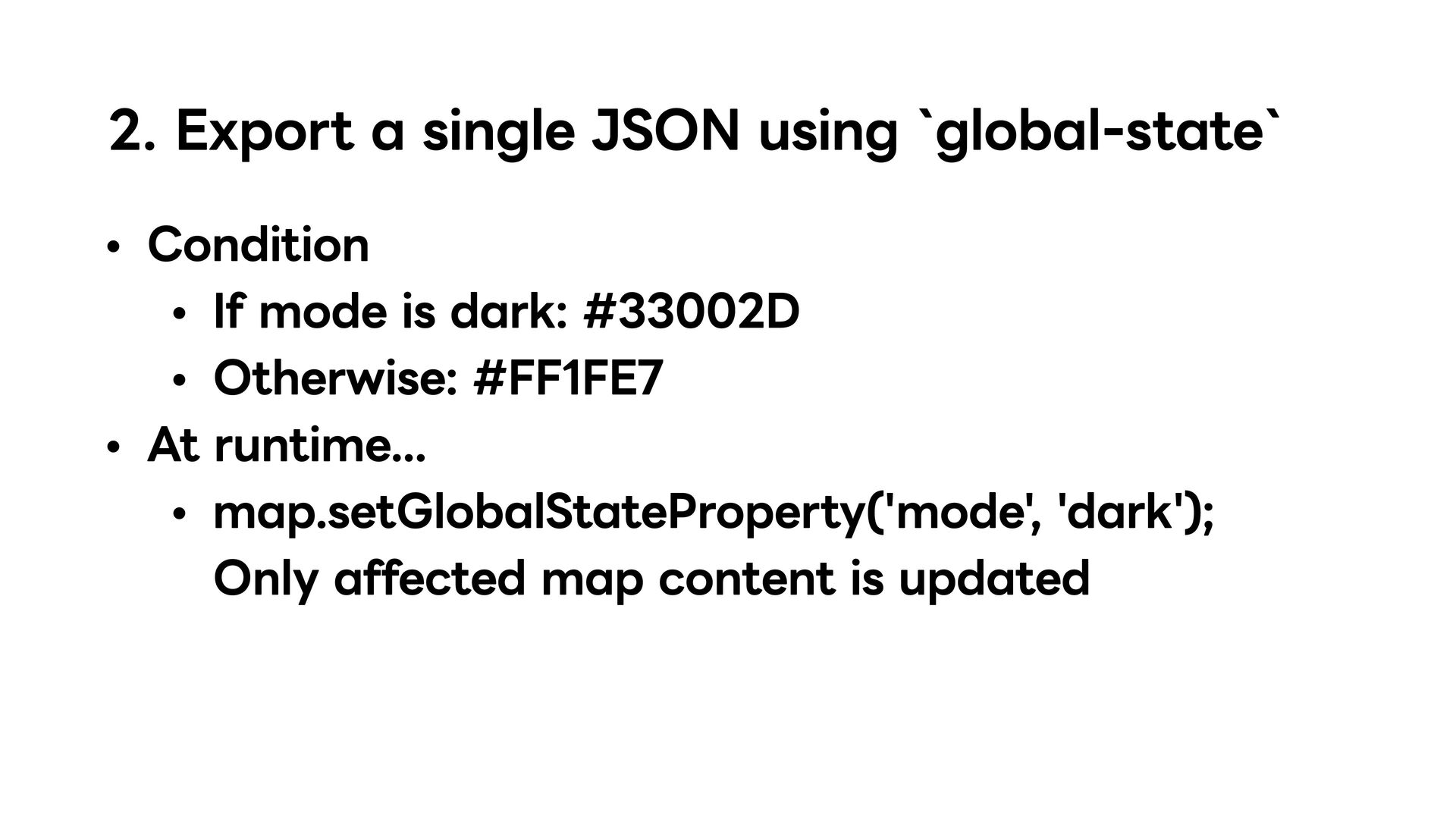
updates For example: One road color shared across layers One interpolation shared across layers Switch all variable values by mode Assign each variable a value in every style mode For example: Dark and Light modes
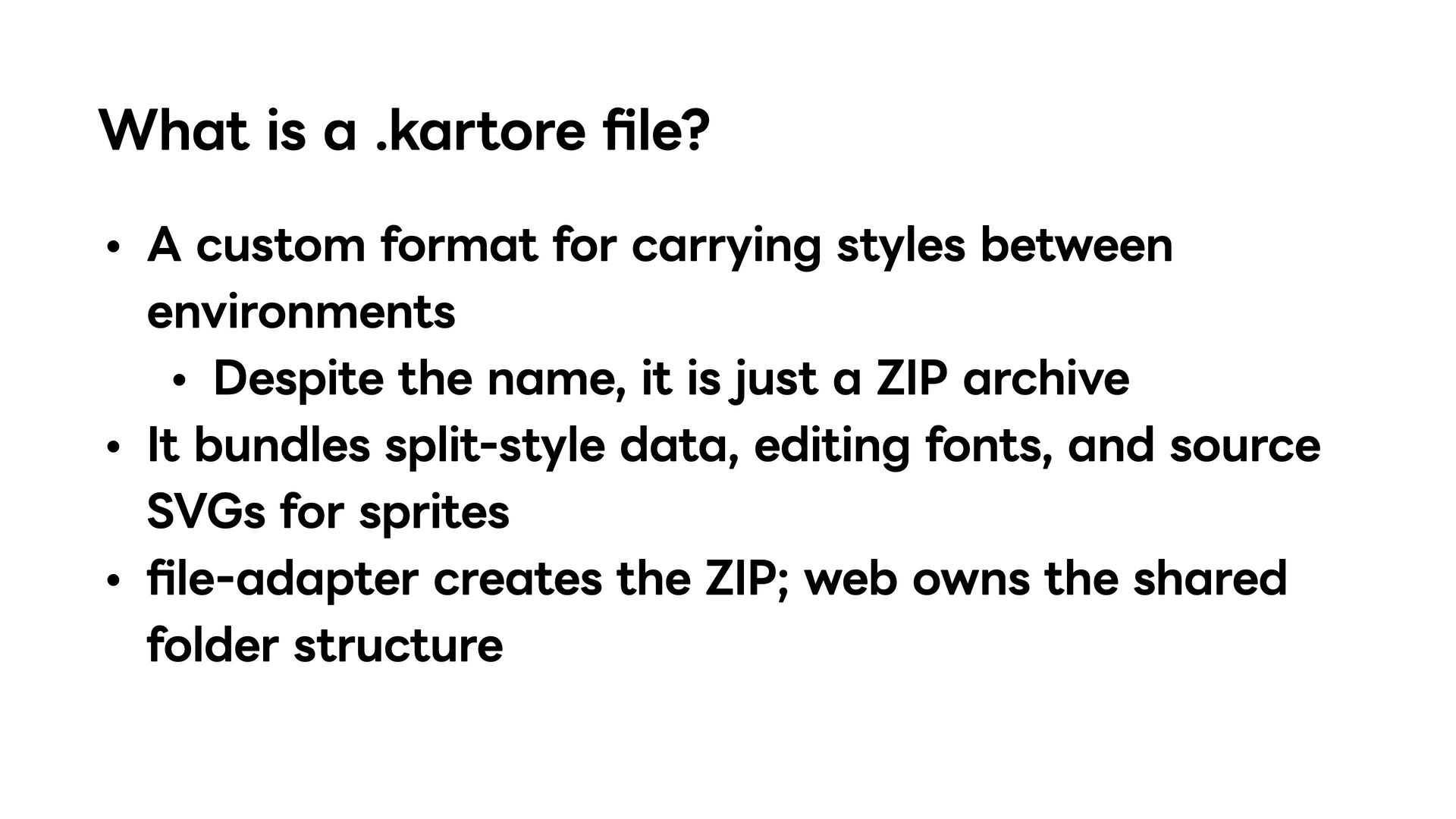
styles between environments Despite the name, it is just a ZIP archive It bundles split-style data, editing fonts, and source SVGs for sprites file-adapter creates the ZIP; web owns the shared folder structure
PBFs from TTF and OTF web stores source fonts; glyphore builds requested ranges on demand Extracts font metadata and Unicode ranges Available in Rust, WebAssembly, JavaScript, and CLI
SVGs Performs basic optimization Rasterizes images; builds a PNG sprite sheet and JSON index Uses individual images through map.addImage while editing Available in Rust, WebAssembly, JavaScript, and CLI
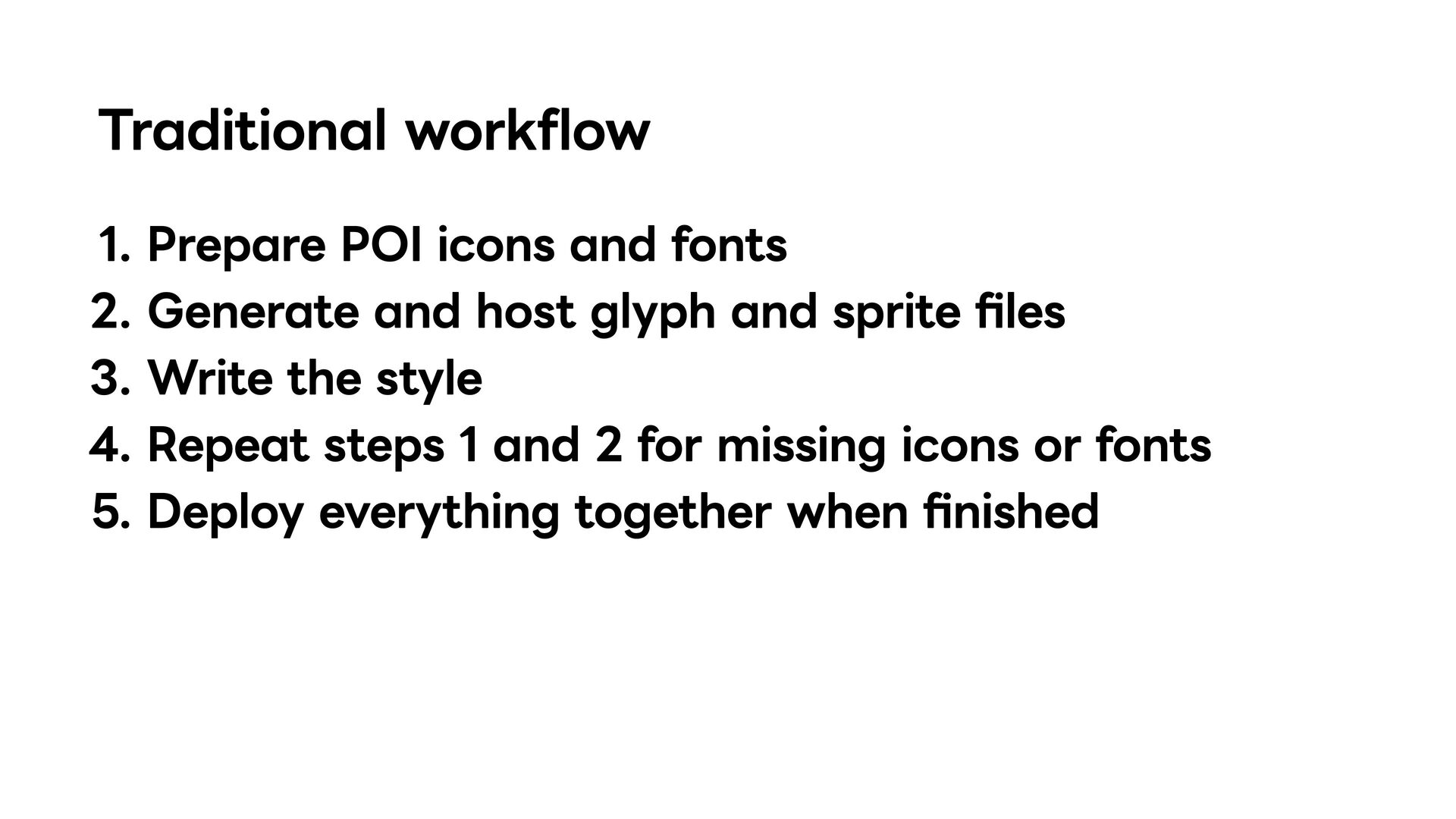
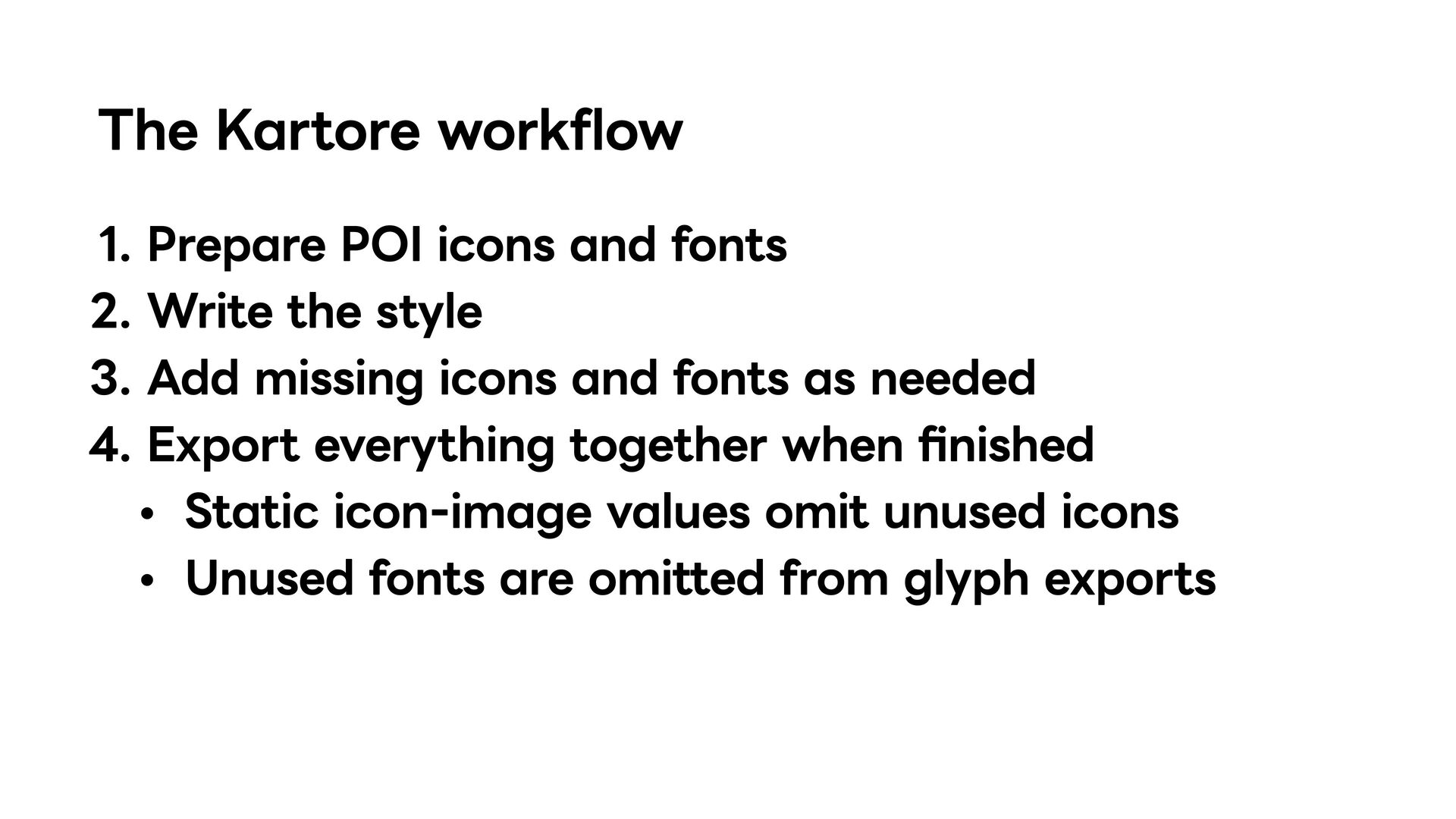
style Add missing icons and fonts as needed Export everything together when finished • Static icon-image values omit unused icons • Unused fonts are omitted from glyph exports
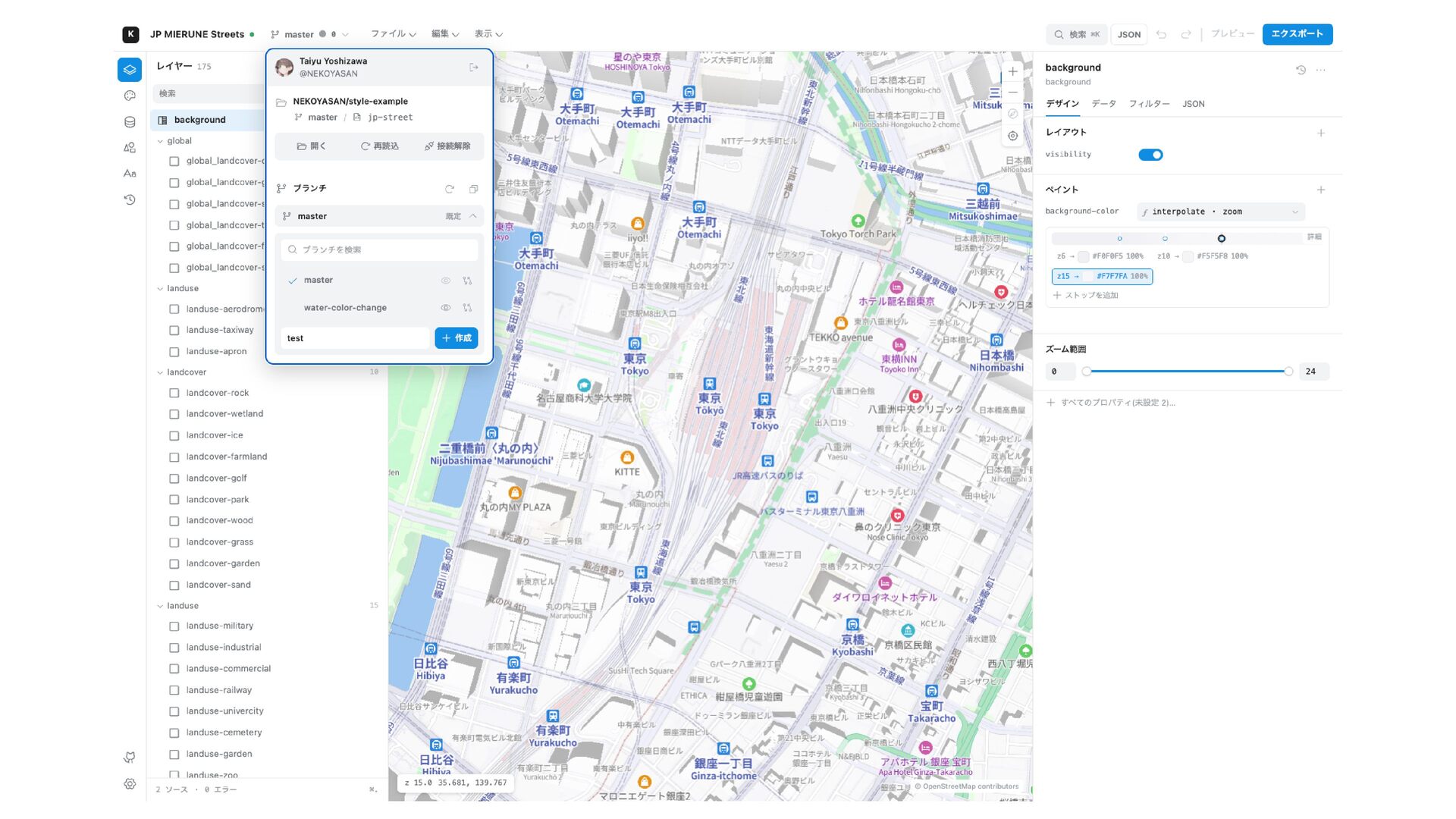
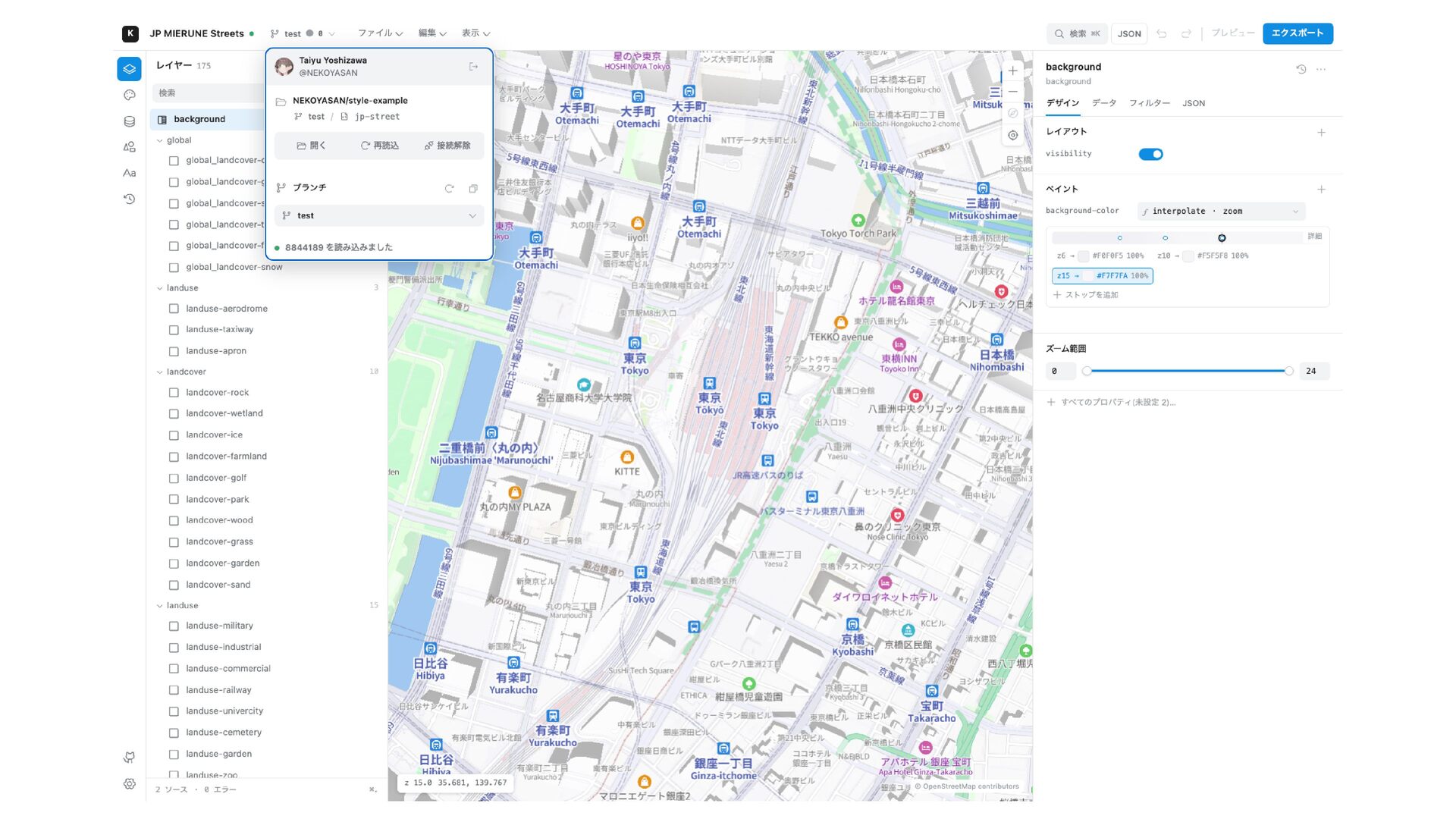
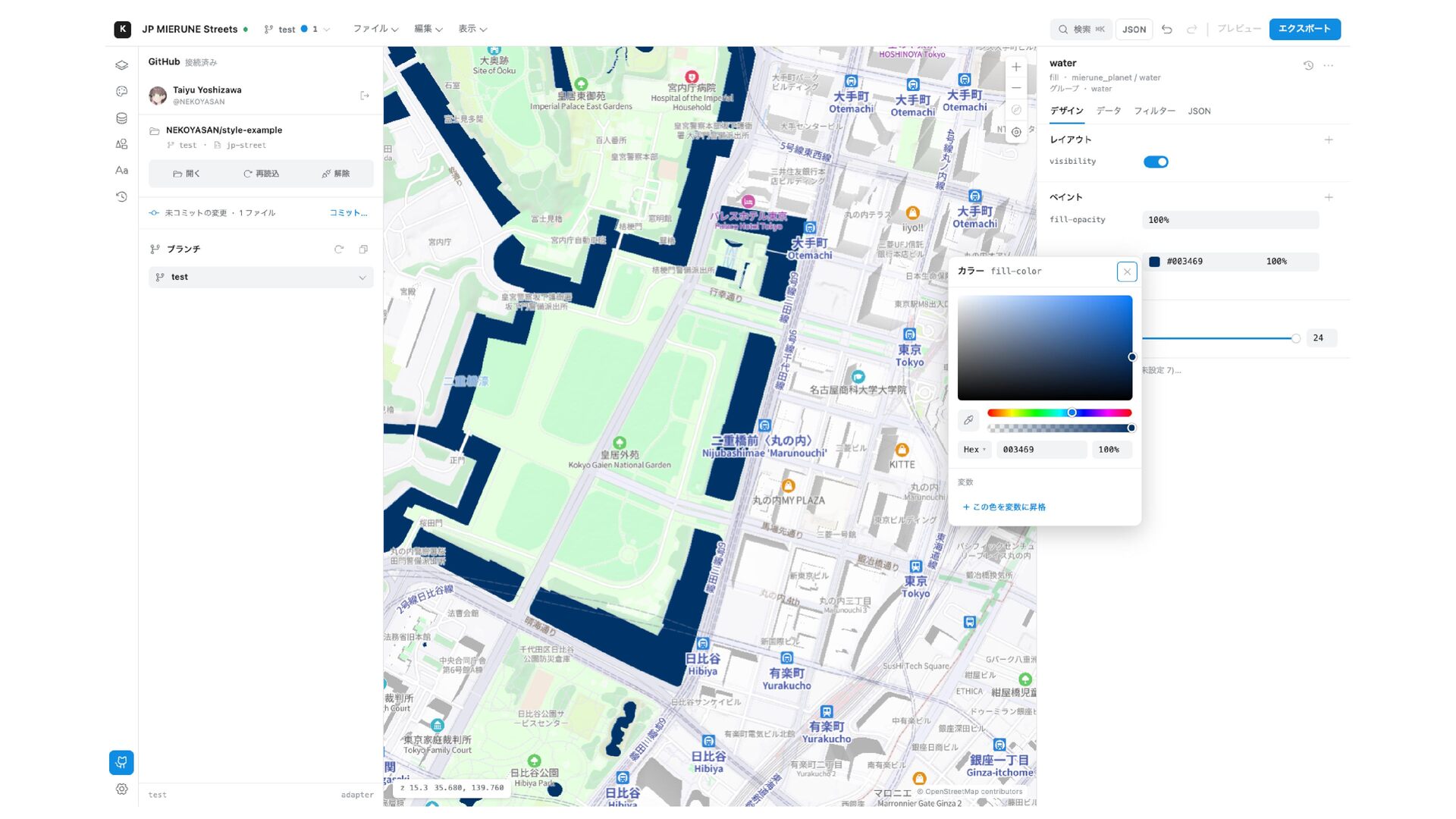
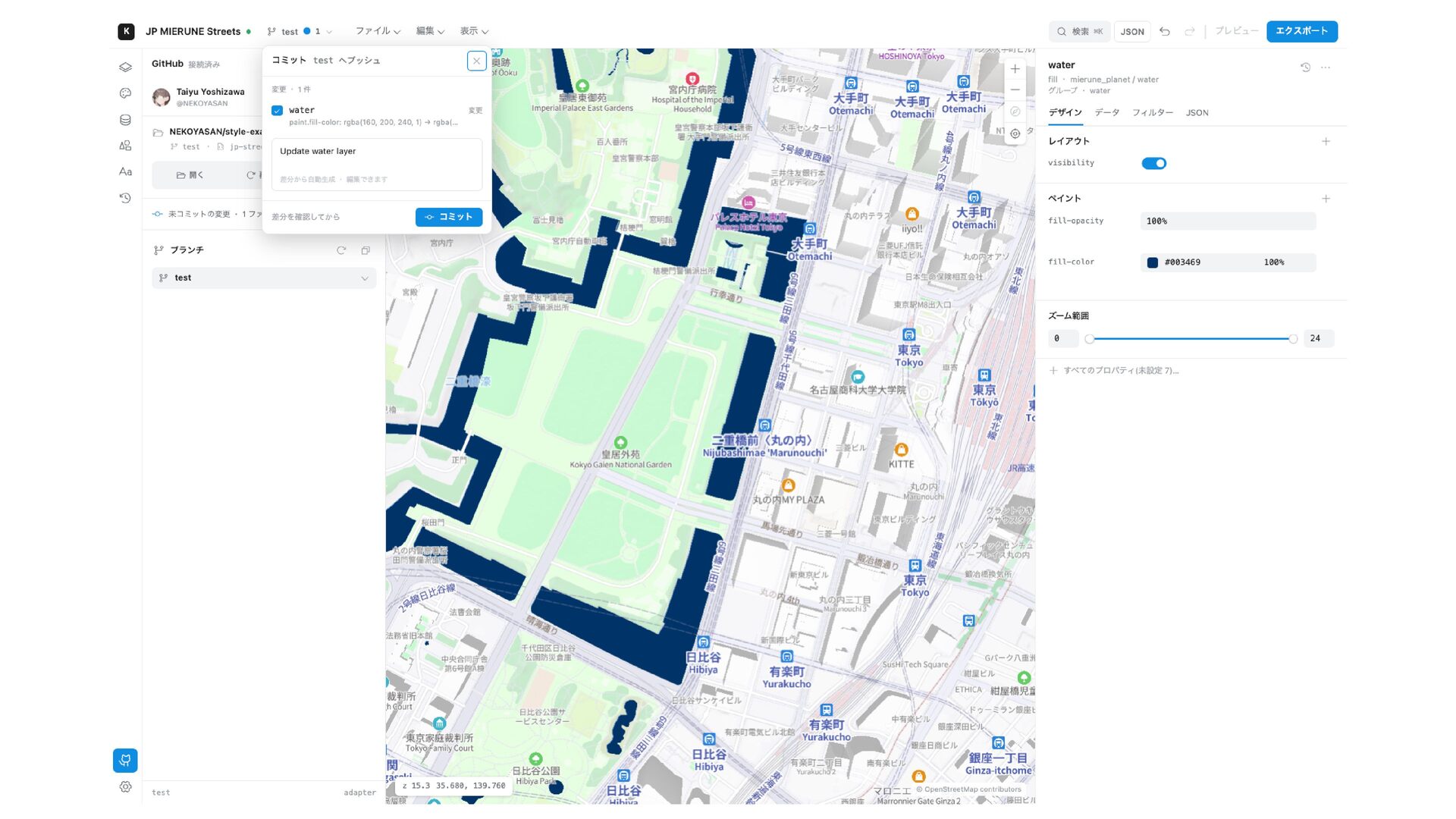
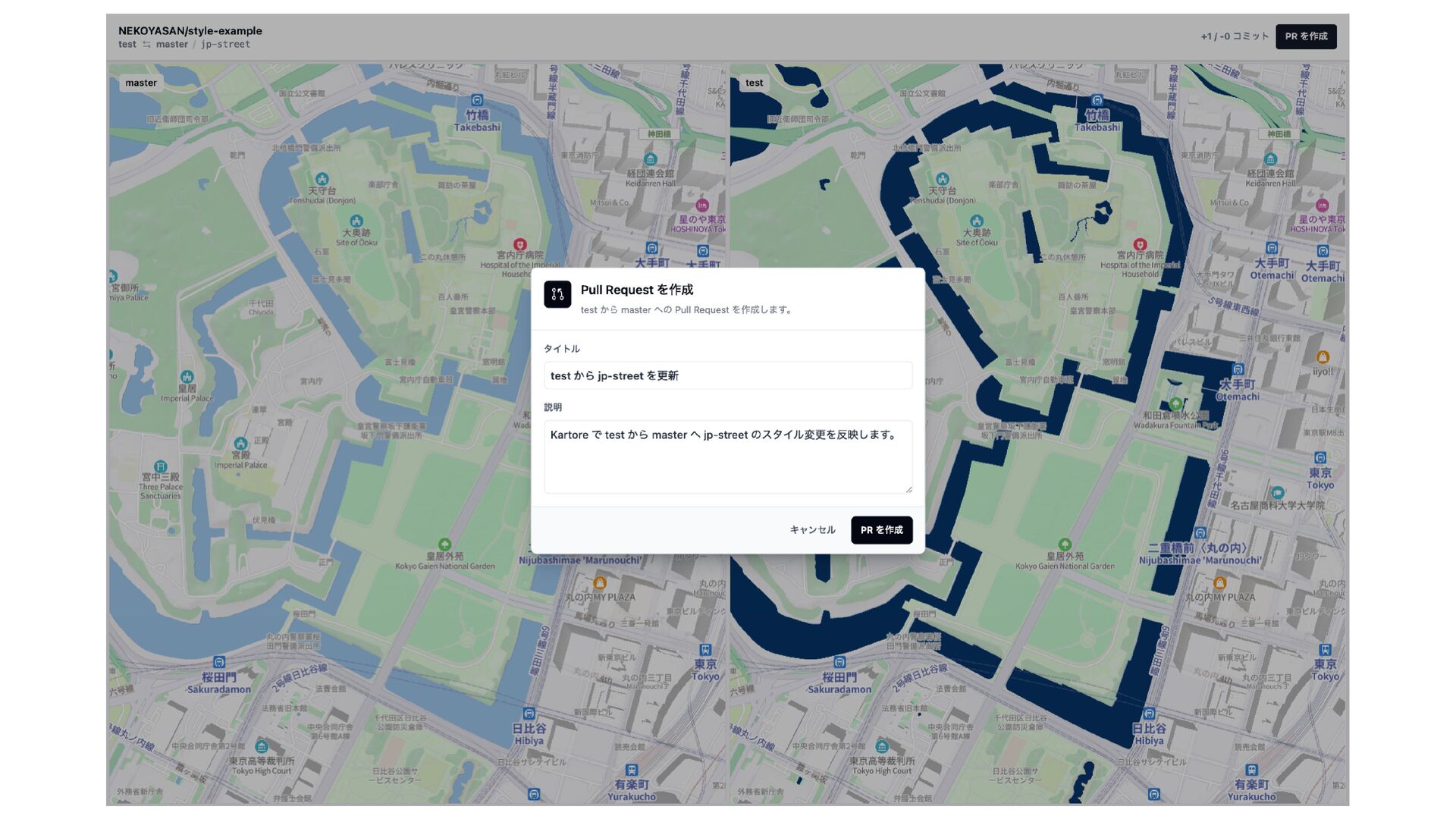
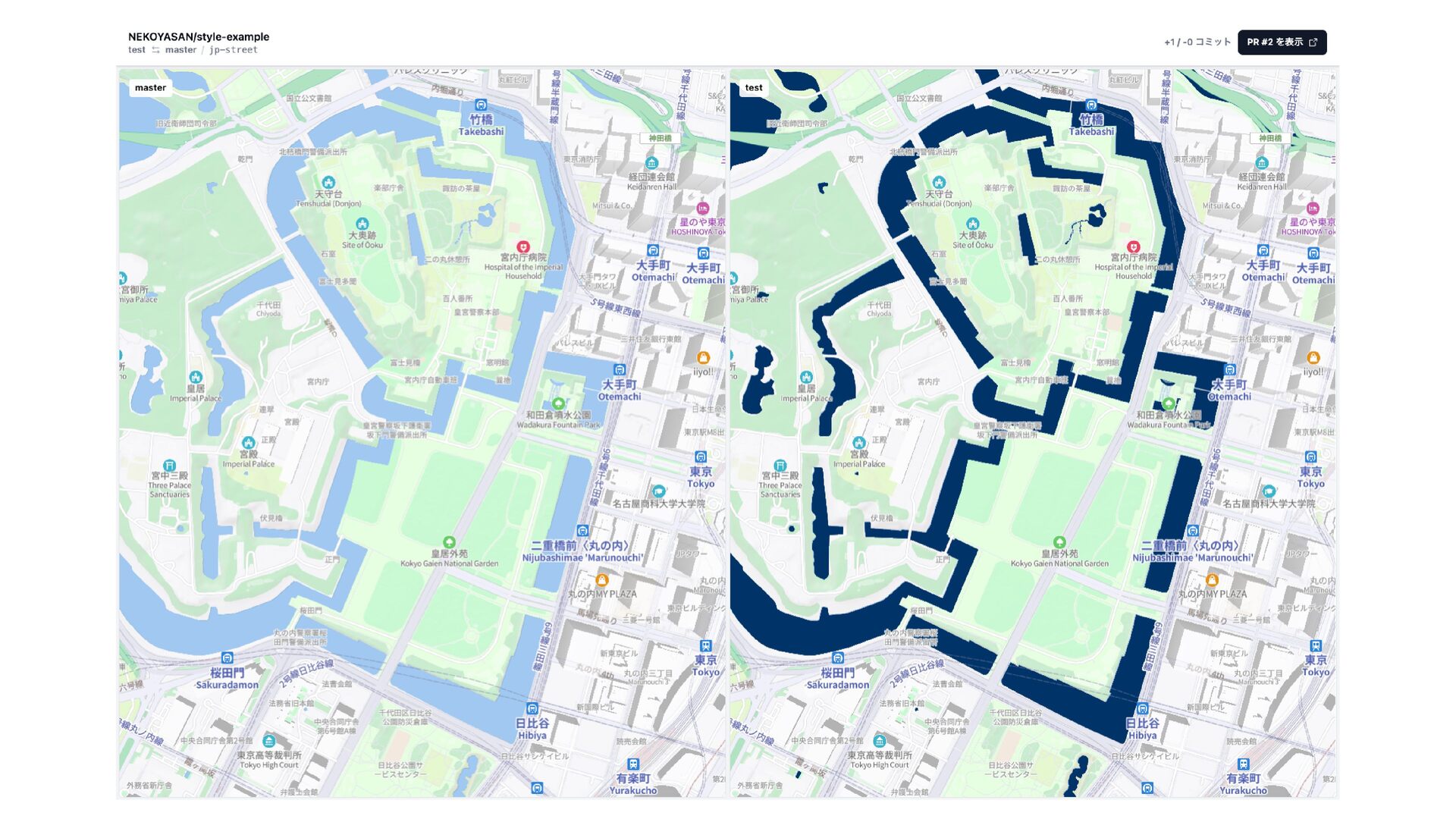
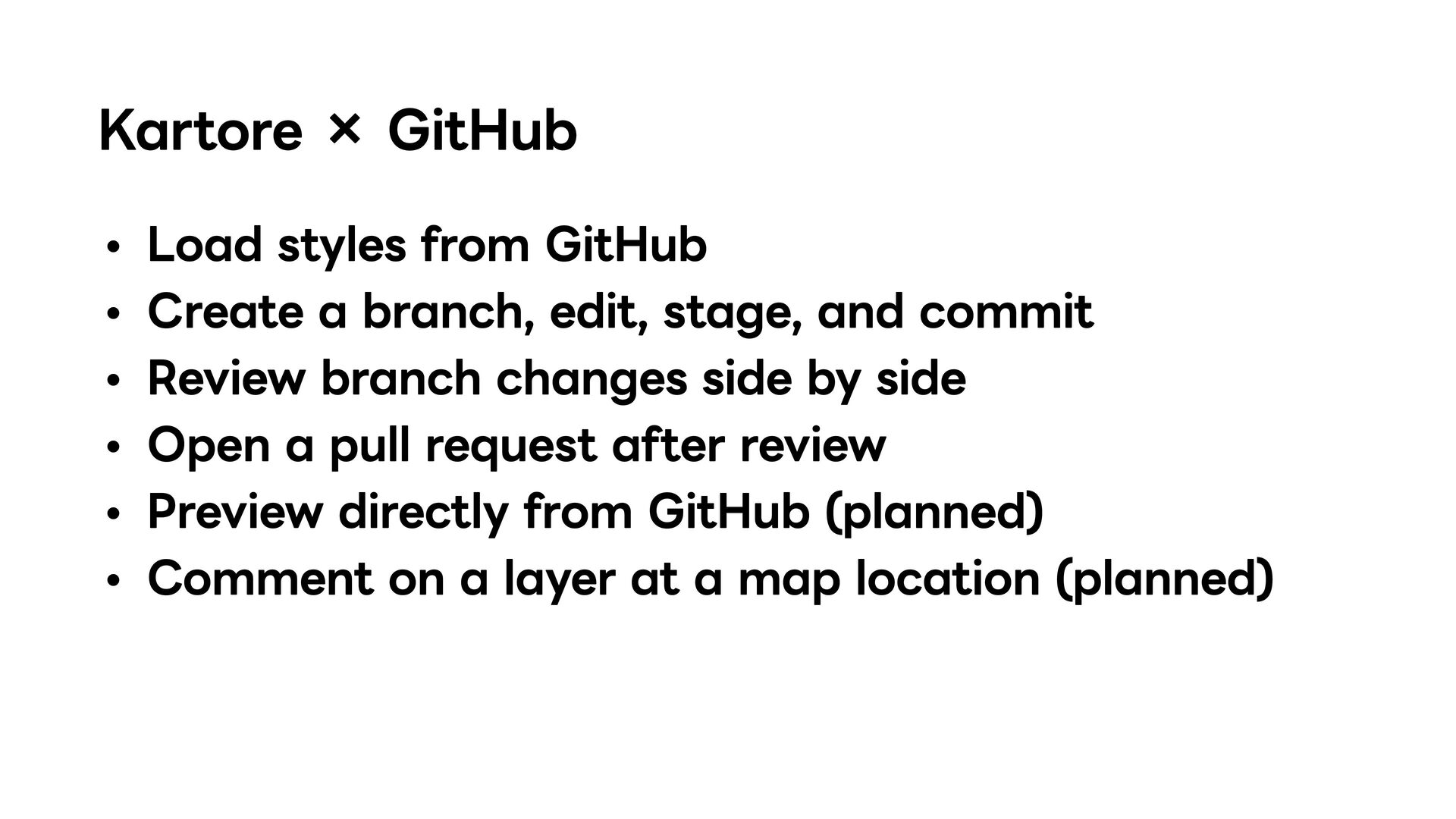
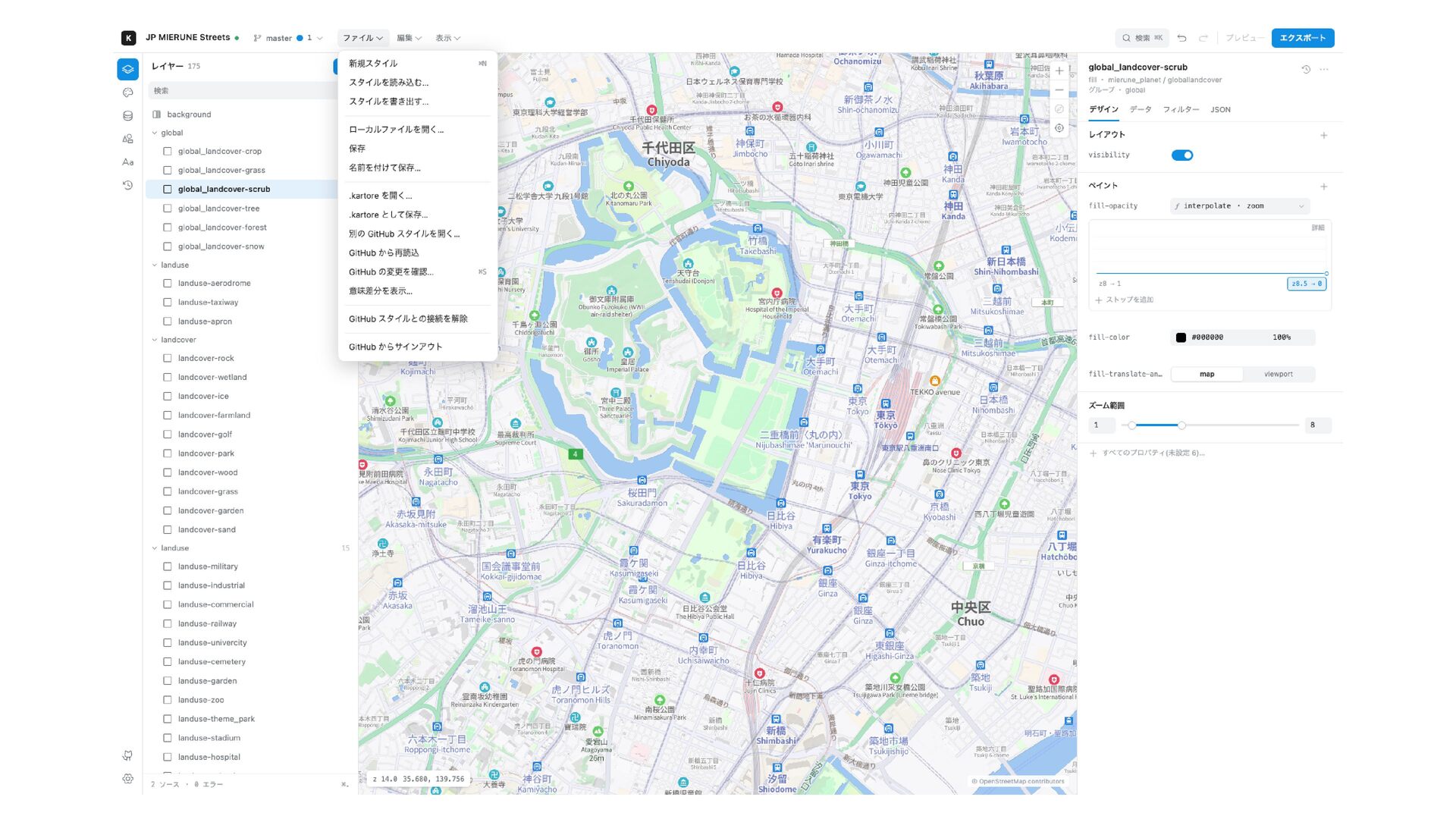
edit, stage, and commit Review branch changes side by side Open a pull request after review Preview directly from GitHub (planned) Comment on a layer at a map location (planned)
for styles Accidental rollbacks are minimized Resolve team conflicts with a visual comparison Track the history of value changes Commit messages tie changes to their intent and author
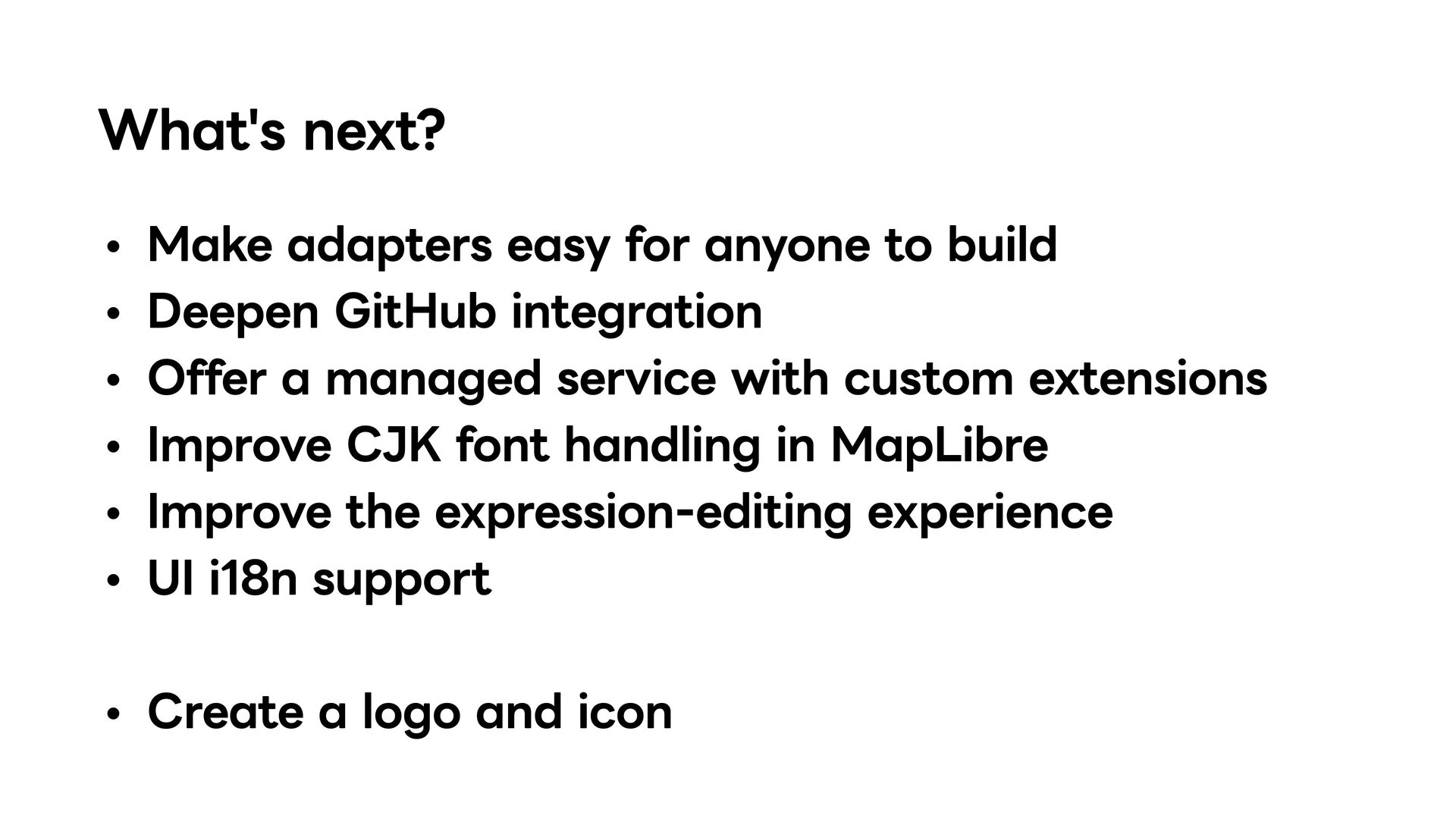
GitHub integration Offer a managed service with custom extensions Improve CJK font handling in MapLibre Improve the expression-editing experience UI i18n support Create a logo and icon


 nekoya3
 ___akari11
 findyinc
 chigichan24
 siroemk
 hschwentner
 nao_randd
 mofurune
 rkaga
rkaga
 a_matsuda
 kishida
 utakaha
 chriscoyier
 vanstee
 zakiyama
 bkeepers
 helmedeiros
 baasie
 tamaranovitovic
 portentint
 geshan
 smashingmag
 aleyda










![There's more /[adapter-id]/[...path] Adapters can add SvelteKit pages and use](https://files.speakerdeck.com/presentations/02983726ae61420eb96a01c1b1245013/slide_34.jpg)