for a legal purpose involving the analysis of digital evidence after proper search authority, chain of custody, validation with mathematics, use of validated tools, repeatability, reporting, and possible expert presentation.” Conclusion : salah satu cabang ilmu komputer dan sebuah prosedur investigasi dalam tujuan menindaklanjuti ke dalam ranah hukum dimana harus melibatkan bukti digital yang sah, validasi secara matematis, pelacakan, tools yang valid dalam mengolah evidence, pelaporan serta menjadi saksi ahli pada pengadilan hukum nantinya
of computer investigation and analysis techniques to gather evidence suitable for presentation in a court of law. The goal of computer forensics is to perform a structured investigation while maintaining a documented chain of evidence to find out exactly what happened on a computer and who was responsible for it.” Conclusion : komputer forensic disebut juga cyberforensics, prosedur investigasi dalam melibatkan pengumpulan bukti yang kuat utk di pengadilan hukum dengan cara melakukan penyelidikan terstruktur, dokumentasi bukti serta mencari tahu apa yang terjadi pada komputer dan siapa yang bertanggungjawab atas perbuatan yang merugikan tersebut
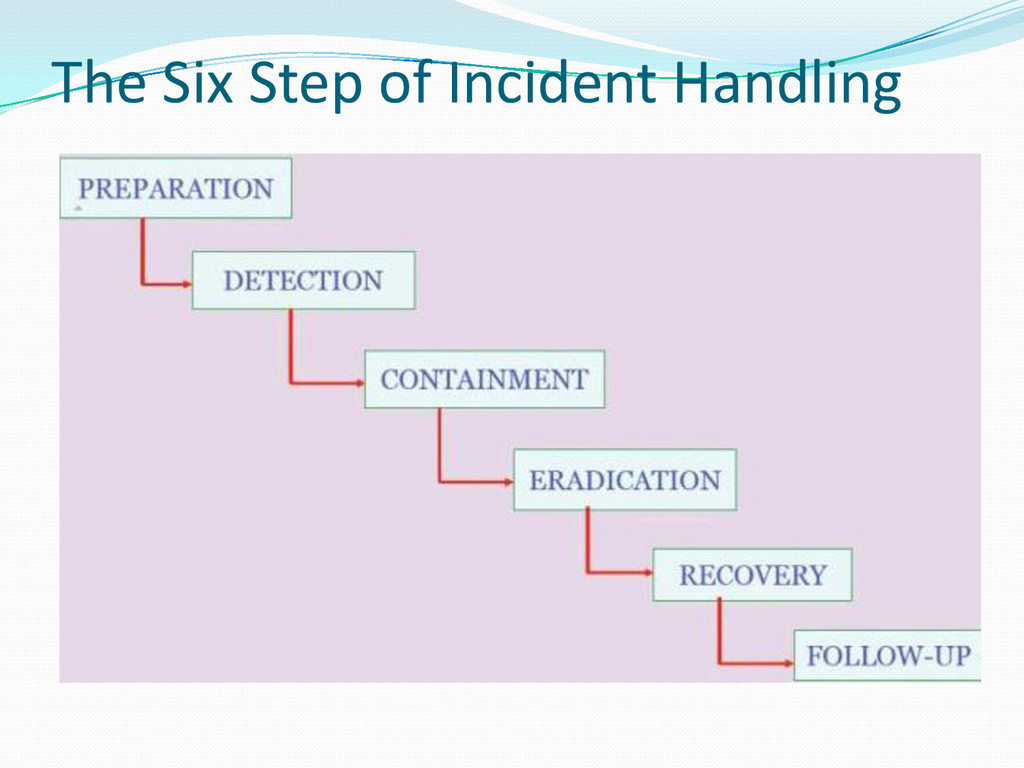
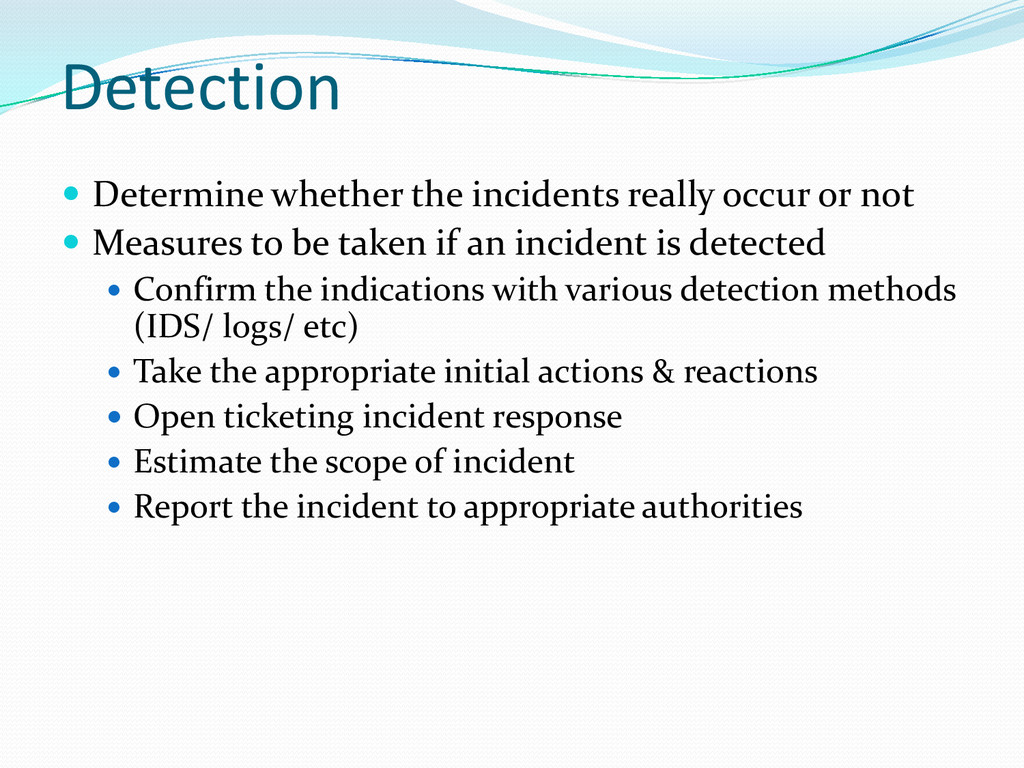
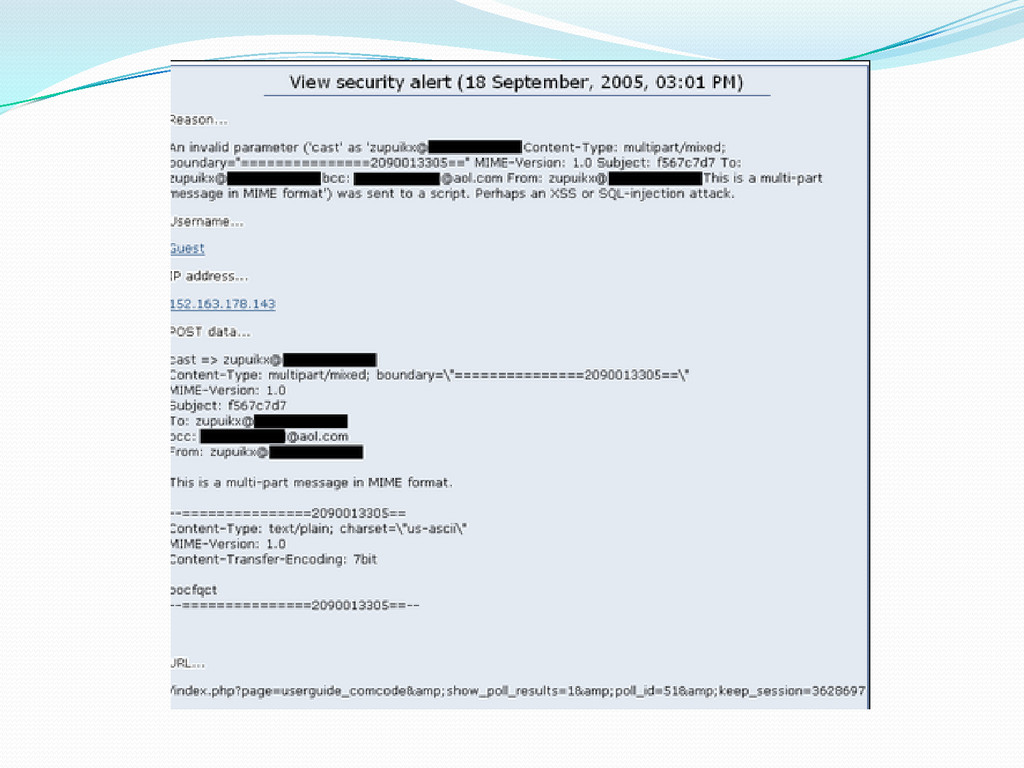
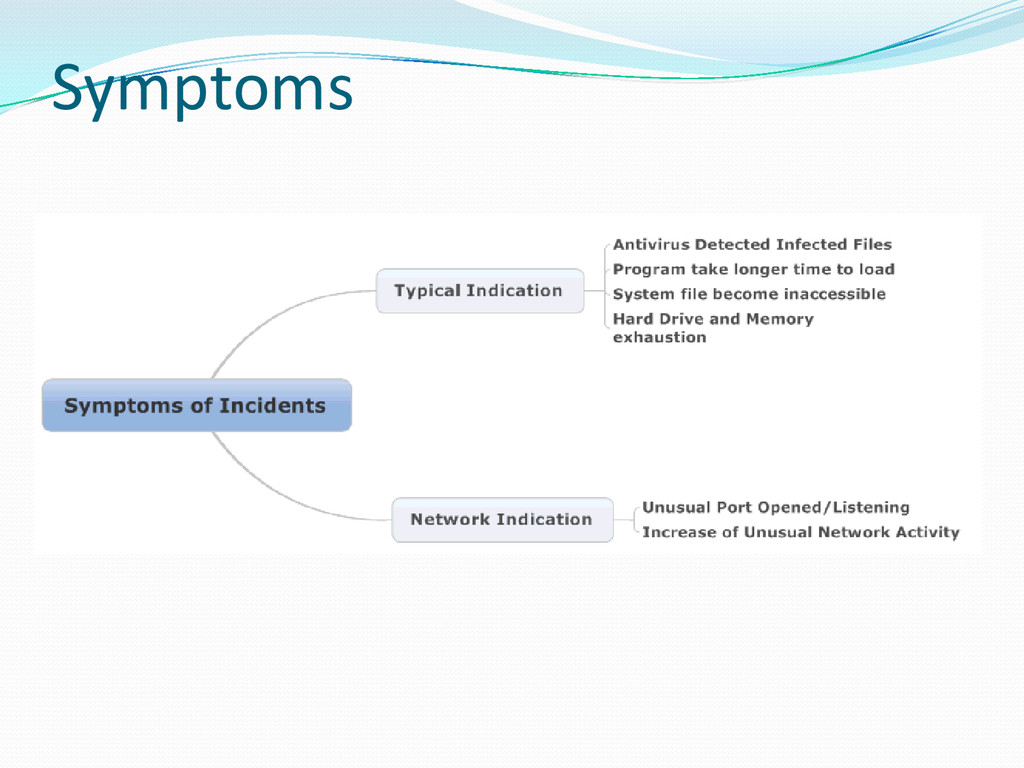
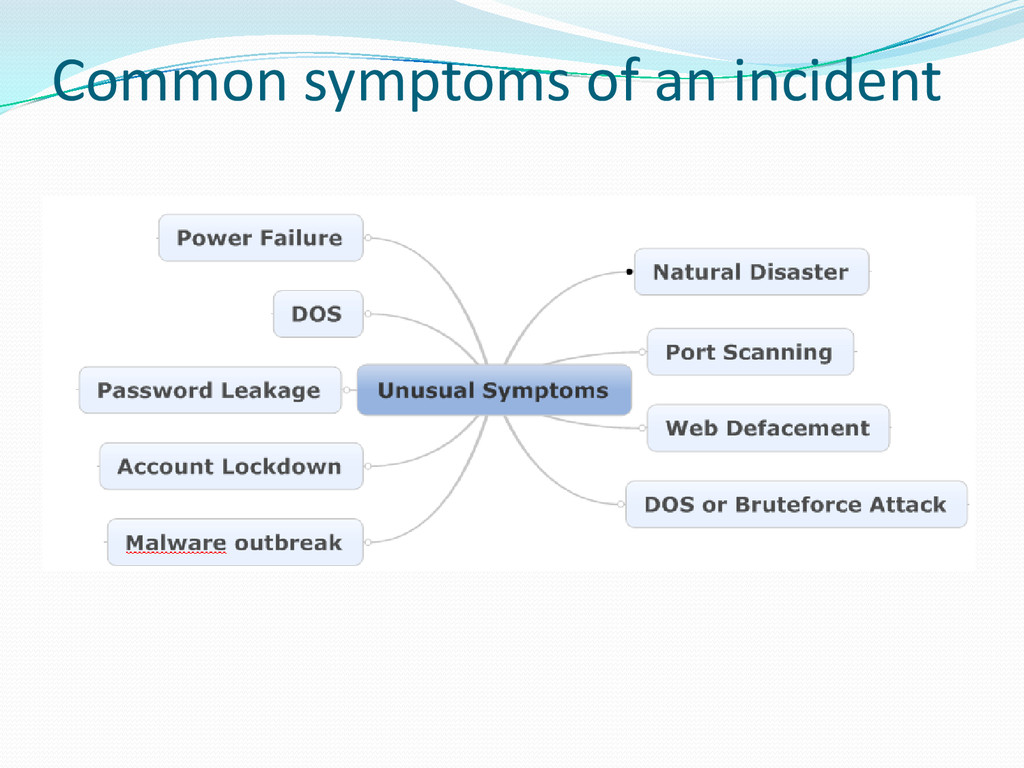
Measures to be taken if an incident is detected Confirm the indications with various detection methods (IDS/ logs/ etc) Take the appropriate initial actions & reactions Open ticketing incident response Estimate the scope of incident Report the incident to appropriate authorities
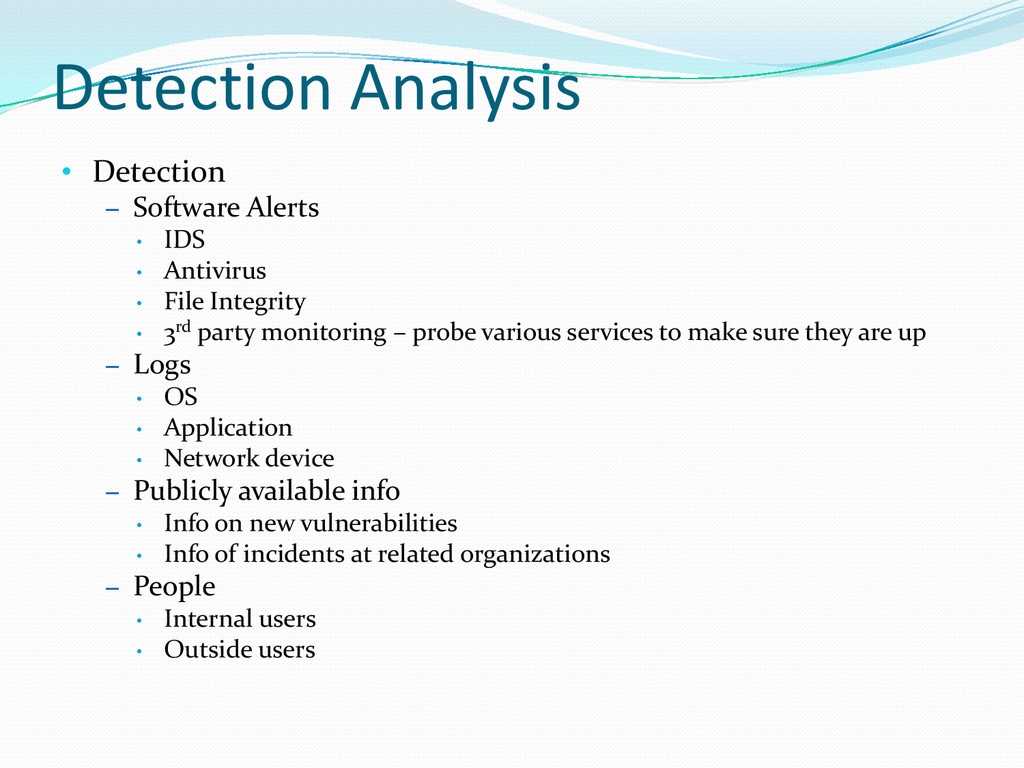
Antivirus • File Integrity • 3rd party monitoring – probe various services to make sure they are up – Logs • OS • Application • Network device – Publicly available info • Info on new vulnerabilities • Info of incidents at related organizations – People • Internal users • Outside users
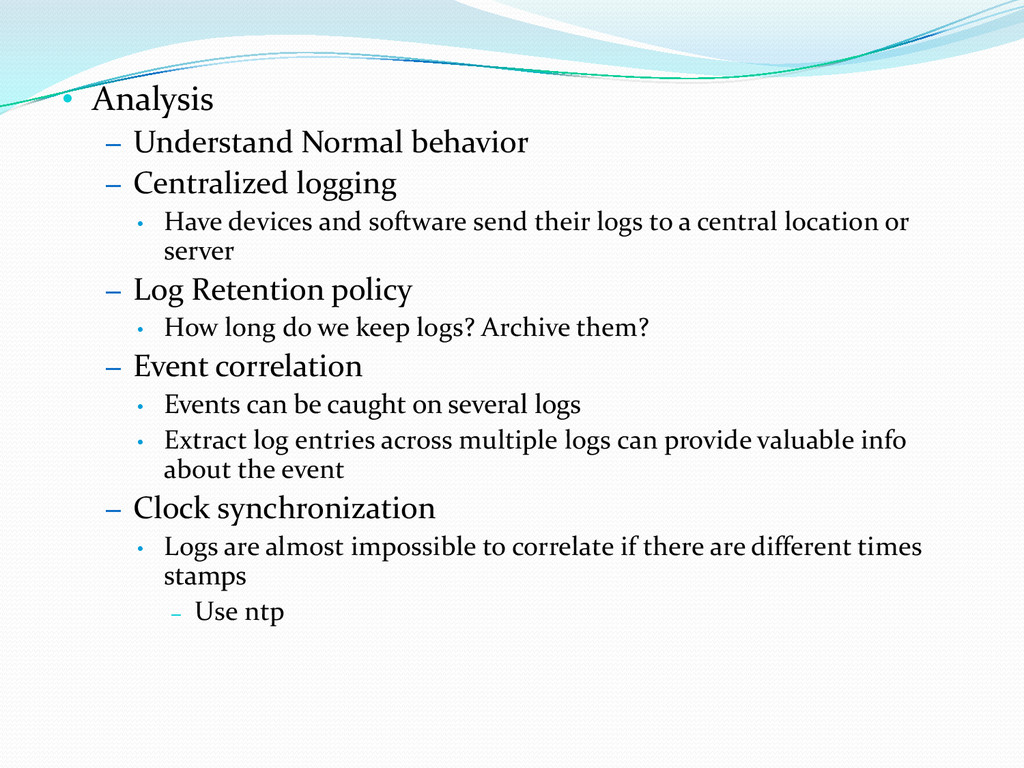
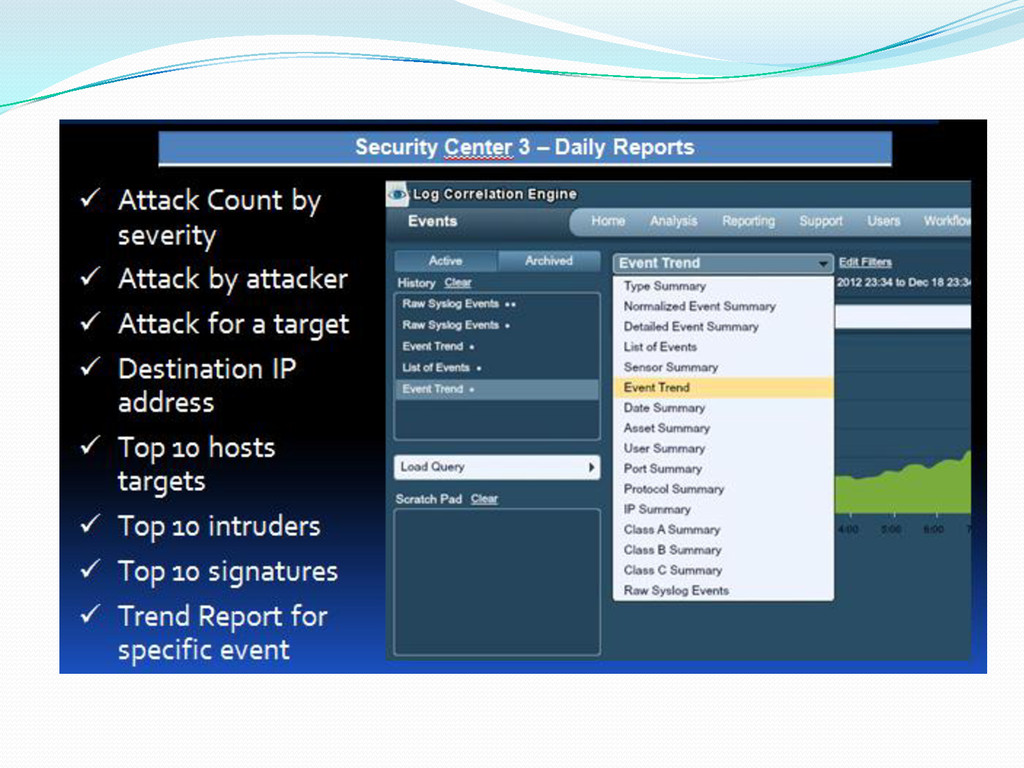
Have devices and software send their logs to a central location or server – Log Retention policy • How long do we keep logs? Archive them? – Event correlation • Events can be caught on several logs • Extract log entries across multiple logs can provide valuable info about the event – Clock synchronization • Logs are almost impossible to correlate if there are different times stamps – Use ntp
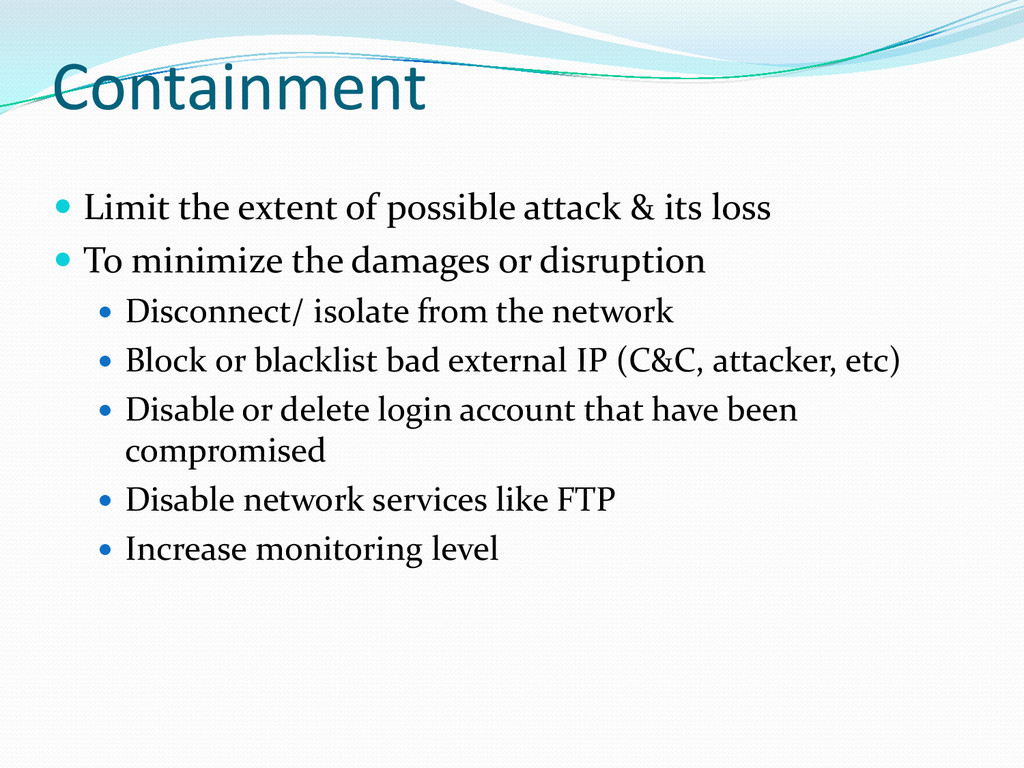
loss To minimize the damages or disruption Disconnect/ isolate from the network Block or blacklist bad external IP (C&C, attacker, etc) Disable or delete login account that have been compromised Disable network services like FTP Increase monitoring level
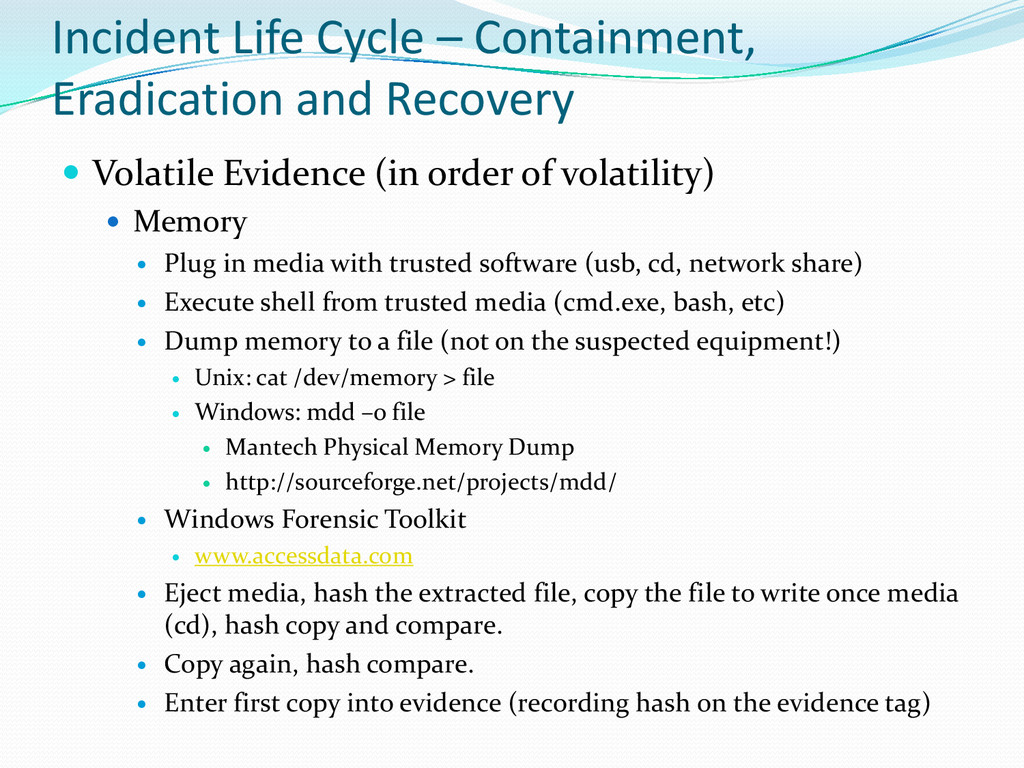
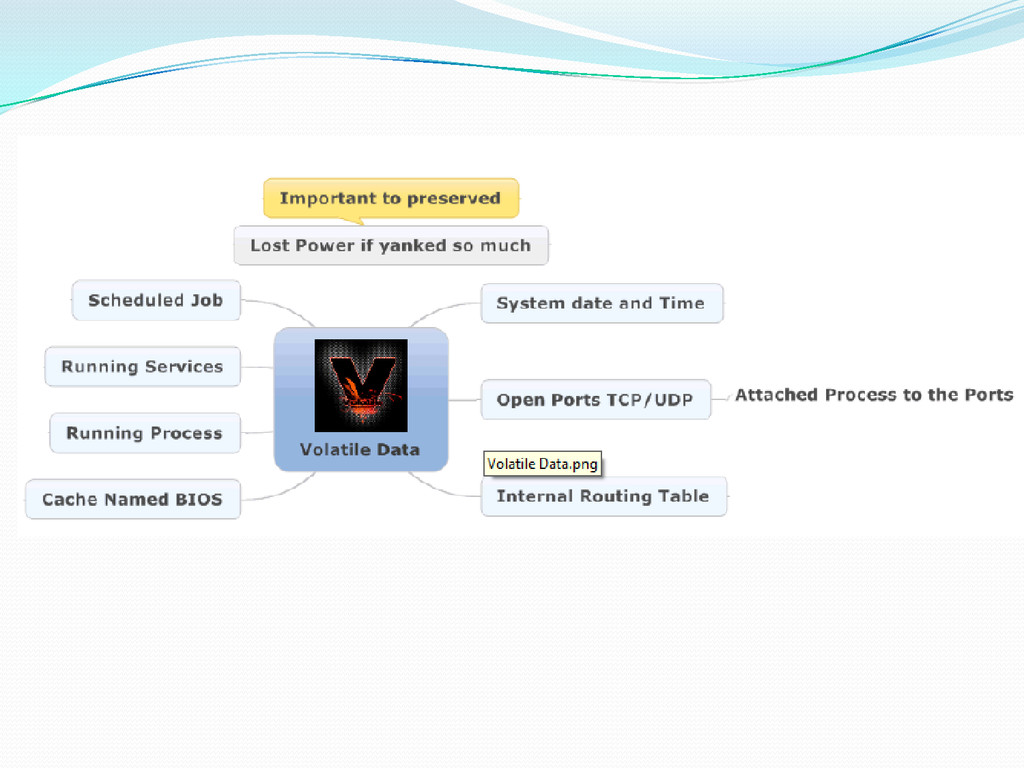
Evidence (in order of volatility) Memory Plug in media with trusted software (usb, cd, network share) Execute shell from trusted media (cmd.exe, bash, etc) Dump memory to a file (not on the suspected equipment!) Unix: cat /dev/memory > file Windows: mdd –o file Mantech Physical Memory Dump http://sourceforge.net/projects/mdd/ Windows Forensic Toolkit www.accessdata.com Eject media, hash the extracted file, copy the file to write once media (cd), hash copy and compare. Copy again, hash compare. Enter first copy into evidence (recording hash on the evidence tag)
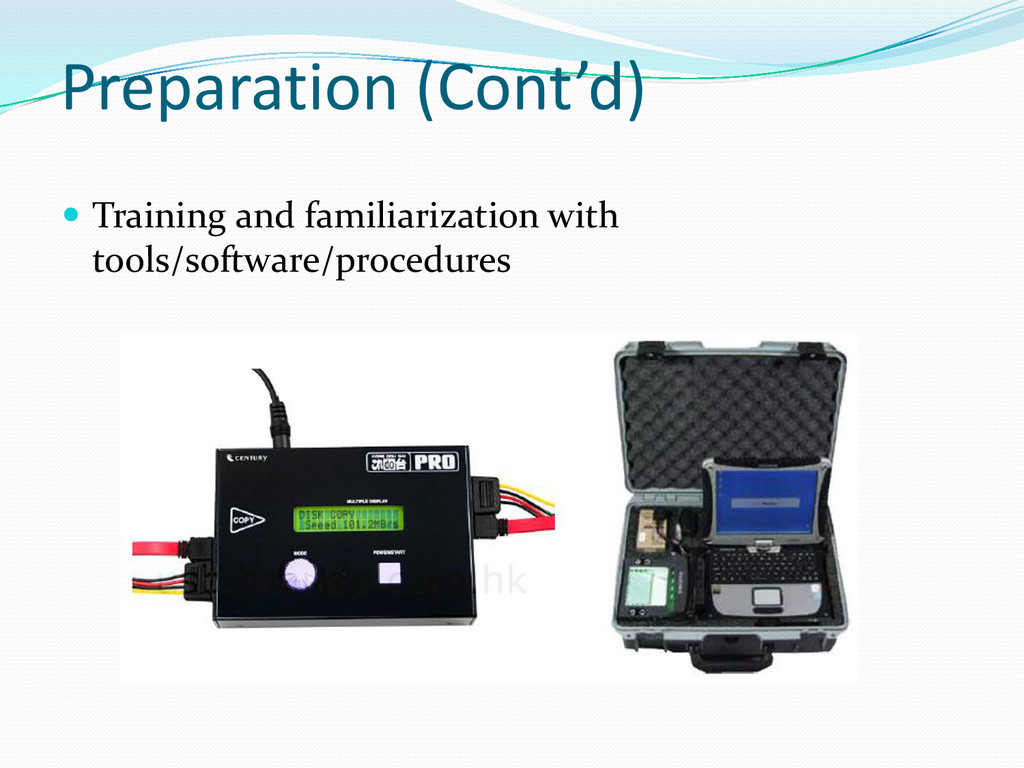
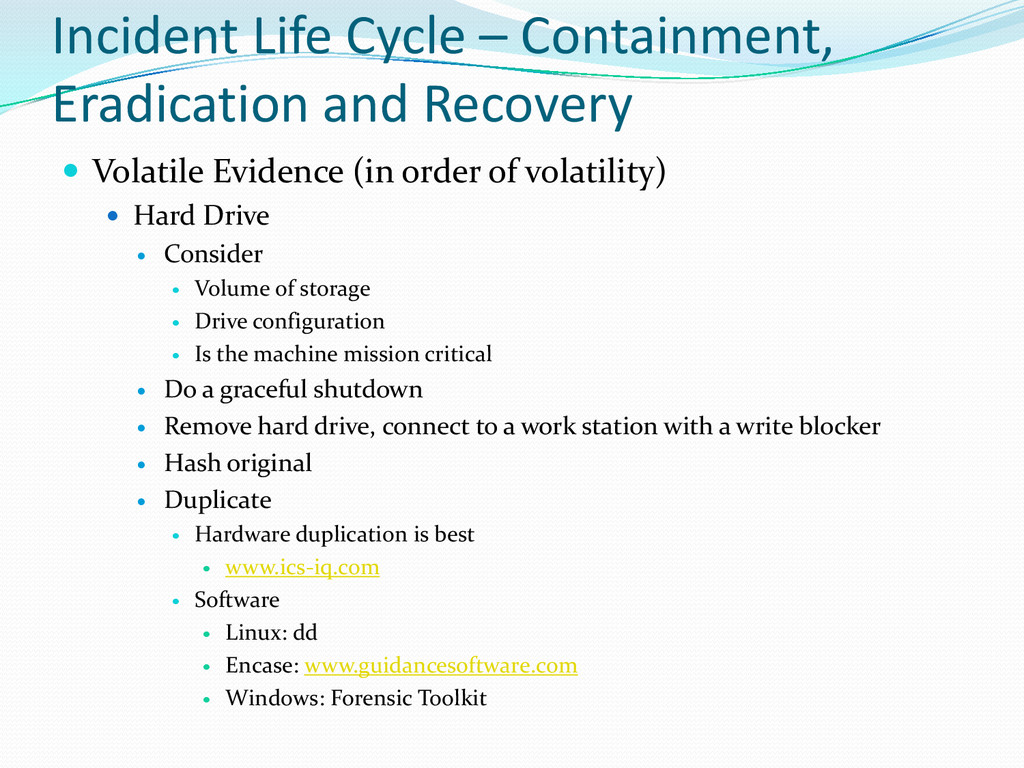
Evidence (in order of volatility) Hard Drive Consider Volume of storage Drive configuration Is the machine mission critical Do a graceful shutdown Remove hard drive, connect to a work station with a write blocker Hash original Duplicate Hardware duplication is best www.ics-iq.com Software Linux: dd Encase: www.guidancesoftware.com Windows: Forensic Toolkit
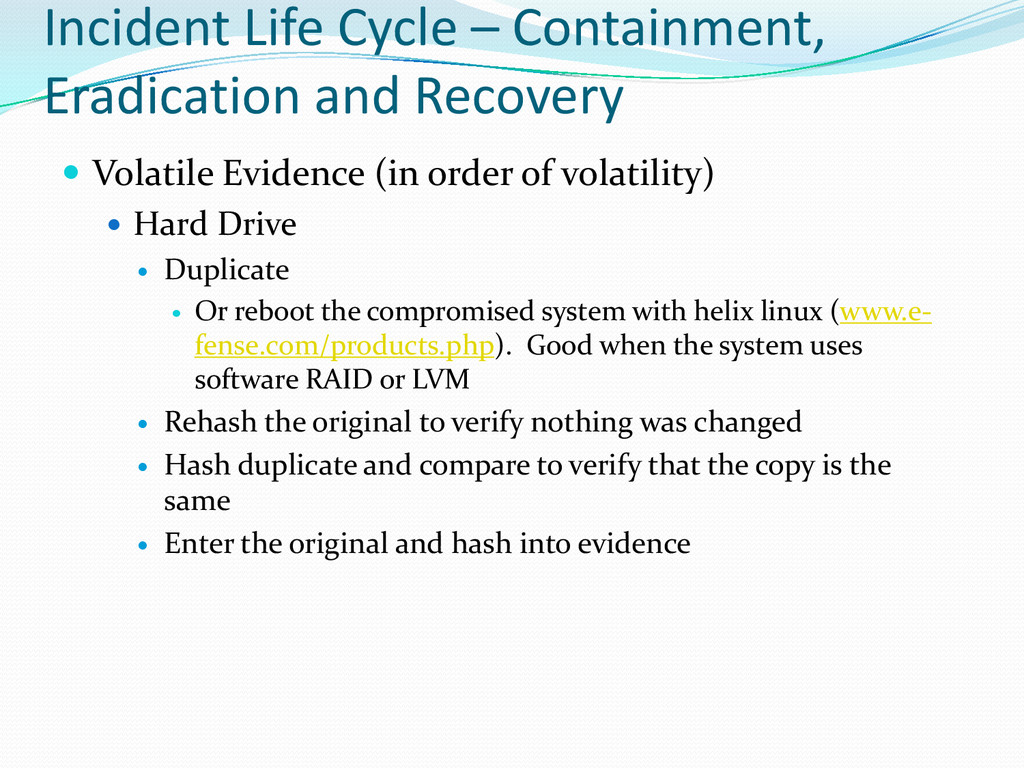
Evidence (in order of volatility) Hard Drive Duplicate Or reboot the compromised system with helix linux (www.e- fense.com/products.php). Good when the system uses software RAID or LVM Rehash the original to verify nothing was changed Hash duplicate and compare to verify that the copy is the same Enter the original and hash into evidence
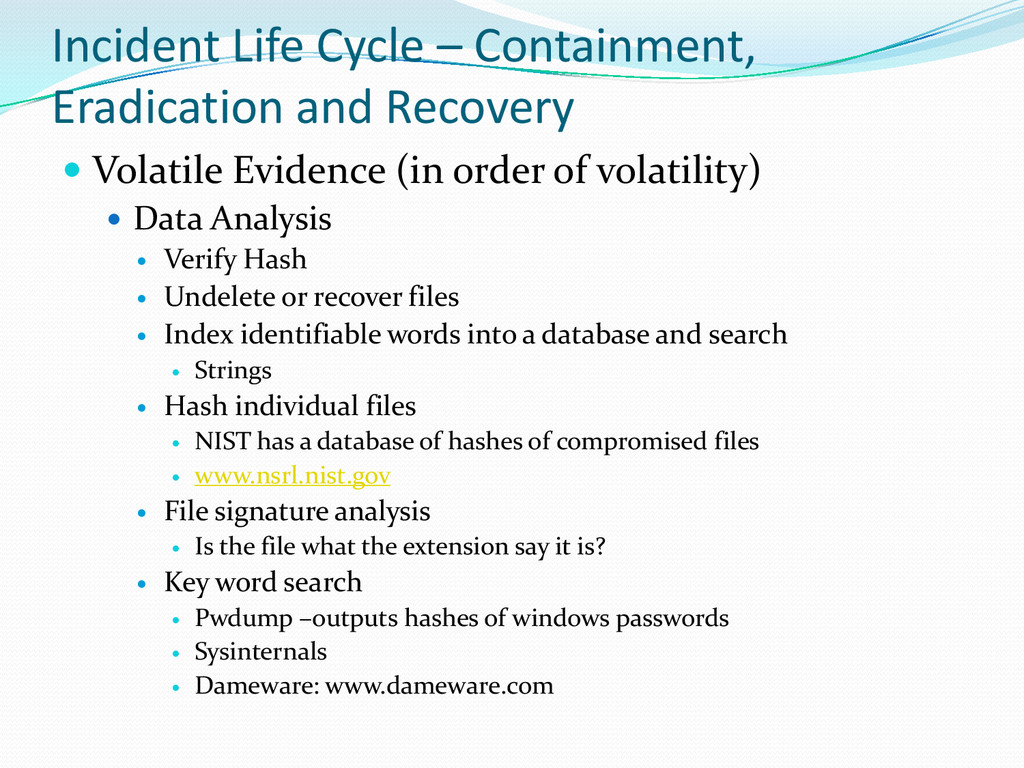
Evidence (in order of volatility) Data Analysis Verify Hash Undelete or recover files Index identifiable words into a database and search Strings Hash individual files NIST has a database of hashes of compromised files www.nsrl.nist.gov File signature analysis Is the file what the extension say it is? Key word search Pwdump –outputs hashes of windows passwords Sysinternals Dameware: www.dameware.com
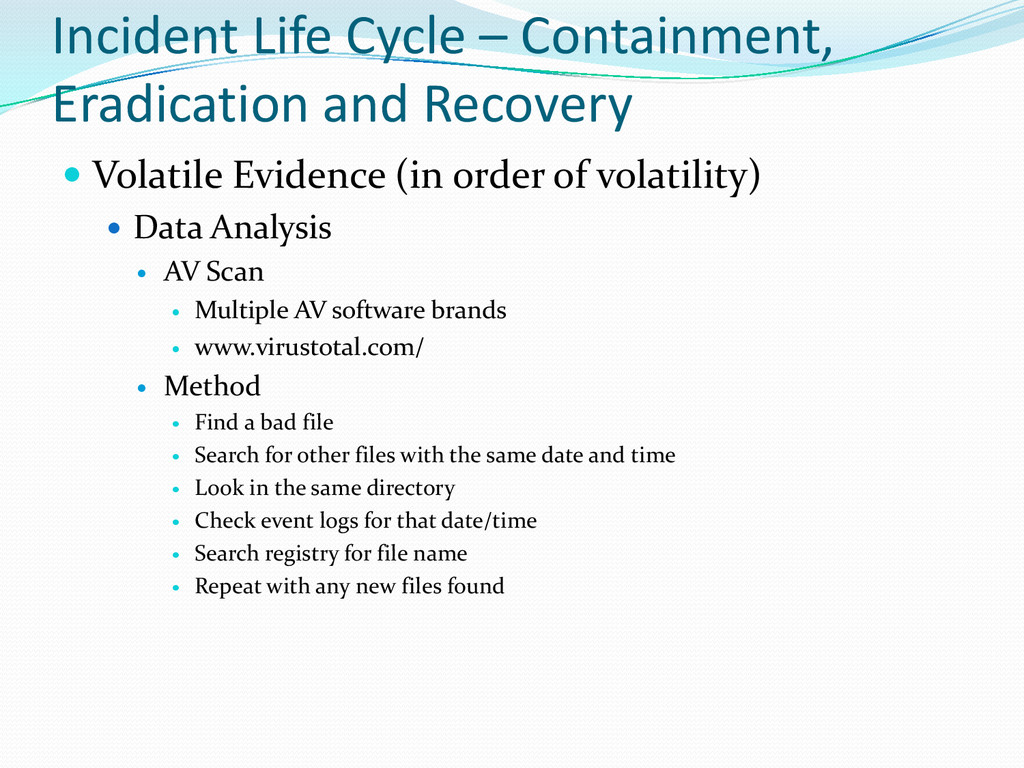
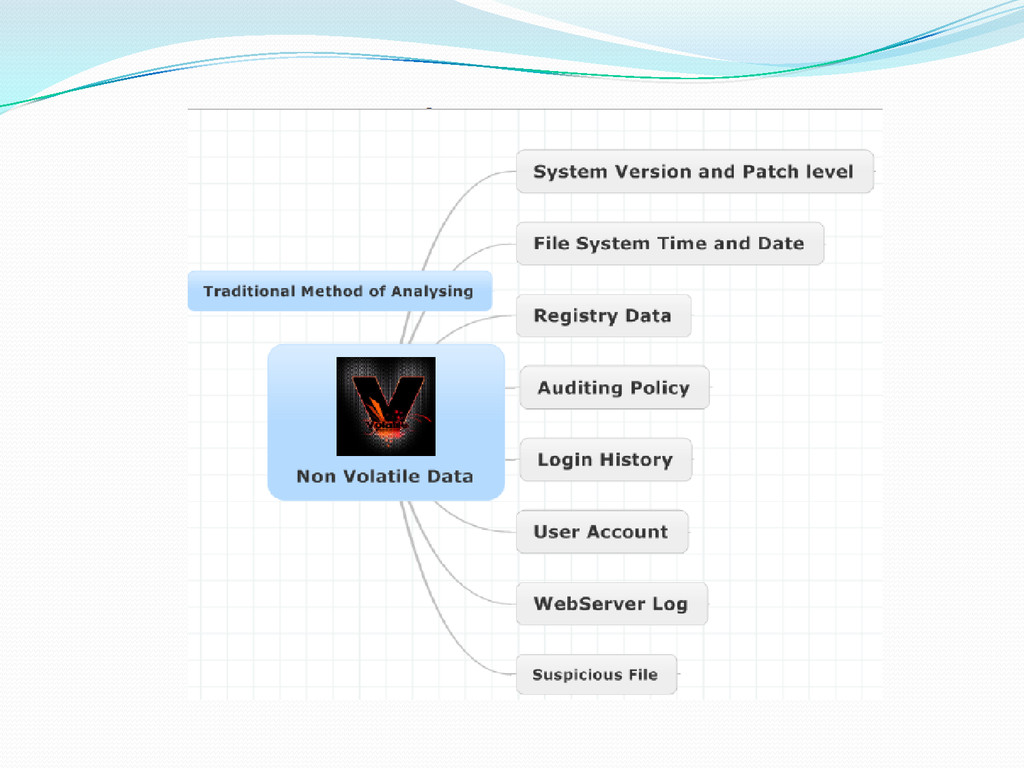
Evidence (in order of volatility) Data Analysis AV Scan Multiple AV software brands www.virustotal.com/ Method Find a bad file Search for other files with the same date and time Look in the same directory Check event logs for that date/time Search registry for file name Repeat with any new files found
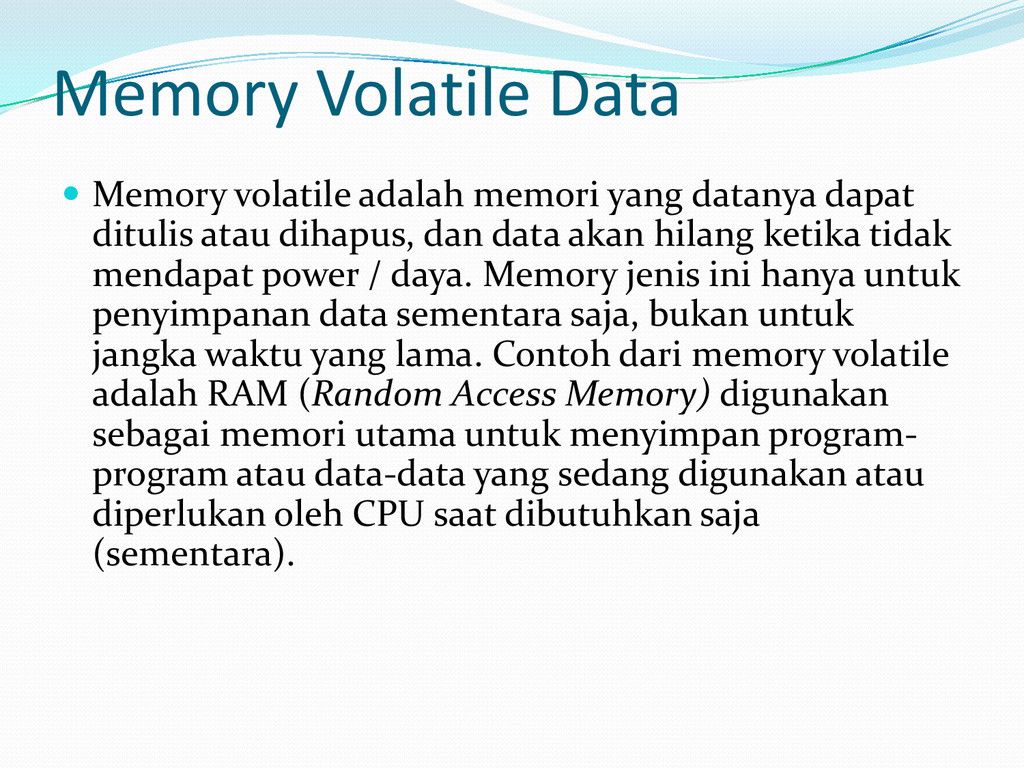
dapat ditulis atau dihapus, dan data akan hilang ketika tidak mendapat power / daya. Memory jenis ini hanya untuk penyimpanan data sementara saja, bukan untuk jangka waktu yang lama. Contoh dari memory volatile adalah RAM (Random Access Memory) digunakan sebagai memori utama untuk menyimpan program- program atau data-data yang sedang digunakan atau diperlukan oleh CPU saat dibutuhkan saja (sementara).
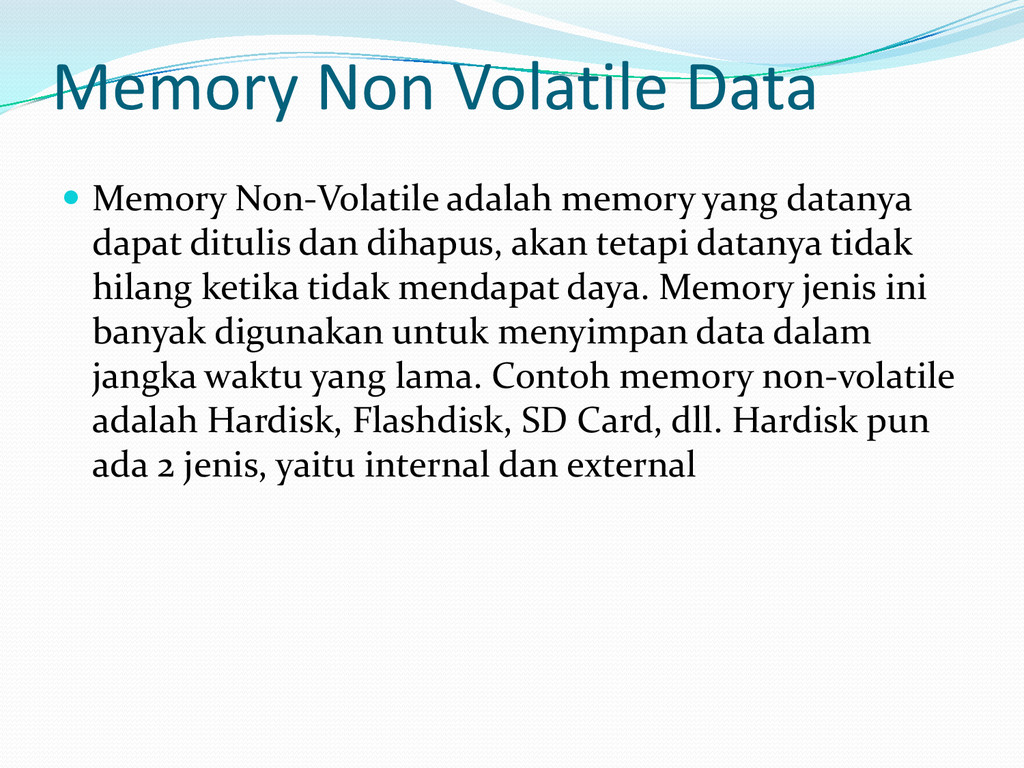
datanya dapat ditulis dan dihapus, akan tetapi datanya tidak hilang ketika tidak mendapat daya. Memory jenis ini banyak digunakan untuk menyimpan data dalam jangka waktu yang lama. Contoh memory non-volatile adalah Hardisk, Flashdisk, SD Card, dll. Hardisk pun ada 2 jenis, yaitu internal dan external
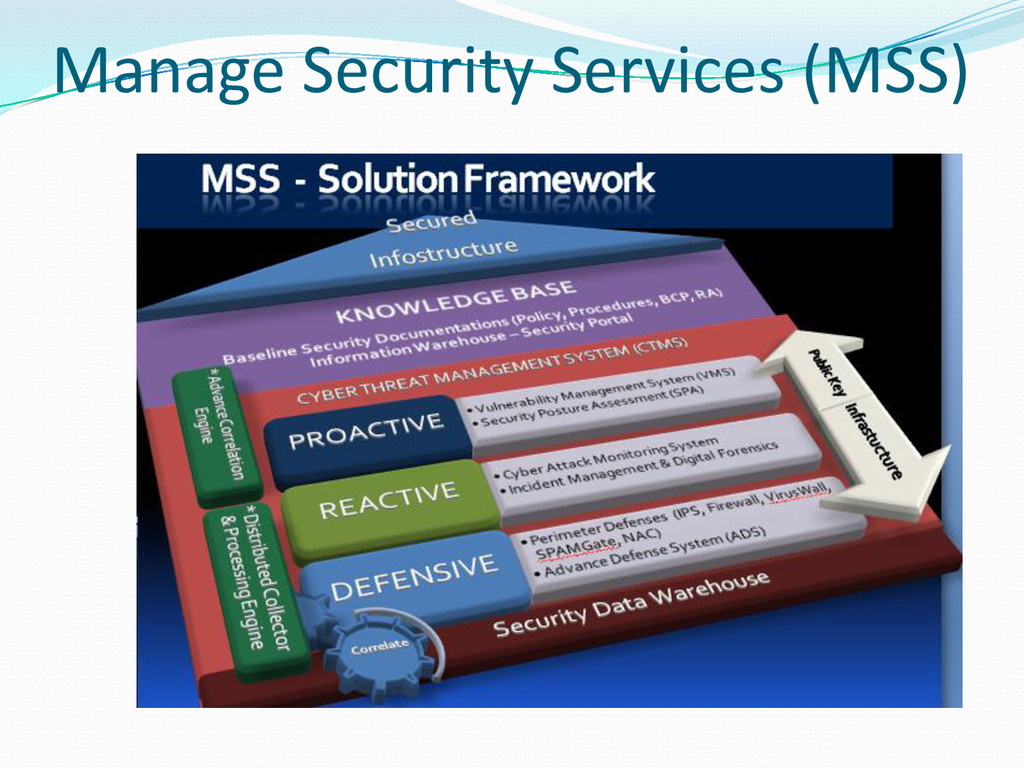
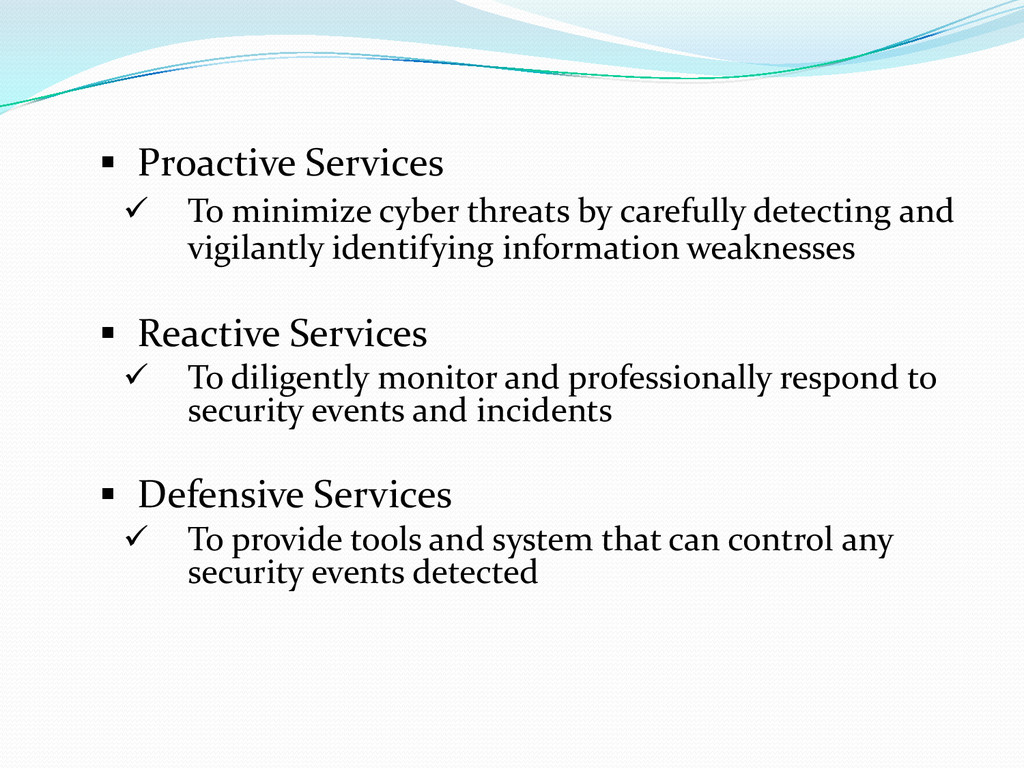
detecting and vigilantly identifying information weaknesses Reactive Services To diligently monitor and professionally respond to security events and incidents Defensive Services To provide tools and system that can control any security events detected
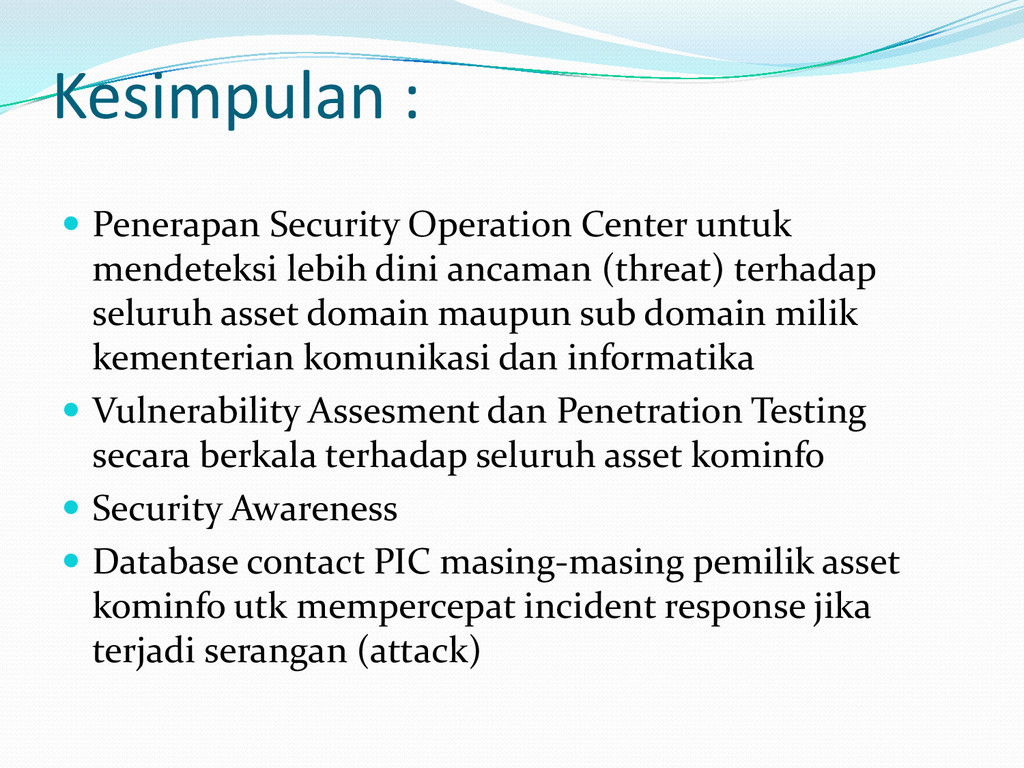
dini ancaman (threat) terhadap seluruh asset domain maupun sub domain milik kementerian komunikasi dan informatika Vulnerability Assesment dan Penetration Testing secara berkala terhadap seluruh asset kominfo Security Awareness Database contact PIC masing-masing pemilik asset kominfo utk mempercepat incident response jika terjadi serangan (attack)


 odashi
 grimoh
 satomasahiro2005
 ezaki
ezaki
 maimyyym
 mohab1
 iktakahiro
 camiha
 greenmidori
 satoshi7
 takahashim
 shumei_ito
 chriscoyier
 akademiya2063
 trishagee
 inesmontani
 mayatellez
 ammeep
 orderedlist
 greggifford
 techseoconnect
 dugsong
 seathinner
 destraynor
![Muchammad Sholeh, S.Kom, M.Kom, CEH, ISMS Auditor, CCENT [email protected] Hotel](https://files.speakerdeck.com/presentations/91ce106db348469a9a66cf8fd7eba43b/slide_0.jpg)