Upgrade to Pro — share decks privately, control downloads, hide ads and more …

Everything is broken: An introduction to loggi...

Everything is broken: An introduction to logging, monitoring and metrics. @ WordPress Meetup Amsterdam

Your WordPress website relies on a lot of code not actually maintained by you, but by thousands of volunteers and businesses. Between WordPress core, themes, plugins and external service you depend on, something is bound to break at one point. The bad news is you can not prevent this. The good news is you can prepare for it.

We explore setting up logging both on the server side and the browser side of your website, and then explore where to put this data so we can take action when something goes wrong.

Avatar for Niels de Blaauw

Niels de Blaauw

February 27, 2020
Tweet

More Decks by Niels de Blaauw

Other Decks in Programming

Transcript

  1. My name is Niels de Blaauw. I’m lead developer at

    Level Level, a full-service WordPress Agency in the Netherlands. @nielsdeblaauw
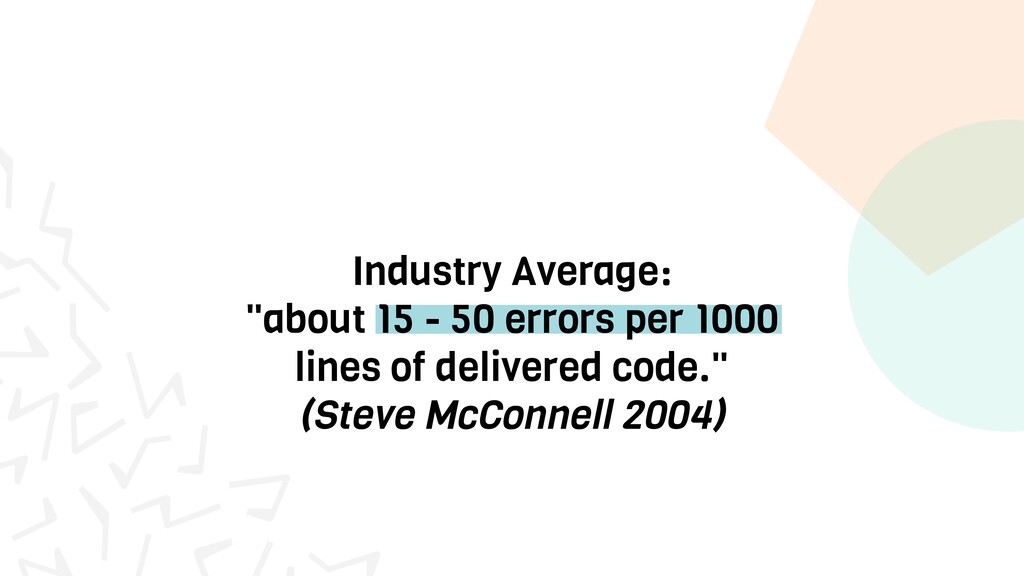
  2. Industry Average: "about 15 - 50 errors per 1000 lines

    of delivered code." (Steve McConnell 2004)
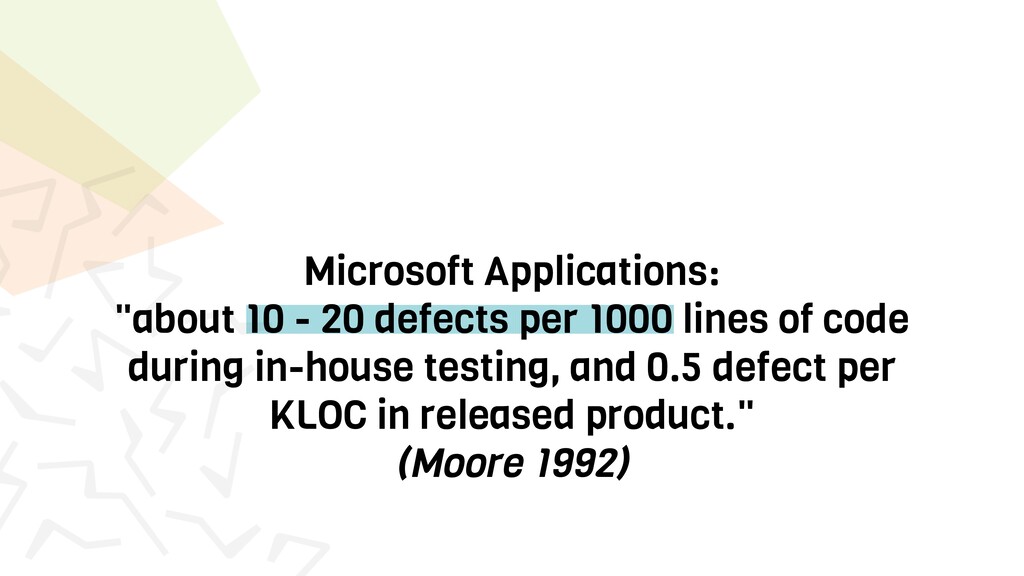
  3. Microsoft Applications: "about 10 - 20 defects per 1000 lines

    of code during in-house testing, and 0.5 defect per KLOC in released product." (Moore 1992)
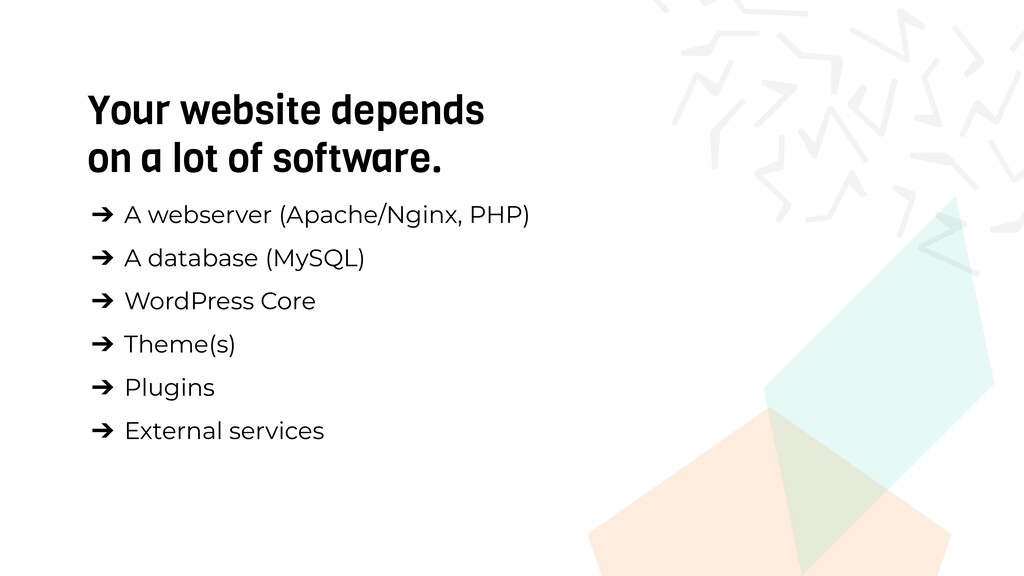
  4. Your website depends on a lot of software. ➔ A

    webserver (Apache/Nginx, PHP) ➔ A database (MySQL) ➔ WordPress Core ➔ Theme(s) ➔ Plugins ➔ External services
  5. <?php add_action( 'my_hourly_event', 'do_this_hourly' ); function do_this_hourly() { file_put_contents( wp_get_upload_dir()['basedir']

    . '/' . date( 'Y-m-d' ) . '.txt', 'test', FILE_APPEND ); } wp_schedule_event( time(), 'hourly', 'my_hourly_event' );
  6. Two questions matter 1. What is the situation? 2. What

    can we do to resolve the situation?
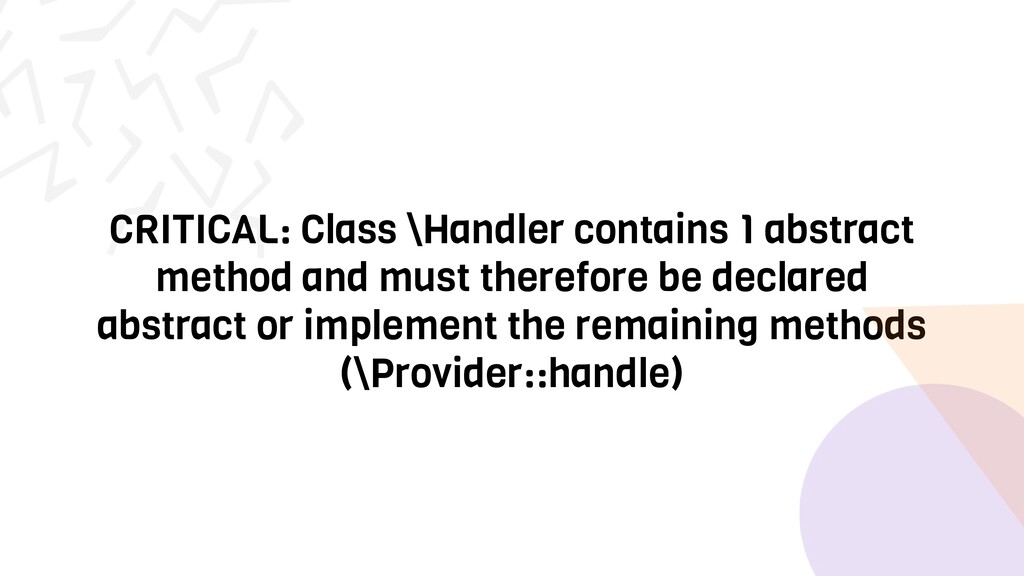
  7. CRITICAL: Class \Handler contains 1 abstract method and must therefore

    be declared abstract or implement the remaining methods (\Provider::handle)
  8. And contextual questions 1. When did the situation(s) occur? 2.

    How did we get into this situation? 3. Where does this situation manifest itself? 4. How often does this situation occur?
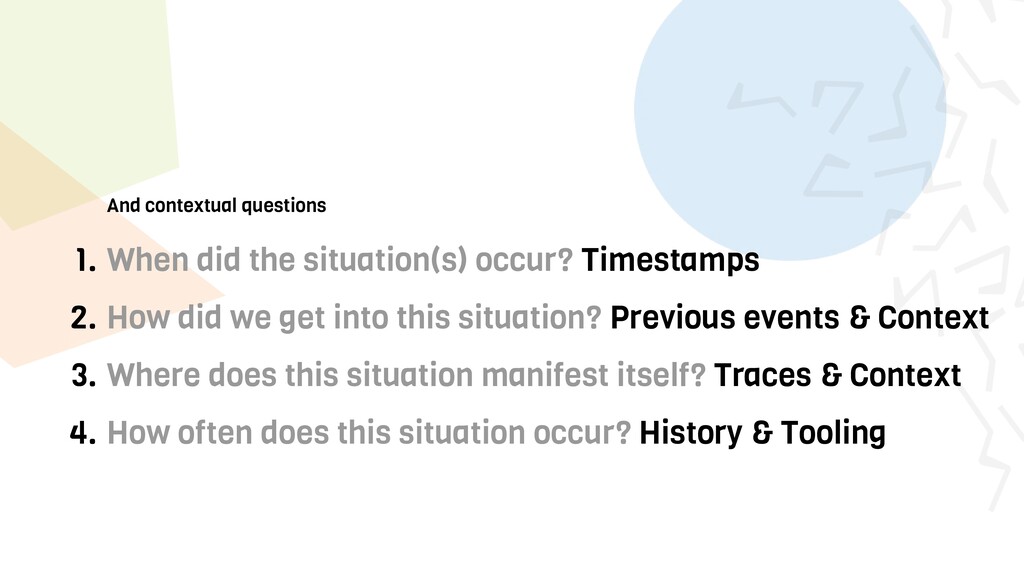
  9. And contextual questions 1. When did the situation(s) occur? Timestamps

    2. How did we get into this situation? Previous events & Context 3. Where does this situation manifest itself? Traces & Context 4. How often does this situation occur? History & Tooling
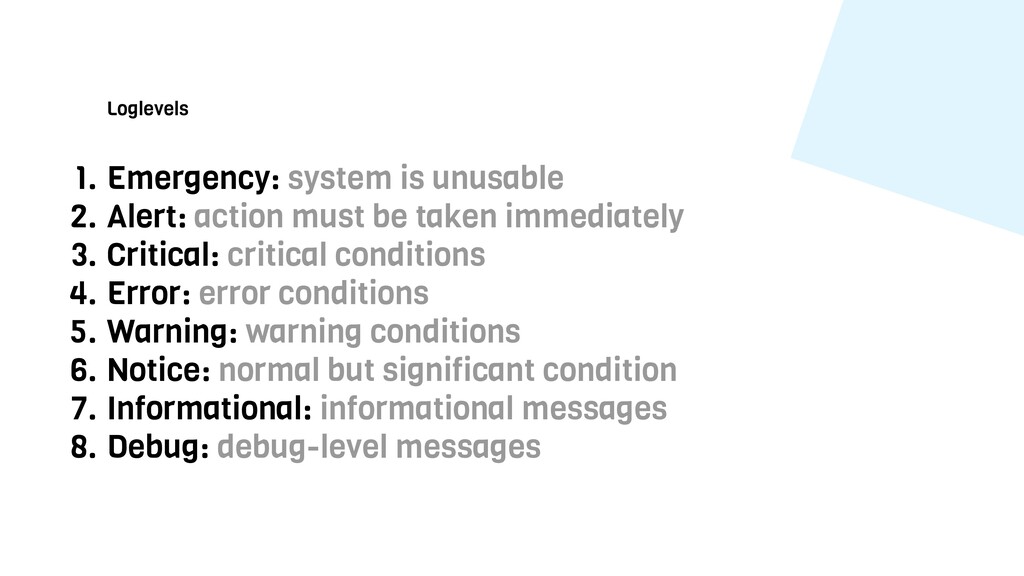
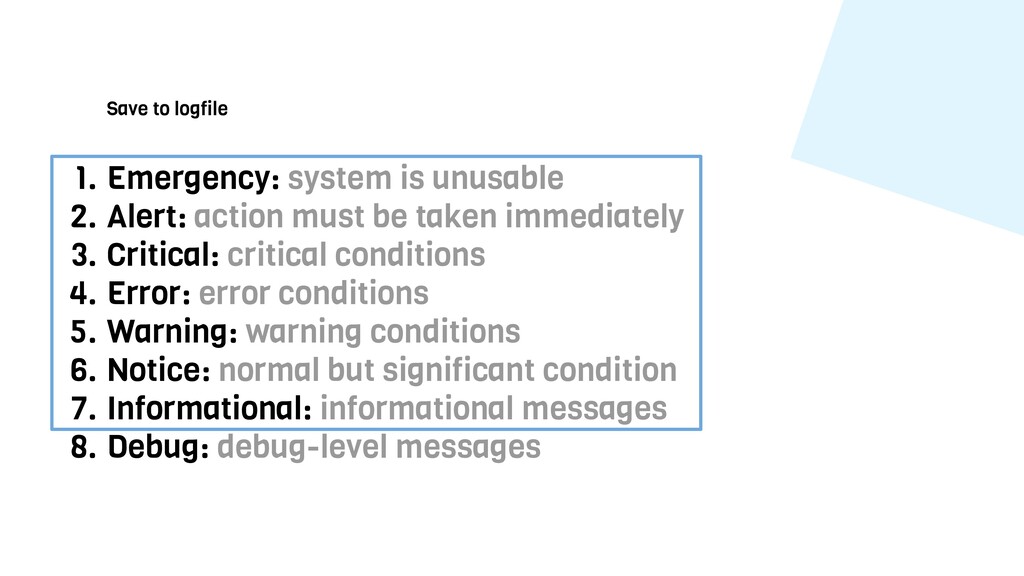
  10. Loglevels 1. Emergency: system is unusable 2. Alert: action must

    be taken immediately 3. Critical: critical conditions 4. Error: error conditions 5. Warning: warning conditions 6. Notice: normal but significant condition 7. Informational: informational messages 8. Debug: debug-level messages
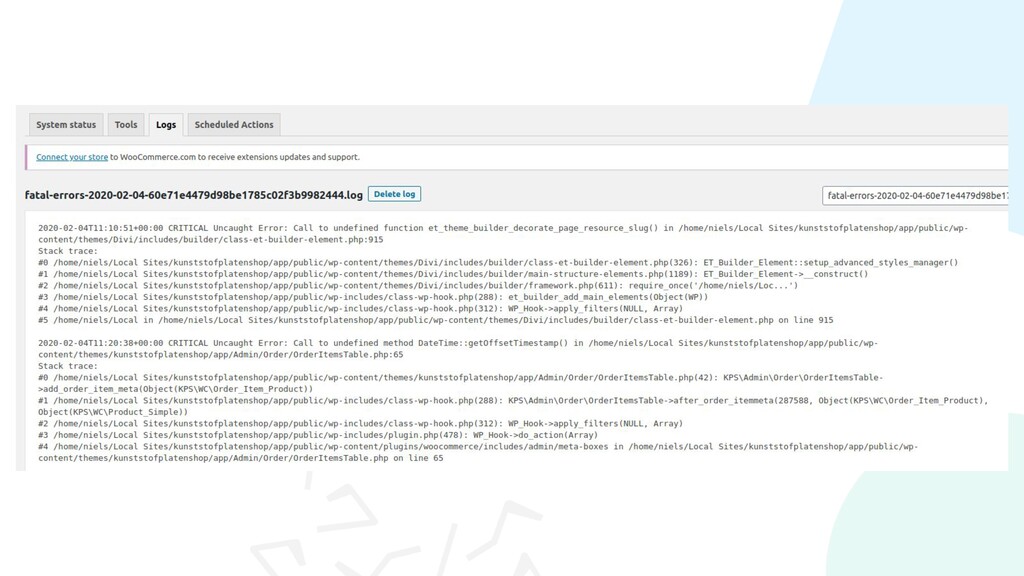
  11. Save to logfile 1. Emergency: system is unusable 2. Alert:

    action must be taken immediately 3. Critical: critical conditions 4. Error: error conditions 5. Warning: warning conditions 6. Notice: normal but significant condition 7. Informational: informational messages 8. Debug: debug-level messages
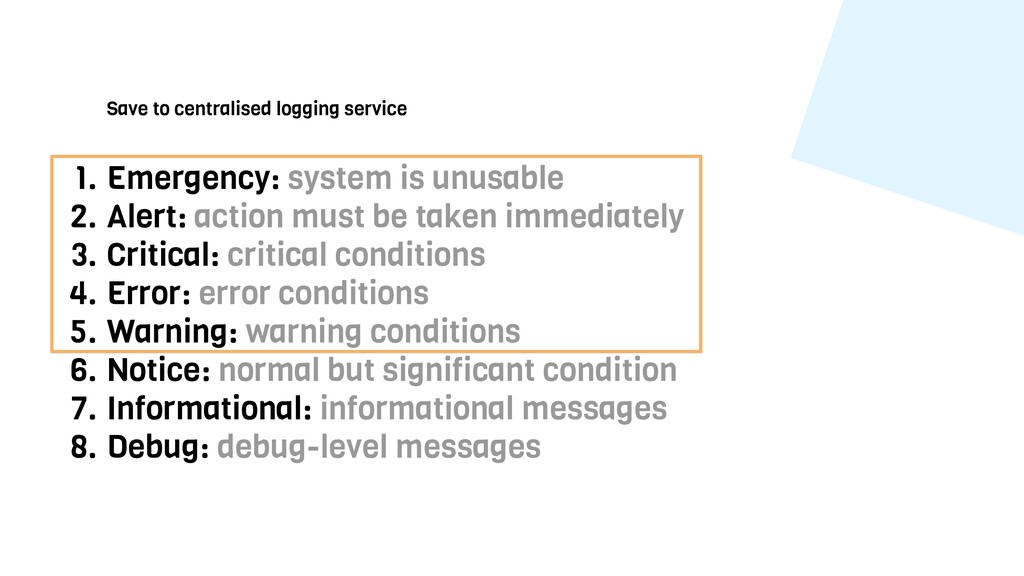
  12. Save to centralised logging service 1. Emergency: system is unusable

    2. Alert: action must be taken immediately 3. Critical: critical conditions 4. Error: error conditions 5. Warning: warning conditions 6. Notice: normal but significant condition 7. Informational: informational messages 8. Debug: debug-level messages
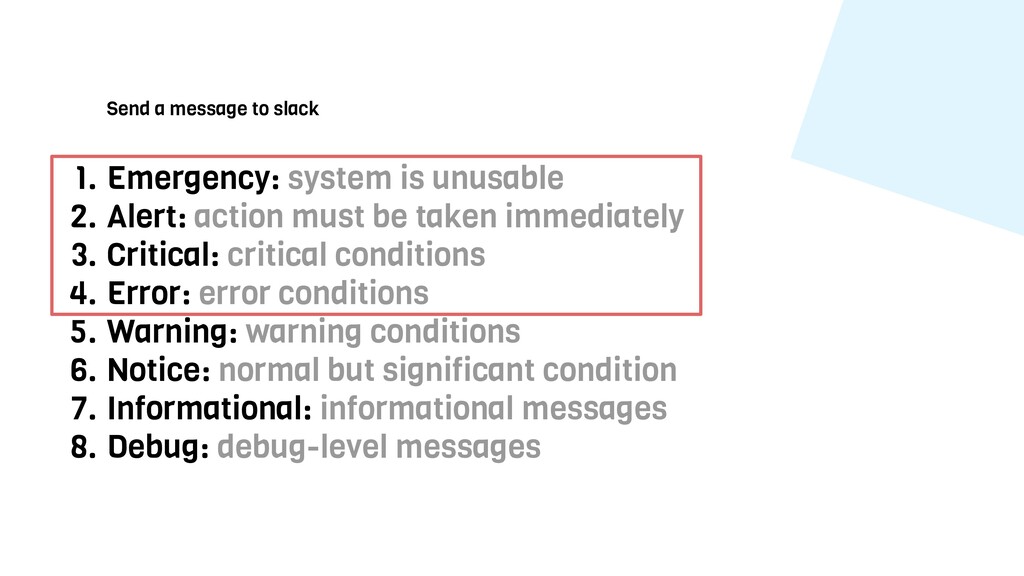
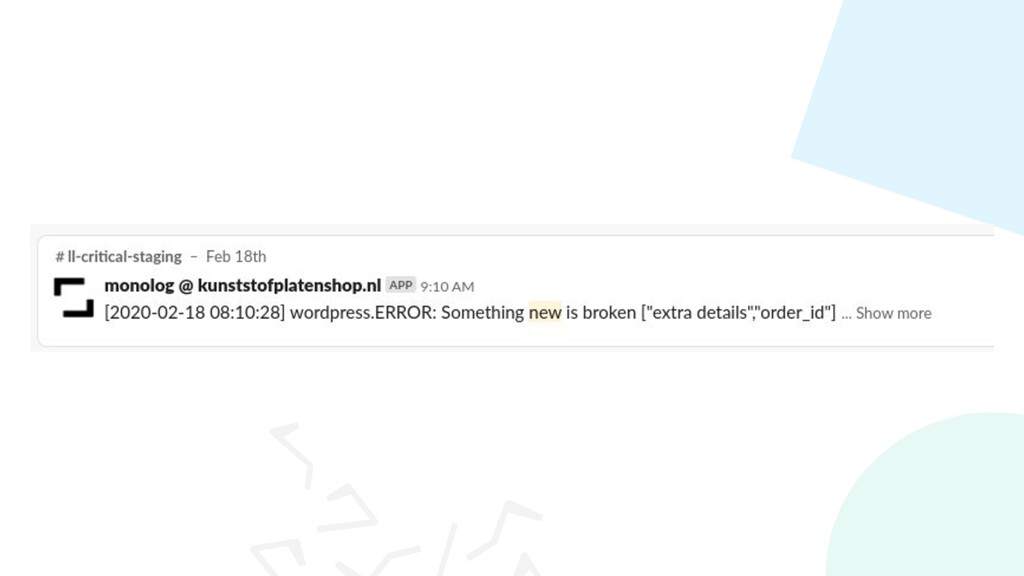
  13. Send a message to slack 1. Emergency: system is unusable

    2. Alert: action must be taken immediately 3. Critical: critical conditions 4. Error: error conditions 5. Warning: warning conditions 6. Notice: normal but significant condition 7. Informational: informational messages 8. Debug: debug-level messages
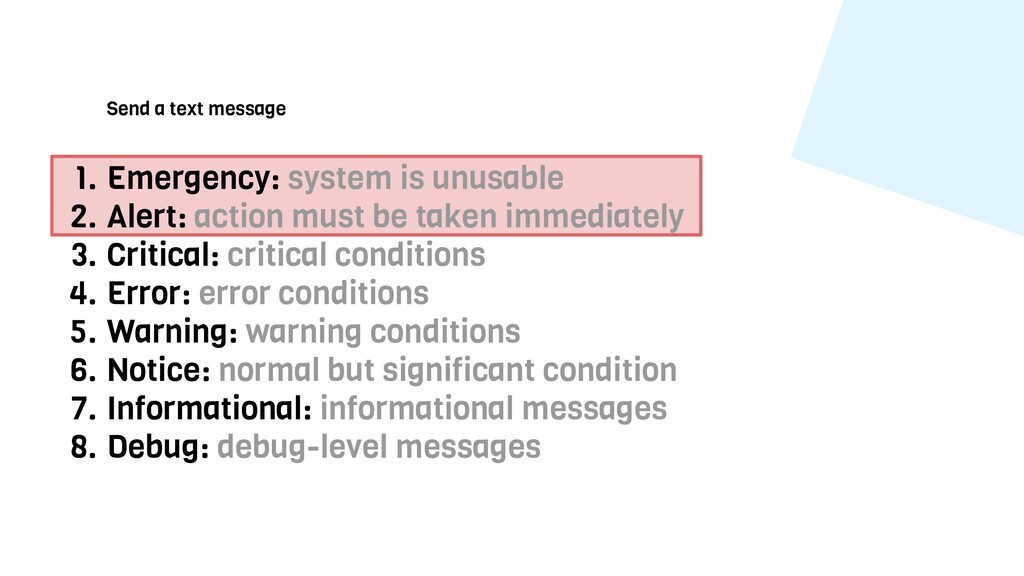
  14. Send a text message 1. Emergency: system is unusable 2.

    Alert: action must be taken immediately 3. Critical: critical conditions 4. Error: error conditions 5. Warning: warning conditions 6. Notice: normal but significant condition 7. Informational: informational messages 8. Debug: debug-level messages
  15. Formatting and removing data Format as a line for a

    log, or HTML for an e-mail? Hide personal information from certain handlers?
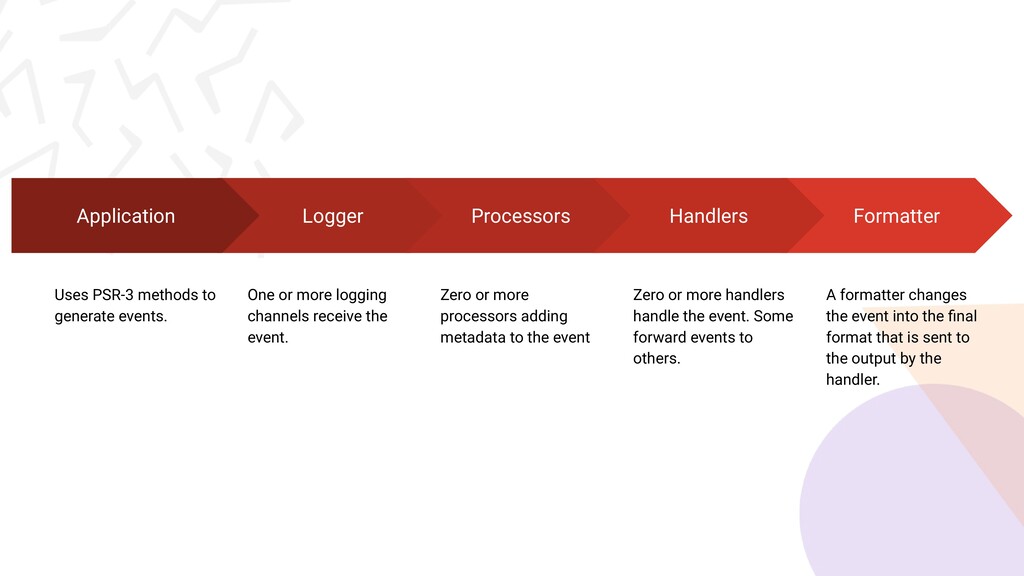
  16. Logger One or more logging channels receive the event. Processors

    Zero or more processors adding metadata to the event Application Uses PSR-3 methods to generate events. Formatter A formatter changes the event into the final format that is sent to the output by the handler. Handlers Zero or more handlers handle the event. Some forward events to others.
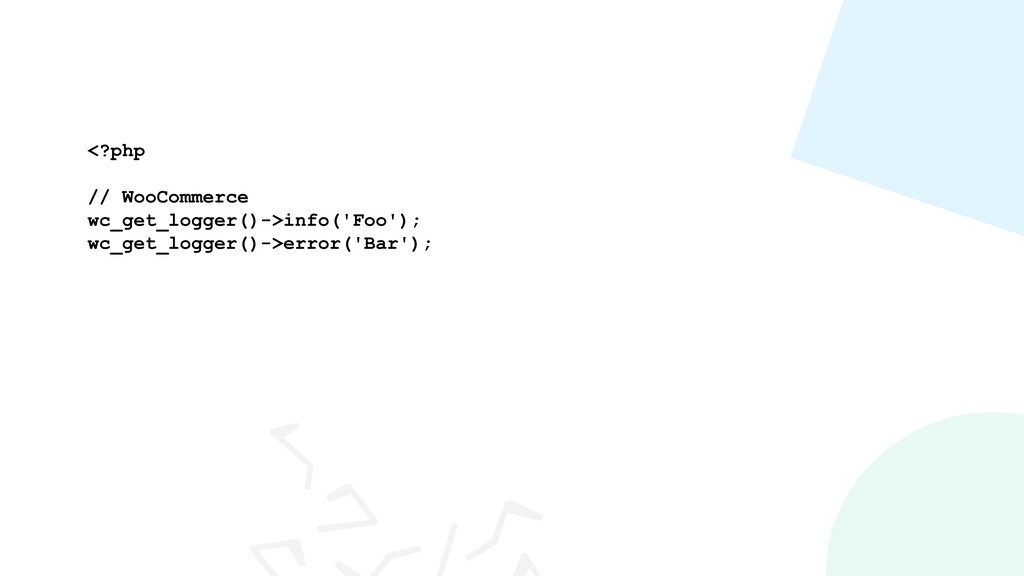
  17. <?php require_once(‘vendor/autoload.php’); use Monolog\Logger; // create a log channel $log

    = new Logger('name'); // add records to the log $log->info('Foo'); $log->error('Bar');
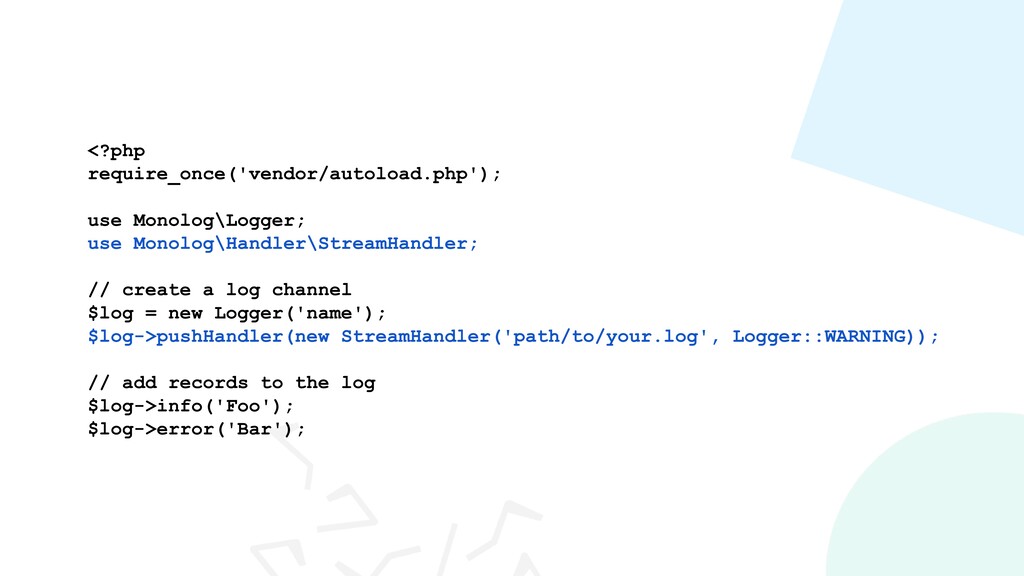
  18. <?php require_once('vendor/autoload.php'); use Monolog\Logger; use Monolog\Handler\StreamHandler; // create a log

    channel $log = new Logger('name'); $log->pushHandler(new StreamHandler('path/to/your.log', Logger::WARNING)); // add records to the log $log->info('Foo'); $log->error('Bar');
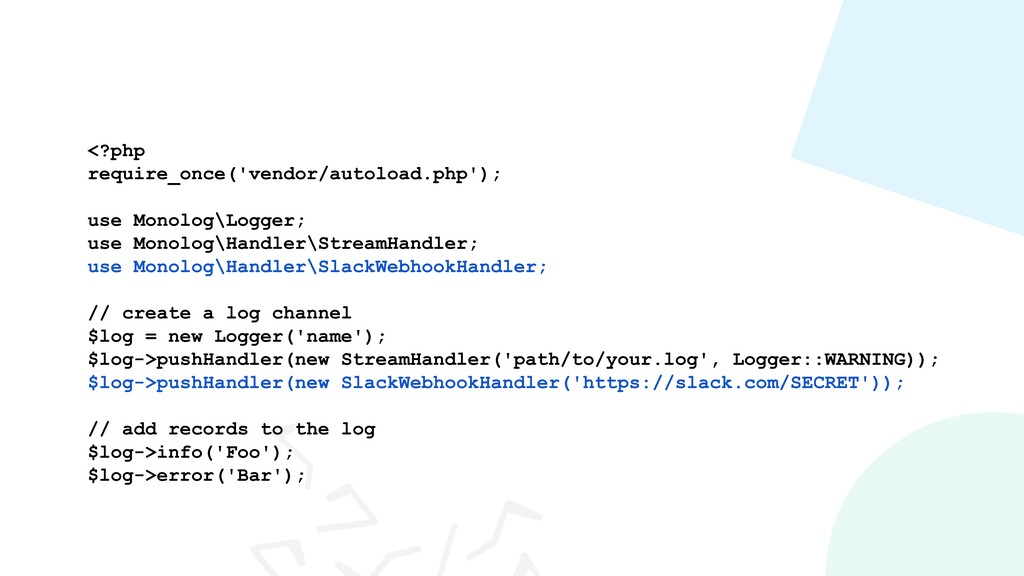
  19. <?php require_once('vendor/autoload.php'); use Monolog\Logger; use Monolog\Handler\StreamHandler; use Monolog\Handler\SlackWebhookHandler; // create

    a log channel $log = new Logger('name'); $log->pushHandler(new StreamHandler('path/to/your.log', Logger::WARNING)); $log->pushHandler(new SlackWebhookHandler('https://slack.com/SECRET')); // add records to the log $log->info('Foo'); $log->error('Bar');
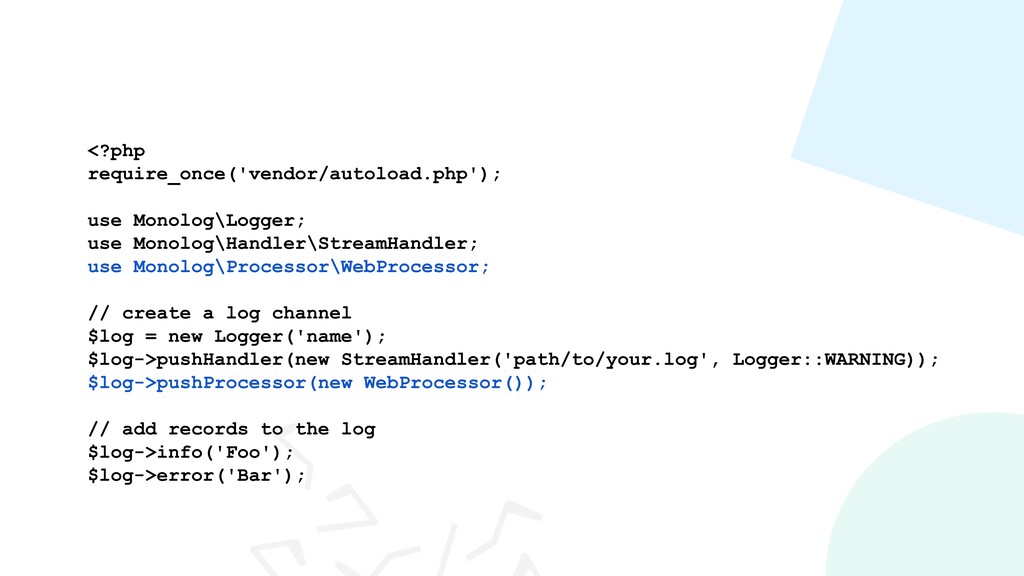
  20. <?php require_once('vendor/autoload.php'); use Monolog\Logger; use Monolog\Handler\StreamHandler; use Monolog\Processor\WebProcessor; // create

    a log channel $log = new Logger('name'); $log->pushHandler(new StreamHandler('path/to/your.log', Logger::WARNING)); $log->pushProcessor(new WebProcessor()); // add records to the log $log->info('Foo'); $log->error('Bar');
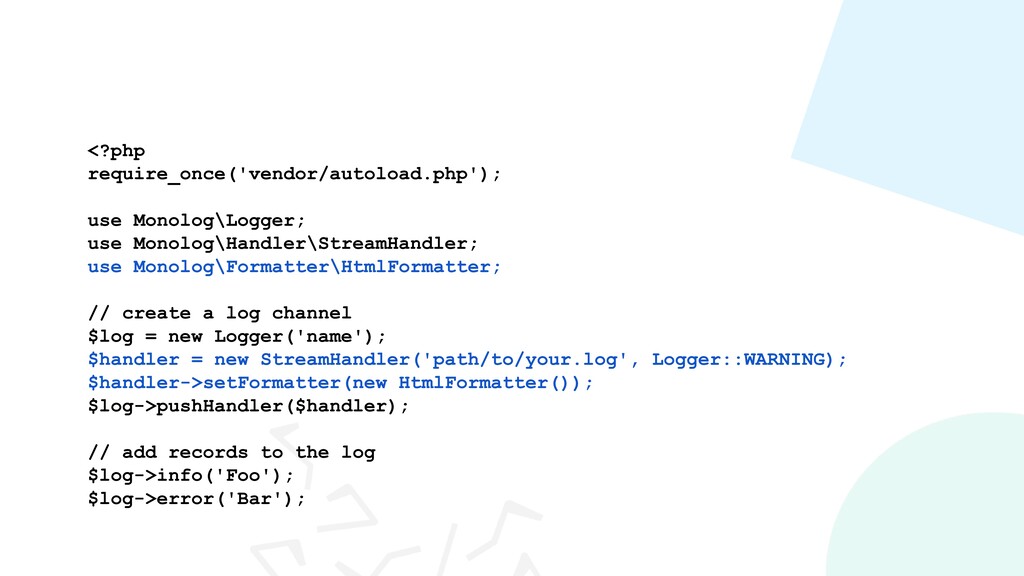
  21. <?php require_once('vendor/autoload.php'); use Monolog\Logger; use Monolog\Handler\StreamHandler; use Monolog\Formatter\HtmlFormatter; // create

    a log channel $log = new Logger('name'); $handler = new StreamHandler('path/to/your.log', Logger::WARNING); $handler->setFormatter(new HtmlFormatter()); $log->pushHandler($handler); // add records to the log $log->info('Foo'); $log->error('Bar');
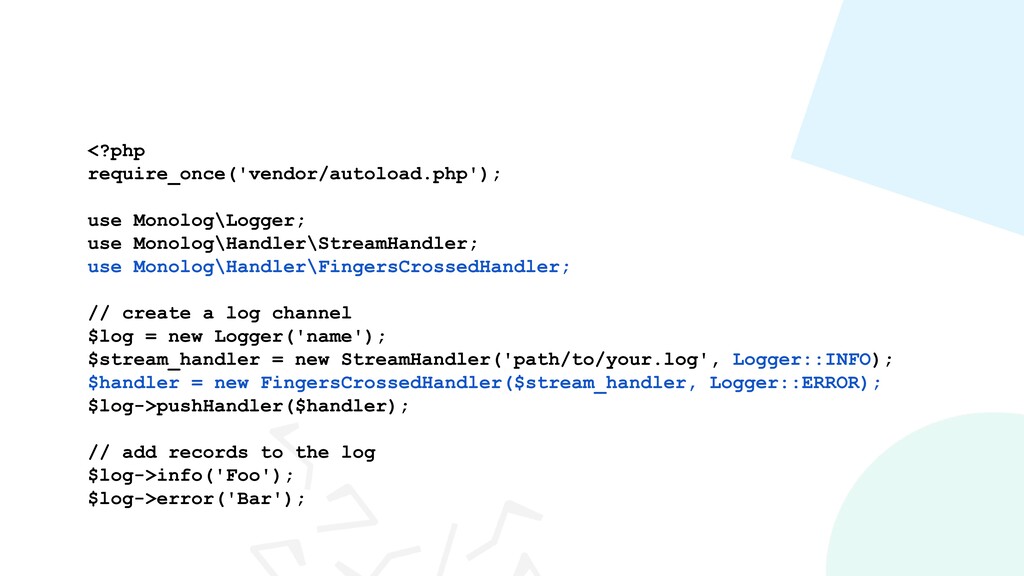
  22. <?php require_once('vendor/autoload.php'); use Monolog\Logger; use Monolog\Handler\StreamHandler; use Monolog\Handler\FingersCrossedHandler; // create

    a log channel $log = new Logger('name'); $stream_handler = new StreamHandler('path/to/your.log', Logger::INFO); $handler = new FingersCrossedHandler($stream_handler, Logger::ERROR); $log->pushHandler($handler); // add records to the log $log->info('Foo'); $log->error('Bar');
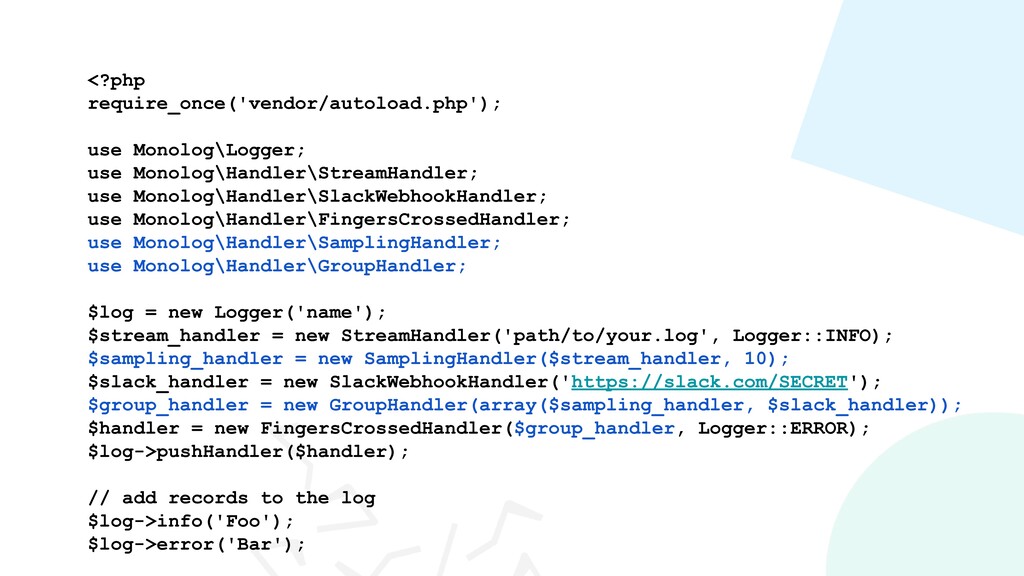
  23. <?php require_once('vendor/autoload.php'); use Monolog\Logger; use Monolog\Handler\StreamHandler; use Monolog\Handler\SlackWebhookHandler; use Monolog\Handler\FingersCrossedHandler;

    use Monolog\Handler\SamplingHandler; use Monolog\Handler\GroupHandler; $log = new Logger('name'); $stream_handler = new StreamHandler('path/to/your.log', Logger::INFO); $sampling_handler = new SamplingHandler($stream_handler, 10); $slack_handler = new SlackWebhookHandler('https://slack.com/SECRET'); $group_handler = new GroupHandler(array($sampling_handler, $slack_handler)); $handler = new FingersCrossedHandler($group_handler, Logger::ERROR); $log->pushHandler($handler); // add records to the log $log->info('Foo'); $log->error('Bar');
  24. <?php require_once('vendor/autoload.php'); use Monolog\Logger; use Monolog\Handler\StreamHandler; use Monolog\Registry; // create

    a log channel $log = new Logger('name'); $log->pushHandler(new StreamHandler('path/to/your.log', Logger::WARNING)); Registry::addLogger( $log, ‘wordpress’ ); // add records to the log Registry::wordpress->info('Foo'); Registry::wordpress->error('Bar');
  25. $ npm install js-logger var myLogger = Logger.get('ModuleA'); var consoleHandler

    = myLogger.createDefaultHandler(); var myHandler = function (messages, context) { jQuery.post('/logs', { message: messages[0], level: context.level }); }; myLogger.setHandler(function (messages, context) { consoleHandler(messages, context); myHandler(messages, context); }); Logger.get('ModuleA').warn('Foo!');
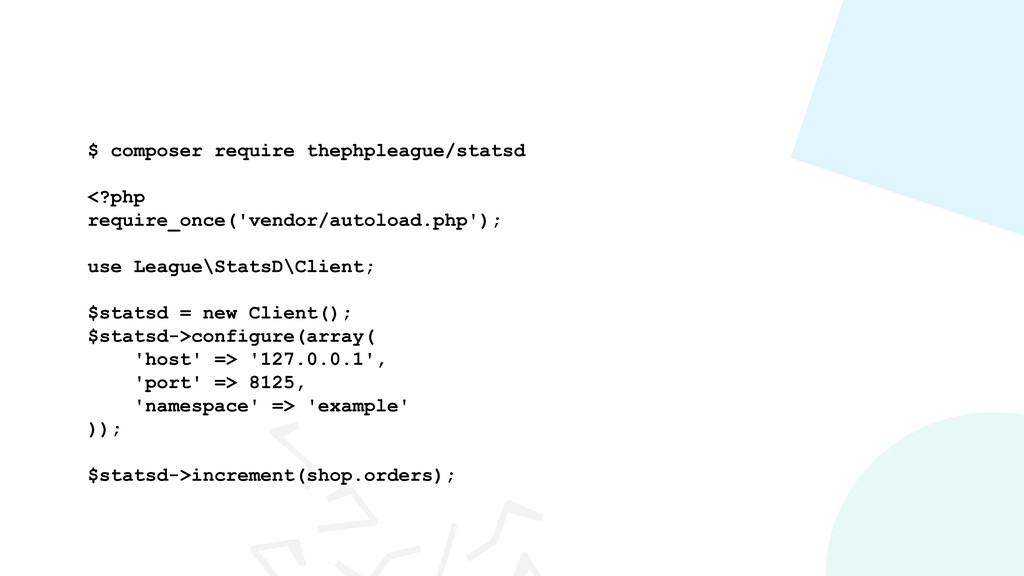
  26. $ composer require thephpleague/statsd <?php require_once('vendor/autoload.php'); use League\StatsD\Client; $statsd =

    new Client(); $statsd->configure(array( 'host' => '127.0.0.1', 'port' => 8125, 'namespace' => 'example' )); $statsd->increment(shop.orders);