Upgrade to Pro — share decks privately, control downloads, hide ads and more …

Core Image for Fun and Profit

Sponsored · Ship Features Fearlessly Turn features on and off without deploys. Used by thousands of Ruby developers.

Core Image for Fun and Profit

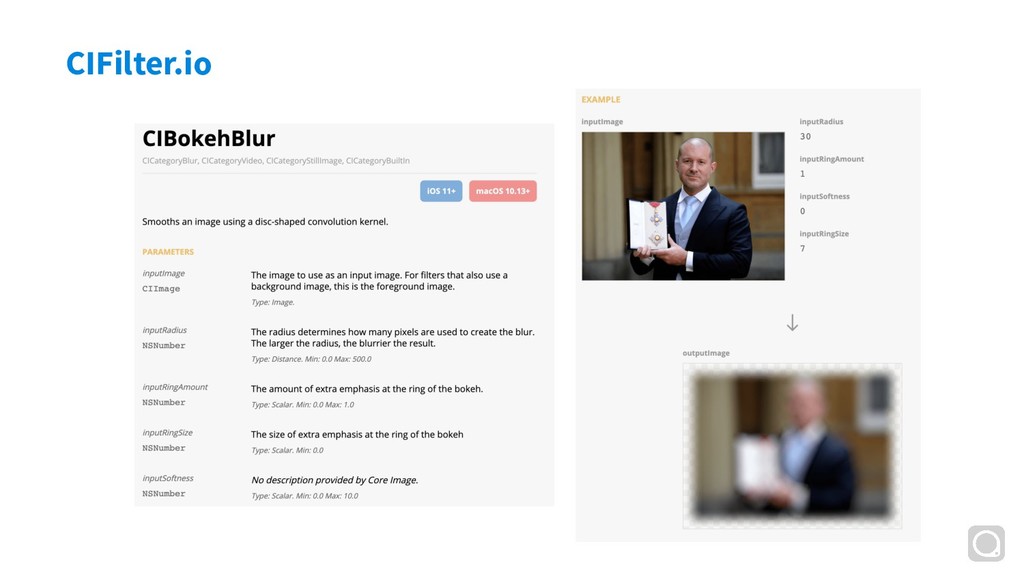
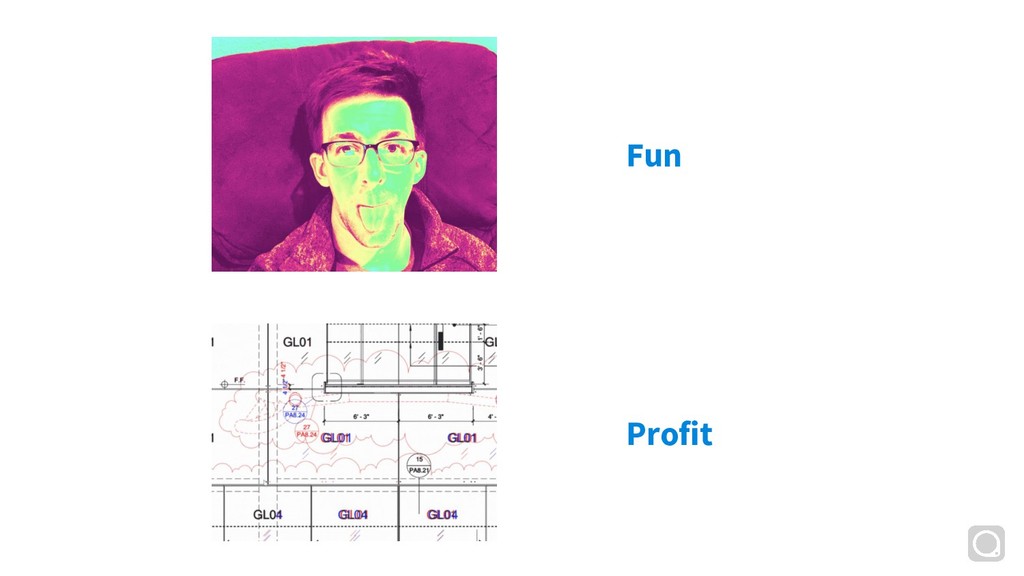
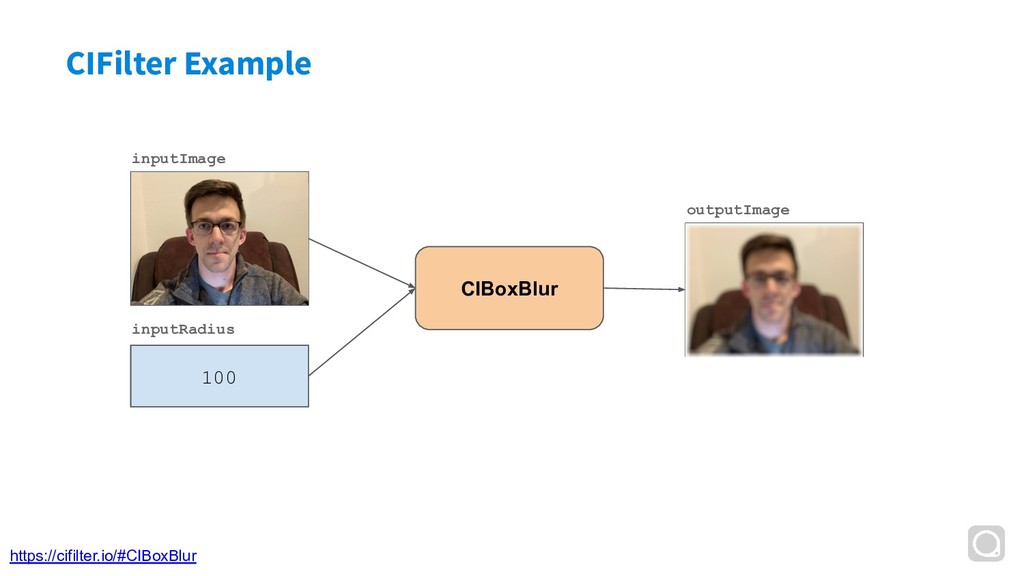
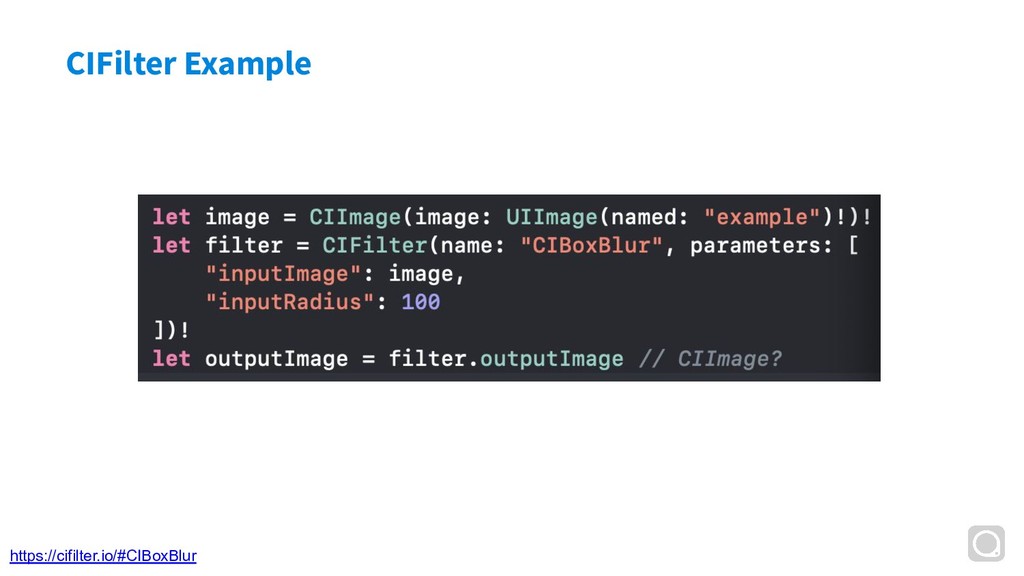
Over the last few months, I've been working on a project around better CoreImage filter documentation (https://cifilter.io). Using that as a framework, this talk goes through an overview of CIImage and CIFilter, how to use them in Swift, how we use CIFilter at PlanGrid, some tricky CoreImage gotchas. There will even be a demo or two about applying real CIFilters.

Avatar for Noah Gilmore

Noah Gilmore

March 27, 2019
Tweet

More Decks by Noah Gilmore

Other Decks in Programming

Transcript

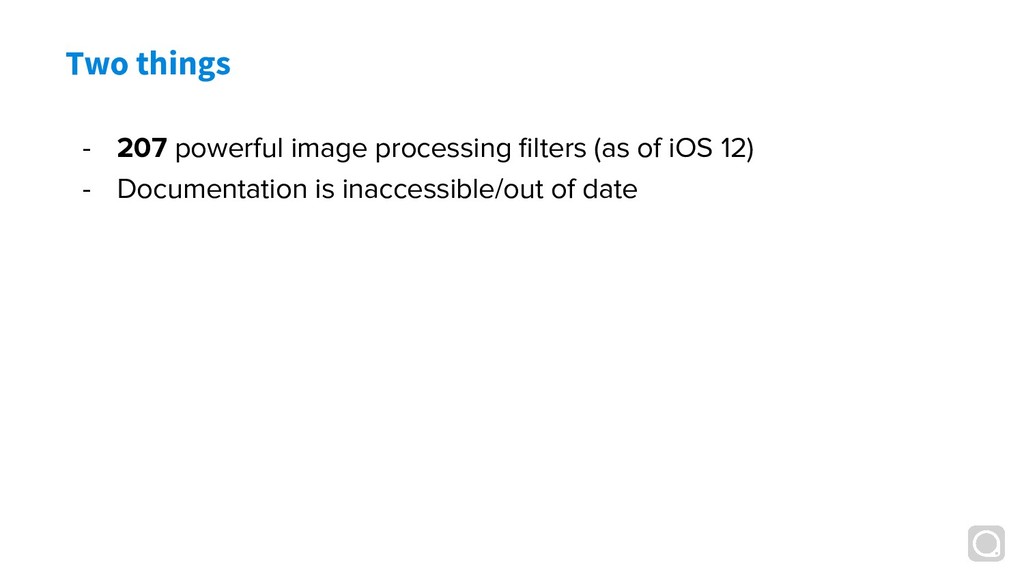
  1. Two things - 207 powerful image processing filters (as of

    iOS 12) - Documentation is inaccessible/out of date
  2. Agenda - CIImage and CIFilter - Common and useful filters

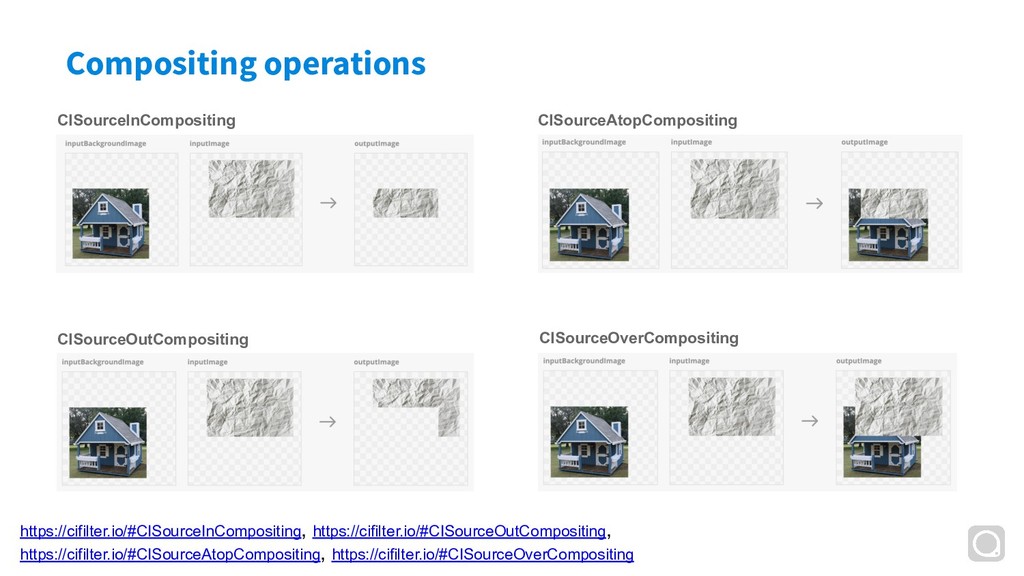
    - CoreImage gotchas - Demo (compositing images)
  3. What is Core Image - : “Use built-in or custom

    filters to process still and video images.” Documentation
  4. What is Core Image Documentation CIImage - : “Use built-in

    or custom filters to process still and video images.”
  5. What is Core Image Documentation CIFilter - : “Use built-in

    or custom filters to process still and video images.”
  6. What is CIImage - : “Not an image” - A

    recipe for producing pixel data
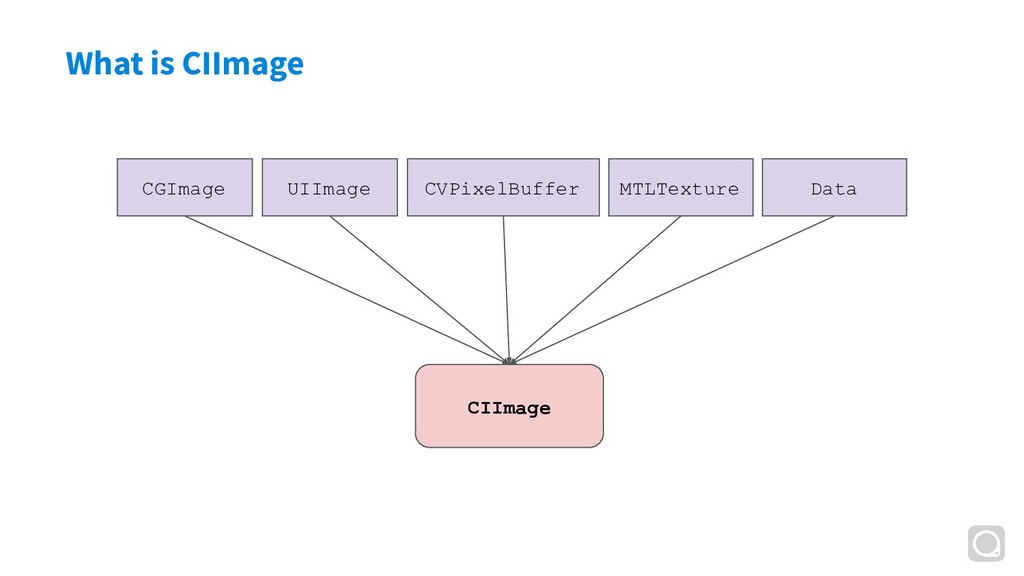
  7. What is CIImage - : “Not an image” - A

    recipe for producing pixel data, based on kernels and transforms - When you instantiate a CIImage, no pixel loading actually happens
  8. What is CIFilter - Accepts 0 or more inputs via

    KVO - Images, ints, floats, vectors, colors, you name it
  9. What is CIFilter - Accepts 0 or more inputs via

    KVO - Images, ints, floats, vectors, colors, you name it - Outputs one outputImage
  10. What is CIFilter - Accepts 0 or more inputs via

    KVO - Images, ints, floats, vectors, colors, you name it - Outputs one outputImage - Can be applied to still images (CIImage) or video (AVVideoComposition)
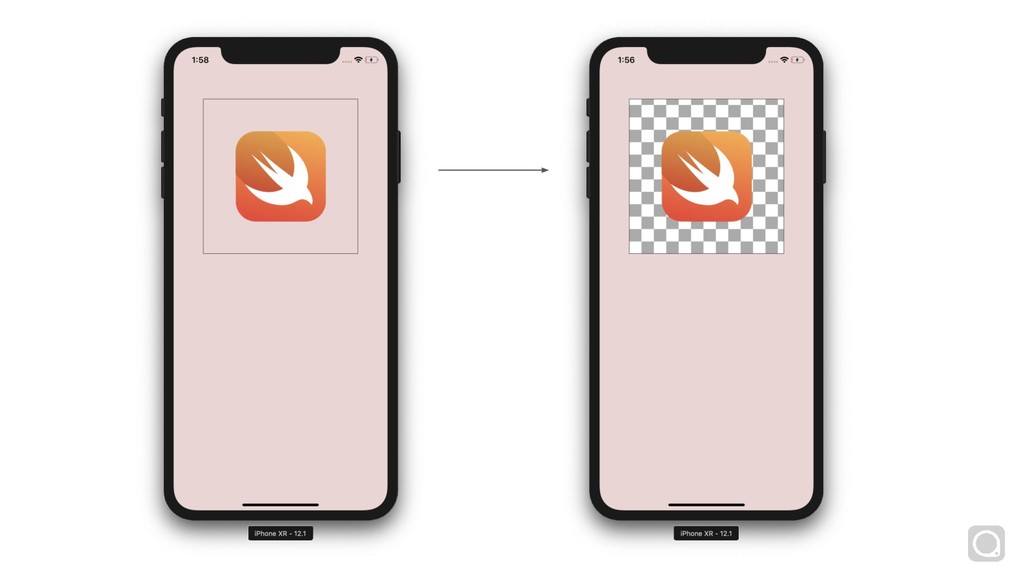
  11. Extent - The extent of a CIImage specifies its bounds

    (as a CGRect) - Some CIImages have infinite extent - CIImage(color: CIColor.red)
  12. Extent - The extent of a CIImage specifies its bounds

    (as a CGRect) - Some CIImages have infinite extent - CIImage(color: CIColor.red) - What happens if you set: - myImageView.image = UIImage(ciImage: CIImage(color: CIColor.red))
  13. Extent - The extent of a CIImage specifies its bounds

    (as a CGRect) - Some CIImages have infinite extent - CIImage(color: CIColor.red) - What happens if you set: - myImageView.image = UIImage(ciImage: CIImage(color: CIColor.red)) - Use cropped(to:) to crop an infinite CIImage
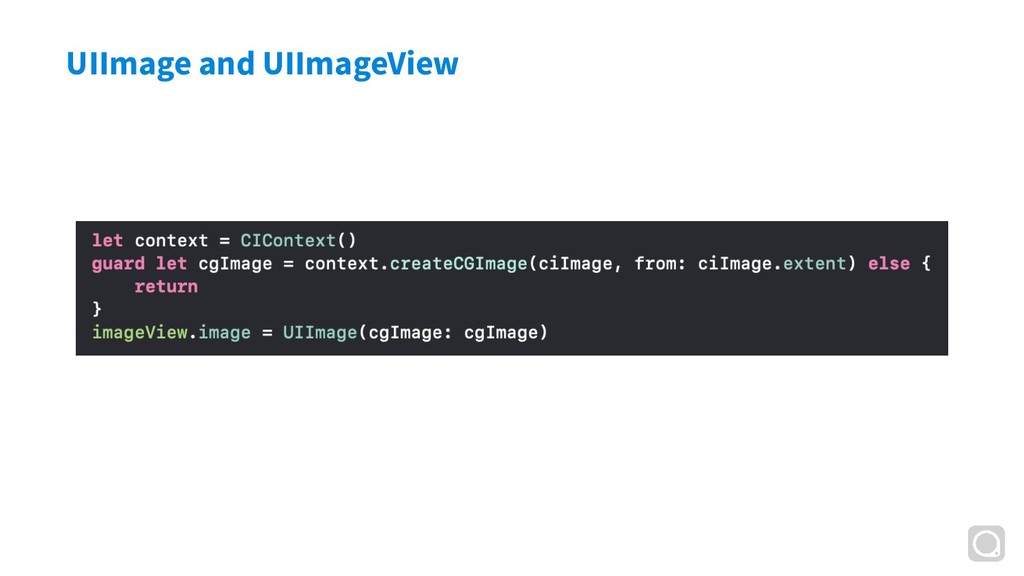
  14. UIImage and UIImageView - UIImage is backed by either a

    CGImage or a CIImage - myUIImage.ciImage and myUIImage.cgImage will be nil if their types do not back the image
  15. UIImage and UIImageView - UIImage is backed by either a

    CGImage or a CIImage - myUIImage.ciImage and myUIImage.cgImage will be nil if their types do not back the image - UIImageView will render the image when it’s displayed - Main thread issues