Upgrade to Pro — share decks privately, control downloads, hide ads and more …

Training: Day One - Introduction

Sponsored · Ship Features Fearlessly Turn features on and off without deploys. Used by thousands of Ruby developers. →

Training: Day One - Introduction

This is the first in our four part training sessions introducing FenixEdu development for new collaborators.

In this first session, we introduce some of the technologies used in FenixEdu, the project architecture and the procedures to develop and respond to tickets

Avatar for Artur Ventura

Artur Ventura

October 10, 2013

More Decks by Artur Ventura

Other Decks in Technology

Transcript

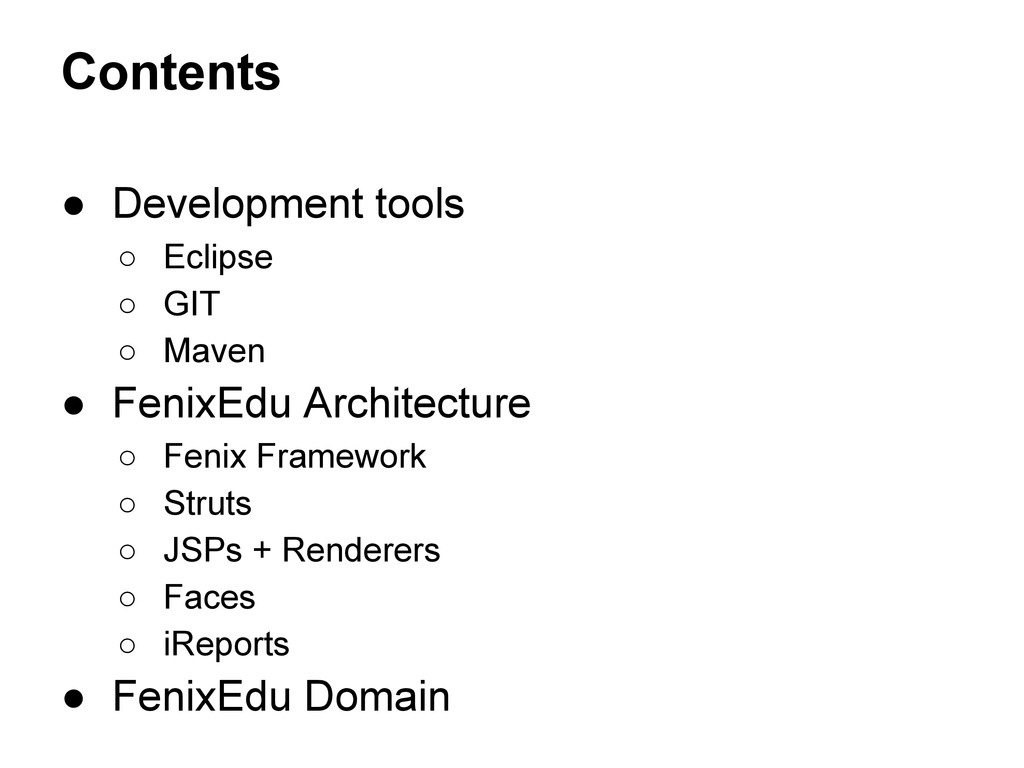
  1. Contents • Development tools ◦ Eclipse ◦ GIT ◦ Maven

    • FenixEdu Architecture ◦ Fenix Framework ◦ Struts ◦ JSPs + Renderers ◦ Faces ◦ iReports • FenixEdu Domain
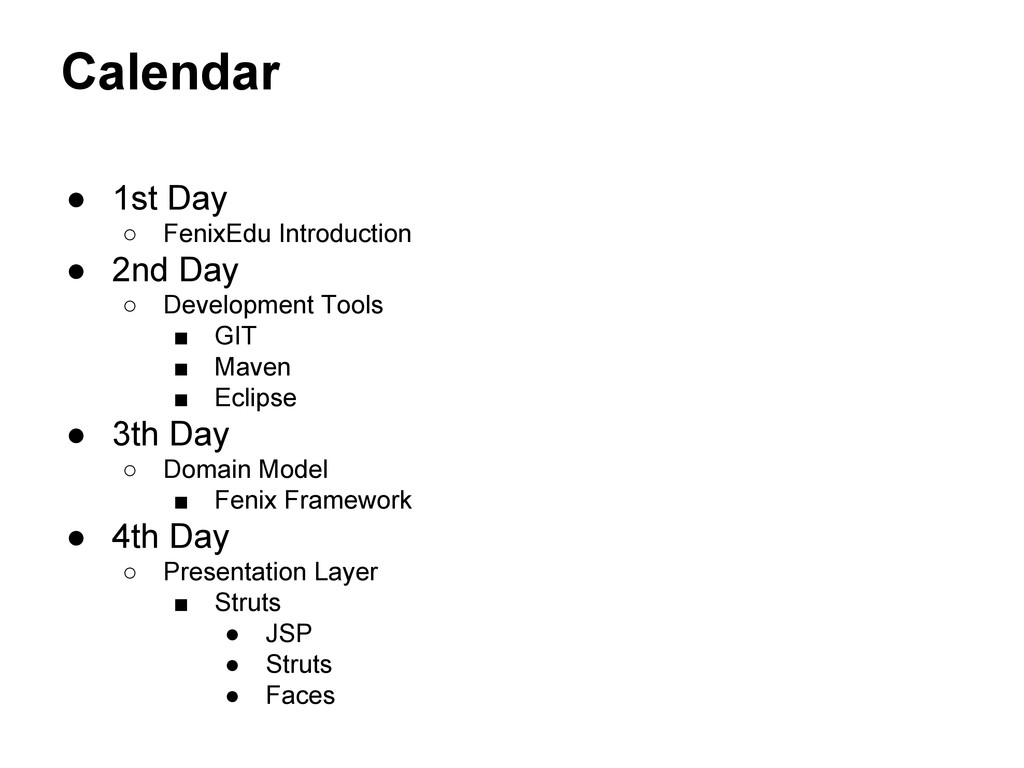
  2. Calendar • 1st Day ◦ FenixEdu Introduction • 2nd Day

    ◦ Development Tools ▪ GIT ▪ Maven ▪ Eclipse • 3th Day ◦ Domain Model ▪ Fenix Framework • 4th Day ◦ Presentation Layer ▪ Struts • JSP • Struts • Faces
  3. Today • What is FenixEdu ? • Technologies • Fenix

    Architecture • Let’s solve a bug in FenixEdu ?
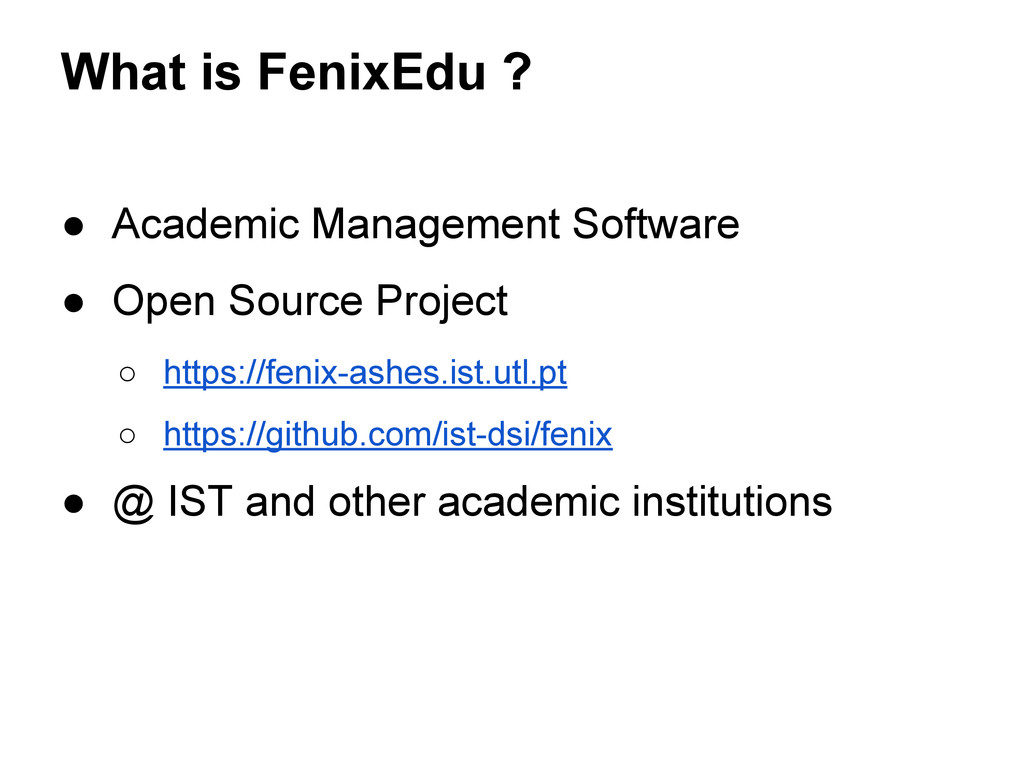
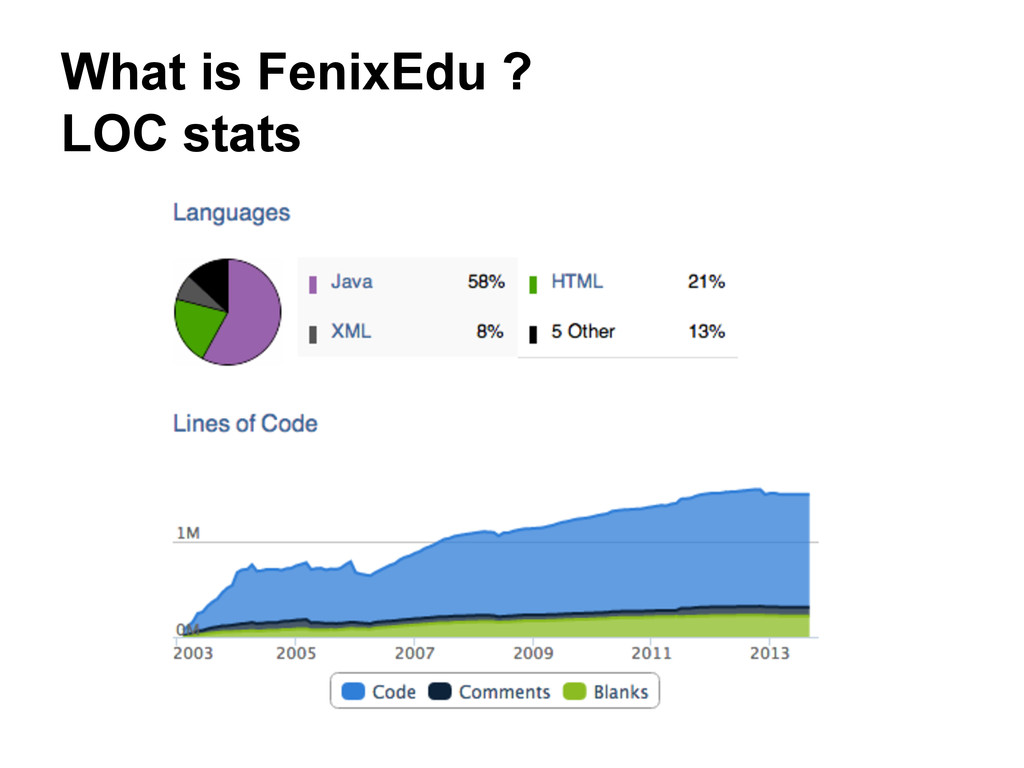
  4. What is FenixEdu ? • Academic Management Software • Open

    Source Project ◦ https://fenix-ashes.ist.utl.pt ◦ https://github.com/ist-dsi/fenix • @ IST and other academic institutions
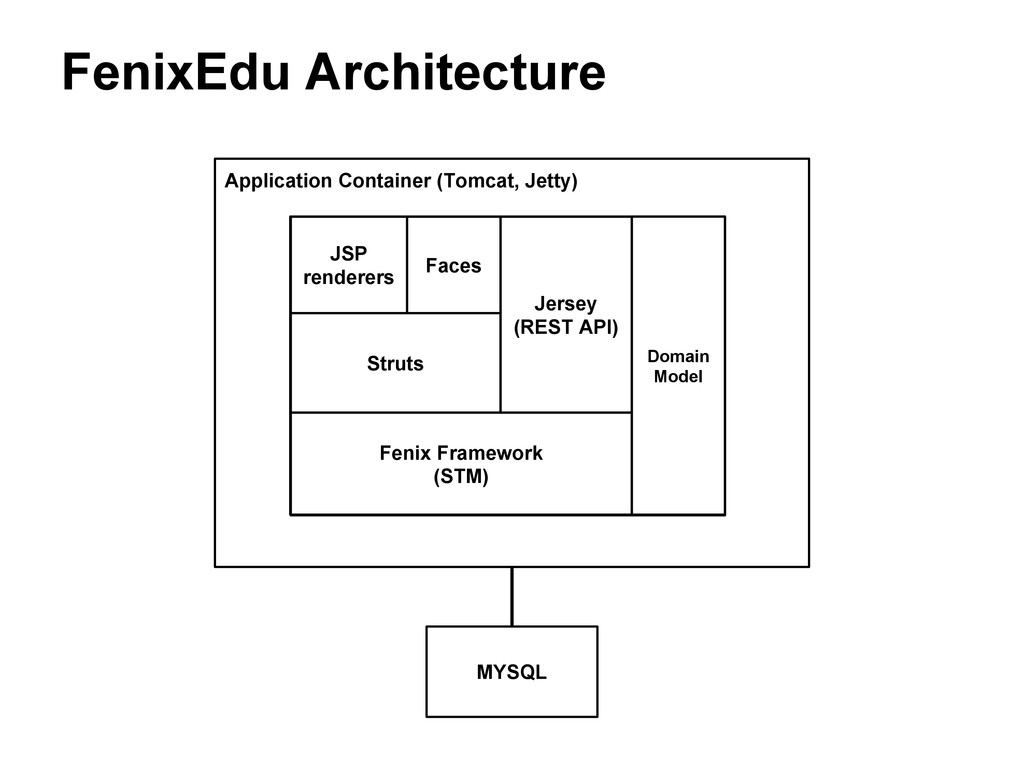
  5. FenixEdu Architecture MYSQL Application Container (Tomcat, Jetty) Fenix Framework (STM)

    Domain Model JSP renderers Struts Faces Jersey (REST API)
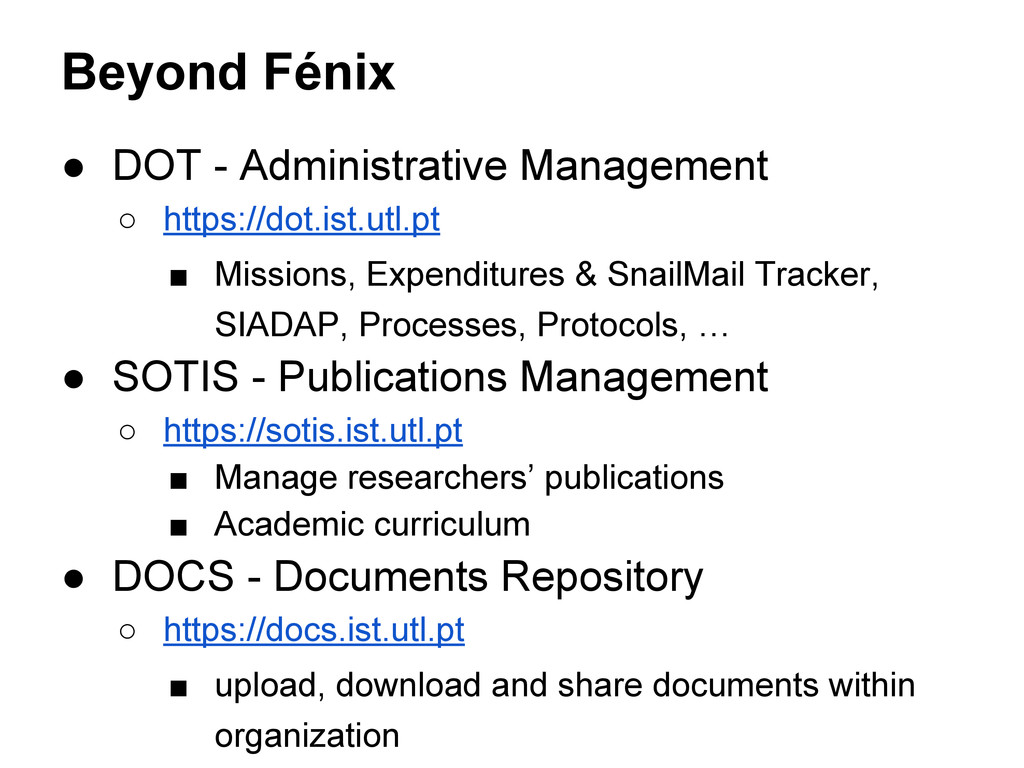
  6. Beyond Fénix • DOT - Administrative Management ◦ https://dot.ist.utl.pt ▪

    Missions, Expenditures & SnailMail Tracker, SIADAP, Processes, Protocols, … • SOTIS - Publications Management ◦ https://sotis.ist.utl.pt ▪ Manage researchers’ publications ▪ Academic curriculum • DOCS - Documents Repository ◦ https://docs.ist.utl.pt ▪ upload, download and share documents within organization
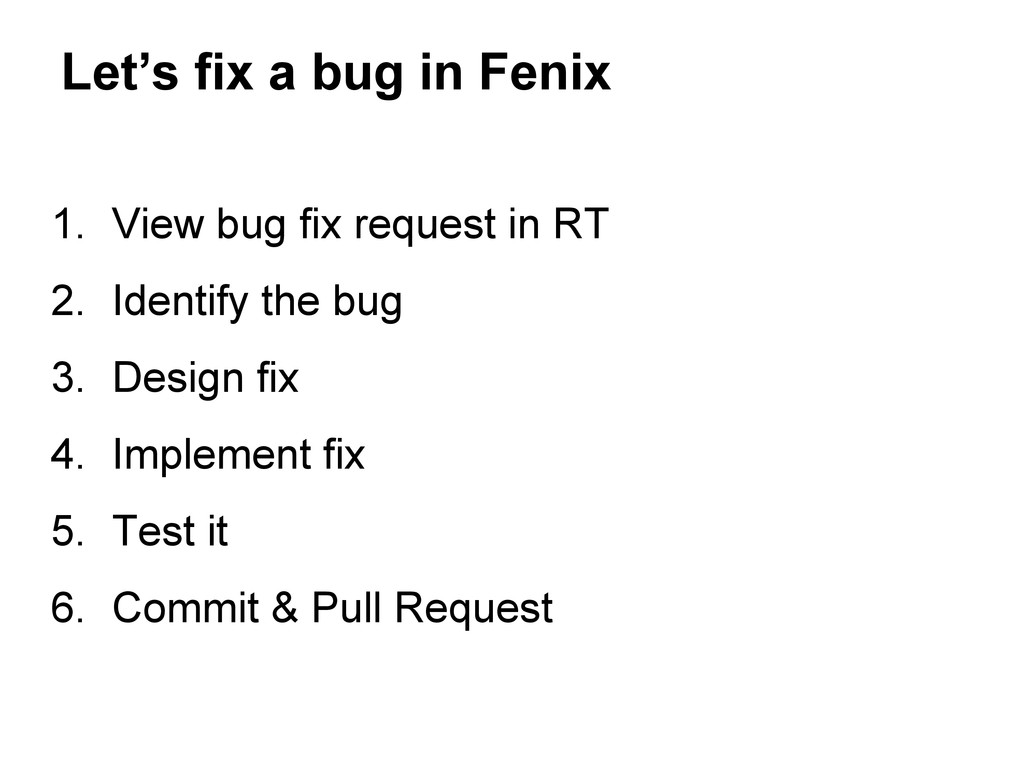
  7. Let’s fix a bug in Fenix 1. View bug fix

    request in RT 2. Identify the bug 3. Design fix 4. Implement fix 5. Test it 6. Commit & Pull Request
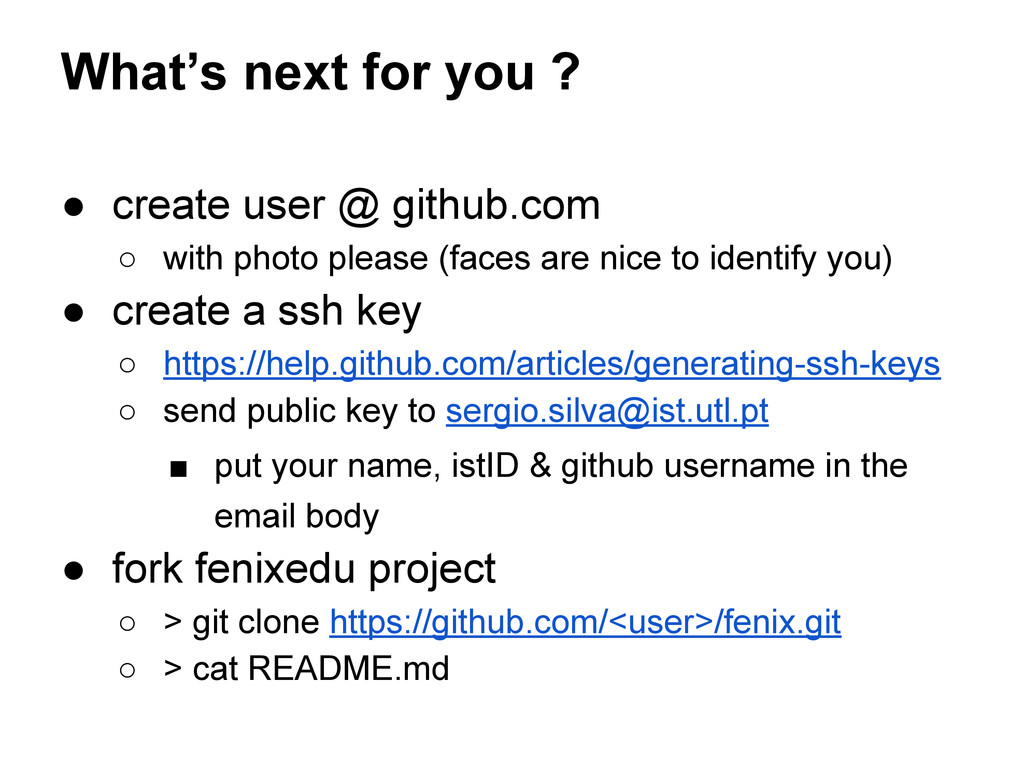
  8. What’s next for you ? • create user @ github.com

    ◦ with photo please (faces are nice to identify you) • create a ssh key ◦ https://help.github.com/articles/generating-ssh-keys ◦ send public key to [email protected] ▪ put your name, istID & github username in the email body • fork fenixedu project ◦ > git clone https://github.com/<user>/fenix.git ◦ > cat README.md