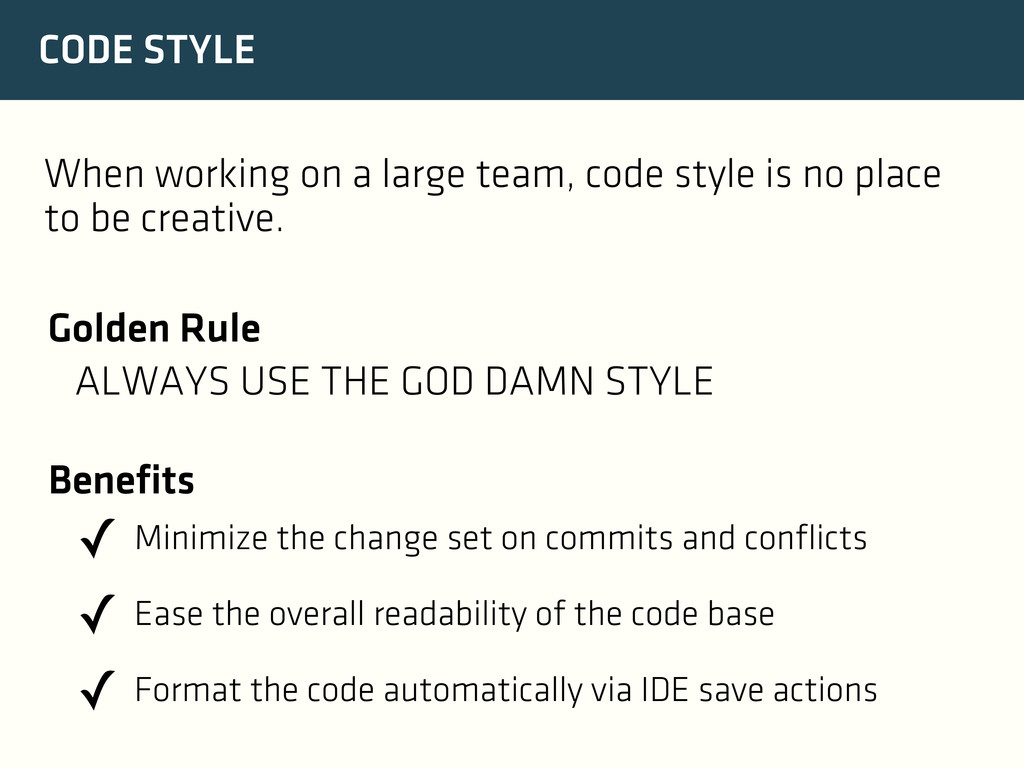
✓ Minimize the change set on commits and conflicts ✓ Ease the overall readability of the code base ✓ Format the code automatically via IDE save actions Benefits When working on a large team, code style is no place to be creative.
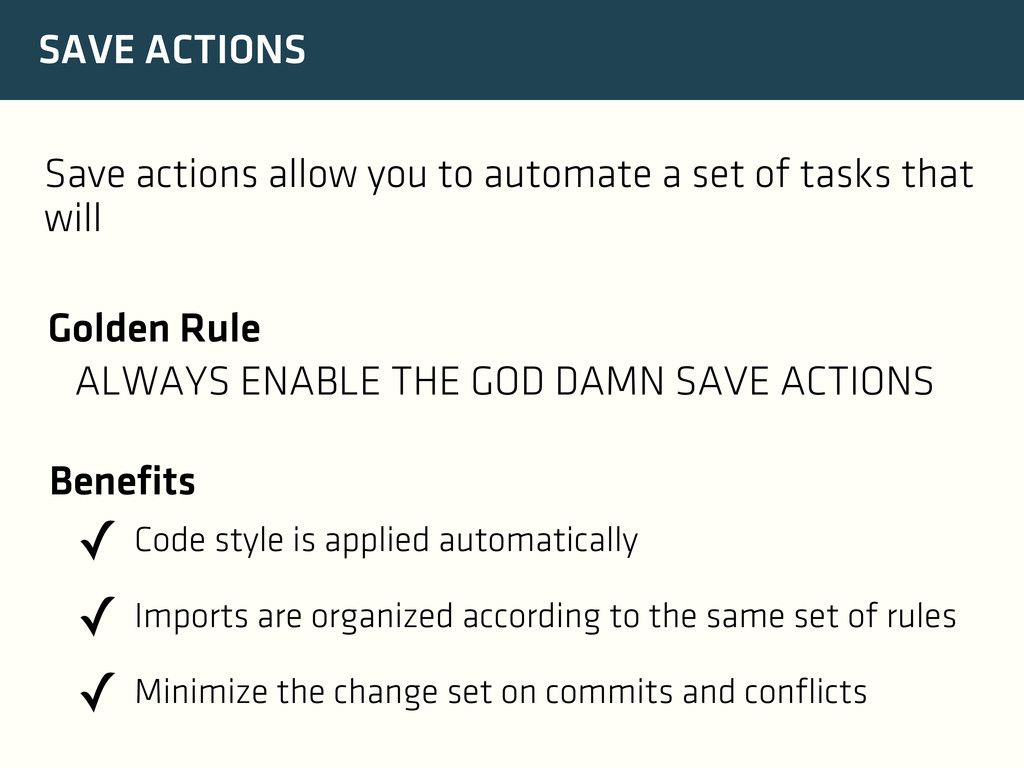
of tasks that will Golden Rule ALWAYS ENABLE THE GOD DAMN SAVE ACTIONS ✓ Code style is applied automatically ✓ Imports are organized according to the same set of rules ✓ Minimize the change set on commits and conflicts Benefits
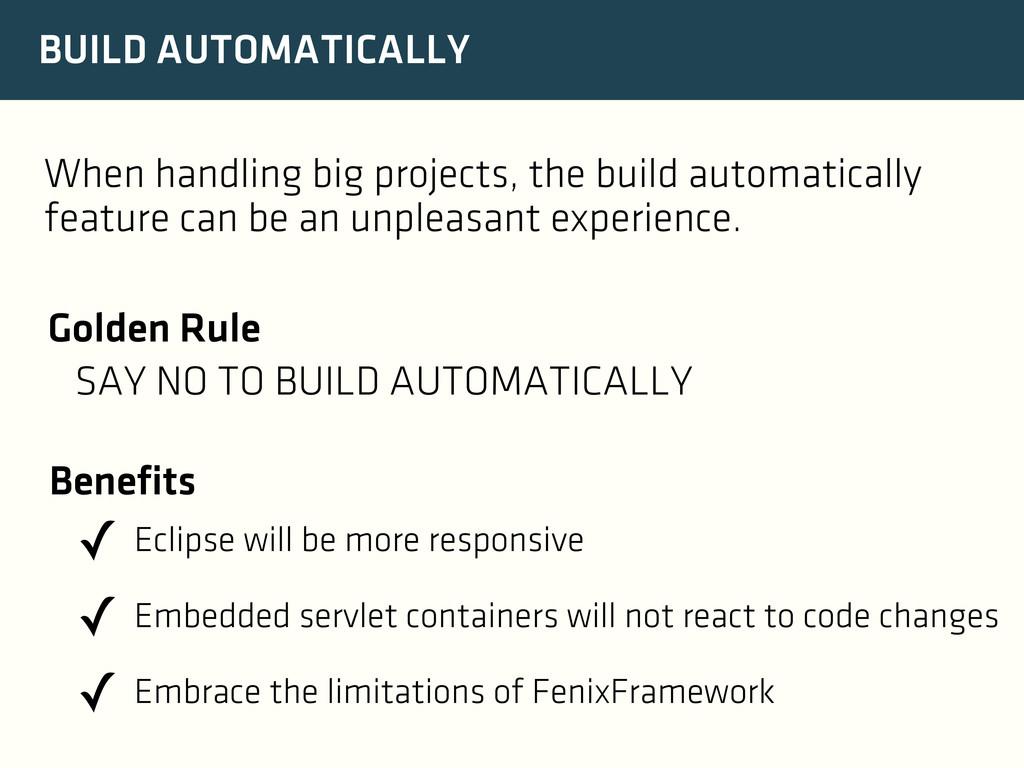
can be an unpleasant experience. Golden Rule SAY NO TO BUILD AUTOMATICALLY ✓ Eclipse will be more responsive ✓ Embedded servlet containers will not react to code changes ✓ Embrace the limitations of FenixFramework Benefits
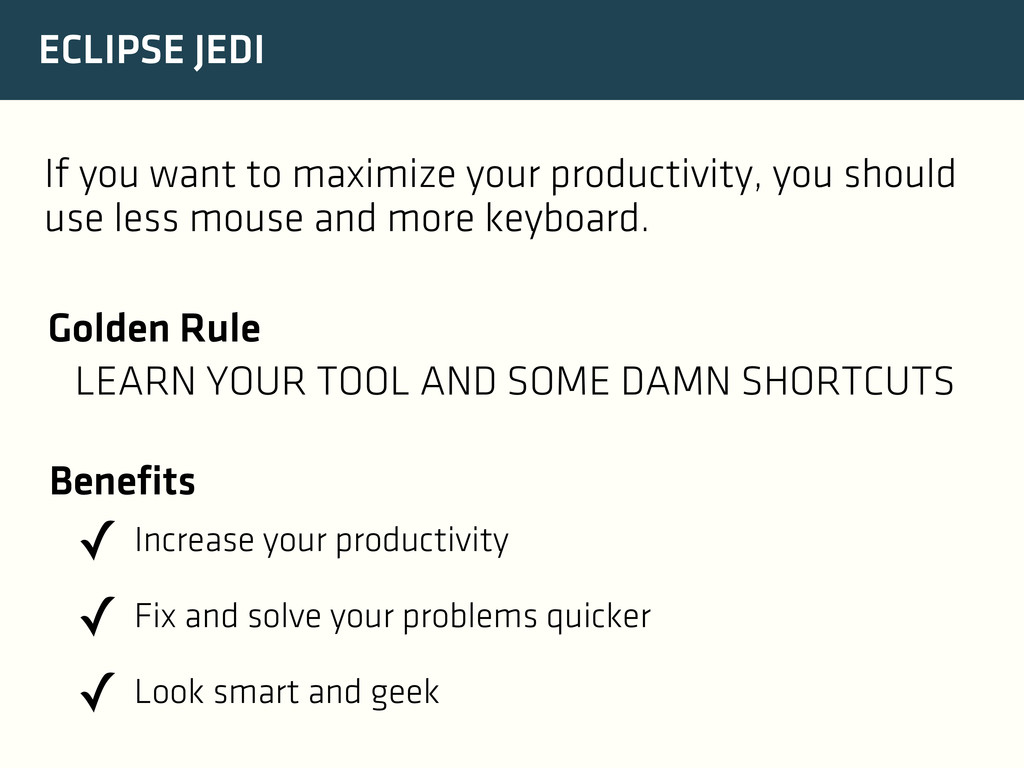
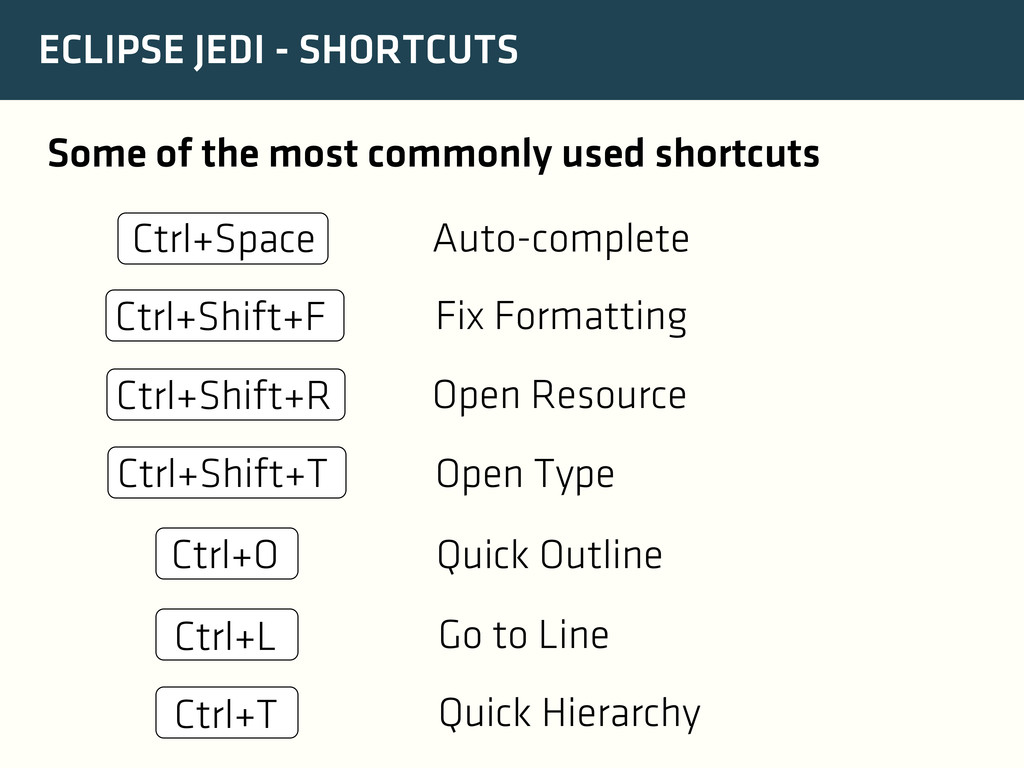
should use less mouse and more keyboard. Golden Rule LEARN YOUR TOOL AND SOME DAMN SHORTCUTS ✓ Increase your productivity ✓ Fix and solve your problems quicker ✓ Look smart and geek Benefits
shortcuts Auto-complete Ctrl+Space Fix Formatting Ctrl+Shift+F Open Resource Ctrl+Shift+R Open Type Ctrl+Shift+T Ctrl+O Quick Outline Ctrl+L Go to Line Ctrl+T Quick Hierarchy
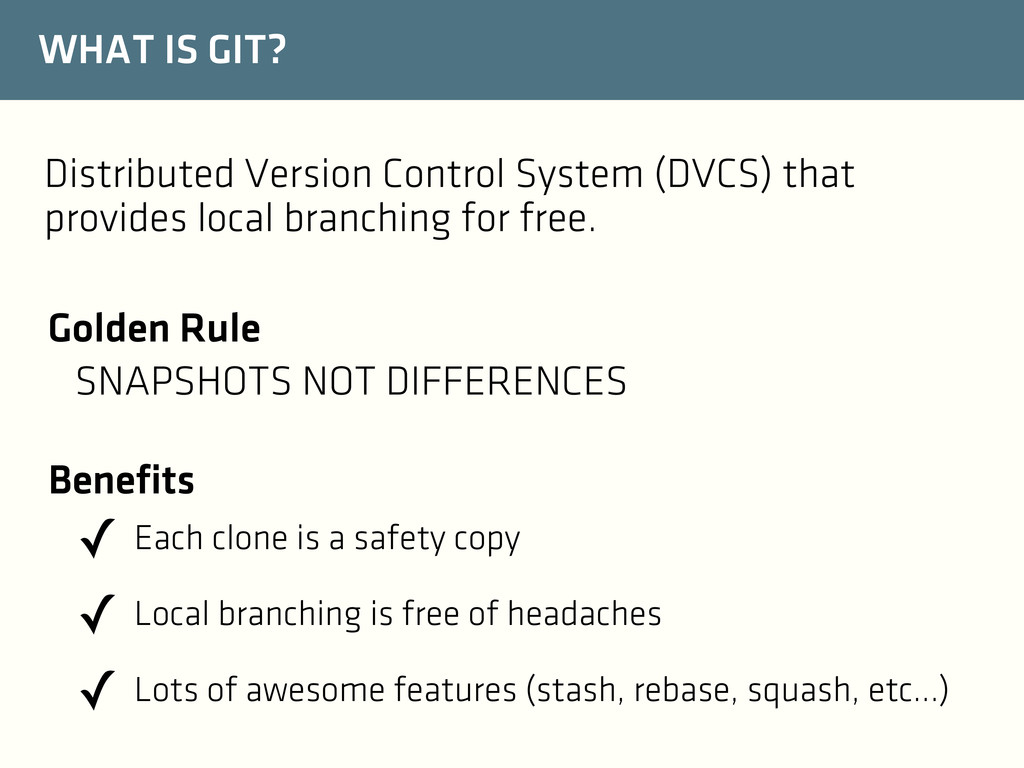
local branching for free. Golden Rule SNAPSHOTS NOT DIFFERENCES ✓ Each clone is a safety copy ✓ Local branching is free of headaches ✓ Lots of awesome features (stash, rebase, squash, etc...) Benefits
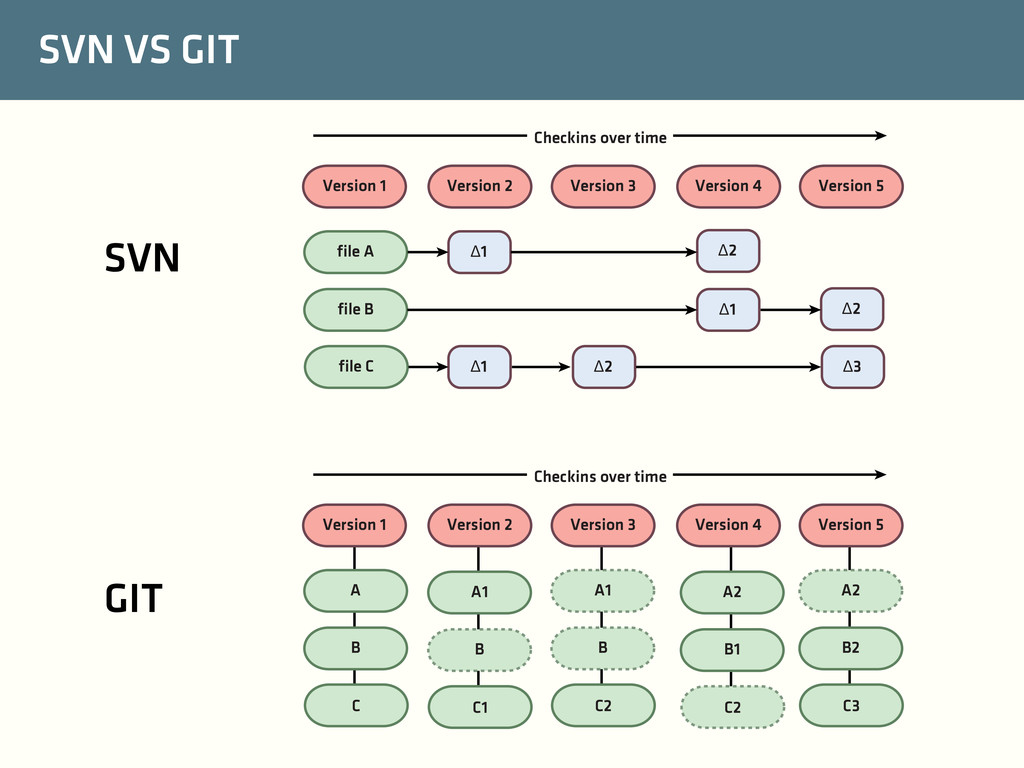
4 Version 5 file A file B file C Δ1 Δ2 Δ1 Δ2 Δ1 Δ2 Δ3 Checkins over time Version 1 Version 2 Version 3 Version 4 Version 5 A B C Checkins over time A1 B C1 A1 B C2 A2 B1 C2 A2 B2 C3 SVN GIT
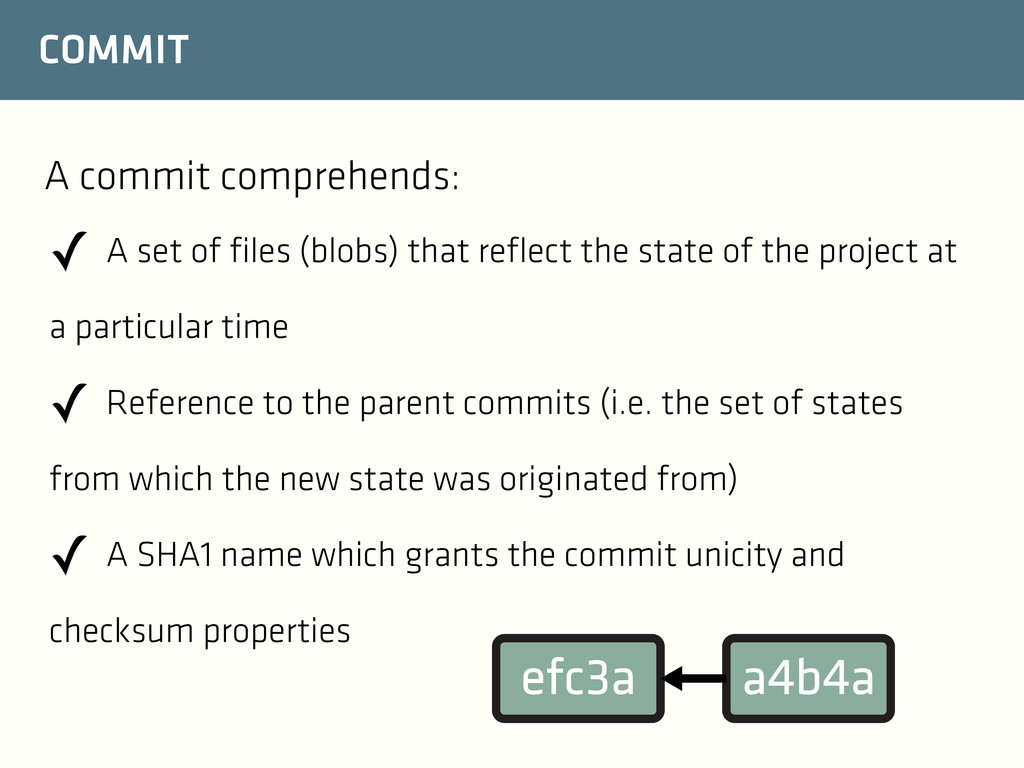
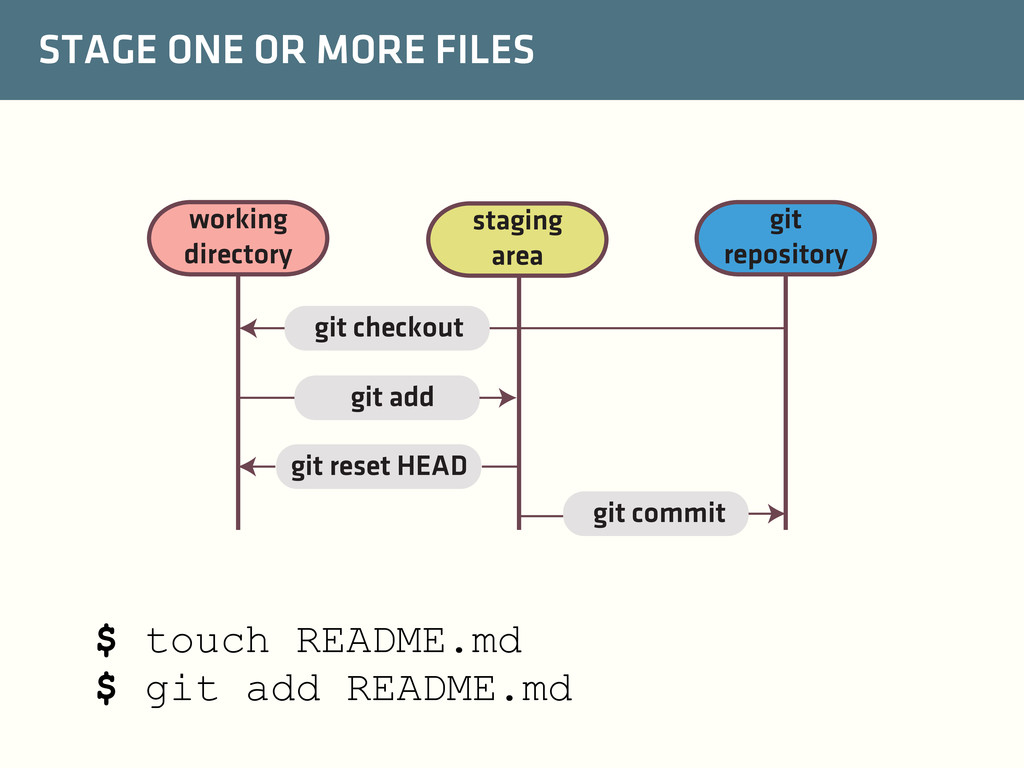
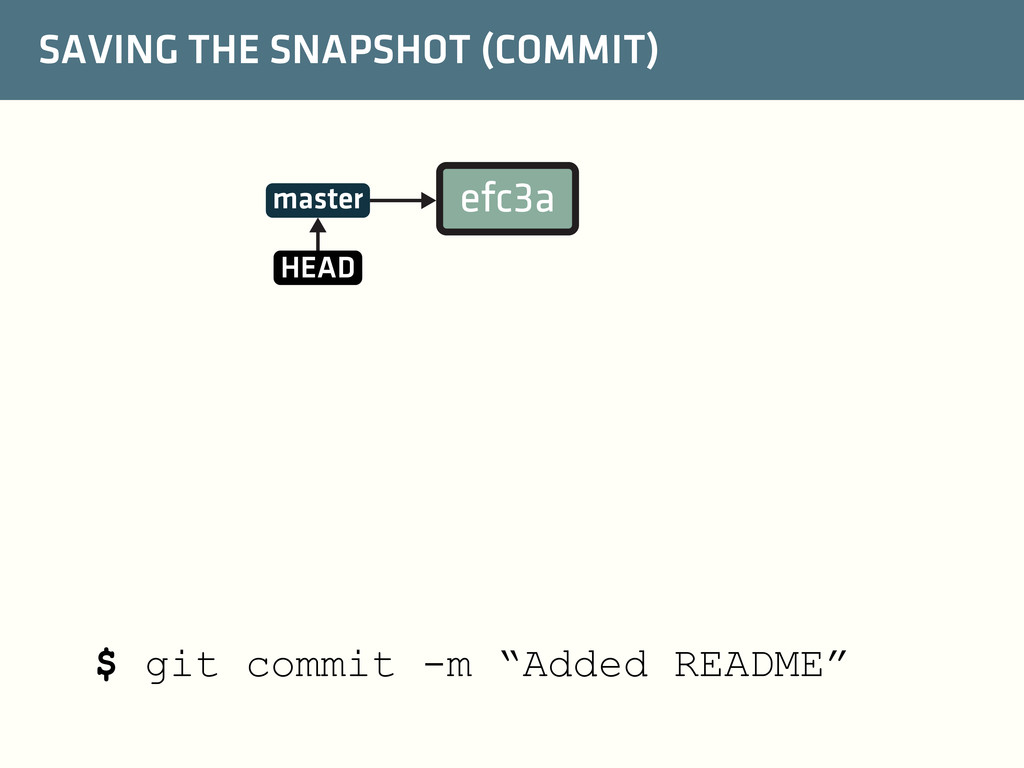
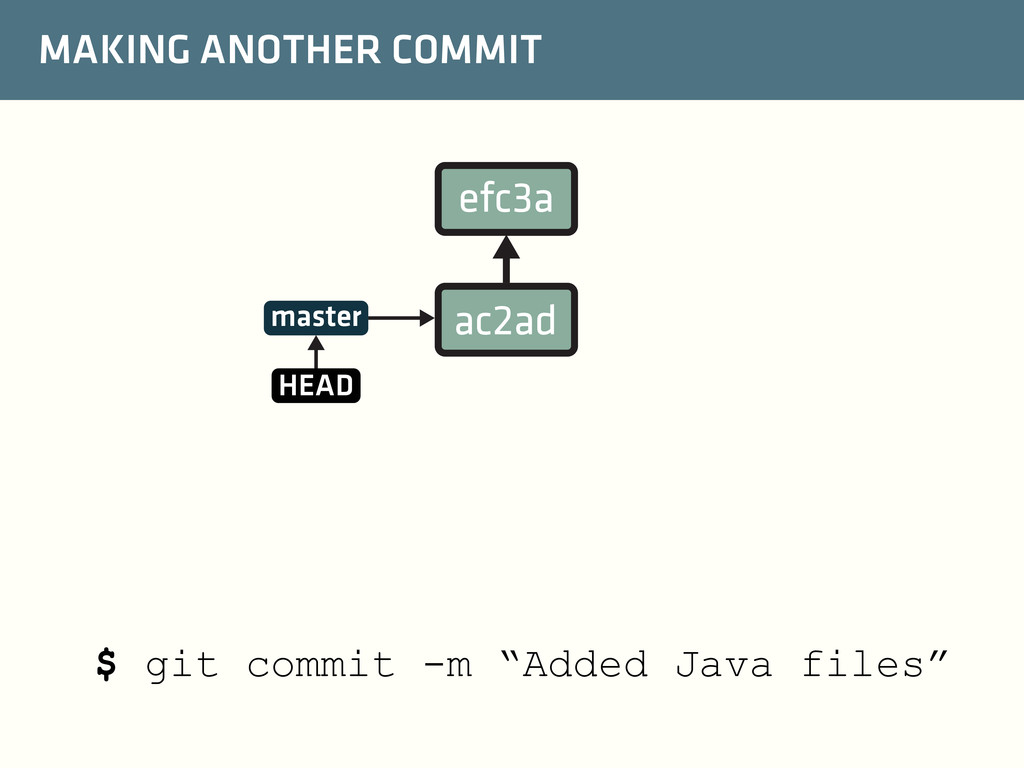
state of the project at a particular time ✓ Reference to the parent commits (i.e. the set of states from which the new state was originated from) ✓ A SHA1 name which grants the commit unicity and checksum properties A commit comprehends: efc3a a4b4a
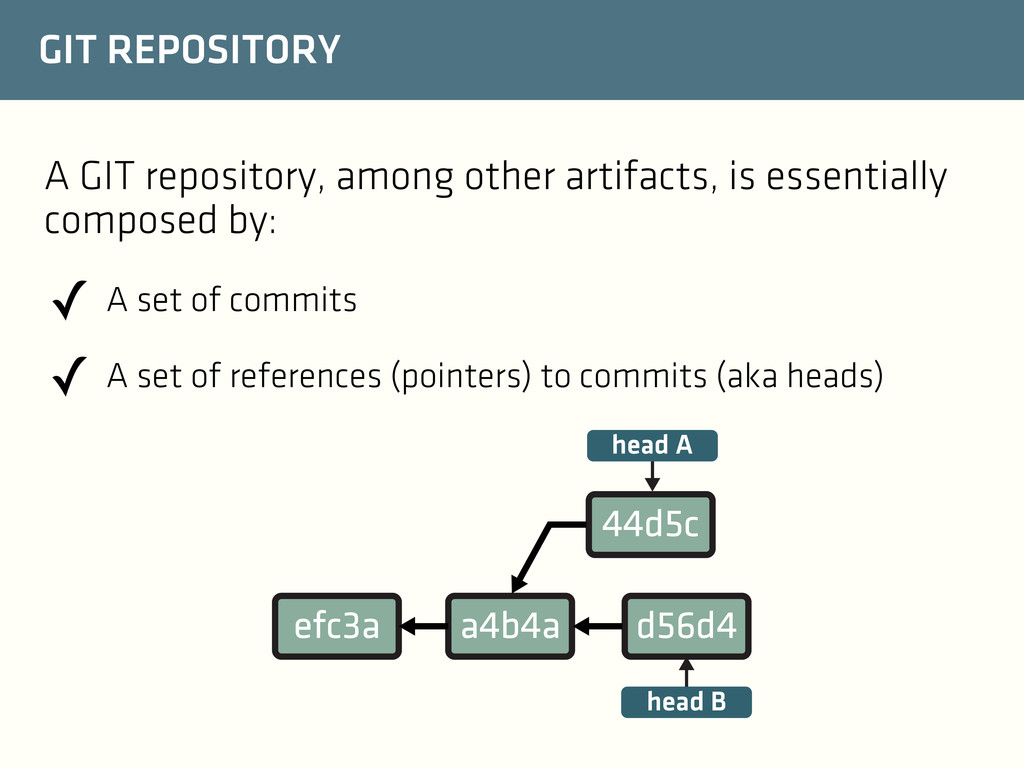
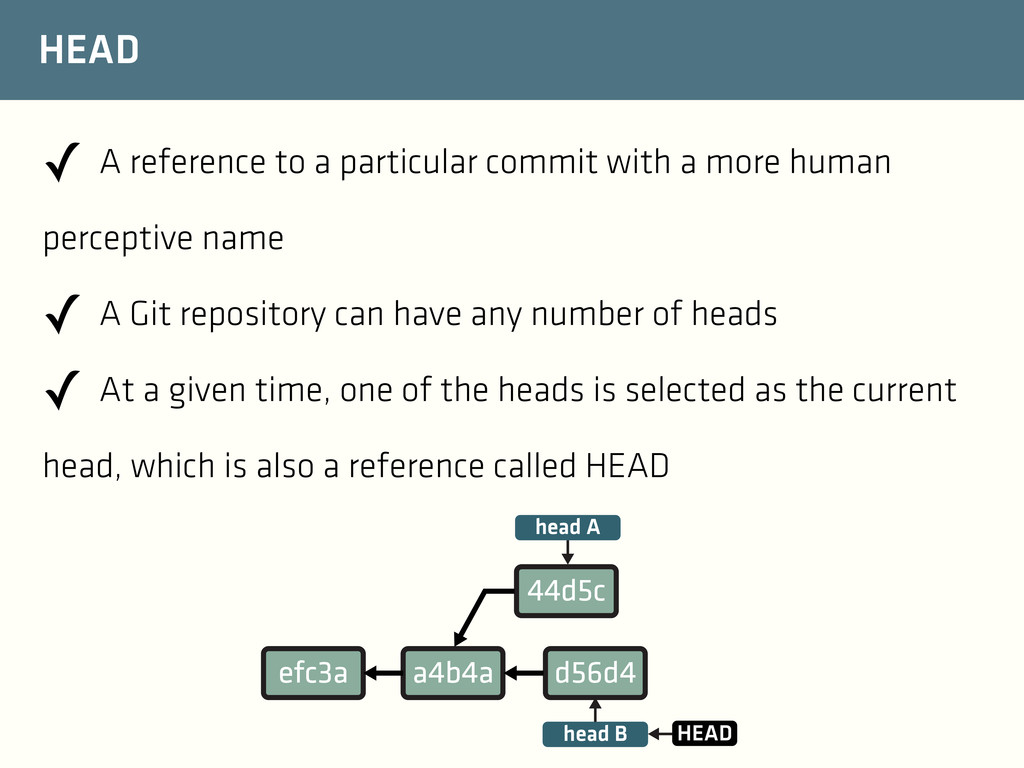
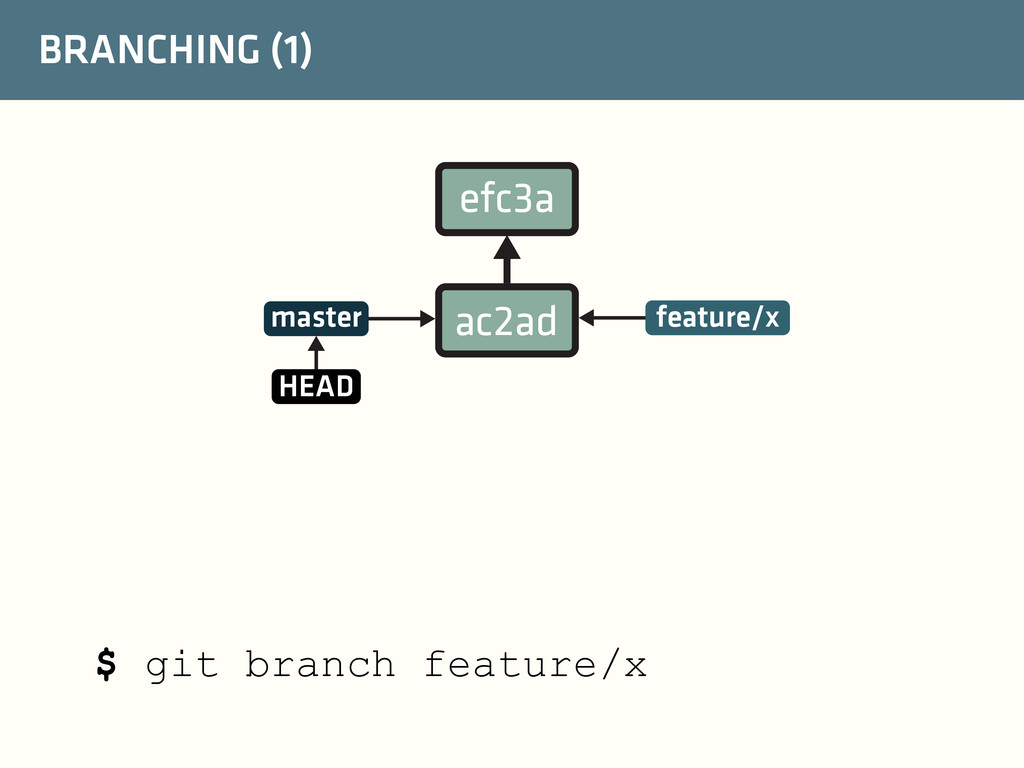
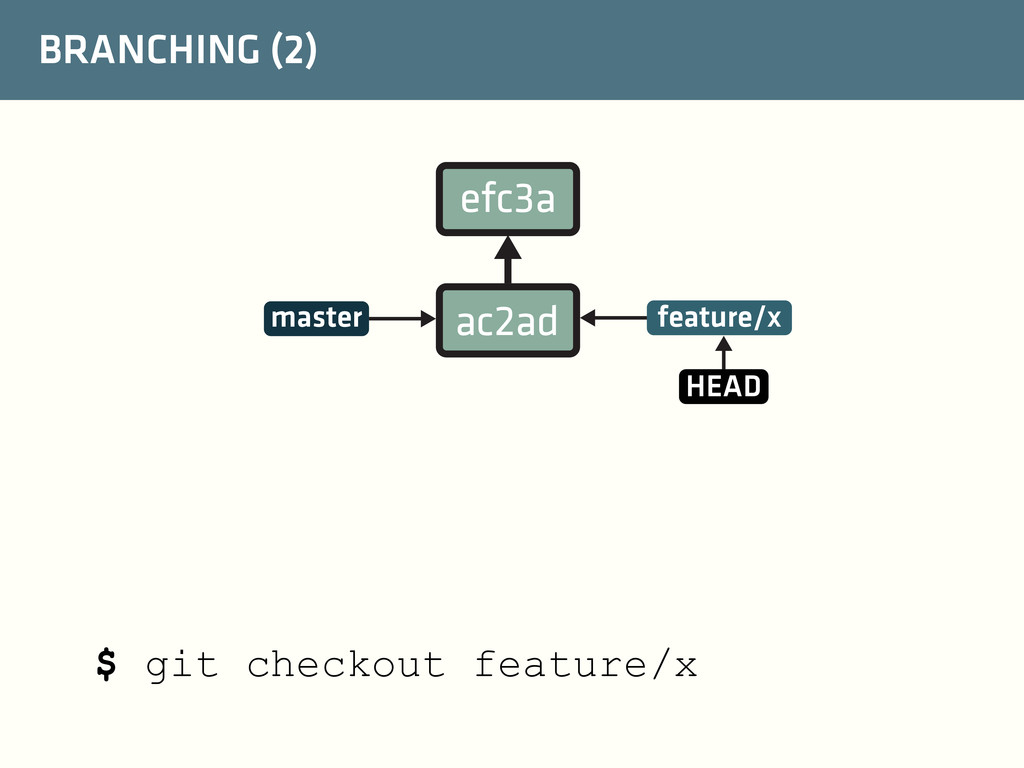
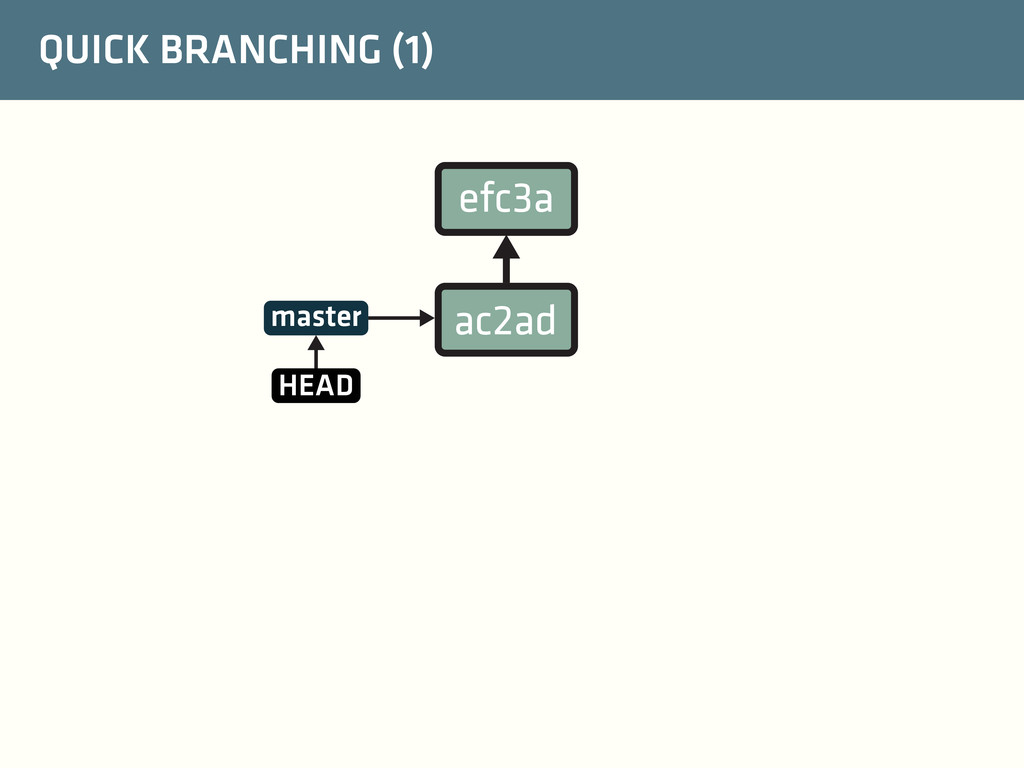
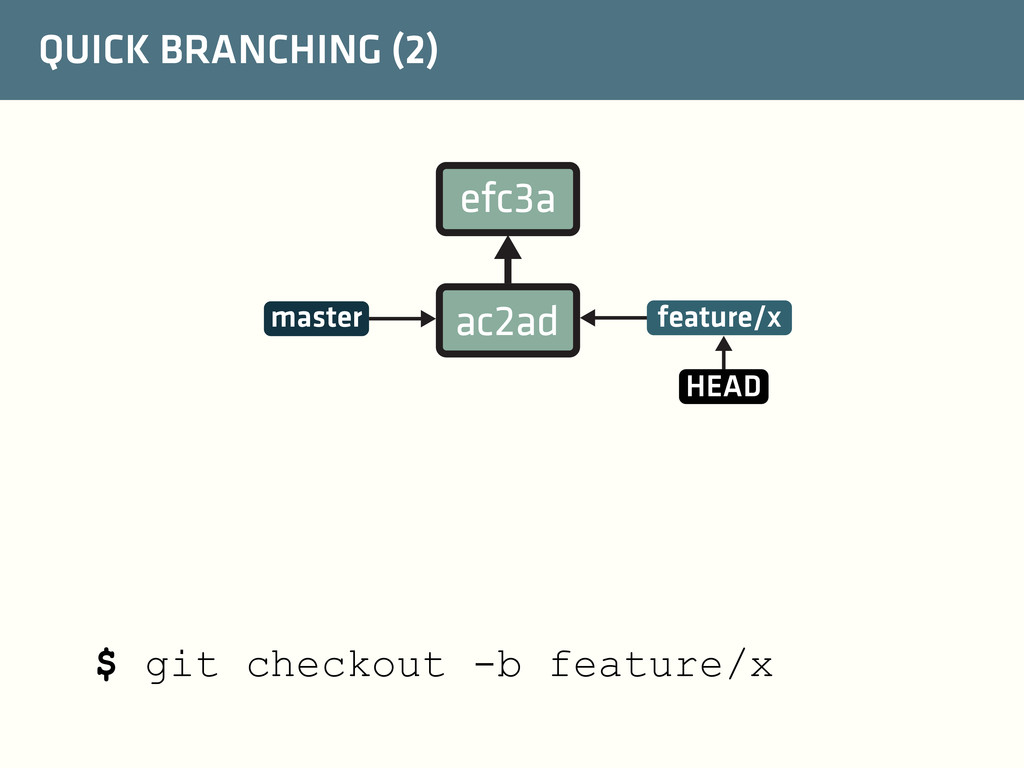
more human perceptive name ✓ A Git repository can have any number of heads ✓ At a given time, one of the heads is selected as the current head, which is also a reference called HEAD efc3a a4b4a d56d4 44d5c head A head B HEAD
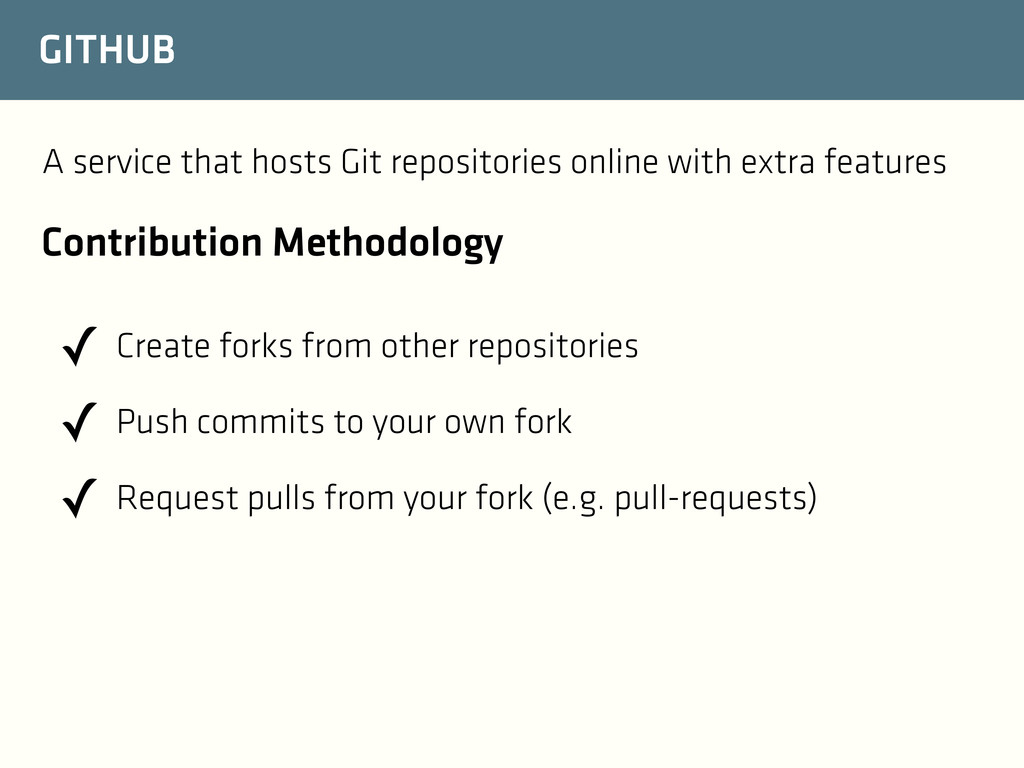
features ✓ Create forks from other repositories ✓ Push commits to your own fork ✓ Request pulls from your fork (e.g. pull-requests) Contribution Methodology
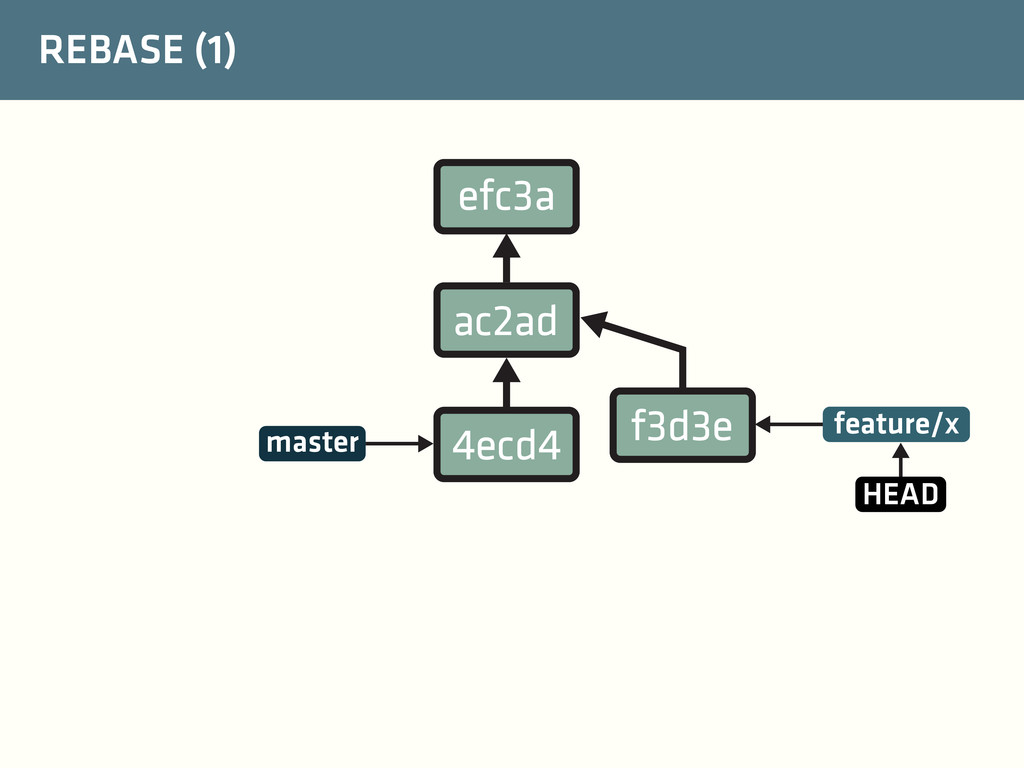
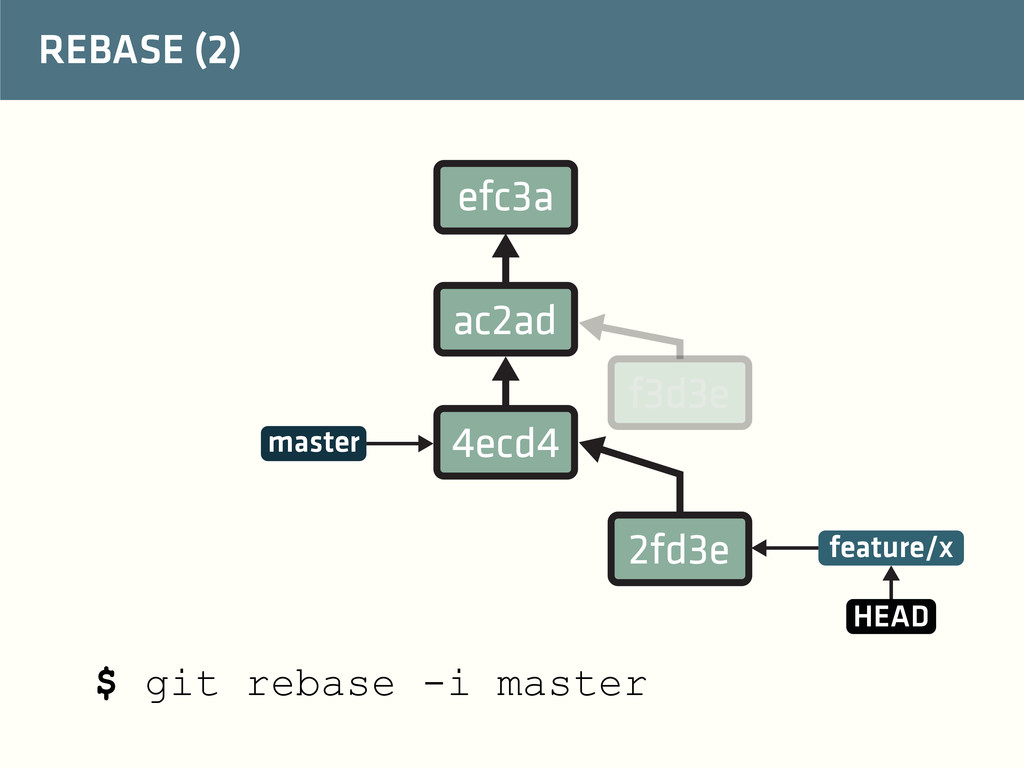
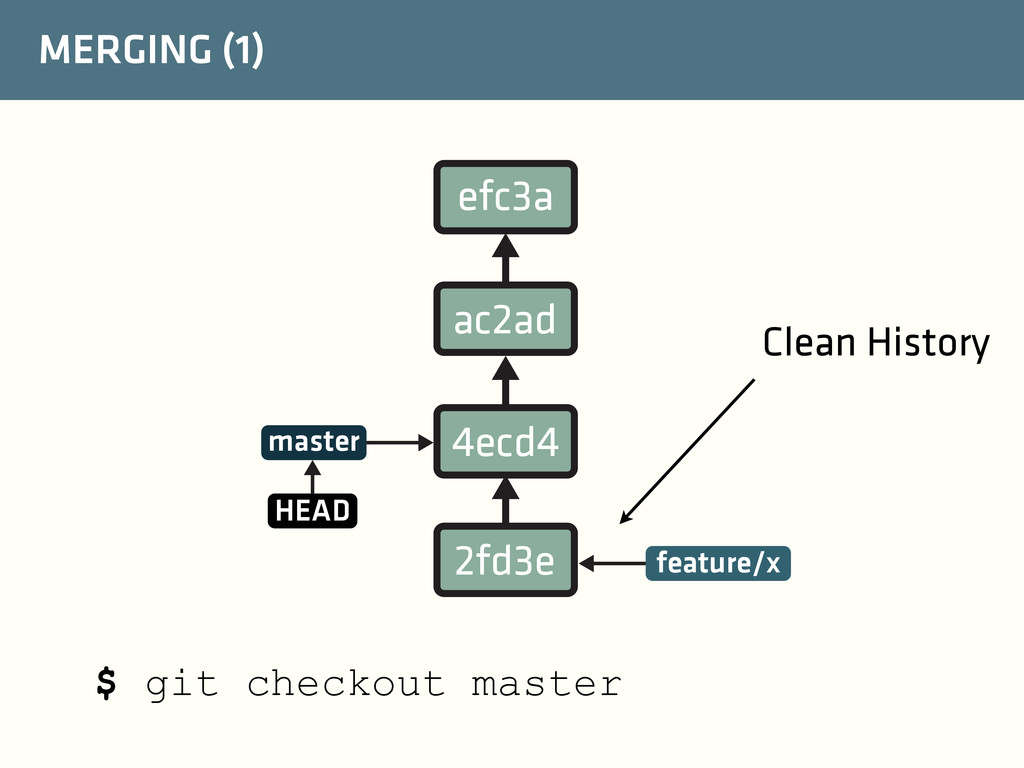
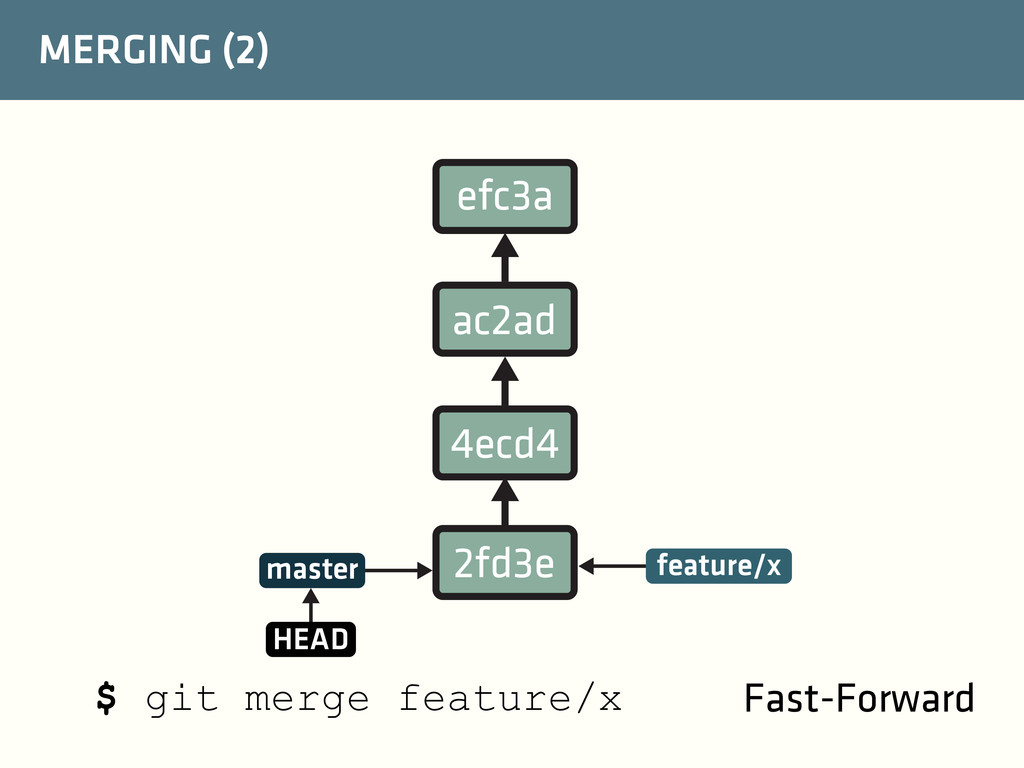
creates a full copy of the repository, i.e. all commits, tags and heads. $ git remote add origin https://github.com/FenixEdu/fenix.git Clone your fork Add FenixEdu as a remote to fetch updates (the --origin fork is to name the remote fork instead of the default origin) Pull from FenixEdu with rebase to keep history clean $ git pull --rebase origin master
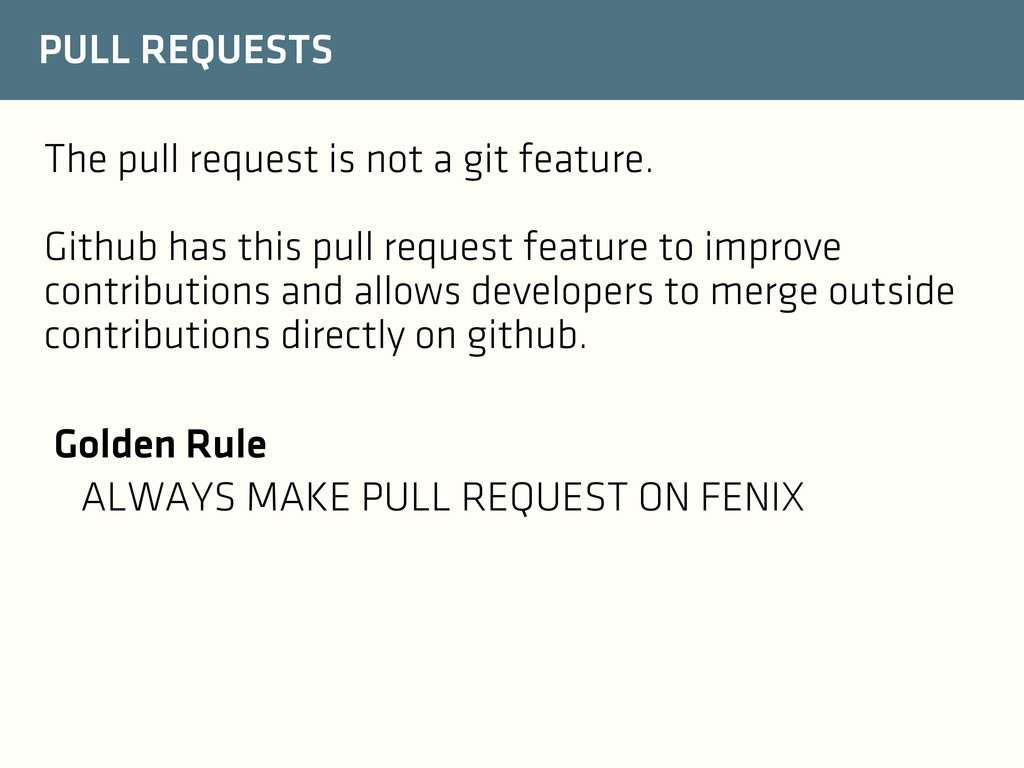
Github has this pull request feature to improve contributions and allows developers to merge outside contributions directly on github. Golden Rule ALWAYS MAKE PULL REQUEST ON FENIX
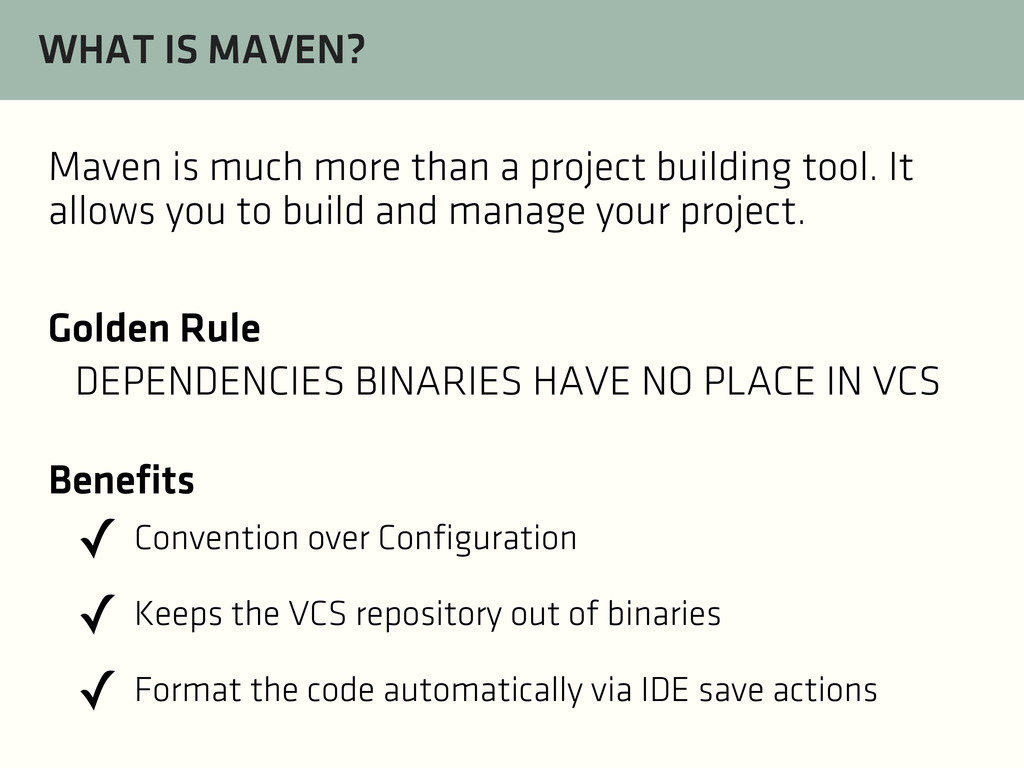
IN VCS ✓ Convention over Configuration ✓ Keeps the VCS repository out of binaries ✓ Format the code automatically via IDE save actions Benefits Maven is much more than a project building tool. It allows you to build and manage your project.
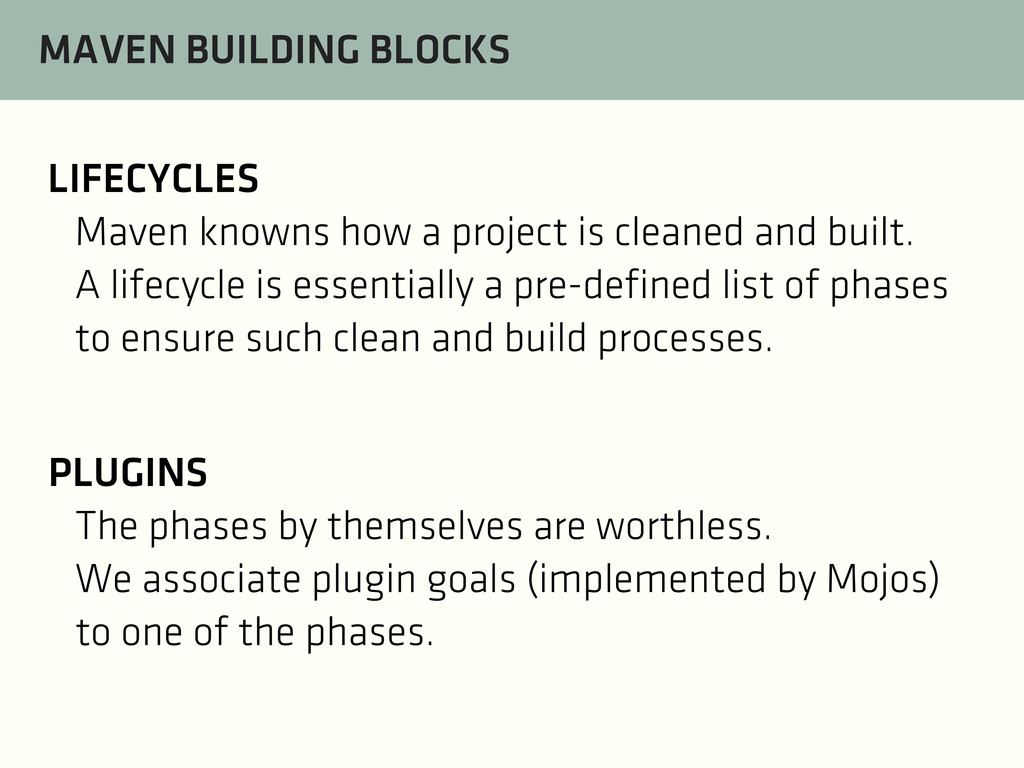
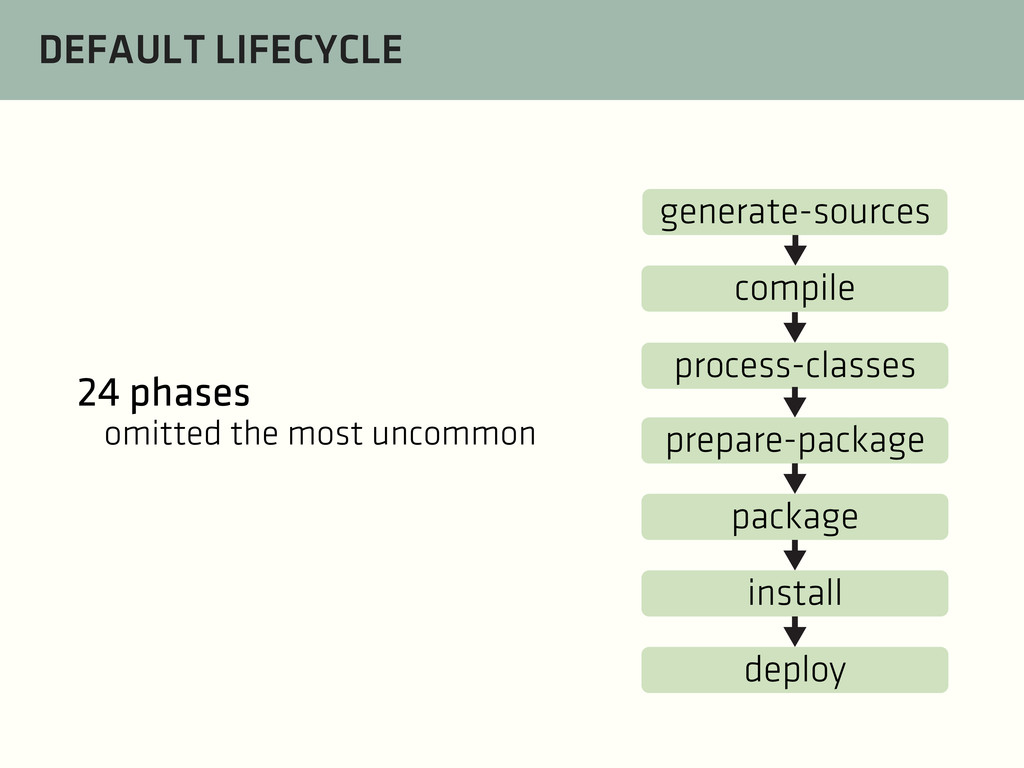
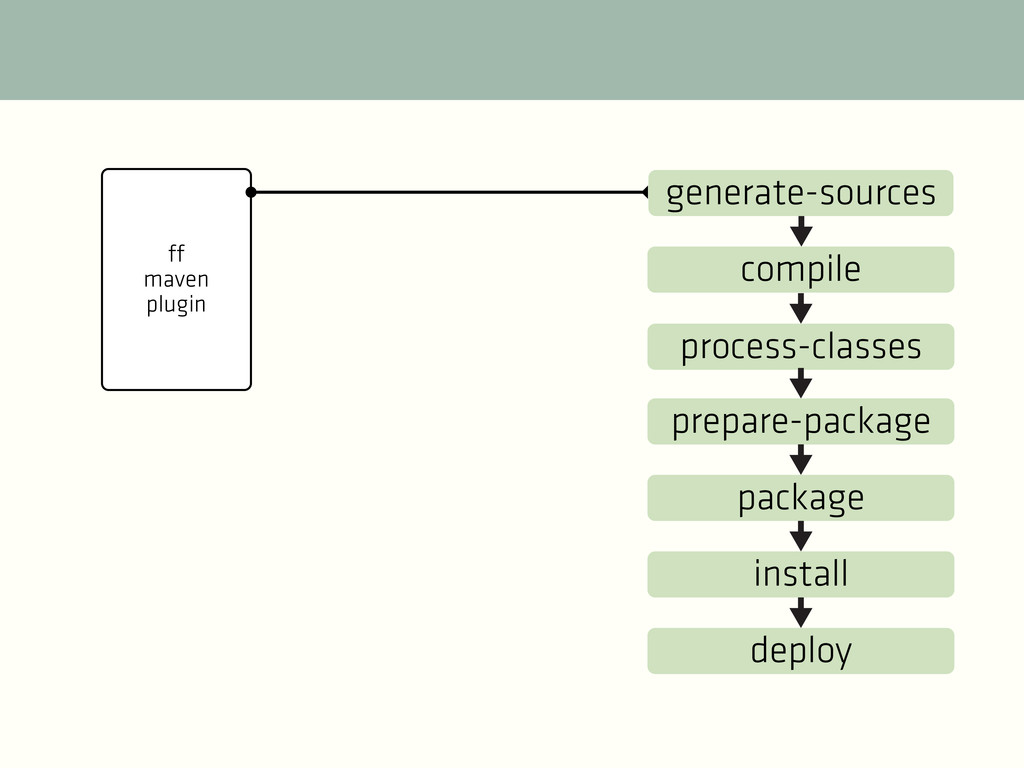
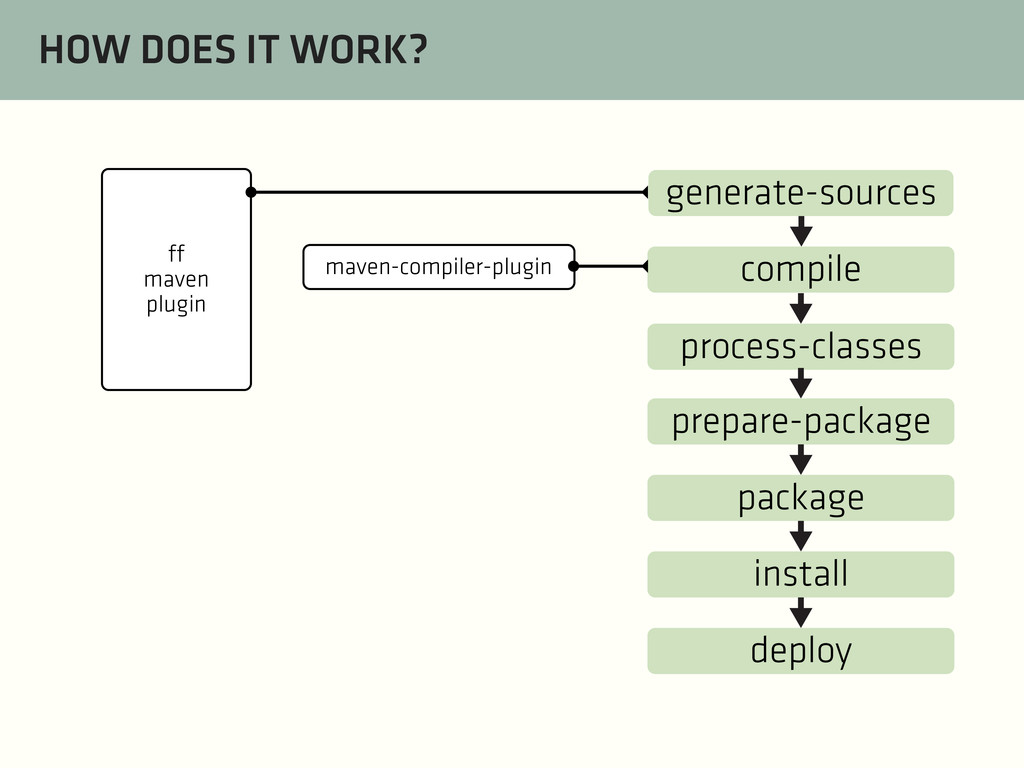
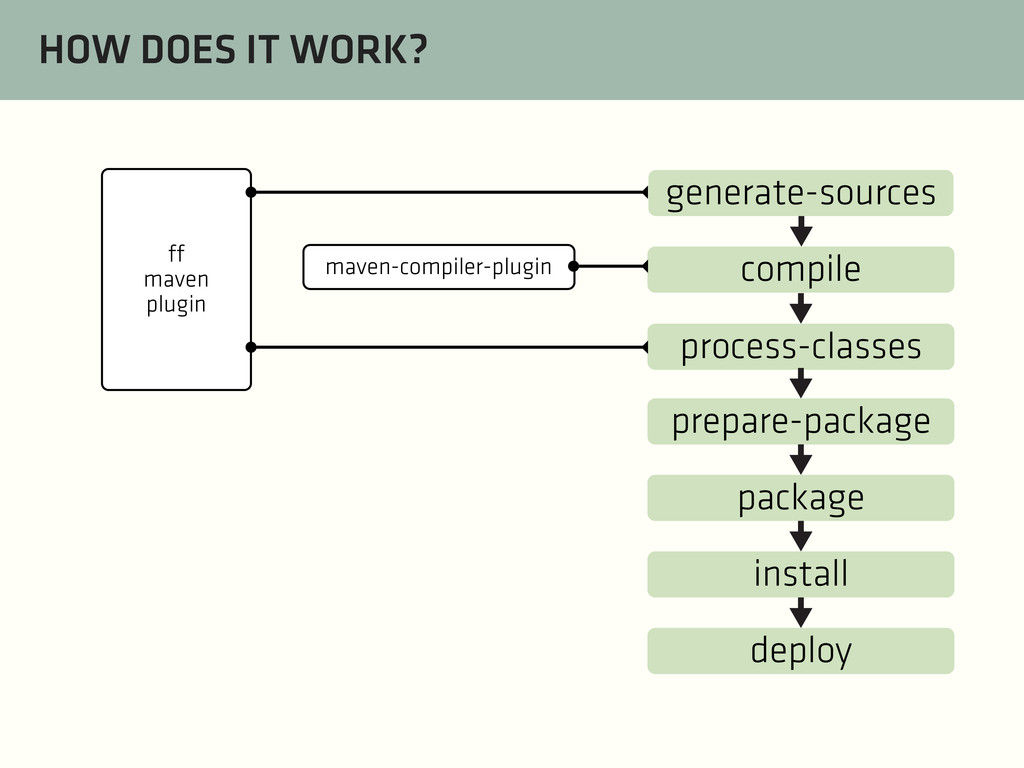
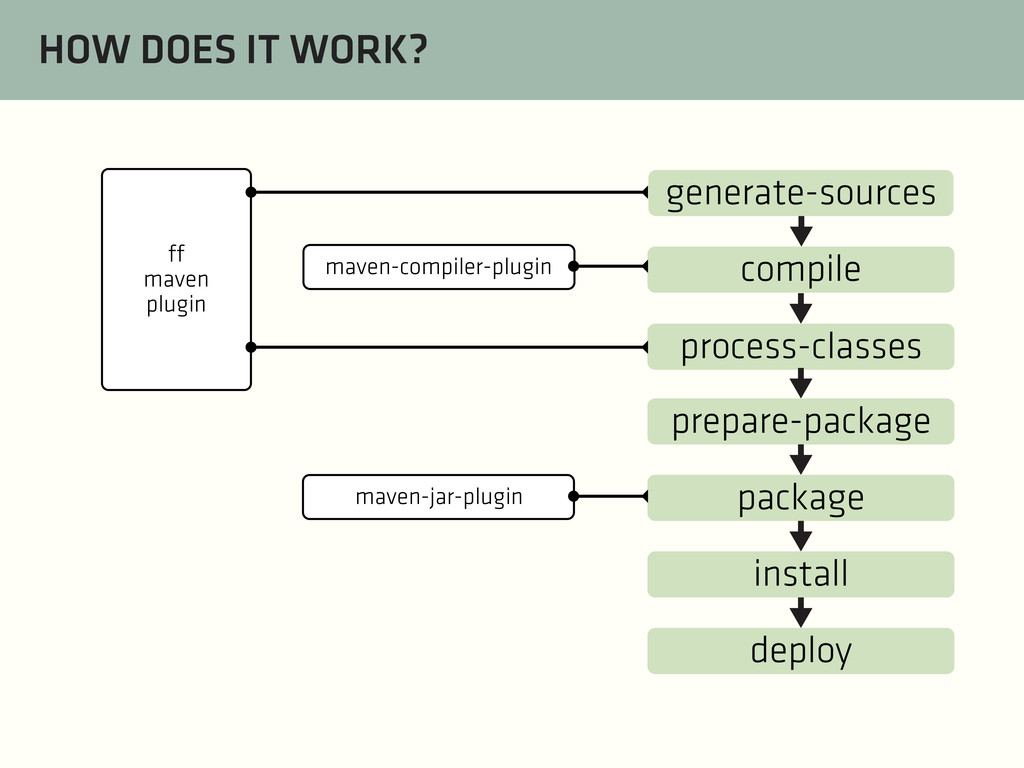
cleaned and built. A lifecycle is essentially a pre-defined list of phases to ensure such clean and build processes. PLUGINS The phases by themselves are worthless. We associate plugin goals (implemented by Mojos) to one of the phases.
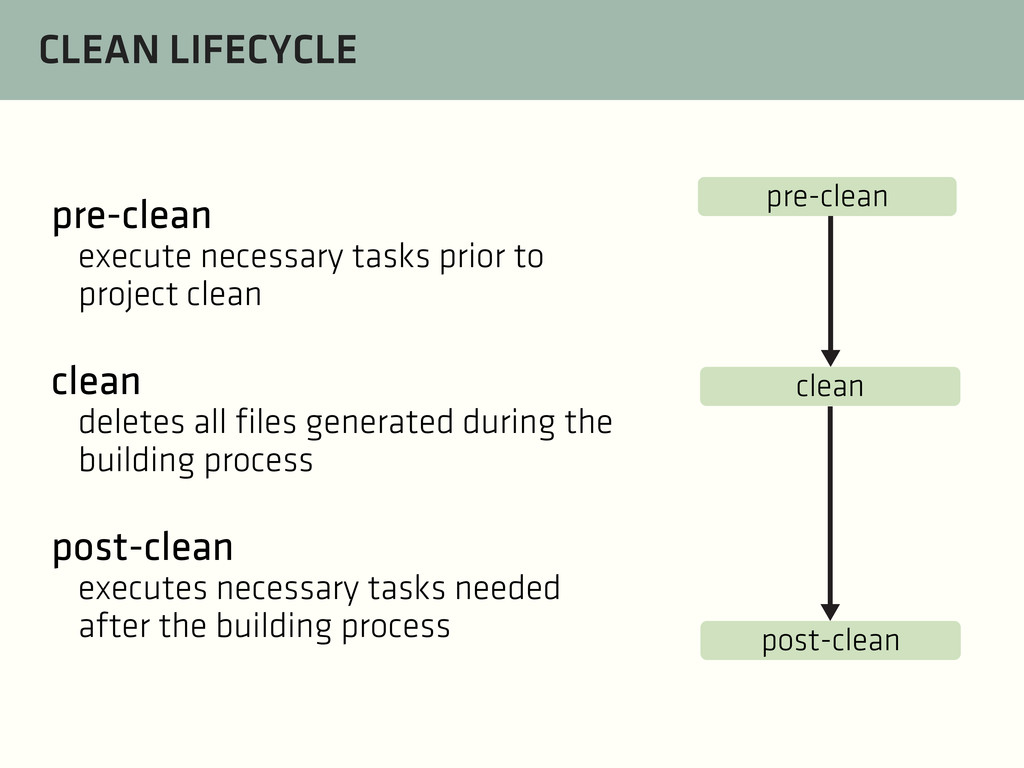
clean deletes all files generated during the building process post-clean executes necessary tasks needed after the building process pre-clean clean post-clean
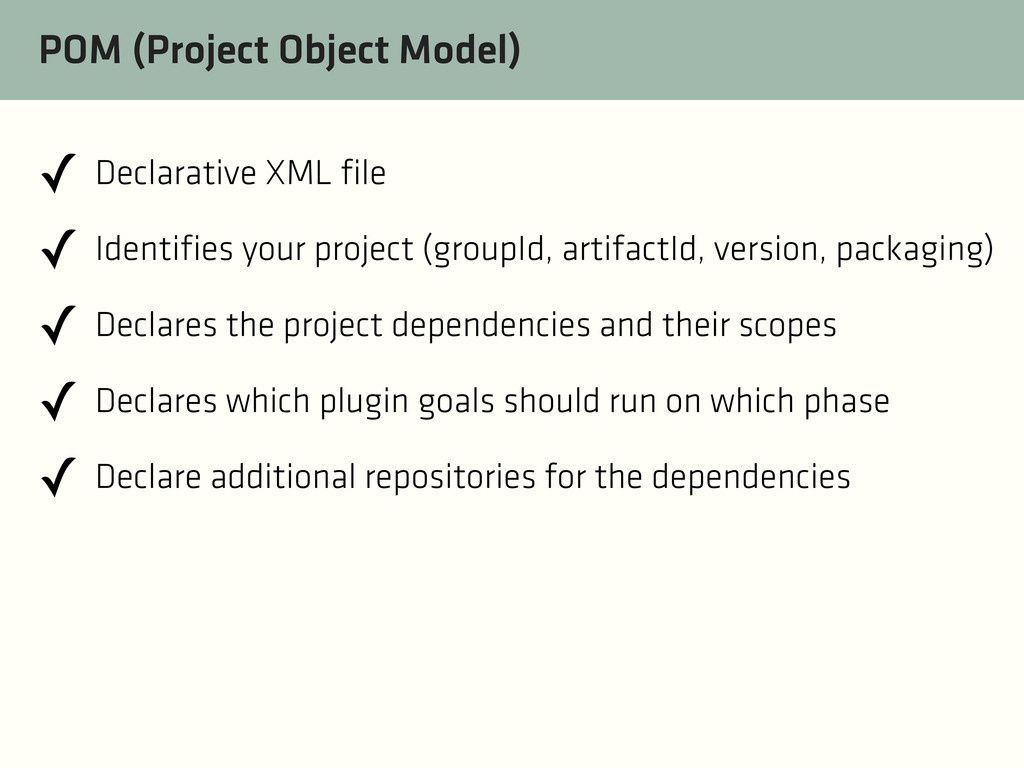
your project (groupId, artifactId, version, packaging) ✓ Declares the project dependencies and their scopes ✓ Declares which plugin goals should run on which phase ✓ Declare additional repositories for the dependencies
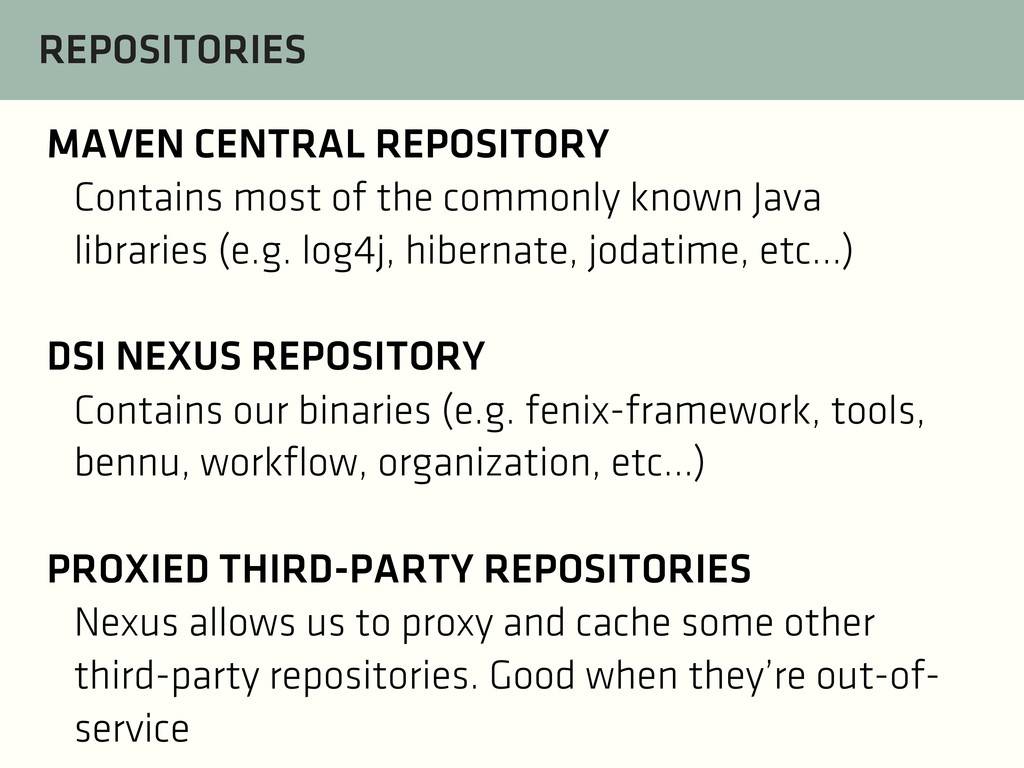
Java libraries (e.g. log4j, hibernate, jodatime, etc...) DSI NEXUS REPOSITORY Contains our binaries (e.g. fenix-framework, tools, bennu, workflow, organization, etc...) PROXIED THIRD-PARTY REPOSITORIES Nexus allows us to proxy and cache some other third-party repositories. Good when they’re out-of- service


 nurv
nurv
 pfn
pfn
 kzkhykw1991
 shugo
shugo
 sansantech
 satoshi7
 4o1sobblue
 techtekt
 sh_fk2
 bgpat
bgpat
 koukihosaka
 rfdnxbro
 grimoh
 rkendrick25
 philnash
 jlugia
 mza
mza
 sachag
 sonatard
 aleyda
 keithpitt
 nmsamuel
 inesmontani
 dugsong
.png) helenjbeal
helenjbeal

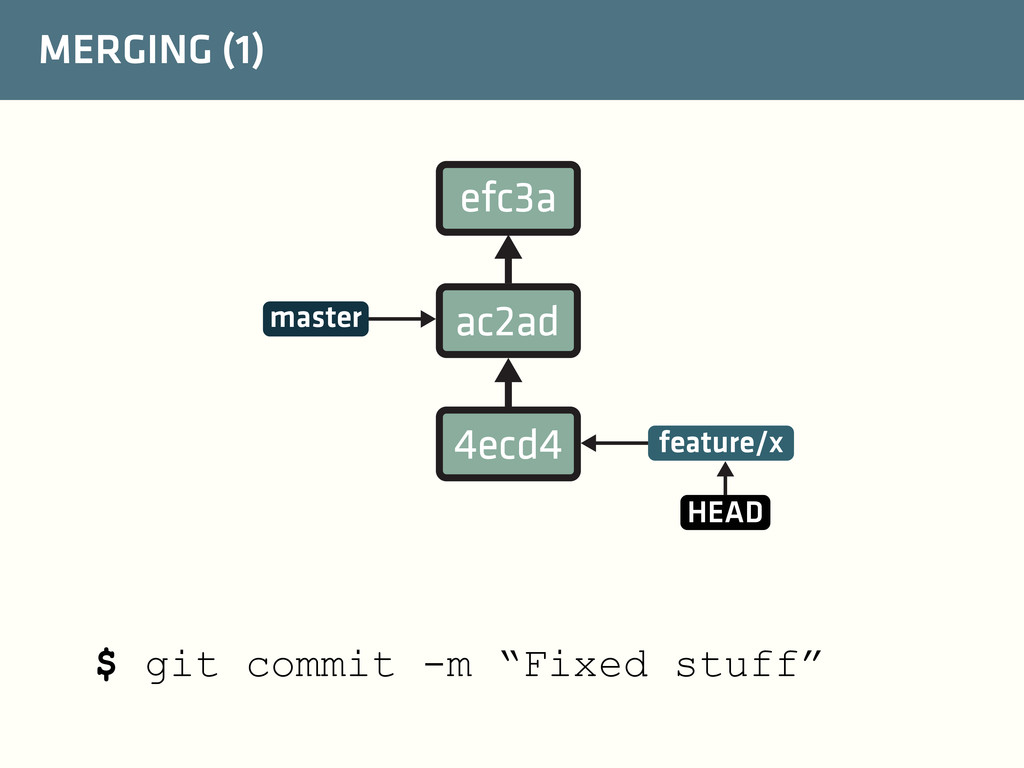
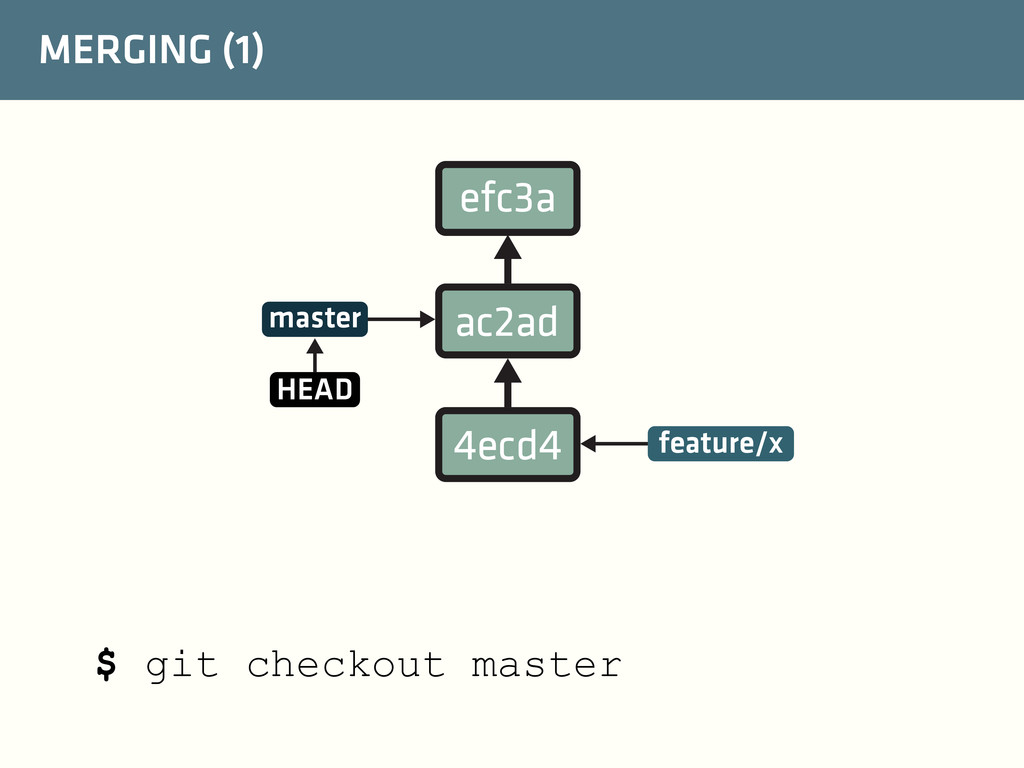
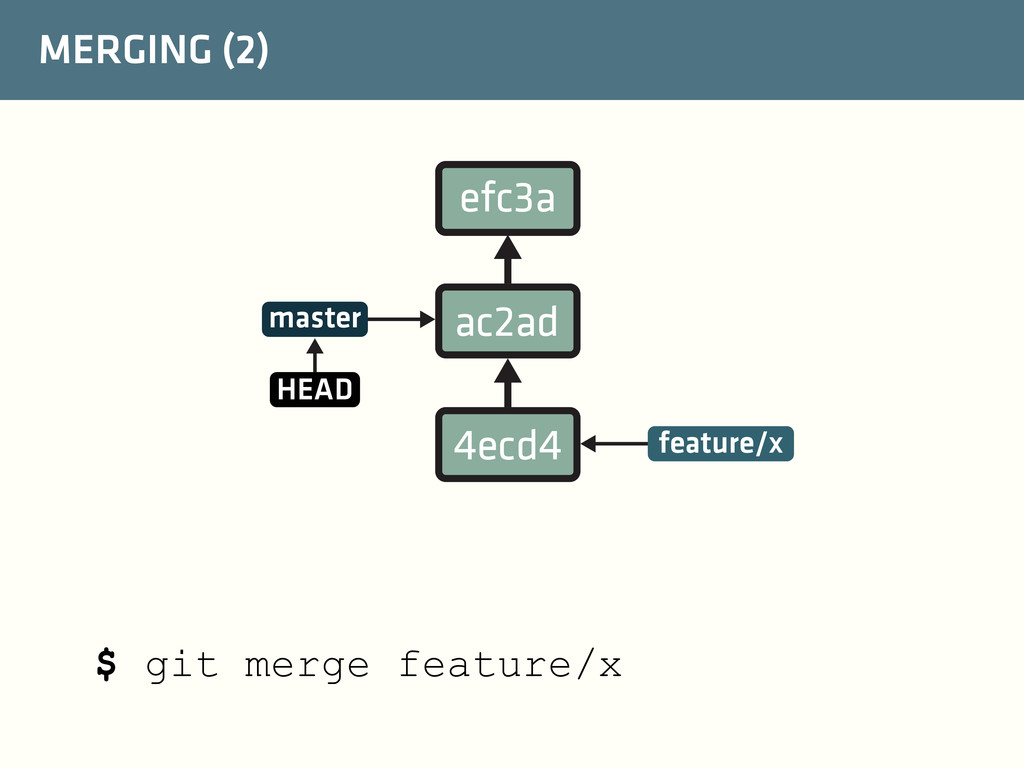
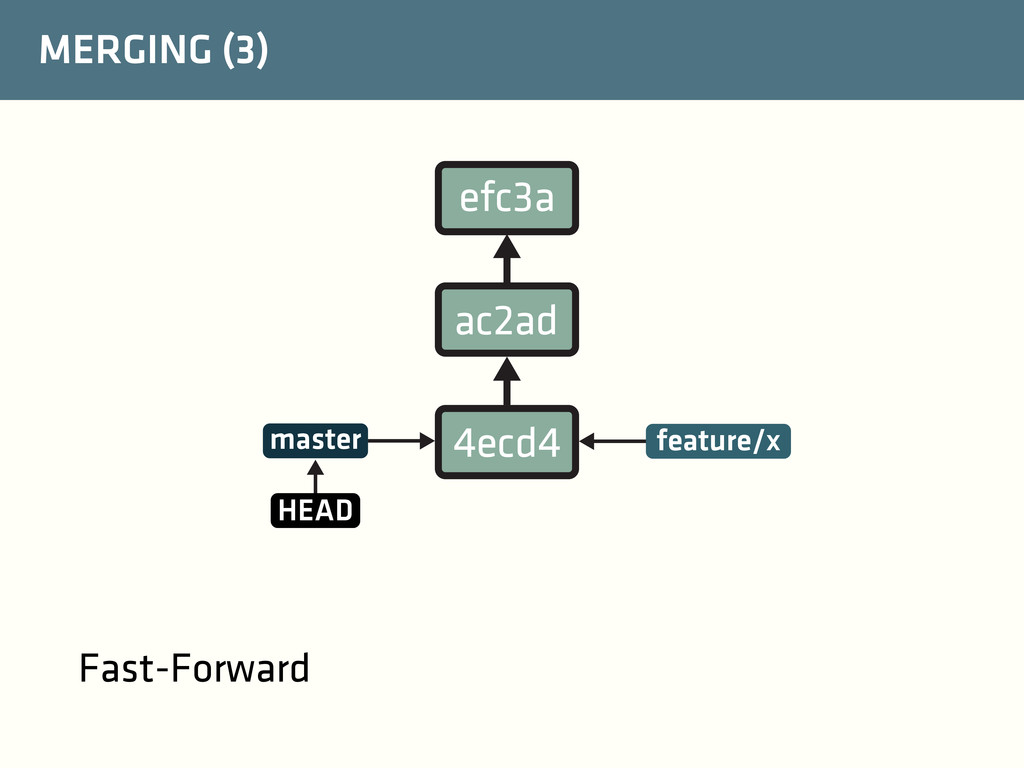
![CLONE $ git clone --origin fork [email protected]:davidmartinho/fenix The clone command](https://files.speakerdeck.com/presentations/9b189f90163f01314c3b3aeca274ef85/slide_34.jpg)