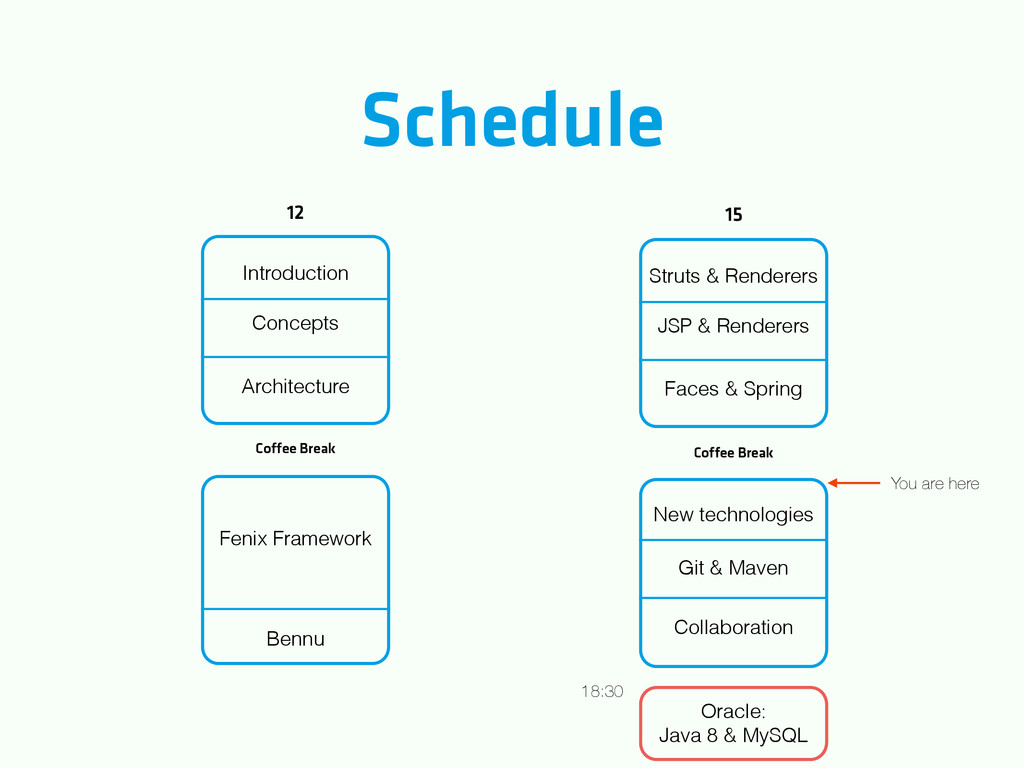
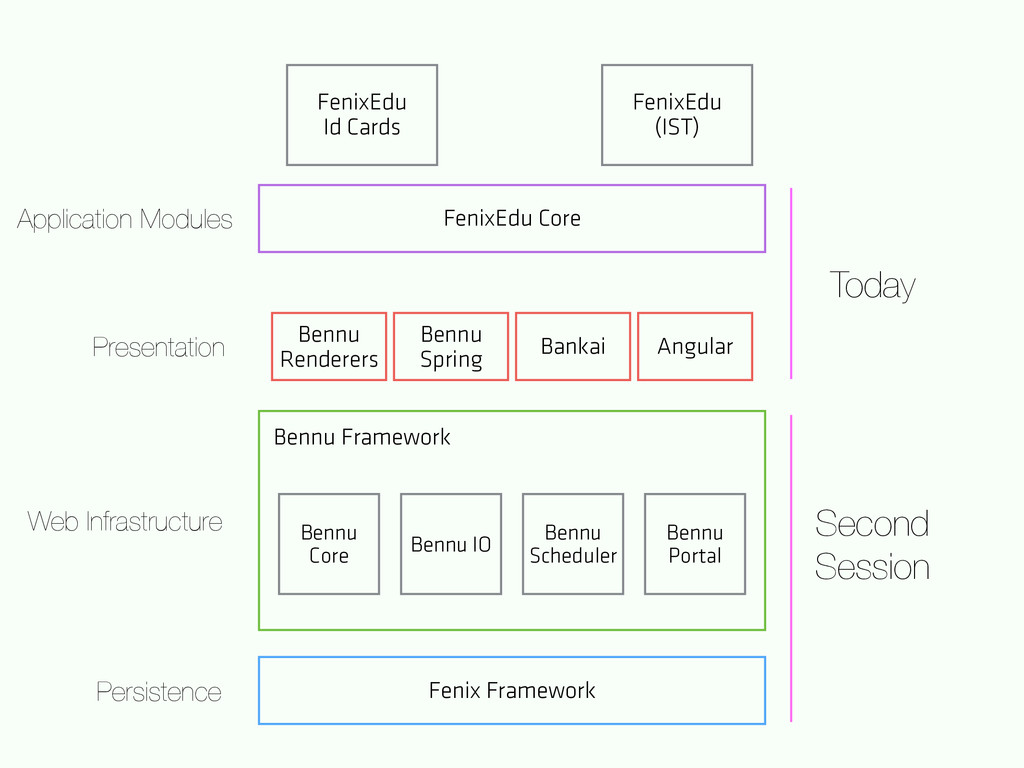
& Renderers JSP & Renderers Faces & Spring New technologies Git & Maven Collaboration Coffee Break Coffee Break You are here Oracle: Java 8 & MySQL 18:30
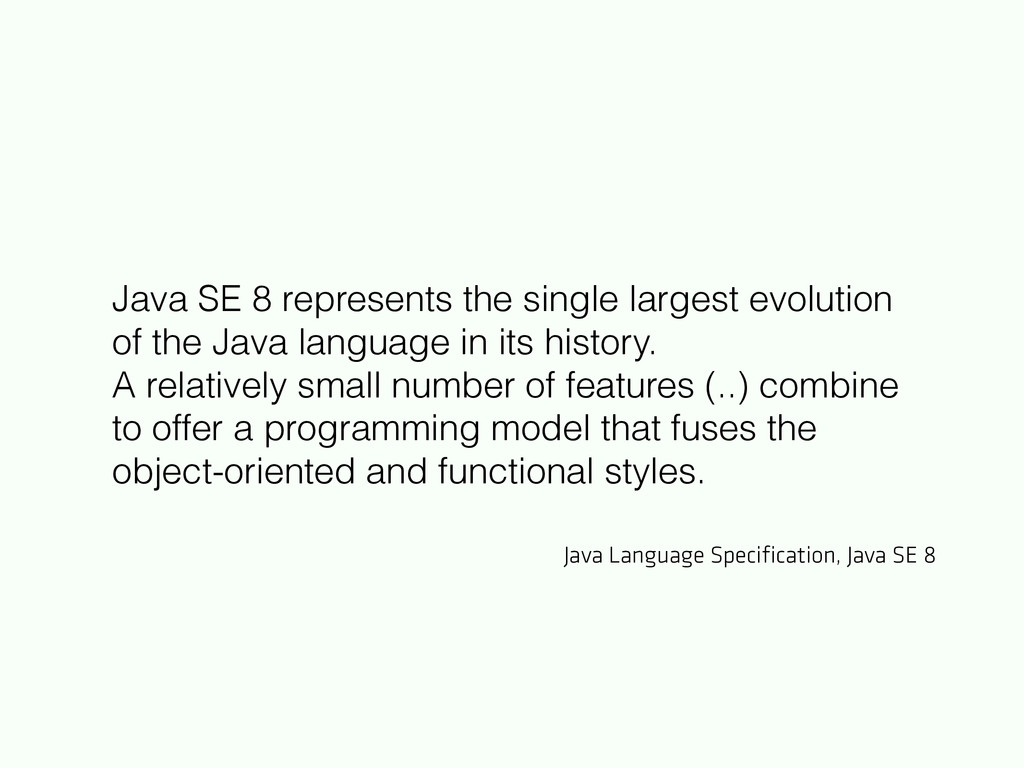
Java language in its history. A relatively small number of features (..) combine to offer a programming model that fuses the object-oriented and functional styles. Java Language Specification, Java SE 8
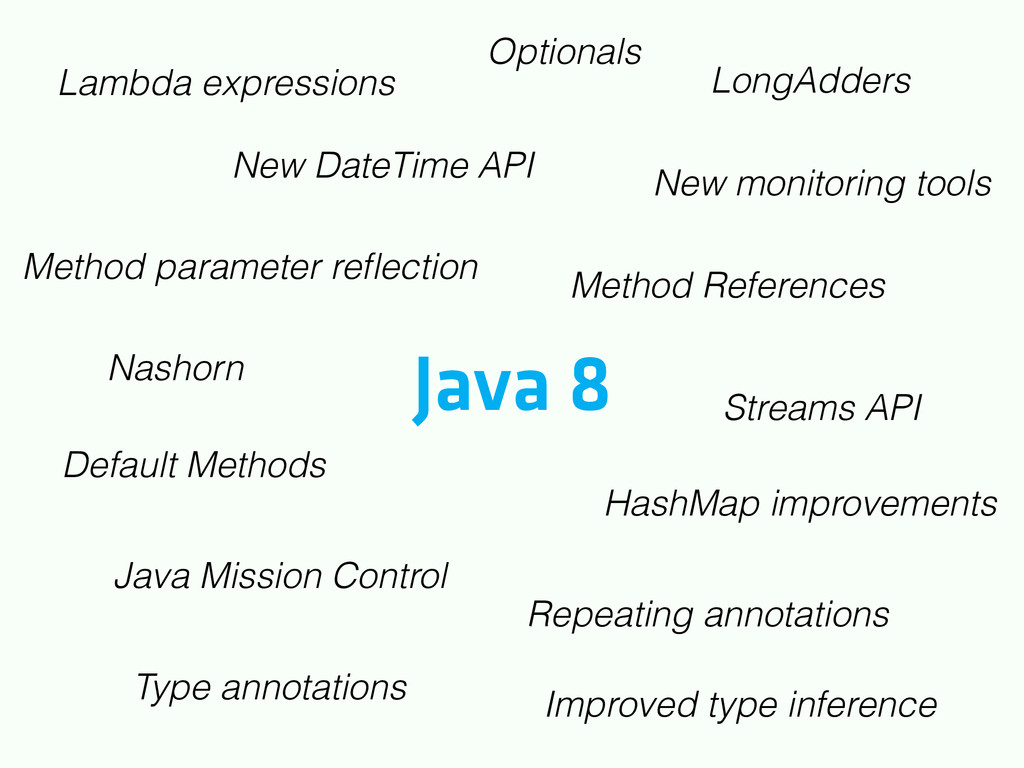
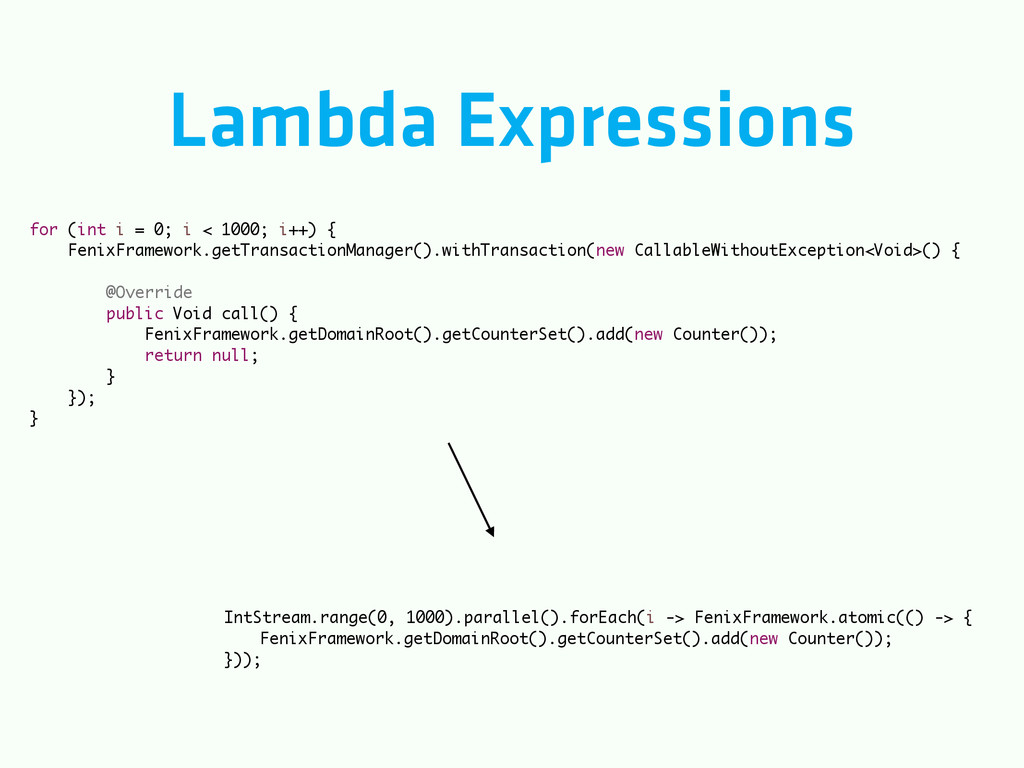
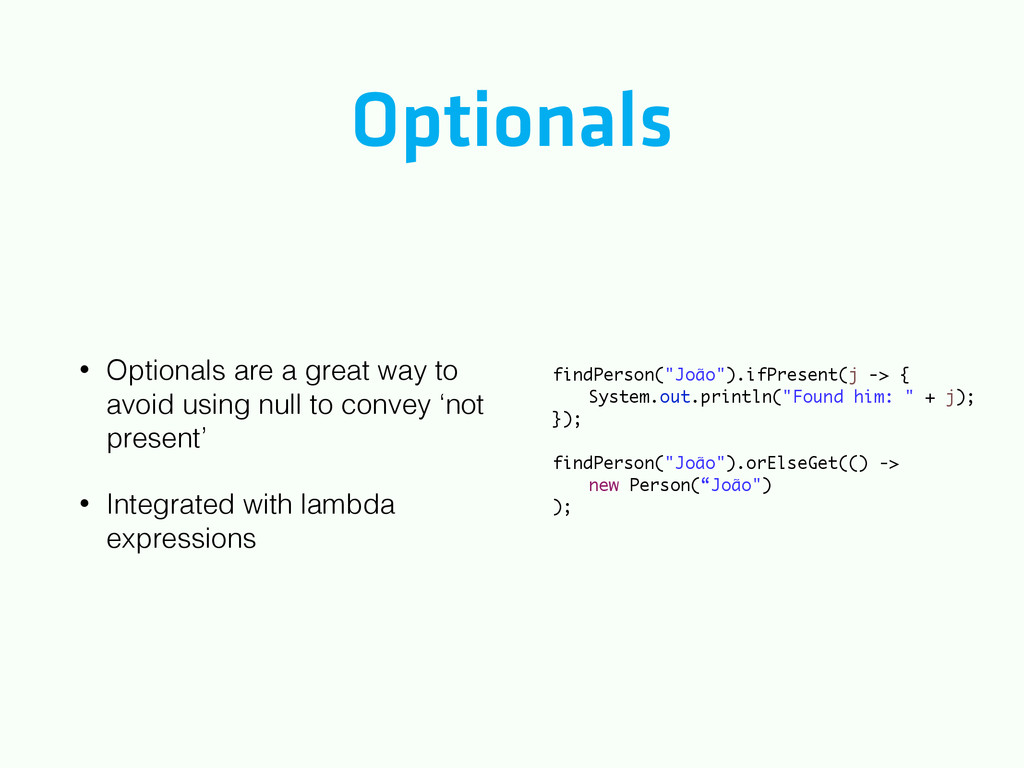
Type annotations Improved type inference Method parameter reflection Streams API HashMap improvements New monitoring tools Nashorn Java Mission Control New DateTime API LongAdders Optionals
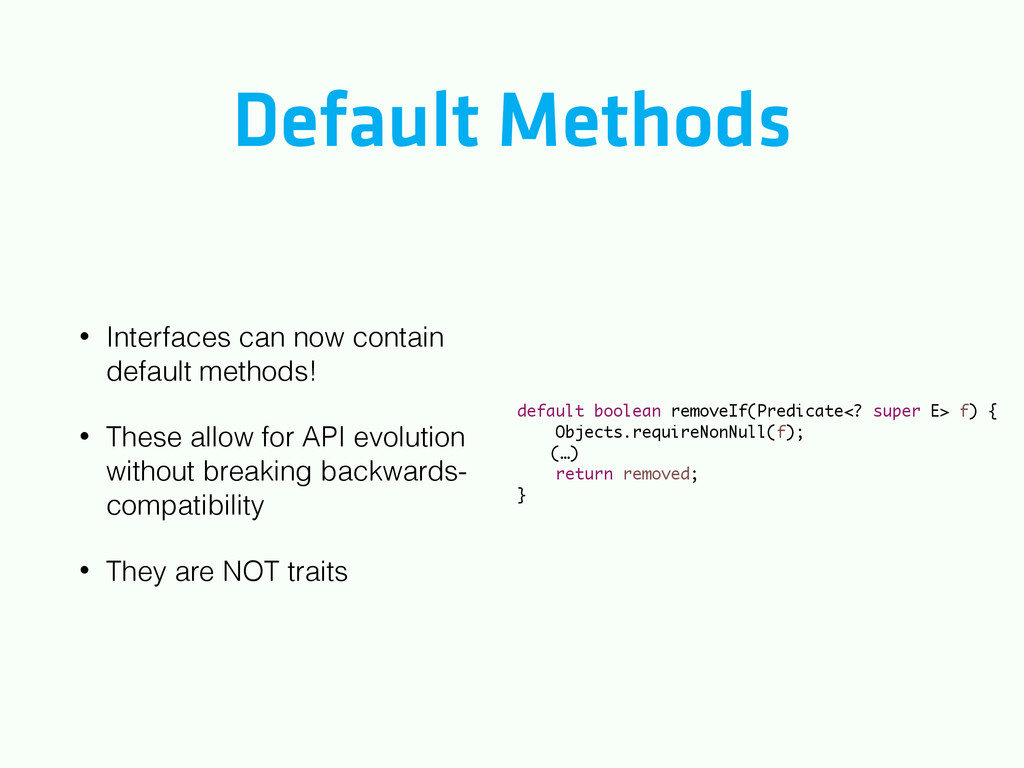
These allow for API evolution without breaking backwards- compatibility • They are NOT traits default boolean removeIf(Predicate<? super E> f) { Objects.requireNonNull(f); (…) return removed; }
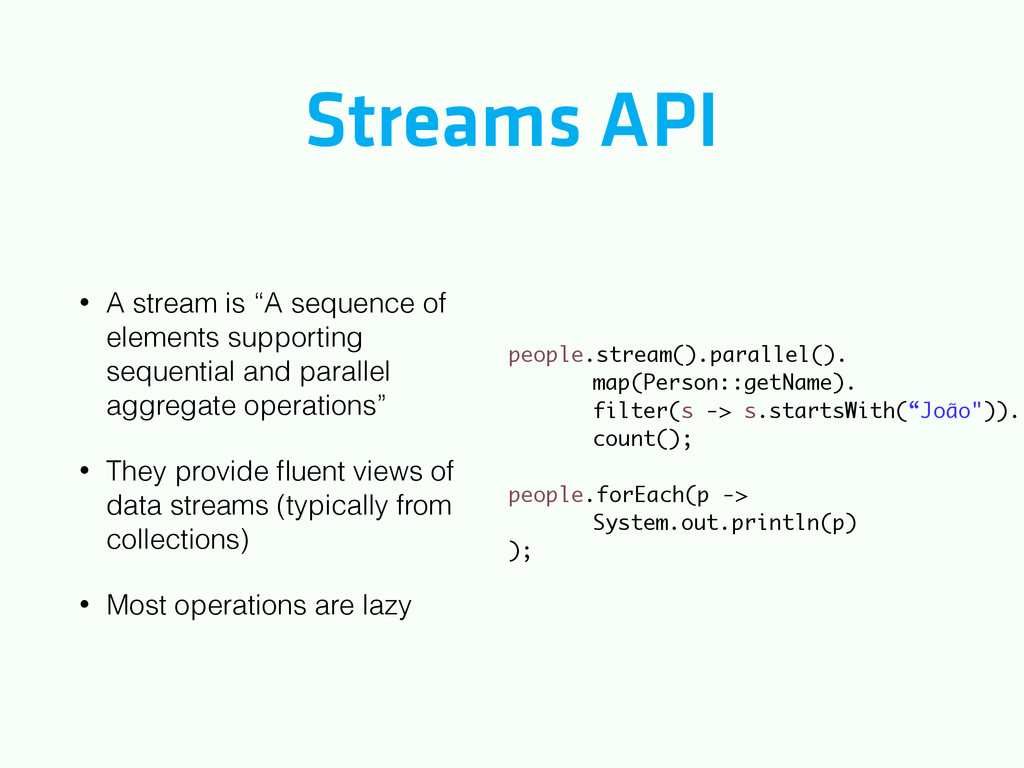
supporting sequential and parallel aggregate operations” • They provide fluent views of data streams (typically from collections) • Most operations are lazy people.stream().parallel(). map(Person::getName). filter(s -> s.startsWith(“João")). count(); ! people.forEach(p -> System.out.println(p) );
a simple facade or abstraction for various logging frameworks (e.g. java.util.logging, logback, log4j) allowing the end user to plug in the desired logging framework at deployment time.
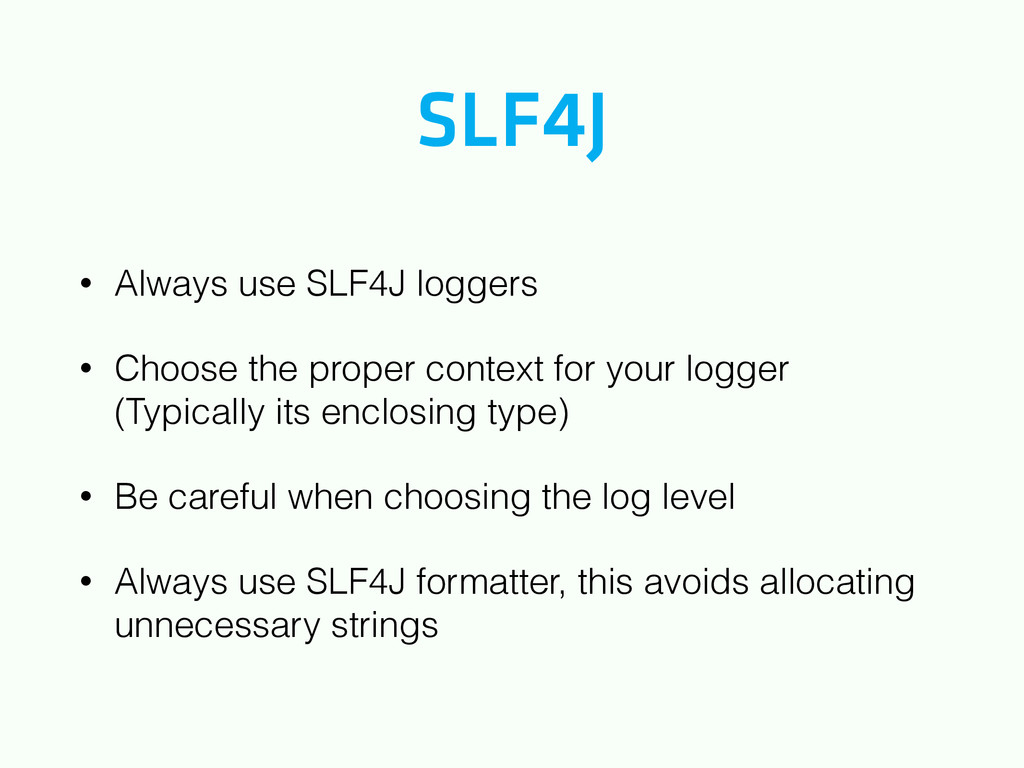
context for your logger (Typically its enclosing type) • Be careful when choosing the log level • Always use SLF4J formatter, this avoids allocating unnecessary strings
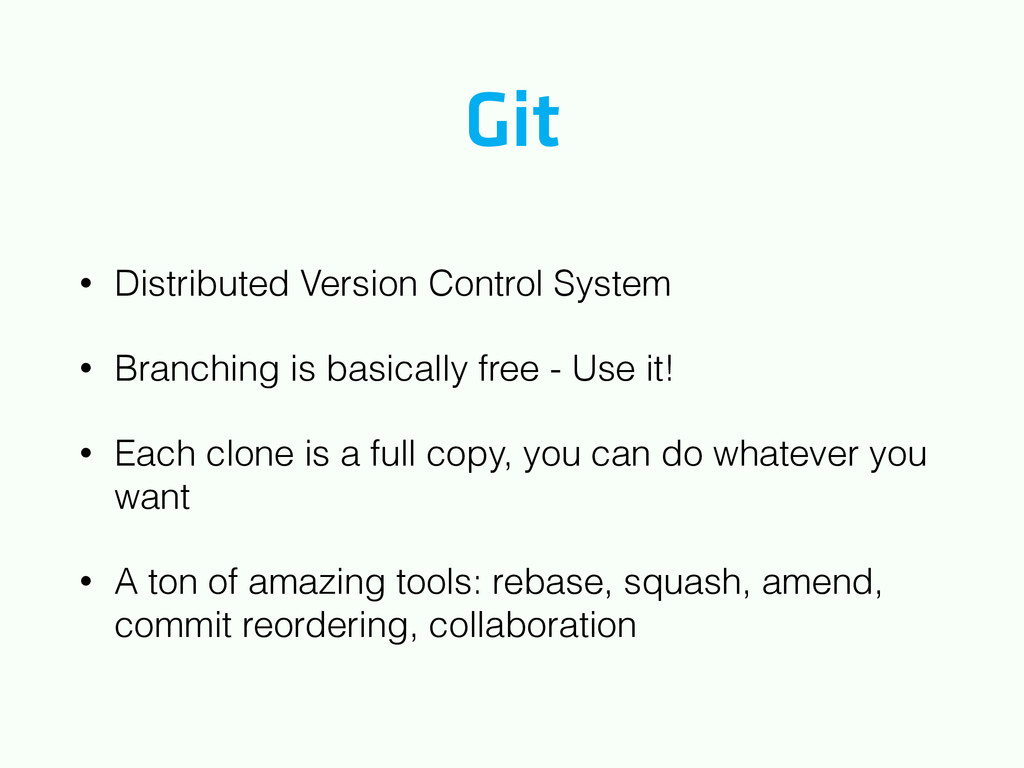
free - Use it! • Each clone is a full copy, you can do whatever you want • A ton of amazing tools: rebase, squash, amend, commit reordering, collaboration
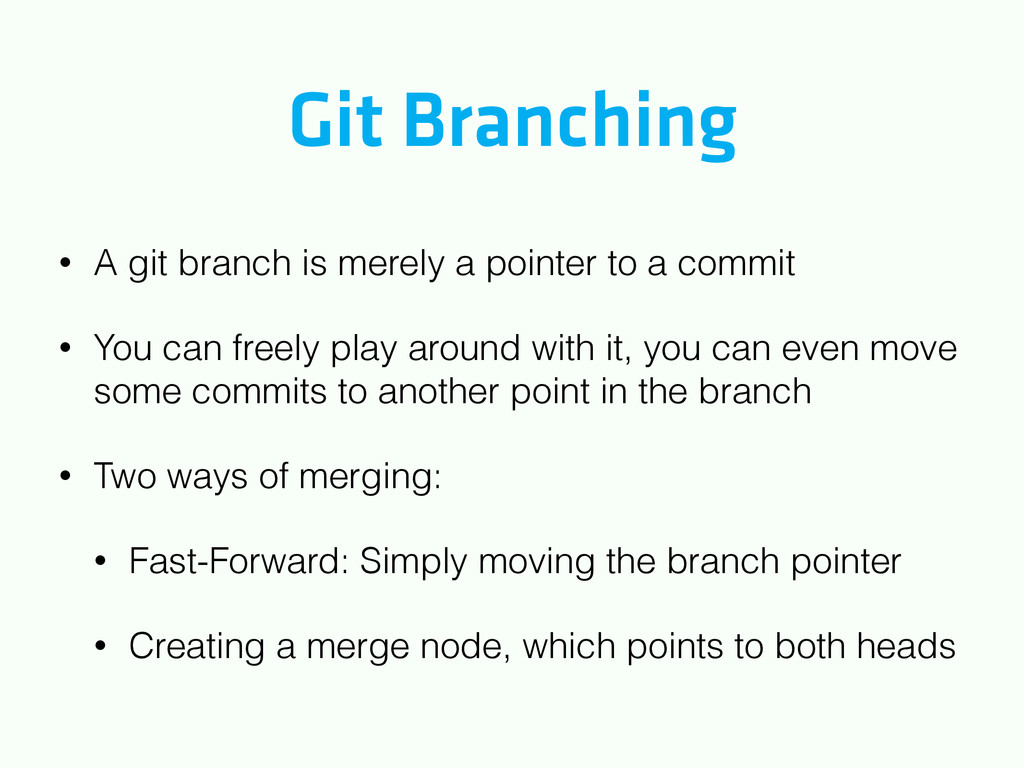
to a commit • You can freely play around with it, you can even move some commits to another point in the branch • Two ways of merging: • Fast-Forward: Simply moving the branch pointer • Creating a merge node, which points to both heads
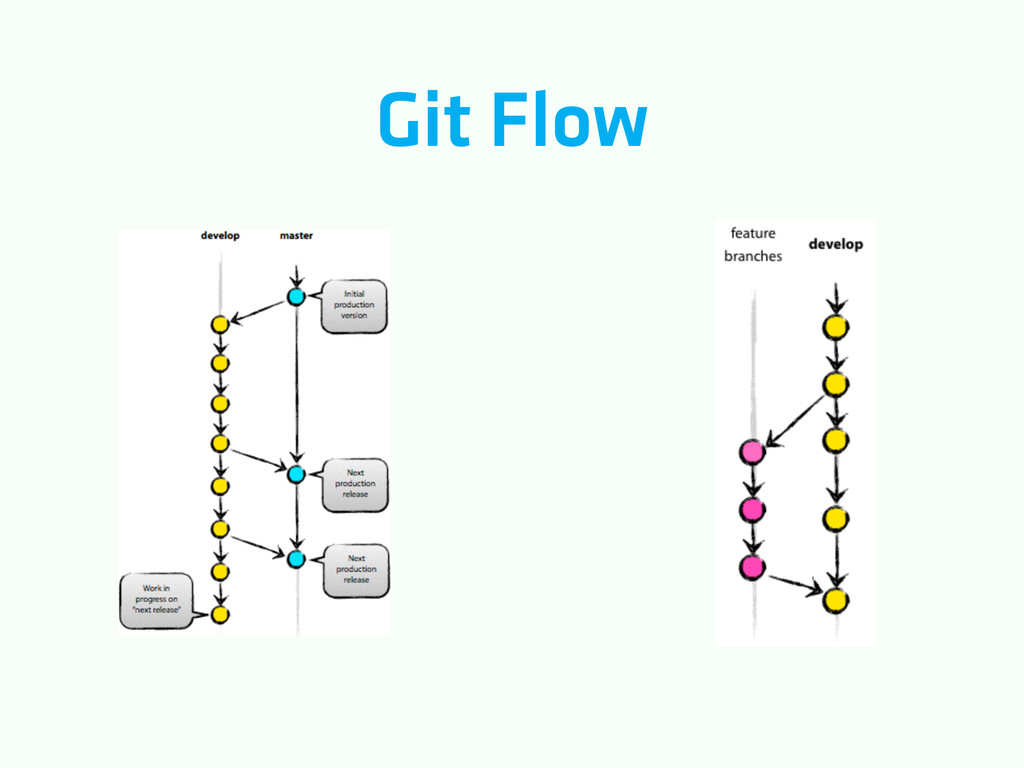
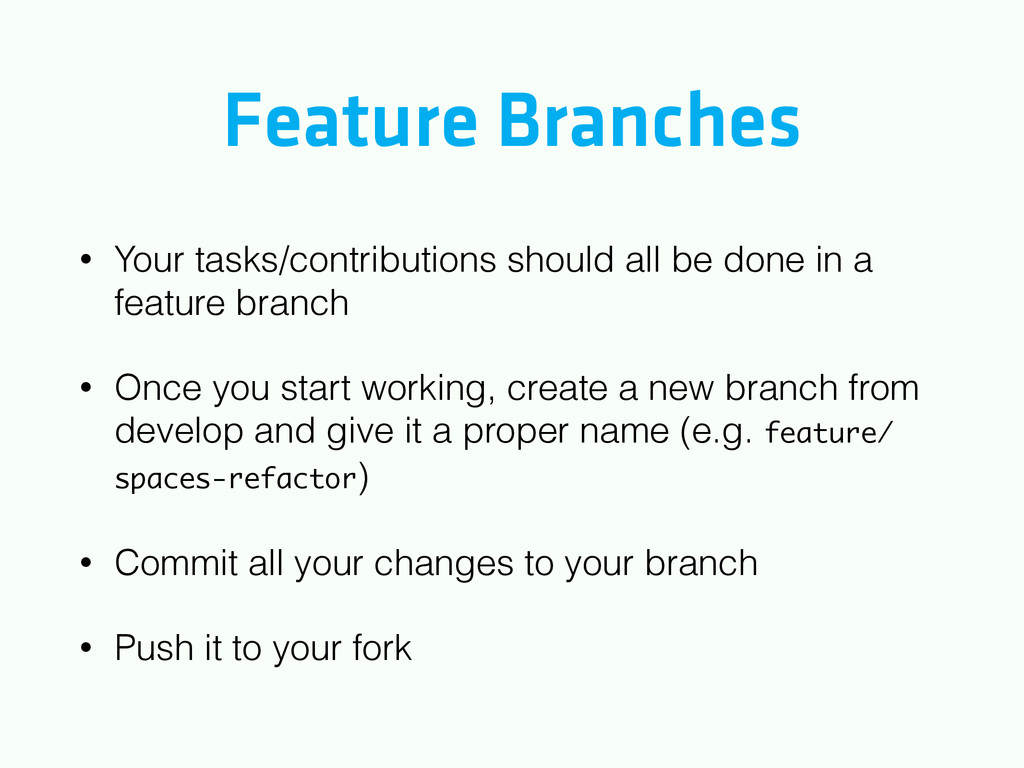
a feature branch • Once you start working, create a new branch from develop and give it a proper name (e.g. feature/ spaces-refactor) • Commit all your changes to your branch • Push it to your fork
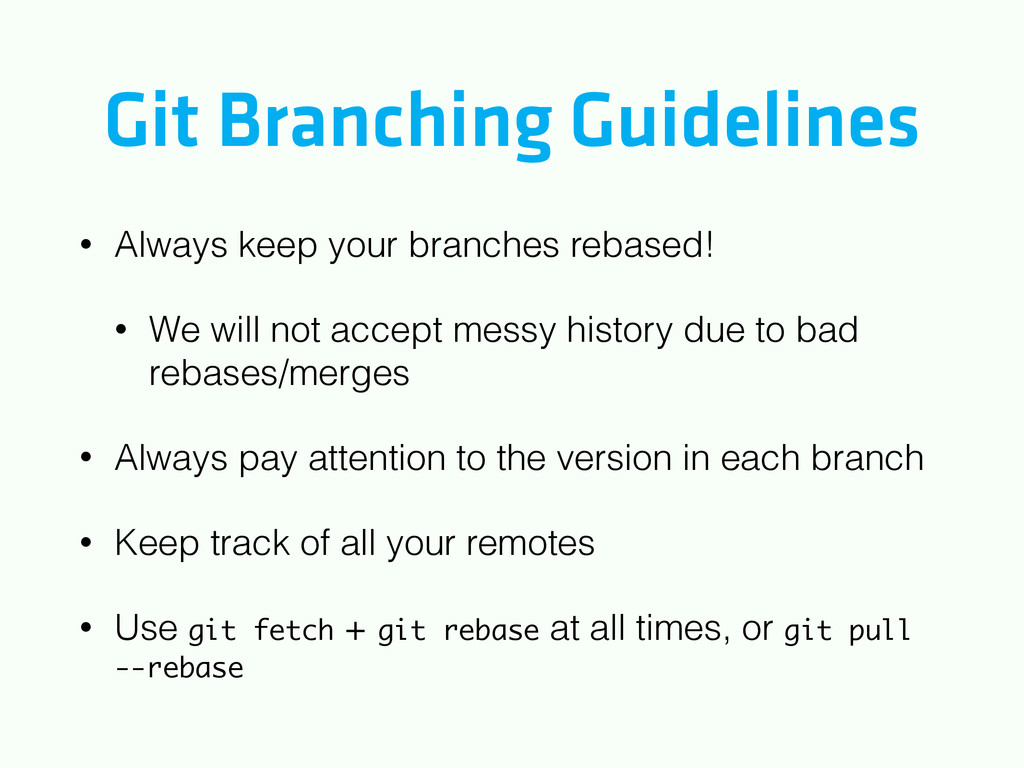
We will not accept messy history due to bad rebases/merges • Always pay attention to the version in each branch • Keep track of all your remotes • Use git fetch + git rebase at all times, or git pull --rebase
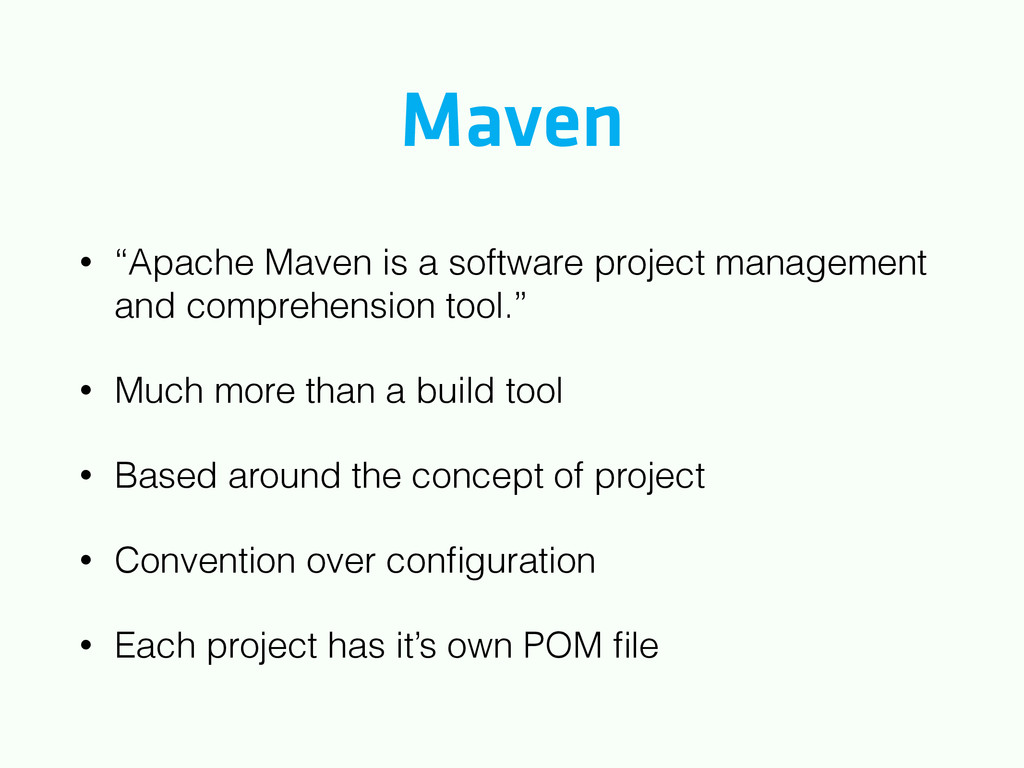
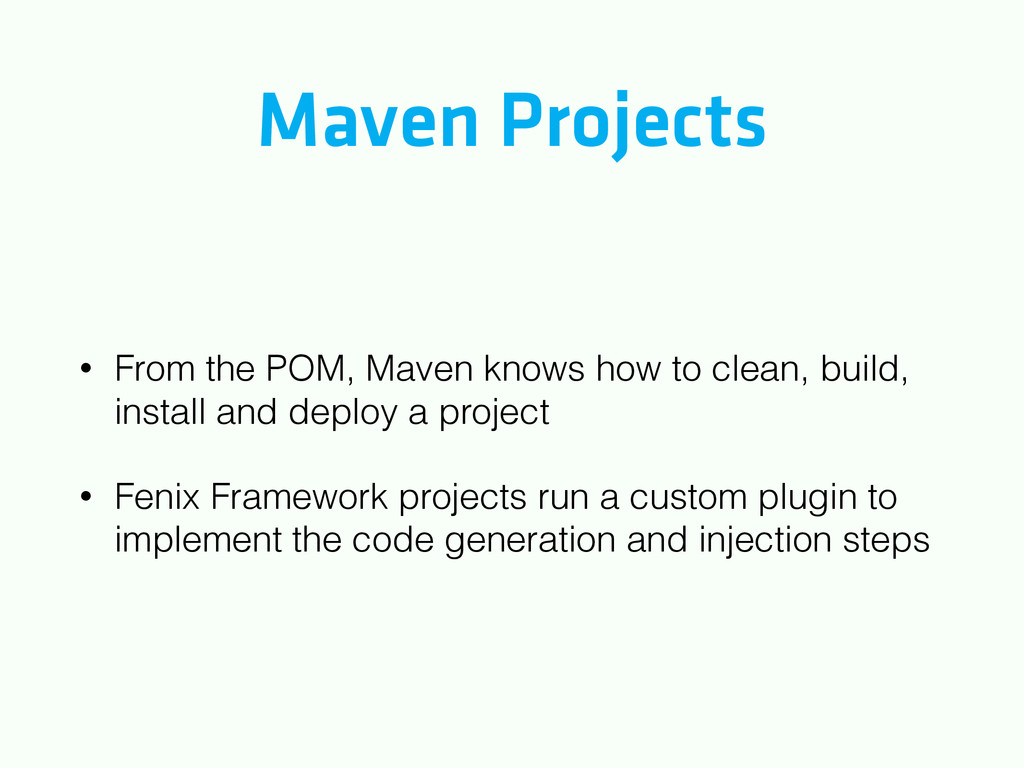
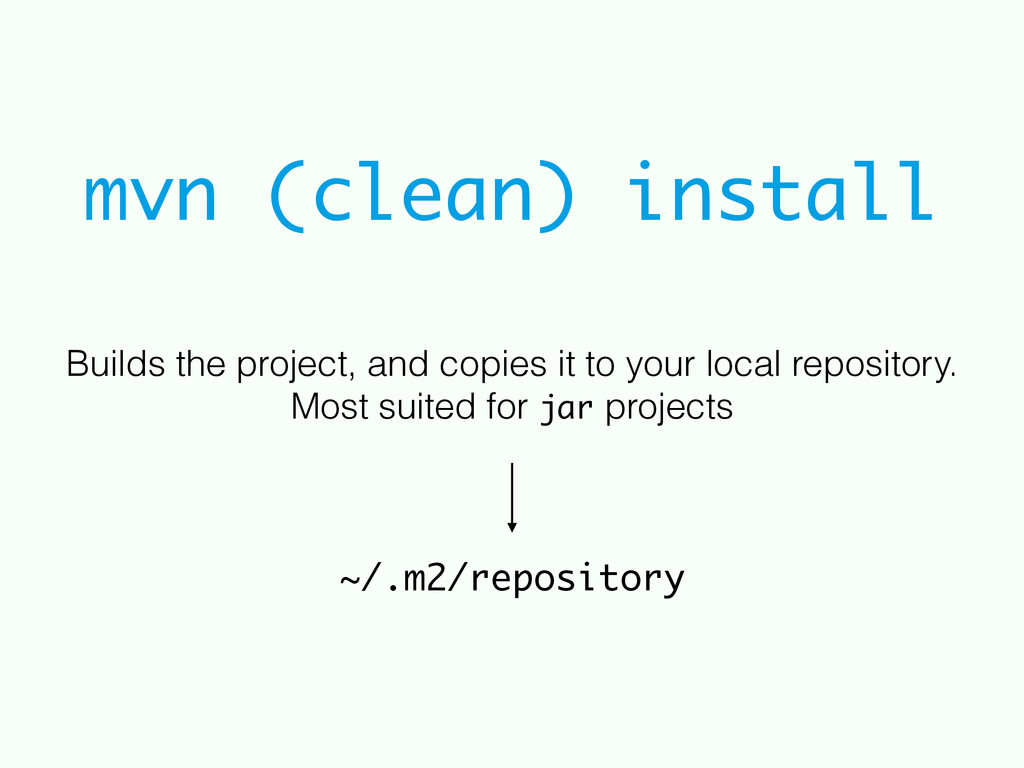
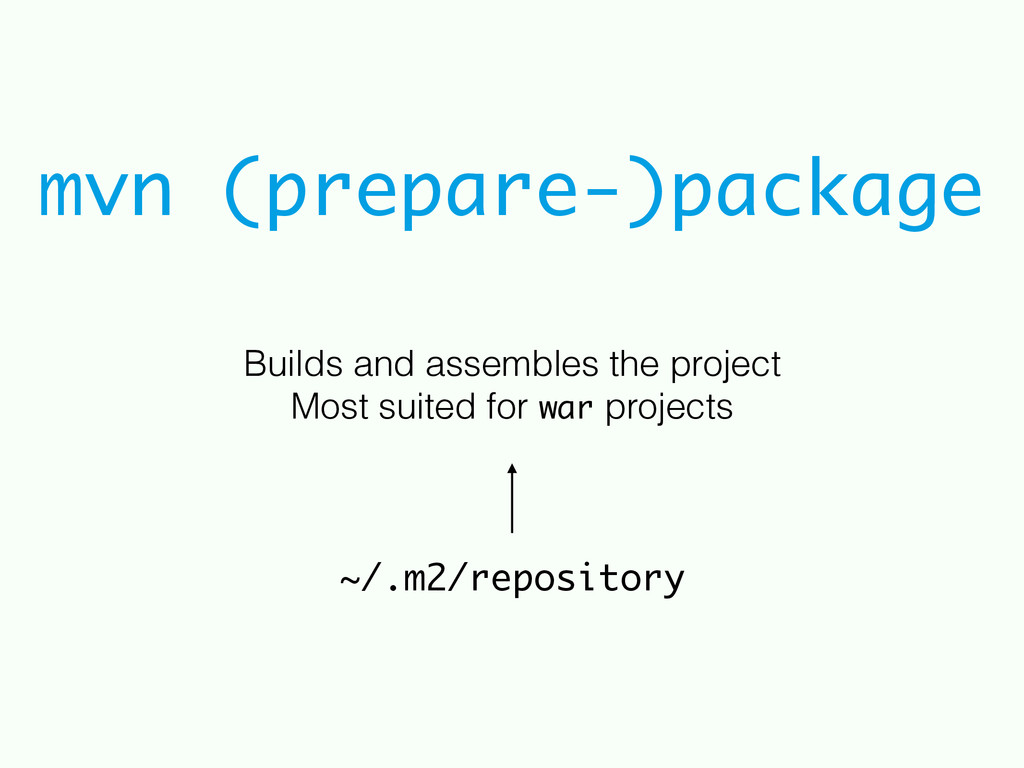
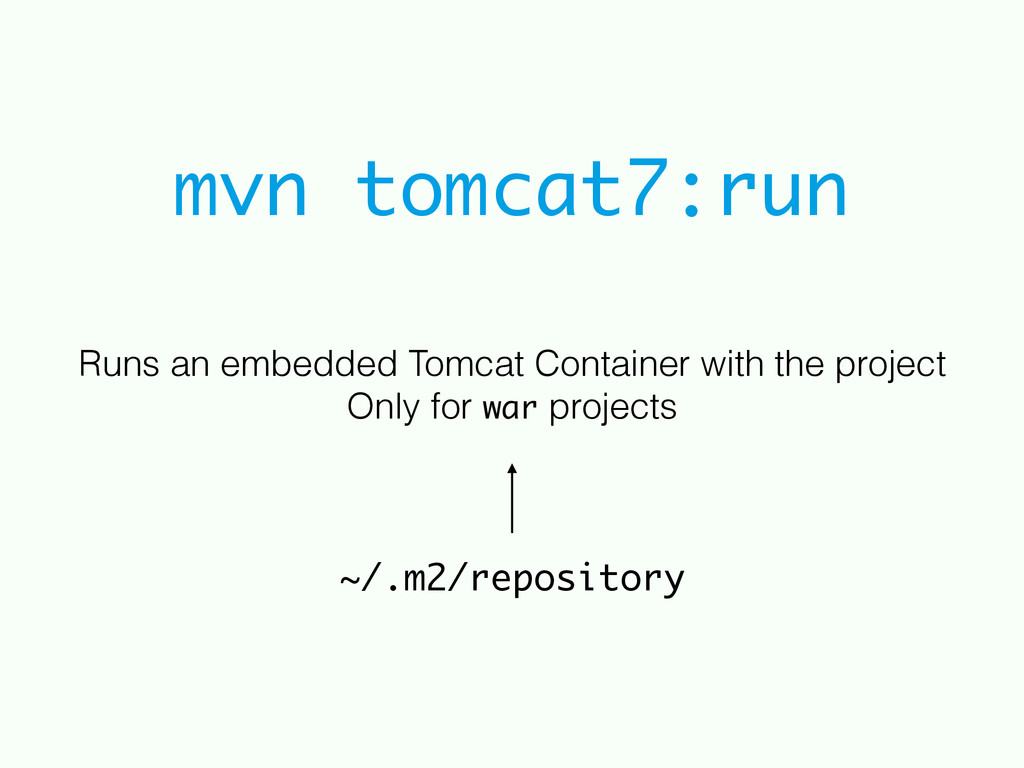
comprehension tool.” • Much more than a build tool • Based around the concept of project • Convention over configuration • Each project has it’s own POM file
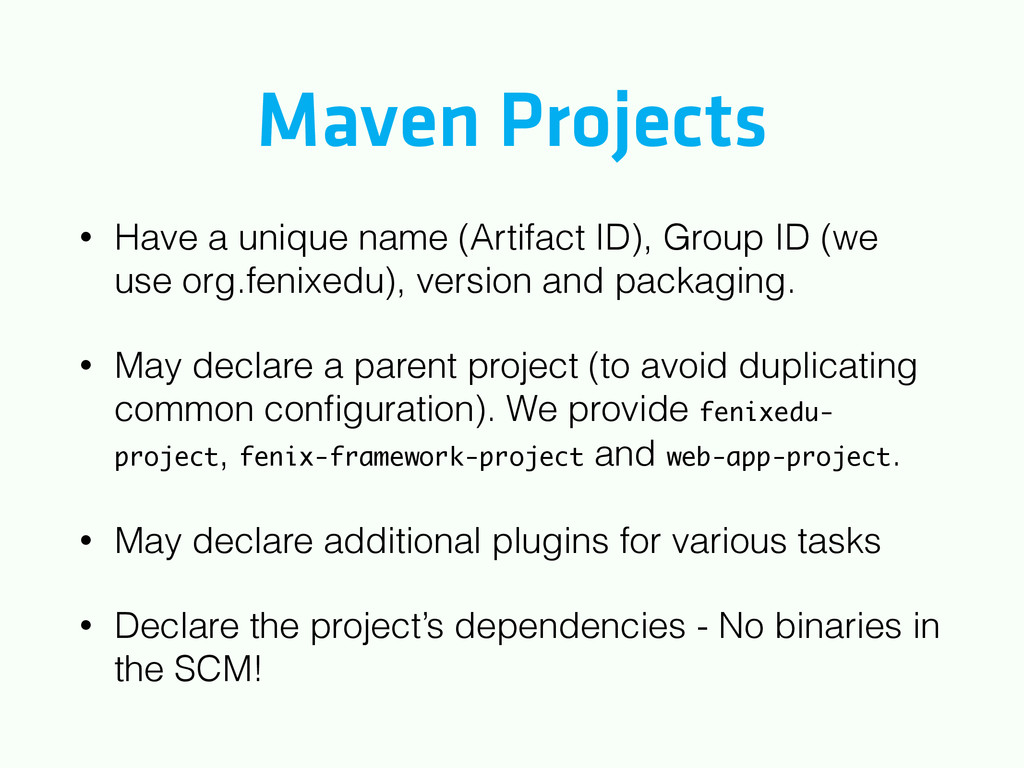
ID (we use org.fenixedu), version and packaging. • May declare a parent project (to avoid duplicating common configuration). We provide fenixedu- project, fenix-framework-project and web-app-project. • May declare additional plugins for various tasks • Declare the project’s dependencies - No binaries in the SCM!
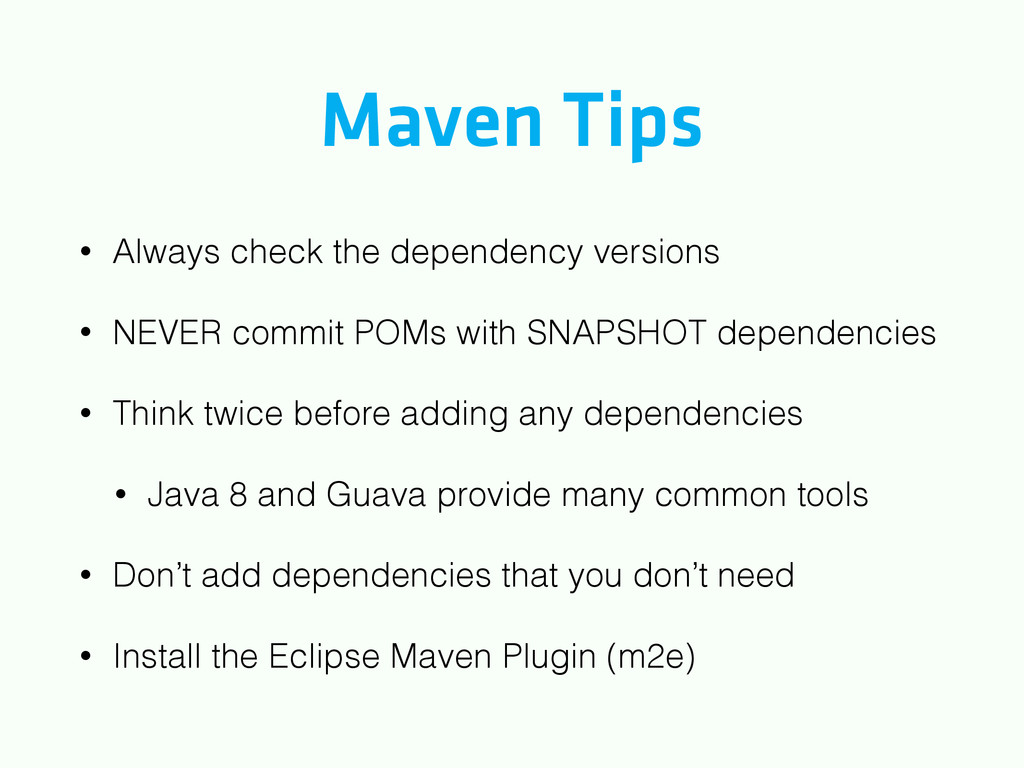
commit POMs with SNAPSHOT dependencies • Think twice before adding any dependencies • Java 8 and Guava provide many common tools • Don’t add dependencies that you don’t need • Install the Eclipse Maven Plugin (m2e)
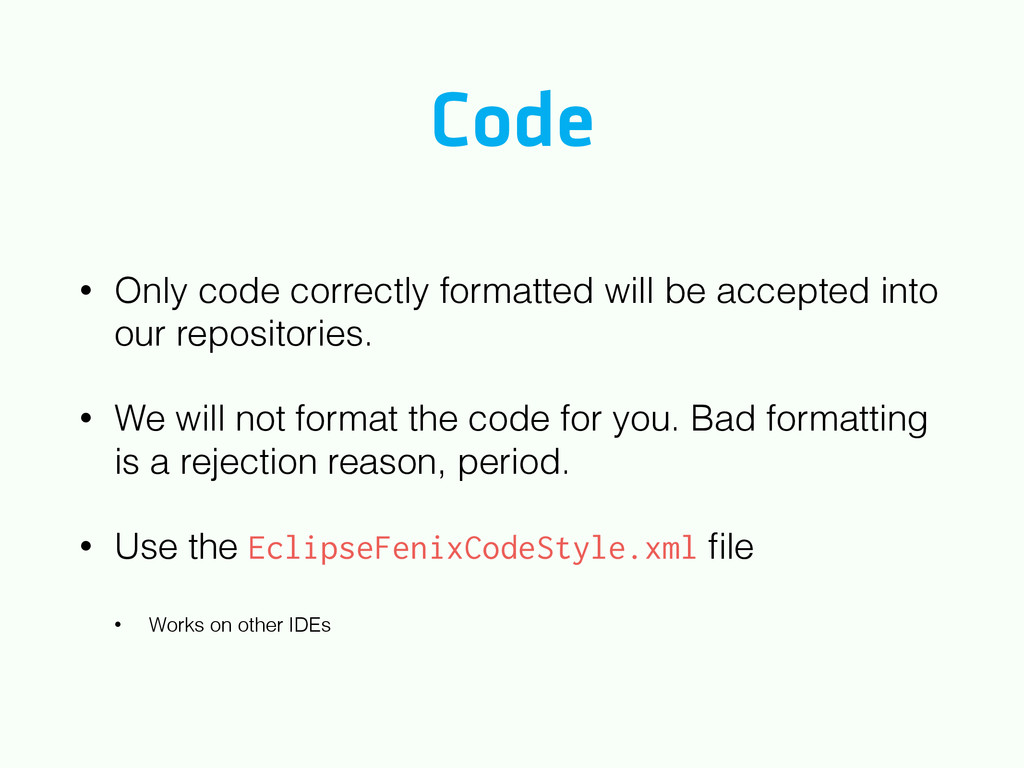
our repositories. • We will not format the code for you. Bad formatting is a rejection reason, period. • Use the EclipseFenixCodeStyle.xml file • Works on other IDEs
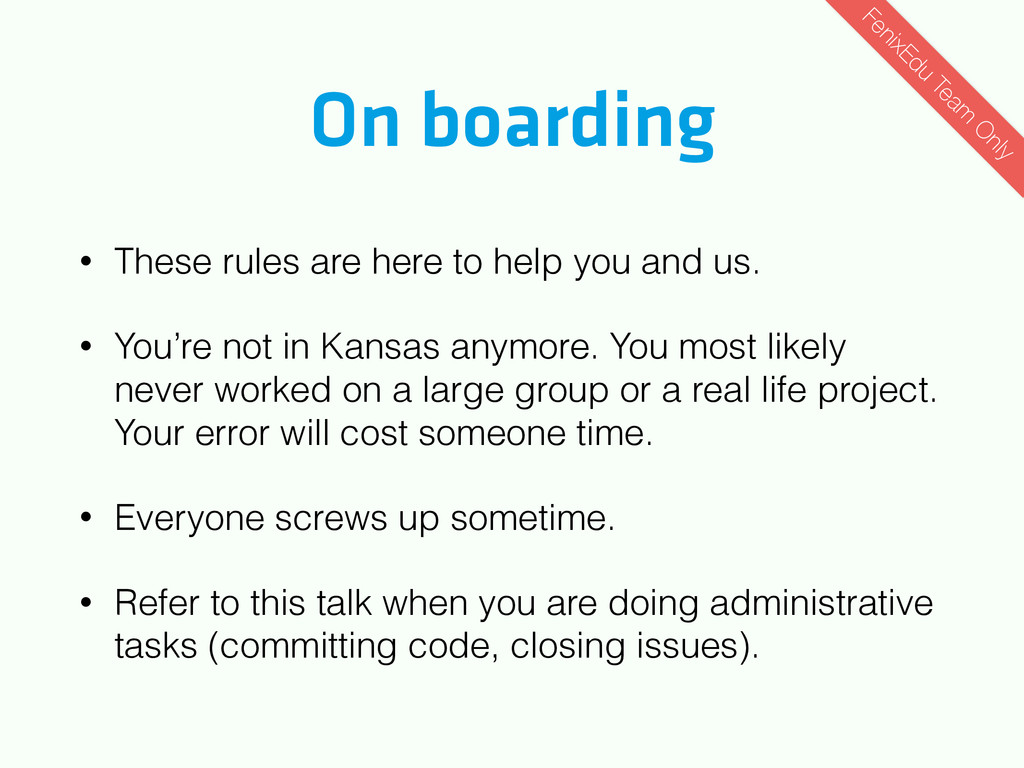
and us. • You’re not in Kansas anymore. You most likely never worked on a large group or a real life project. Your error will cost someone time. • Everyone screws up sometime. • Refer to this talk when you are doing administrative tasks (committing code, closing issues). FenixEdu Team O nly
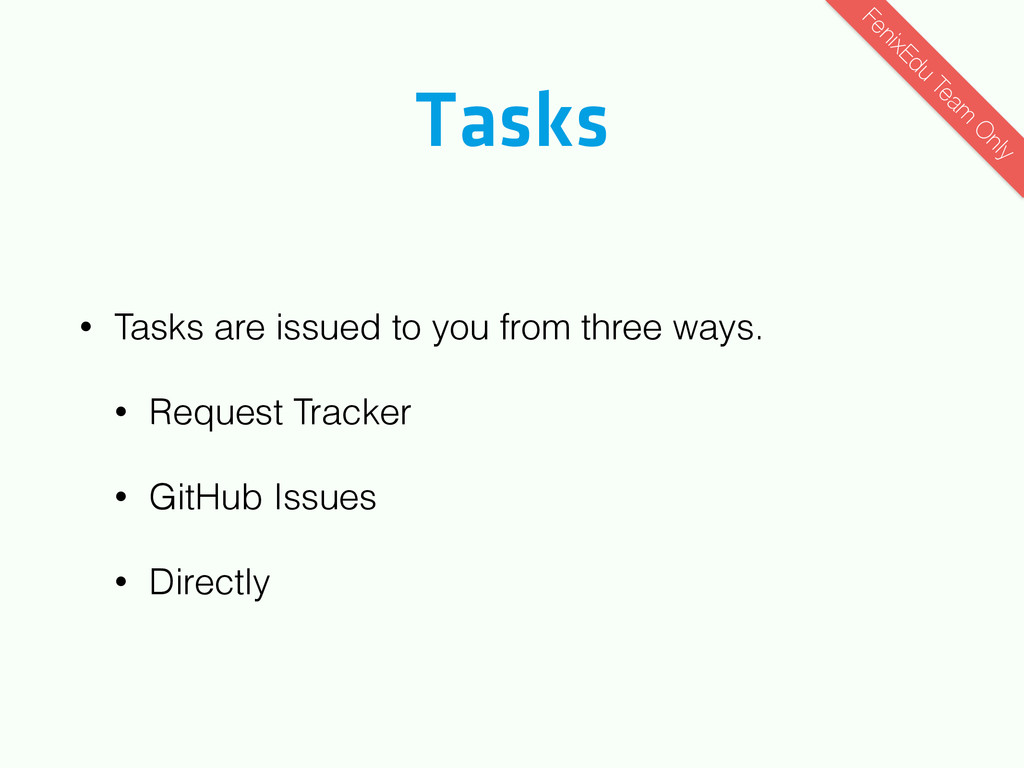
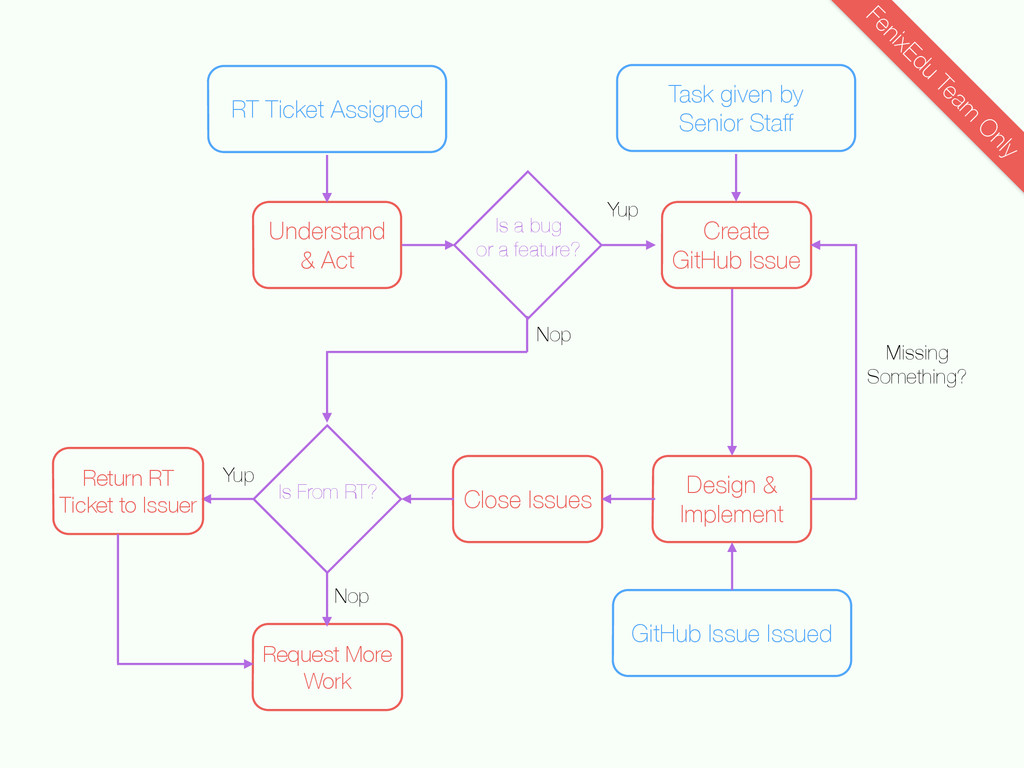
tracks everything from Academic Administrative Office requests from bugs. • RT Tickets are issued to you either by the Senior Staff or User Support Group. • After solving the ticket, give it back to who gave you. FenixEdu Team O nly
External errors are managed in GitHub Issues • Internal errors SHOULD give rise to external errors when new functionalities are created or bugs are fixed FenixEdu Team O nly
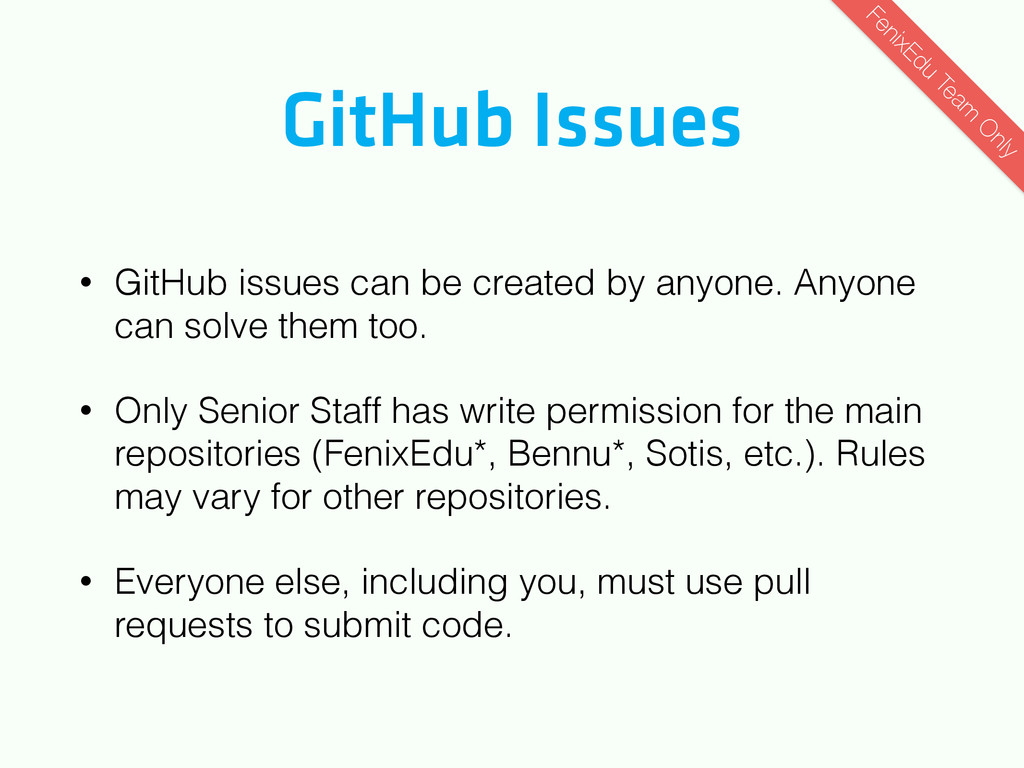
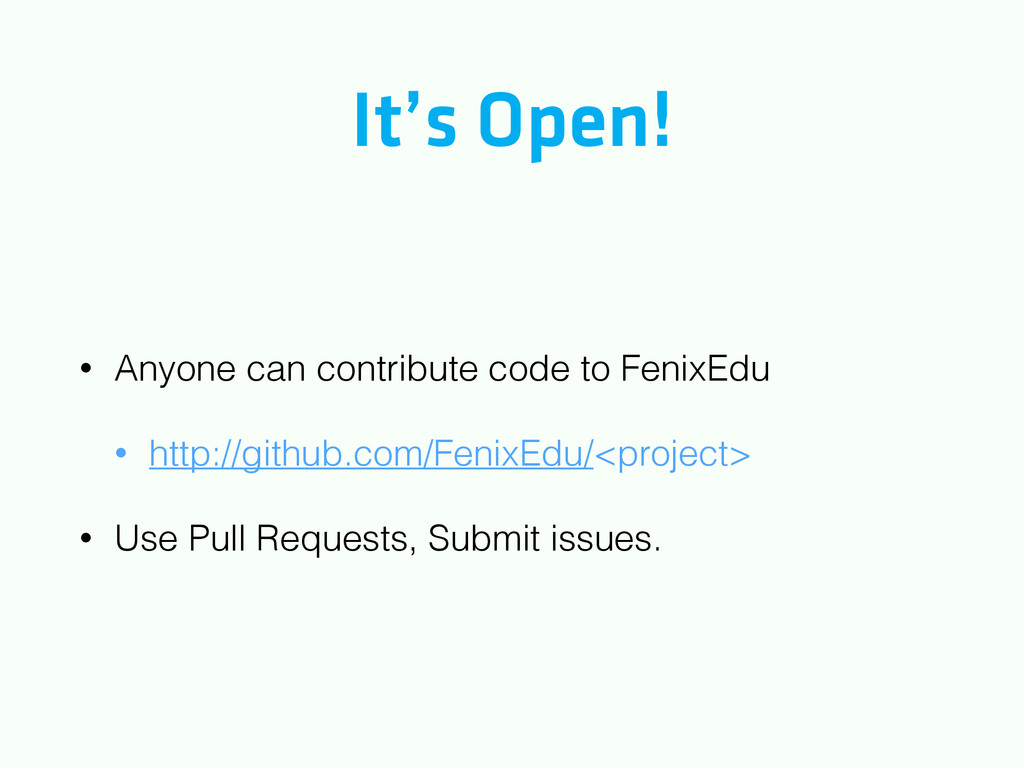
Anyone can solve them too. • Only Senior Staff has write permission for the main repositories (FenixEdu*, Bennu*, Sotis, etc.). Rules may vary for other repositories. • Everyone else, including you, must use pull requests to submit code. FenixEdu Team O nly
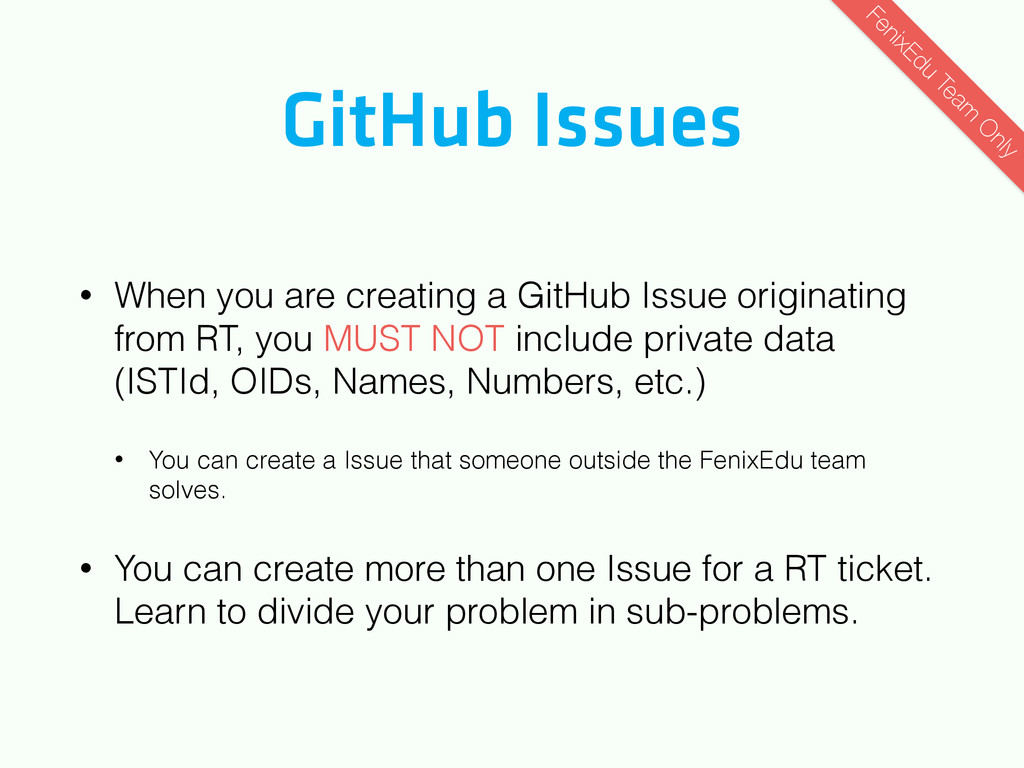
originating from RT, you MUST NOT include private data (ISTId, OIDs, Names, Numbers, etc.) • You can create a Issue that someone outside the FenixEdu team solves. • You can create more than one Issue for a RT ticket. Learn to divide your problem in sub-problems. FenixEdu Team O nly
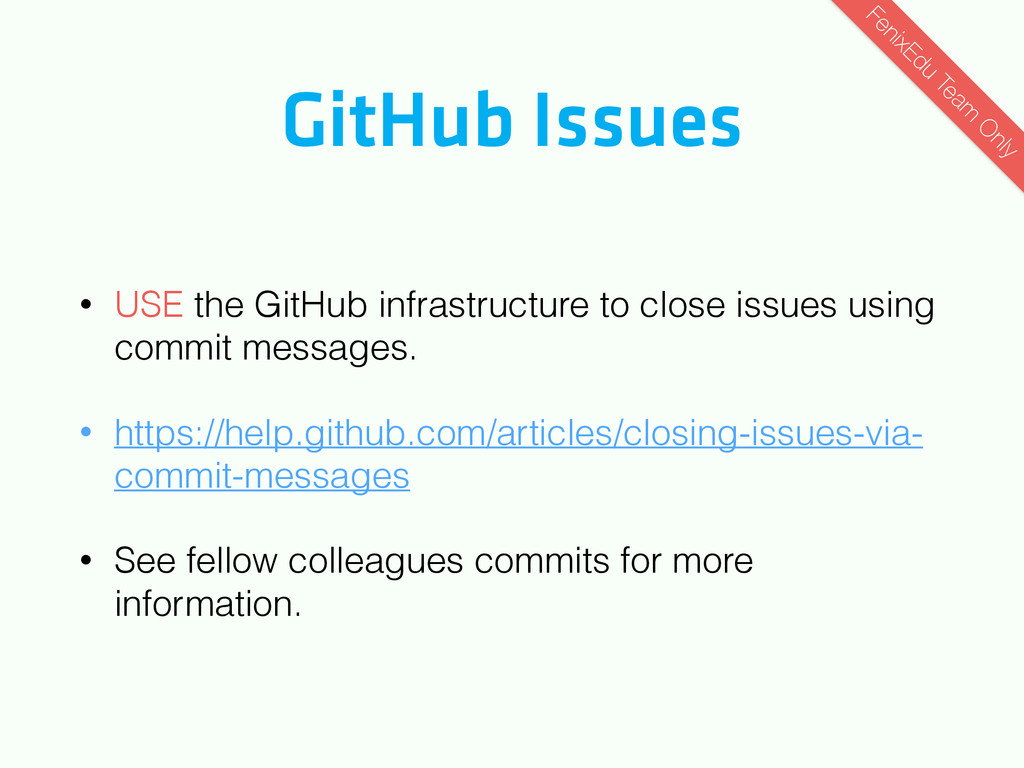
using commit messages. • https://help.github.com/articles/closing-issues-via- commit-messages • See fellow colleagues commits for more information. FenixEdu Team O nly
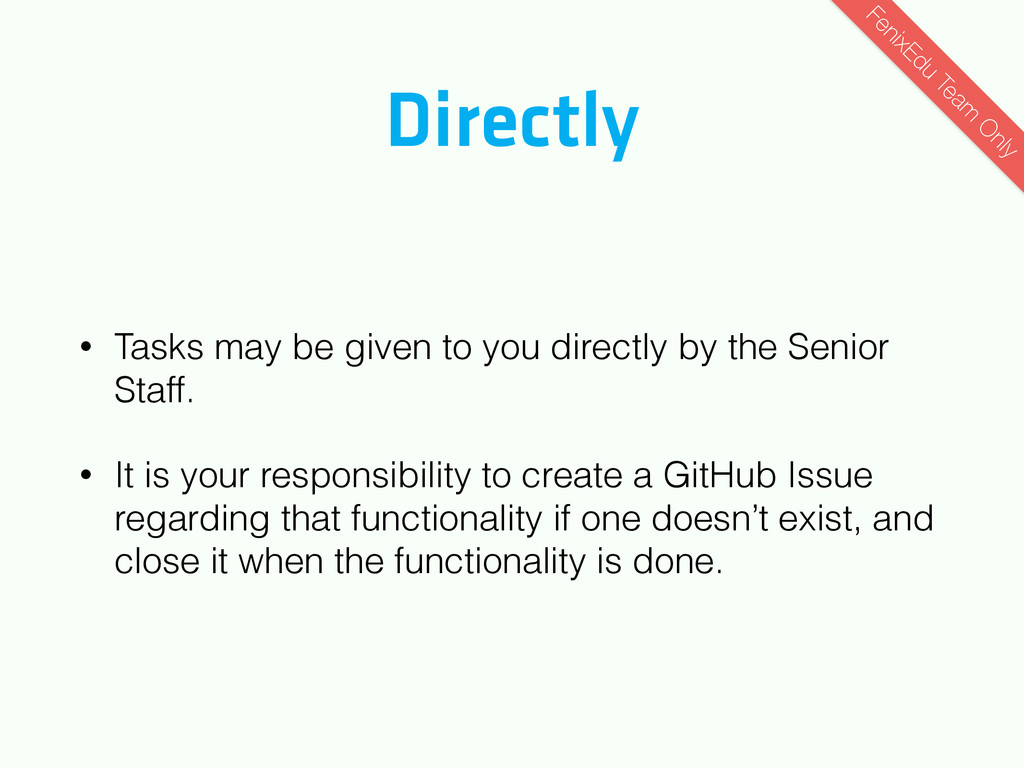
the Senior Staff. • It is your responsibility to create a GitHub Issue regarding that functionality if one doesn’t exist, and close it when the functionality is done. FenixEdu Team O nly
a feature? Create GitHub Issue Missing Something? GitHub Issue Issued FenixEdu Team O nly RT Ticket Assigned Close Issues Is From RT? Return RT Ticket to Issuer Request More Work Yup Yup Task given by Senior Staff Nop Nop
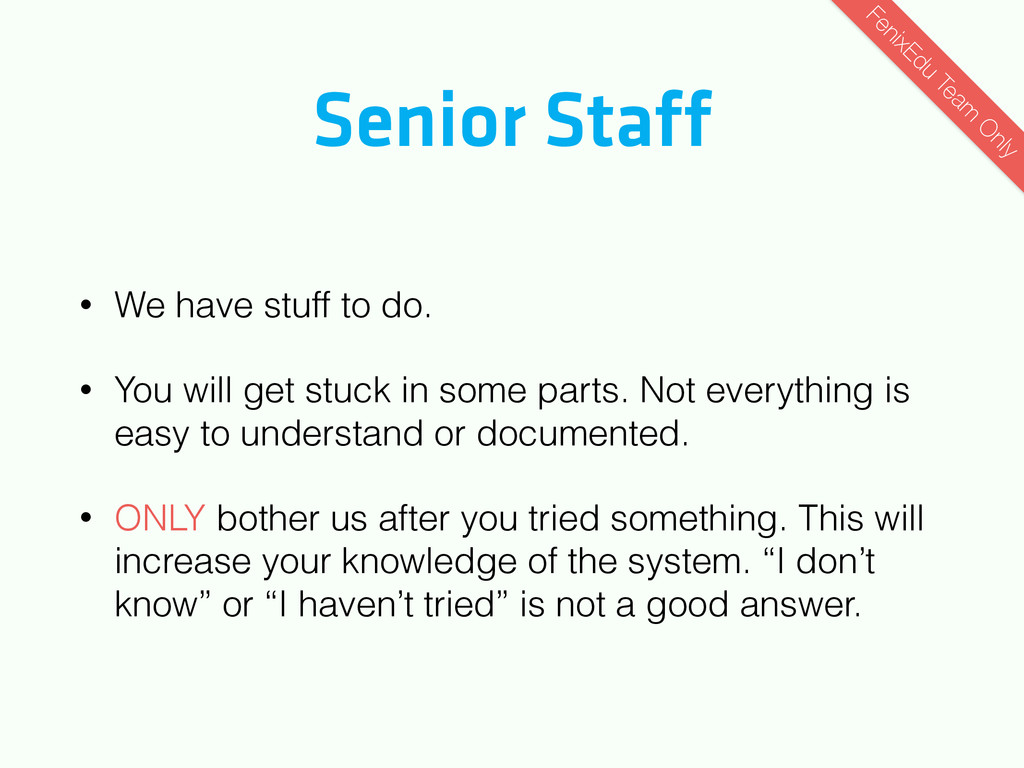
will get stuck in some parts. Not everything is easy to understand or documented. • ONLY bother us after you tried something. This will increase your knowledge of the system. “I don’t know” or “I haven’t tried” is not a good answer. FenixEdu Team O nly
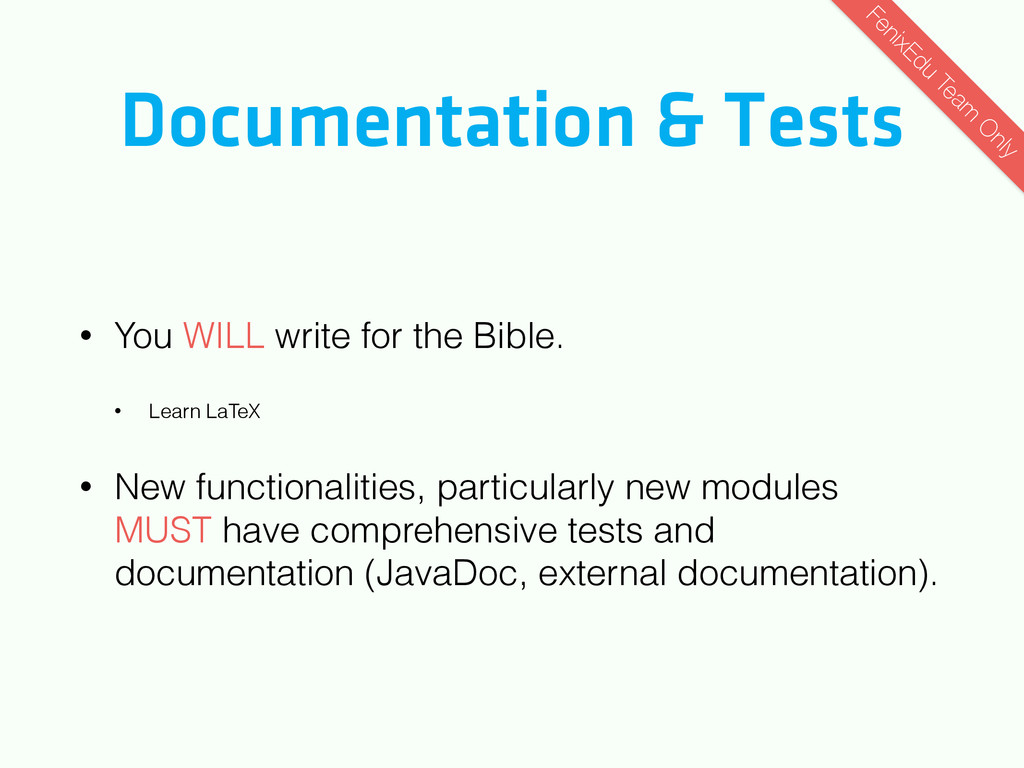
• Learn LaTeX • New functionalities, particularly new modules MUST have comprehensive tests and documentation (JavaDoc, external documentation). FenixEdu Team O nly
being integrated. • You are on a public open source project. Your code will be read by other people, including future employers. Don’t write crap you aren’t comfortable showing off. • We don’t want to read bad code. FenixEdu Team O nly
normally use Git on the console. • You can use whatever you want. • If you aren’t experienced with IDEs, large teams, or working on a professional environment, use what we use. If a solution exists for a problem, everyone benefits FenixEdu Team O nly


 nurv
nurv
 recruitengineers
 sansantech
 iktakahiro
 pfn
pfn
 techtekt
 shugo
shugo
 takahashim
 koukihosaka
 nttcom
 greenmidori
 persolserverworks
 rfdnxbro
 jeffersonlam
 kimpetersen
 inesmontani
 katarinadahlin
 eitanlees
 sarafernandez
 soysaucechin
 rabernat
 akademiya2063
 bkeepers
 sabderemane





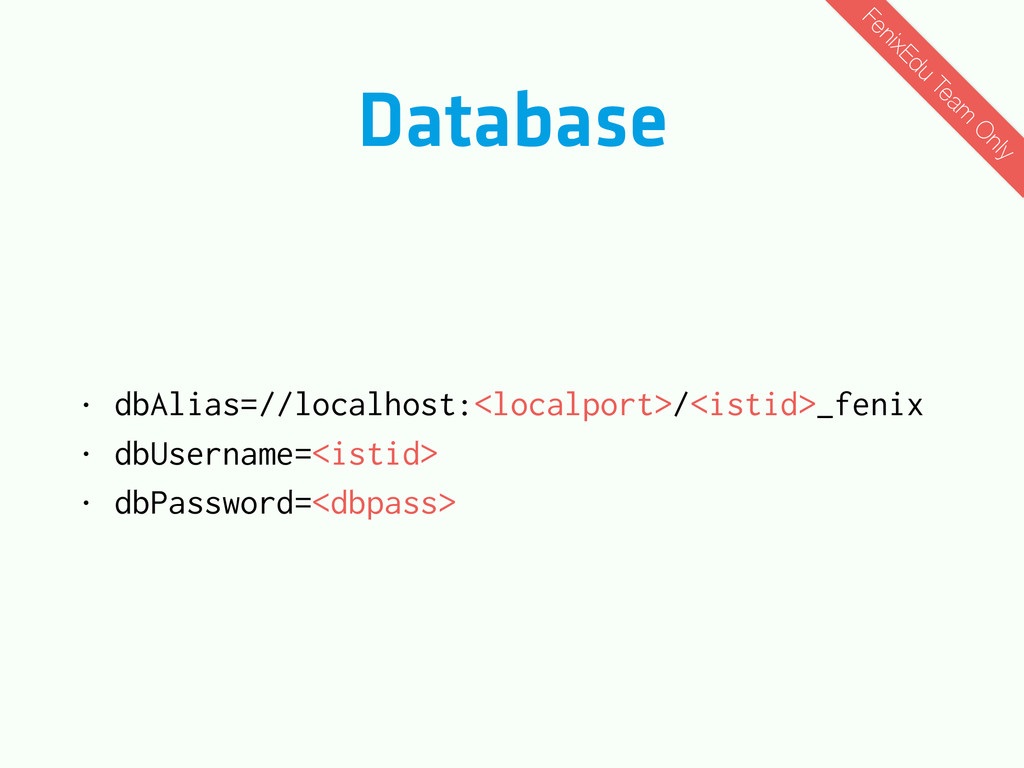
![Database • ssh -A -fNg -L <localport>:localhost:3306 [email protected] • mysql](https://files.speakerdeck.com/presentations/20295a70d92c0131a00b3e911c8944b4/slide_47.jpg)