Upgrade to Pro — share decks privately, control downloads, hide ads and more …

Introducción a Jax Framework

Avatar for Oldani Pablo Oldani Pablo
December 06, 2012

Introducción a Jax Framework

Jax es un framework para ruby basado en ruby on rails para el uso de aplicaciones WebGL

Avatar for Oldani Pablo

Oldani Pablo

December 06, 2012

Other Decks in Programming

Transcript

  1. ¿Qué es WebGL? Es un API para javascript que permite

    usar la implementación nativa de OpenGL ES 2.0 url: http://www.khronos.org/webgl/
  2. Diferencias con OpenGL •1 Non-Power of Two Texture Support •2

    Vertex Attribute 0 •3 No double-precision floating-point support •4 No 3D Texture support •5 texture2DLod •6 Precision Qualifiers url :http://www.khronos.org/webgl/wiki/WebGL_and_OpenGL_Differences
  3. ¿Qué es Jax? Jax es un framework para aplicaciones de

    javascript con WebGL. Basado en Ruby on Rails. Con arquitectura: MVC
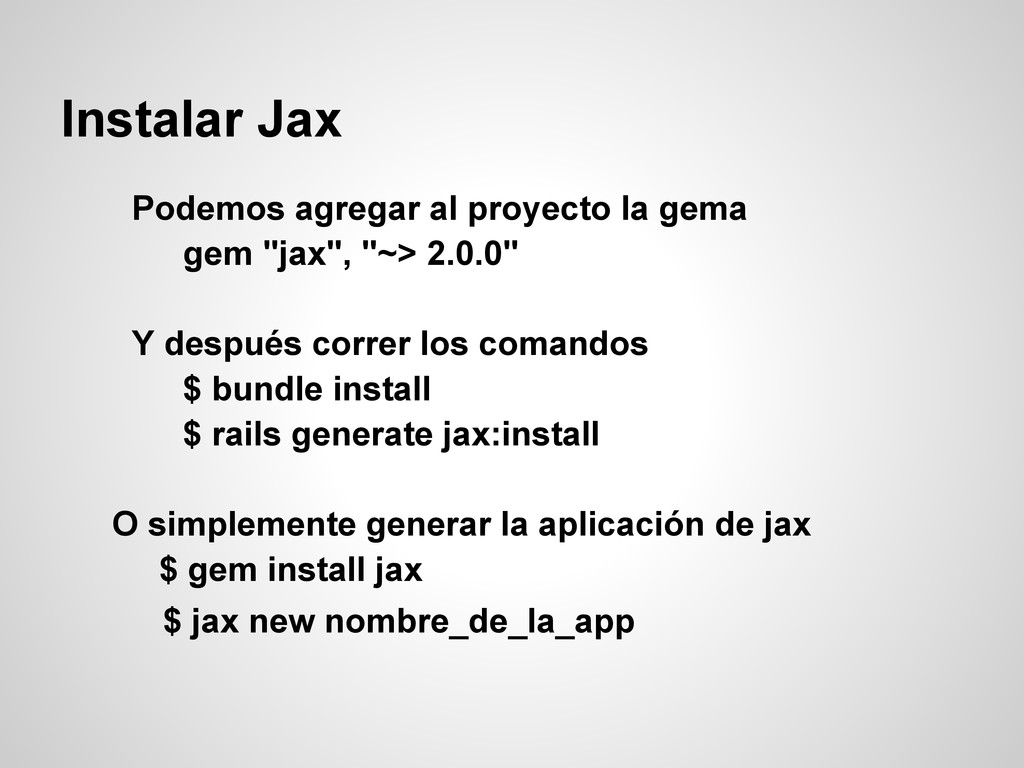
  4. Instalar Jax Podemos agregar al proyecto la gema gem "jax",

    "~> 2.0.0" Y después correr los comandos $ bundle install $ rails generate jax:install O simplemente generar la aplicación de jax $ gem install jax $ jax new nombre_de_la_app
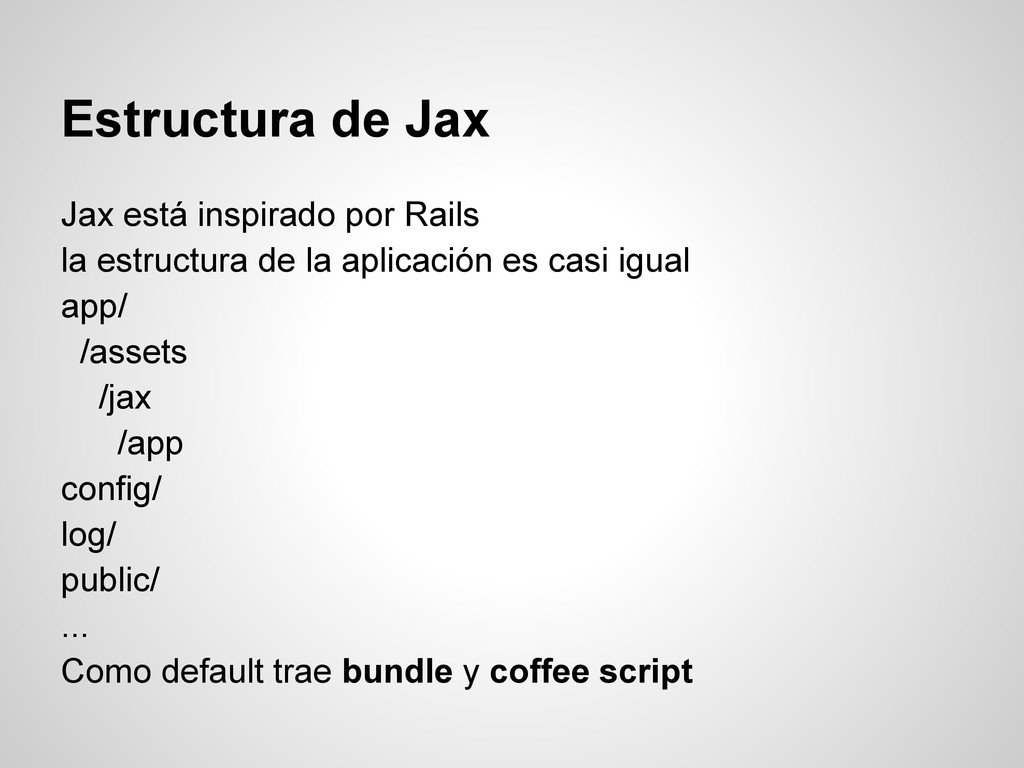
  5. Estructura de Jax Jax está inspirado por Rails la estructura

    de la aplicación es casi igual app/ /assets /jax /app config/ log/ public/ ... Como default trae bundle y coffee script
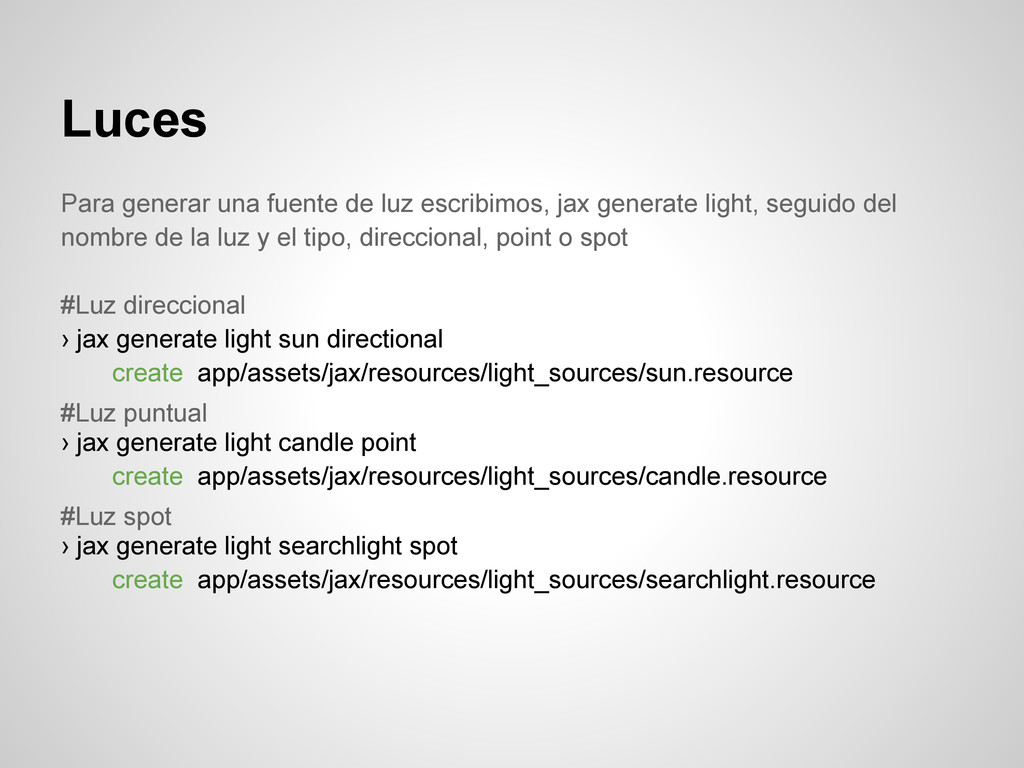
  6. Luces Para generar una fuente de luz escribimos, jax generate

    light, seguido del nombre de la luz y el tipo, direccional, point o spot #Luz direccional › jax generate light sun directional create app/assets/jax/resources/light_sources/sun.resource #Luz puntual › jax generate light candle point create app/assets/jax/resources/light_sources/candle.resource #Luz spot › jax generate light searchlight spot create app/assets/jax/resources/light_sources/searchlight.resource
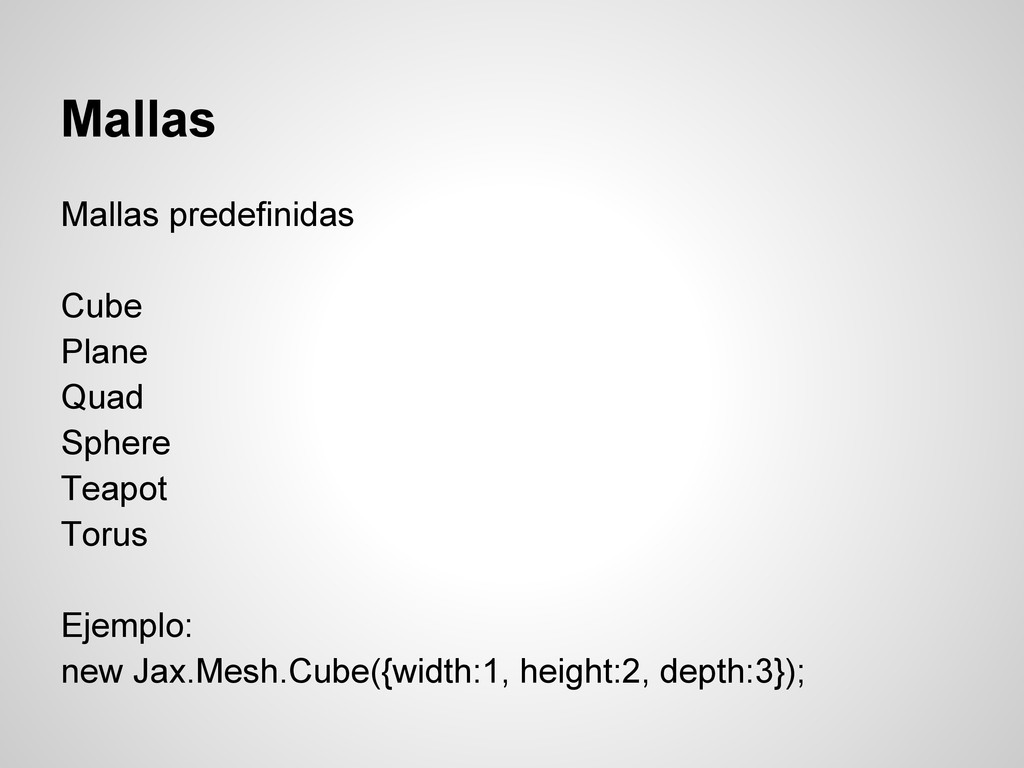
  7. Mallas Mallas predefinidas Cube Plane Quad Sphere Teapot Torus Ejemplo:

    new Jax.Mesh.Cube({width:1, height:2, depth:3});
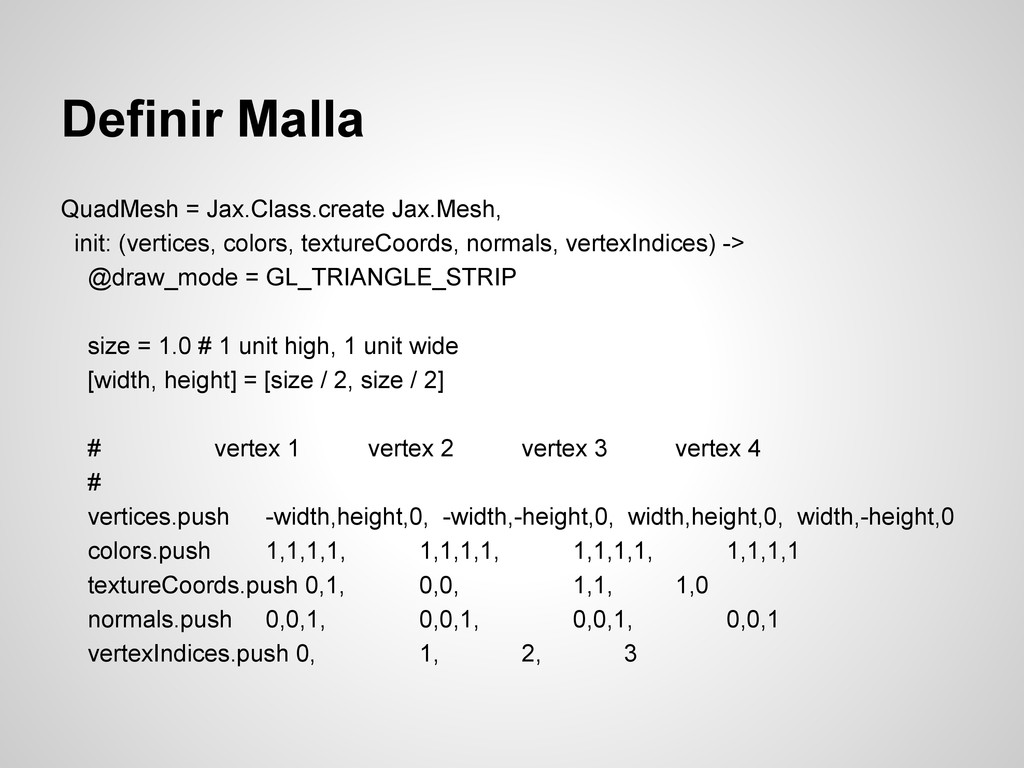
  8. Definir Malla QuadMesh = Jax.Class.create Jax.Mesh, init: (vertices, colors, textureCoords,

    normals, vertexIndices) -> @draw_mode = GL_TRIANGLE_STRIP size = 1.0 # 1 unit high, 1 unit wide [width, height] = [size / 2, size / 2] # vertex 1 vertex 2 vertex 3 vertex 4 # vertices.push -width,height,0, -width,-height,0, width,height,0, width,-height,0 colors.push 1,1,1,1, 1,1,1,1, 1,1,1,1, 1,1,1,1 textureCoords.push 0,1, 0,0, 1,1, 1,0 normals.push 0,0,1, 0,0,1, 0,0,1, 0,0,1 vertexIndices.push 0, 1, 2, 3
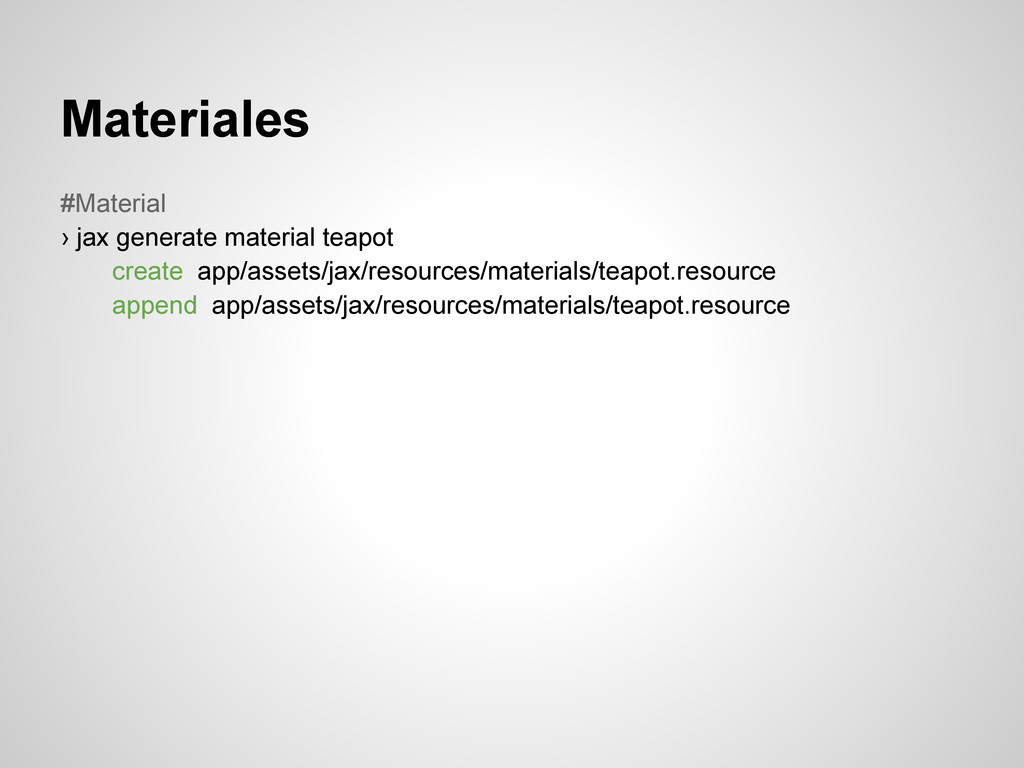
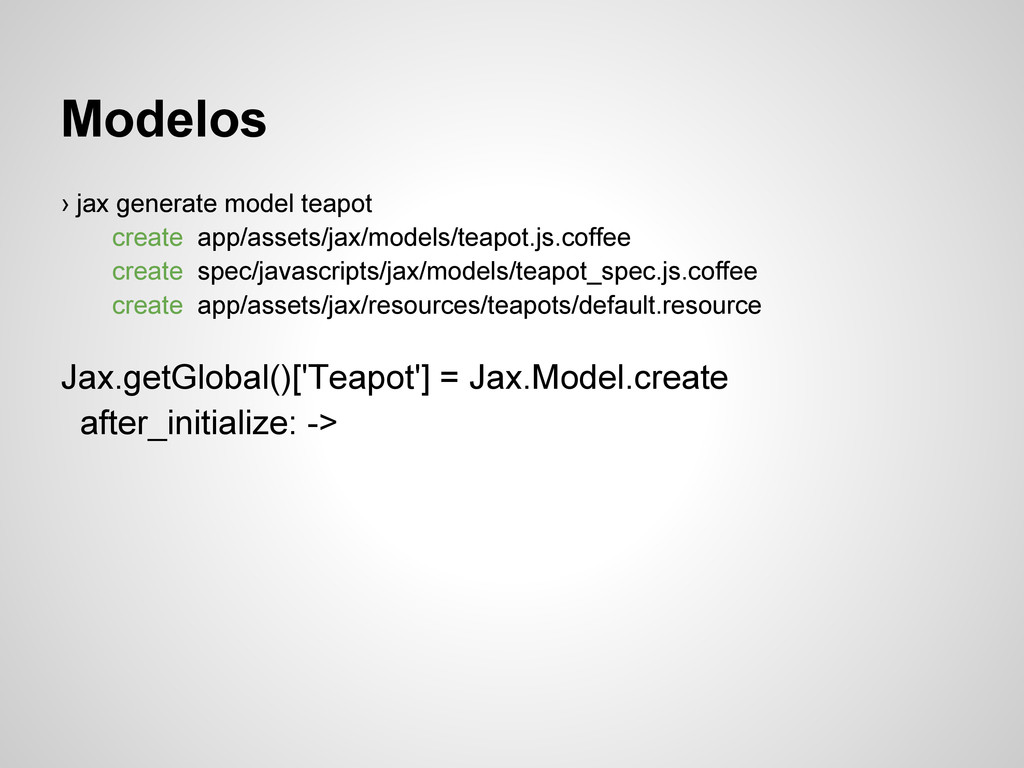
  9. Modelos › jax generate model teapot create app/assets/jax/models/teapot.js.coffee create spec/javascripts/jax/models/teapot_spec.js.coffee

    create app/assets/jax/resources/teapots/default.resource Jax.getGlobal()['Teapot'] = Jax.Model.create after_initialize: ->
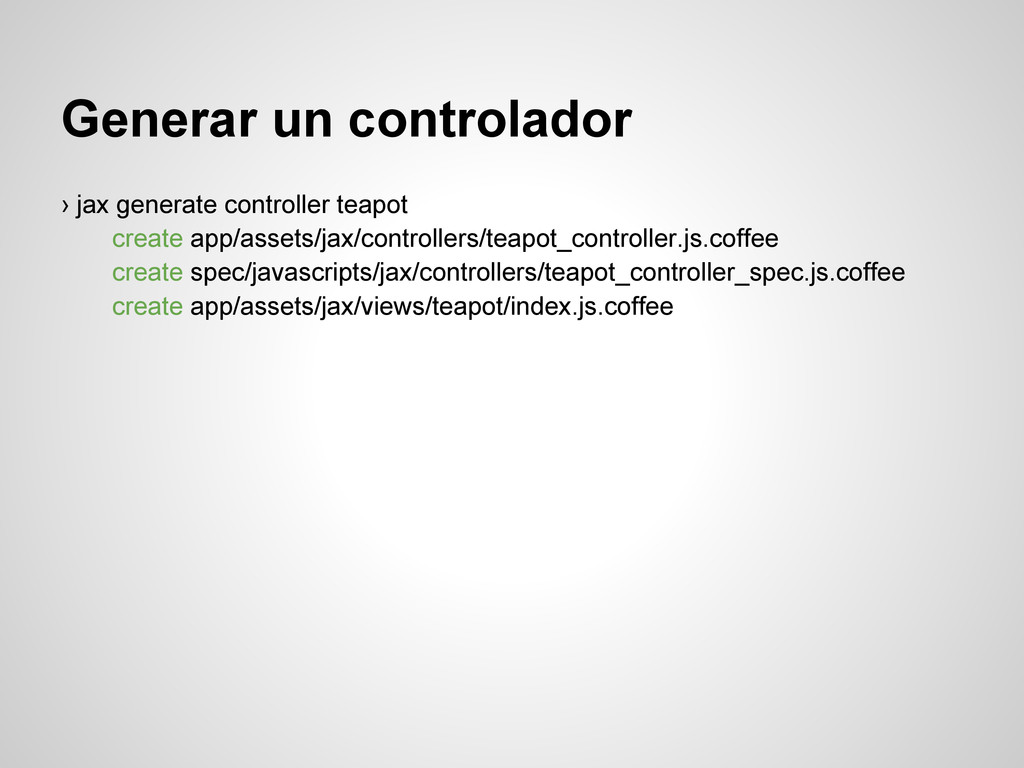
  10. Generar un controlador › jax generate controller teapot create app/assets/jax/controllers/teapot_controller.js.coffee

    create spec/javascripts/jax/controllers/teapot_controller_spec.js.coffee create app/assets/jax/views/teapot/index.js.coffee
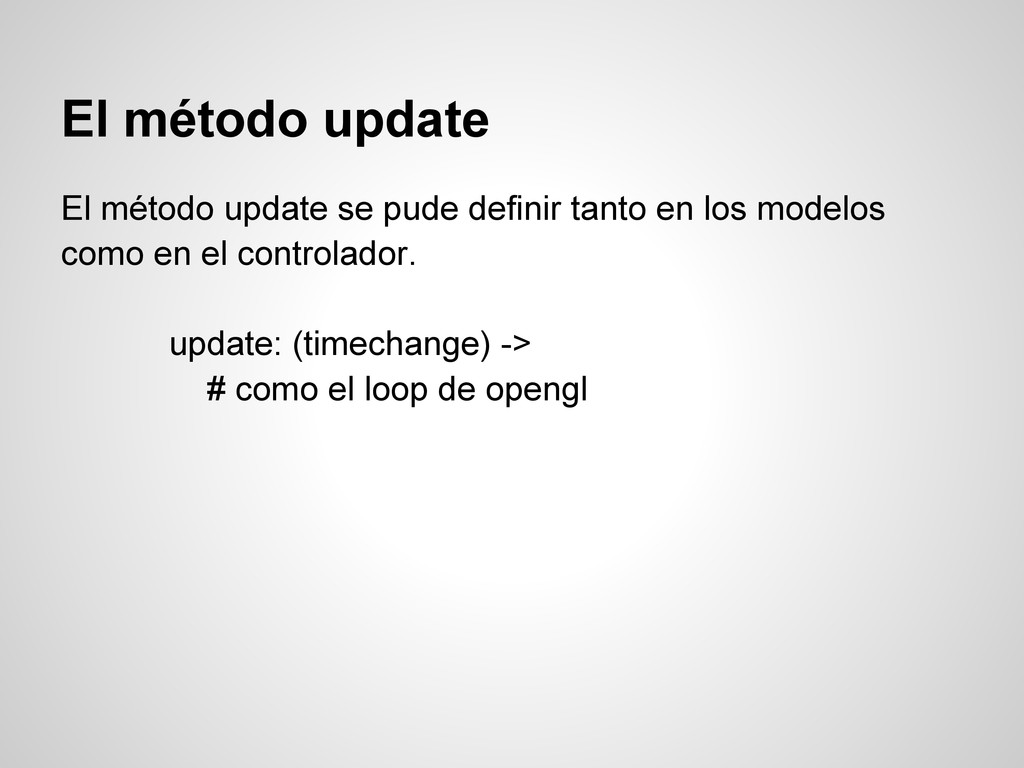
  11. El método update El método update se pude definir tanto

    en los modelos como en el controlador. update: (timechange) -> # como el loop de opengl
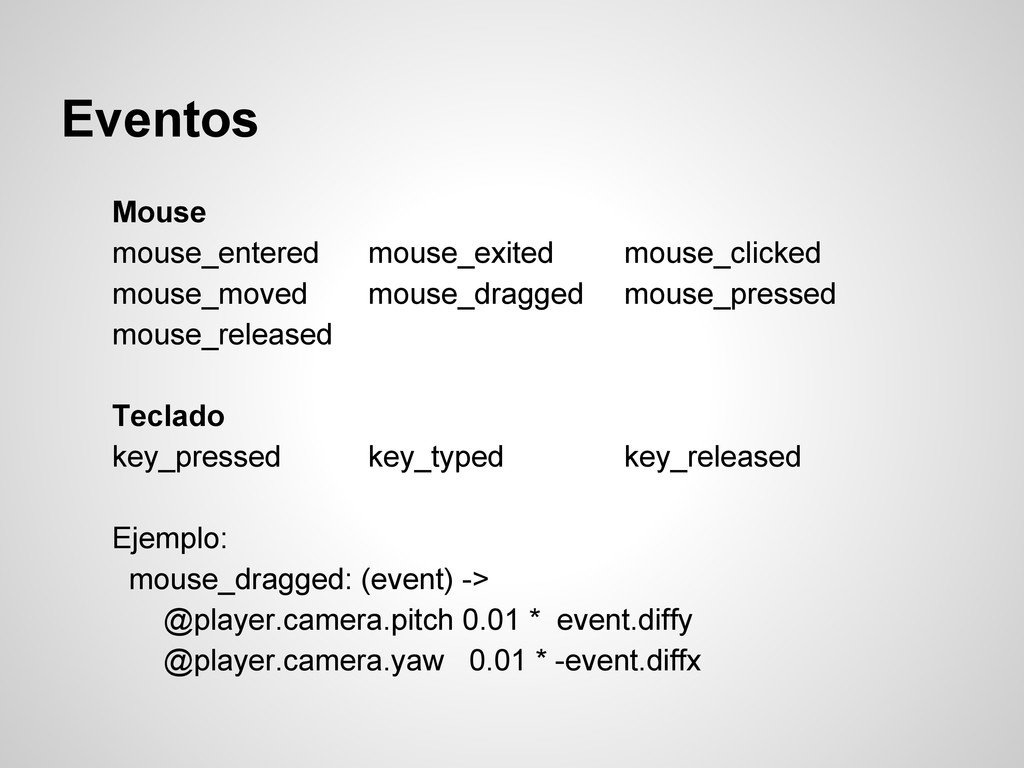
  12. Eventos Mouse mouse_entered mouse_exited mouse_clicked mouse_moved mouse_dragged mouse_pressed mouse_released Teclado

    key_pressed key_typed key_released Ejemplo: mouse_dragged: (event) -> @player.camera.pitch 0.01 * event.diffy @player.camera.yaw 0.01 * -event.diffx