Upgrade to Pro — share decks privately, control downloads, hide ads and more …

What's Missing from your RMAN Backup?

Sponsored · Your Podcast. Everywhere. Effortlessly. Share. Educate. Inspire. Entertain. You do you. We'll handle the rest.

What's Missing from your RMAN Backup?

Avatar for Seán Scott

Seán Scott PRO

May 08, 2025

More Decks by Seán Scott

Other Decks in Technology

Transcript

  1. What's Missing From Your RMAN Backup? Sean Scott Managing Principal

    Consultant — Viscosity North America Oracle ACE Director May 8, 2025
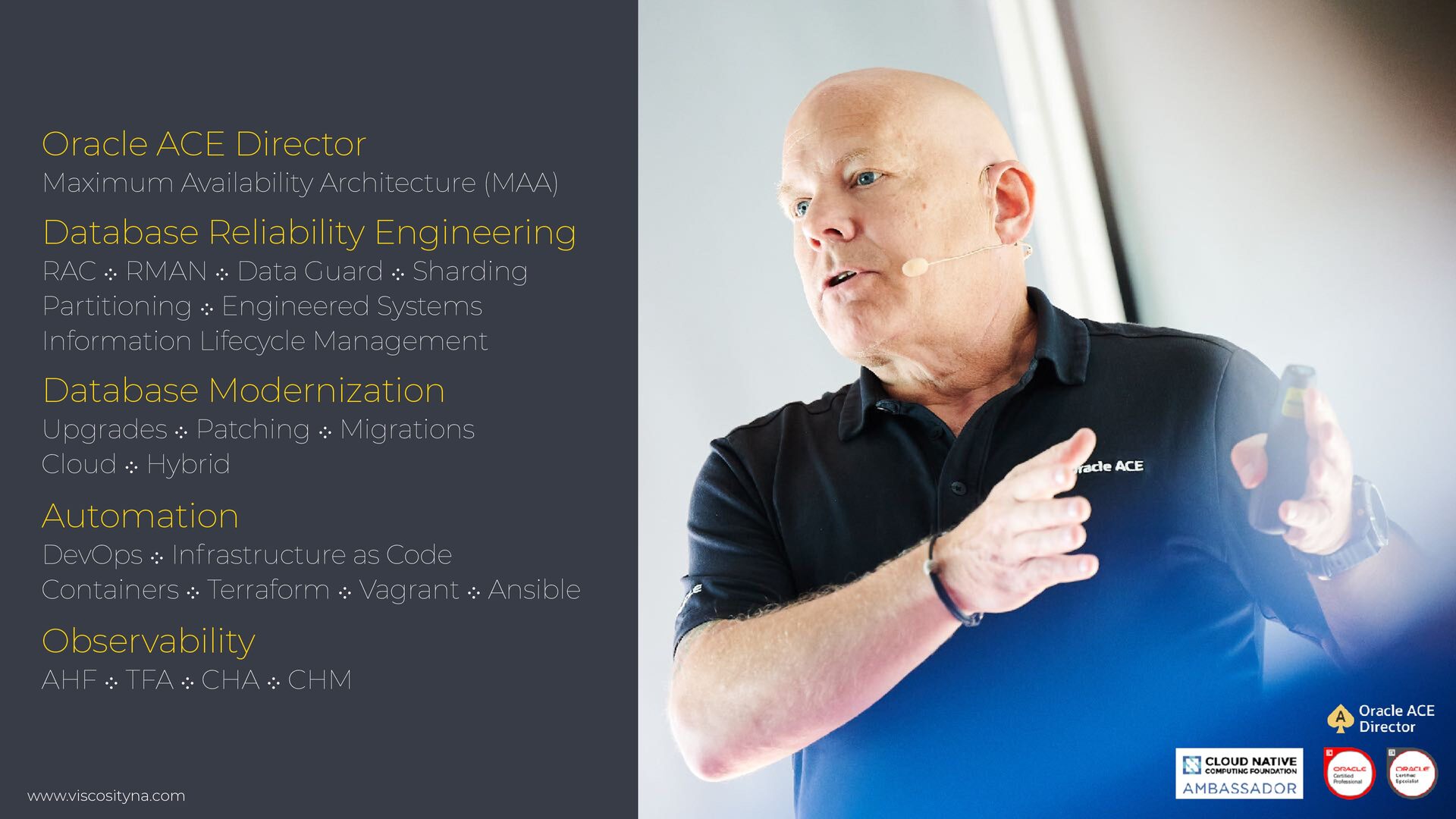
  2. www.viscosityna.com @ViscosityNA Oracle ACE Director Maximum Availability Architecture (MAA) Database

    Reliability Engineering RAC ⁘ RMAN ⁘ Data Guard ⁘ Sharding Partitioning ⁘ Engineered Systems Information Lifecycle Management Database Modernization Upgrades ⁘ Patching ⁘ Migrations Cloud ⁘ Hybrid Automation DevOps ⁘ Infrastructure as Code Containers ⁘ Terraform ⁘ Vagrant ⁘ Ansible Observability AHF ⁘ TFA ⁘ CHA ⁘ CHM
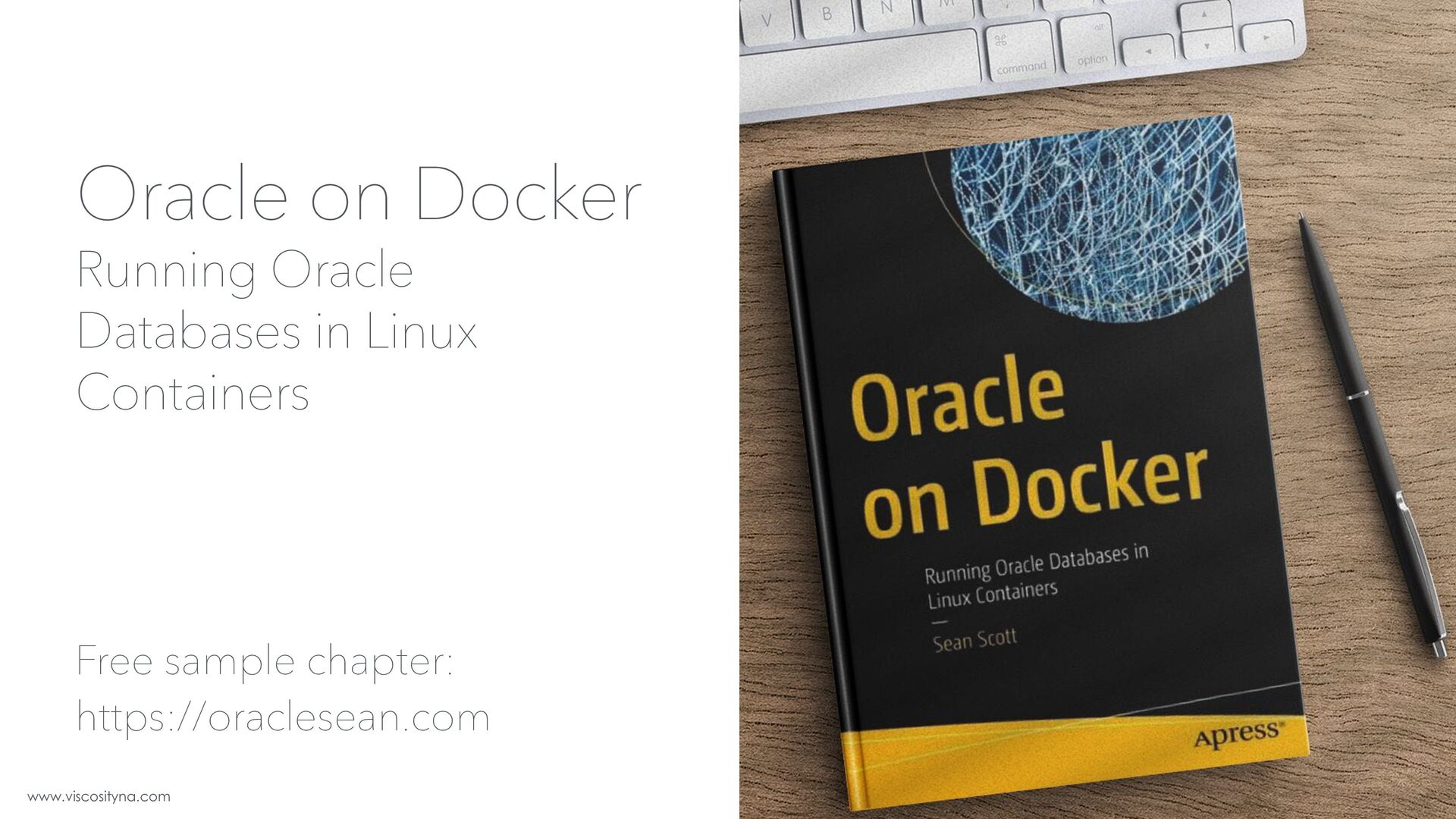
  3. www.viscosityna.com @ViscosityNA Oracle on Docker Running Oracle Databases in Linux

    Containers Free sample chapter: https://oraclesean.com
  4. www.viscosityna.com @ViscosityNA Data Protection vs. High Availability Data Protection Concepts

    • Data protection primarily protects against data loss • RMAN • Data Pump • User-managed backup
  5. www.viscosityna.com @ViscosityNA Data Protection vs. High Availability Data Protection Concepts

    • High availability primarily protects against system or site failure • High availability may also offer data protection • Data Guard • GoldenGate
  6. www.viscosityna.com @ViscosityNA Events that require database recovery: Hardware failure Data

    Protection Concepts • Database servers • Storage • Networking • Data centers
  7. www.viscosityna.com @ViscosityNA Events that require database recovery: Physical data loss

    or corruption Data Protection Concepts • Intra-block corruption only • Corruption is confined to individual block(s) • Mismatched block header and/or footer • Invalid checksum • Empty block • Examples: damaged media, block overwritten with zeroes
  8. www.viscosityna.com @ViscosityNA Events that require database recovery: Logical data loss

    or corruption Data Protection Concepts • Intra-block and inter-block corruption • Intra-block: Confined to one block • Inter-block: Exists between blocks • Block header & footer match • Checksum is valid • Yet data is logically inconsistent • Example: lost write
  9. www.viscosityna.com @ViscosityNA Events that require database recovery: User and application

    error Data Protection Concepts • Database level: • Bad DDL or DML • Bad application logic • Software bugs • OS-level: • Deleting/changing database files • May be unintentional or malicious
  10. www.viscosityna.com @ViscosityNA Events that require database recovery: User and application

    error Data Protection Concepts • Database level: • Bad DDL or DML • Bad application logic • Software bugs • OS-level: • Deleting/changing database files • May be unintentional or malicious RMAN backups can address scenarios beyond "vanilla" full database recovery. Recovery KPIs and enterprise risks may require a layered backup approach beyond the standard weekly level 0/daily level 1/hourly archivelogs.
  11. www.viscosityna.com @ViscosityNA Cool! "We have documentation" Is it clear and

    understandable? How current is it? Is it still accurate and relevant? Has it been tested? If so, how recently? Was it useful?
  12. www.viscosityna.com @ViscosityNA Cool! "We have documentation" Does it cover scenarios

    besides a full restore? Partial restore of tables, datafiles, tablespaces, PDBs Flashback, point-in-time recovery Restore control file, server parameter file Recover using a backup control file Restore RAC to Restart/single instance Restore/recover from different media (disk, tape)
  13. www.viscosityna.com @ViscosityNA Cool! "We have documentation" Does it cover scenarios

    besides a full restore? Data Guard switchover, failover Reinstantiate a Data Guard standby Change file names/paths (different filesystem, ASM to filesystem, etc) Restore a database copy on the same host (change DB ID/name) Block media recovery Restore to a different host, loss of ORACLE_HOME
  14. www.viscosityna.com @ViscosityNA Cool! "We have documentation" Does it cover scenarios

    besides a full restore? Manual TSPITR using an auxiliary instance Data Pump export and import Using Guaranteed Restore Points (GRP) Rolling back failed patches or upgrades Register backup sets/pieces Recreate missing archive log files
  15. www.viscosityna.com @ViscosityNA Cool! "We have documentation" Does it address contingencies

    and intangibles? Modifying monitoring and alerting Determining space requirements Running jobs with screen or nohup alter system set job_queue_processes=0 Spooling output, echoing commands, setting meaningful timestamps Estimating recovery time
  16. www.viscosityna.com @ViscosityNA Cool! "We have documentation" Does it address contingencies

    and intangibles? Preparing an alternative recovery while the primary recovery is running Separating root cause analysis and resolution from "the blame game" Preserving immutable diagnostics, esp. for a suspected breach Responsibilities and boundaries (no C-Suite interference) Rotation schedules and relief teams Phone numbers for 24-hour pizza/food delivery
  17. www.viscosityna.com @ViscosityNA Backups ≠ Recovery! “We have backups” • Are

    they tested and validated regularly? • Are the recovery procedures clear and well-documented? • Do they support multiple restore/recovery scenarios? • Do they meet standards for RTO/RPO? • What are the essential dependencies? • What factors might affect recovery time? • Is database recovery validation an isolated or coordinated exercise?
  18. www.viscosityna.com @ViscosityNA Common oversights/shortcomings in DR/HA plans Lessons Learned from

    DR/HA Postmortems • Over-reliant on teams "instinctively" knowing what to do • Over-optimistic RTO/RPO without empirical basis • Narrow focus (full restore only) • Isolated scope (DBA steps only) • Strong cognitive bias/blindness • Written once and rarely/never updated
  19. www.viscosityna.com @ViscosityNA Common oversights/shortcomings of recovery tests Lessons Learned from

    DR/HA Postmortems • Low criteria for success • Database is up • Meets minimal status checks • Establish basic connectivity • Rarely considers • Infrastructure availability, provisioning steps • Consistent topology • OS/software reinstallation, patching, configuration
  20. www.viscosityna.com @ViscosityNA Common oversights/shortcomings of recovery tests Lessons Learned from

    DR/HA Postmortems • Intangible and human elements • Chaos • Communication • Chain of command • Dependencies • Cross-training
  21. www.viscosityna.com @ViscosityNA Common oversights/shortcomings of recovery tests Lessons Learned from

    DR/HA Postmortems • Post-recovery performance • Alternate recovery requirements • PDB/tablespace/datafile/table only • Block repair • PITR, Flashback • Data Pump export/import
  22. www.viscosityna.com @ViscosityNA Common oversights/shortcomings of recovery tests Lessons Learned from

    DR/HA Postmortems • Post-recovery reconfiguration • Hostname, IP, client changes • Networking, firewall reconfiguration • Security lists, certificates • Does everything still work? • cron jobs • Backups
  23. www.viscosityna.com @ViscosityNA Common oversights/shortcomings of recovery tests Lessons Learned from

    DR/HA Postmortems • Run critical post-recovery steps • Capture new database backups! • Validate the system: • OraCHK, DBSAT • Validate HA • Data Guard • GoldenGate • Validate ETL/integrations
  24. www.viscosityna.com @ViscosityNA RMAN is reliable RMAN is secure RMAN is

    consistent RMAN is trusted RMAN is complete RMAN is simple
  25. www.viscosityna.com @ViscosityNA RMAN is so good, we assume it does

    everything in the best- and fastest-possible way
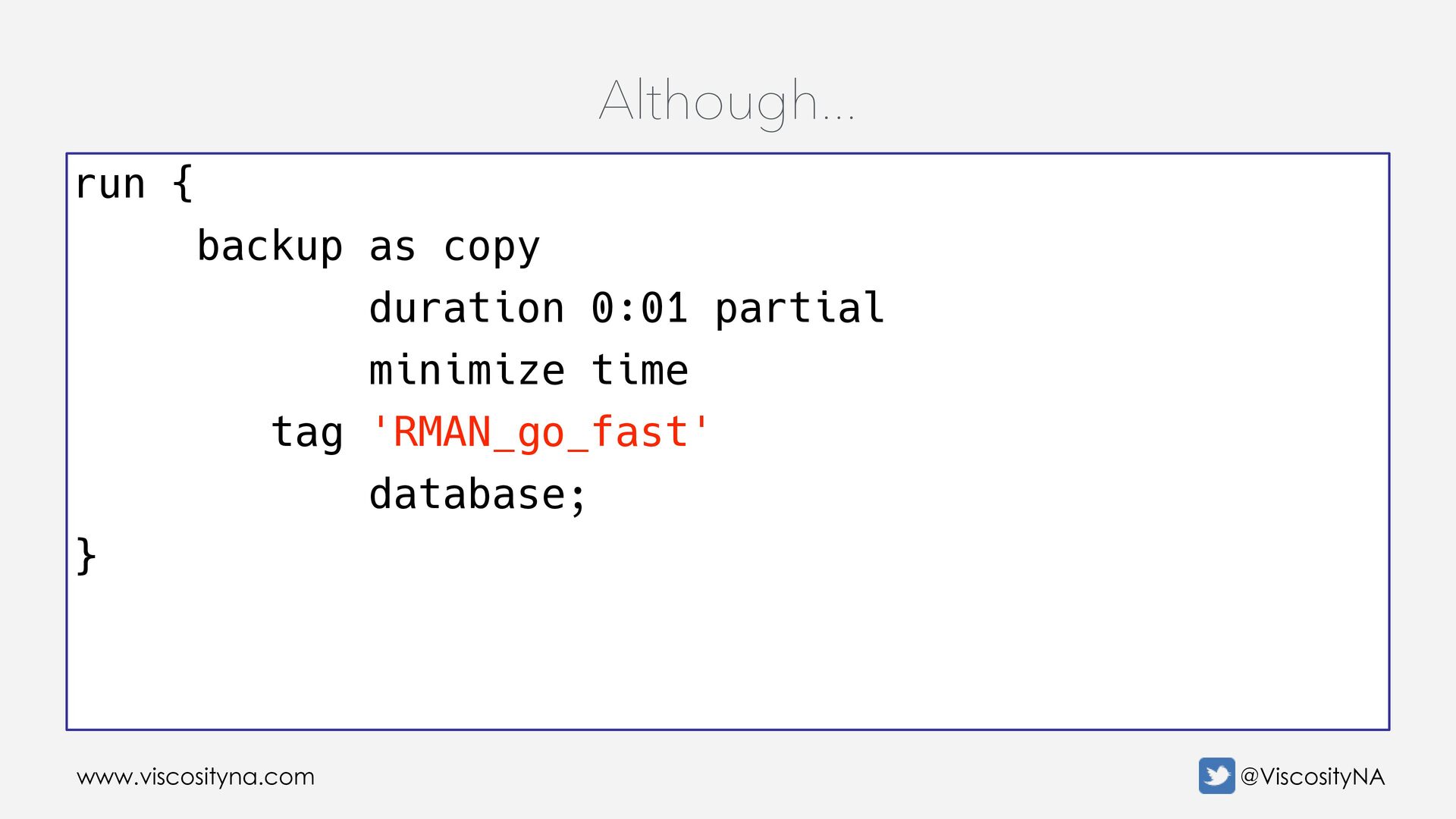
  26. www.viscosityna.com @ViscosityNA Although... run { backup as copy duration 0:01

    partial minimize time tag 'RMAN_go_fast' database; }
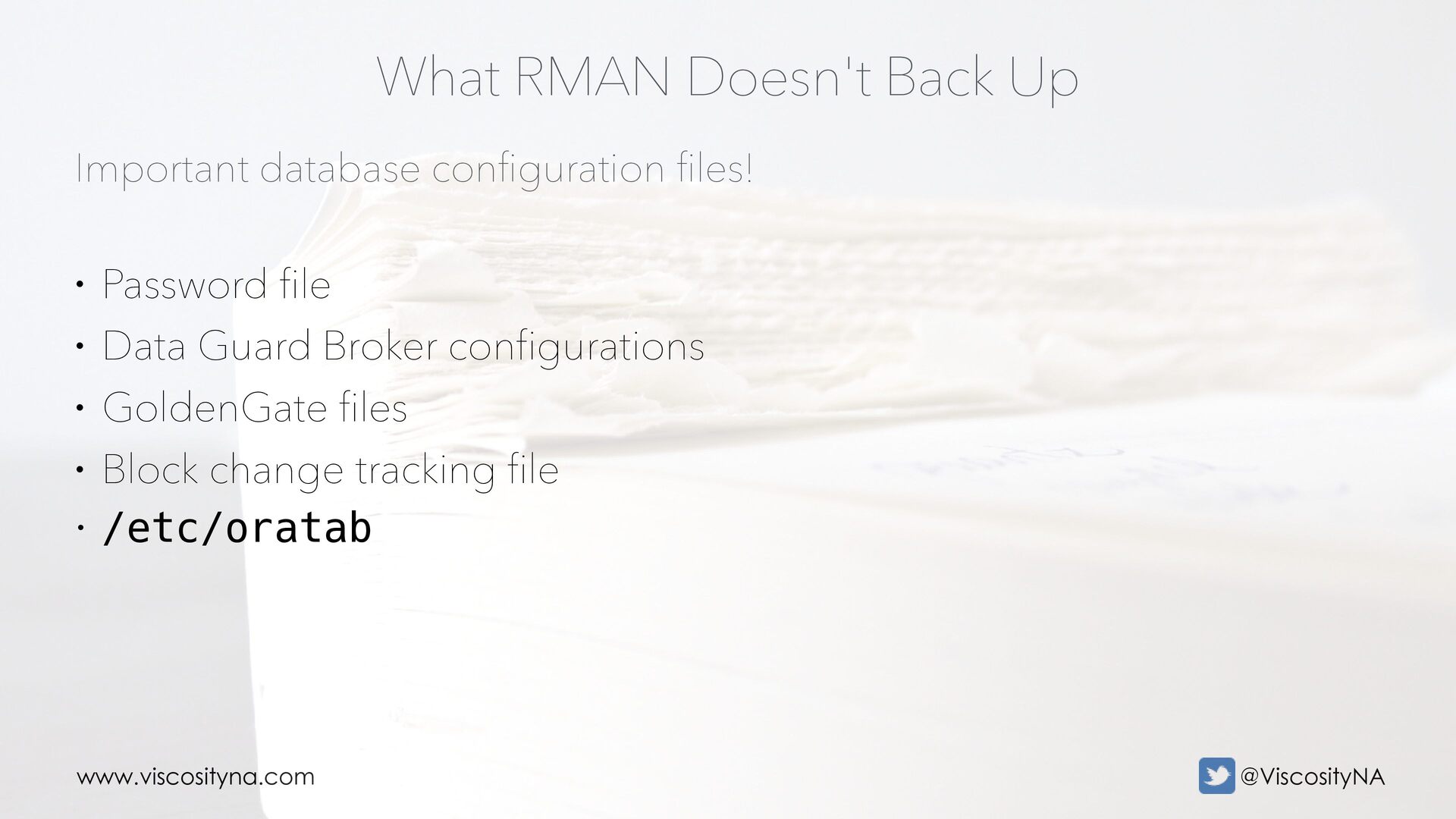
  27. www.viscosityna.com @ViscosityNA Important database con fi guration fi les! What

    RMAN Doesn't Back Up • Password file • Data Guard Broker configurations • GoldenGate files • Block change tracking file • /etc/oratab
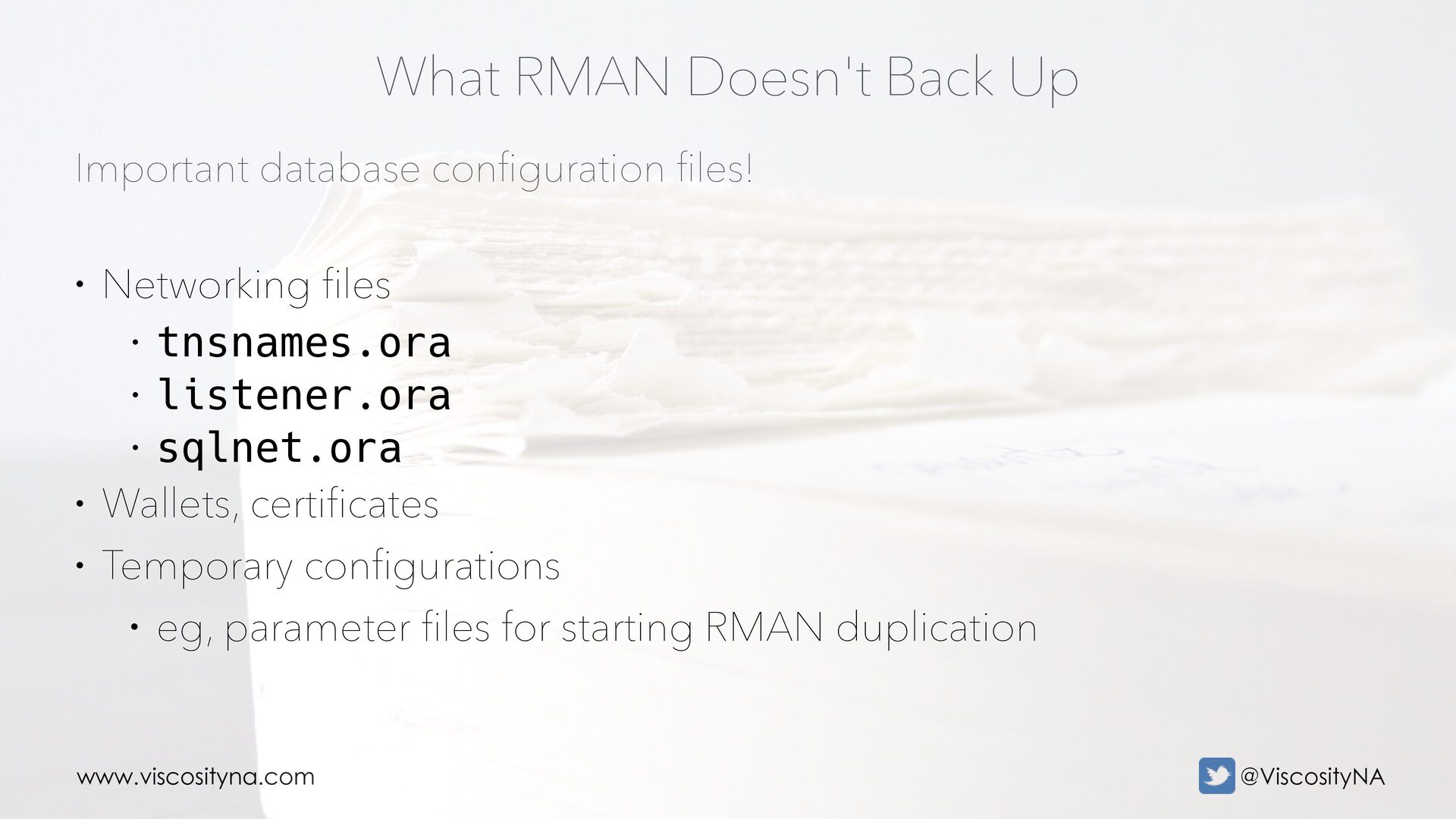
  28. www.viscosityna.com @ViscosityNA Important database con fi guration fi les! What

    RMAN Doesn't Back Up • Networking files • tnsnames.ora • listener.ora • sqlnet.ora • Wallets, certificates • Temporary configurations • eg, parameter files for starting RMAN duplication
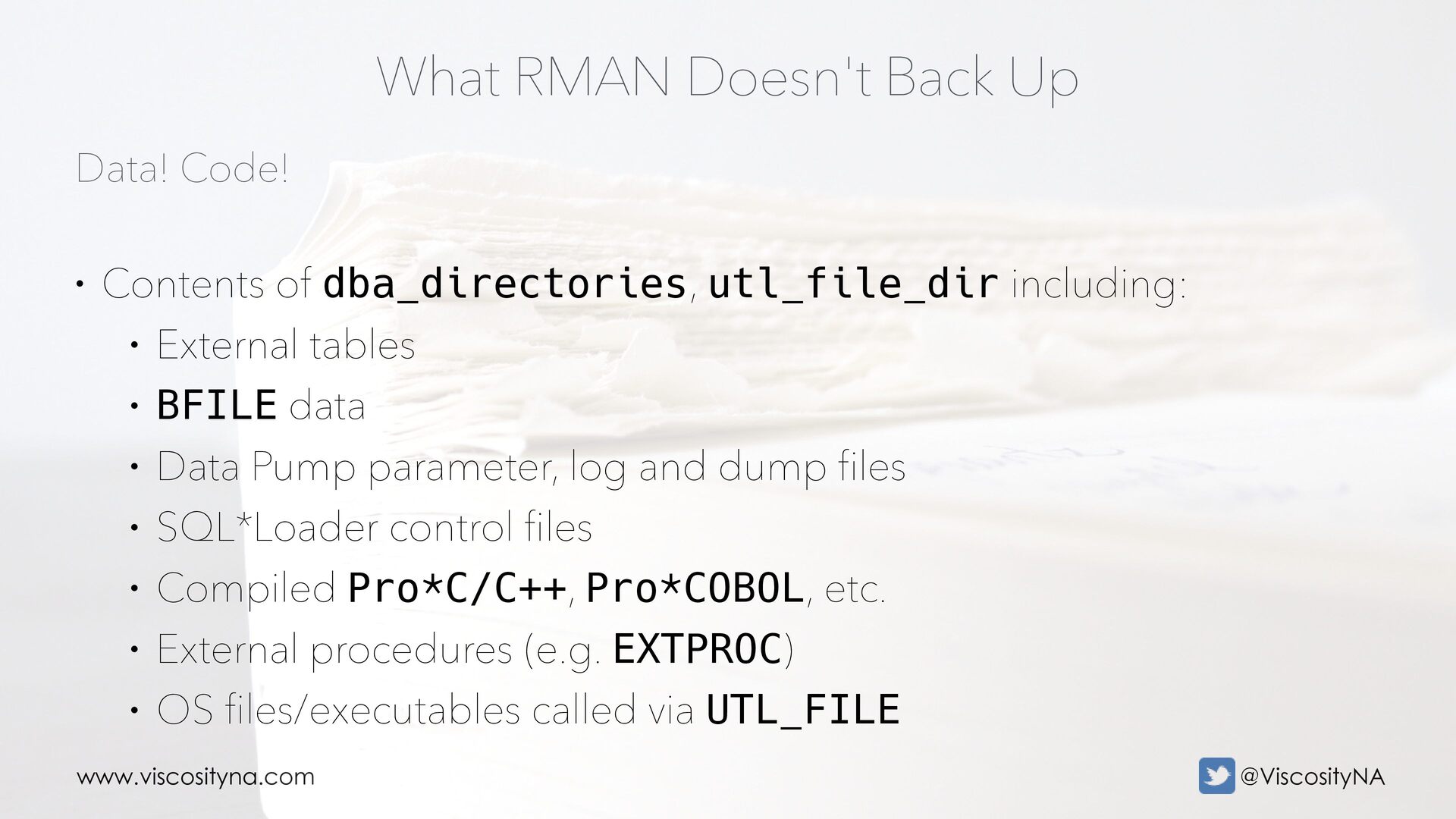
  29. www.viscosityna.com @ViscosityNA Data! Code! What RMAN Doesn't Back Up •

    Contents of dba_directories, utl_file_dir including: • External tables • BFILE data • Data Pump parameter, log and dump files • SQL*Loader control files • Compiled Pro*C/C++, Pro*COBOL, etc. • External procedures (e.g. EXTPROC) • OS files/executables called via UTL_FILE
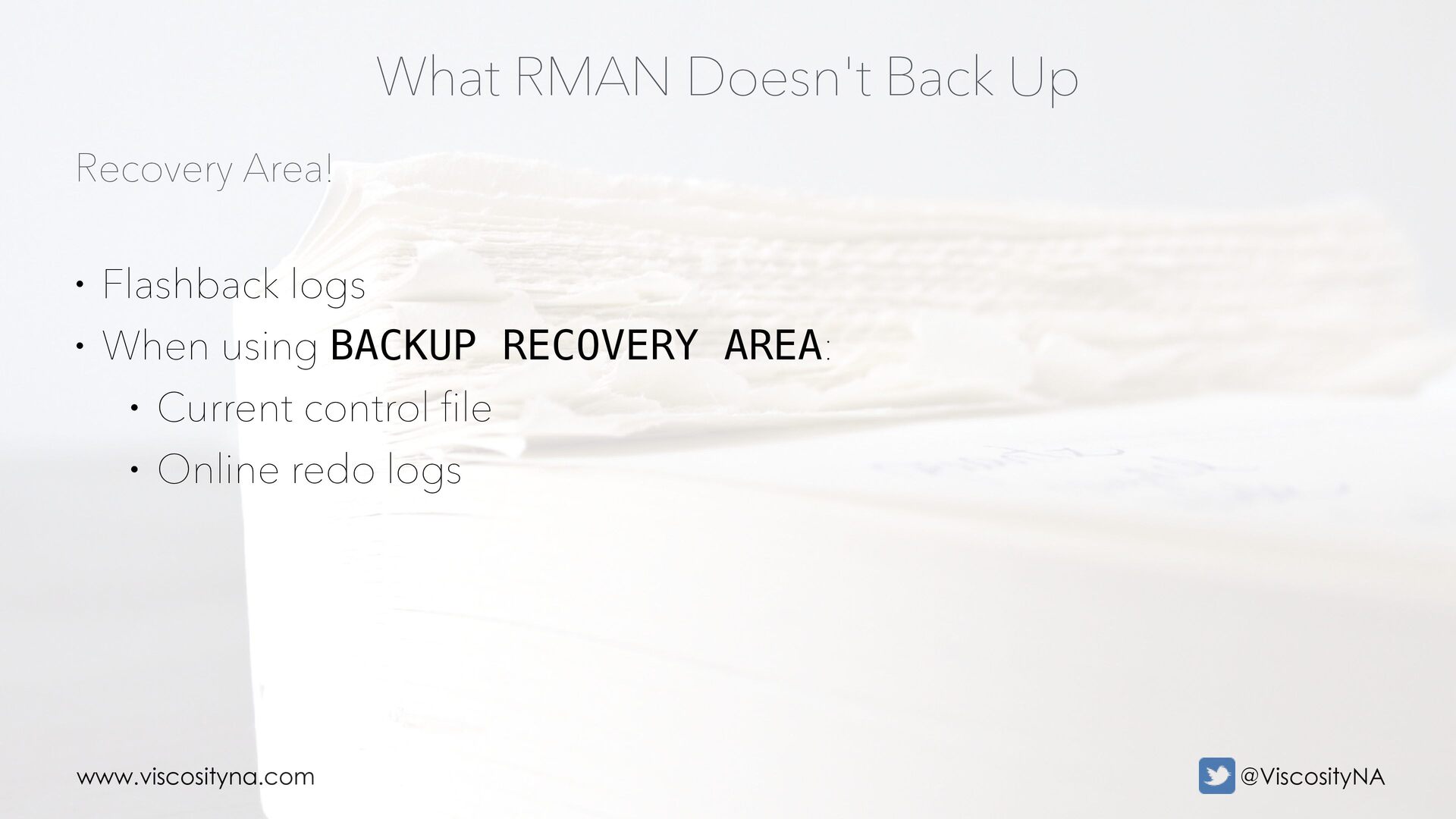
  30. www.viscosityna.com @ViscosityNA Recovery Area! What RMAN Doesn't Back Up •

    Flashback logs • When using BACKUP RECOVERY AREA: • Current control file • Online redo logs
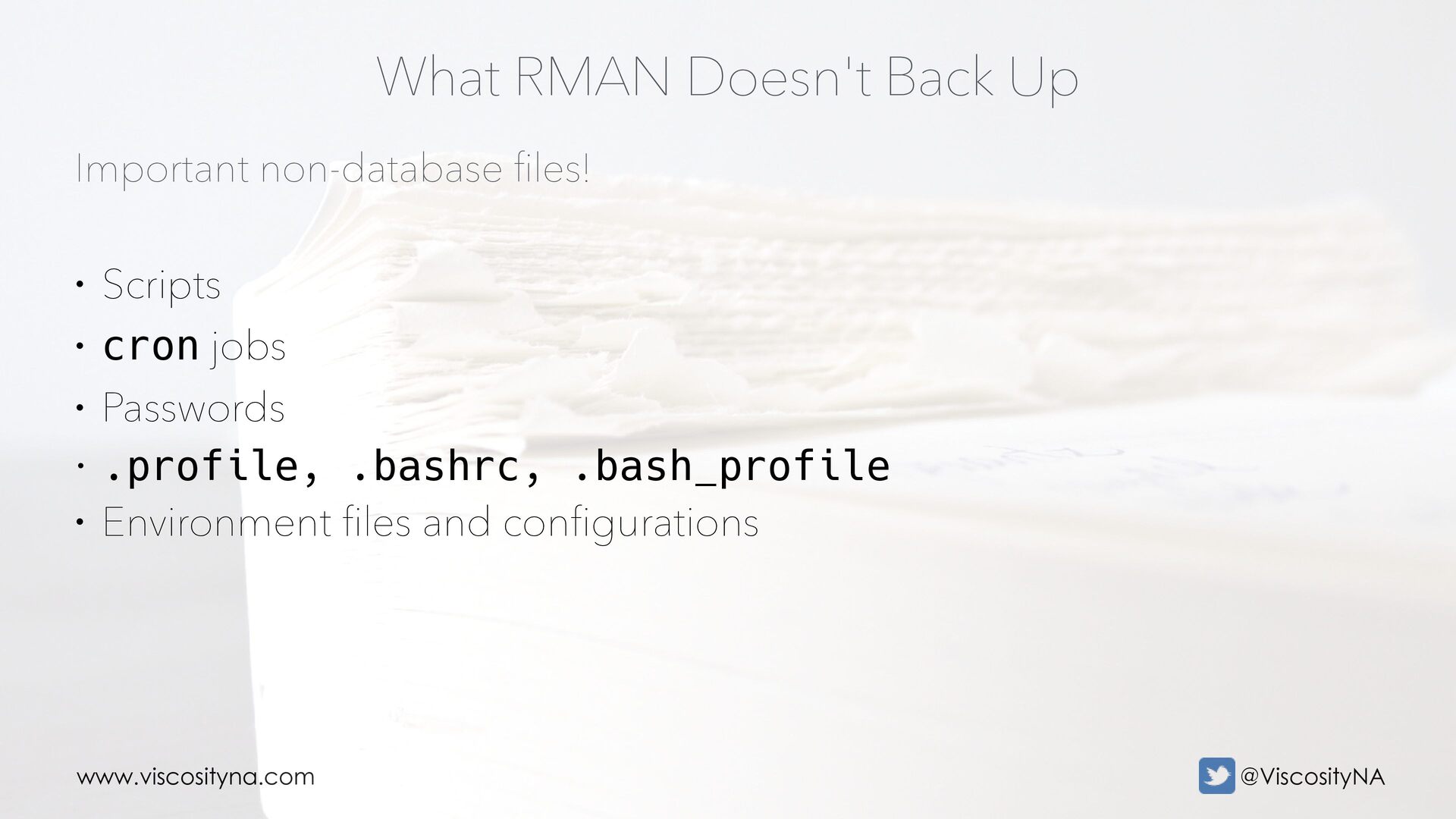
  31. www.viscosityna.com @ViscosityNA Important non-database fi les! What RMAN Doesn't Back

    Up • Scripts • cron jobs • Passwords • .profile, .bashrc, .bash_profile • Environment files and configurations
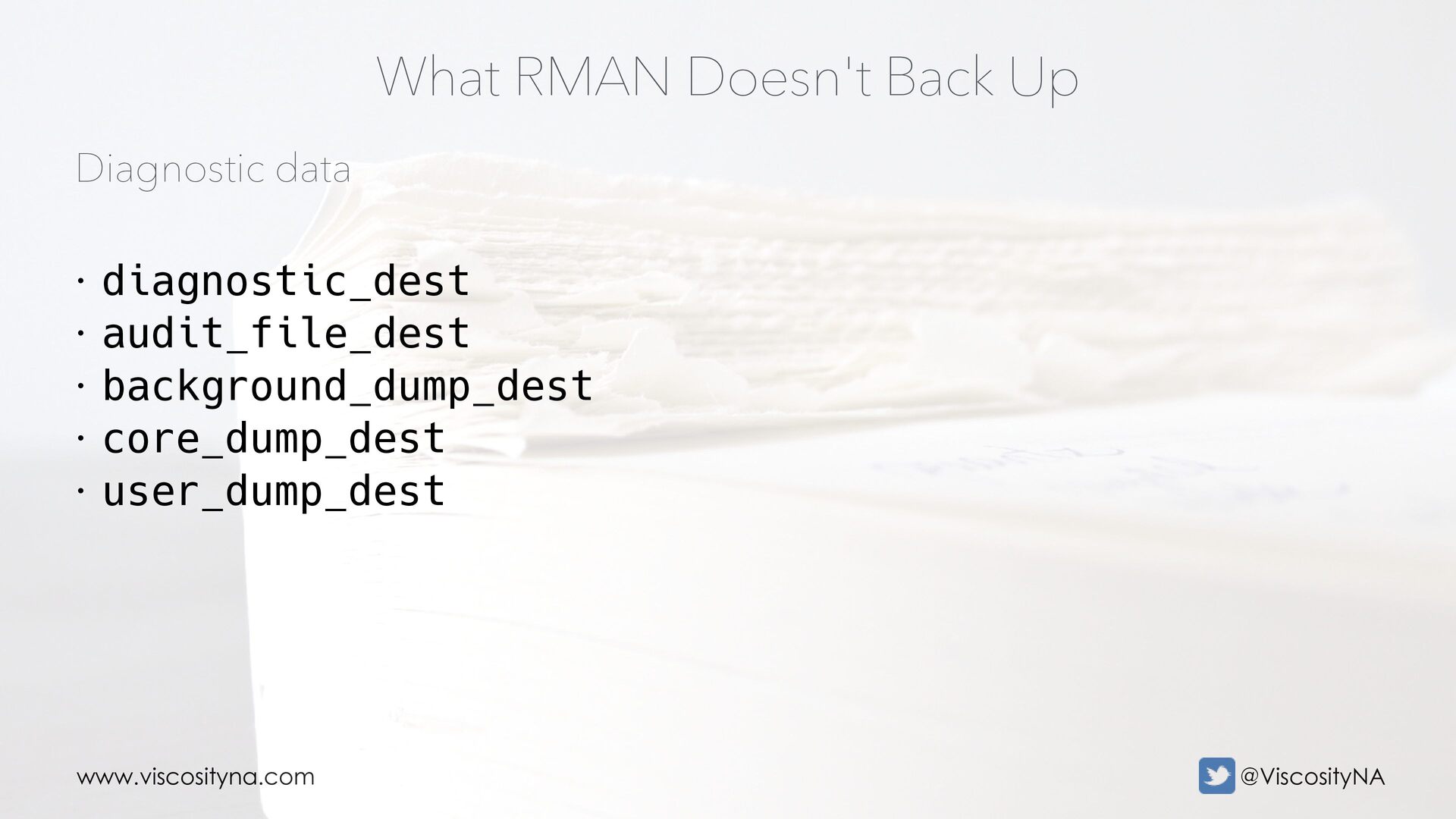
  32. www.viscosityna.com @ViscosityNA Diagnostic data What RMAN Doesn't Back Up •

    diagnostic_dest • audit_file_dest • background_dump_dest • core_dump_dest • user_dump_dest
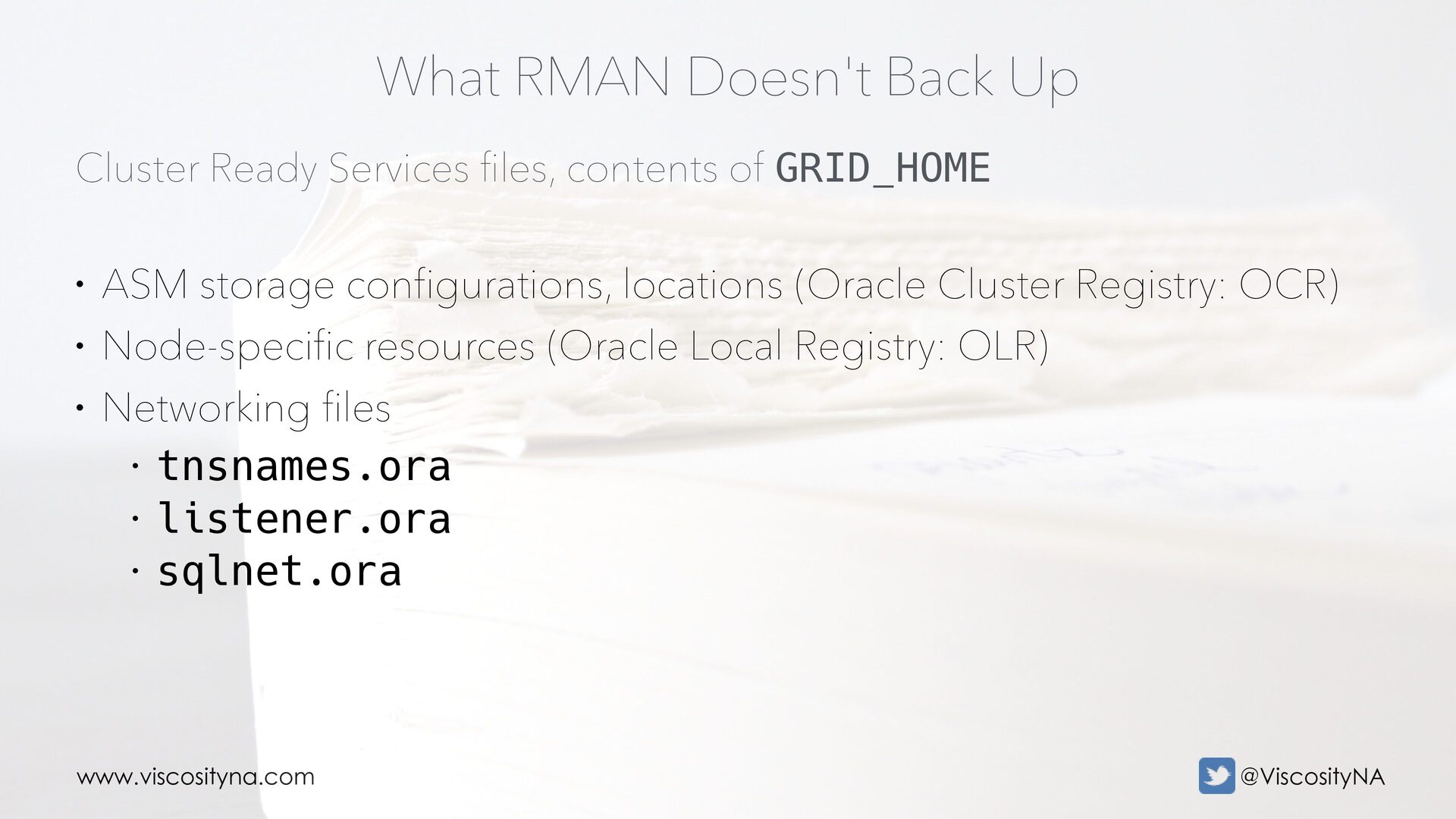
  33. www.viscosityna.com @ViscosityNA Cluster Ready Services fi les, contents of GRID_HOME

    What RMAN Doesn't Back Up • ASM storage configurations, locations (Oracle Cluster Registry: OCR) • Node-specific resources (Oracle Local Registry: OLR) • Networking files • tnsnames.ora • listener.ora • sqlnet.ora
  34. www.viscosityna.com @ViscosityNA CRS setup What RMAN Doesn't Back Up •

    srvctl configuration: • Database and instance settings • Services and service configurations • Environment variables (eg TNS_ADMIN for EBS) • Listener configurations and endpoints
  35. www.viscosityna.com @ViscosityNA Software and inventory What RMAN Doesn't Back Up

    • oraInventory • Database software and patches, gold images • Patch manifests • .patch_storage directories • Media Management Libraries (MML) and drivers • Client software • AHF, OEM, GoldenGate, etc.
  36. www.viscosityna.com @ViscosityNA Operating system What RMAN Doesn't Back Up •

    Operating system software and patches • Kernel settings and host configurations • Application software and configuration • Agent software
  37. www.viscosityna.com @ViscosityNA Resilient = elastic. Resistant = brittle. Resilient, not

    resistant • Hardened systems resist pressure up to a point • Beyond that threshold, they break • Hardening introduces brittleness • Over-engineering resistance is (exponentially) costly
  38. www.viscosityna.com @ViscosityNA Resilient = elastic. Resistant = brittle. Resilient, not

    resistant • Resilient systems are: • Elastic • Parameterized • Abstracted • Automated • Platform independent (ideally) • Continuously tested/validated
  39. www.viscosityna.com @ViscosityNA Aim to simplify Disaster Recovery Procedures • Complexity

    increases the potential of: • Failure • Exceptions/variations between prod/non-prod • Meaningful configuration and parameter differences • Simple procedures limit the scope of QA
  40. www.viscosityna.com @ViscosityNA Aim to automate Disaster Recovery Procedures • Automation

    reduces manual effort • Cognitive load is a finite resource • Automation takes care of the (technical) "How to" • Allows teams to focus on "What, Why, and (conceptual) How" • Automation addresses • Dependencies, sequence • Trivial activities (easily undervalued/missed/run out of order)
  41. www.viscosityna.com @ViscosityNA Aim to automate Disaster Recovery Procedures • Add

    sanity checks • Confirm environments • "Are you sure..." checks • Preserve output and timing via logging • Include measurable pass/fail checks
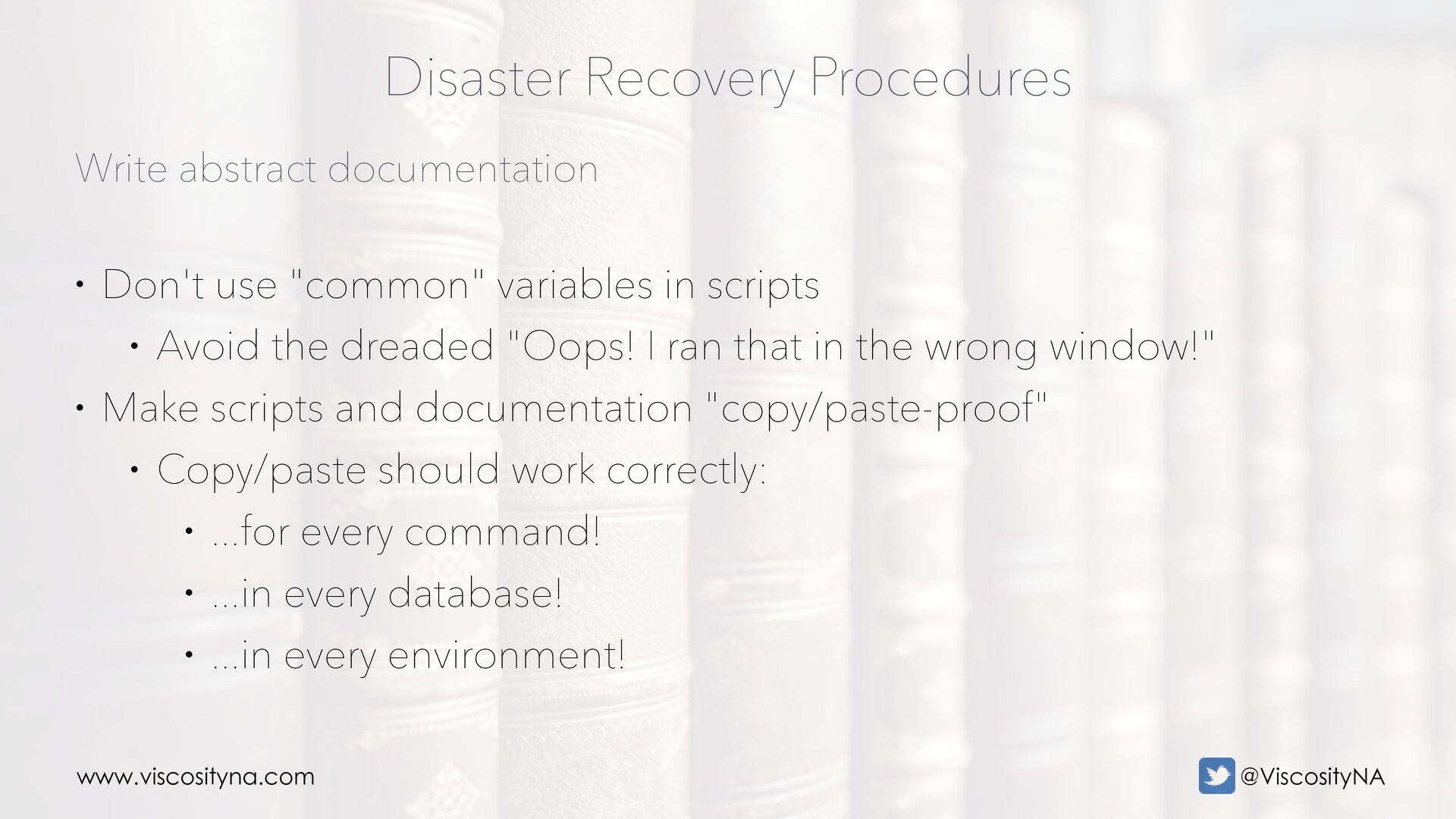
  42. www.viscosityna.com @ViscosityNA Write abstract documentation Disaster Recovery Procedures • Don't

    use "common" variables in scripts • Avoid the dreaded "Oops! I ran that in the wrong window!" • Make scripts and documentation "copy/paste-proof" • Copy/paste should work correctly: • ...for every command! • ...in every database! • ...in every environment!
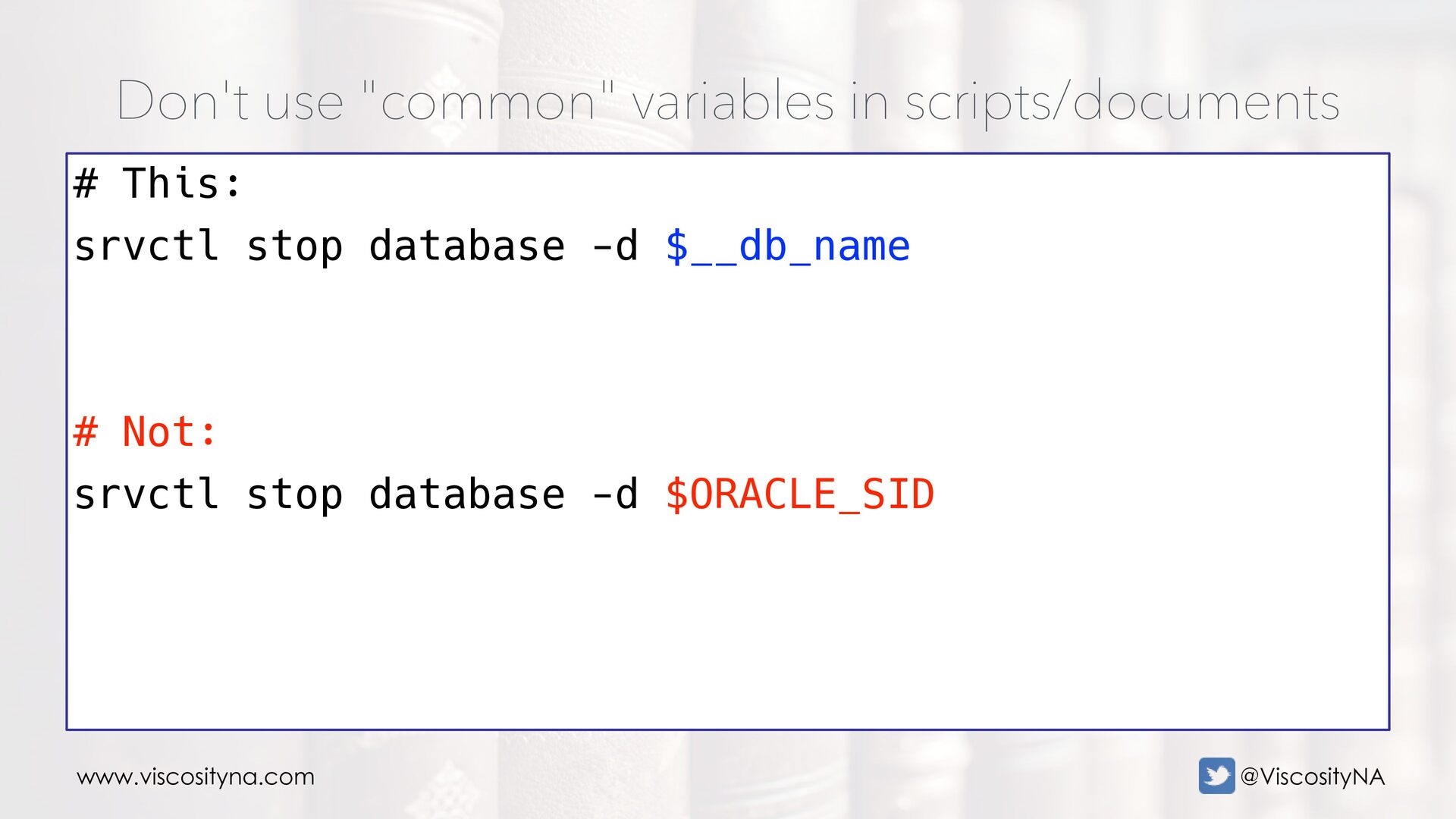
  43. www.viscosityna.com @ViscosityNA Don't use "common" variables in scripts/documents # This:

    srvctl stop database -d $__db_name # Not: srvctl stop database -d $ORACLE_SID
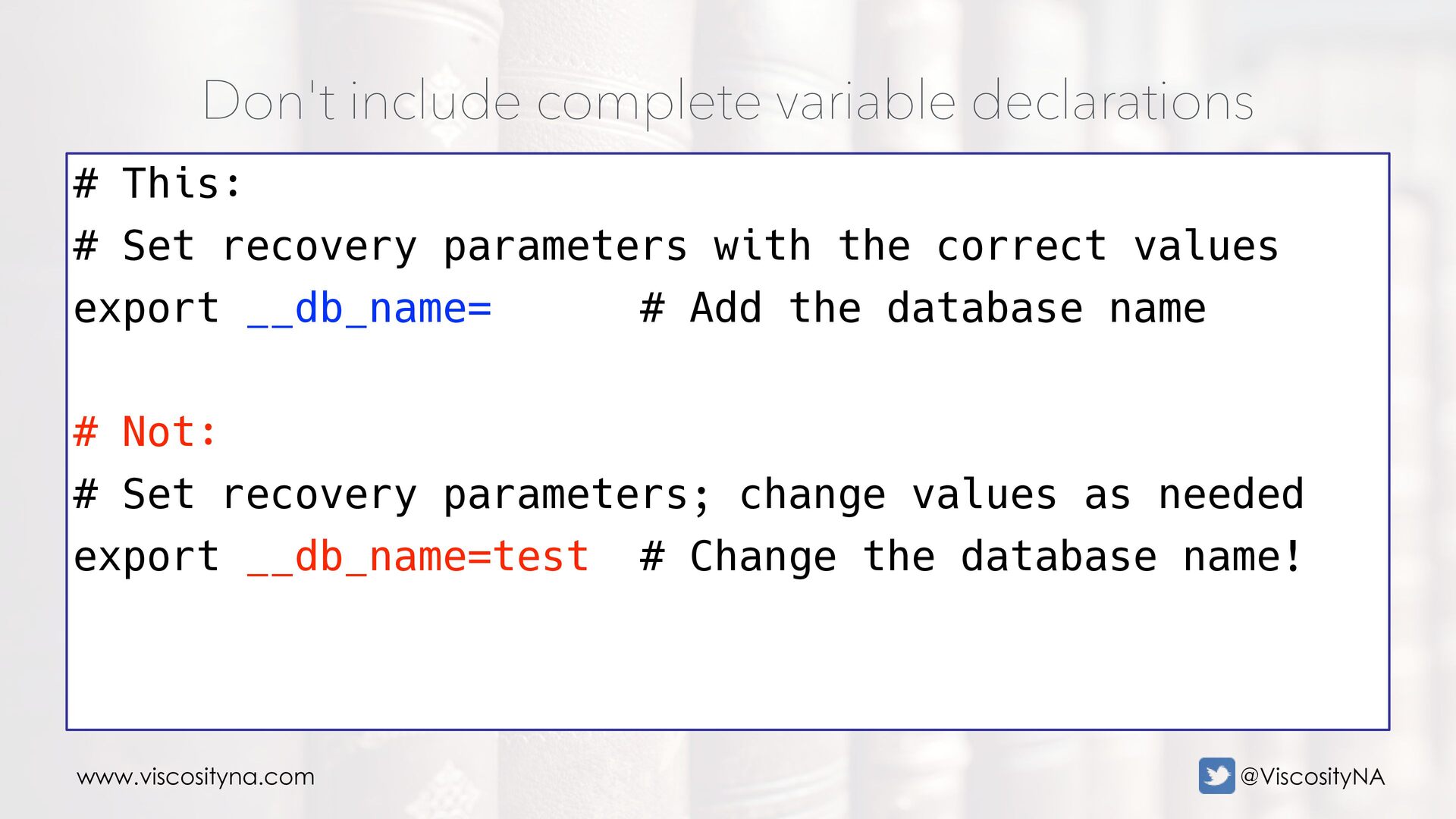
  44. www.viscosityna.com @ViscosityNA Don't include complete variable declarations # This: #

    Set recovery parameters with the correct values export __db_name= # Add the database name # Not: # Set recovery parameters; change values as needed export __db_name=test # Change the database name!
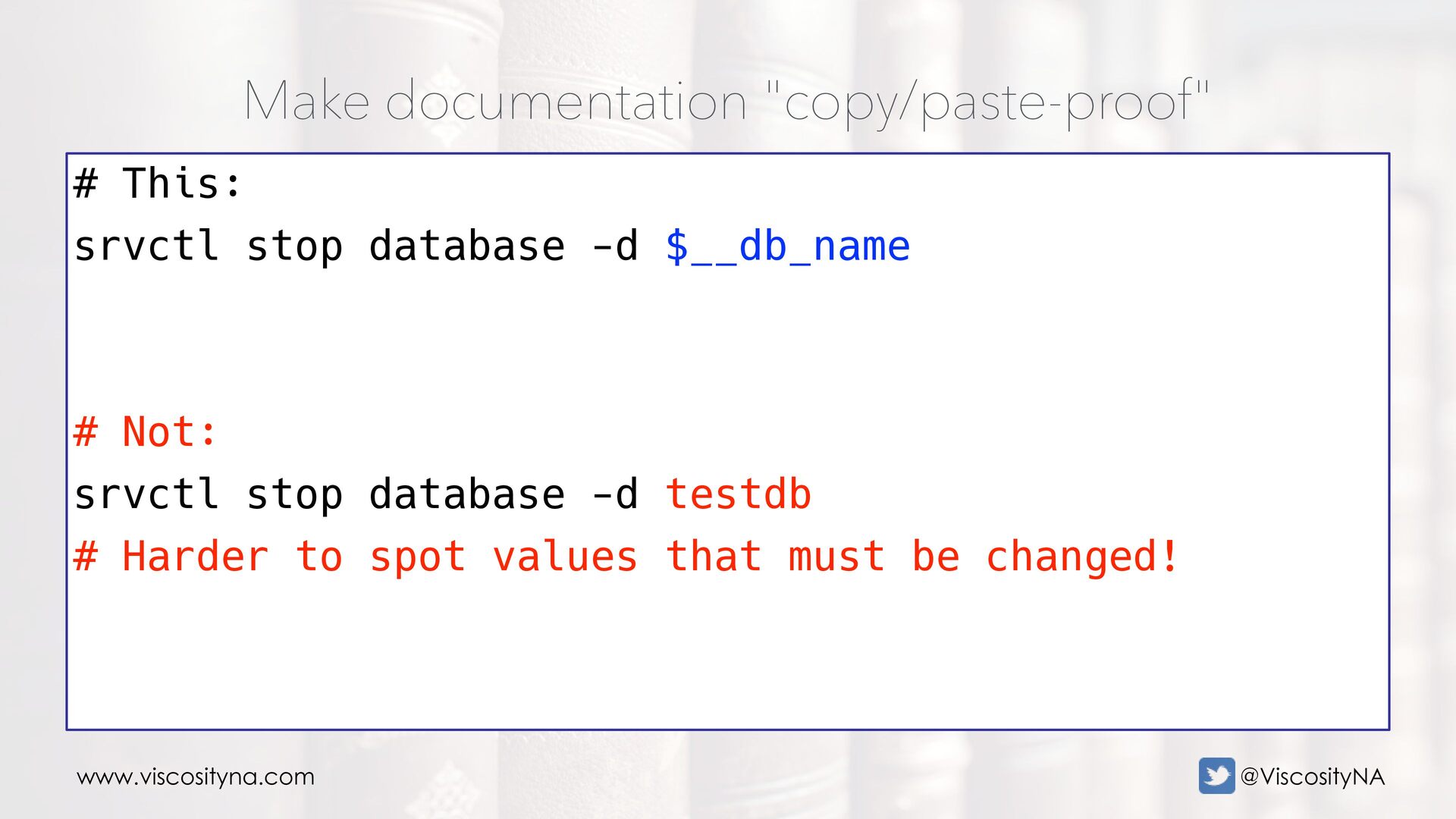
  45. www.viscosityna.com @ViscosityNA Make documentation "copy/paste-proof" # This: srvctl stop database

    -d $__db_name # Not: srvctl stop database -d testdb # Harder to spot values that must be changed!
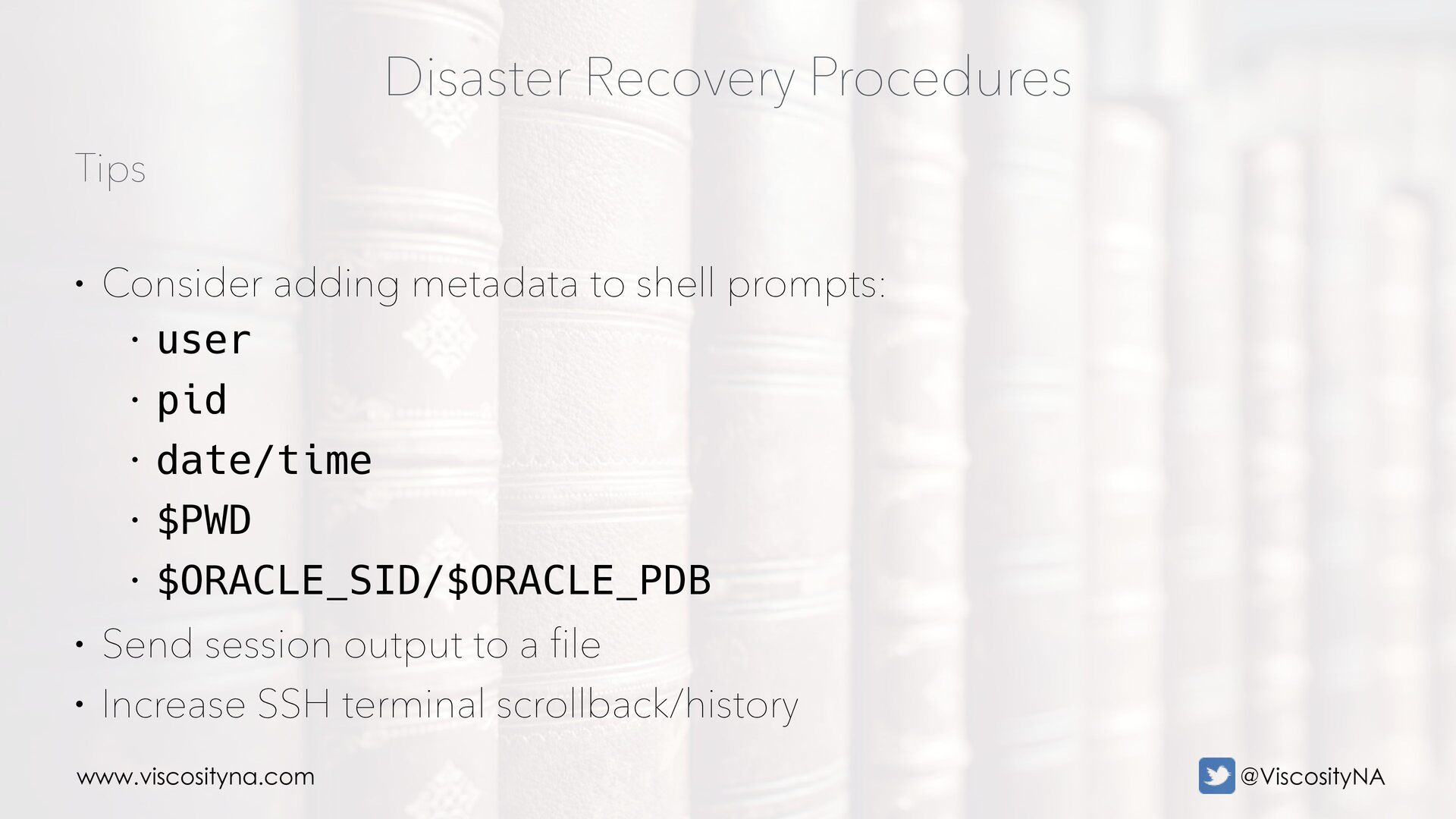
  46. www.viscosityna.com @ViscosityNA Tips Disaster Recovery Procedures • Consider adding metadata

    to shell prompts: • user • pid • date/time • $PWD • $ORACLE_SID/$ORACLE_PDB • Send session output to a file • Increase SSH terminal scrollback/history
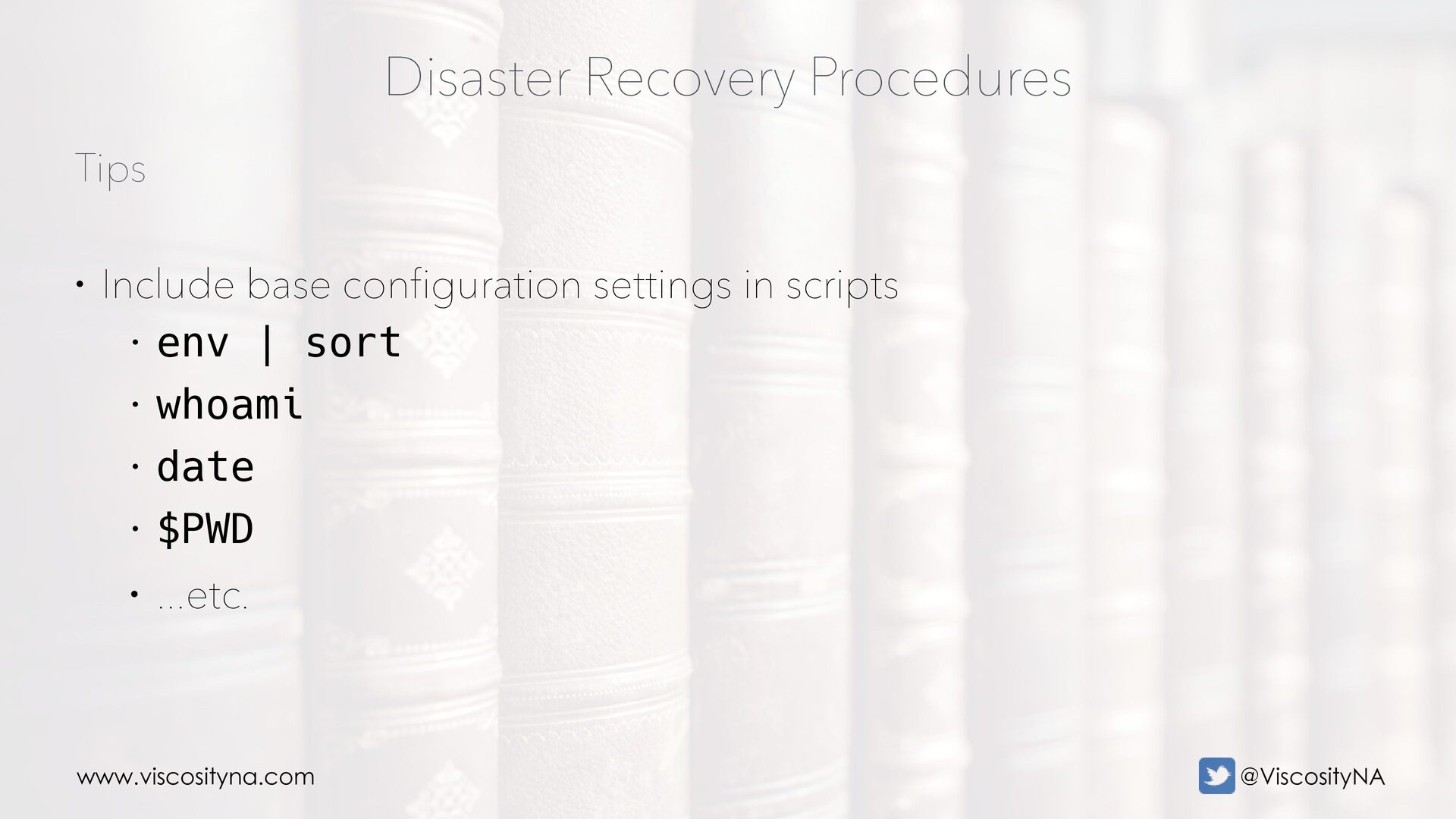
  47. www.viscosityna.com @ViscosityNA Tips Disaster Recovery Procedures • Include base configuration

    settings in scripts • env | sort • whoami • date • $PWD • ...etc.
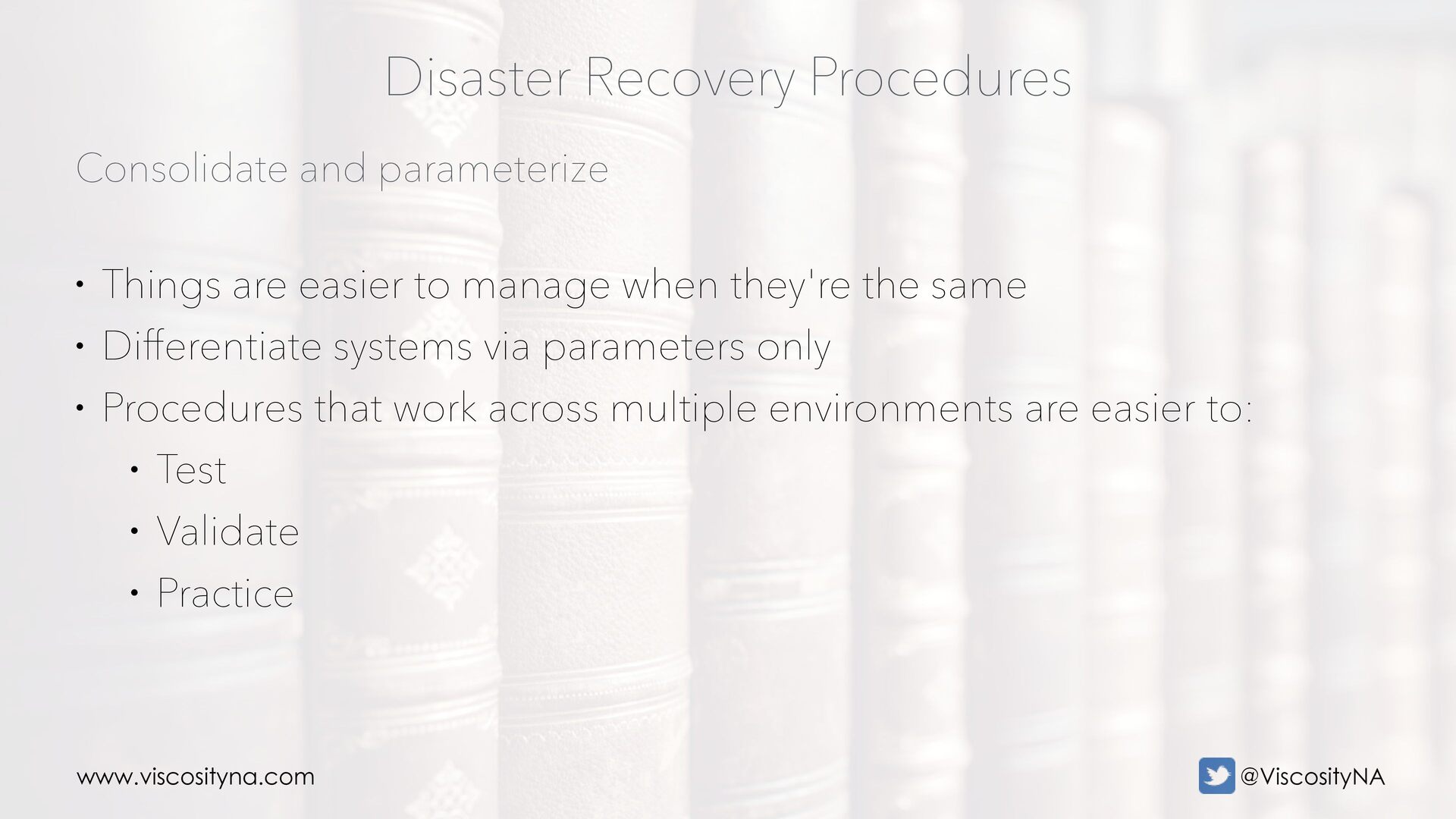
  48. www.viscosityna.com @ViscosityNA Consolidate and parameterize Disaster Recovery Procedures • Things

    are easier to manage when they're the same • Differentiate systems via parameters only • Procedures that work across multiple environments are easier to: • Test • Validate • Practice