Share
Embed
Experiences about PHP and (S|R)OA
Osman
July 25, 2015
Transcript
57 slides
-
Who i am? • Software developer with system-administration background over
10 years • Mostly writes Java and PHP • Also working about infrastructure design, system automation, deployment and monitoring • Obsessed about clean, well structured, maintainable and scalable architectures • Loves open source, `o` at github -
Topics • Implementation problems • Architectural problems • Fallacies of
distributed computing • Logging and monitoring -
Separation of concerns and portability • Clients are not concerned
with data storage • Servers are not concerned with the user interface or user state • Servers and clients may also be replaced and developed independently -
Scalability and performance • Designing clustered applications with REST interfaces
is not complicated • Easier to scale, both horizontally and vertically • Load-balancing and proxying is easy -
Caching • Clients can cache responses • Responses implicitly or
explicitly, define themselves as cacheable • Well-managed caching partially or completely eliminates some client–server interactions -
Simplicity of interfaces • Stateless interactions • Uniform interfaces and
easy to understand data representations • Standard HTTP methods (GET, PUT, POST, or DELETE) -
API is a user interface for developers • Keep simple
• Consistent and intuitive • Good documented -
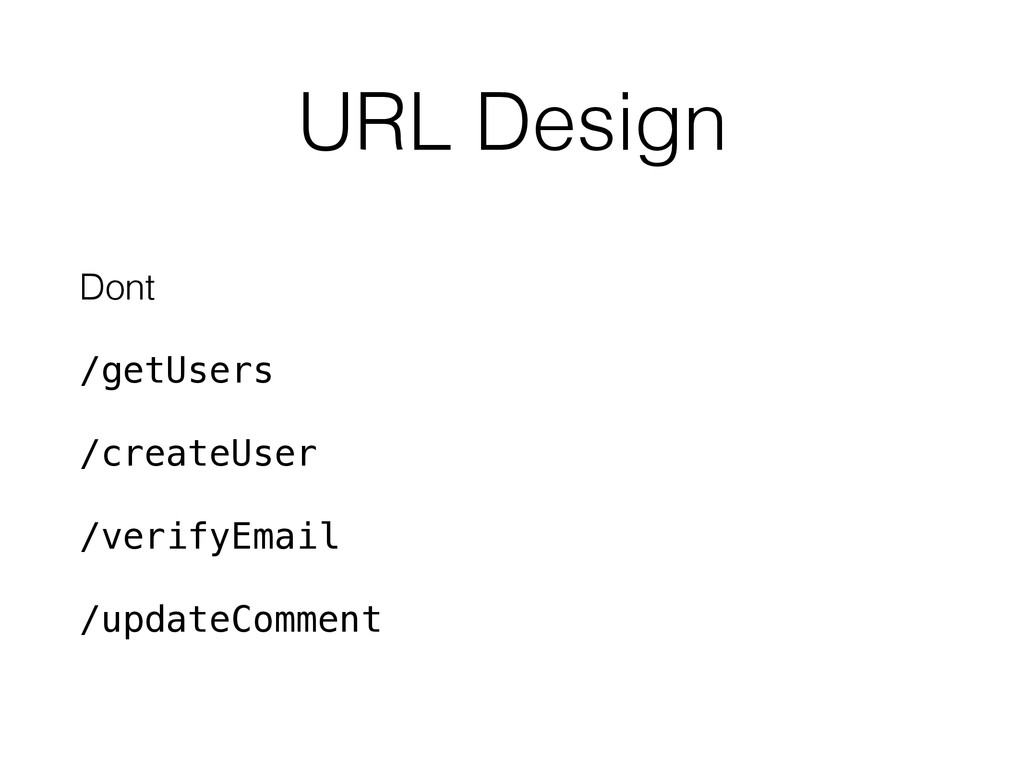
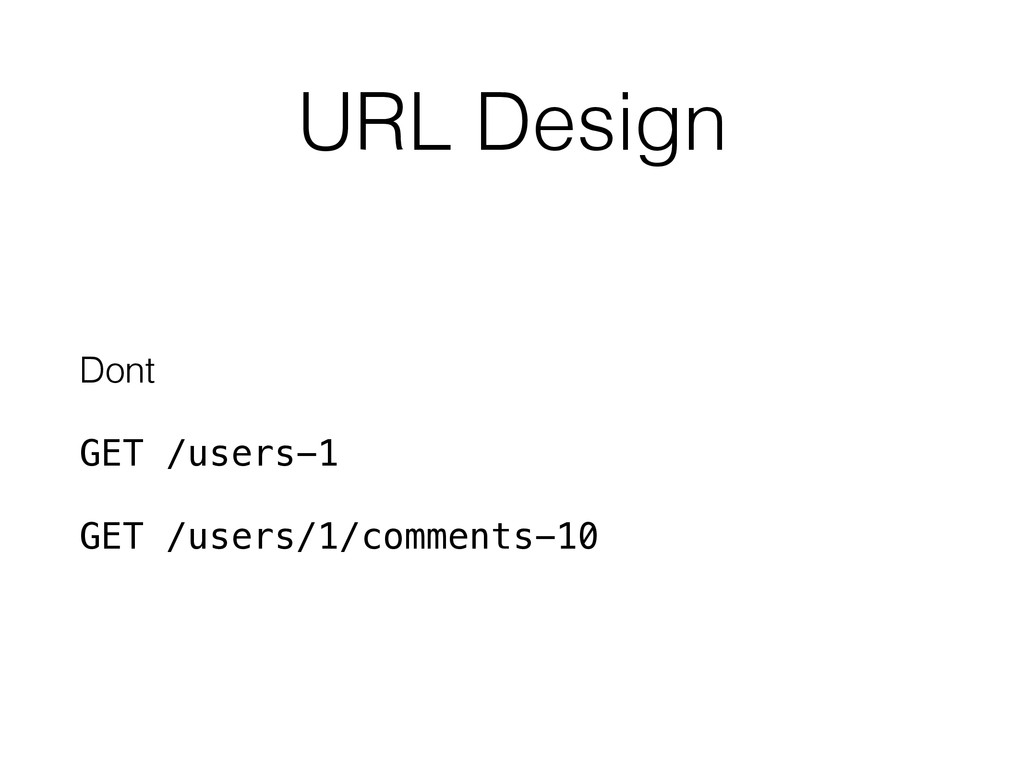
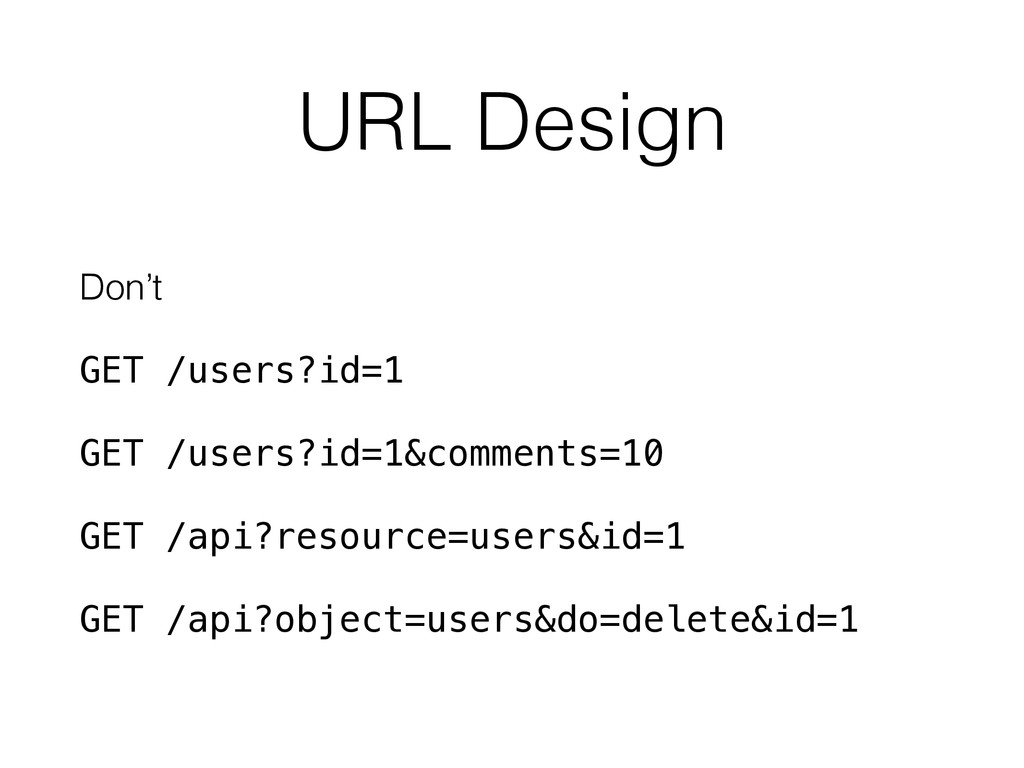
URL Design Don’t GET /users?id=1 GET /users?id=1&comments=10 GET /api?resource=users&id=1 GET
/api?object=users&do=delete&id=1 -
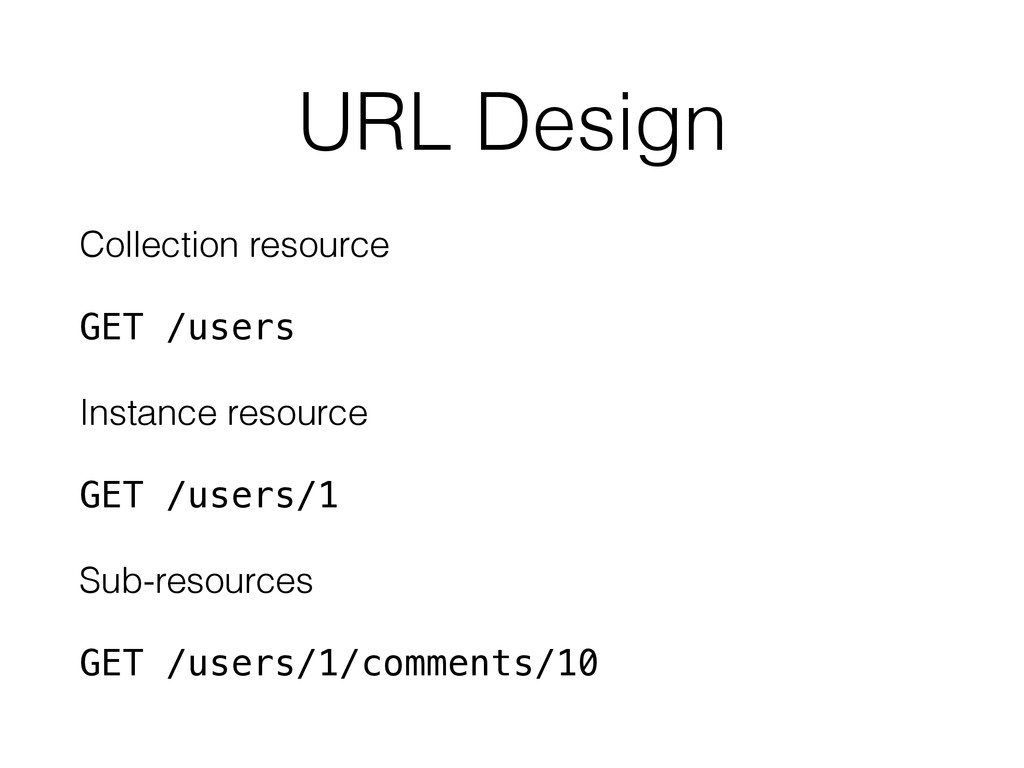
URL Design Collection resource GET /users Instance resource GET /users/1
Sub-resources GET /users/1/comments/10 -
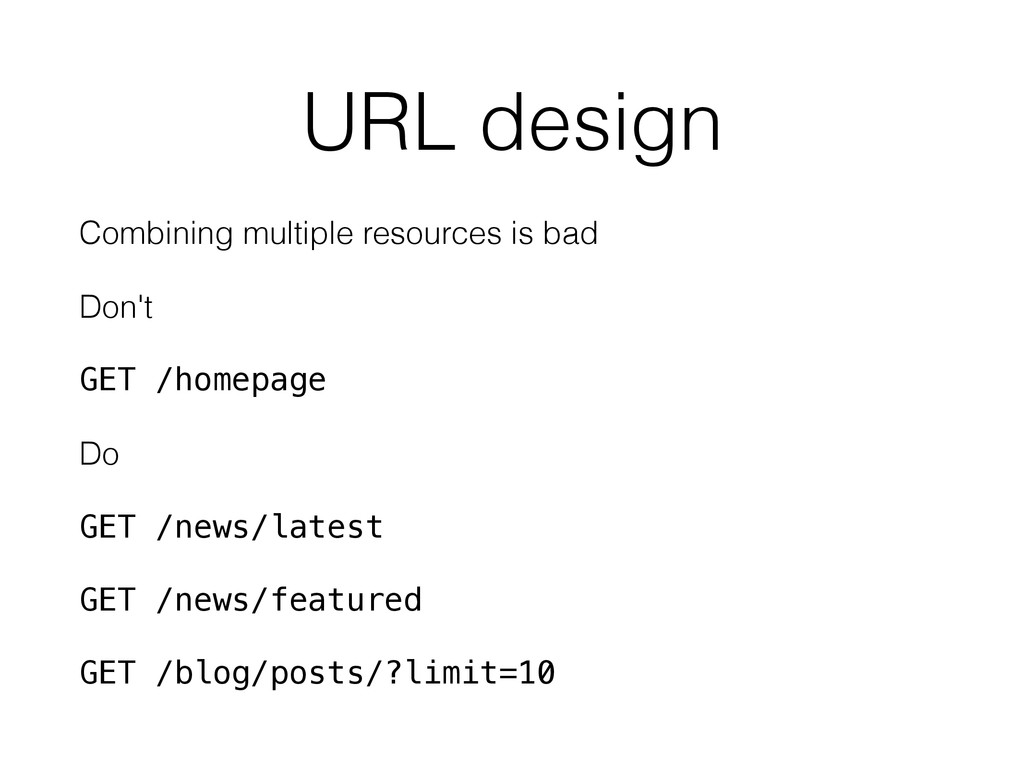
URL design Combining multiple resources is bad Don't GET /homepage
Do GET /news/latest GET /news/featured GET /blog/posts/?limit=10 -
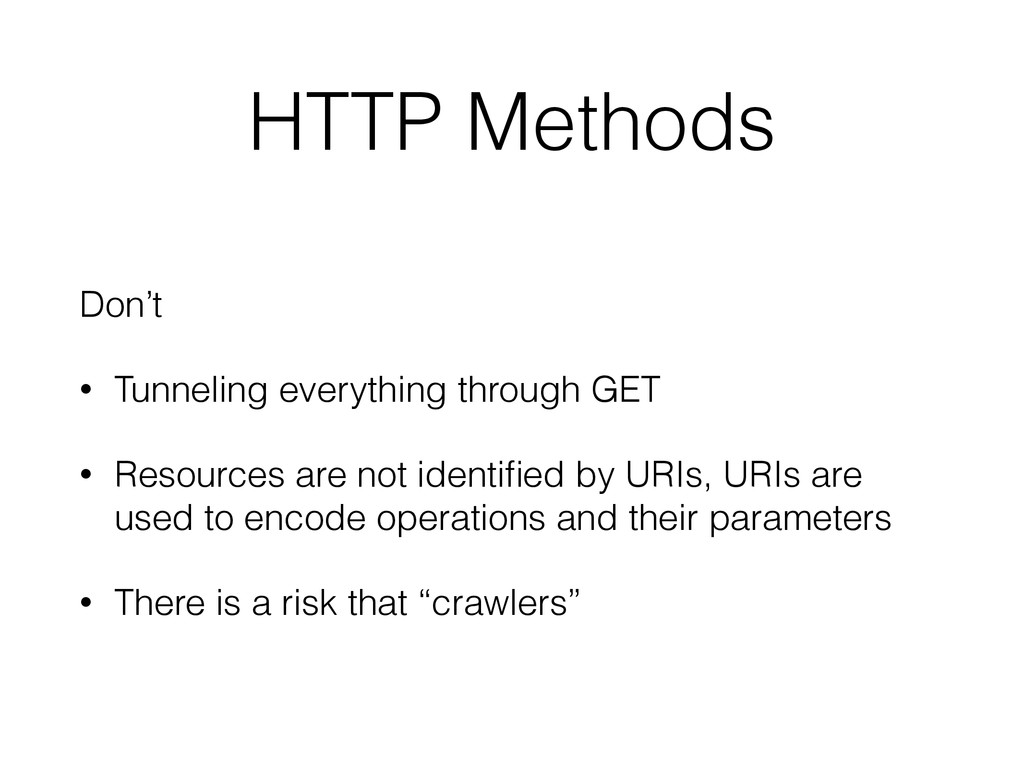
HTTP Methods Don’t • Tunneling everything through GET • Resources
are not identified by URIs, URIs are used to encode operations and their parameters • There is a risk that “crawlers” -
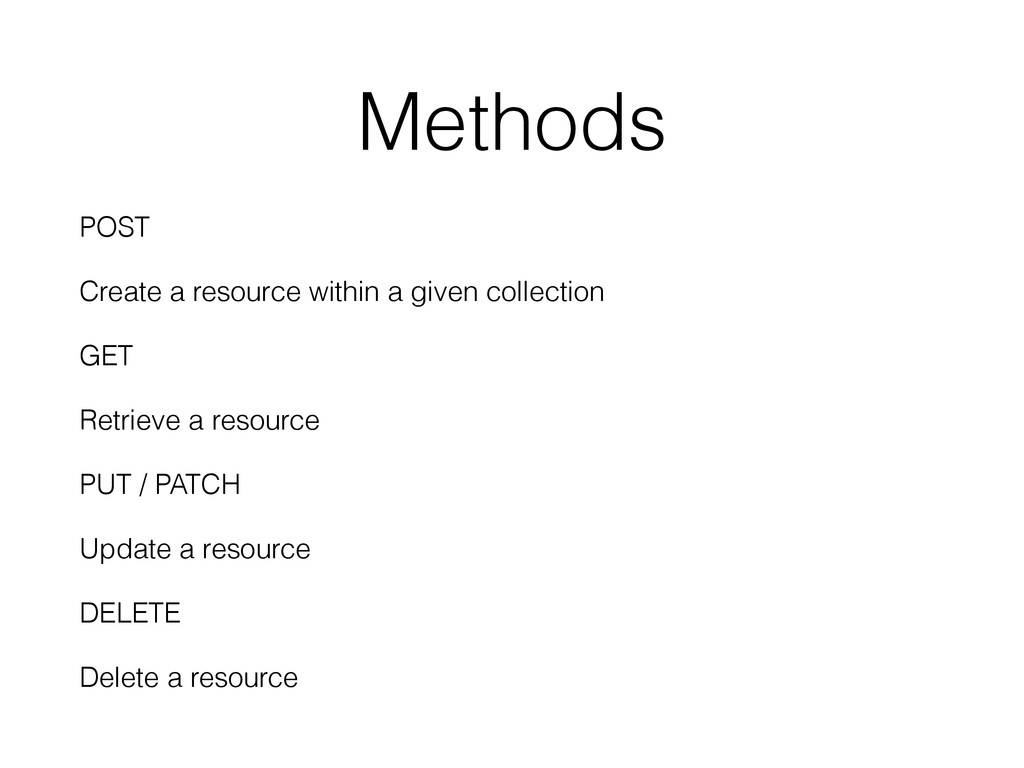
Methods POST Create a resource within a given collection GET
Retrieve a resource PUT / PATCH Update a resource DELETE Delete a resource -
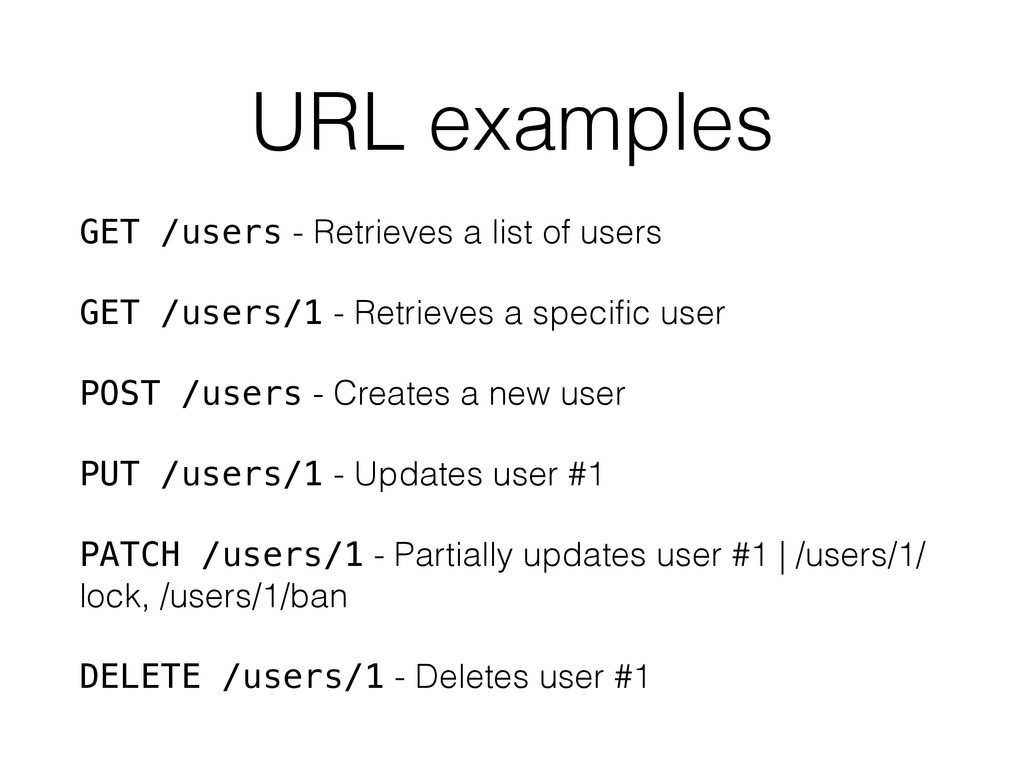
URL examples GET /users - Retrieves a list of users
GET /users/1 - Retrieves a specific user POST /users - Creates a new user PUT /users/1 - Updates user #1 PATCH /users/1 - Partially updates user #1 | /users/1/ lock, /users/1/ban DELETE /users/1 - Deletes user #1 -
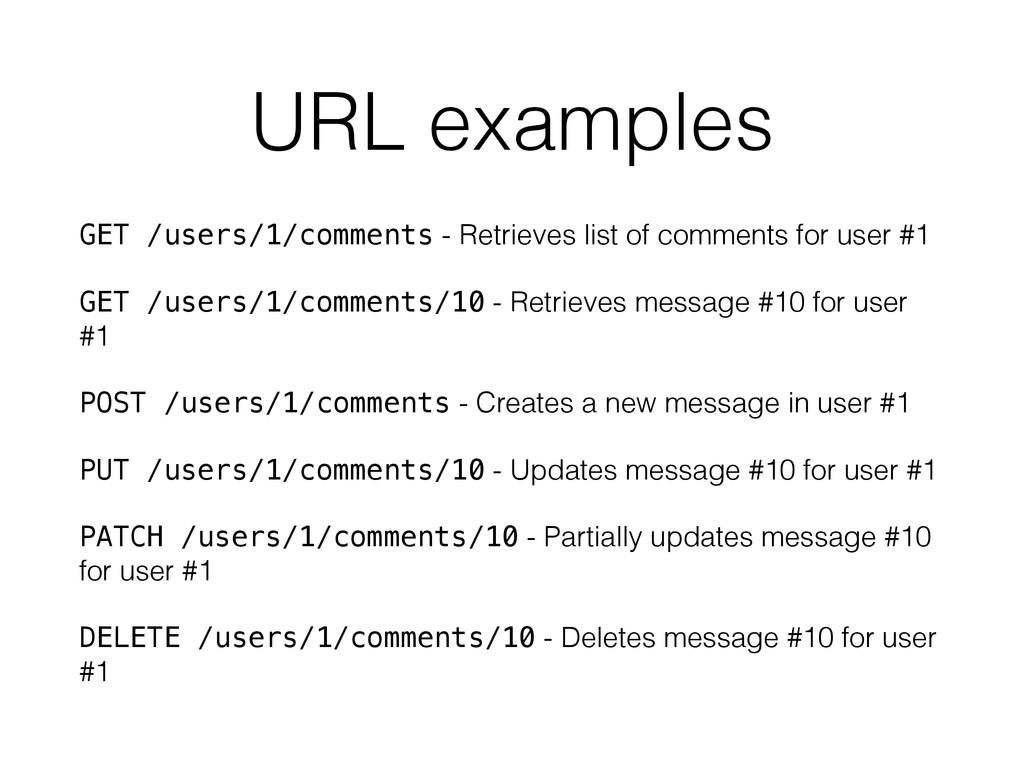
URL examples GET /users/1/comments - Retrieves list of comments for
user #1 GET /users/1/comments/10 - Retrieves message #10 for user #1 POST /users/1/comments - Creates a new message in user #1 PUT /users/1/comments/10 - Updates message #10 for user #1 PATCH /users/1/comments/10 - Partially updates message #10 for user #1 DELETE /users/1/comments/10 - Deletes message #10 for user #1 -
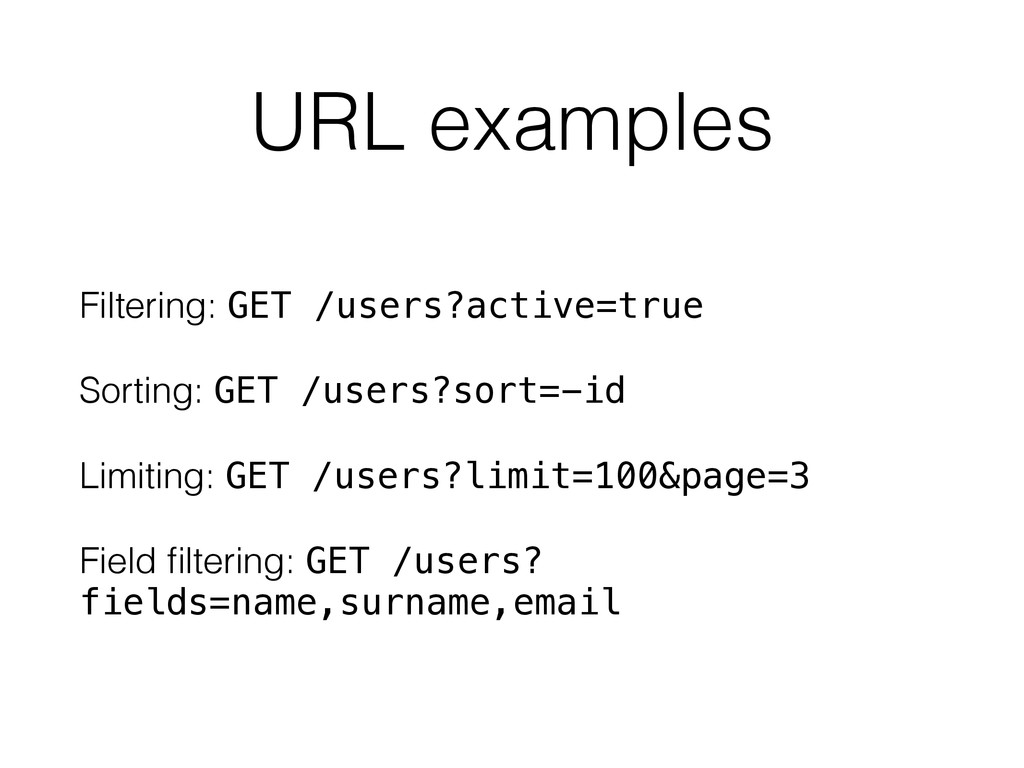
URL examples Filtering: GET /users?active=true Sorting: GET /users?sort=-id Limiting: GET
/users?limit=100&page=3 Field filtering: GET /users? fields=name,surname,email -
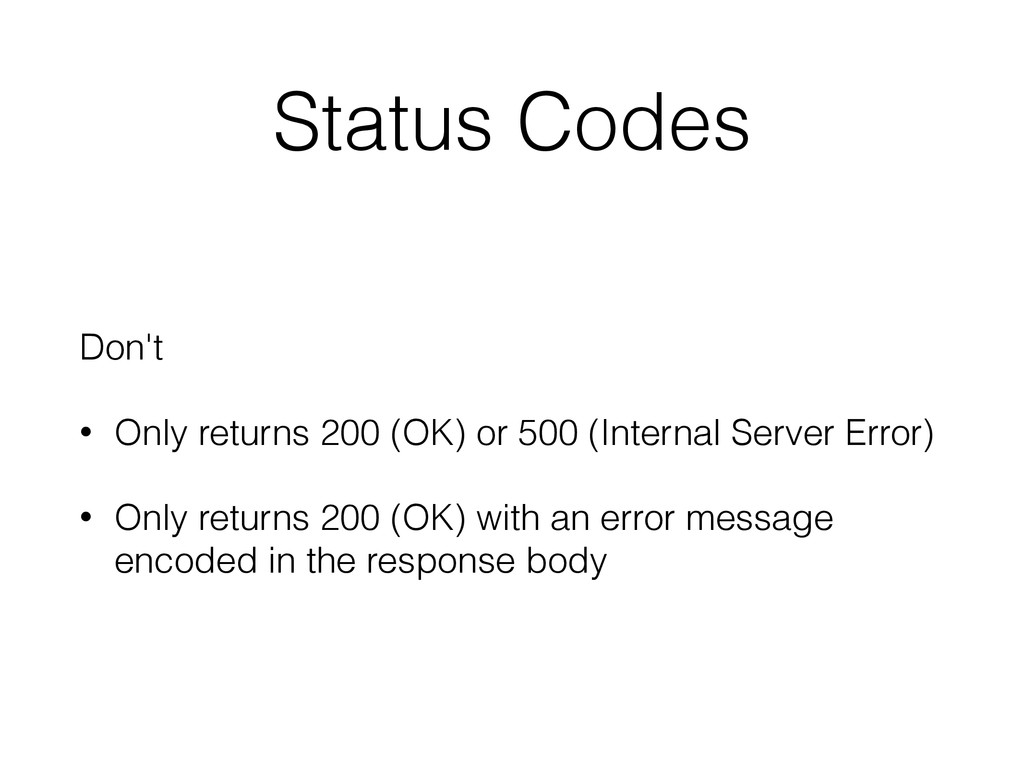
Status Codes Don't • Only returns 200 (OK) or 500
(Internal Server Error) • Only returns 200 (OK) with an error message encoded in the response body -
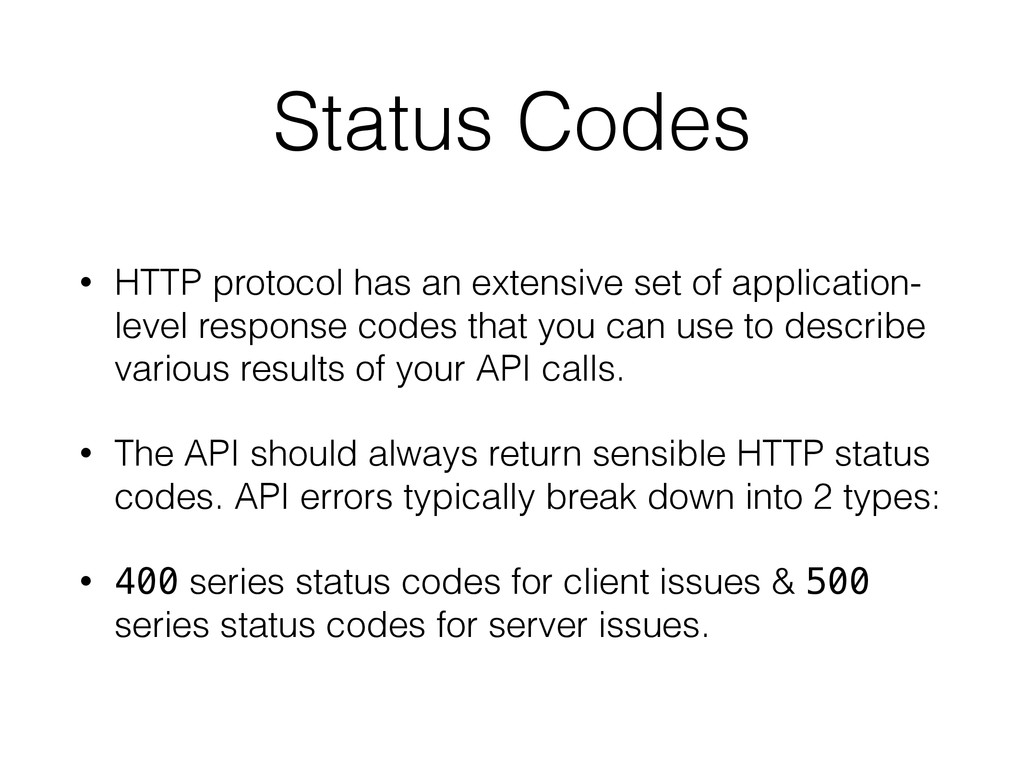
Status Codes • HTTP protocol has an extensive set of
application- level response codes that you can use to describe various results of your API calls. • The API should always return sensible HTTP status codes. API errors typically break down into 2 types: • 400 series status codes for client issues & 500 series status codes for server issues. -
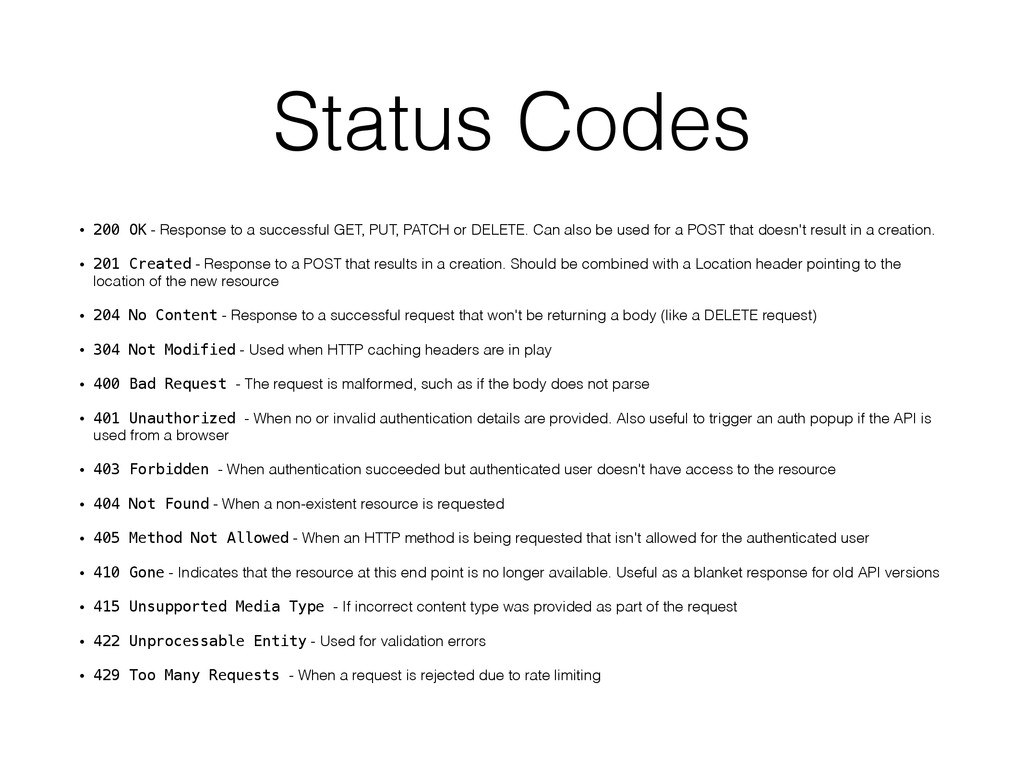
Status Codes • 200 OK - Response to a successful
GET, PUT, PATCH or DELETE. Can also be used for a POST that doesn't result in a creation. • 201 Created - Response to a POST that results in a creation. Should be combined with a Location header pointing to the location of the new resource • 204 No Content - Response to a successful request that won't be returning a body (like a DELETE request) • 304 Not Modified - Used when HTTP caching headers are in play • 400 Bad Request - The request is malformed, such as if the body does not parse • 401 Unauthorized - When no or invalid authentication details are provided. Also useful to trigger an auth popup if the API is used from a browser • 403 Forbidden - When authentication succeeded but authenticated user doesn't have access to the resource • 404 Not Found - When a non-existent resource is requested • 405 Method Not Allowed - When an HTTP method is being requested that isn't allowed for the authenticated user • 410 Gone - Indicates that the resource at this end point is no longer available. Useful as a blanket response for old API versions • 415 Unsupported Media Type - If incorrect content type was provided as part of the request • 422 Unprocessable Entity - Used for validation errors • 429 Too Many Requests - When a request is rejected due to rate limiting -
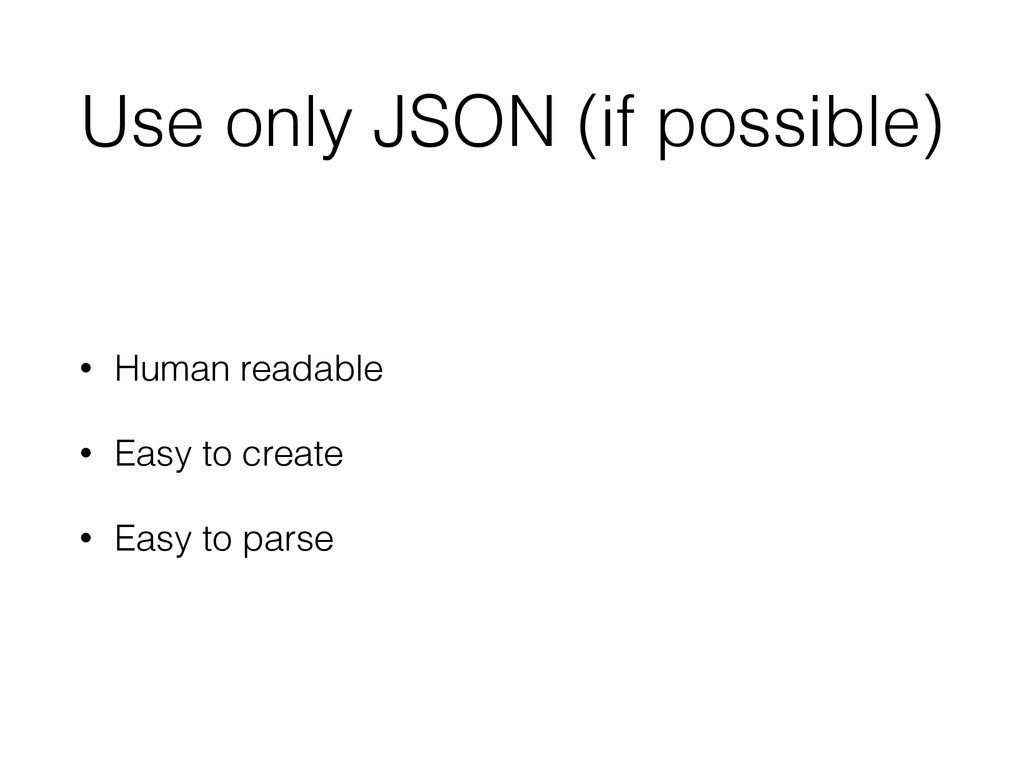
Use only JSON (if possible) • Human readable • Easy
to create • Easy to parse -
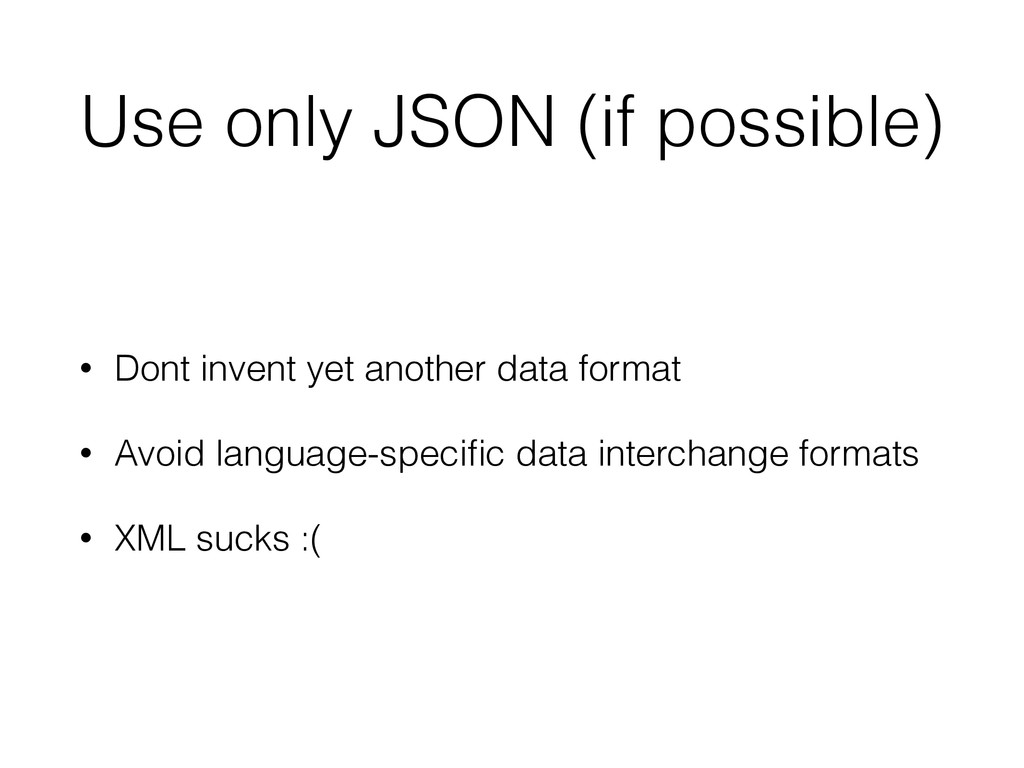
Use only JSON (if possible) • Dont invent yet another
data format • Avoid language-specific data interchange formats • XML sucks :( -
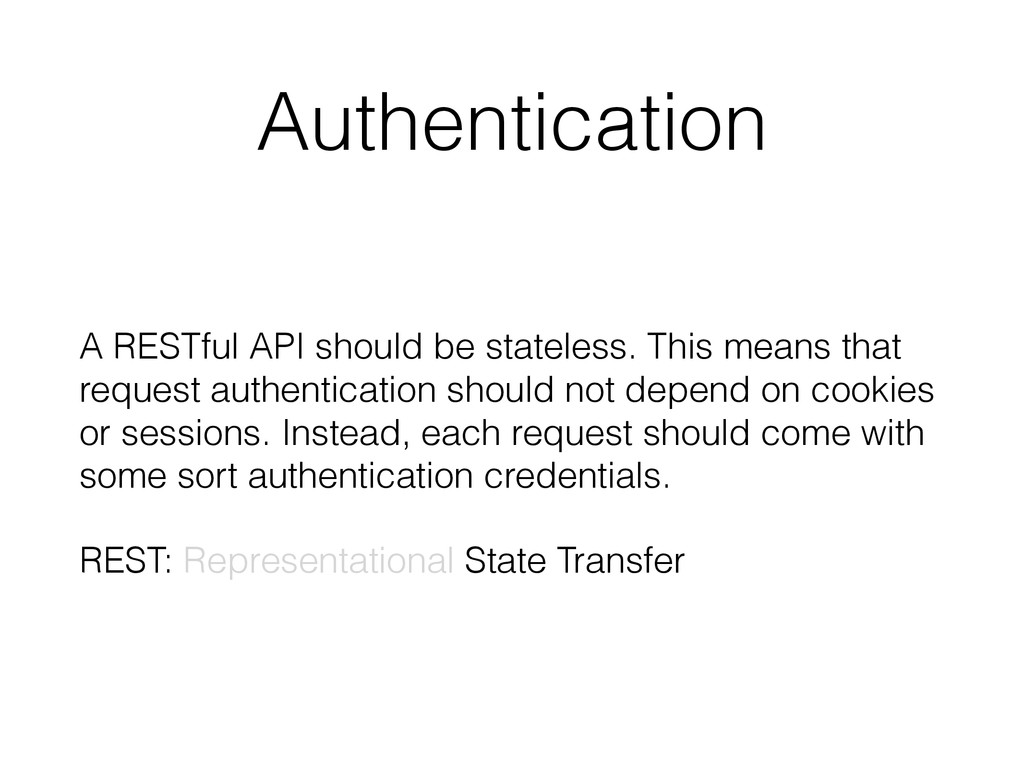
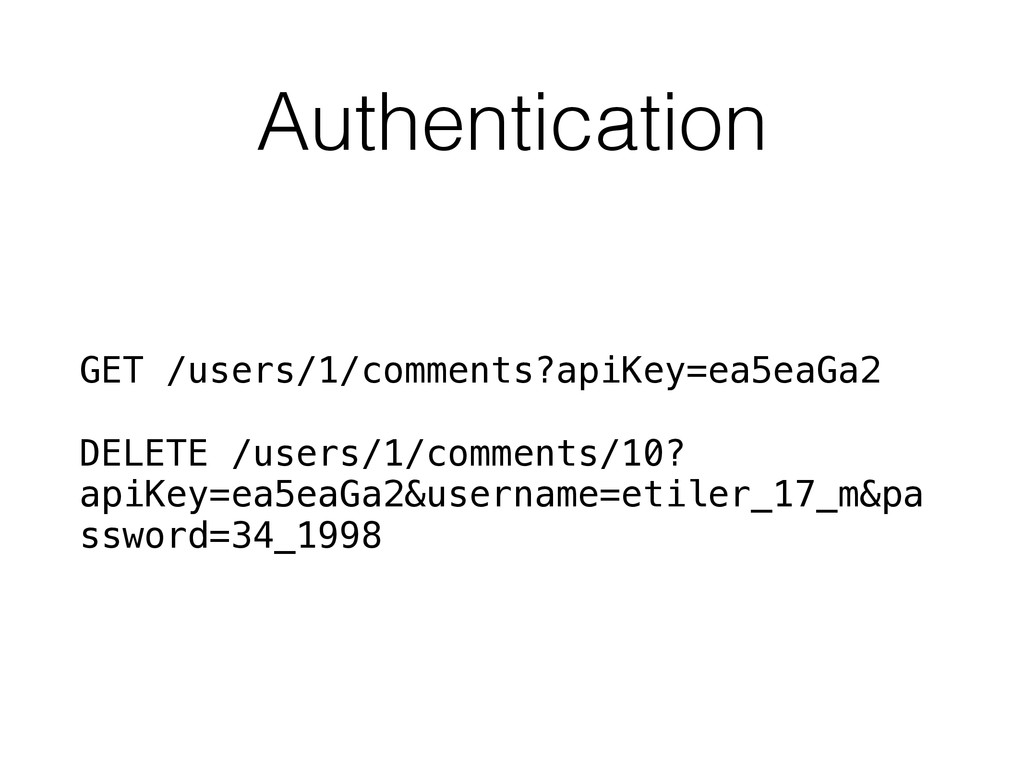
Authentication A RESTful API should be stateless. This means that
request authentication should not depend on cookies or sessions. Instead, each request should come with some sort authentication credentials. REST: Representational State Transfer -
Authentication • Use header based auth. tokens • Seperated for
API authorisation and user authentication (e.g. oAuth) • 401 Unauthorized and 403 Forbidden response codes for disallow • Store user access tokens in key-value NoSQL solution supports persistance and expire. -
Authentication • Seperate user roles • Use ACL for accessing
and modifying resources • Prevent modifying resource not belong to user -
HTTP caching ETag: When generating a request, include a HTTP
header ETag containing a hash or checksum of the representation. This value should change whenever the output representation changes. Now, if an inbound HTTP requests contains a If-None-Match header with a matching ETag value, the API should return a 304 Not Modified status code instead of the output representation of the resource. -
HTTP caching Last-Modified: This basically works like to ETag, except
that it uses timestamps. The response header Last-Modified contains a timestamp in RFC 1123 format which is validated against If-Modified-Since. Note that the HTTP spec has had 3 different acceptable date formats and the server should be prepared to accept any one of them. -
Caching • Use shared cache layer (e.g. Memcached, Redis) •
Choose right expire time • Evict or update if objects changed • Keep MISS rate low -
Caching • Improves performance • Minimizes database queries • Databases
- mostly - slower than cache solutions • Minimizes HTTP request roundtrips -
Mobile first • Deprecate, don't remove immediately • Keep backward
compatibility in your mind • Use strict signatures for error response • Don't use array keys (Breaks object mapping in strongly typed languages) -
Framework capabilities • Marshalling • Validation • Secure access to
datasources • Exception handling (and stacktraces on development mode) -
Errors • Developers are your customers • As much information
as possible • As descriptive as possible • "500 - An error occured." is bad -
Environments Seperated environments is a must have • Production -
Stable code uses production datasources • Staging - Stable code uses staging datasources • Development - Development snapshot code uses staging datasources -
Environments • Keep your project easy to deploy • Use
latest libraries and tools for security and performance • Use Docker or Vagrant for development environment • Give daily fresh datasource replicas to developers -
Documentation • Document every URI and method • Detailed information
about parameters, requirements, data types, status codes and default values. • Keep updated and accessible. • Add simple examples with cURL. -
Documentation • Document every convention about project. • Code review
is a must. • Use git and gitflow. • Write tests as much as possible. -
Fallacies • The network is reliable • Latency is zero
• Bandwidth is infinite -
Fallacies • The network is secure • Topology doesn't change
• There is one administrator -
Failures • Use load-balancing for application servers • Keep backup
servers for disasters • Use master-slave topology for datasources -
Automation Automate everything as much as possible • Deploys •
Builds • Provisioning -
Logging • Exception logs written by framework • Web-server access
and error logs • Other technologies used in project -
Monitoring Infrastructure • Monitor application servers performance constantly • Use
alerting systems for catastrophic failures • Pay attention to high load, memory and disk usage -
Monitoring Application • Monitor response times, memory usage • Performance
per route • Exceptions