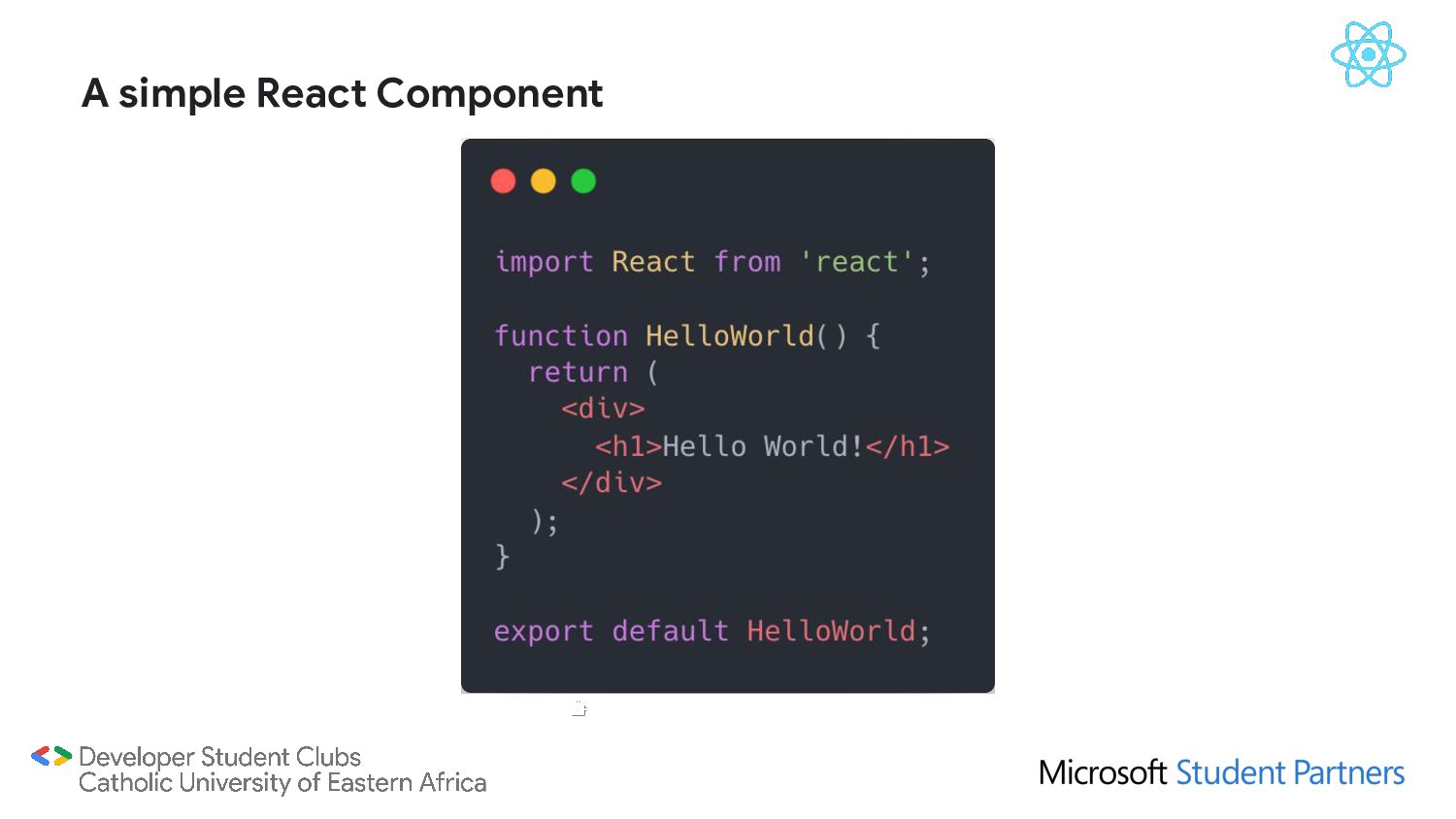
building user interfaces. It lets you compose complex UIs from small and isolated pieces of code called “components”. It‘s a magical solution created by Facebook to be used on the web (and on mobile apps - iOS & Android) to handle hundreds of posts , millions like count & millions of comments per user without the need to reload the web page. What is React/React.js?
interface without doing much work to specifically optimize for performance Simplicity : Reactjs it’s based component , with simple plain JavaScript code All the power of HTML, CSS and Javascript together inside the component: It’s easy to learn : Anyone who have some background with HTML CSS and JavaScript , can Learn Reactjs increasing development speed : ReactJS allows us to create reusable UI components that can be used in many web pages Why React?
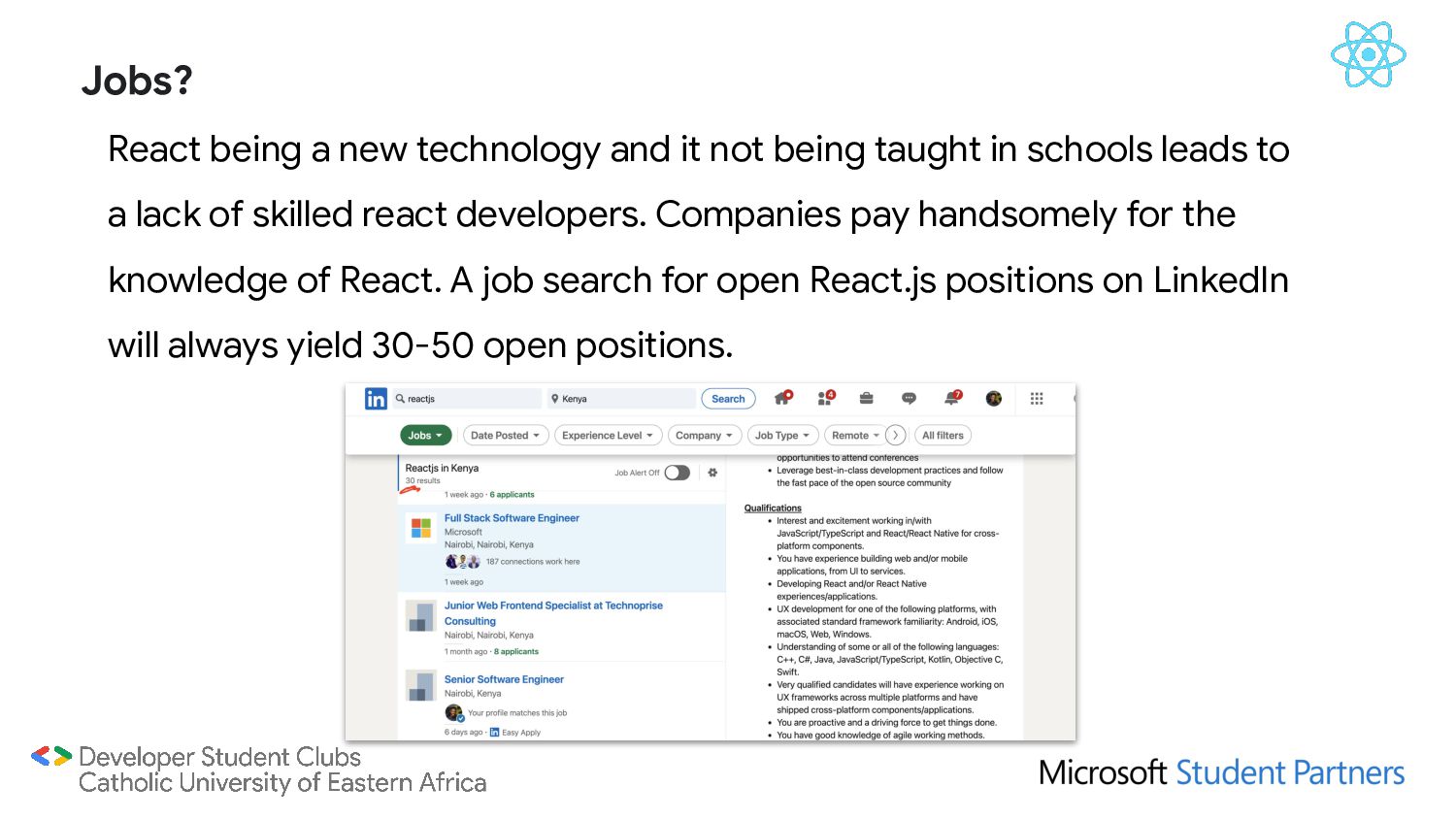
in schools leads to a lack of skilled react developers. Companies pay handsomely for the knowledge of React. A job search for open React.js positions on LinkedIn will always yield 30-50 open positions. Jobs?
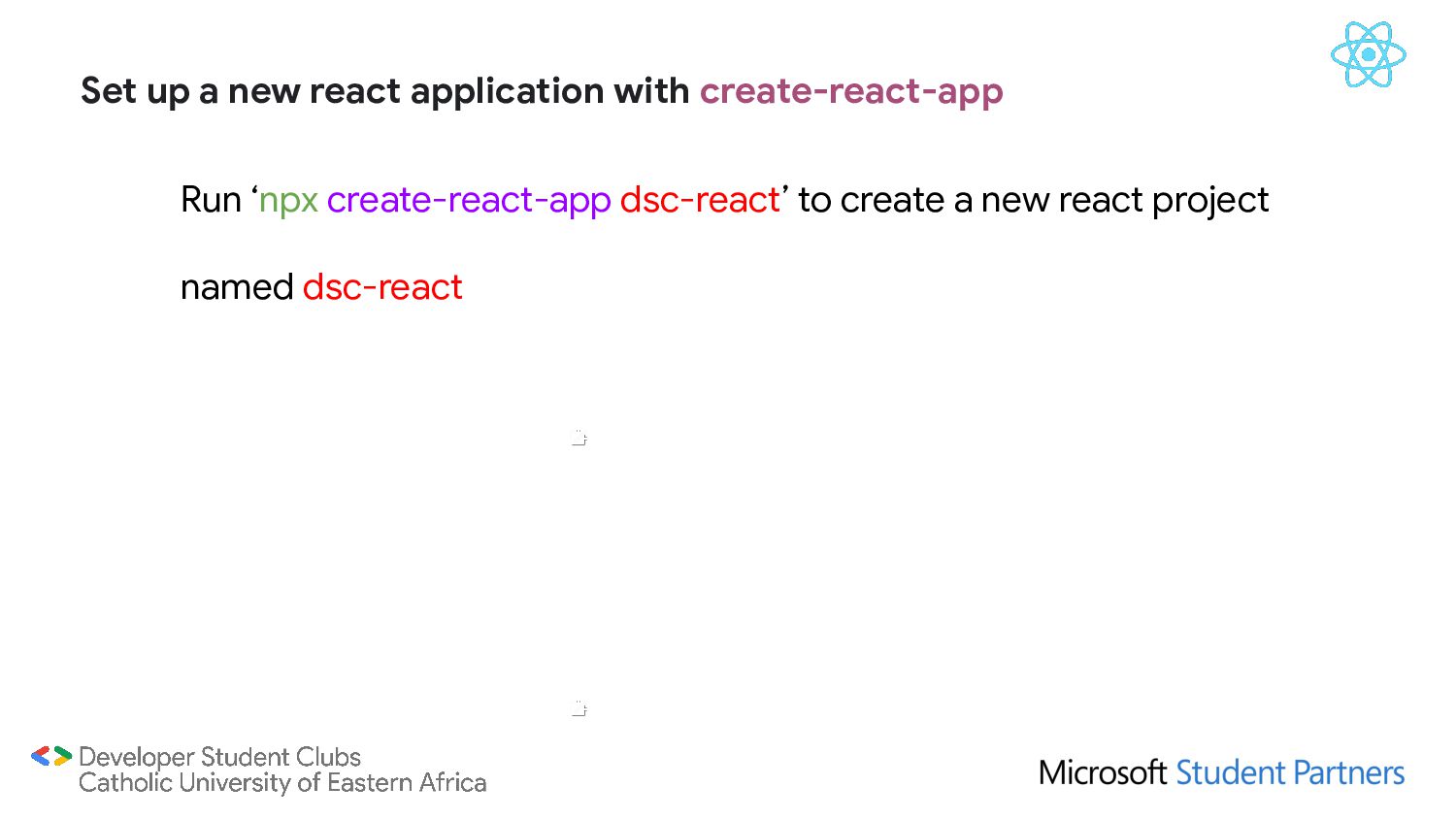
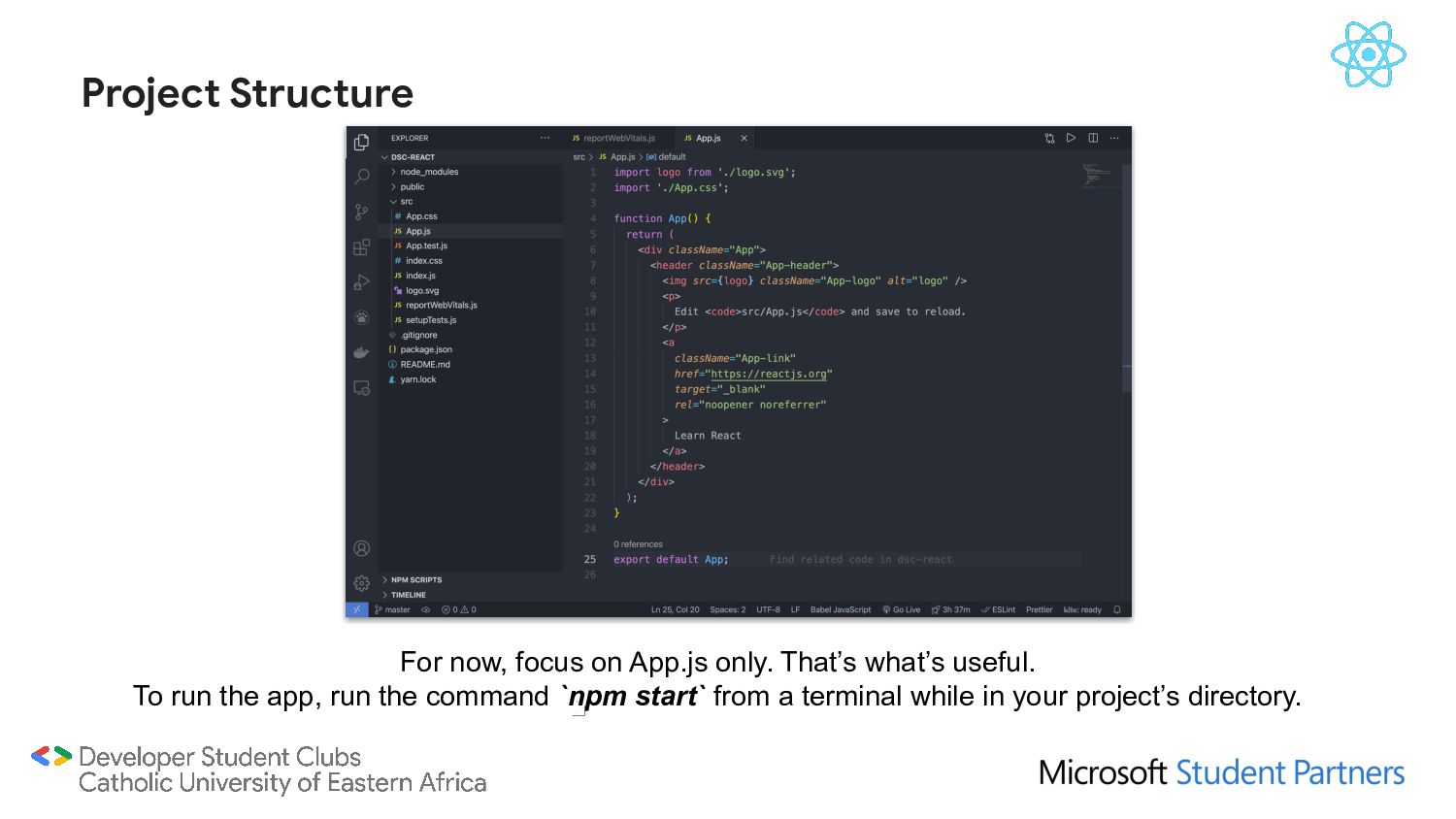
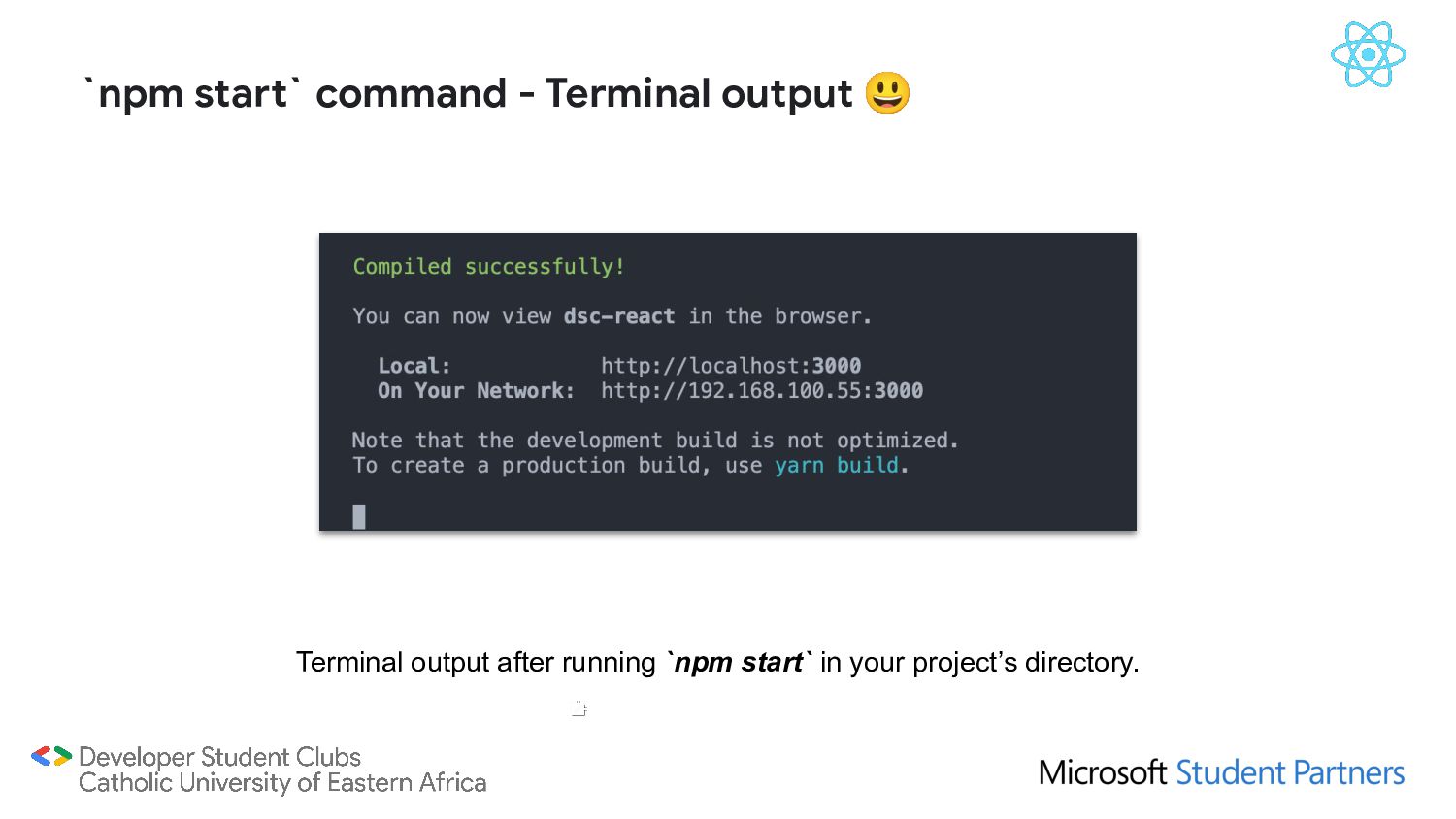
for code) • Get an IDE/Text Editor ready. Preferably VS Code. • Use/Install create-react-app from NPM (used to setup a React app). • Write code. Getting Started with React.
it is an online repository for the publishing of open-source Node.js projects; second, it is a command-line utility for interacting with said repository that aids in package installation, version management, and dependency management. Installing npm will come with node.js & npx. npx is an npm package runner that can execute any package that you want from the npm registry without even installing that package. Learn about it here: https://www.freecodecamp.org/news/npm-vs-npx-whats-the-difference/ We’ll use it to install create-react-app, react and other related libraries/frameworks. Follow the installation instructions here: https://www.npmjs.com/get-npm Learn more here: https://www.freecodecamp.org/news/what-is-npm-a-node-package-manager-tutorial-for-begi nners/ Install npm - the PlayStore for JavaScript libraries/frameworks
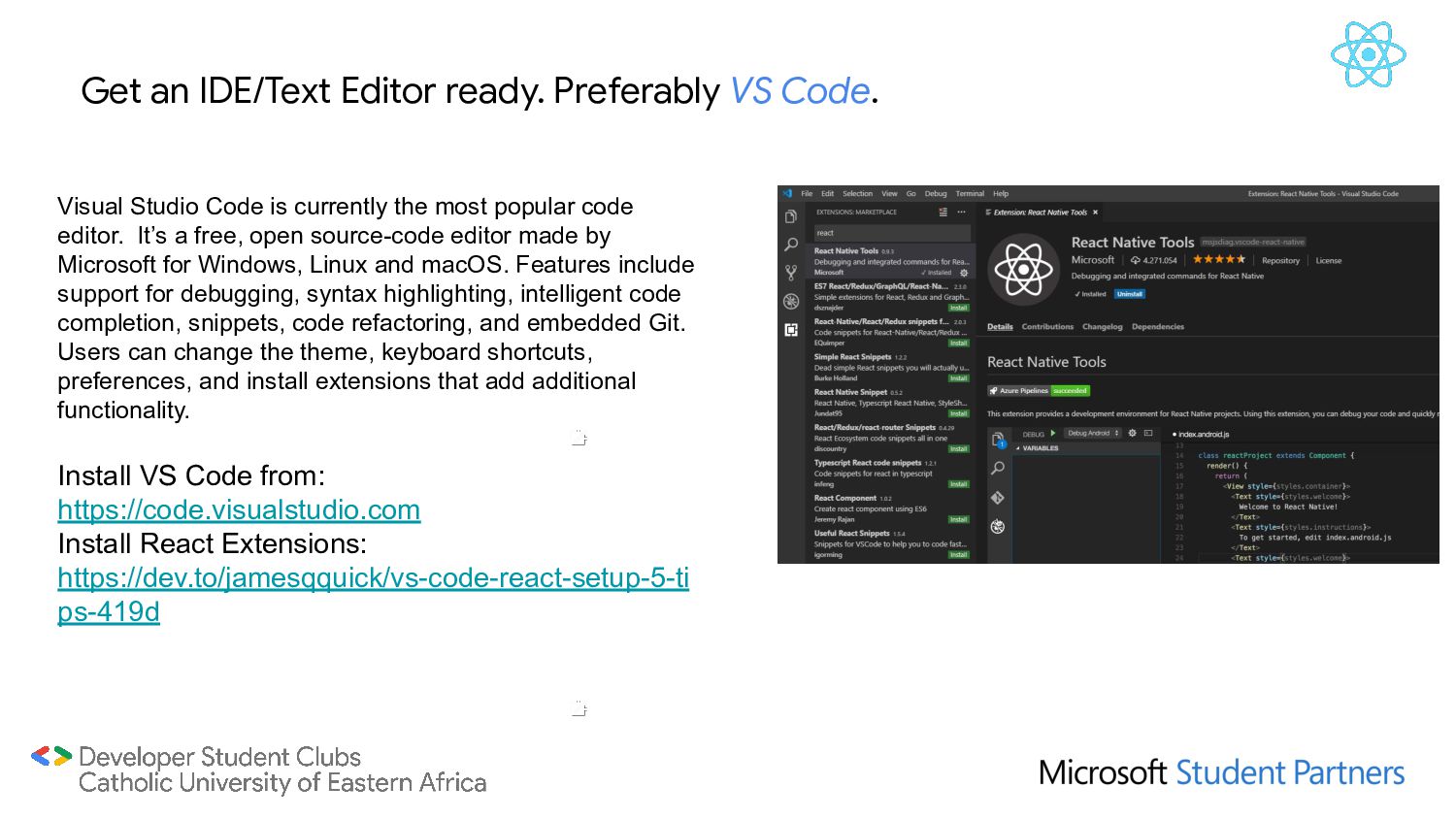
Code is currently the most popular code editor. It’s a free, open source-code editor made by Microsoft for Windows, Linux and macOS. Features include support for debugging, syntax highlighting, intelligent code completion, snippets, code refactoring, and embedded Git. Users can change the theme, keyboard shortcuts, preferences, and install extensions that add additional functionality. Install VS Code from: https://code.visualstudio.com Install React Extensions: https://dev.to/jamesqquick/vs-code-react-setup-5-ti ps-419d
React. Check out the following to solidify your React knowledge: • Practical intro to React by Ben Award (Highly recommended): https://youtube.com/playlist?list=PLN3n1USn4xlntqksY83W3997mmQPrUmqM • FreeCodeCamp React (Highly recommended): https://www.freecodecamp.org/learn/front-end-libraries/#react • MDN Getting started with React: https://developer.mozilla.org/en-US/docs/Learn/Tools_and_testing/Client-side_JavaScrip t_frameworks/React_getting_started


 chobishiba
 mofurune
 drumath2237
 uyuki234
 tmikov2023
 falcon8823
 lef237
 rollbear
 suneo3476
 jame2408
 minodriven
 prota
prota
 axbom
axbom
 ivargrimstad
 greggifford
 trallard
 tmiket
 popppiees
 techseoconnect
 chriscoyier
 lynnandtonic
 mraible
 ryanjones