Upgrade to Pro — share decks privately, control downloads, hide ads and more …

WordPress Customization and Security

Avatar for Phil Erb Phil Erb
October 05, 2013

WordPress Customization and Security

Joe Casabona and Phil Erb talk about the basics of WordPress customization and security at NEPA BlogCon 2013.

Avatar for Phil Erb

Phil Erb

October 05, 2013

More Decks by Phil Erb

Other Decks in Technology

Transcript

  1. Joe Casabona • Web Developer. Writer. Nerd*. – *Computer, Device,

    Star Wars • Yankee Fan • Responsive Design with WordPress – Out Dec 2013 – www.rwdwp.com – Discount Code for 35% off: RWDWP site: Casabona.org | twitter: @jcasabona | email: [email protected] slides/resources: casabona.org/events/blogcon-13
  2. Phil Erb http://philerb.com Twitter: @philerb Systems Admin & Programmer University

    of Scranton Co-Founder & Director of Technology Solve the Net Lover of WordPress
  3. Themes: A Primer • A WordPress Theme: – Provides control

    over the look and presentation of the material on your website. • The Codex! – Your best friend during development – codex.wordpress.org
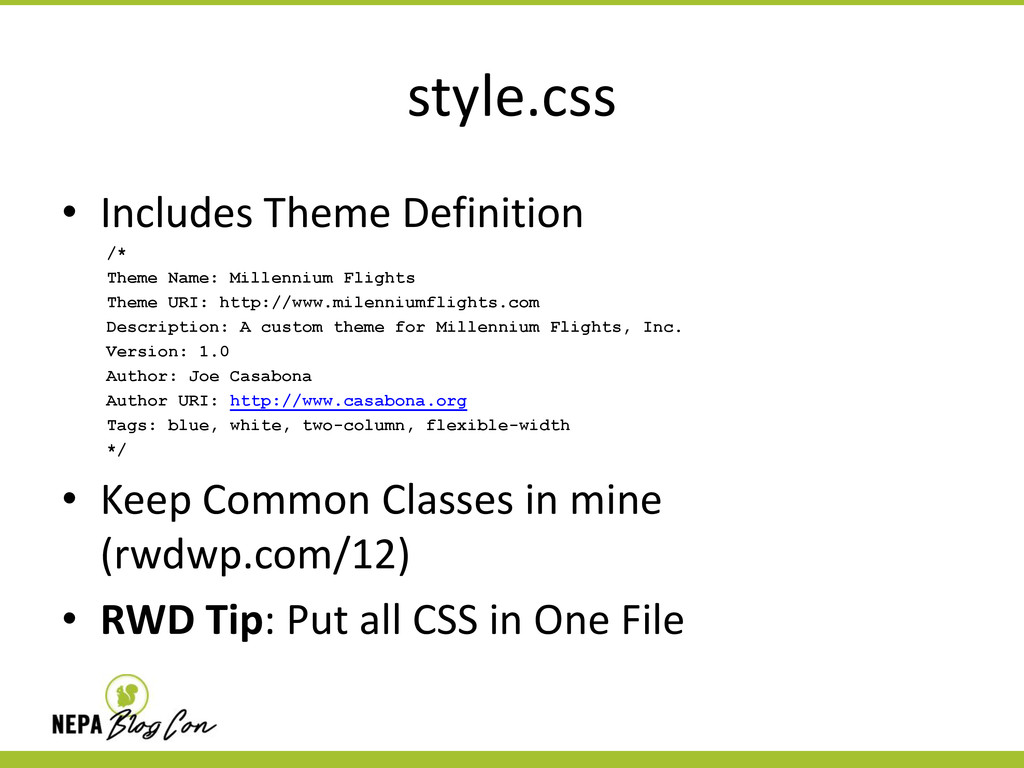
  4. style.css • Includes Theme Definition /* Theme Name: Millennium Flights

    Theme URI: http://www.milenniumflights.com Description: A custom theme for Millennium Flights, Inc. Version: 1.0 Author: Joe Casabona Author URI: http://www.casabona.org Tags: blue, white, two-column, flexible-width */ • Keep Common Classes in mine (rwdwp.com/12) • RWD Tip: Put all CSS in One File
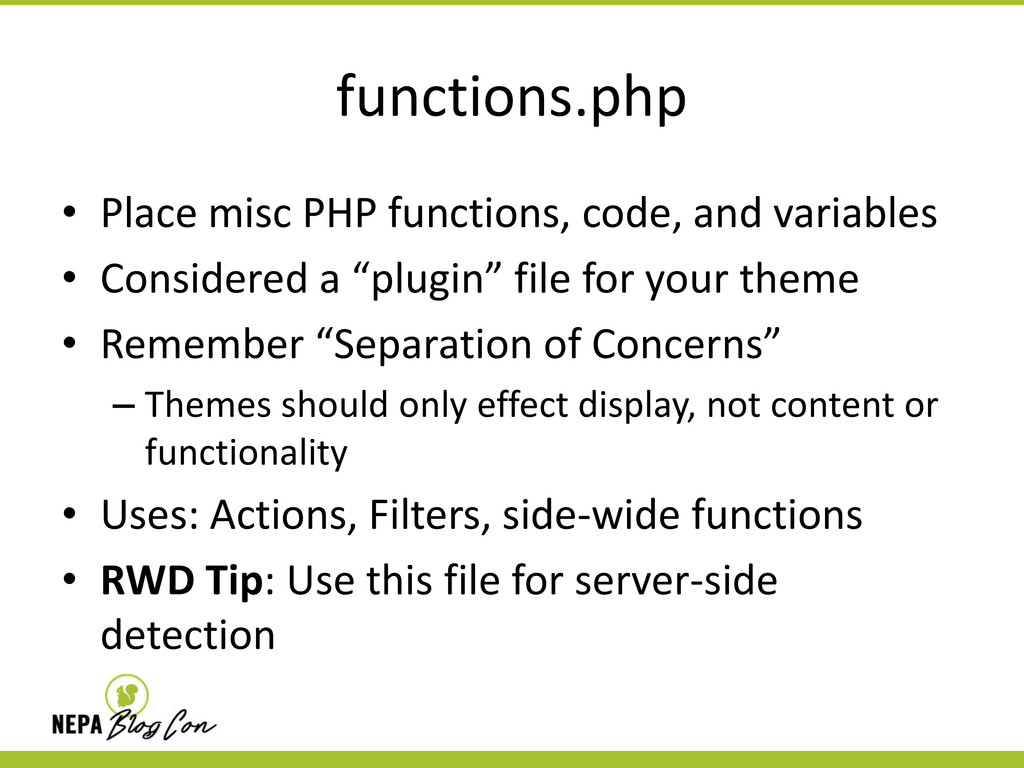
  5. functions.php • Place misc PHP functions, code, and variables •

    Considered a “plugin” file for your theme • Remember “Separation of Concerns” – Themes should only effect display, not content or functionality • Uses: Actions, Filters, side-wide functions • RWD Tip: Use this file for server-side detection
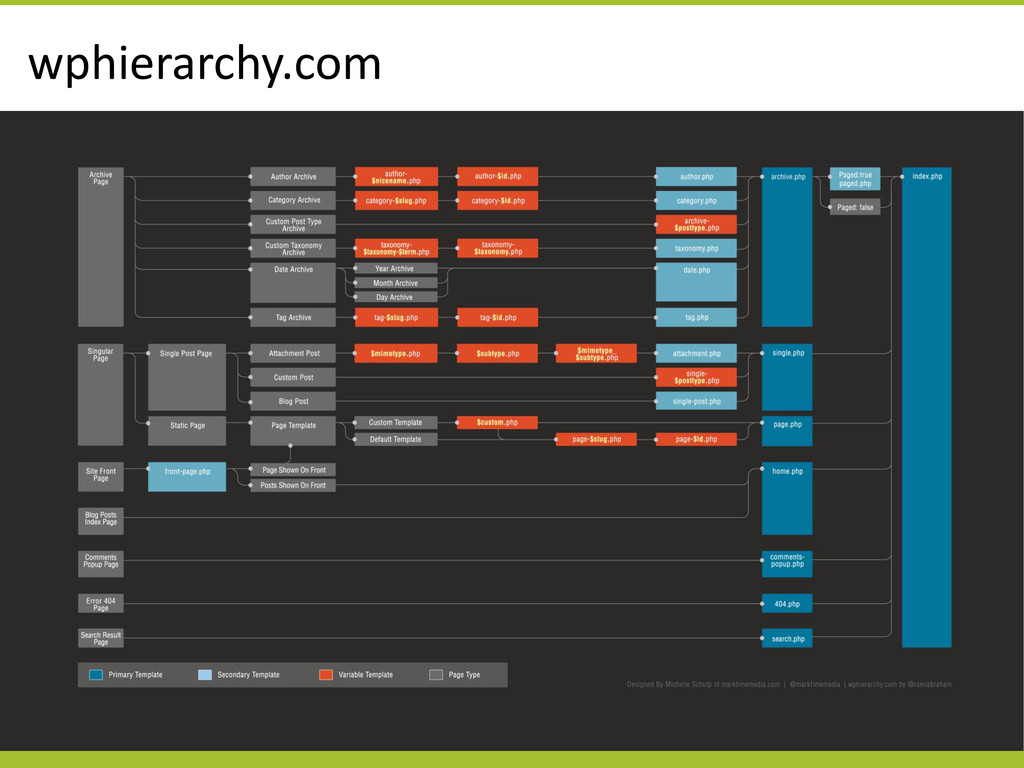
  6. index.php • The backbone of WordPress themes • Everything that

    doesn’t have its own template file will use index.php • Used to display a list of posts or content. • DO NOT remove The Loop from this page
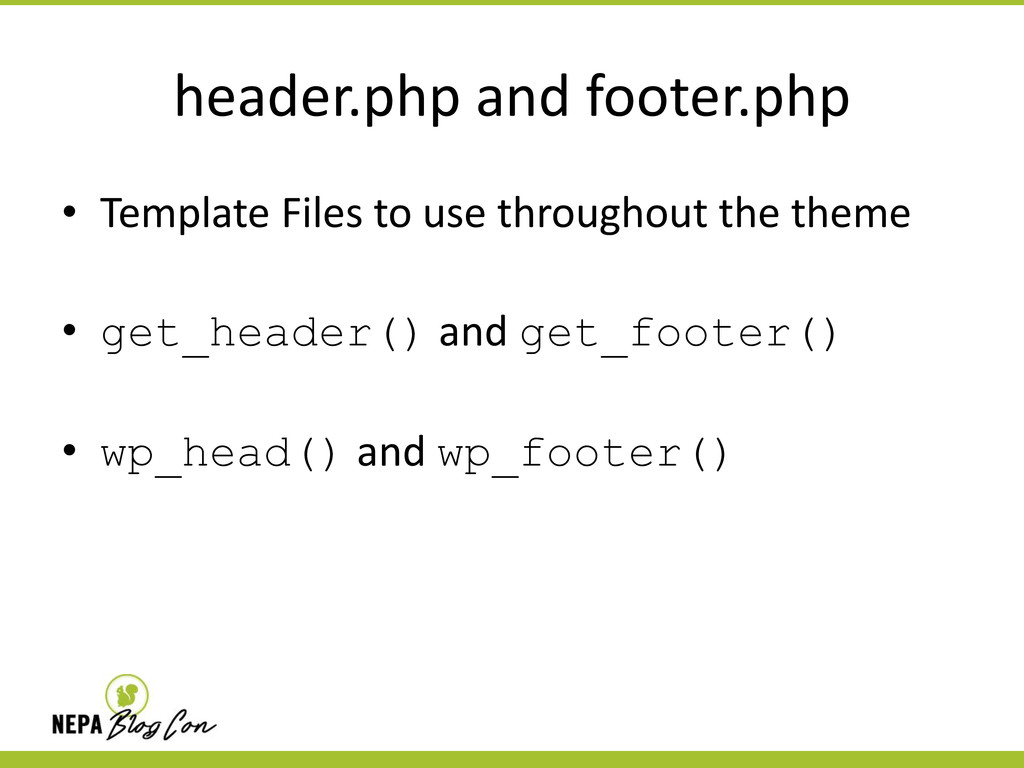
  7. header.php and footer.php • Template Files to use throughout the

    theme • get_header() and get_footer() • wp_head() and wp_footer()
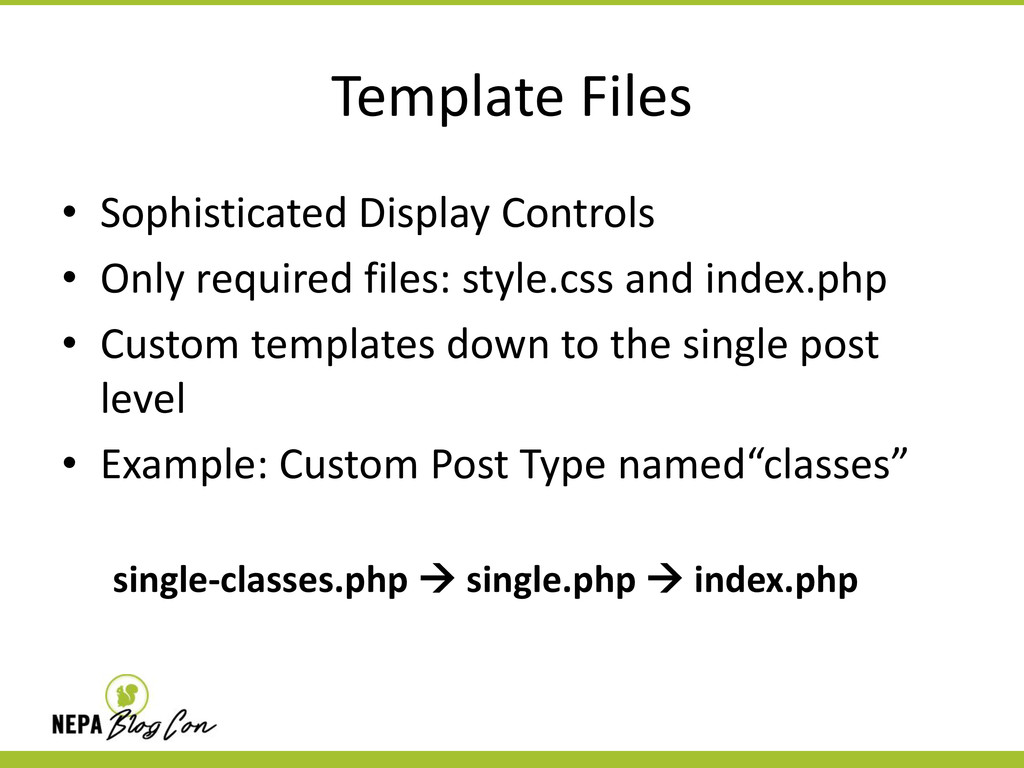
  8. Template Files • Sophisticated Display Controls • Only required files:

    style.css and index.php • Custom templates down to the single post level • Example: Custom Post Type named“classes” single-classes.php  single.php  index.php
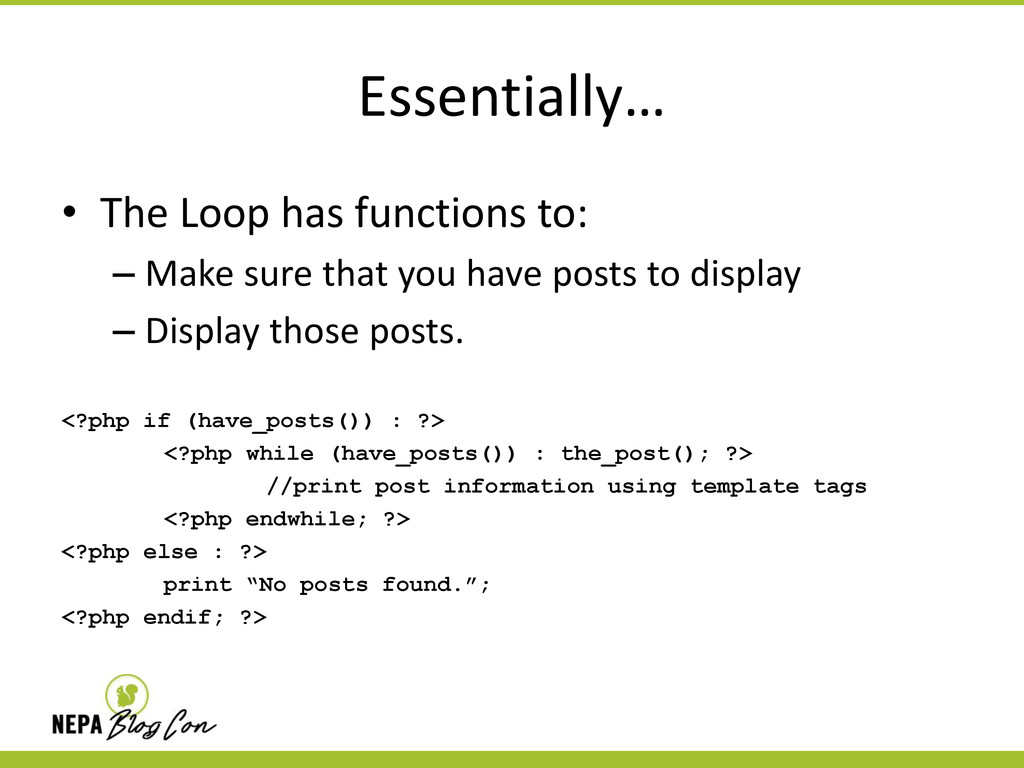
  9. Defined • The Loop is used by WordPress to display

    each of your posts. Using the Loop, WordPress processes each of the posts to be displayed on the current page and formats them according to how they match specified criteria within the Loop tags. Any HTML or PHP code placed in the Loop will be repeated on each post
  10. Essentially… • The Loop has functions to: – Make sure

    that you have posts to display – Display those posts. <?php if (have_posts()) : ?> <?php while (have_posts()) : the_post(); ?> //print post information using template tags <?php endwhile; ?> <?php else : ?> print “No posts found.”; <?php endif; ?>
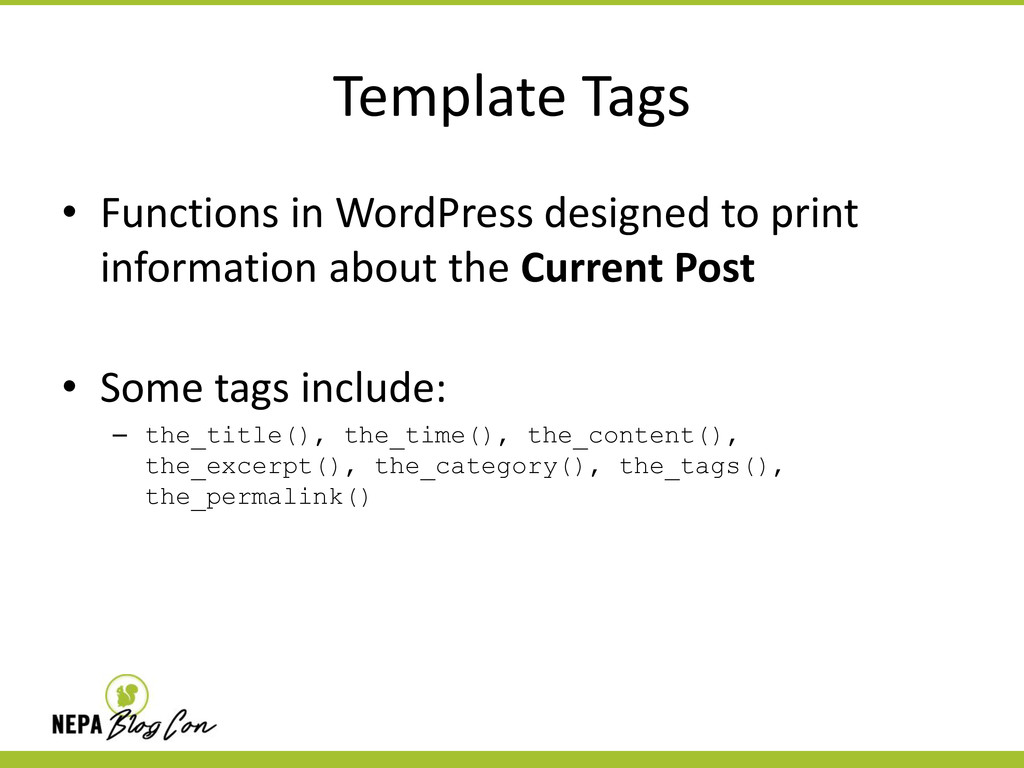
  11. Template Tags • Functions in WordPress designed to print information
    about the Current Post • Some tags include: – the_title(), the_time(), the_content(), the_excerpt(), the_category(), the_tags(), the_permalink()
  12. Yes … but … The code may be secure, but

    there are always things to improve
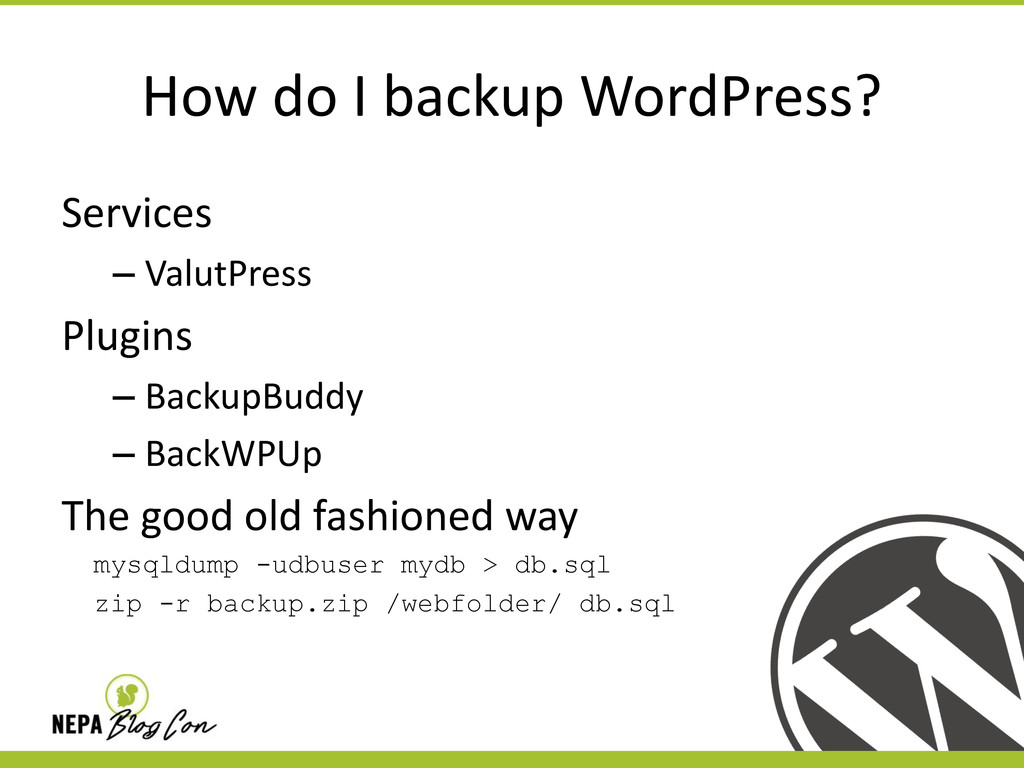
  13. How do I backup WordPress? Services – ValutPress Plugins –

    BackupBuddy – BackWPUp The good old fashioned way mysqldump -udbuser mydb > db.sql zip -r backup.zip /webfolder/ db.sql
  14. Backup Best Practices Create a backup schedule that makes sense

    for your site. Get an off-site copy Test your backups
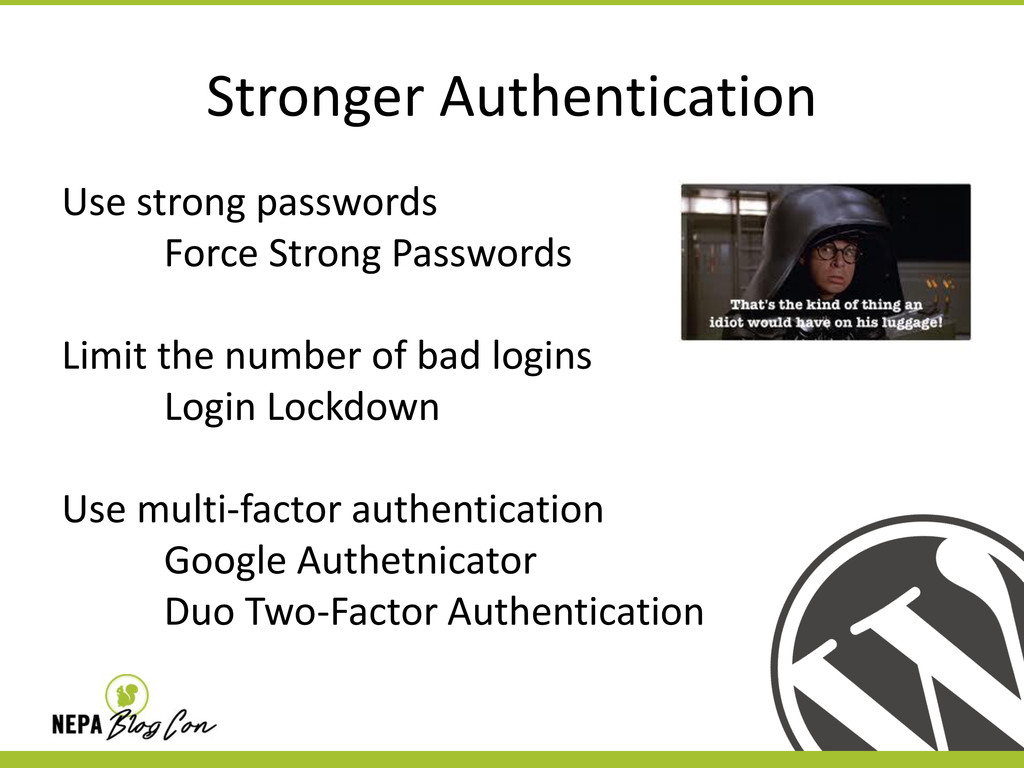
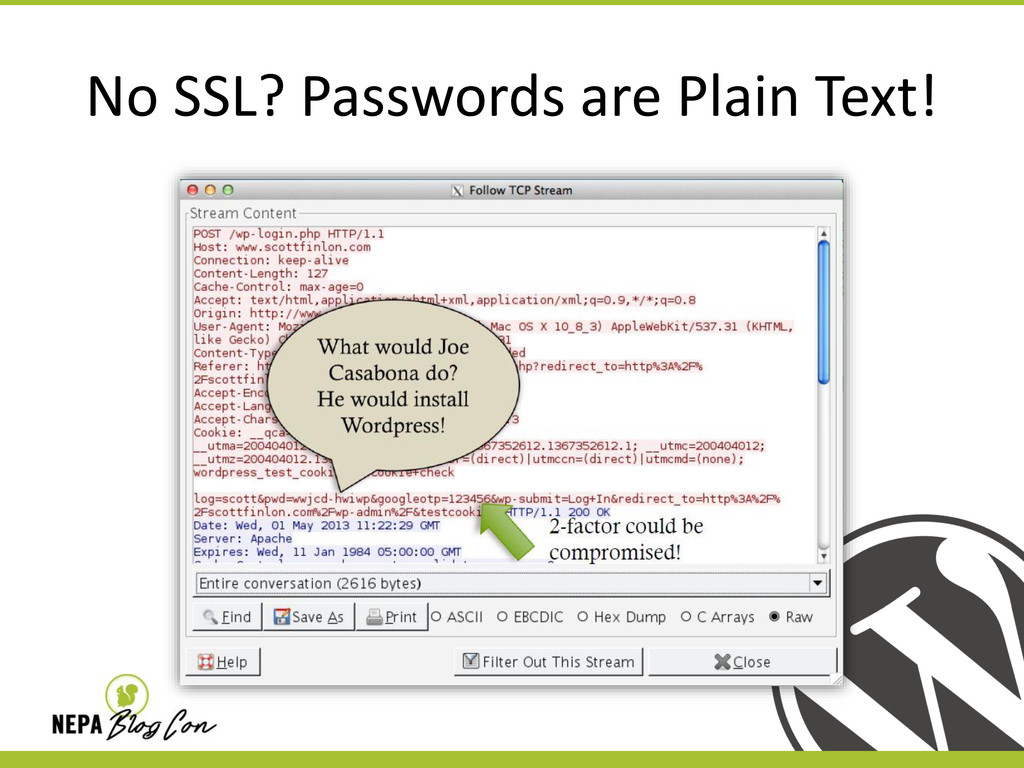
  15. Stronger Authentication Use strong passwords Force Strong Passwords Limit the

    number of bad logins Login Lockdown Use multi-factor authentication Google Authetnicator Duo Two-Factor Authentication
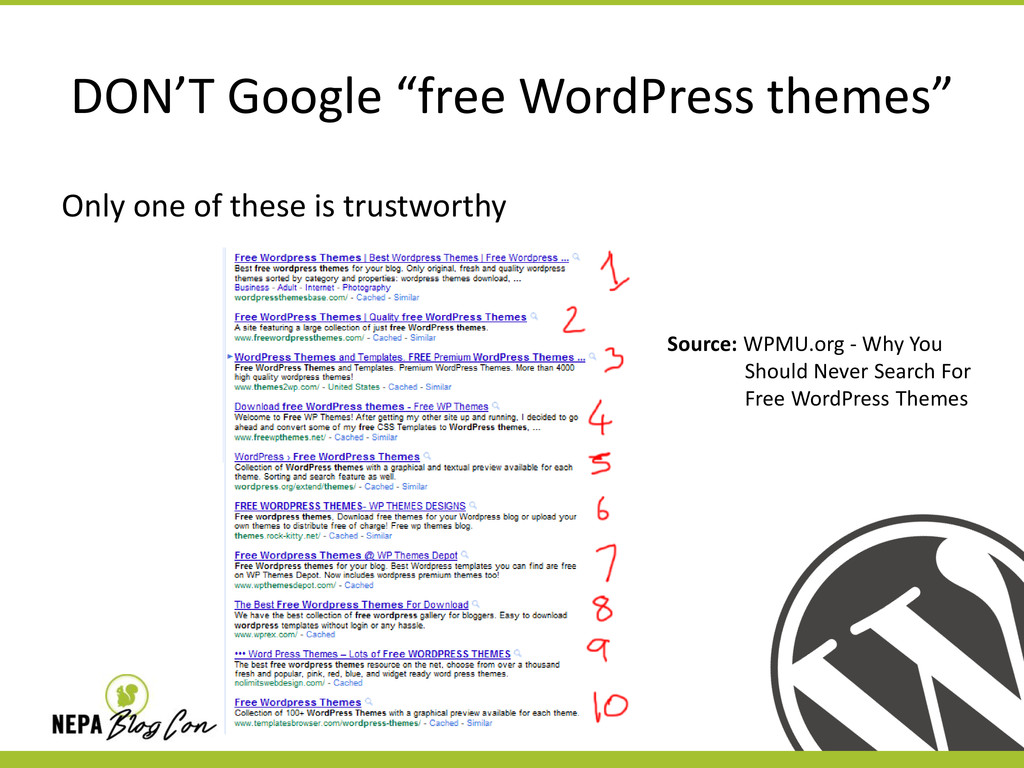
  16. DON’T Google “free WordPress themes” Only one of these is

    trustworthy Source: WPMU.org - Why You Should Never Search For Free WordPress Themes
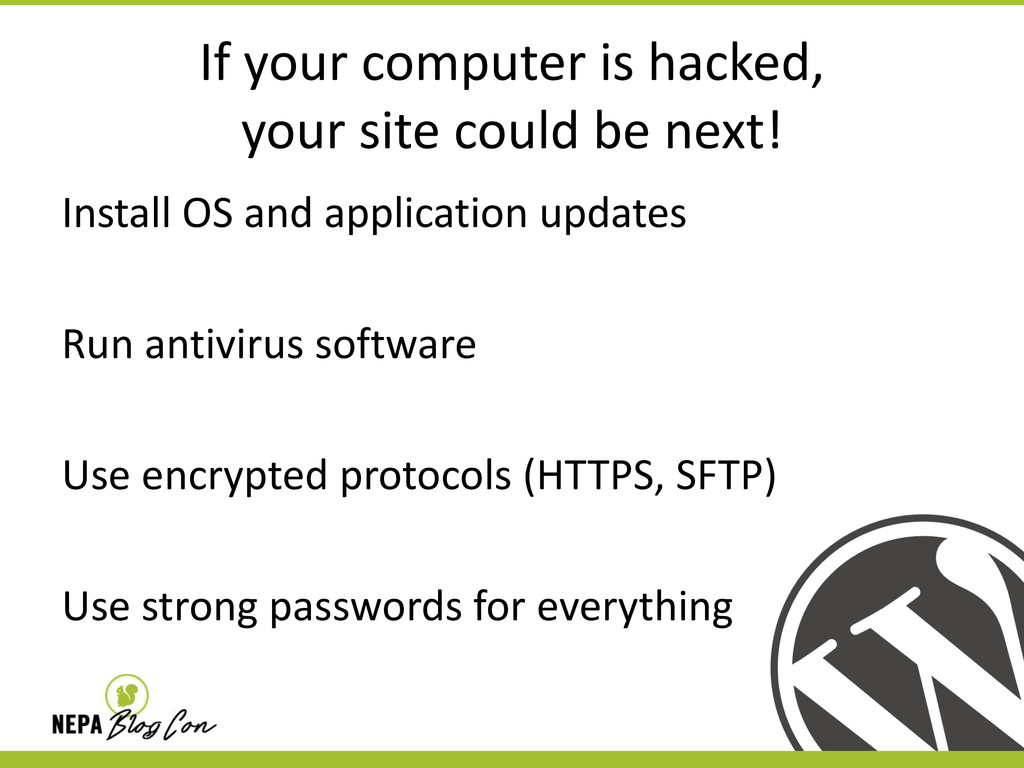
  17. If your computer is hacked, your site could be next!

    Install OS and application updates Run antivirus software Use encrypted protocols (HTTPS, SFTP) Use strong passwords for everything
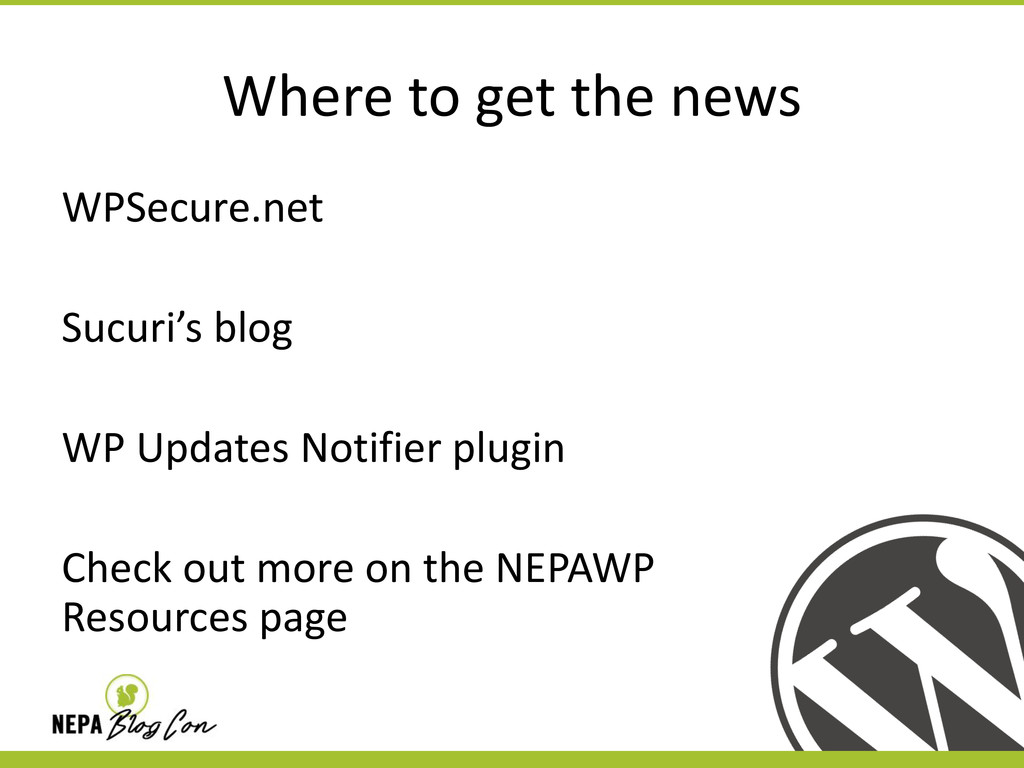
  18. Where to get the news WPSecure.net Sucuri’s blog WP Updates

    Notifier plugin Check out more on the NEPAWP Resources page
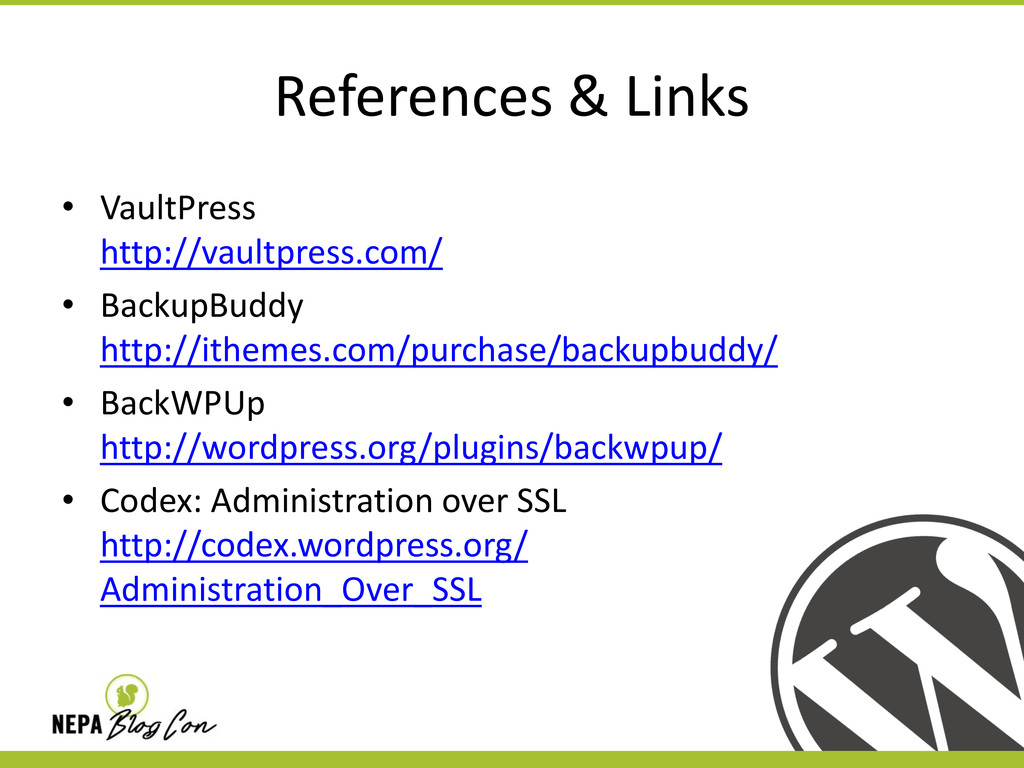
  19. References & Links • VaultPress http://vaultpress.com/ • BackupBuddy http://ithemes.com/purchase/backupbuddy/ •

    BackWPUp http://wordpress.org/plugins/backwpup/ • Codex: Administration over SSL http://codex.wordpress.org/ Administration_Over_SSL
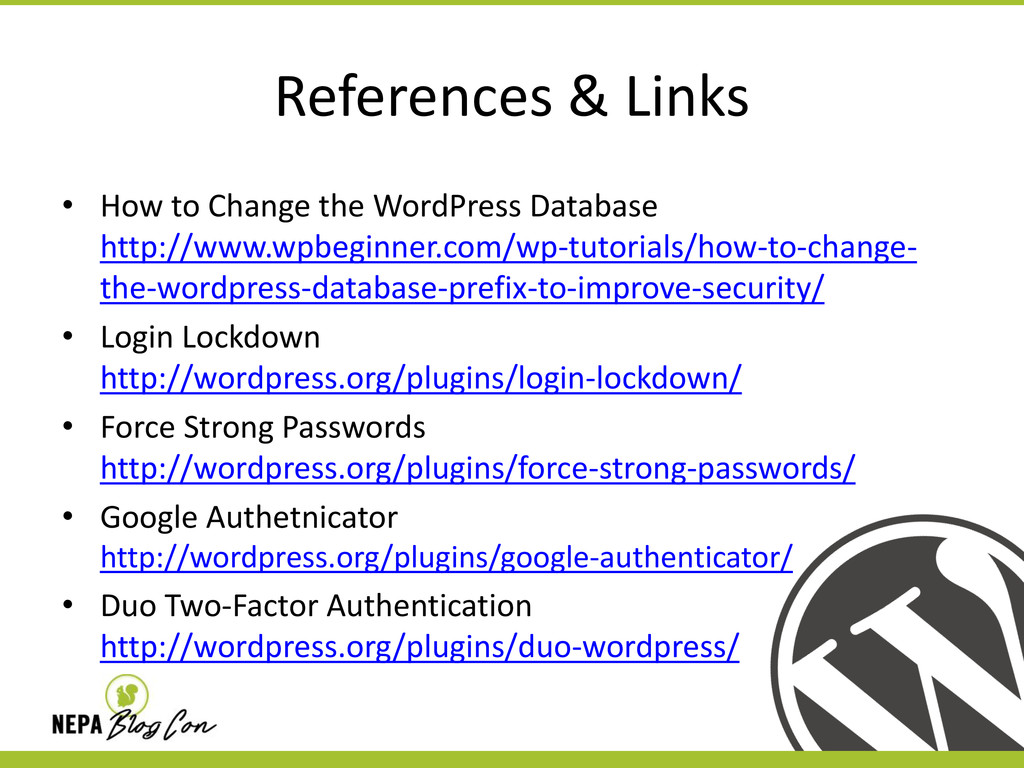
  20. References & Links • How to Change the WordPress Database

    http://www.wpbeginner.com/wp-tutorials/how-to-change- the-wordpress-database-prefix-to-improve-security/ • Login Lockdown http://wordpress.org/plugins/login-lockdown/ • Force Strong Passwords http://wordpress.org/plugins/force-strong-passwords/ • Google Authetnicator http://wordpress.org/plugins/google-authenticator/ • Duo Two-Factor Authentication http://wordpress.org/plugins/duo-wordpress/
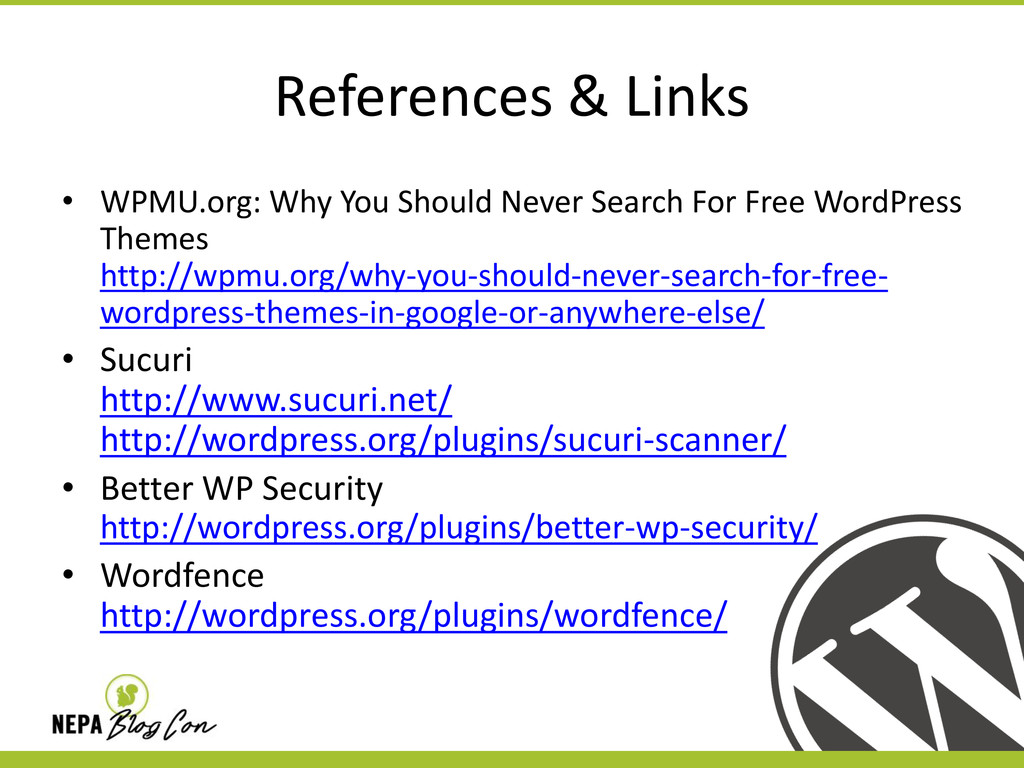
  21. References & Links • WPMU.org: Why You Should Never Search

    For Free WordPress Themes http://wpmu.org/why-you-should-never-search-for-free- wordpress-themes-in-google-or-anywhere-else/ • Sucuri http://www.sucuri.net/ http://wordpress.org/plugins/sucuri-scanner/ • Better WP Security http://wordpress.org/plugins/better-wp-security/ • Wordfence http://wordpress.org/plugins/wordfence/
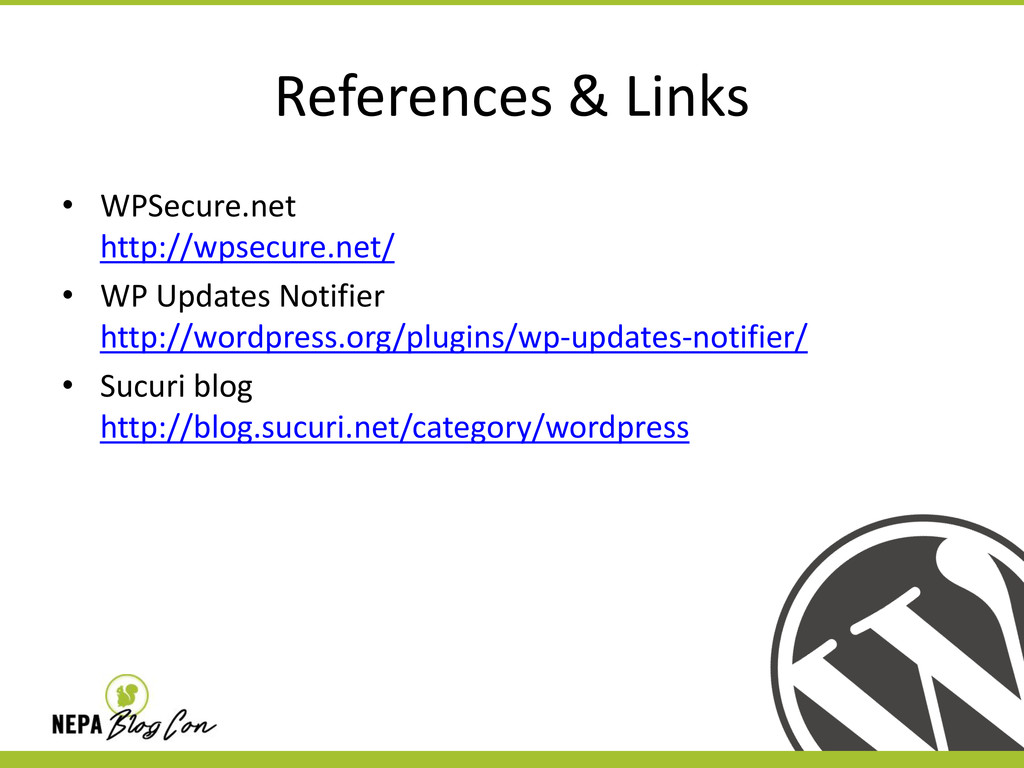
  22. References & Links • WPSecure.net http://wpsecure.net/ • WP Updates Notifier

    http://wordpress.org/plugins/wp-updates-notifier/ • Sucuri blog http://blog.sucuri.net/category/wordpress