Upgrade to Pro — share decks privately, control downloads, hide ads and more …

Modern Linux Server with Containers

Sponsored · Your Podcast. Everywhere. Effortlessly. Share. Educate. Inspire. Entertain. You do you. We'll handle the rest.

Modern Linux Server with Containers

Slides for my talk "Modern Linux Server with Containers" at LinuxCon 2013 Video: www.youtube.com/watch?v=ZD7HDrtkZoI

Avatar for Brandon Philips

Brandon Philips

September 21, 2013
Tweet

More Decks by Brandon Philips

Other Decks in Programming

Transcript

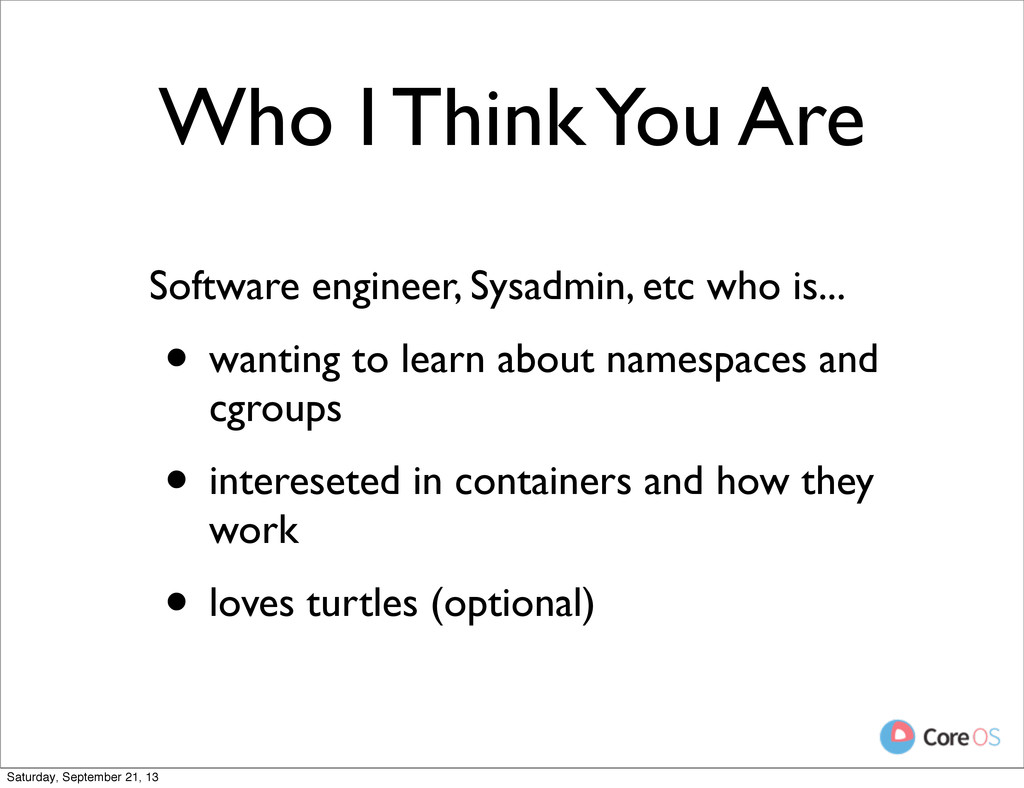
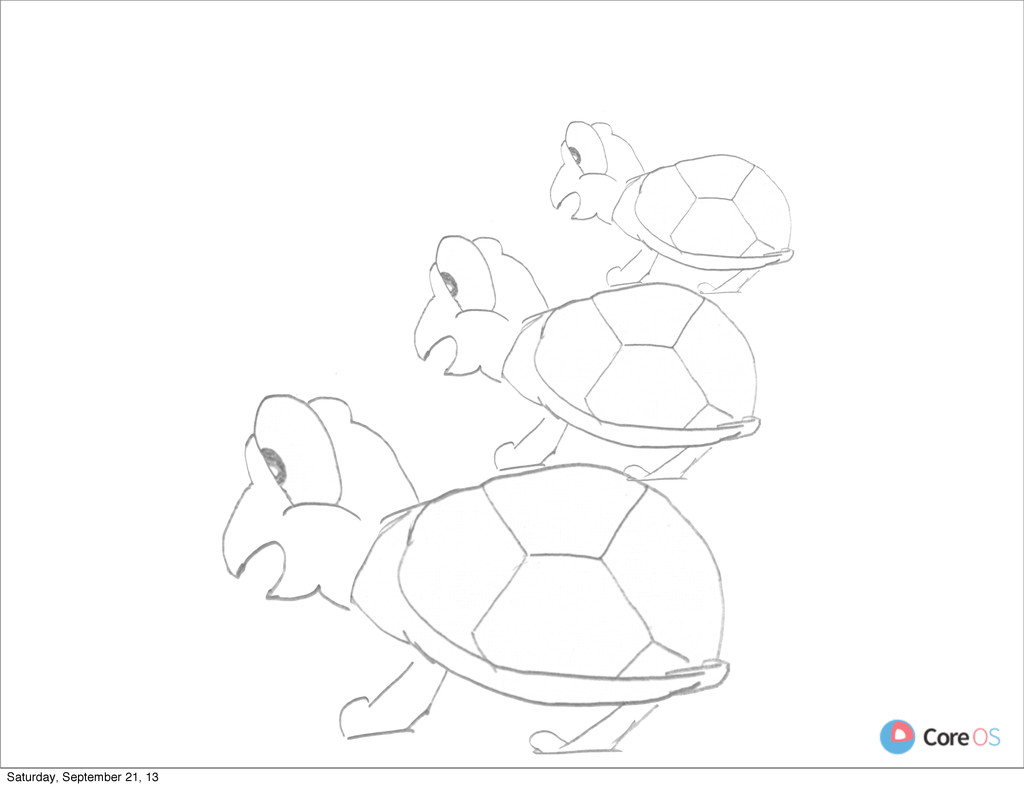
  1. Who I Think You Are Software engineer, Sysadmin, etc who

    is... • wanting to learn about namespaces and cgroups • intereseted in containers and how they work • loves turtles (optional) Saturday, September 21, 13
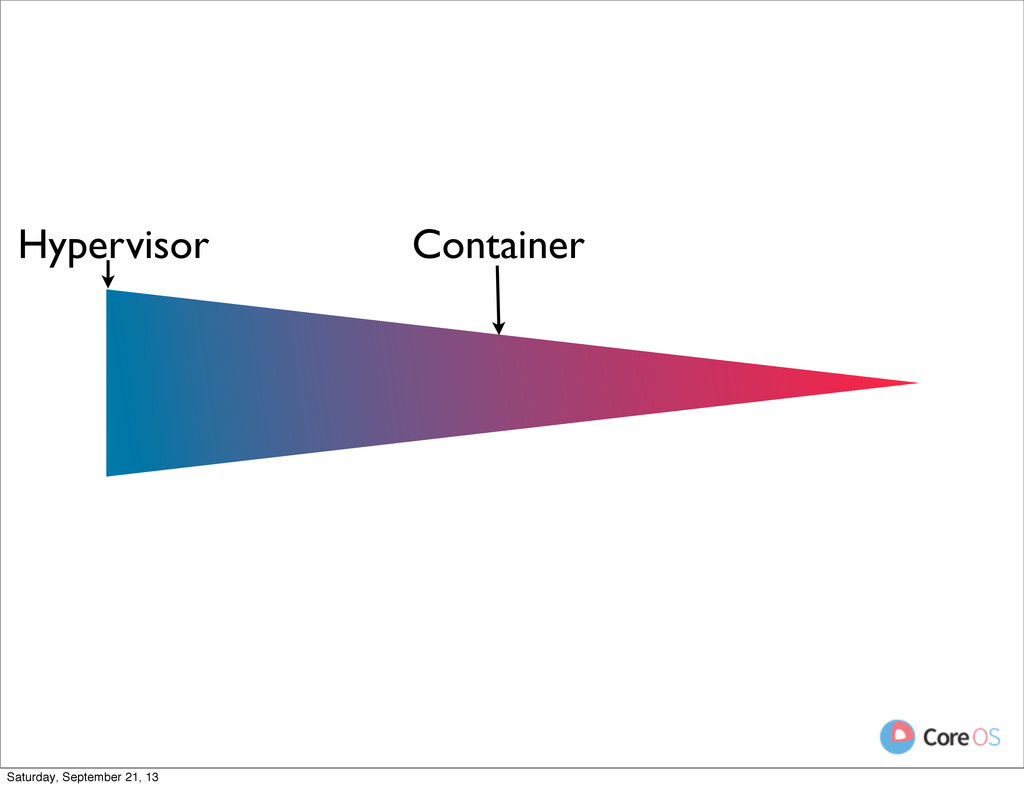
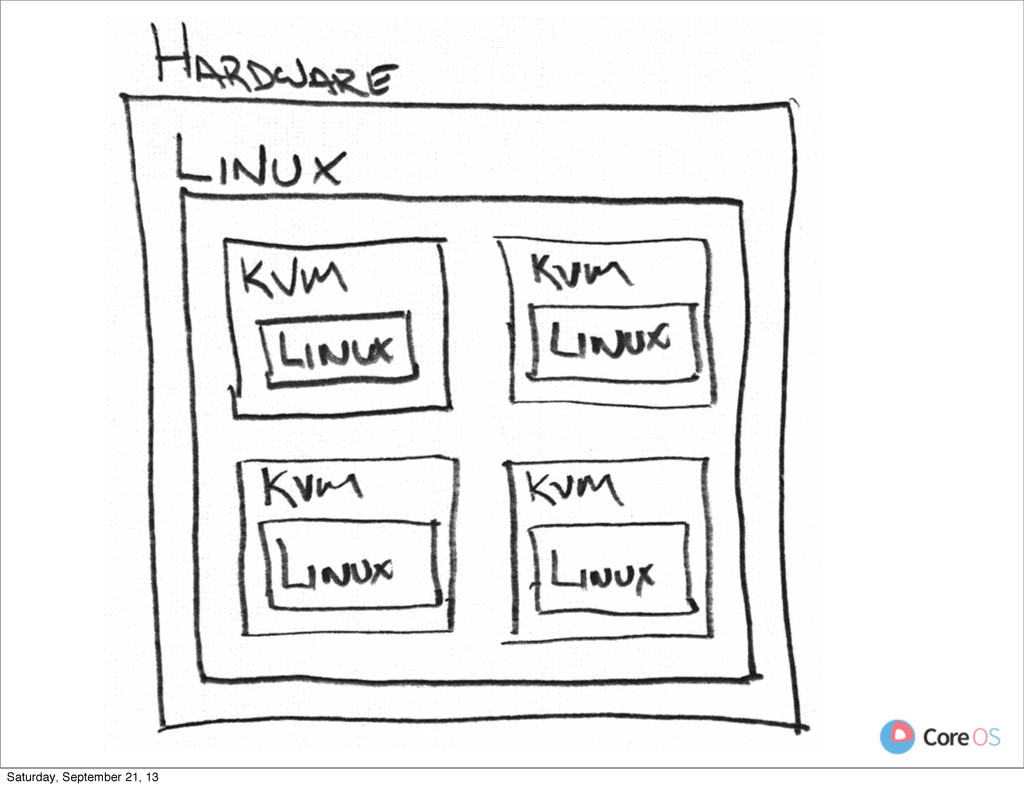
  2. Hypervisor • Host provides full hardware environment • Block device,

    ethernet device, etc Saturday, September 21, 13
  3. Hypervisor • Host provides full hardware environment • Block device,

    ethernet device, etc • Guests run a full kernel Saturday, September 21, 13
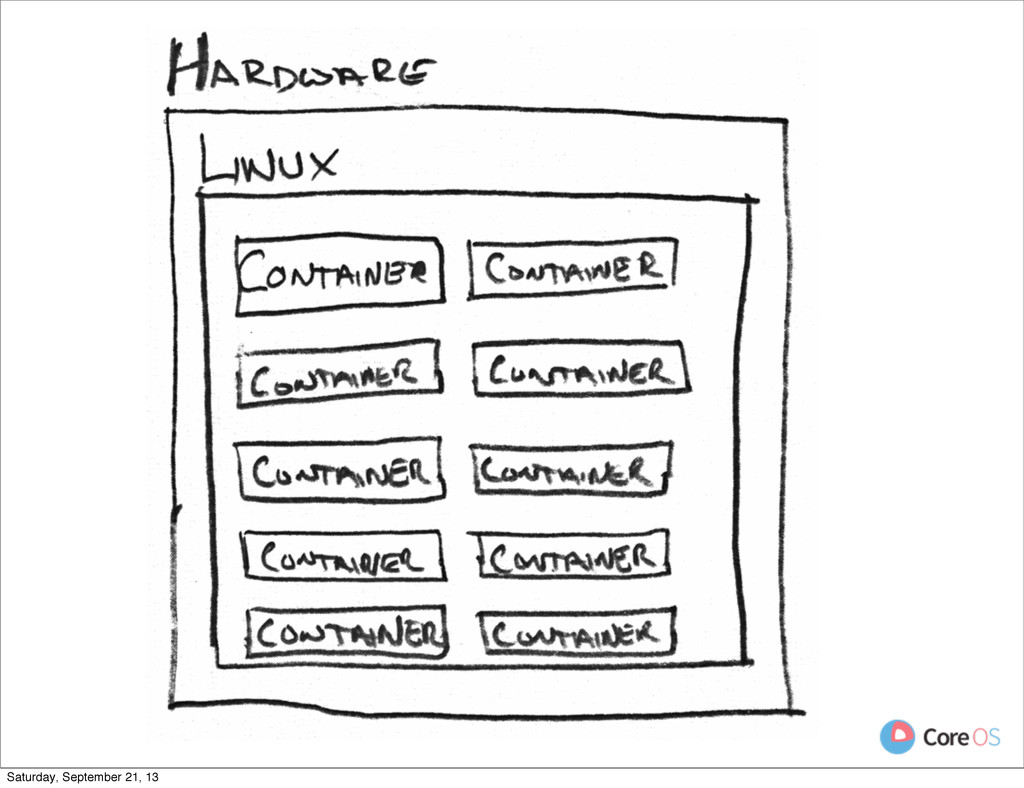
  4. Container • Host provides Kernel • Filesystem, network interface, etc

    are already there • Guest starts from /sbin/init Saturday, September 21, 13
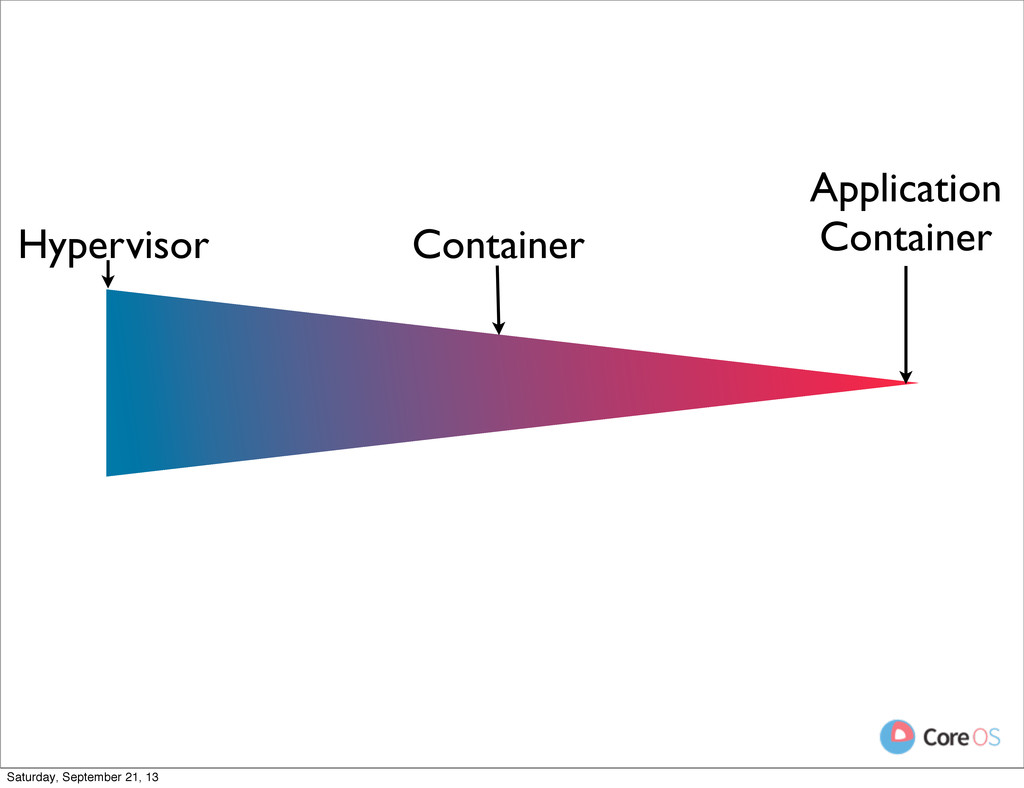
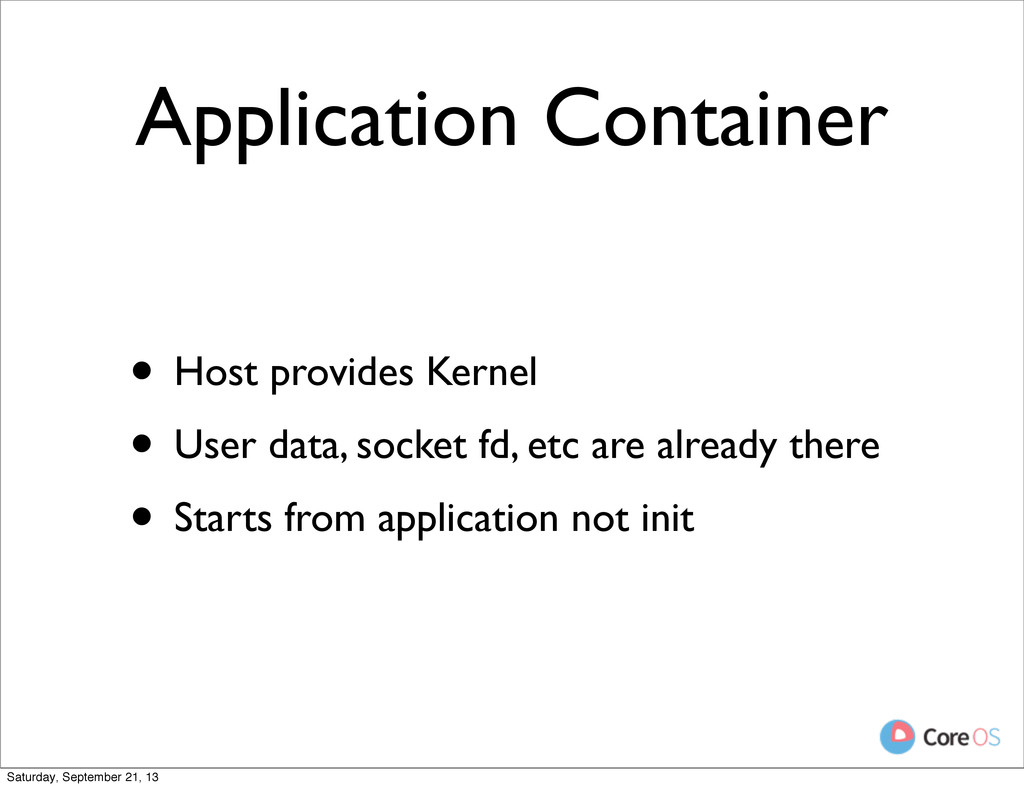
  5. Application Container • Host provides Kernel • User data, socket

    fd, etc are already there Saturday, September 21, 13
  6. Application Container • Host provides Kernel • User data, socket

    fd, etc are already there • Starts from application not init Saturday, September 21, 13
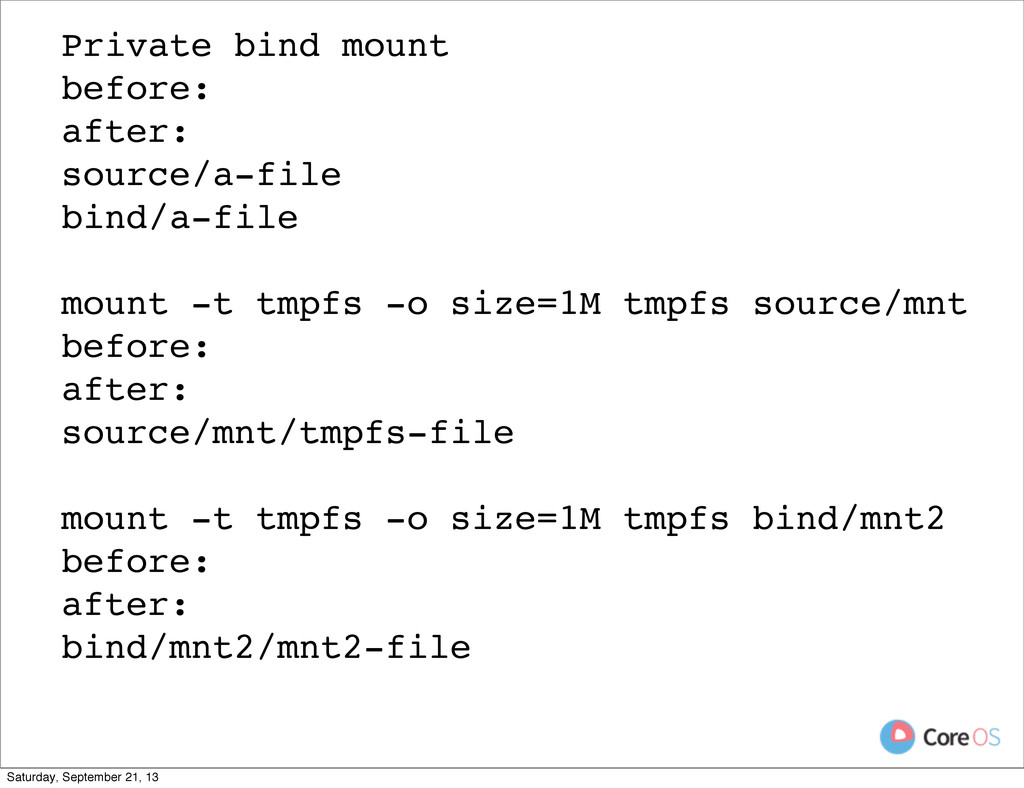
  7. Private bind mount before: after: source/a-file bind/a-file mount -t tmpfs

    -o size=1M tmpfs source/mnt before: after: source/mnt/tmpfs-file mount -t tmpfs -o size=1M tmpfs bind/mnt2 before: after: bind/mnt2/mnt2-file Saturday, September 21, 13
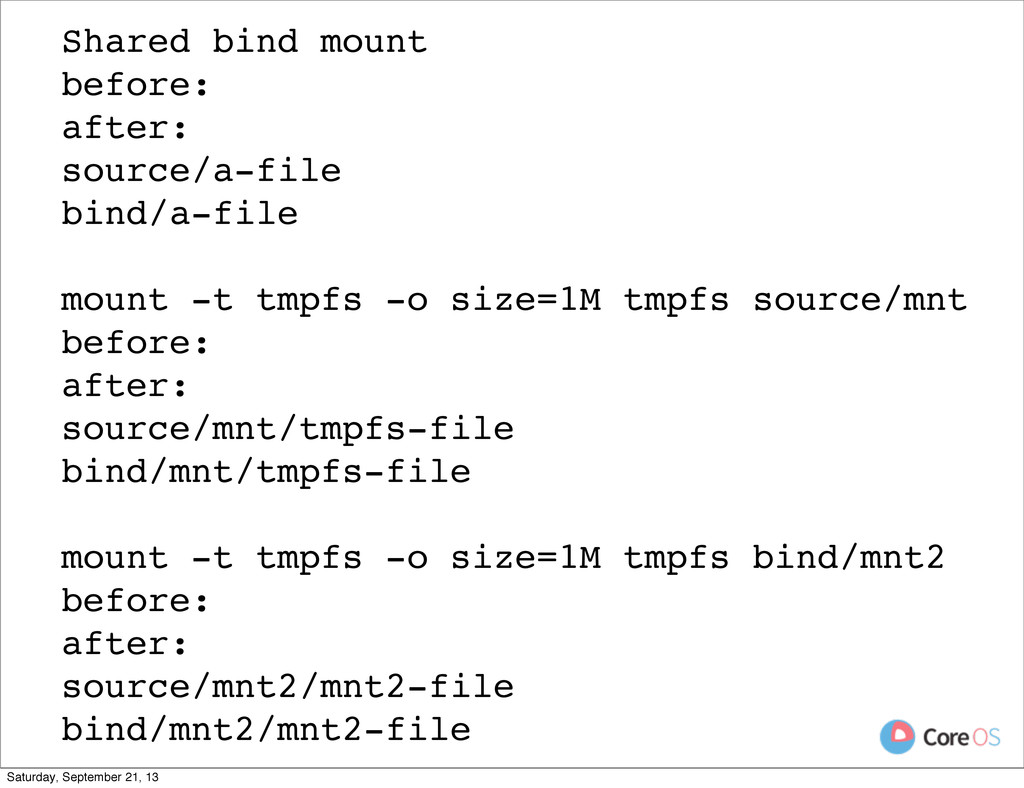
  8. Shared bind mount before: after: source/a-file bind/a-file mount -t tmpfs

    -o size=1M tmpfs source/mnt before: after: source/mnt/tmpfs-file bind/mnt/tmpfs-file mount -t tmpfs -o size=1M tmpfs bind/mnt2 before: after: source/mnt2/mnt2-file bind/mnt2/mnt2-file Saturday, September 21, 13
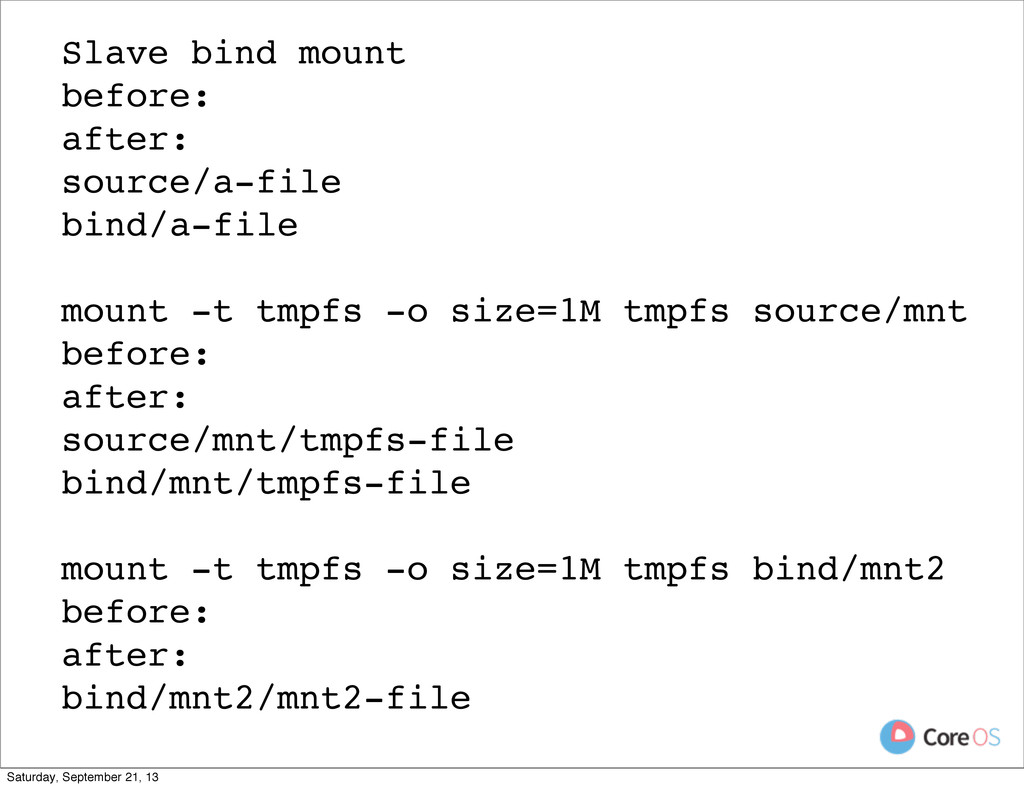
  9. Slave bind mount before: after: source/a-file bind/a-file mount -t tmpfs

    -o size=1M tmpfs source/mnt before: after: source/mnt/tmpfs-file bind/mnt/tmpfs-file mount -t tmpfs -o size=1M tmpfs bind/mnt2 before: after: bind/mnt2/mnt2-file Saturday, September 21, 13
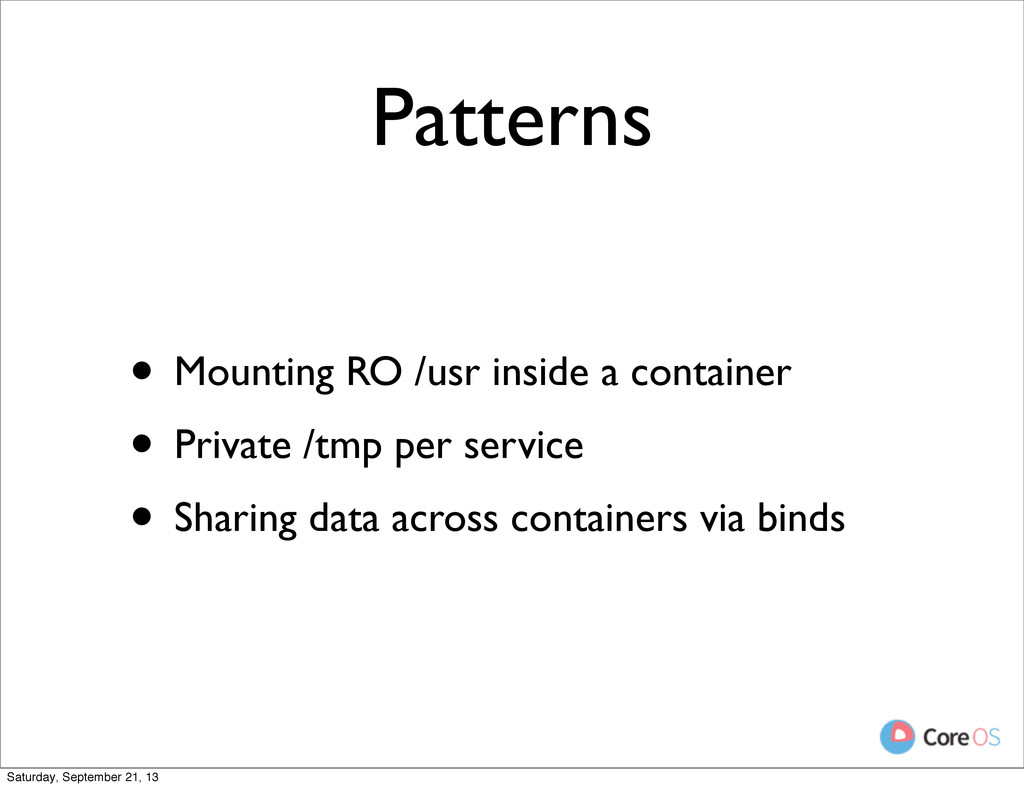
  10. Patterns • Mounting RO /usr inside a container • Private

    /tmp per service • Sharing data across containers via binds Saturday, September 21, 13
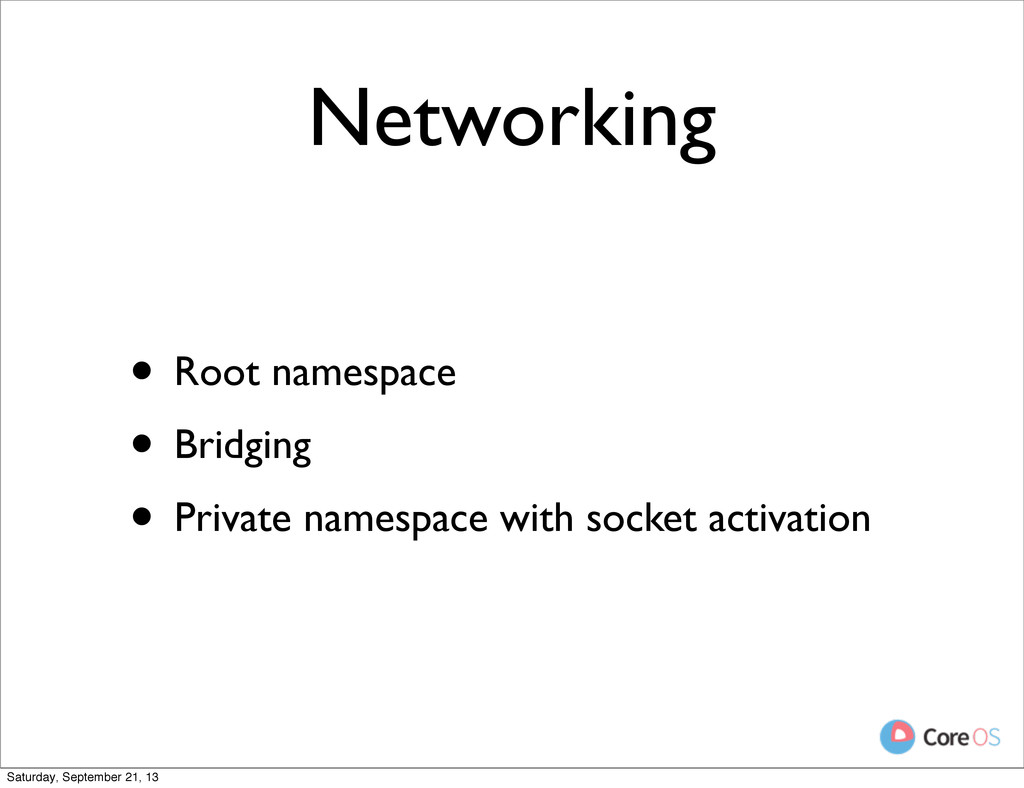
  11. Networking • Root namespace • Bridging • Private namespace with

    socket activation Saturday, September 21, 13
  12. Root Namespace • Advantages • Fast • Easy to get

    setup • Network looks normal to the container Saturday, September 21, 13
  13. Root Namespace • Advantages • Fast • Easy to get

    setup • Network looks normal to the container Saturday, September 21, 13
  14. Root Namespace • Advantages • Fast • Easy to get

    setup • Network looks normal to the container • Disadvatages Saturday, September 21, 13
  15. Root Namespace • Advantages • Fast • Easy to get

    setup • Network looks normal to the container • Disadvatages • No separation of concerns Saturday, September 21, 13
  16. Root Namespace • Advantages • Fast • Easy to get

    setup • Network looks normal to the container • Disadvatages • No separation of concerns • Container has full control Saturday, September 21, 13
  17. Network Bridges • Create a bridge, like a virtual switch

    • Create container namespace and add interface Saturday, September 21, 13
  18. Network Bridges • Create a bridge, like a virtual switch

    • Create container namespace and add interface • Attach container interface to bridge Saturday, September 21, 13
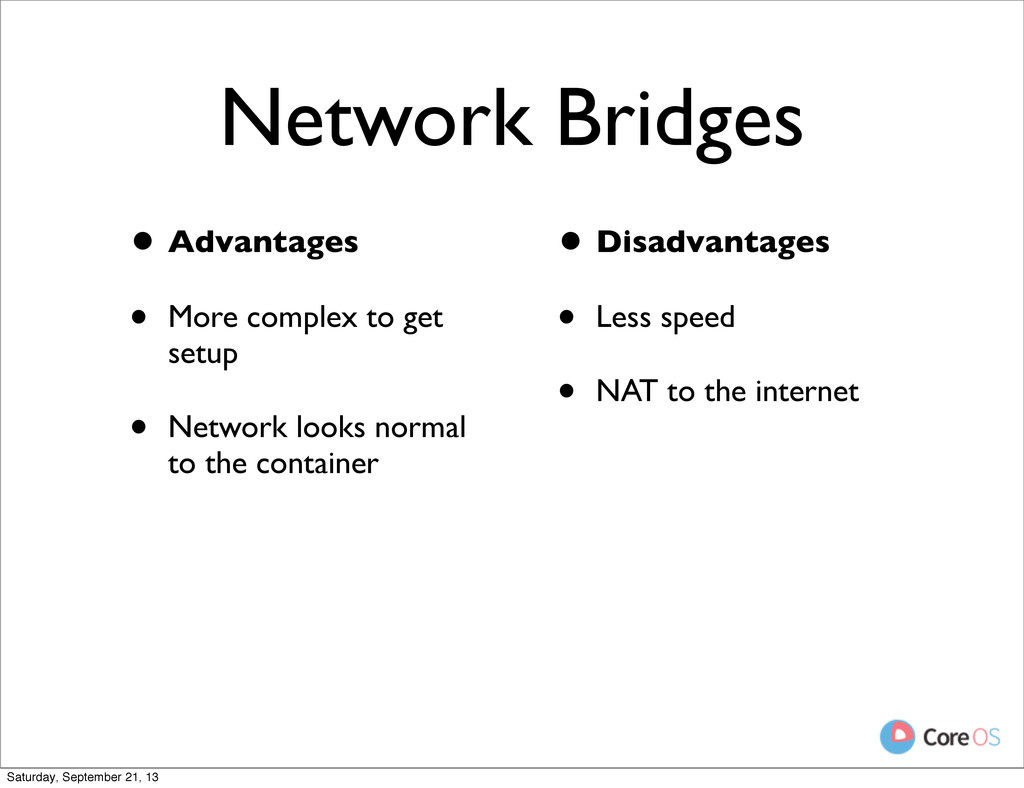
  19. Network Bridges • Advantages • More complex to get setup

    • Network looks normal to the container Saturday, September 21, 13
  20. Network Bridges • Advantages • More complex to get setup

    • Network looks normal to the container Saturday, September 21, 13
  21. Network Bridges • Advantages • More complex to get setup

    • Network looks normal to the container Saturday, September 21, 13
  22. Network Bridges • Advantages • More complex to get setup

    • Network looks normal to the container • Disadvantages Saturday, September 21, 13
  23. Network Bridges • Advantages • More complex to get setup

    • Network looks normal to the container • Disadvantages • Less speed Saturday, September 21, 13
  24. Network Bridges • Advantages • More complex to get setup

    • Network looks normal to the container • Disadvantages • Less speed • NAT to the internet Saturday, September 21, 13
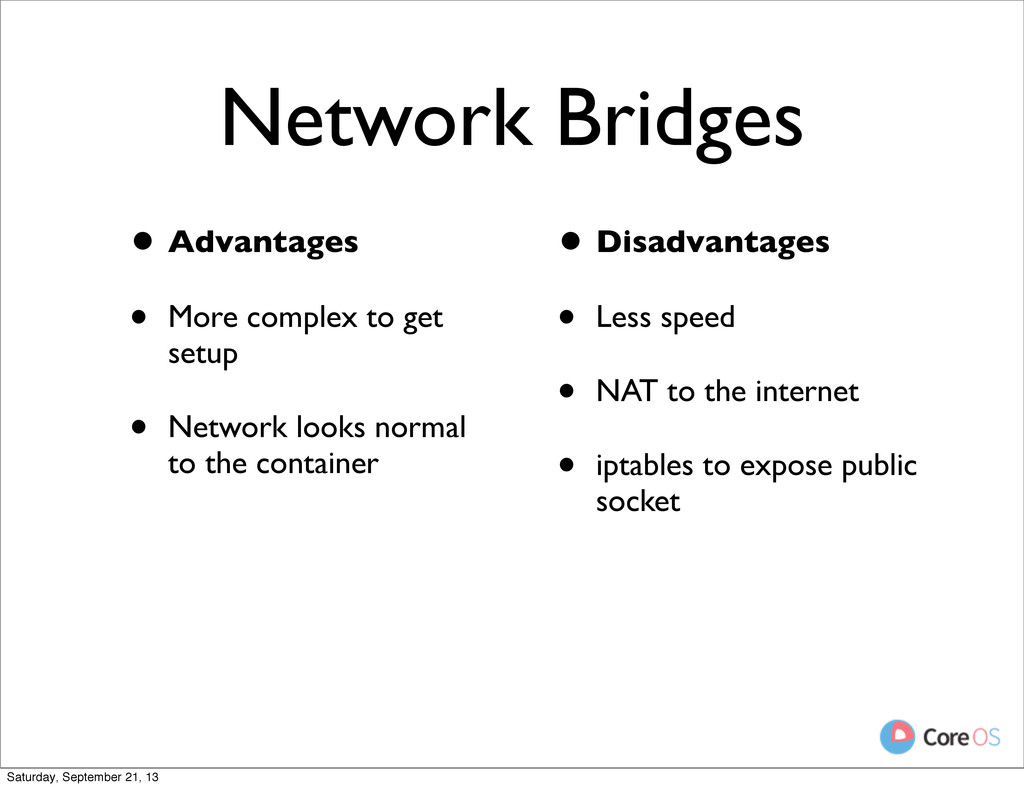
  25. Network Bridges • Advantages • More complex to get setup

    • Network looks normal to the container • Disadvantages • Less speed • NAT to the internet • iptables to expose public socket Saturday, September 21, 13
  26. Socket Activation • No interface • Sockets are passed via

    stdin (inetd) Saturday, September 21, 13
  27. Socket Activation • No interface • Sockets are passed via

    stdin (inetd) • systemd style listen fd API Saturday, September 21, 13
  28. inetd style • Advantages • Fast and isolated • Simple

    and well understood Saturday, September 21, 13
  29. inetd style • Advantages • Fast and isolated • Simple

    and well understood • Support from existing daemons like ssh Saturday, September 21, 13
  30. inetd style • Advantages • Fast and isolated • Simple

    and well understood • Support from existing daemons like ssh • No process running until needed Saturday, September 21, 13
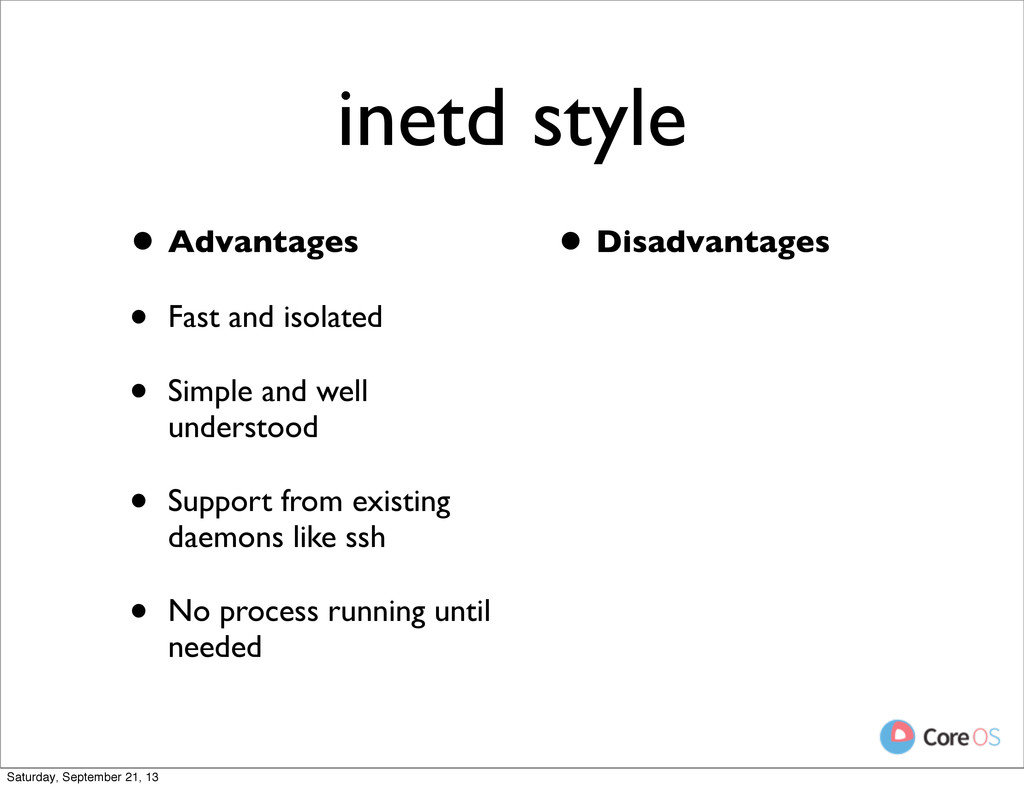
  31. inetd style • Advantages • Fast and isolated • Simple

    and well understood • Support from existing daemons like ssh • No process running until needed • Disadvantages Saturday, September 21, 13
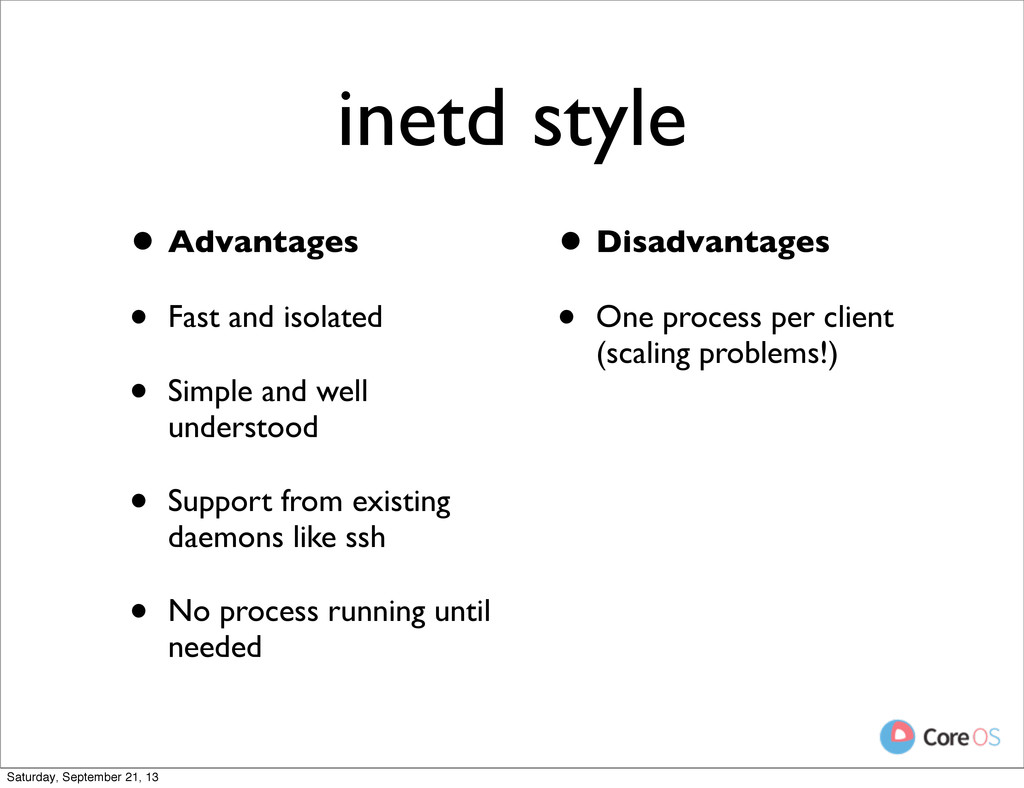
  32. inetd style • Advantages • Fast and isolated • Simple

    and well understood • Support from existing daemons like ssh • No process running until needed • Disadvantages • One process per client (scaling problems!) Saturday, September 21, 13
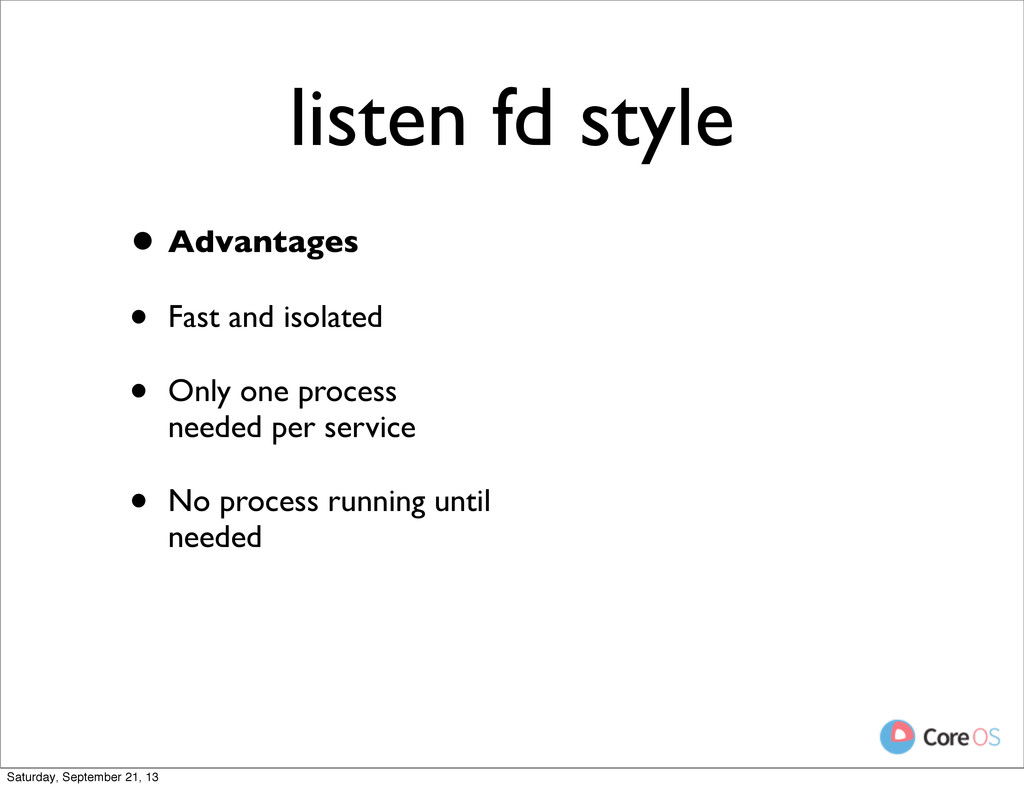
  33. listen fd style • Advantages • Fast and isolated •

    Only one process needed per service Saturday, September 21, 13
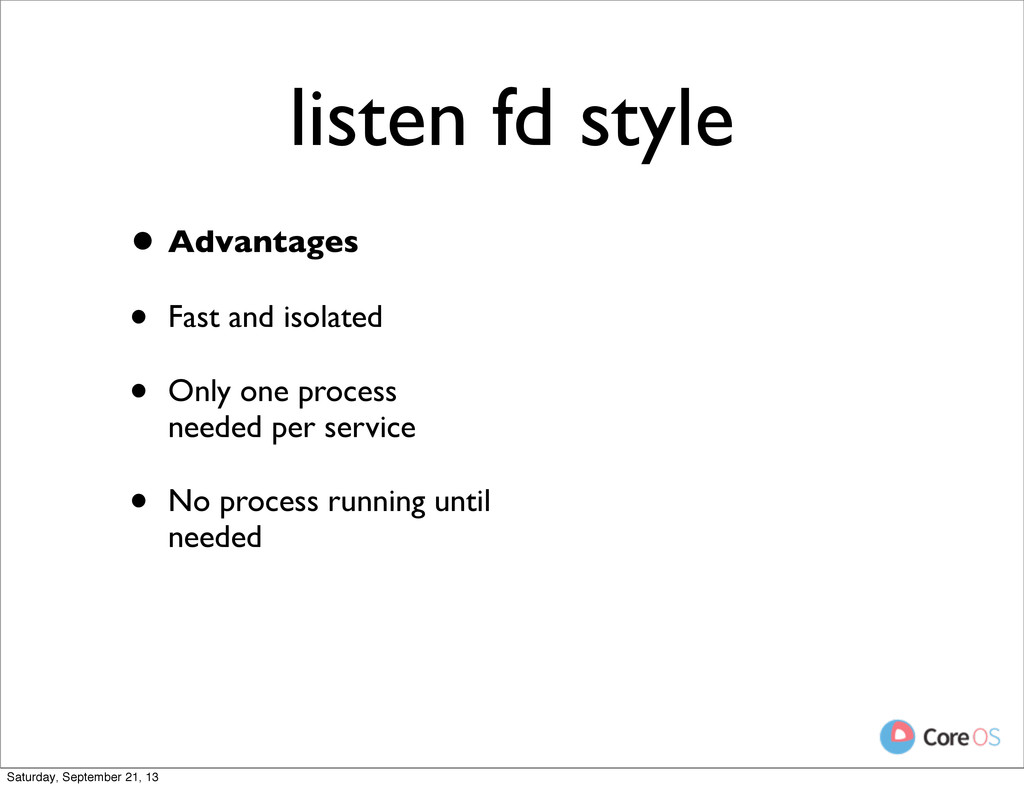
  34. listen fd style • Advantages • Fast and isolated •

    Only one process needed per service • No process running until needed Saturday, September 21, 13
  35. listen fd style • Advantages • Fast and isolated •

    Only one process needed per service • No process running until needed Saturday, September 21, 13
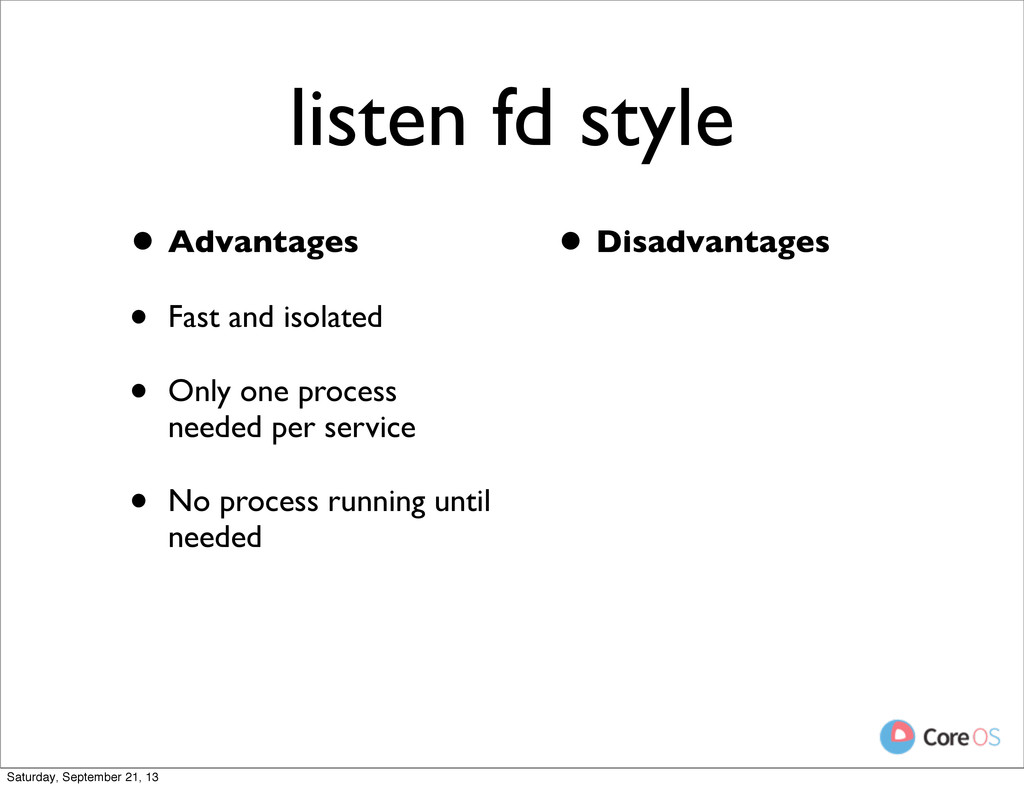
  36. listen fd style • Advantages • Fast and isolated •

    Only one process needed per service • No process running until needed • Disadvantages Saturday, September 21, 13
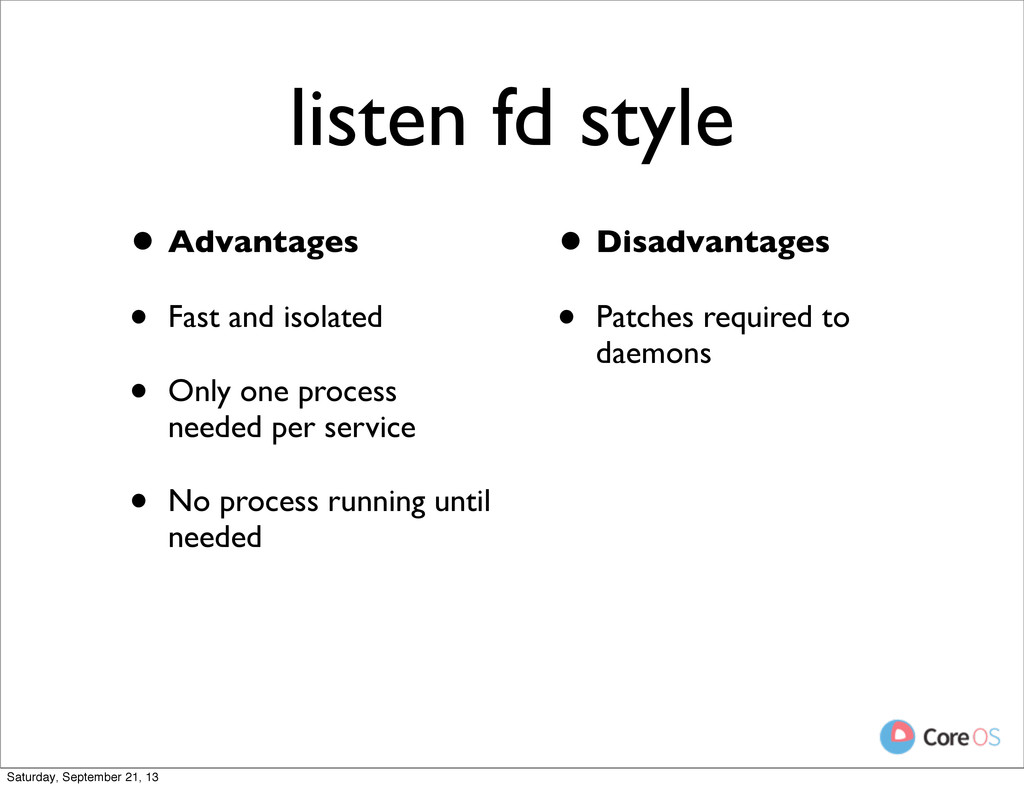
  37. listen fd style • Advantages • Fast and isolated •

    Only one process needed per service • No process running until needed • Disadvantages • Patches required to daemons Saturday, September 21, 13
  38. Process Namespace • PID 1 is something else outside the

    namespace Saturday, September 21, 13
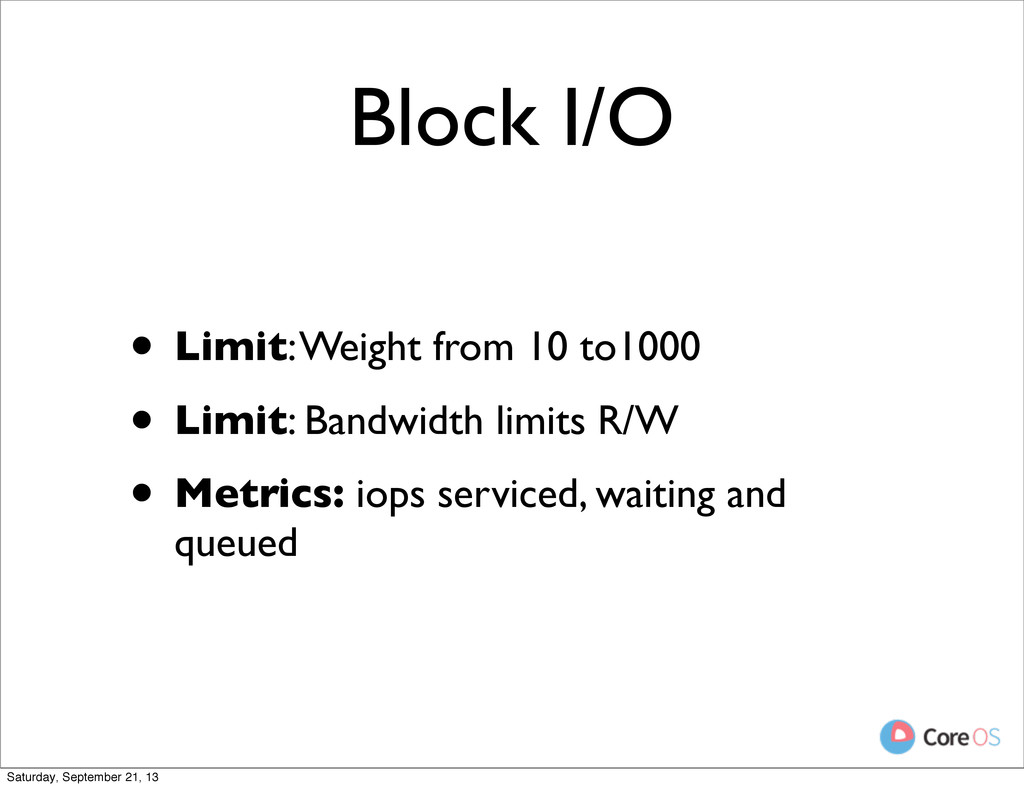
  39. Block I/O • Limit: Weight from 10 to1000 • Limit:

    Bandwidth limits R/W • Metrics: iops serviced, waiting and queued Saturday, September 21, 13
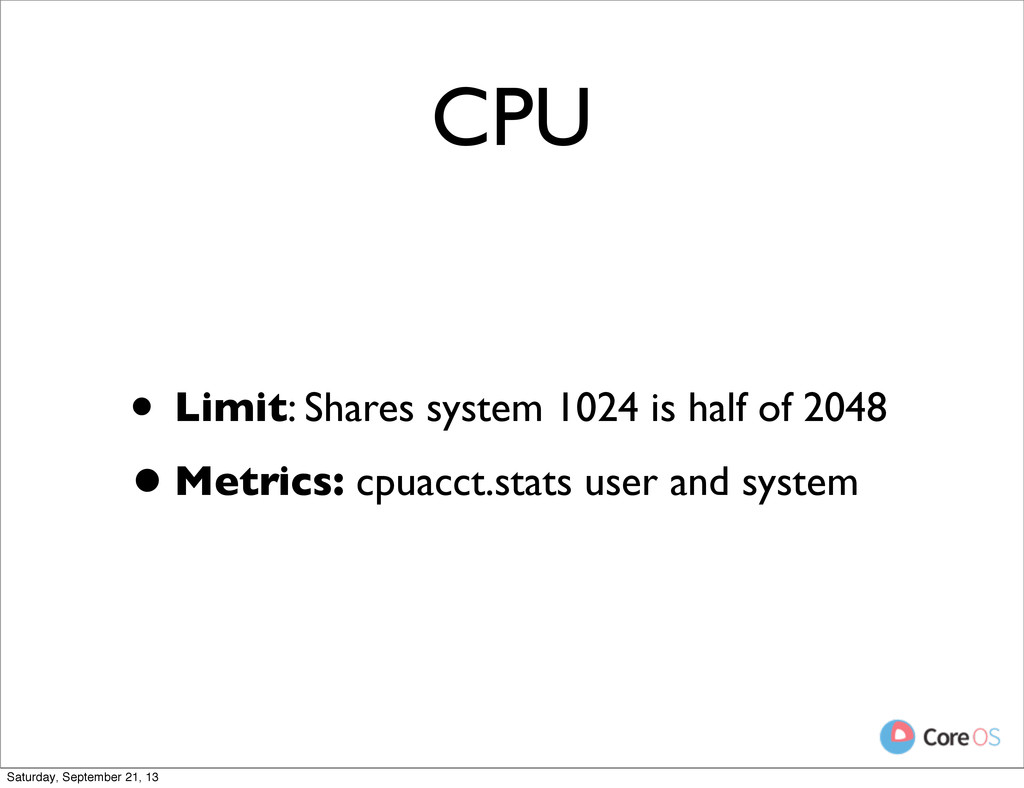
  40. CPU • Limit: Shares system 1024 is half of 2048

    •Metrics: cpuacct.stats user and system Saturday, September 21, 13
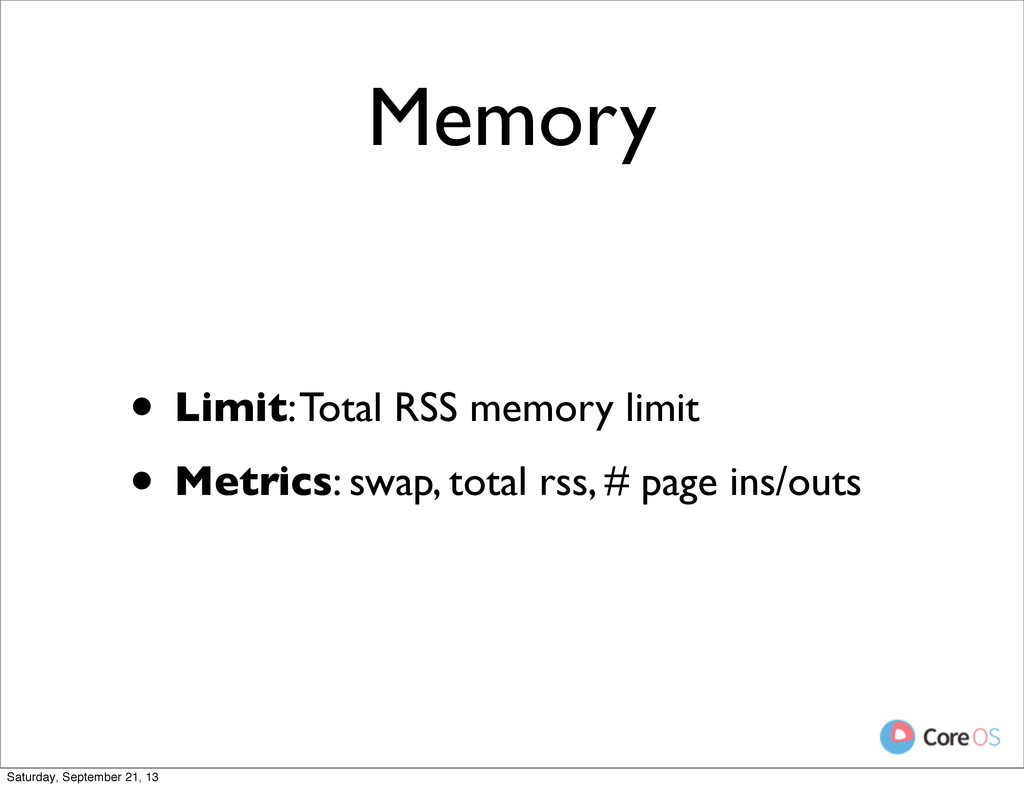
  41. • Limit: Total RSS memory limit • Metrics: swap, total

    rss, # page ins/outs Memory Saturday, September 21, 13
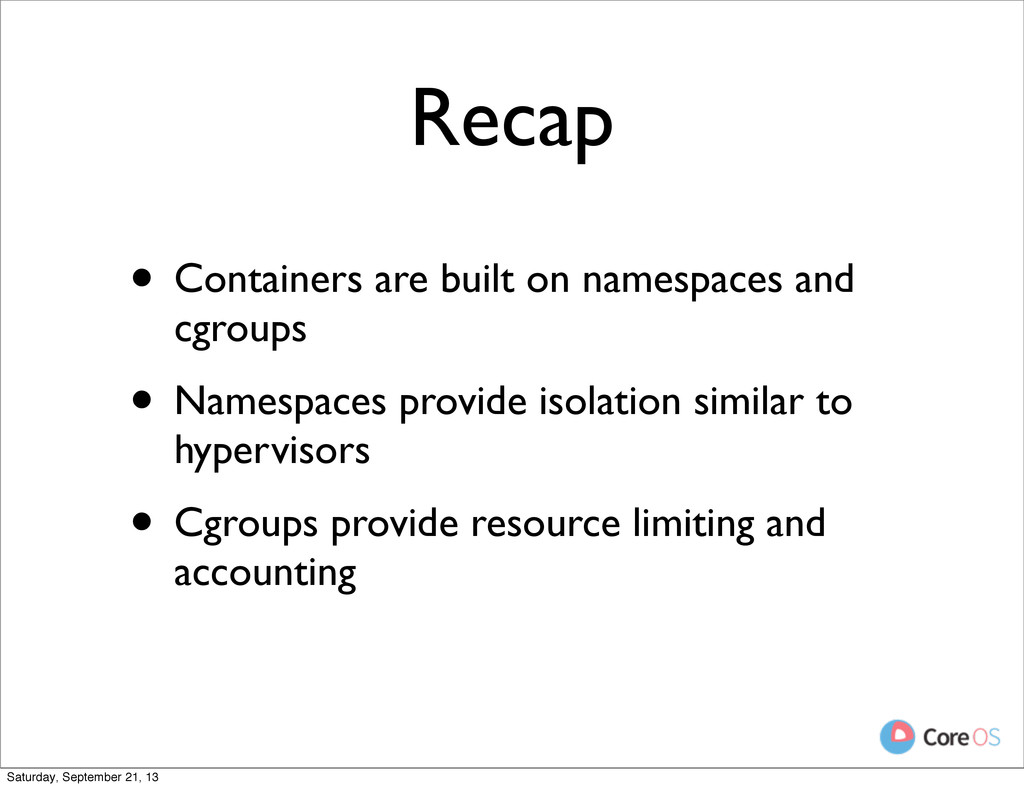
  42. Recap • Containers are built on namespaces and cgroups •

    Namespaces provide isolation similar to hypervisors Saturday, September 21, 13
  43. Recap • Containers are built on namespaces and cgroups •

    Namespaces provide isolation similar to hypervisors • Cgroups provide resource limiting and accounting Saturday, September 21, 13
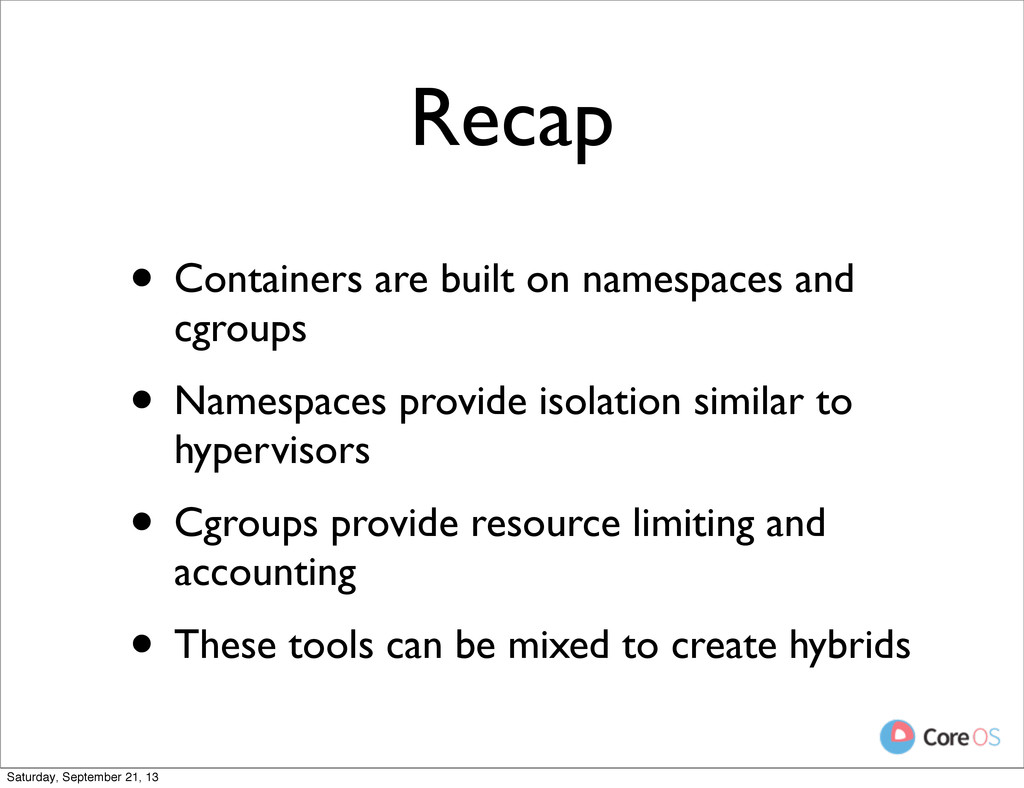
  44. Recap • Containers are built on namespaces and cgroups •

    Namespaces provide isolation similar to hypervisors • Cgroups provide resource limiting and accounting • These tools can be mixed to create hybrids Saturday, September 21, 13