Upgrade to Pro — share decks privately, control downloads, hide ads and more …

Unlocking the Apps

Unlocking the Apps

Avatar for Tim Perry
Tim Perry

May 31, 2026

More Decks by Tim Perry

Other Decks in Technology

Transcript

  1. 2 2

  2. What are we interested in? 1. Where does the app's

    data come from? 2. Where is your data going? 7 7
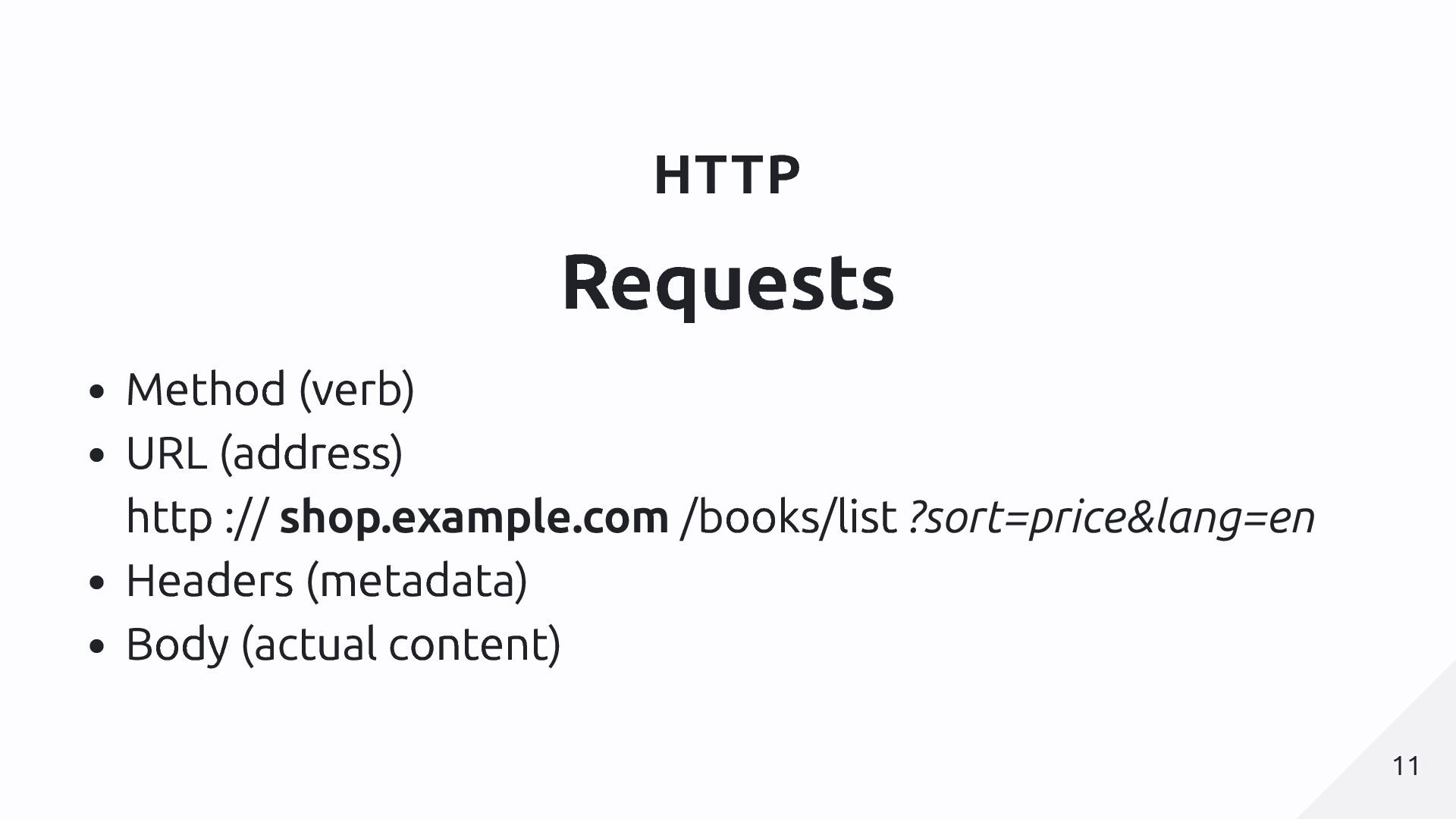
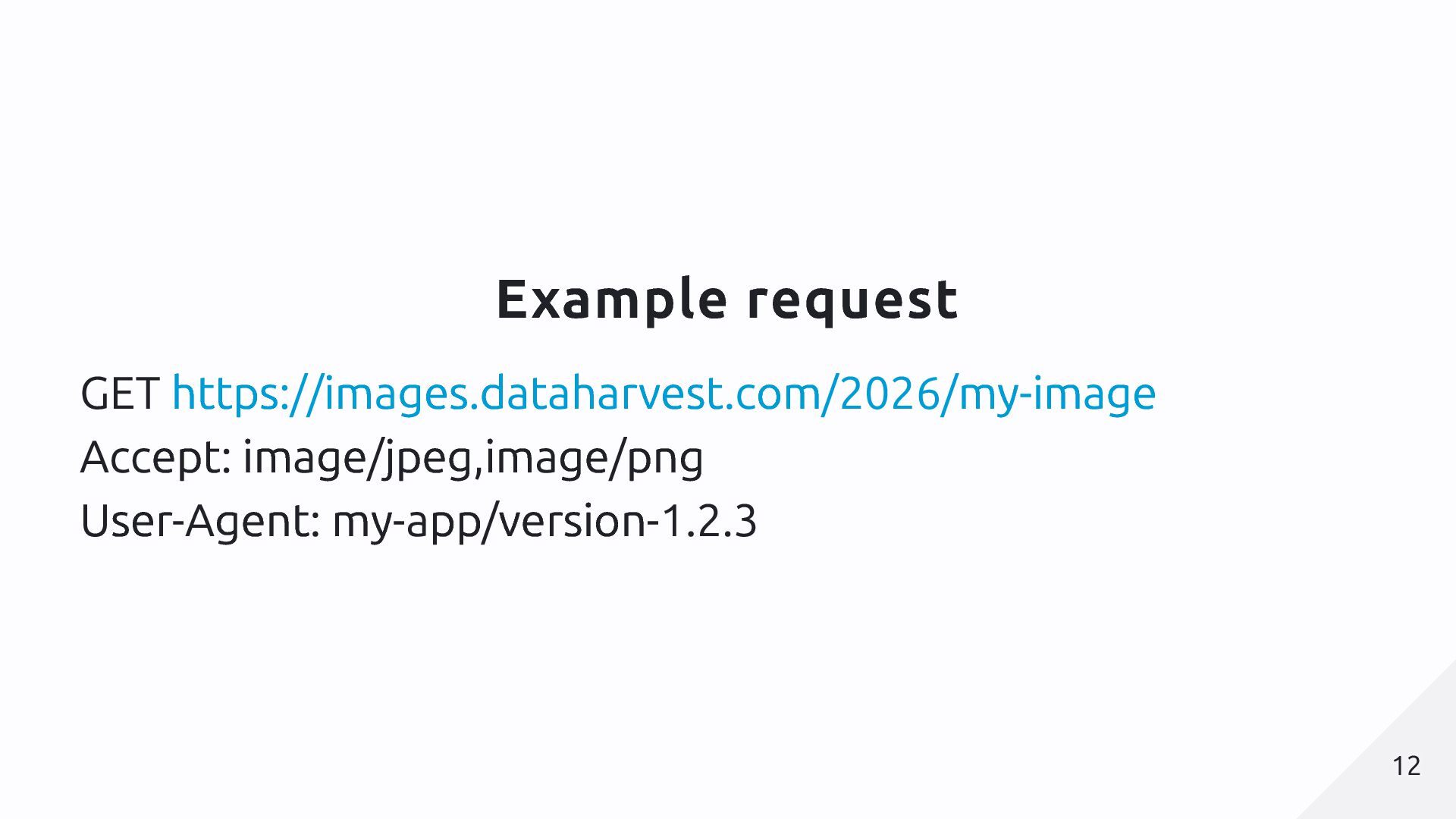
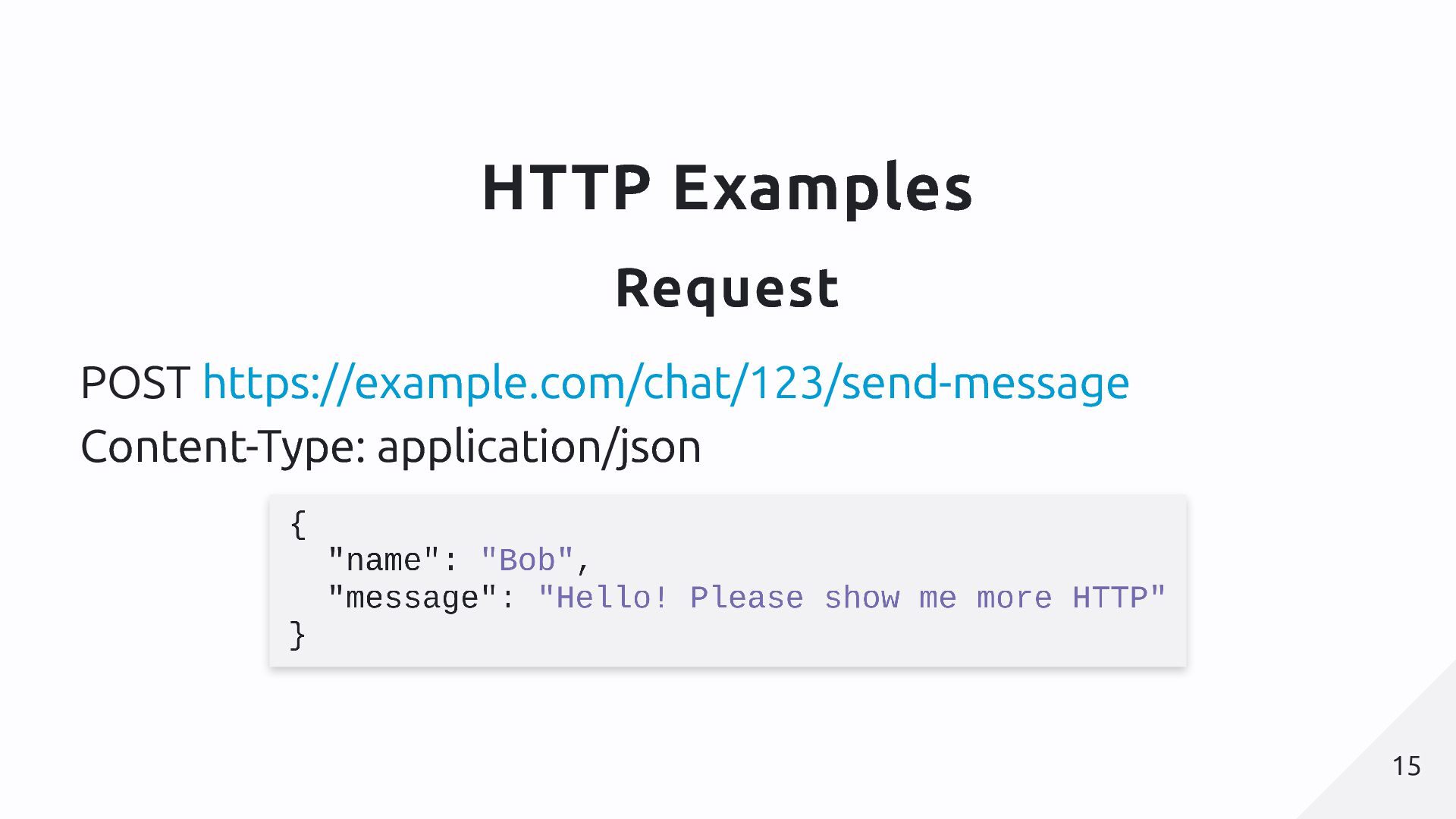
  3. HTTP Requests Method (verb) URL (address) http :// shop.example.com /books/list

    ?sort=price&lang=en Headers (metadata) Body (actual content) 11 11
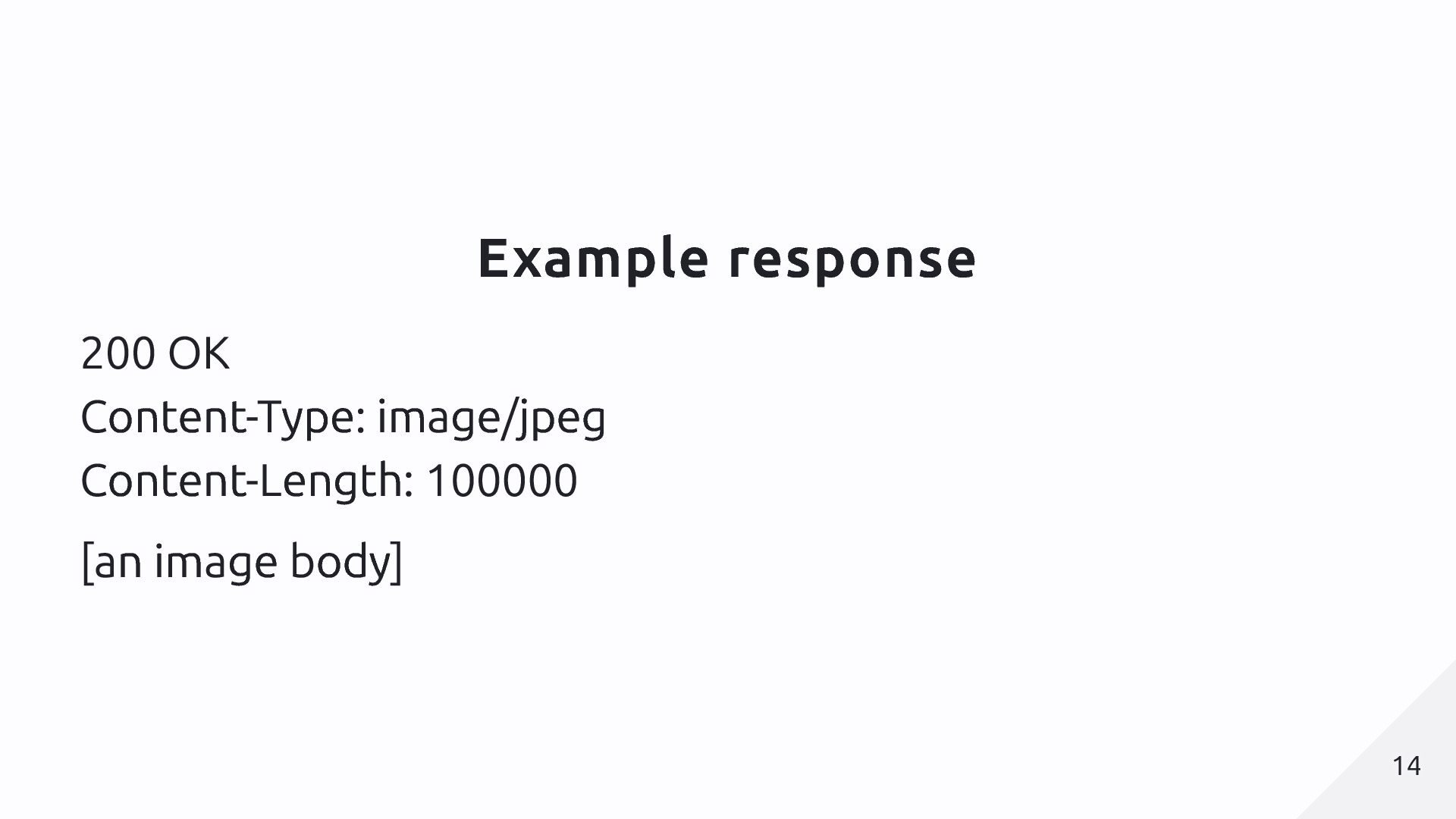
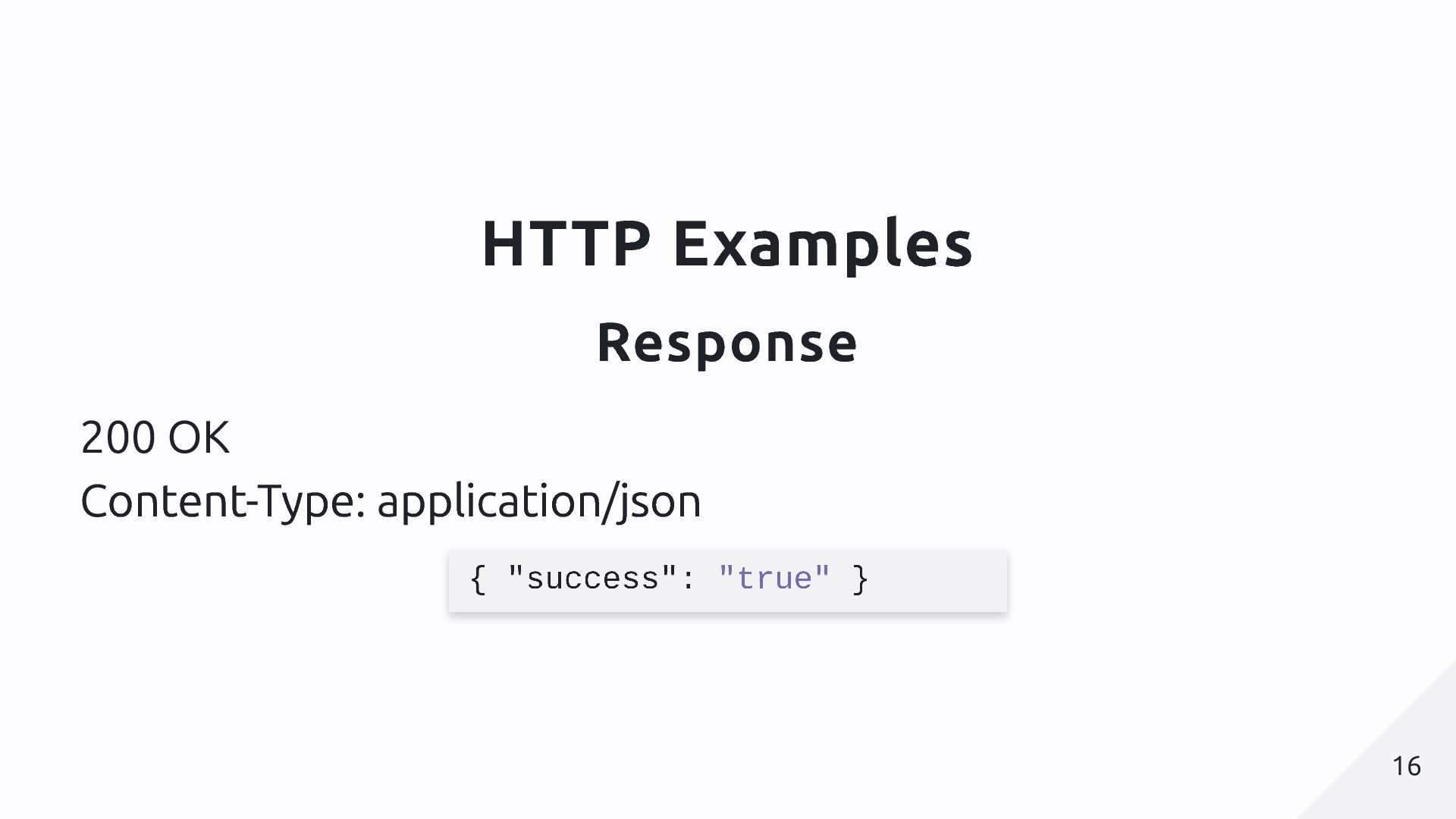
  4. HTTP Responses Status code (overall status, e.g. 200 or 404)

    Headers (metadata) Body (actual content) 13 13
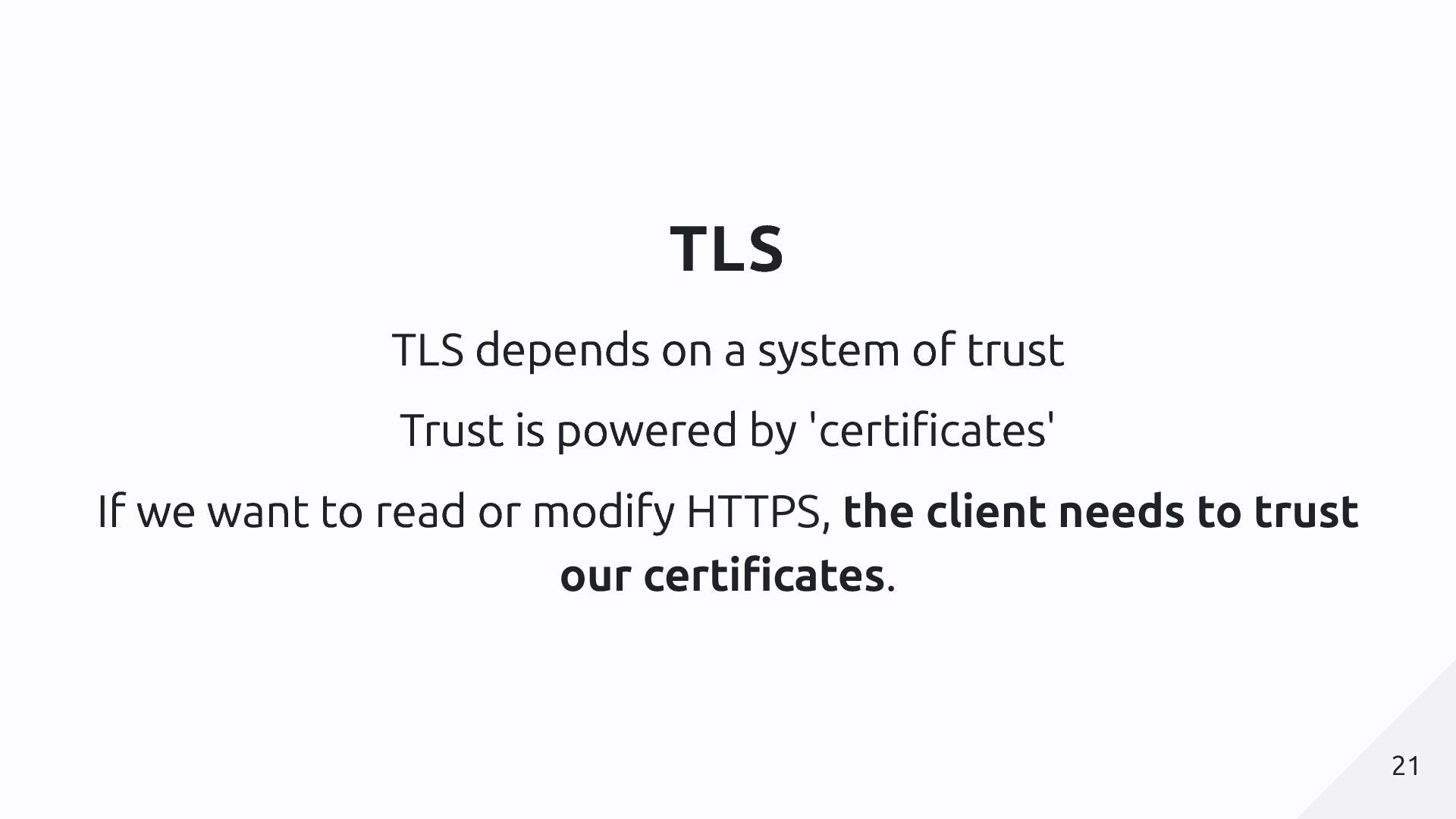
  5. TLS TLS depends on a system of trust Trust is

    powered by 'certificates' If we want to read or modify HTTPS, the client needs to trust our certificates. 21 21
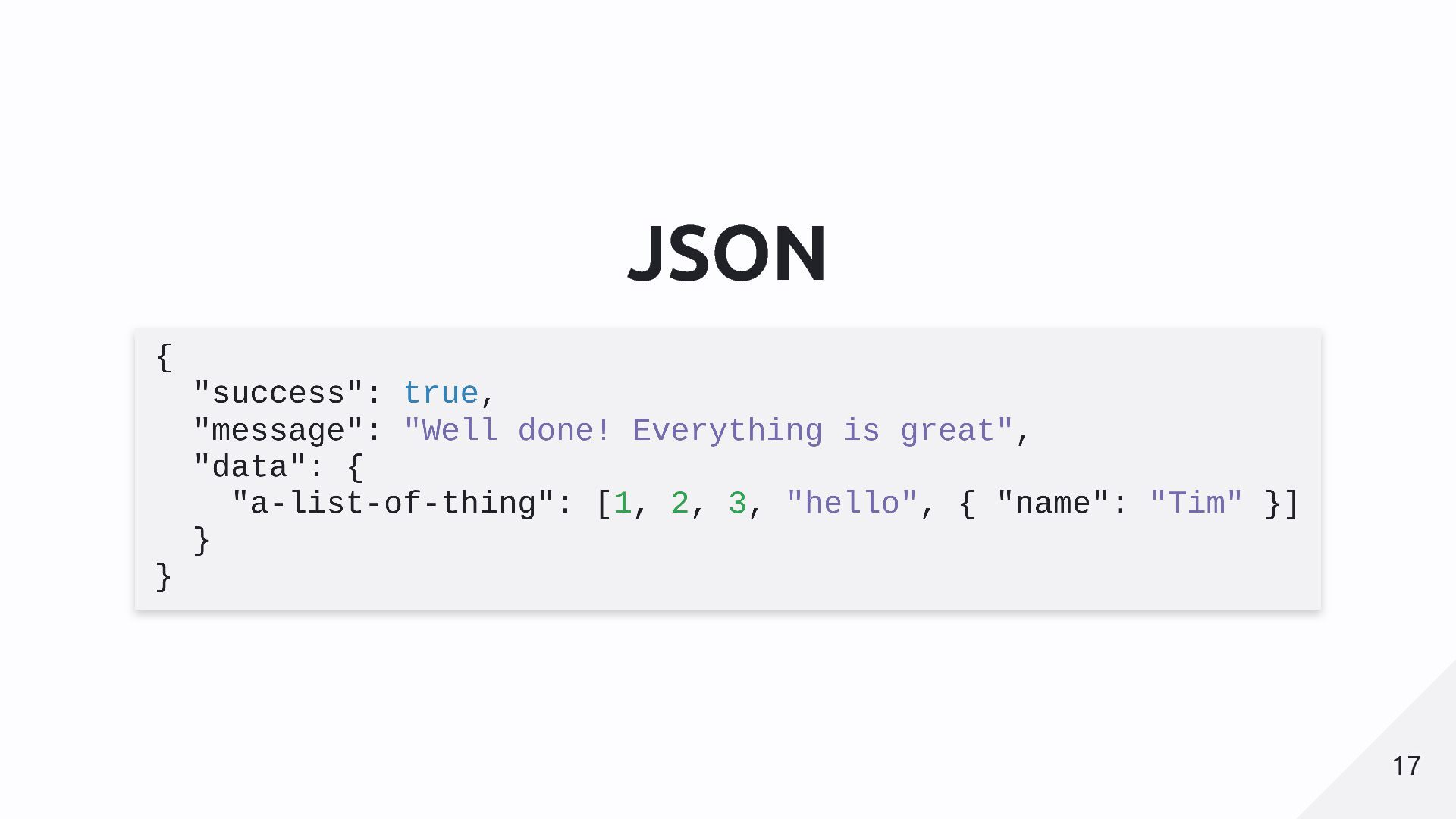
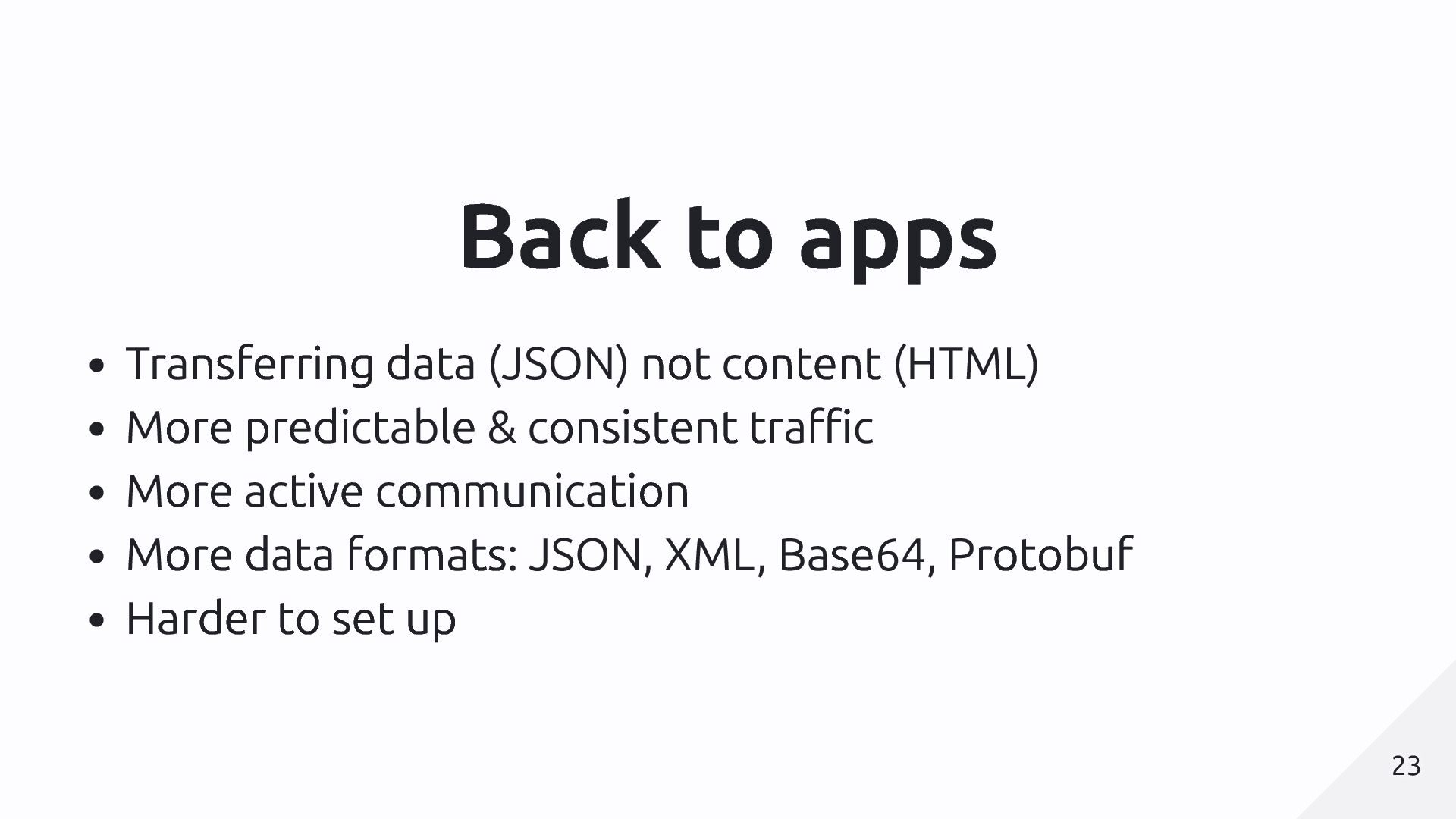
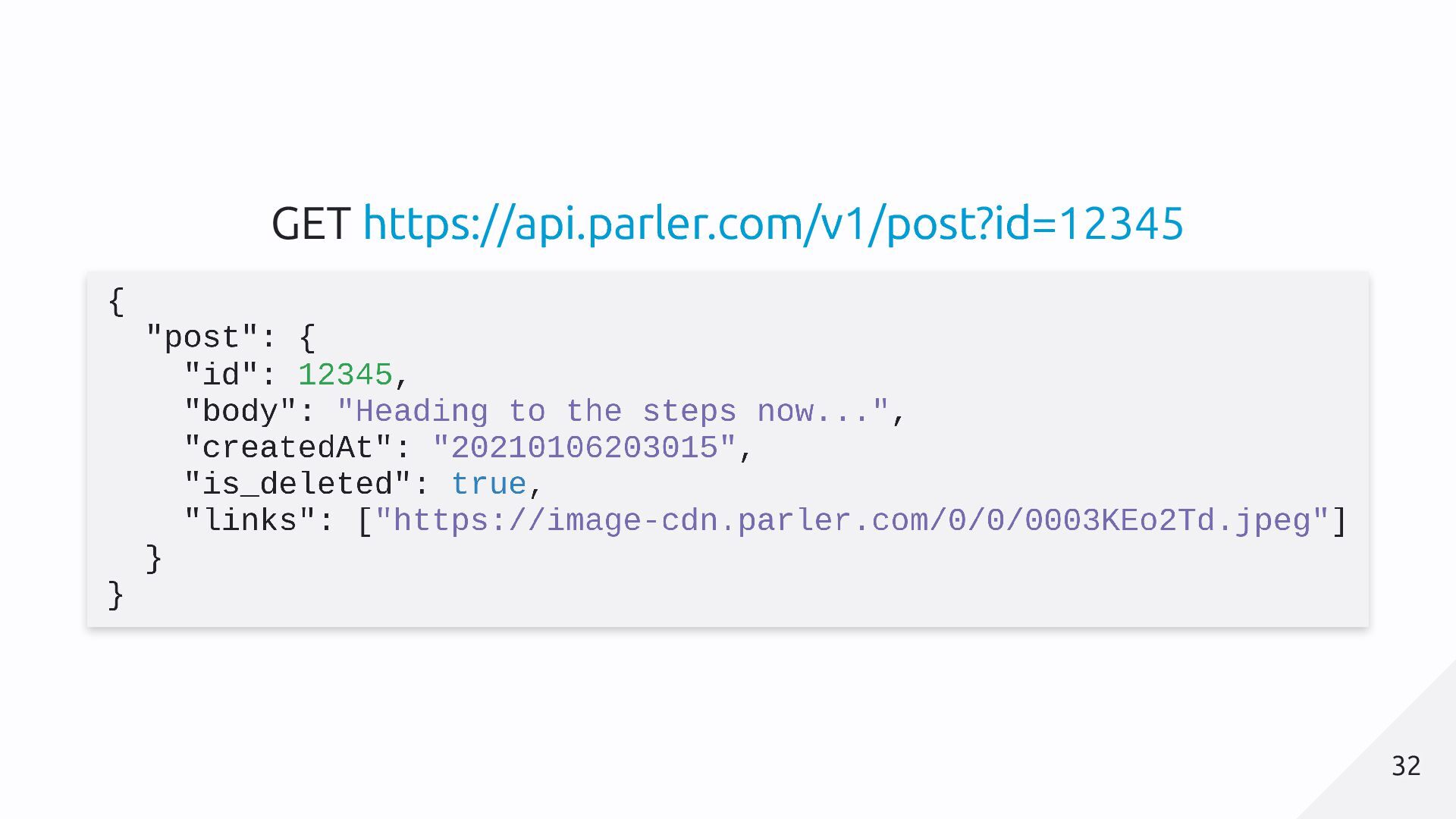
  6. Back to apps Transferring data (JSON) not content (HTML) More

    predictable & consistent traffic More active communication More data formats: JSON, XML, Base64, Protobuf Harder to set up 23 23
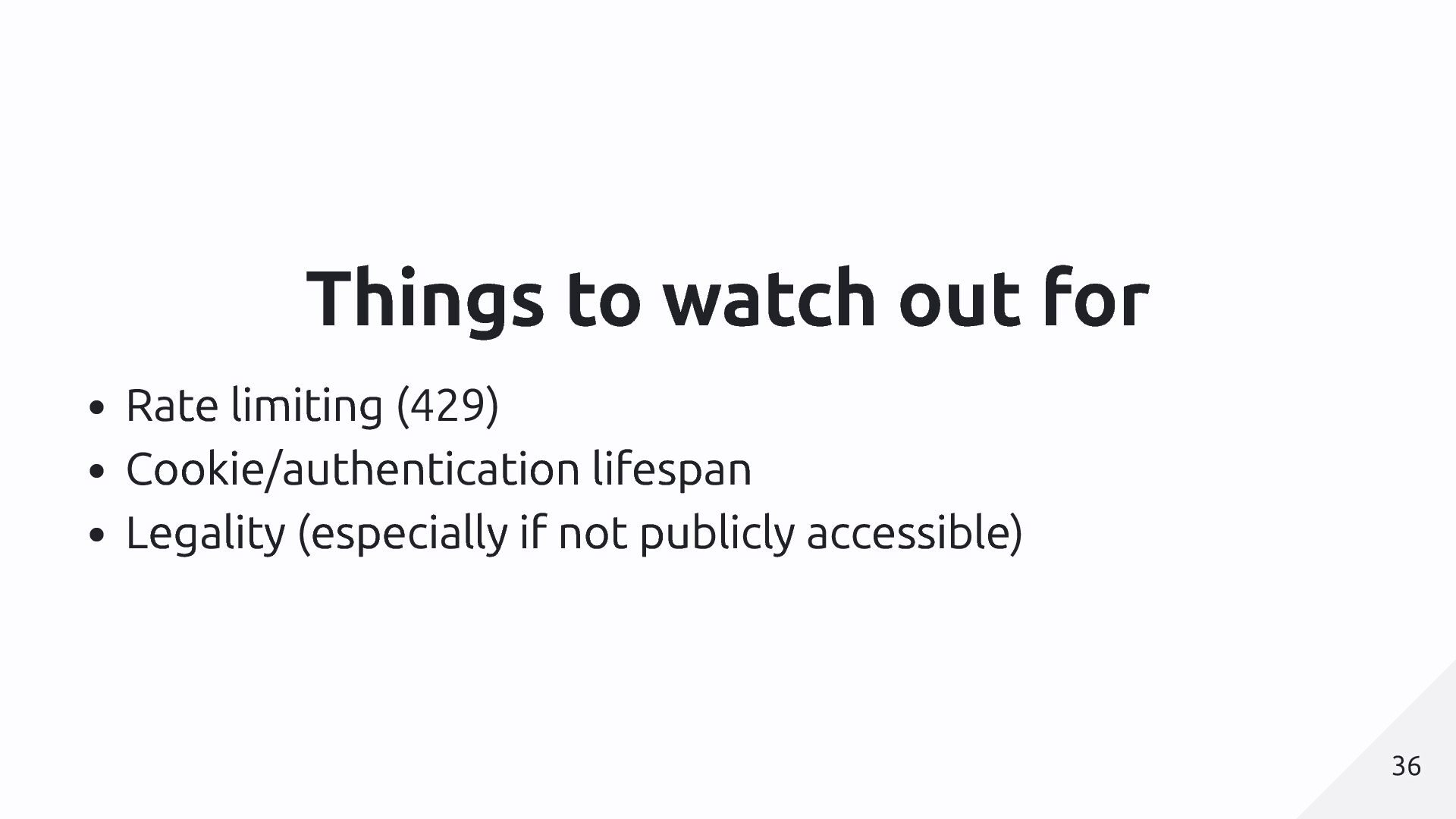
  7. Things to watch out for Rate limiting (429) Cookie/authentication lifespan

    Legality (especially if not publicly accessible) 36 36
  8. iOS setup Redirect the data Wifi [Your Wifi] Configure proxy

    Manual Add your computer's IP and proxy port 39 39
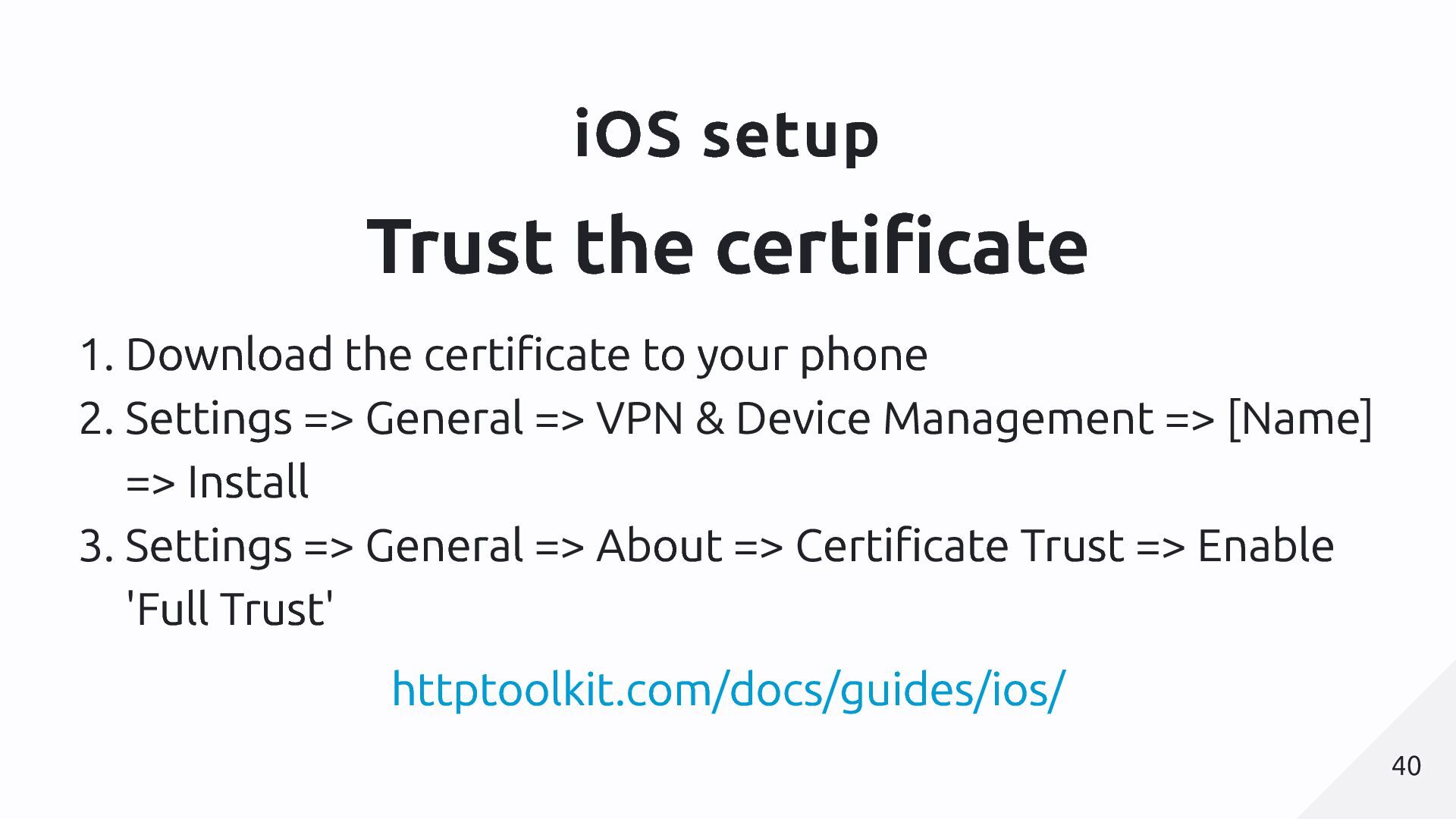
  9. iOS setup Trust the certificate 1. Download the certificate to

    your phone 2. Settings => General => VPN & Device Management => [Name] => Install 3. Settings => General => About => Certificate Trust => Enable 'Full Trust' httptoolkit.com/docs/guides/ios/ 40 40
  10. iOS setup Limitations Manual setup Requires a real phone Advanced

    tricks are very difficult and often require jailbreaking 41 41
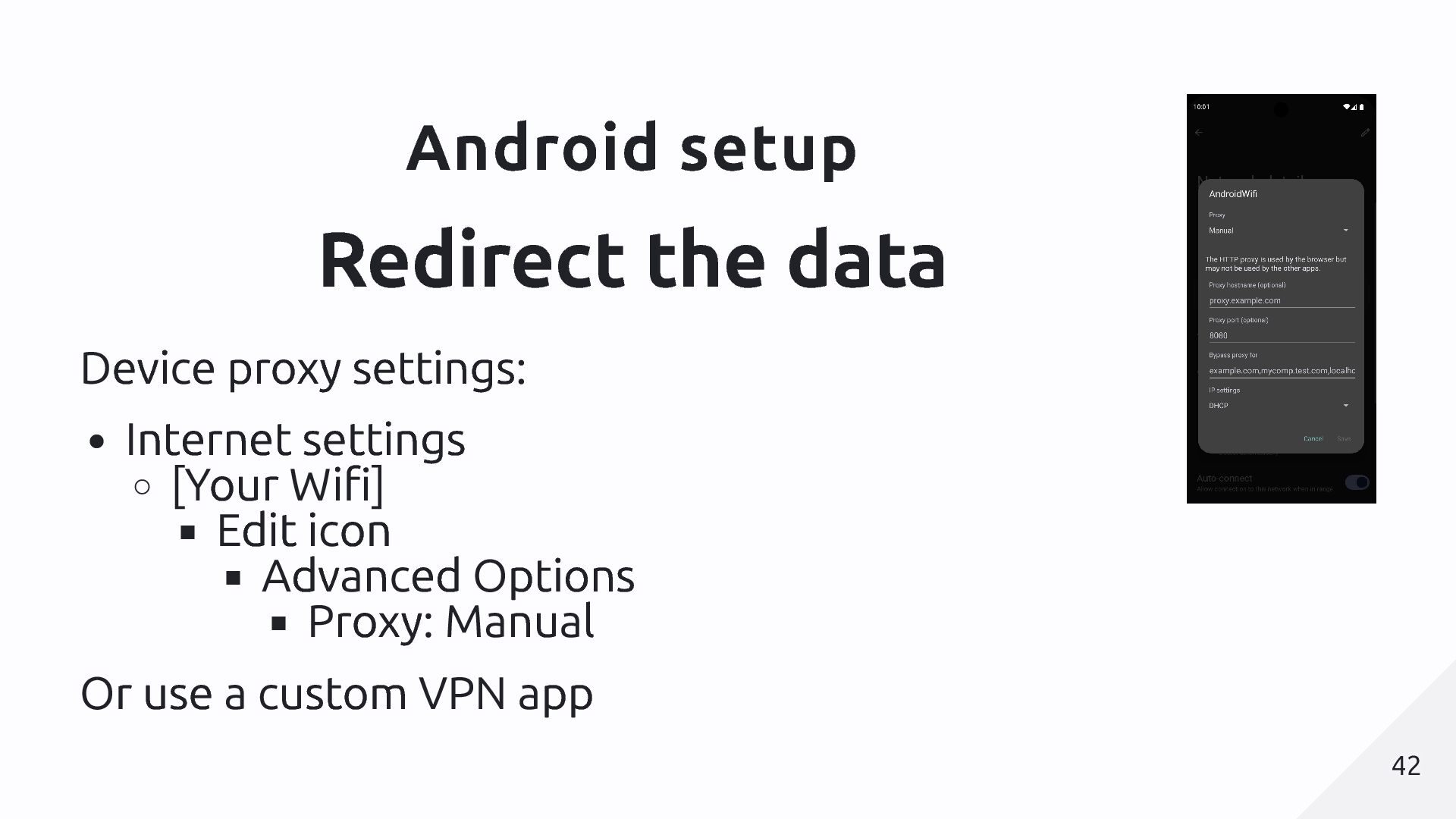
  11. Android setup Redirect the data Device proxy settings: Internet settings

    [Your Wifi] Edit icon Advanced Options Proxy: Manual Or use a custom VPN app 42 42
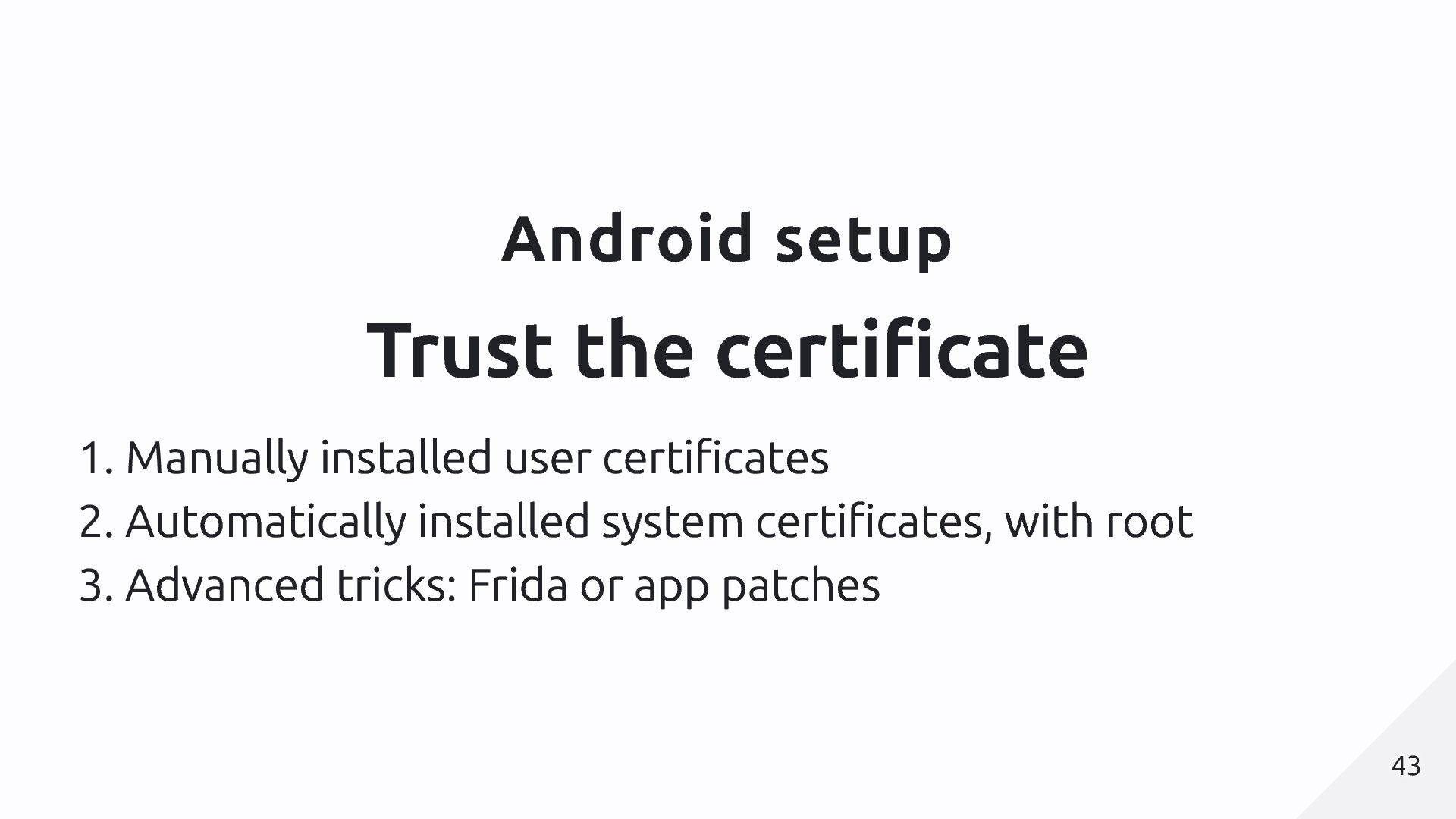
  12. Android setup Trust the certificate 1. Manually installed user certificates

    2. Automatically installed system certificates, with root 3. Advanced tricks: Frida or app patches 43 43
  13. Android setup Emulator or rooted device? Emulators are free &

    easy, good starting point Some apps will detect emulators and block or behave differently No Google Play store = manual app install Physical rooted devices are faster & more representative Rooted device setup is more complicated (but one-off) 44 44
  14. Emulator setup 1. Install 'Android Studio' 2. Create an emulator

    3. Use anything but 'Google Play' models to get root access 4. Tools like HTTP Toolkit can now automatically do all setup 45 45
  15. Rooted device Buy a test phone (e.g. Fairphone 5) Use

    'Magisk' (many guides on Youtube) github.com/topjohnwu/Magisk Tools like HTTP Toolkit can now automatically do all setup 46 46
  16. What is ADB? Android Device Bridge Installed with Android Studio

    Usable to remotely control the device/emulator Allows other software to set up your device You can use it yourself to automate devices, install apps, etc 47 47
  17. Setup Recap Set up a proxy tool to intercept traffic

    (HTTP Toolkit or others) Set up a device: redirect traffic & trust your certificate Open your app Explore traffic for leaks Explore APIs for scraping 48 48
  18. Certificate unpinning Not all apps will trust your certificate when

    they're told to Some apps 'pin' the expected certificate You'll see certificate errors in your proxy tool If this happens, you need to change how the app works 50 50
  19. App patching Mostly Android-only (possible but much harder on iOS)

    Apps are delivered as 'APK' files Or XAPK (just a zip of APKs) Manual installation possible on emulators or real devices We can look inside the APK We can modify the APK 51 51
  20. App patching APK MITM Takes an APK, automatically modifies it

    to disable lots of protections & restrictions for you. https://github.com/niklashigi/apk-mitm 52 52
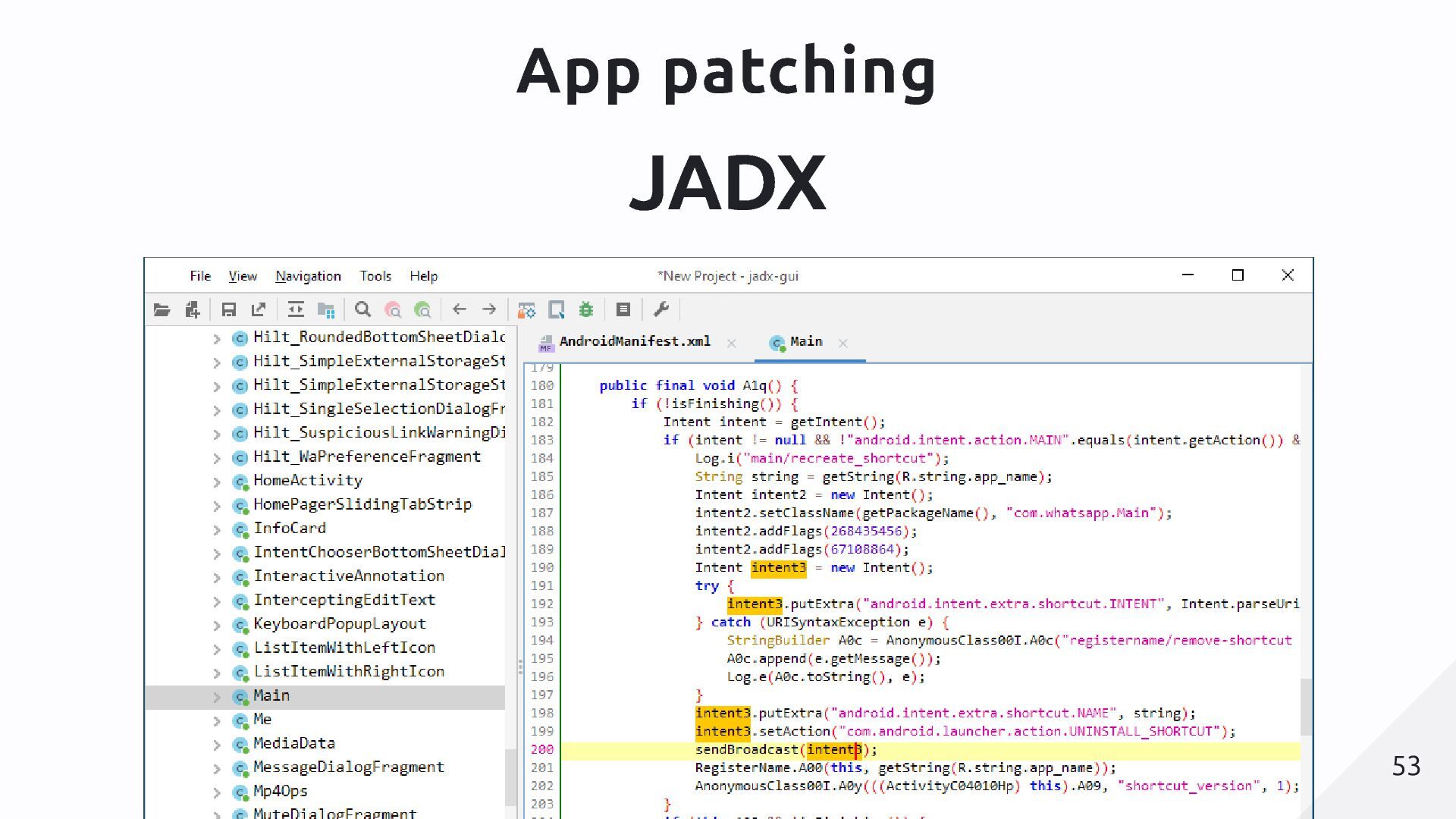
  21. App patching JADX Download APK (e.g. from APKMirror.com or APKPure.com)

    Launch JADX Select the APK and wait Search the contents for interesting text and follow ids & references from there httptoolkit.com/blog/android-reverse-engineering 54 54
  22. App patching Frida Allows external changes to the app's code

    while it's running Requires a rooted/jailbroken device, or patching the APK Lots of scripts available github.com/httptoolkit/frida-interception-and-unpinning/ Can enable interception in difficult cases Can expose data & internal logic directly 55 55