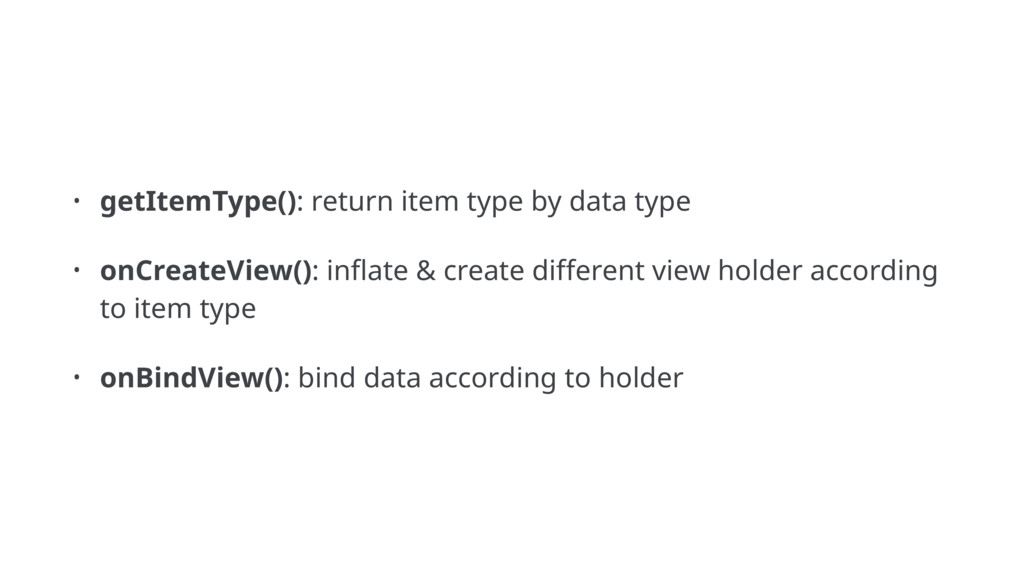
Mostly mobile apps rely on showing data as a list. This talk will cover basic stuff about working with RecyclerView explaining showing different view types, customizing item decorations, etc.
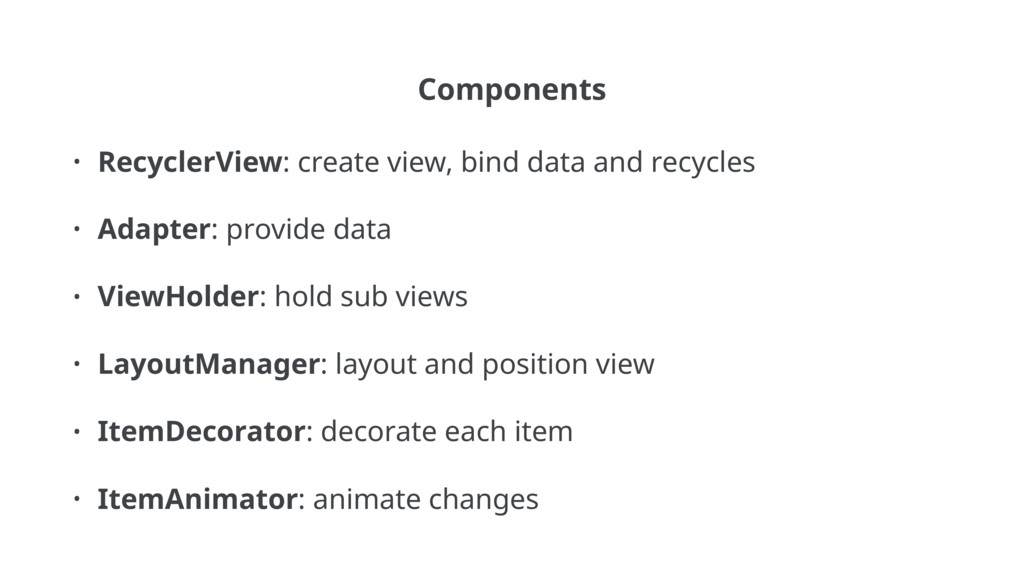
Adapter: provide data • ViewHolder: hold sub views • LayoutManager: layout and position view • ItemDecorator: decorate each item • ItemAnimator: animate changes


 prota
prota
 drumath2237
 jame2408
 steliosf
 naokihaba
 skydoves
 tomokon
 kmars0605
 minodriven
 iwiwi
iwiwi
 seike460
 kinopeee
 michielstock
 rkendrick25
 twada
twada
 techseoconnect
.jpg) cargoodrich
cargoodrich
 maltzj
 maggiecrowley
 lara
lara
 reverentgeek
 matthewcrist
 shlominoach
 deanohume