Upgrade to Pro — share decks privately, control downloads, hide ads and more …

Introduction to Python (under construction)

Sponsored · Ship Features Fearlessly Turn features on and off without deploys. Used by thousands of Ruby developers. →

Introduction to Python (under construction)

Avatar for Jussi Pohjolainen

Jussi Pohjolainen

September 12, 2025

More Decks by Jussi Pohjolainen

Other Decks in Technology

Transcript

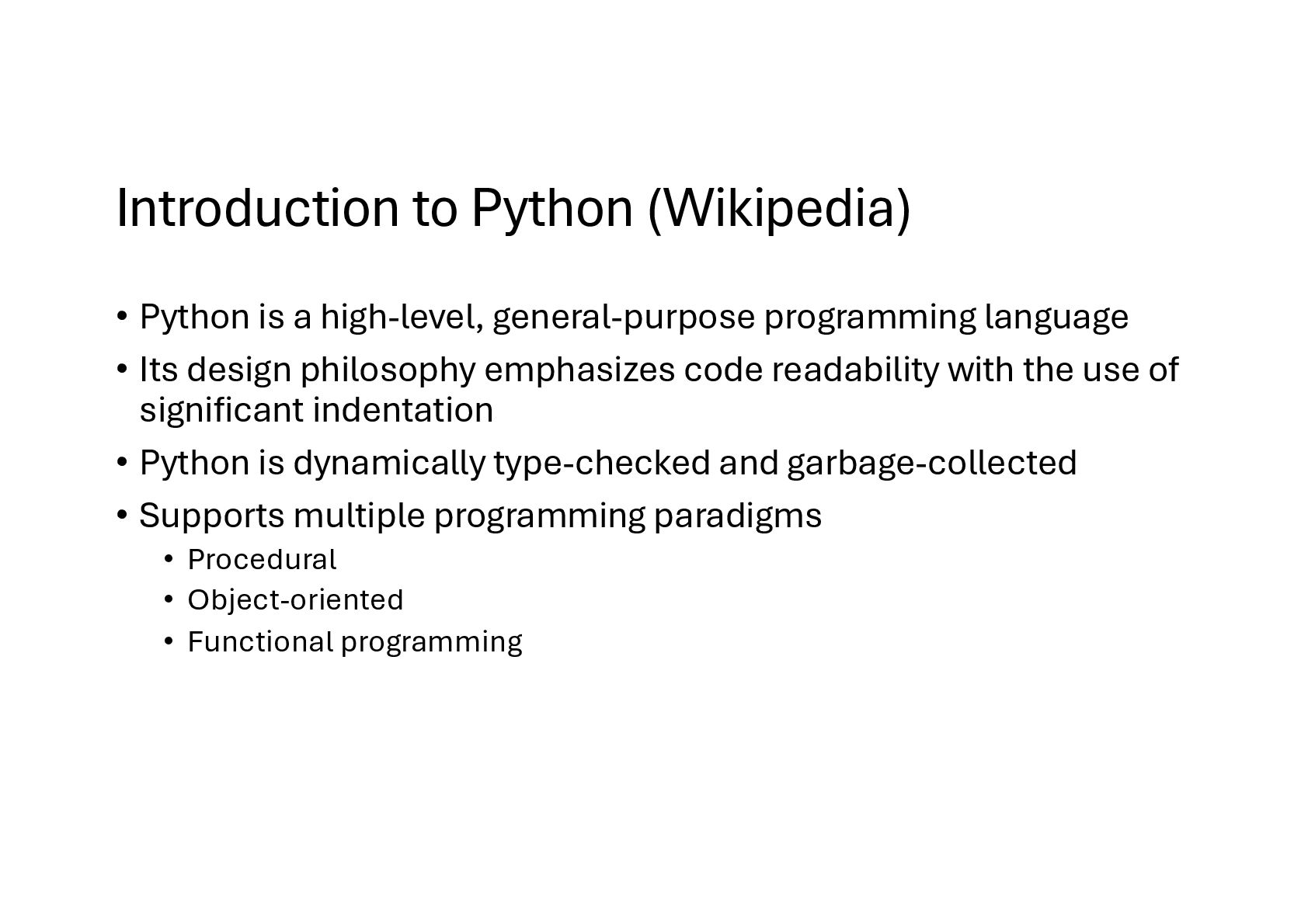
  1. Introduction to Python (Wikipedia) • Python is a high-level, general-purpose

    programming language • Its design philosophy emphasizes code readability with the use of significant indentation • Python is dynamically type-checked and garbage-collected • Supports multiple programming paradigms • Procedural • Object-oriented • Functional programming
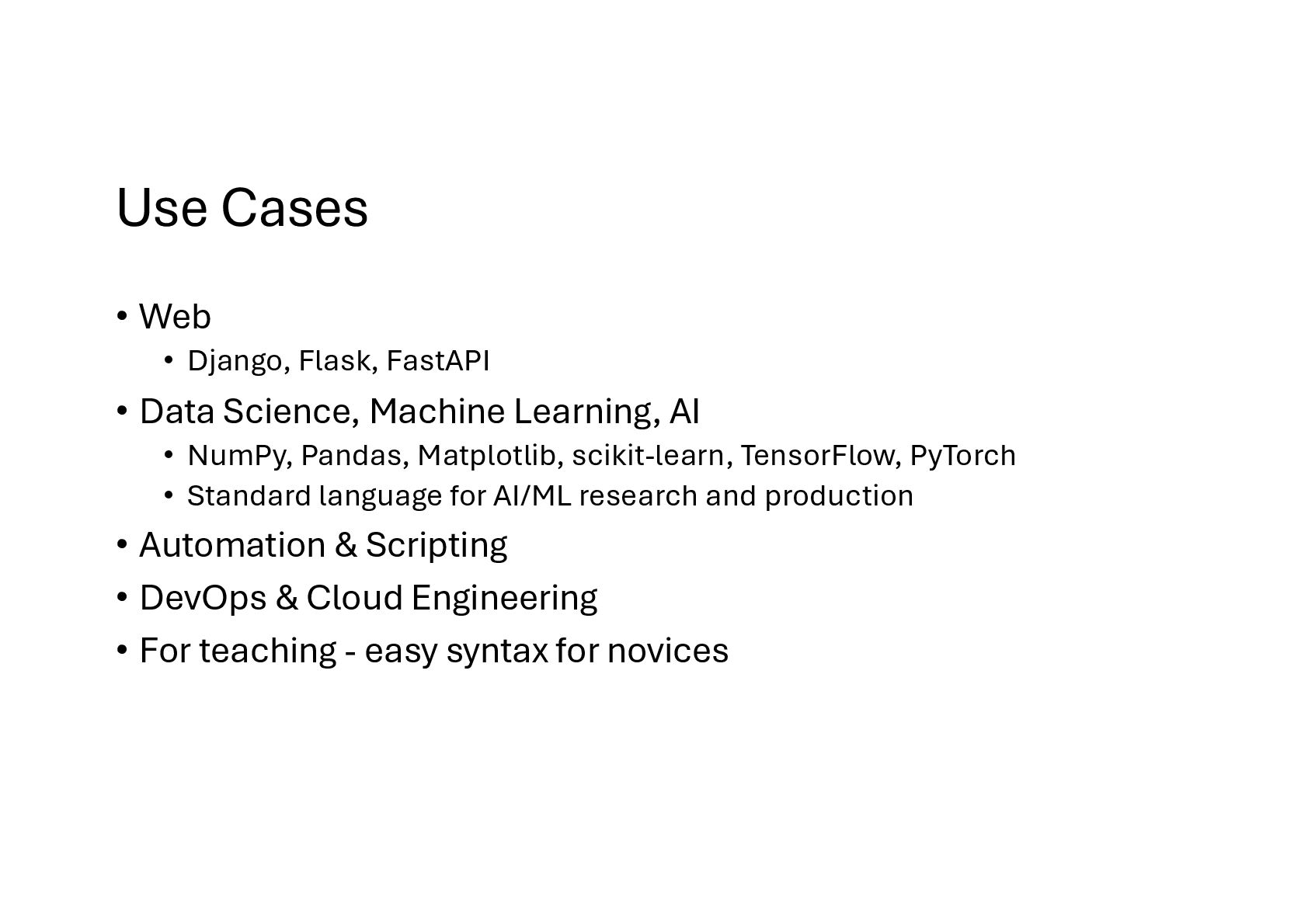
  2. Use Cases • Web • Django, Flask, FastAPI • Data

    Science, Machine Learning, AI • NumPy, Pandas, Matplotlib, scikit-learn, TensorFlow, PyTorch • Standard language for AI/ML research and production • Automation & Scripting • DevOps & Cloud Engineering • For teaching - easy syntax for novices
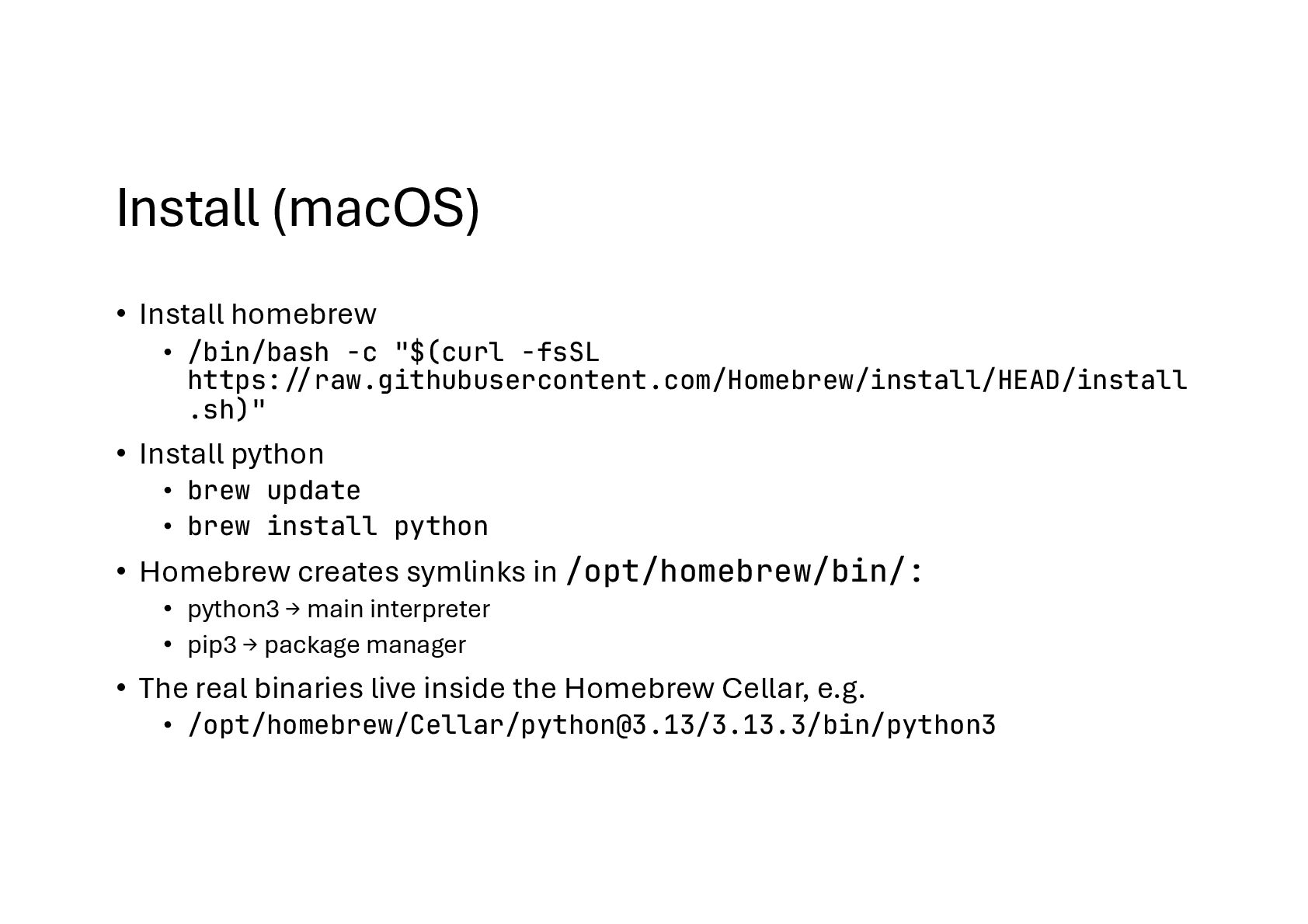
  3. Install (macOS) • Install homebrew • /bin/bash -c "$(curl -fsSL

    https:!//raw.githubusercontent.com/Homebrew/install/HEAD/install .sh)" • Install python • brew update • brew install python • Homebrew creates symlinks in /opt/homebrew/bin/: • python3 → main interpreter • pip3 → package manager • The real binaries live inside the Homebrew Cellar, e.g. • /opt/homebrew/Cellar/[email protected]/3.13.3/bin/python3
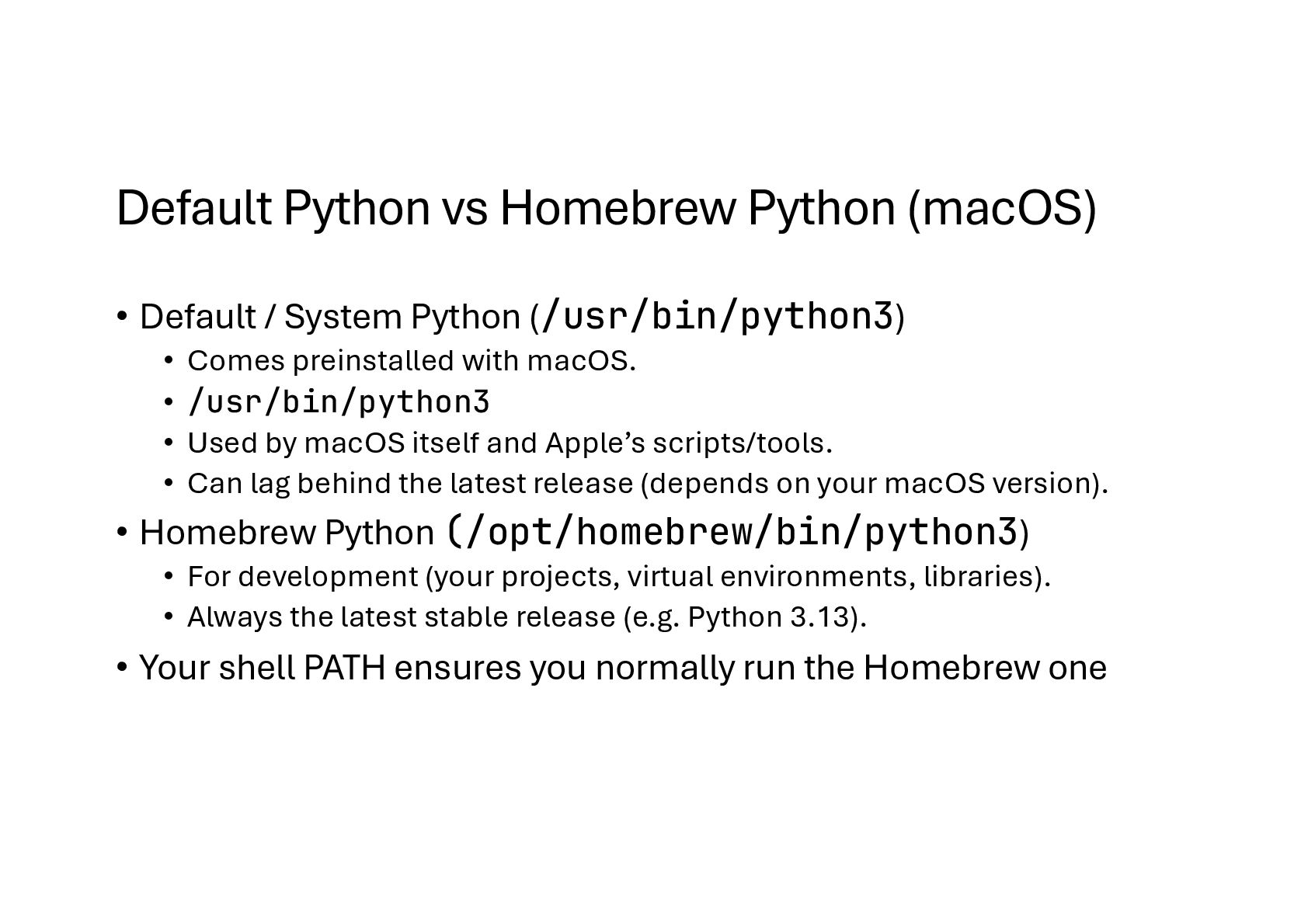
  4. Default Python vs Homebrew Python (macOS) • Default / System

    Python (/usr/bin/python3) • Comes preinstalled with macOS. • /usr/bin/python3 • Used by macOS itself and Apple’s scripts/tools. • Can lag behind the latest release (depends on your macOS version). • Homebrew Python (/opt/homebrew/bin/python3) • For development (your projects, virtual environments, libraries). • Always the latest stable release (e.g. Python 3.13). • Your shell PATH ensures you normally run the Homebrew one
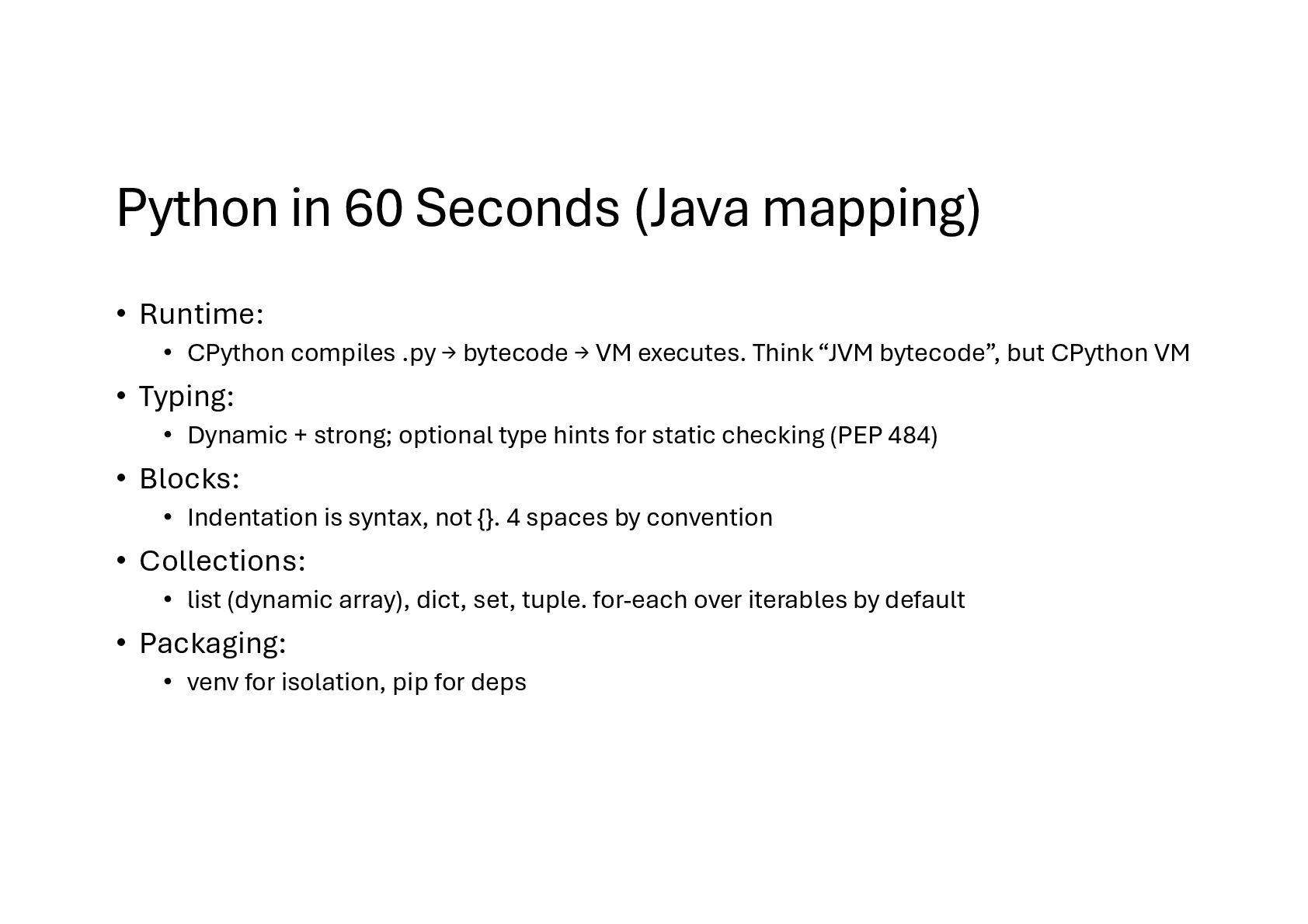
  5. Python in 60 Seconds (Java mapping) • Runtime: • CPython

    compiles .py → bytecode → VM executes. Think “JVM bytecode”, but CPython VM • Typing: • Dynamic + strong; optional type hints for static checking (PEP 484) • Blocks: • Indentation is syntax, not {}. 4 spaces by convention • Collections: • list (dynamic array), dict, set, tuple. for-each over iterables by default • Packaging: • venv for isolation, pip for deps
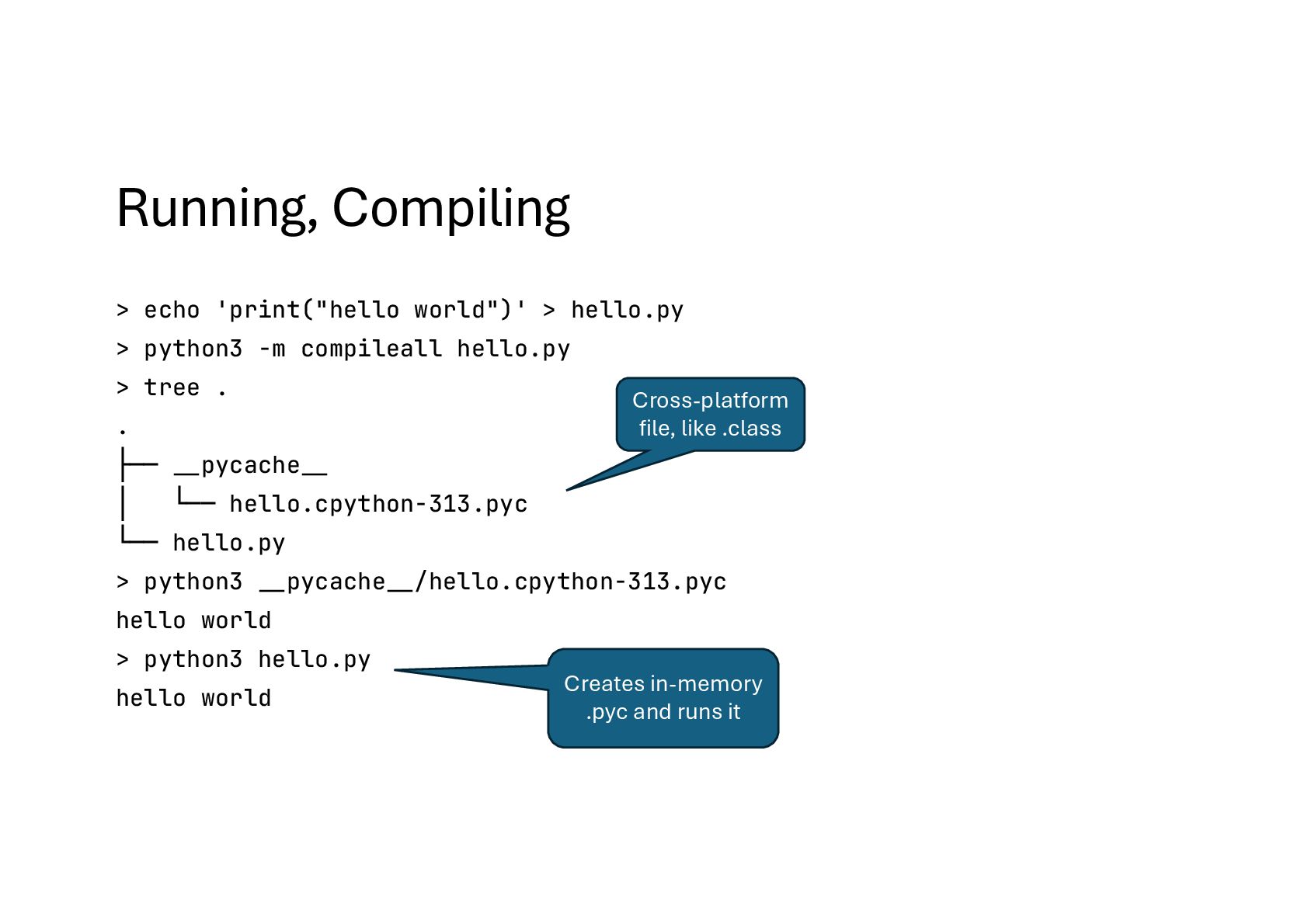
  6. Running, Compiling > echo 'print("hello world")' > hello.py > python3

    -m compileall hello.py > tree . . ├── #__pycache#__ │ └── hello.cpython-313.pyc └── hello.py > python3 #__pycache#__/hello.cpython-313.pyc hello world > python3 hello.py hello world Cross-platform file, like .class Creates in-memory .pyc and runs it
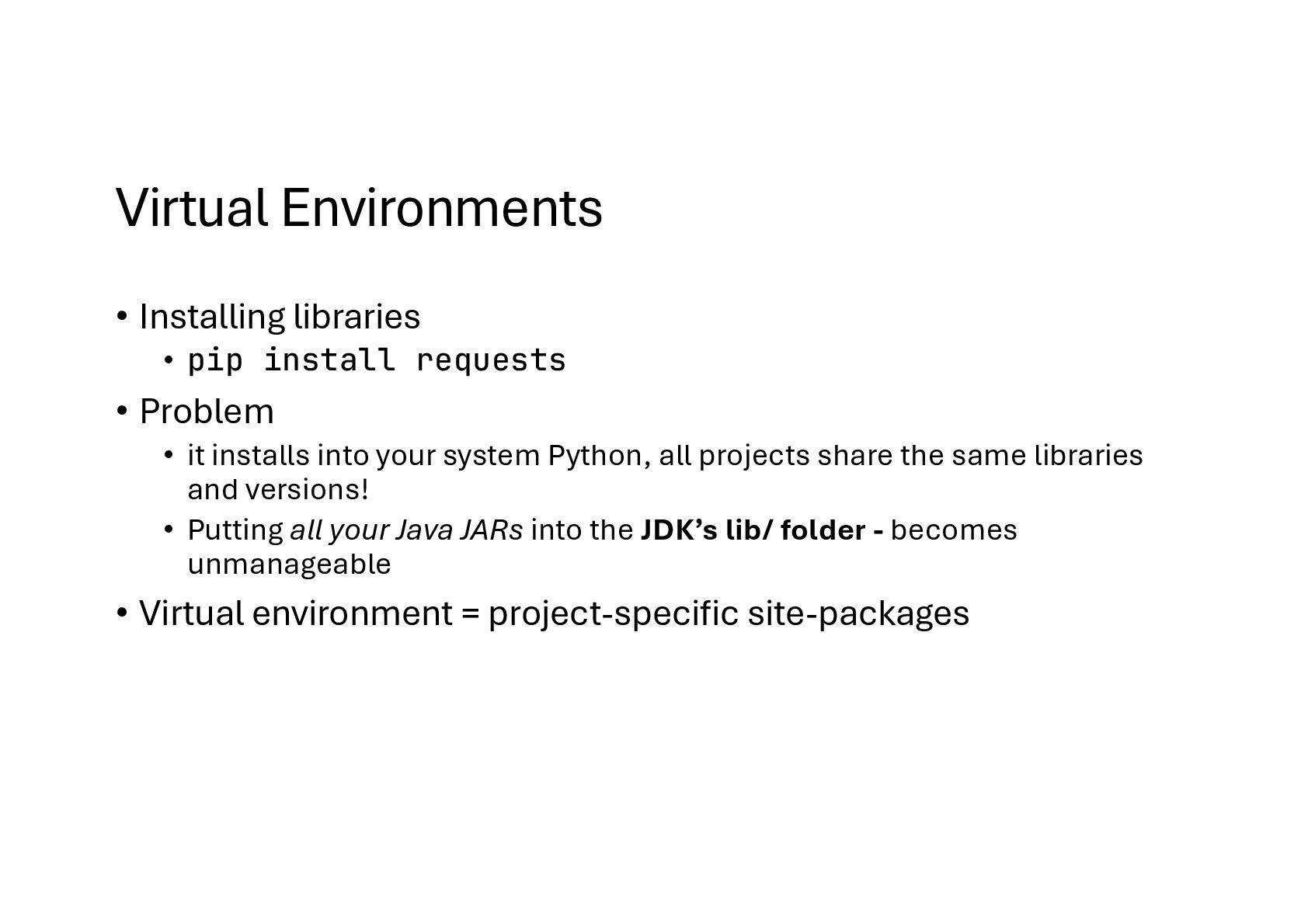
  7. Virtual Environments • Installing libraries • pip install requests •

    Problem • it installs into your system Python, all projects share the same libraries and versions! • Putting all your Java JARs into the JDK’s lib/ folder - becomes unmanageable • Virtual environment = project-specific site-packages
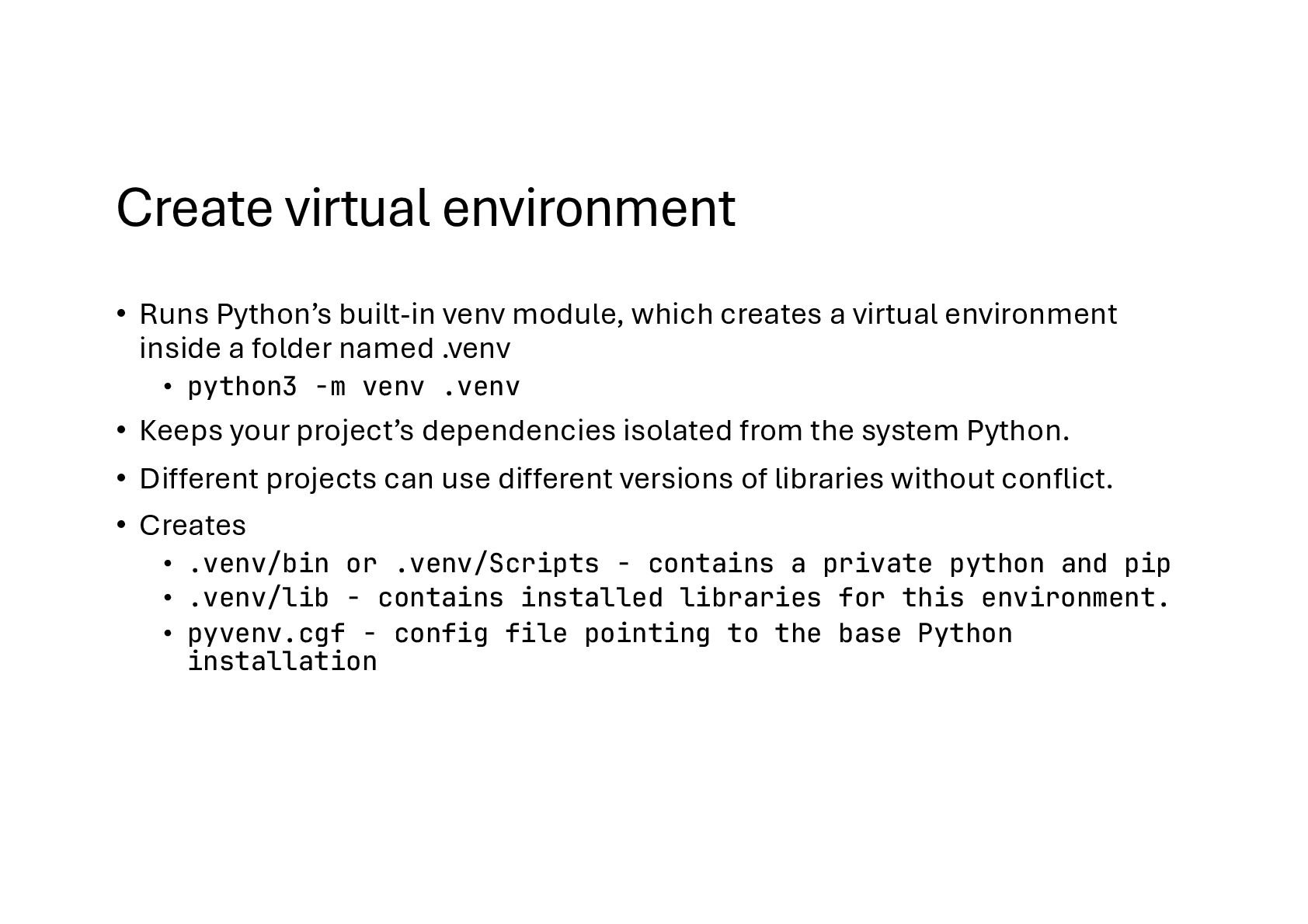
  8. Create virtual environment • Runs Python’s built-in venv module, which

    creates a virtual environment inside a folder named .venv • python3 -m venv .venv • Keeps your project’s dependencies isolated from the system Python. • Different projects can use different versions of libraries without conflict. • Creates • .venv/bin or .venv/Scripts - contains a private python and pip • .venv/lib - contains installed libraries for this environment. • pyvenv.cgf - config file pointing to the base Python installation
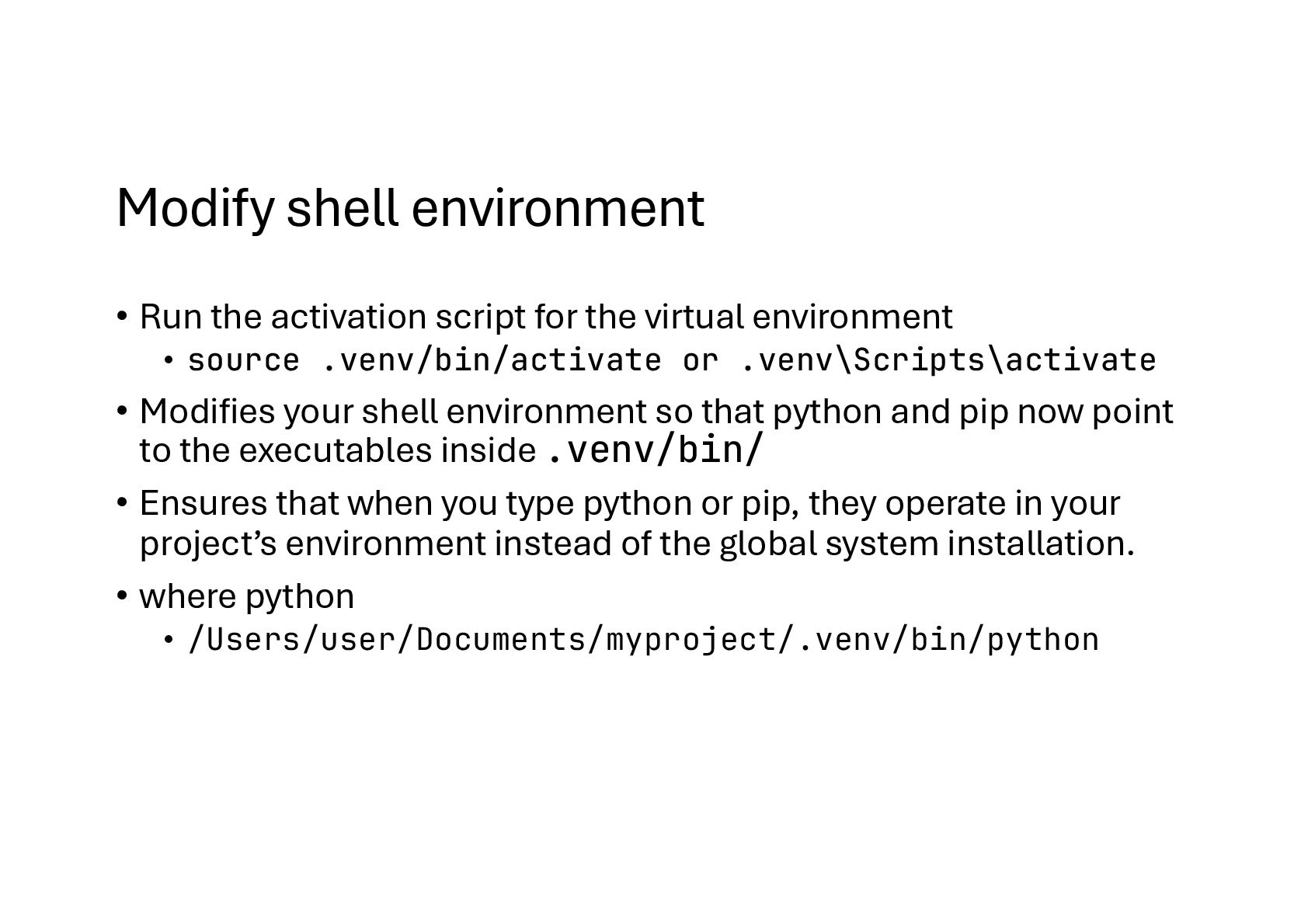
  9. Modify shell environment • Run the activation script for the

    virtual environment • source .venv/bin/activate or .venv\Scripts\activate • Modifies your shell environment so that python and pip now point to the executables inside .venv/bin/ • Ensures that when you type python or pip, they operate in your project’s environment instead of the global system installation. • where python • /Users/user/Documents/myproject/.venv/bin/python
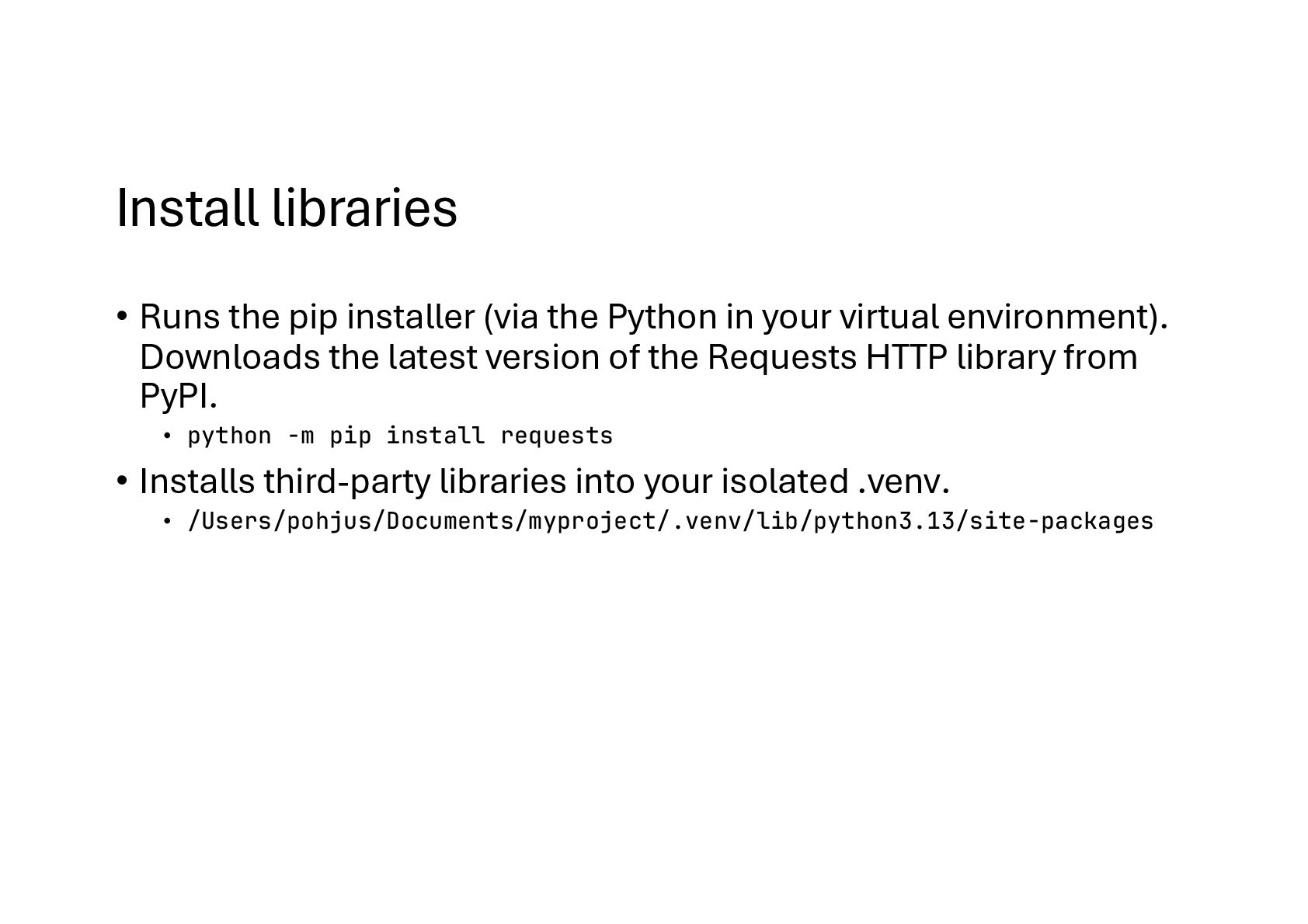
  10. Install libraries • Runs the pip installer (via the Python

    in your virtual environment). Downloads the latest version of the Requests HTTP library from PyPI. • python -m pip install requests • Installs third-party libraries into your isolated .venv. • /Users/pohjus/Documents/myproject/.venv/lib/python3.13/site-packages
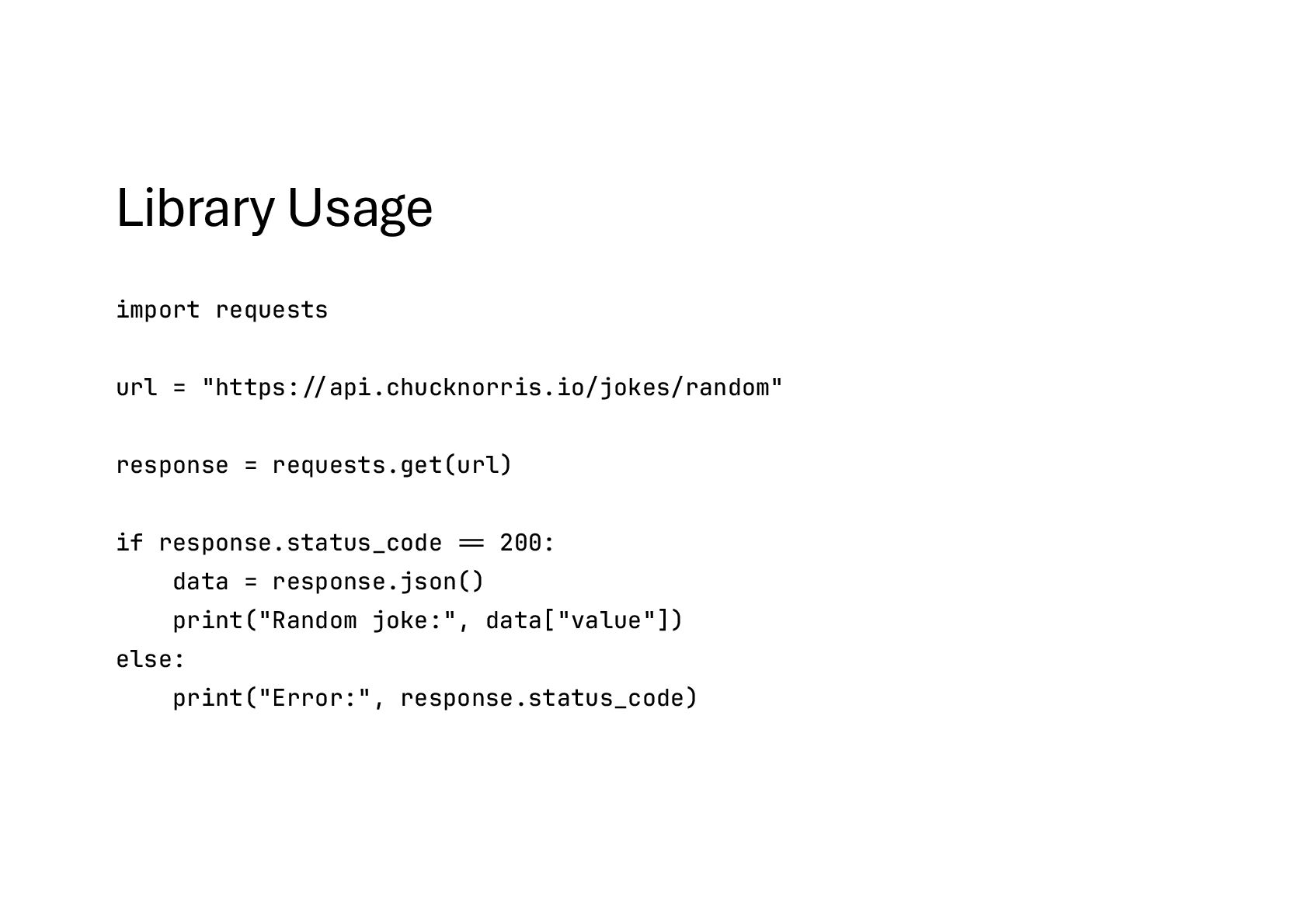
  11. Library Usage import requests url = "https:#//api.chucknorris.io/jokes/random" response = requests.get(url)

    if response.status_code #== 200: data = response.json() print("Random joke:", data["value"]) else: print("Error:", response.status_code)
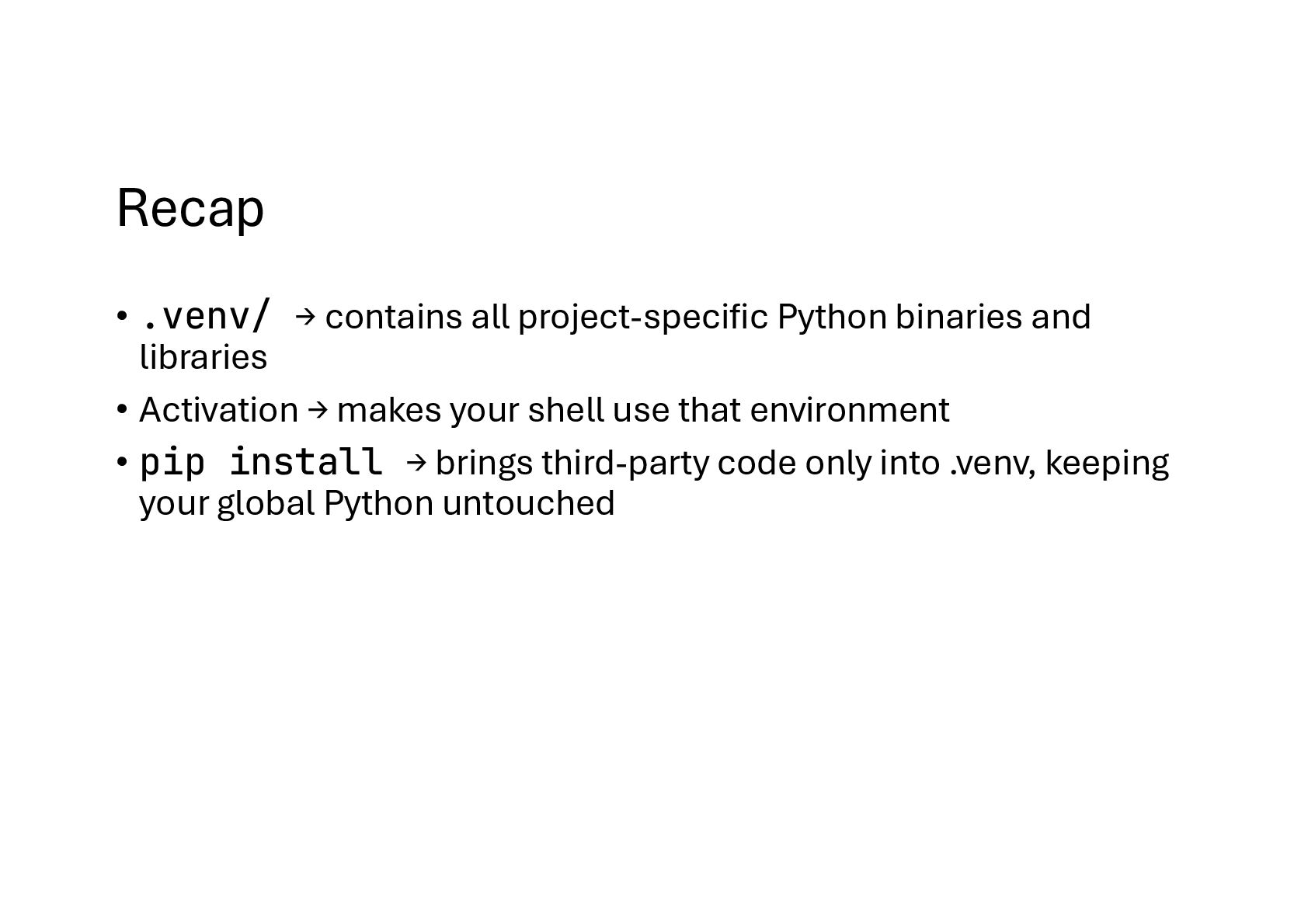
  12. Recap • .venv/ → contains all project-specific Python binaries and

    libraries • Activation → makes your shell use that environment • pip install → brings third-party code only into .venv, keeping your global Python untouched
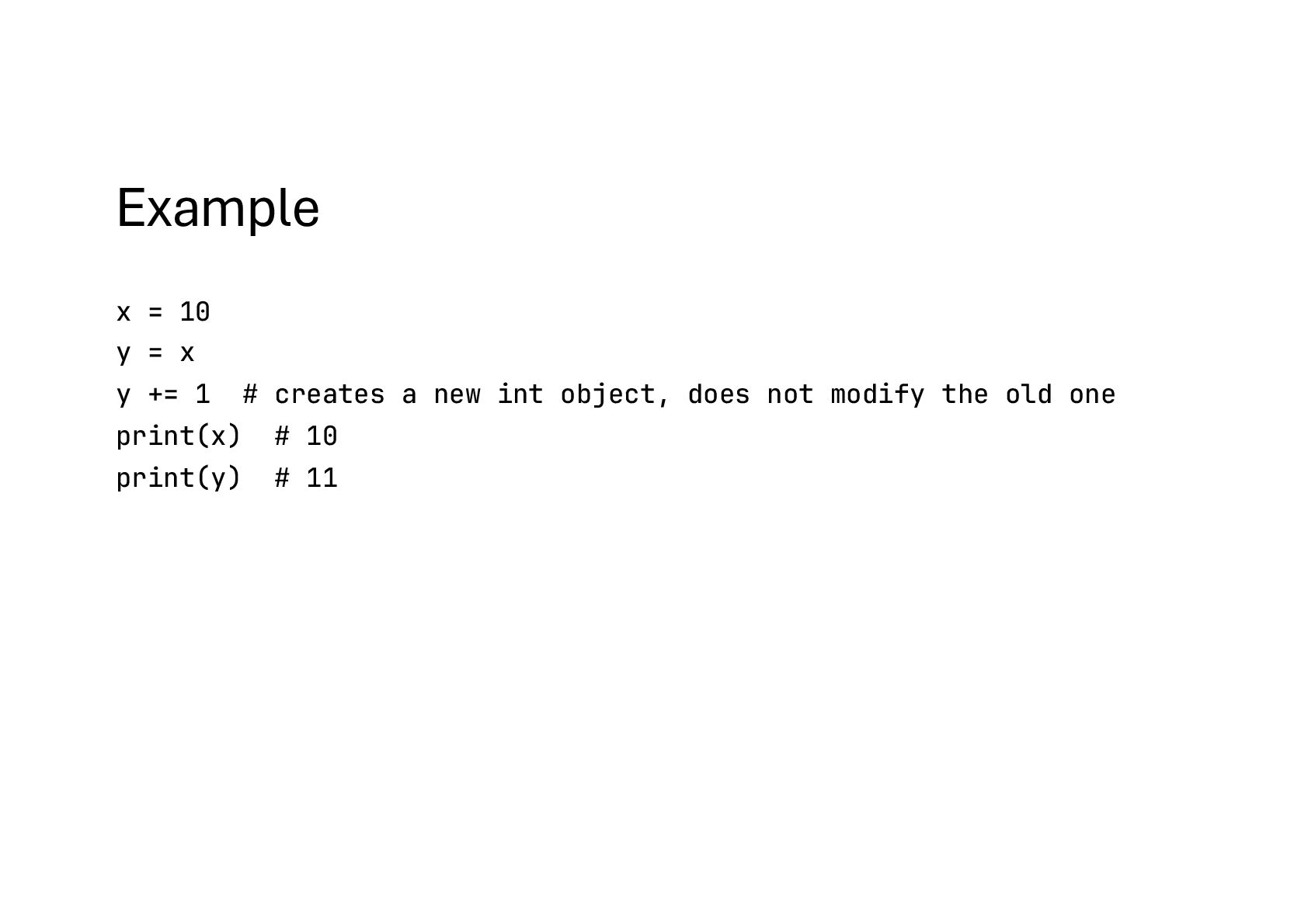
  13. Example x = 10 y = x y += 1

    # creates a new int object, does not modify the old one print(x) # 10 print(y) # 11
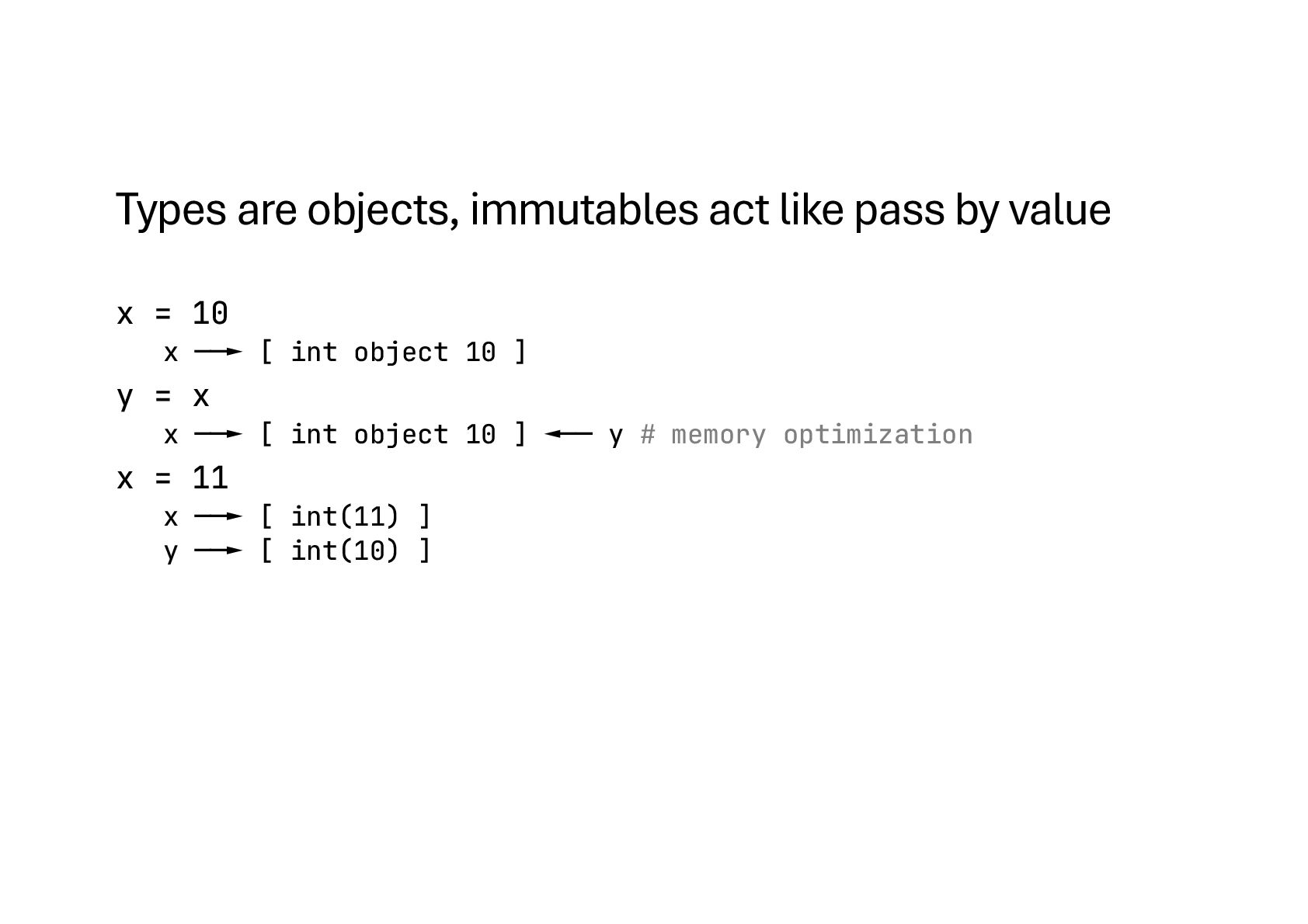
  14. Types are objects, immutables act like pass by value x

    = 10 x ──► [ int object 10 ] y = x x ──► [ int object 10 ] ◄── y # memory optimization x = 11 x ──► [ int(11) ] y ──► [ int(10) ]
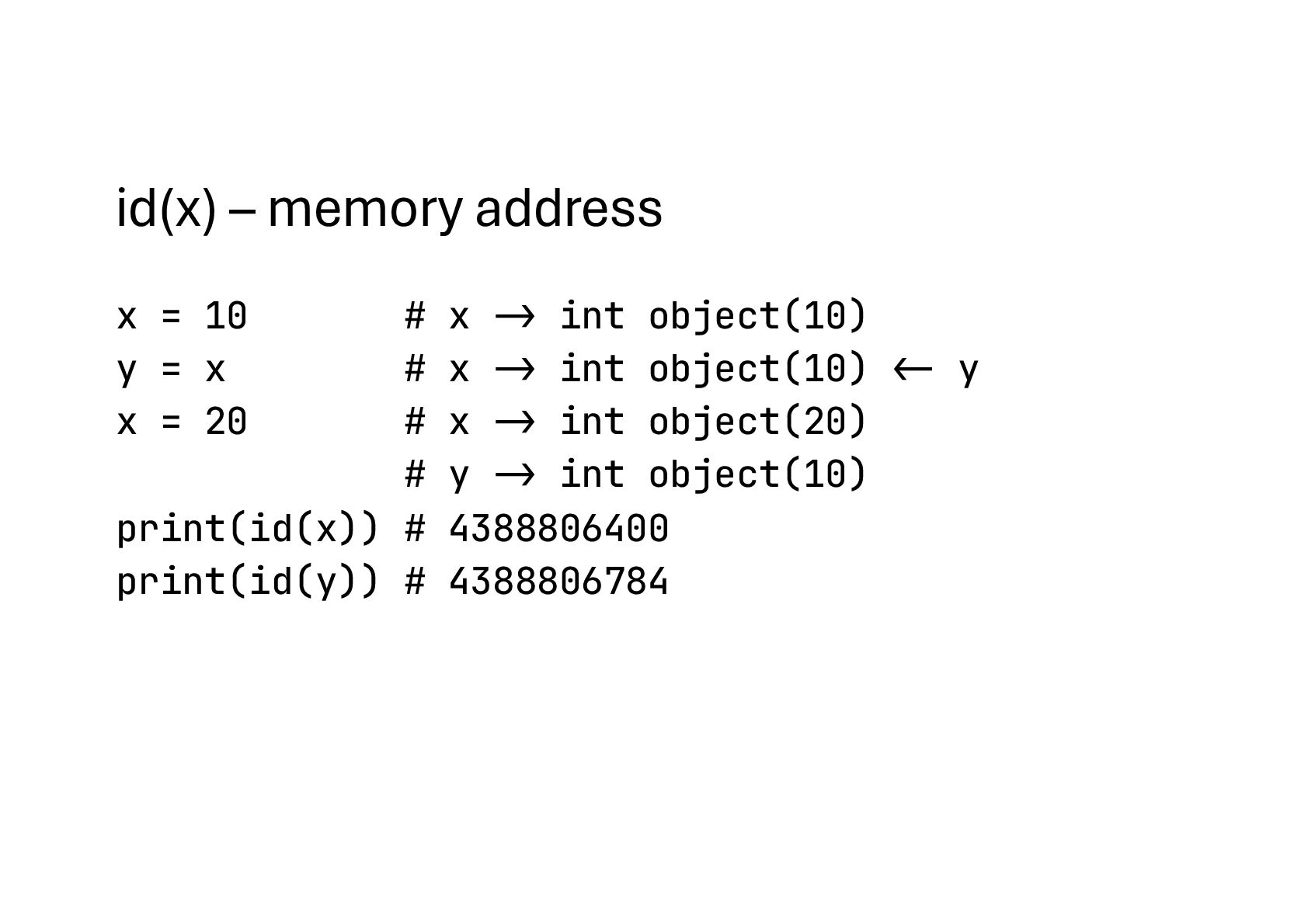
  15. id(x) – memory address x = 10 # x ->

    int object(10) y = x # x -> int object(10) "<- y x = 20 # x -> int object(20) # y -> int object(10) print(id(x)) # 4388806400 print(id(y)) # 4388806784
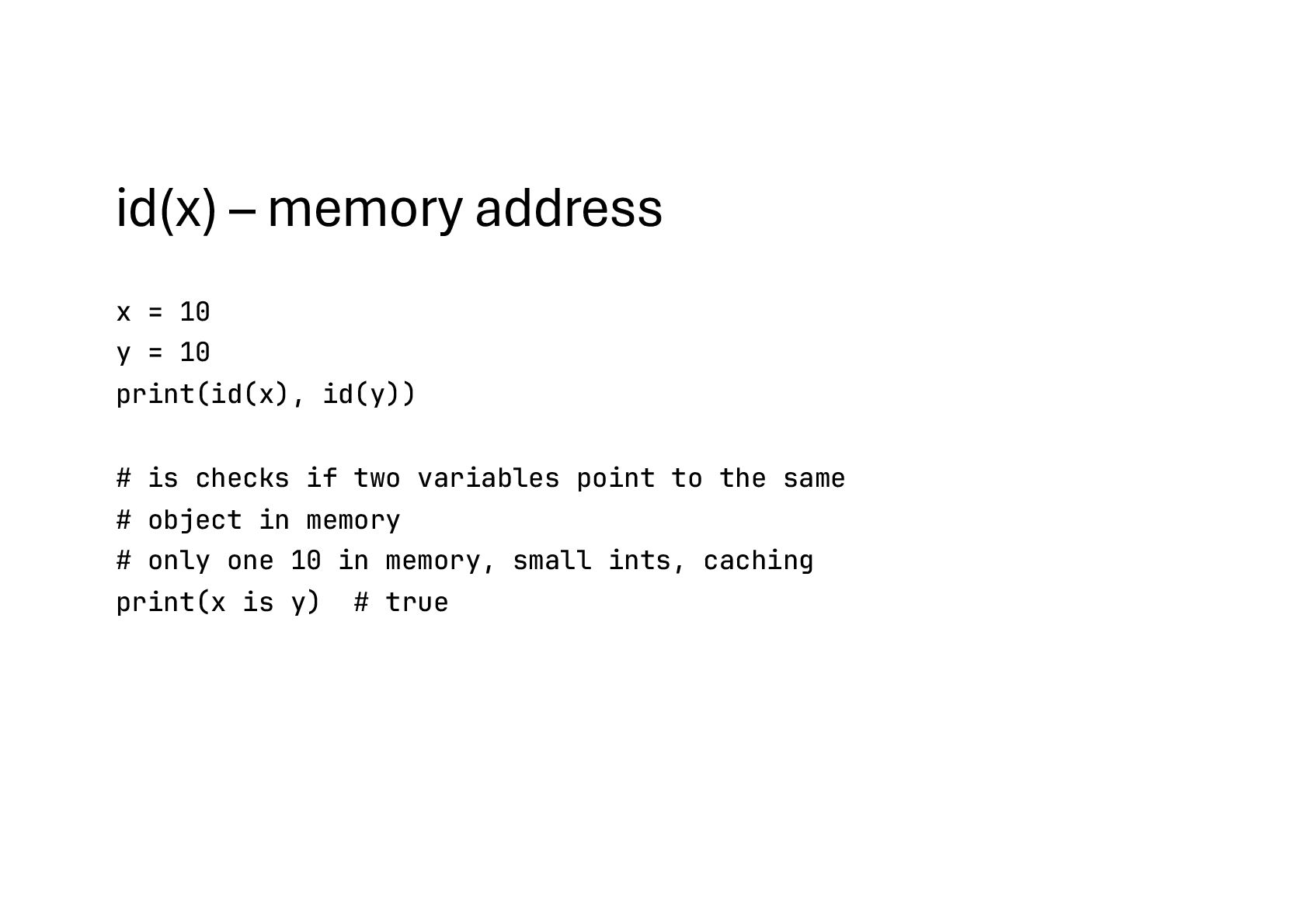
  16. id(x) – memory address x = 10 y = 10

    print(id(x), id(y)) # is checks if two variables point to the same # object in memory # only one 10 in memory, small ints, caching print(x is y) # true
  17. id(x) – memory address list1 = [1, 2, 3] list2

    = [1, 2, 3] print(list1 !== list2) # True (same contents) print(list1 is list2) # False (different list objects)
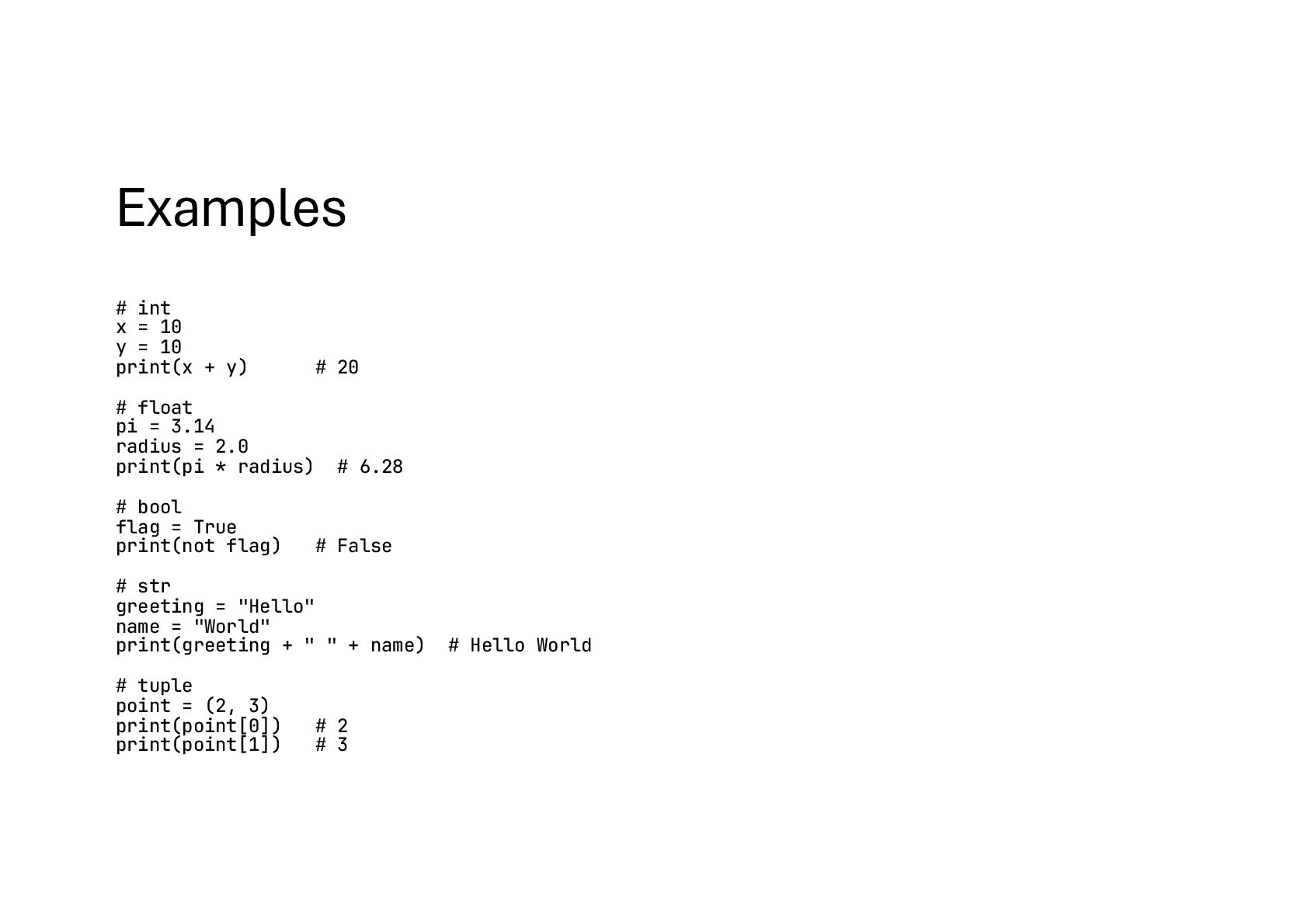
  18. Examples # int x = 10 y = 10 print(x

    + y) # 20 # float pi = 3.14 radius = 2.0 print(pi * radius) # 6.28 # bool flag = True print(not flag) # False # str greeting = "Hello" name = "World" print(greeting + " " + name) # Hello World # tuple point = (2, 3) print(point[0]) # 2 print(point[1]) # 3
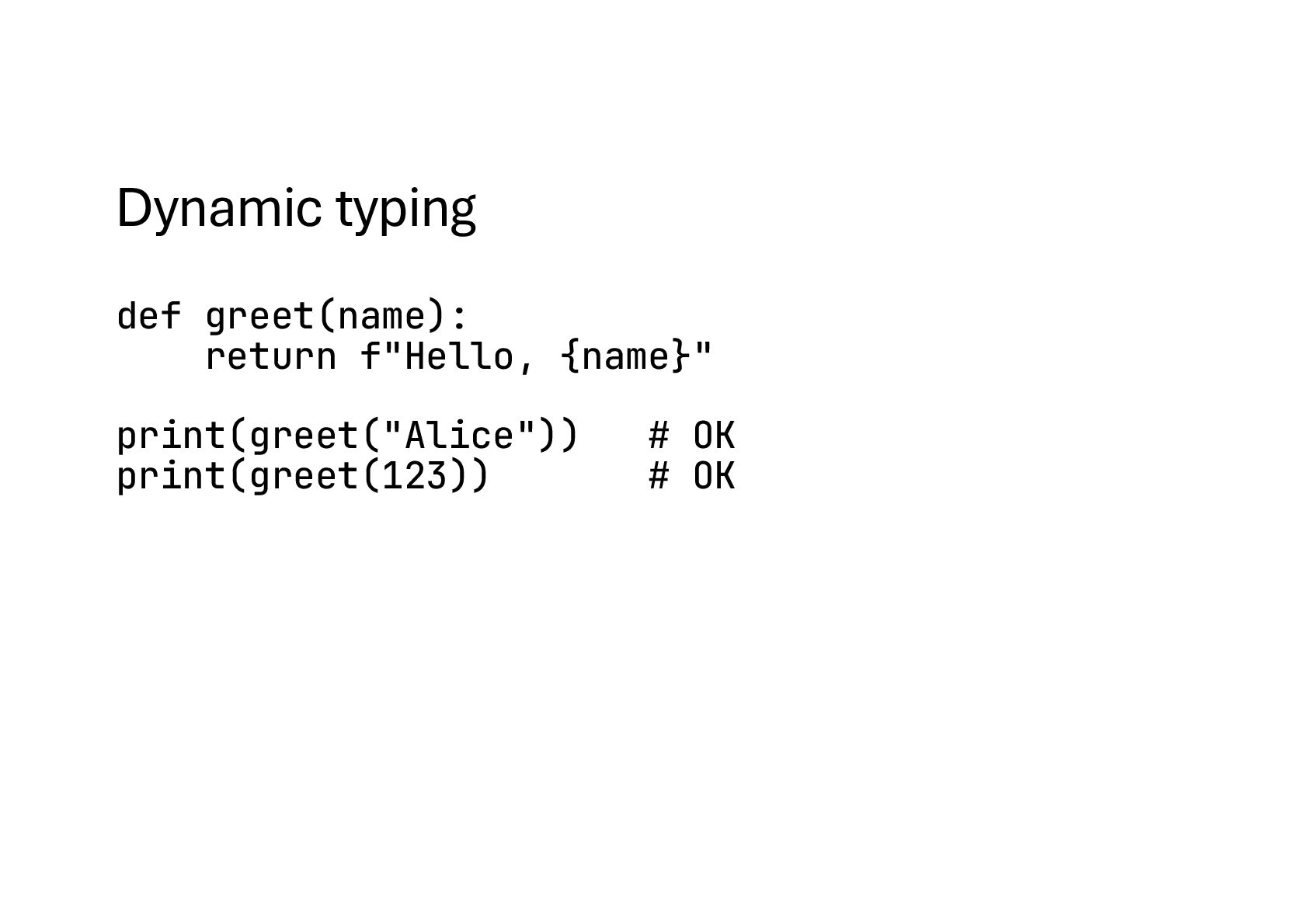
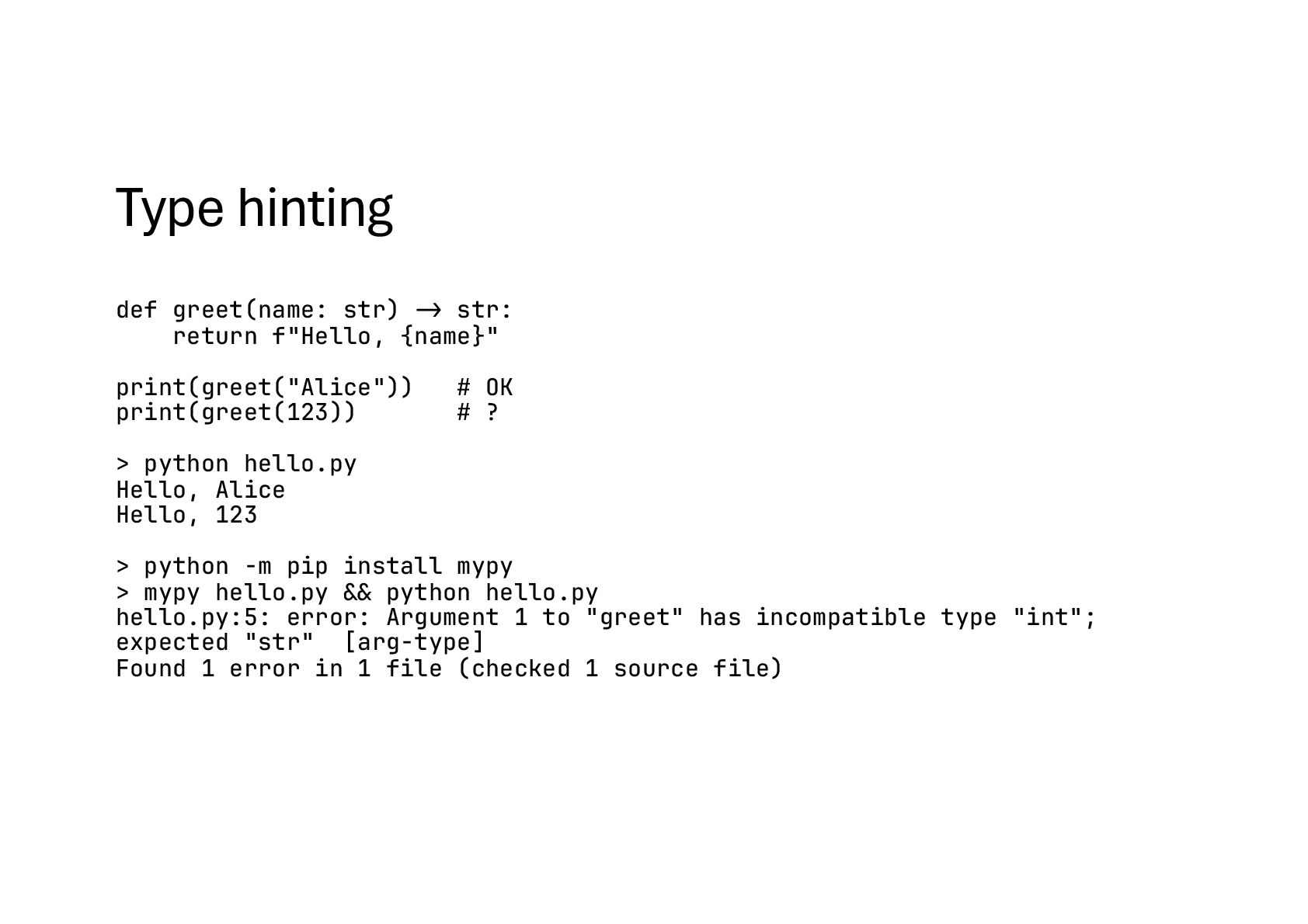
  19. Type hinting def greet(name: str) -> str: return f"Hello, {name}"

    print(greet("Alice")) # OK print(greet(123)) # ? > python hello.py Hello, Alice Hello, 123 > python -m pip install mypy > mypy hello.py #&& python hello.py hello.py:5: error: Argument 1 to "greet" has incompatible type "int"; expected "str" [arg-type] Found 1 error in 1 file (checked 1 source file)
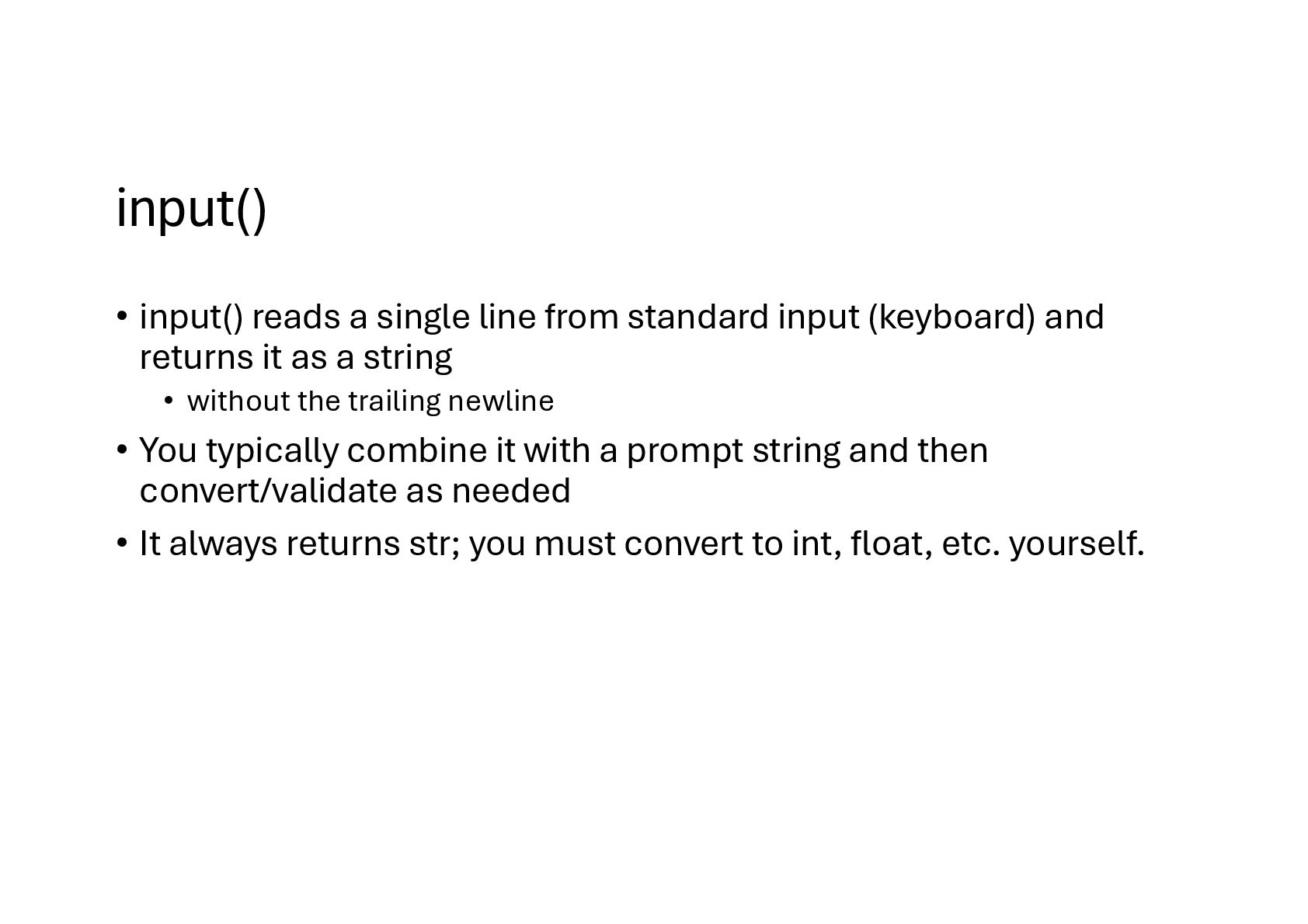
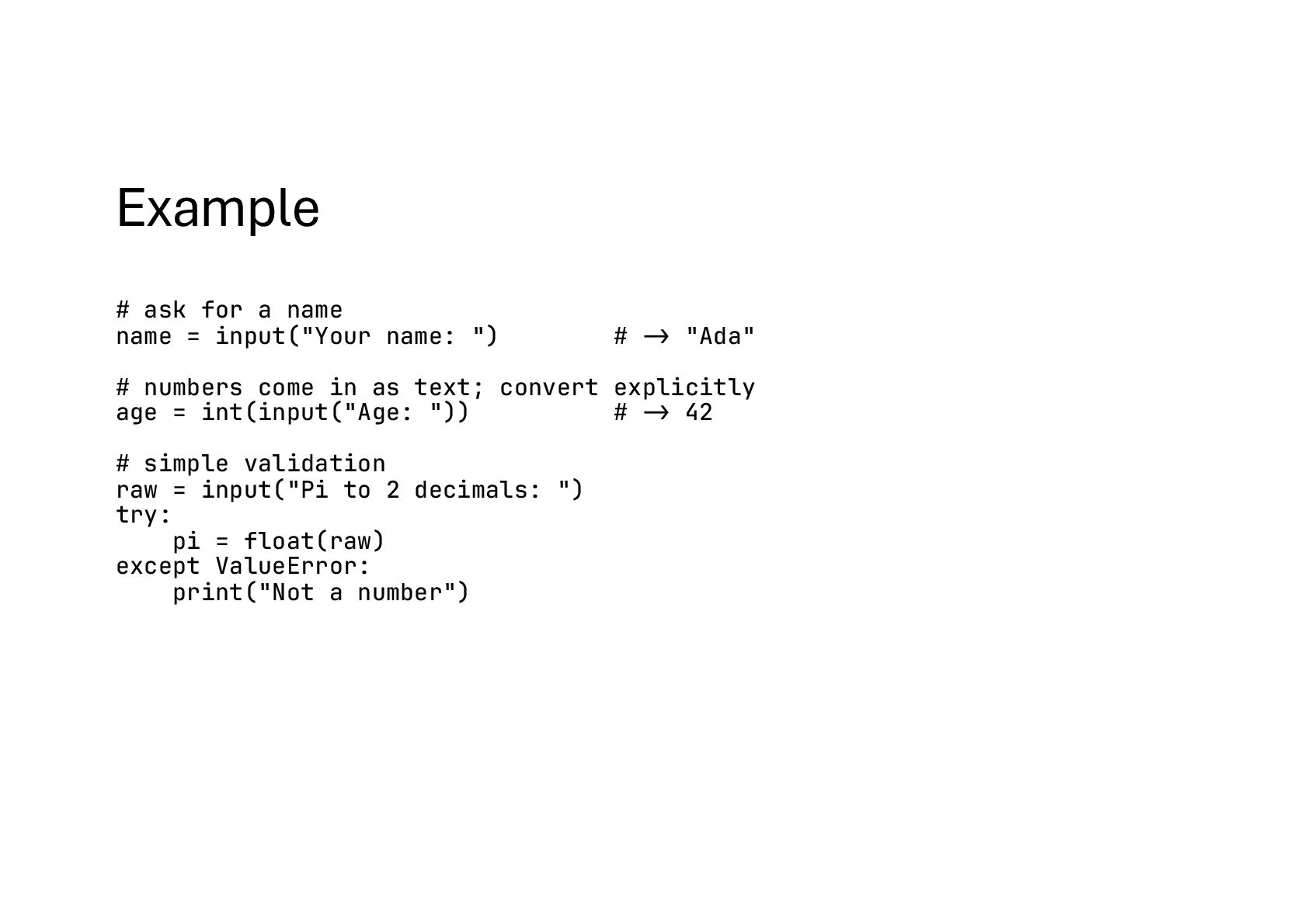
  20. input() • input() reads a single line from standard input

    (keyboard) and returns it as a string • without the trailing newline • You typically combine it with a prompt string and then convert/validate as needed • It always returns str; you must convert to int, float, etc. yourself.
  21. Example # ask for a name name = input("Your name:

    ") # -> "Ada" # numbers come in as text; convert explicitly age = int(input("Age: ")) # -> 42 # simple validation raw = input("Pi to 2 decimals: ") try: pi = float(raw) except ValueError: print("Not a number")
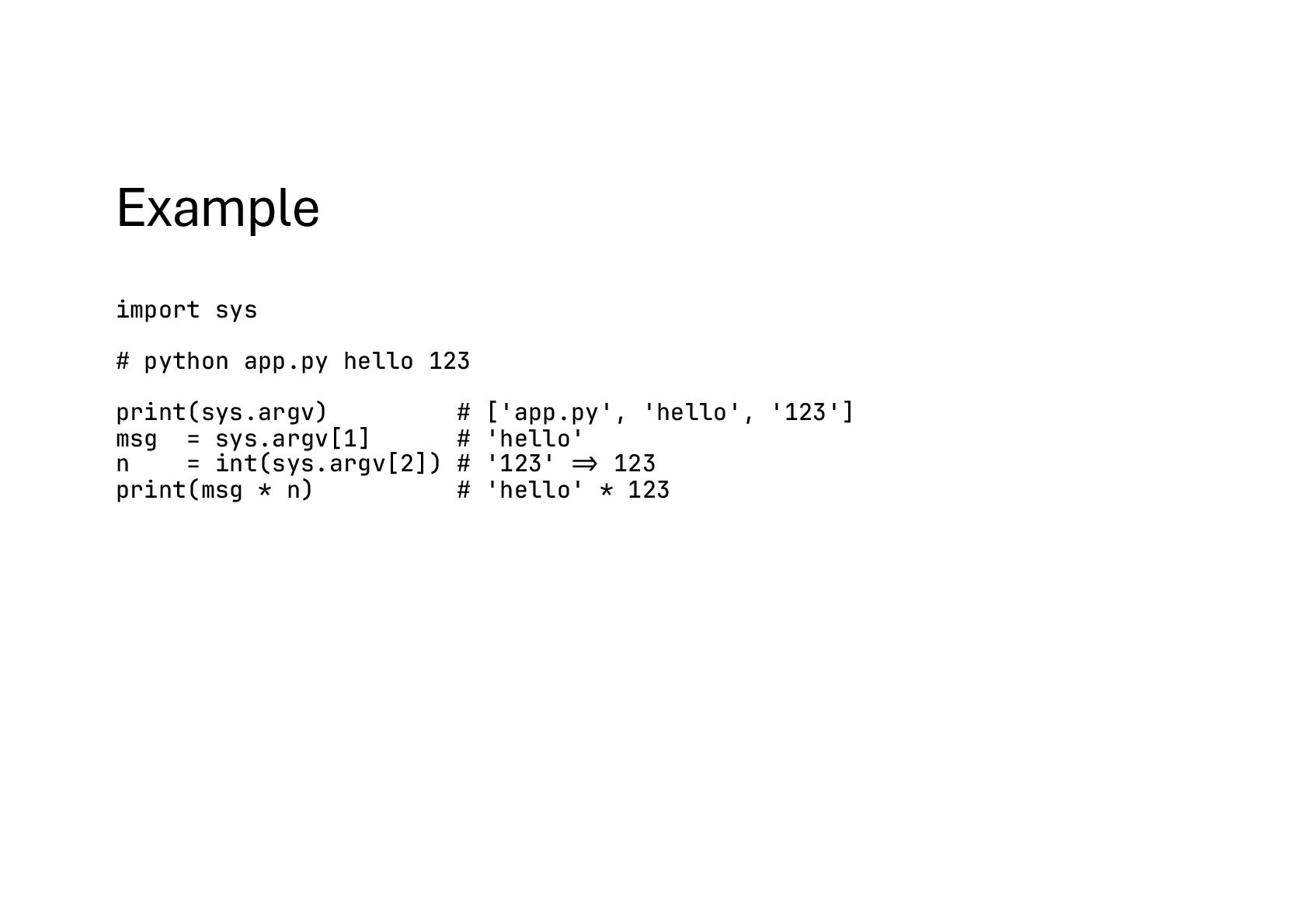
  22. Command-line arguments: sys.argv • sys.argv is the raw list of

    tokens passed to your script. Index 0 is the script name; the rest are the arguments. • When to use: tiny scripts where you control the invocation and don’t need help text or flags.
  23. Example import sys # python app.py hello 123 print(sys.argv) #

    ['app.py', 'hello', '123'] msg = sys.argv[1] # 'hello' n = int(sys.argv[2]) # '123' #=> 123 print(msg * n) # 'hello' * 123
  24. Robust argument & option parsing: argparse • For real CLIs,

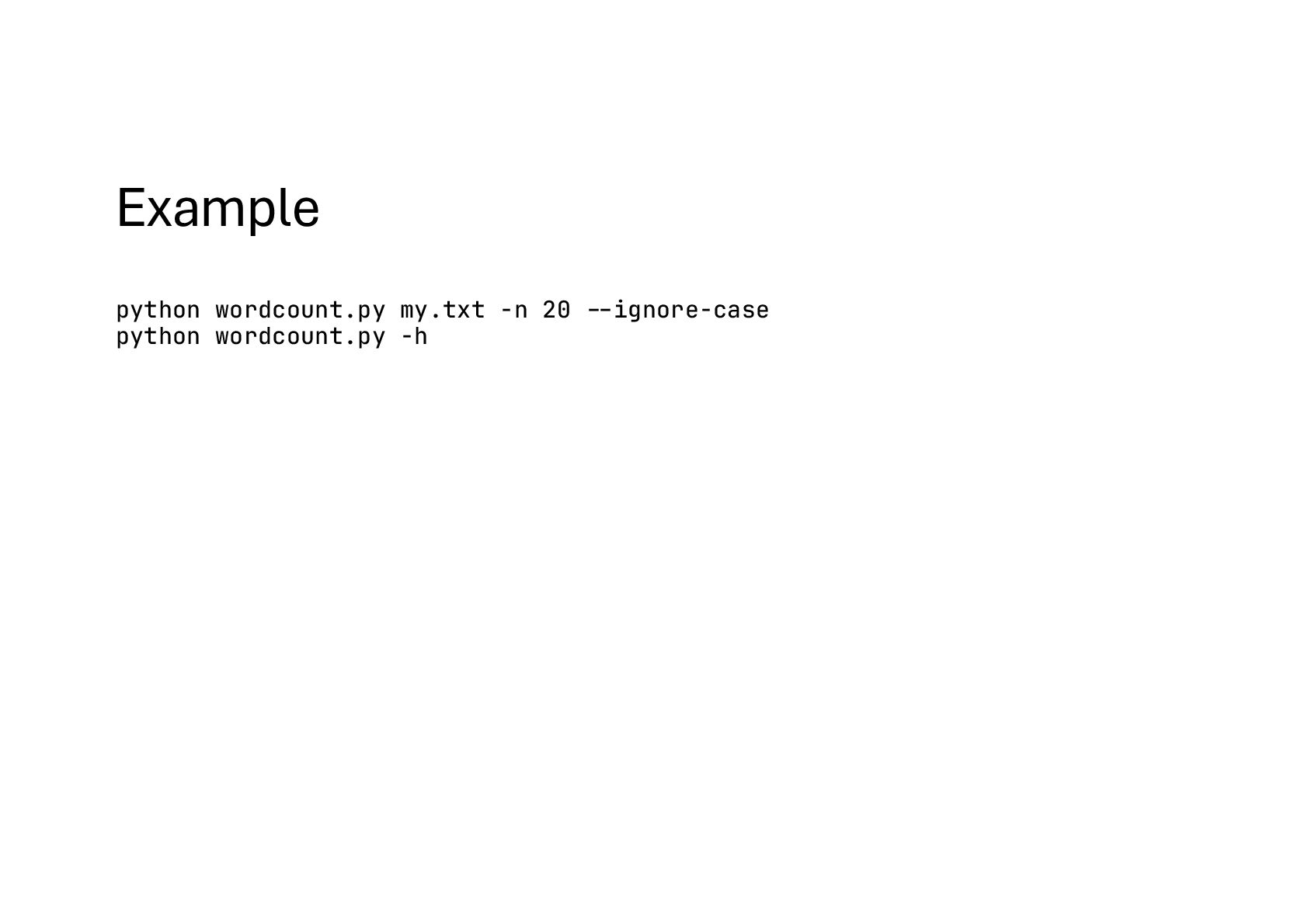
    use argparse. • Parses positional args and options (e.g., -n / --number) • Does type conversion (type=int) • Generates -h/--help automatically • Validates with choices, required flags, mutually exclusive groups, subcommands, etc. • Why it’s preferred: you get predictable UX, helpful errors, and self- documentation.
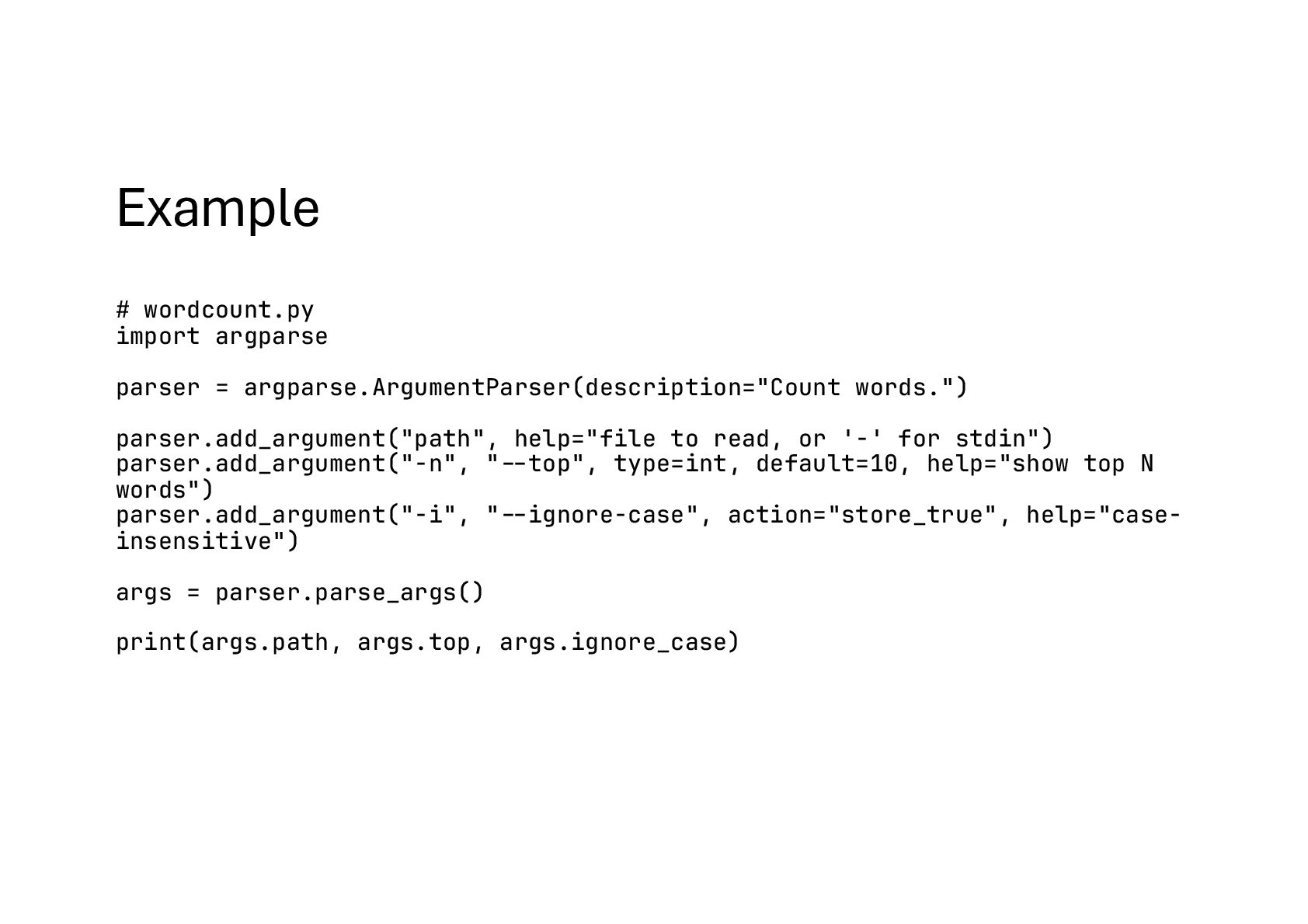
  25. Example # wordcount.py import argparse parser = argparse.ArgumentParser(description="Count words.") parser.add_argument("path",

    help="file to read, or '-' for stdin") parser.add_argument("-n", "#--top", type=int, default=10, help="show top N words") parser.add_argument("-i", "#--ignore-case", action="store_true", help="case- insensitive") args = parser.parse_args() print(args.path, args.top, args.ignore_case)
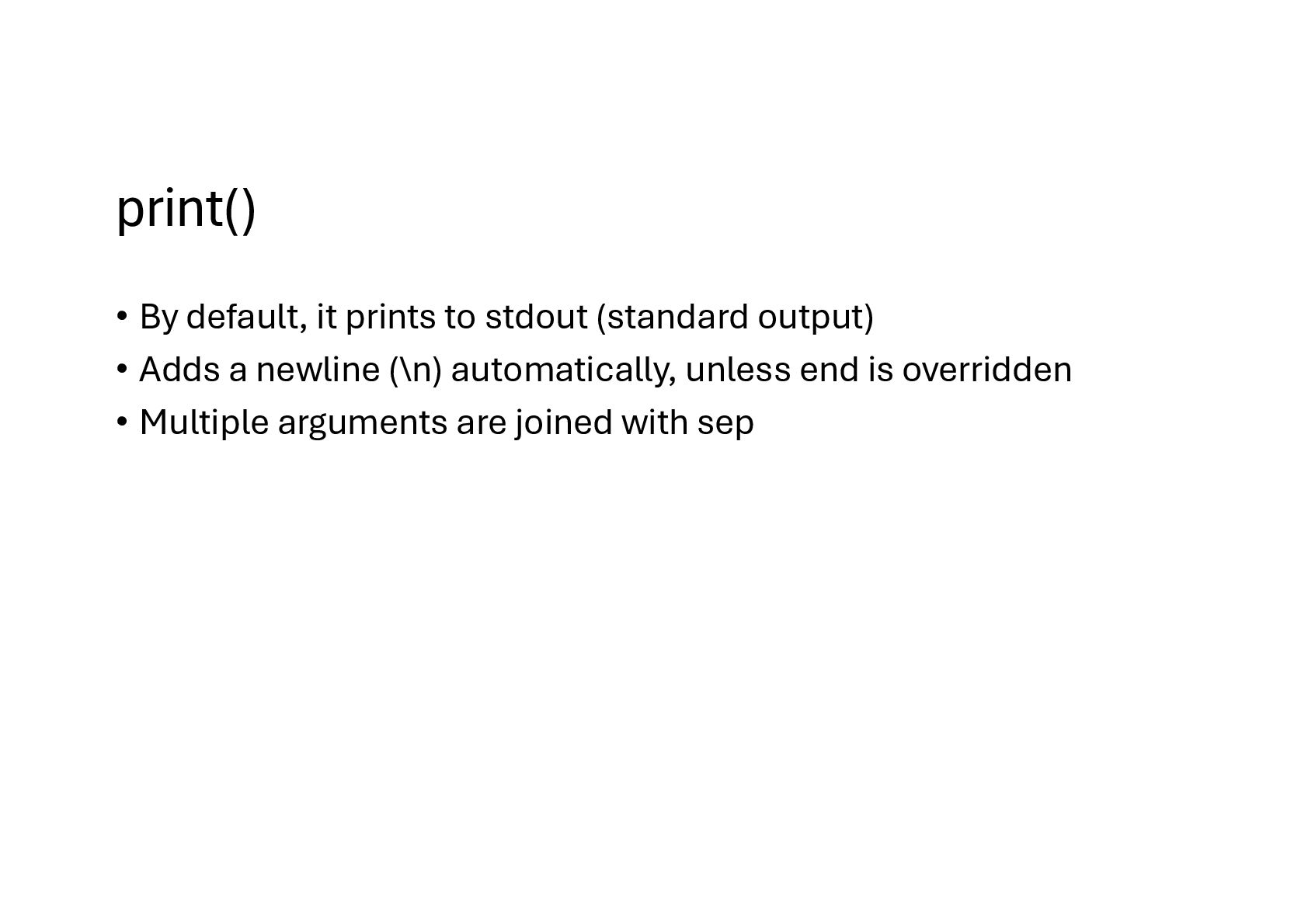
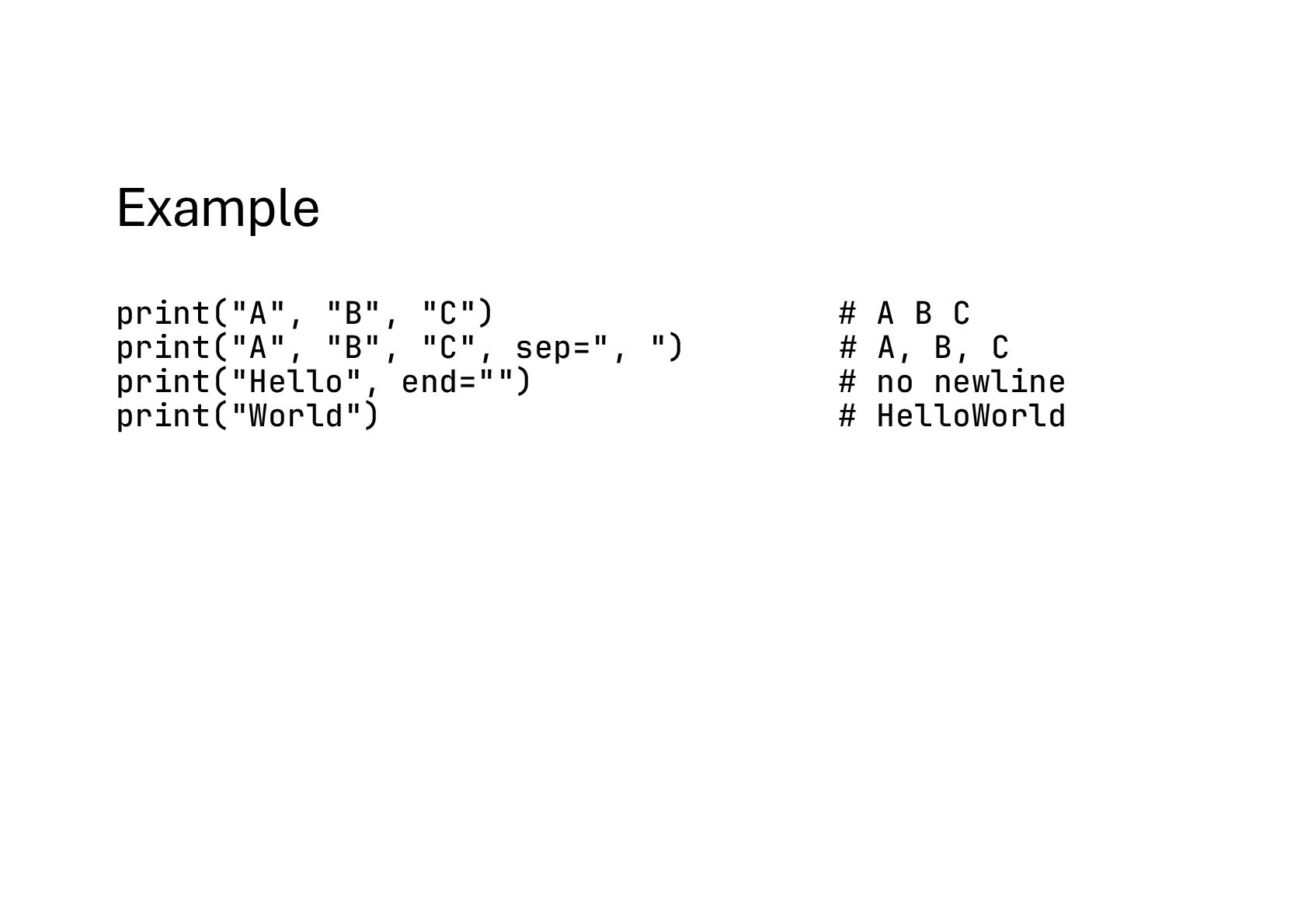
  26. print() • By default, it prints to stdout (standard output)

    • Adds a newline (\n) automatically, unless end is overridden • Multiple arguments are joined with sep
  27. Example print("A", "B", "C") # A B C print("A", "B",

    "C", sep=", ") # A, B, C print("Hello", end="") # no newline print("World") # HelloWorld
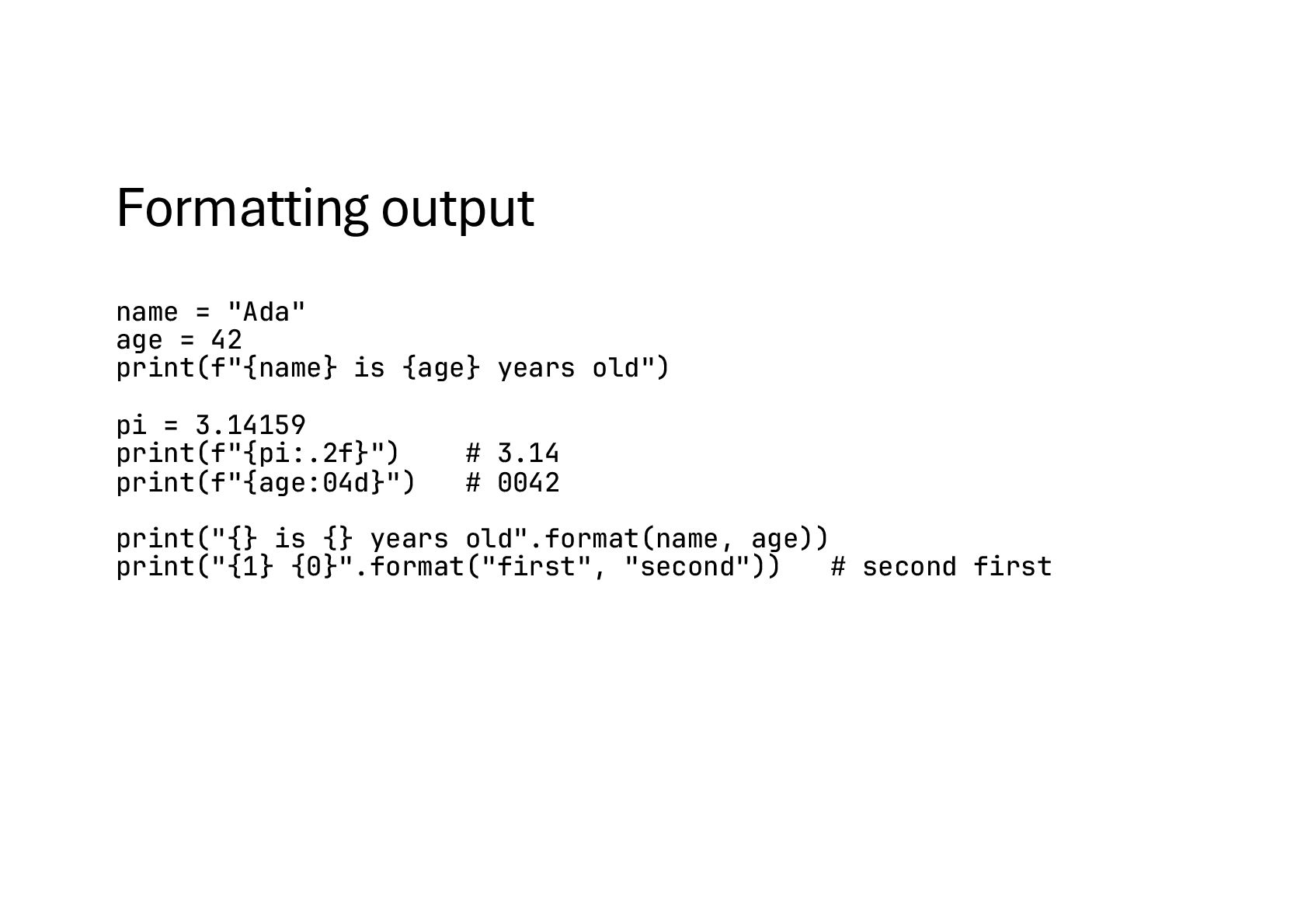
  28. Formatting output name = "Ada" age = 42 print(f"{name} is

    {age} years old") pi = 3.14159 print(f"{pi:.2f}") # 3.14 print(f"{age:04d}") # 0042 print("{} is {} years old".format(name, age)) print("{1} {0}".format("first", "second")) # second first
  29. Pretty tables from tabulate import tabulate table = [["Name", "Age"],

    ["Ada", 42], ["Alan", 36]] print(tabulate(table, headers="firstrow"))
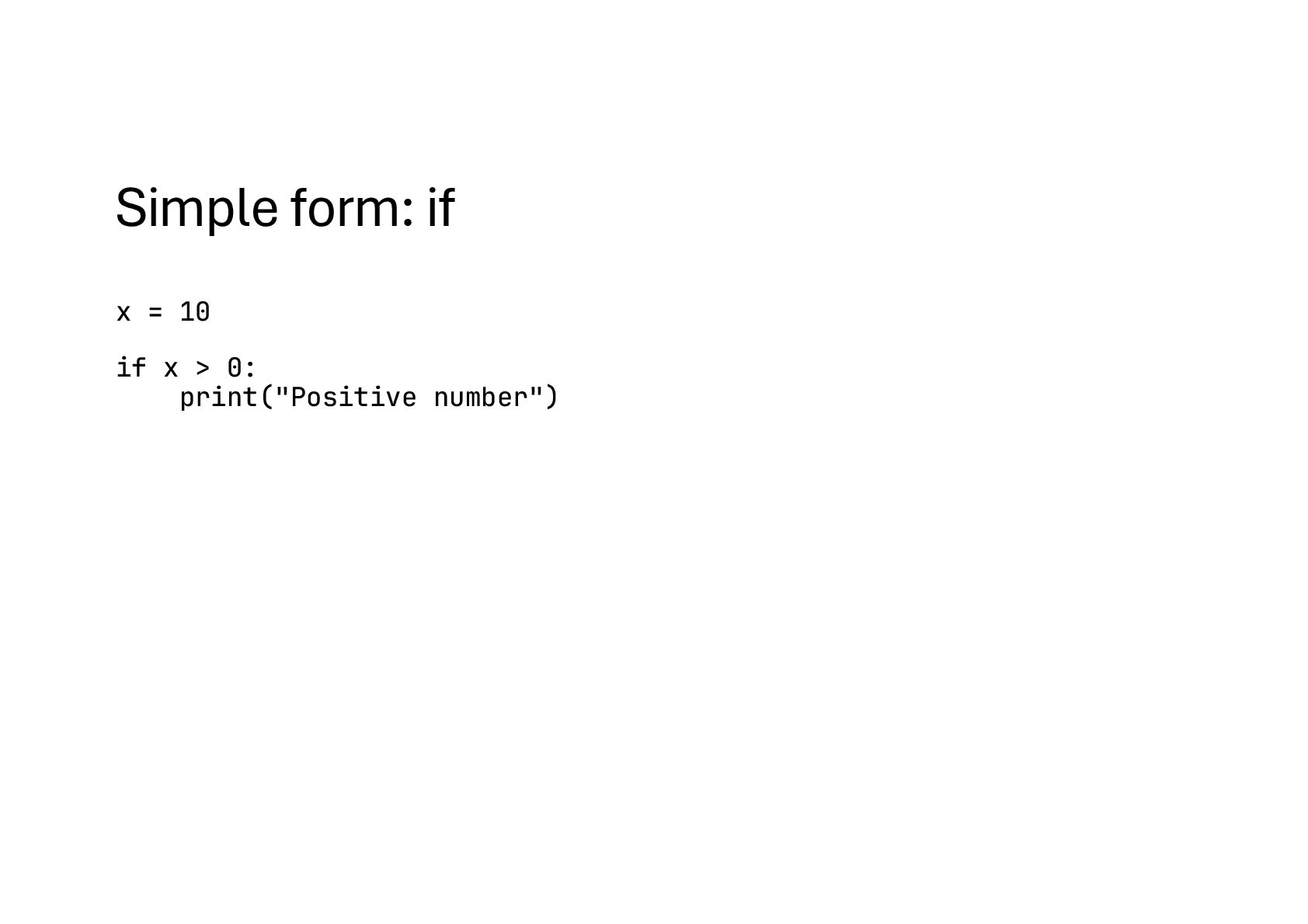
  30. Simple form: if x = 10 if x > 0:

    print("Positive number")
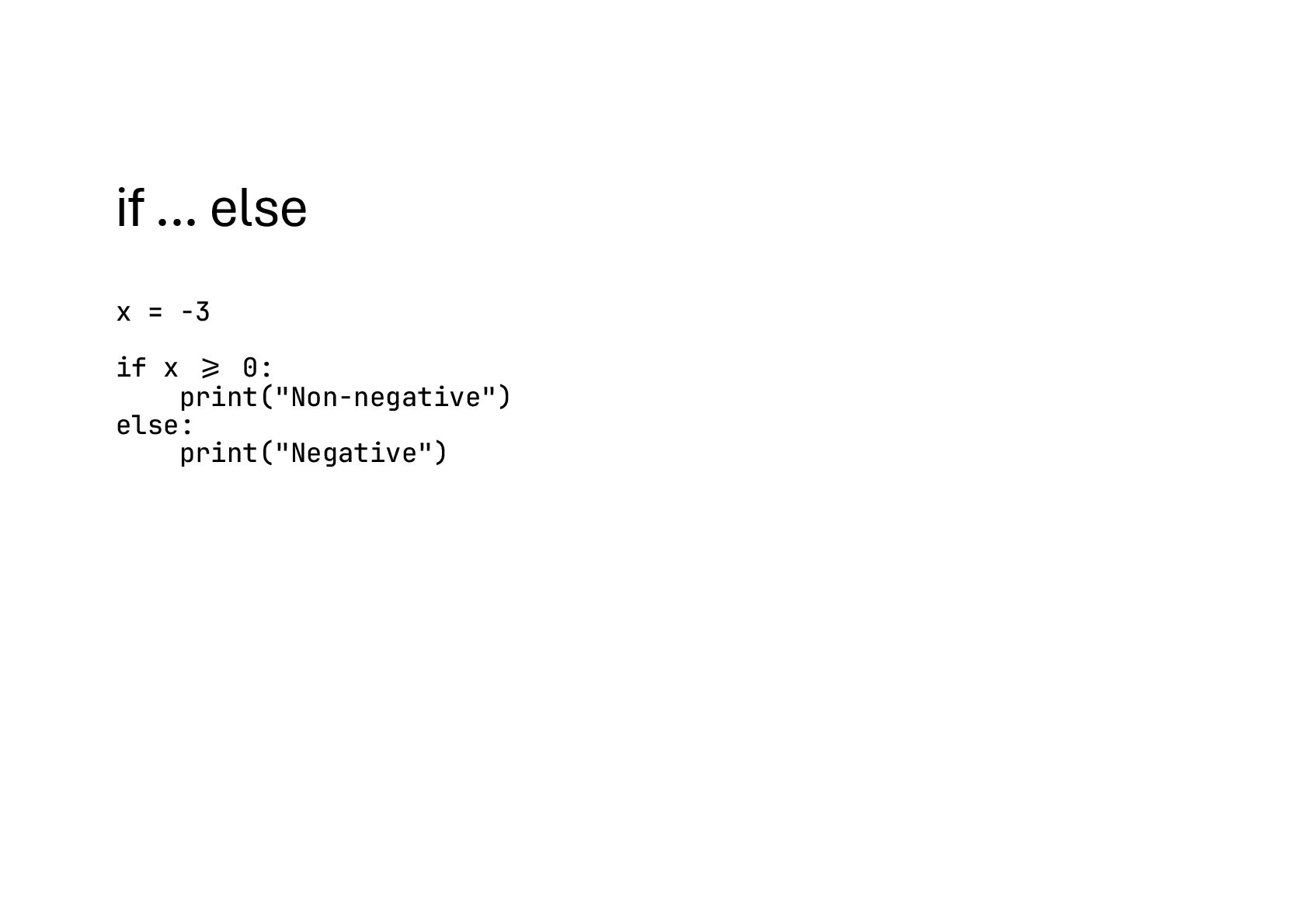
  31. if ... else x = -3 if x !>= 0:

    print("Non-negative") else: print("Negative")
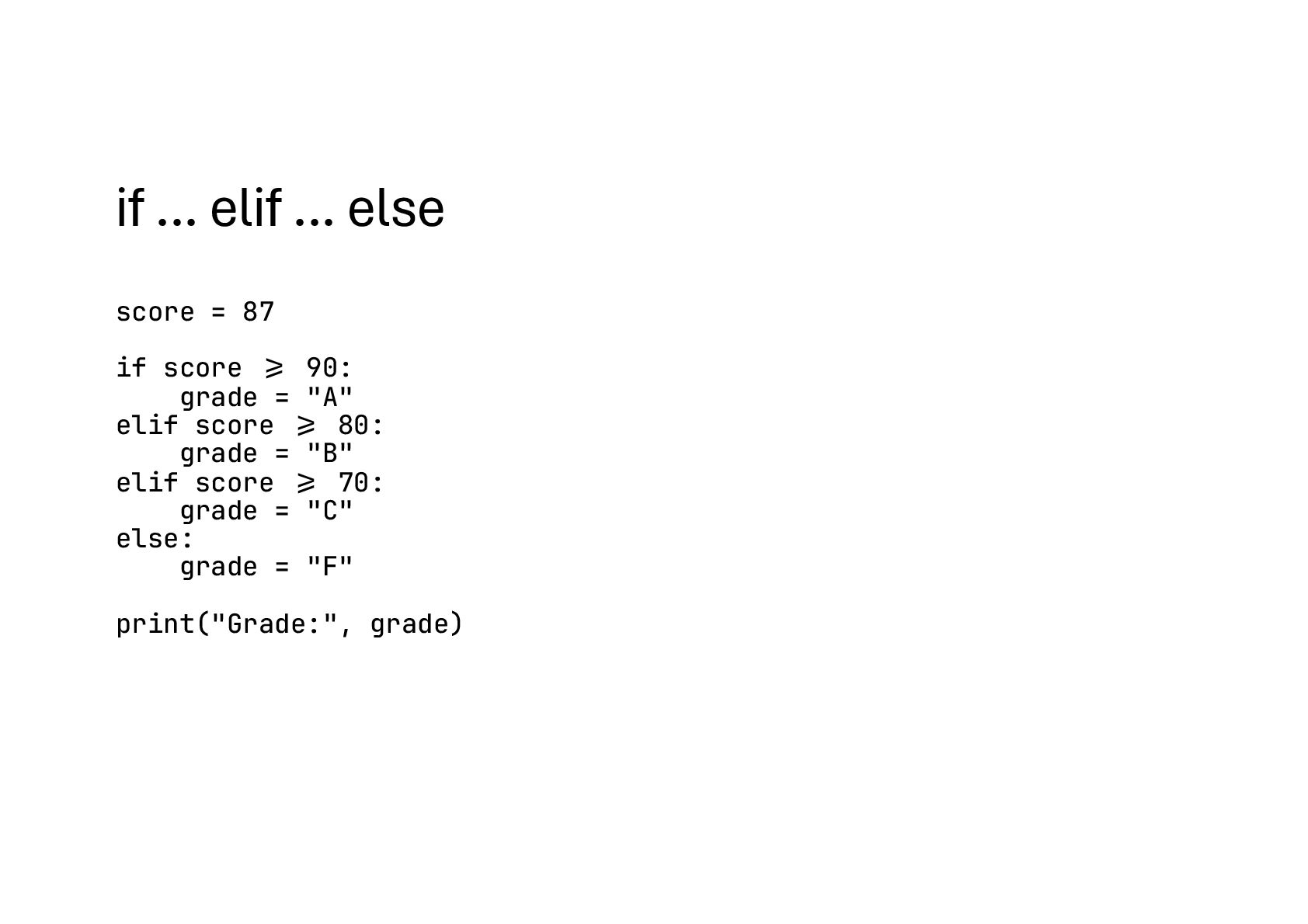
  32. if ... elif ... else score = 87 if score

    !>= 90: grade = "A" elif score !>= 80: grade = "B" elif score !>= 70: grade = "C" else: grade = "F" print("Grade:", grade)
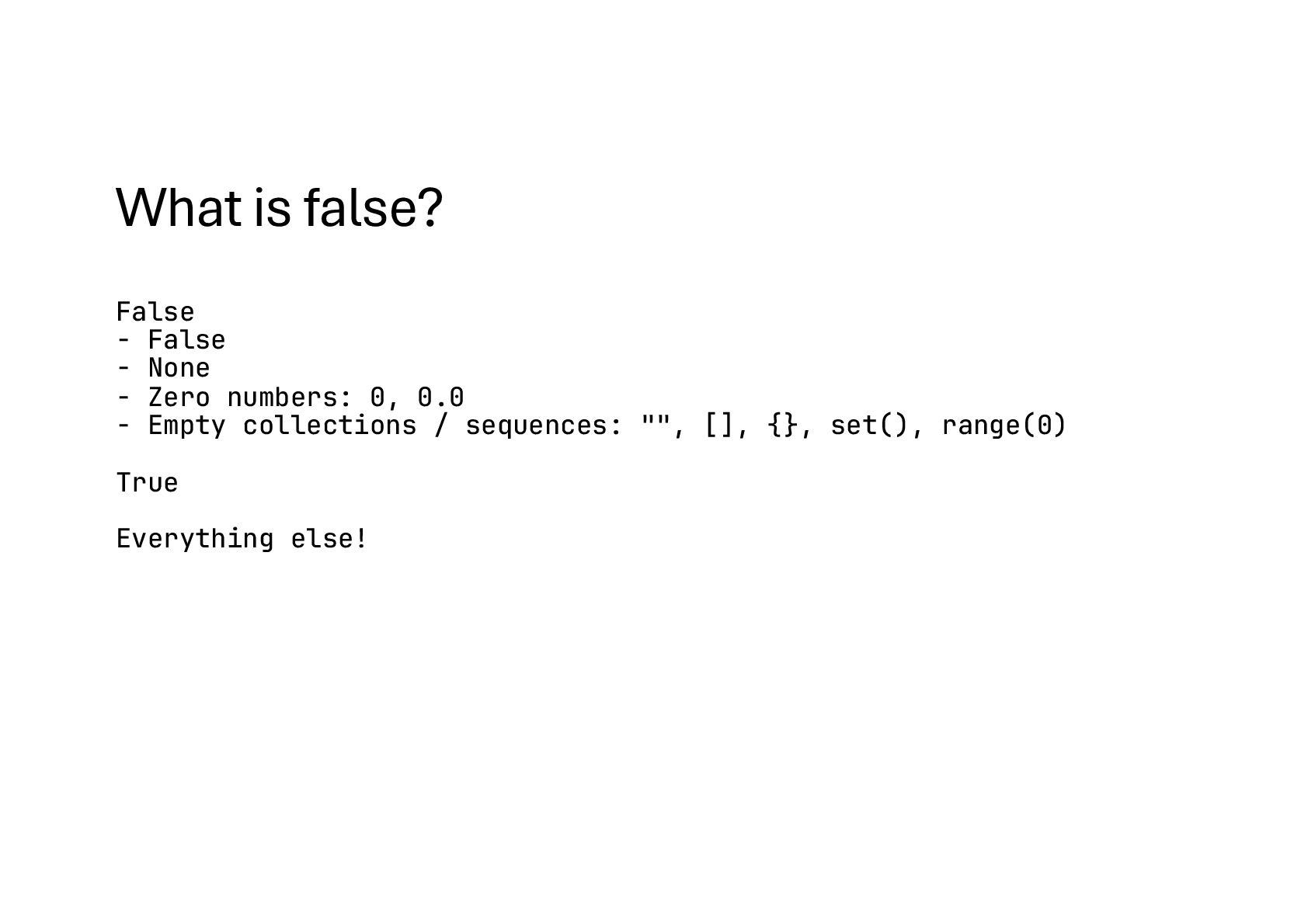
  33. What is false? False - False - None - Zero

    numbers: 0, 0.0 - Empty collections / sequences: "", [], {}, set(), range(0) True Everything else!
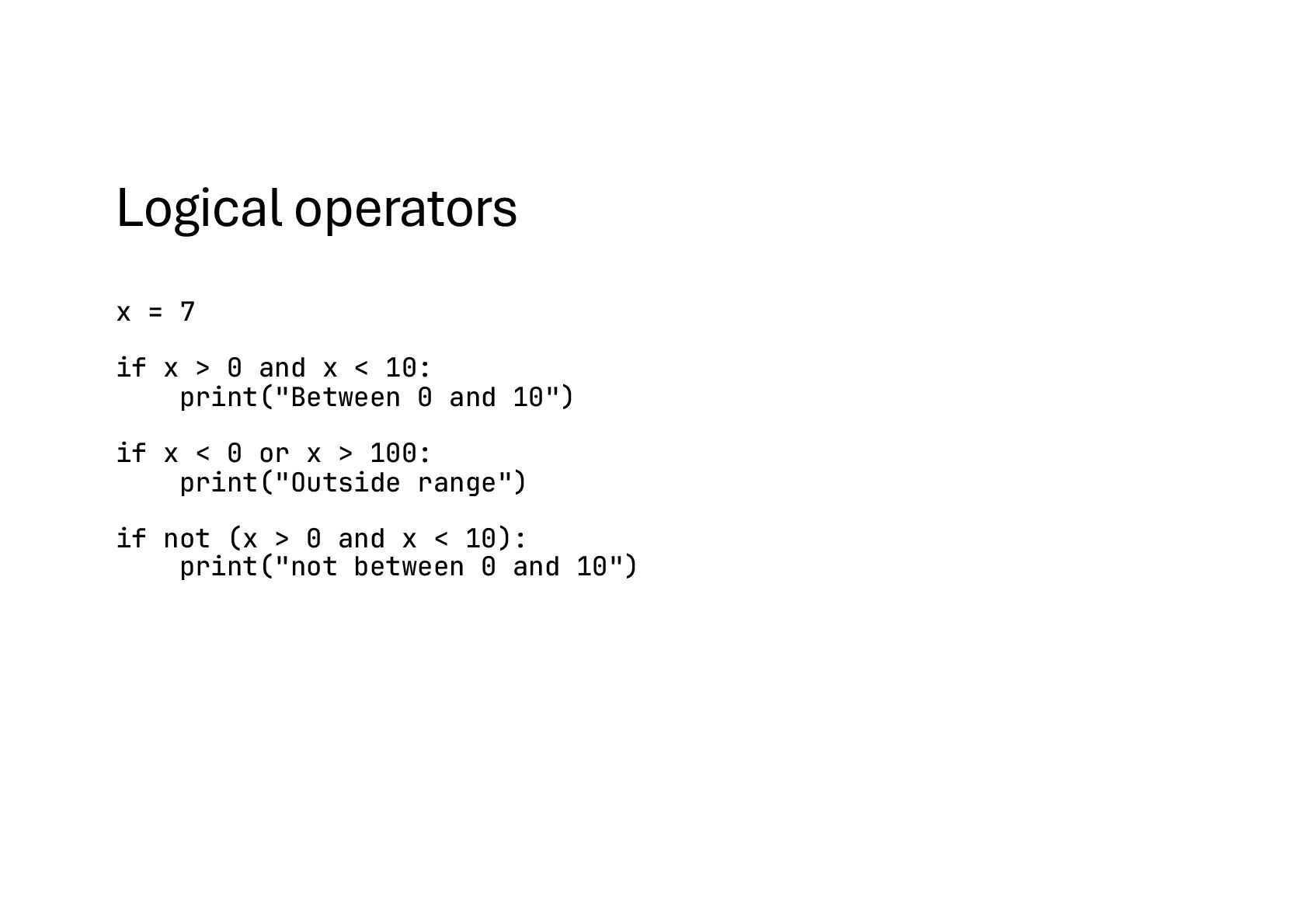
  34. Logical operators x = 7 if x > 0 and

    x < 10: print("Between 0 and 10") if x < 0 or x > 100: print("Outside range") if not (x > 0 and x < 10): print("not between 0 and 10")
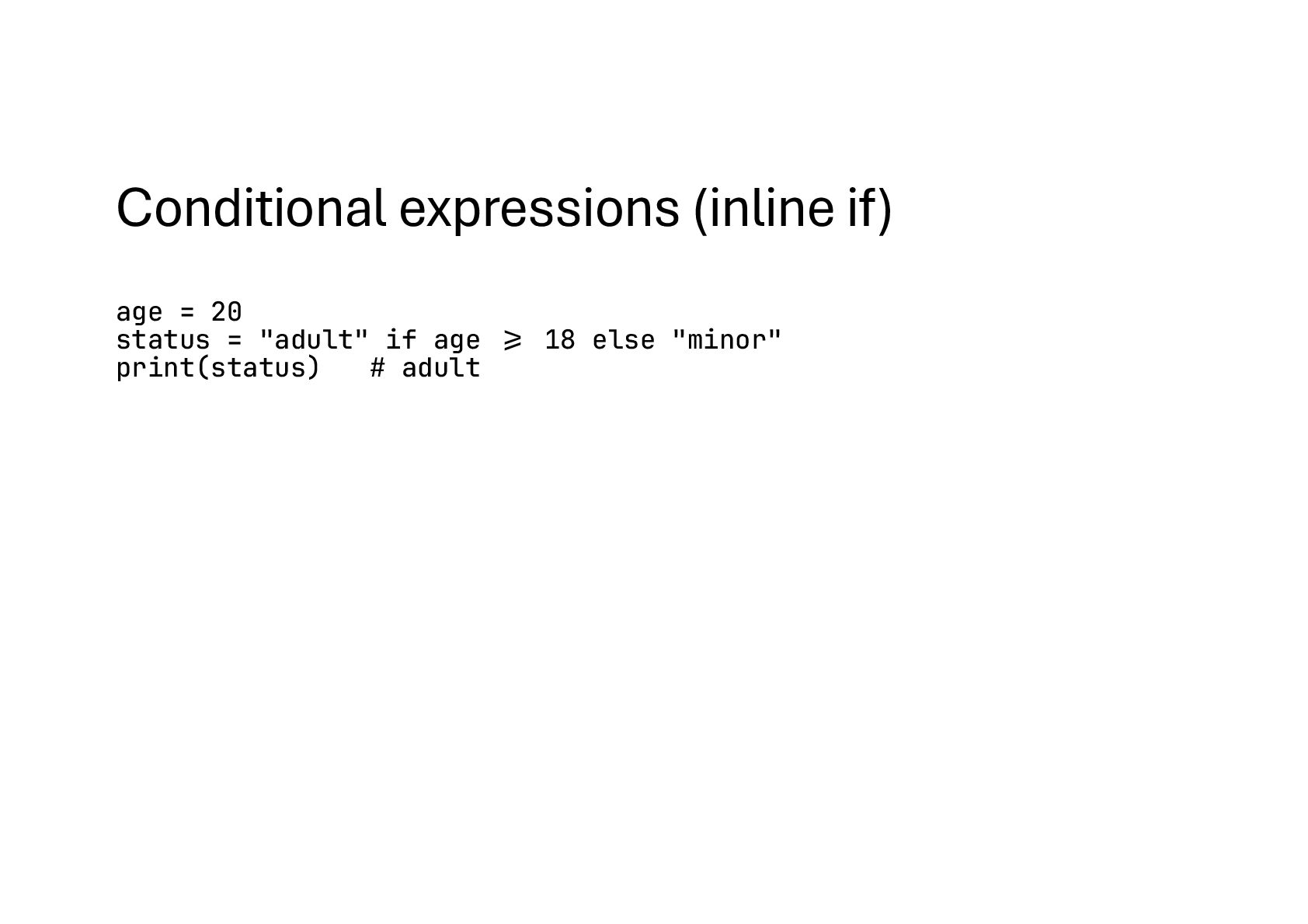
  35. Conditional expressions (inline if) age = 20 status = "adult"

    if age !>= 18 else "minor" print(status) # adult
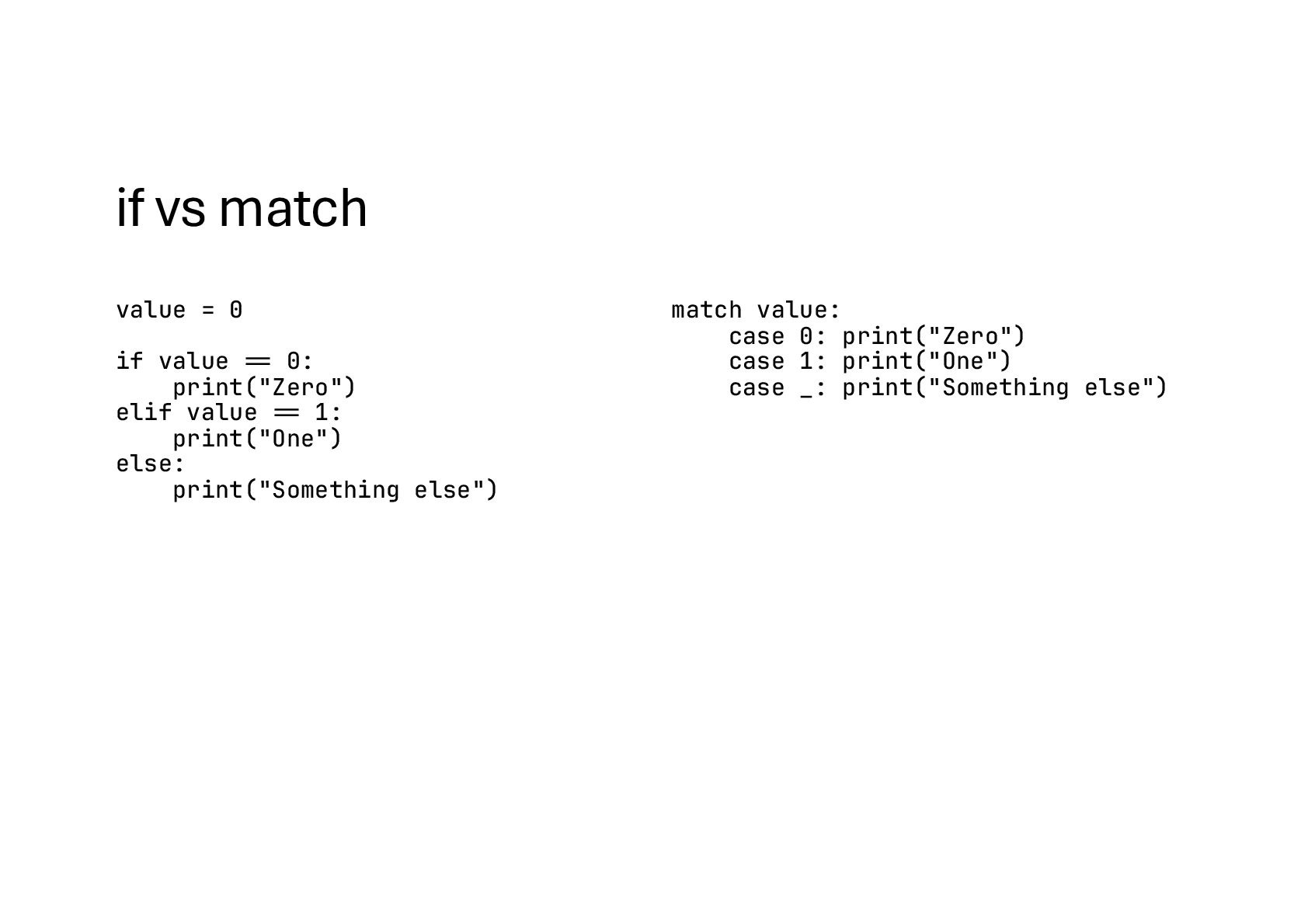
  36. if vs match value = 0 if value #== 0:

    print("Zero") elif value #== 1: print("One") else: print("Something else") match value: case 0: print("Zero") case 1: print("One") case _: print("Something else")
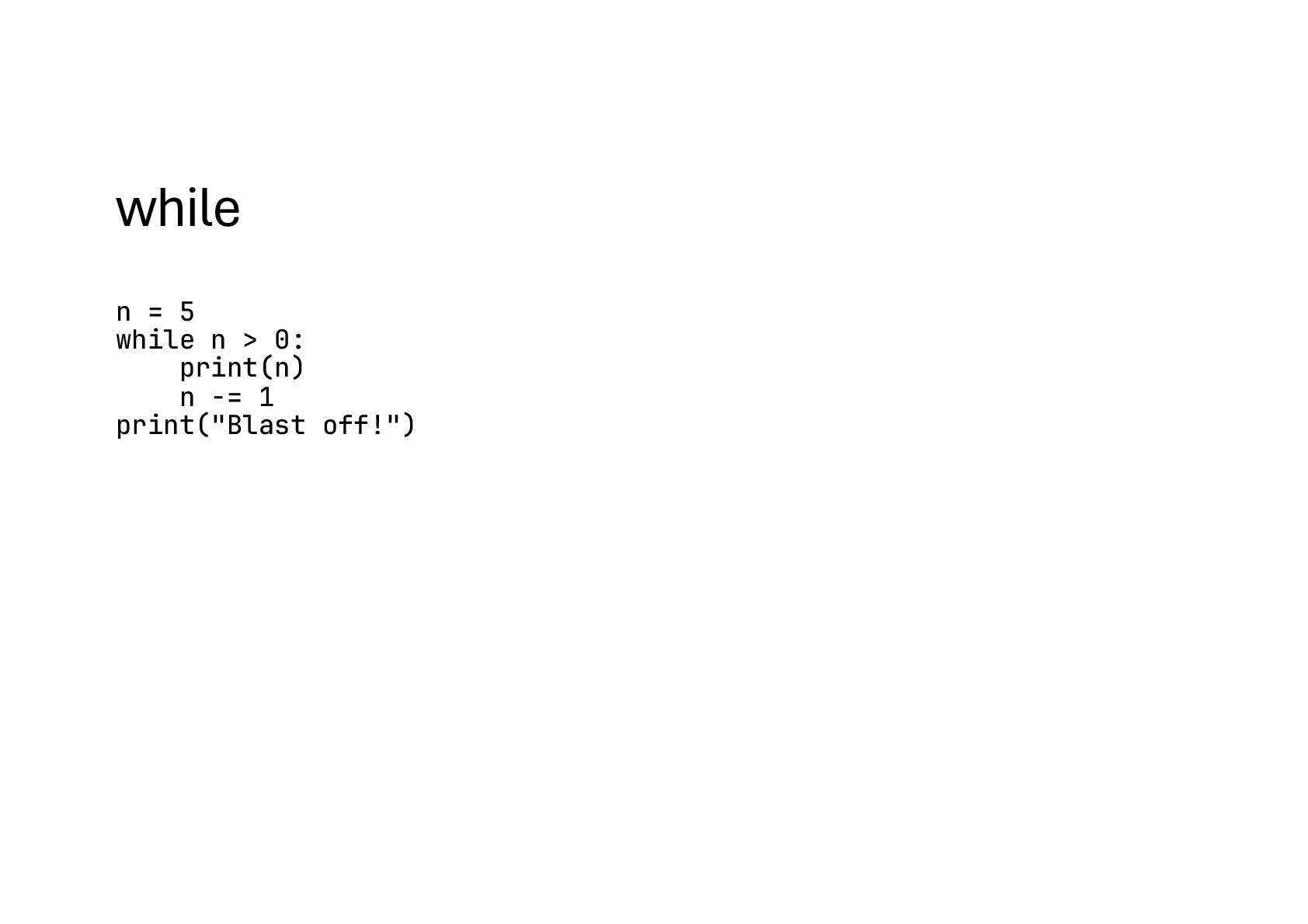
  37. while n = 5 while n > 0: print(n) n

    -= 1 print("Blast off!")
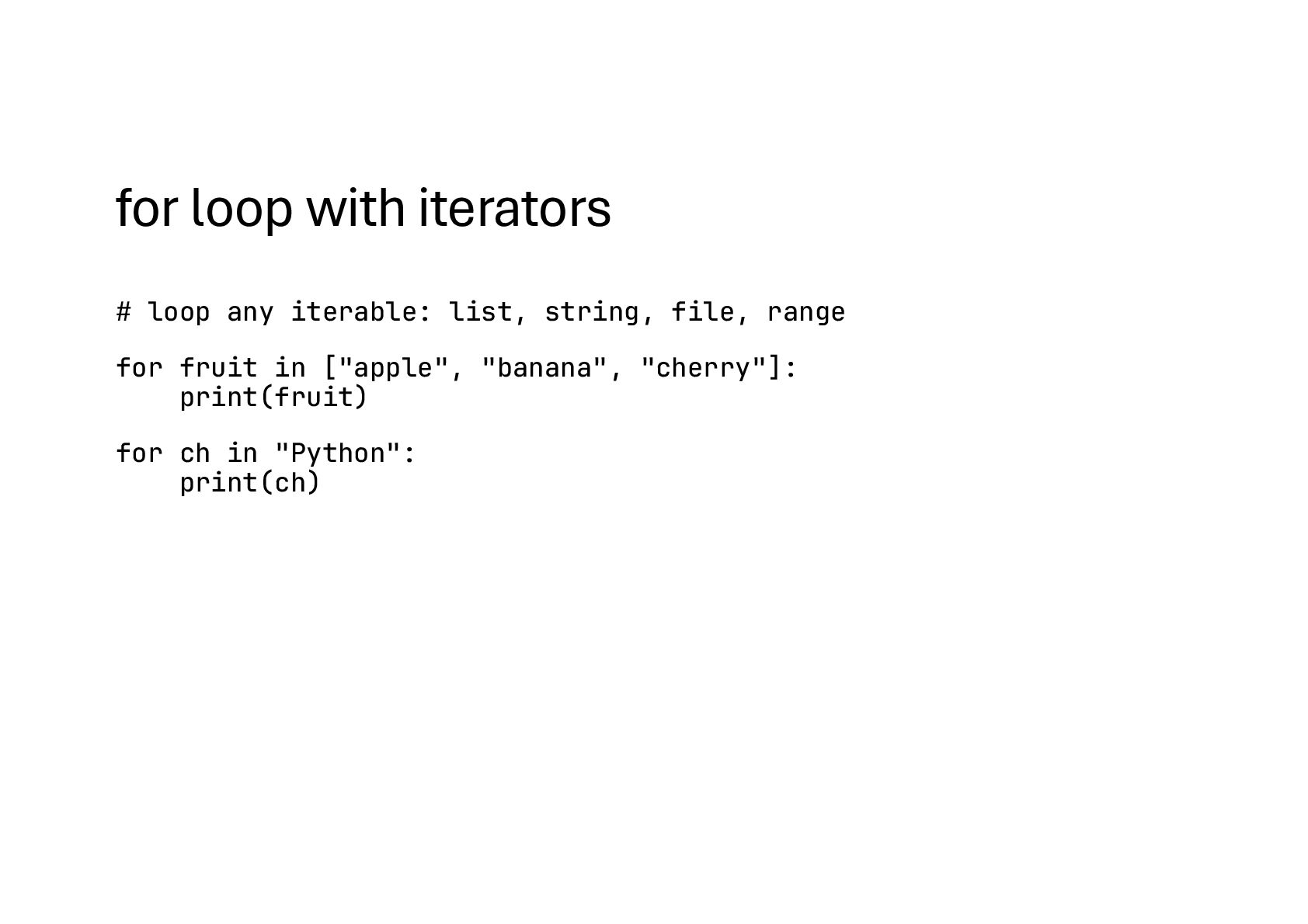
  38. for loop with iterators # loop any iterable: list, string,

    file, range for fruit in ["apple", "banana", "cherry"]: print(fruit) for ch in "Python": print(ch)
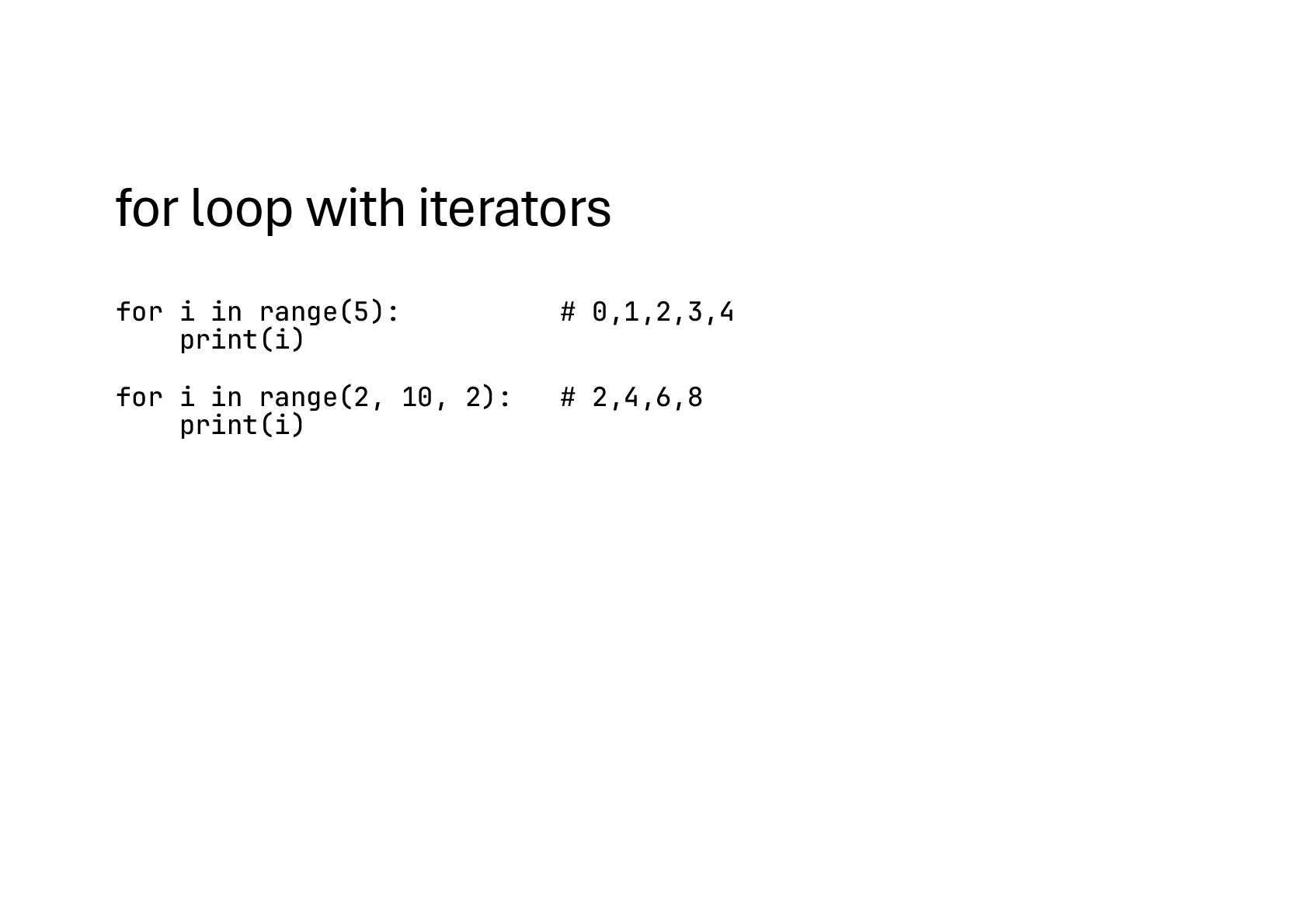
  39. for loop with iterators for i in range(5): # 0,1,2,3,4

    print(i) for i in range(2, 10, 2): # 2,4,6,8 print(i)
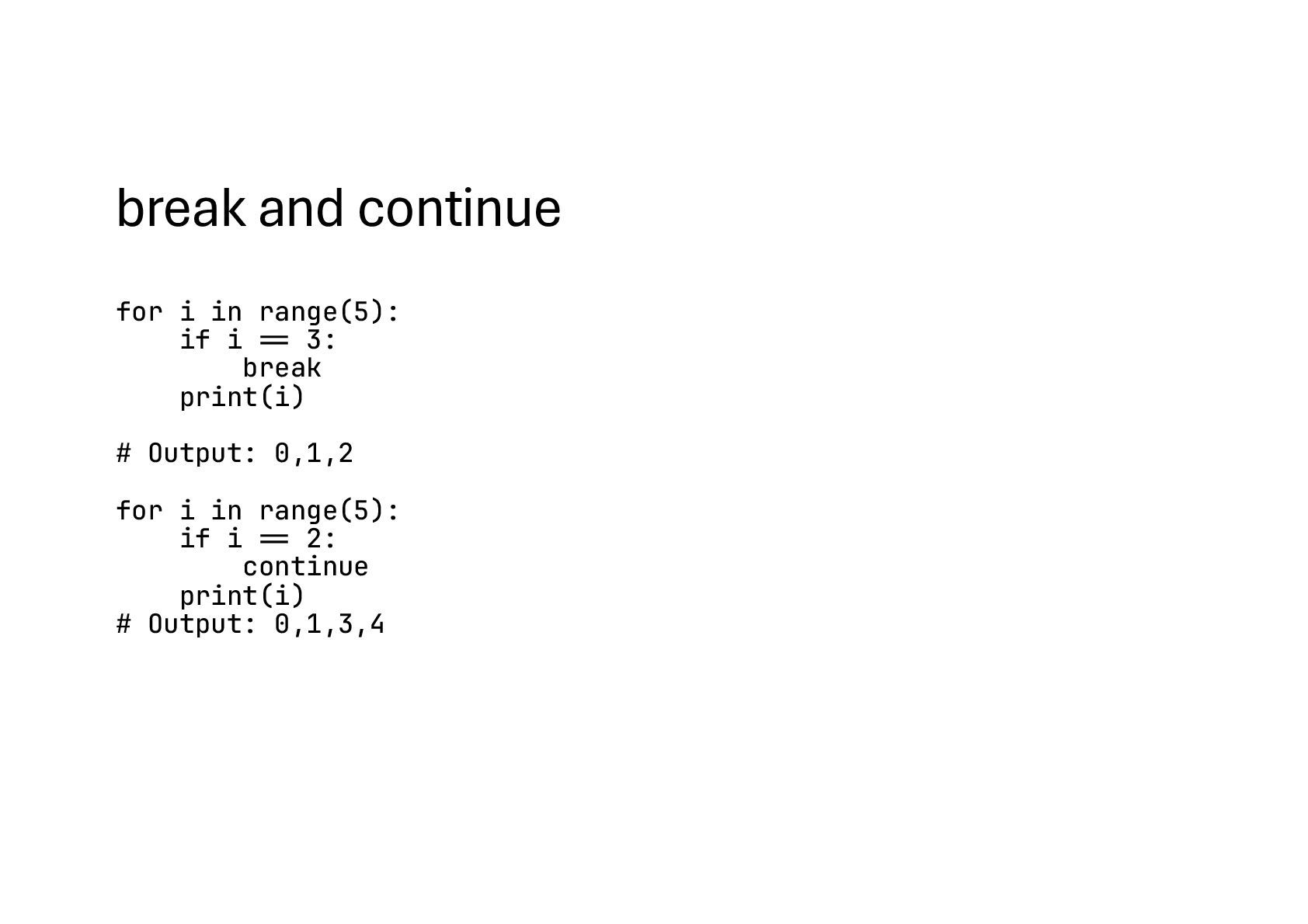
  40. break and continue for i in range(5): if i !==

    3: break print(i) # Output: 0,1,2 for i in range(5): if i !== 2: continue print(i) # Output: 0,1,3,4
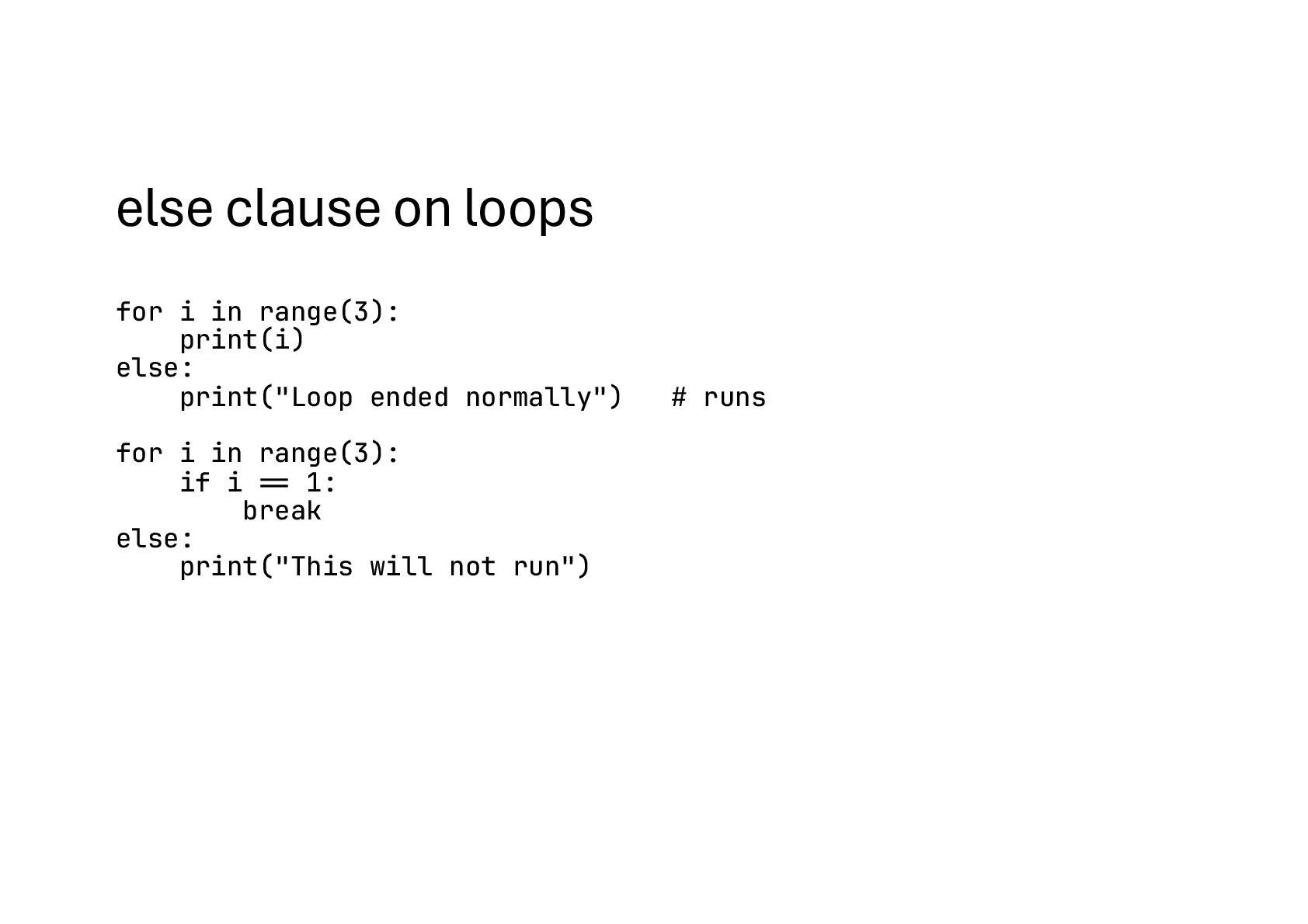
  41. else clause on loops for i in range(3): print(i) else:

    print("Loop ended normally") # runs for i in range(3): if i !== 1: break else: print("This will not run")
  42. Iterating with helpers for i, fruit in enumerate(["apple", "banana"], start=1):

    print(i, fruit) # 1 apple # 2 banana # multiple lists in parallel names = ["Ada", "Alan", "Grace"] scores = [95, 88, 92] for name, score in zip(names, scores): print(name, score) # key value pairs grades = {"Ada": "A", "Alan": "B"} for student, grade in grades.items(): print(student, grade)
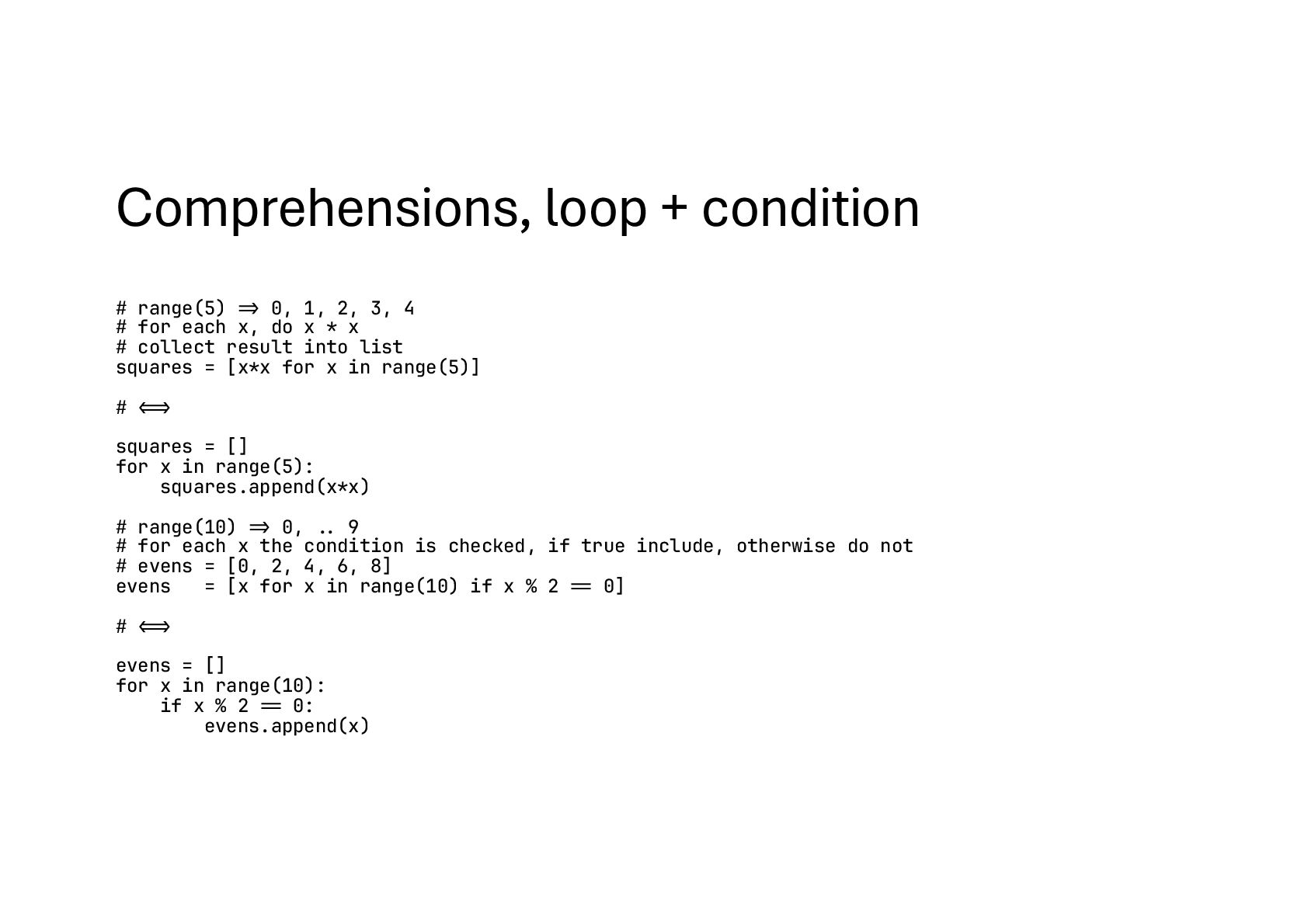
  43. Comprehensions, loop + condition # range(5) !=> 0, 1, 2,

    3, 4 # for each x, do x * x # collect result into list squares = [x*x for x in range(5)] # !!<=> squares = [] for x in range(5): squares.append(x*x) # range(10) !=> 0, !.. 9 # for each x the condition is checked, if true include, otherwise do not # evens = [0, 2, 4, 6, 8] evens = [x for x in range(10) if x % 2 !== 0] # !!<=> evens = [] for x in range(10): if x % 2 !== 0: evens.append(x)
  44. Comparison (chatgpt) Operation List Tuple Set Create nums = [1,

    2, 3] nums = (1, 2, 3) nums = {1, 2, 3} Add one nums.append(4) ❌ (immutable) nums.add(4) Add many nums.extend([5, 6]) ❌ nums.update([5, 6]) Insert at index nums.insert(1, 99) ❌ ❌ Remove by value nums.remove(2) ❌ nums.remove(2) # KeyError if missing Safe remove — — nums.discard(2) # no error if missing Pop element x = nums.pop() # last by default ❌ x = nums.pop() # arbitrary element Access by index first = nums[0] first = nums[0] ❌ Membership 2 in nums 2 in nums 2 in nums Iterate for x in nums:\n ... for x in nums:\n ... for x in nums:\n ...
  45. Why List? • A list in Python is like a

    flexible container where you can keep things that may change • Think of it like a shopping basket: you can put items in, take items out, or rearrange them • You need to add or remove items • You want to change existing items • You don’t know how many items there will be • You need to sort or rearrange data • Use a list whenever you need a collection that can grow, shrink, or change. • If the data is fixed and should never change, then a tuple is a better fit
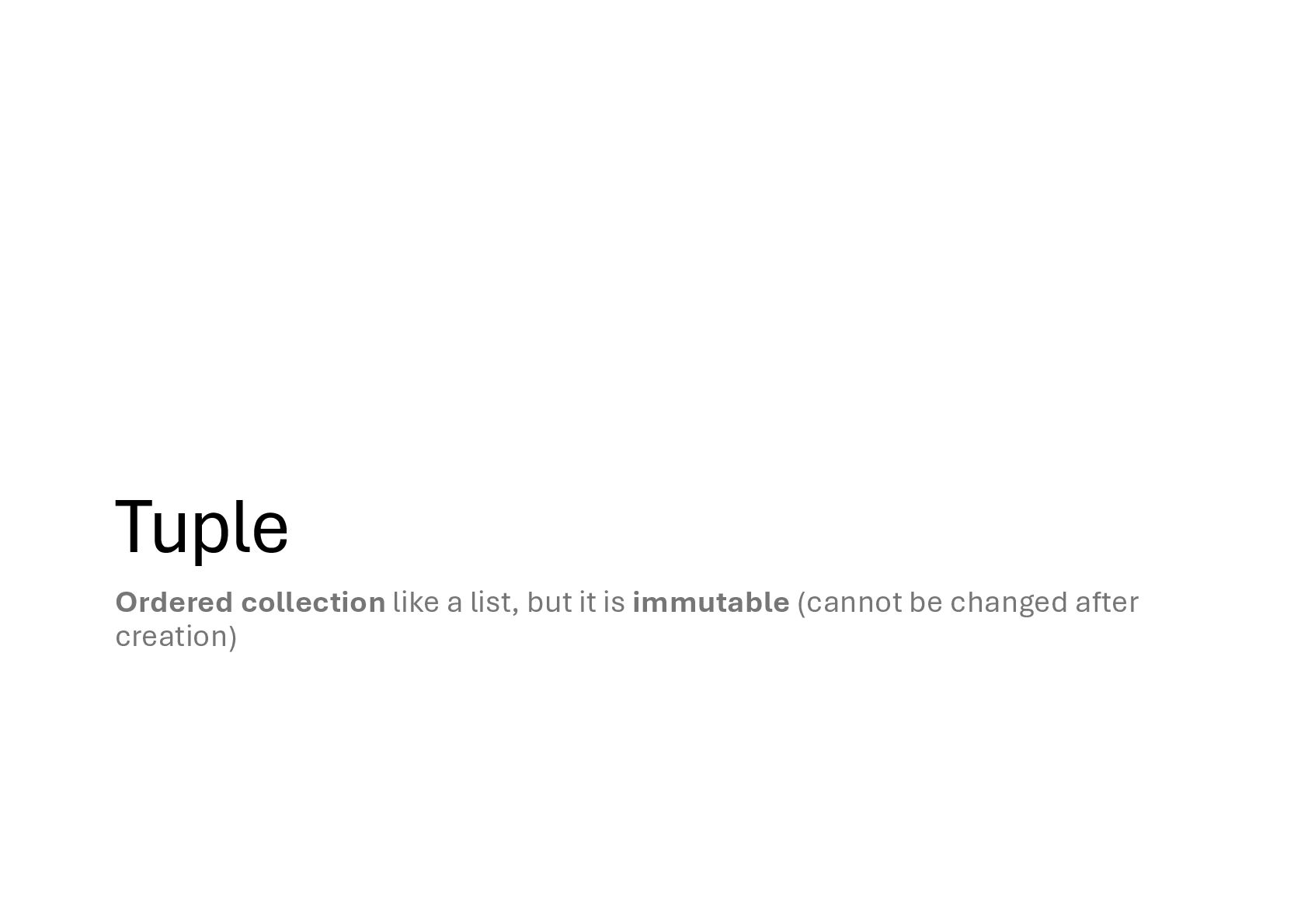
  46. Why Tuple? • A tuple is like a sealed box:

    once you put things inside, you can’t change them • You can’t add new items • You can’t remove items. • You can’t change existing items • Why? Data should never change • Days of week, Coordinates • Use a tuple when your data should be fixed and unchangeable
  47. Why Set? • A set is like a bag •

    You can throw items in, but duplicates disappear (only unique items remain) • You don’t care about the order (Python doesn’t guarantee order in sets) • You can quickly check if something is inside • Why? Remove duplicates automatically • Fast membership testing, much faster for big datasets than checking in a list • Set operations: union, intersection
  48. List, Tuple and Set • Use a list if you

    want order and allow duplicates • Use a tuple if the data should never change • Use a set when you only care about unique items, not duplicates
  49. Memory Handling: Classic Analogy (Java/C-like) • Stack: stores variables (names)

    that reference objects. • Heap: stores objects (lists, dicts, strings, etc.) • Mindset: "variables live on the stack, objects live on the heap"
  50. Example # One list in heap # a and b

    points to the same object a = [1, 2, 3] b = a a.append(4) # [1, 2, 3, 4] print(b) # shallow copy b = a.copy() # Content same? print(a !== b) # Memory address same? print(a is b)
  51. CPython Internals • Stack vs Heap analogy is useful, but

    Python’s model is different • Variables (names) do not live on a traditional stack • Namespaces are dict objects stored on the heap • The call stack only keeps references to these namespace dicts
  52. Namespaces? • Namespaces = Dictionaries • globals() → shows current

    global namespace (dict). • locals() → shows local variables inside functions. • Each function call creates a frame with its own local namespace dict • The call stack is just a list of frames • Everything in Python is an object on the heap, even the namespaces
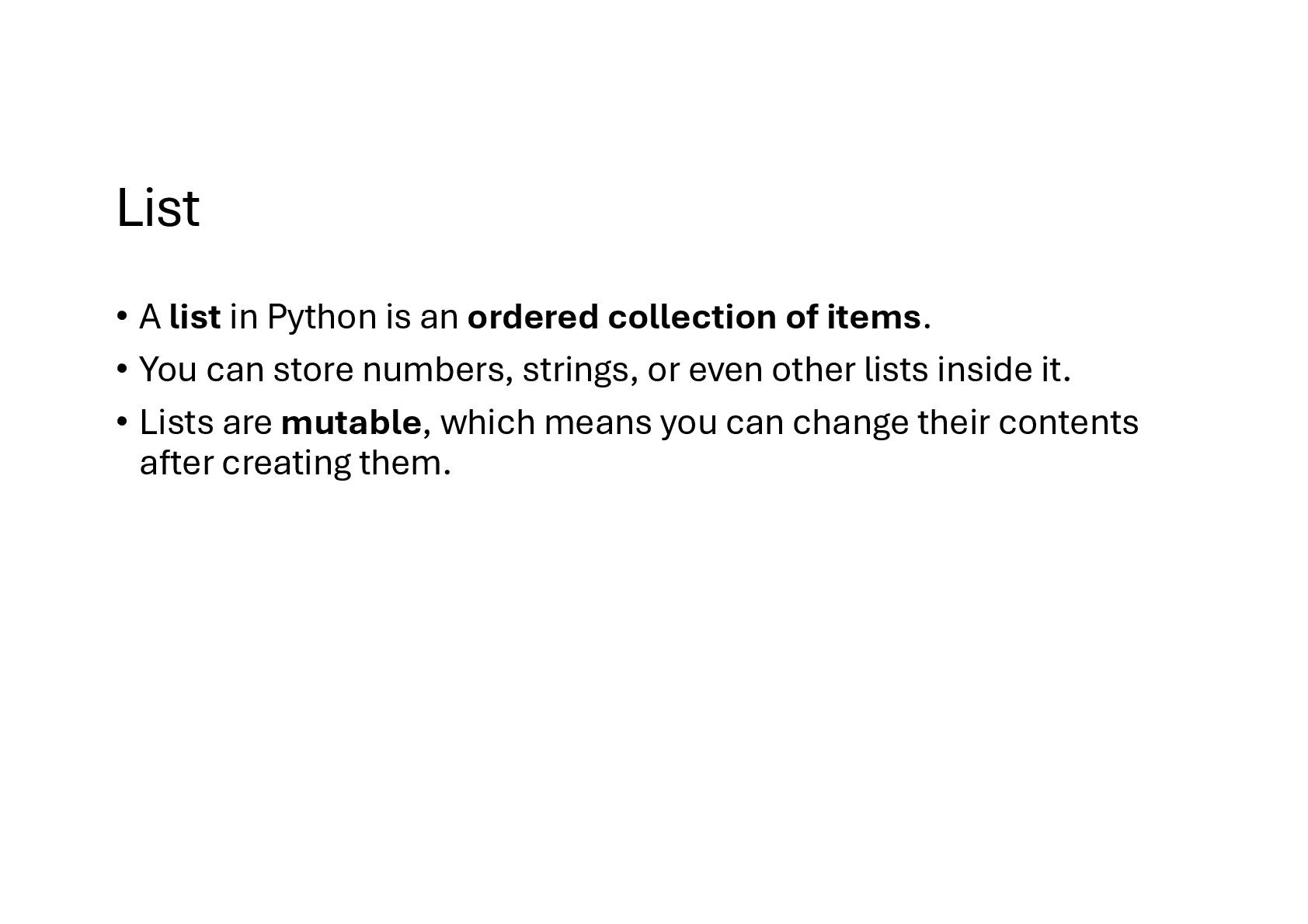
  53. List • A list in Python is an ordered collection

    of items. • You can store numbers, strings, or even other lists inside it. • Lists are mutable, which means you can change their contents after creating them.
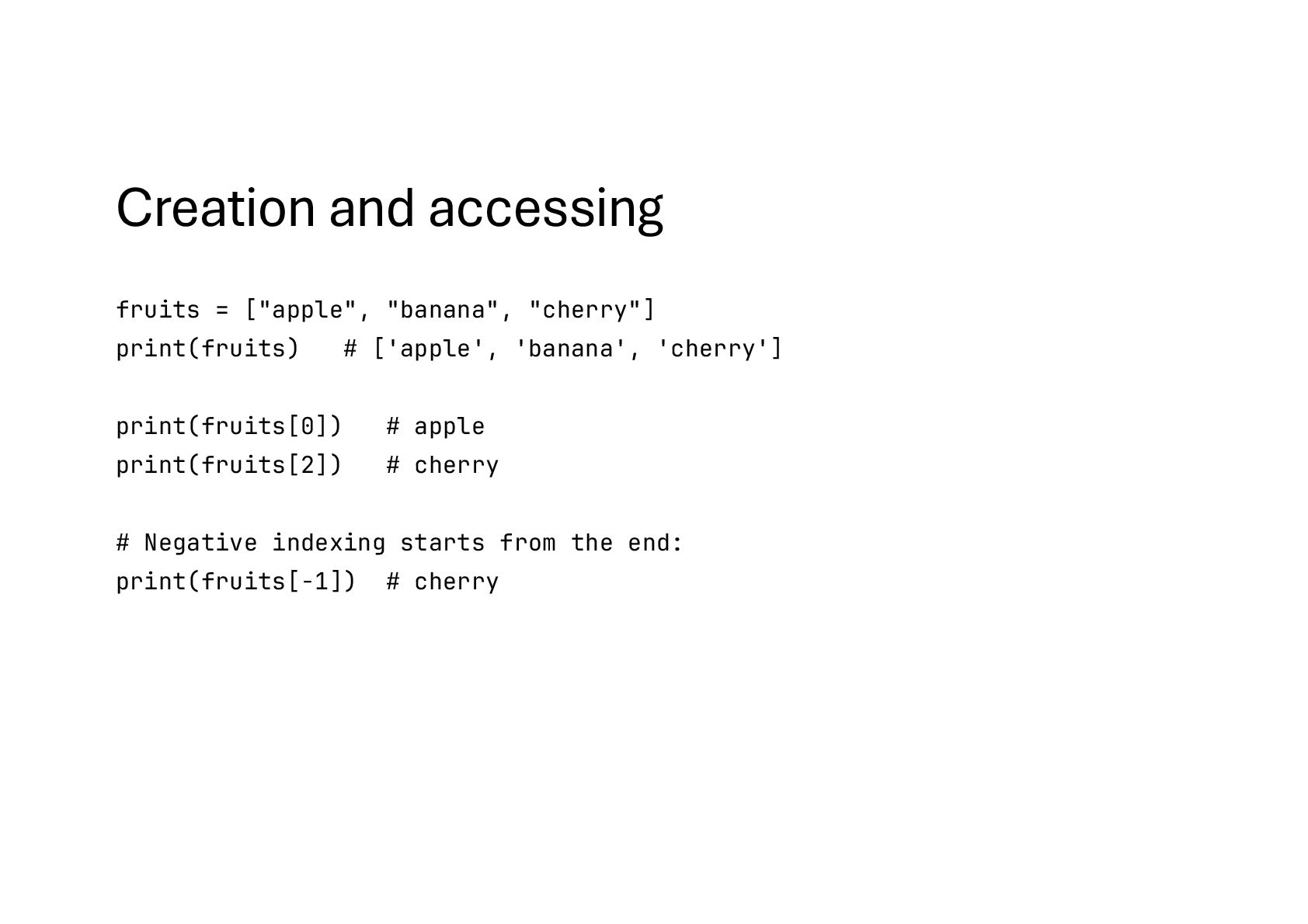
  54. Creation and accessing fruits = ["apple", "banana", "cherry"] print(fruits) #

    ['apple', 'banana', 'cherry'] print(fruits[0]) # apple print(fruits[2]) # cherry # Negative indexing starts from the end: print(fruits[-1]) # cherry
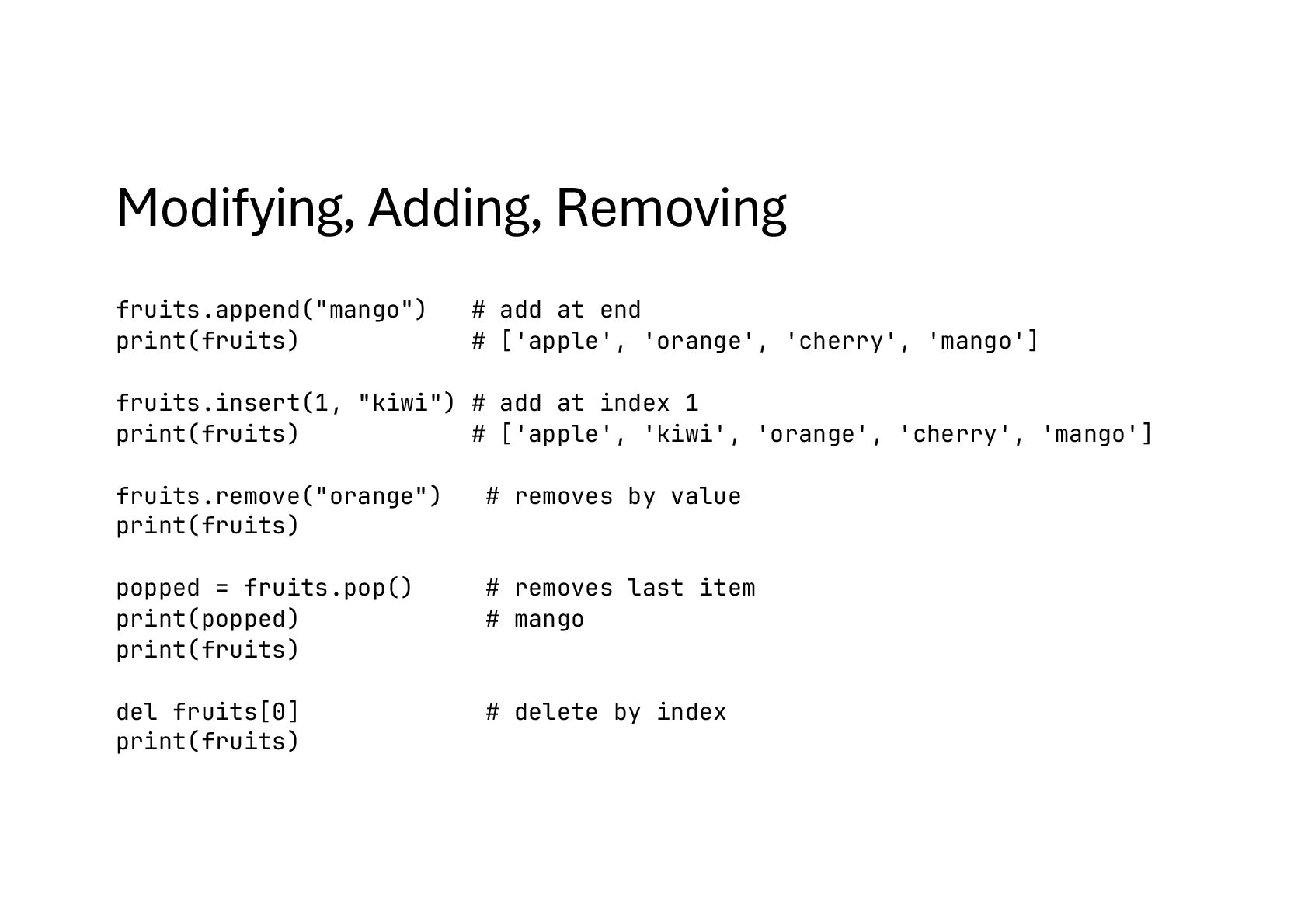
  55. Modifying, Adding, Removing fruits.append("mango") # add at end print(fruits) #

    ['apple', 'orange', 'cherry', 'mango'] fruits.insert(1, "kiwi") # add at index 1 print(fruits) # ['apple', 'kiwi', 'orange', 'cherry', 'mango'] fruits.remove("orange") # removes by value print(fruits) popped = fruits.pop() # removes last item print(popped) # mango print(fruits) del fruits[0] # delete by index print(fruits)
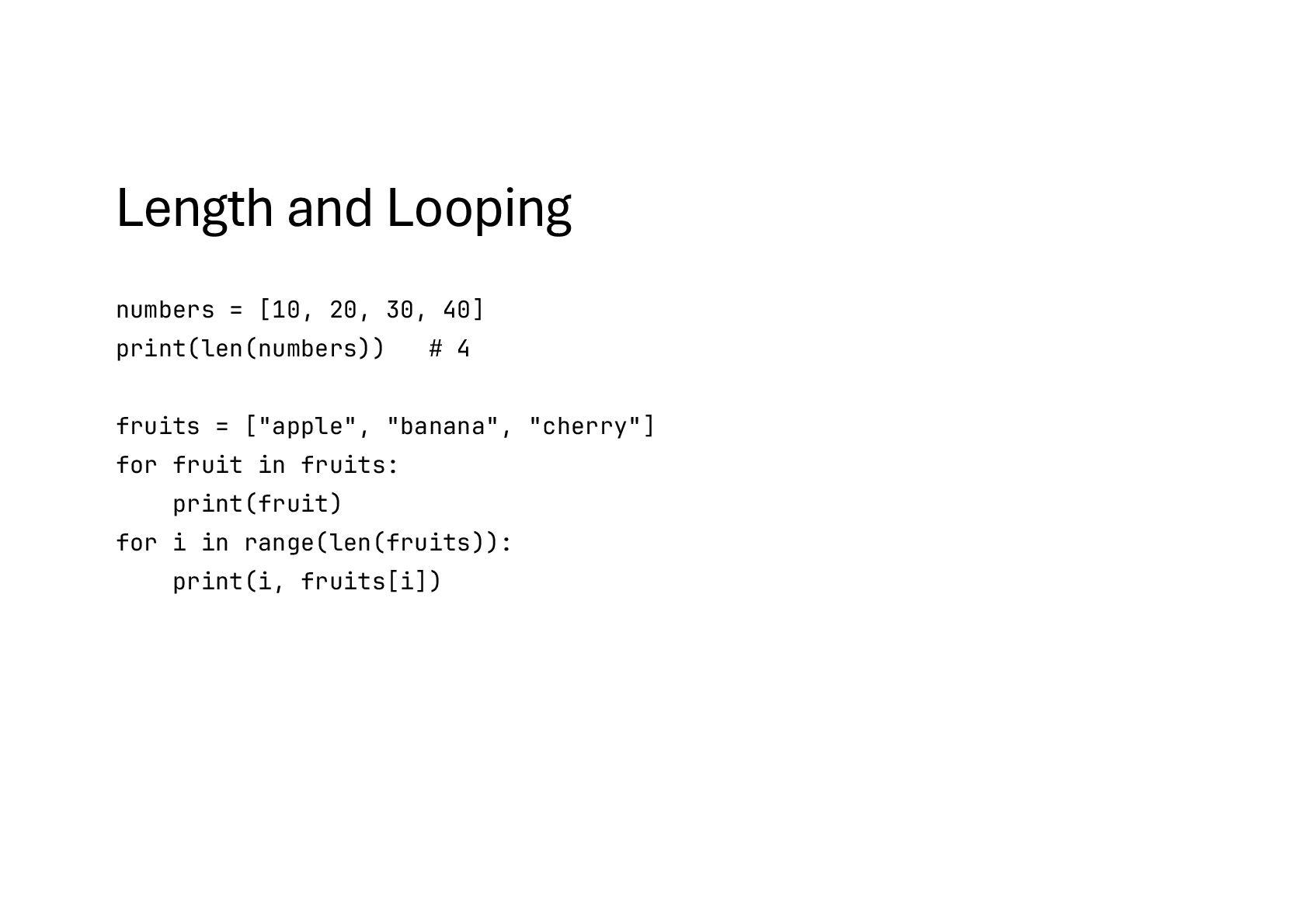
  56. Length and Looping numbers = [10, 20, 30, 40] print(len(numbers))

    # 4 fruits = ["apple", "banana", "cherry"] for fruit in fruits: print(fruit) for i in range(len(fruits)): print(i, fruits[i])
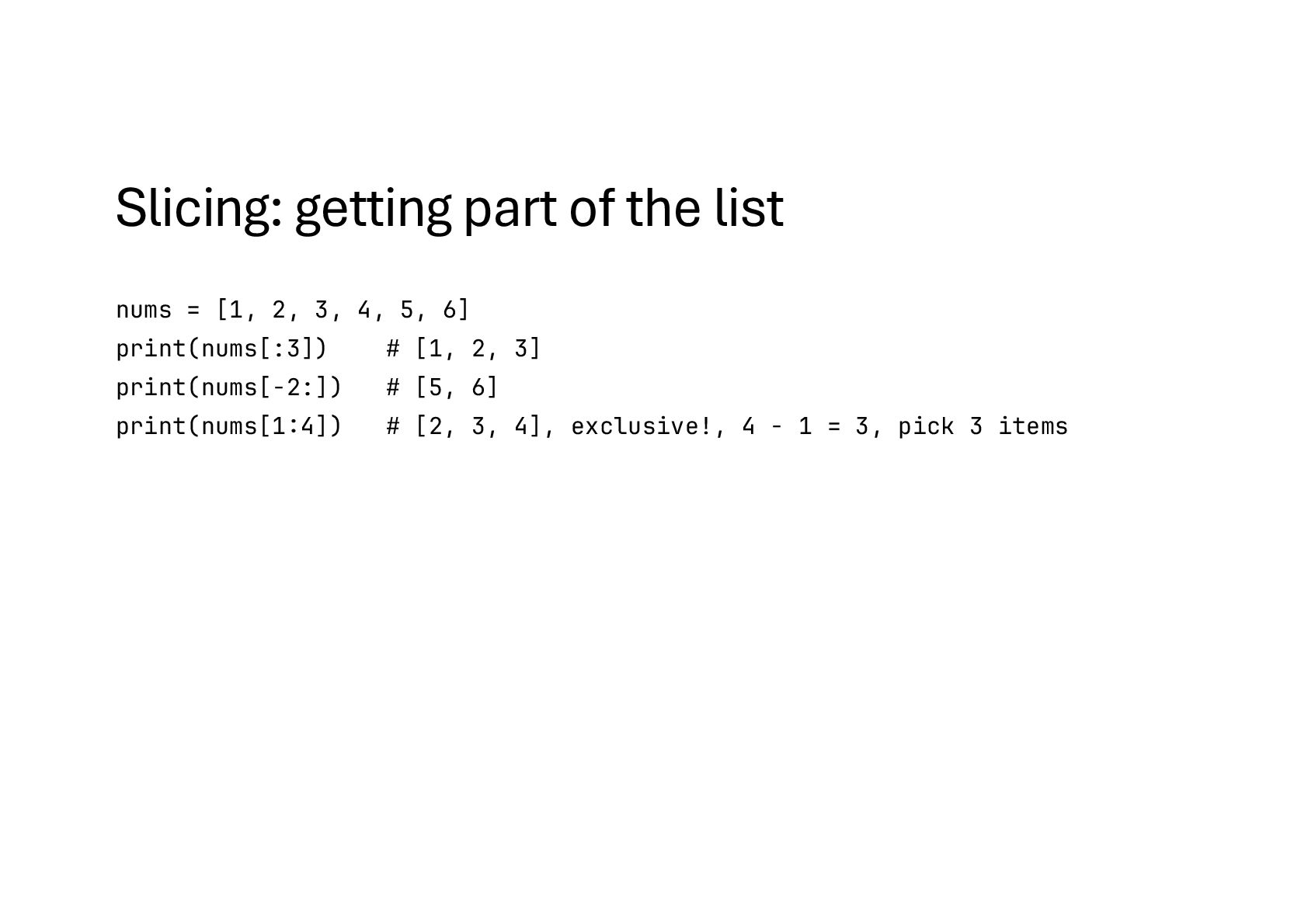
  57. Slicing: getting part of the list nums = [1, 2,

    3, 4, 5, 6] print(nums[:3]) # [1, 2, 3] print(nums[-2:]) # [5, 6] print(nums[1:4]) # [2, 3, 4], exclusive!, 4 - 1 = 3, pick 3 items
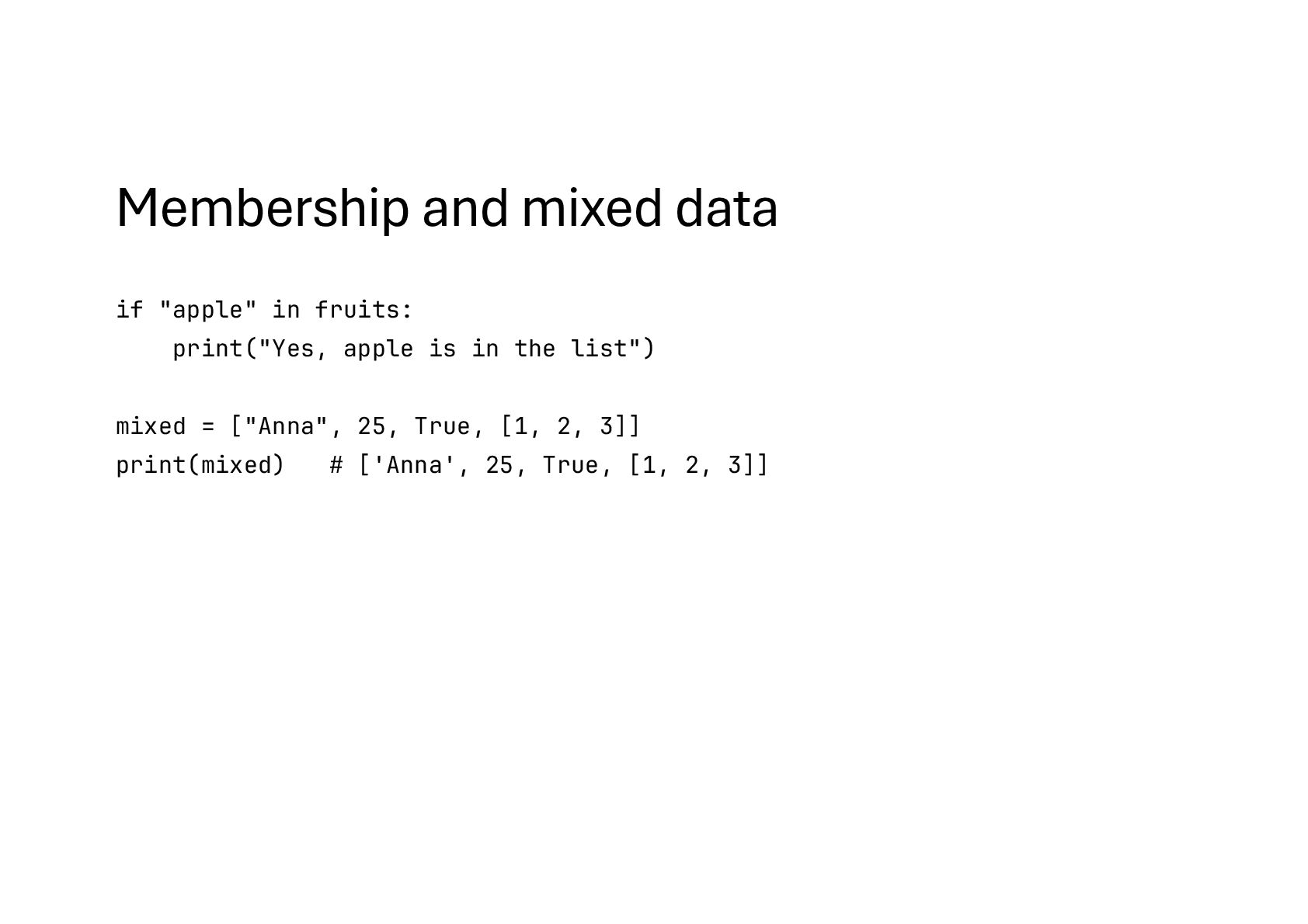
  58. Membership and mixed data fruits = ["apple", "orange", "banana"] if

    "apple" in fruits: print("Yes, apple is in the list") mixed = ["Anna", 25, True, [1, 2, 3]] print(mixed) # ['Anna', 25, True, [1, 2, 3]]
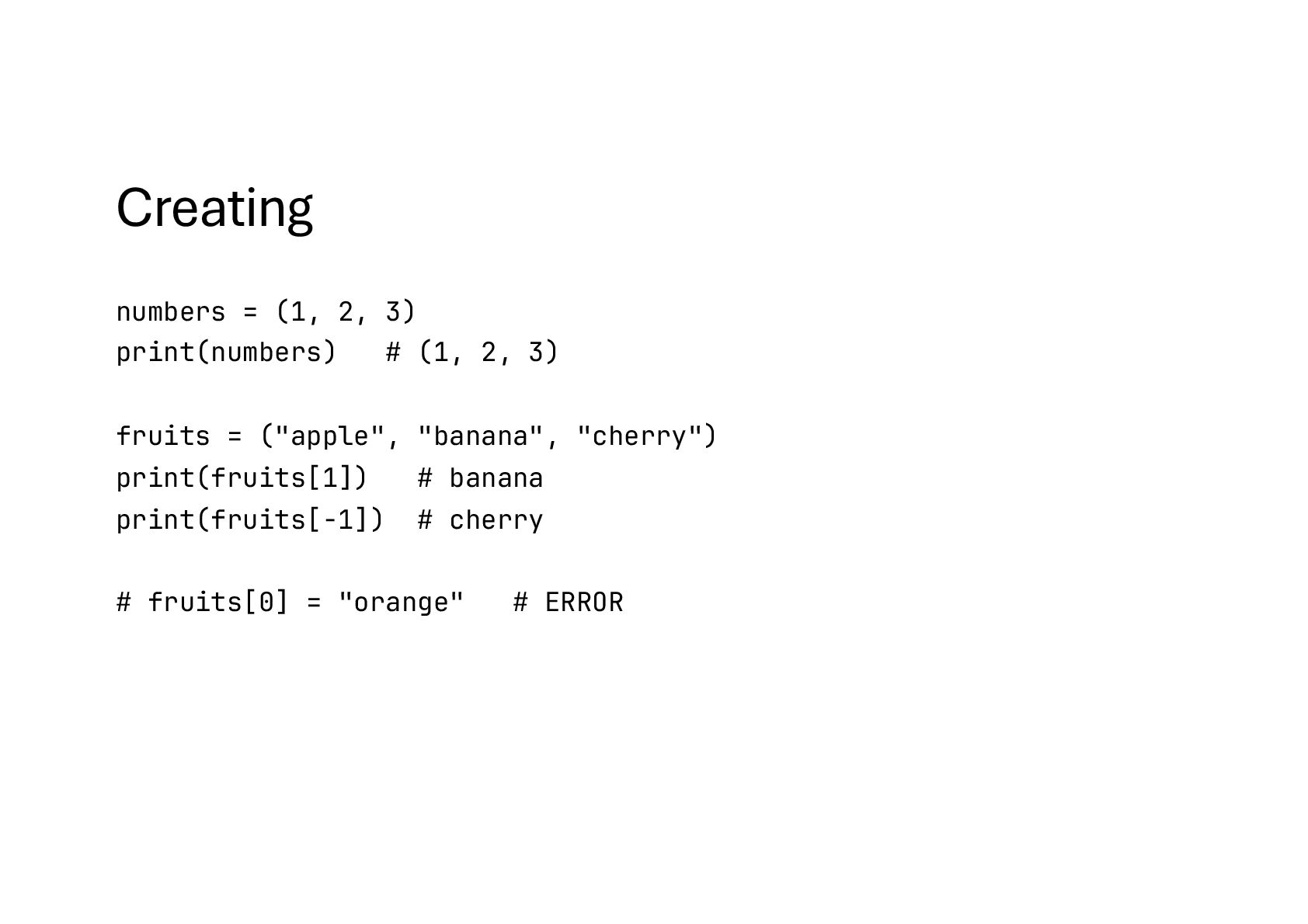
  59. Creating numbers = (1, 2, 3) print(numbers) # (1, 2,

    3) fruits = ("apple", "banana", "cherry") print(fruits[1]) # banana print(fruits[-1]) # cherry # fruits[0] = "orange" # ERROR
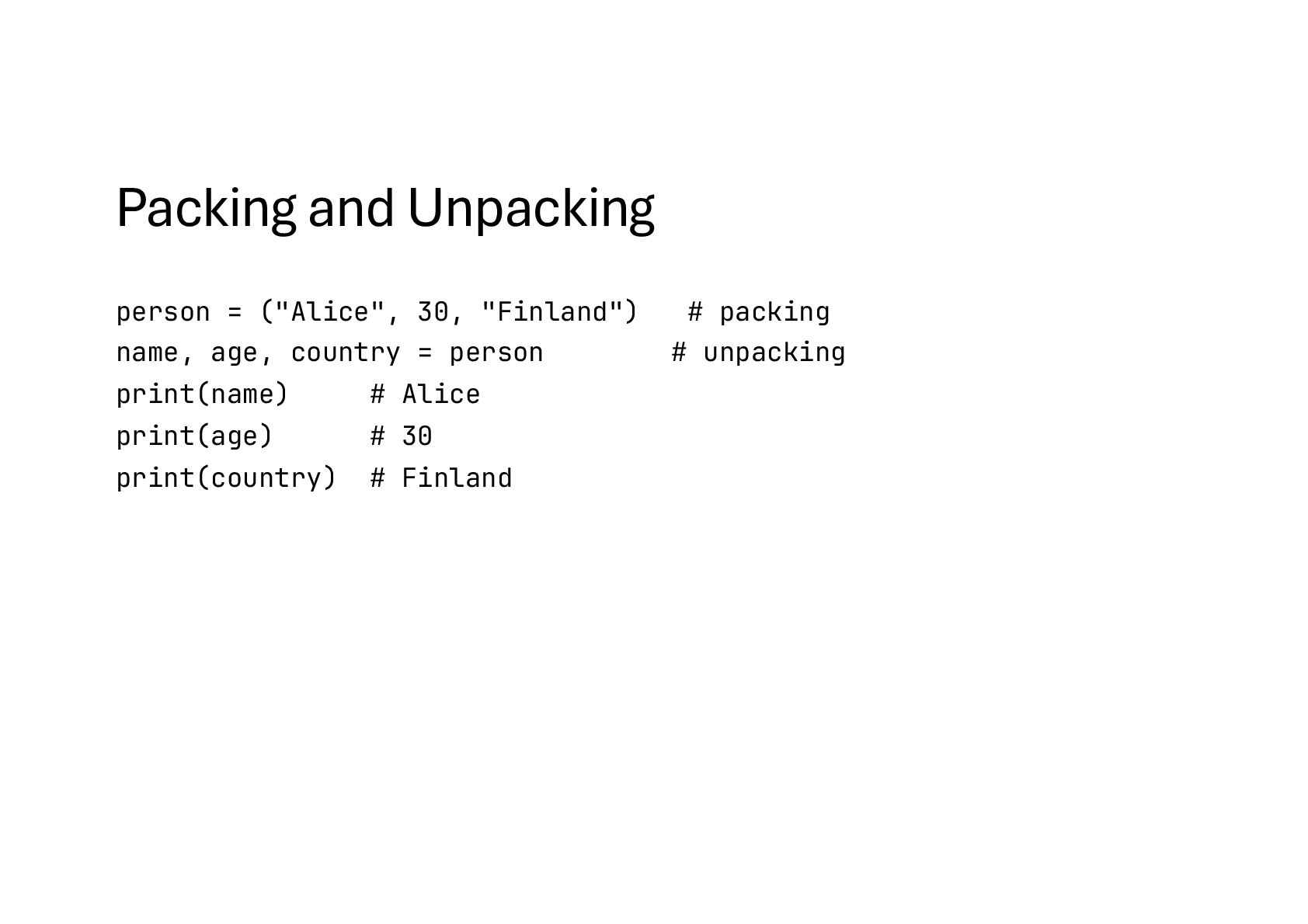
  60. Packing and Unpacking person = ("Alice", 30, "Finland") # packing

    name, age, country = person # unpacking print(name) # Alice print(age) # 30 print(country) # Finland
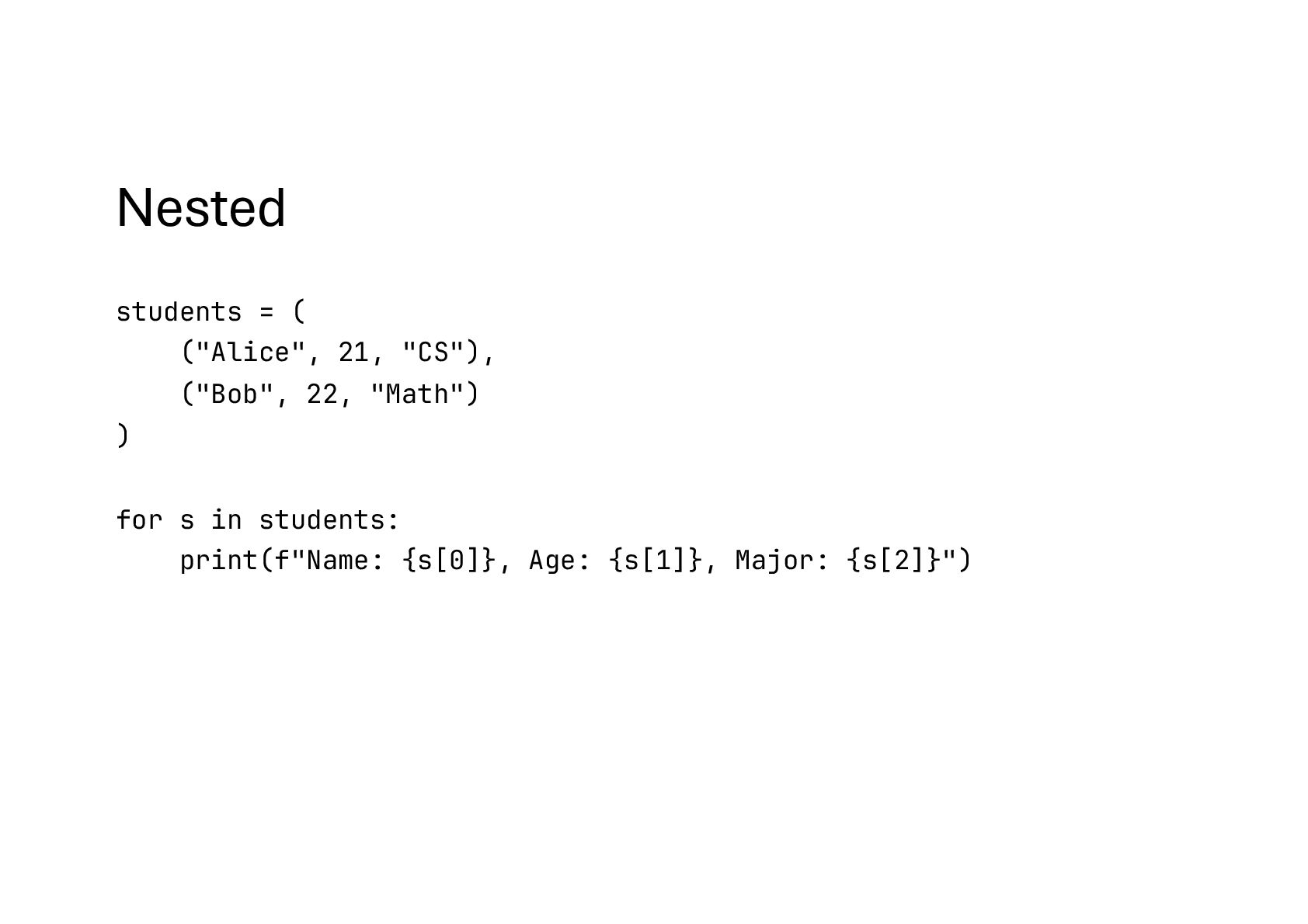
  61. Nested students = ( ("Alice", 21, "CS"), ("Bob", 22, "Math")

    ) for s in students: print(f"Name: {s[0]}, Age: {s[1]}, Major: {s[2]}")
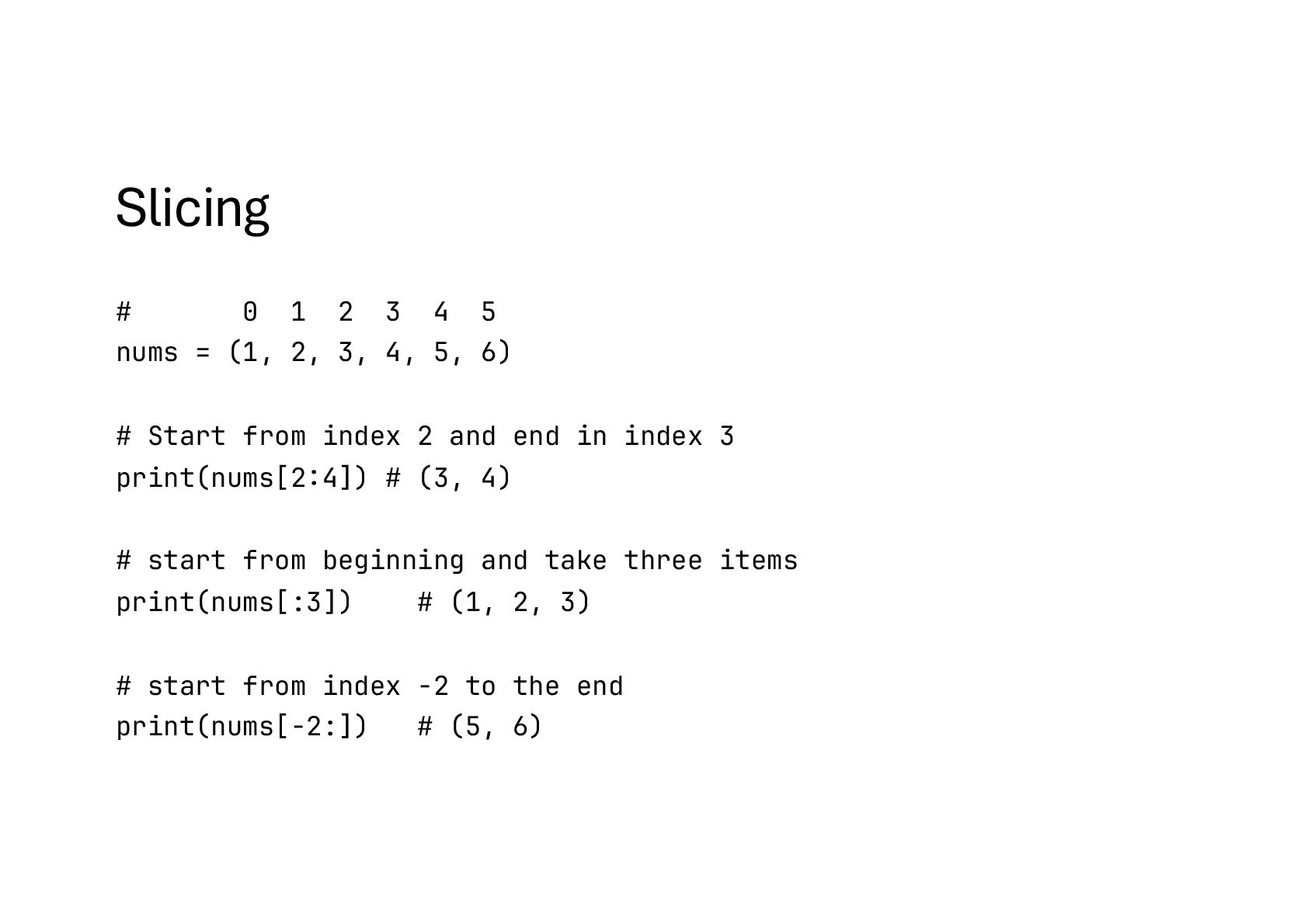
  62. Slicing # 0 1 2 3 4 5 nums =

    (1, 2, 3, 4, 5, 6) # Start from index 2 and end in index 3 print(nums[2:4]) # (3, 4) # start from beginning and take three items print(nums[:3]) # (1, 2, 3) # start from index -2 to the end print(nums[-2:]) # (5, 6)
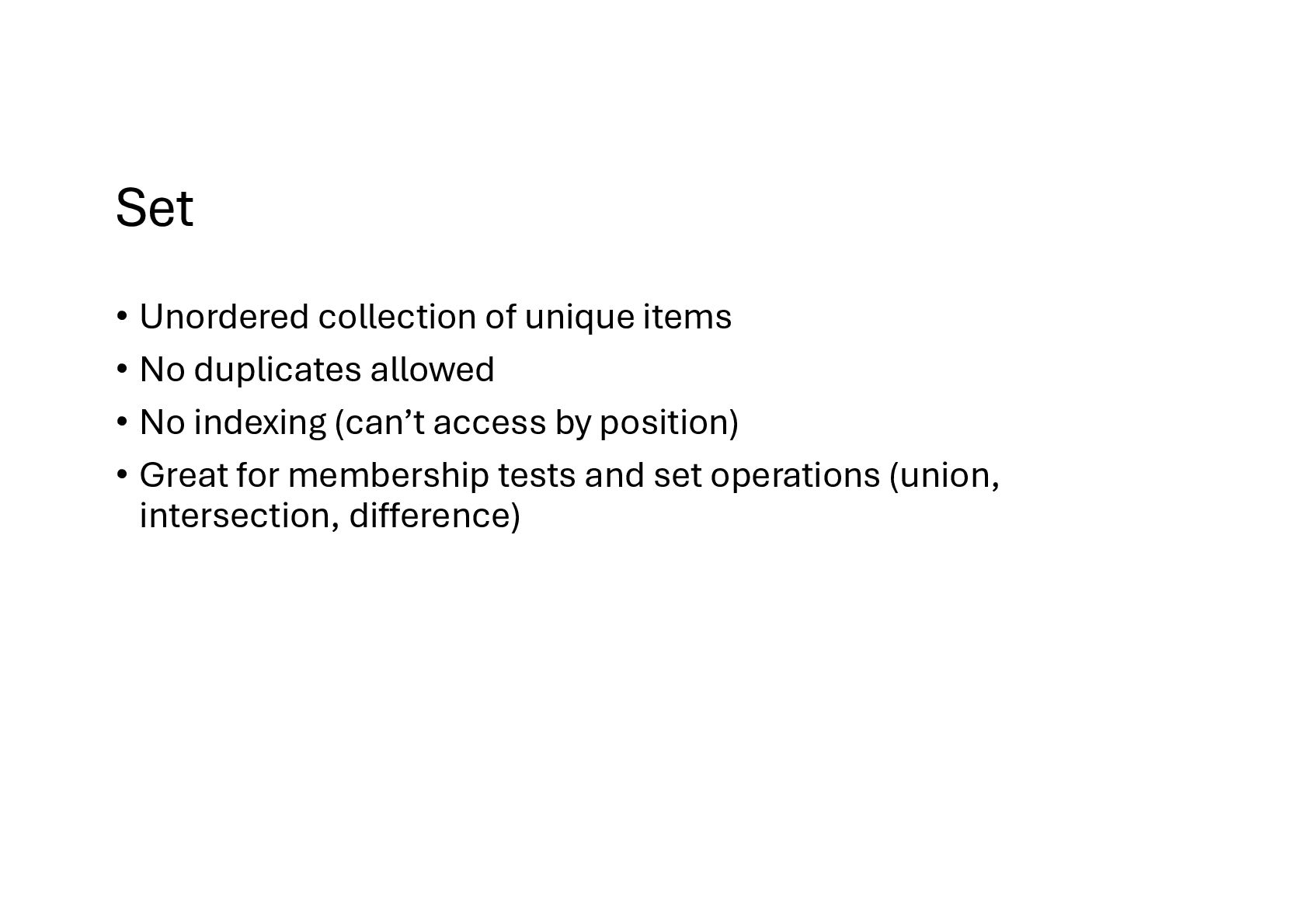
  63. Set • Unordered collection of unique items • No duplicates

    allowed • No indexing (can’t access by position) • Great for membership tests and set operations (union, intersection, difference)
  64. Creating numbers = {1, 2, 3, 3, 2} print(numbers) #

    {1, 2, 3} empty = set() # {} would create a dictionary, not a set items = ["apple", "banana", "apple", "orange"] unique = set(items) print(unique) # {'apple', 'banana', 'orange'}
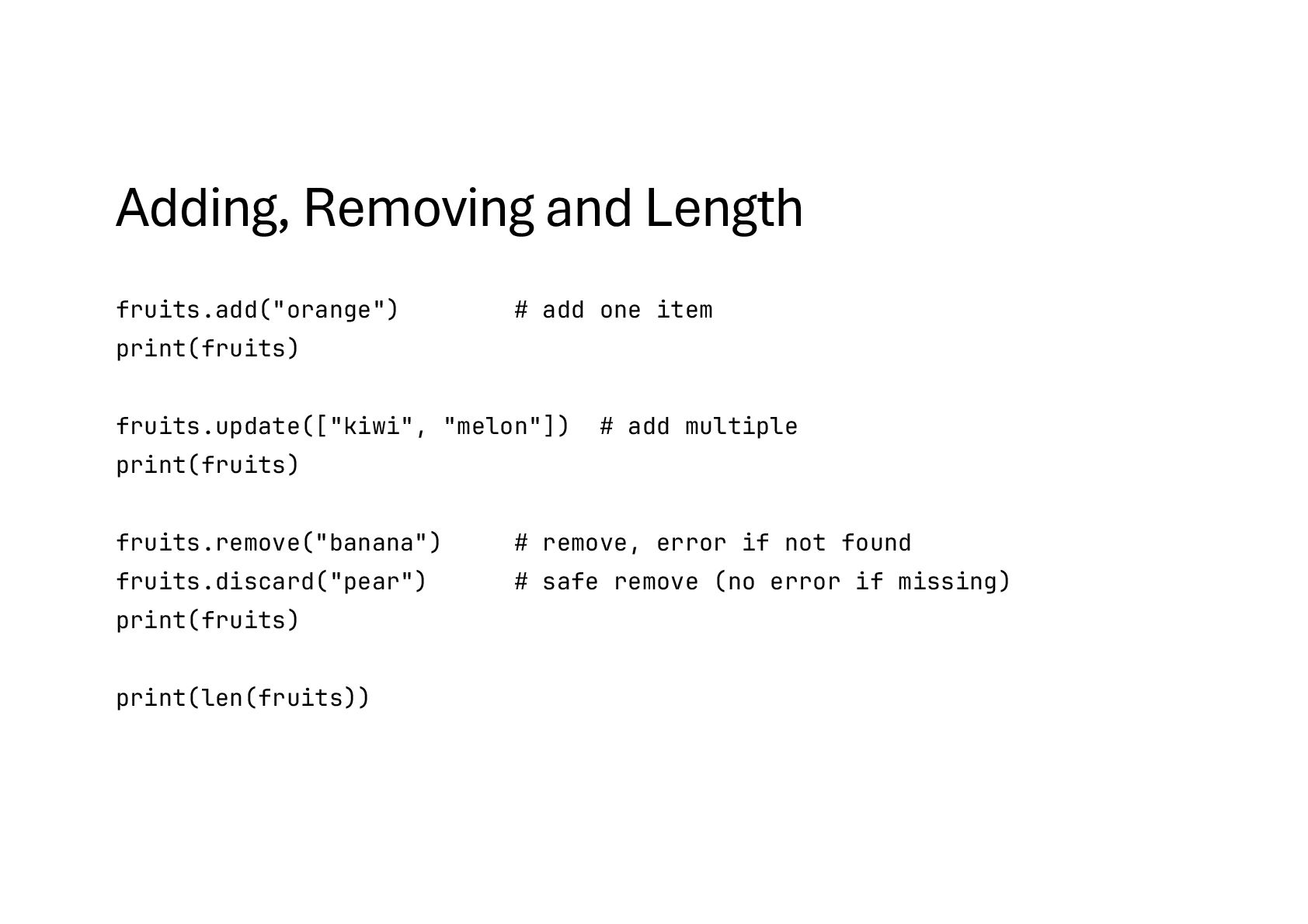
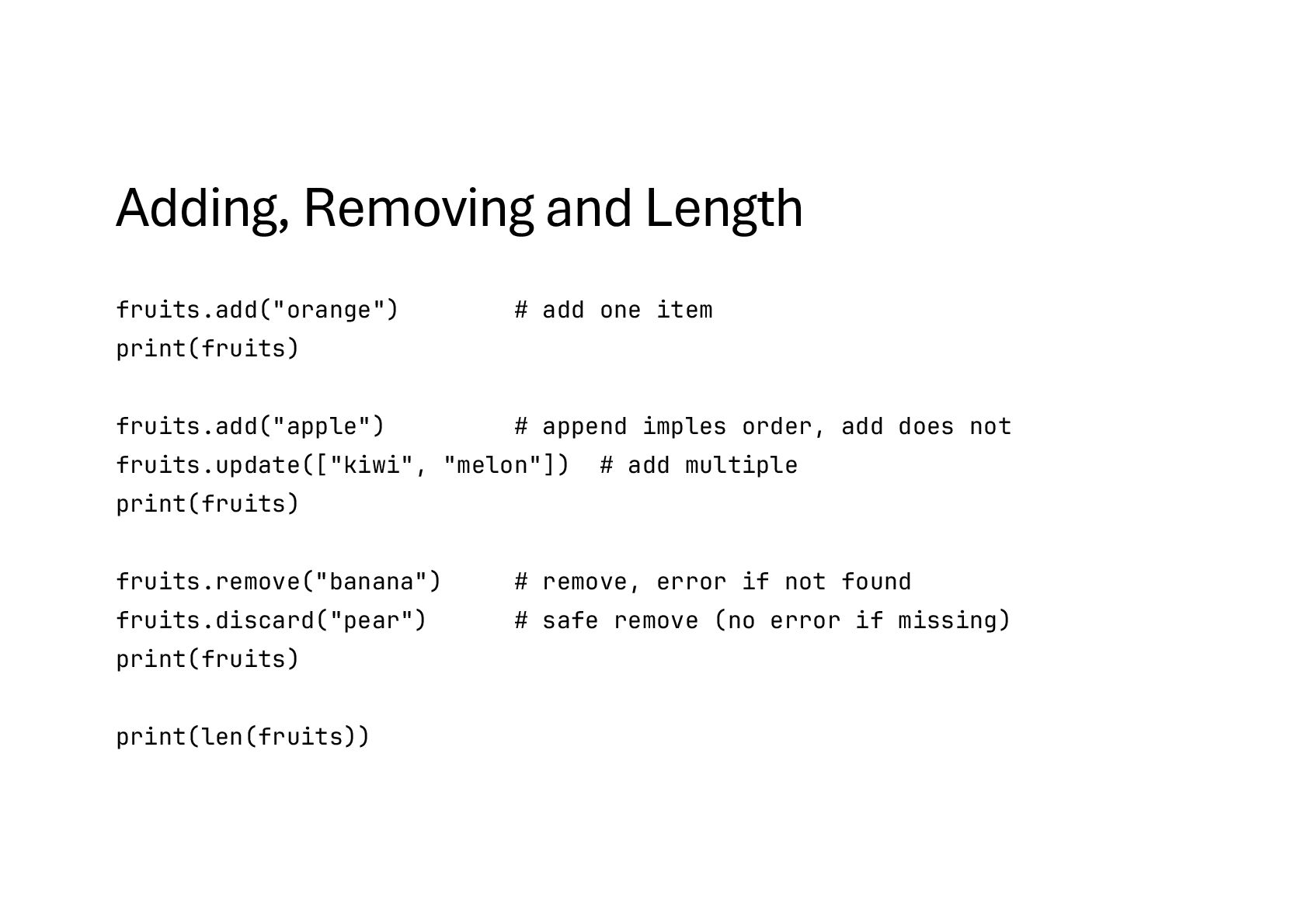
  65. Adding, Removing and Length fruits.add("orange") # add one item print(fruits)

    fruits.add("apple") # append imples order, add does not fruits.update(["kiwi", "melon"]) # add multiple print(fruits) fruits.remove("banana") # remove, error if not found fruits.discard("pear") # safe remove (no error if missing) print(fruits) print(len(fruits))
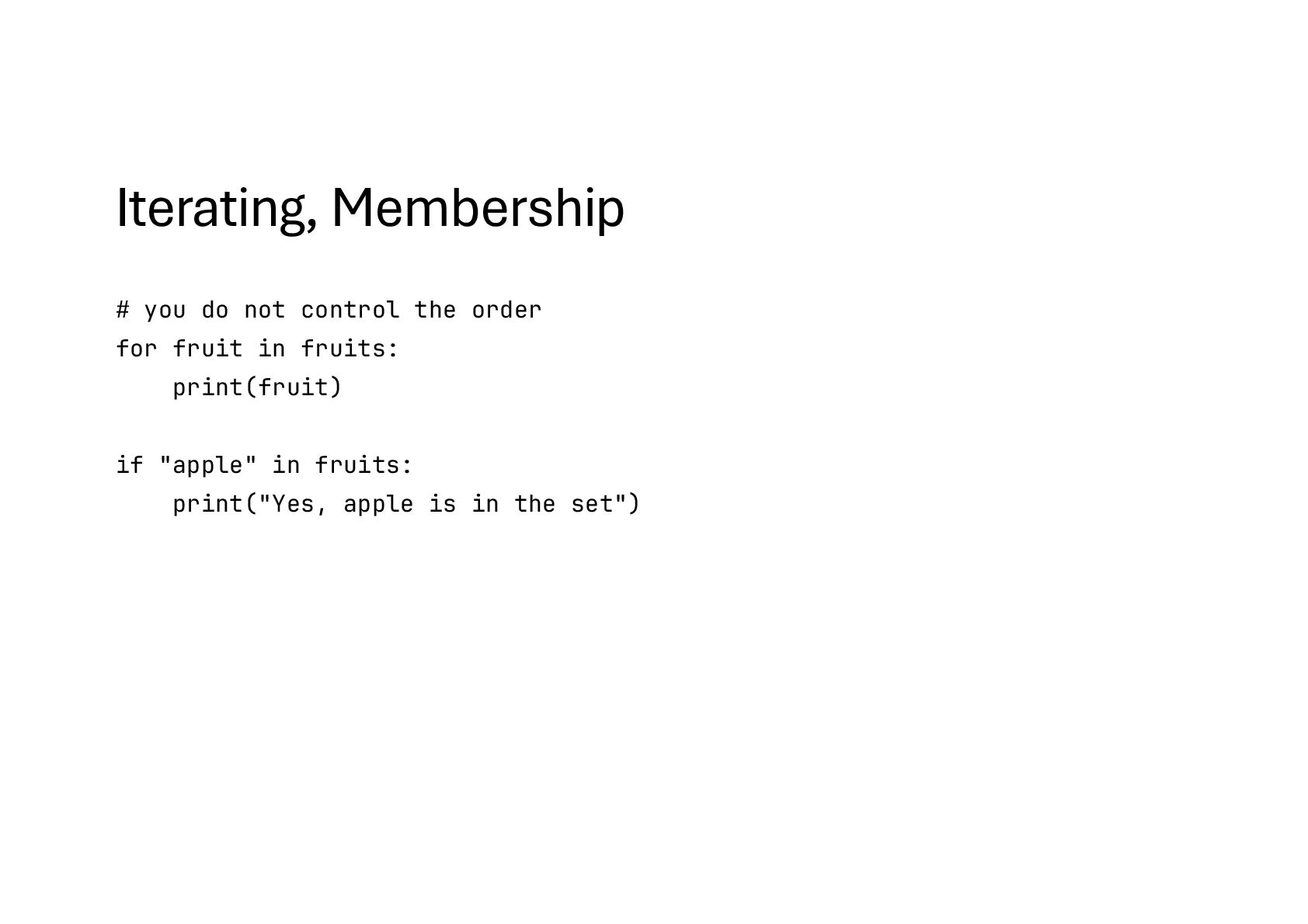
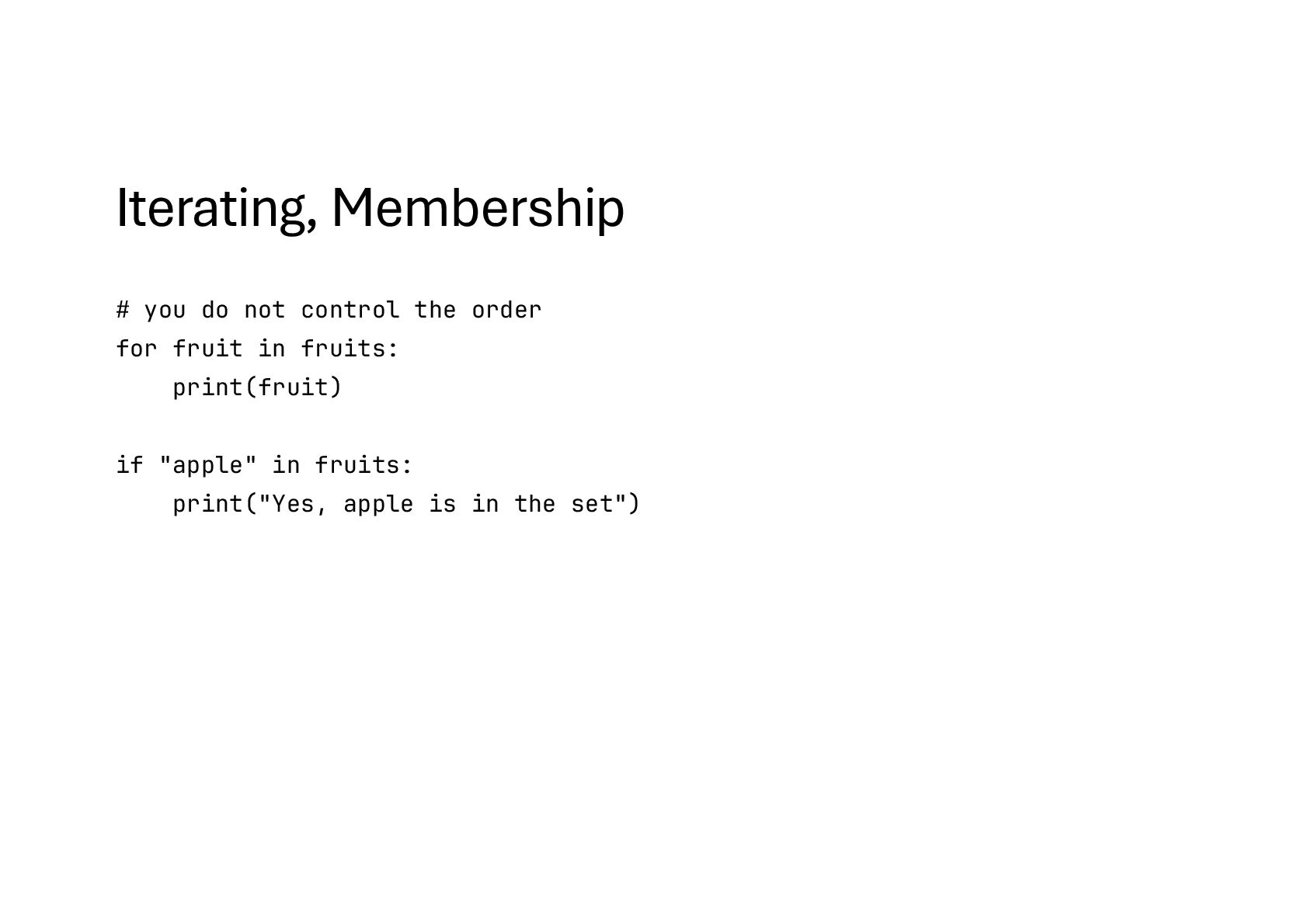
  66. Iterating, Membership # you do not control the order for

    fruit in fruits: print(fruit) if "apple" in fruits: print("Yes, apple is in the set")
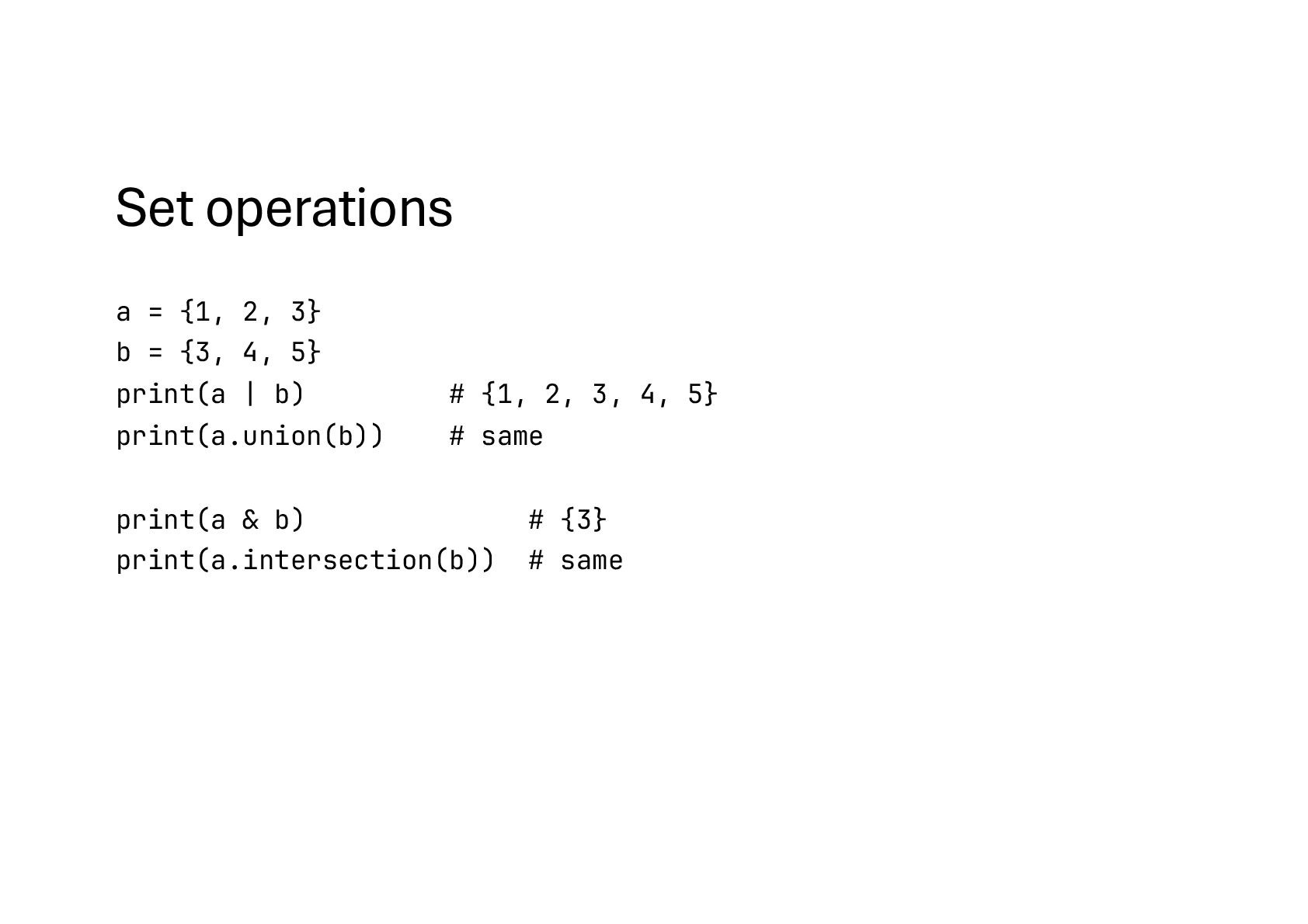
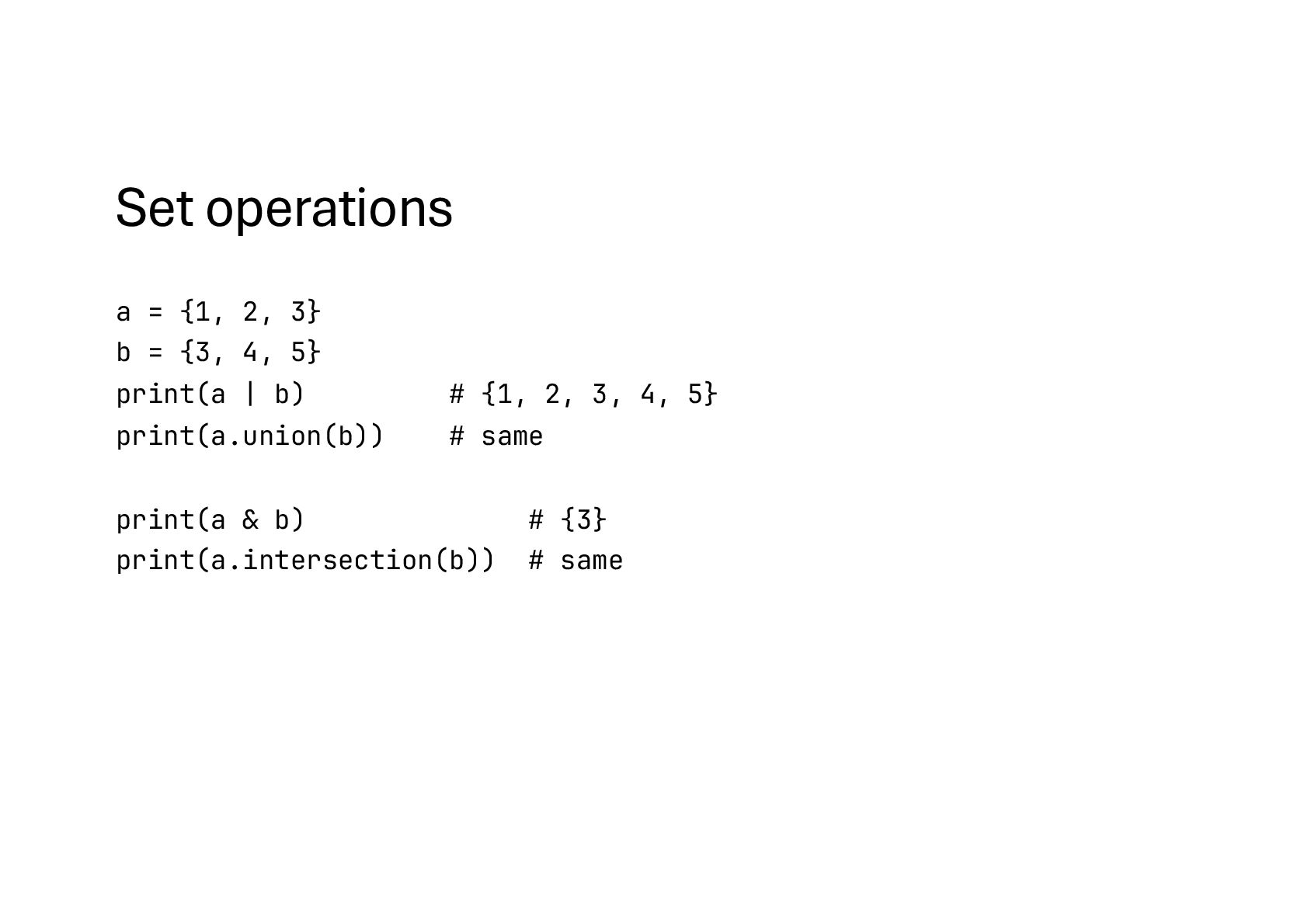
  67. Set operations a = {1, 2, 3} b = {3,

    4, 5} print(a | b) # {1, 2, 3, 4, 5} print(a.union(b)) # same print(a & b) # {3} print(a.intersection(b)) # same
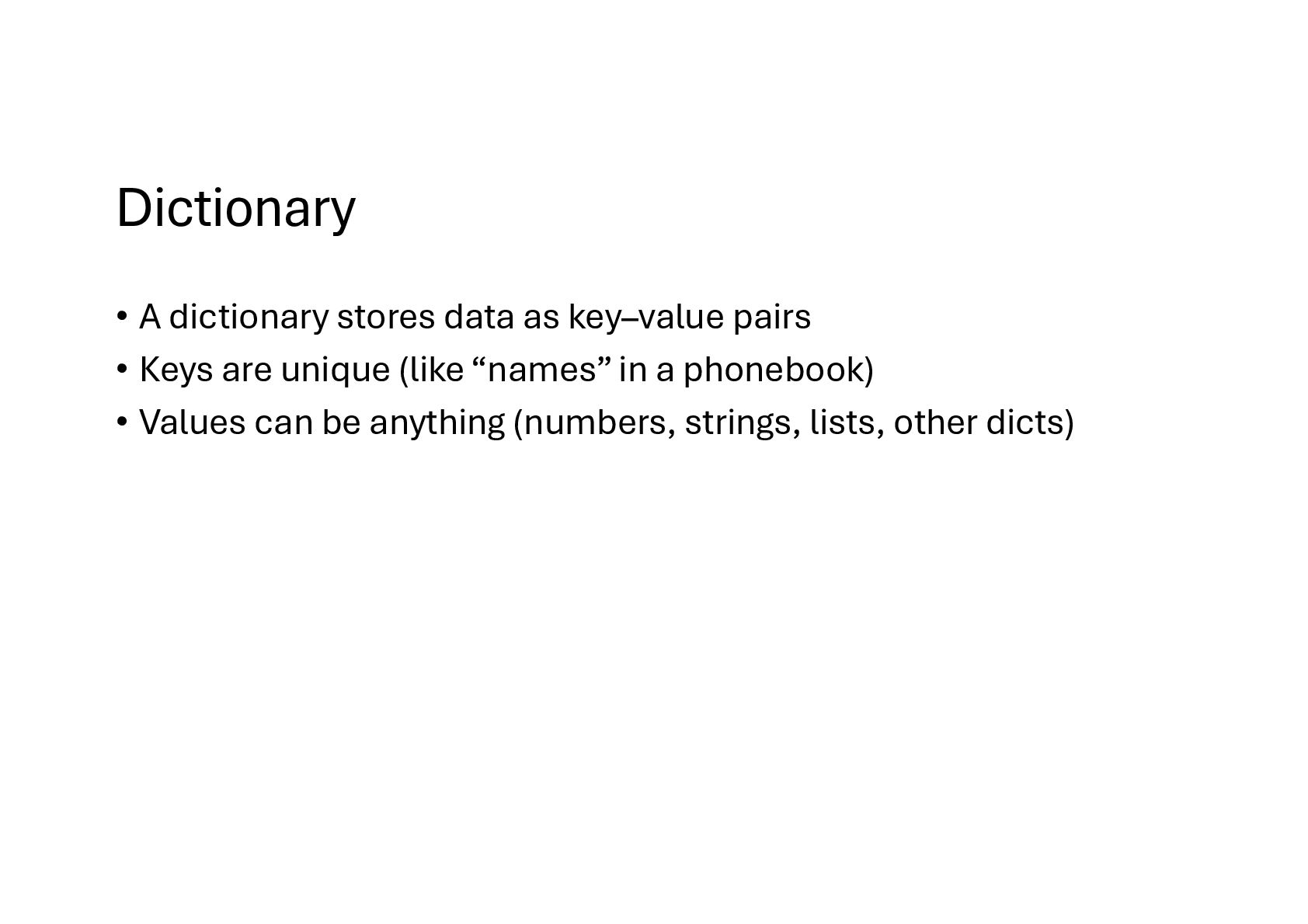
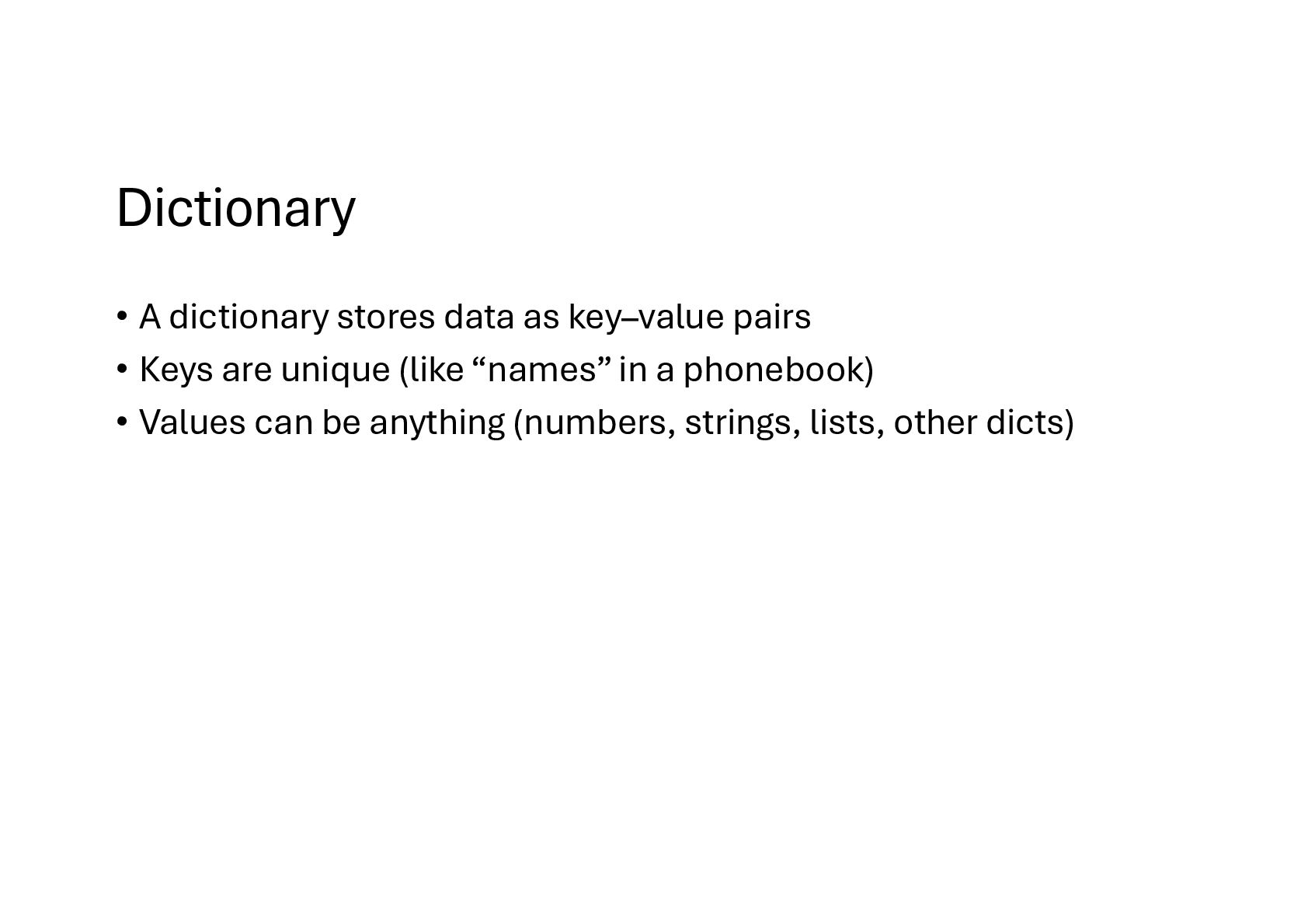
  68. Dictionary • A dictionary stores data as key–value pairs •

    Keys are unique (like “names” in a phonebook) • Values can be anything (numbers, strings, lists, other dicts)
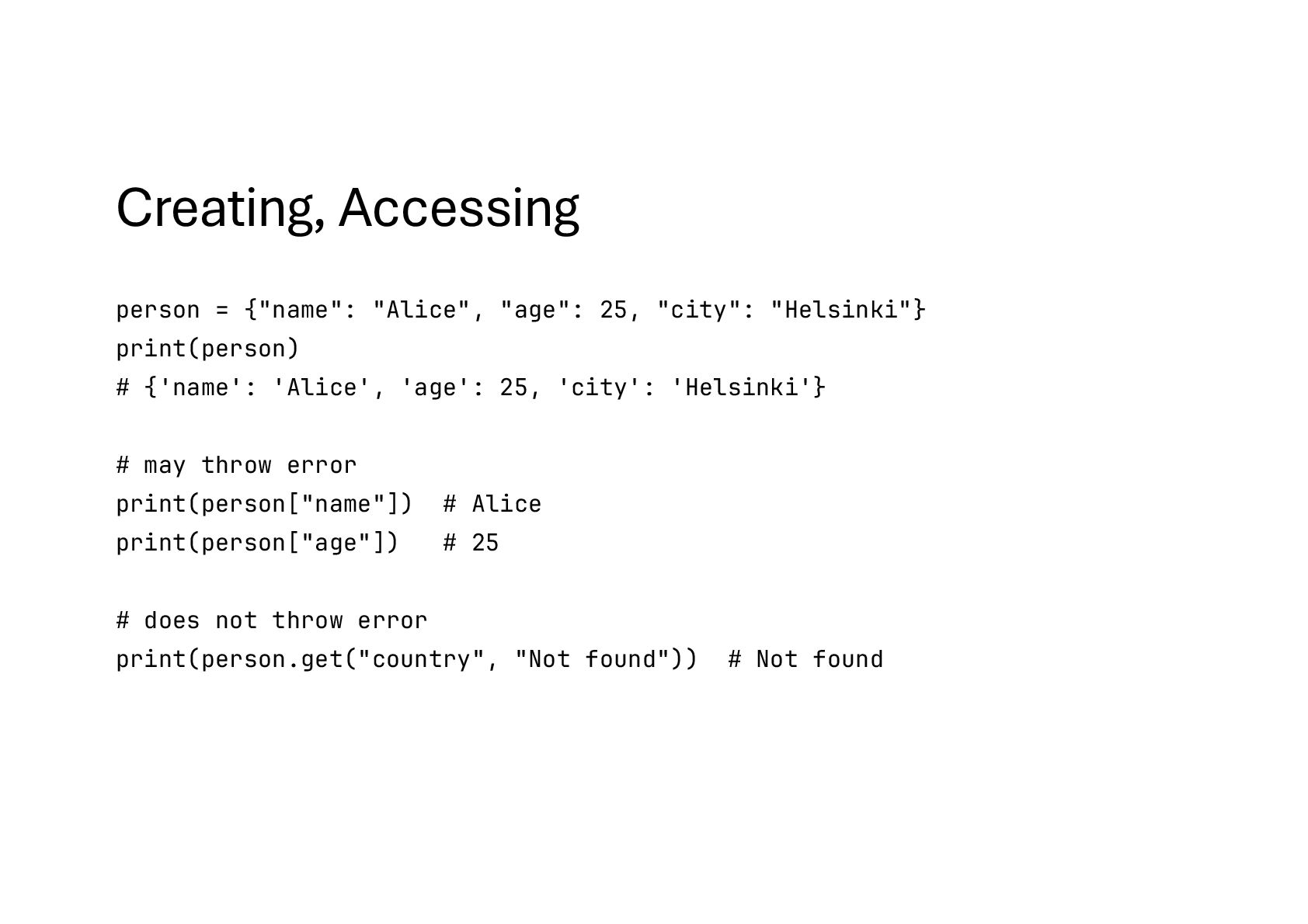
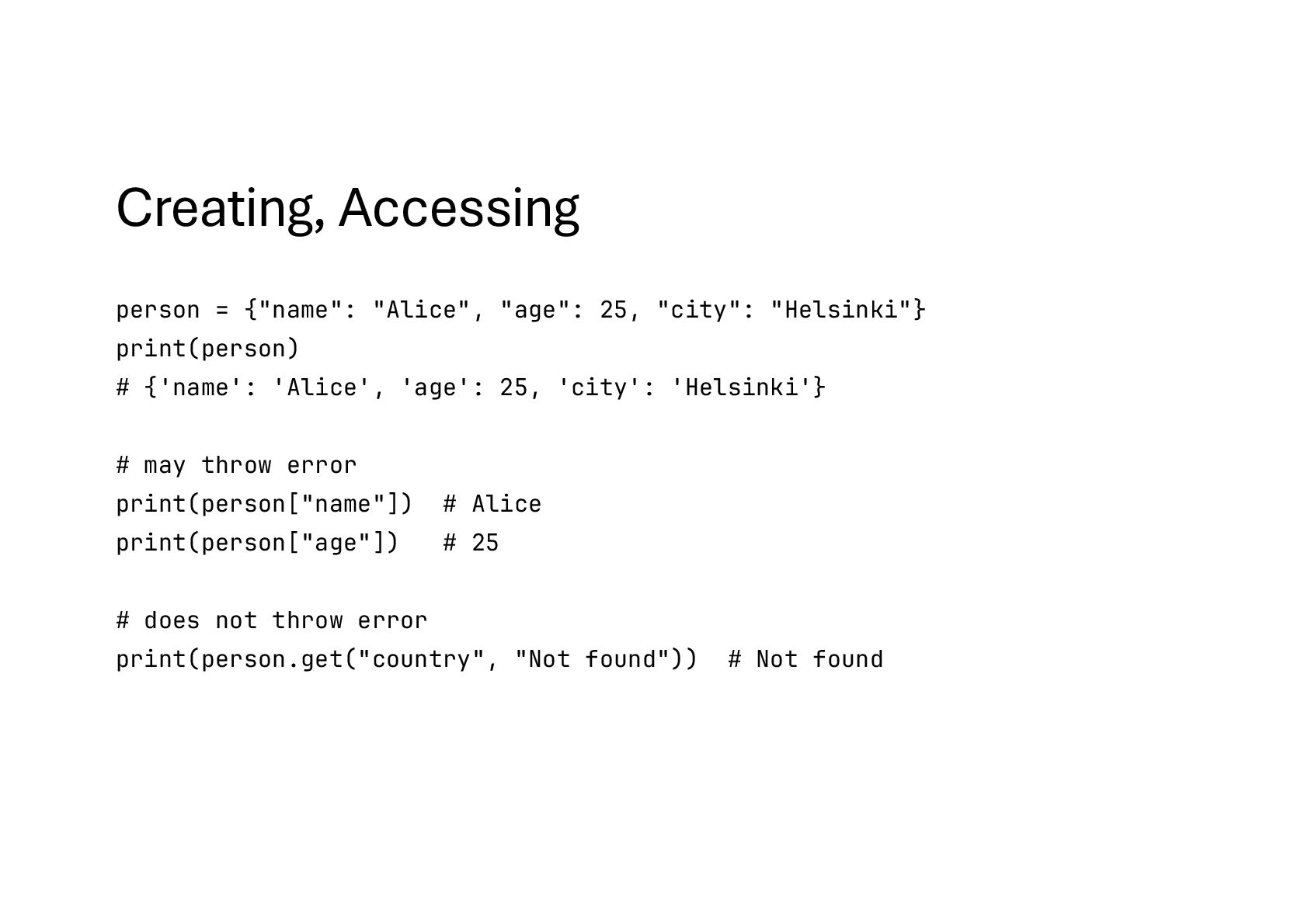
  69. Creating, Accessing person = {"name": "Alice", "age": 25, "city": "Helsinki"}

    print(person) # {'name': 'Alice', 'age': 25, 'city': 'Helsinki'} # may throw error print(person["name"]) # Alice print(person["age"]) # 25 # does not throw error print(person.get("country", "Not found")) # Not found
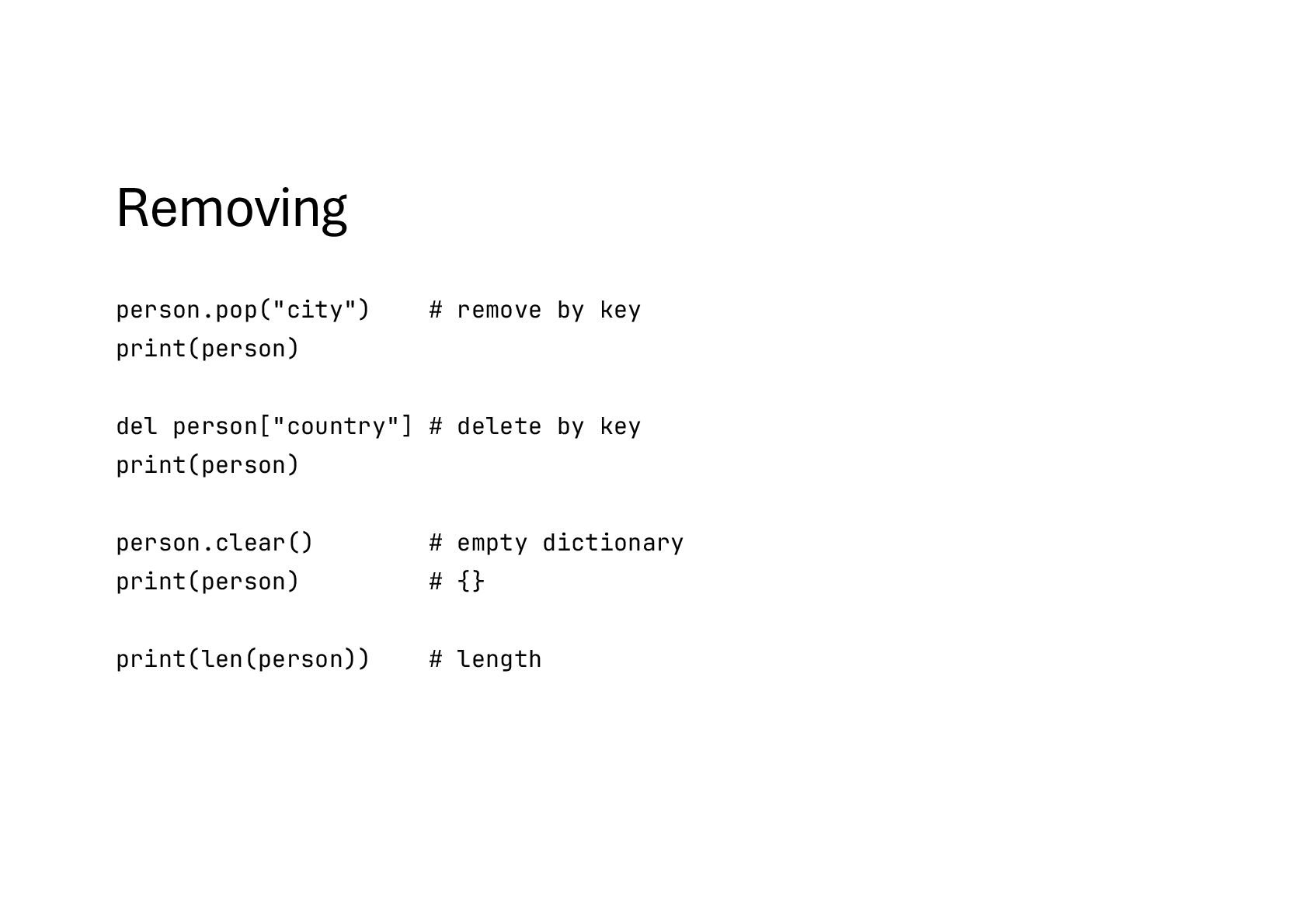
  70. Removing person.pop("city") # remove by key print(person) del person["country"] #

    delete by key print(person) person.clear() # empty dictionary print(person) # {} print(len(person)) # length
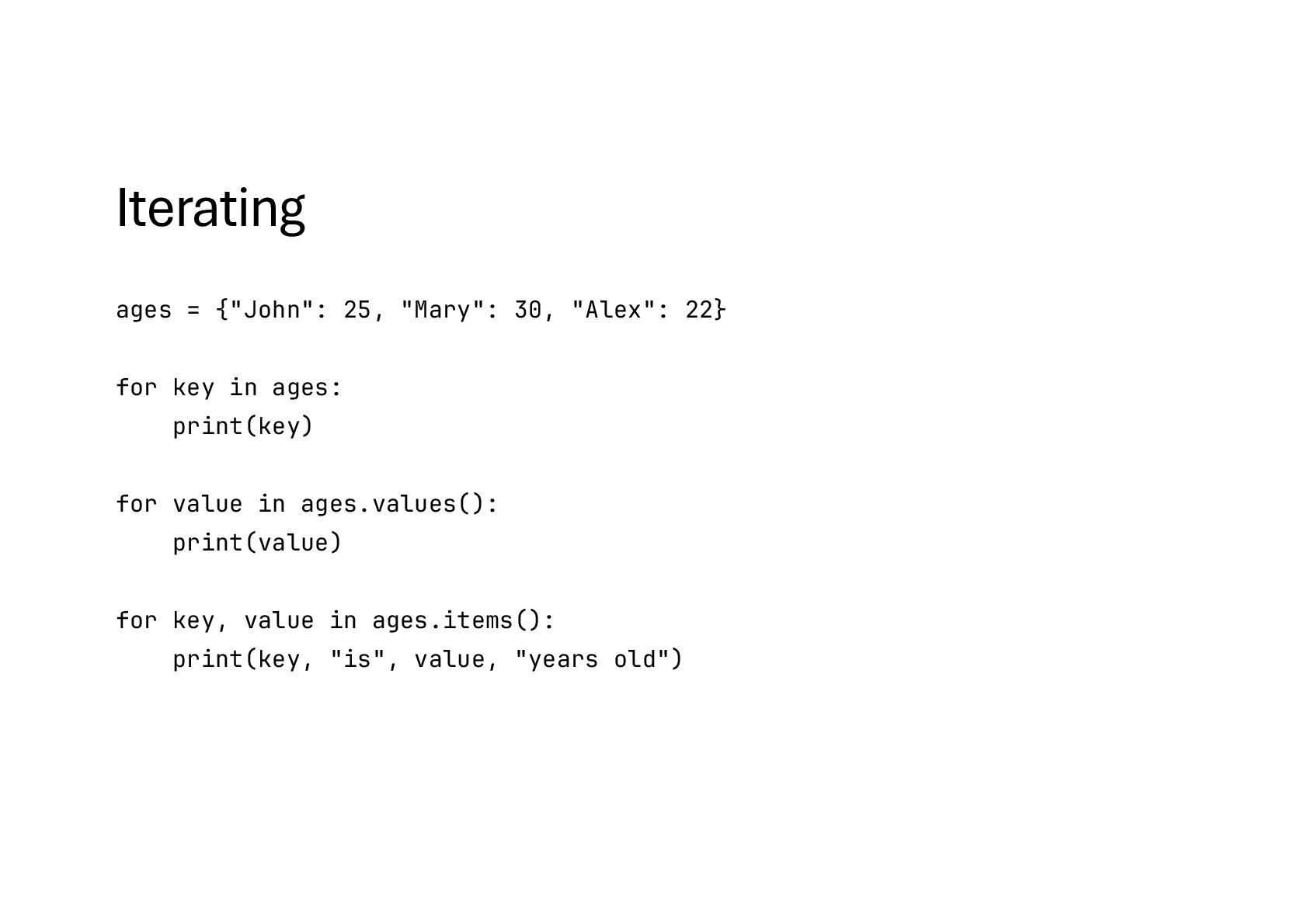
  71. Iterating ages = {"John": 25, "Mary": 30, "Alex": 22} for

    key in ages: print(key) for value in ages.values(): print(value) for key, value in ages.items(): print(key, "is", value, "years old")
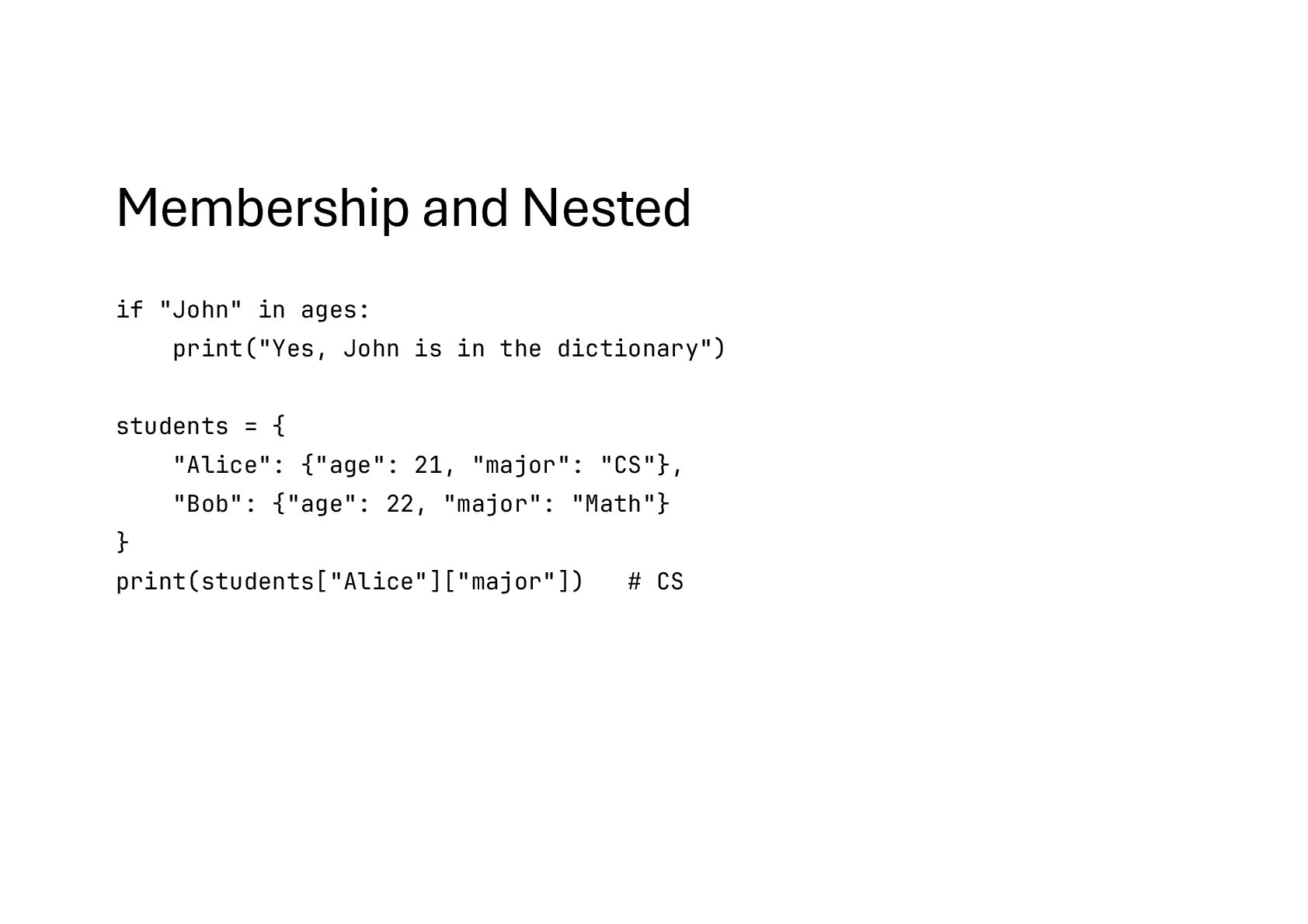
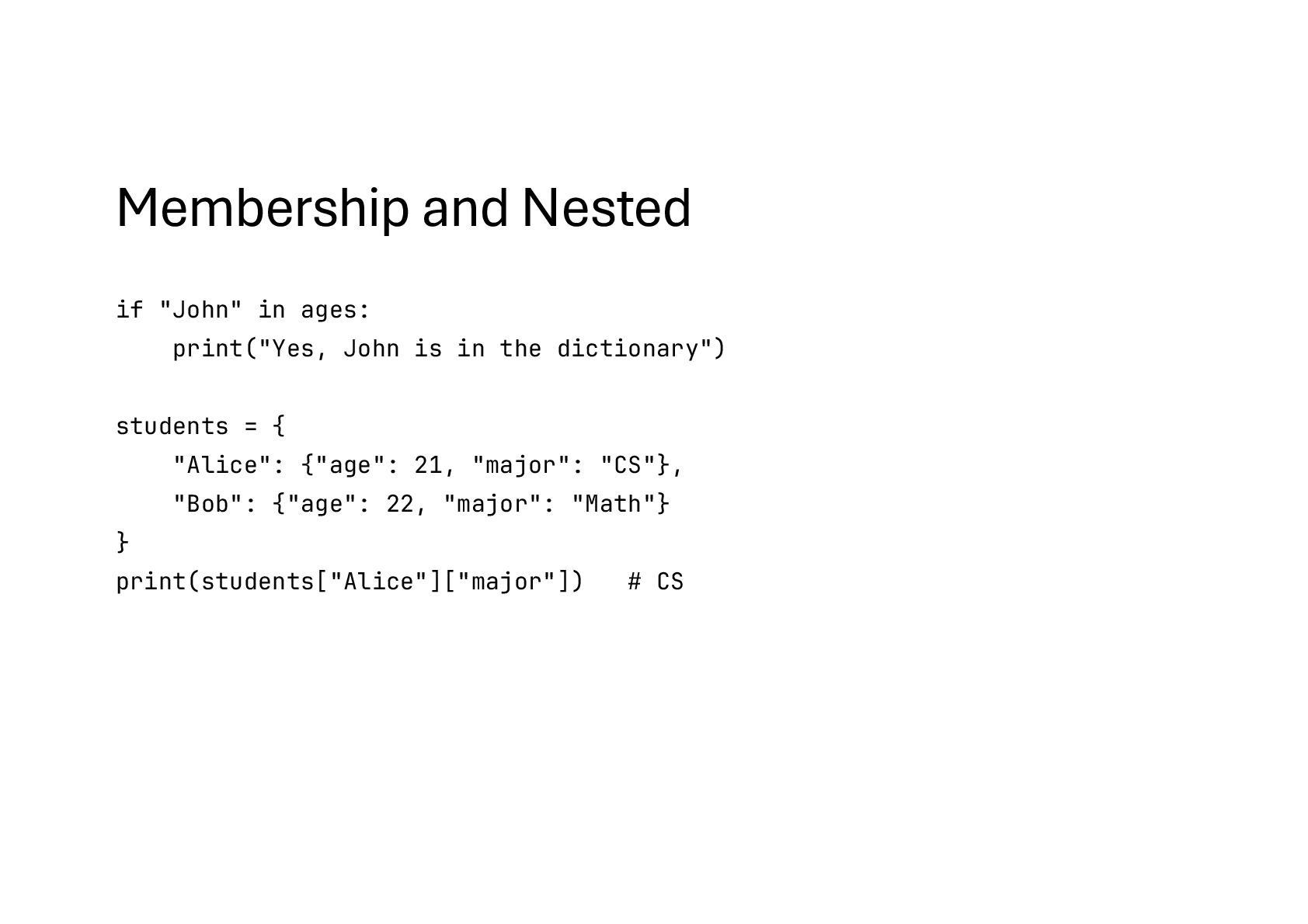
  72. Membership and Nested if "John" in ages: print("Yes, John is

    in the dictionary") students = { "Alice": {"age": 21, "major": "CS"}, "Bob": {"age": 22, "major": "Math"} } print(students["Alice"]["major"]) # CS
  73. What is a function • A function is a block

    of reusable code that performs a specific task. • Instead of repeating code, you can define a function once and call it whenever needed.
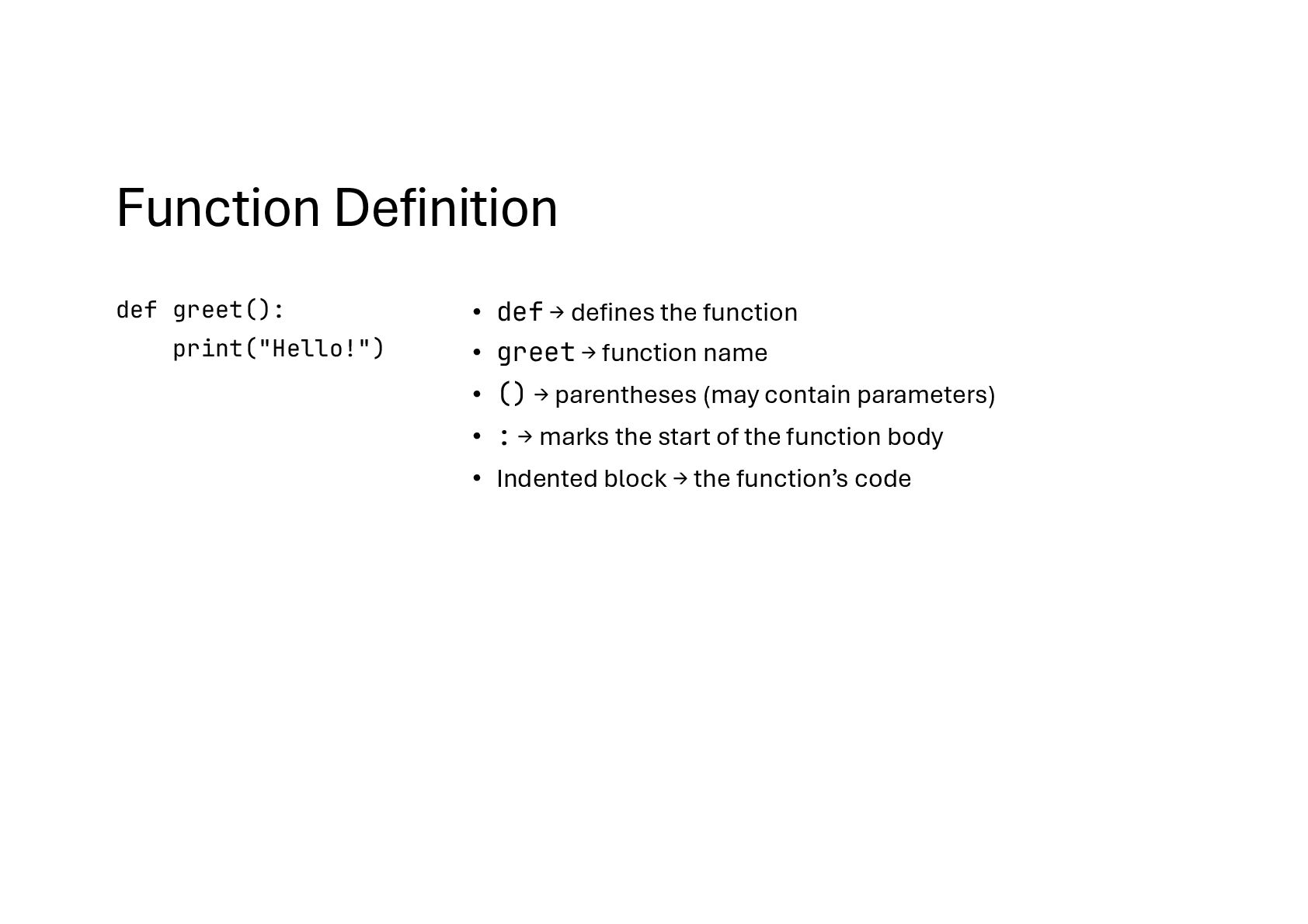
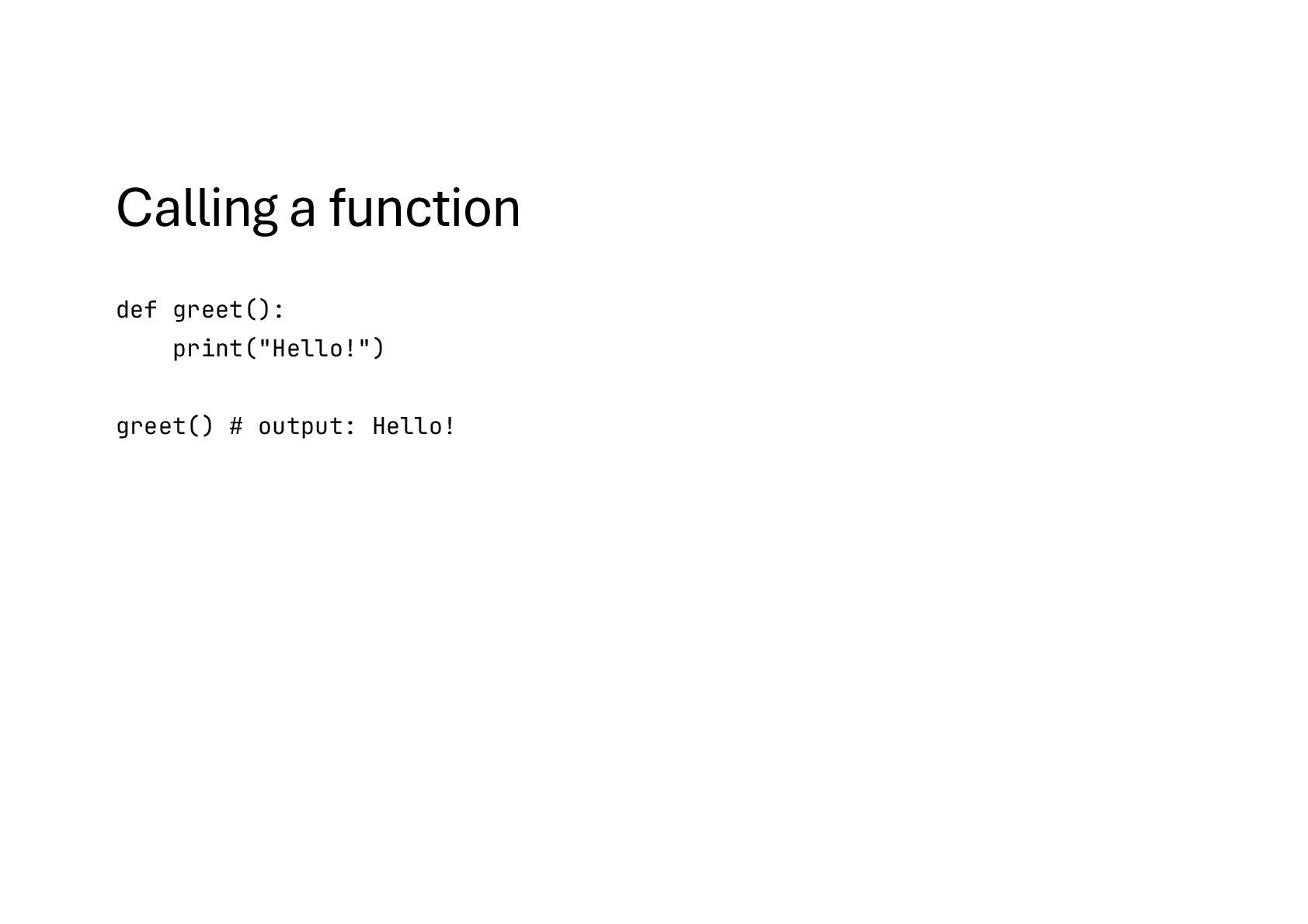
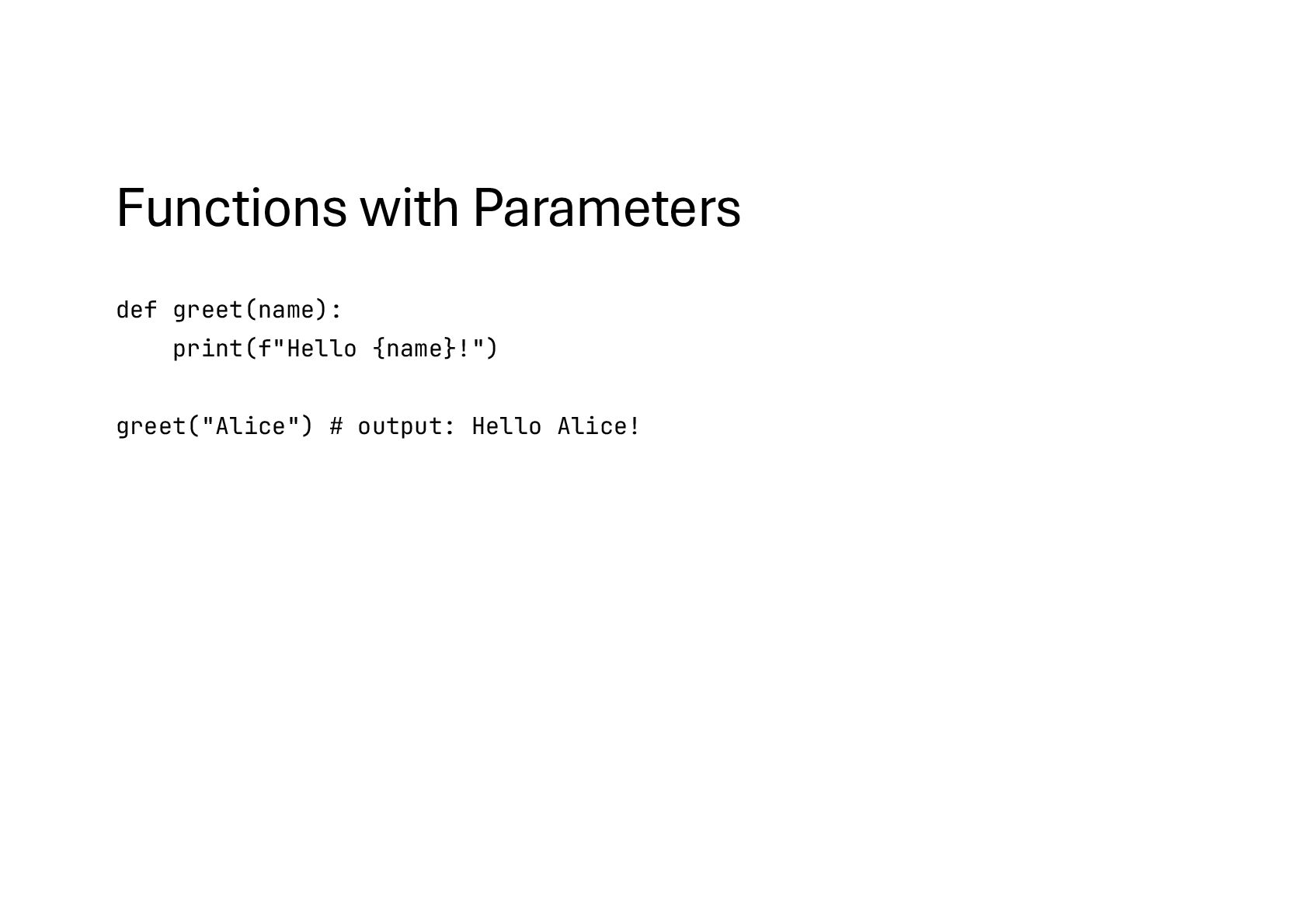
  74. Function Definition def greet(): print("Hello!") • def → defines the

    function • greet → function name • () → parentheses (may contain parameters) • : → marks the start of the function body • Indented block → the function’s code
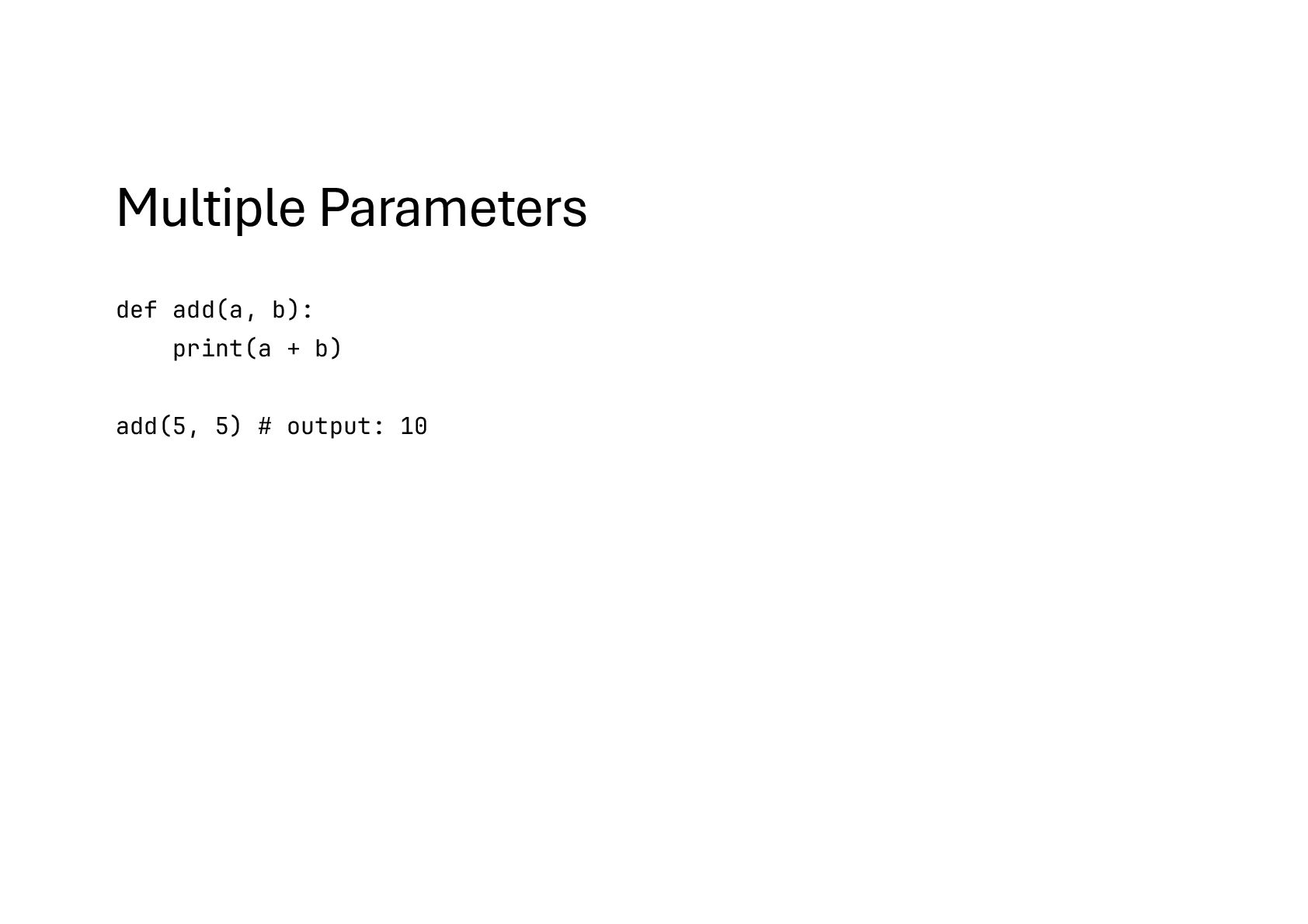
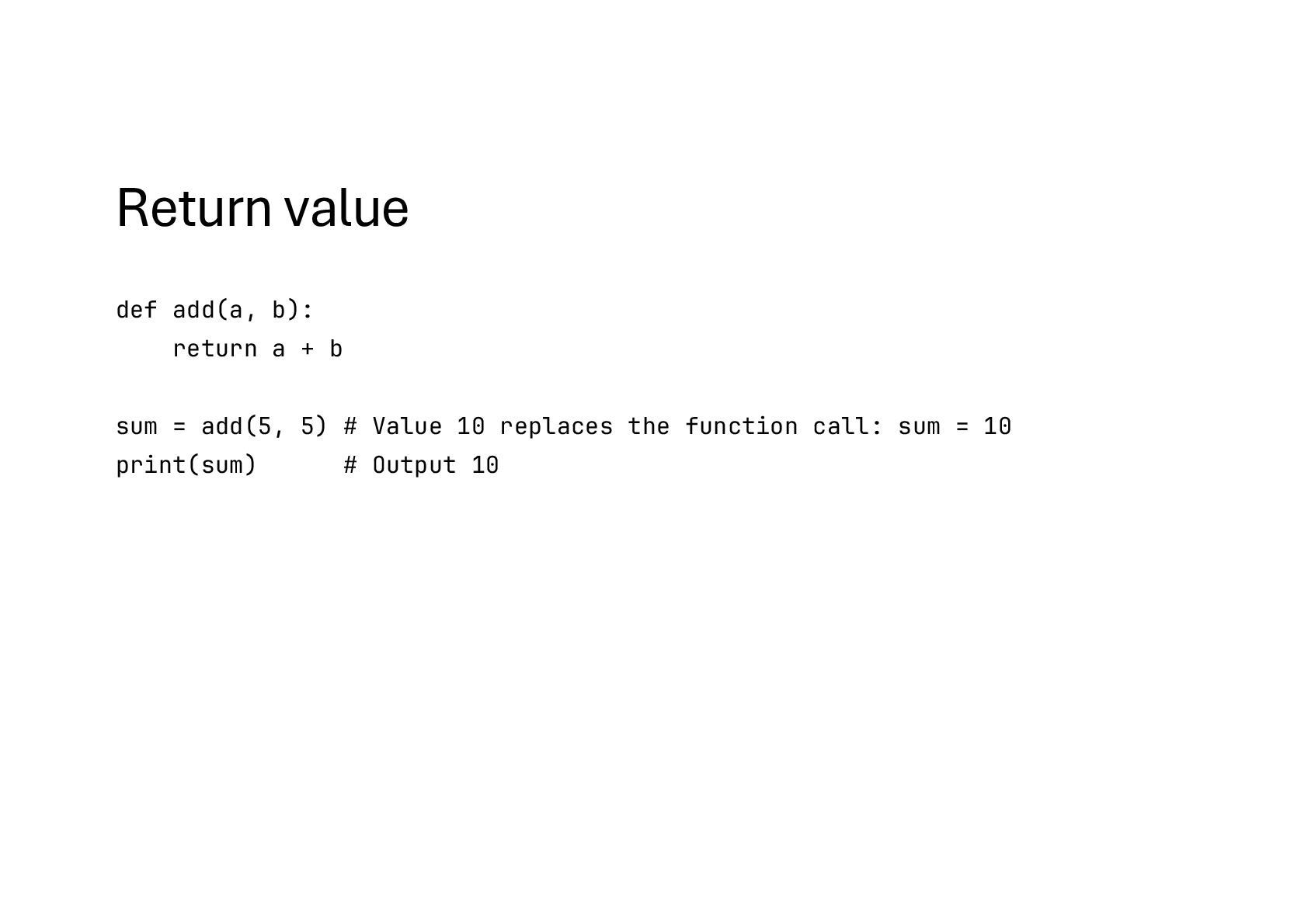
  75. Return value def add(a, b): return a + b sum

    = add(5, 5) # Value 10 replaces the function call: sum = 10 print(sum) # Output 10
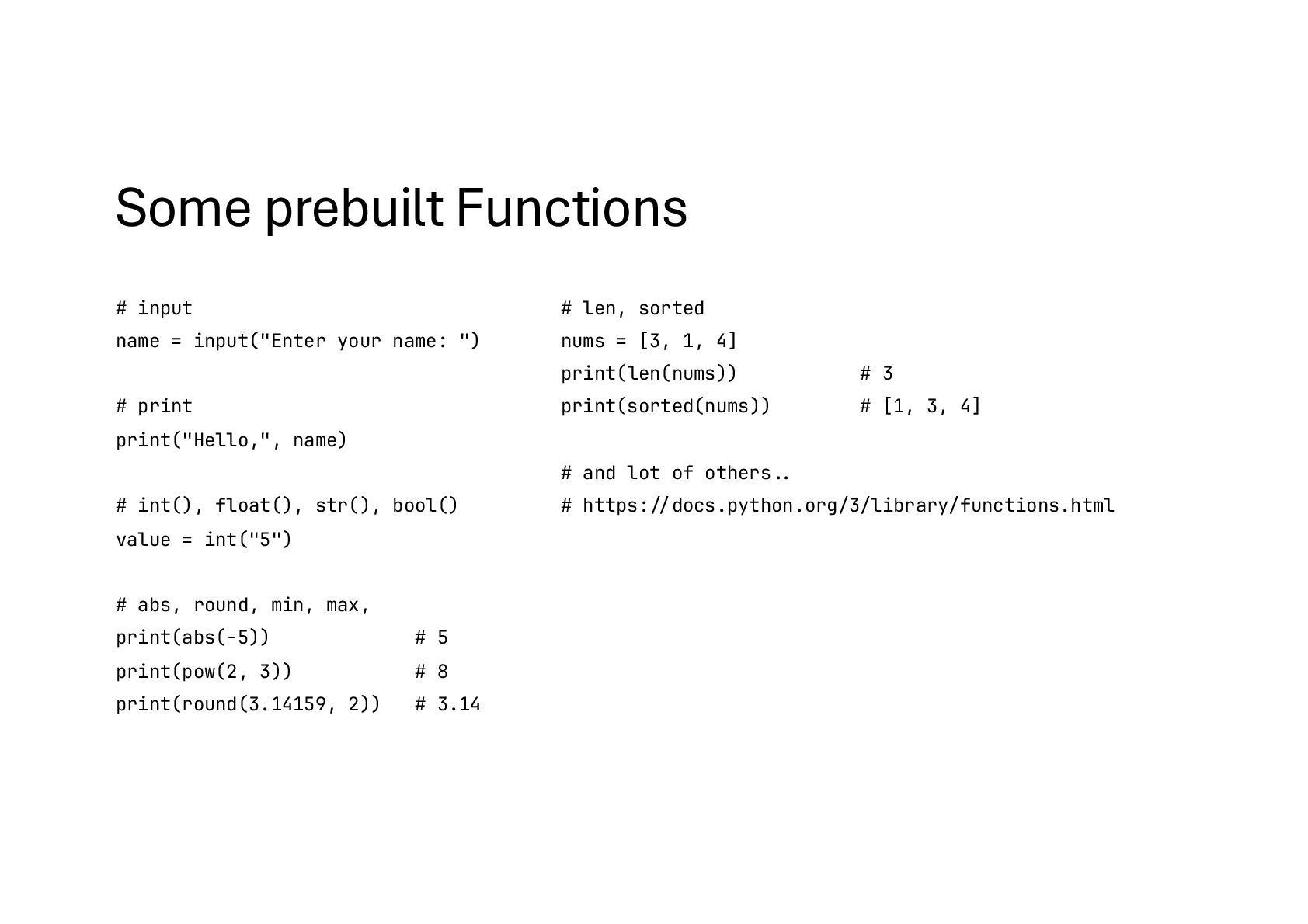
  76. Some prebuilt Functions # input name = input("Enter your name:

    ") # print print("Hello,", name) # int(), float(), str(), bool() value = int("5") # abs, round, min, max, print(abs(-5)) # 5 print(pow(2, 3)) # 8 print(round(3.14159, 2)) # 3.14 # len, sorted nums = [3, 1, 4] print(len(nums)) # 3 print(sorted(nums)) # [1, 3, 4] # and lot of others!.. # https:!//docs.python.org/3/library/functions.html
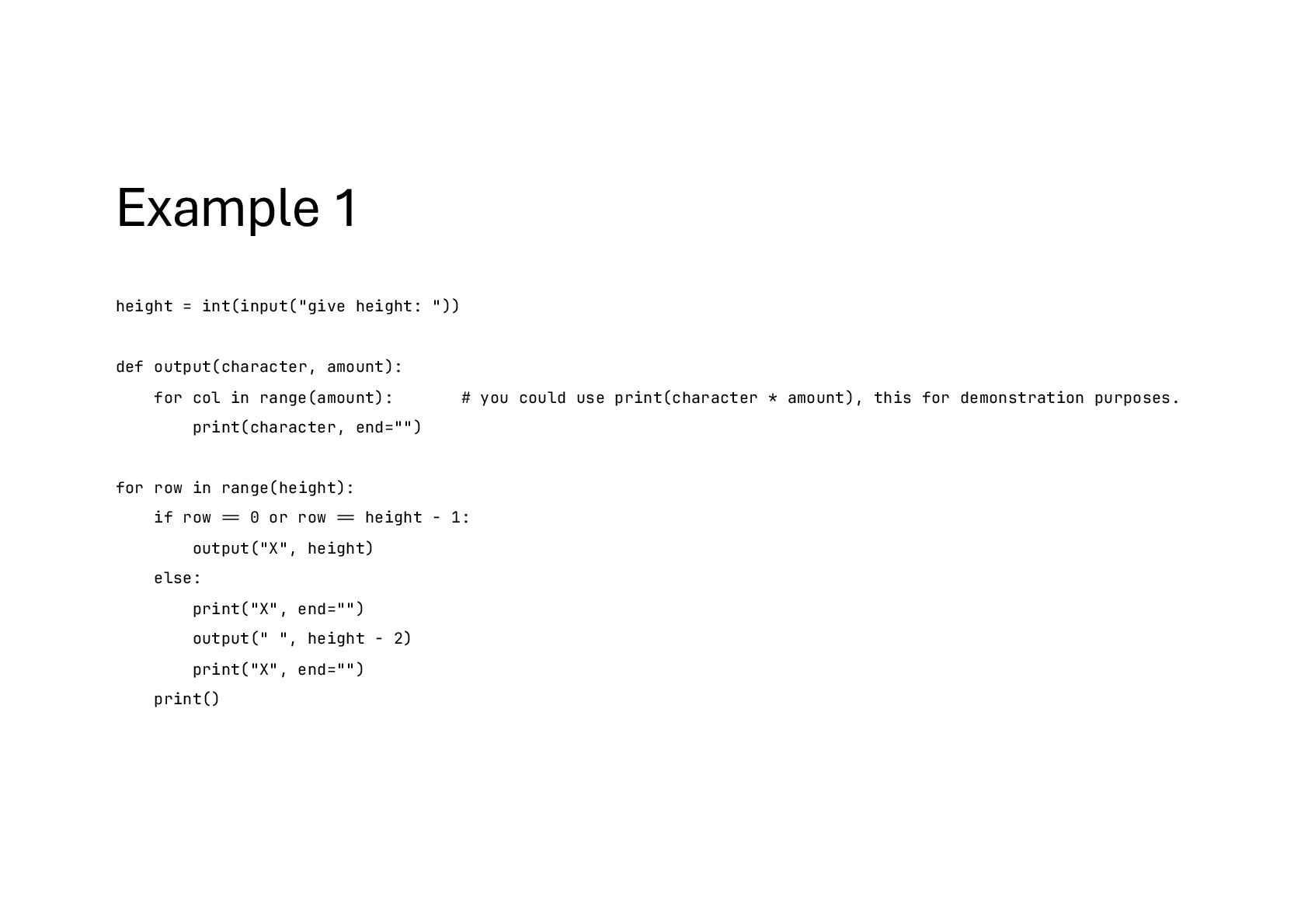
  77. Example 1 height = int(input("give height: ")) def output(character, amount):

    for col in range(amount): # you could use print(character * amount), this for demonstration purposes. print(character, end="") for row in range(height): if row !== 0 or row !== height - 1: output("X", height) else: print("X", end="") output(" ", height - 2) print("X", end="") print()
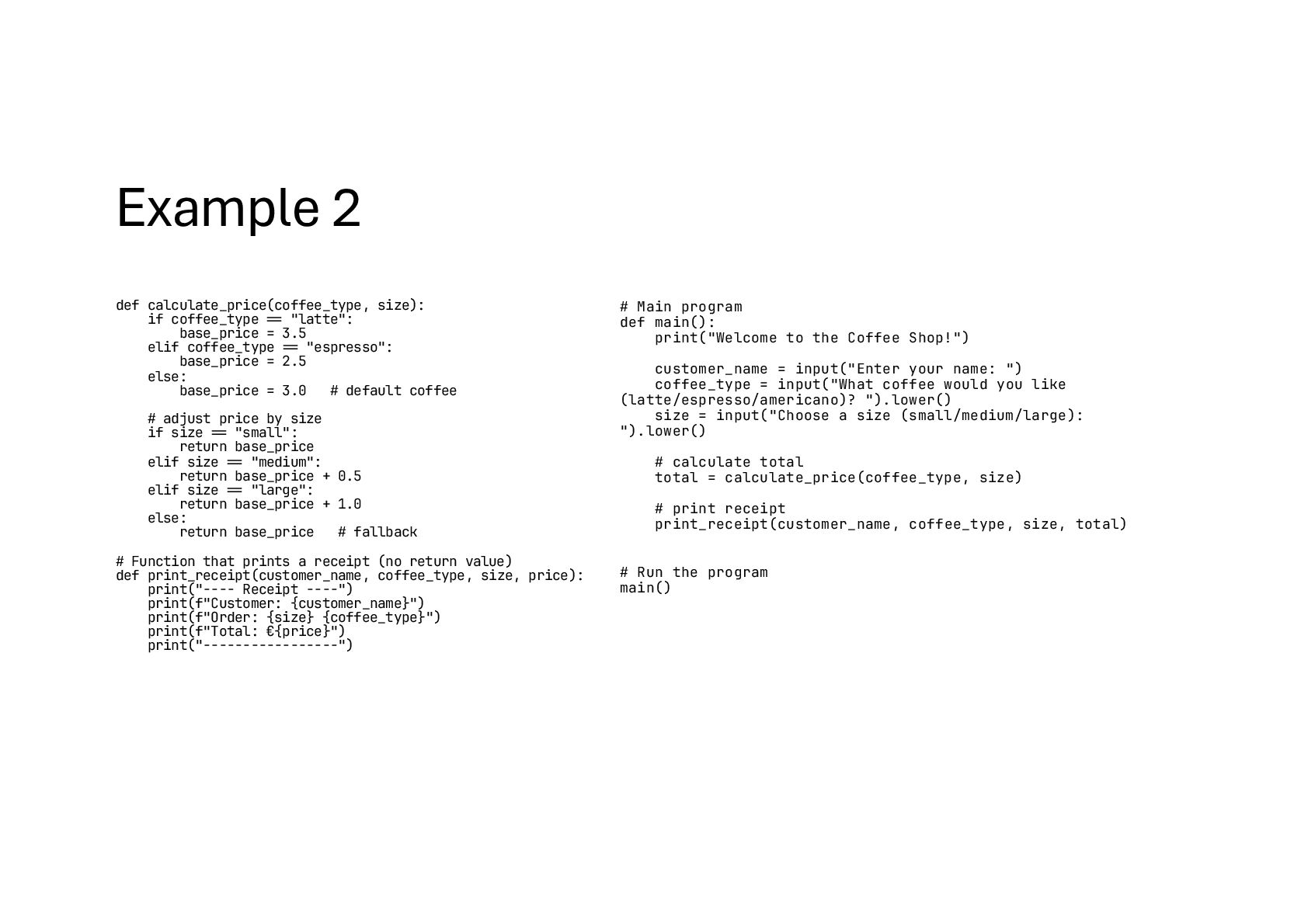
  78. Example 2 def calculate_price(coffee_type, size): if coffee_type !== "latte": base_price

    = 3.5 elif coffee_type !== "espresso": base_price = 2.5 else: base_price = 3.0 # default coffee # adjust price by size if size !== "small": return base_price elif size !== "medium": return base_price + 0.5 elif size !== "large": return base_price + 1.0 else: return base_price # fallback # Function that prints a receipt (no return value) def print_receipt(customer_name, coffee_type, size, price): print("---- Receipt ----") print(f"Customer: {customer_name}") print(f"Order: {size} {coffee_type}") print(f"Total: €{price}") print("-----------------") # Main program def main(): print("Welcome to the Coffee Shop!") customer_name = input("Enter your name: ") coffee_type = input("What coffee would you like (latte/espresso/americano)? ").lower() size = input("Choose a size (small/medium/large): ").lower() # calculate total total = calculate_price(coffee_type, size) # print receipt print_receipt(customer_name, coffee_type, size, total) # Run the program main()
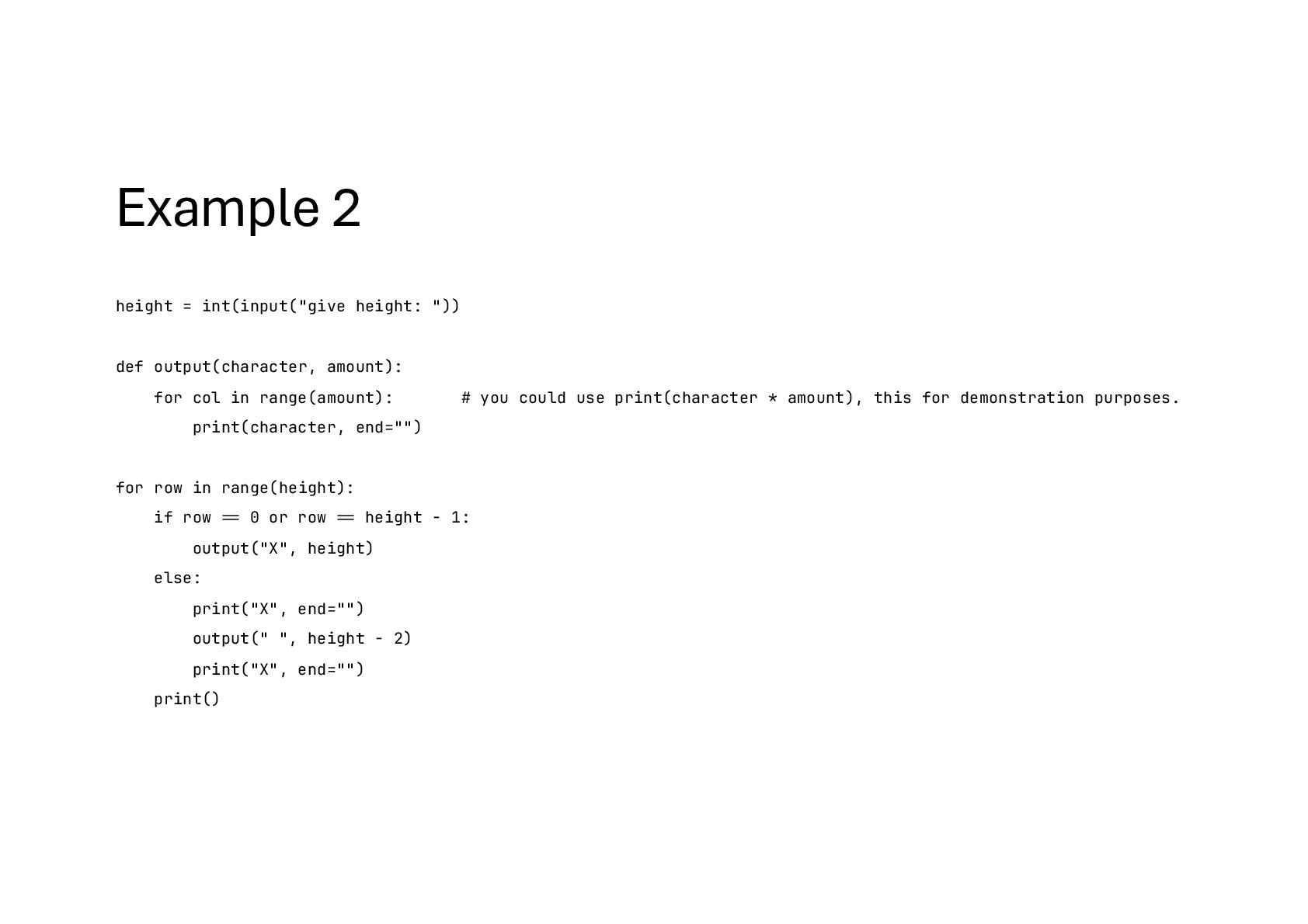
  79. Example 2 height = int(input("give height: ")) def output(character, amount):

    for col in range(amount): # you could use print(character * amount), this for demonstration purposes. print(character, end="") for row in range(height): if row !== 0 or row !== height - 1: output("X", height) else: print("X", end="") output(" ", height - 2) print("X", end="") print()