Upgrade to Pro — share decks privately, control downloads, hide ads and more …

Let's publish our Flutter apps using Linux Snap...

Sponsored · Ship Features Fearlessly Turn features on and off without deploys. Used by thousands of Ruby developers.
Avatar for Harshith Pvs Harshith Pvs
February 05, 2023

Let's publish our Flutter apps using Linux Snap Store

We build many applications for Android and iOS platforms and publish them to Play Store/App Store. But what if we want to build desktop applications for Linux? And how do we publish those applications for public usage?
Let's discover the how question through this deck presented at Flutter Forward Extended Hyderabad meet-up.

Avatar for Harshith Pvs

Harshith Pvs

February 05, 2023

Other Decks in Technology

Transcript

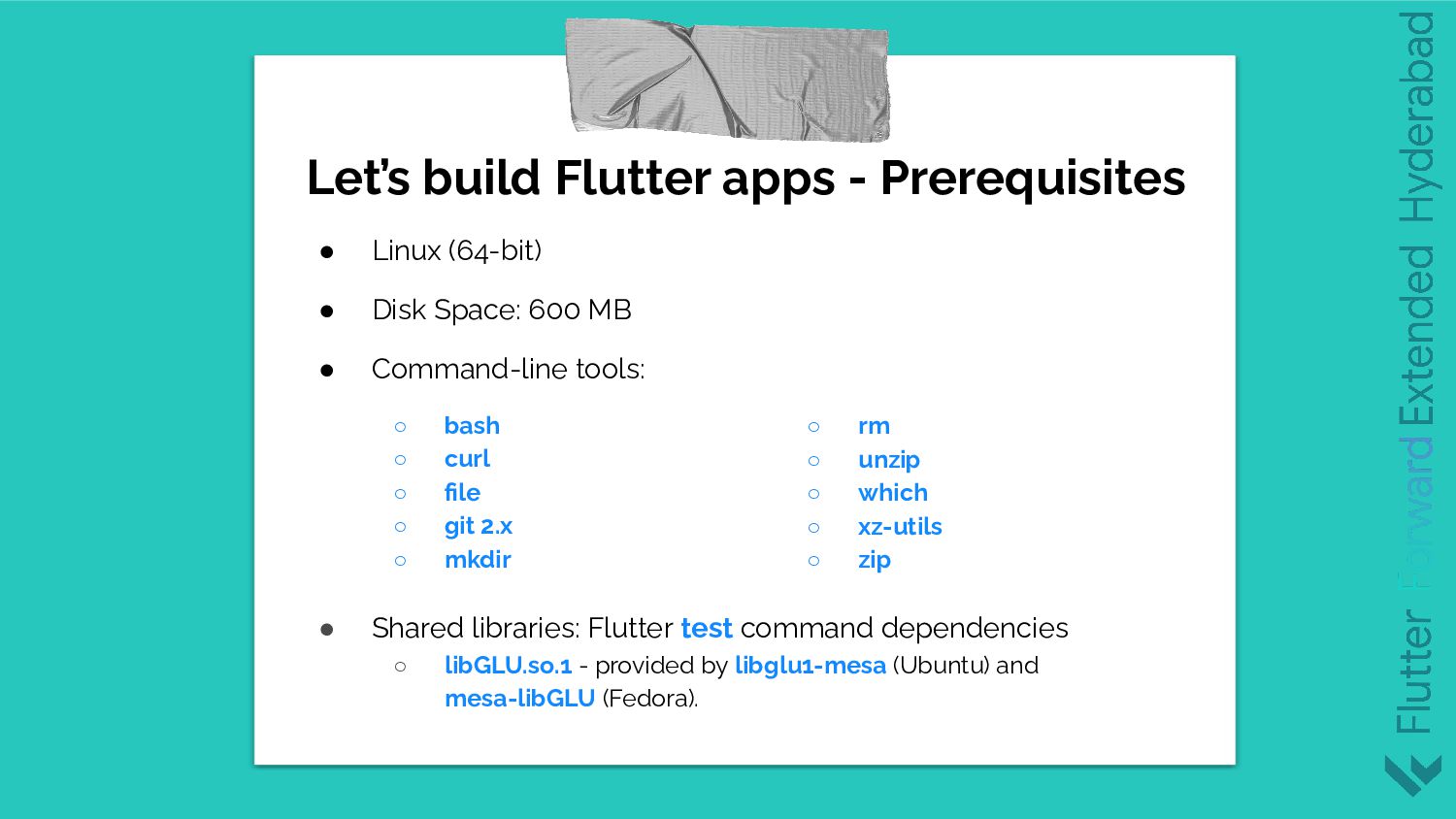
  1. Let’s build Flutter apps - Prerequisites • Linux (64-bit) •

    Disk Space: 600 MB • Command-line tools: ◦ bash ◦ curl ◦ file ◦ git 2.x ◦ mkdir • Shared libraries: Flutter test command dependencies ◦ libGLU.so.1 - provided by libglu1-mesa (Ubuntu) and mesa-libGLU (Fedora). ◦ rm ◦ unzip ◦ which ◦ xz-utils ◦ zip
  2. Let’s build Flutter apps - Prerequisites • Next, we install

    Flutter using snapd or .tar file or cloning git. • Add Flutter bin reference to your PATH variable. • Setup your preferred IDE - Android Studio / VS Code • Additional Linux requirements: ◦ Clang ◦ CMake ◦ GTK development headers ◦ Ninja build ◦ pkg-config ◦ liblzma-dev This might be necessary
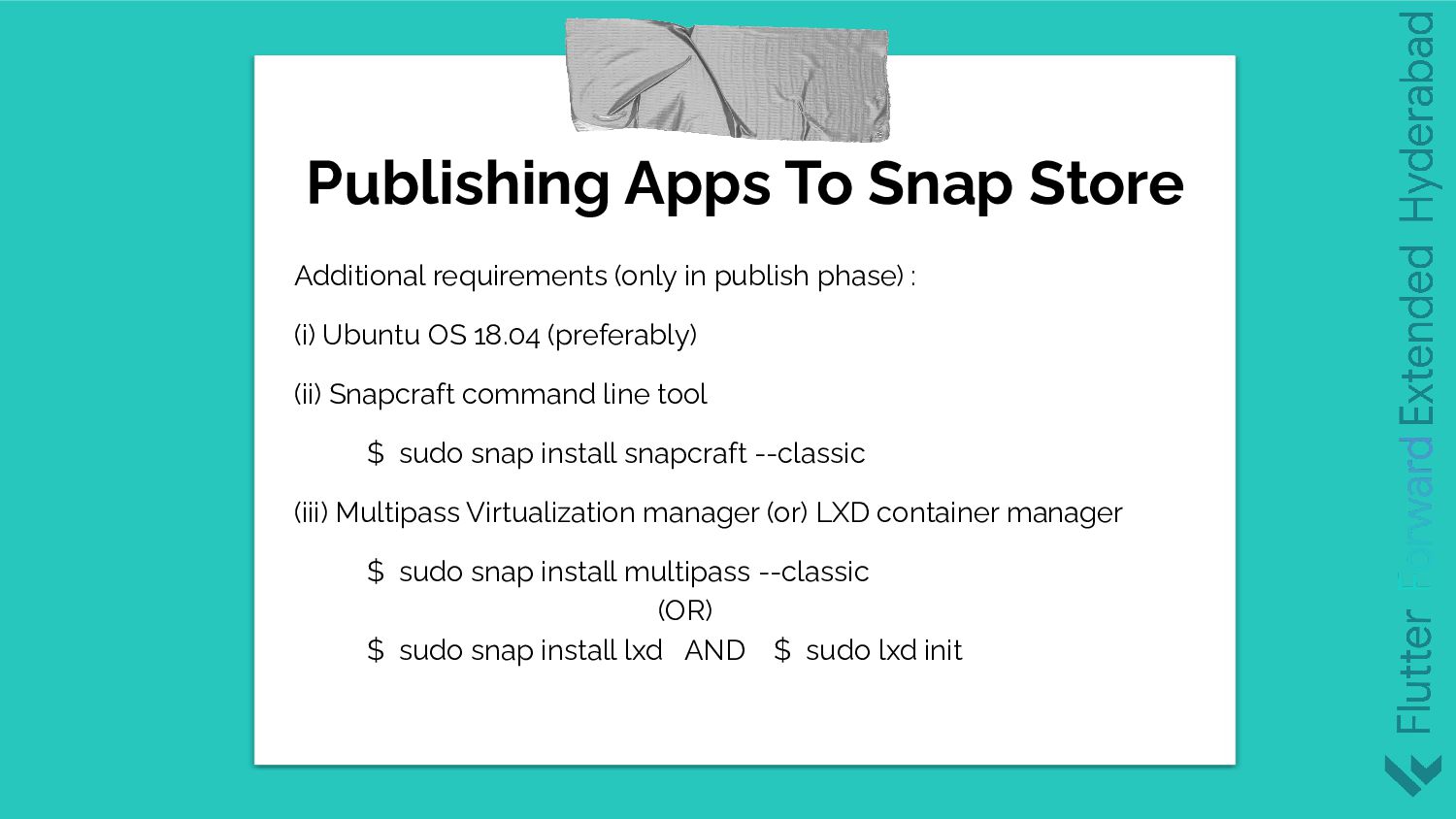
  3. Additional requirements (only in publish phase) : (i) Ubuntu OS

    18.04 (preferably) (ii) Snapcraft command line tool $ sudo snap install snapcraft --classic (iii) Multipass Virtualization manager (or) LXD container manager $ sudo snap install multipass --classic (OR) $ sudo snap install lxd AND $ sudo lxd init Publishing Apps To Snap Store
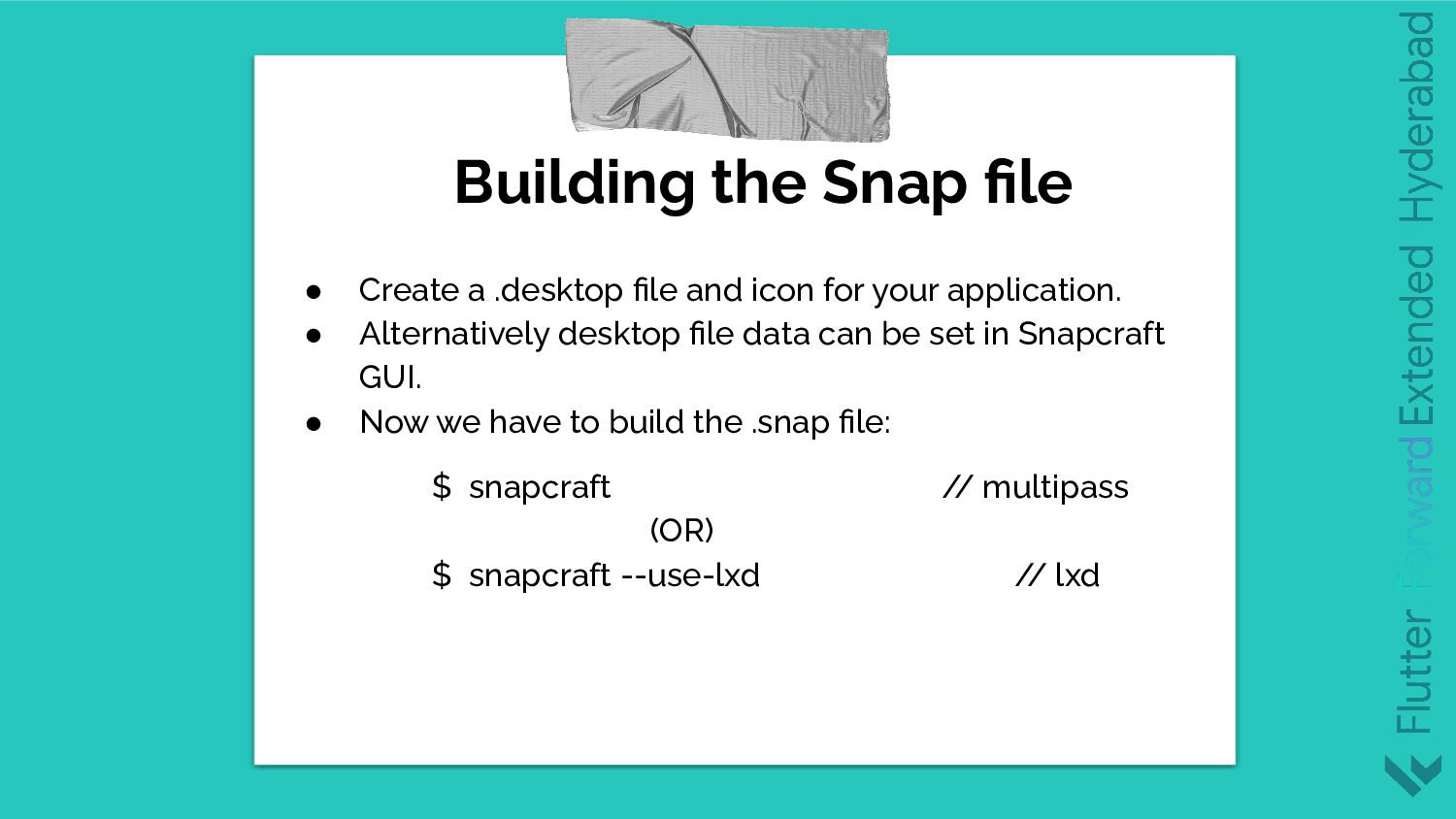
  4. Building the Snap file • Create a .desktop file and

    icon for your application. • Alternatively desktop file data can be set in Snapcraft GUI. • Now we have to build the .snap file: $ snapcraft / / multipass (OR) $ snapcraft --use-lxd / / lxd
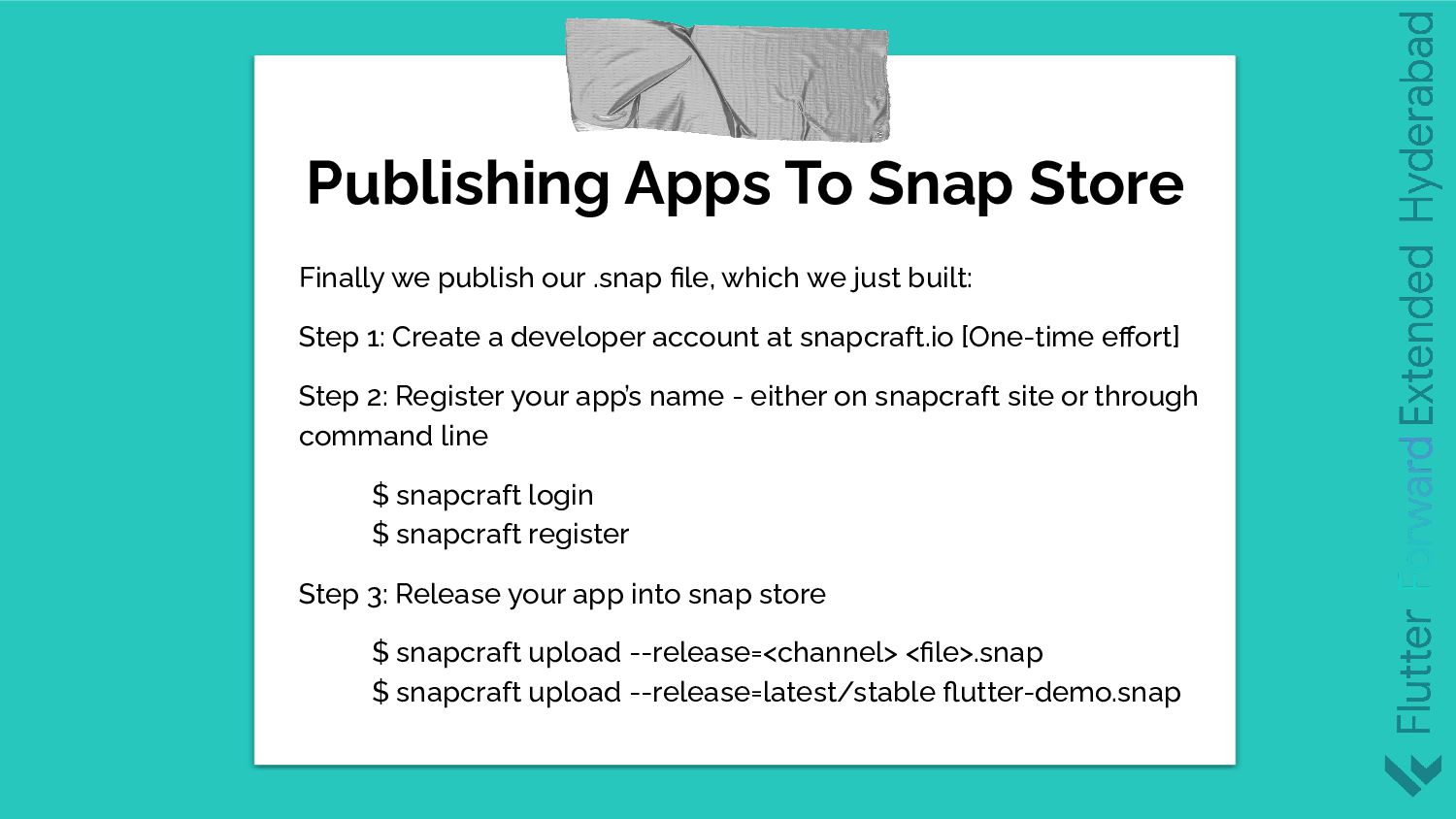
  5. Finally we publish our .snap file, which we just built:

    Step 1: Create a developer account at snapcraft.io [One-time effort] Step 2: Register your app’s name - either on snapcraft site or through command line $ snapcraft login $ snapcraft register Step 3: Release your app into snap store $ snapcraft upload --release=<channel> <file>.snap $ snapcraft upload --release=latest/stable flutter-demo.snap Publishing Apps To Snap Store
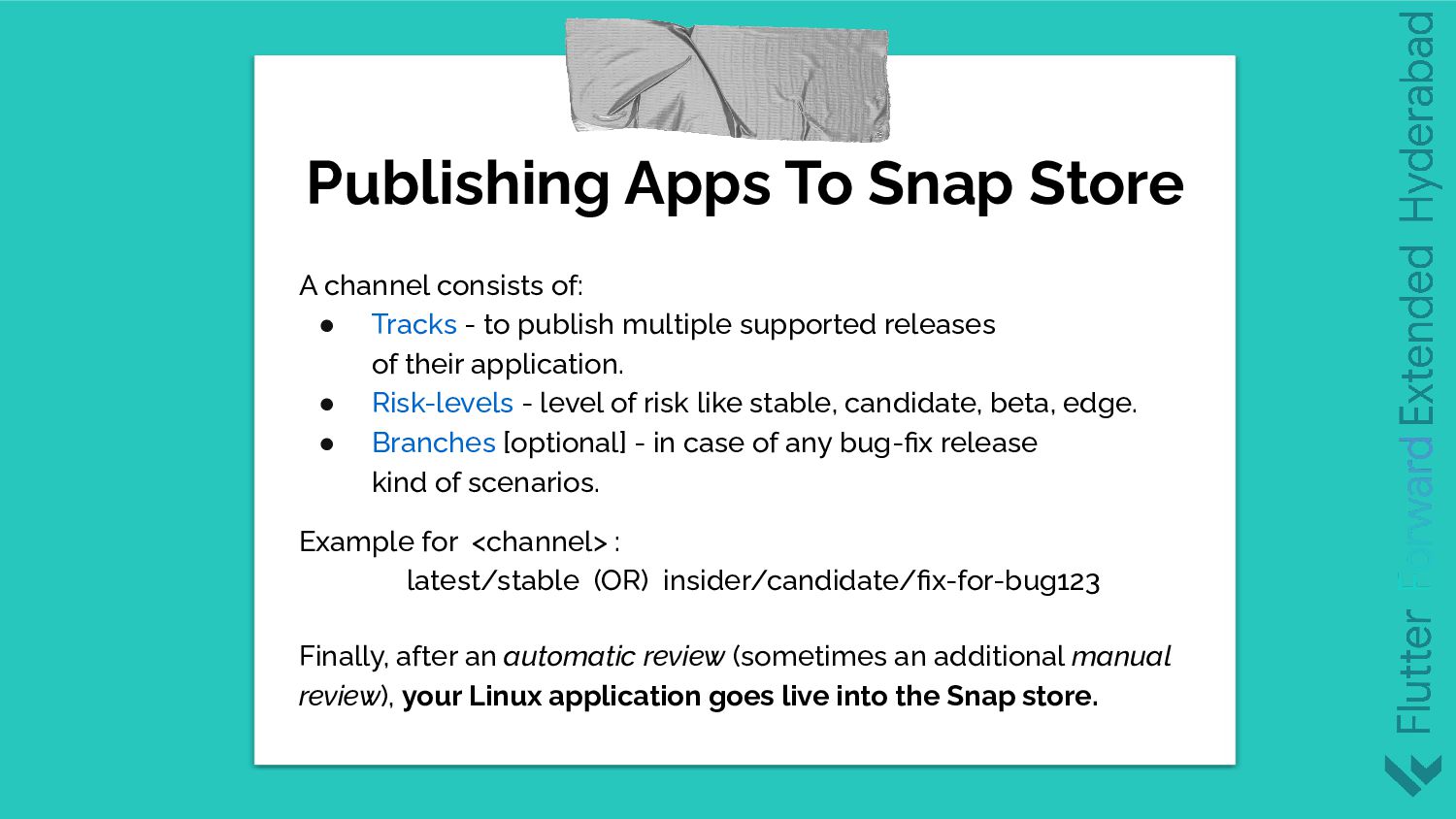
  6. A channel consists of: • Tracks - to publish multiple

    supported releases of their application. • Risk-levels - level of risk like stable, candidate, beta, edge. • Branches [optional] - in case of any bug-fix release kind of scenarios. Example for <channel> : latest/stable (OR) insider/candidate/fix-for-bug123 Finally, after an automatic review (sometimes an additional manual review), your Linux application goes live into the Snap store. Publishing Apps To Snap Store