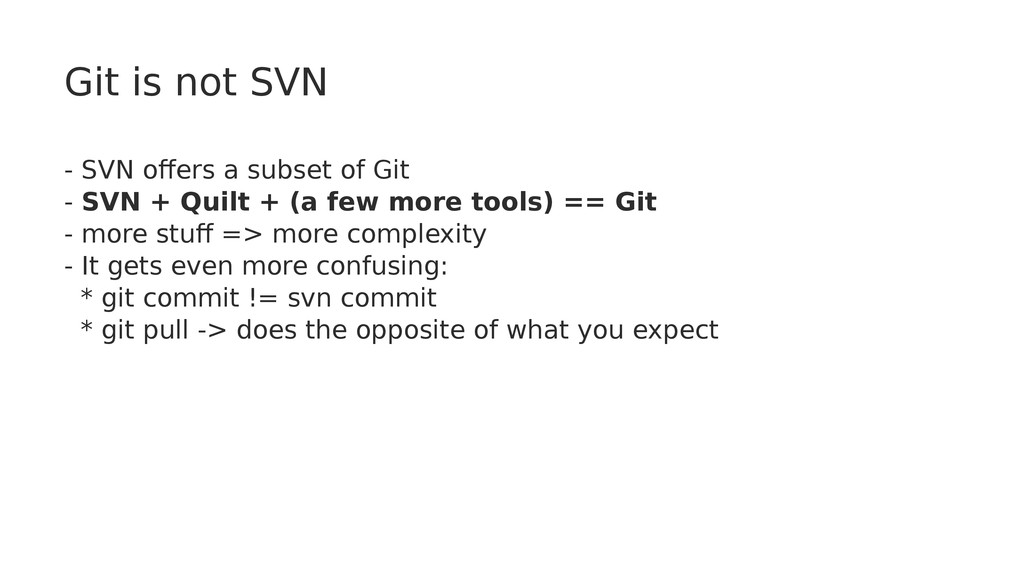
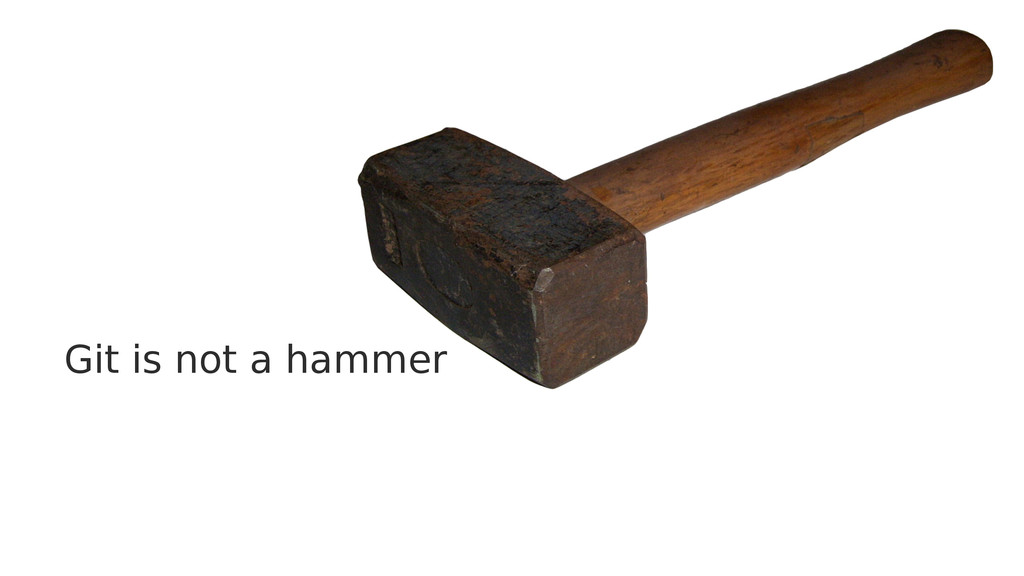
Git - SVN + Quilt + (a few more tools) == Git - more stuff => more complexity - It gets even more confusing: * git commit != svn commit * git pull -> does the opposite of what you expect
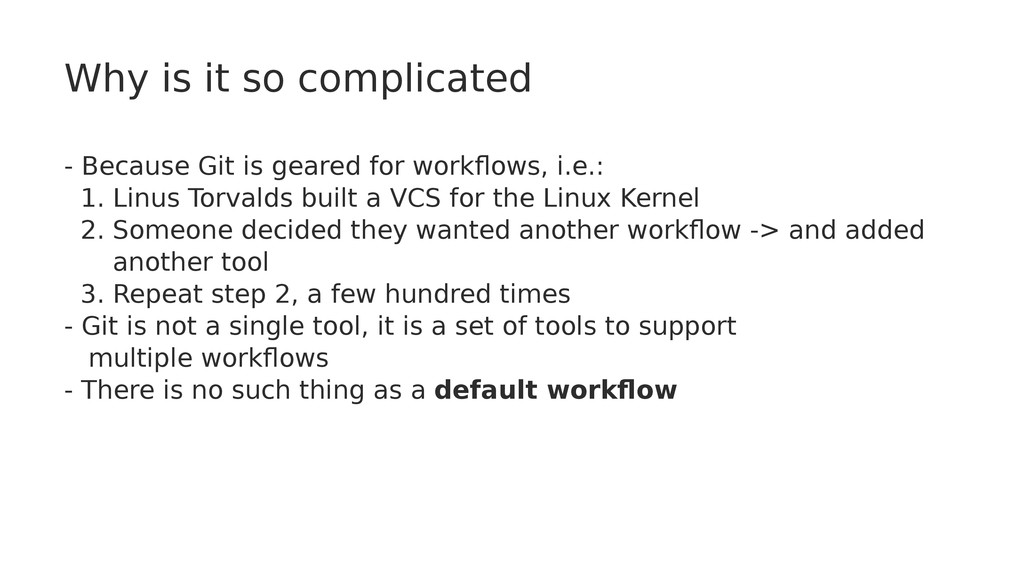
for workflows, i.e.: 1. Linus Torvalds built a VCS for the Linux Kernel 2. Someone decided they wanted another workflow -> and added another tool 3. Repeat step 2, a few hundred times - Git is not a single tool, it is a set of tools to support multiple workflows - There is no such thing as a default workflow
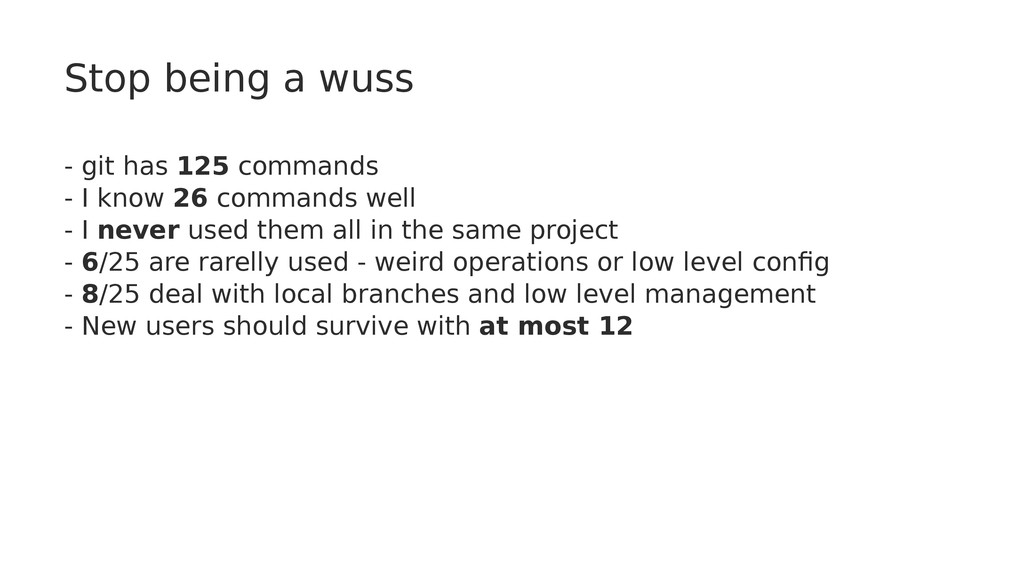
I know 26 commands well - I never used them all in the same project - 6/25 are rarelly used - weird operations or low level config - 8/25 deal with local branches and low level management - New users should survive with at most 12
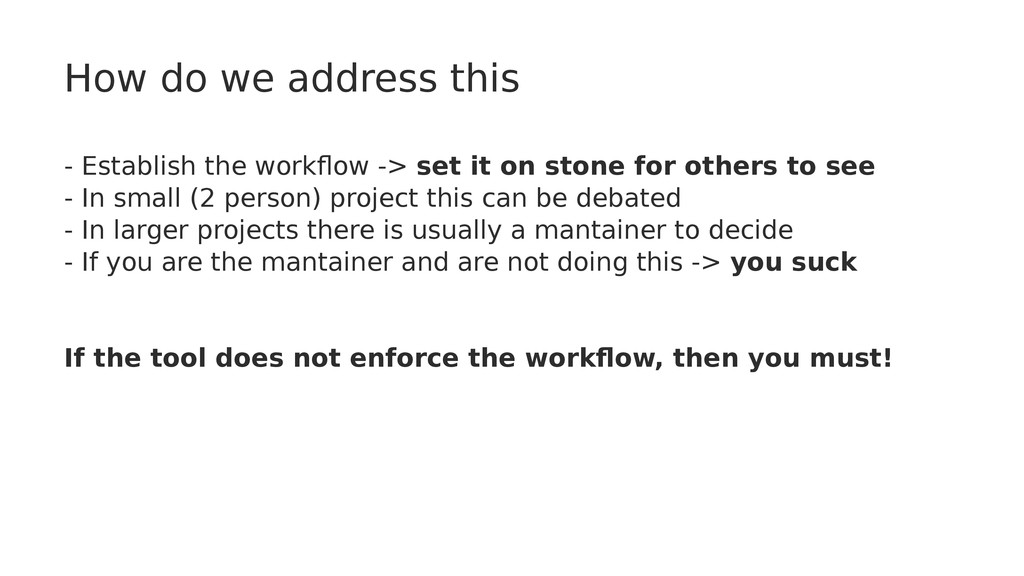
set it on stone for others to see - In small (2 person) project this can be debated - In larger projects there is usually a mantainer to decide - If you are the mantainer and are not doing this -> you suck If the tool does not enforce the workflow, then you must!
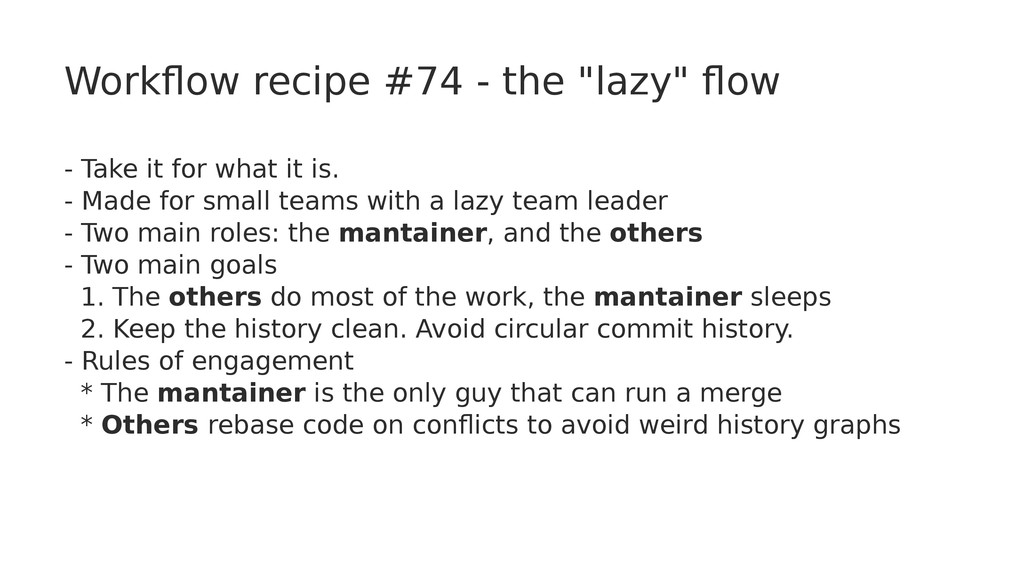
for what it is. - Made for small teams with a lazy team leader - Two main roles: the mantainer, and the others - Two main goals 1. The others do most of the work, the mantainer sleeps 2. Keep the history clean. Avoid circular commit history. - Rules of engagement * The mantainer is the only guy that can run a merge * Others rebase code on conflicts to avoid weird history graphs
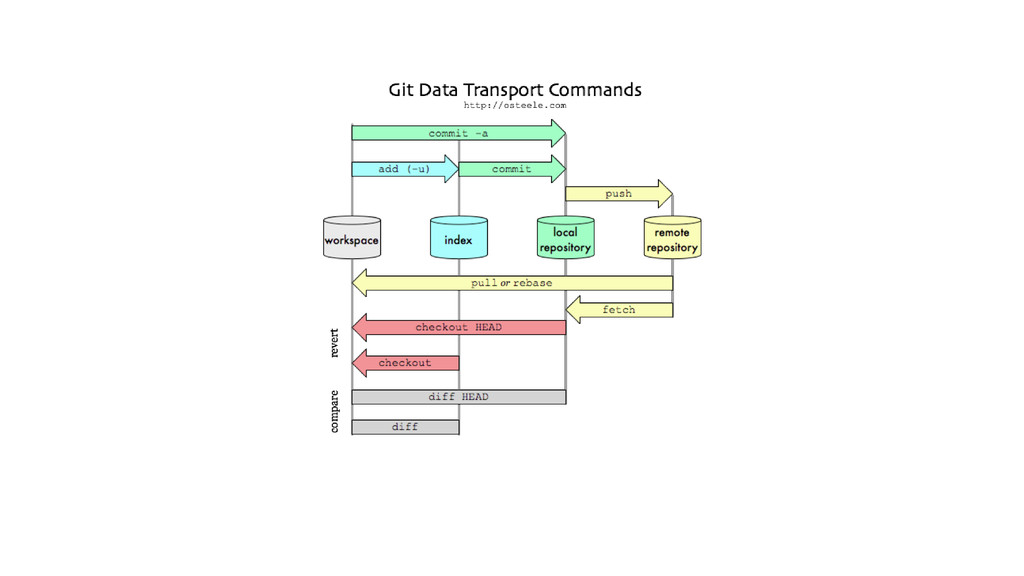
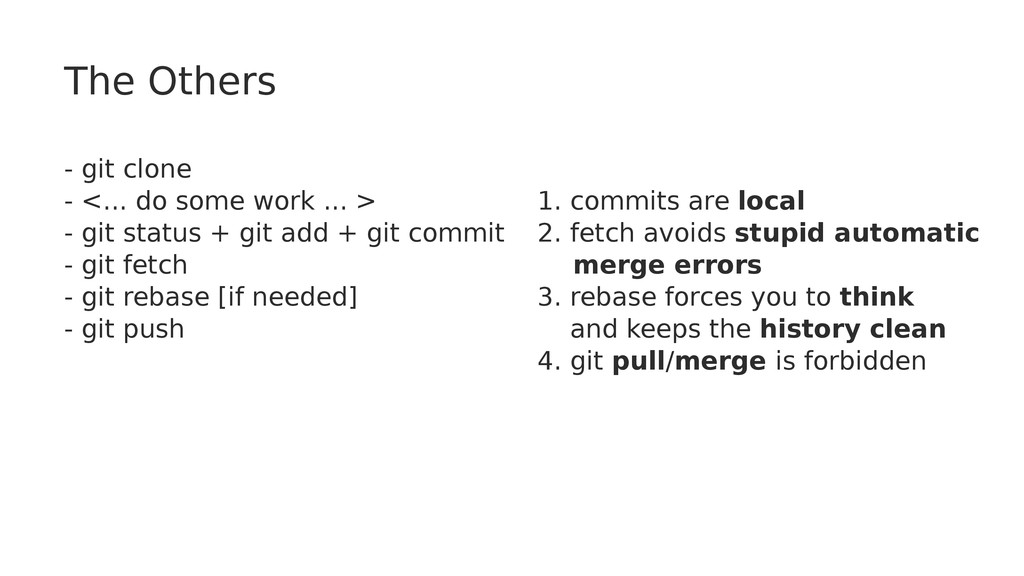
... > - git status + git add + git commit - git fetch - git rebase [if needed] - git push 1. commits are local 2. fetch avoids stupid automatic merge errors 3. rebase forces you to think and keeps the history clean 4. git pull/merge is forbidden
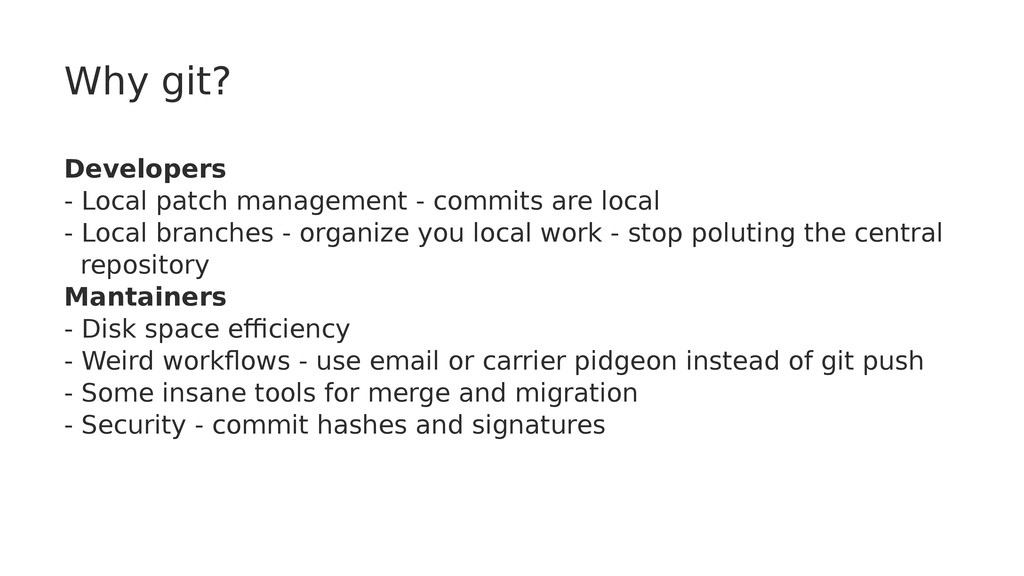
local - Local branches - organize you local work - stop poluting the central repository Mantainers - Disk space efficiency - Weird workflows - use email or carrier pidgeon instead of git push - Some insane tools for merge and migration - Security - commit hashes and signatures
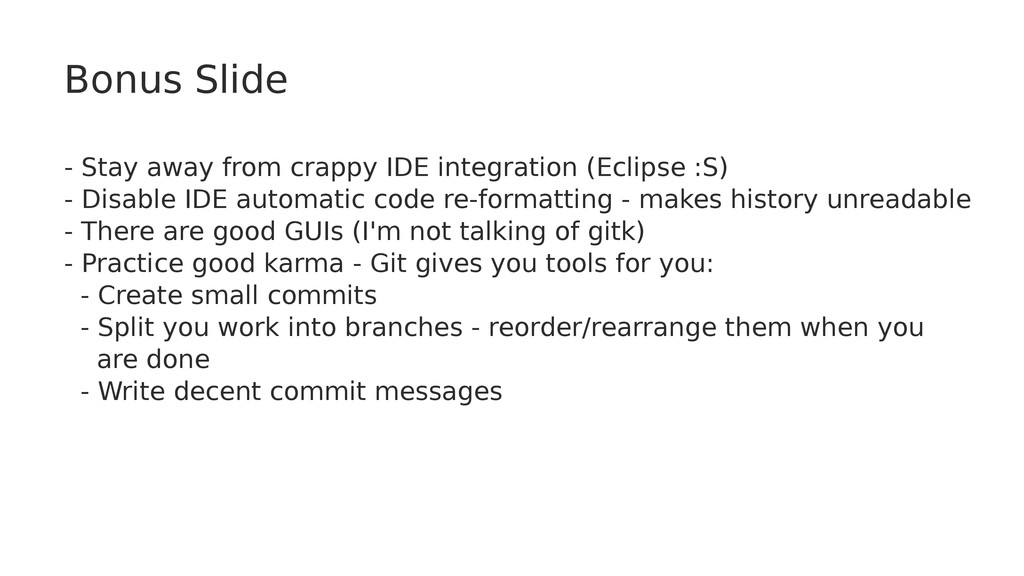
:S) - Disable IDE automatic code re-formatting - makes history unreadable - There are good GUIs (I'm not talking of gitk) - Practice good karma - Git gives you tools for you: - Create small commits - Split you work into branches - reorder/rearrange them when you are done - Write decent commit messages


 kasacchiful
 panda728
 tanahiro2010
 satoshi256kbyte
 drumath2237
 moro
moro
 taiseiue
 oku053
 sorah
sorah
 sylph01
 optim
optim
 signer
 reverentgeek
 eileencodes
 honnibal
 soudai
 akashhashmi
 jonrohan
 productmarketing
 baasie
 bluesmoon
 nmsamuel