Upgrade to Pro — share decks privately, control downloads, hide ads and more …

System Health: The Dashboard That Watches Itself

Sponsored · SiteGround - Reliable hosting with speed, security, and support you can count on. →

System Health: The Dashboard That Watches Itself

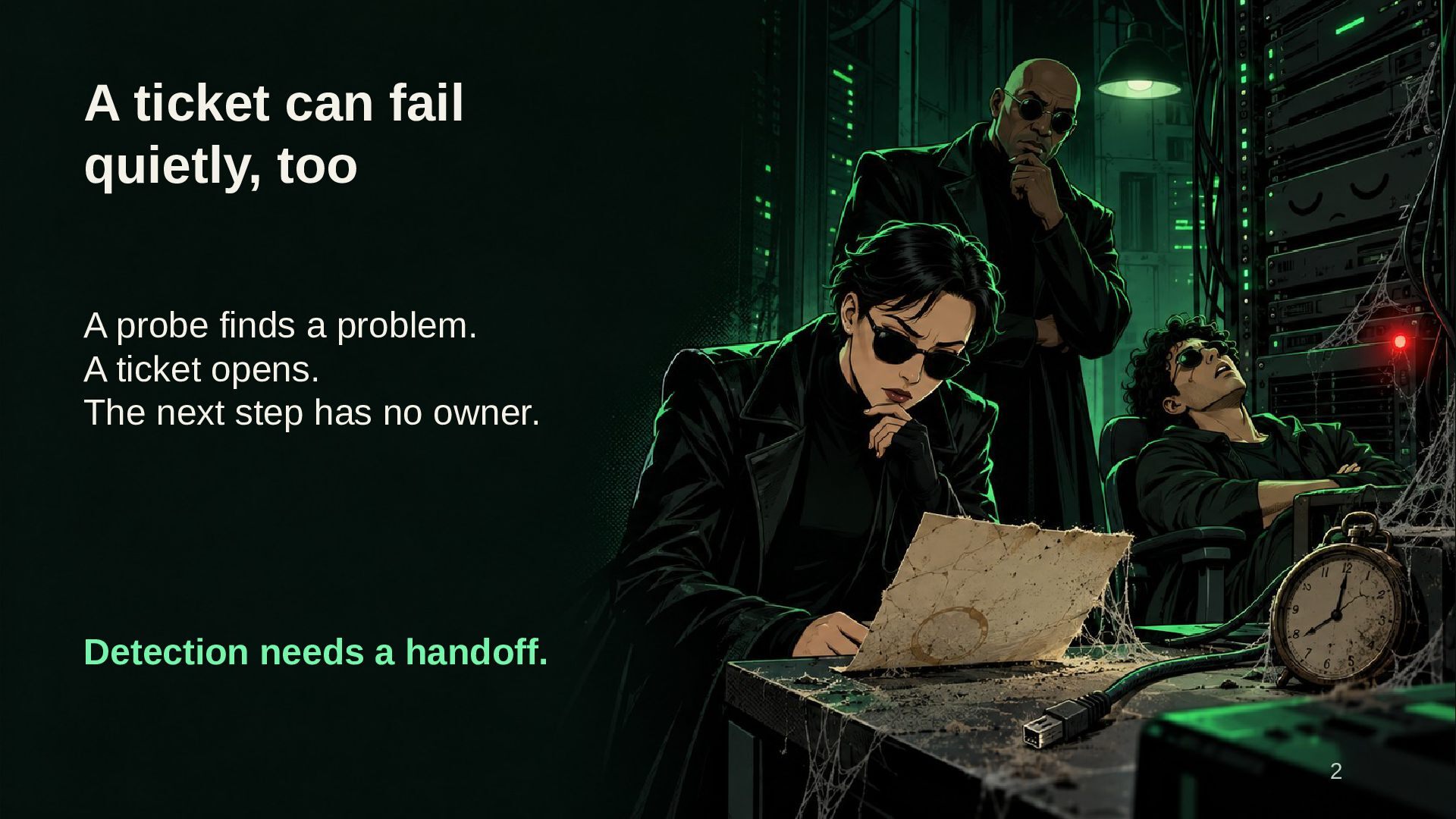
A security dependency can fail quietly. A ticket can fail quietly, too.

This public presentation explores read-only health probes, explicit uncertainty, component-level alerting, human ownership, and AI-assisted investigation. It covers why tests can repeat an integration bug, how a monitor checks snapshot freshness, and how fixes move through pull requests and recovery verification.

The customer-support example brings 1Password vault links and access guides into the dashboard while existing permissions continue to control access.

By Steven Carlson. Public edition, November 2026. Matrix-inspired illustrations are AI-generated visual metaphors, not operational screenshots.

Talk details: https://sessionize.com/steven-carlson/

Avatar for Steven Carlson

Steven Carlson

November 02, 2026

Other Decks in Technology

Transcript

  1. A ticket can fail quietly, too A probe finds a

    problem. A ticket opens. The next step has no owner. Detection needs a handoff. 2
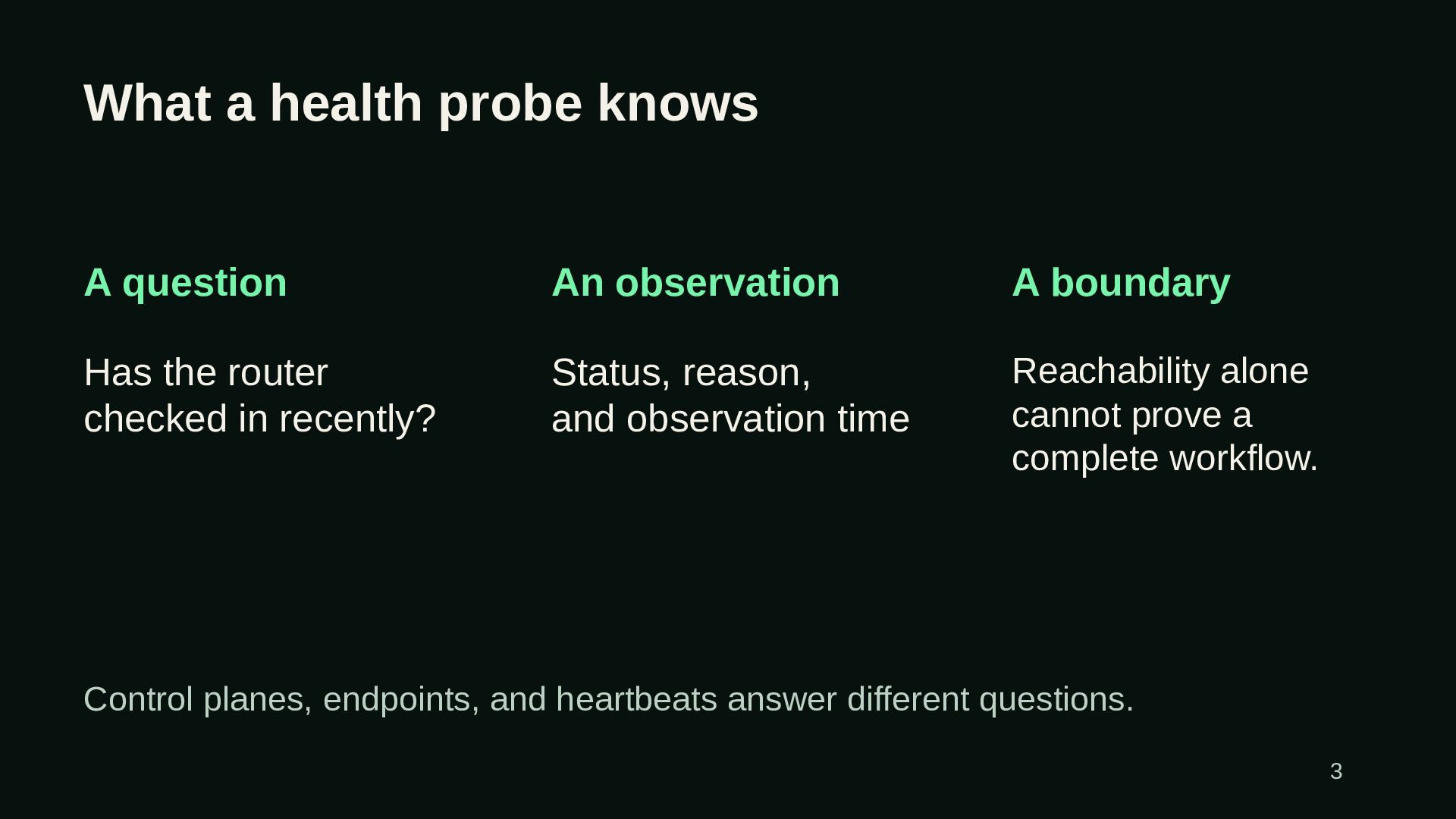
  2. What a health probe knows A question An observation A

    boundary Has the router checked in recently? Status, reason, and observation time Reachability alone cannot prove a complete workflow. Control planes, endpoints, and heartbeats answer different questions. 3
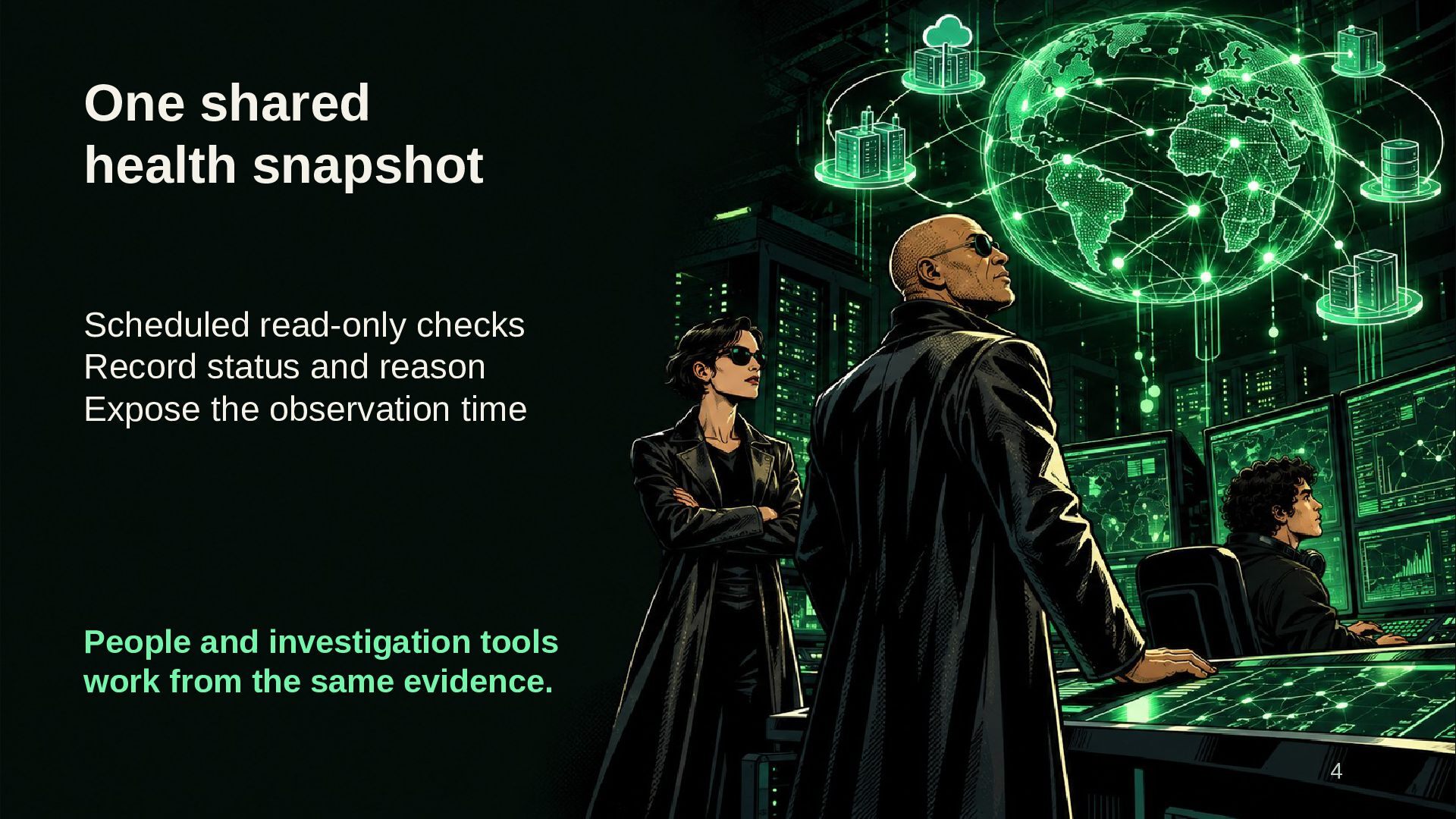
  3. One shared health snapshot Scheduled read-only checks Record status and

    reason Expose the observation time People and investigation tools work from the same evidence. 4
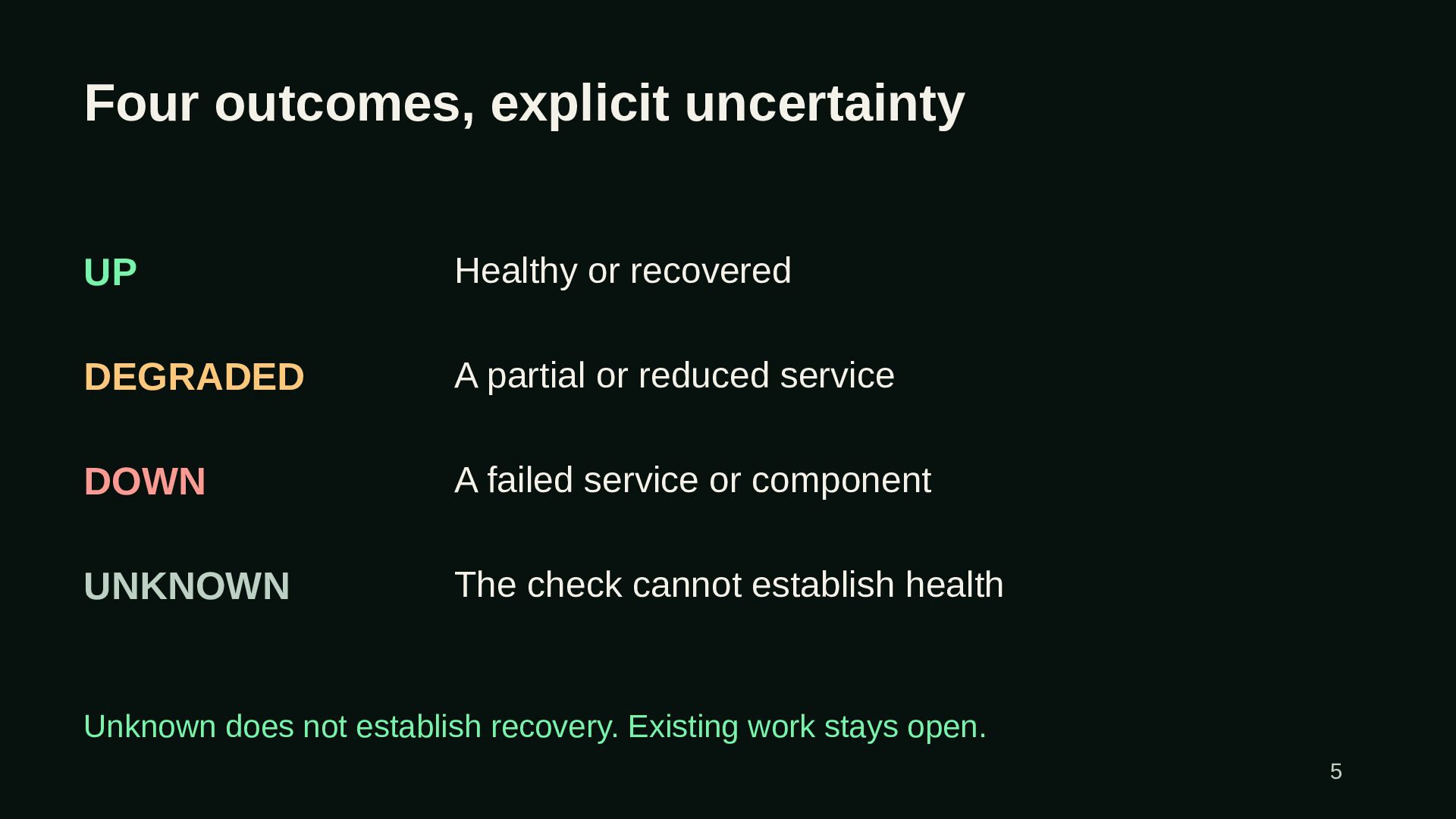
  4. Four outcomes, explicit uncertainty UP Healthy or recovered DEGRADED A

    partial or reduced service DOWN A failed service or component UNKNOWN The check cannot establish health Unknown does not establish recovery. Existing work stays open. 5
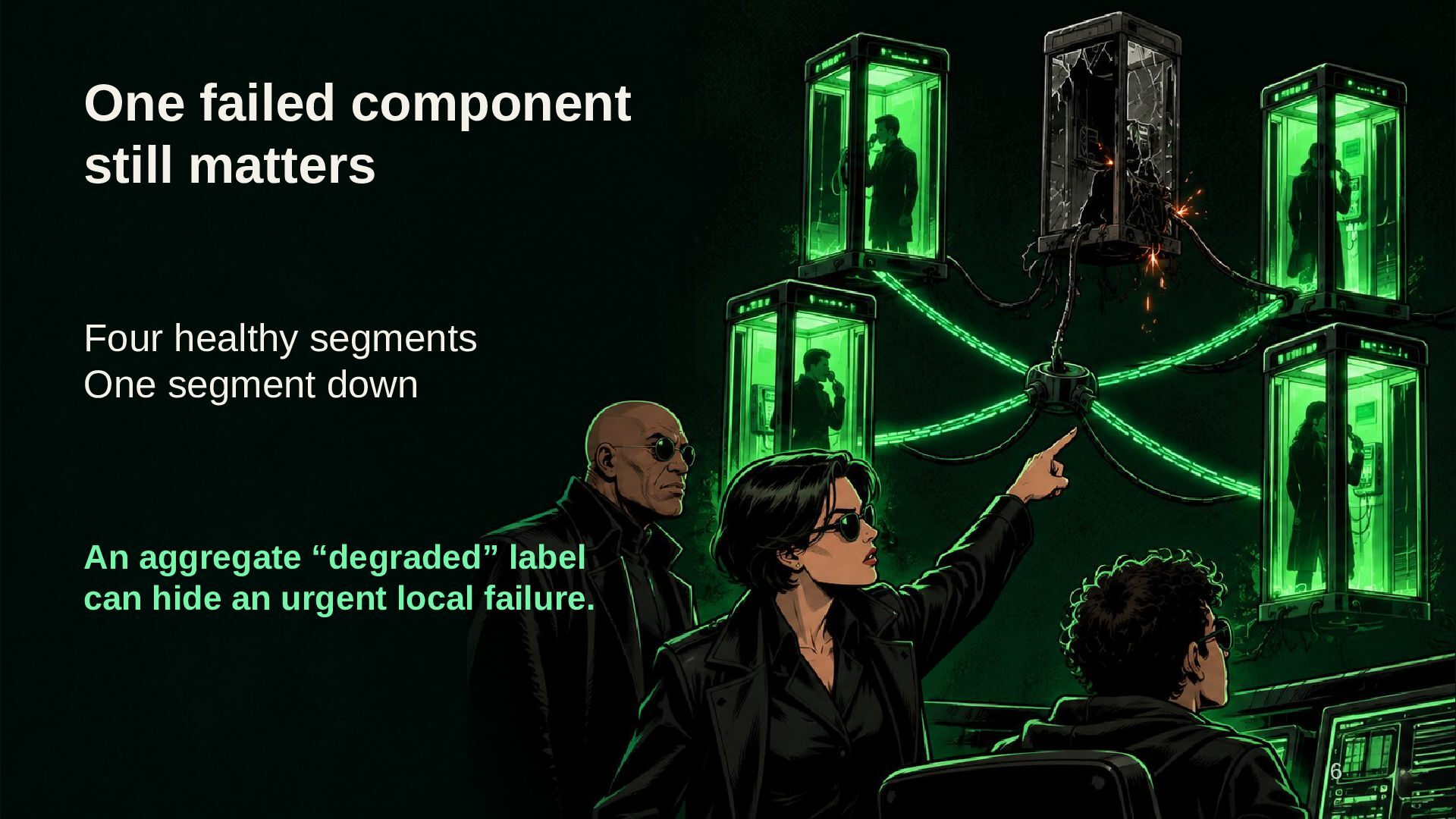
  5. One failed component still matters Four healthy segments One segment

    down An aggregate “degraded” label can hide an urgent local failure. 6
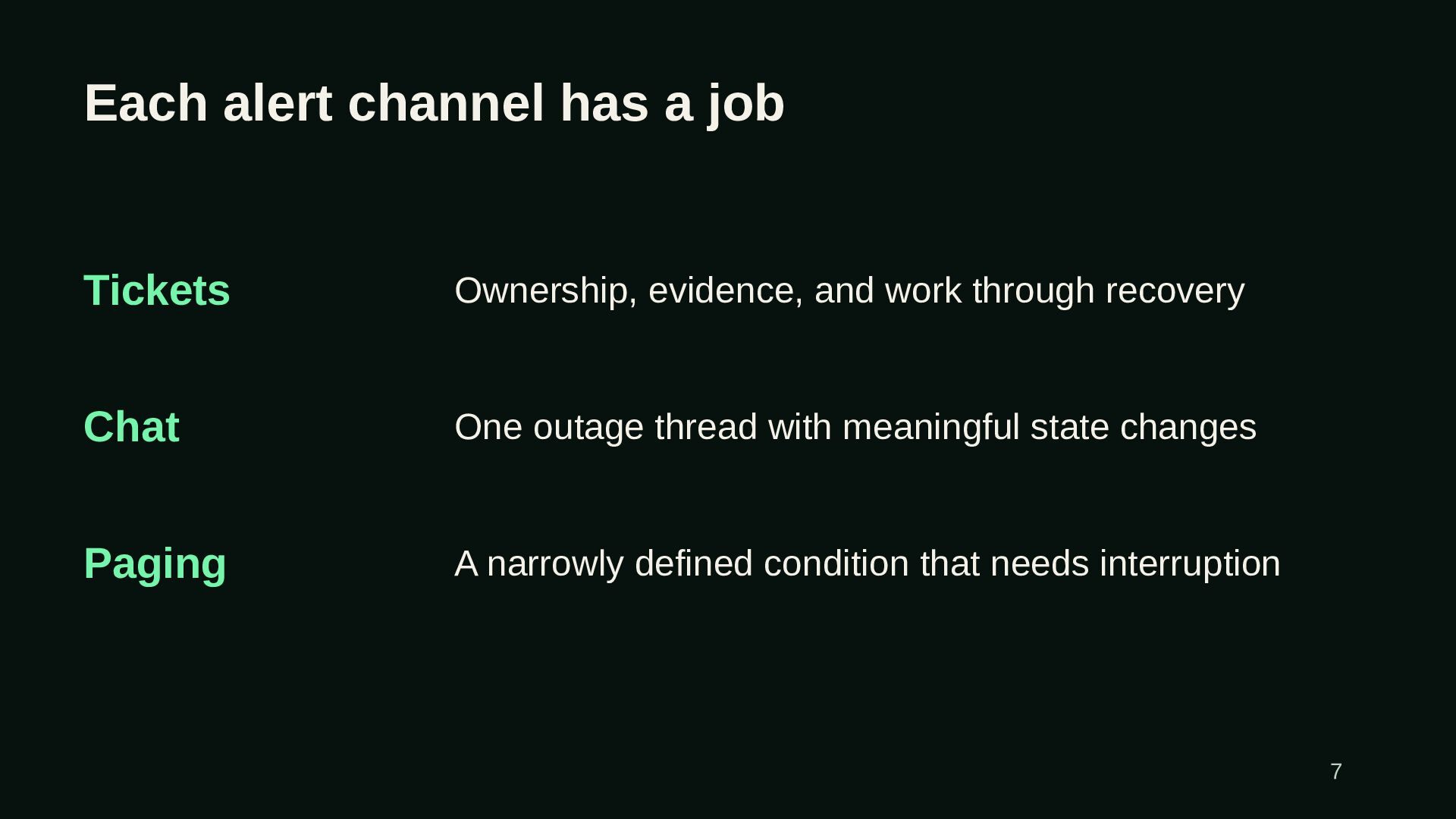
  6. Each alert channel has a job Tickets Ownership, evidence, and

    work through recovery Chat One outage thread with meaningful state changes Paging A narrowly defined condition that needs interruption 7
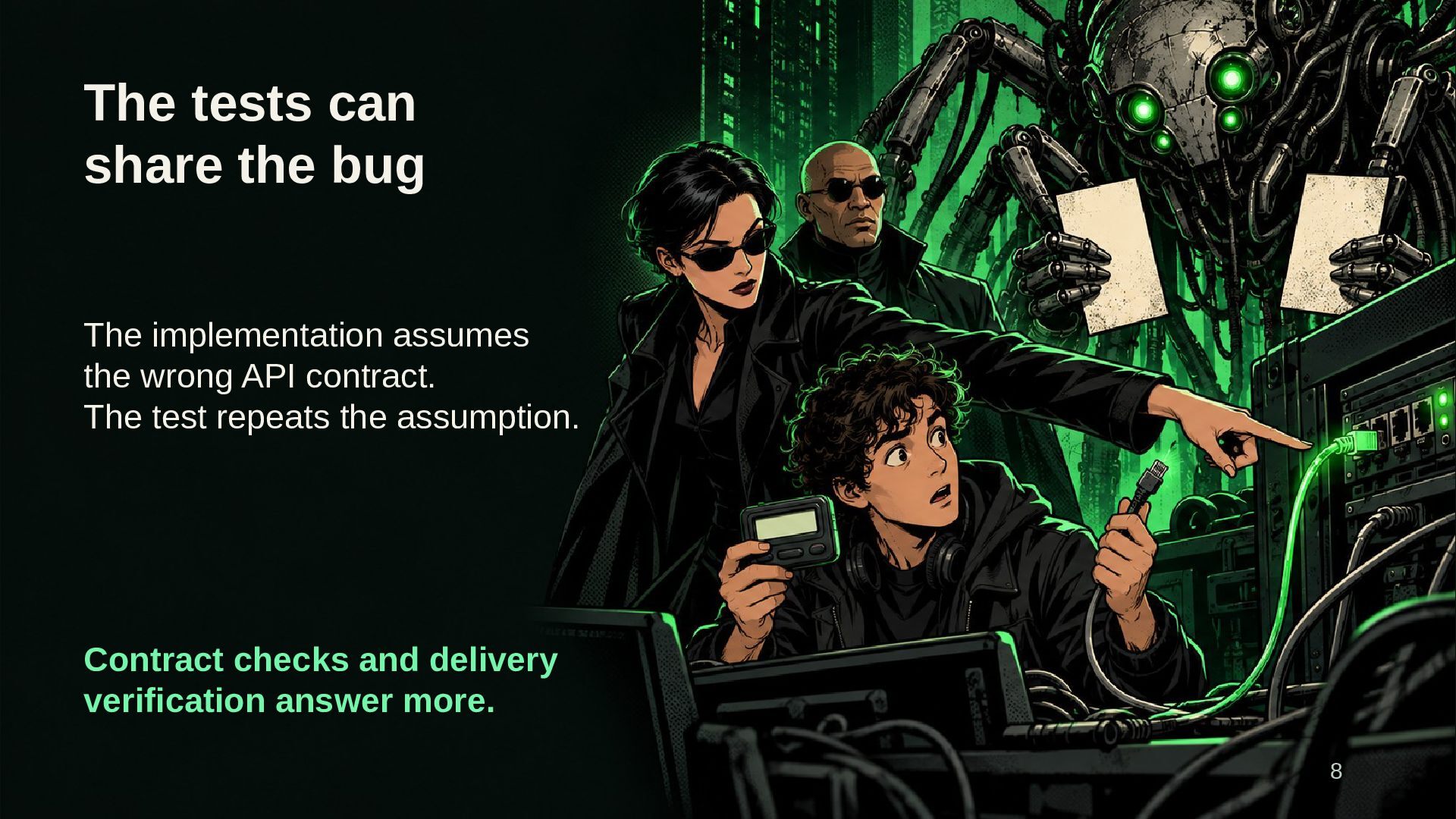
  7. The tests can share the bug The implementation assumes the

    wrong API contract. The test repeats the assumption. Contract checks and delivery verification answer more. 8
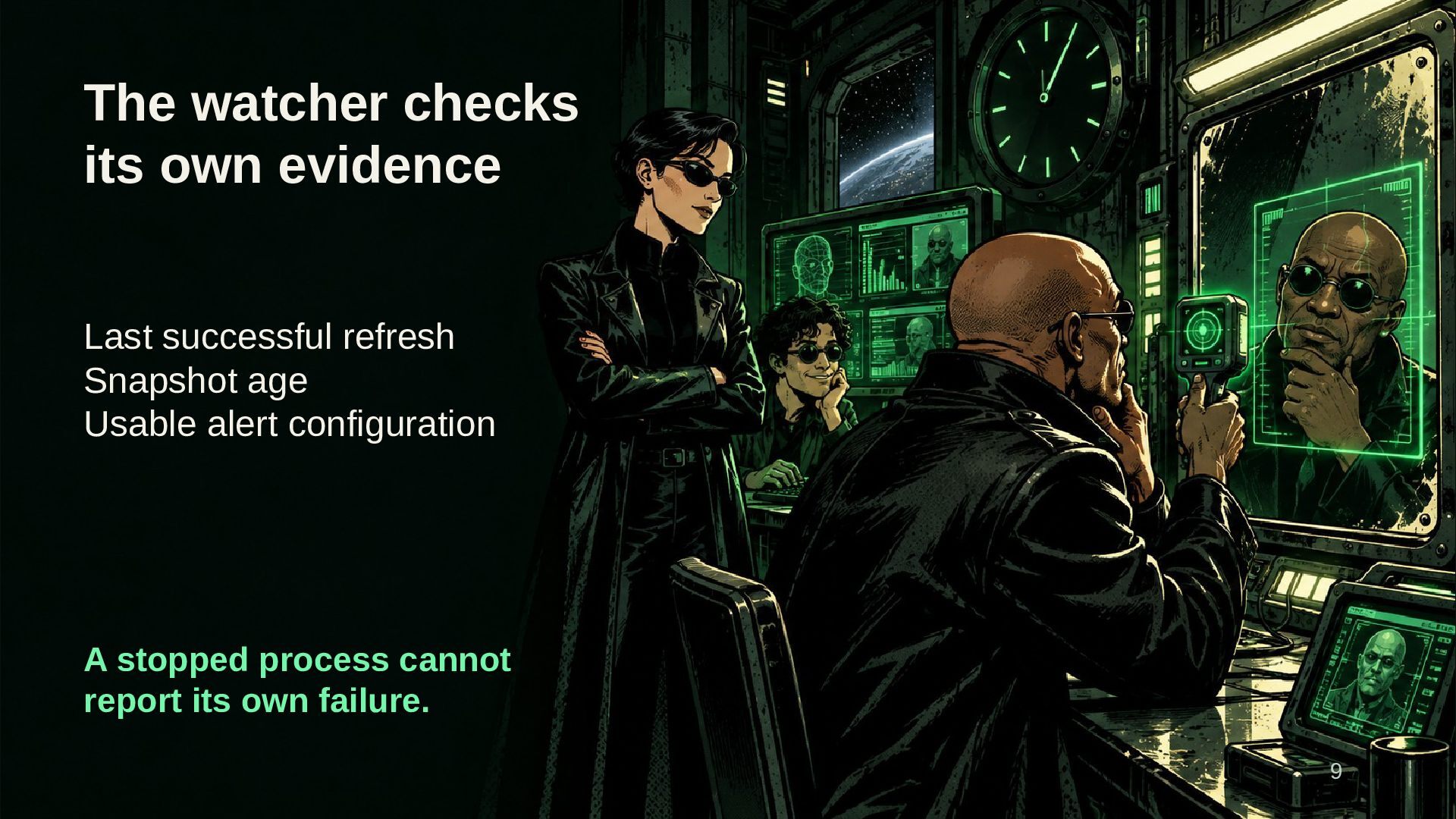
  8. The watcher checks its own evidence Last successful refresh Snapshot

    age Usable alert configuration A stopped process cannot report its own failure. 9
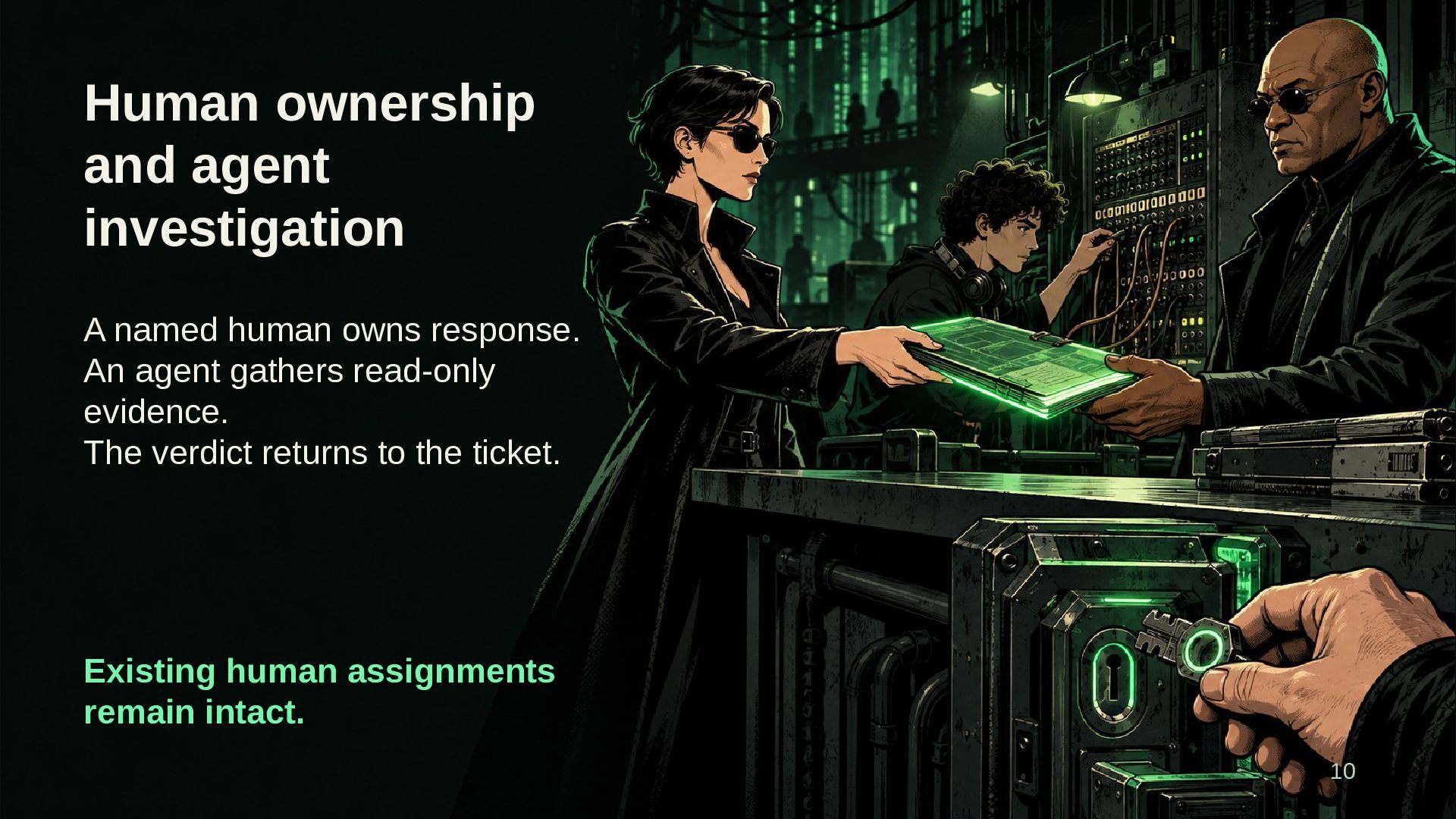
  9. Human ownership and agent investigation A named human owns response.

    An agent gathers read-only evidence. The verdict returns to the ticket. Existing human assignments remain intact. 10
  10. Customer access in context 1Password vault links Customer-support navigation beside

    system health Access requests and guides A clear path to the existing approval and access systems Permissions stay in the vault and approval systems. The dashboard links to them. 11
  11. A fix follows the repository workflow Propose Link the alert,

    evidence, change, and tests. Review and deploy Apply repository checks, approval rules, and rollout policy. Verify recovery Check the deployed result and the next health observation. 12
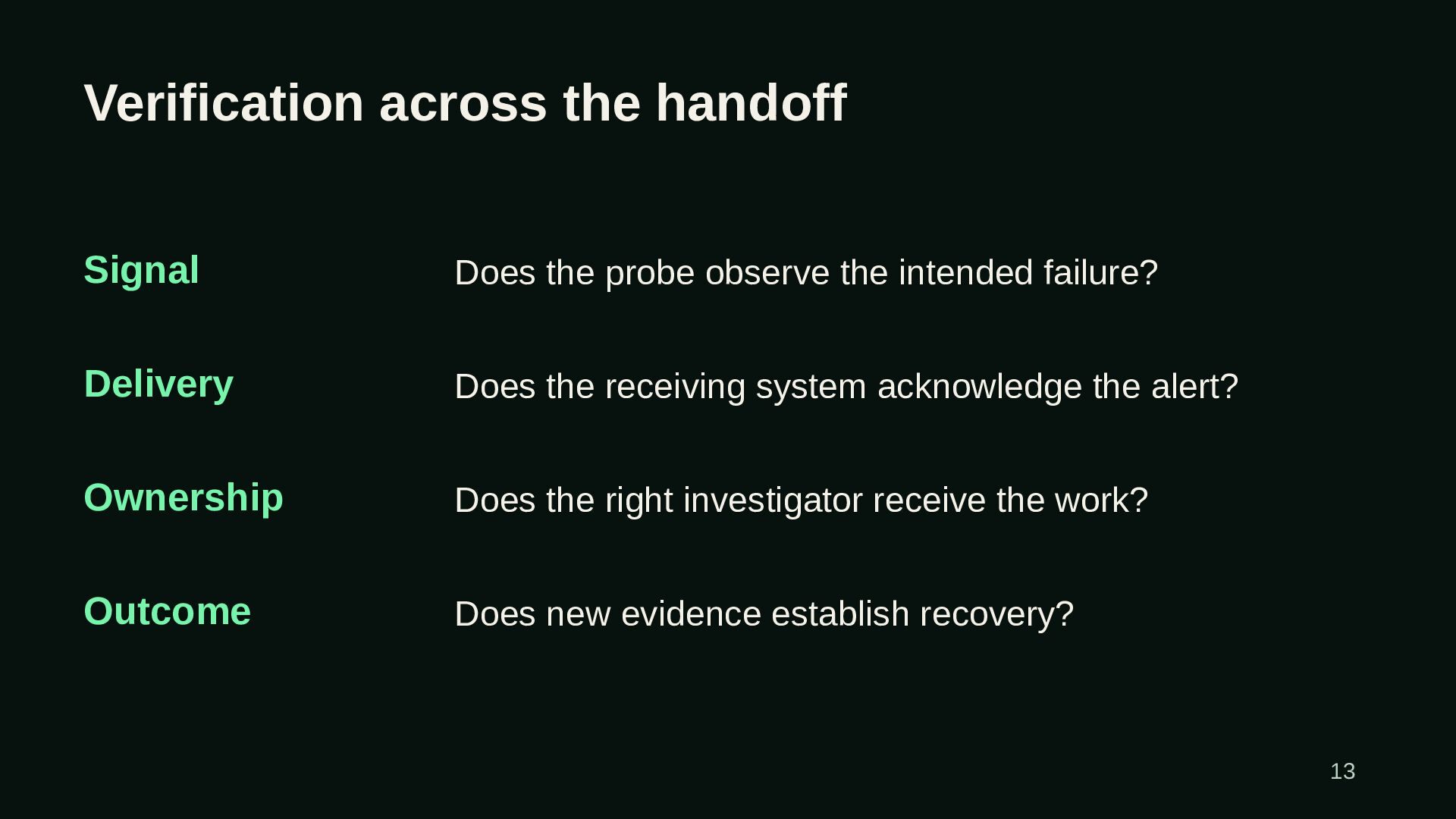
  12. Verification across the handoff Signal Does the probe observe the

    intended failure? Delivery Does the receiving system acknowledge the alert? Ownership Does the right investigator receive the work? Outcome Does new evidence establish recovery? 13
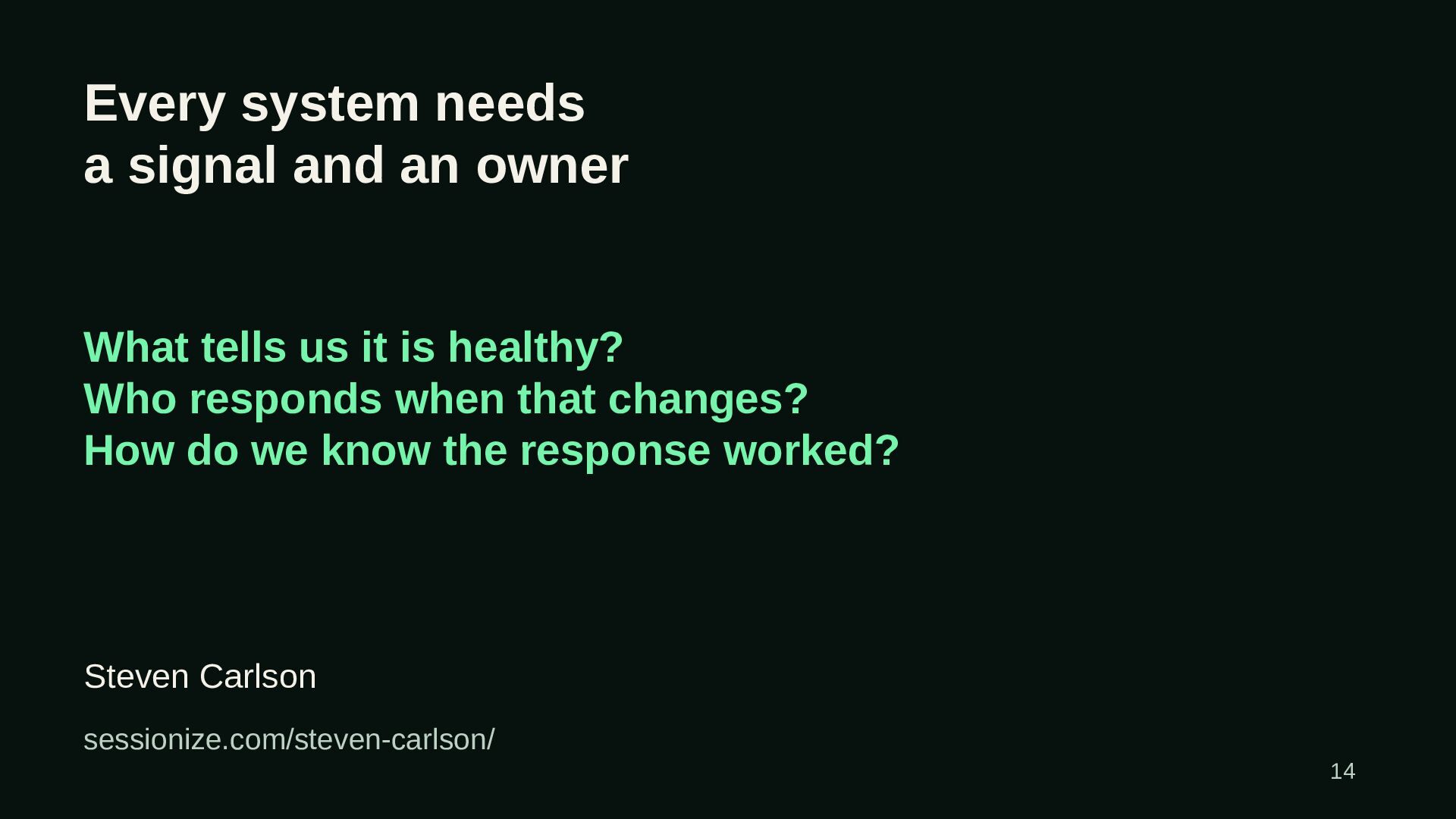
  13. Every system needs a signal and an owner What tells

    us it is healthy? Who responds when that changes? How do we know the response worked? Steven Carlson sessionize.com/steven-carlson/ 14