Share
Embed
Elasticsearch 2 Security - Beyond Basic Authentication
Covers PKI and Kerberos/SPNEGO authentication with Shield 2 for Elasticsearch 2.
Hendrik Saly
November 19, 2015
Transcript
30 slides
-
Elasticsearch Security No security within Elasticsearch by default Secure it
by using proxies/tunnels let the application handle security using security plugins -
Elasticsearch Security - by proxy Error prone (complex regex stuff)
ES API changes must be manually maintained HTTP REST only No Document or Field level security -
Elasticsearch Security - by application If user access Elasticsearch not
directly but through an application Handle security within the application Make sure that only the application can access Elasticsearch (Firewall) No security applied to intra-cluster communication -
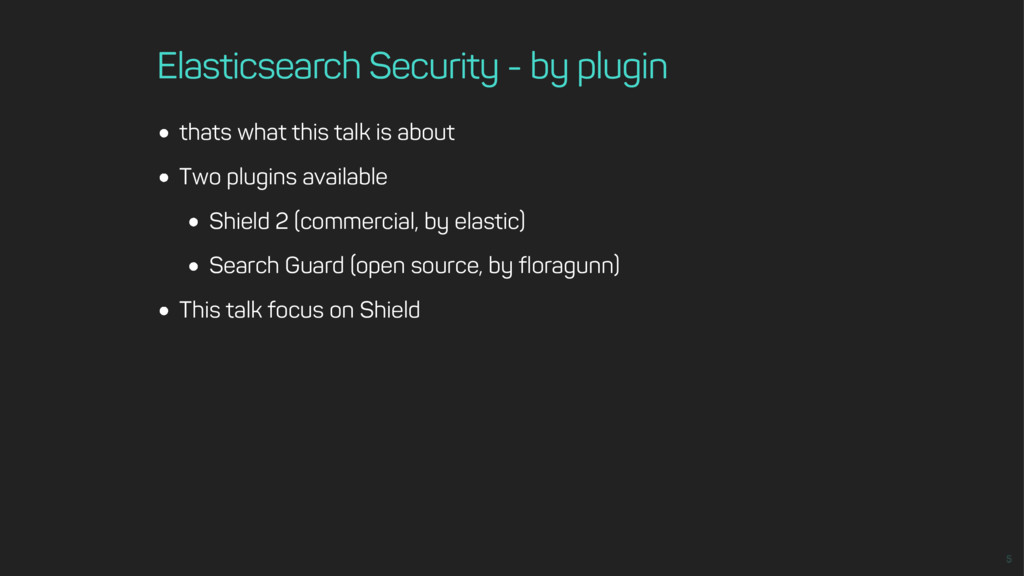
Elasticsearch Security - by plugin thats what this talk is
about Two plugins available Shield 2 (commercial, by elastic) Search Guard (open source, by floragunn) This talk focus on Shield -
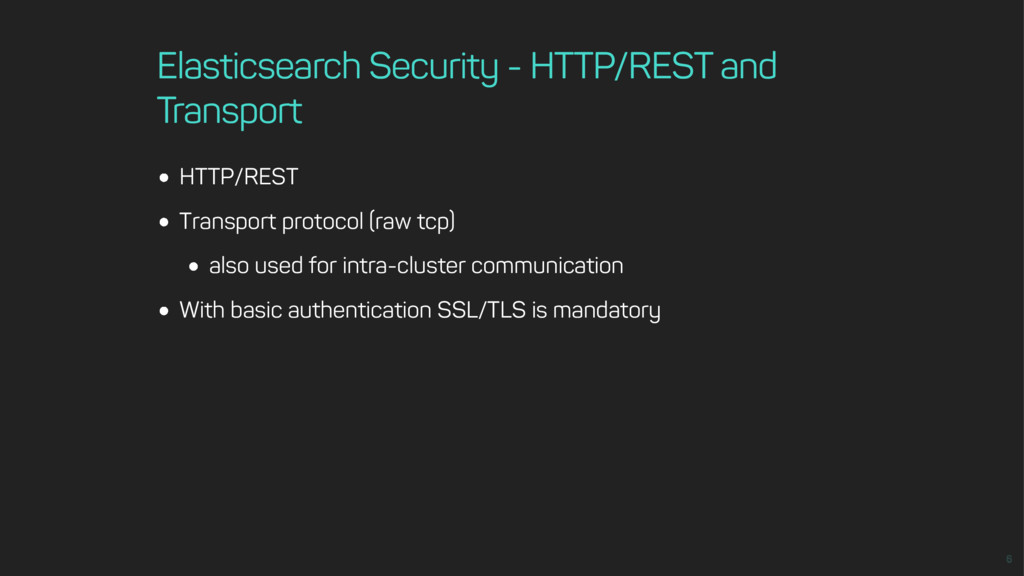
Elasticsearch Security - HTTP/REST and Transport HTTP/REST Transport protocol (raw
tcp) also used for intra-cluster communication With basic authentication SSL/TLS is mandatory -
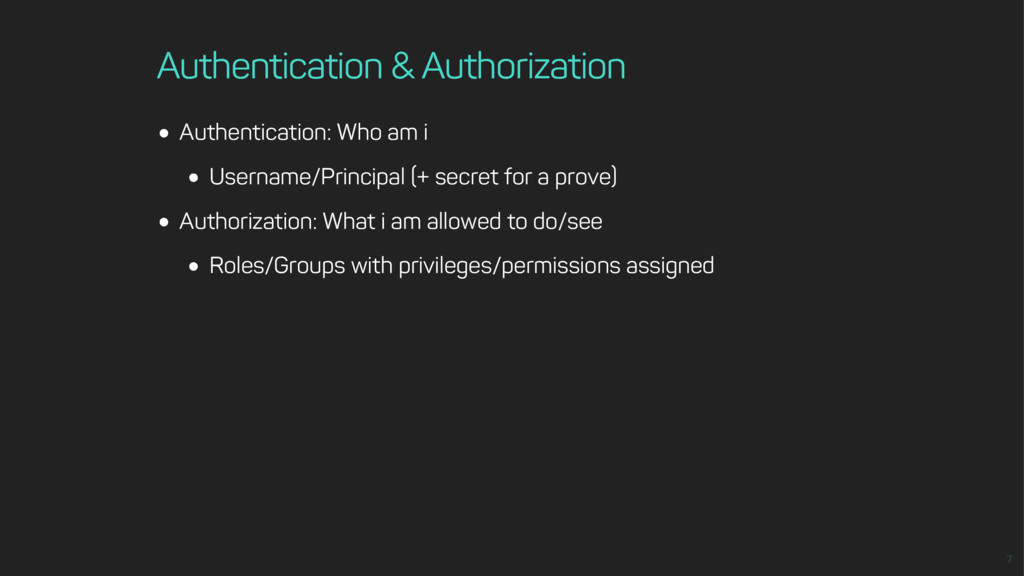
Authentication & Authorization Authentication: Who am i Username/Principal (+ secret
for a prove) Authorization: What i am allowed to do/see Roles/Groups with privileges/permissions assigned -
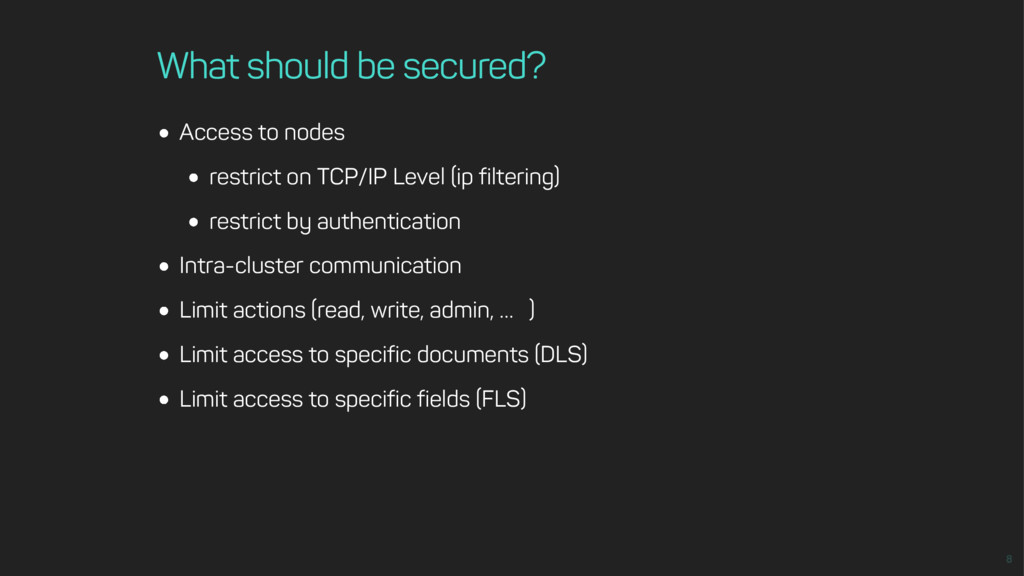
What should be secured? Access to nodes restrict on TCP/IP
Level (ip filtering) restrict by authentication Intra-cluster communication Limit actions (read, write, admin, … ) Limit access to specific documents (DLS) Limit access to specific fields (FLS) -
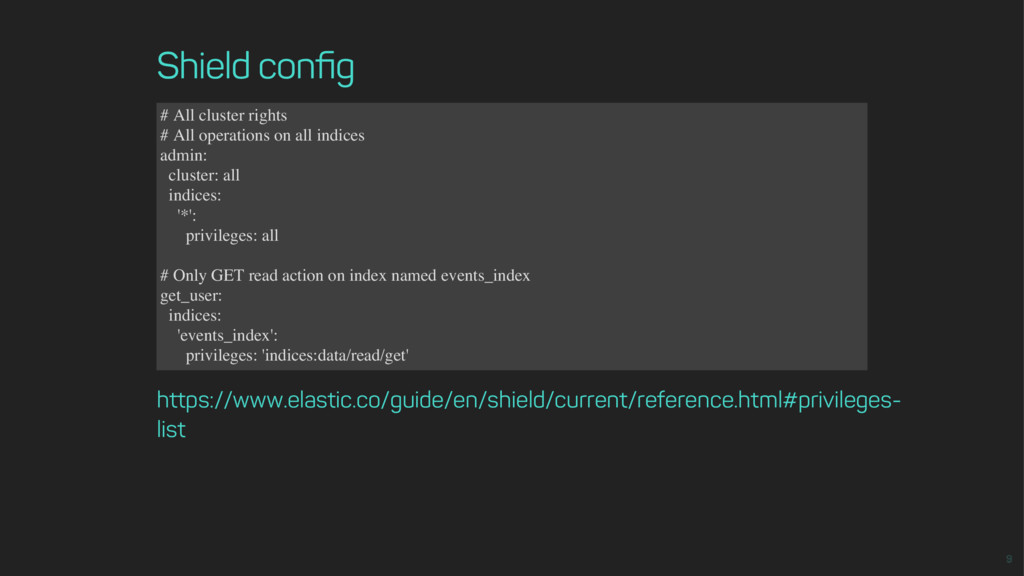
Shield config # All cluster rights # All operations on
all indices admin: cluster: all indices: '*': privileges: all # Only GET read action on index named events_index get_user: indices: 'events_index': privileges: 'indices:data/read/get' https://www.elastic.co/guide/en/shield/current/reference.html#privileges- list -
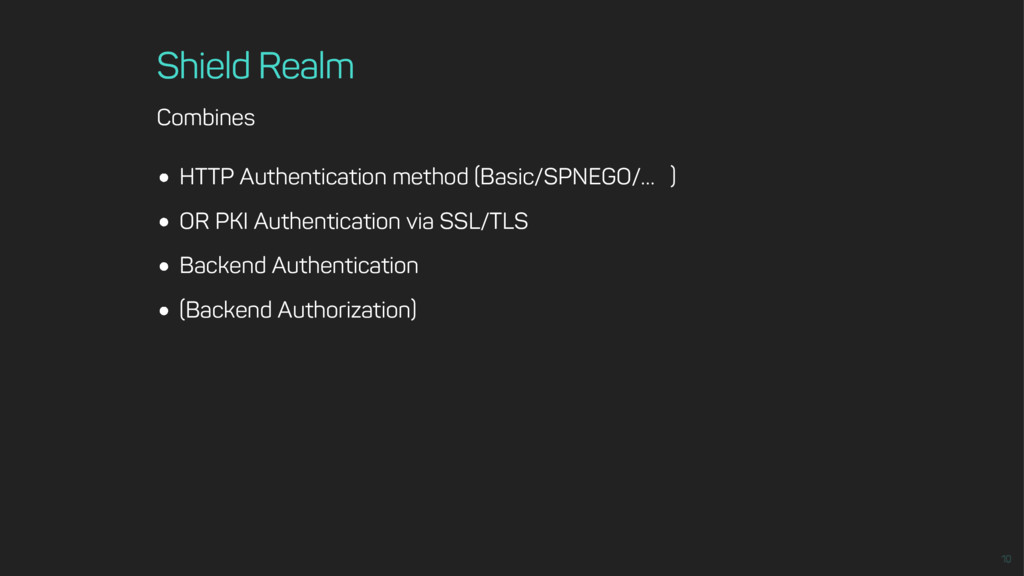
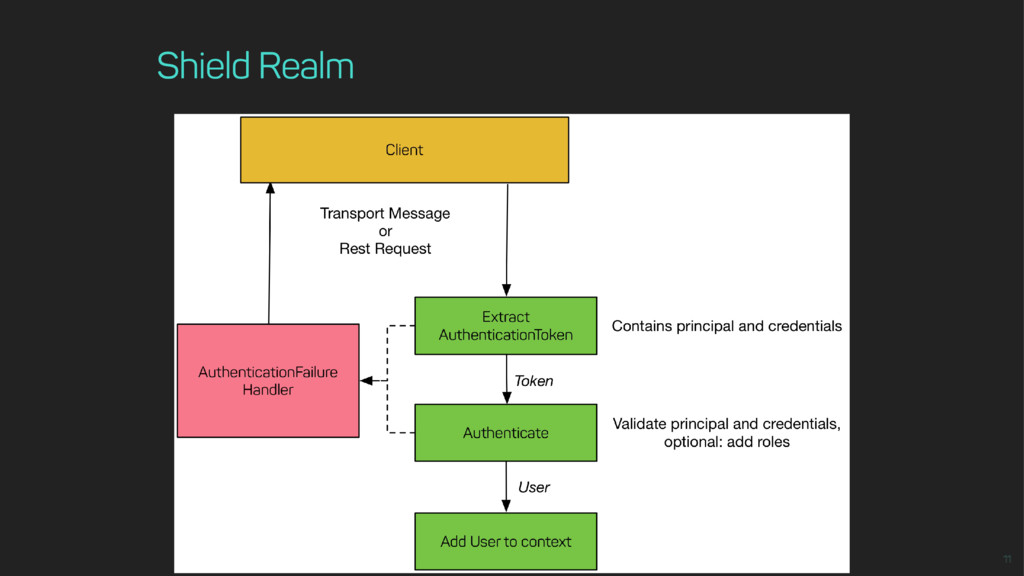
Shield Realm Combines HTTP Authentication method (Basic/SPNEGO/… ) OR PKI
Authentication via SSL/TLS Backend Authentication (Backend Authorization) -
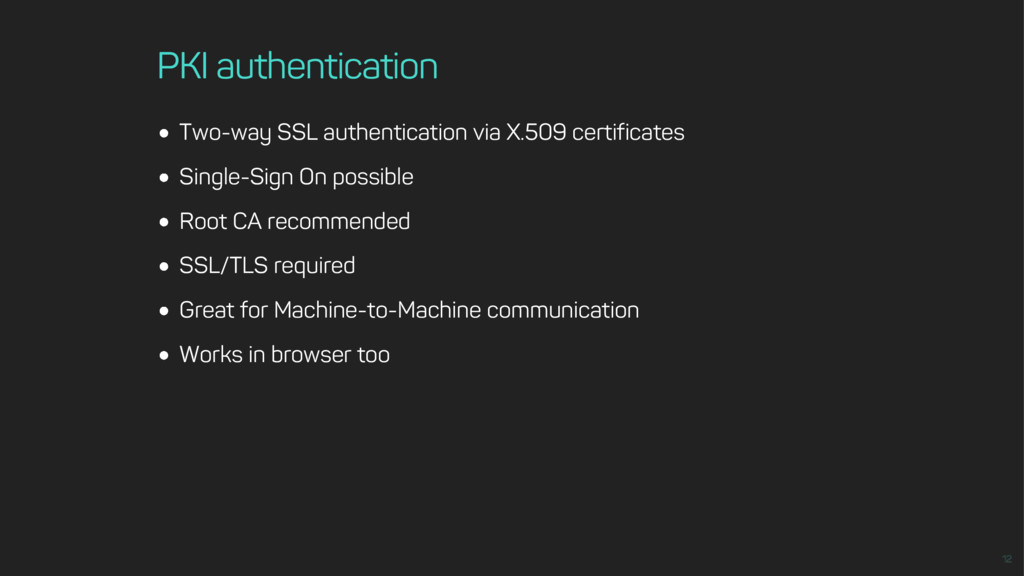
PKI authentication Two-way SSL authentication via X.509 certificates Single-Sign On
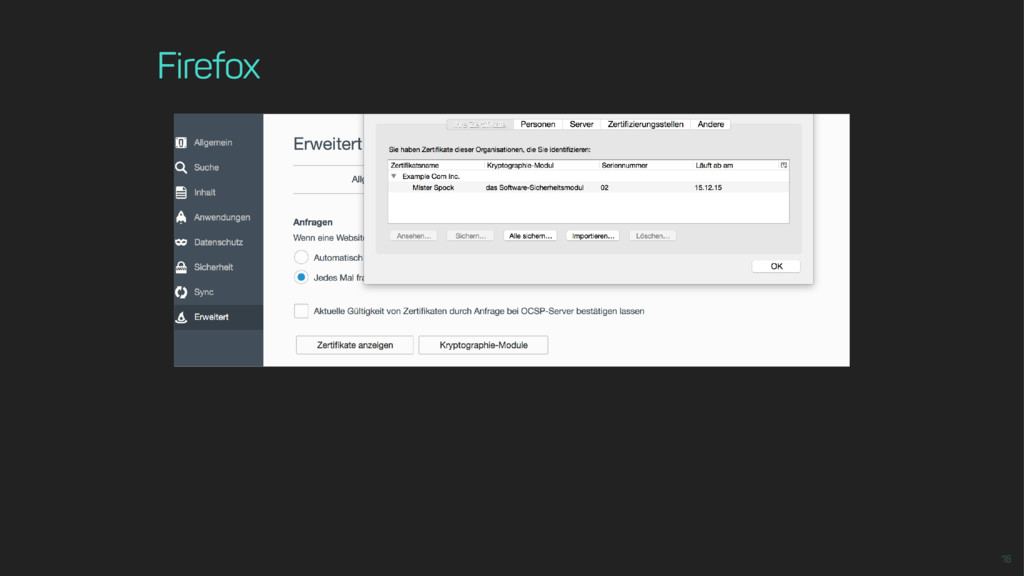
possible Root CA recommended SSL/TLS required Great for Machine-to-Machine communication Works in browser too -
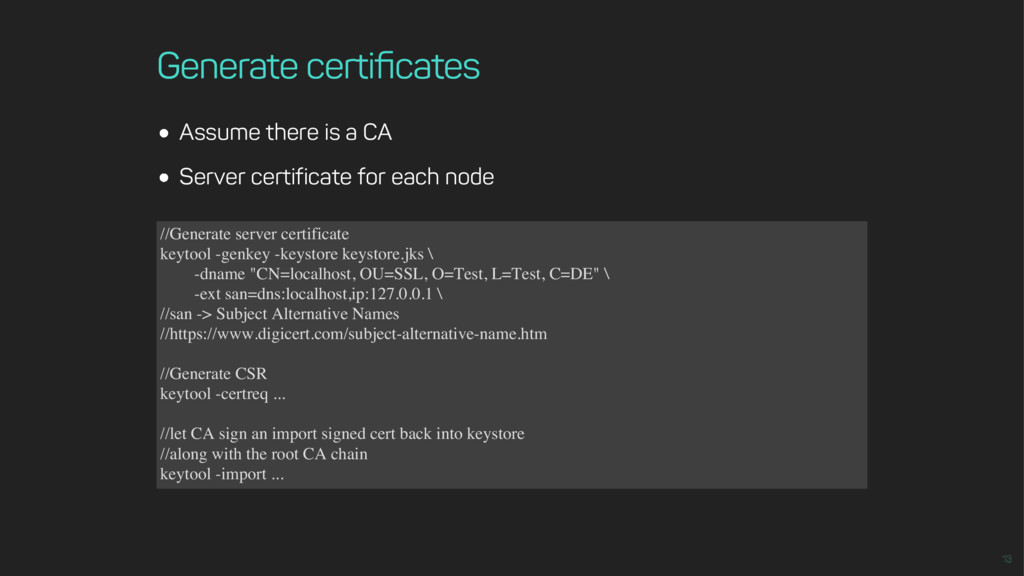
Generate certificates Assume there is a CA Server certificate for
each node //Generate server certificate keytool -genkey -keystore keystore.jks \ -dname "CN=localhost, OU=SSL, O=Test, L=Test, C=DE" \ -ext san=dns:localhost,ip:127.0.0.1 \ //san -> Subject Alternative Names //https://www.digicert.com/subject-alternative-name.htm //Generate CSR keytool -certreq ... //let CA sign an import signed cert back into keystore //along with the root CA chain keytool -import ... -
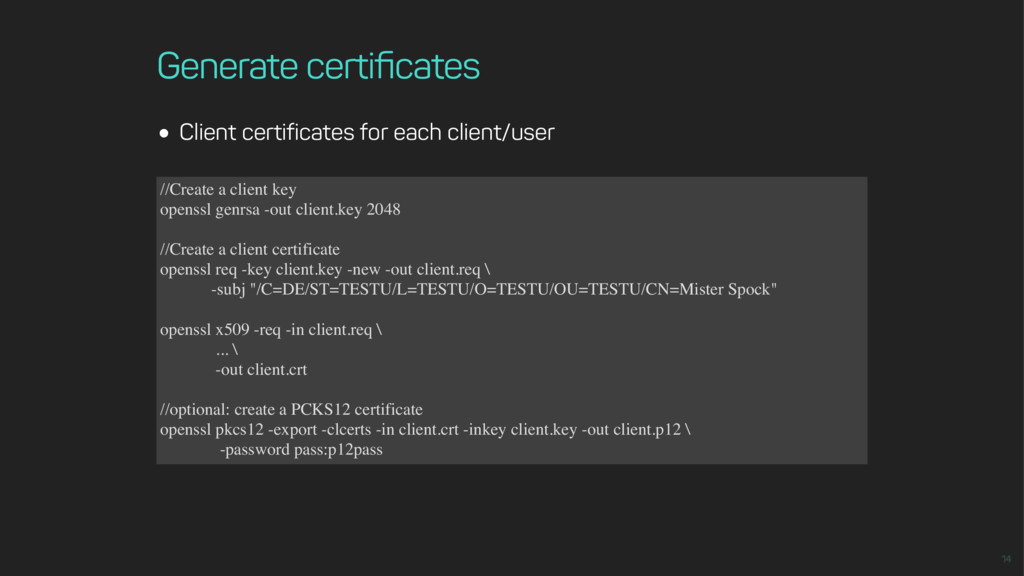
Generate certificates Client certificates for each client/user //Create a client
key openssl genrsa -out client.key 2048 //Create a client certificate openssl req -key client.key -new -out client.req \ -subj "/C=DE/ST=TESTU/L=TESTU/O=TESTU/OU=TESTU/CN=Mister Spock" openssl x509 -req -in client.req \ ... \ -out client.crt //optional: create a PCKS12 certificate openssl pkcs12 -export -clcerts -in client.crt -inkey client.key -out client.p12 \ -password pass:p12pass -
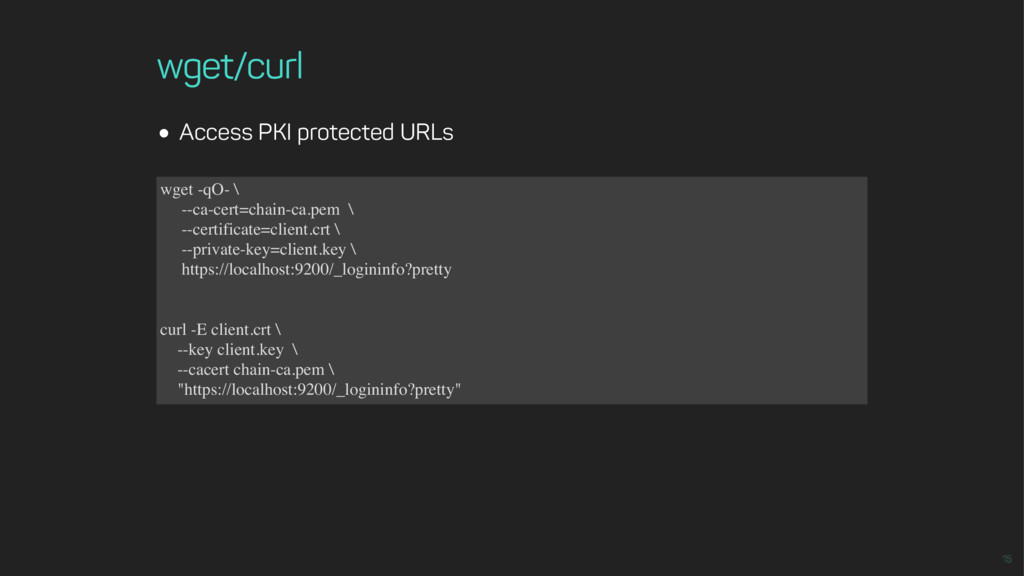
wget/curl Access PKI protected URLs wget -qO- \ --ca-cert=chain-ca.pem \
--certificate=client.crt \ --private-key=client.key \ https://localhost:9200/_logininfo?pretty curl -E client.crt \ --key client.key \ --cacert chain-ca.pem \ "https://localhost:9200/_logininfo?pretty" -
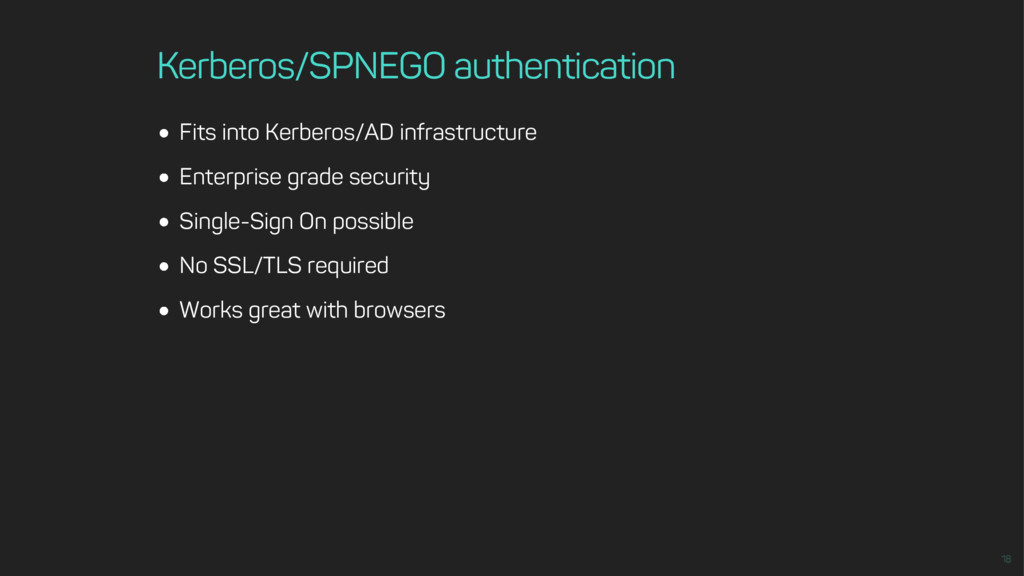
Kerberos/SPNEGO authentication Fits into Kerberos/AD infrastructure Enterprise grade security Single-Sign
On possible No SSL/TLS required Works great with browsers -
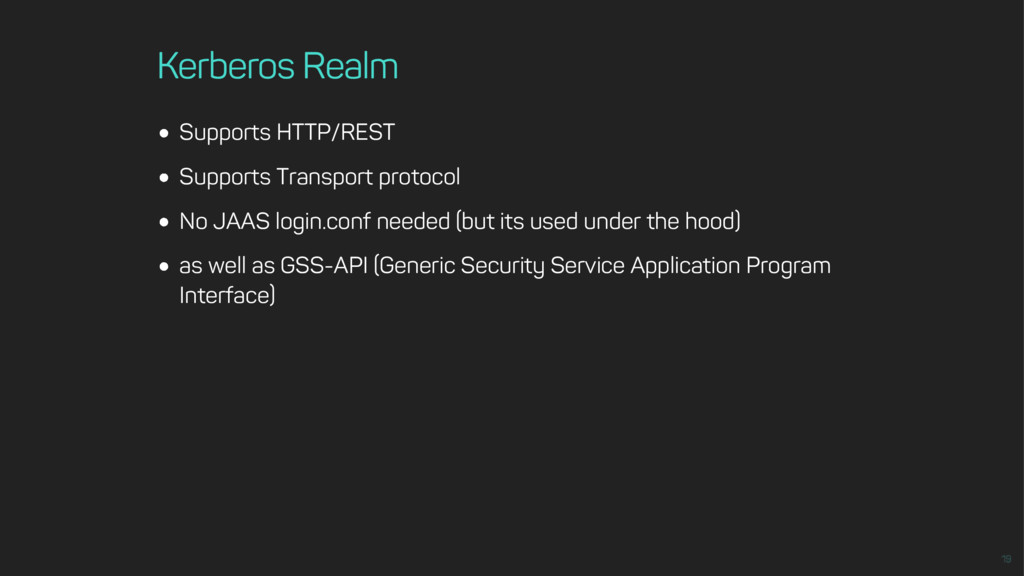
Kerberos Realm Supports HTTP/REST Supports Transport protocol No JAAS login.conf
needed (but its used under the hood) as well as GSS-API (Generic Security Service Application Program Interface) -
Kerberos Realm Access Kerberos protected URLs kinit [email protected] curl -k
--negotiate -u : \ "https://localhost:9200/_logininfo?pretty" -
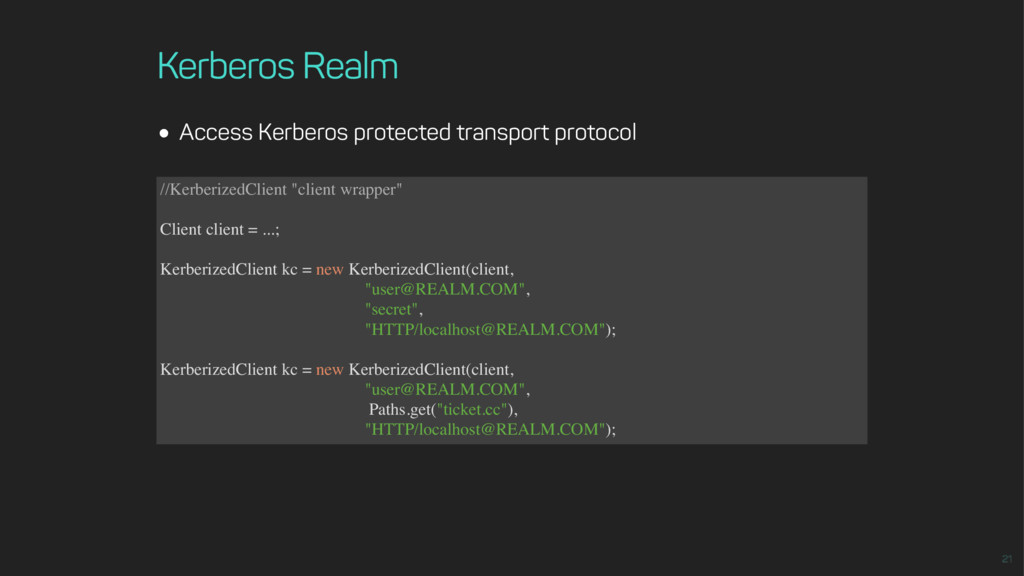
Kerberos Realm Access Kerberos protected transport protocol //KerberizedClient "client wrapper"
Client client = ...; KerberizedClient kc = new KerberizedClient(client, "[email protected]", "secret", "HTTP/[email protected]"); KerberizedClient kc = new KerberizedClient(client, "[email protected]", Paths.get("ticket.cc"), "HTTP/[email protected]"); -
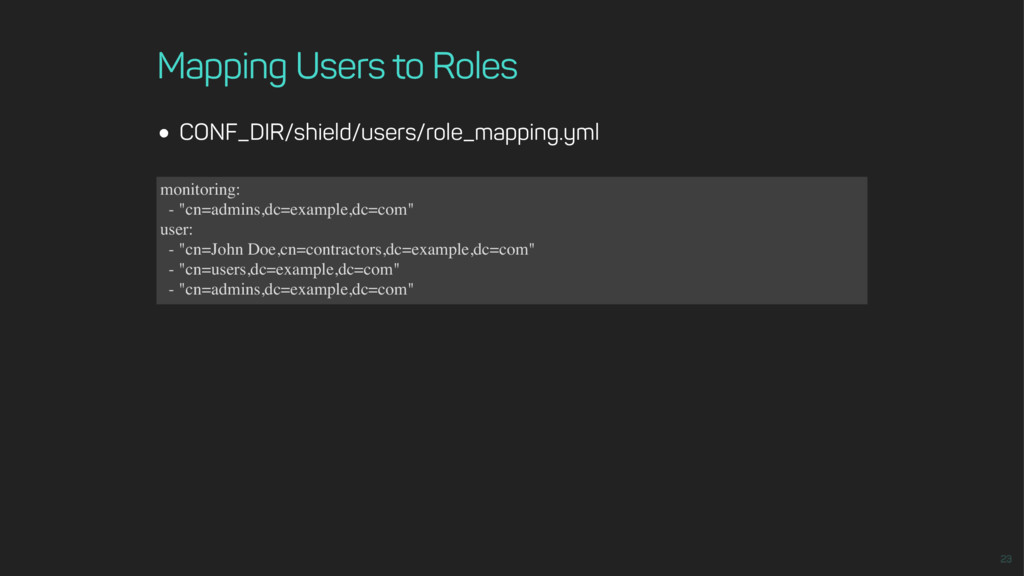
Mapping Users to Roles CONF_DIR/shield/users/role_mapping.yml monitoring: - "cn=admins,dc=example,dc=com" user: -
"cn=John Doe,cn=contractors,dc=example,dc=com" - "cn=users,dc=example,dc=com" - "cn=admins,dc=example,dc=com" -
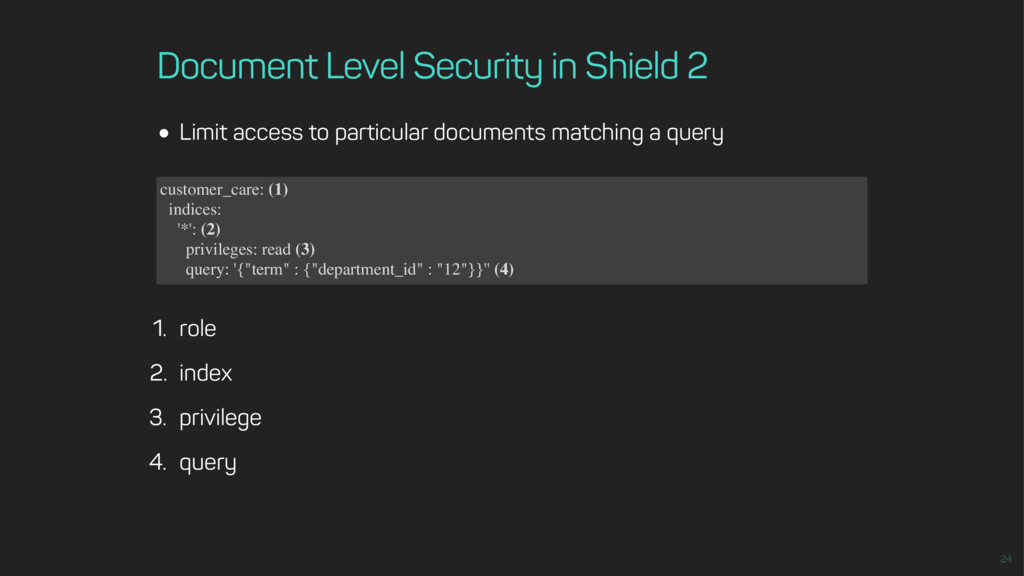
Document Level Security in Shield 2 Limit access to particular
documents matching a query 1. role 2. index 3. privilege 4. query customer_care: (1) indices: '*': (2) privileges: read (3) query: '{"term" : {"department_id" : "12"}}'' (4) -
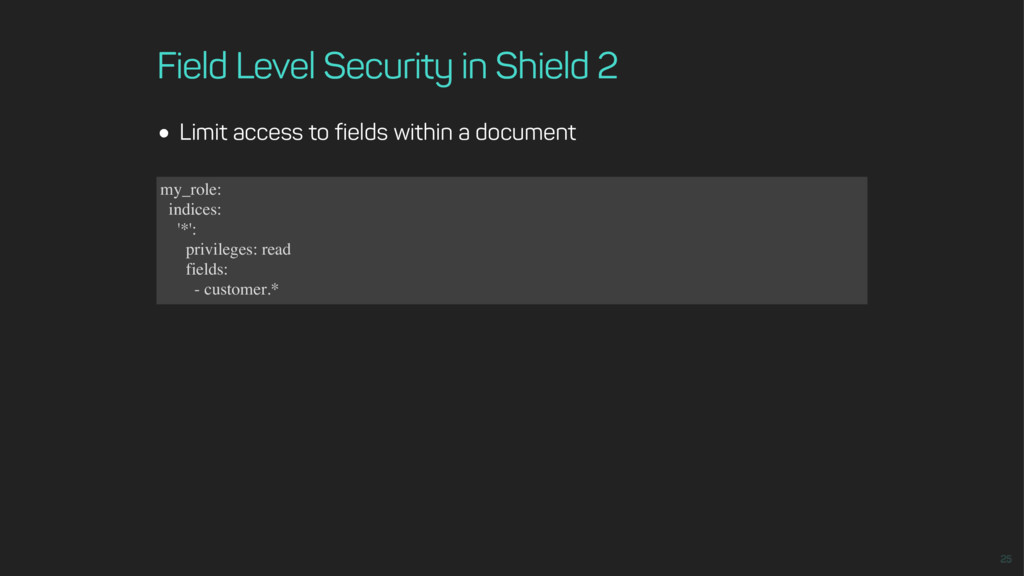
Field Level Security in Shield 2 Limit access to fields
within a document my_role: indices: '*': privileges: read fields: - customer.* -
Limitations Shield is commercial and closed source No real separation
between authentication and authorization Limited multirealm support XFF support unknown (for IP filtering) Shield config must be synchronized between nodes No nested LDAP roles -
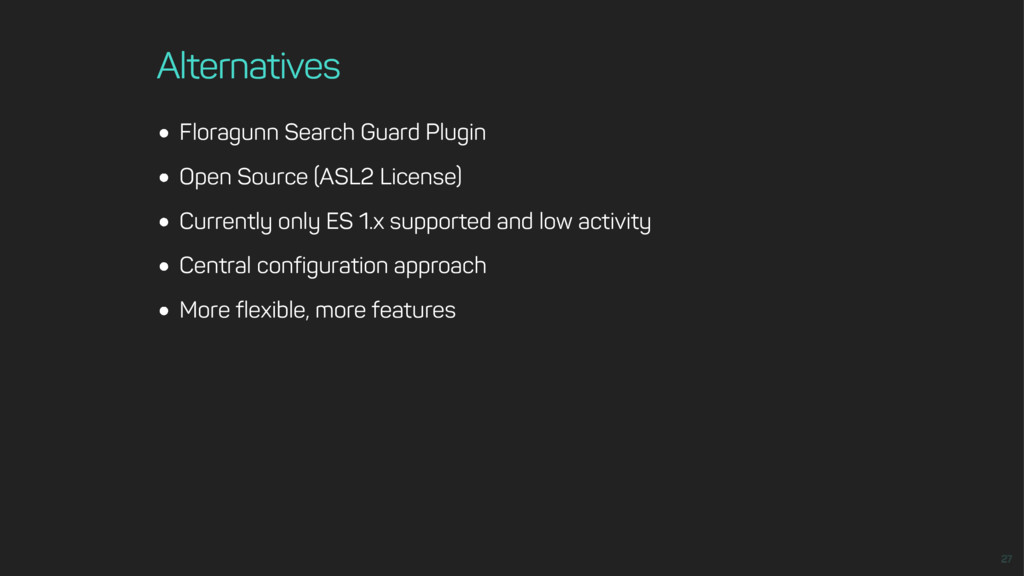
Alternatives Floragunn Search Guard Plugin Open Source (ASL2 License) Currently
only ES 1.x supported and low activity Central configuration approach More flexible, more features -
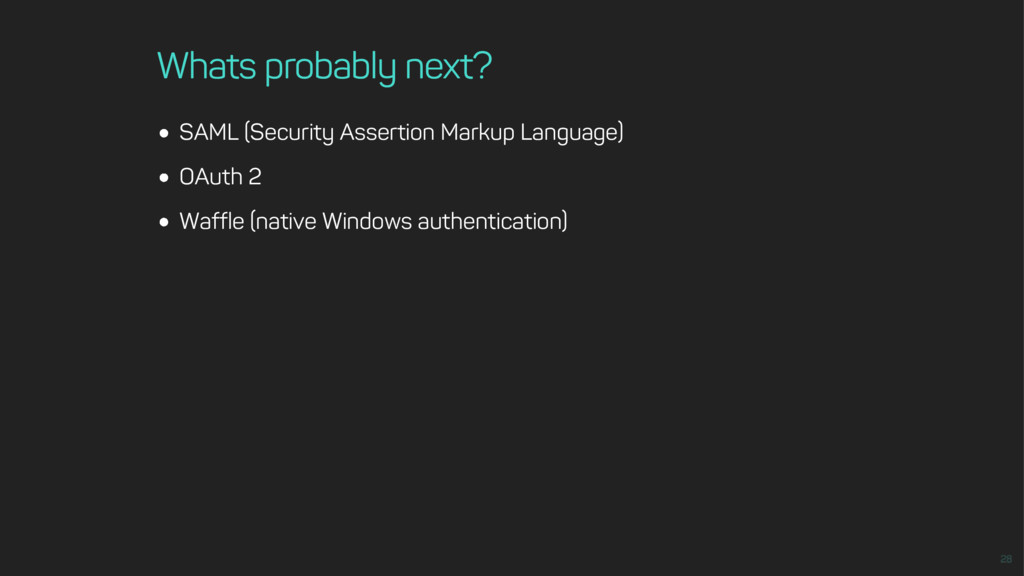
Whats probably next? SAML (Security Assertion Markup Language) OAuth 2
Waffle (native Windows authentication) -
Thank you! Follow me on Twitter: This work is licensed
under a [email protected] @hendrikdev22 Creative Commons Attribution 4.0 International License