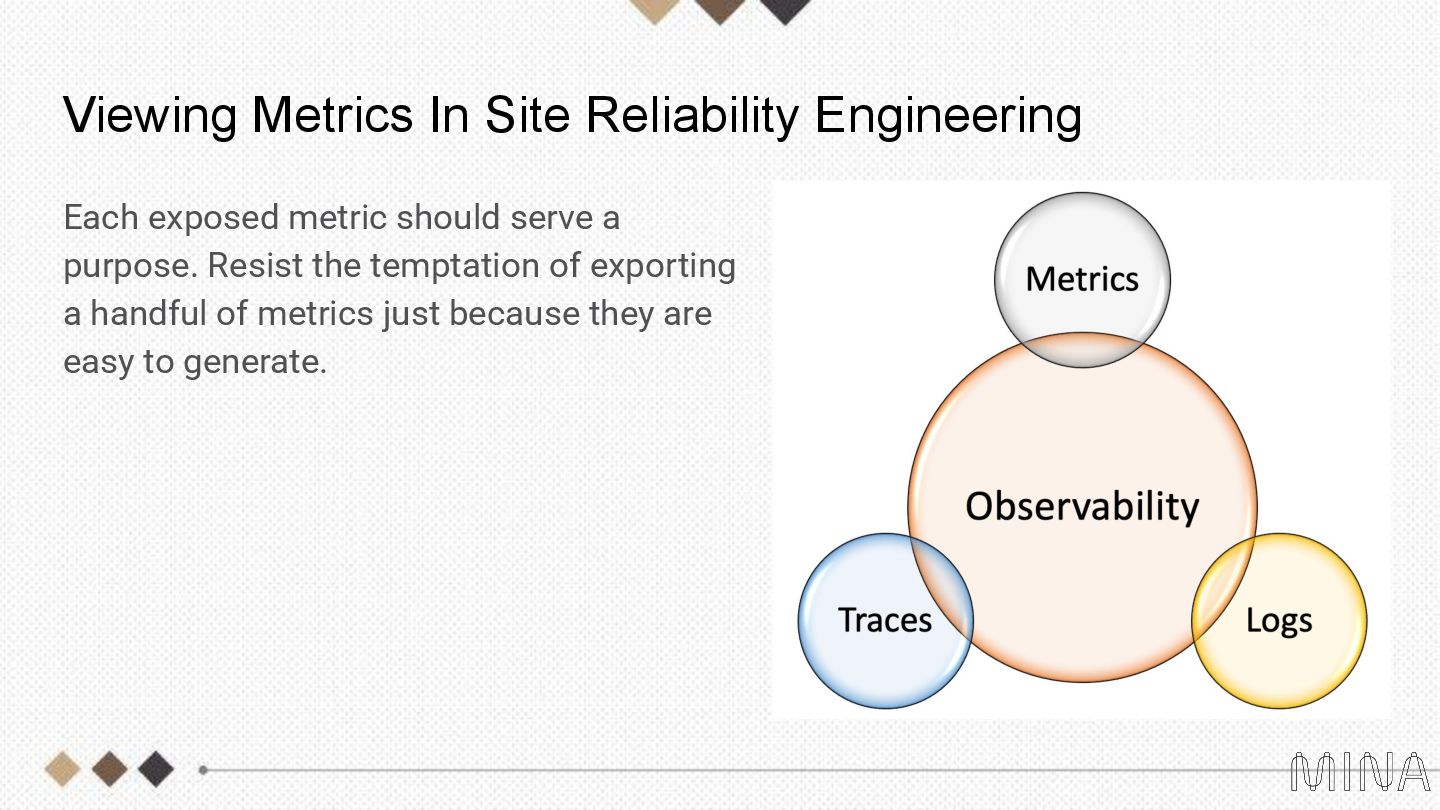
cloud implementations, there is a great need to manage logs effectively. In some cases, you have to study the metrics and know what the system is about; it helps in understanding your system to take decisions, post-mortem analysis and several other interesting functions.
information such as out of memory exception or hard disk errors. This is very helpful information that will help us identify the “why” behind a problem either that a user has brought to our attention or that we have uncovered. Be warned that being an expert is more than understanding how a system is supposed to work. Expertise is gained by investigating why a system doesn't work - Brian Redman
Configuration File In vector.toml - Log Parsing Before Transform To Metrics (recall prometheus does not accept logs but metrics) - Effectively Count Log Components & Strings: it is the response that we can imagine Prometheus will be collecting for any observability processes.
Prometheus Exporter: Now you can bring Prometheus into the equation after the URL has been exposed by vector for scraping. We can use the Prometheus exporter sink feature provided by Vector using the • Explore the Prometheus Scrape To View On the Dashboard
Alerts A well-defined alerting strategy can help you achieve effective performance monitoring. You should first determine which events or metrics are critical to monitor, and then set a reasonable threshold that can catch issues before they can affect your end-users. Ideally, you should define a threshold that does not cause alert fatigue. You should also ensure the notifications are properly configured to reach the appropriate team in a timely manner.


 samuelarogbonlo
 hollycummins
 minodriven
 ichirokano2
 kawashimo0
 mixplace
 n_takehata
 iwatsukayura
 moro
moro
 sorah
sorah
 optim
optim
 jame2408
 kenjiyoneyama
 smashingmag
 oripsolob
 swwweet
 lara
lara
 baasie
 skoyamalab
 427marketing
 morganepeng
 keathley
 aleyda
 codingconduct
 tenderlove