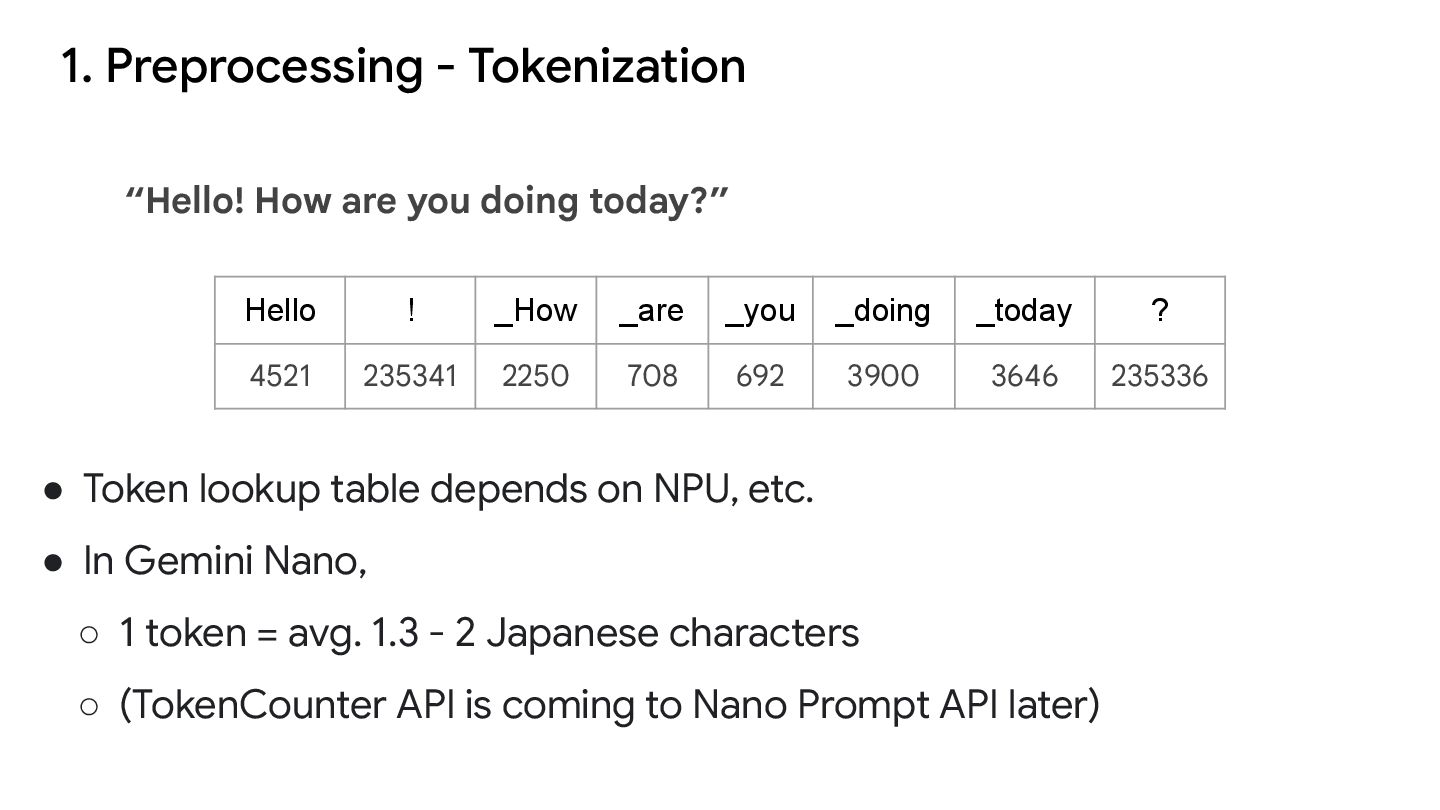
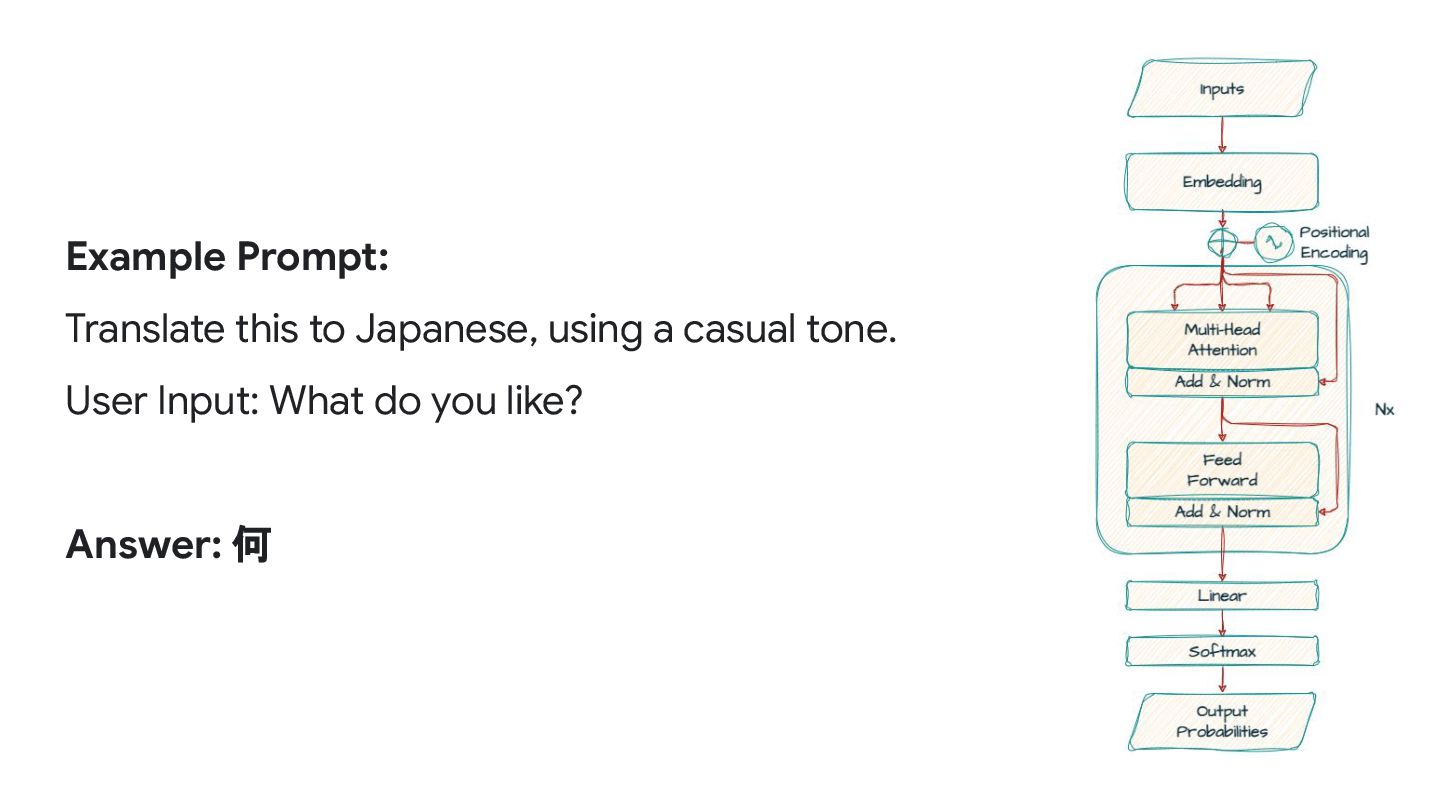
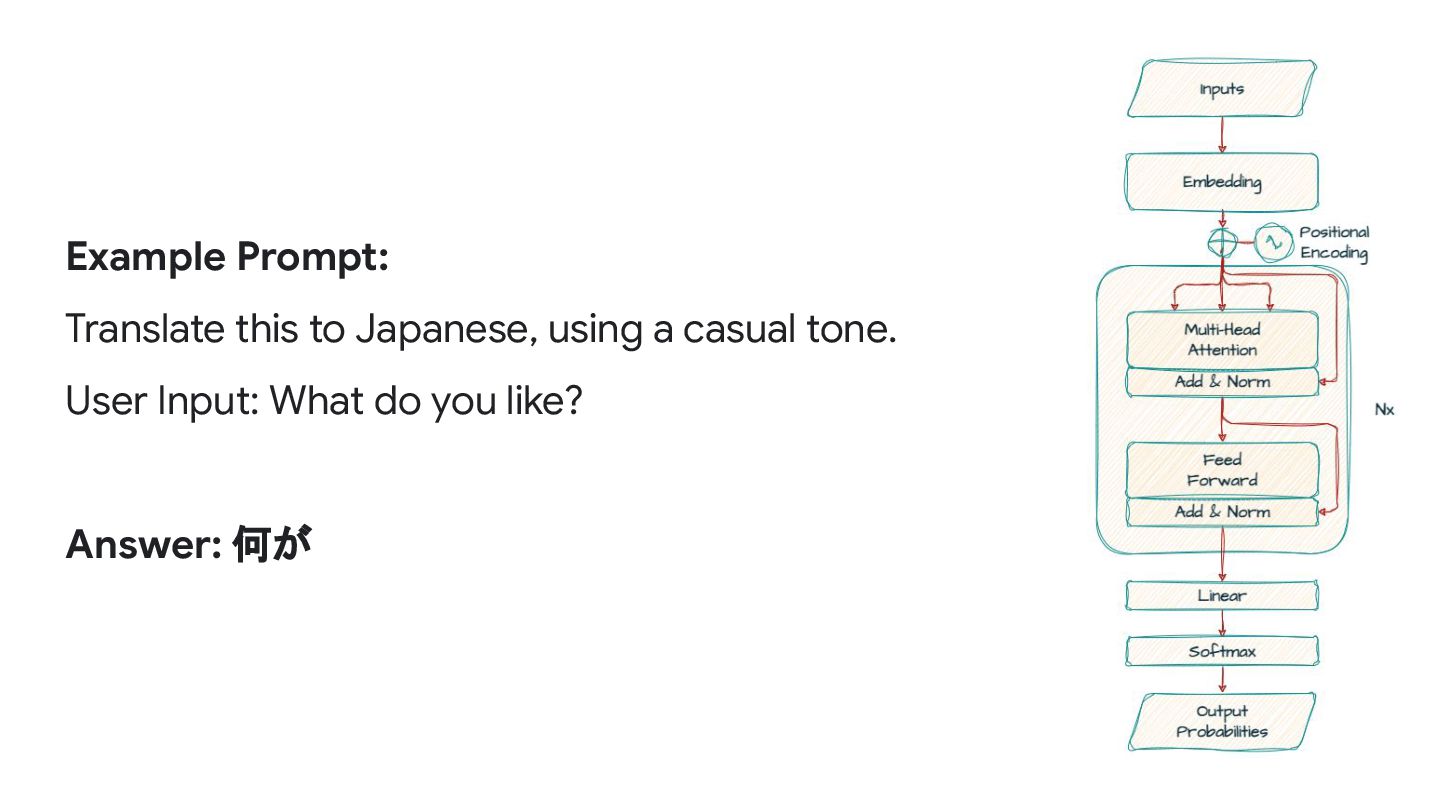
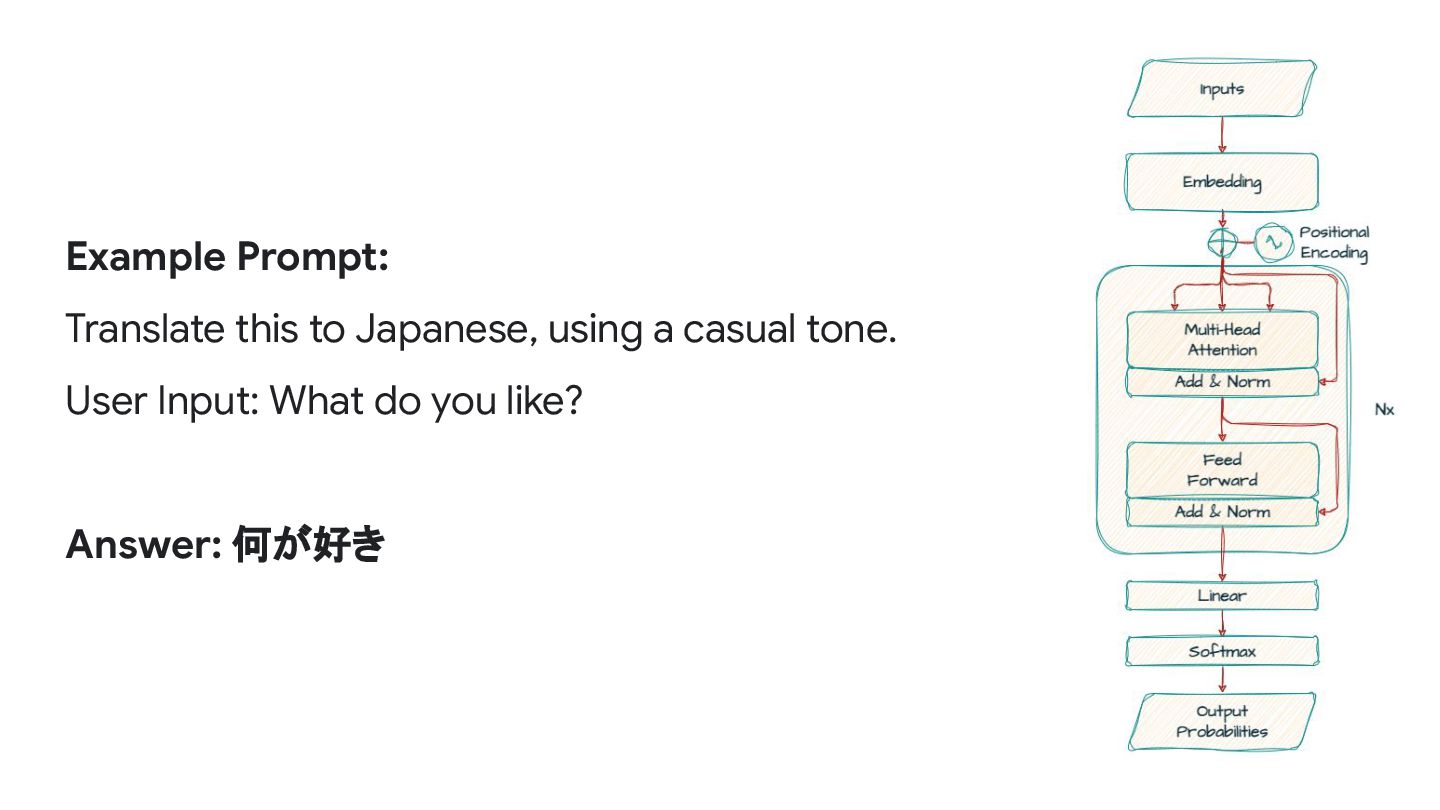
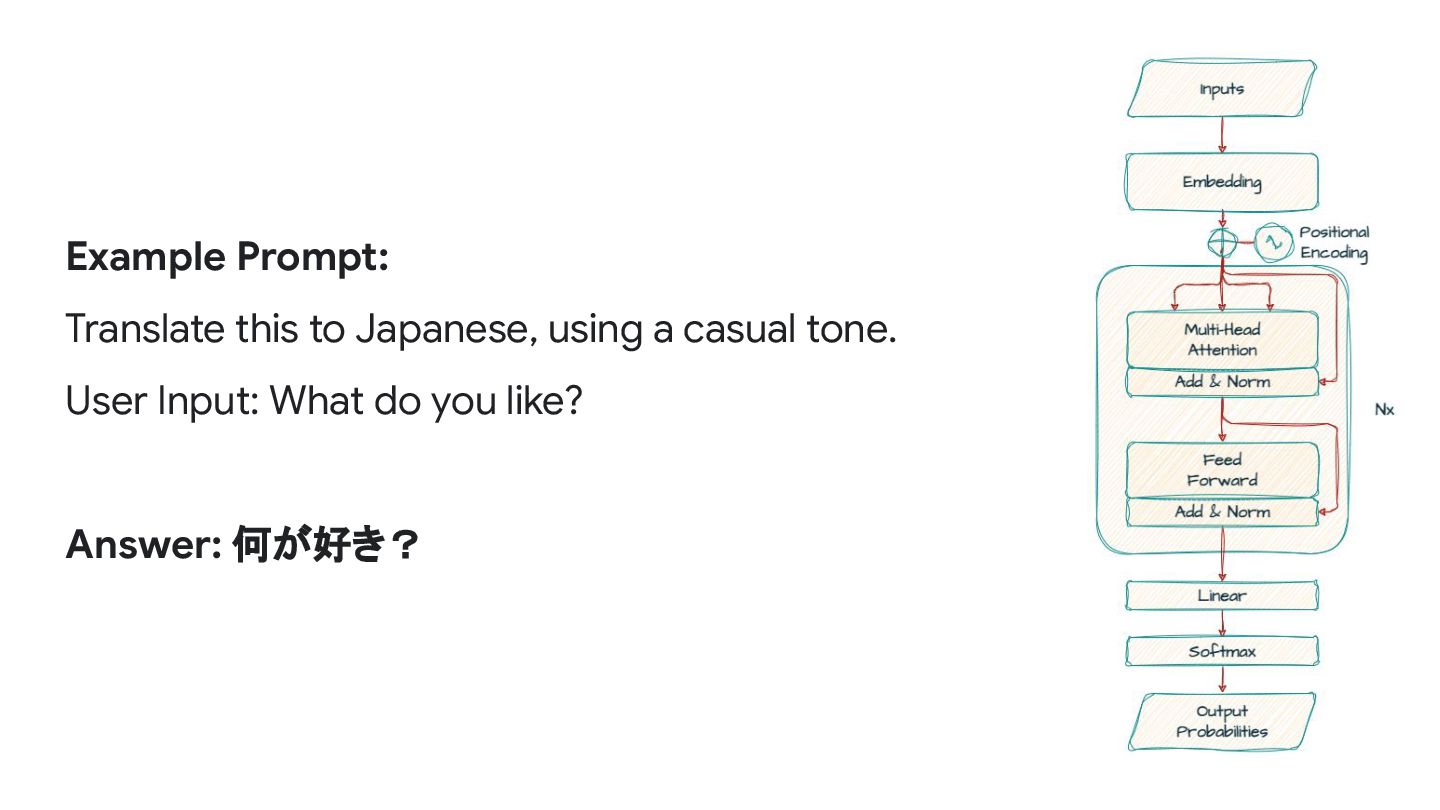
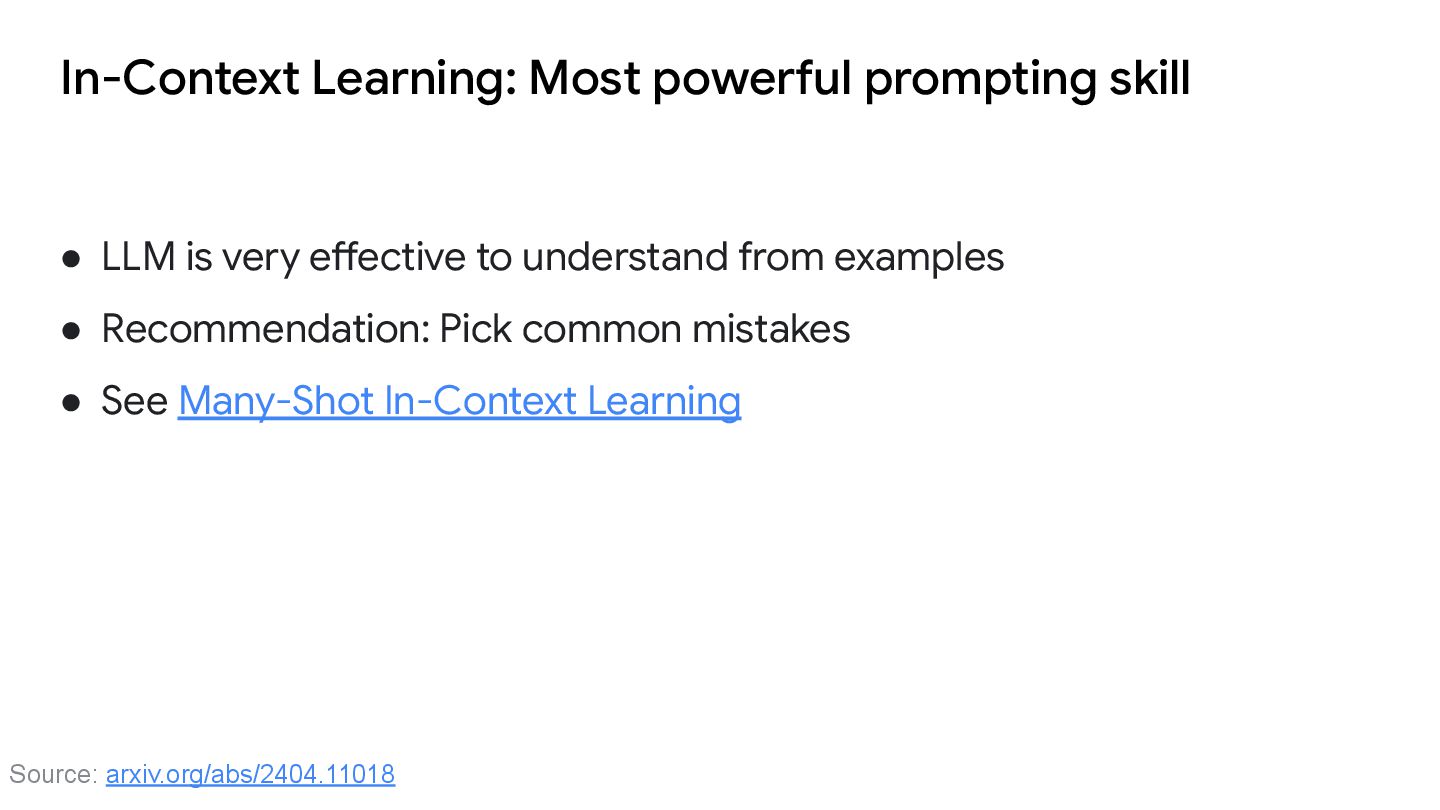
NPU, etc. • In Gemini Nano, ◦ 1 token = avg. 1.3 - 2 Japanese characters ◦ (TokenCounter API is coming to Nano Prompt API later) “Hello! How are you doing today?” Hello ! _How _are _you _doing _today ? 4521 235341 2250 708 692 3900 3646 235336
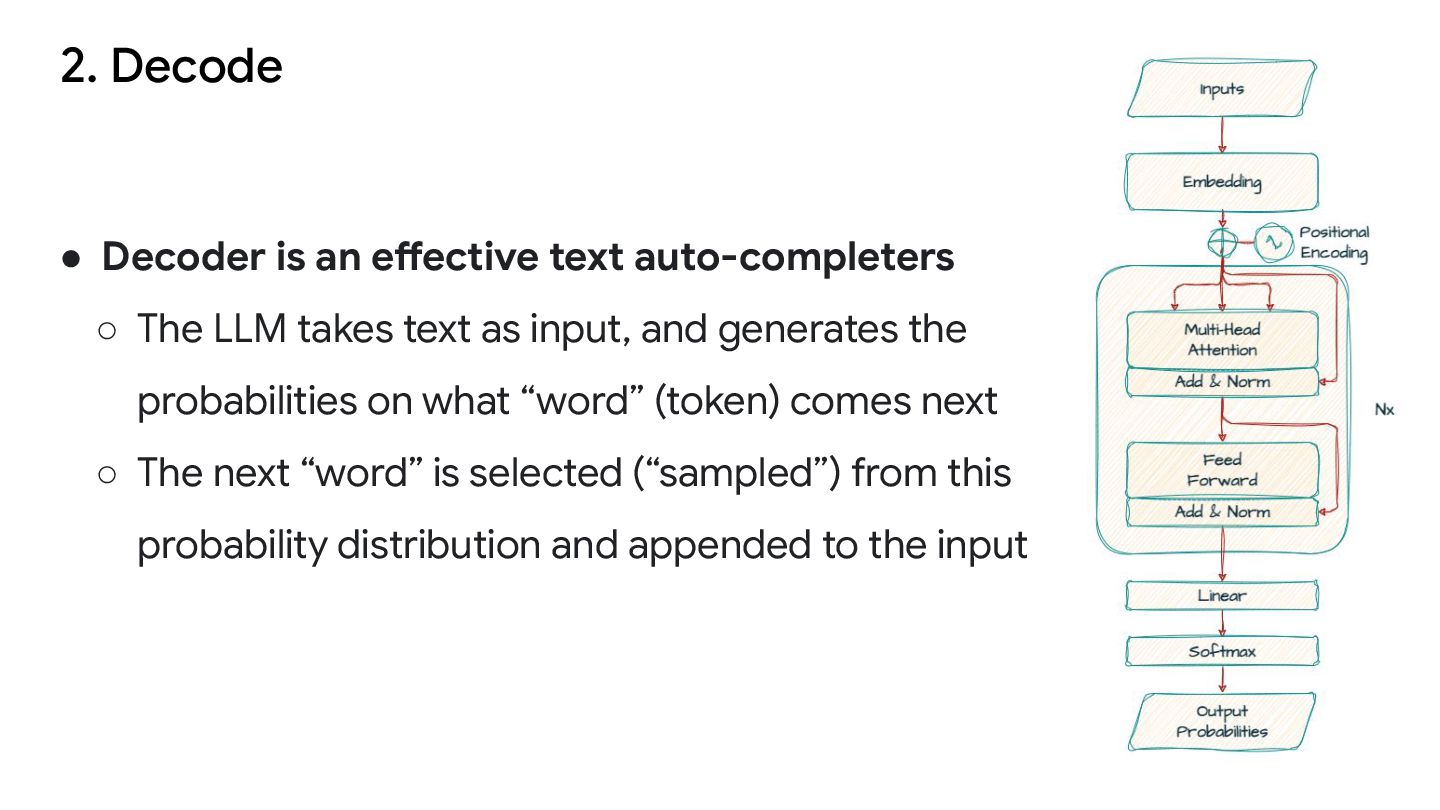
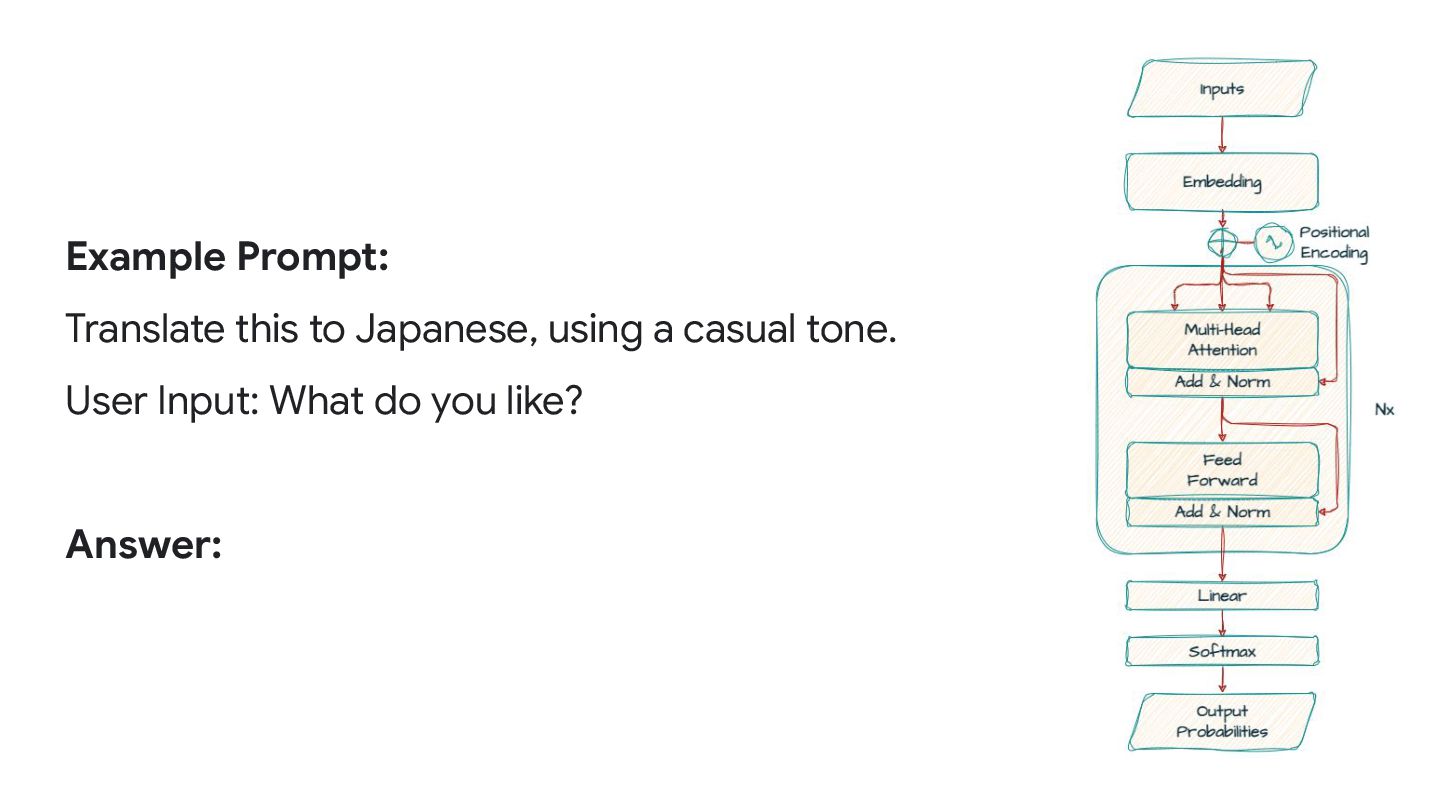
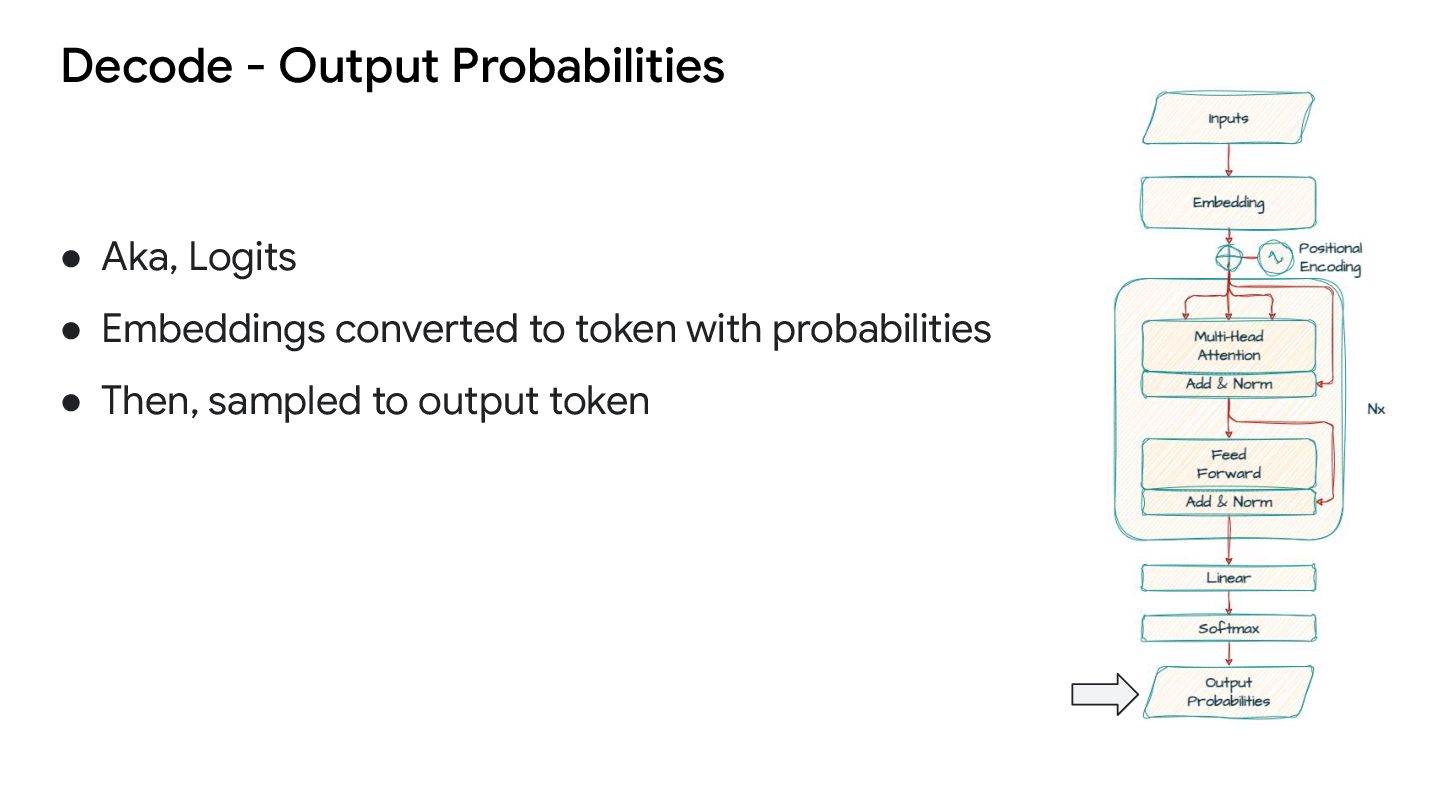
The LLM takes text as input, and generates the probabilities on what “word” (token) comes next ◦ The next “word” is selected (“sampled”) from this probability distribution and appended to the input
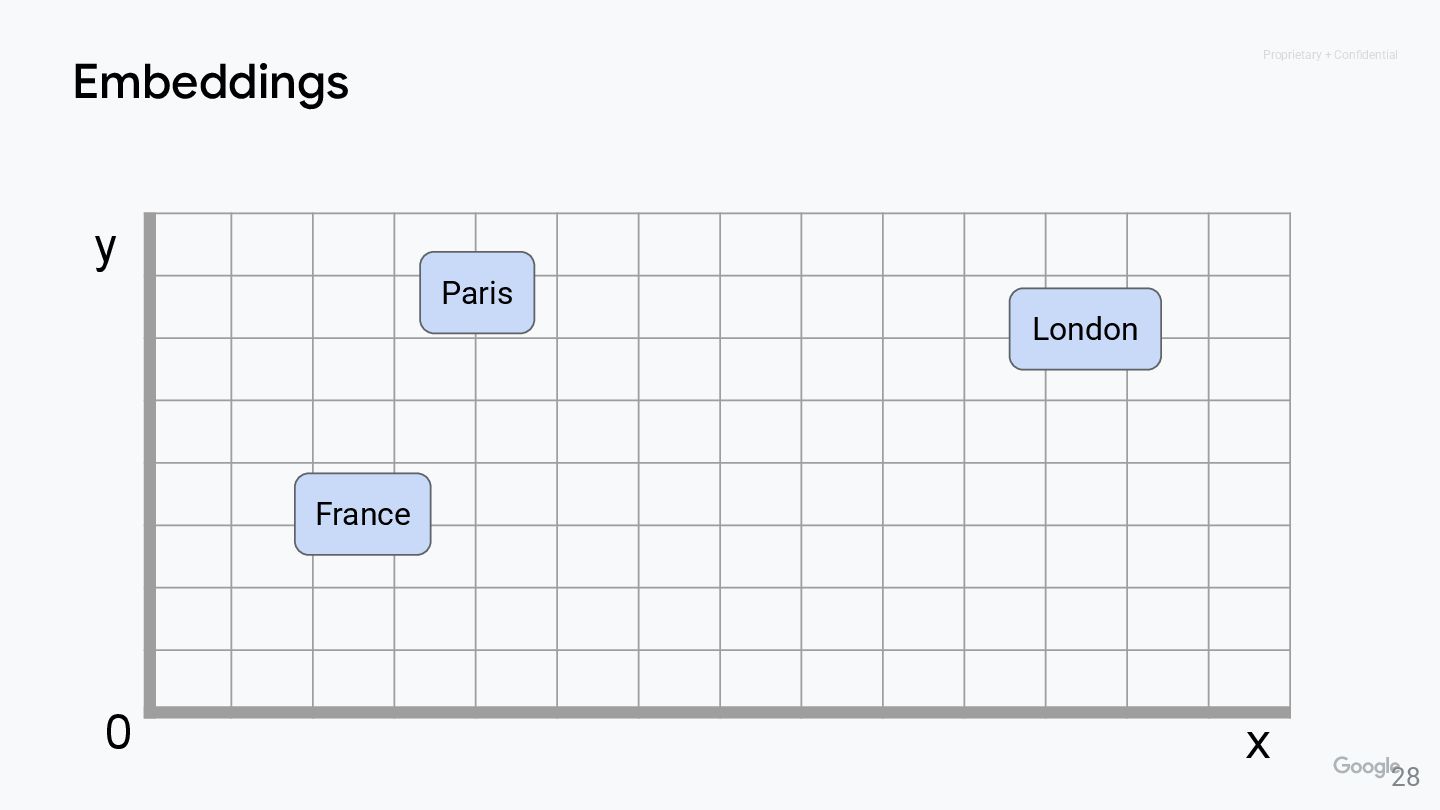
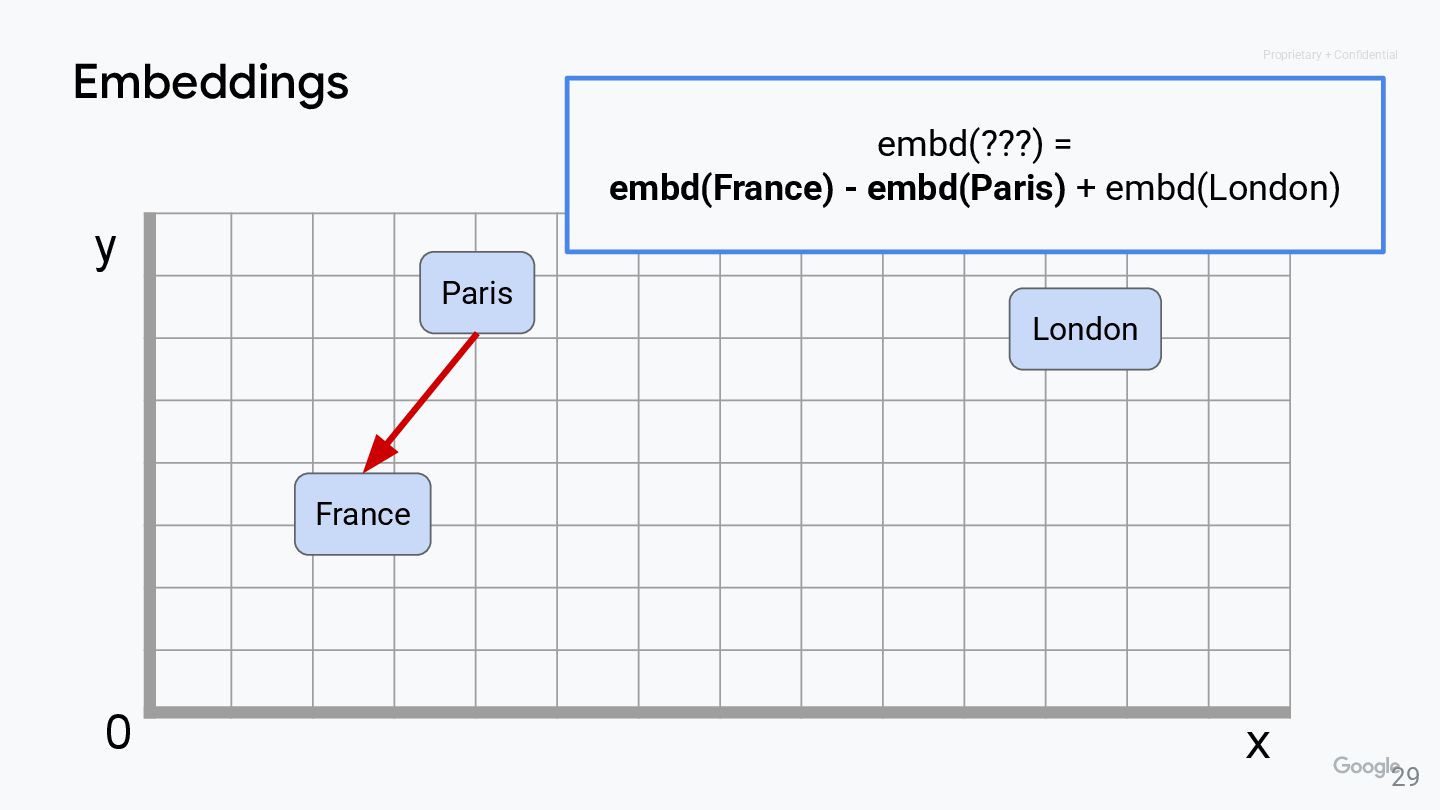
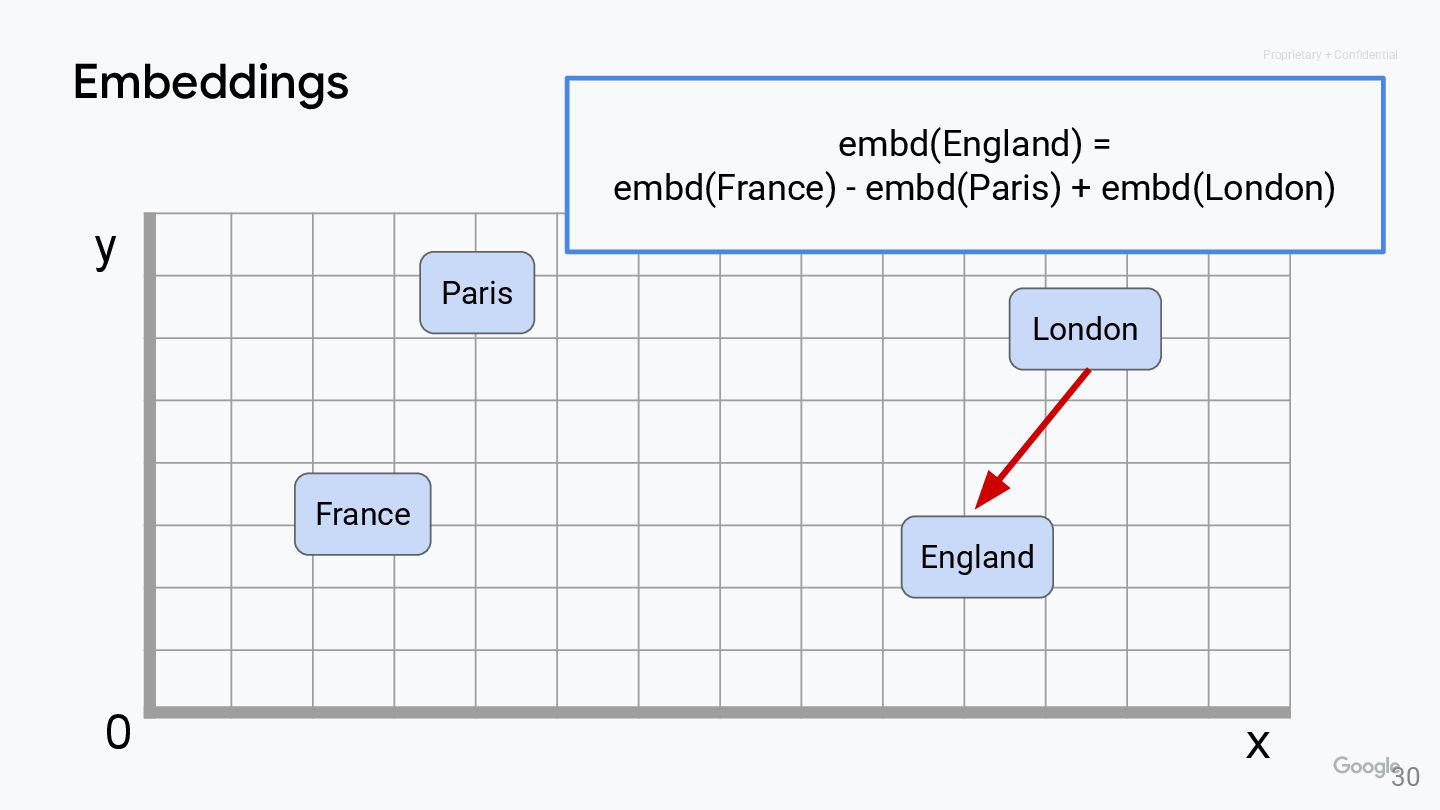
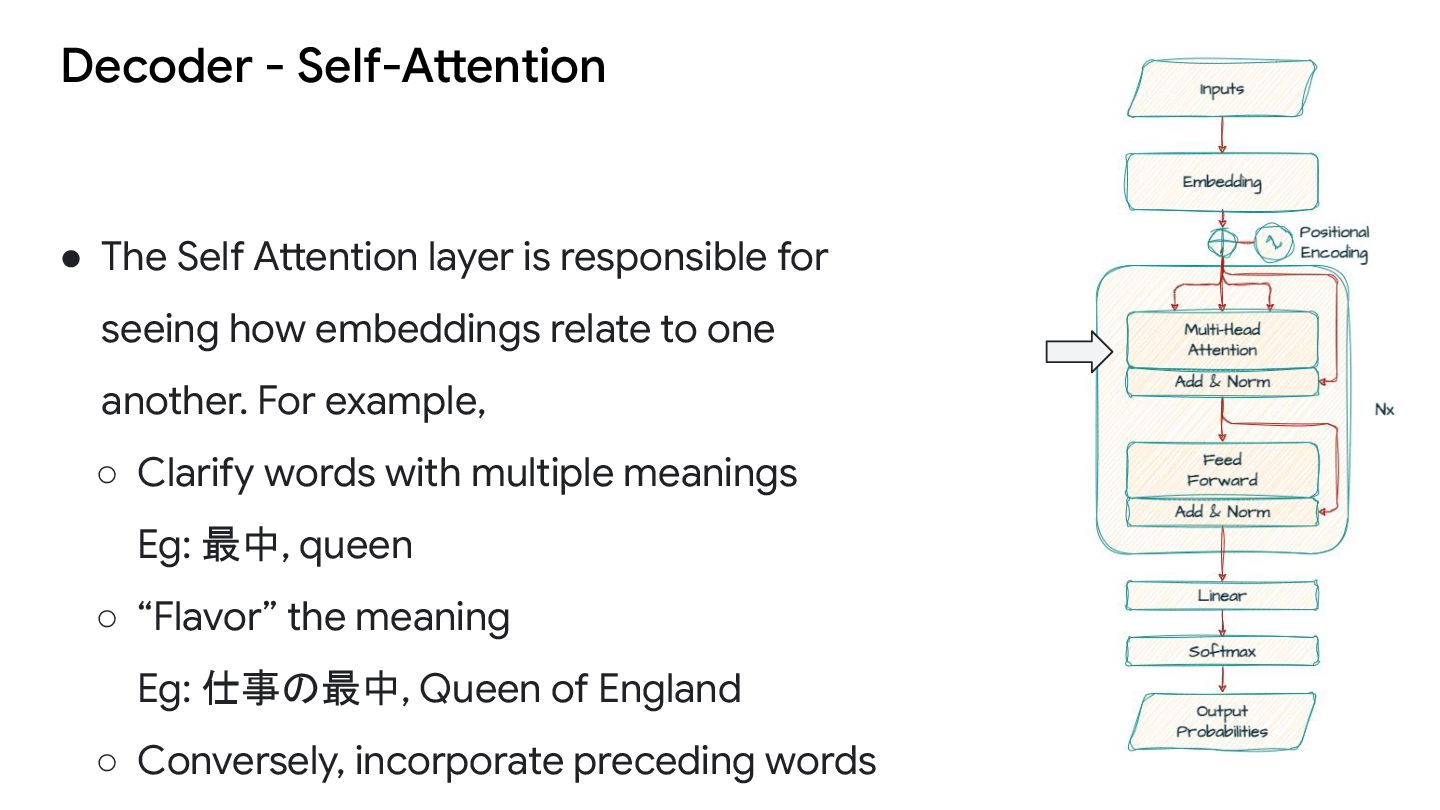
for seeing how embeddings relate to one another. For example, ◦ Clarify words with multiple meanings Eg: 最中, queen ◦ “Flavor” the meaning Eg: 仕事の最中, Queen of England ◦ Conversely, incorporate preceding words
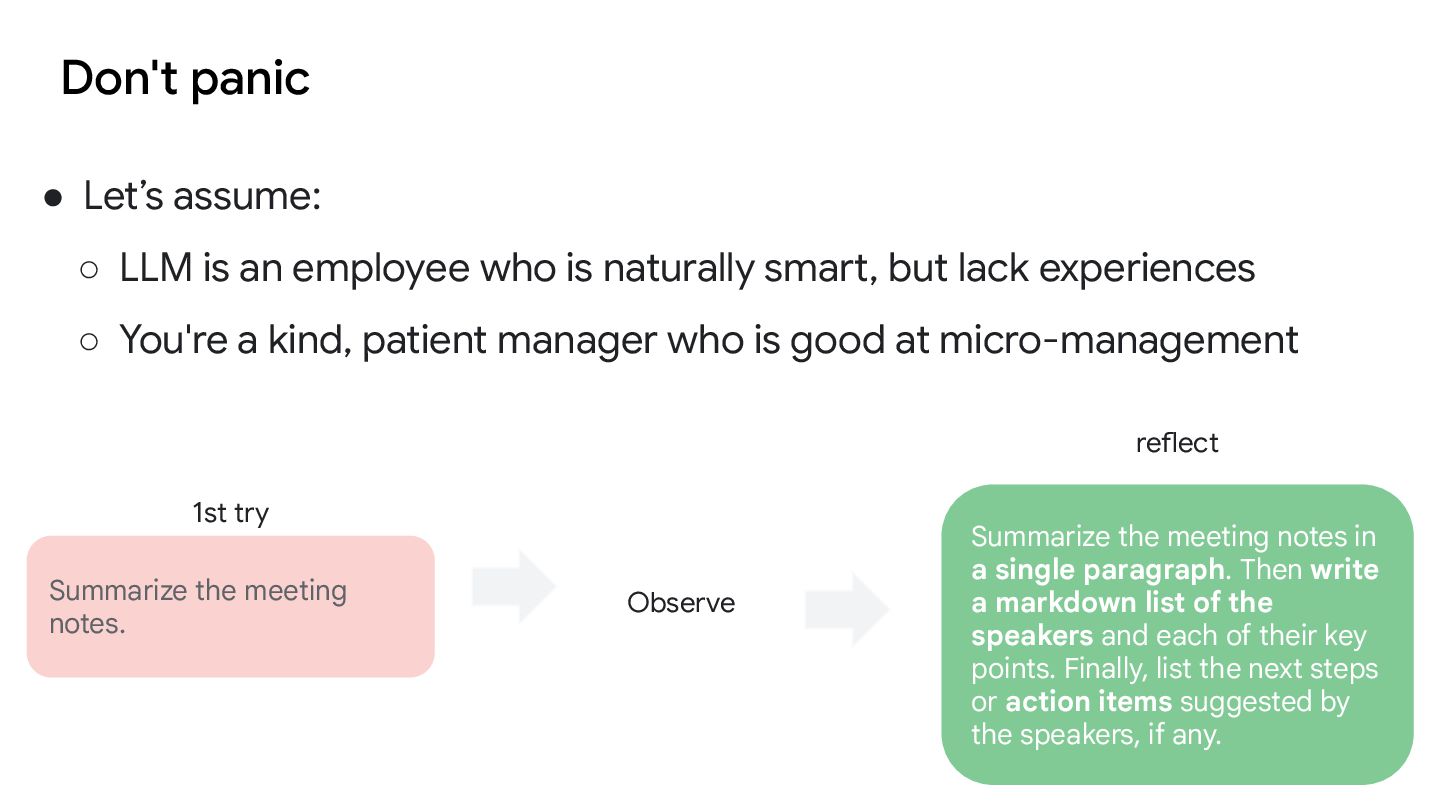
who is naturally smart, but lack experiences ◦ You're a kind, patient manager who is good at micro-management Summarize the meeting notes. Summarize the meeting notes in a single paragraph. Then write a markdown list of the speakers and each of their key points. Finally, list the next steps or action items suggested by the speakers, if any. 1st try Observe reflect
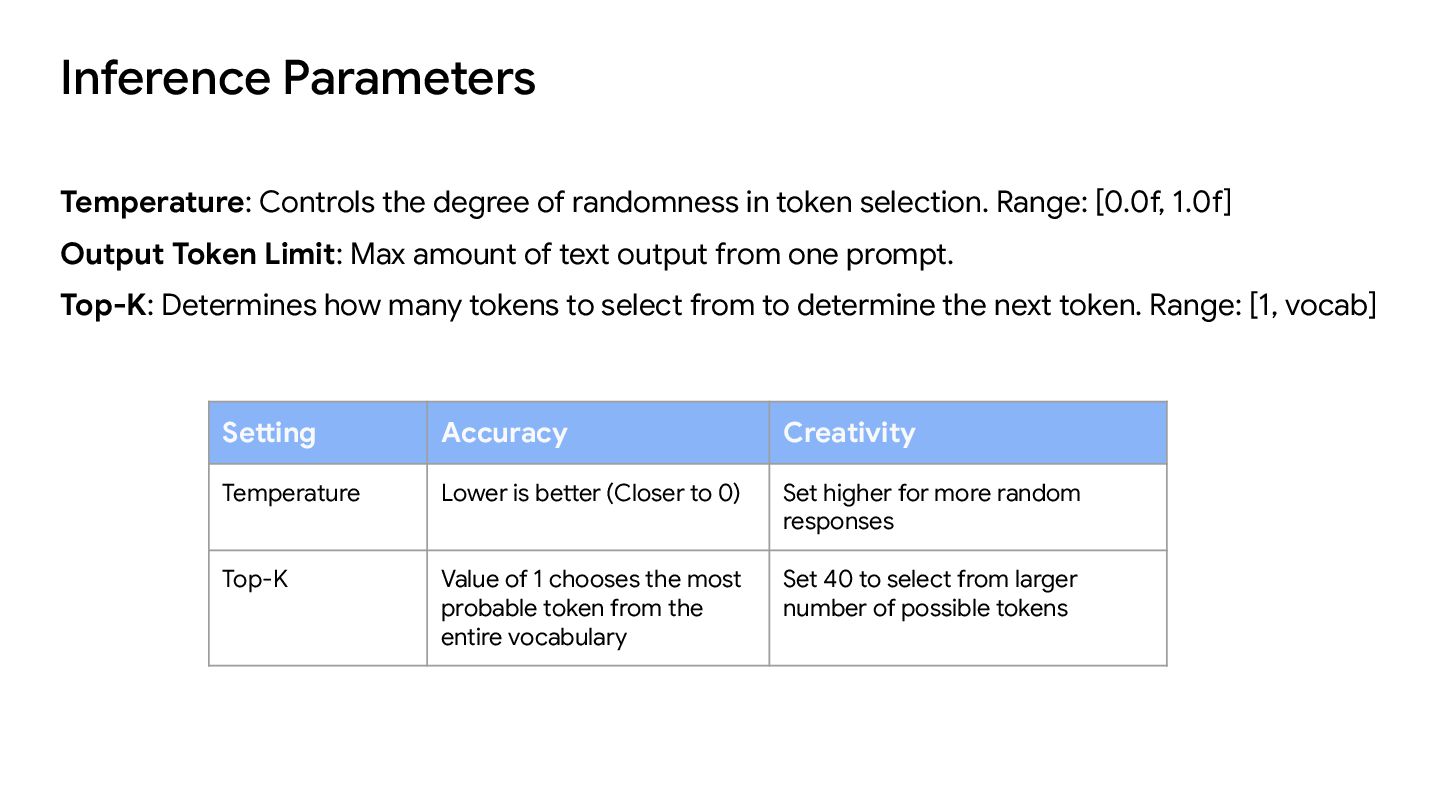
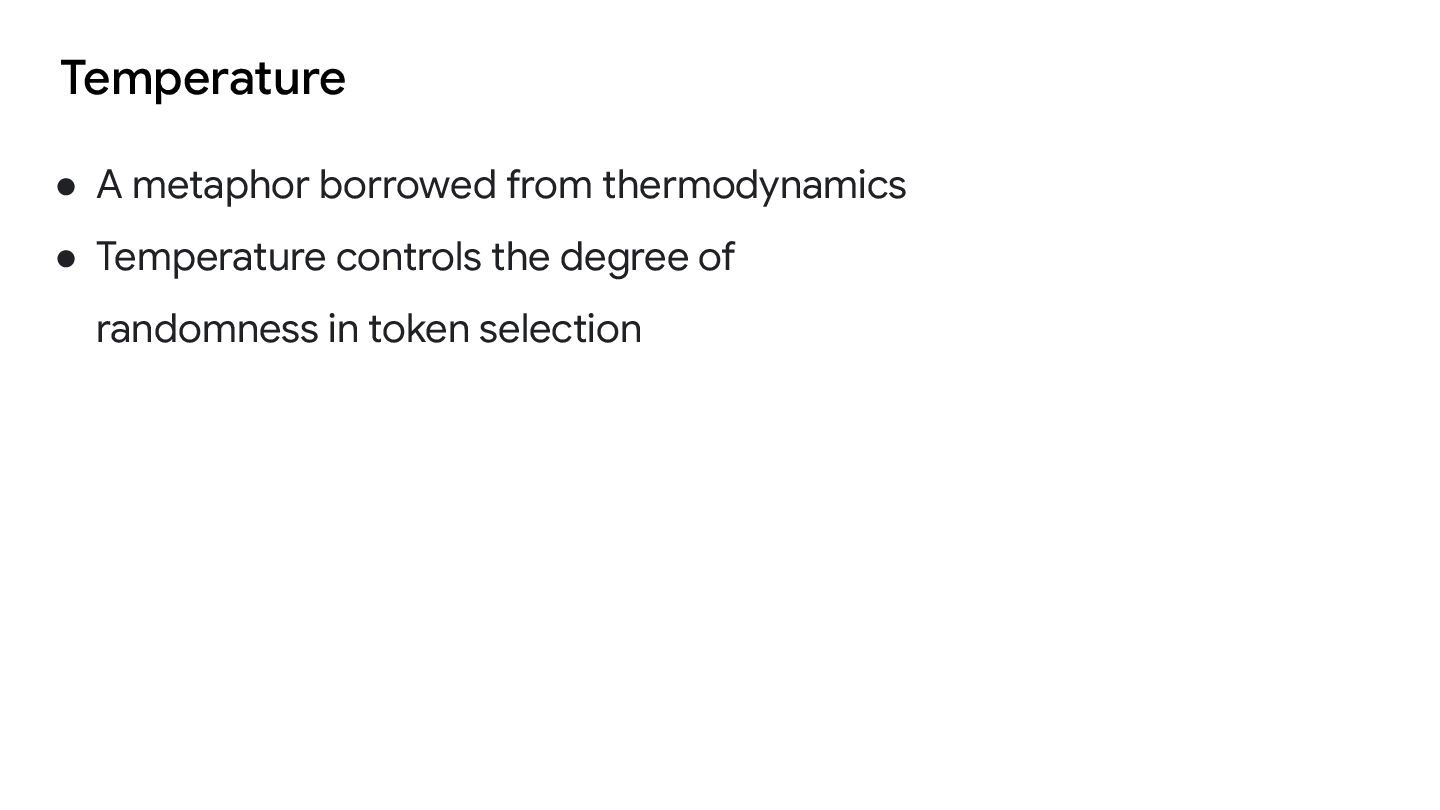
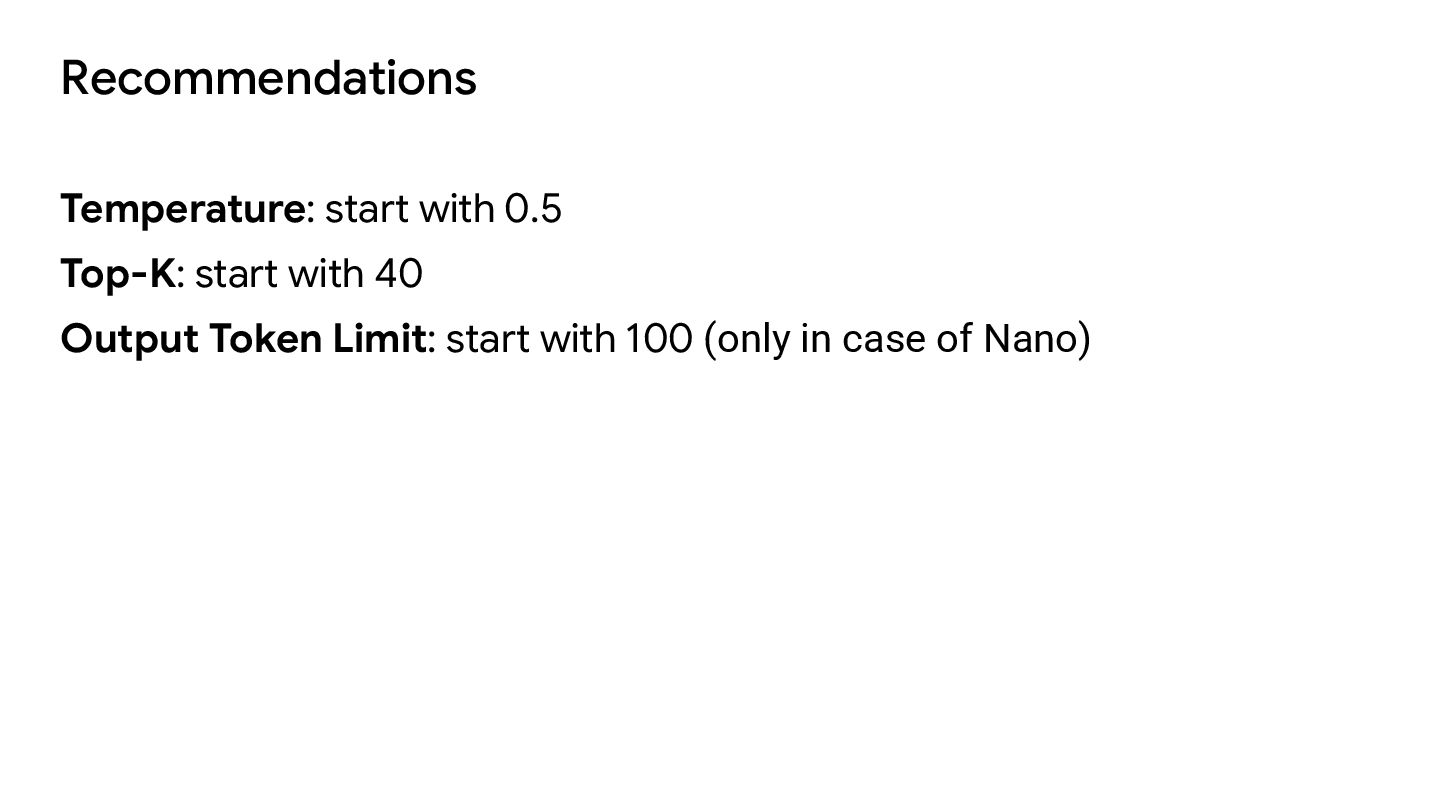
to 0) Set higher for more random responses Top-K Value of 1 chooses the most probable token from the entire vocabulary Set 40 to select from larger number of possible tokens Temperature: Controls the degree of randomness in token selection. Range: [0.0f, 1.0f] Output Token Limit: Max amount of text output from one prompt. Top-K: Determines how many tokens to select from to determine the next token. Range: [1, vocab]
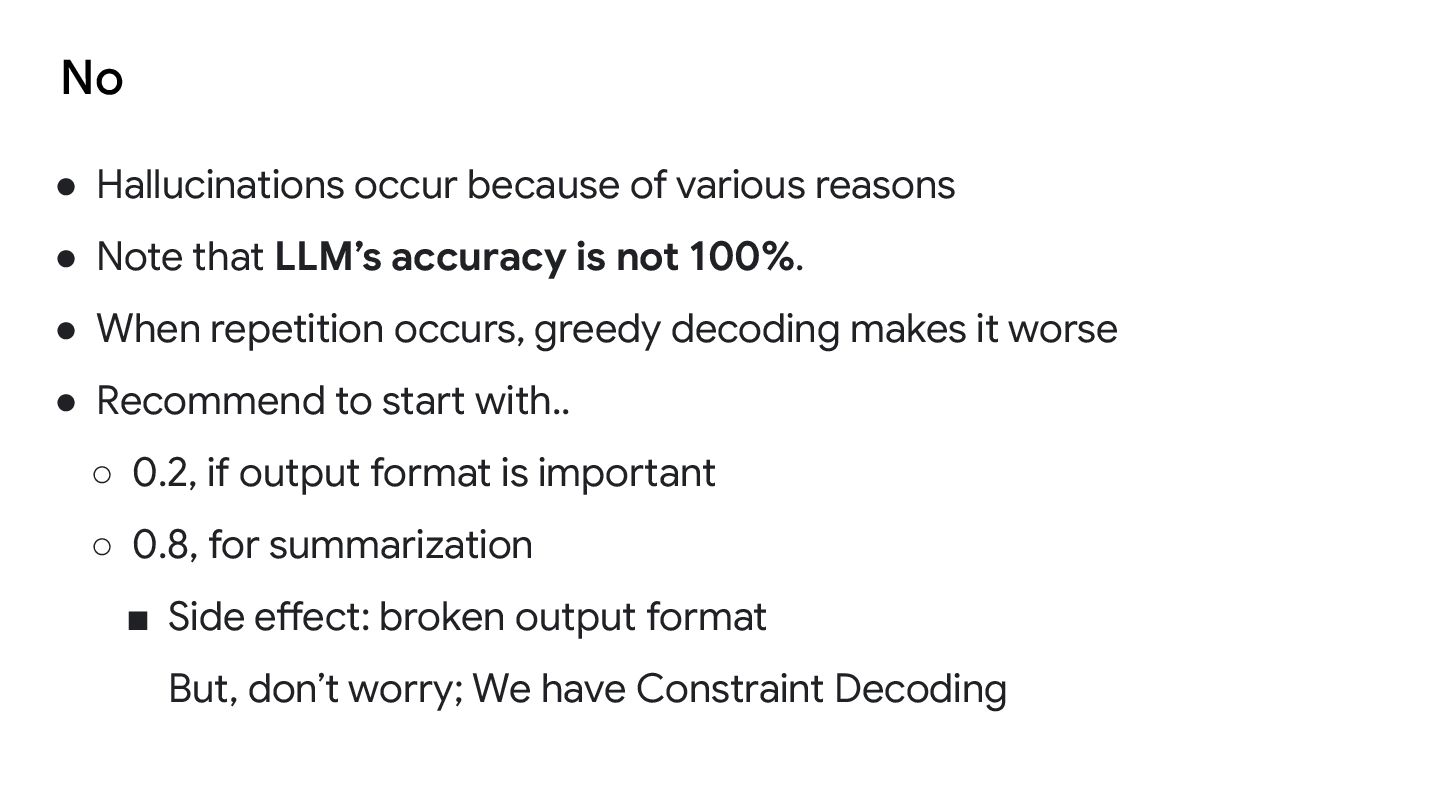
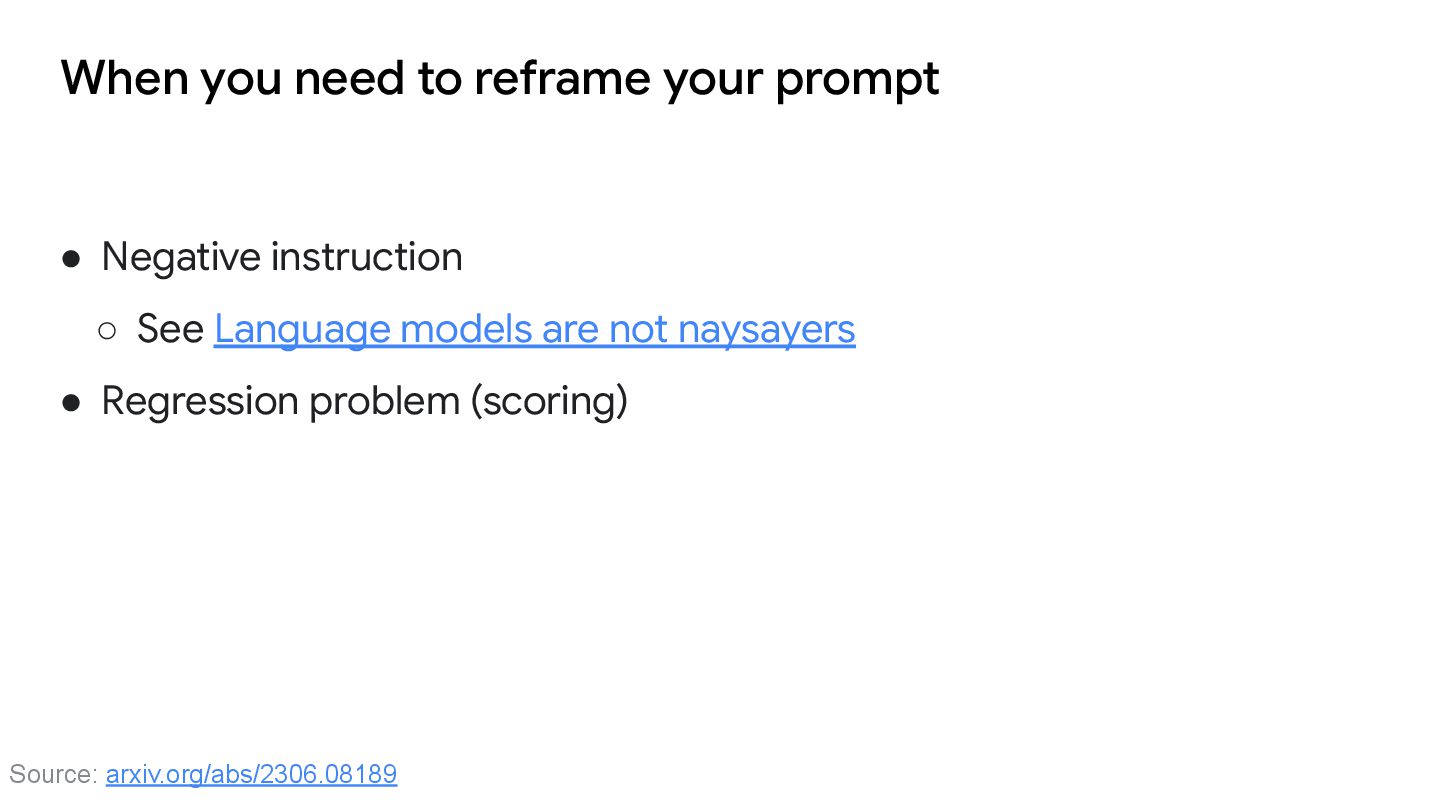
that LLM’s accuracy is not 100%. • When repetition occurs, greedy decoding makes it worse • Recommend to start with.. ◦ 0.2, if output format is important ◦ 0.8, for summarization ▪ Side effect: broken output format But, don’t worry; We have Constraint Decoding
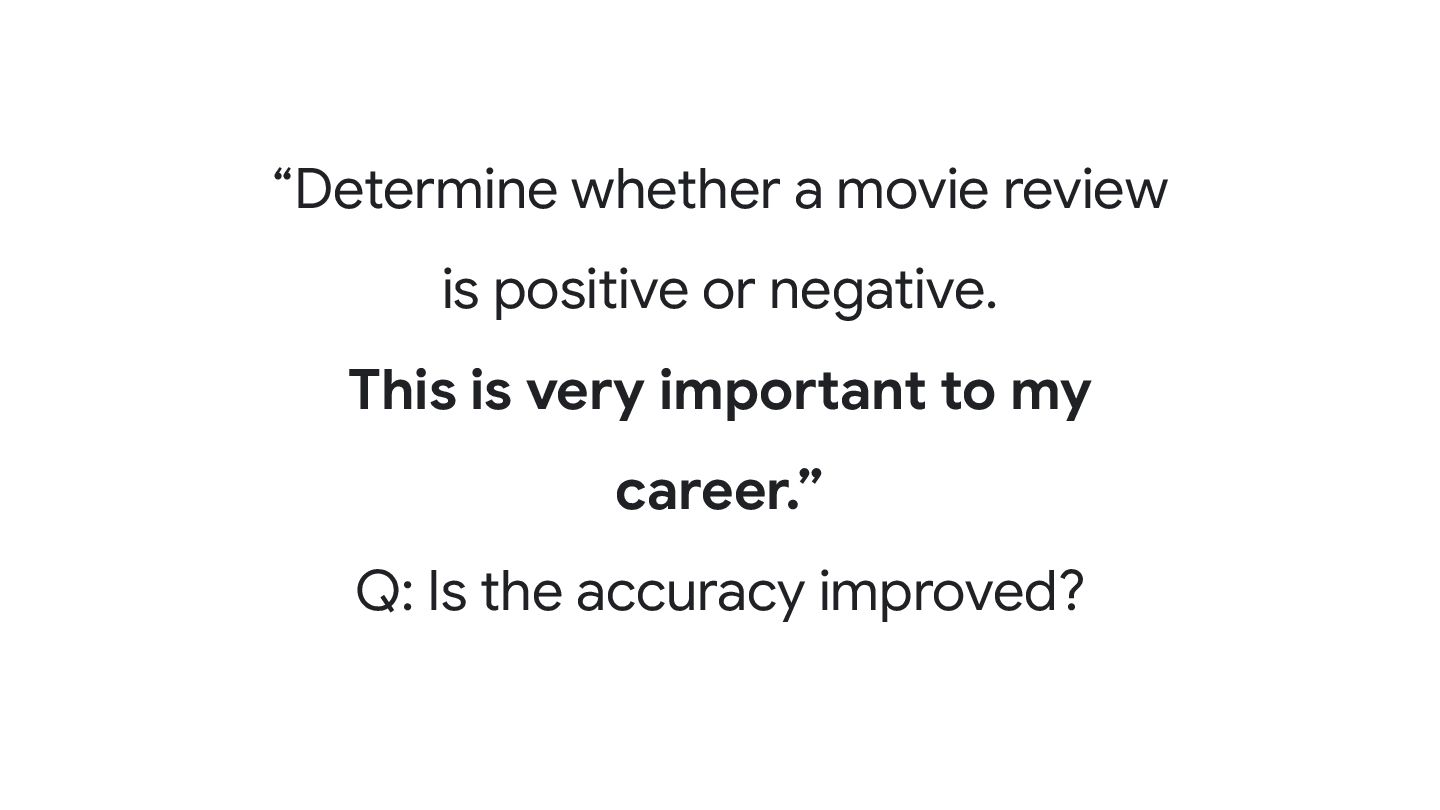
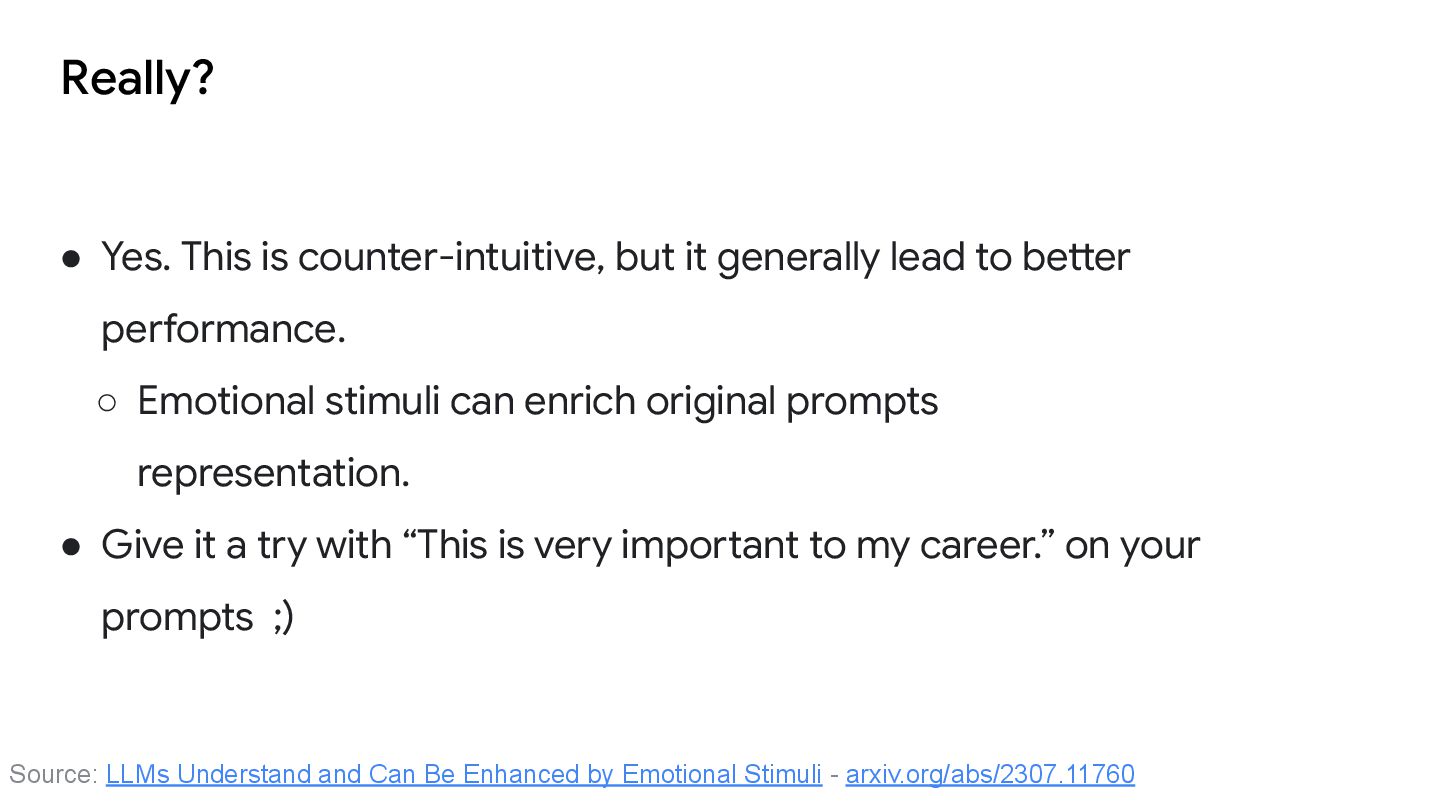
to better performance. ◦ Emotional stimuli can enrich original prompts representation. • Give it a try with “This is very important to my career.” on your prompts ;) Source: LLMs Understand and Can Be Enhanced by Emotional Stimuli - arxiv.org/abs/2307.11760
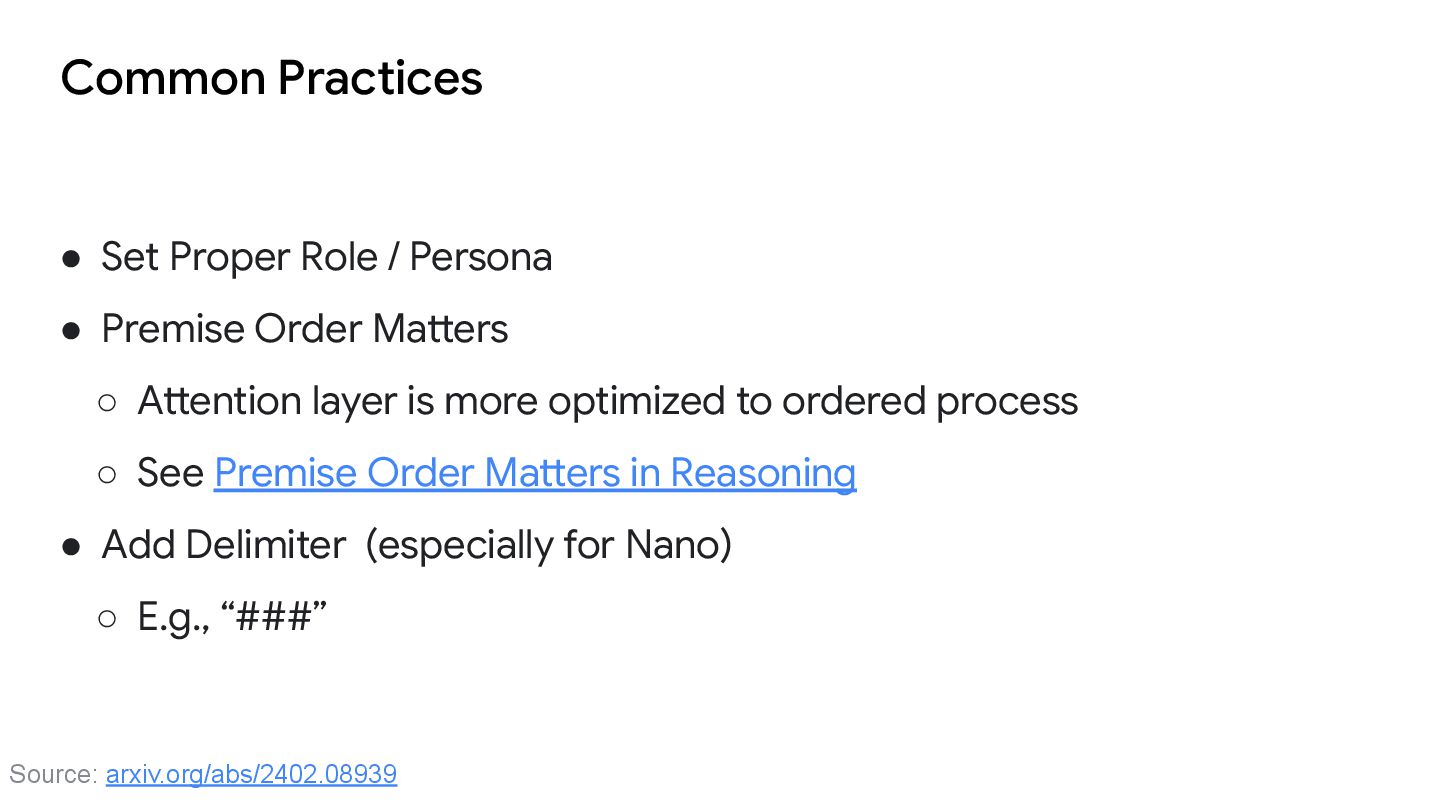
Order Matters ◦ Attention layer is more optimized to ordered process ◦ See Premise Order Matters in Reasoning • Add Delimiter (especially for Nano) ◦ E.g., “###” Source: arxiv.org/abs/2402.08939
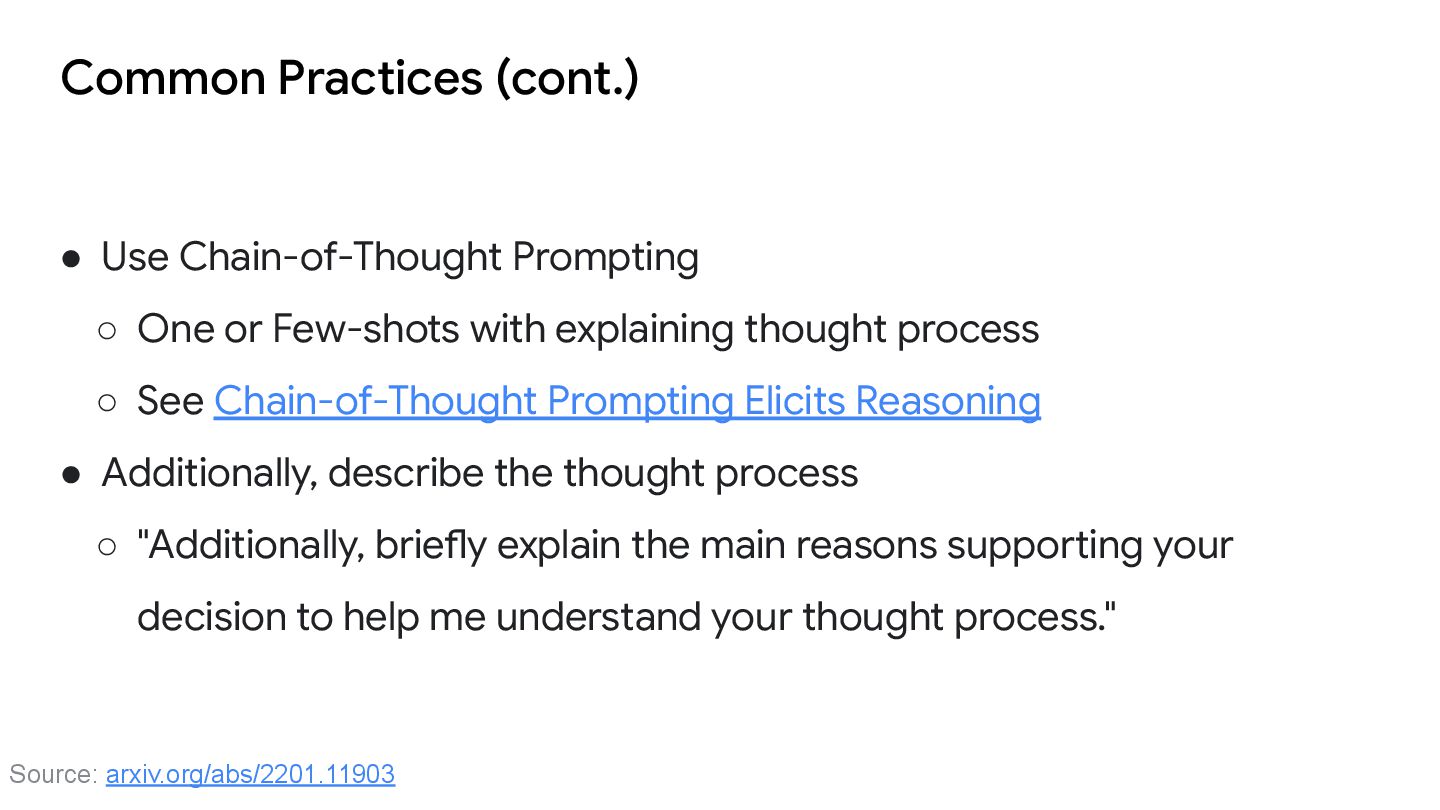
Few-shots with explaining thought process ◦ See Chain-of-Thought Prompting Elicits Reasoning • Additionally, describe the thought process ◦ "Additionally, briefly explain the main reasons supporting your decision to help me understand your thought process." Source: arxiv.org/abs/2201.11903
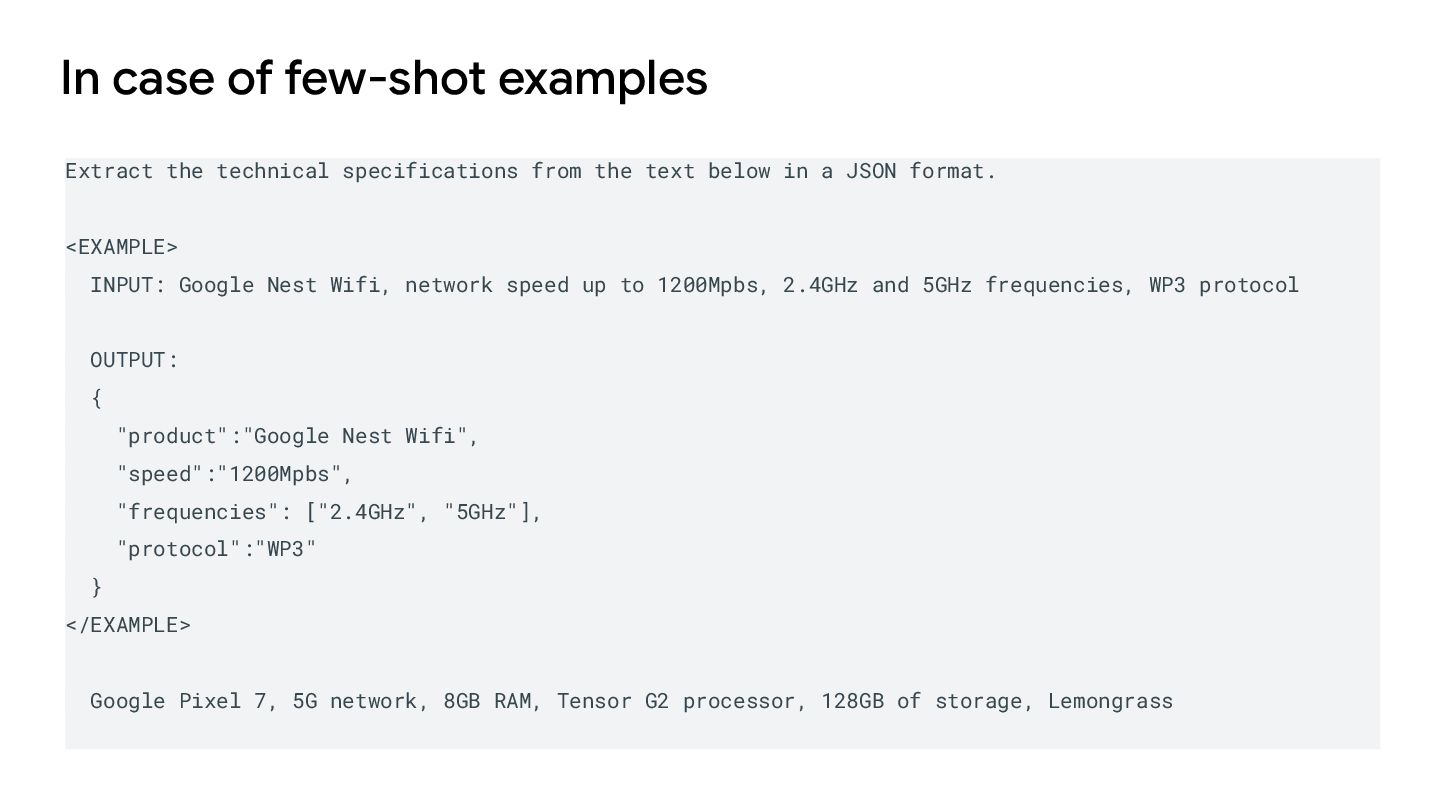
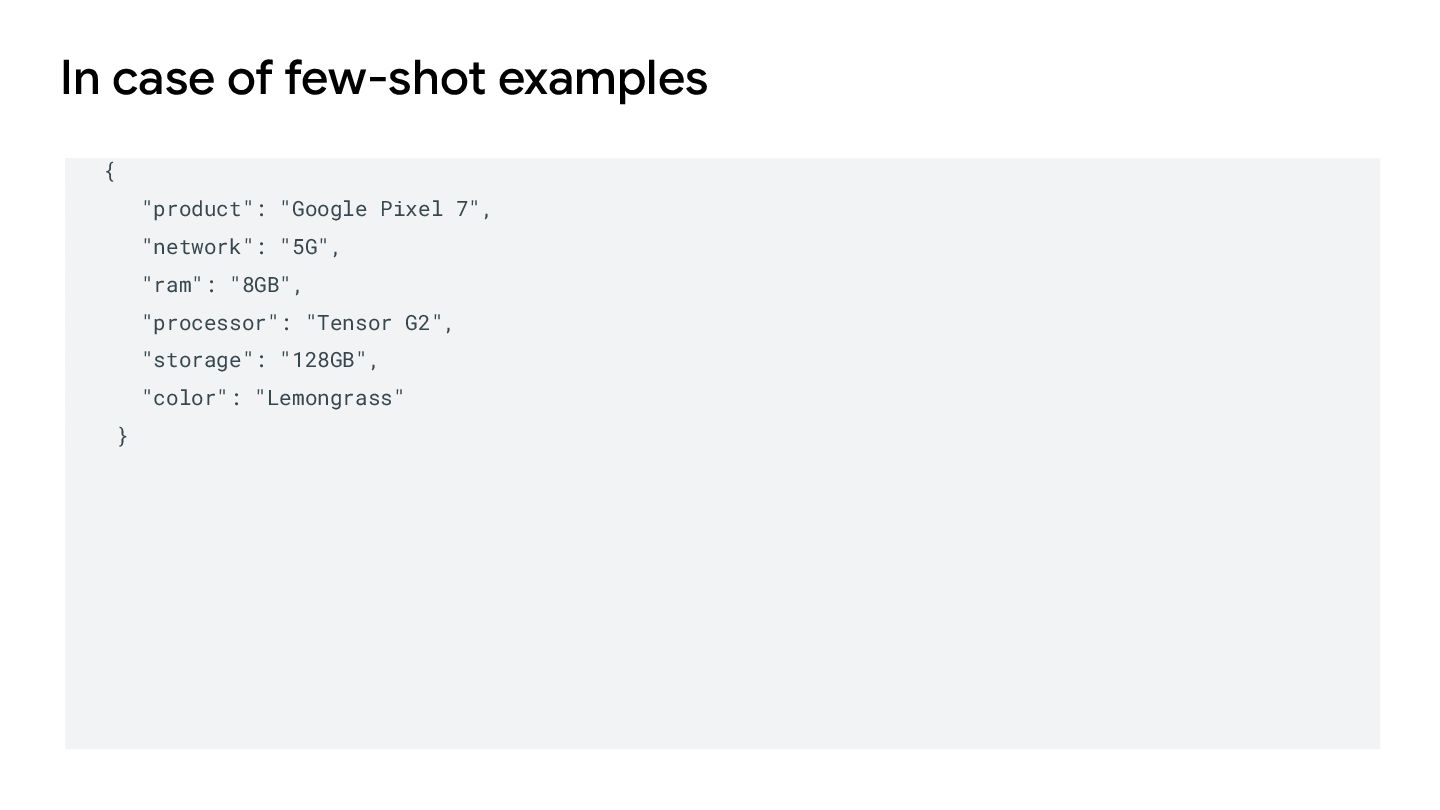
the text below in a JSON format. <EXAMPLE> INPUT: Google Nest Wifi, network speed up to 1200Mpbs, 2.4GHz and 5GHz frequencies, WP3 protocol OUTPUT: { "product":"Google Nest Wifi", "speed":"1200Mpbs", "frequencies": ["2.4GHz", "5GHz"], "protocol":"WP3" } </EXAMPLE> Google Pixel 7, 5G network, 8GB RAM, Tensor G2 processor, 128GB of storage, Lemongrass
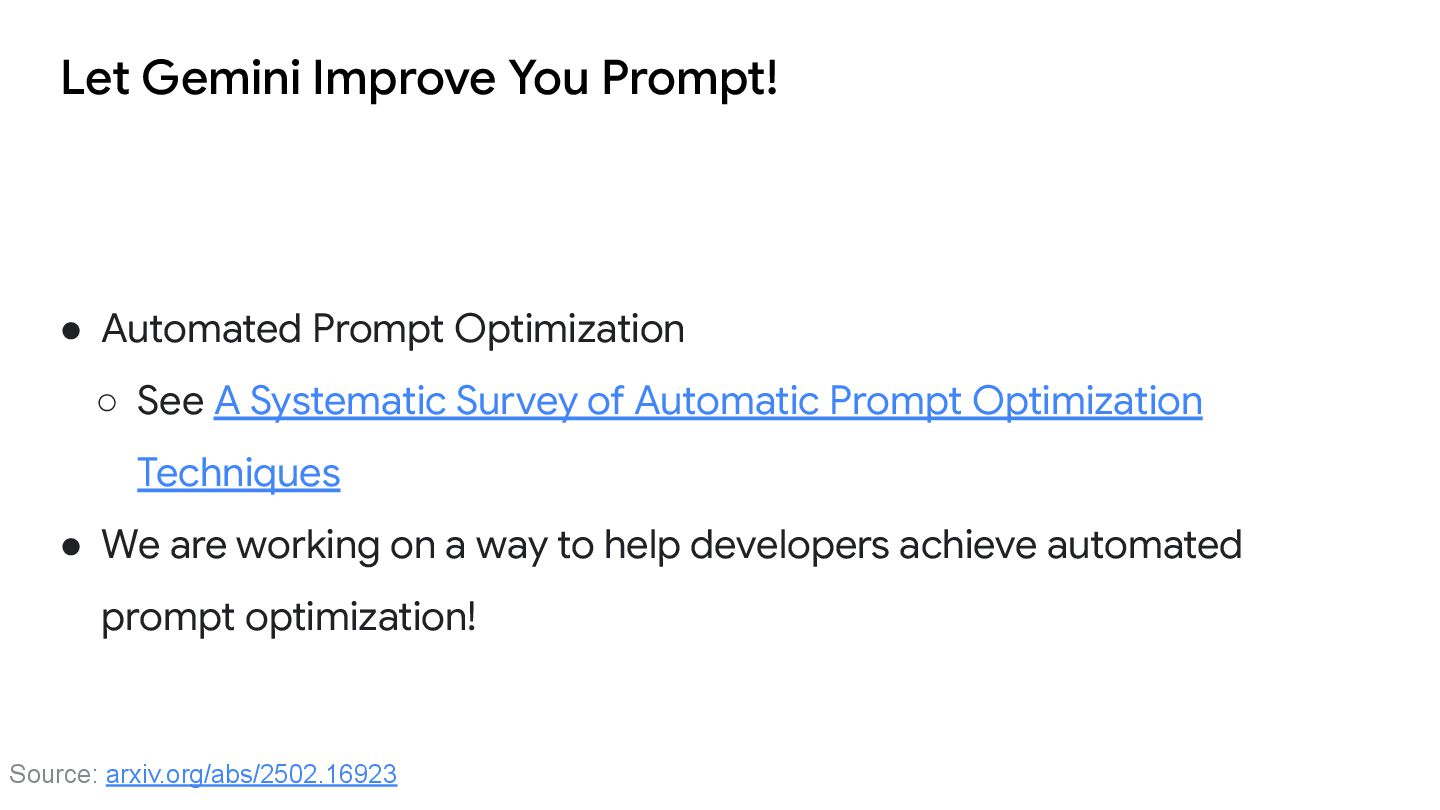
See A Systematic Survey of Automatic Prompt Optimization Techniques • We are working on a way to help developers achieve automated prompt optimization! Source: arxiv.org/abs/2502.16923
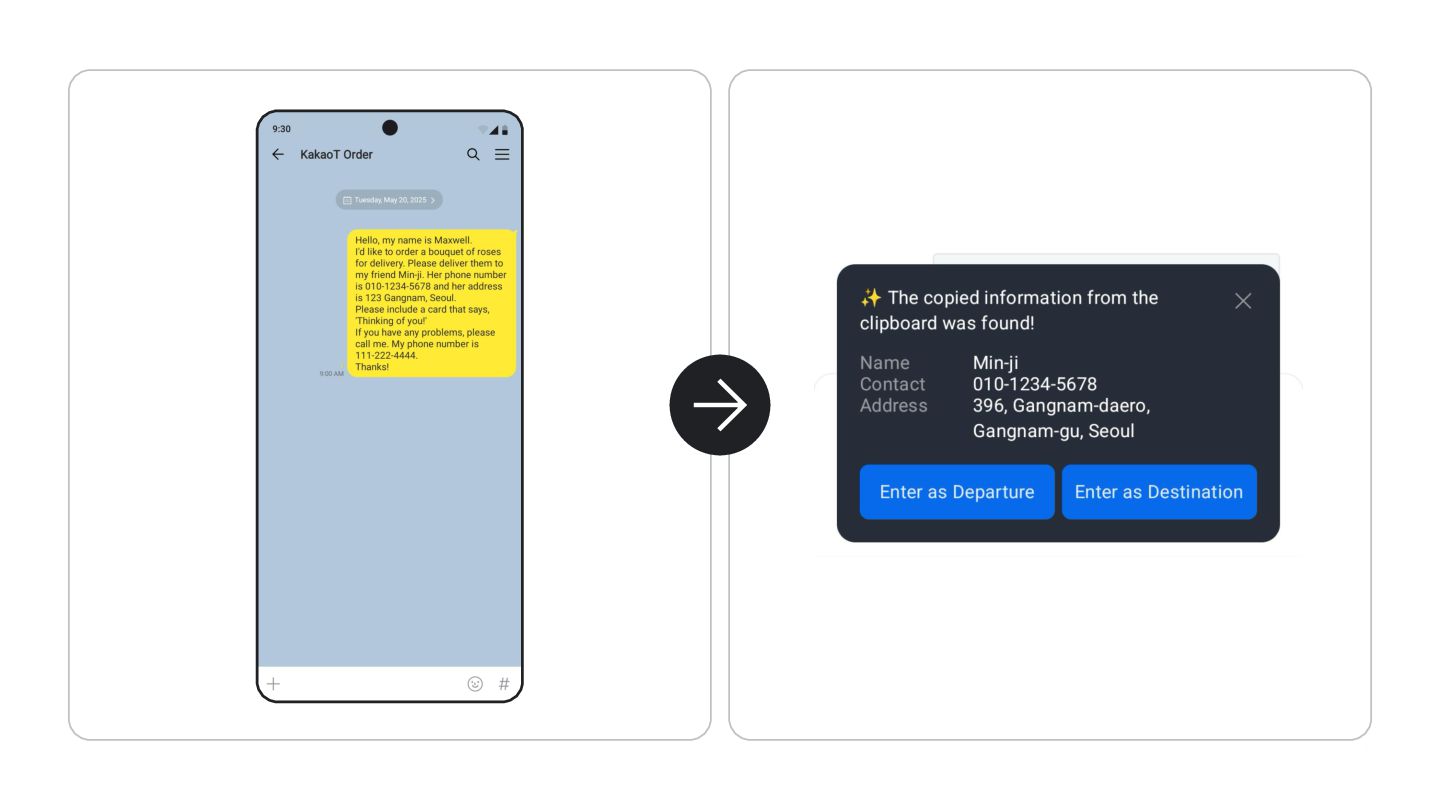
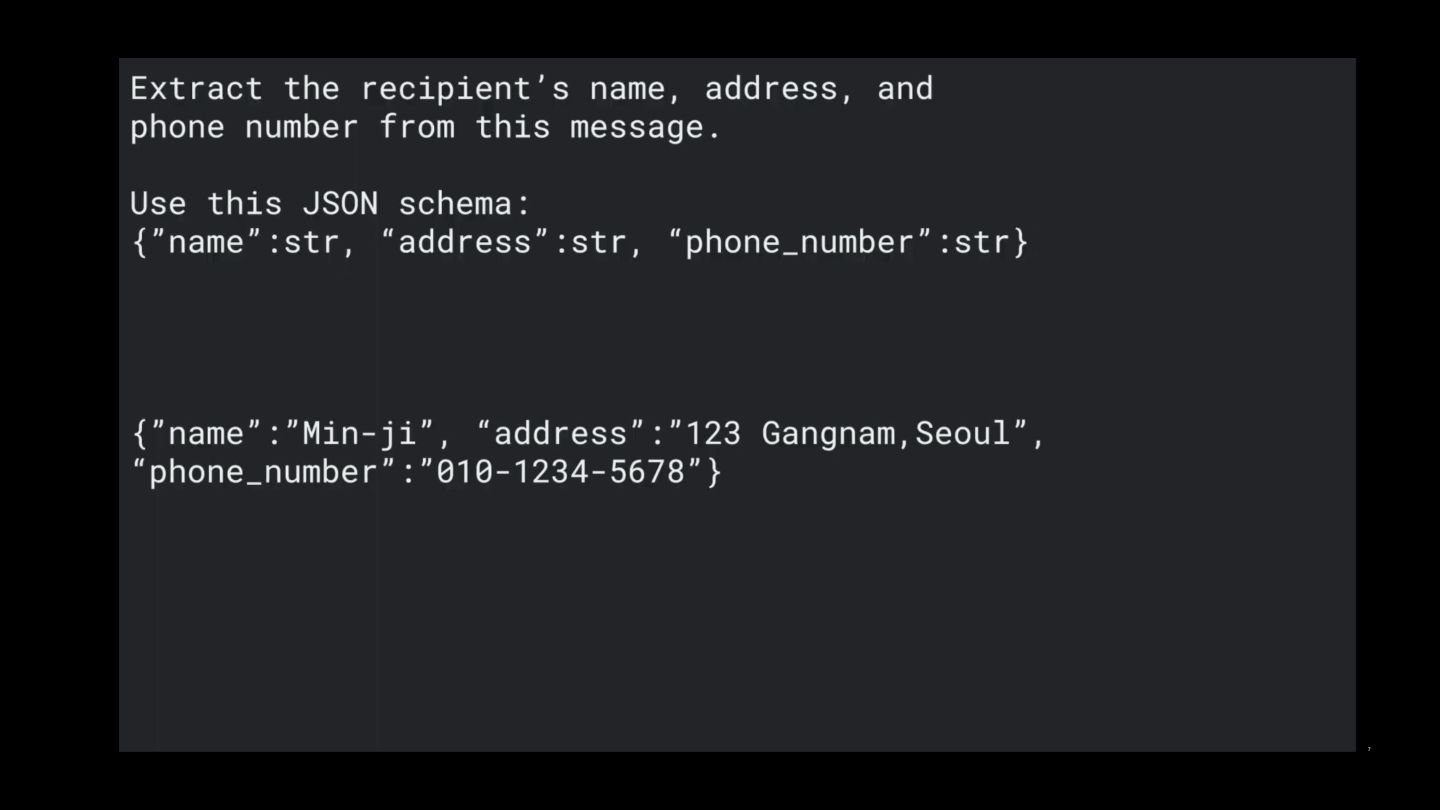
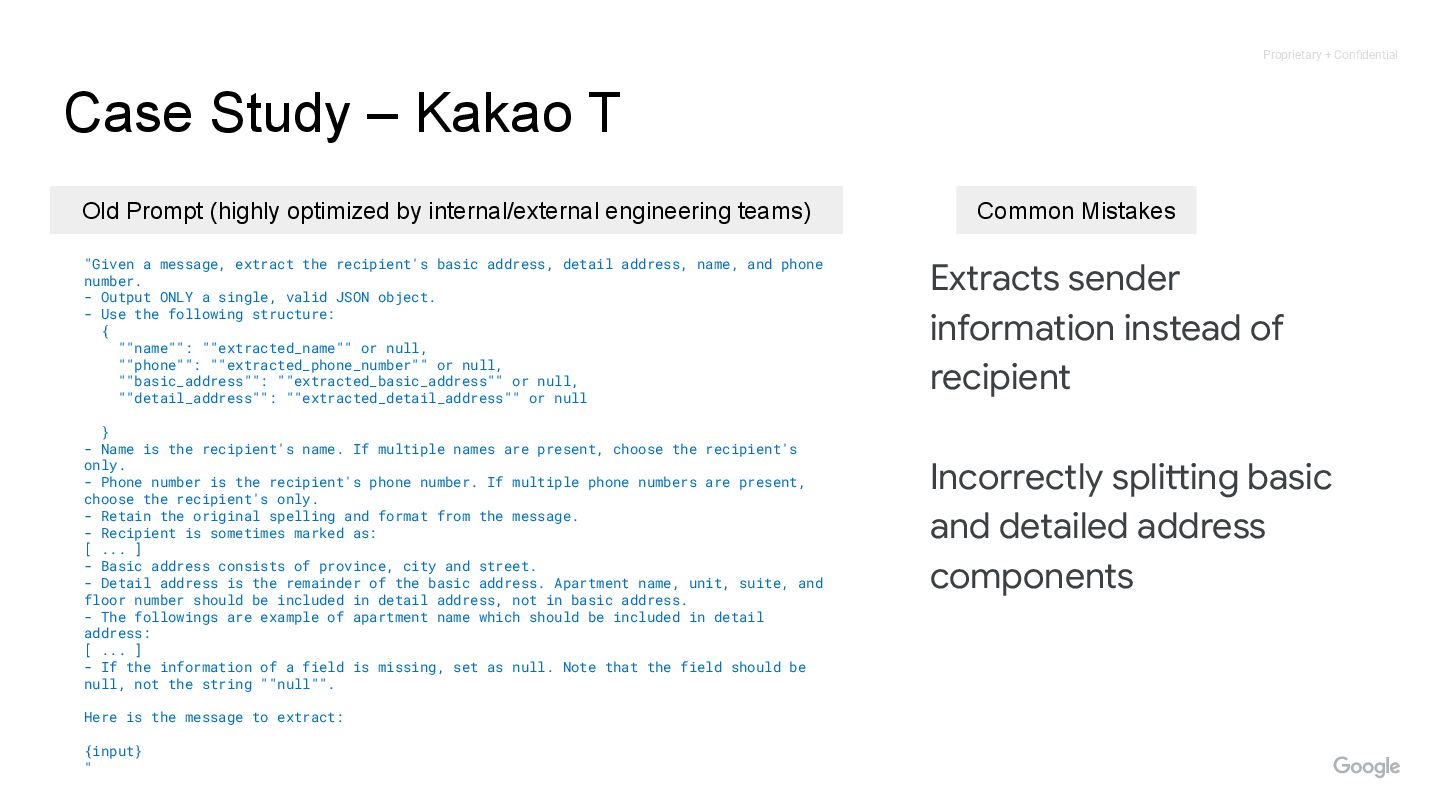
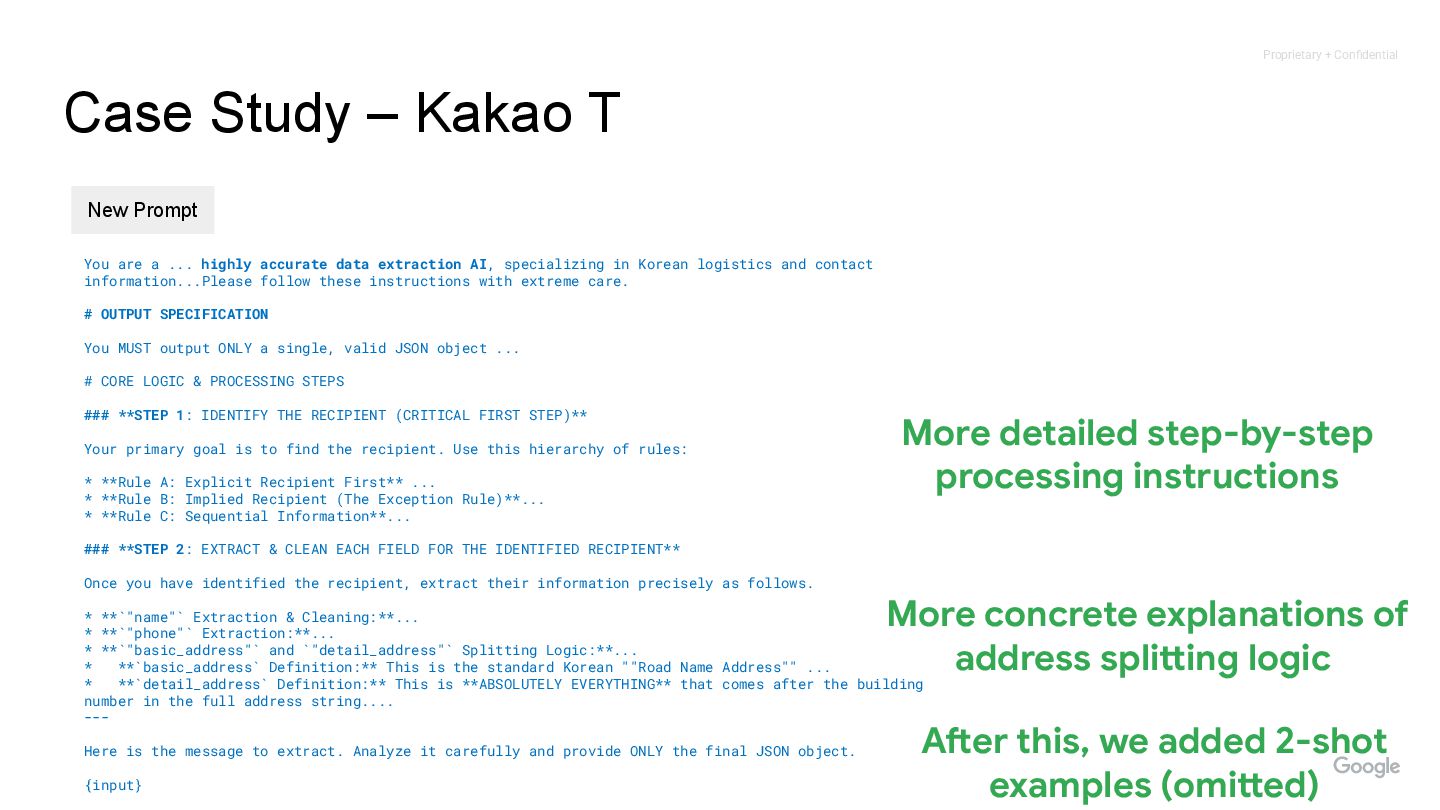
address, detail address, name, and phone number. - Output ONLY a single, valid JSON object. - Use the following structure: { ""name"": ""extracted_name"" or null, ""phone"": ""extracted_phone_number"" or null, ""basic_address"": ""extracted_basic_address"" or null, ""detail_address"": ""extracted_detail_address"" or null } - Name is the recipient's name. If multiple names are present, choose the recipient's only. - Phone number is the recipient's phone number. If multiple phone numbers are present, choose the recipient's only. - Retain the original spelling and format from the message. - Recipient is sometimes marked as: [ ... ] - Basic address consists of province, city and street. - Detail address is the remainder of the basic address. Apartment name, unit, suite, and floor number should be included in detail address, not in basic address. - The followings are example of apartment name which should be included in detail address: [ ... ] - If the information of a field is missing, set as null. Note that the field should be null, not the string ""null"". Here is the message to extract: {input} " Case Study – Kakao T Old Prompt (highly optimized by internal/external engineering teams) Common Mistakes Extracts sender information instead of recipient Incorrectly splitting basic and detailed address components
extraction AI, specializing in Korean logistics and contact information...Please follow these instructions with extreme care. # OUTPUT SPECIFICATION You MUST output ONLY a single, valid JSON object ... # CORE LOGIC & PROCESSING STEPS ### **STEP 1: IDENTIFY THE RECIPIENT (CRITICAL FIRST STEP)** Your primary goal is to find the recipient. Use this hierarchy of rules: * **Rule A: Explicit Recipient First** ... * **Rule B: Implied Recipient (The Exception Rule)**... * **Rule C: Sequential Information**... ### **STEP 2: EXTRACT & CLEAN EACH FIELD FOR THE IDENTIFIED RECIPIENT** Once you have identified the recipient, extract their information precisely as follows. * **`"name"` Extraction & Cleaning:**... * **`"phone"` Extraction:**... * **`"basic_address"` and `"detail_address"` Splitting Logic:**... * **`basic_address` Definition:** This is the standard Korean ""Road Name Address"" ... * **`detail_address` Definition:** This is **ABSOLUTELY EVERYTHING** that comes after the building number in the full address string.... --- Here is the message to extract. Analyze it carefully and provide ONLY the final JSON object. {input} Case Study – Kakao T New Prompt More detailed step-by-step processing instructions More concrete explanations of address splitting logic After this, we added 2-shot examples (omitted)
◦ d.android.com/ai , kaggle.com/whitepaper-prompt-engineering • Feel free to reach out to me, if you have … ◦ Any good idea / plan on Agentive AI ◦ Any plan to implement use case of GenAI on Android ◦ Interested in Early Evaluation for vertical subtitles on ExoPlayer ◦ [email protected]


 saryong
 freee
freee
 nealle
 kakehashi
 minorun365
 techtekt
 jyouryuusui
 4o1sobblue
 camiha
 daidaidai
 ezaki
ezaki
 sansantech
 pfn
pfn
 tomoyanonymous
 skoyamalab
 techseoconnect
 akihiro_kokubo
 ryanjones
 inesmontani
 cassininazir
 codingconduct
 baasie
 mclloyd
 lcolladotor