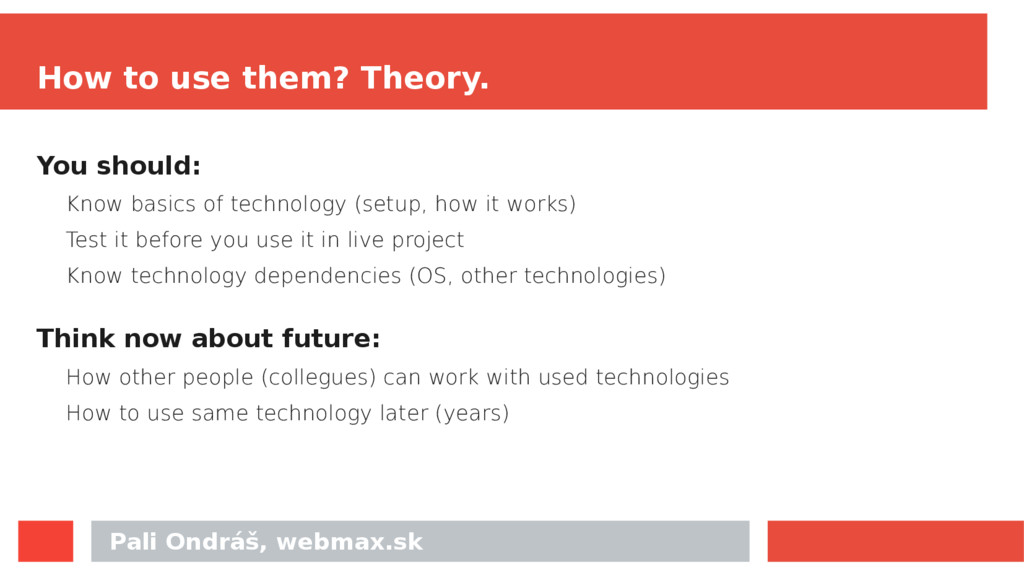
Know basics of technology (setup, how it works) Test it before you use it in live project Know technology dependencies (OS, other technologies) Think now about future: How other people (collegues) can work with used technologies How to use same technology later (years)
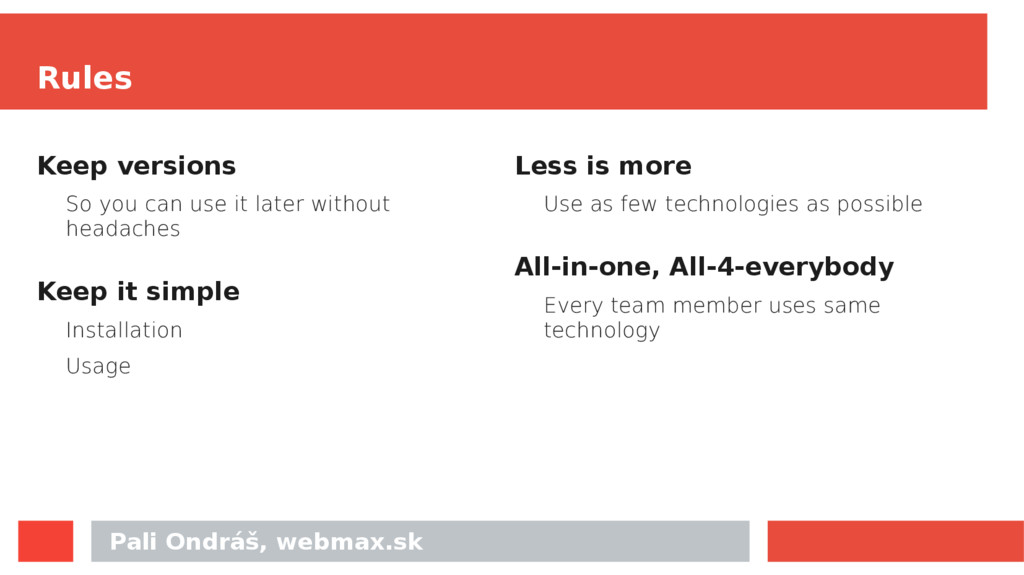
it later without headaches Keep it simple Installation Usage Less is more Use as few technologies as possible All-in-one, All-4-everybody Every team member uses same technology
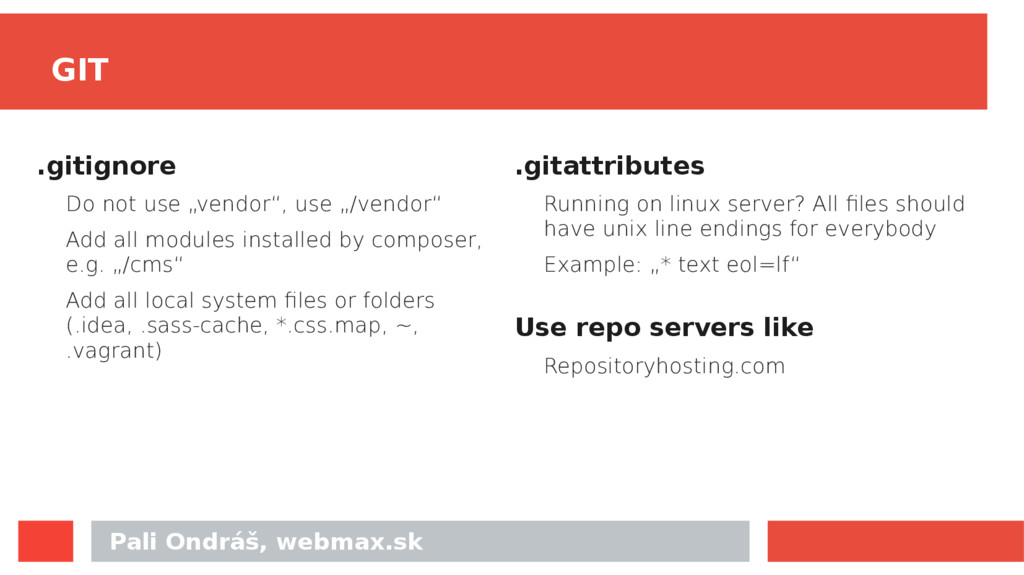
„/vendor“ Add all modules installed by composer, e.g. „/cms“ Add all local system files or folders (.idea, .sass-cache, *.css.map, ~, .vagrant) .gitattributes Running on linux server? All files should have unix line endings for everybody Example: „* text eol=lf“ Use repo servers like Repositoryhosting.com
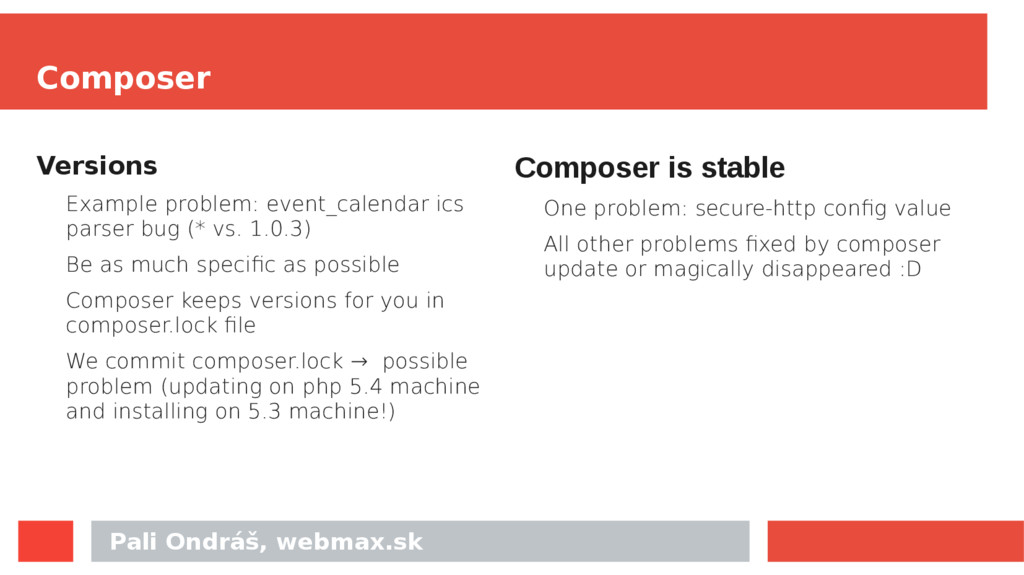
bug (* vs. 1.0.3) Be as much specific as possible Composer keeps versions for you in composer.lock file We commit composer.lock → possible problem (updating on php 5.4 machine and installing on 5.3 machine!) Composer is stable One problem: secure-http config value All other problems fixed by composer update or magically disappeared :D
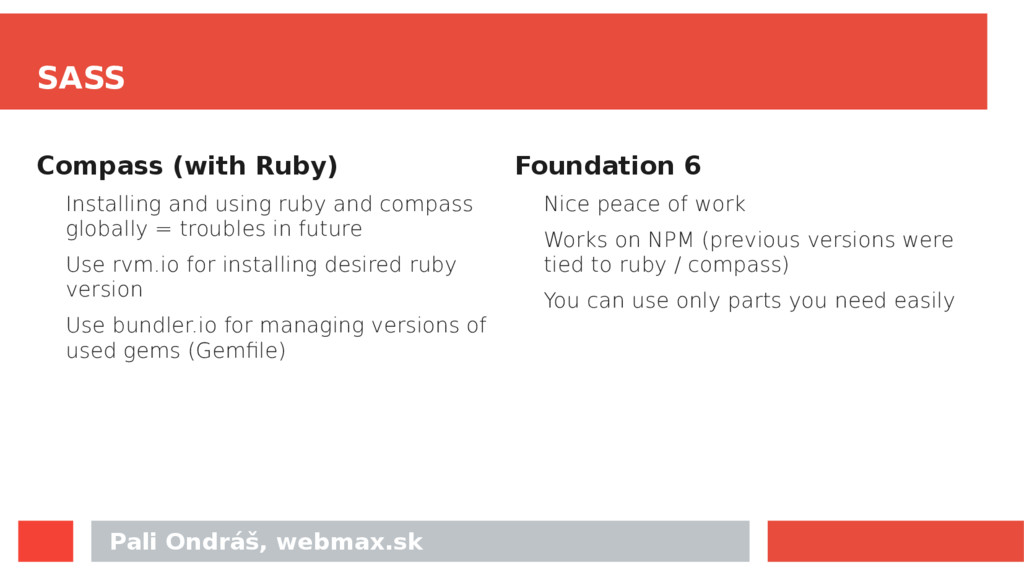
ruby and compass globally = troubles in future Use rvm.io for installing desired ruby version Use bundler.io for managing versions of used gems (Gemfile) Foundation 6 Nice peace of work Works on NPM (previous versions were tied to ruby / compass) You can use only parts you need easily
composer.json - we have package.json But there is NO lock file! If you install after few weeks, you probably get different versions of modules installed. No LOCK file – you can go crazy easily ;)
npm install in the package root to install the current versions of all dependencies. Validate that the package works as expected with these versions. Run npm shrinkwrap, add npm- shrinkwrap.json to git, and commit.
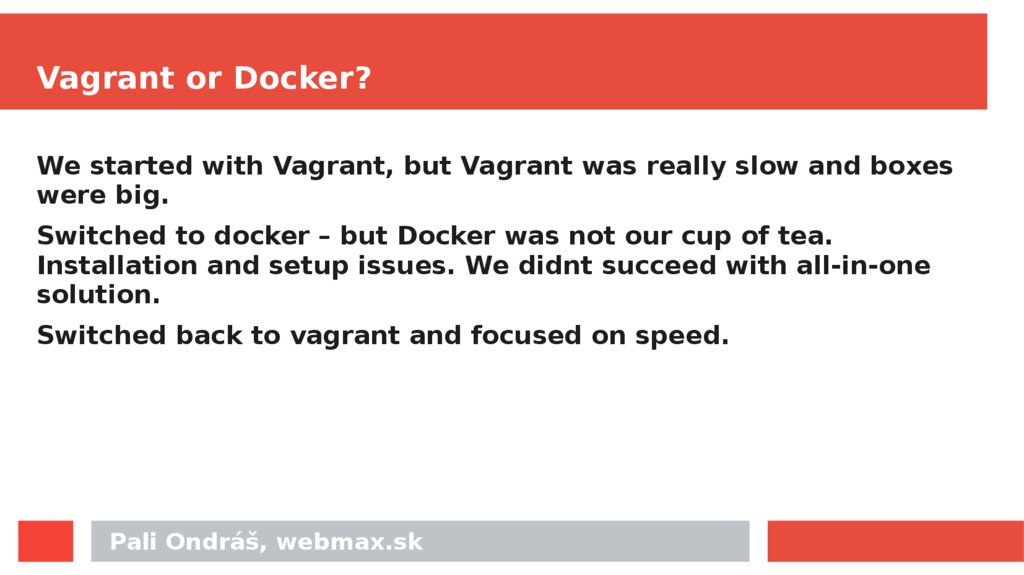
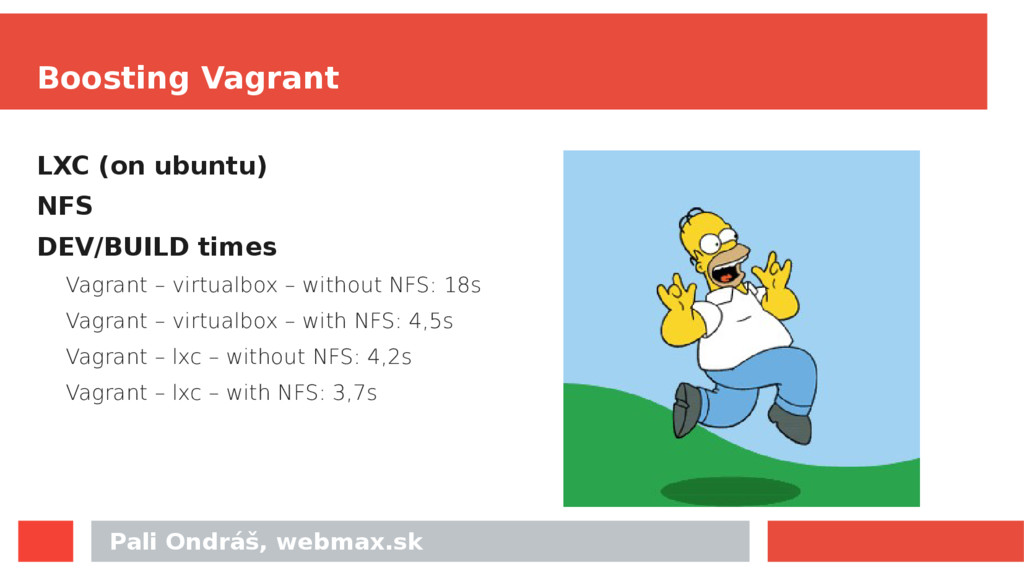
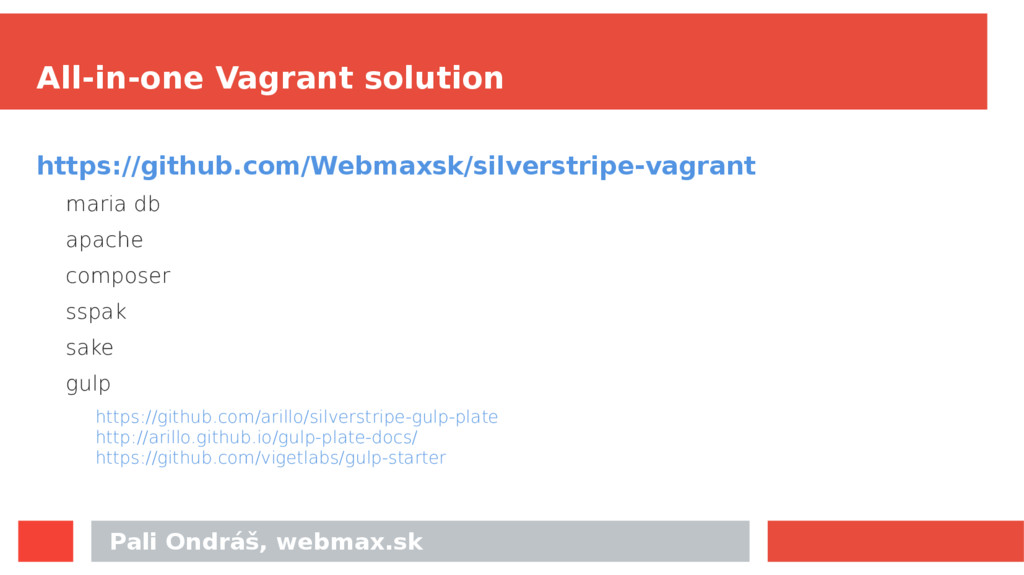
but Vagrant was really slow and boxes were big. Switched to docker – but Docker was not our cup of tea. Installation and setup issues. We didnt succeed with all-in-one solution. Switched back to vagrant and focused on speed.


 colorful12
 chobishiba
 kinopeee
 iwiwi
iwiwi
 ryu1013
 oniak3ibm
 satoshi256kbyte
 kmars0605
 prota
prota
 jame2408
 eed3si9n
 rollbear
 mfonobong
 addyosmani
 dougneiner
 reverentgeek
 quramy
 colly
colly
 letsgokoyo
 thoeni
 livdayseo
 hannesfritz
 tapps
tapps
 codingconduct