Upgrade to Pro
— share decks privately, control downloads, hide ads and more …
Speaker Deck
Sign up for free
Menu
Search
Features
All features
Private URLs
Password Protection
Custom URLS
Scheduled publishing
Remove Branding
Restrict embedding
Deck Collections
Notes
Features
All features
Private URLs
Password Protection
Custom URLS
Scheduled publishing
Remove Branding
Restrict embedding
Deck Collections
Notes
Explore
Featured decks
Featured speakers
Programming
Technology
Storyboards
Explore
Featured decks
Featured speakers
Programming
Technology
Storyboards
Pricing
Search
Sign in
Sign up for free
Rails缓存分享
Search
Sponsored
·
Your Podcast. Everywhere. Effortlessly.
Share. Educate. Inspire. Entertain. You do you. We'll handle the rest.
→
宋佳洋
November 22, 2012
Technology
230
2
Share
Embed
Copy iframe code
Copy JS code
Copy link
Start on current slide
Rails缓存分享
Rails中的缓存分享
宋佳洋
November 22, 2012
Other Decks in Technology
See All in Technology
実践! SRE × AI - ABEMA における AIOps -
tetsuya28
8
3.1k
PHPカンファレンス関西の招待状 / Invitation to PHP Conference Kansai
ykanoh
0
210
Browser Spec: Testing Hotwire with Ruby
takahashim
1
130
無理せず続ける、子育てエンジニアの学び
codmoninc
PRO
0
980
"優秀な誰か"の下位互換にならないために
yut0naga1_fa
1
1.8k
サブエージェントと Claude Mods で作る独自 Advisor ツールの話
kenichiodo
2
160
Classmethod Company Deck
satoshi7
1
730
AI コーディングと人間の認知スループット / CTO Night & Day 2026 Morning Session / AI Coding and Human Cognitive Throughput
prog893
5
1.3k
PagerDuty Tech Hub-鳴らすけれど、人は動かない
ezaki
0
180
TinyGoでオブザーバビリティ?OpenTelemetryはTinyGoで使えるのか / Is OpenTelemetry available in TinyGo environment?
ymotongpoo
2
140
AIにシークレットを見せない、WSL2で安全な開発環境
yazm
0
310
LambdaWebFunctionsを試してみた / exploring-lambda-web-functions
koukihosaka
1
360
Featured
See All Featured
Accessibility Awareness
sabderemane
1
250
Templates, Plugins, & Blocks: Oh My! Creating the theme that thinks of everything
marktimemedia
31
2.9k
Test your architecture with Archunit
thirion
2
2.4k
The Organizational Zoo: Understanding Human Behavior Agility Through Metaphoric Constructive Conversations (based on the works of Arthur Shelley, Ph.D)
kimpetersen
PRO
0
500
Agile Leadership in an Agile Organization
kimpetersen
PRO
0
290
sira's awesome portfolio website redesign presentation
elsirapls
0
460
ピンチをチャンスに:未来をつくるプロダクトロードマップ #pmconf2020
aki_iinuma
128
56k
What's in a price? How to price your products and services
michaelherold
247
13k
Navigating Weather and Climate Data
rabernat
0
560
[RailsConf 2023] Rails as a piece of cake
palkan
59
7.1k
Neural Spatial Audio Processing for Sound Field Analysis and Control
skoyamalab
0
570
Marketing Yourself as an Engineer | Alaka | Gurzu
gurzu
0
330
Transcript
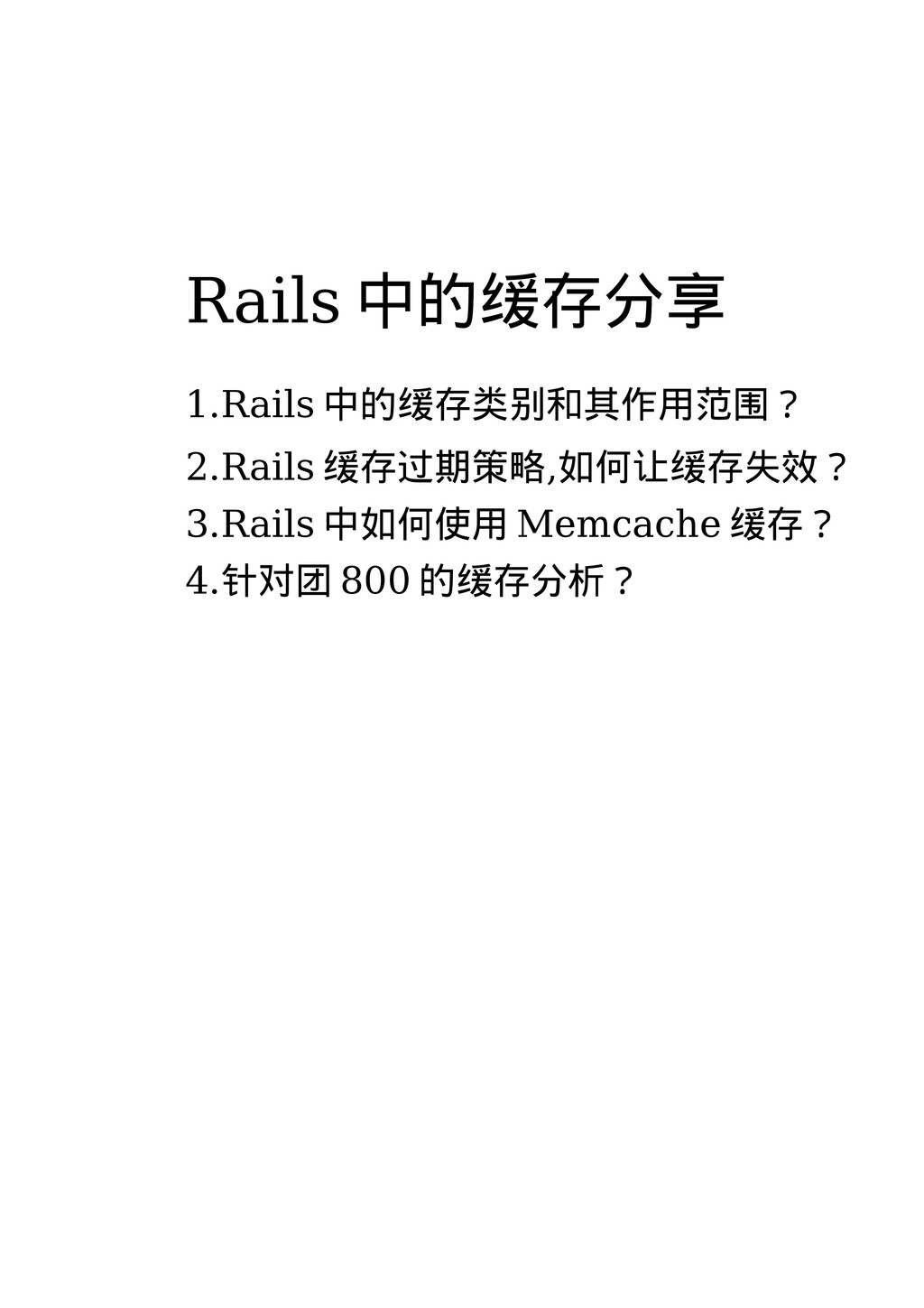
Rails 中的缓存分享 1.Rails 中的缓存类别和其作用范围? 2.Rails 缓存过期策略,如何让缓存失效? 3.Rails 中如何使用 Memcache 缓存?
4.针对团 800 的缓存分析?
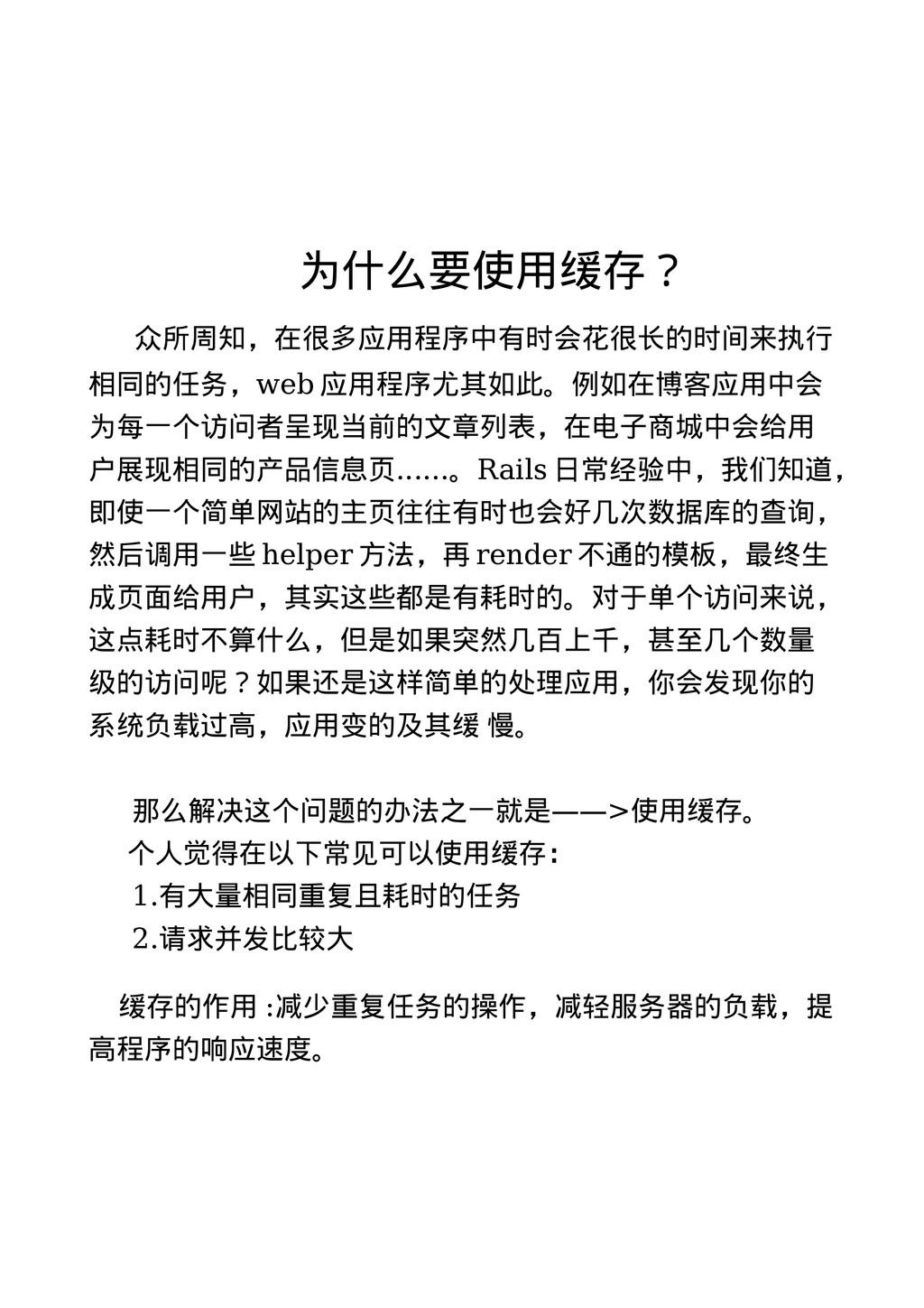
为什么要使用缓存? 众所周知,在很多应用程序中有时会花很长的时间来执行 相同的任务,web 应用程序尤其如此。例如在博客应用中会 为每一个访问者呈现当前的文章列表,在电子商城中会给用 户展现相同的产品信息页......。Rails 日常经验中,我们知道, 即使一个简单网站的主页往往有时也会好几次数据库的查询, 然后调用一些 helper
方法,再 render 不通的模板,最终生 成页面给用户,其实这些都是有耗时的。对于单个访问来说, 这点耗时不算什么,但是如果突然几百上千,甚至几个数量 级的访问呢?如果还是这样简单的处理应用,你会发现你的 系统负载过高,应用变的及其缓 慢。 那么解决这个问题的办法之一就是——>使用缓存。 个人觉得在以下常见可以使用缓存: 1.有大量相同重复且耗时的任务 2.请求并发比较大 缓存的作用 :减少重复任务的操作,减轻服务器的负载,提 高程序的响应速度。
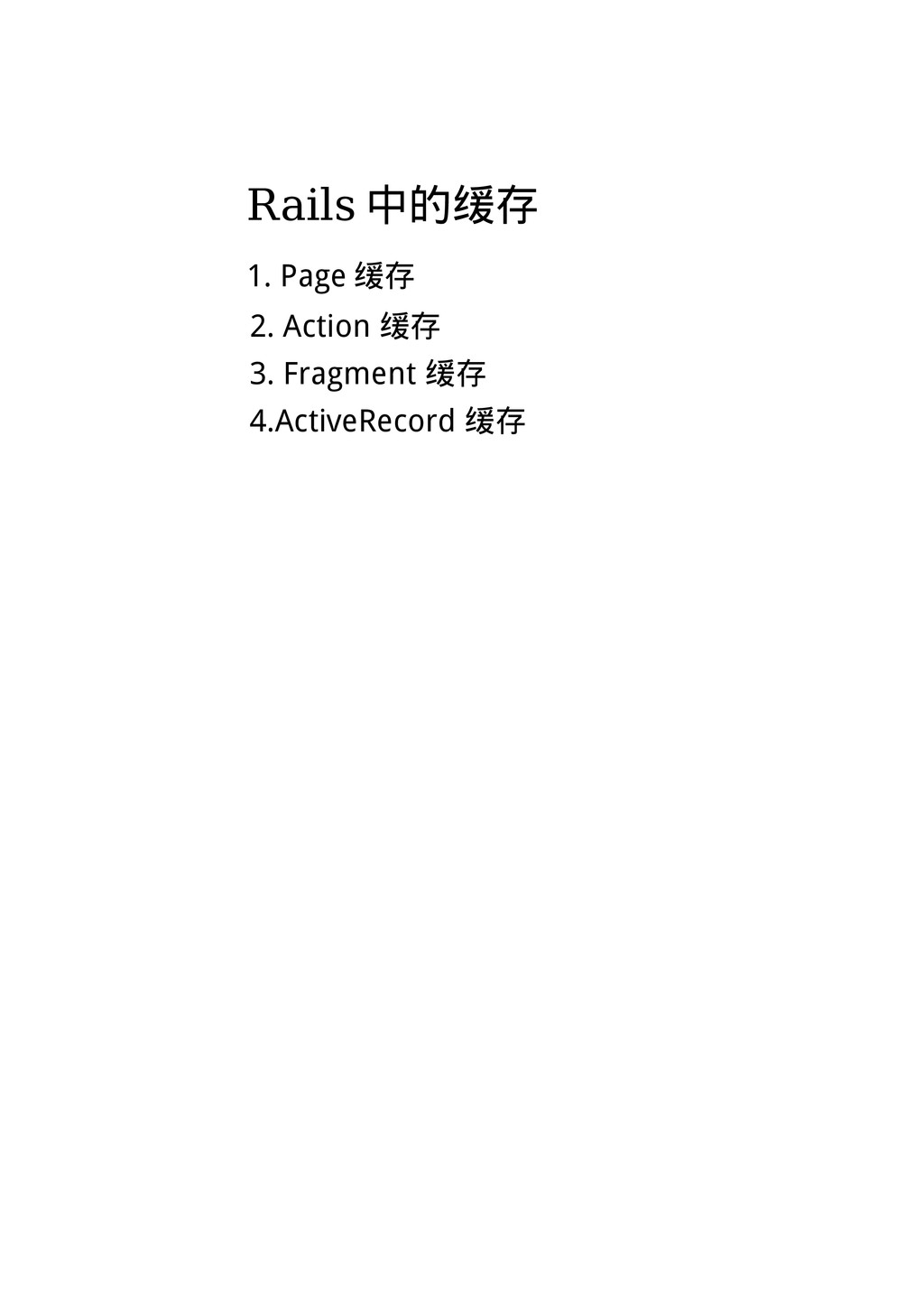
Rails 中的缓存 1. Page 缓存 2. Action 缓存 3. Fragment
缓存 4.ActiveRecord 缓存
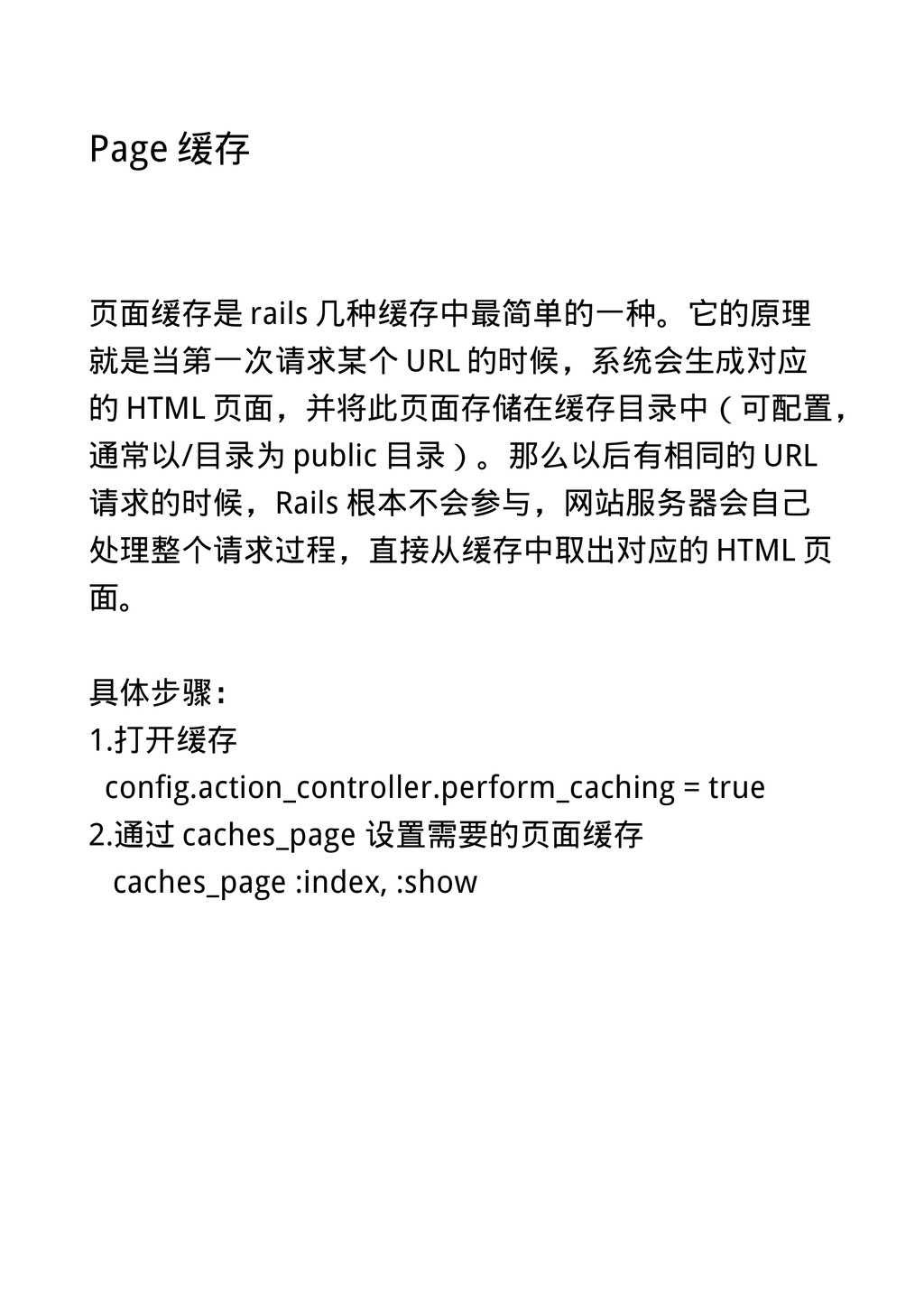
Page 缓存 页面缓存是 rails 几种缓存中最简单的一种。它的原理 就是当第一次请求某个 URL 的时候,系统会生成对应 的 HTML
页面,并将此页面存储在缓存目录中(可配置, 通常以/目录为 public 目录)。那么以后有相同的 URL 请求的时候,Rails 根本不会参与,网站服务器会自己 处理整个请求过程,直接从缓存中取出对应的 HTML 页 面。 具体步骤: 1.打开缓存 config.action_controller.perform_caching = true 2.通过 caches_page 设置需要的页面缓存 caches_page :index, :show
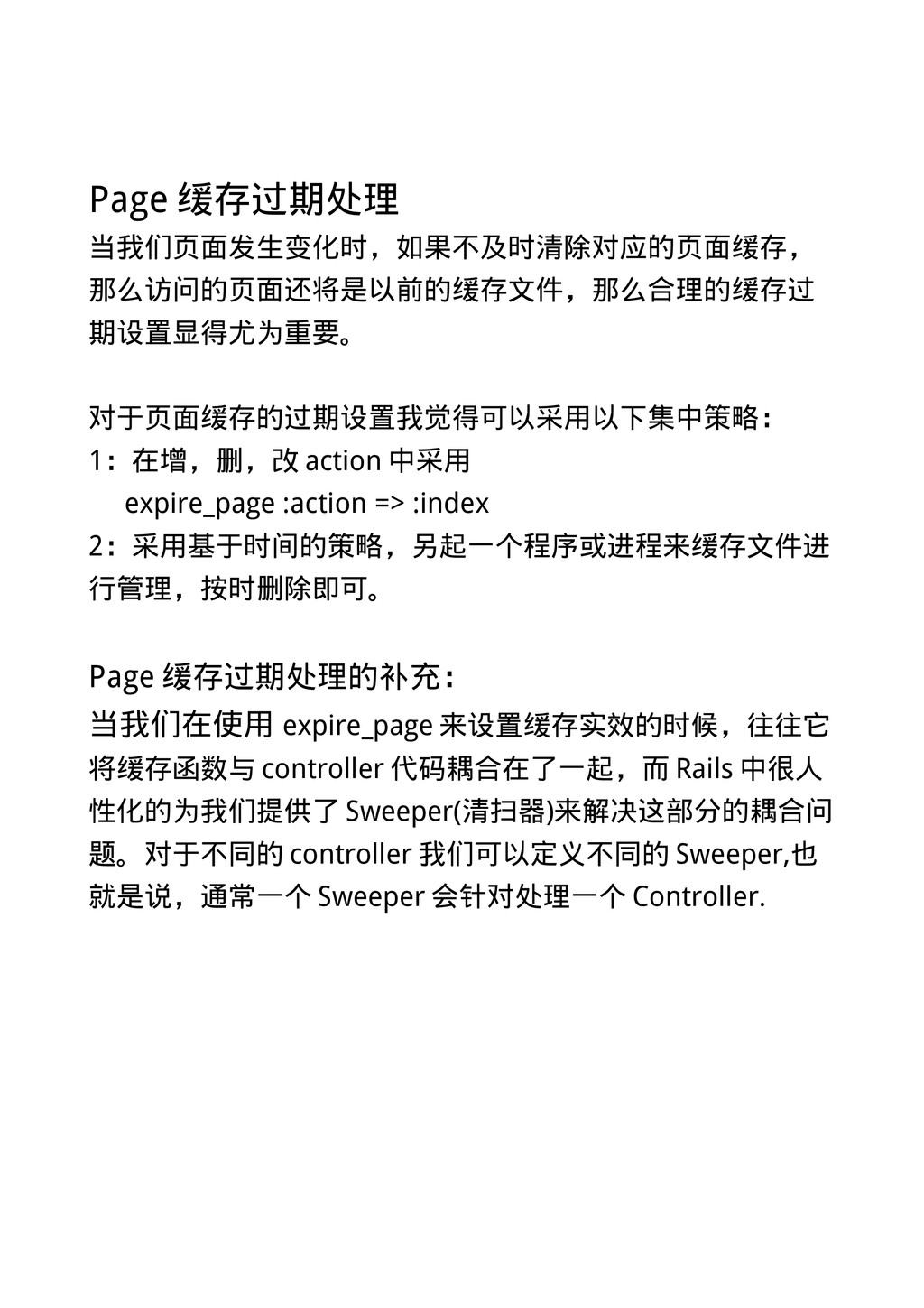
Page 缓存过期处理 当我们页面发生变化时,如果不及时清除对应的页面缓存, 那么访问的页面还将是以前的缓存文件,那么合理的缓存过 期设置显得尤为重要。 对于页面缓存的过期设置我觉得可以采用以下集中策略: 1:在增,删,改 action 中采用 expire_page
:action => :index 2:采用基于时间的策略,另起一个程序或进程来缓存文件进 行管理,按时删除即可。 Page 缓存过期处理的补充: 当我们在使用 expire_page 来设置缓存实效的时候,往往它 将缓存函数与 controller 代码耦合在了一起,而 Rails 中很人 性化的为我们提供了 Sweeper(清扫器)来解决这部分的耦合问 题。对于不同的 controller 我们可以定义不同的 Sweeper,也 就是说,通常一个 Sweeper 会针对处理一个 Controller.
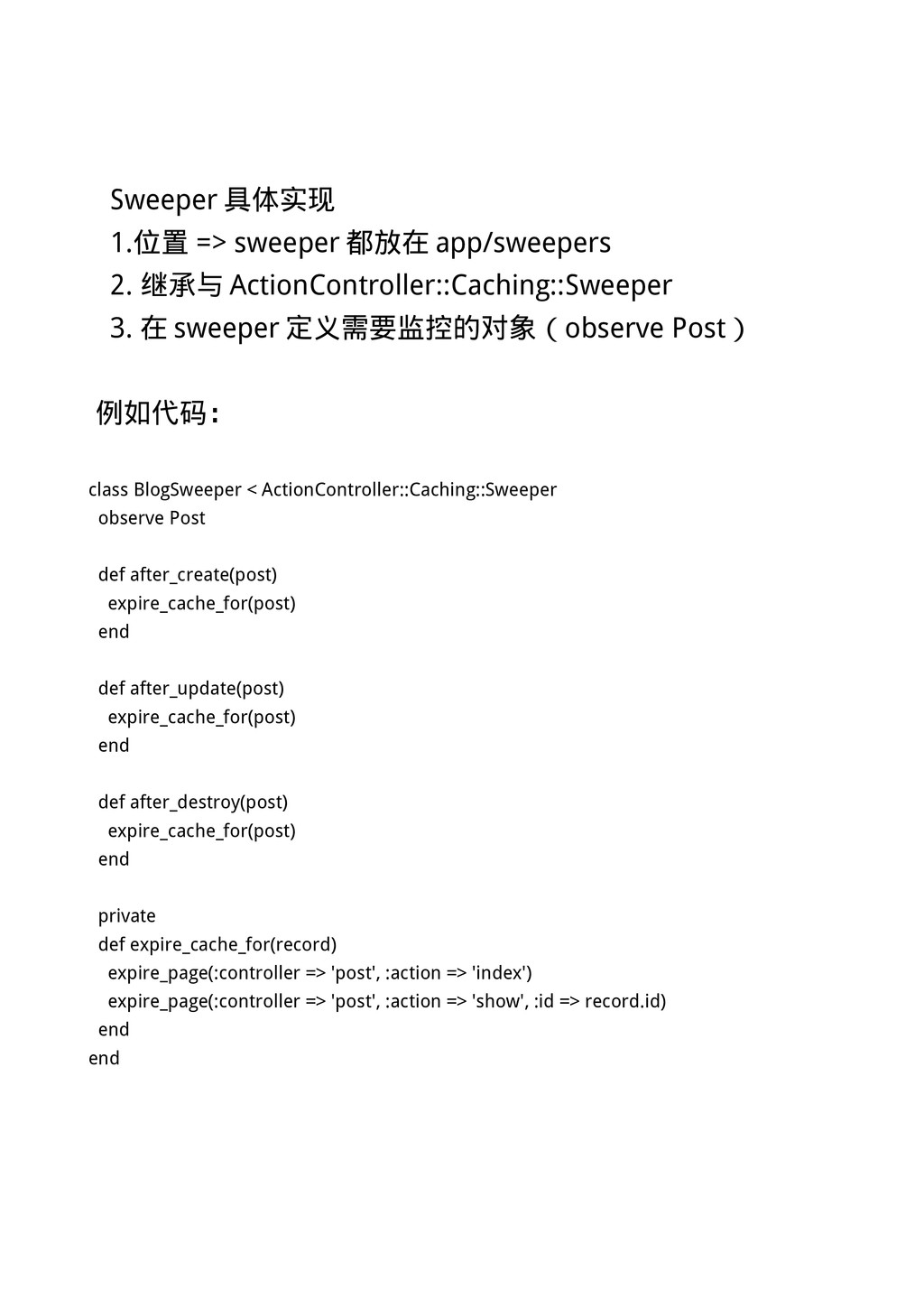
Sweeper 具体实现 1.位置 => sweeper 都放在 app/sweepers 2. 继承与 ActionController::Caching::Sweeper
3. 在 sweeper 定义需要监控的对象(observe Post) 例如代码: class BlogSweeper < ActionController::Caching::Sweeper observe Post def after_create(post) expire_cache_for(post) end def after_update(post) expire_cache_for(post) end def after_destroy(post) expire_cache_for(post) end private def expire_cache_for(record) expire_page(:controller => 'post', :action => 'index') expire_page(:controller => 'post', :action => 'show', :id => record.id) end end
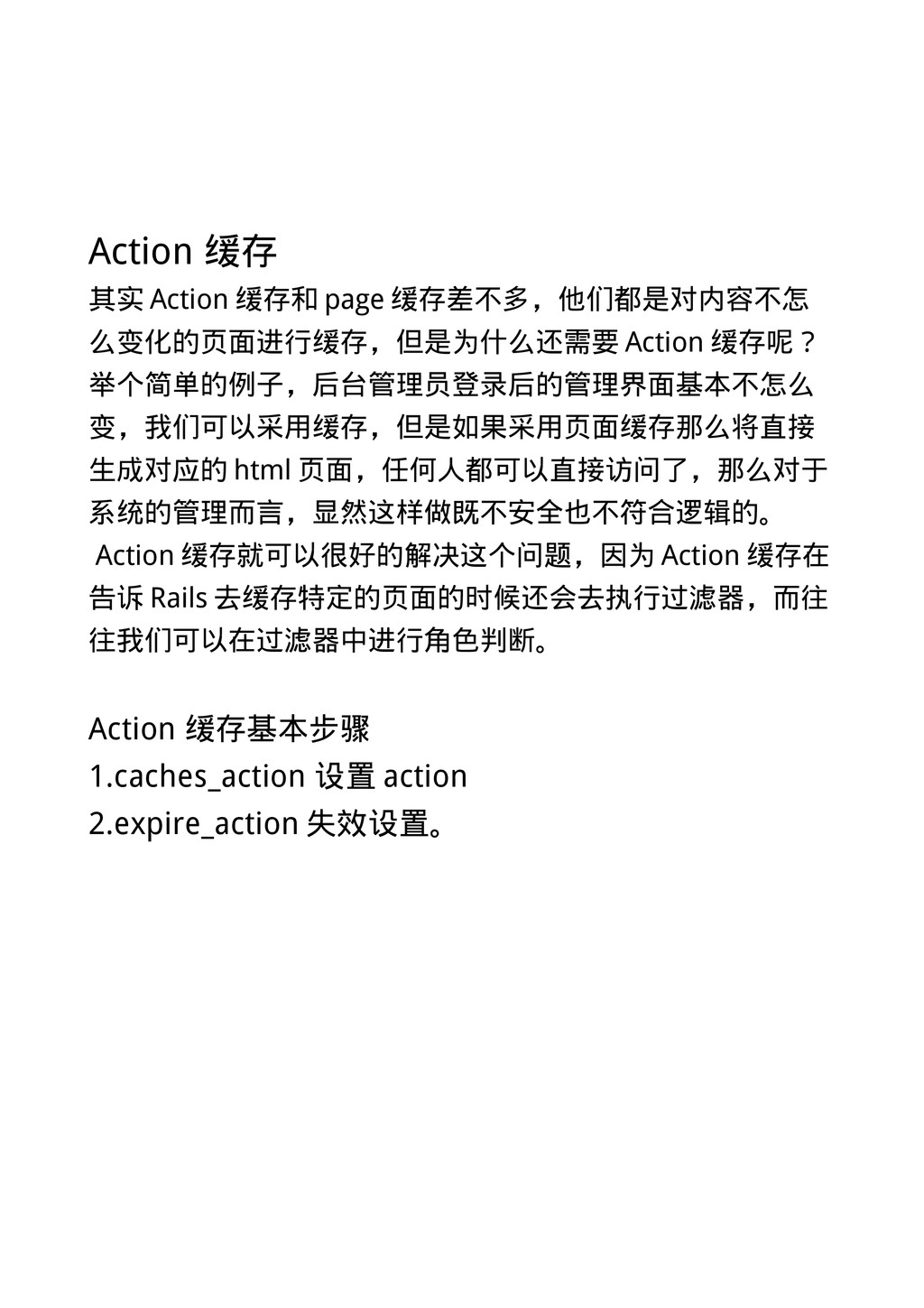
Action 缓存 其实 Action 缓存和 page 缓存差不多,他们都是对内容不怎 么变化的页面进行缓存,但是为什么还需要 Action 缓存呢?
举个简单的例子,后台管理员登录后的管理界面基本不怎么 变,我们可以采用缓存,但是如果采用页面缓存那么将直接 生成对应的 html 页面,任何人都可以直接访问了,那么对于 系统的管理而言,显然这样做既不安全也不符合逻辑的。 Action 缓存就可以很好的解决这个问题,因为 Action 缓存在 告诉 Rails 去缓存特定的页面的时候还会去执行过滤器,而往 往我们可以在过滤器中进行角色判断。 Action 缓存基本步骤 1.caches_action 设置 action 2.expire_action 失效设置。
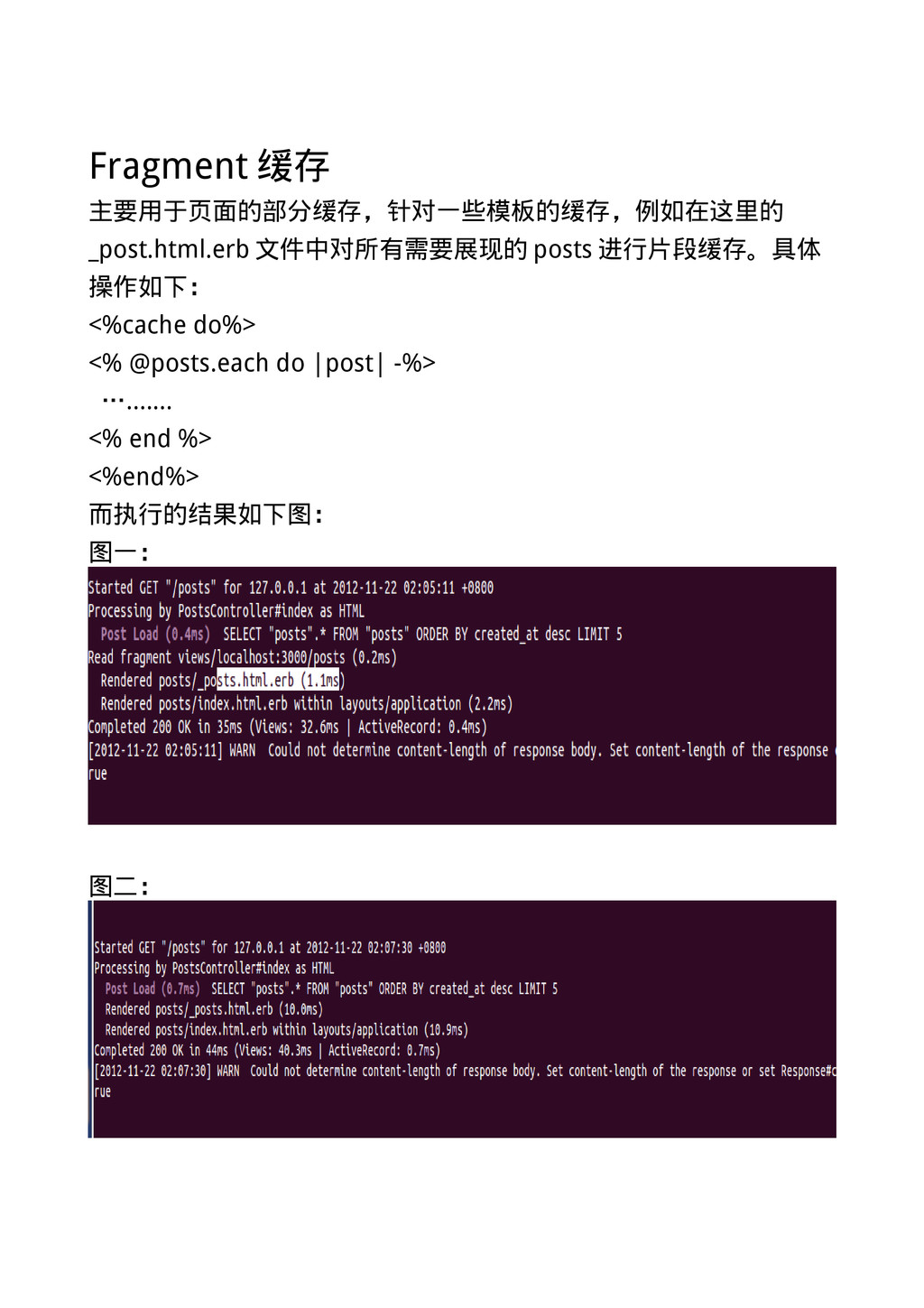
Fragment 缓存 主要用于页面的部分缓存,针对一些模板的缓存,例如在这里的 _post.html.erb 文件中对所有需要展现的 posts 进行片段缓存。具体 操作如下: <%cache do%>
<% @posts.each do |post| -%> …....... <% end %> <%end%> 而执行的结果如下图: 图一: 图二:
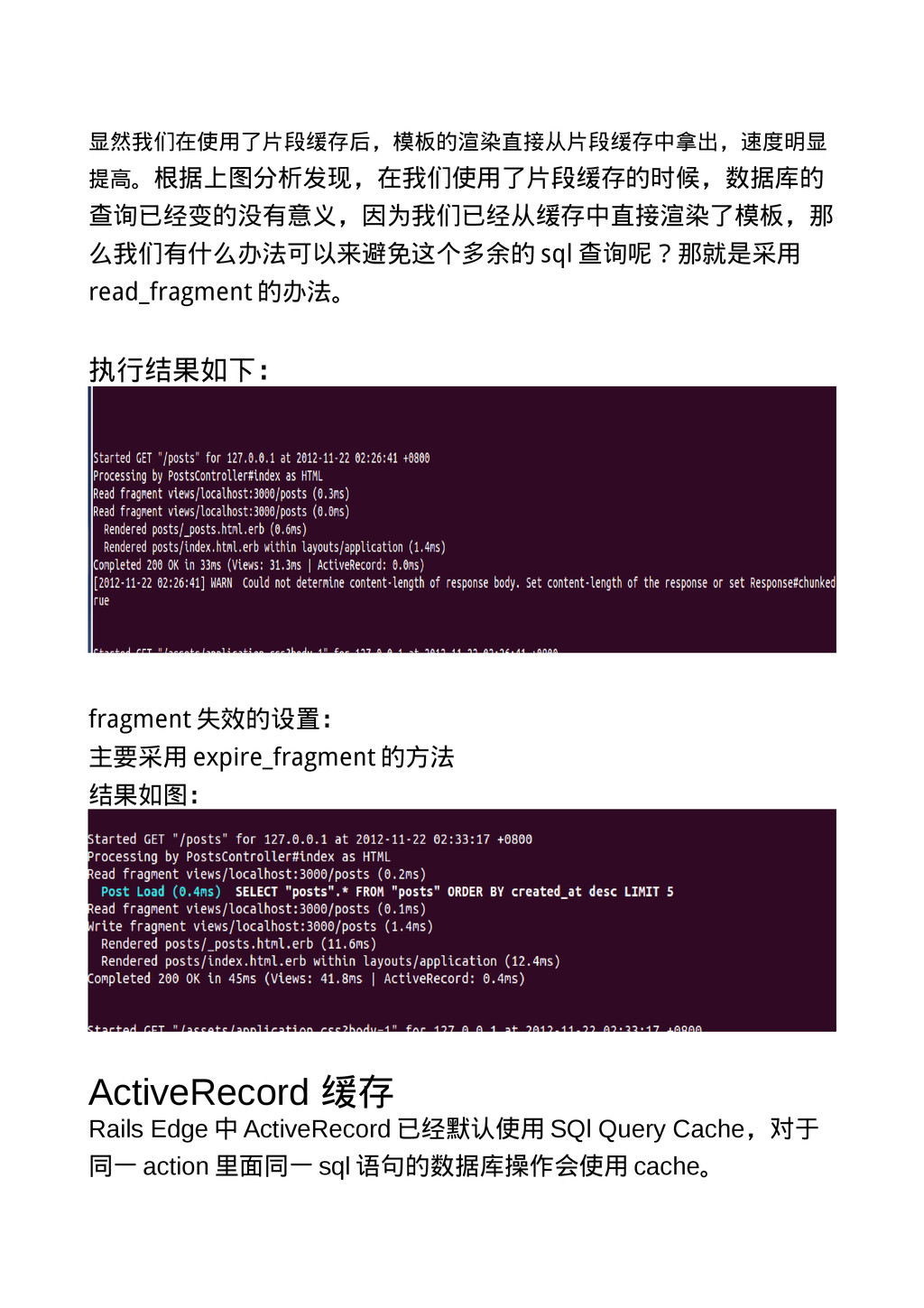
显然我们在使用了片段缓存后,模板的渲染直接从片段缓存中拿出,速度明显 提高。根据上图分析发现,在我们使用了片段缓存的时候,数据库的 查询已经变的没有意义,因为我们已经从缓存中直接渲染了模板,那 么我们有什么办法可以来避免这个多余的 sql 查询呢?那就是采用 read_fragment 的办法。 执行结果如下: fragment
失效的设置: 主要采用 expire_fragment 的方法 结果如图: ActiveRecord 缓存 Rails Edge 中 ActiveRecord 已经默认使用 SQl Query Cache,对于 同一 action 里面同一 sql 语句的数据库操作会使用 cache。
Rails 中使用 Memcache 来作为缓存策略 Memcache 是基于 k-v 的存储,方便插入和查询,用于作为 缓存有时显得恰当好处,比如在 posts_controller
的 index 页 面。


 tetsuya28
 ykanoh
 takahashim
 codmoninc
 yut0naga1_fa
 kenichiodo
 satoshi7
 prog893
 ezaki
ezaki
 ymotongpoo
 yazm
yazm
 koukihosaka
 sabderemane
 marktimemedia
 thirion
 kimpetersen
 elsirapls
 aki_iinuma
 michaelherold
 rabernat
 palkan
 skoyamalab
 gurzu
gurzu