Share
Embed
Redis Memory Optimization - Redis Conf 2018
A practical guide to reduce memory used by Redis, with tradeoffs where applicable.
There is a companion cheat-sheet available that summarize this entire deck - see https://twitter.com/srithedabbler/status/989485733319655424
For the complete talk, see https://www.youtube.com/watch?v=h7Onll-9fuM
Sripathi Krishnan
May 28, 2018
Transcript
57 slides
-
Sripathi Krishnan CTO, HashedIn Inc. / Rdbtools @srithedabbler - Using
redis since ~2010 - Top redis answers on StackOverflow - Author of redis-rdb-tools - Redis meetups across India - Now launching RDBTools.com in beta [email protected] github.com/sripathikrishnan -
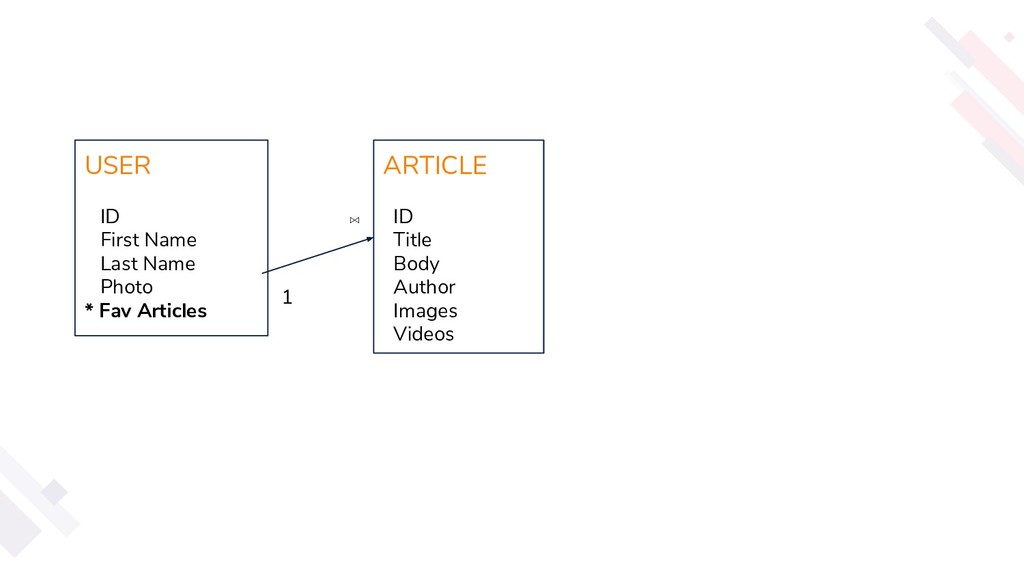
USER ID First Name Last Name Photo * Fav Articles
ARTICLE ID Title Body Author Images Videos 1 ⋈ -
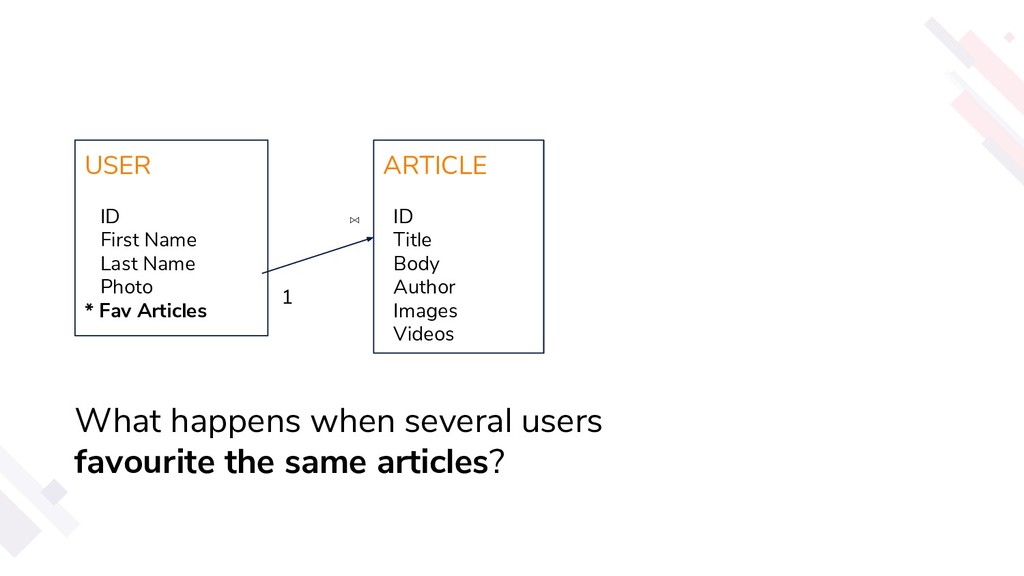
USER ID First Name Last Name Photo * Fav Articles
ARTICLE ID Title Body Author Images Videos 1 ⋈ What happens when several users favourite the same articles? -
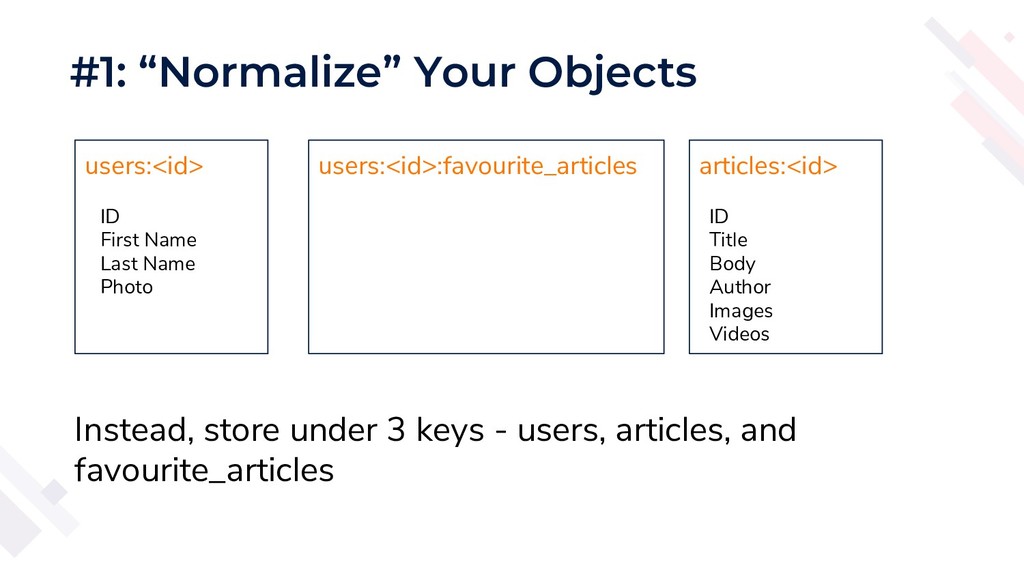
#1: “Normalize” Your Objects users:<id> ID First Name Last Name
Photo articles:<id> ID Title Body Author Images Videos Instead, store under 3 keys - users, articles, and favourite_articles users:<id>:favourite_articles -
- Java / Python / Php have poor serializers #2:
Use a Better Serializer -
- Java / Python / Php have poor serializers -
In Java, don’t want to change code? - Try Kryo #2: Use a Better Serializer -
- Java / Python / Php have poor serializers -
In Java, don’t want to change code? - Try Kryo - Willing to modify code schema? - Try a binary format - ProtoBuf / FlatBuffers / MsgPack #2: Use a Better Serializer -
- Easily save 50% memory + Network Bandwidth - Latency
Sensitive? - LZO, Google Snappy #3: Compress Data! -
- Easily save 50% memory + Network Bandwidth - Latency
Sensitive? - LZO, Google Snappy - Maximum Compression? - Gzip, Brotli #3: Compress Data! -
- Easily save 50% memory + Network Bandwidth - Latency
Sensitive? - LZO, Google Snappy - Maximum Compression? - Gzip, Brotli - For comparison of algorithms, see https://quixdb.github.io/squash-benchmark/#results #3: Compress Data! -
#4: JSON -> MsgPack - It’s like JSON, but fast
and small. - Libraries in 50+ languages - Plus, lua scripts in redis can parse MsgPack! -
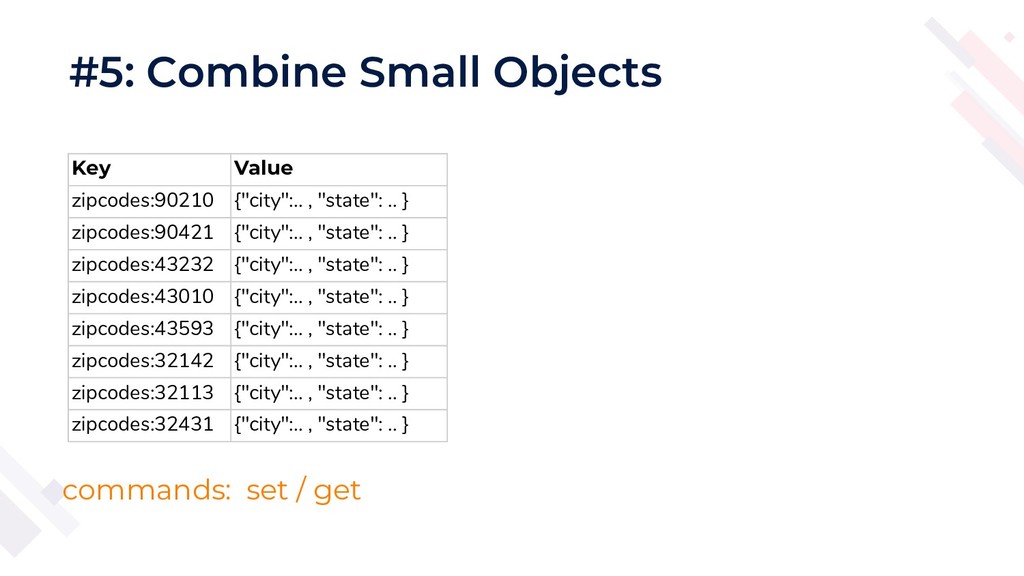
#5: Combine Small Objects Key Value zipcodes:90210 {"city":.. , "state":
.. } zipcodes:90421 {"city":.. , "state": .. } zipcodes:43232 {"city":.. , "state": .. } zipcodes:43010 {"city":.. , "state": .. } zipcodes:43593 {"city":.. , "state": .. } zipcodes:32142 {"city":.. , "state": .. } zipcodes:32113 {"city":.. , "state": .. } zipcodes:32431 {"city":.. , "state": .. } commands: set / get -
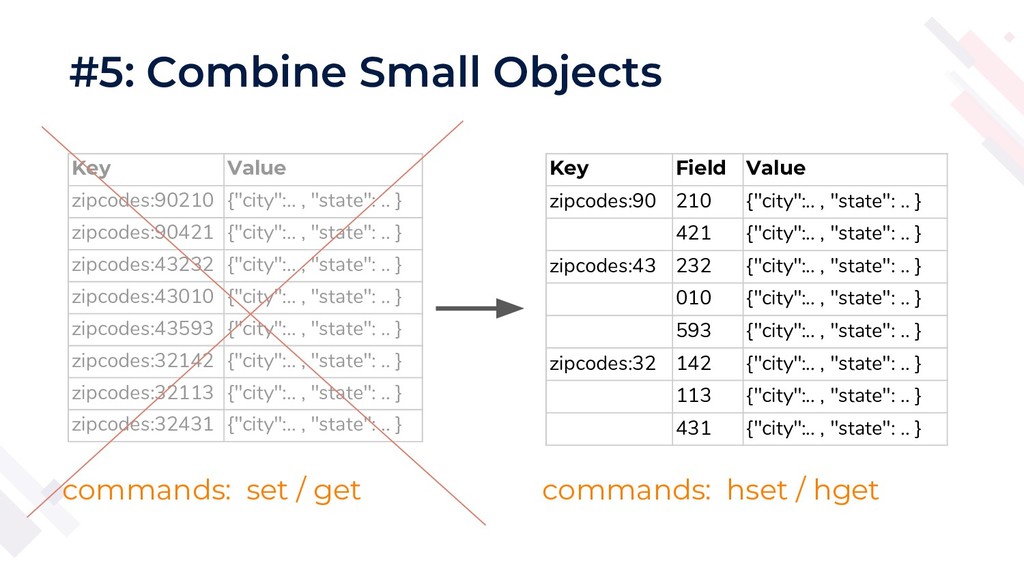
#5: Combine Small Objects Key Value zipcodes:90210 {"city":.. , "state":
.. } zipcodes:90421 {"city":.. , "state": .. } zipcodes:43232 {"city":.. , "state": .. } zipcodes:43010 {"city":.. , "state": .. } zipcodes:43593 {"city":.. , "state": .. } zipcodes:32142 {"city":.. , "state": .. } zipcodes:32113 {"city":.. , "state": .. } zipcodes:32431 {"city":.. , "state": .. } Key Field Value zipcodes:90 210 {"city":.. , "state": .. } 421 {"city":.. , "state": .. } zipcodes:43 232 {"city":.. , "state": .. } 010 {"city":.. , "state": .. } 593 {"city":.. , "state": .. } zipcodes:32 142 {"city":.. , "state": .. } 113 {"city":.. , "state": .. } 431 {"city":.. , "state": .. } commands: set / get commands: hset / hget -
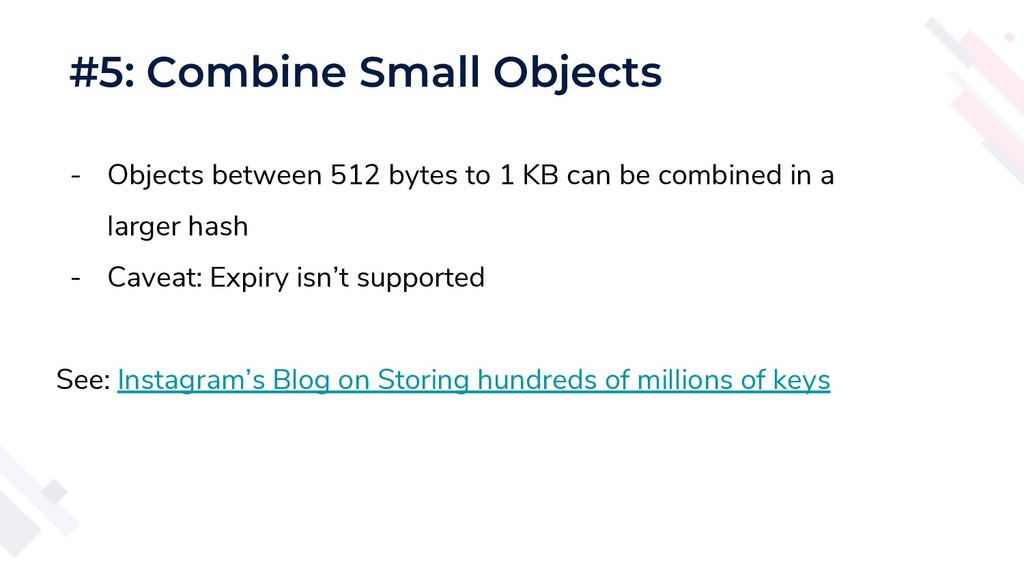
#5: Combine Small Objects - Objects between 512 bytes to
1 KB can be combined in a larger hash - Caveat: Expiry isn’t supported See: Instagram’s Blog on Storing hundreds of millions of keys -
#6: Prefer Hashes to JSON - If your JSON is
flat / not nested - just use a redis hash - You won’t save much memory… - … but you get the ability to read/update parts of the object -
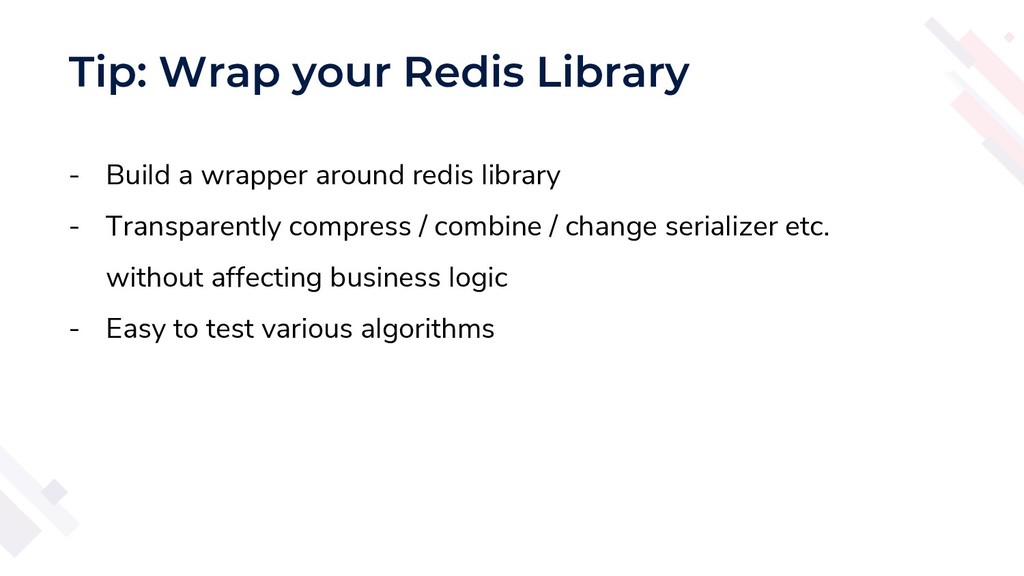
Tip: Wrap your Redis Library - Build a wrapper around
redis library - Transparently compress / combine / change serializer etc. without affecting business logic - Easy to test various algorithms -
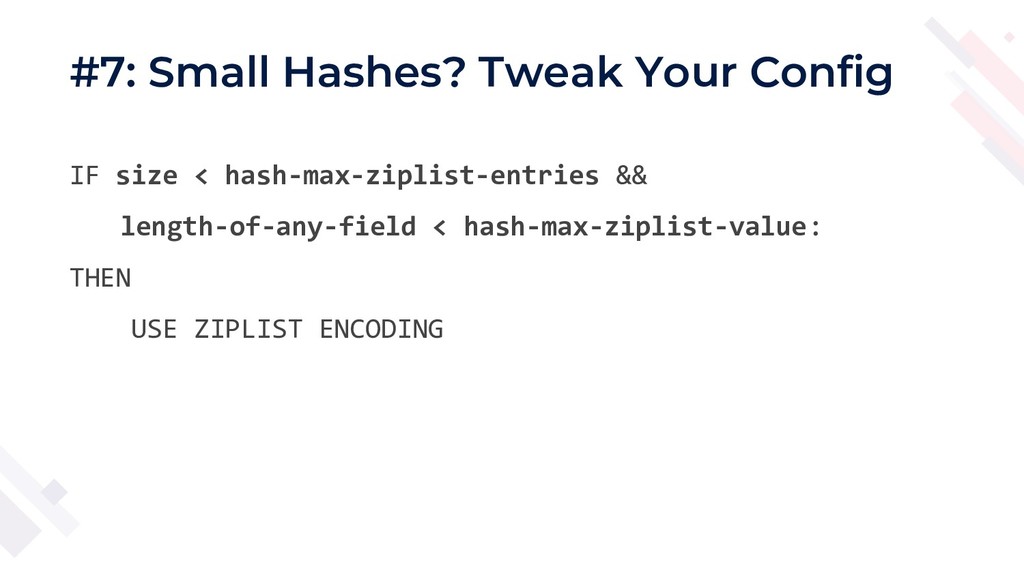
#7: Small Hashes? Tweak Your Config IF size < hash-max-ziplist-entries
&& length-of-any-field < hash-max-ziplist-value: THEN USE ZIPLIST ENCODING -
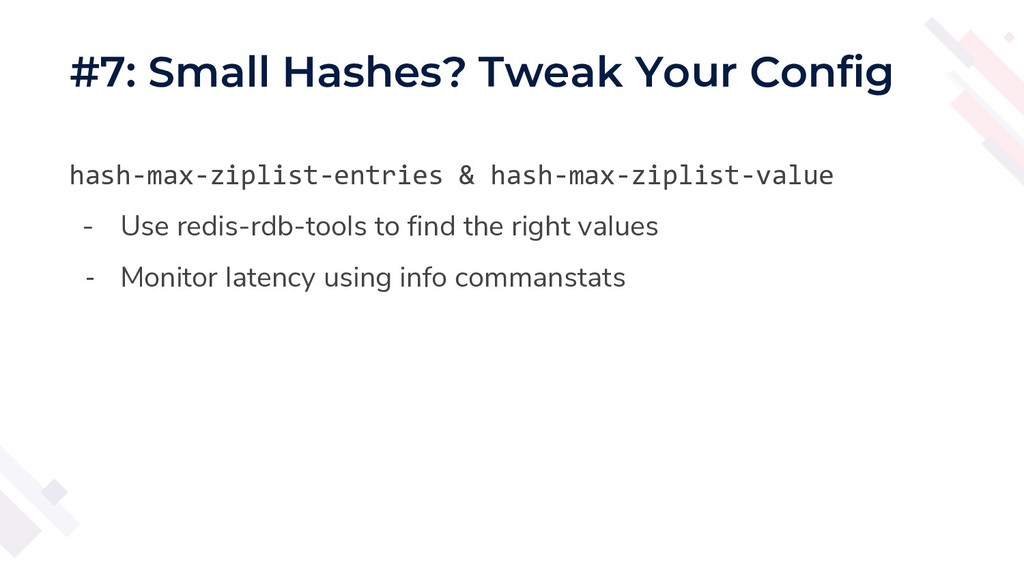
#7: Small Hashes? Tweak Your Config hash-max-ziplist-entries & hash-max-ziplist-value -
Use redis-rdb-tools to find the right values - Monitor latency using info commanstats -
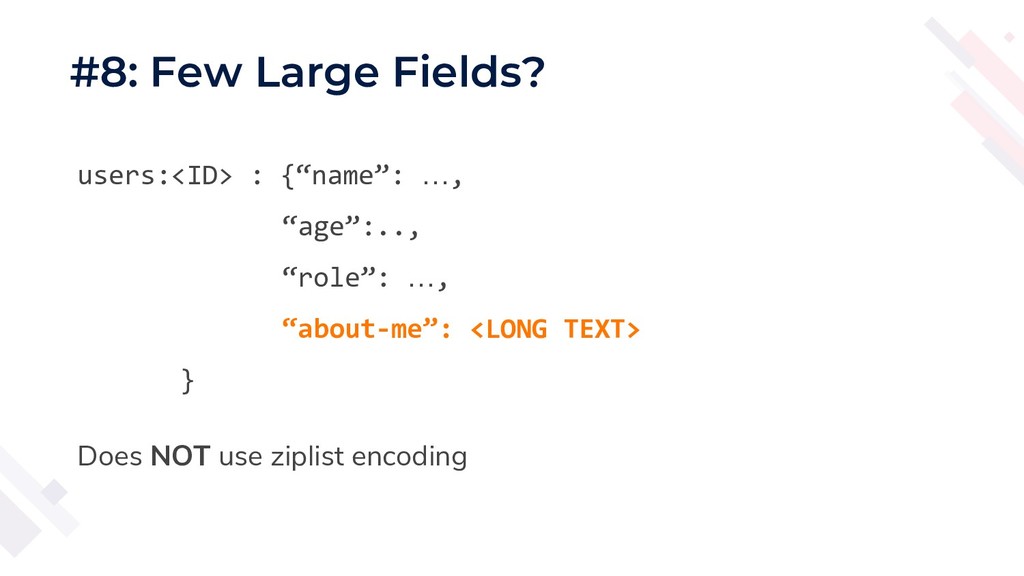
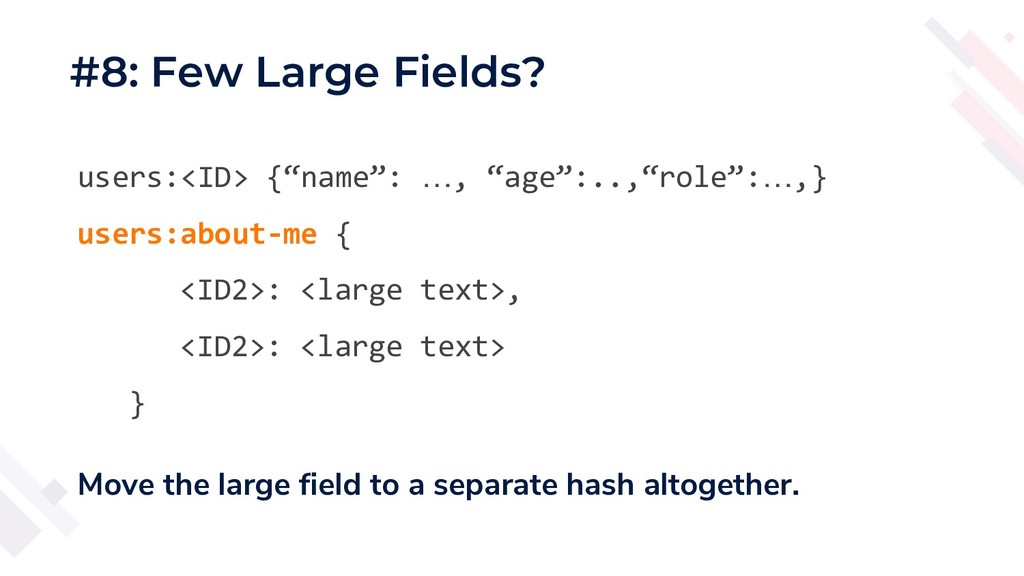
#8: Few Large Fields? users:<ID> : {“name”: …, “age”:.., “role”:
…, “about-me”: <LONG TEXT> } Does NOT use ziplist encoding -
#8: Few Large Fields? users:<ID> {“name”: …, “age”:..,“role”:…,} users:about-me {
<ID2>: <large text>, <ID2>: <large text> } Move the large field to a separate hash altogether. -
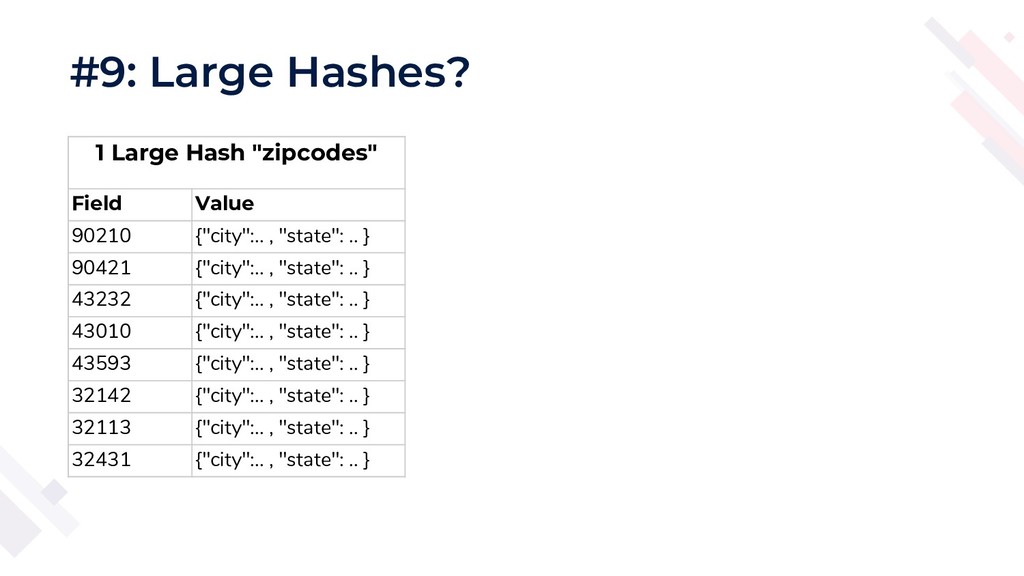
#9: Large Hashes? 1 Large Hash "zipcodes" Field Value 90210
{"city":.. , "state": .. } 90421 {"city":.. , "state": .. } 43232 {"city":.. , "state": .. } 43010 {"city":.. , "state": .. } 43593 {"city":.. , "state": .. } 32142 {"city":.. , "state": .. } 32113 {"city":.. , "state": .. } 32431 {"city":.. , "state": .. } -
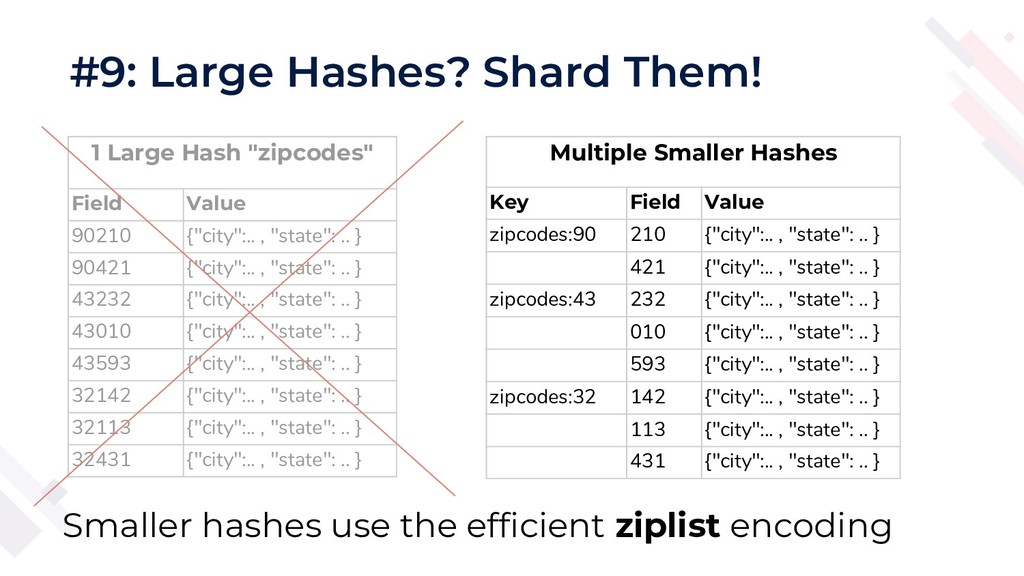
#9: Large Hashes? Shard Them! 1 Large Hash "zipcodes" Field
Value 90210 {"city":.. , "state": .. } 90421 {"city":.. , "state": .. } 43232 {"city":.. , "state": .. } 43010 {"city":.. , "state": .. } 43593 {"city":.. , "state": .. } 32142 {"city":.. , "state": .. } 32113 {"city":.. , "state": .. } 32431 {"city":.. , "state": .. } Multiple Smaller Hashes Key Field Value zipcodes:90 210 {"city":.. , "state": .. } 421 {"city":.. , "state": .. } zipcodes:43 232 {"city":.. , "state": .. } 010 {"city":.. , "state": .. } 593 {"city":.. , "state": .. } zipcodes:32 142 {"city":.. , "state": .. } 113 {"city":.. , "state": .. } 431 {"city":.. , "state": .. } Smaller hashes use the efficient ziplist encoding -
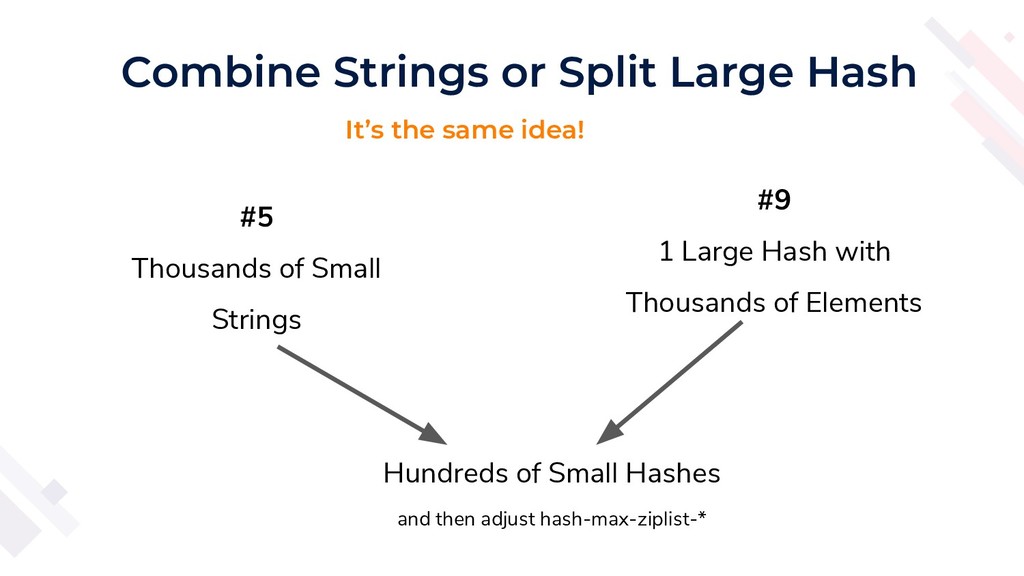
Combine Strings or Split Large Hash #5 Thousands of Small
Strings Hundreds of Small Hashes and then adjust hash-max-ziplist-* #9 1 Large Hash with Thousands of Elements It’s the same idea! -
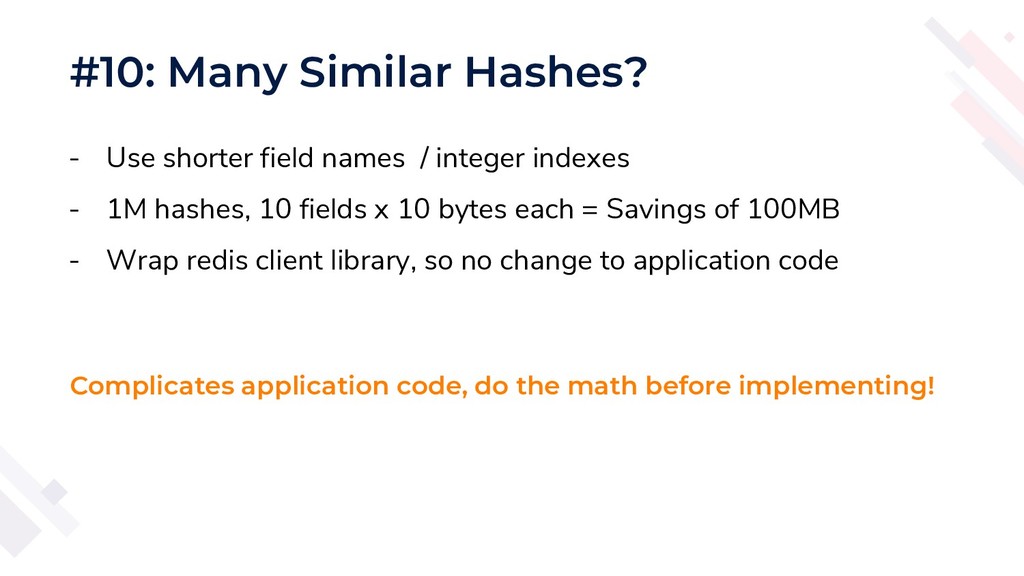
#10: Many Similar Hashes? - Use shorter field names /
integer indexes - 1M hashes, 10 fields x 10 bytes each = Savings of 100MB - Wrap redis client library, so no change to application code Complicates application code, do the math before implementing! -
Tip: Wrap your Redis Library - Build your wrapper around
hash - Application code doesn’t care if hashes are being split or if shorter field names are being used -
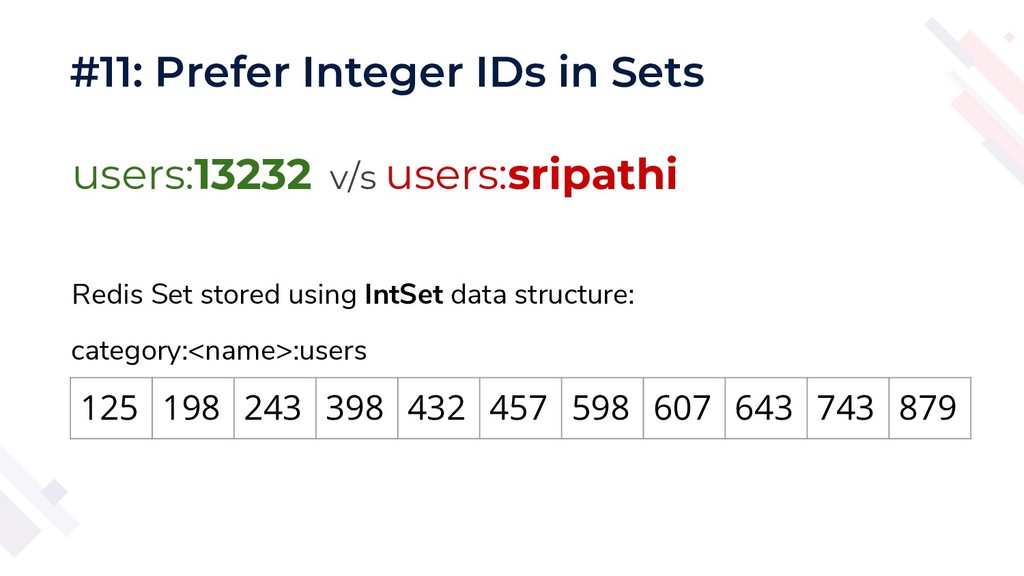
#11: Prefer Integer IDs in Sets users:13232 v/s users:sripathi 125
198 243 398 432 457 598 607 643 743 879 Redis Set stored using IntSet data structure: category:<name>:users -
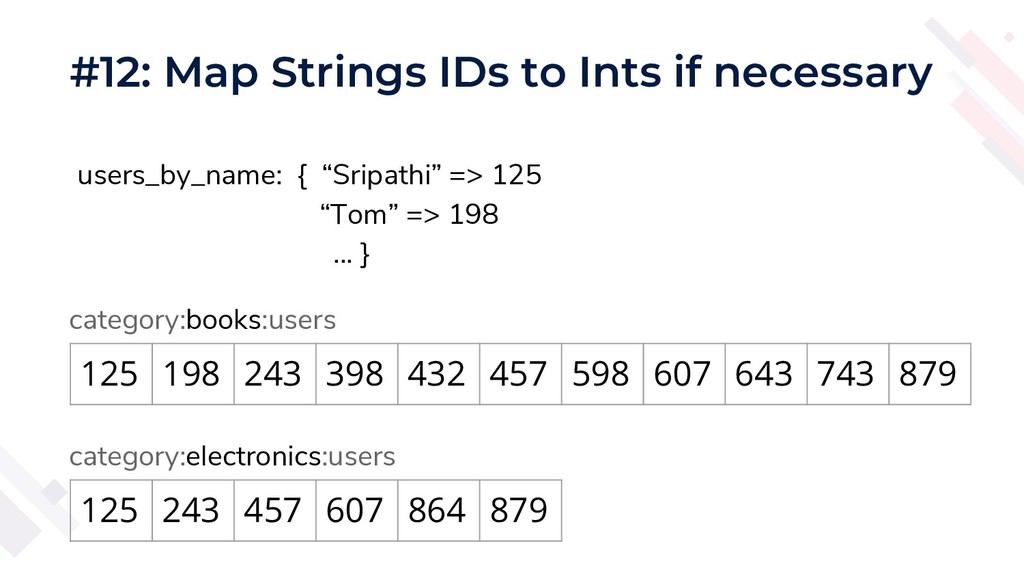
#12: Map Strings IDs to Ints if necessary 125 198
243 398 432 457 598 607 643 743 879 users_by_name: { “Sripathi” => 125 “Tom” => 198 ... } category:books:users 125 243 457 607 864 879 category:electronics:users -
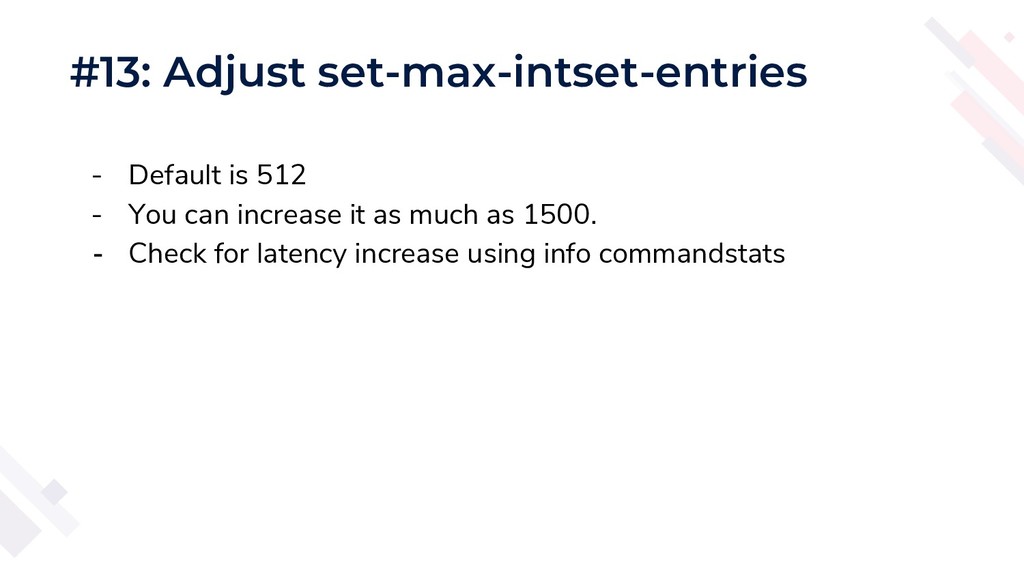
#13: Adjust set-max-intset-entries - Default is 512 - You can
increase it as much as 1500. - Check for latency increase using info commandstats -
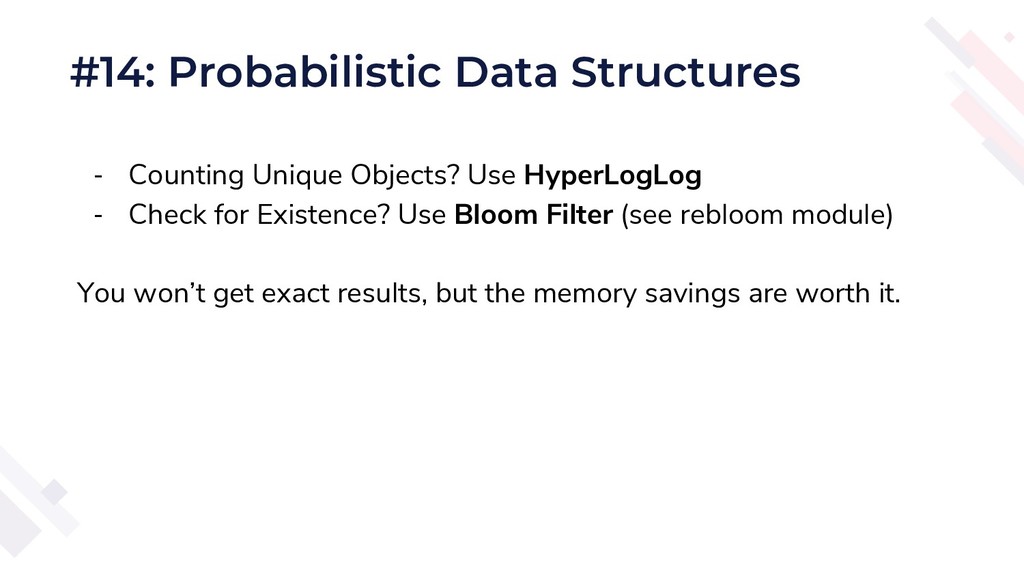
- Counting Unique Objects? Use HyperLogLog - Check for Existence?
Use Bloom Filter (see rebloom module) You won’t get exact results, but the memory savings are worth it. #14: Probabilistic Data Structures -
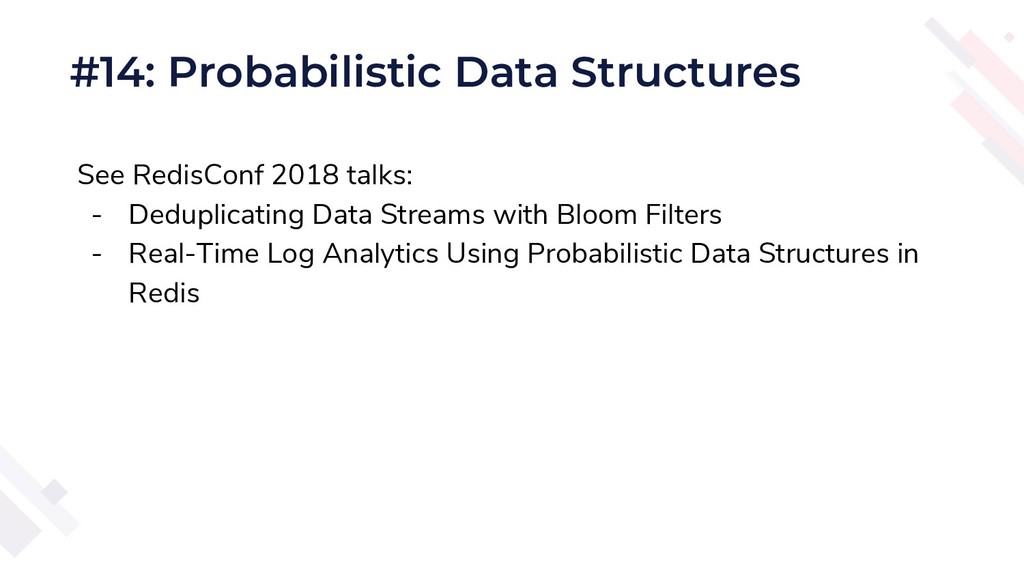
See RedisConf 2018 talks: - Deduplicating Data Streams with Bloom
Filters - Real-Time Log Analytics Using Probabilistic Data Structures in Redis #14: Probabilistic Data Structures -
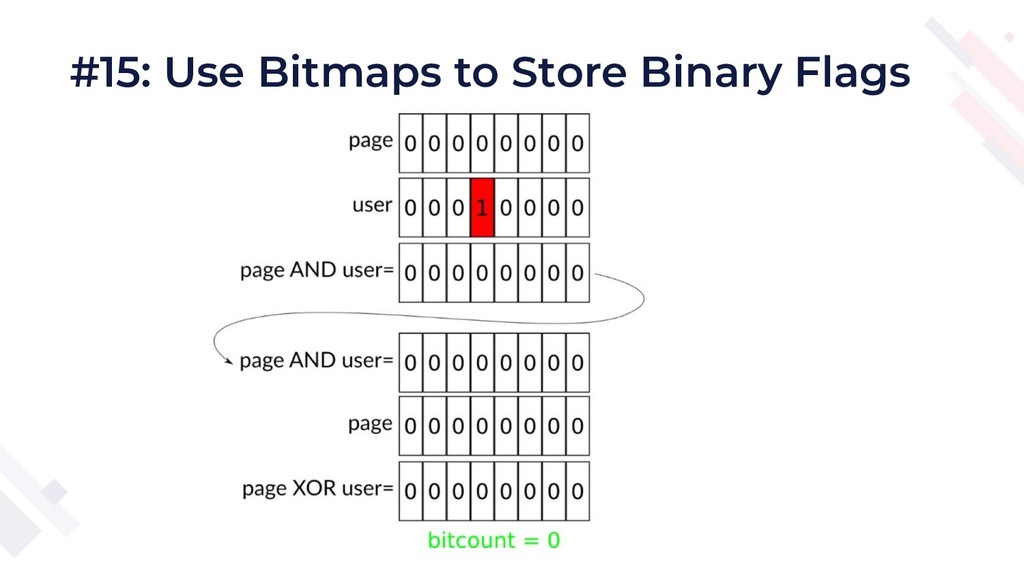
#15: Use Bitmaps to Store Binary Flags Bitmaps are efficient
IF there is 40-60% probability of an element being present. Otherwise, just use regular set. -
#16: Enable Compression on Lists Redis does not compress list
elements by default. Set list-compress-depth to 1 or higher in your configuration. -
#17: Upgrade Redis if < 3.2 Redis 3.2 introduced a
new encoding - quicklist - which saves a LOT of memory. Upgrade highly recommended! -
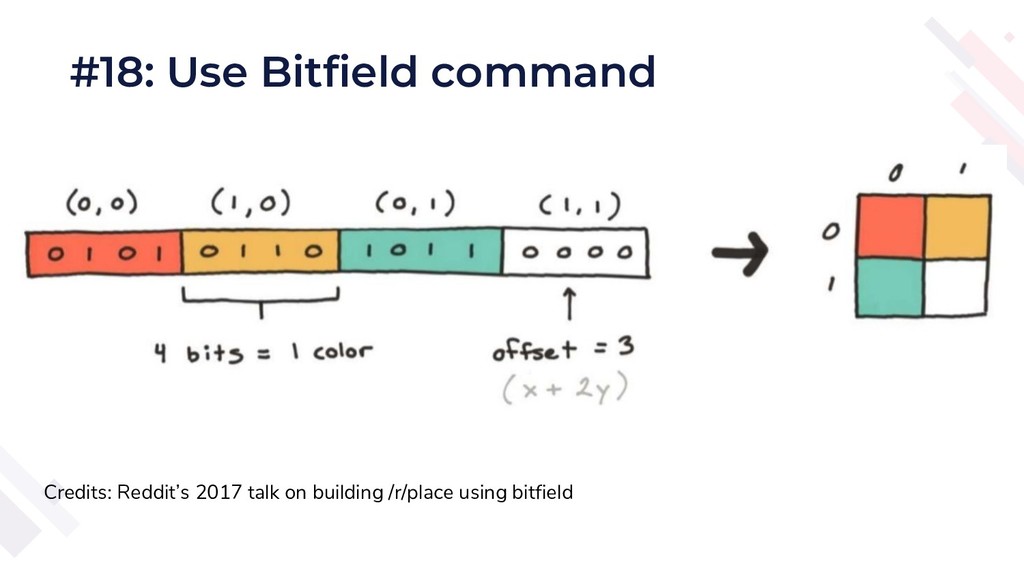
#18: Use Bitfield command Credits: Reddit’s 2017 talk on building
/r/place using bitfield -
#18: Use Bitfield command If your data structure has lots
of integers, floats or fixed-width strings, you can use bitfield. It’s like a struct in C. Great for large matrix of numbers, large arrays, large number of small objects that are fixed width. - See bitfield command. - See reddit’s 2017 talk on building /r/place using bitfield -
#19: Create your own data structures Redis strings are extremely
versatile, you can build complex data structures. - Use getrange / setrange and similar commands from app - Write lua scripts - Write a custom module -
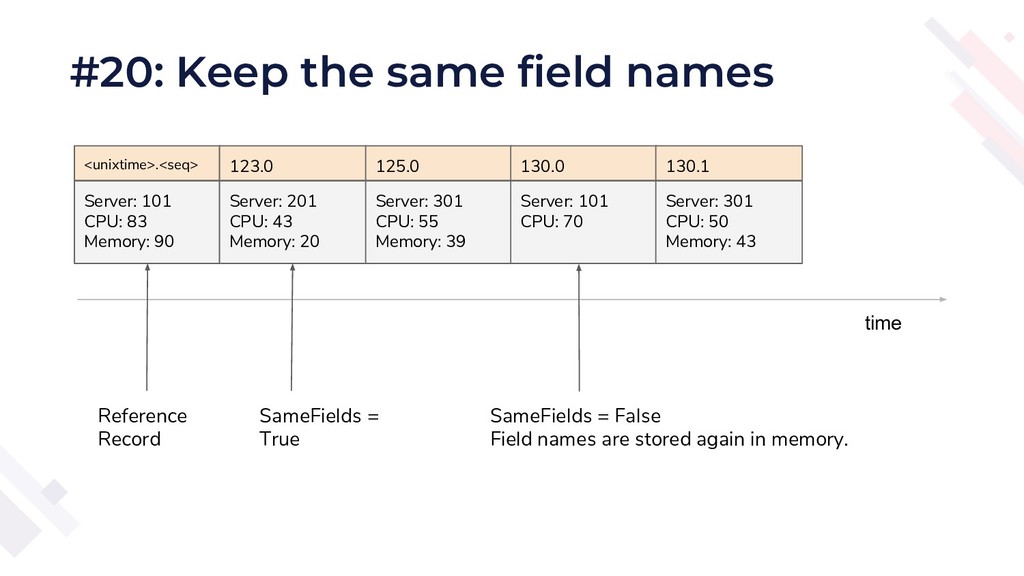
#20: Keep the same field names Server: 101 CPU: 83
Memory: 90 Server: 201 CPU: 43 Memory: 20 Server: 301 CPU: 55 Memory: 39 Server: 101 CPU: 70 Server: 301 CPU: 50 Memory: 43 <unixtime>.<seq> 123.0 125.0 130.0 130.1 Reference Record SameFields = True SameFields = False Field names are stored again in memory. time -
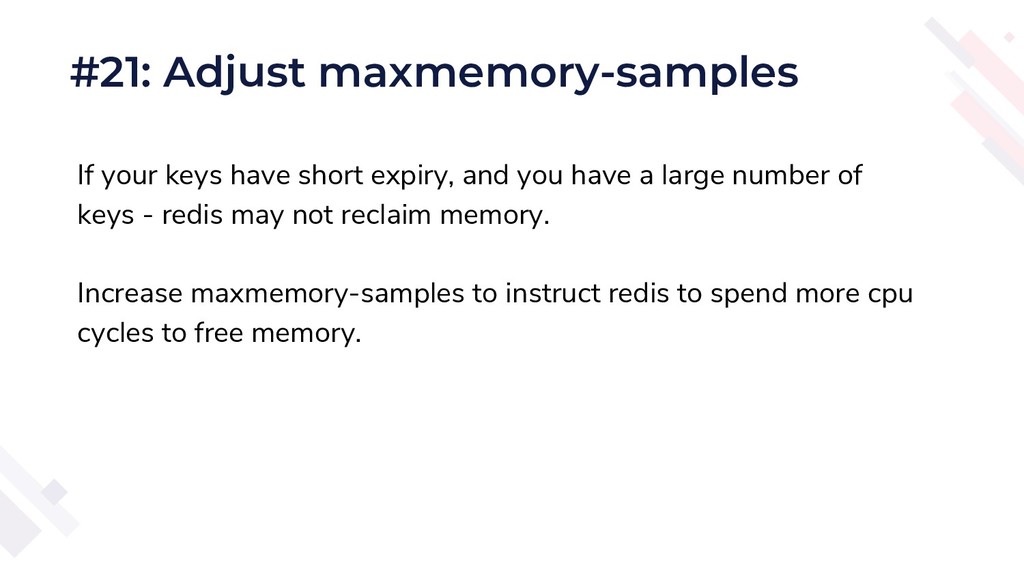
#21: Adjust maxmemory-samples If your keys have short expiry, and
you have a large number of keys - redis may not reclaim memory. Increase maxmemory-samples to instruct redis to spend more cpu cycles to free memory. -
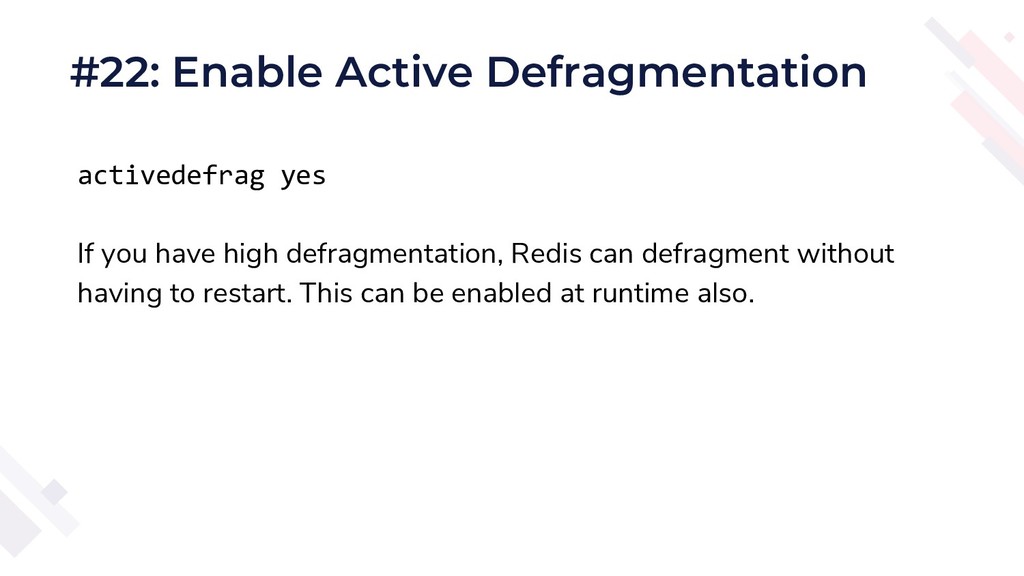
#22: Enable Active Defragmentation activedefrag yes If you have high
defragmentation, Redis can defragment without having to restart. This can be enabled at runtime also. -
#23: Switch to 32 Bit Redis If your dataset is
less than 3GB, switching to 32 bit redis will save memory. -
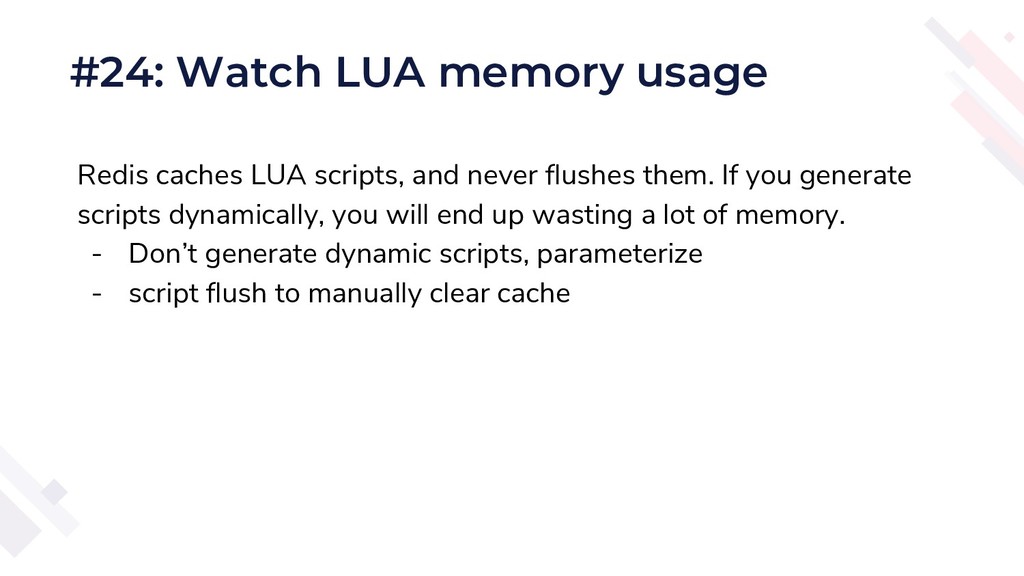
#24: Watch LUA memory usage Redis caches LUA scripts, and
never flushes them. If you generate scripts dynamically, you will end up wasting a lot of memory. - Don’t generate dynamic scripts, parameterize - script flush to manually clear cache -
#25: Use rdbtools.com! Take the guesswork out of your memory
analysis. Visit https://rdbtools.com