Upgrade to Pro — share decks privately, control downloads, hide ads and more …

UI Testing - What we learnt while breaking Expe...

Sponsored · Your Podcast. Everywhere. Effortlessly. Share. Educate. Inspire. Entertain. You do you. We'll handle the rest. →

UI Testing - What we learnt while breaking Expedia’s UI Toolkit

A presentation given at an Expedia Tech Know How event in London about how front-end developers can write automated tests to test their work efficiently.

How do you ensure your JavaScript continues to function the way you intended?

How to you ensure every click the user makes does what it should?

How do you ensure your UI looks correct with every release?

How do you ensure your work is accessible to all?

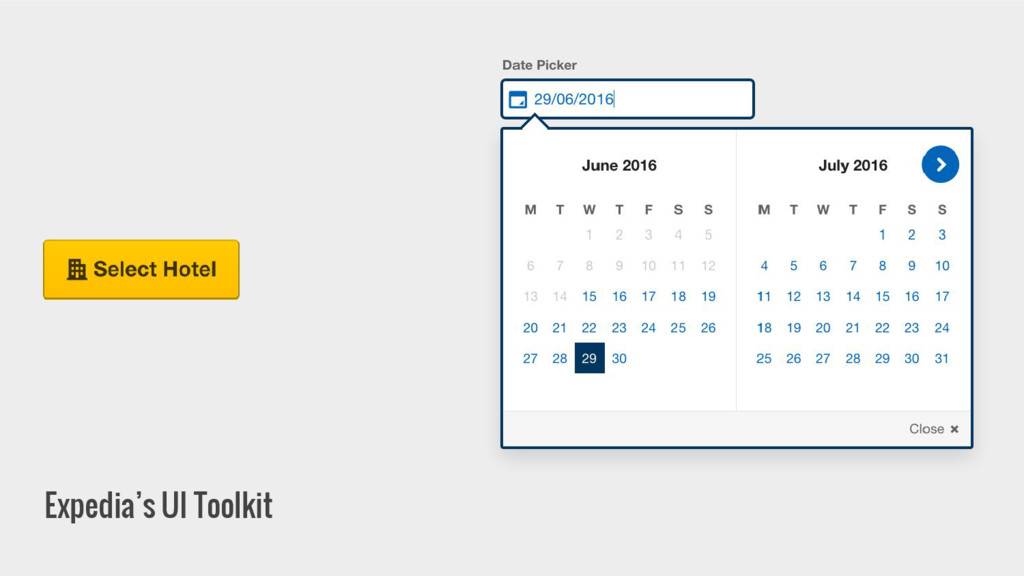
Expedia's Client Side Engineering team have had to answer all these questions while building (and occasionally breaking) Expedia's UI Toolkit - a library of 30+ UI components built from the ground up and relied upon by multiple brands' sites including Expedia, Travelocity and Orbitz.

Avatar for David Strugnell

David Strugnell

June 29, 2016

Other Decks in Programming

Transcript

  1. UI Testing What we learnt while breaking Expedia’s UI Toolkit

    David Strugnell | @struggyone | #expediaeng
  2. What will we cover • What is Expedia’s UI Toolkit?

    • How do we test it ◦ JavaScript Unit Tests ◦ Functional Tests ◦ Visual Regression Tests ◦ Accessibility Tests • Questions?
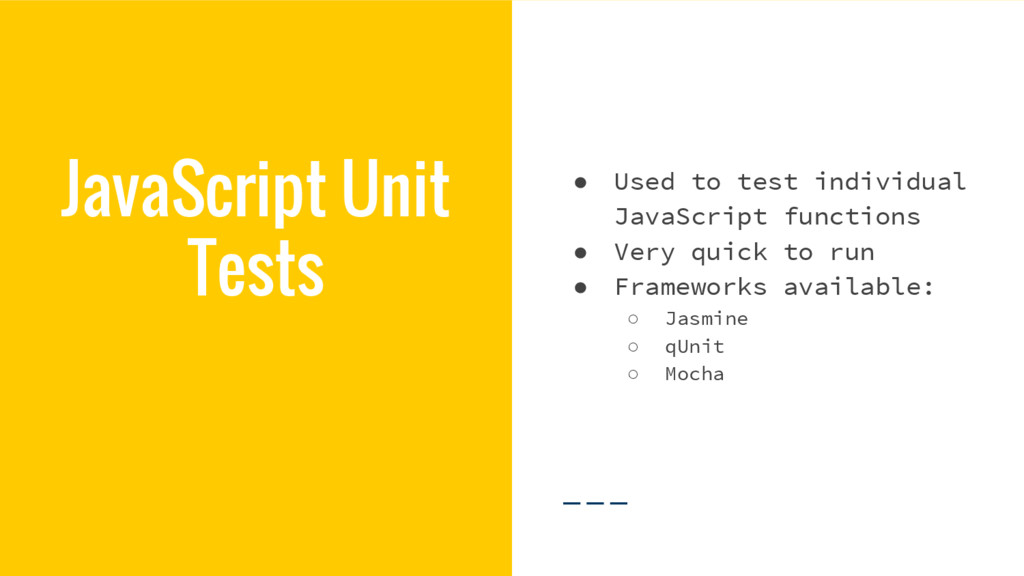
  3. JavaScript Unit Tests • Used to test individual JavaScript functions

    • Very quick to run • Frameworks available: ◦ Jasmine ◦ qUnit ◦ Mocha
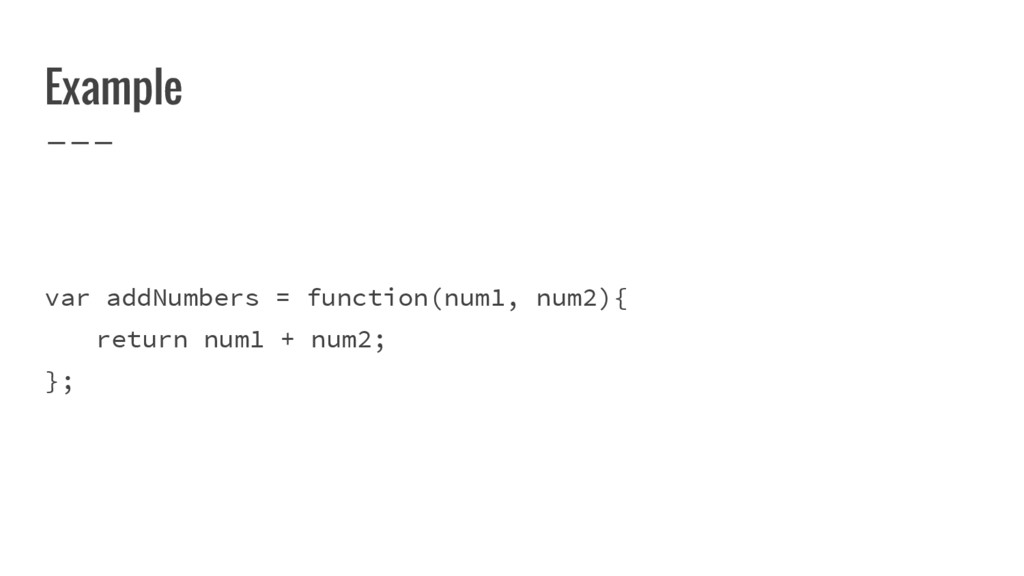
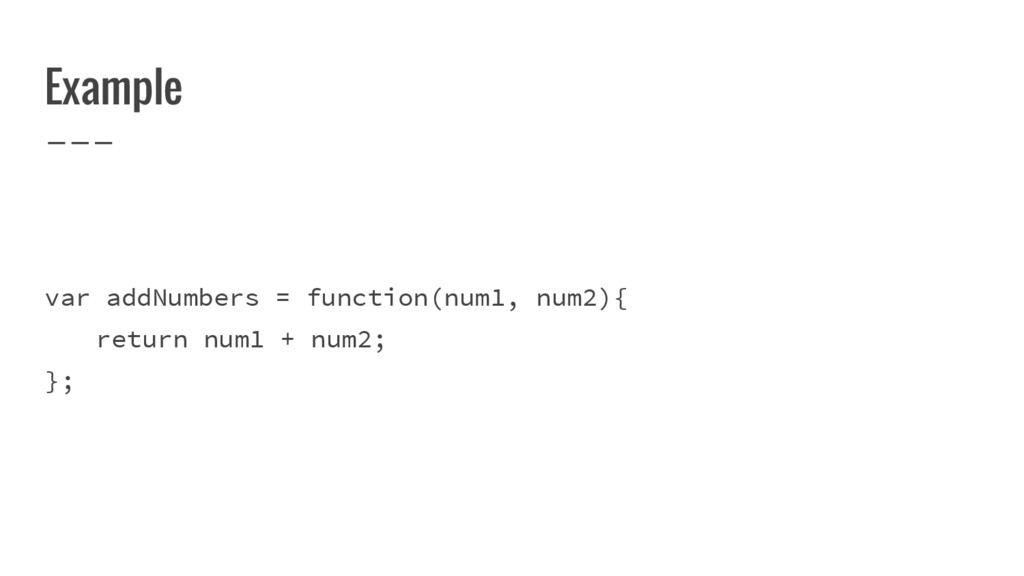
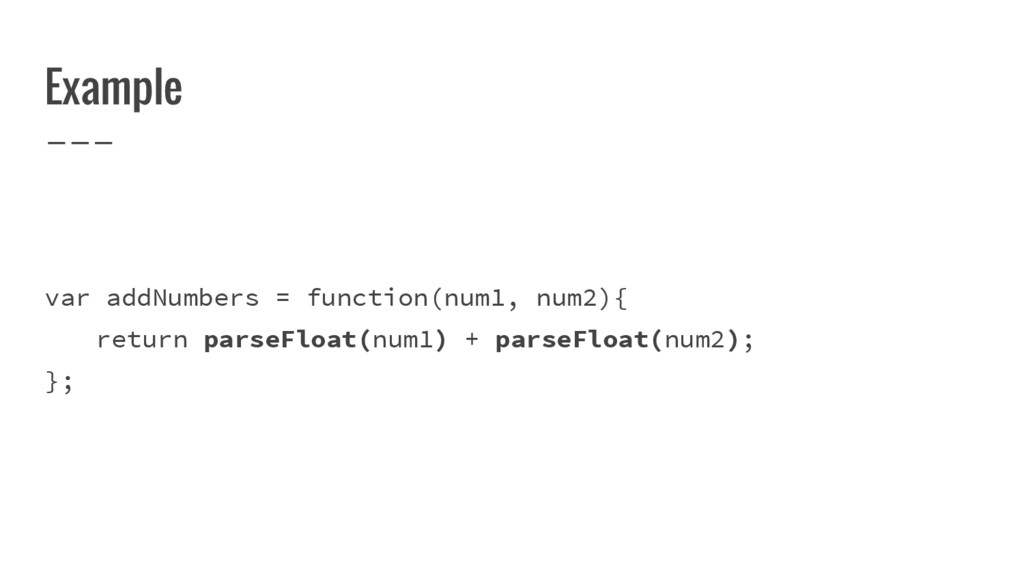
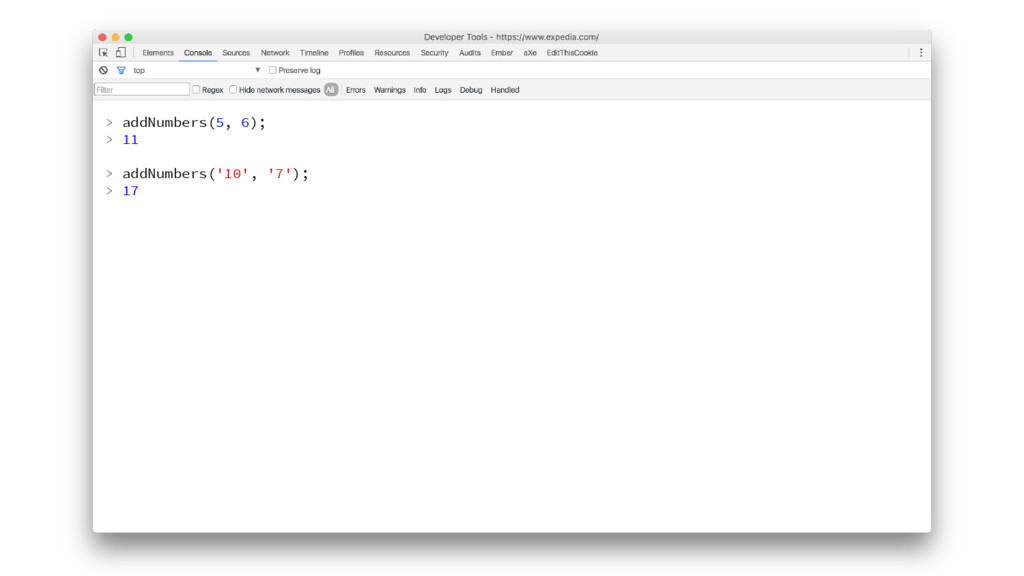
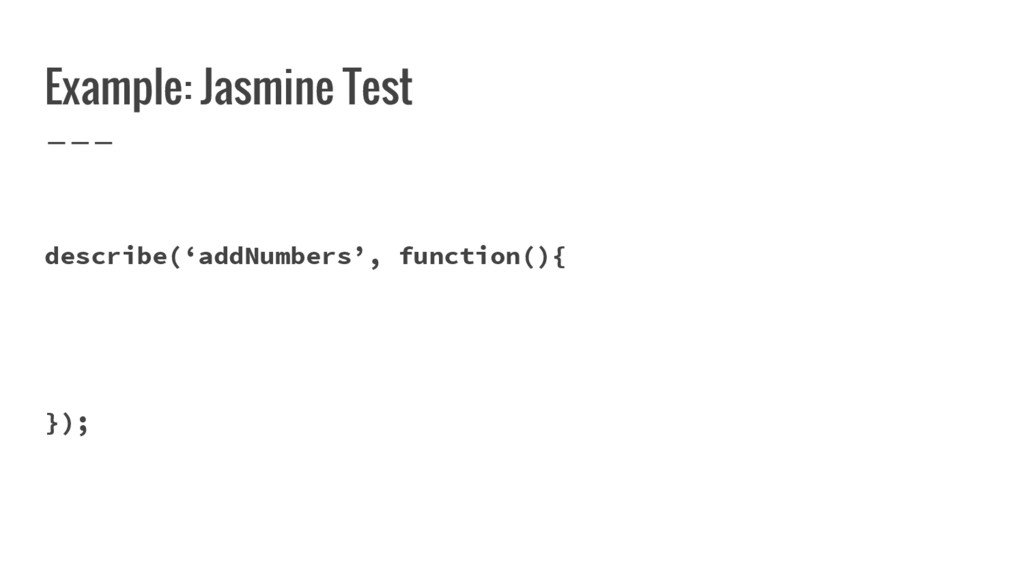
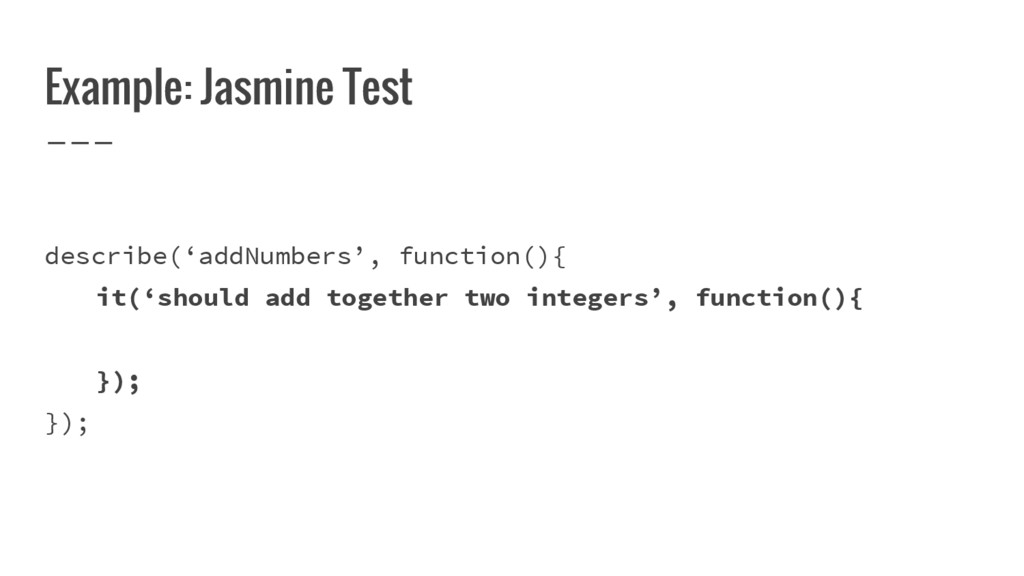
  4. Example: Jasmine Test describe(‘addNumbers’, function() { it(‘should add together two

    integers’, function() { expect(addNumbers(1,5)).toBe(6); }); });
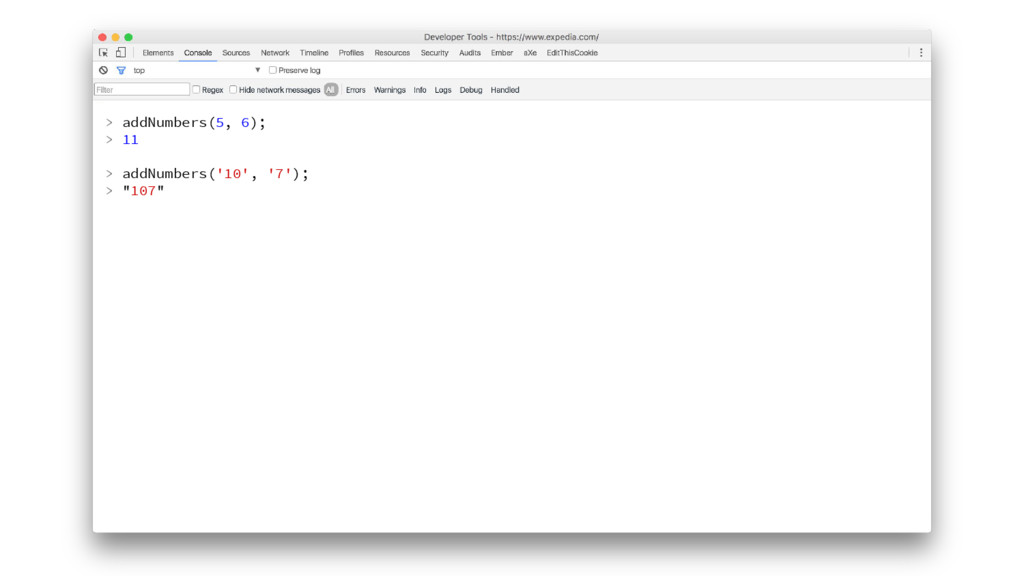
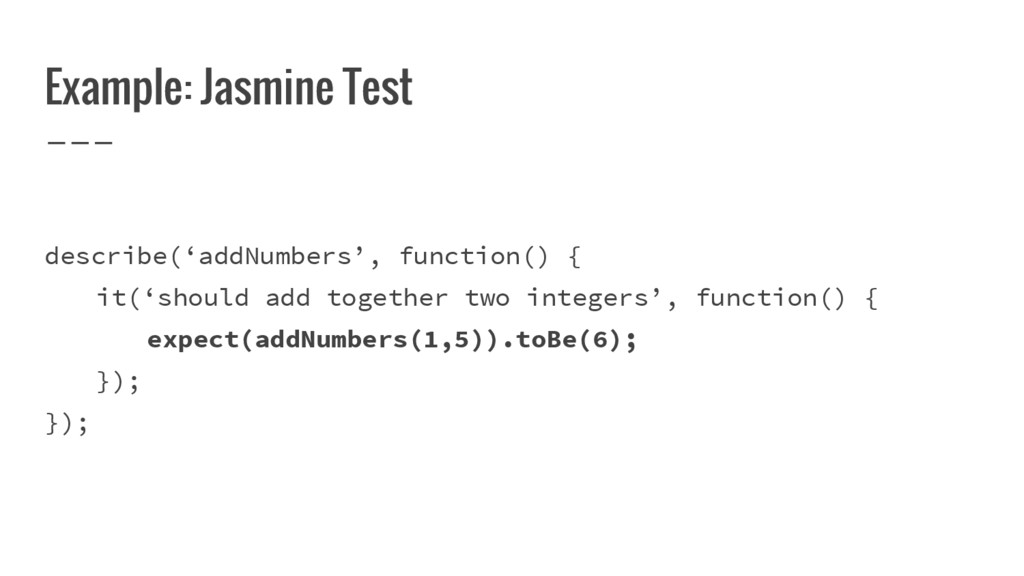
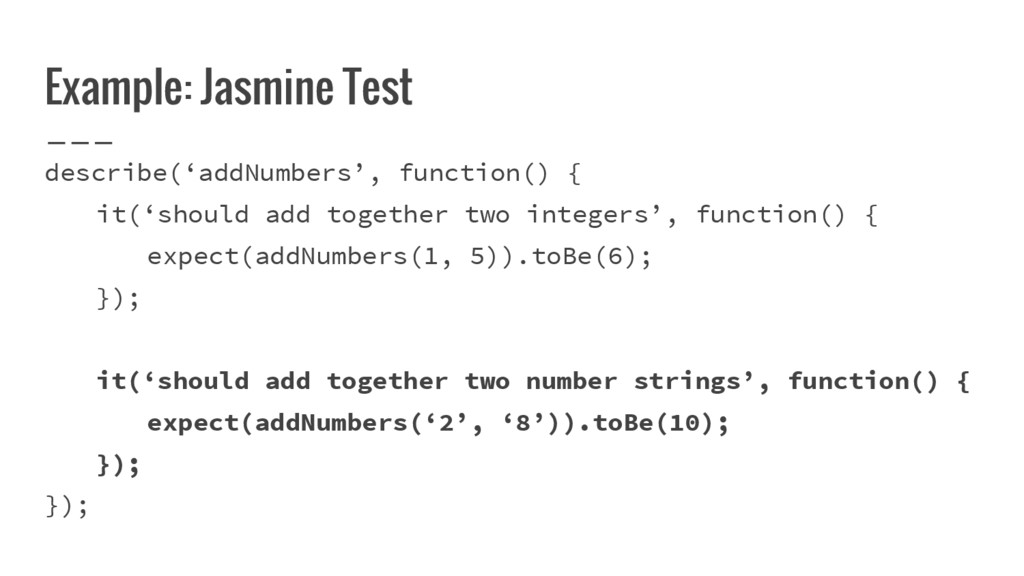
  5. Example: Jasmine Test describe(‘addNumbers’, function() { it(‘should add together two

    integers’, function() { expect(addNumbers(1, 5)).toBe(6); }); it(‘should add together two number strings’, function() { expect(addNumbers(‘2’, ‘8’)).toBe(10); }); });
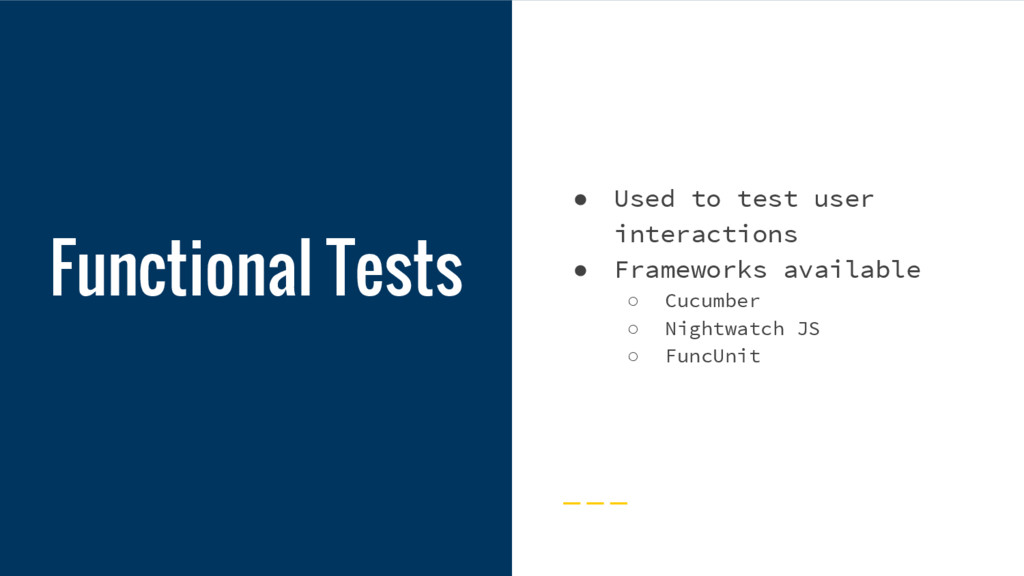
  6. Functional Tests • Used to test user interactions • Frameworks

    available ◦ Cucumber ◦ Nightwatch JS ◦ FuncUnit
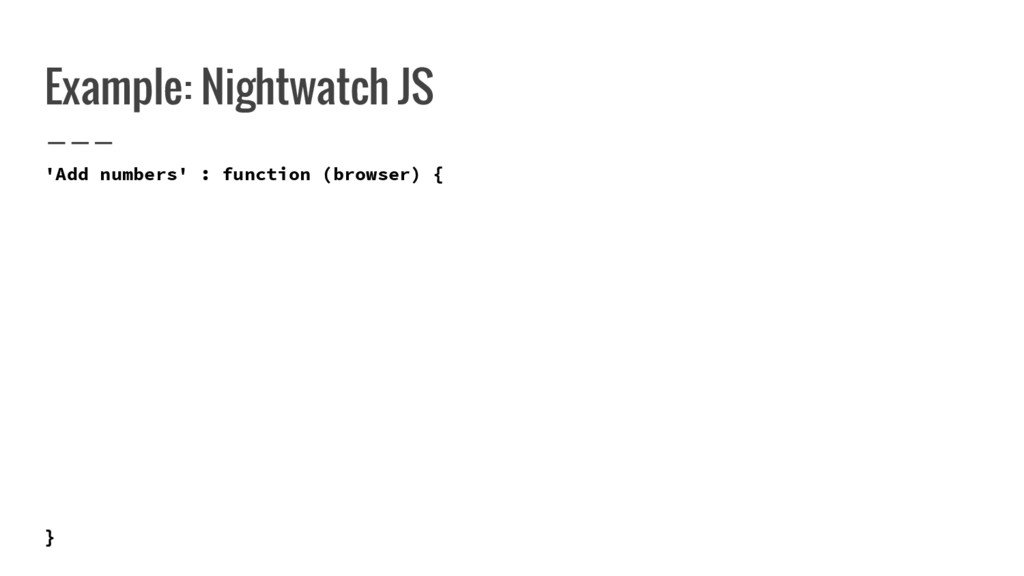
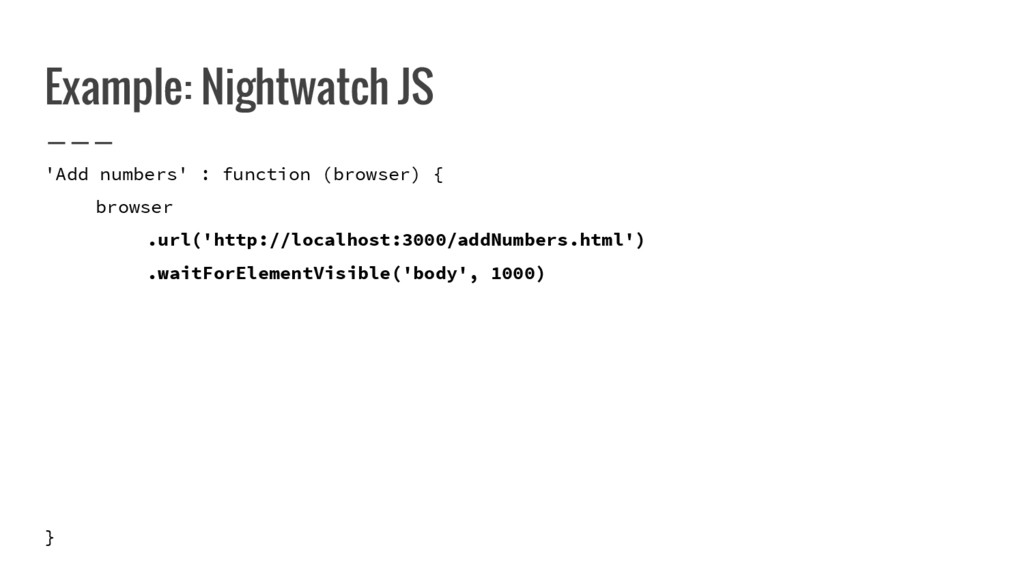
  7. Example: Nightwatch JS 'Add numbers' : function (browser) { browser

    .url('http://localhost:3000/addNumbers.html') .waitForElementVisible('body', 1000) .setValue('#numInput1', '10') .setValue('#numInput2', '20') .click('#submitBtn) .getText('#results', function(result) { this.assert.equal(result.value, 'Total: 17'); }) .end(); }
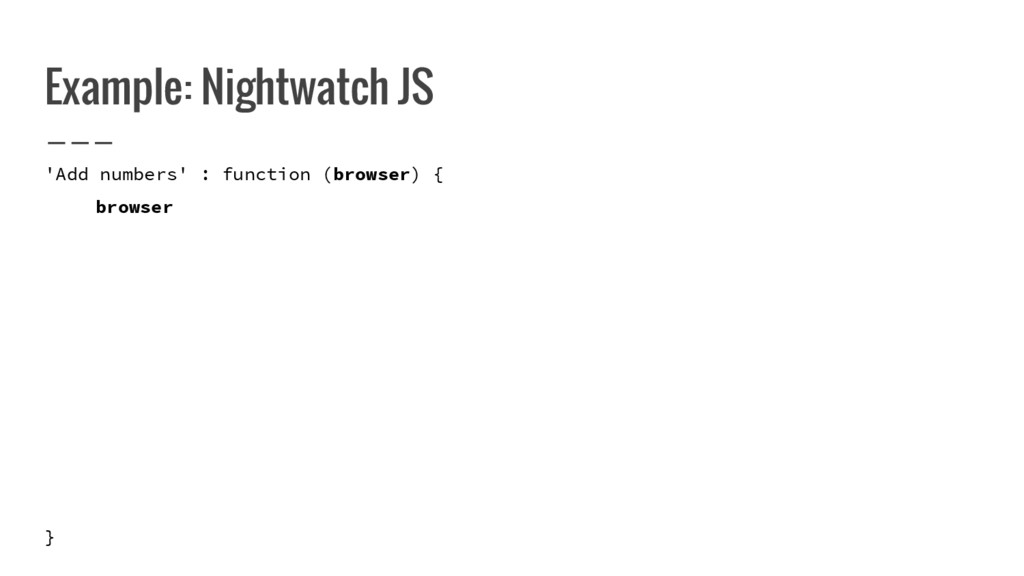
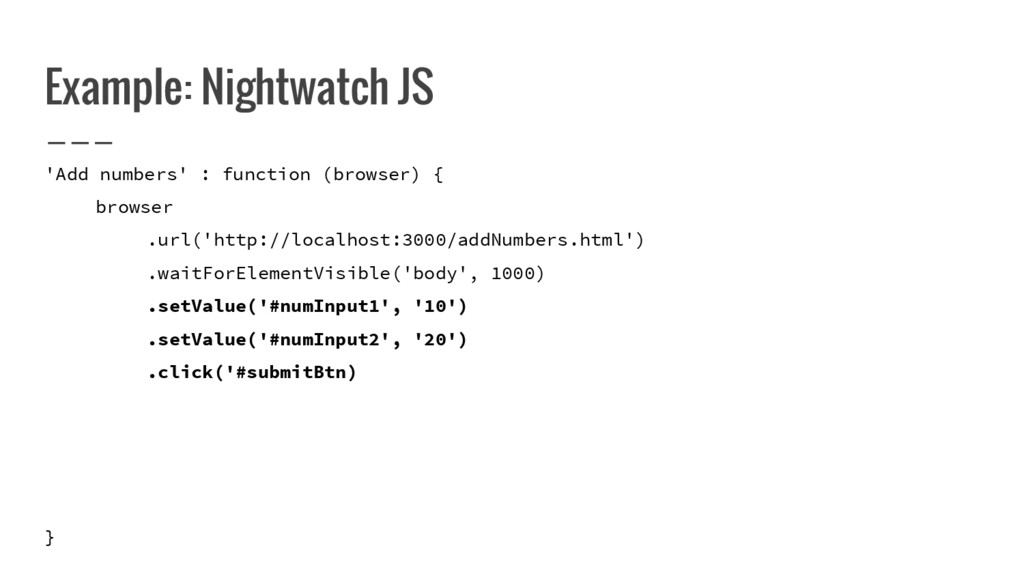
  8. Example: Nightwatch JS 'Add numbers' : function (browser) { browser

    .url('http://localhost:3000/addNumbers.html') .waitForElementVisible('body', 1000) .setValue('#numInput1', '10') .setValue('#numInput2', '20') .click('#submitBtn) ..getText('#results', function(result) { this.assert.equal(result.value, 'Total: 17'); }) .end(); }
  9. Example: Nightwatch JS 'Add numbers' : function (browser) { browser

    .url('http://localhost:3000/addNumbers.html') .waitForElementVisible('body', 1000) .setValue('#numInput1', '10') .setValue('#numInput2', '20') .click('#submitBtn) ..getText('#results', function(result) { this.assert.equal(result.value, 'Total: 17'); }) .end(); }
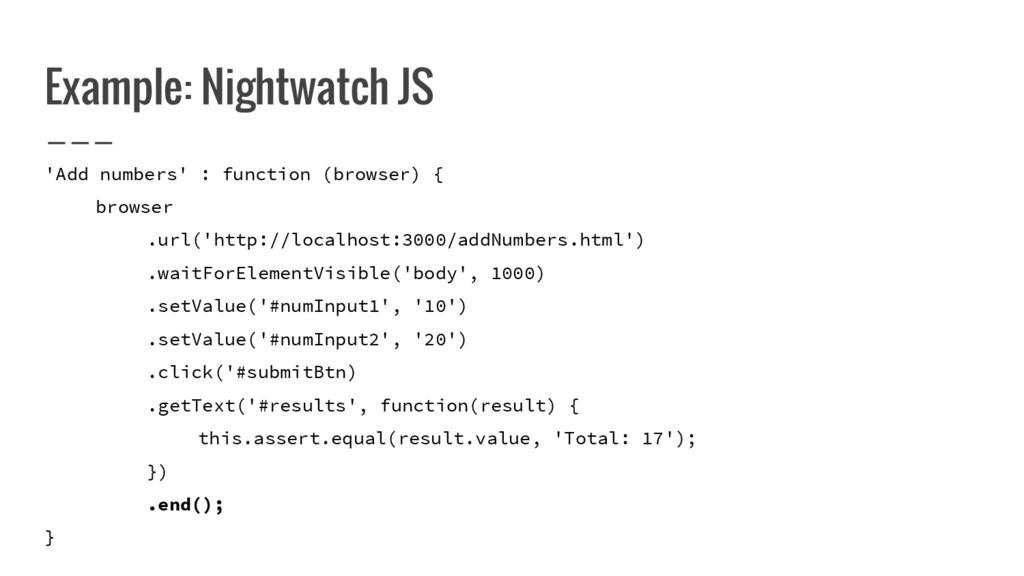
  10. Example: Nightwatch JS 'Add numbers' : function (browser) { browser

    .url('http://localhost:3000/addNumbers.html') .waitForElementVisible('body', 1000) .setValue('#numInput1', '10') .setValue('#numInput2', '20') .click('#submitBtn) .getText('#results', function(result) { this.assert.equal(result.value, 'Total: 17'); }) .end(); }
  11. Example: Nightwatch JS 'Add numbers' : function (browser) { browser

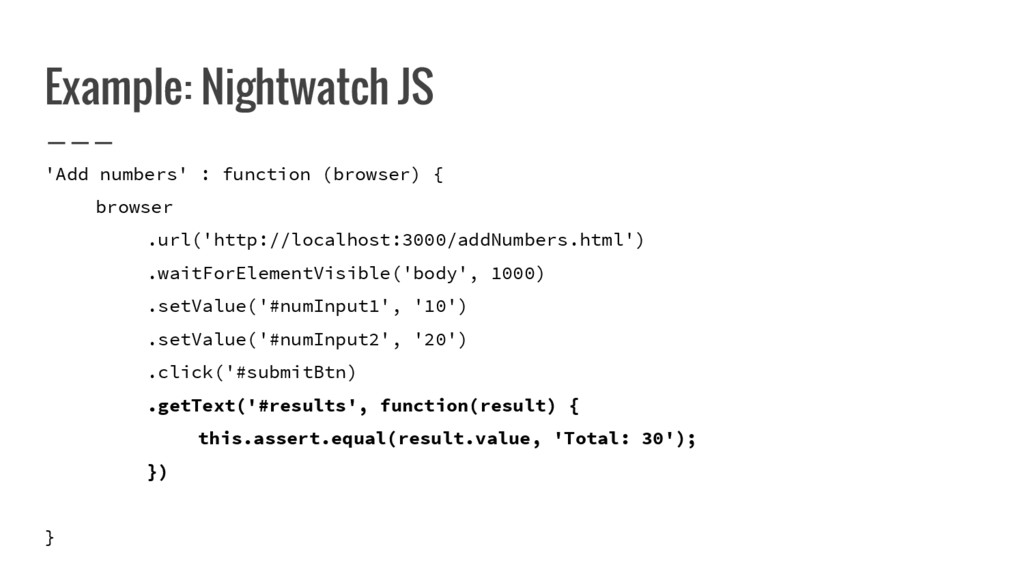
    .url('http://localhost:3000/addNumbers.html') .waitForElementVisible('body', 1000) .setValue('#numInput1', '10') .setValue('#numInput2', '20') .click('#submitBtn) .getText('#results', function(result) { this.assert.equal(result.value, 'Total: 30'); }) .end(); }
  12. Example: Nightwatch JS 'Add numbers' : function (browser) { browser

    .url('http://localhost:3000/addNumbers.html') .waitForElementVisible('body', 1000) .setValue('#numInput1', '10') .setValue('#numInput2', '20') .click('#submitBtn) .getText('#results', function(result) { this.assert.equal(result.value, 'Total: 17'); }) .end(); }
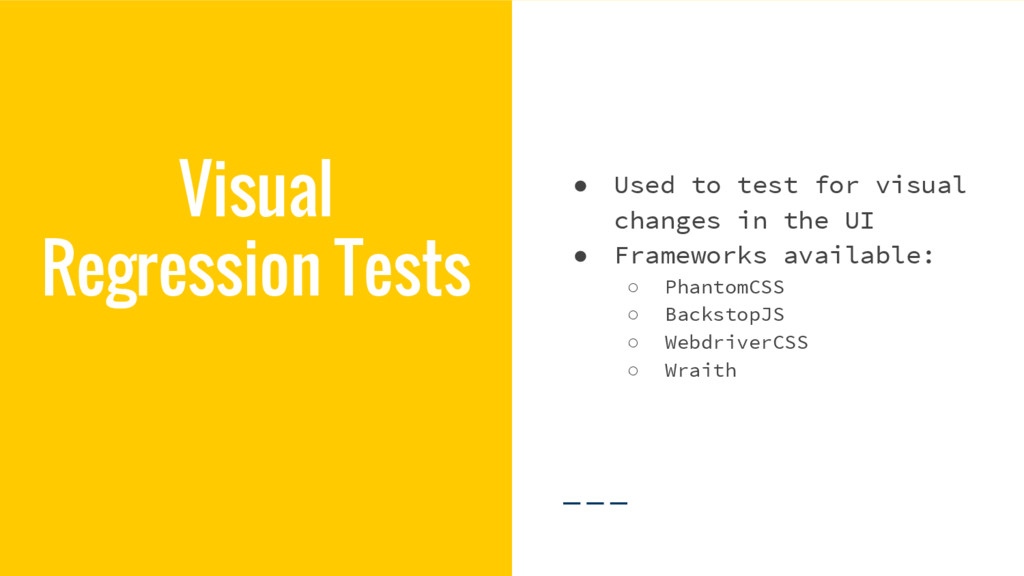
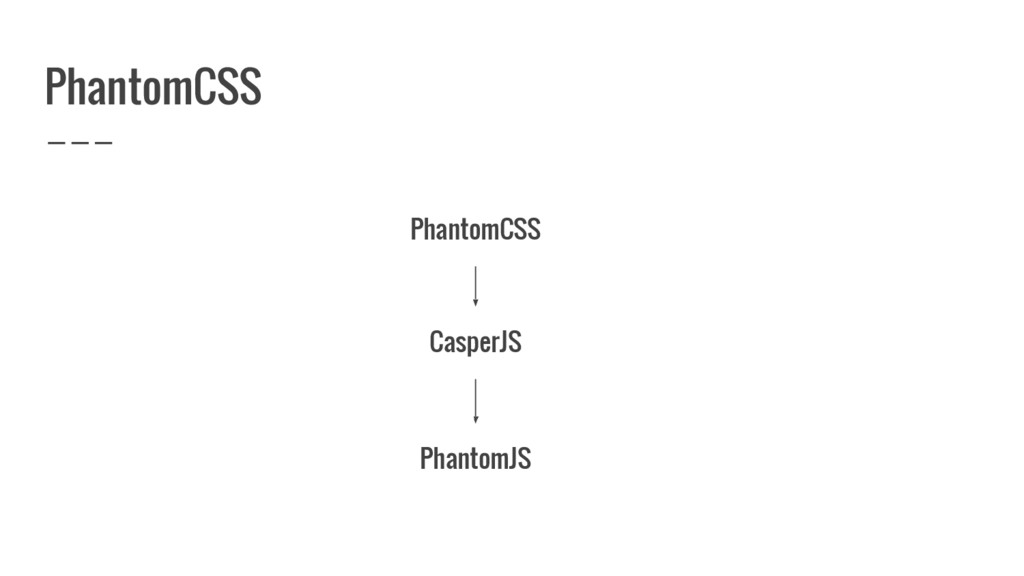
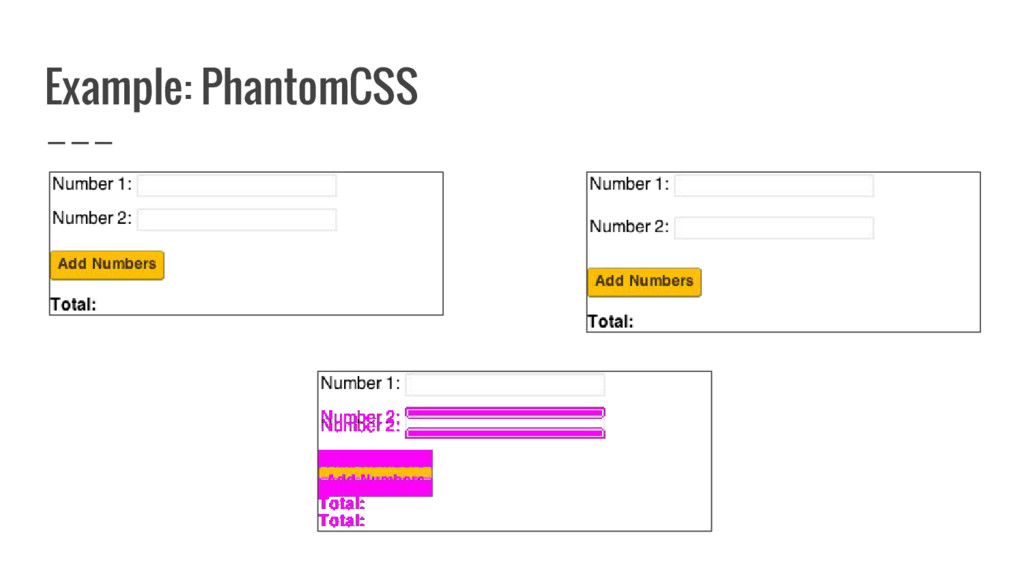
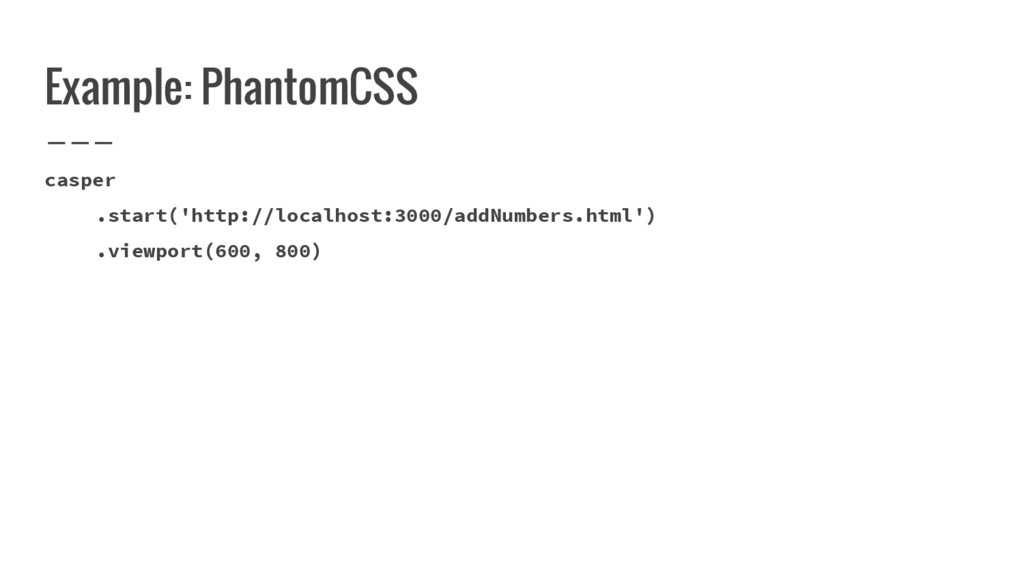
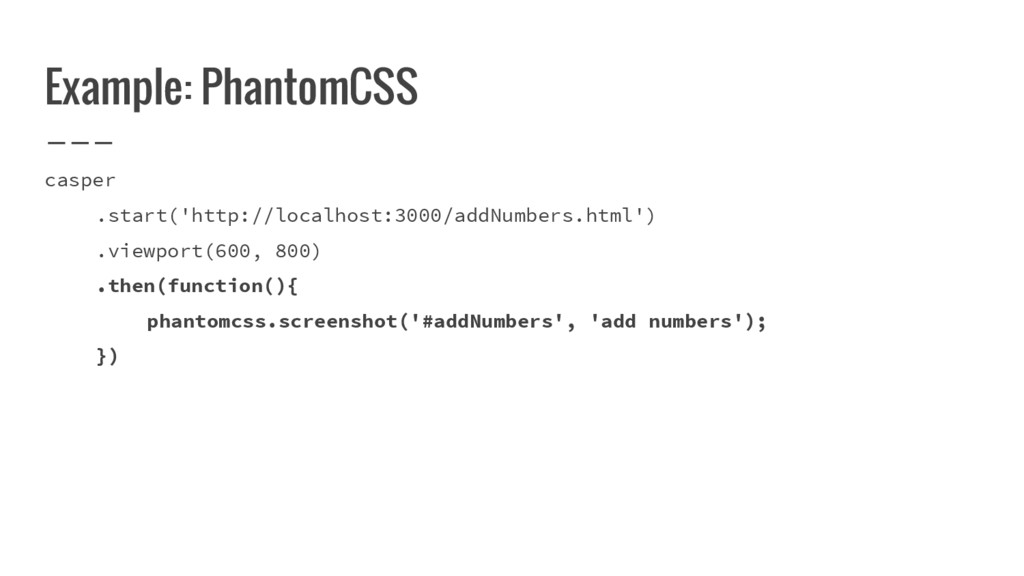
  13. Visual Regression Tests • Used to test for visual changes

    in the UI • Frameworks available: ◦ PhantomCSS ◦ BackstopJS ◦ WebdriverCSS ◦ Wraith
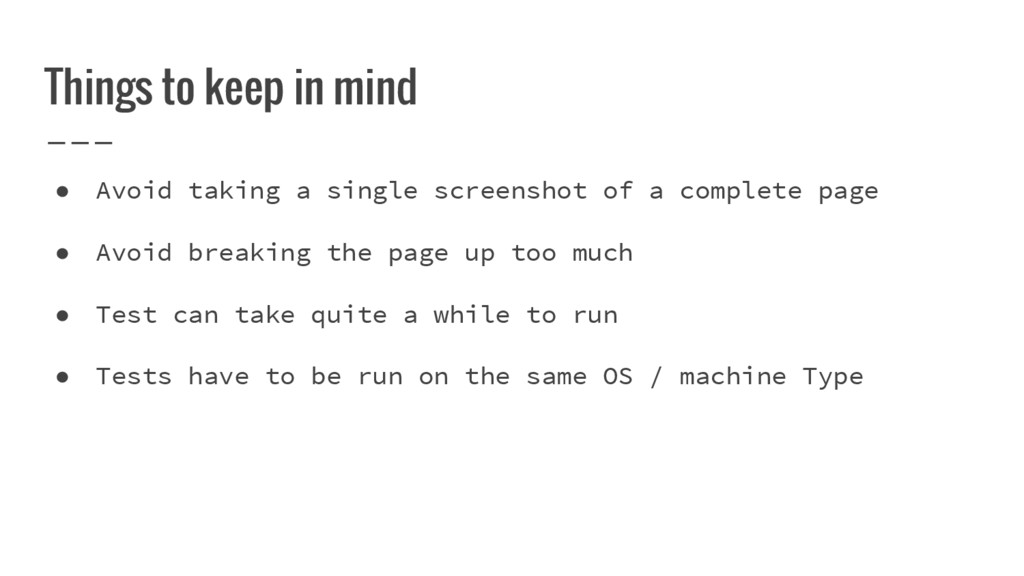
  14. • Avoid taking a single screenshot of a complete page

    • Avoid breaking the page up too much • Test can take quite a while to run • Tests have to be run on the same OS / machine Type Things to keep in mind
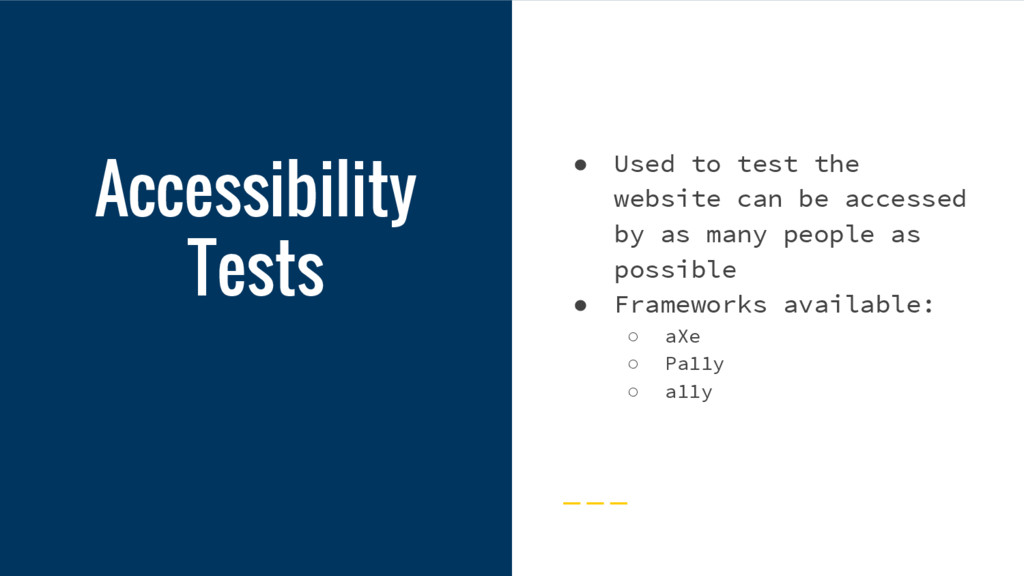
  15. Accessibility Tests • Used to test the website can be

    accessed by as many people as possible • Frameworks available: ◦ aXe ◦ Pa11y ◦ a11y
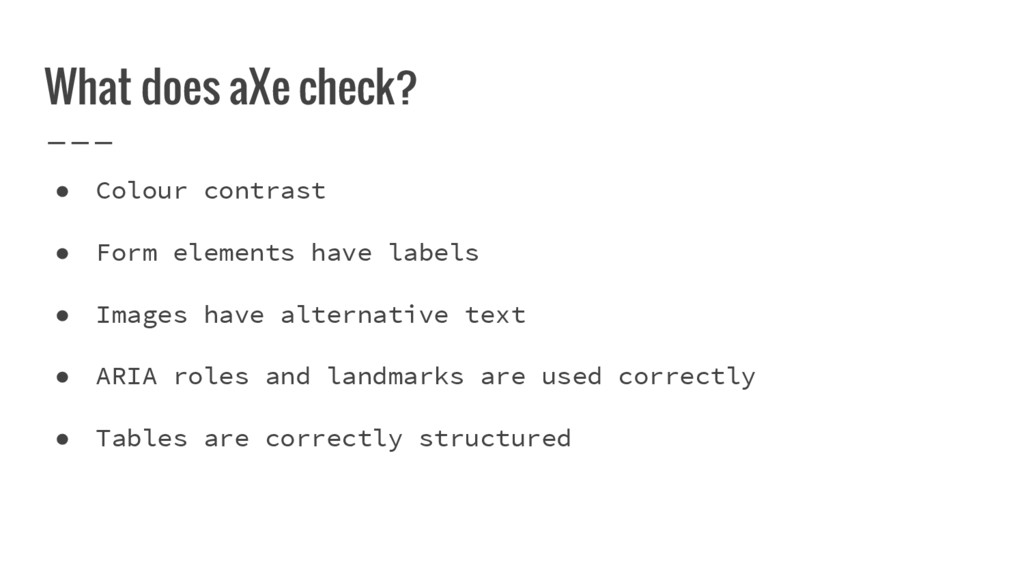
  16. What does aXe check? • Colour contrast • Form elements

    have labels • Images have alternative text • ARIA roles and landmarks are used correctly • Tables are correctly structured
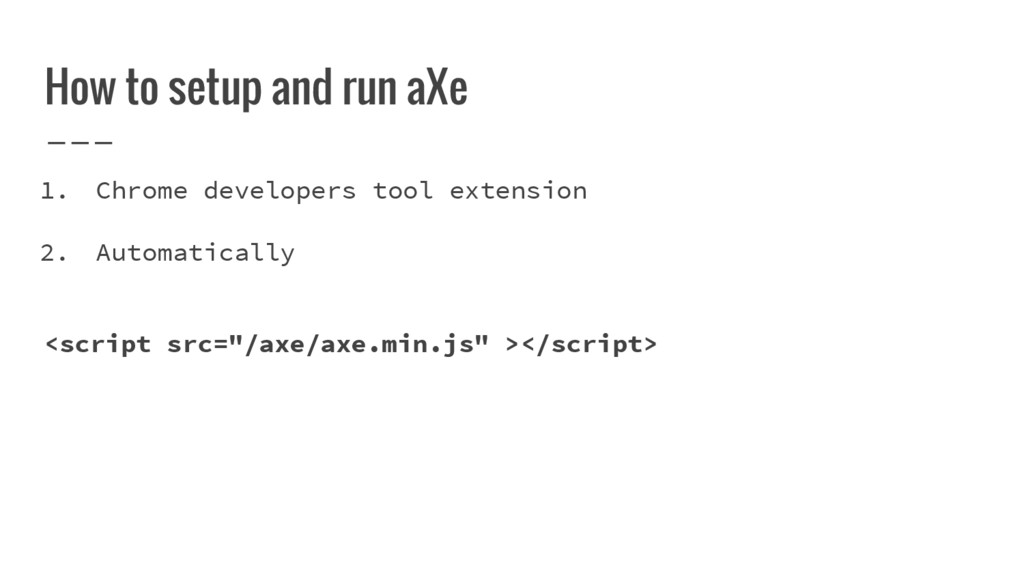
  17. <script src="/axe/axe.min.js" ></script> How to setup and run aXe 1.

    Chrome developers tool extension 2. Automatically
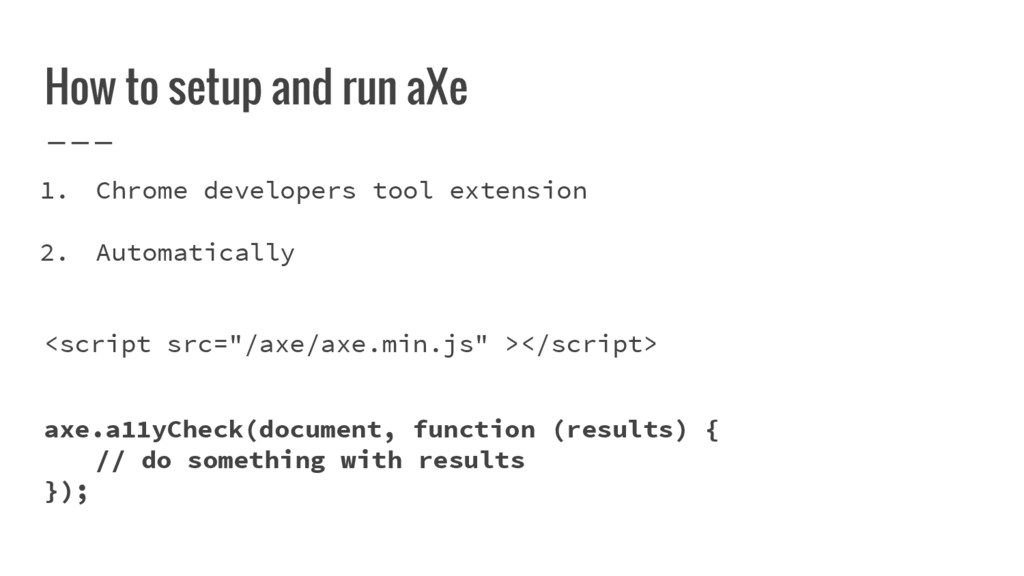
  18. <script src="/axe/axe.min.js" ></script> How to setup and run aXe 1.

    Chrome developers tool extension 2. Automatically axe.a11yCheck(document, function (results) { // do something with results });
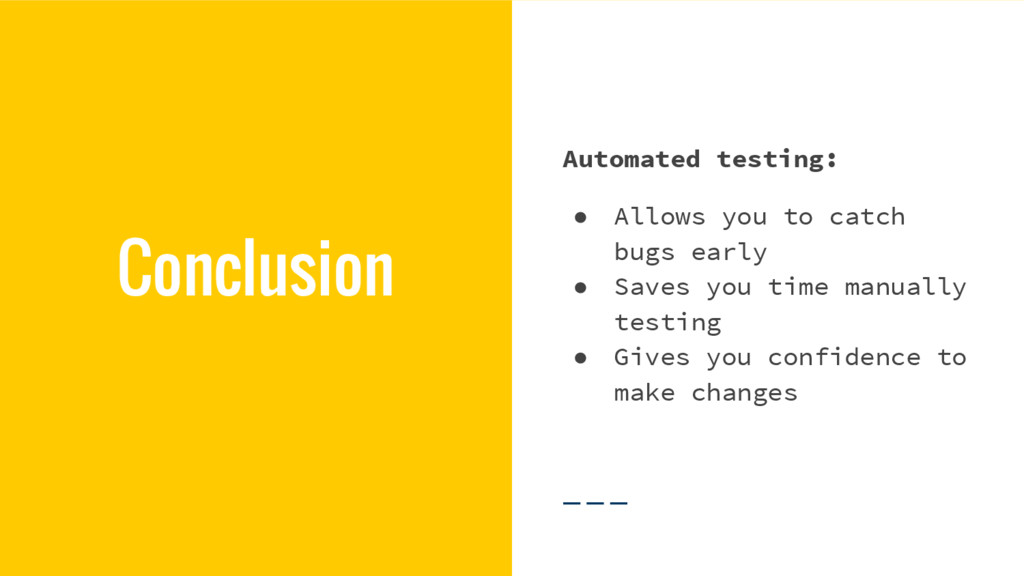
  19. Conclusion Automated testing: • Allows you to catch bugs early

    • Saves you time manually testing • Gives you confidence to make changes