Upgrade to Pro — share decks privately, control downloads, hide ads and more …

From Homebuilt to Canvas: Lessons from the Deve...

From Homebuilt to Canvas: Lessons from the Developer Trenches

Transitioning from a 20 year old homebuilt LMS with full control over the stack to hosted Canvas was no easy feat. We'll cover the lessons learned while integrating in-house SIS, providing an integrated user experience with the existing LMS, customizing Canvas with JavaScript, and other developer trench stories.

Avatar for Su Wang

Su Wang

July 20, 2016
Tweet

More Decks by Su Wang

Other Decks in Technology

Transcript

  1. Today we’ll cover Lessons in SIS Integration Lessons in Branding

    and Customization And a bunch of API stuff!
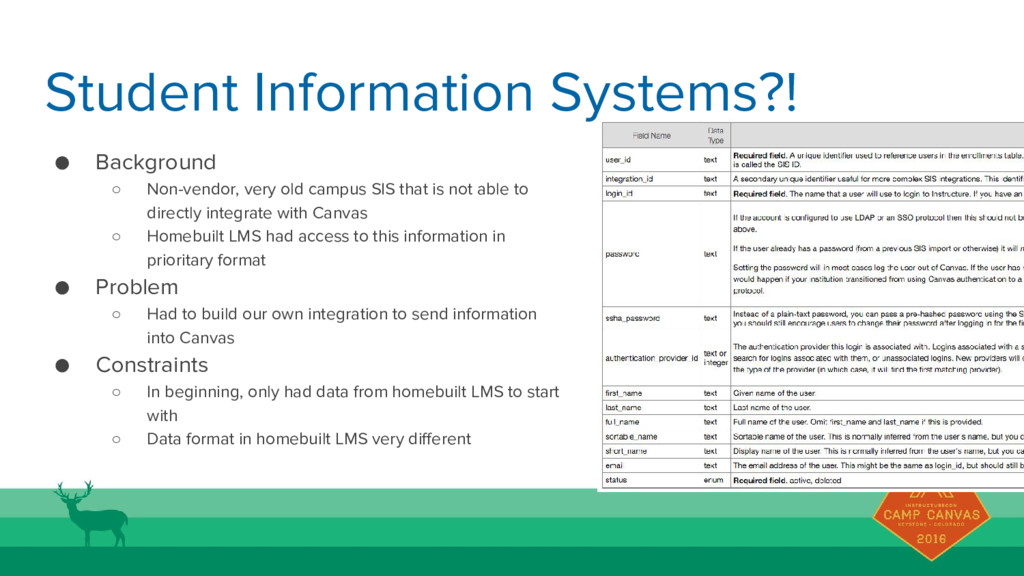
  2. Student Information Systems?! • Background ◦ Non-vendor, very old campus

    SIS that is not able to directly integrate with Canvas ◦ Homebuilt LMS had access to this information in prioritary format • Problem ◦ Had to build our own integration to send information into Canvas • Constraints ◦ In beginning, only had data from homebuilt LMS to start with ◦ Data format in homebuilt LMS very different
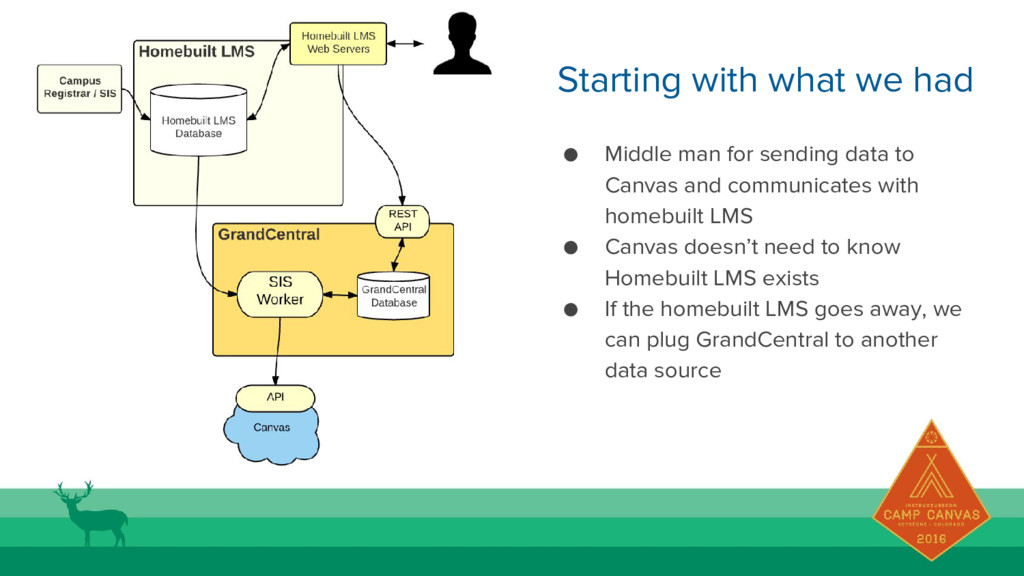
  3. Starting with what we had • Middle man for sending
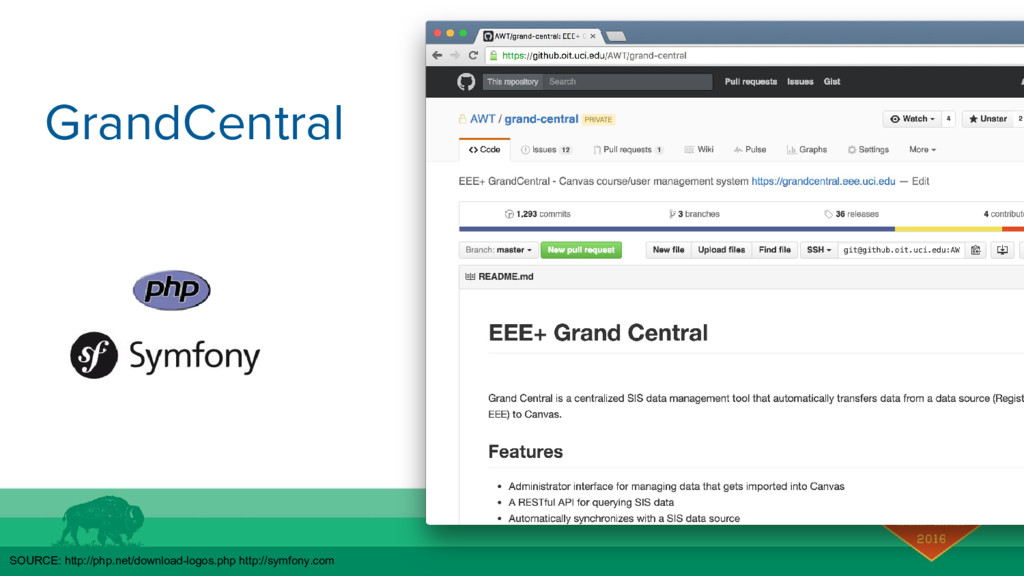
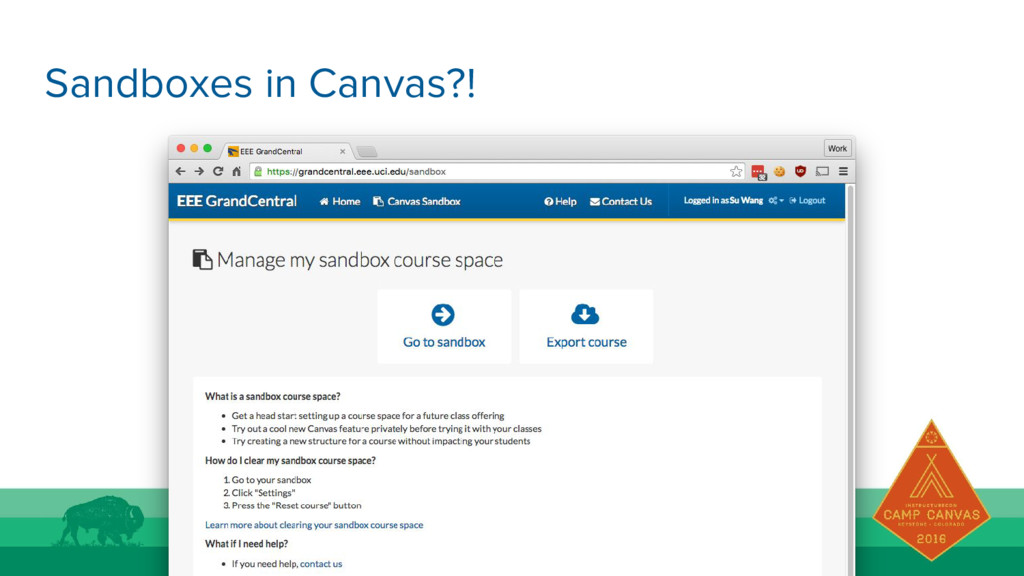
    data to Canvas and communicates with homebuilt LMS • Canvas doesn’t need to know Homebuilt LMS exists • If the homebuilt LMS goes away, we can plug GrandCentral to another data source
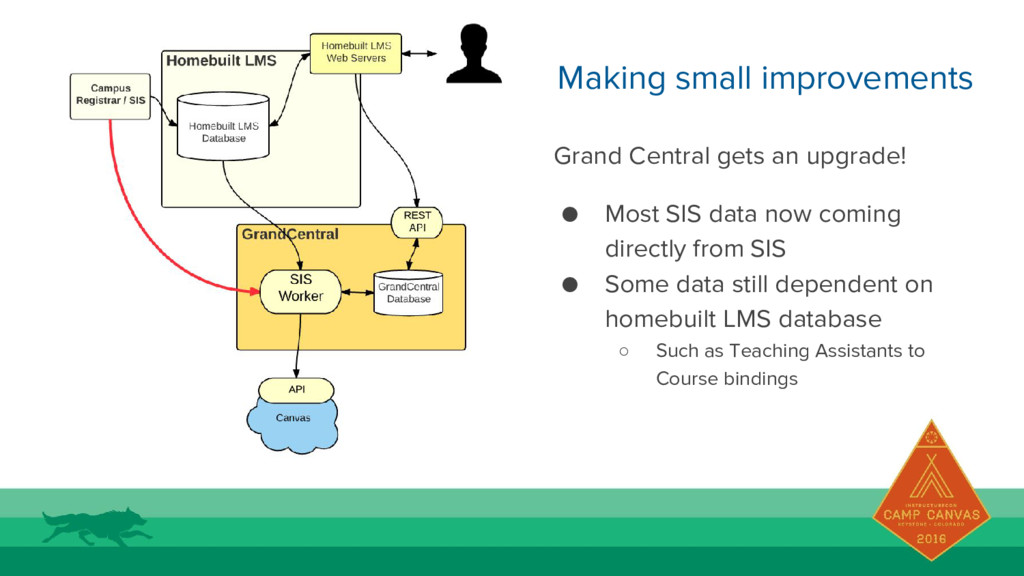
  4. Making small improvements Grand Central gets an upgrade! • Most
    SIS data now coming directly from SIS • Some data still dependent on homebuilt LMS database ◦ Such as Teaching Assistants to Course bindings
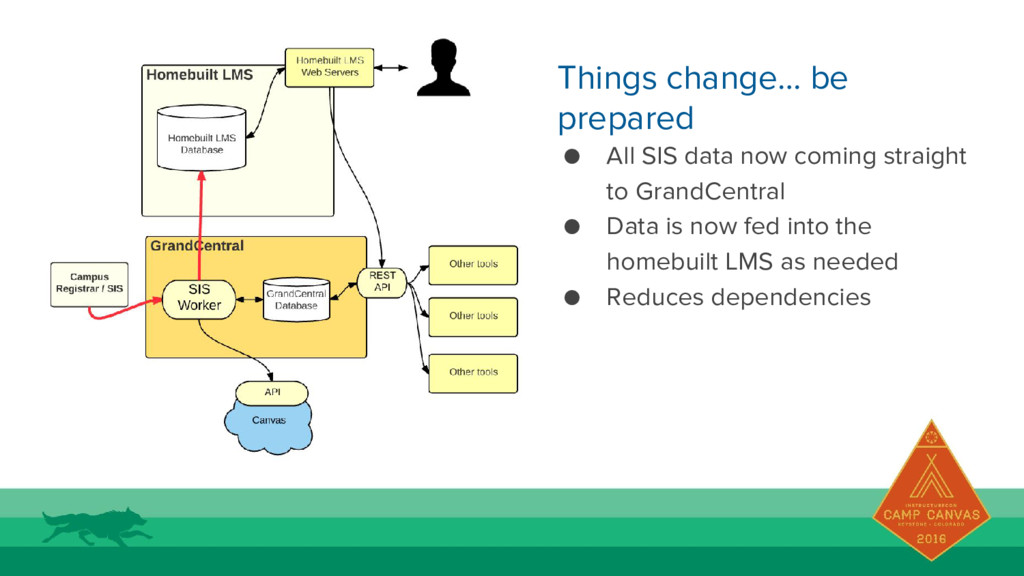
  5. Things change… be prepared • All SIS data now coming

    straight to GrandCentral • Data is now fed into the homebuilt LMS as needed • Reduces dependencies
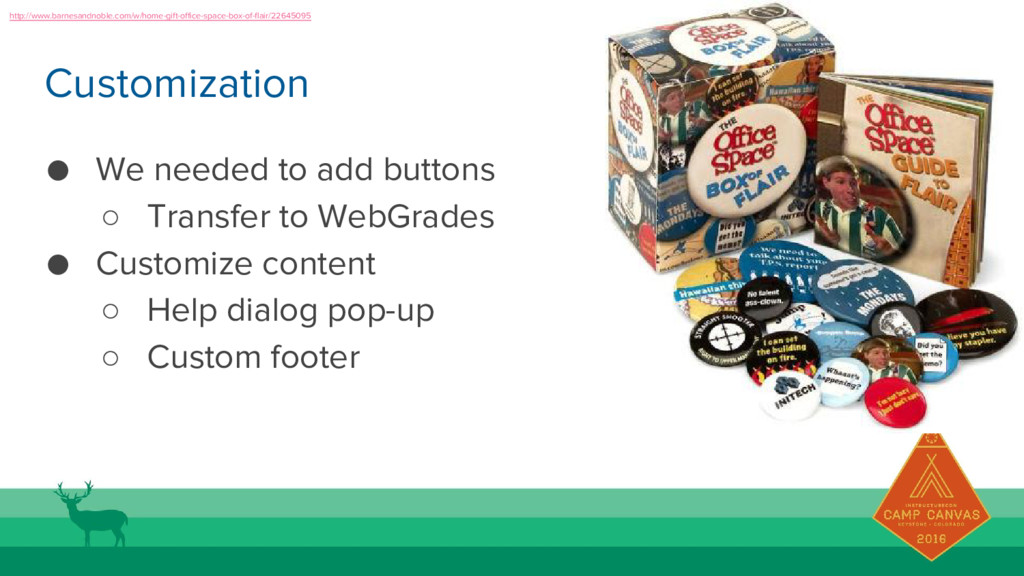
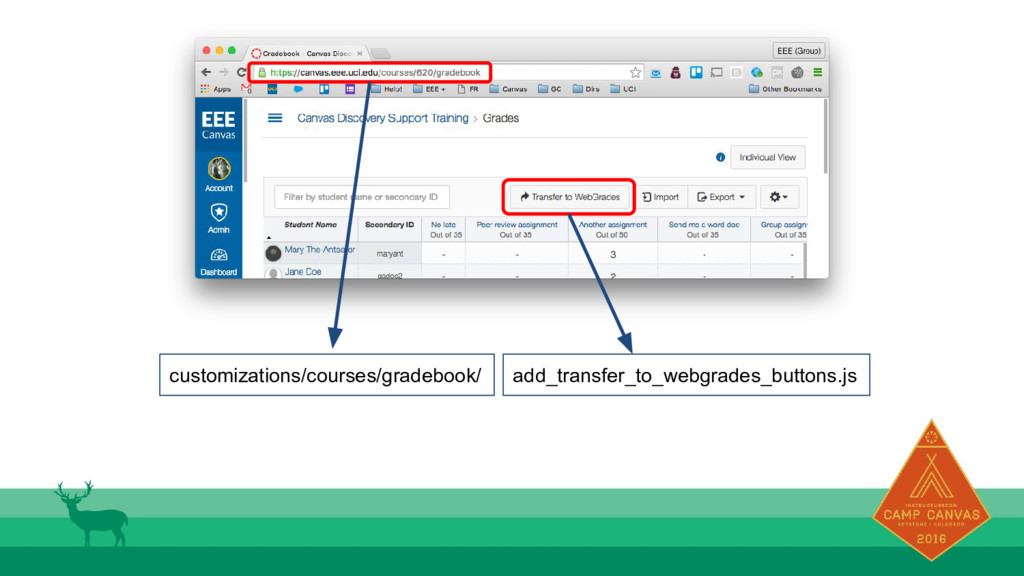
  6. Customization • We needed to add buttons ◦ Transfer to

    WebGrades • Customize content ◦ Help dialog pop-up ◦ Custom footer http://www.barnesandnoble.com/w/home-gift-office-space-box-of-flair/22645095
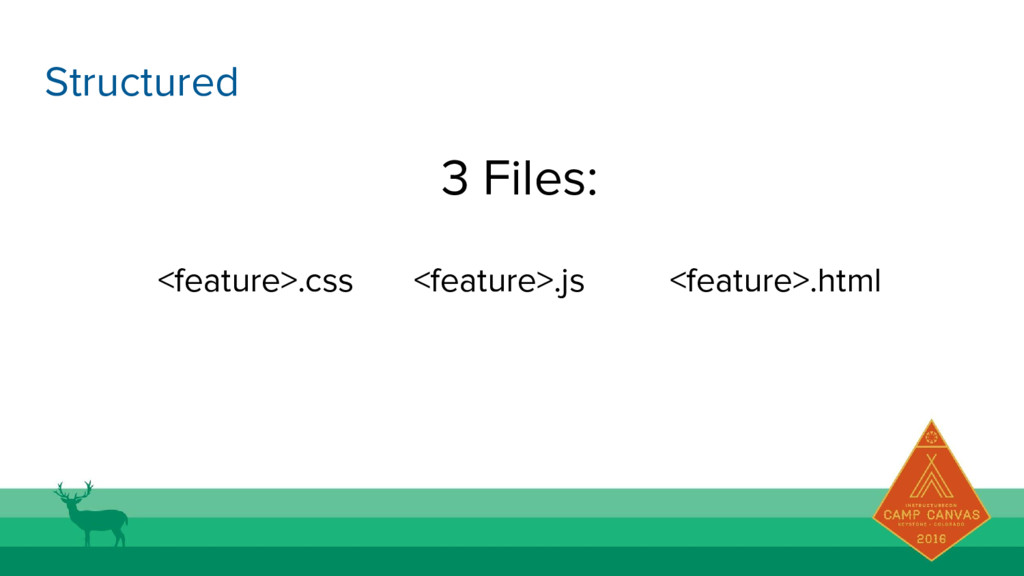
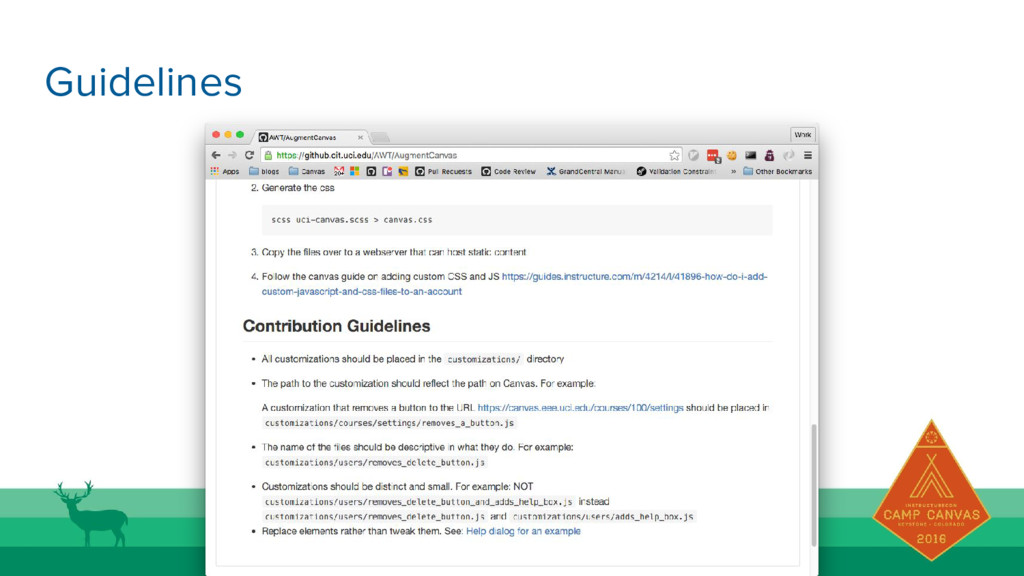
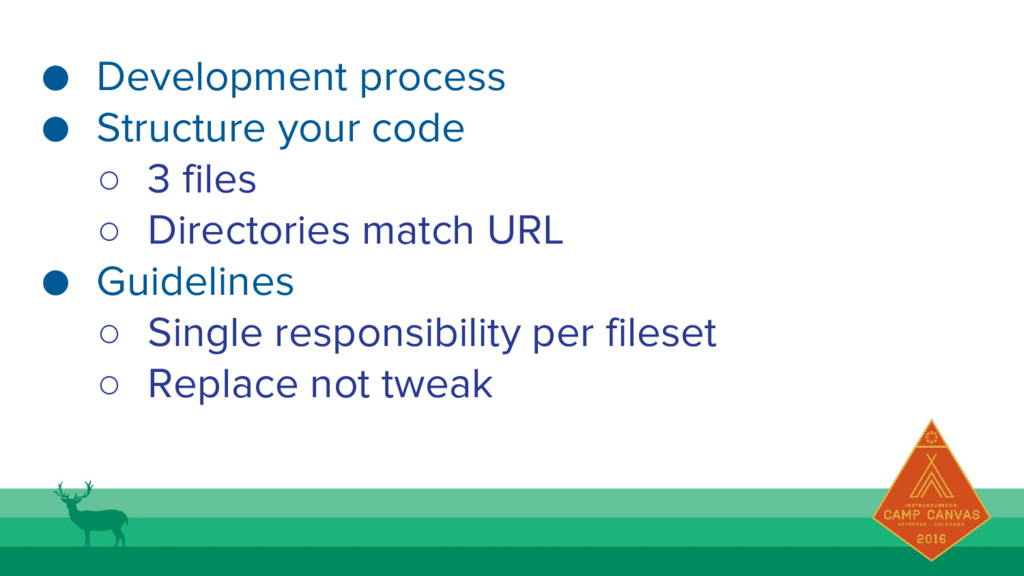
  7. • Development process • Structure your code ◦ 3 files

    ◦ Directories match URL • Guidelines ◦ Single responsibility per fileset ◦ Replace not tweak
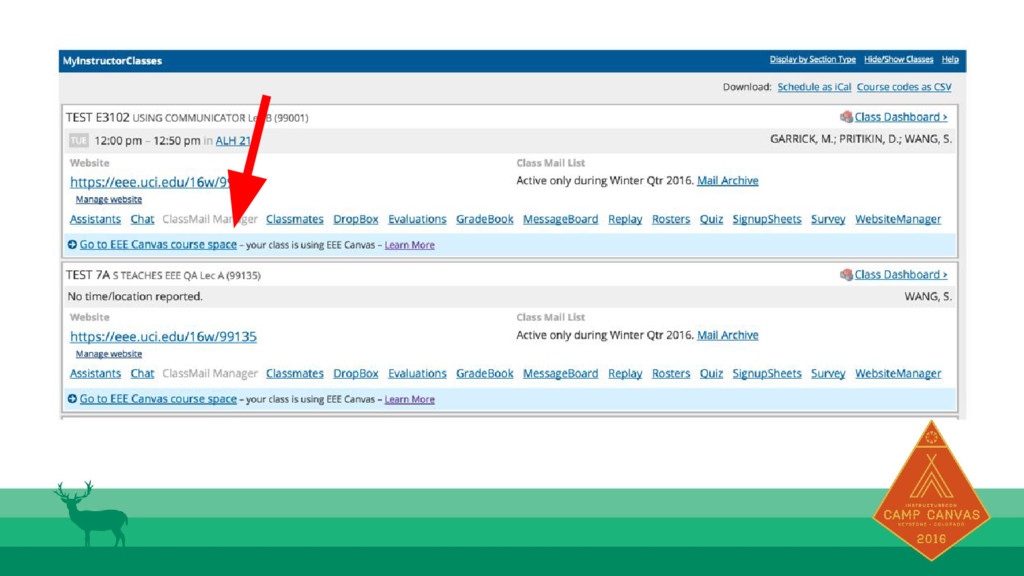
  8. Linking People to Canvas • Background: ◦ Canvas is opt-in

    so not every course was using Canvas, only those who opted in. • Problem: ◦ We needed a way for students using the homebuilt LMS to get to Canvas, without the instructor needing to remind them everyday • Constraints: ◦ The link is highly visible, on a page that is probably the most popular page on homebuilt LMS. ▪ About 83,333 hits per day, 3,472 per hour ▪ Multiply that by the average number of courses a student has (~4) = 13,888 API requests per hour
  9. It works most of the time But for the times

    it doesn’ t… Lesson 1: The Canvas API is not perfect https://coconino.instructure. com/courses/923533
  10. But for the times it doesn’t… Lesson 1: The Canvas

    API is not perfect https://coconino.instructure.com/courses/923533
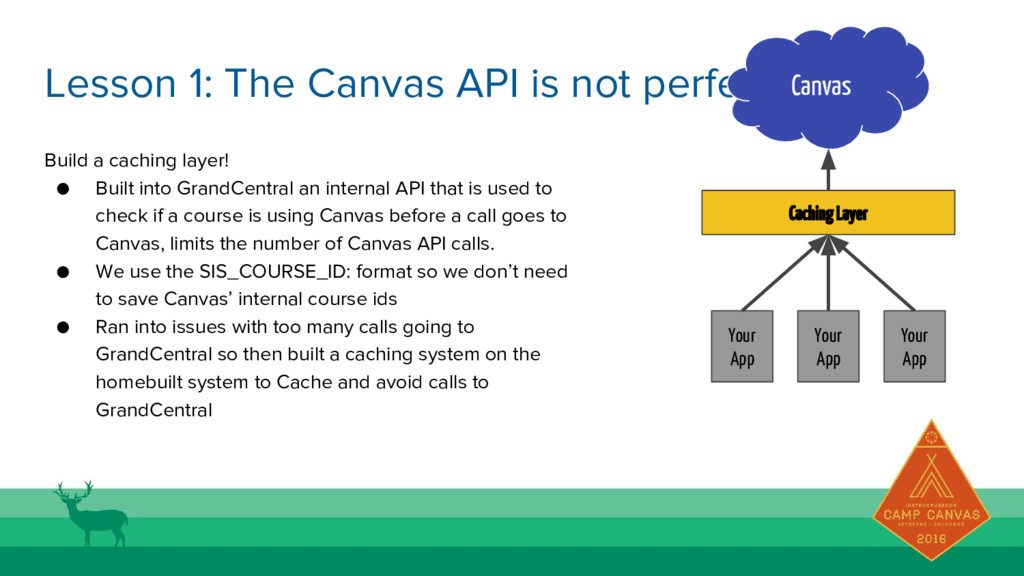
  11. Build a caching layer! • Built into GrandCentral an internal

    API that is used to check if a course is using Canvas before a call goes to Canvas, limits the number of Canvas API calls. • We use the SIS_COURSE_ID: format so we don’t need to save Canvas’ internal course ids • Ran into issues with too many calls going to GrandCentral so then built a caching system on the homebuilt system to Cache and avoid calls to GrandCentral Lesson 1: The Canvas API is not perfect Canvas Caching Layer Your App Your App Your App
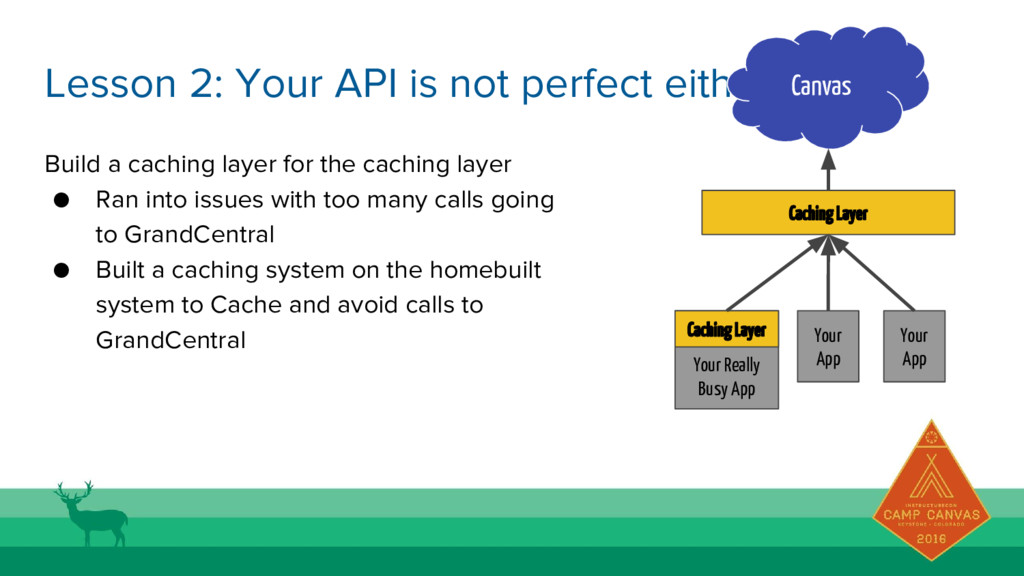
  12. Build a caching layer for the caching layer • Ran

    into issues with too many calls going to GrandCentral • Built a caching system on the homebuilt system to Cache and avoid calls to GrandCentral Lesson 2: Your API is not perfect either Canvas Caching Layer Your Really Busy App Your App Your App Caching Layer
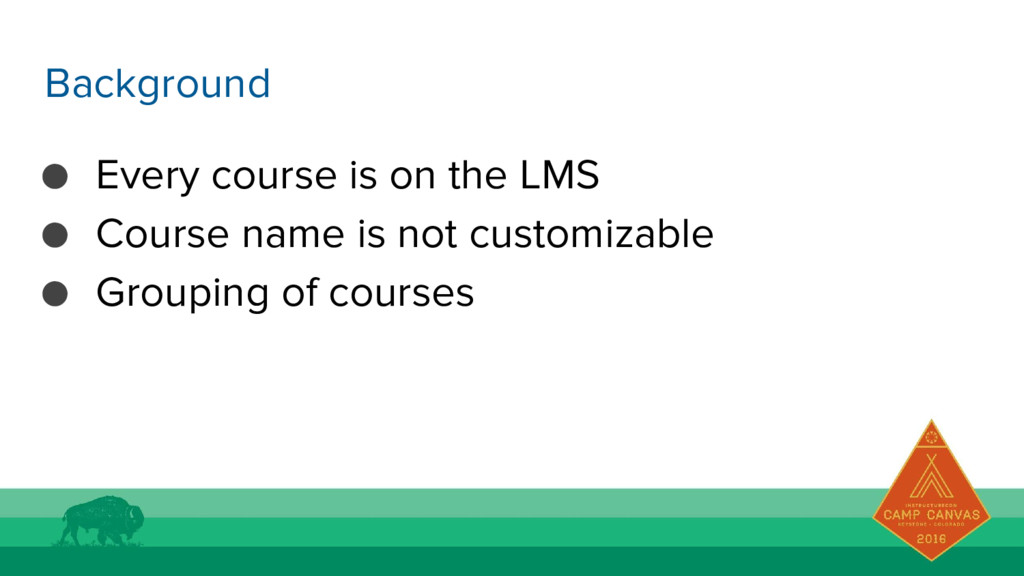
  13. • Every course is on the LMS • Course name

    is not customizable • Grouping of courses Background
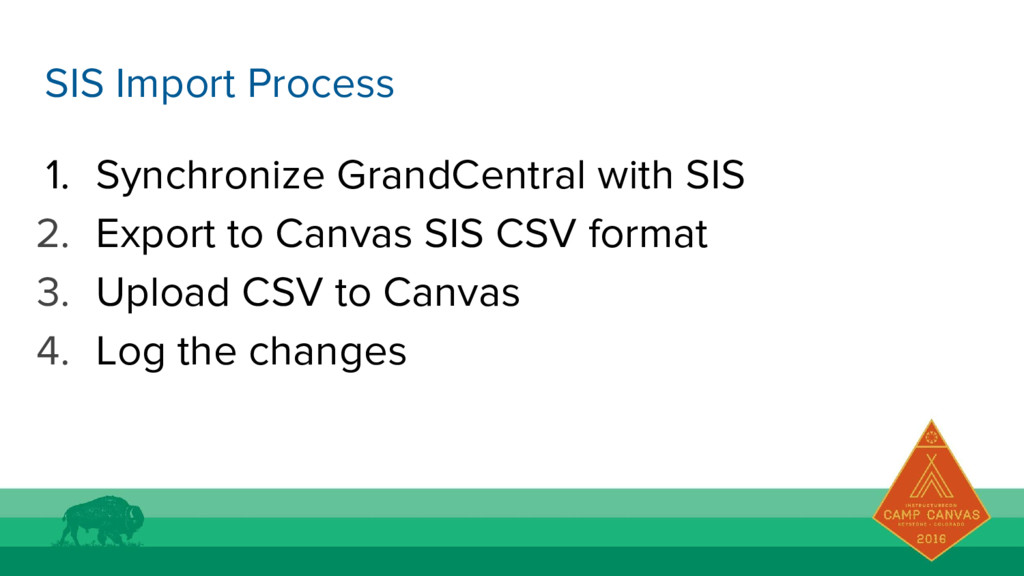
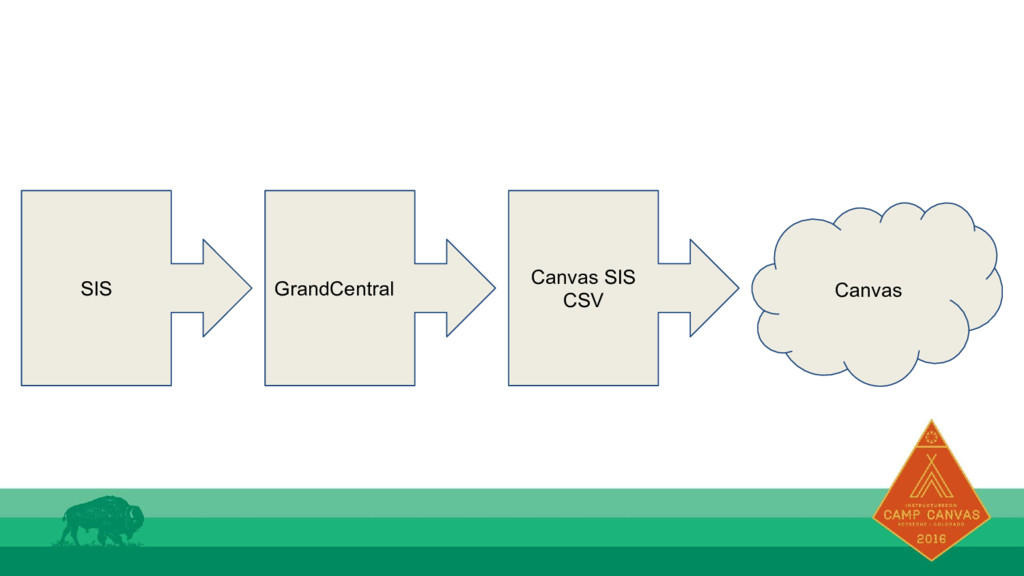
  14. 1. Synchronize GrandCentral with SIS 2. Export to Canvas SIS

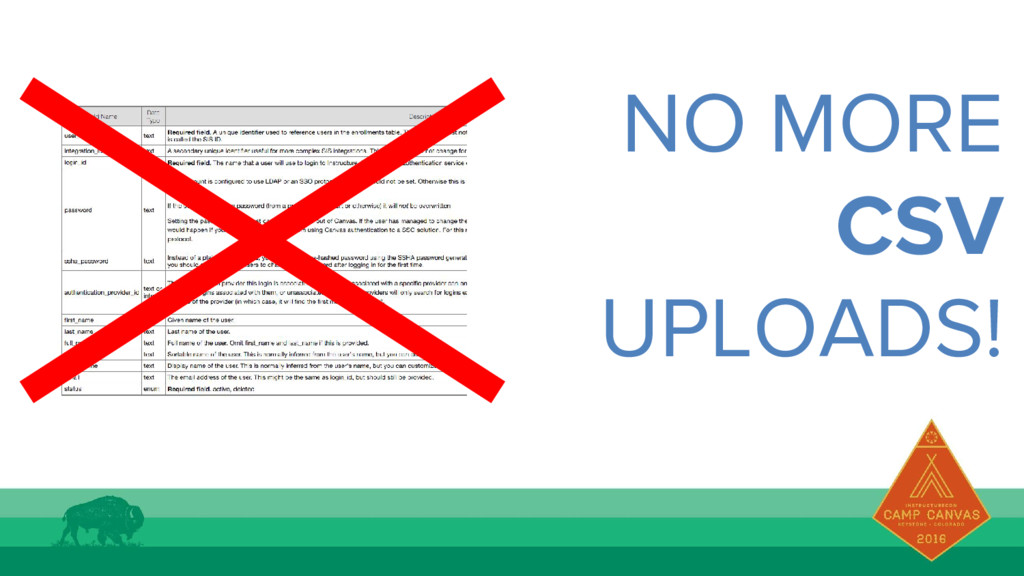
    CSV format 3. Upload CSV to Canvas 4. Log the changes SIS Import Process
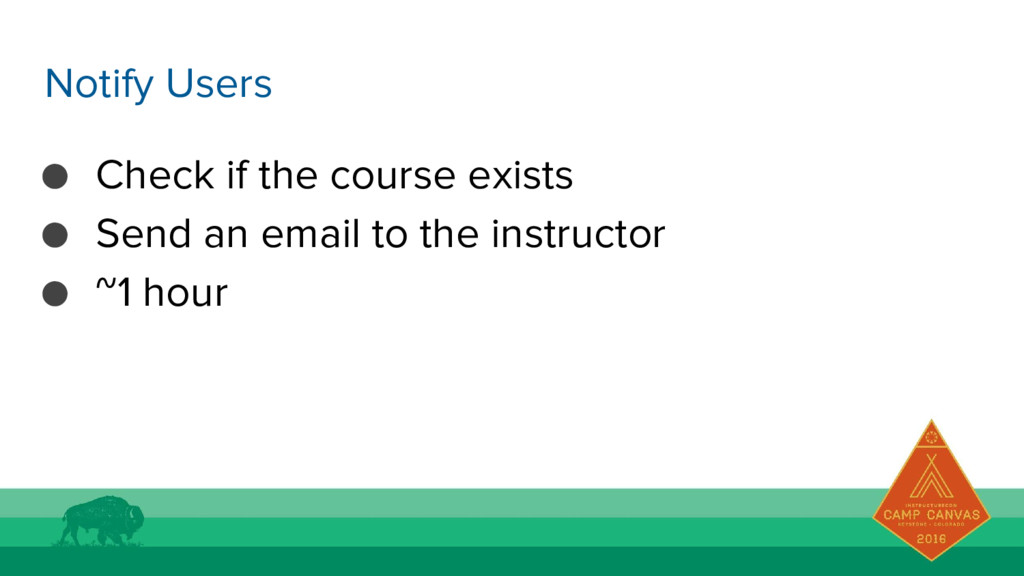
  15. • Check if the course exists • Send an email

    to the instructor • ~1 hour Notify Users
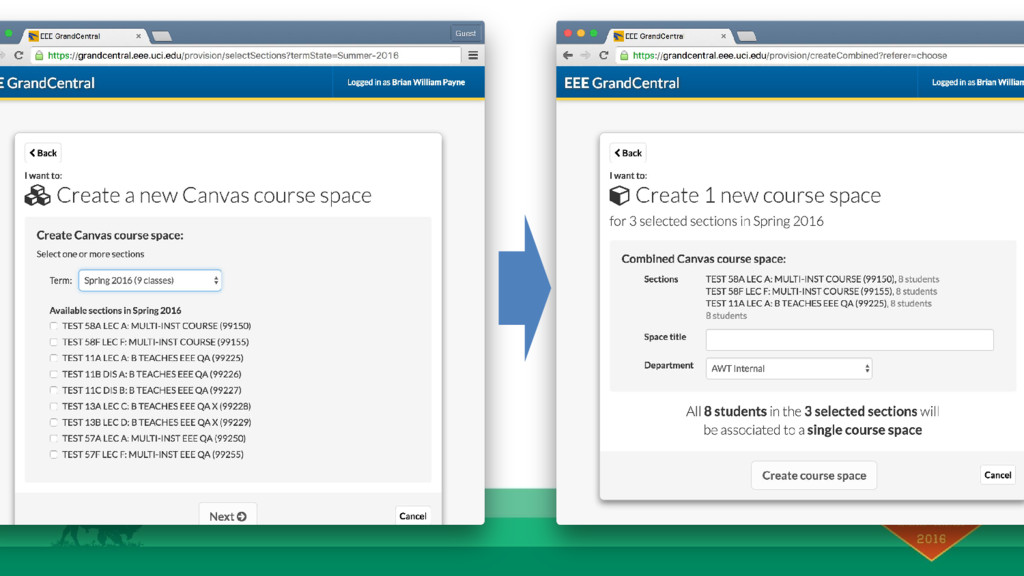
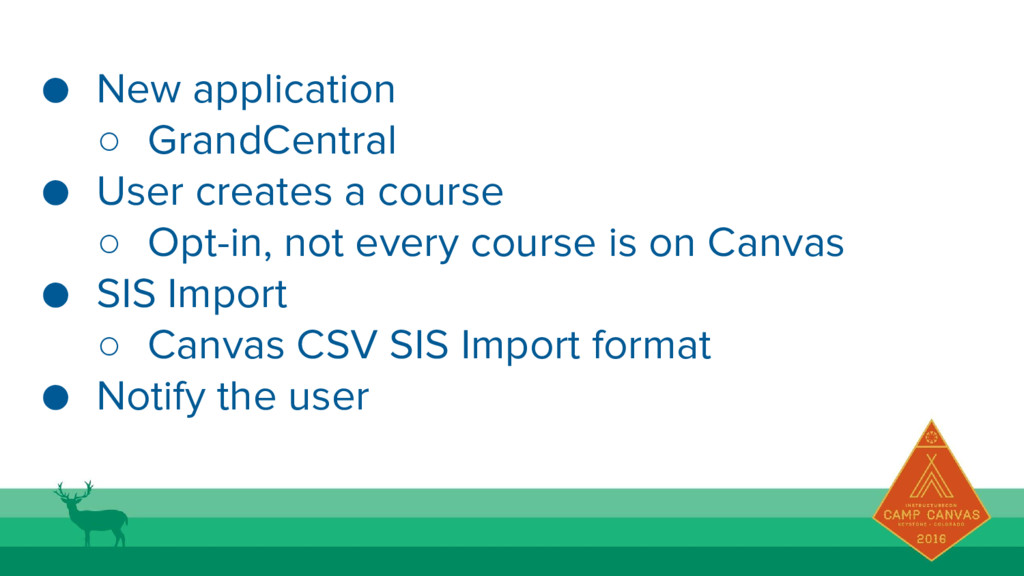
  16. • New application ◦ GrandCentral • User creates a course

    ◦ Opt-in, not every course is on Canvas • SIS Import ◦ Canvas CSV SIS Import format • Notify the user
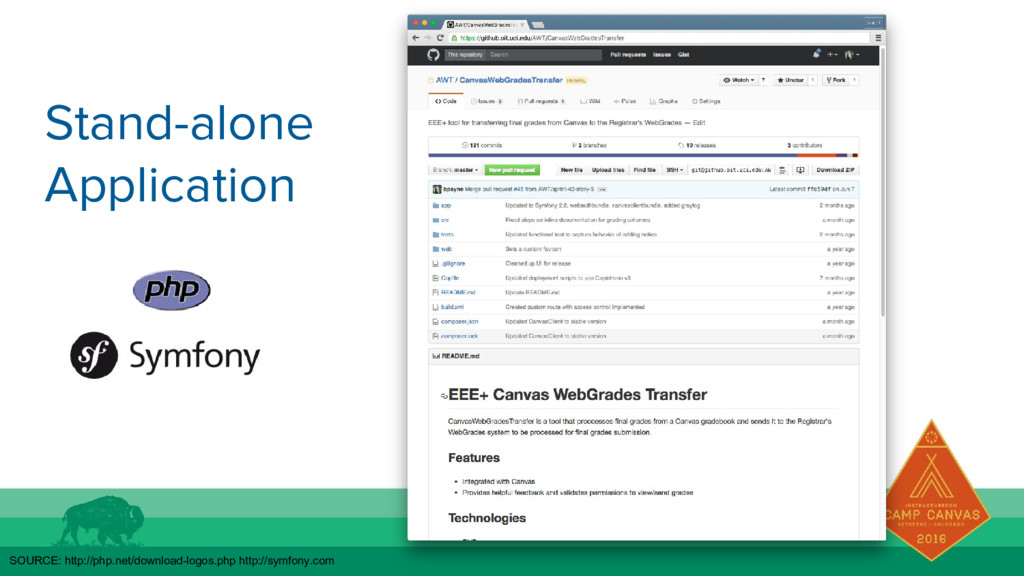
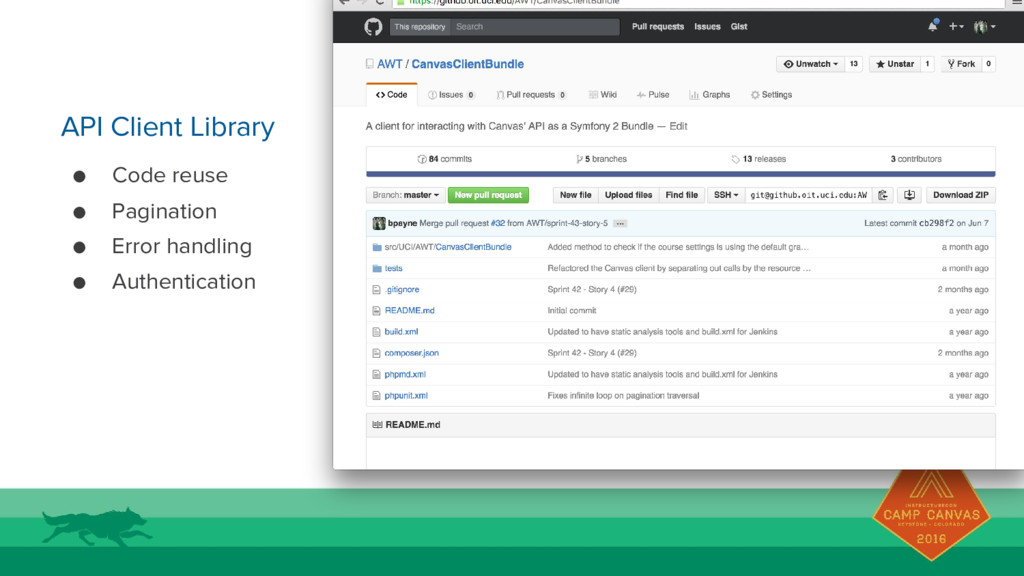
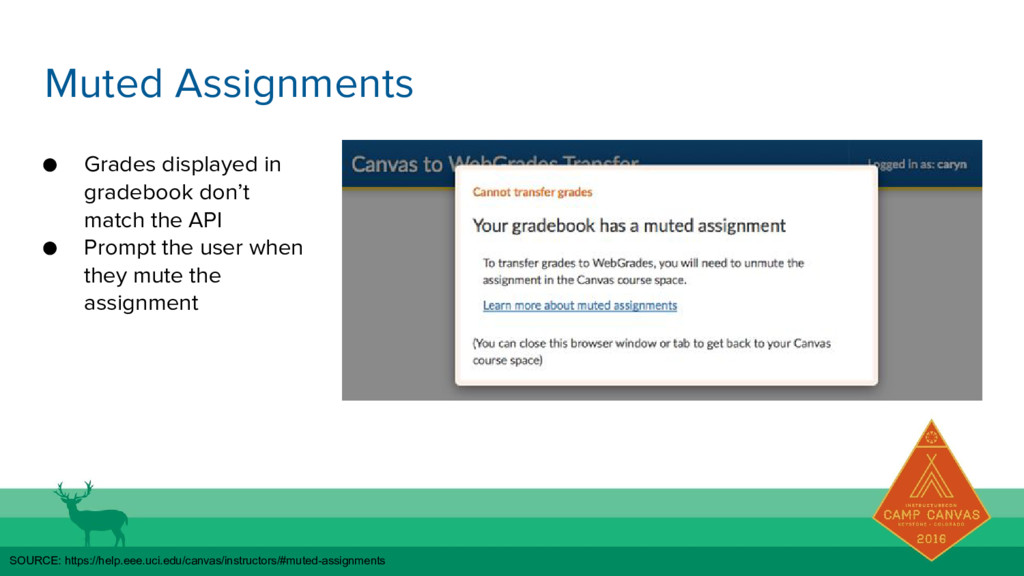
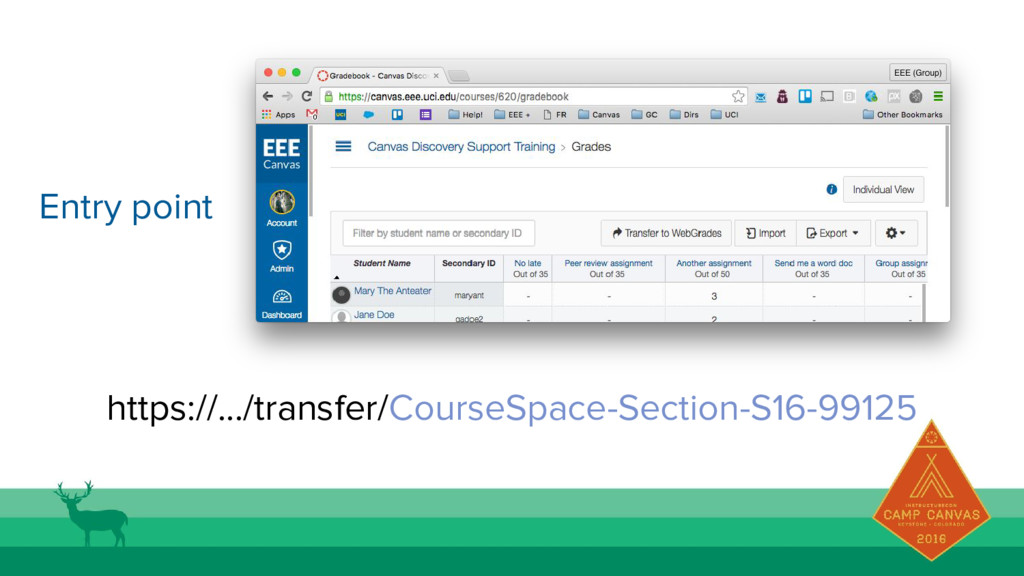
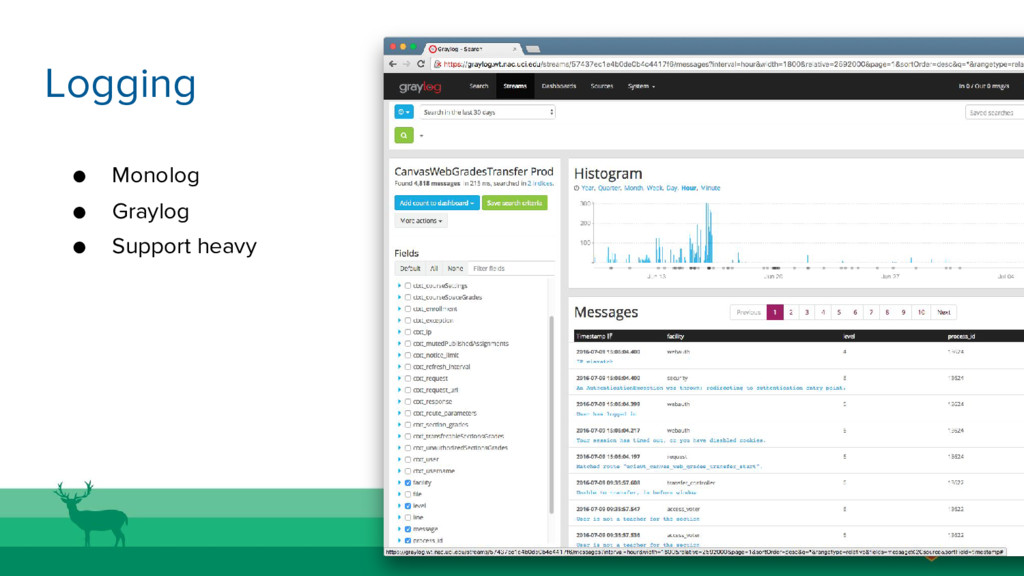
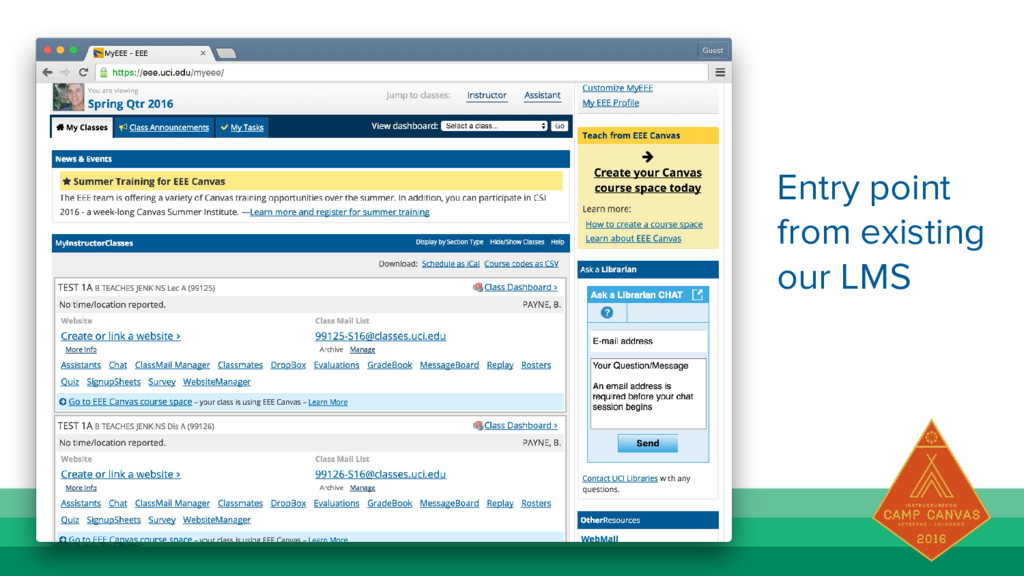
  17. • Separate application ◦ Symfony • API client library •

    Muted assignments • Entry point • Logging