Share
Embed
Microsoft Season of Agent AI エージェントの使用開始
2025年5月のMicrosoft Season of Agent AI エージェントの使用開始の資料です
takas
May 25, 2025
Transcript
33 slides
-
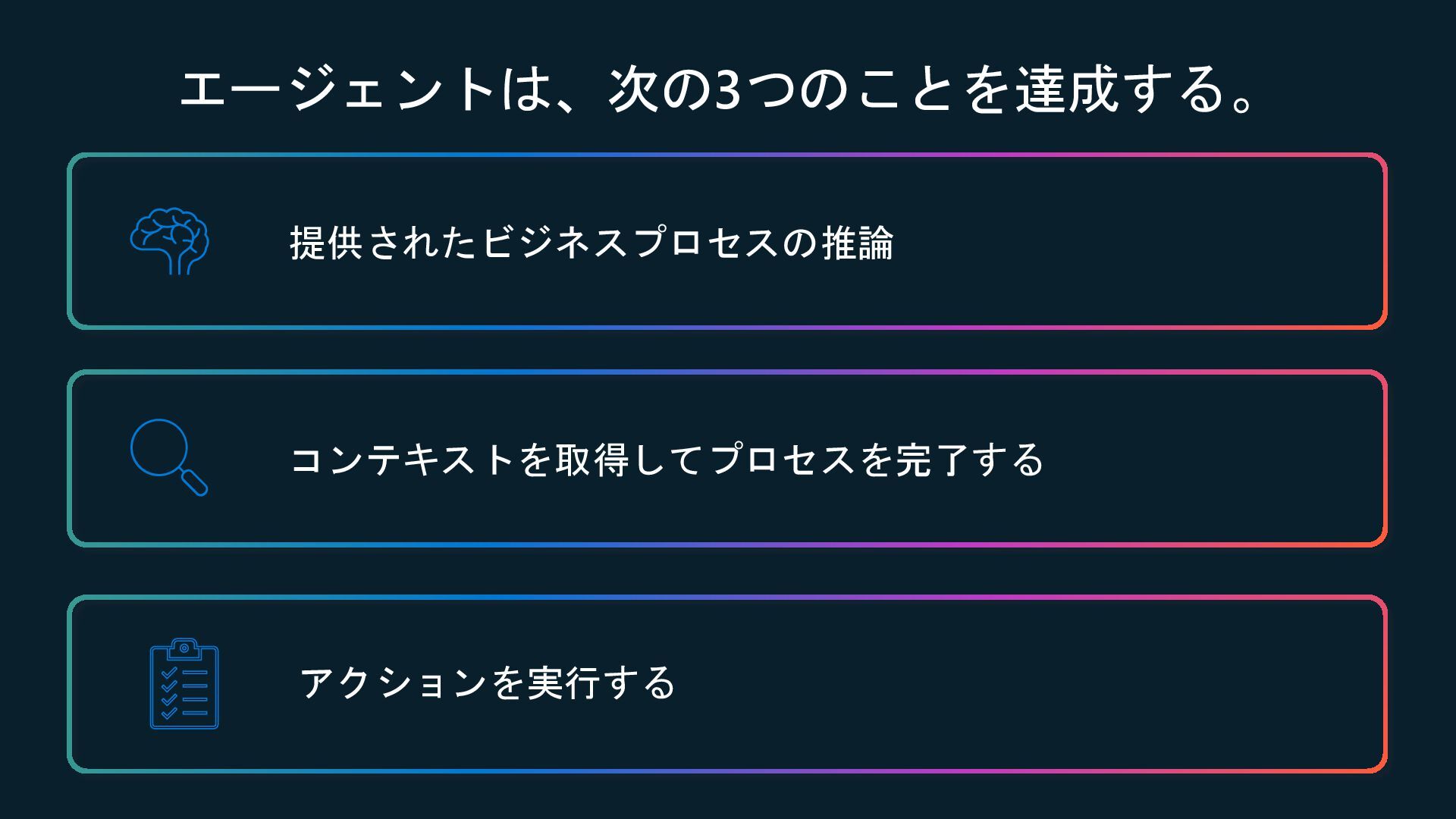
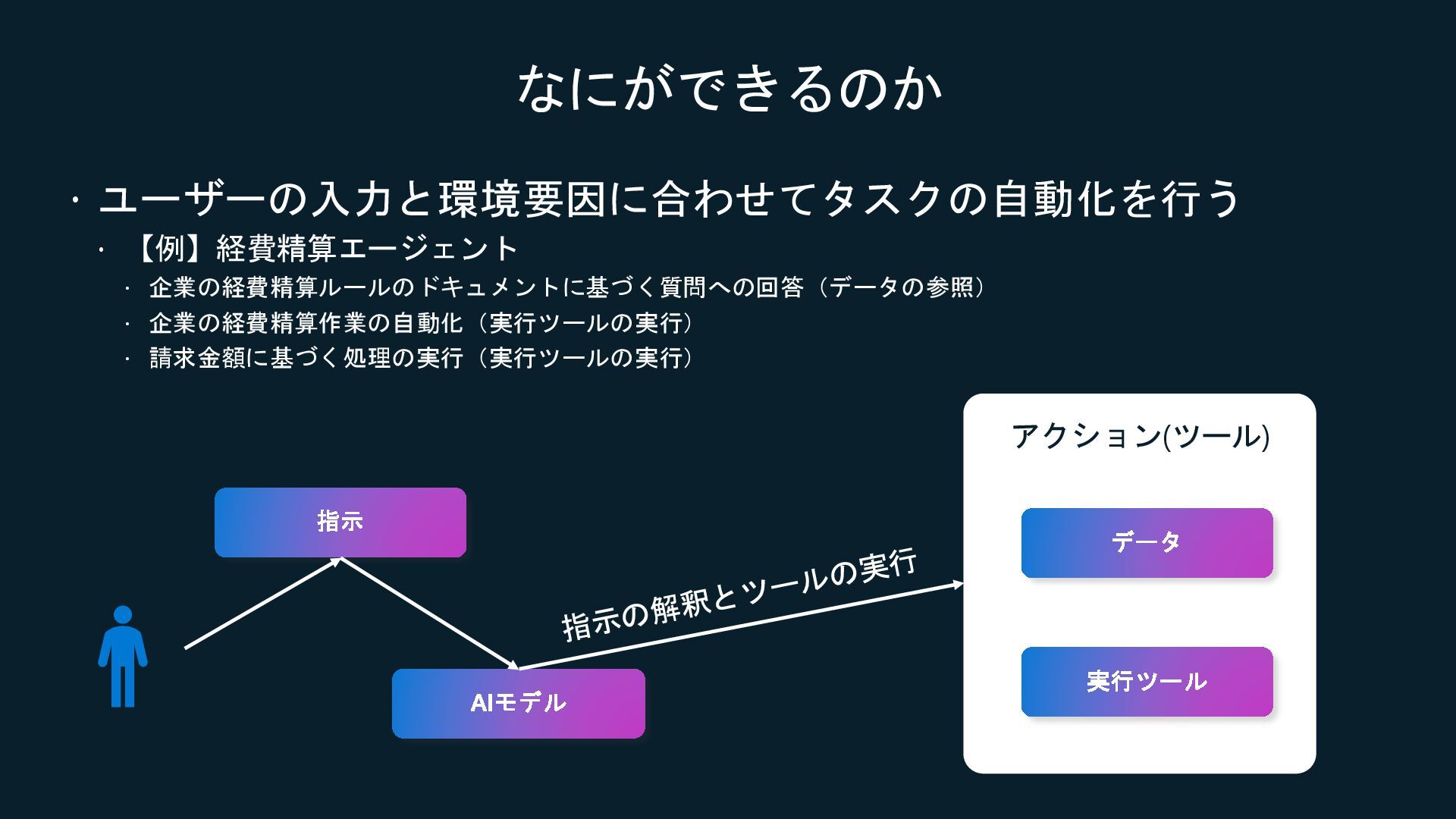
アクション(ツール) ユーザーの入力と環境要因に合わせてタスクの自動化を行う 【例】経費精算エージェント 企業の経費精算ルールのドキュメントに基づく質問への回答(データの参照) 企業の経費精算作業の自動化(実行ツールの実行)
請求金額に基づく処理の実行(実行ツールの実行) なにができるのか 指示 AIモデル データ 実行ツール -
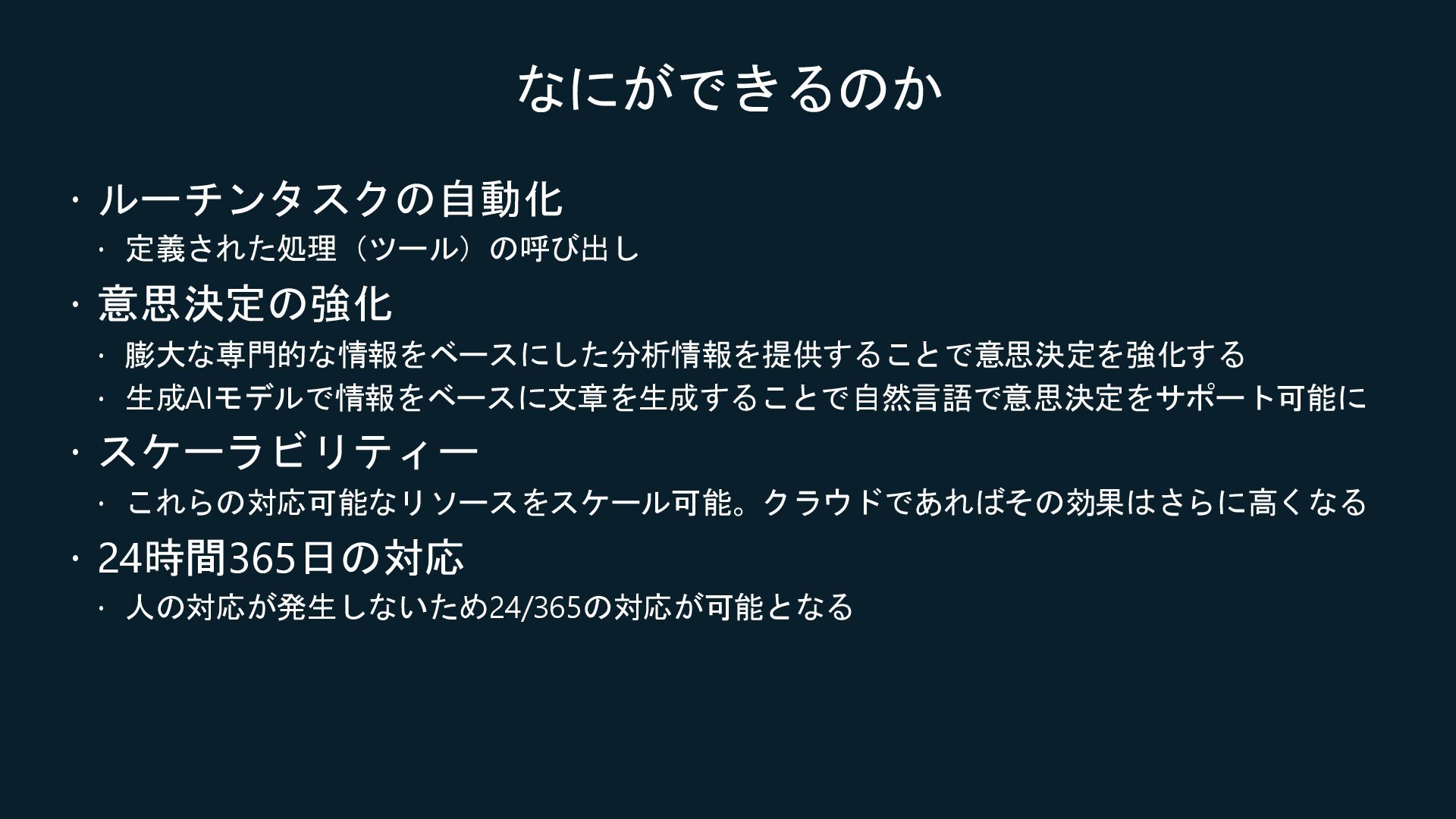
ルーチンタスクの自動化 定義された処理(ツール)の呼び出し 意思決定の強化 膨大な専門的な情報をベースにした分析情報を提供することで意思決定を強化する 生成AIモデルで情報をベースに文章を生成することで自然言語で意思決定をサポート可能に
スケーラビリティー これらの対応可能なリソースをスケール可能。クラウドであればその効果はさらに高くなる 24時間365日の対応 人の対応が発生しないため24/365の対応が可能となる なにができるのか -
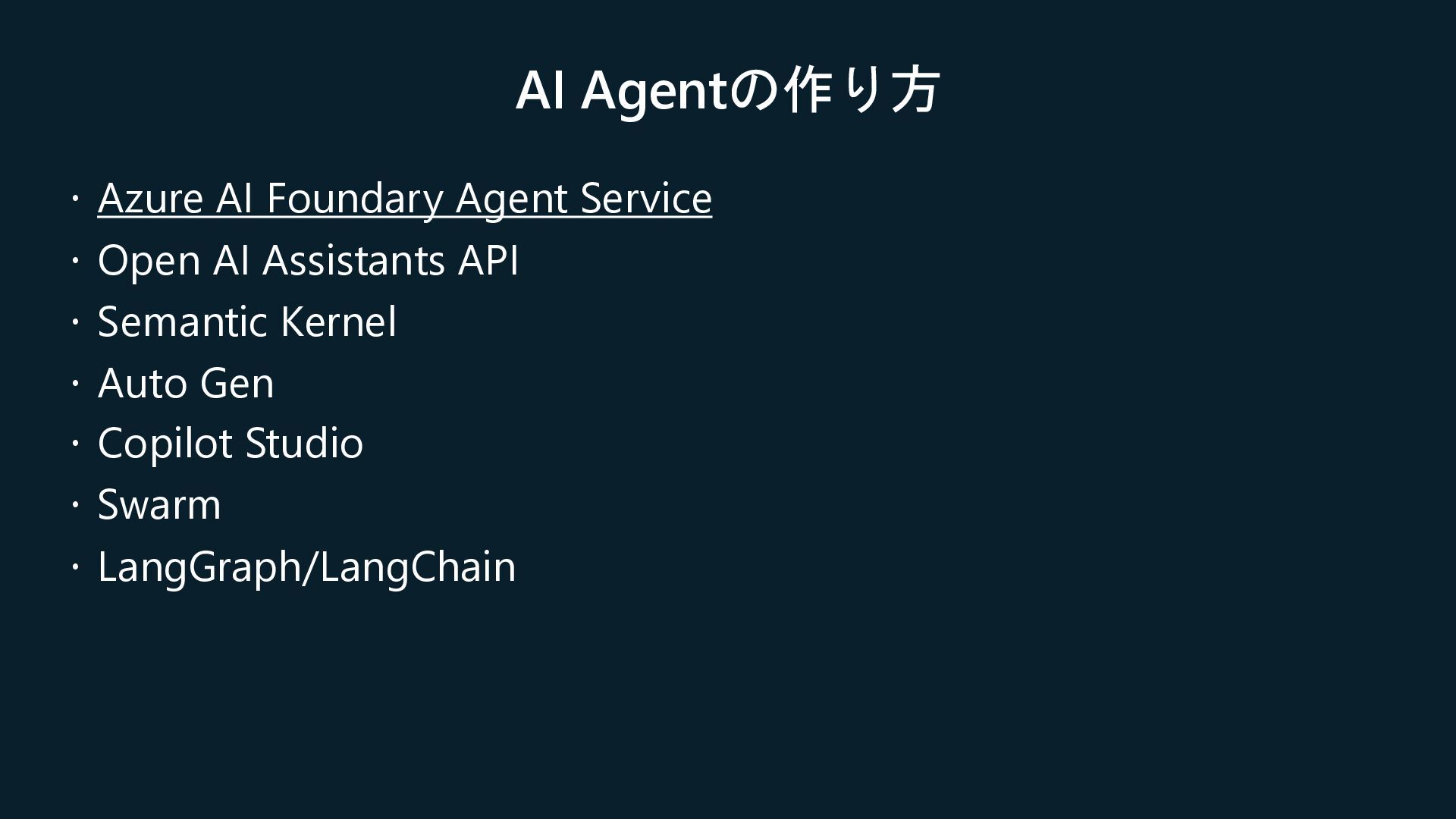
Azure AI Foundary Agent Service Open AI Assistants
API Semantic Kernel Auto Gen Copilot Studio Swarm LangGraph/LangChain AI Agentの作り方 -
Azure AI Foundry Agent Service AIエージェントを安全に構築、デプロイ、拡張 迅速な開発と自動化 広範なデータ接続 柔軟なモデル選 択
エンタープライズグ レードのセキュリティ Azure AI Foundry GA -
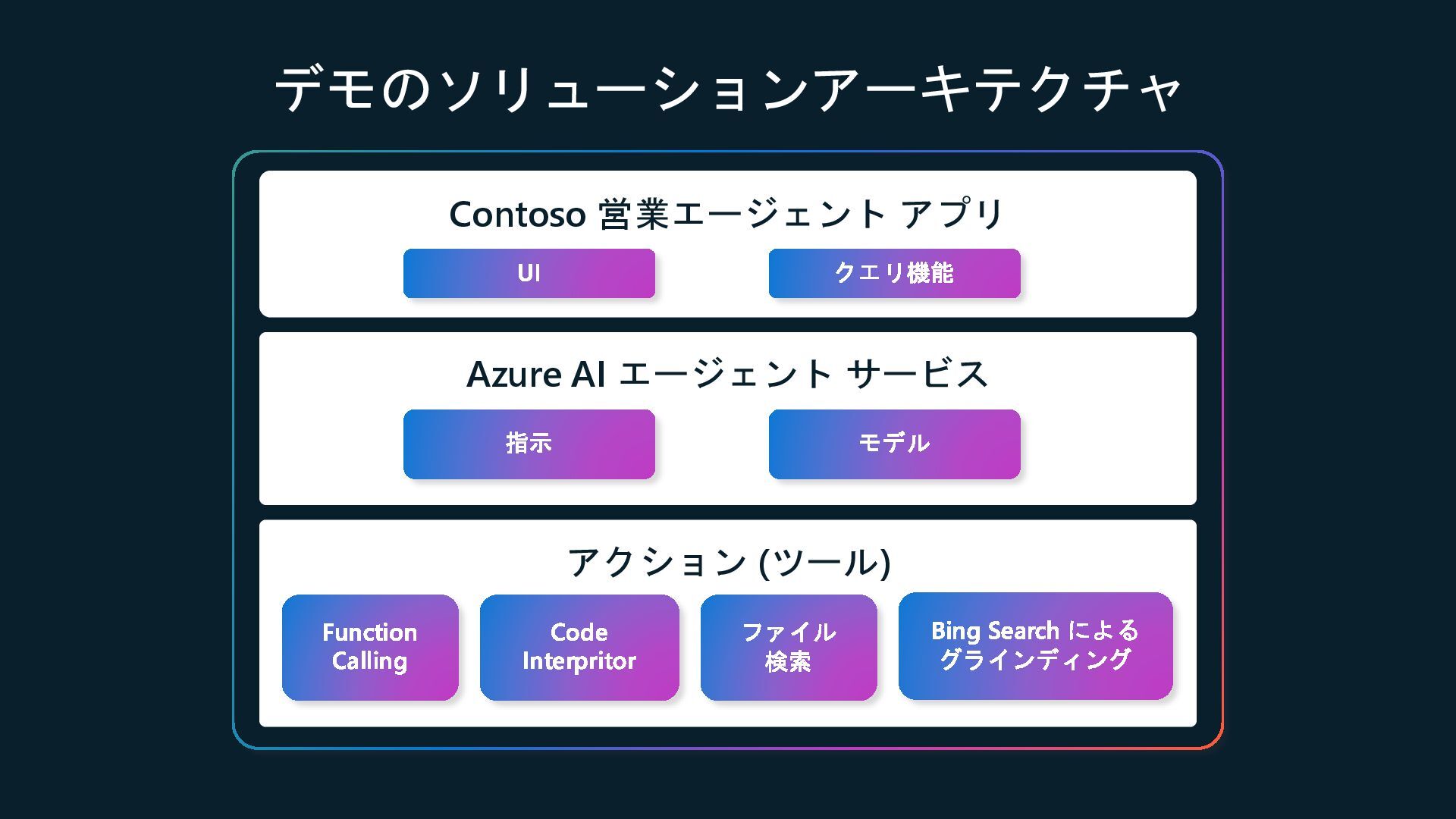
デモのソリューションアーキテクチャ アクション (ツール) Function Calling Code Interpritor ファイル 検索 Bing
Search による グラインディング Azure AI エージェント サービス 指示 モデル Contoso 営業エージェント アプリ UI クエリ機能 -
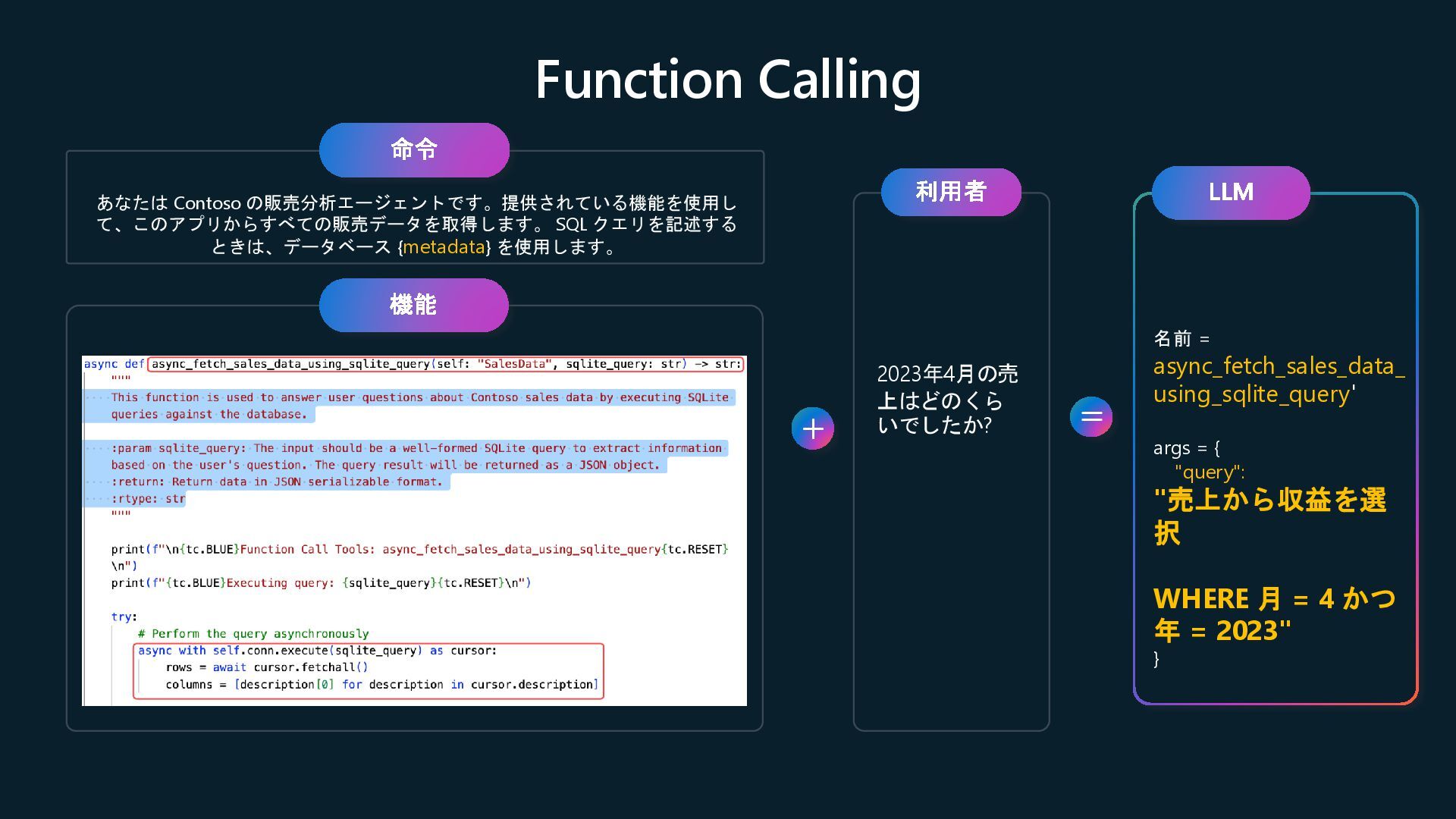
2023年4月の売 上はどのくら いでしたか? Function Calling 命令 あなたは Contoso の販売分析エージェントです。提供されている機能を使用し て、このアプリからすべての販売データを取得します。
SQL クエリを記述する ときは、データベース {metadata} を使用します。 名前 = async_fetch_sales_data_ using_sqlite_query' args = { "query": "売上から収益を選 択 WHERE 月 = 4 かつ 年 = 2023" } 利用者 LLM 機能 -
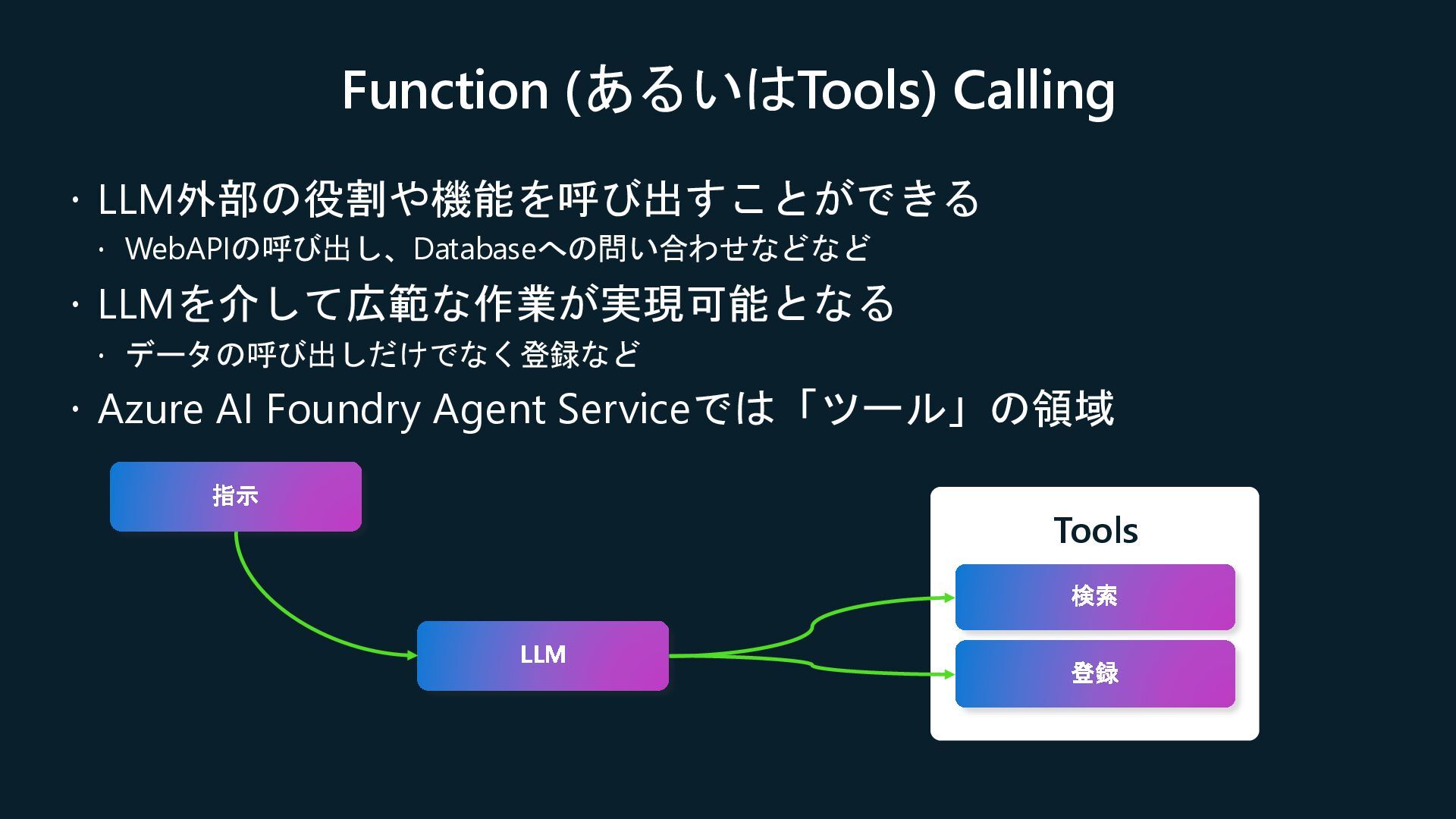
LLM外部の役割や機能を呼び出すことができる WebAPIの呼び出し、Databaseへの問い合わせなどなど LLMを介して広範な作業が実現可能となる データの呼び出しだけでなく登録など Azure
AI Foundry Agent Serviceでは「ツール」の領域 Function (あるいはTools) Calling 指示 LLM Tools 検索 登録 -
AI エージェント サービスの動作 ステップ 1: エージェントを作成 ステップ 2: スレッドを作成 ステップ
3: Agent を実行 ステップ 5: 実行ステータスを確認 ステップ 6: エージェントの応答を 表示 エージェント Contoso 営業担当者 手順: Contoso の高度な販売分析 エージェントであり、販売データ に関するユーザーの問い合わせを 支援することを専門としています Run 2 モデル ツール (オプション) ファイル検索 コードインタープリター Bing検索 Microsoft SharePoint Function Calling Microsoft Fabric Azure AI Search Azure Logic Apps Azure Functions OpenAPI 3.0指定ツール User 地域別の総売上高を教 えてください Agent 以下はその売上です。 ヨーロッパ: $15478.00 アメリカ:$ 78792.00 Run1 1 Function Calling SQLite DB のクエリ メッセージを作成 2 お客様のデータ (オプション) User 円グラフで表示 Agent Code Interpitor 円グラフを作成 する メッセージを作成 2 1 Thread 売上分析 Azure AI Search ローカルまたは Azure BLOB -
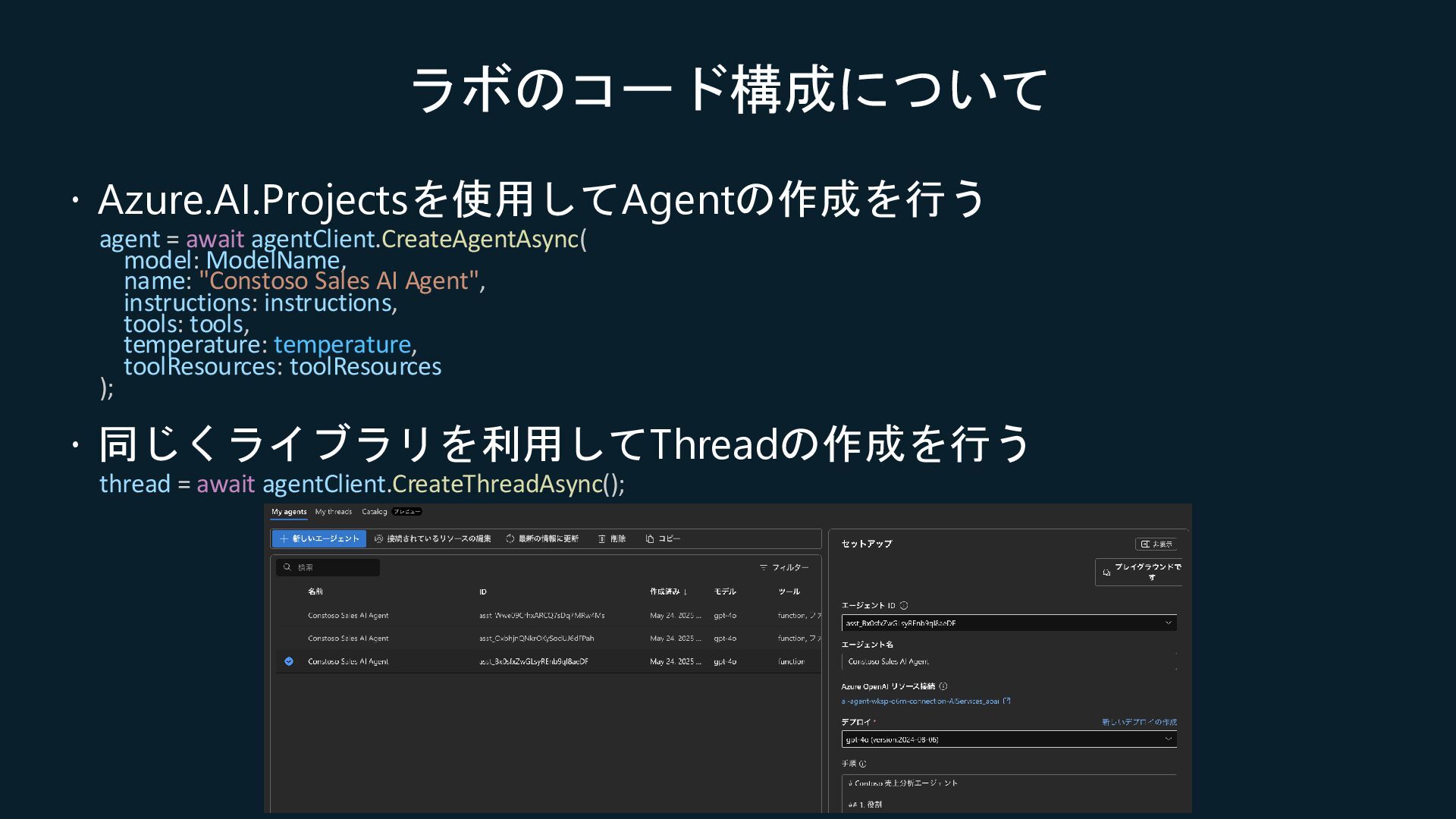
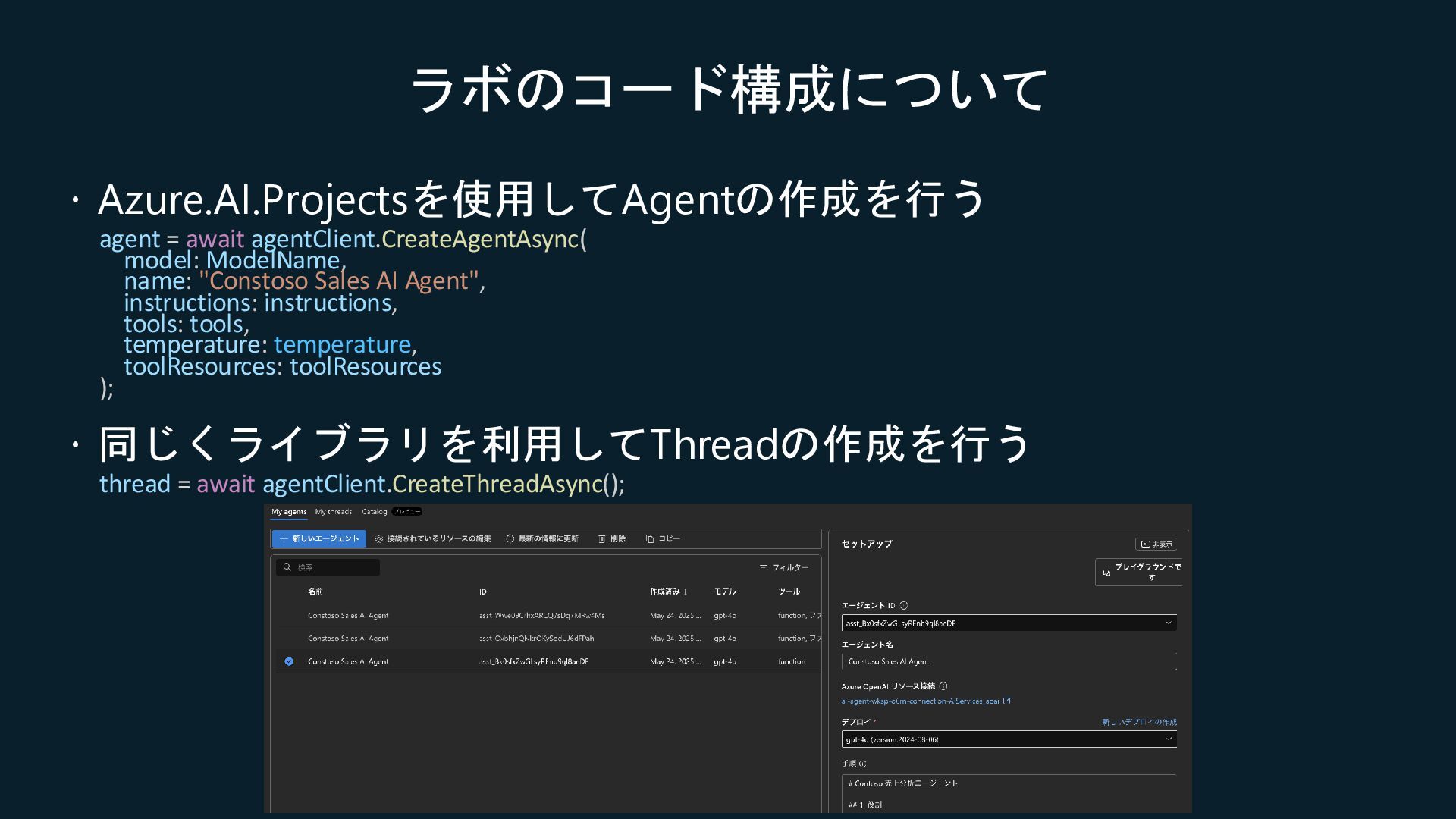
Azure.AI.Projectsを使用してAgentの作成を行う 同じくライブラリを利用してThreadの作成を行う ラボのコード構成について agent = await agentClient.CreateAgentAsync( model:
ModelName, name: "Constoso Sales AI Agent", instructions: instructions, tools: tools, temperature: temperature, toolResources: toolResources ); thread = await agentClient.CreateThreadAsync(); -
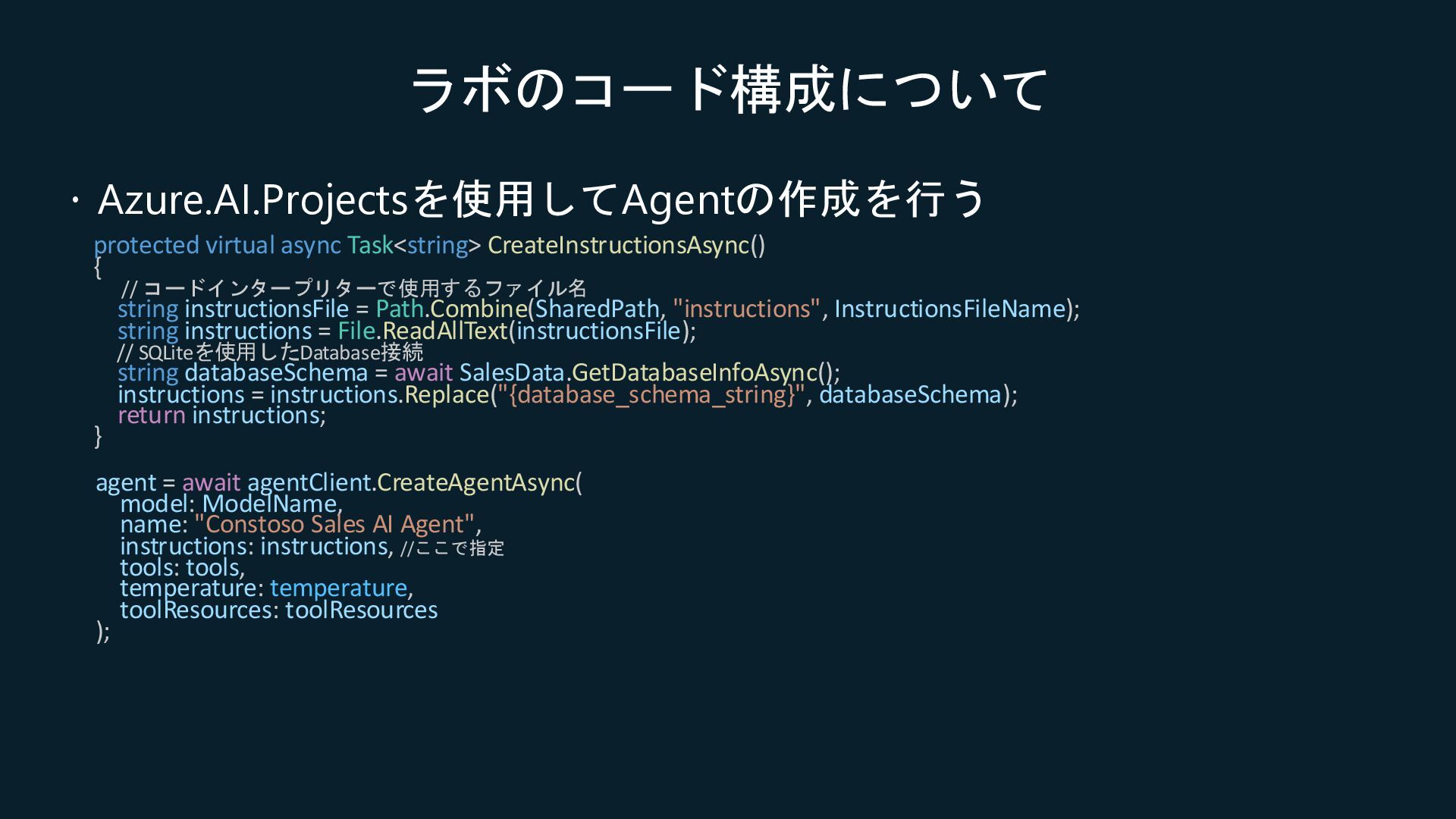
Azure.AI.Projectsを使用してAgentの作成を行う ラボのコード構成について protected virtual async Task<string> CreateInstructionsAsync() { //
コードインタープリターで使用するファイル名 string instructionsFile = Path.Combine(SharedPath, "instructions", InstructionsFileName); string instructions = File.ReadAllText(instructionsFile); // SQLiteを使用したDatabase接続 string databaseSchema = await SalesData.GetDatabaseInfoAsync(); instructions = instructions.Replace("{database_schema_string}", databaseSchema); return instructions; } agent = await agentClient.CreateAgentAsync( model: ModelName, name: "Constoso Sales AI Agent", instructions: instructions, //ここで指定 tools: tools, temperature: temperature, toolResources: toolResources ); -
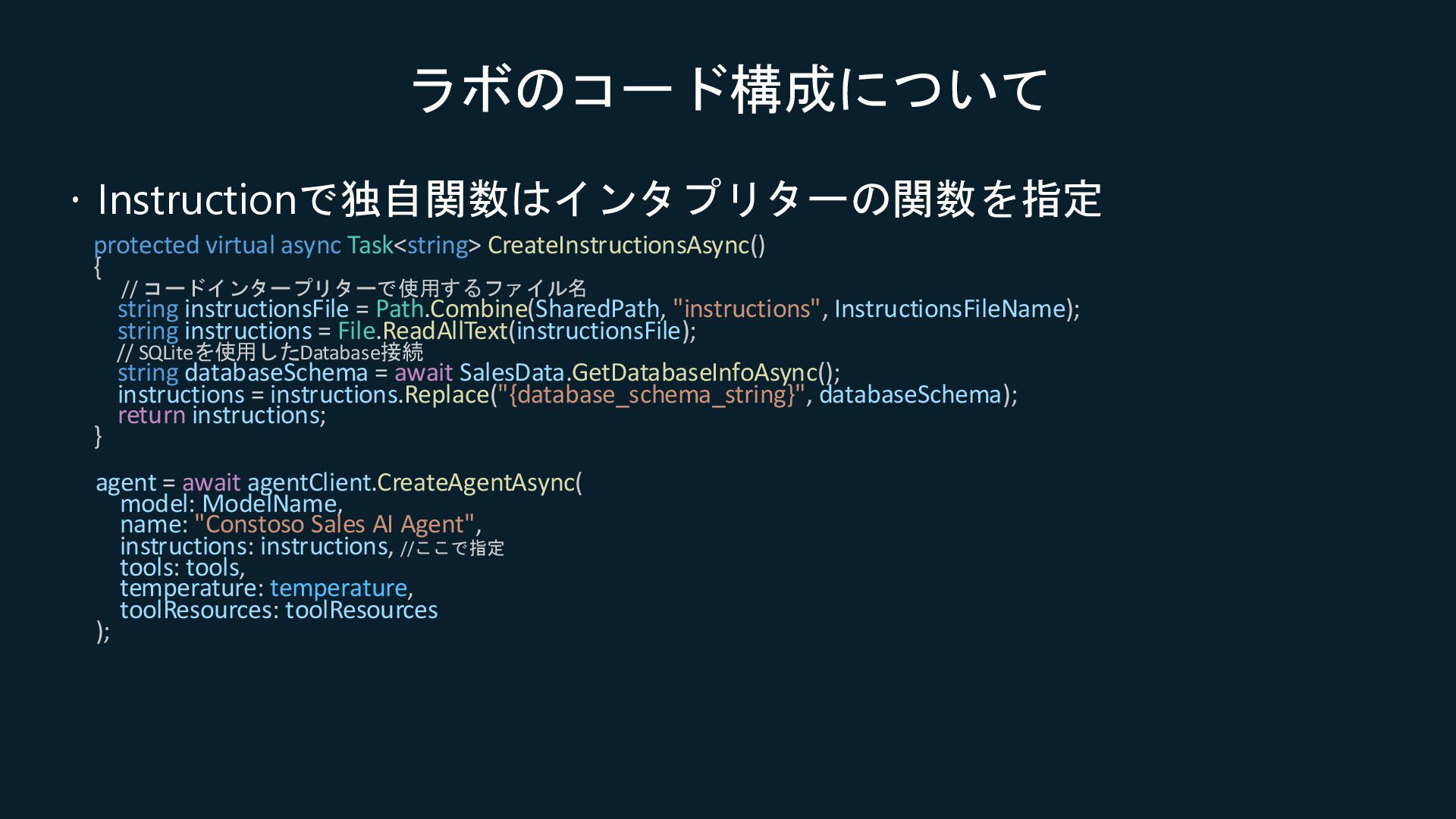
Instructionで独自関数はインタプリターの関数を指定 ラボのコード構成について protected virtual async Task<string> CreateInstructionsAsync() { //
コードインタープリターで使用するファイル名 string instructionsFile = Path.Combine(SharedPath, "instructions", InstructionsFileName); string instructions = File.ReadAllText(instructionsFile); // SQLiteを使用したDatabase接続 string databaseSchema = await SalesData.GetDatabaseInfoAsync(); instructions = instructions.Replace("{database_schema_string}", databaseSchema); return instructions; } agent = await agentClient.CreateAgentAsync( model: ModelName, name: "Constoso Sales AI Agent", instructions: instructions, //ここで指定 tools: tools, temperature: temperature, toolResources: toolResources ); -
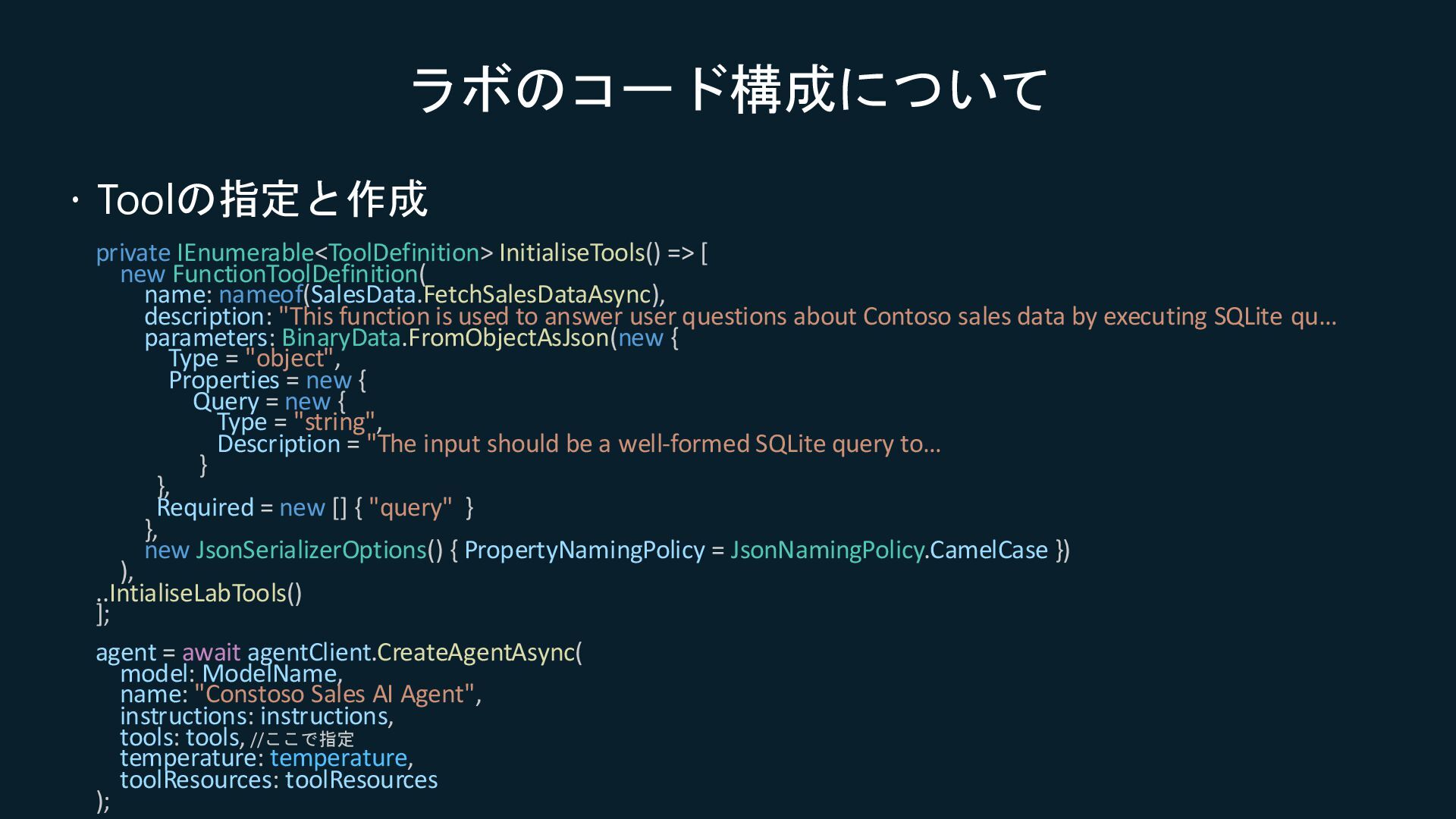
Toolの指定と作成 ラボのコード構成について agent = await agentClient.CreateAgentAsync( model: ModelName, name:
"Constoso Sales AI Agent", instructions: instructions, tools: tools, //ここで指定 temperature: temperature, toolResources: toolResources ); private IEnumerable<ToolDefinition> InitialiseTools() => [ new FunctionToolDefinition( name: nameof(SalesData.FetchSalesDataAsync), description: "This function is used to answer user questions about Contoso sales data by executing SQLite qu… parameters: BinaryData.FromObjectAsJson(new { Type = "object", Properties = new { Query = new { Type = "string", Description = "The input should be a well-formed SQLite query to… } }, Required = new [] { "query" } }, new JsonSerializerOptions() { PropertyNamingPolicy = JsonNamingPolicy.CamelCase }) ), ..IntialiseLabTools() ]; -
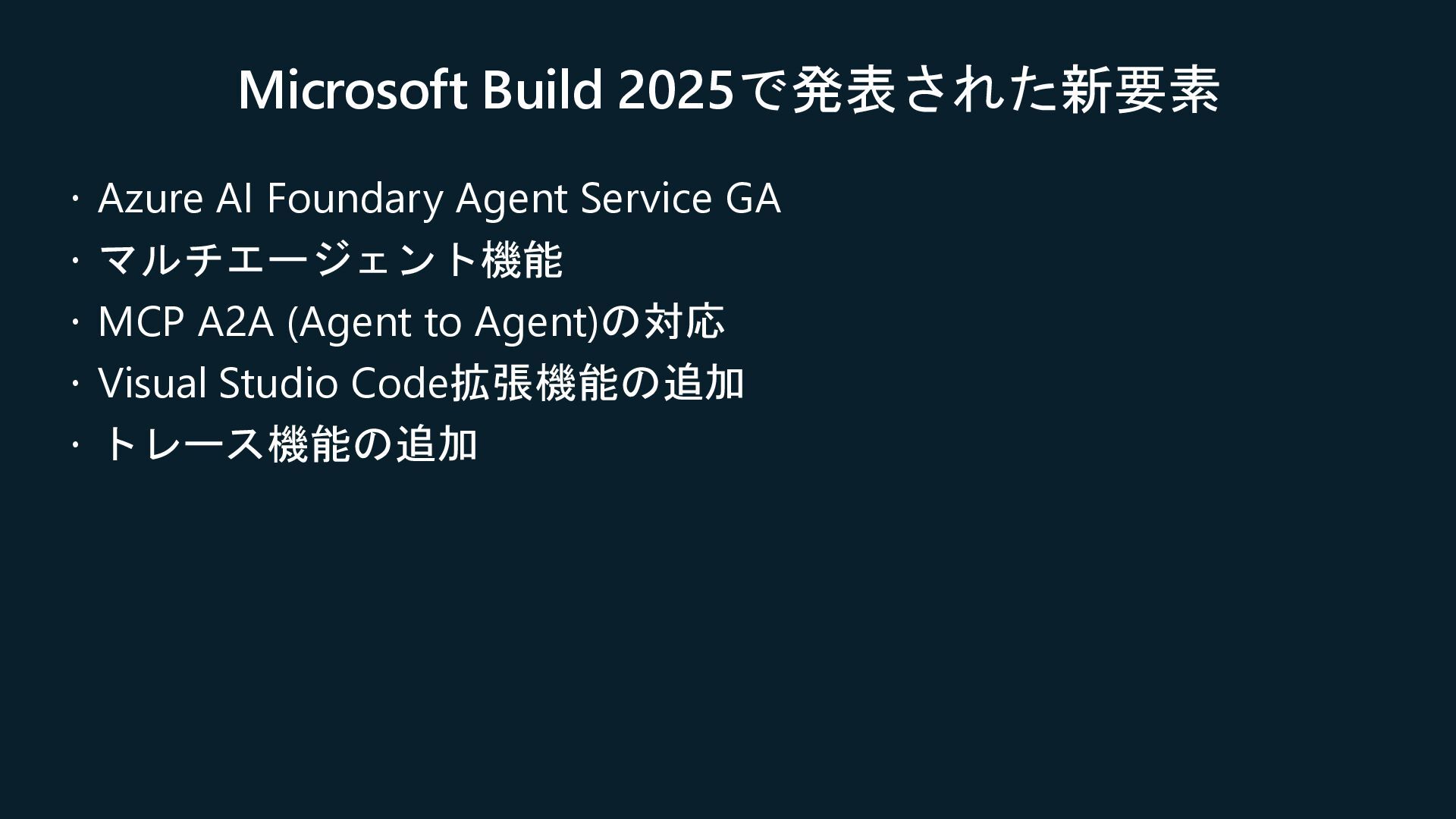
Azure AI Foundary Agent Service GA マルチエージェント機能
MCP A2A (Agent to Agent)の対応 Visual Studio Code拡張機能の追加 トレース機能の追加 Microsoft Build 2025で発表された新要素 -
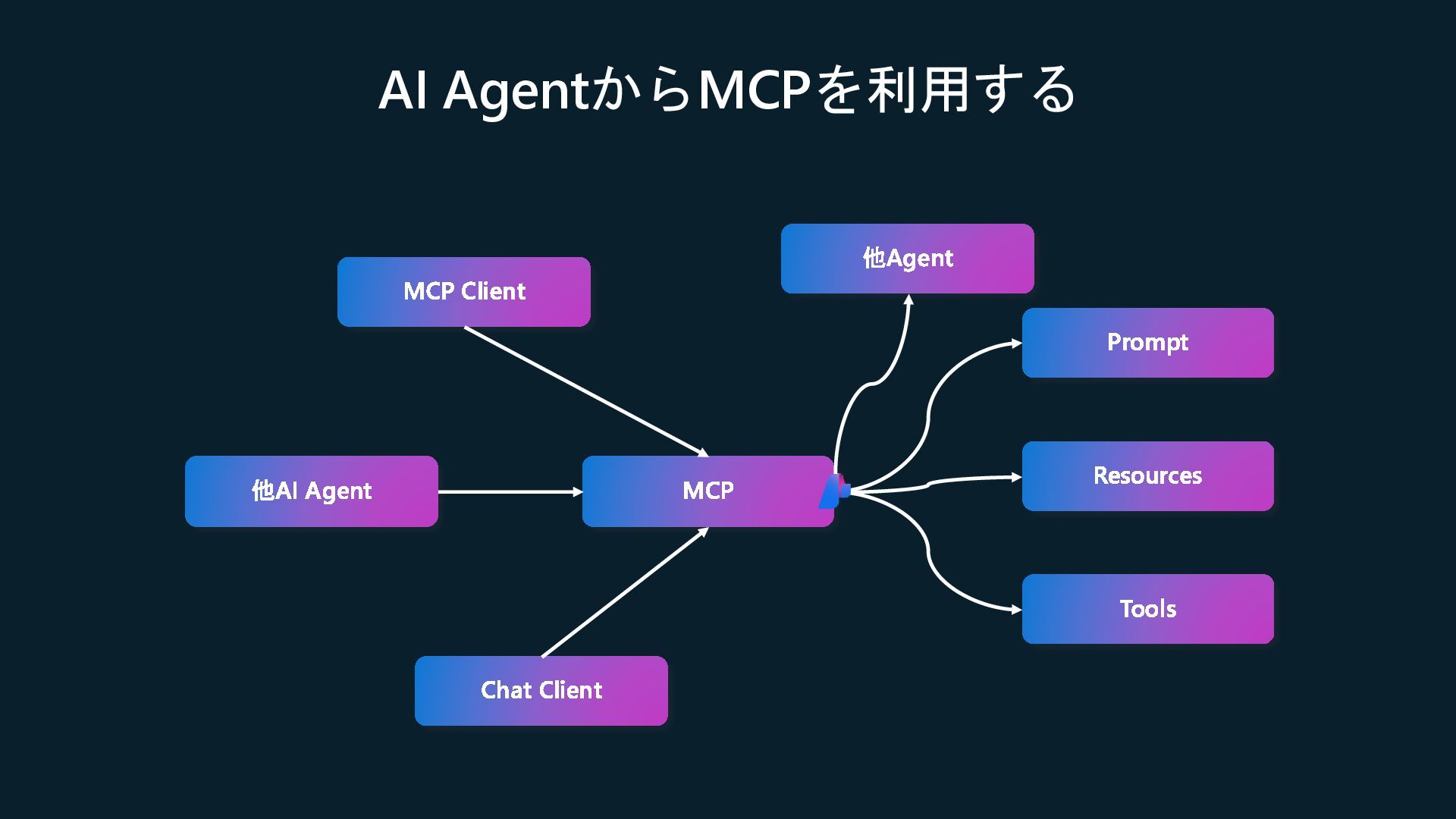
AI AgentからMCPを利用する 他AI Agent Prompt Resources Tools MCP MCP Client
Chat Client 他Agent -
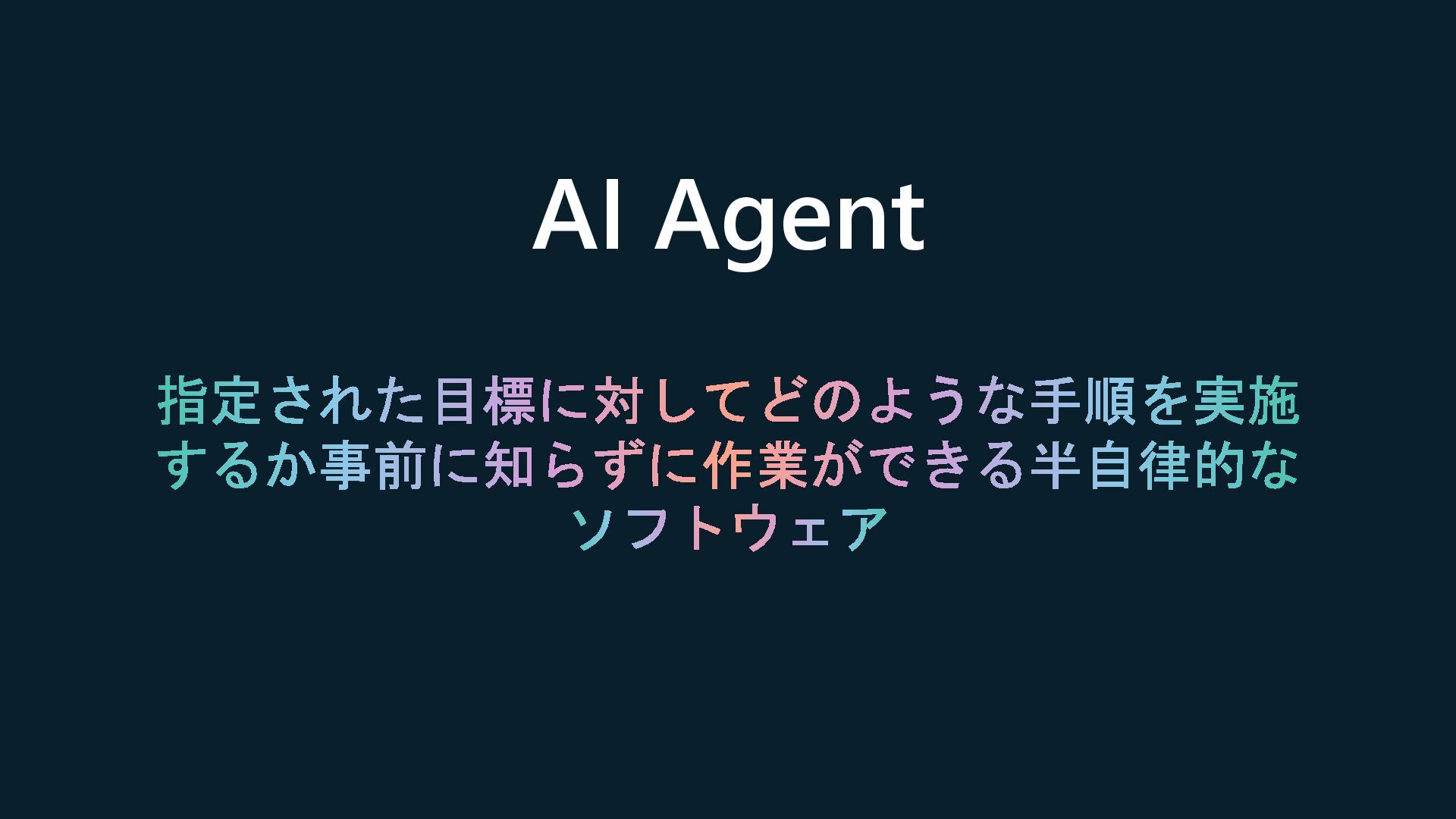
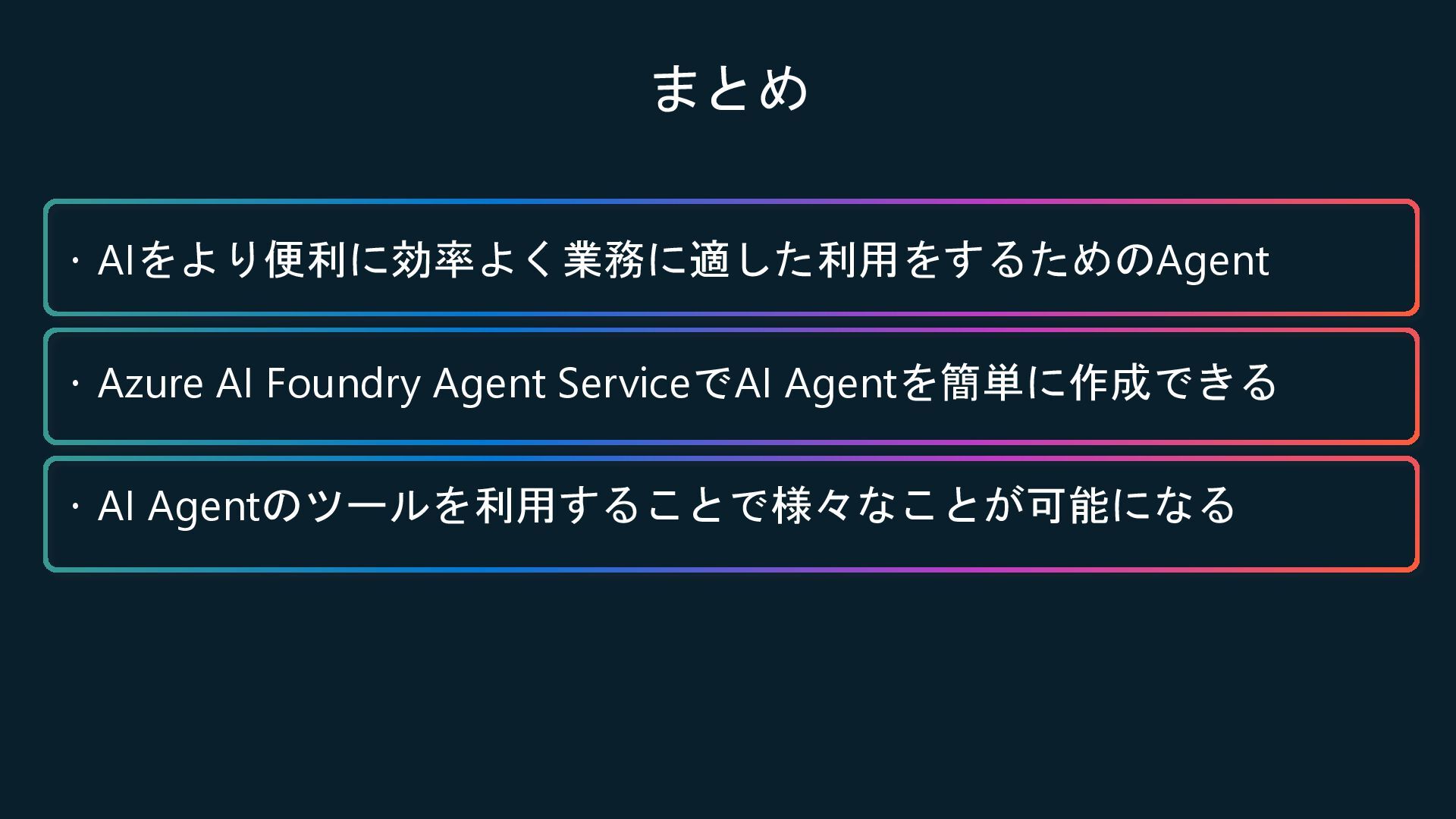
まとめ AIをより便利に効率よく業務に適した利用をするためのAgent Azure AI Foundry Agent ServiceでAI Agentを簡単に作成できる
AI Agentのツールを利用することで様々なことが可能になる