Upgrade to Pro — share decks privately, control downloads, hide ads and more …

ReactMeetup.pdf

Sponsored · SiteGround - Reliable hosting with speed, security, and support you can count on.

 ReactMeetup.pdf

Avatar for Taariq Isaacs

Taariq Isaacs

March 02, 2016
Tweet

Other Decks in Programming

Transcript

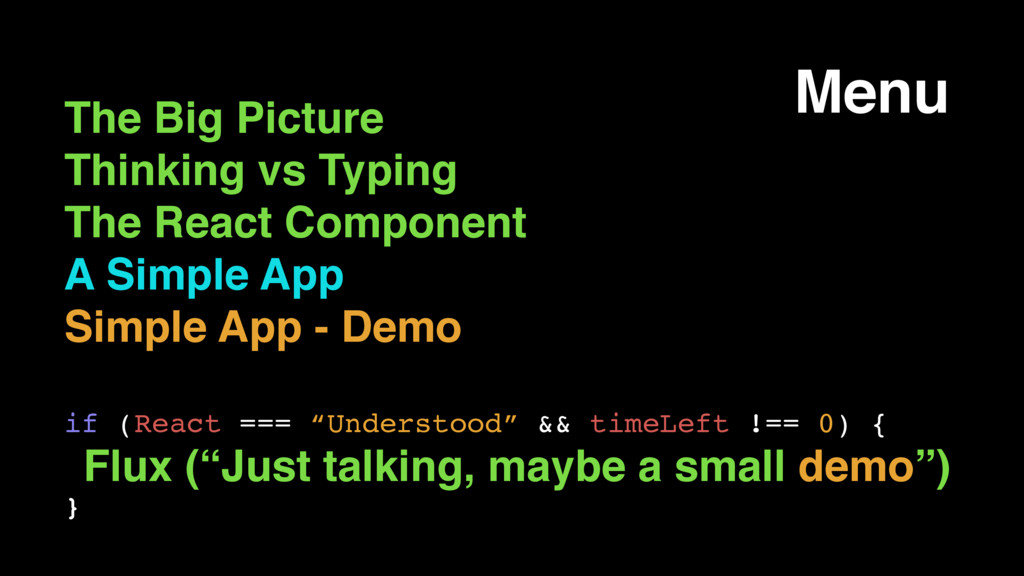
  1. The Big Picture Thinking vs Typing The React Component A

    Simple App Simple App - Demo if (React === “Understood” && timeLeft !== 0) { Flux (“Just talking, maybe a small demo”) } Menu
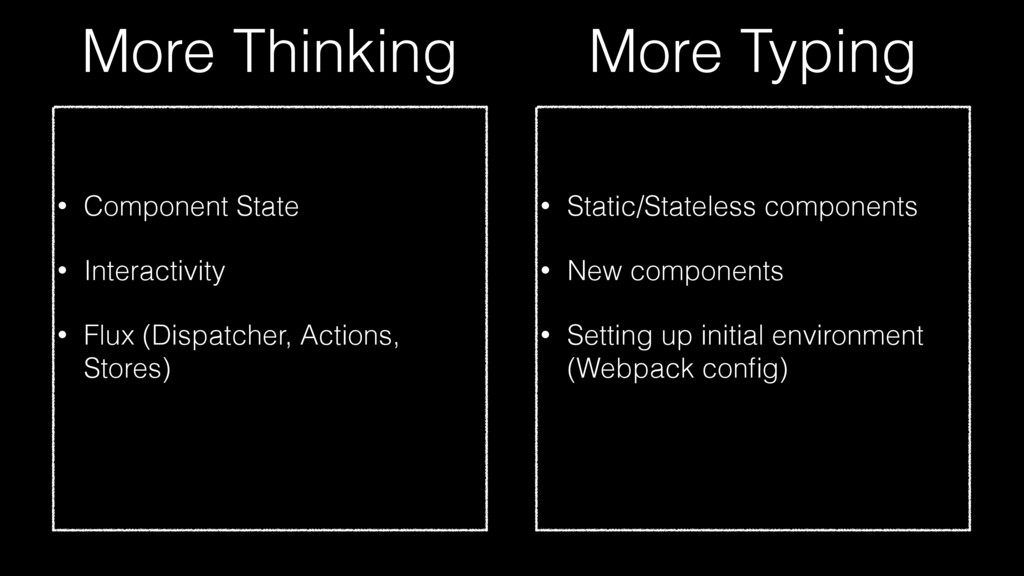
  2. More Thinking • Component State • Interactivity • Flux (Dispatcher,

    Actions, Stores) • Static/Stateless components • New components • Setting up initial environment (Webpack config) More Typing
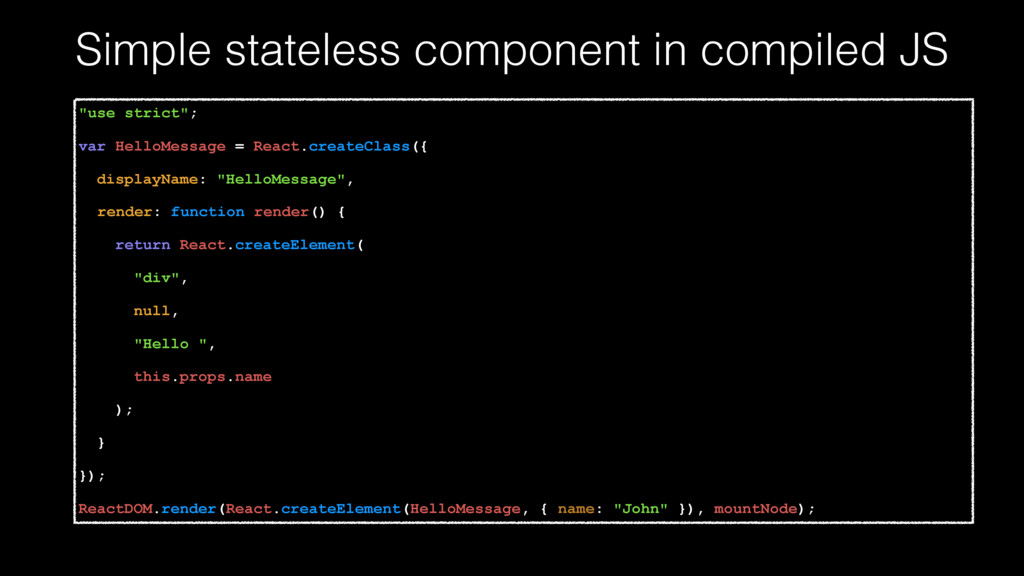
  3. Simple stateless component in compiled JS "use strict"; var HelloMessage

    = React.createClass({ displayName: "HelloMessage", render: function render() { return React.createElement( "div", null, "Hello ", this.props.name ); } }); ReactDOM.render(React.createElement(HelloMessage, { name: "John" }), mountNode);
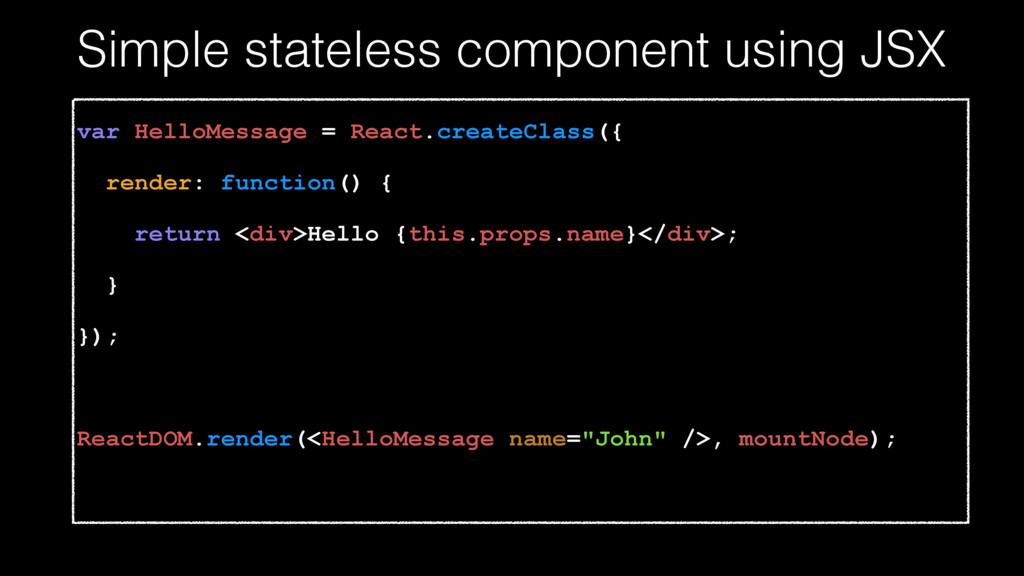
  4. Simple stateless component using JSX var HelloMessage = React.createClass({ render:

    function() { return <div>Hello {this.props.name}</div>; } }); ReactDOM.render(<HelloMessage name="John" />, mountNode);
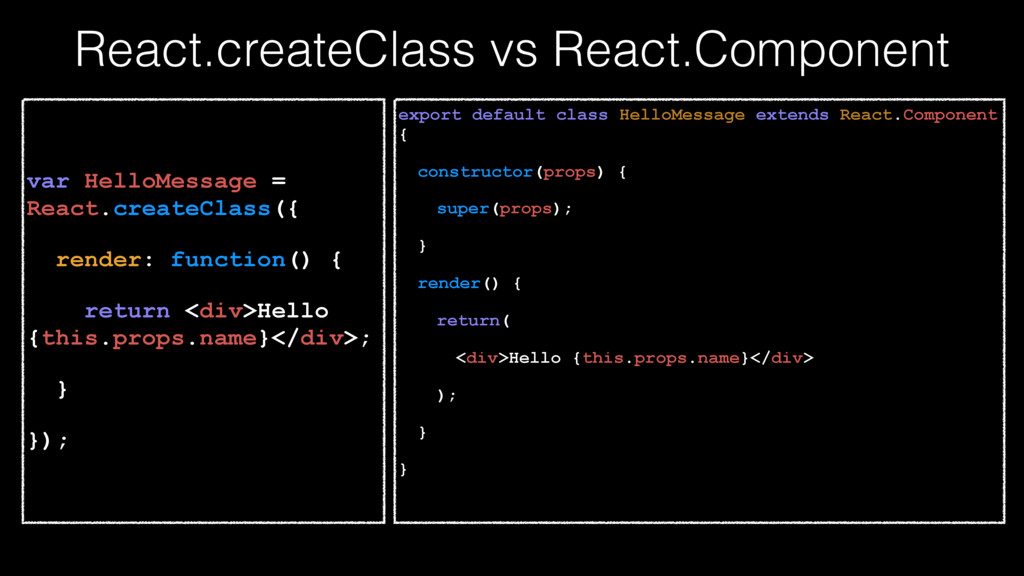
  5. React.createClass vs React.Component var HelloMessage = React.createClass({ render: function() {

    return <div>Hello {this.props.name}</div>; } }); export default class HelloMessage extends React.Component { constructor(props) { super(props); } render() { return( <div>Hello {this.props.name}</div> ); } }
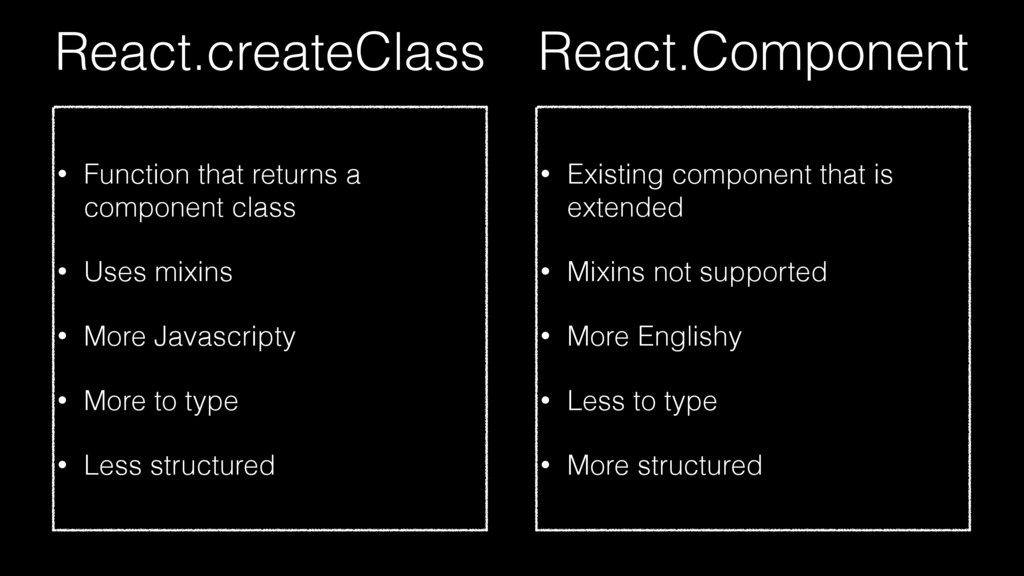
  6. React.createClass • Function that returns a component class • Uses

    mixins • More Javascripty • More to type • Less structured • Existing component that is extended • Mixins not supported • More Englishy • Less to type • More structured React.Component
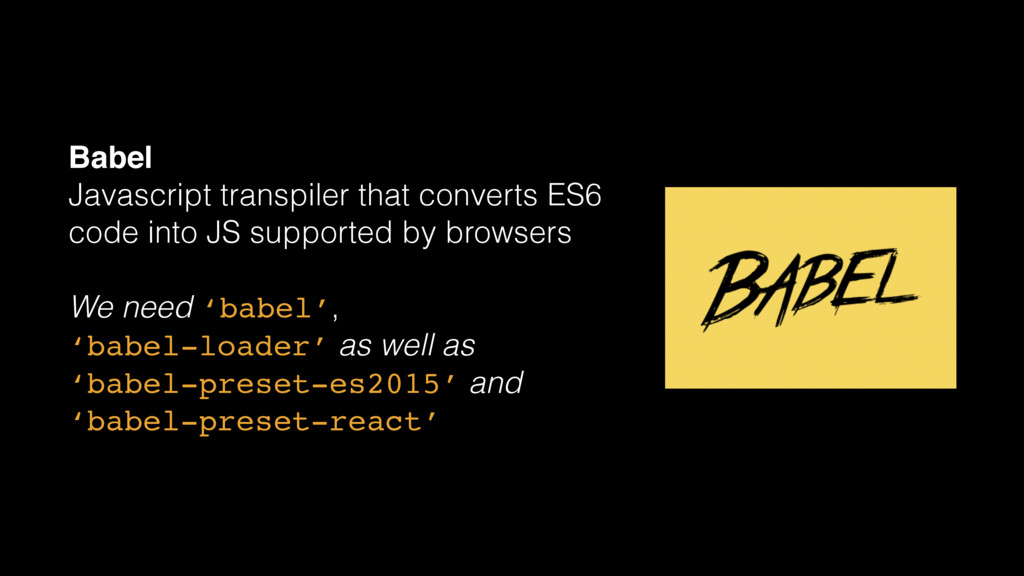
  7. Babel Javascript transpiler that converts ES6 code into JS supported

    by browsers We need ‘babel’, ‘babel-loader’ as well as ‘babel-preset-es2015’ and ‘babel-preset-react’
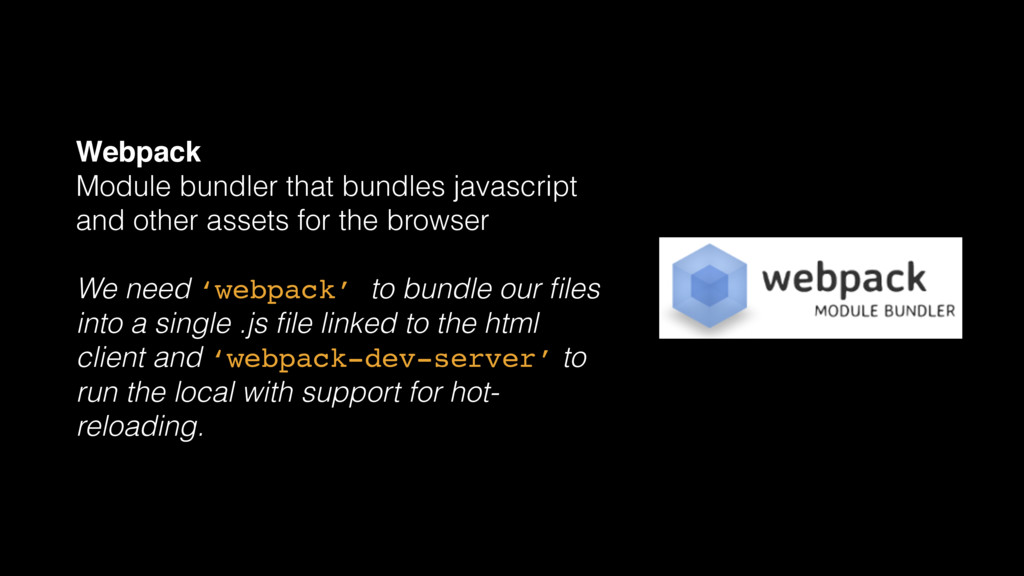
  8. Webpack Module bundler that bundles javascript and other assets for

    the browser We need ‘webpack’ to bundle our files into a single .js file linked to the html client and ‘webpack-dev-server’ to run the local with support for hot- reloading.
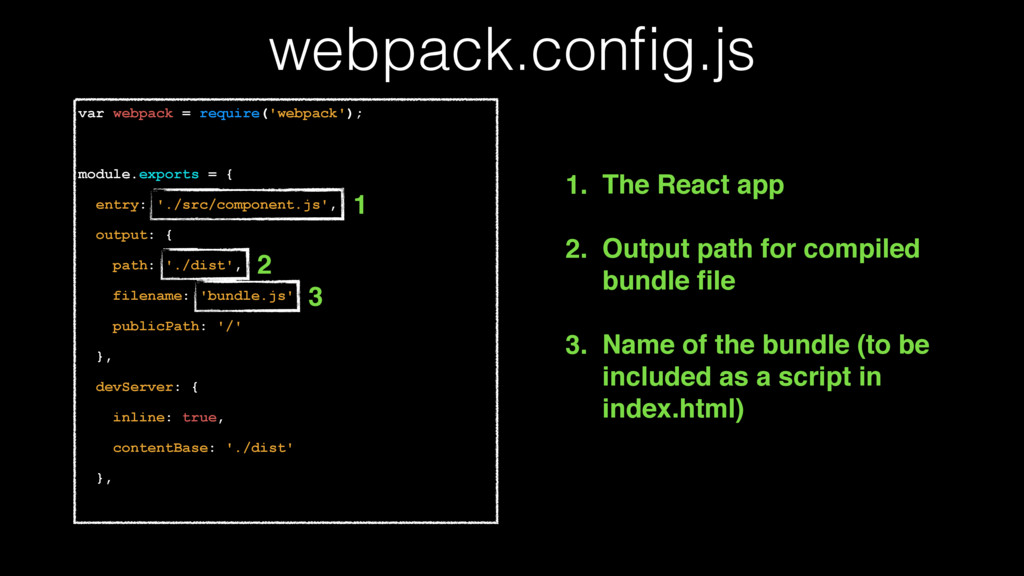
  9. var webpack = require('webpack'); module.exports = { entry: './src/component.js', output:

    { path: './dist', filename: 'bundle.js', publicPath: '/' }, devServer: { inline: true, contentBase: './dist' }, webpack.config.js 1 2 3 1. The React app 2. Output path for compiled bundle file 3. Name of the bundle (to be included as a script in index.html)
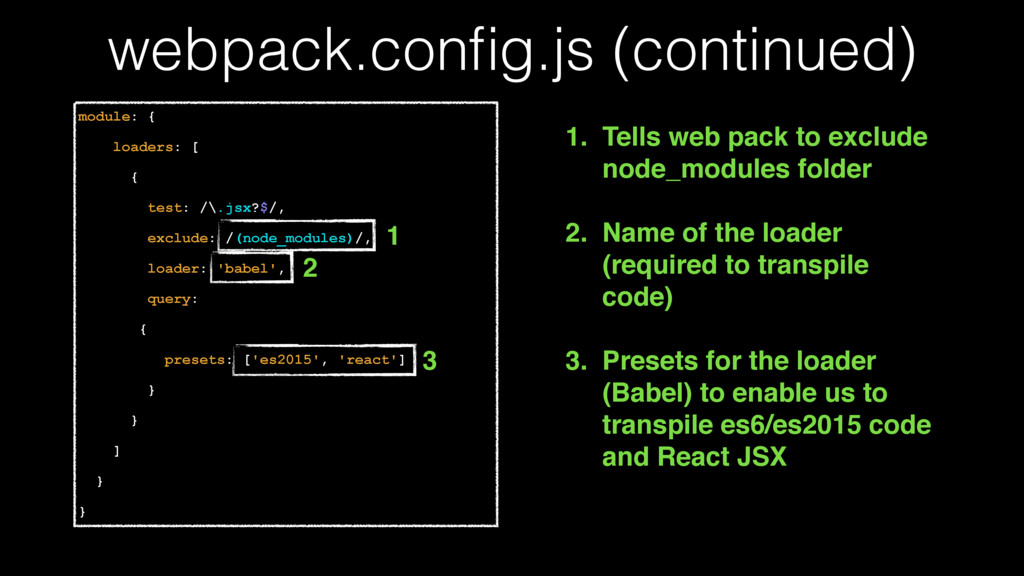
  10. webpack.config.js (continued) module: { loaders: [ { test: /\.jsx?$/, exclude:

    /(node_modules)/, loader: 'babel', query: { presets: ['es2015', 'react'] } } ] } } 1 2 3 1. Tells web pack to exclude node_modules folder 2. Name of the loader (required to transpile code) 3. Presets for the loader (Babel) to enable us to transpile es6/es2015 code and React JSX
  11. index.html <!DOCTYPE HTML> <html> <head> <title>Hello React!</title> </head> <body> <div

    id='main'></div> <script src="/bundle.js"></script> </body> </html> 1 2 1. Main element where React app will be rendered 2. Link to bundle script (compiled by webpack)
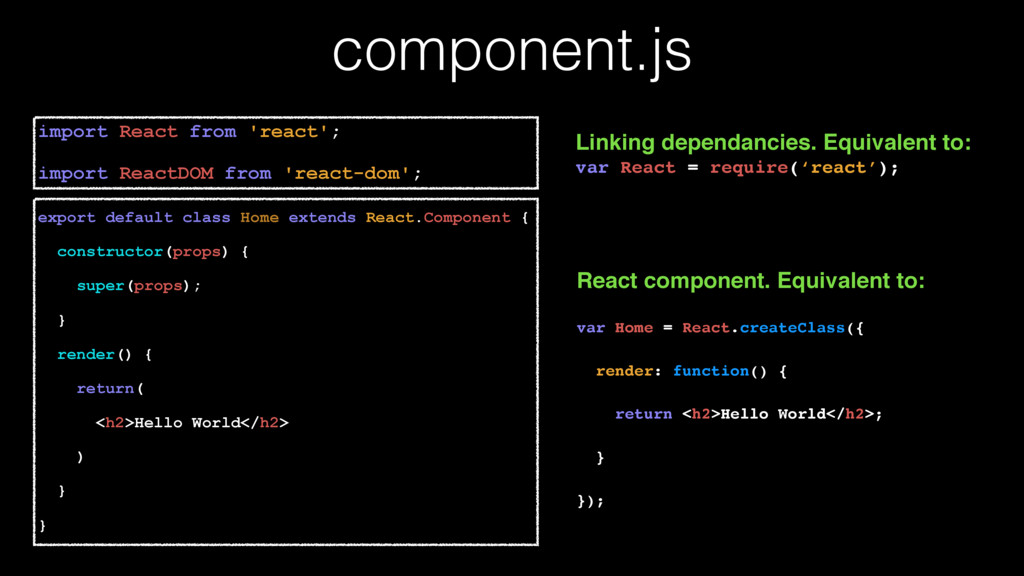
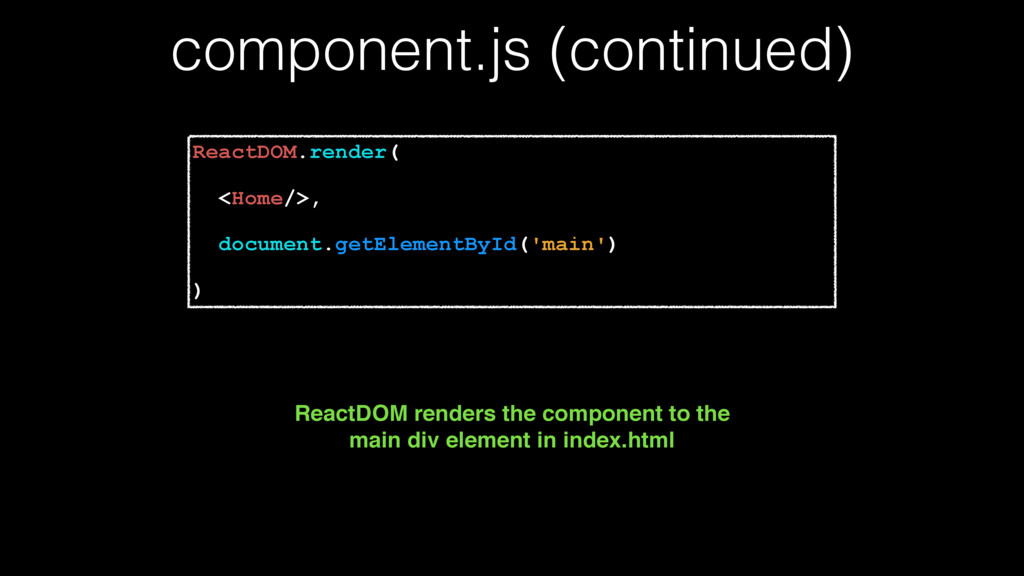
  12. component.js export default class Home extends React.Component { constructor(props) {

    super(props); } render() { return( <h2>Hello World</h2> ) } } import React from 'react'; import ReactDOM from 'react-dom'; Linking dependancies. Equivalent to: var React = require(‘react’); React component. Equivalent to: var Home = React.createClass({ render: function() { return <h2>Hello World</h2>; } });