Share
Embed
Transcript
24 slides
-
Internationalization (i18n) ➡ Make an application language agnostic “Internationalization is
the process of designing a software application so that it can be adapted to various languages and regions without engineering changes. “ Wikipedia -
Localization (L10n) ➡ Adapting an application for a specific language
(aka locale) “Localization is the process of adapting internationalized software for a specific region or language by adding locale- specific components and translating text. “ Wikipedia -
It is is not only about language translation • Number
format • Date/Time • Sort orders • Units and conversion • Currency • Paper size -
Pre-requisites Install gettext ➡ On Mac using homebrew $ brew
install gettext $ brew link gettext --force -
# Internationalization # https://docs.djangoproject.com/en/1.7/topics/i18n/ LANGUAGE_CODE = 'en-us' USE_I18N = True
USE_L10N = True tsans/settings.py -
MIDDLEWARE_CLASSES = ( 'django.middleware.locale.LocaleMiddleware', 'django.middleware.common.CommonMiddleware', 'django.contrib.sessions.middleware.SessionMiddleware', 'django.middleware.csrf.CsrfViewMiddleware', 'django.contrib.auth.middleware.AuthenticationMiddleware', 'django.contrib.messages.middleware.MessageMiddleware', )
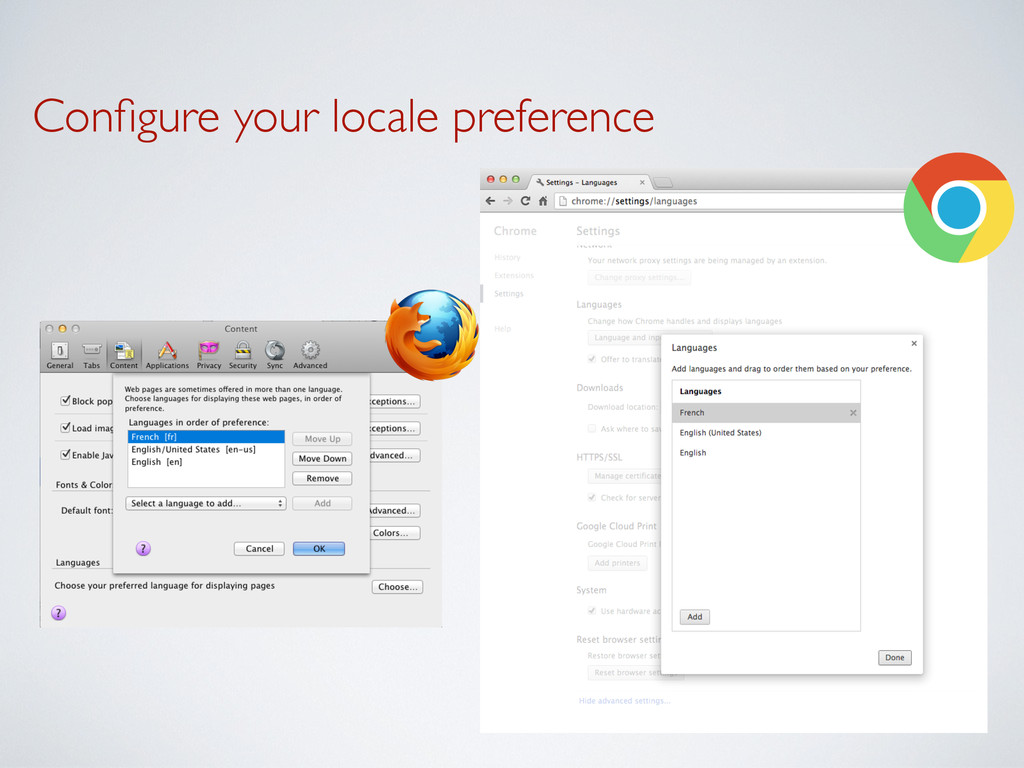
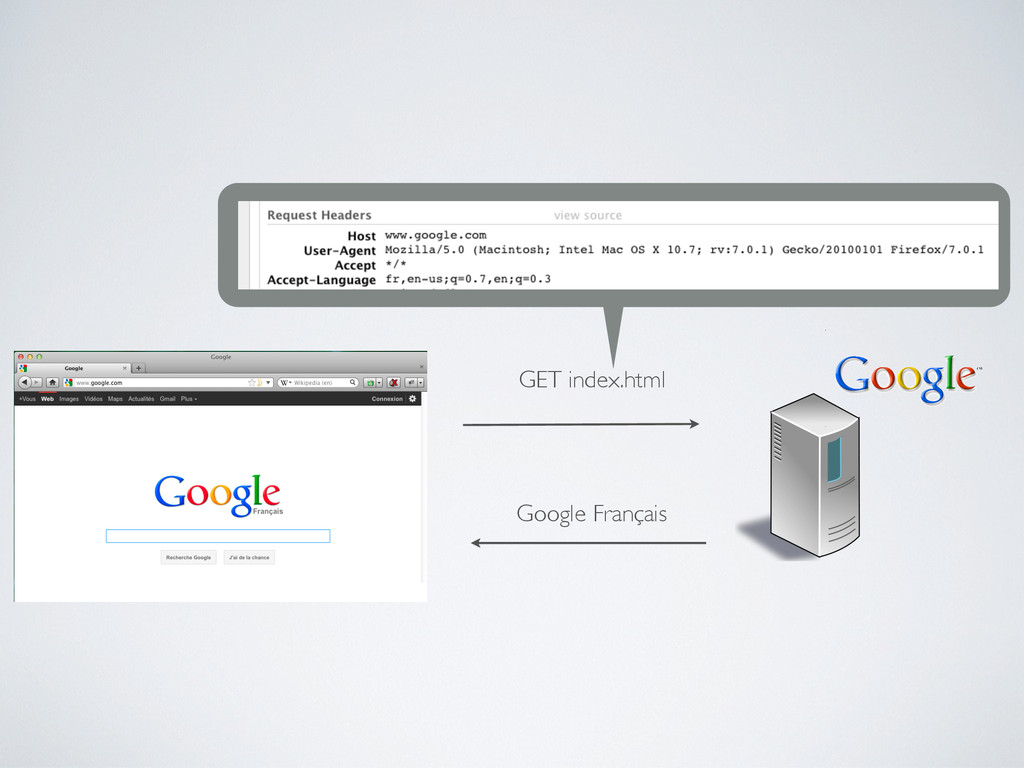
tsans/settings.py Detects your locale from the HTTP request -
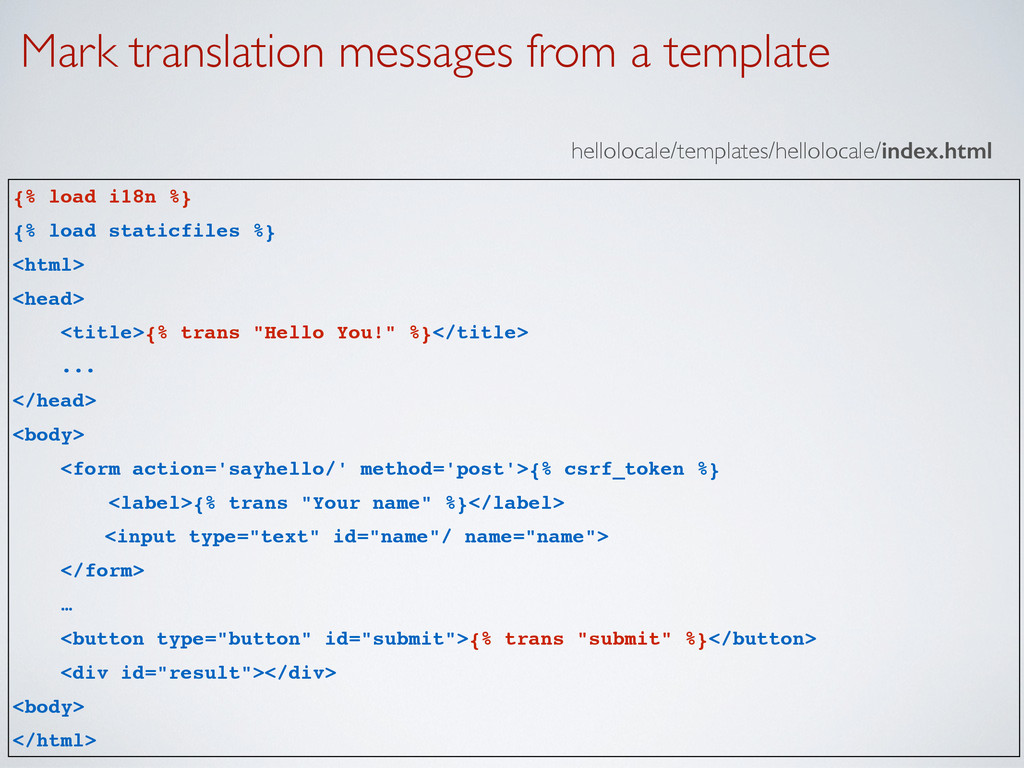
Mark translation messages from a template hellolocale/templates/hellolocale/index.html {% load i18n
%} {% load staticfiles %} <html> <head> <title>{% trans "Hello You!" %}</title> ... </head> <body> <form action='sayhello/' method='post'>{% csrf_token %} <label>{% trans "Your name" %}</label> <input type="text" id="name"/ name="name"> </form> … <button type="button" id="submit">{% trans "submit" %}</button> <div id="result"></div> <body> </html> -
Mark translation messages from views.py from django.utils.translation import ugettext as
_ def sayHello(request): name = request.POST['name'] output = _('Hello %(name)s!') % {'name' : name} return HttpResponse(strip_tags(output)) hellolocale/views.py -
Create a locale Create a locale directory in the app
➡ Generates a .po file for the locale fr locale/fr/LC_MESSAGES/django.po $ cd hellolocale $ mkdir locale $ django-admin.py makemessages -l fr The locale identifier -
Define the translations hellolocale/locale/fr/LC_MESSAGES/Django.po #: templates/hellolocale/index.html:5 msgid "Hello You!" msgstr
"Bonjour tout le monde!" #: templates/hellolocale/index.html:12 msgid "Your name" msgstr "Votre nom" #: templates/hellolocale/index.html:19 msgid "submit" msgstr "Envoyer" #: views.py:15 #, python-format msgid "Hello %(name)s!" msgstr "Bonjour %(name)s!" -
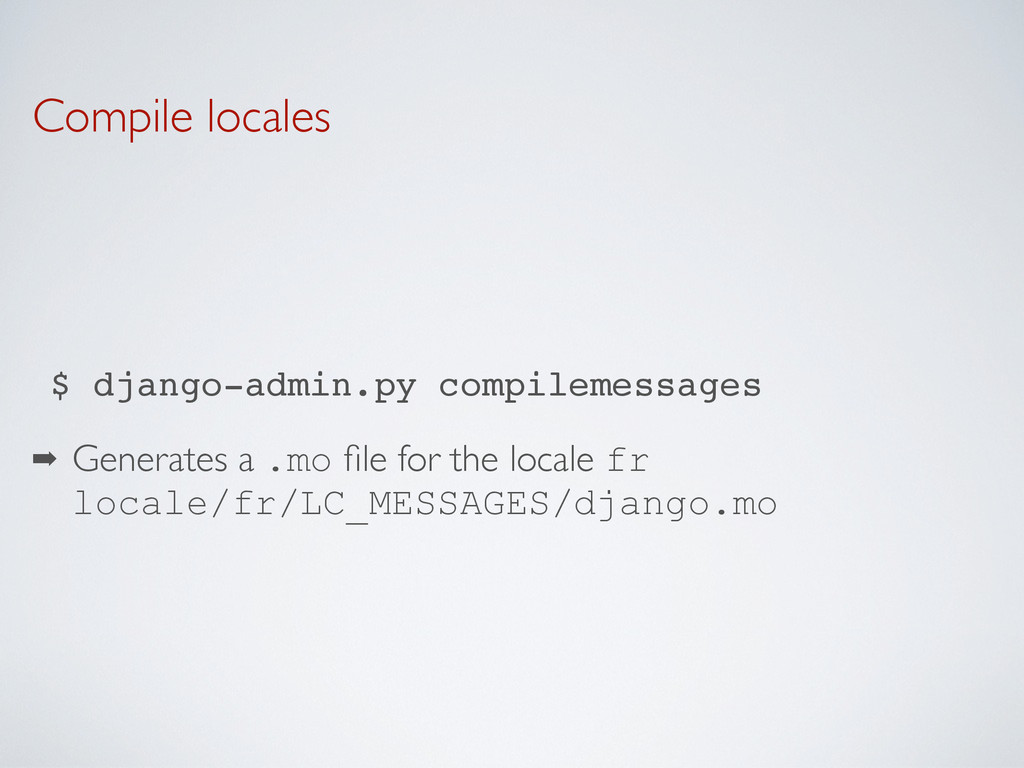
Compile locales ➡ Generates a .mo file for the locale
fr locale/fr/LC_MESSAGES/django.mo $ django-admin.py compilemessages -
Custom locale from django.utils.translation import ugettext as _ def sayHello(request):
language = 'en-us' translation.activate(language) name = request.POST['name'] output = _('Hello %(name)s!') % {'name' : name} return HttpResponse(strip_tags(output)) -
Idea • The language preference is stored in the user’s
profile • When the user is authenticated, store the language in a cookie or a session -
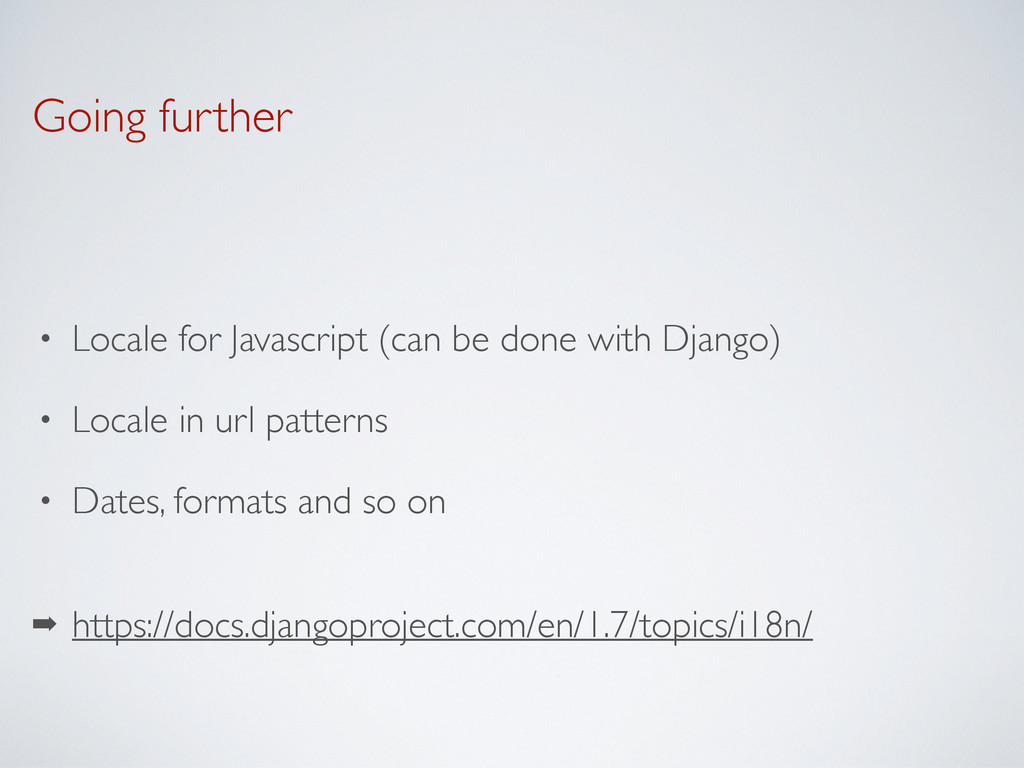
Going further • Locale for Javascript (can be done with
Django) • Locale in url patterns • Dates, formats and so on ➡ https://docs.djangoproject.com/en/1.7/topics/i18n/