Upgrade to Pro — share decks privately, control downloads, hide ads and more …

Speed up your CI/CD pipelines by caching build ...

Avatar for Thijs Feryn Thijs Feryn PRO
September 25, 2026

Speed up your CI/CD pipelines by caching build & runtime artifacts

Slides for my WeAreDevelopers World Congress North America 2026 presentation on how to accelerate CI/CD pipelines by caching your software artifacts.

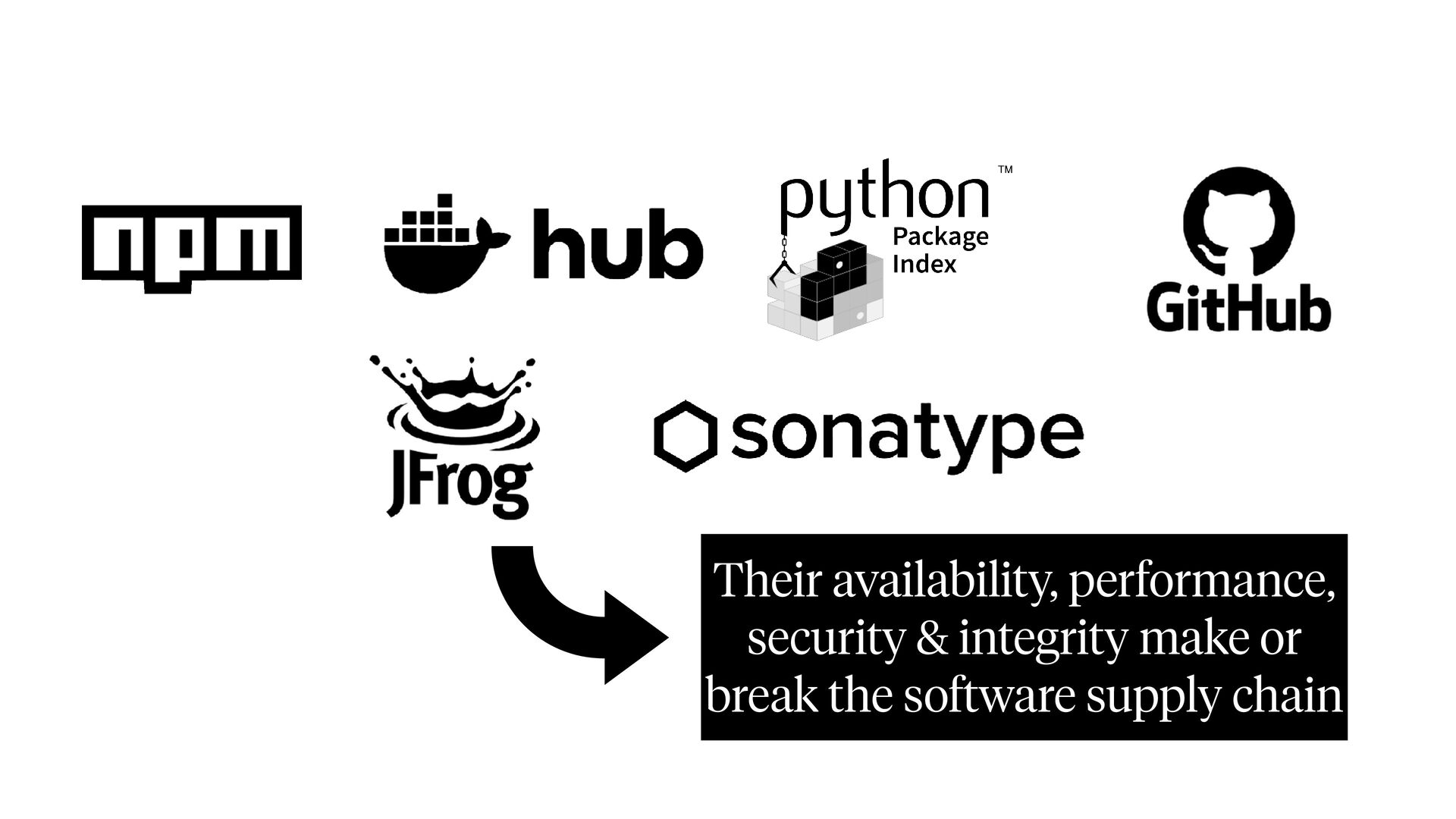
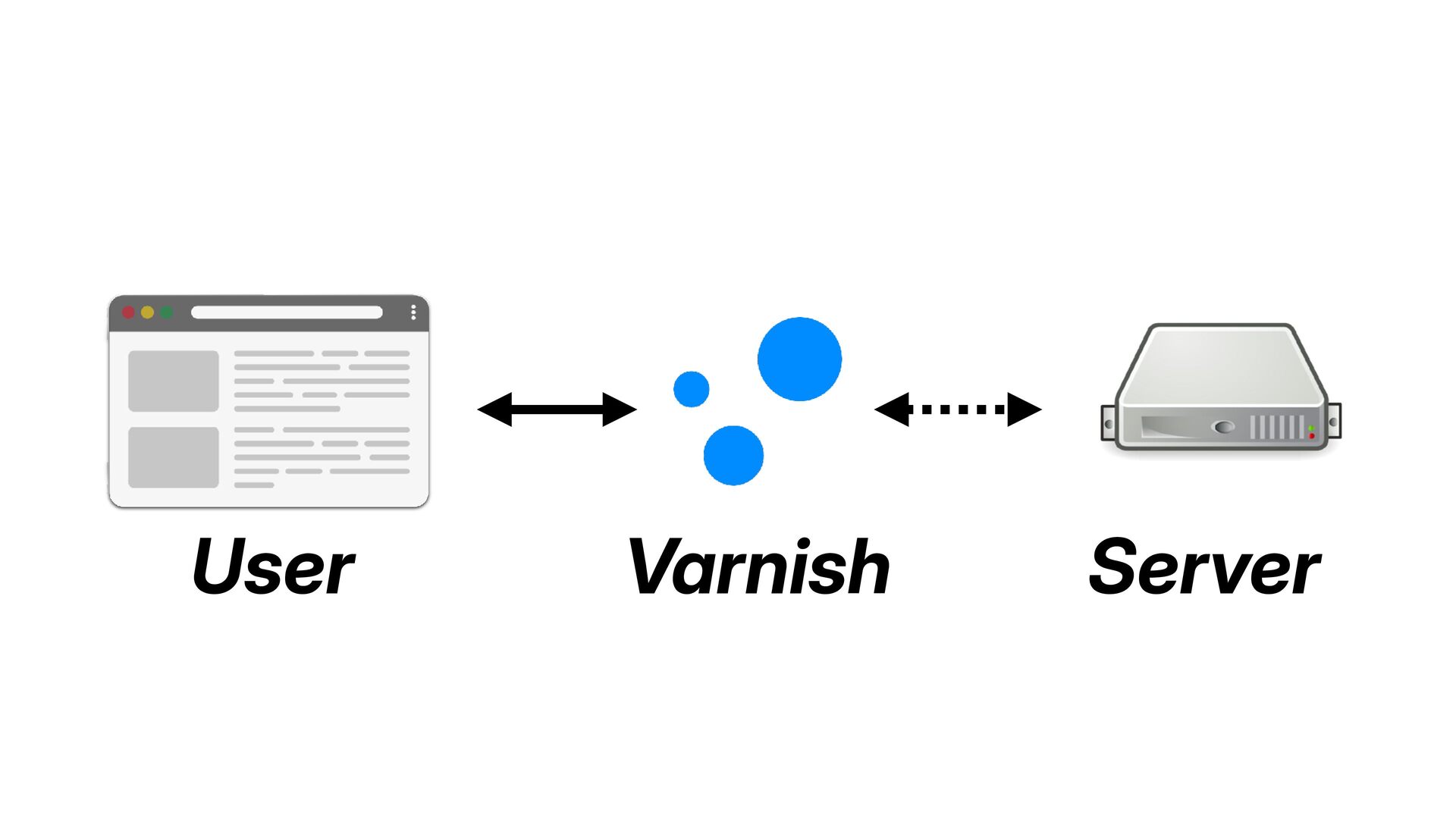
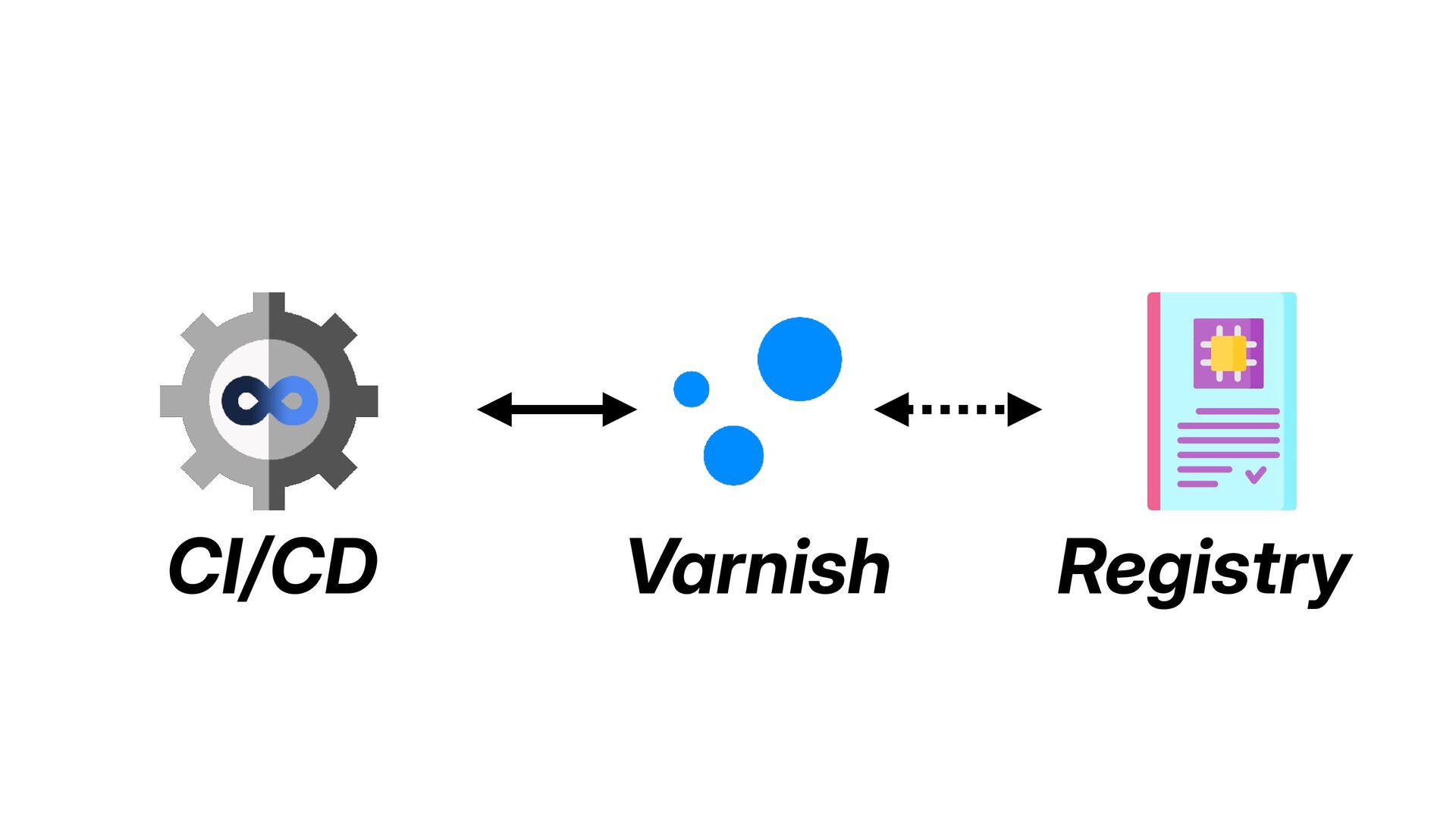
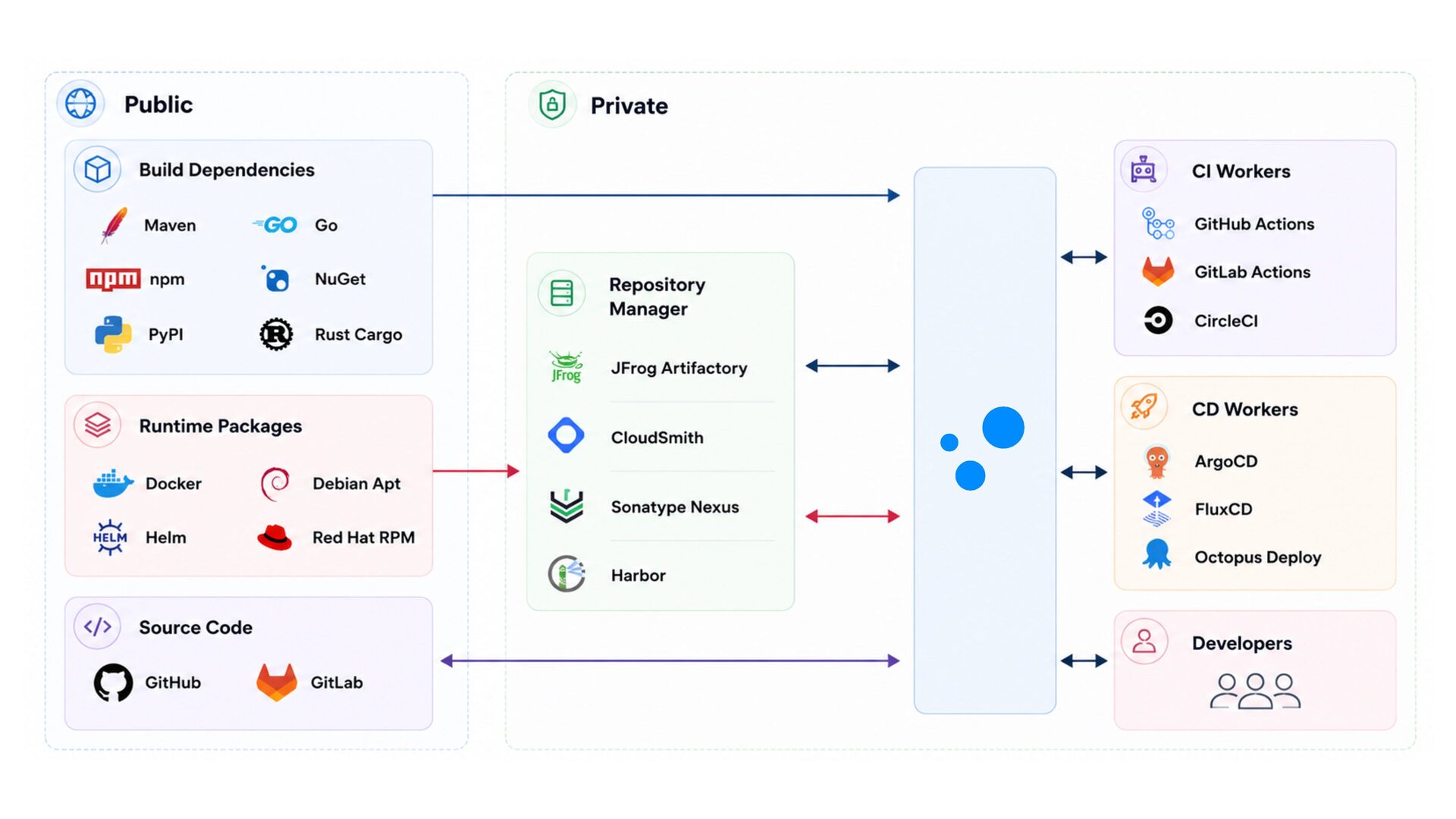
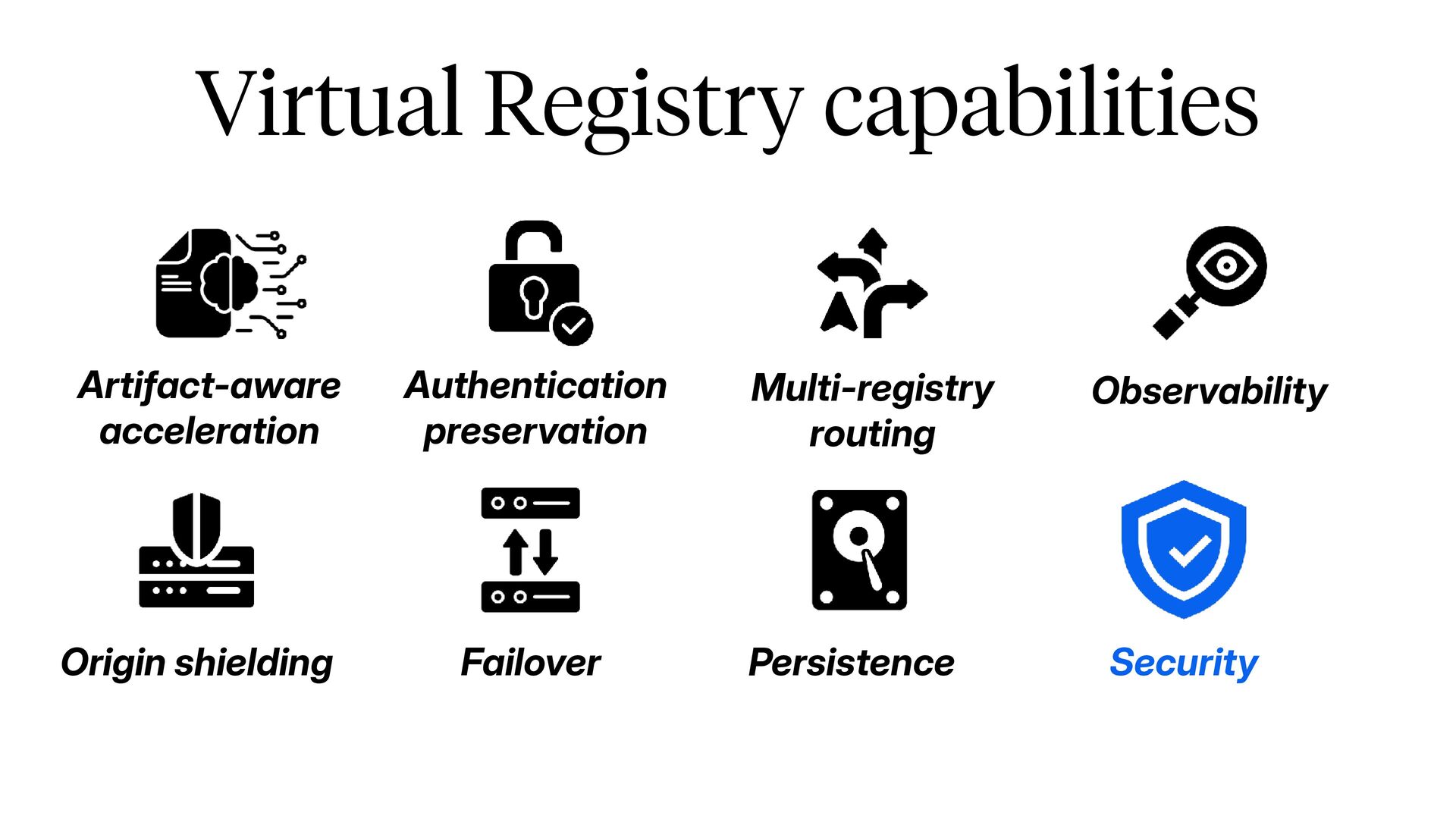
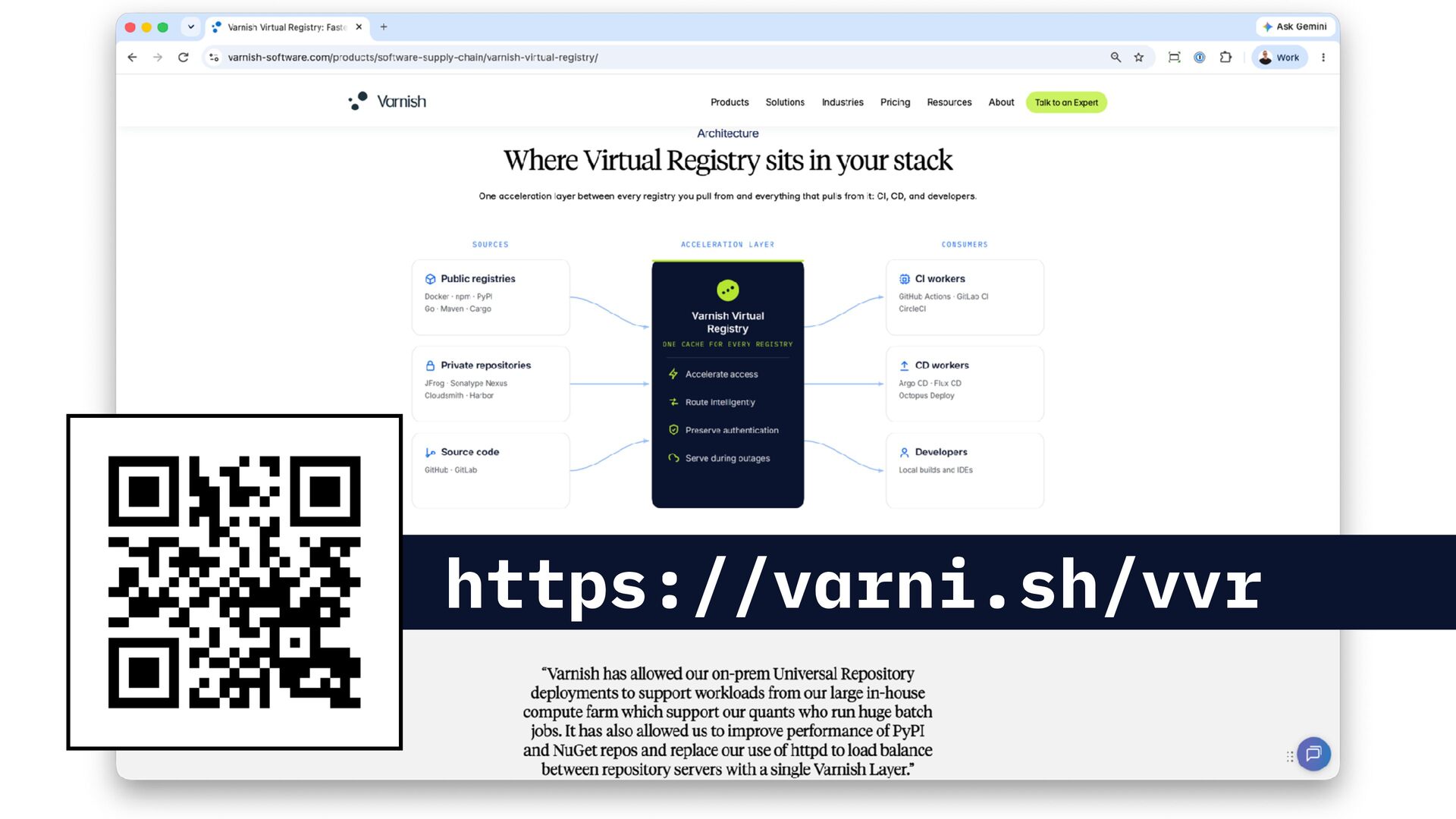
This presentation explains how a Virtual Registry with artifact caching capabilities can accelerate and offload pressure from your package registries. We cover package ecosystems like Docker, NPM, PyPi, and more.

See https://feryn.eu/presentations/speed-up-your-ci-cd-pipelines-by-caching-build-runtime-artifacts-wearedevelopers-world-congress-north-america-2026 for more information.

Avatar for Thijs Feryn

Thijs Feryn PRO

September 25, 2026

More Decks by Thijs Feryn

Other Decks in Technology

Transcript

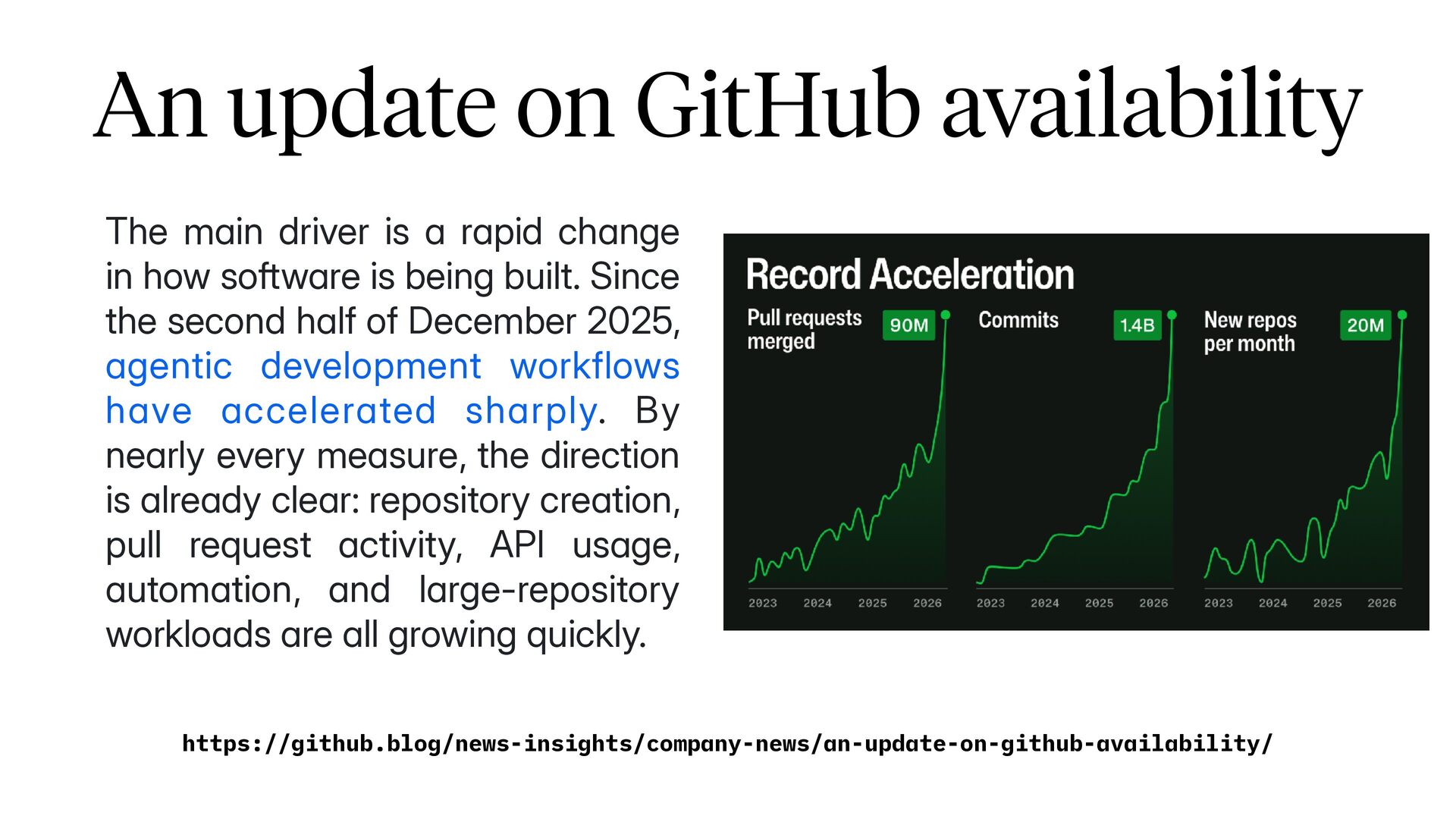
  1. An update on GitHub availability The main driver is a

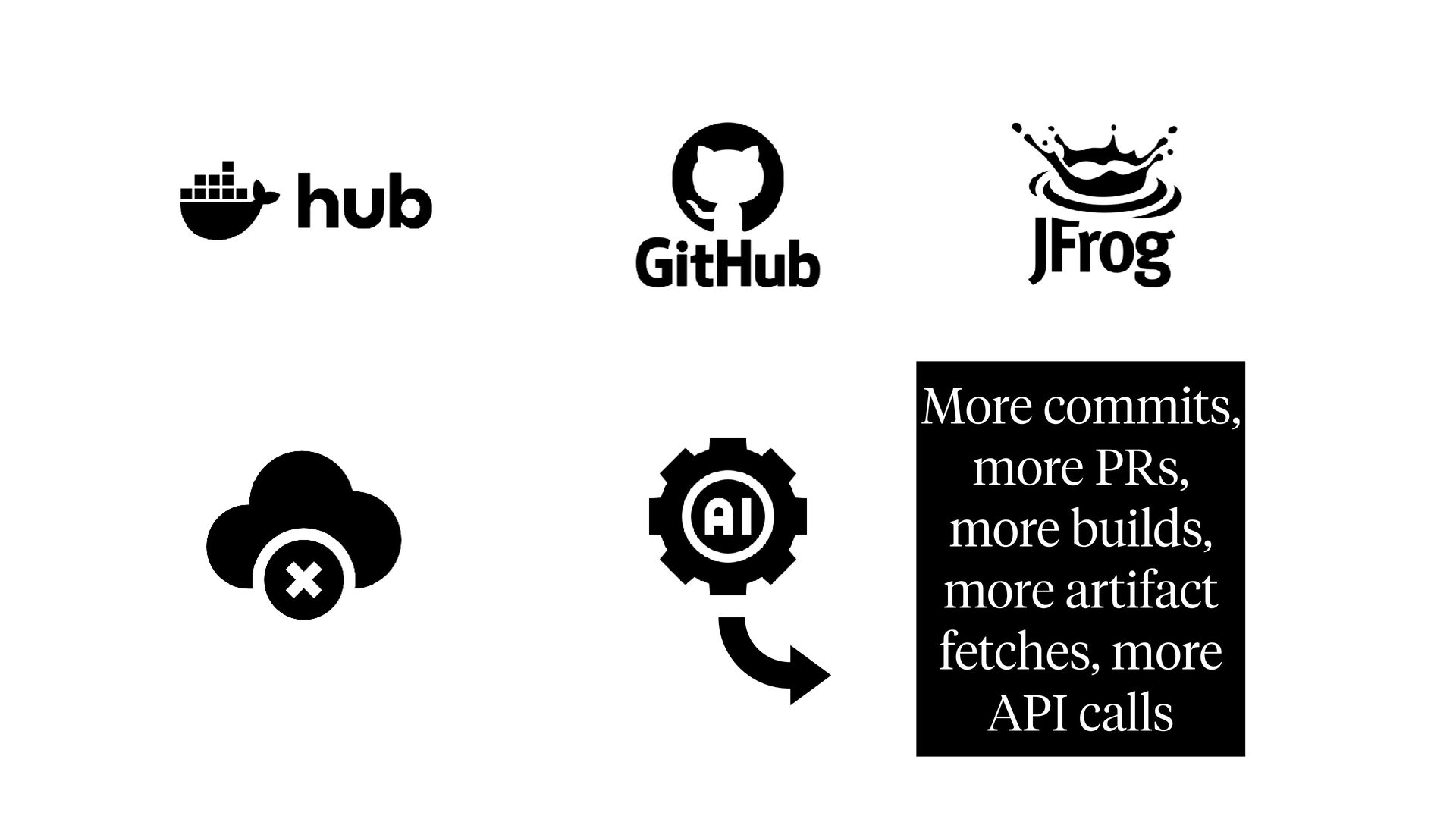
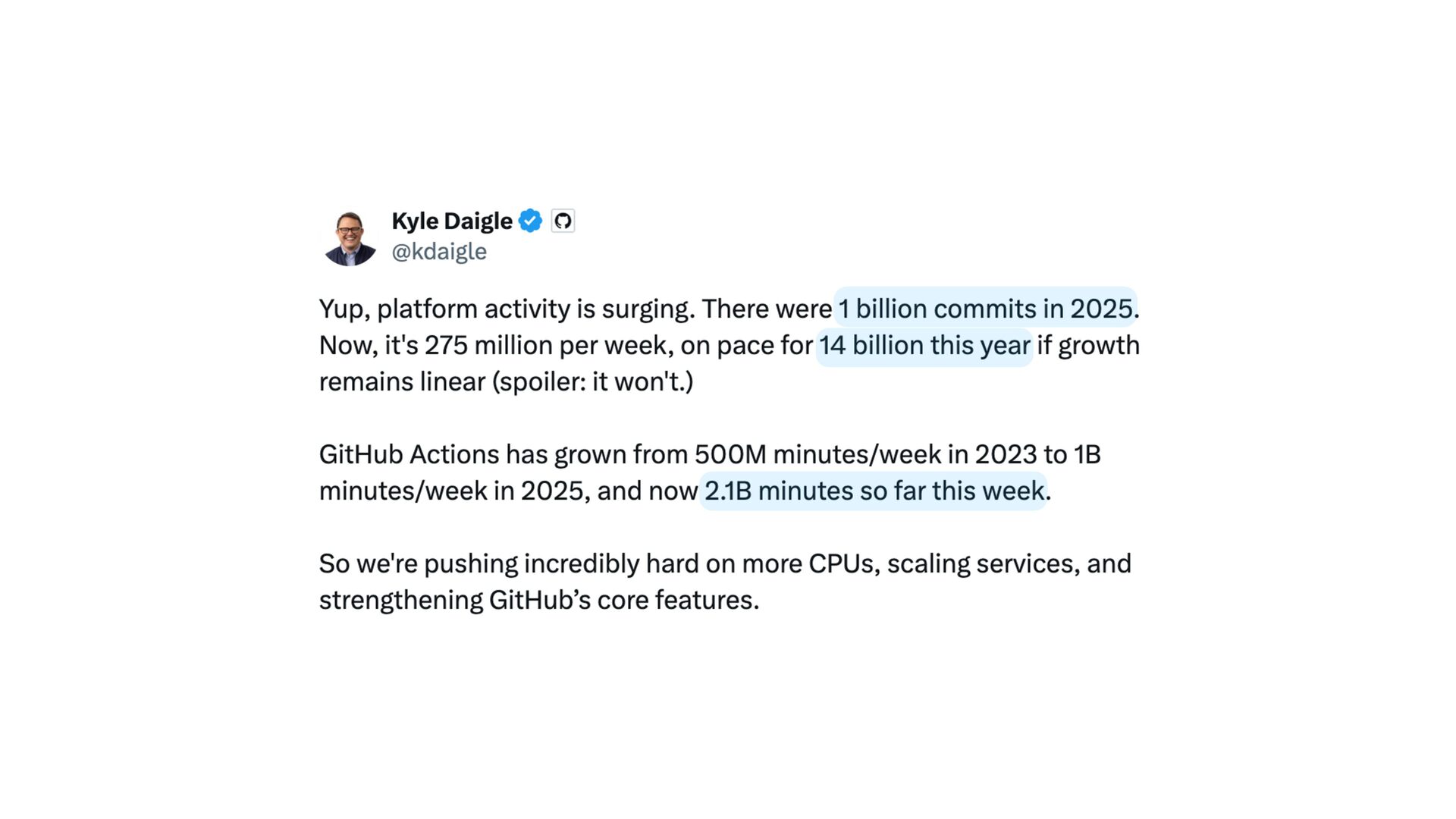
    rapid change in how software is being built. Since the second half of December 2025, agentic development workflows have accelerated sharply. By nearly every measure, the direction is already clear: repository creation, pull request activity, API usage, automation, and large-repository workloads are all growing quickly. https://github.blog/news-insights/company-news/an-update-on-github-availability/
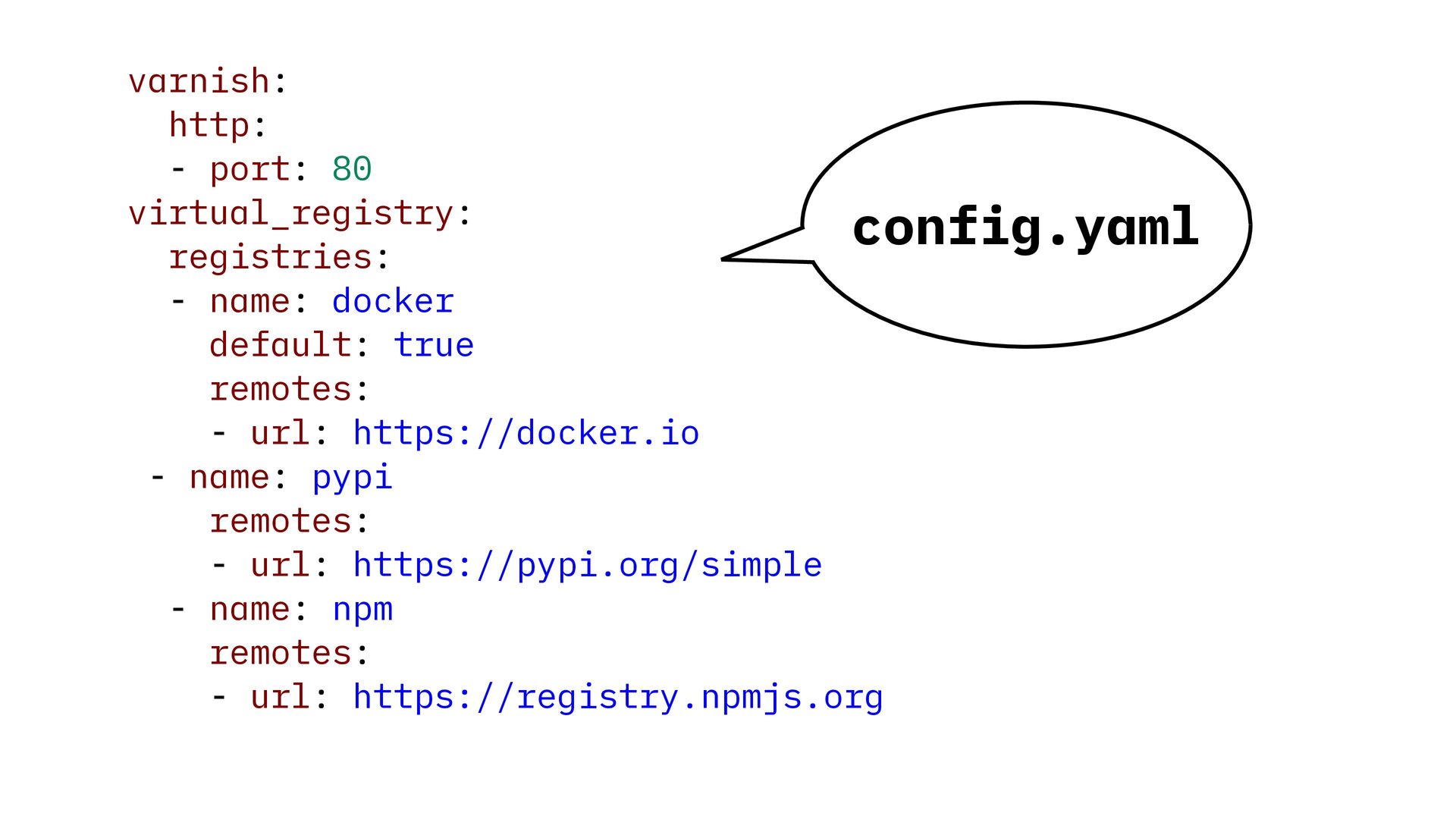
  2. varnish: http: - port: 80 virtual_registry: config.yaml registries: - name:

    docker default: true remotes: - url: https://docker.io - name: pypi remotes: - url: https://pypi.org/simple - name: npm remotes: - url: https://registry.npmjs.org
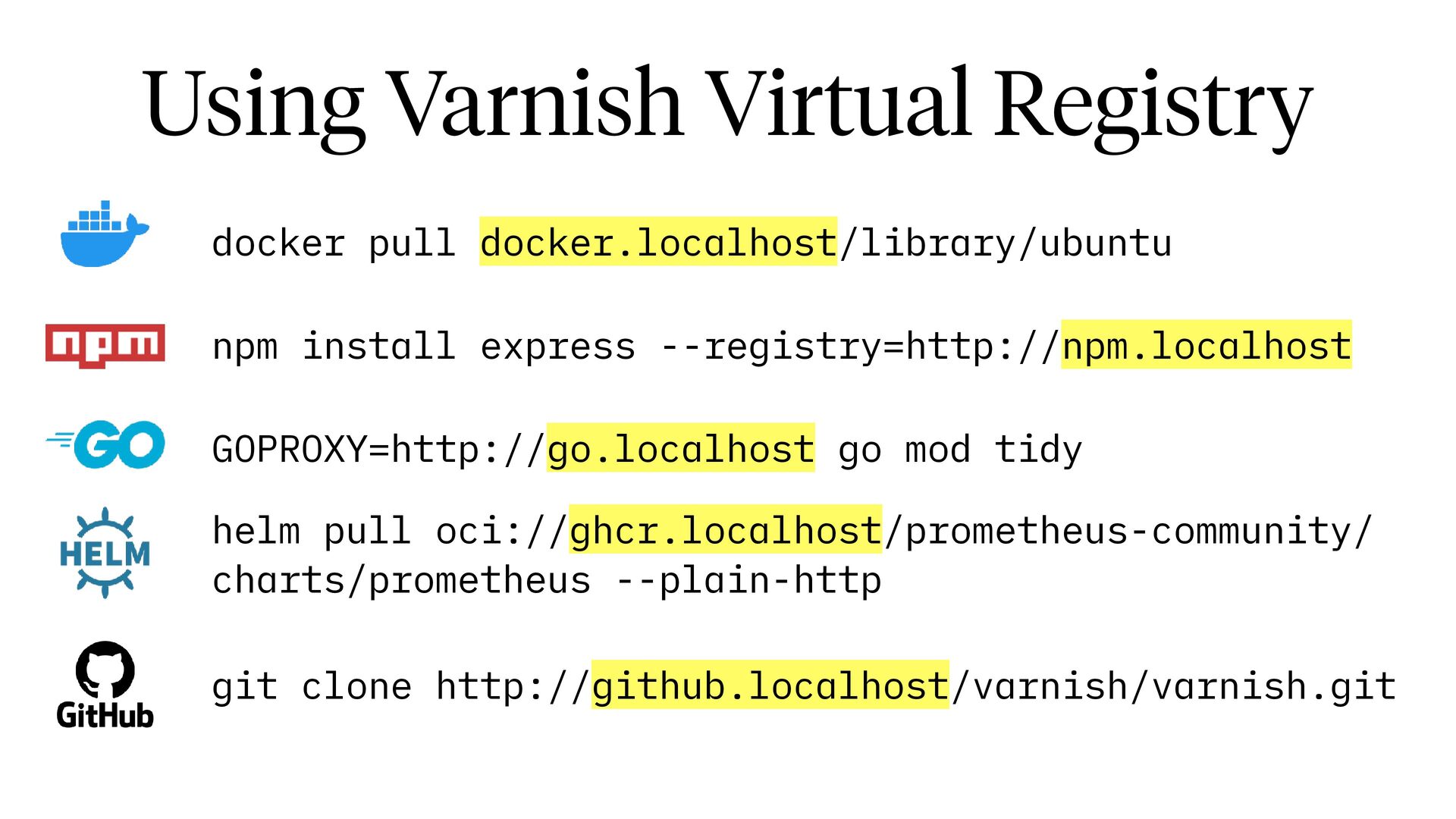
  3. Using Varnish Virtual Registry docker pull docker.localhost/library/ubuntu npm install express

    --registry=http://npm.localhost GOPROXY=http://go.localhost go mod tidy helm pull oci://ghcr.localhost/prometheus-community/ charts/prometheus --plain-http git clone http://github.localhost/varnish/varnish.git
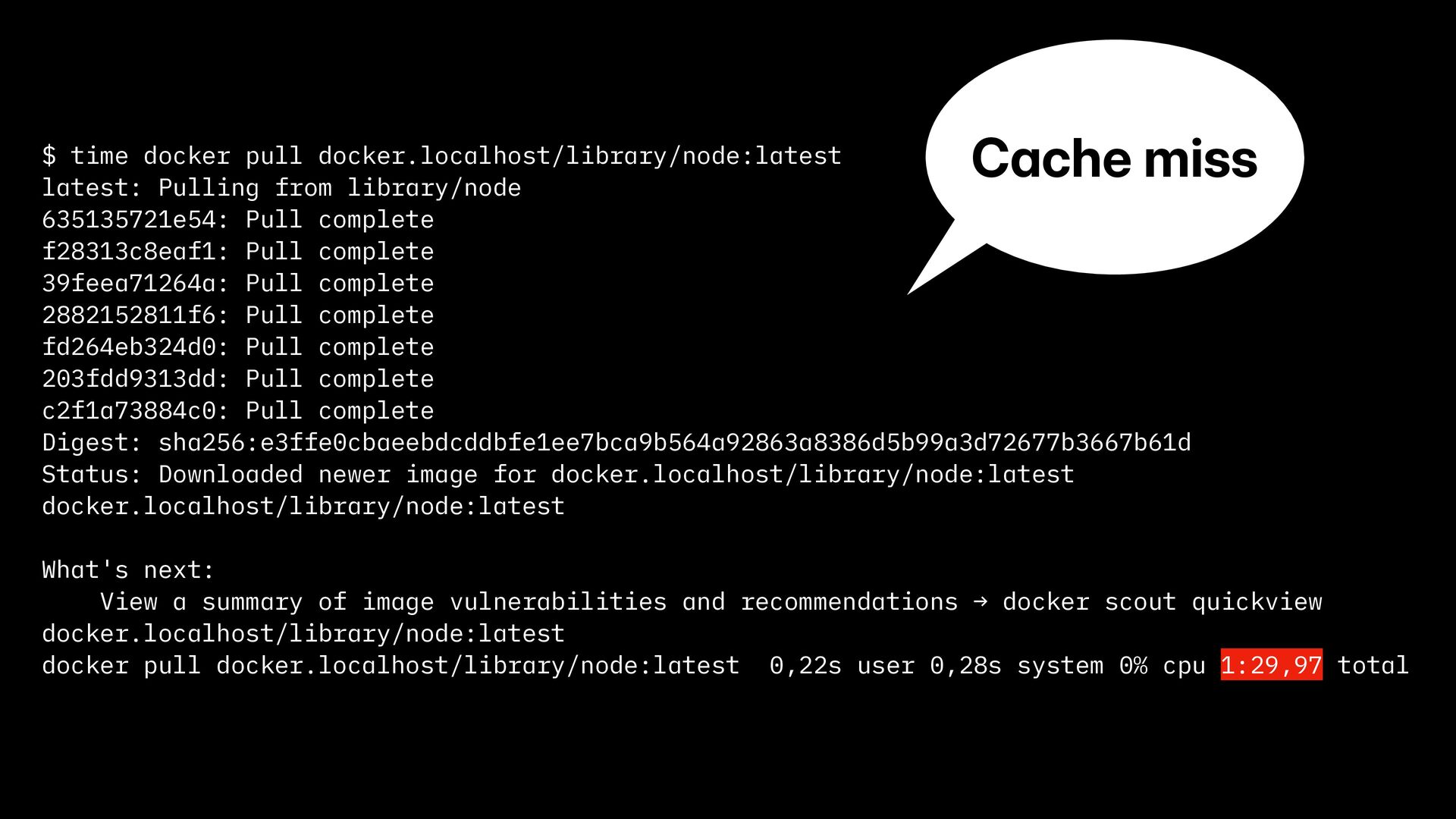
  4. Cache miss $ time docker pull docker.localhost/library/node:latest latest: Pulling from
    library/node 635135721e54: Pull complete f28313c8eaf1: Pull complete 39feea71264a: Pull complete 2882152811f6: Pull complete fd264eb324d0: Pull complete 203fdd9313dd: Pull complete c2f1a73884c0: Pull complete Digest: sha256:e3ffe0cbaeebdcddbfe1ee7bca9b564a92863a8386d5b99a3d72677b3667b61d Status: Downloaded newer image for docker.localhost/library/node:latest docker.localhost/library/node:latest What's next: View a summary of image vulnerabilities and recommendations → docker scout quickview docker.localhost/library/node:latest docker pull docker.localhost/library/node:latest 0,22s user 0,28s system 0% cpu 1:29,97 total
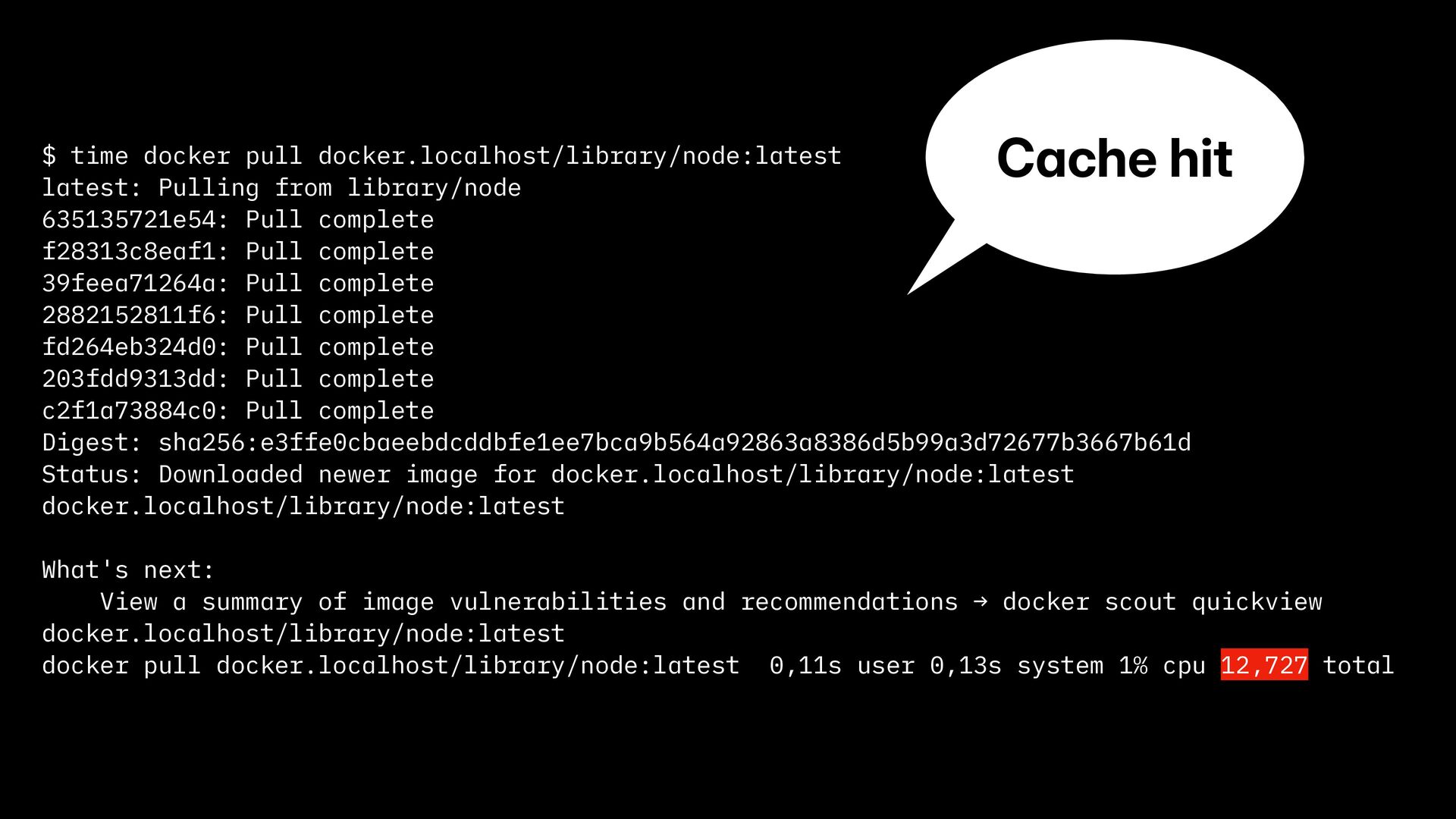
  5. Cache hit $ time docker pull docker.localhost/library/node:latest latest: Pulling from

    library/node 635135721e54: Pull complete f28313c8eaf1: Pull complete 39feea71264a: Pull complete 2882152811f6: Pull complete fd264eb324d0: Pull complete 203fdd9313dd: Pull complete c2f1a73884c0: Pull complete Digest: sha256:e3ffe0cbaeebdcddbfe1ee7bca9b564a92863a8386d5b99a3d72677b3667b61d Status: Downloaded newer image for docker.localhost/library/node:latest docker.localhost/library/node:latest What's next: View a summary of image vulnerabilities and recommendations → docker scout quickview docker.localhost/library/node:latest docker pull docker.localhost/library/node:latest 0,11s user 0,13s system 1% cpu 12,727 total
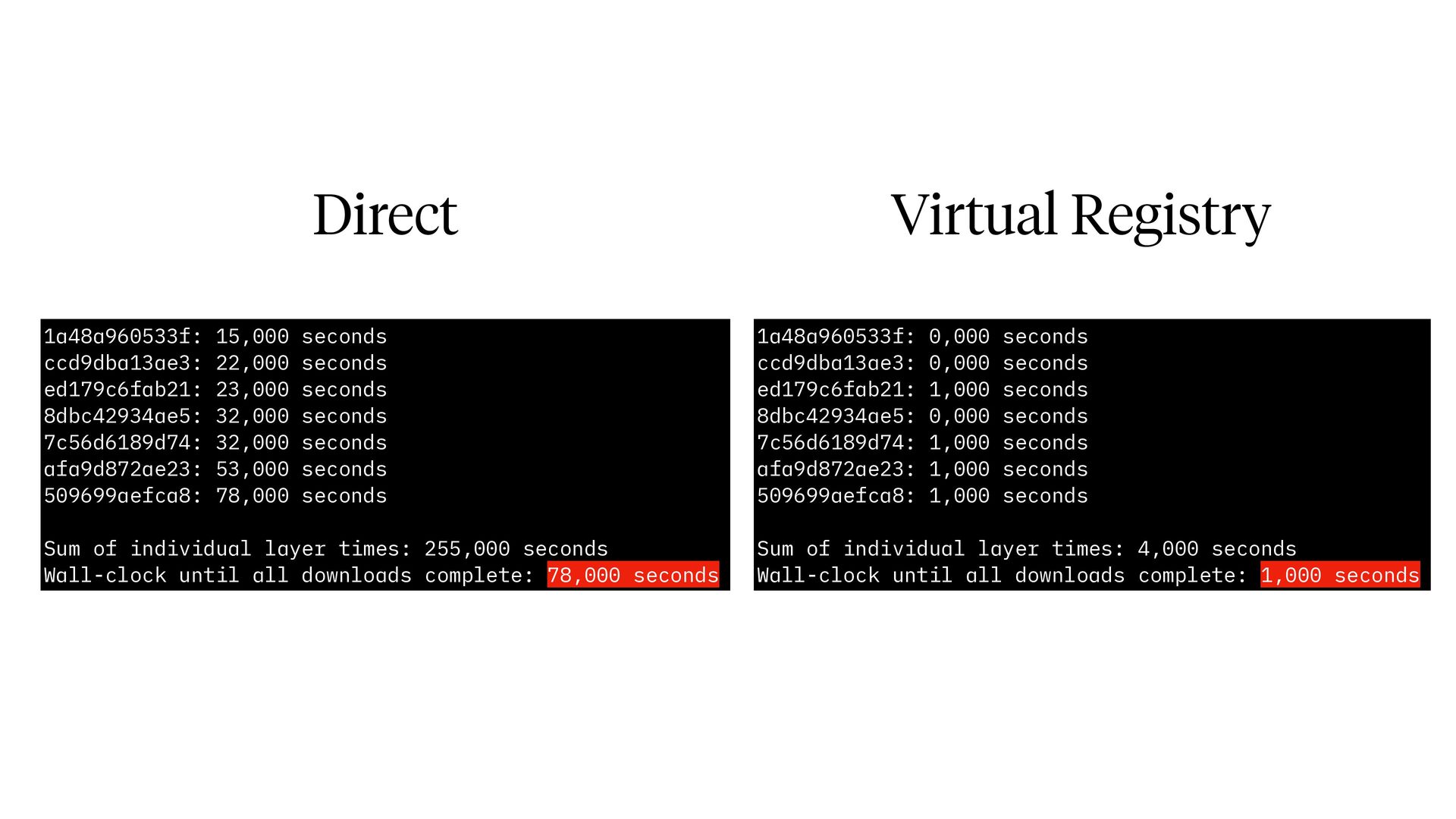
  6. Direct Virtual Registry 1a48a960533f: 15,000 seconds ccd9dba13ae3: 22,000 seconds ed179c6fab21:

    23,000 seconds 8dbc42934ae5: 32,000 seconds 7c56d6189d74: 32,000 seconds afa9d872ae23: 53,000 seconds 509699aefca8: 78,000 seconds 1a48a960533f: 0,000 seconds ccd9dba13ae3: 0,000 seconds ed179c6fab21: 1,000 seconds 8dbc42934ae5: 0,000 seconds 7c56d6189d74: 1,000 seconds afa9d872ae23: 1,000 seconds 509699aefca8: 1,000 seconds Sum of individual layer times: 255,000 seconds Wall-clock until all downloads complete: 78,000 seconds Sum of individual layer times: 4,000 seconds Wall-clock until all downloads complete: 1,000 seconds
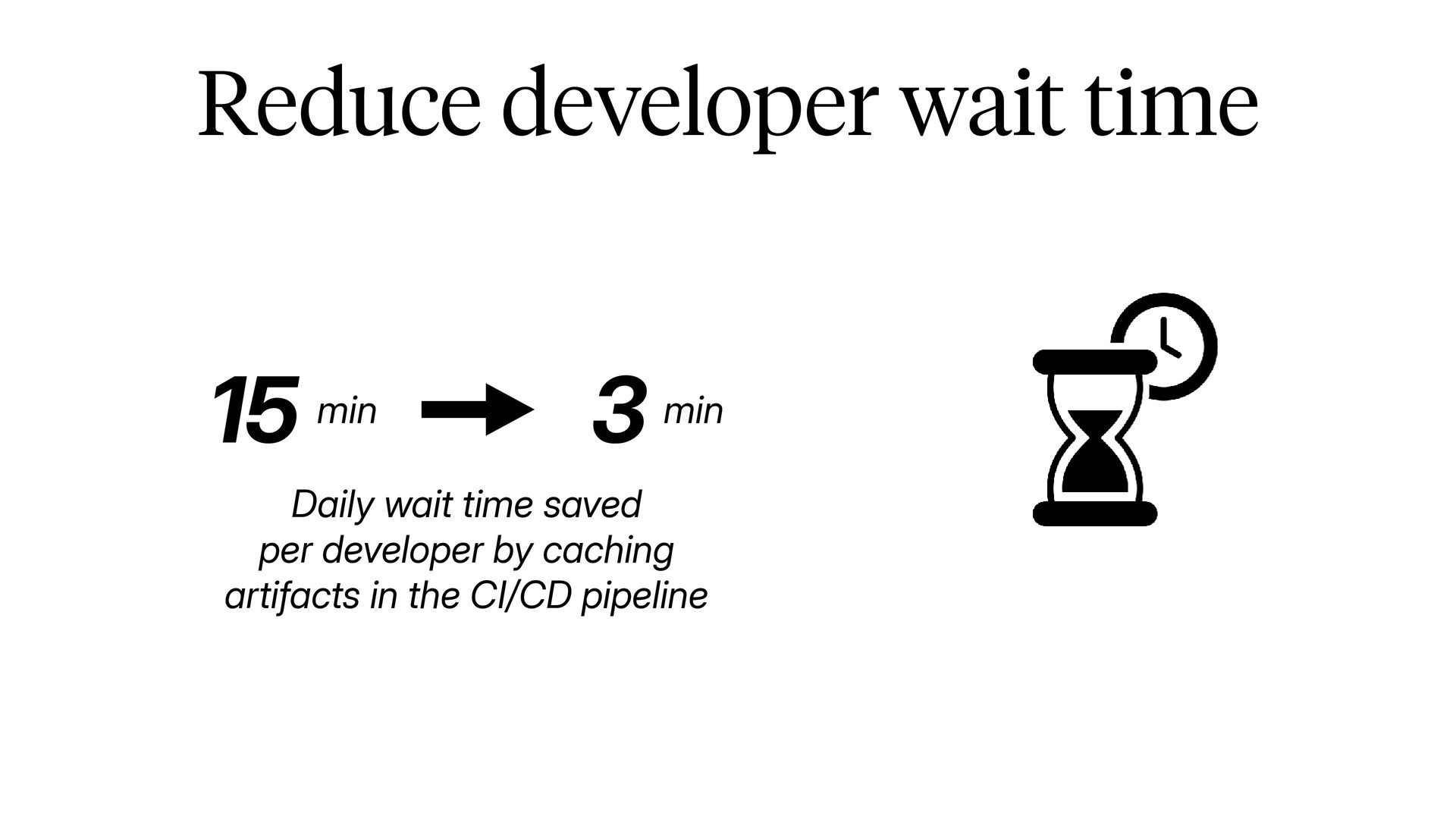
  7. Reduce developer wait time 15 min 3 min Daily wait

    time saved per developer by caching artifacts in the CI/CD pipeline
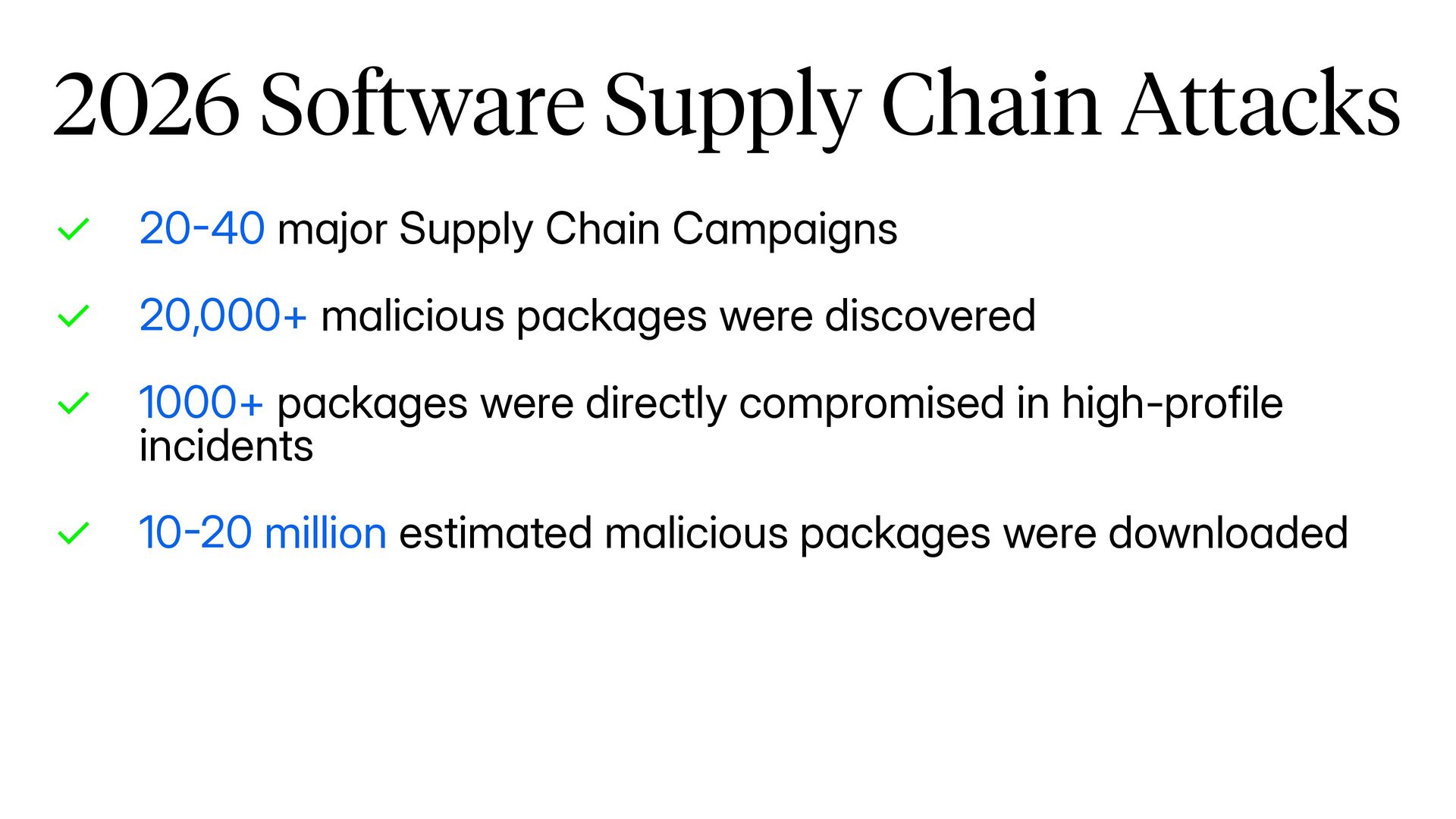
  8. - - 2026 Software Supply Chain Attacks ✓ 20 40

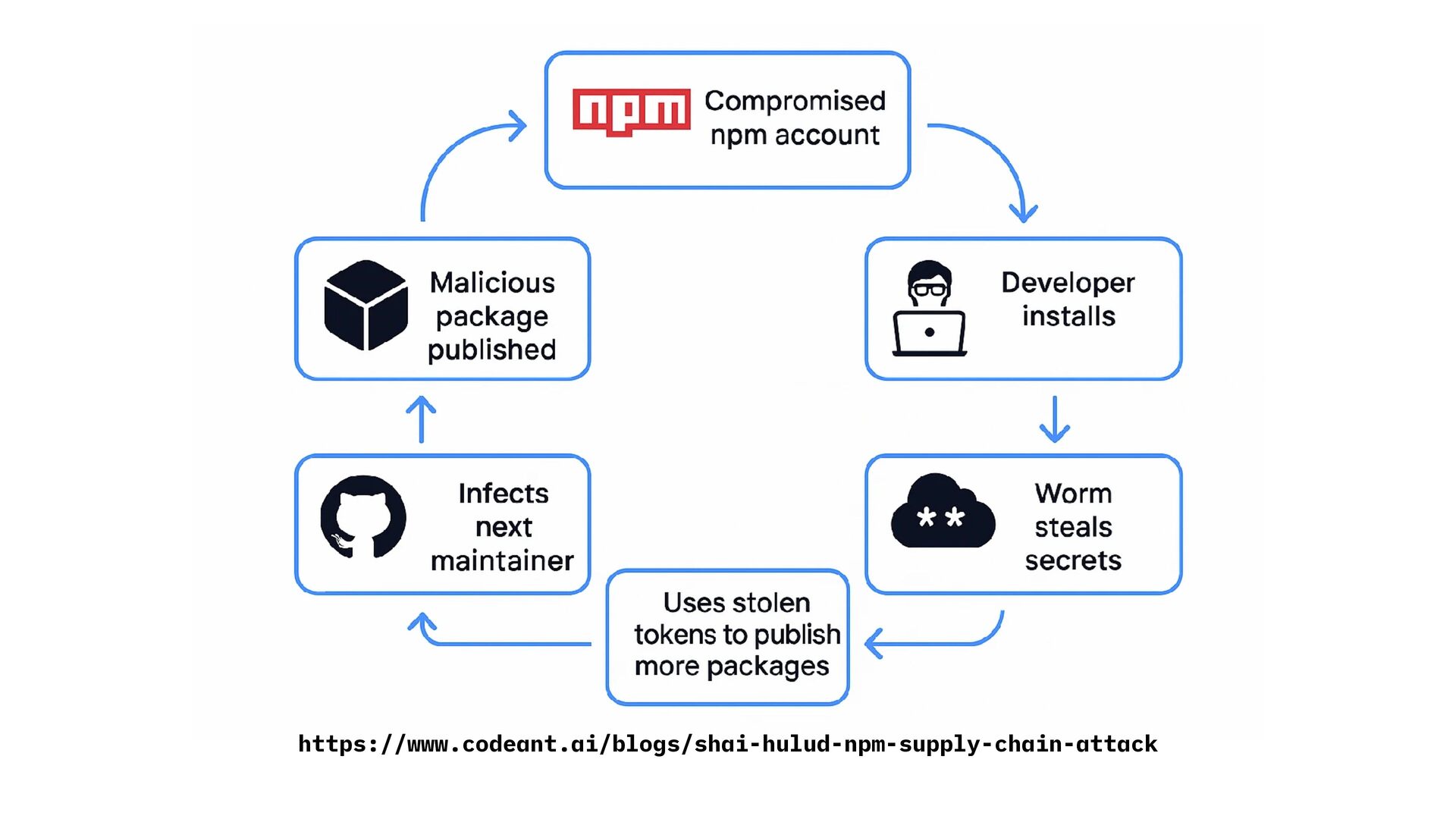
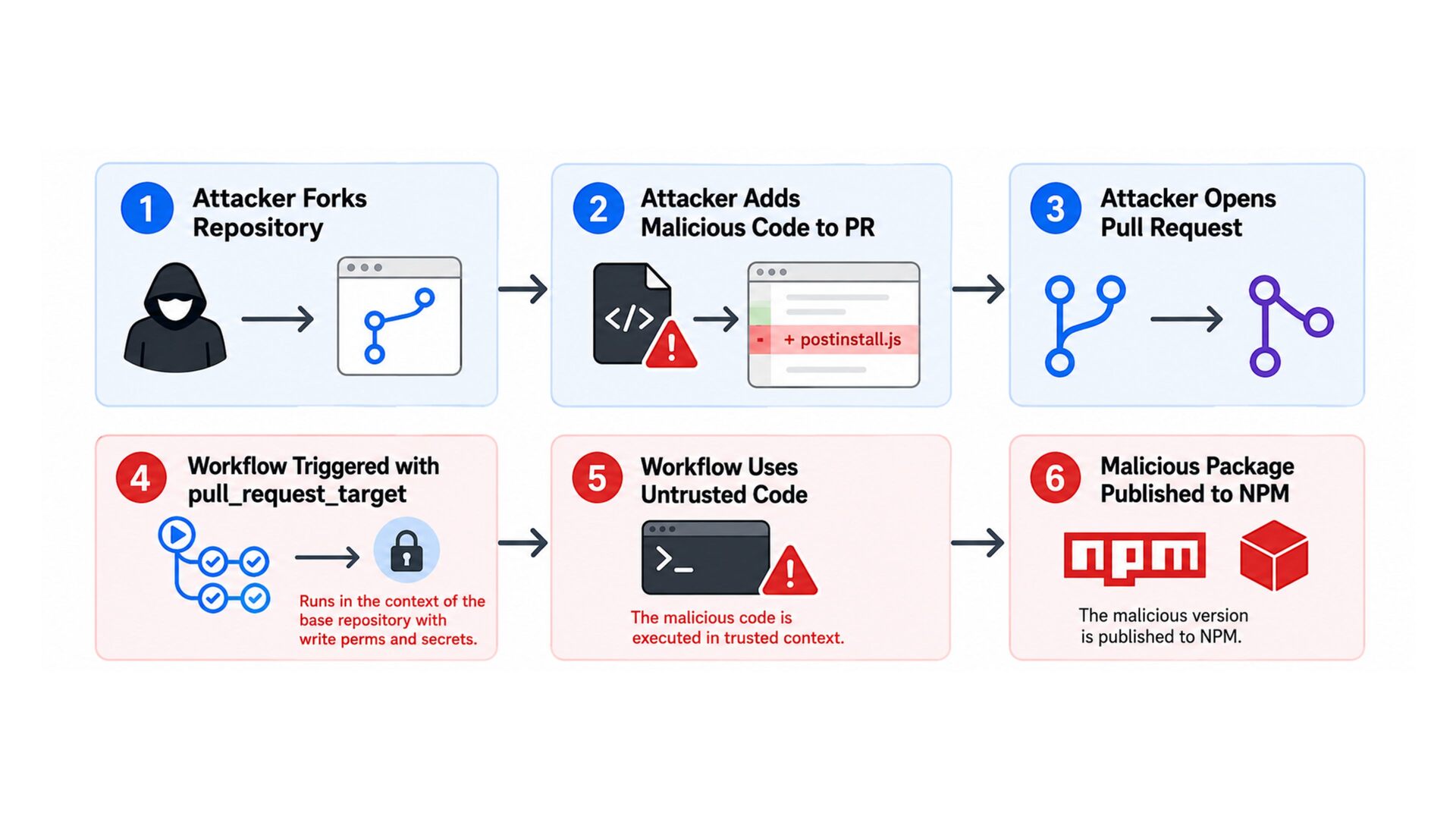
    major Supply Chain Campaigns ✓ 20,000+ malicious packages were discovered ✓ 1000+ packages were directly compromised in high-profile incidents ✓ 10 20 million estimated malicious packages were downloaded
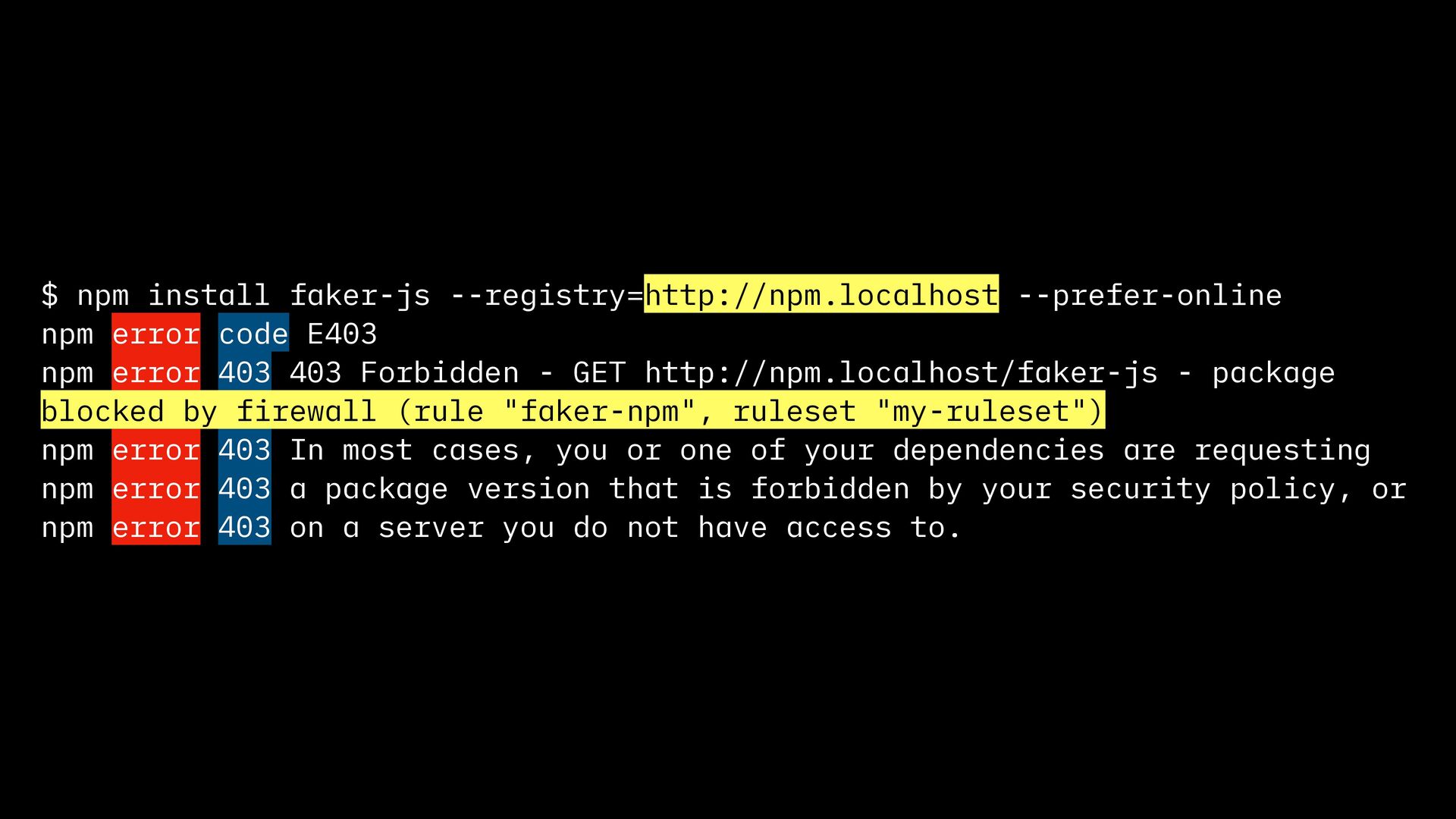
  9. $ npm install faker-js --registry=http://npm.localhost --prefer-online npm error code E403

    npm error 403 403 Forbidden - GET http://npm.localhost/faker-js - package blocked by firewall (rule "faker-npm", ruleset "my-ruleset") npm error 403 In most cases, you or one of your dependencies are requesting npm error 403 a package version that is forbidden by your security policy, or npm error 403 on a server you do not have access to.