Upgrade to Pro — share decks privately, control downloads, hide ads and more …

What's new in Varnish? New features in the high...

What's new in Varnish? New features in the high-performance caching proxy - SREday Amsterdam 2026

Slides for my talk about what's new in Varnish 9. Presented at SREday Amsterdam 2026.

More information about the event can be found here: https://feryn.eu/presentations/what-s-new-in-varnish-new-features-in-the-high-performance-caching-proxy-sreday-amsterdam-2026.

Notable new features in Varnish 9 are:
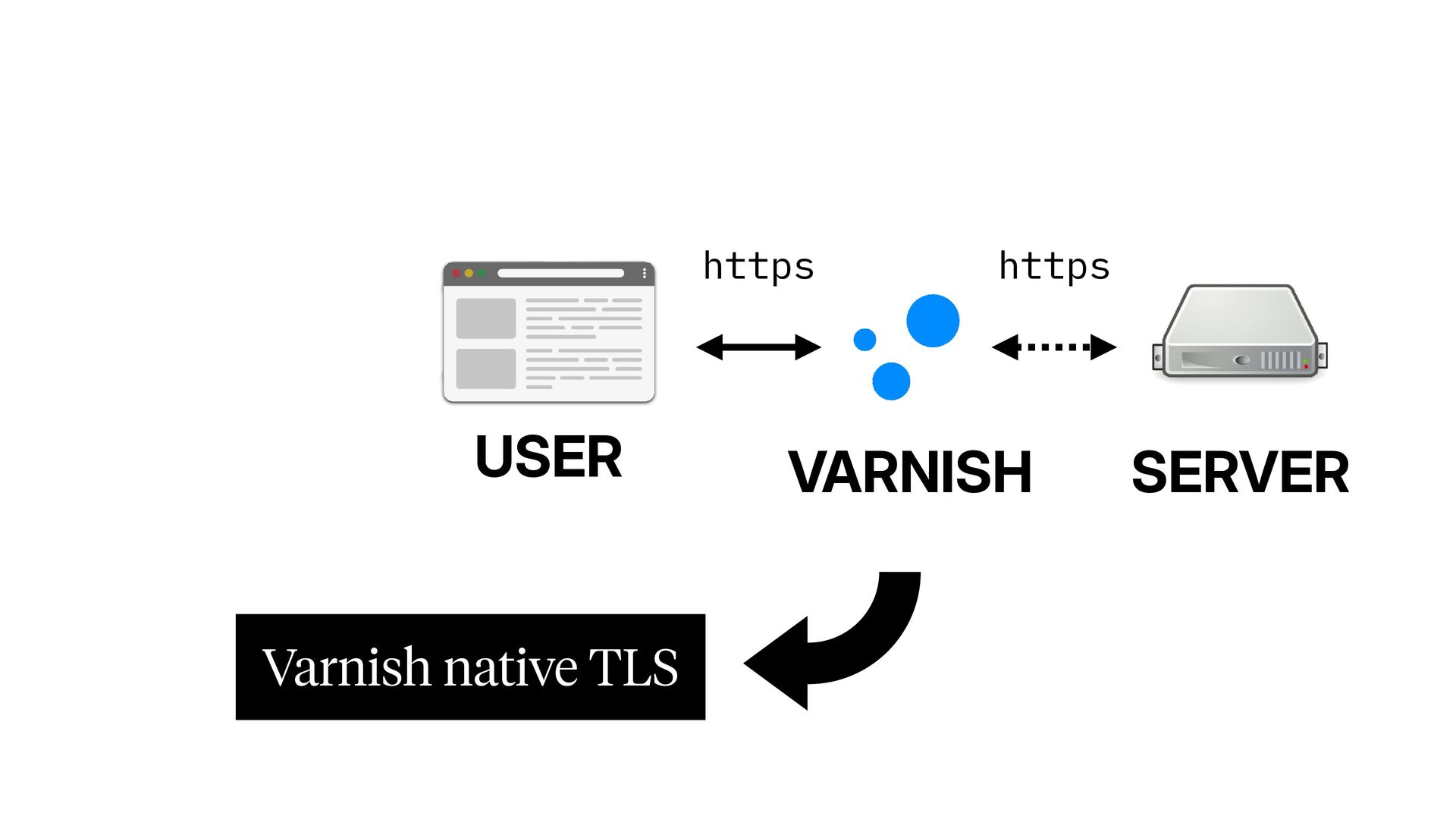
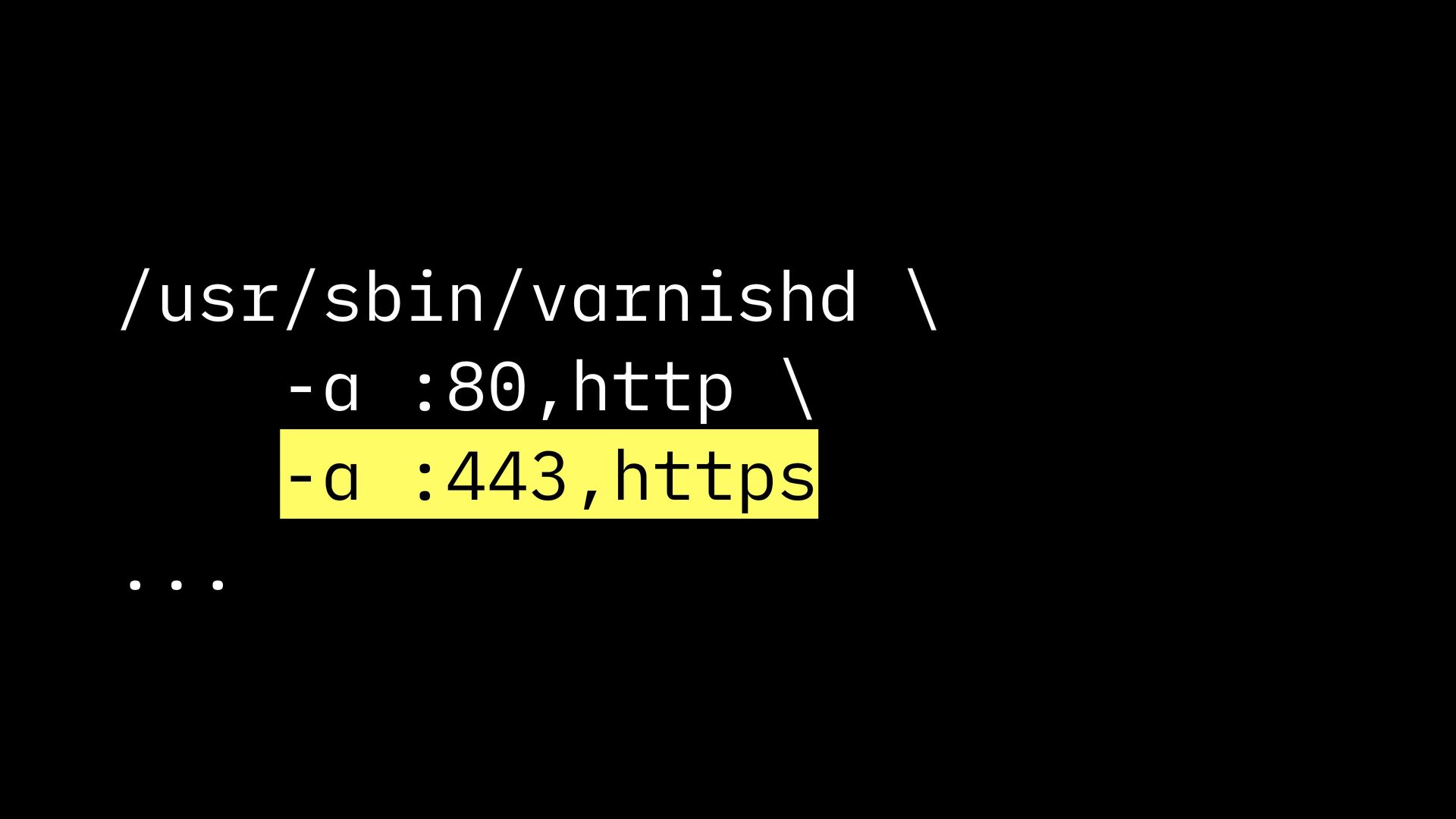
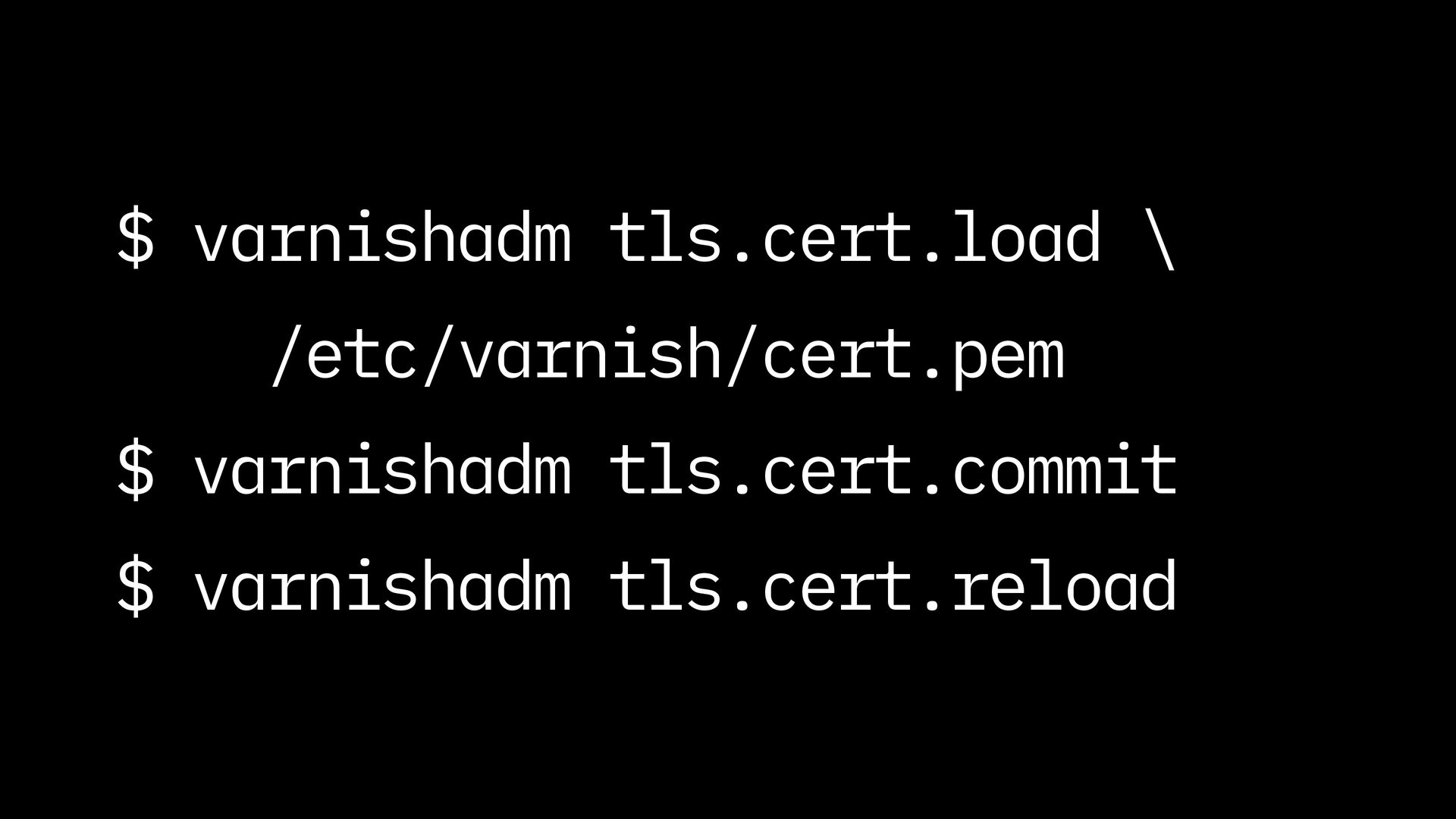
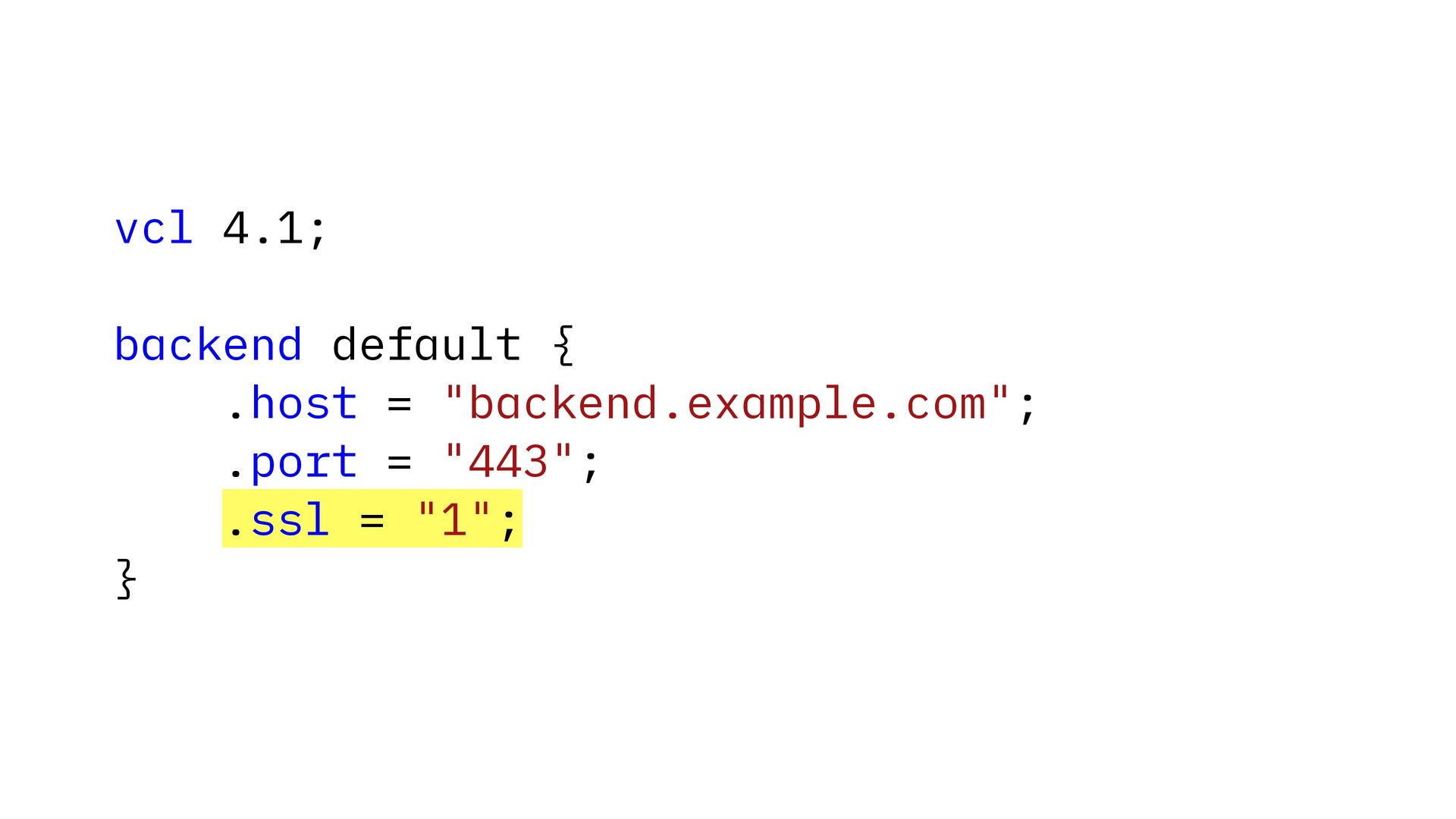
- Native end-to-end TLS support
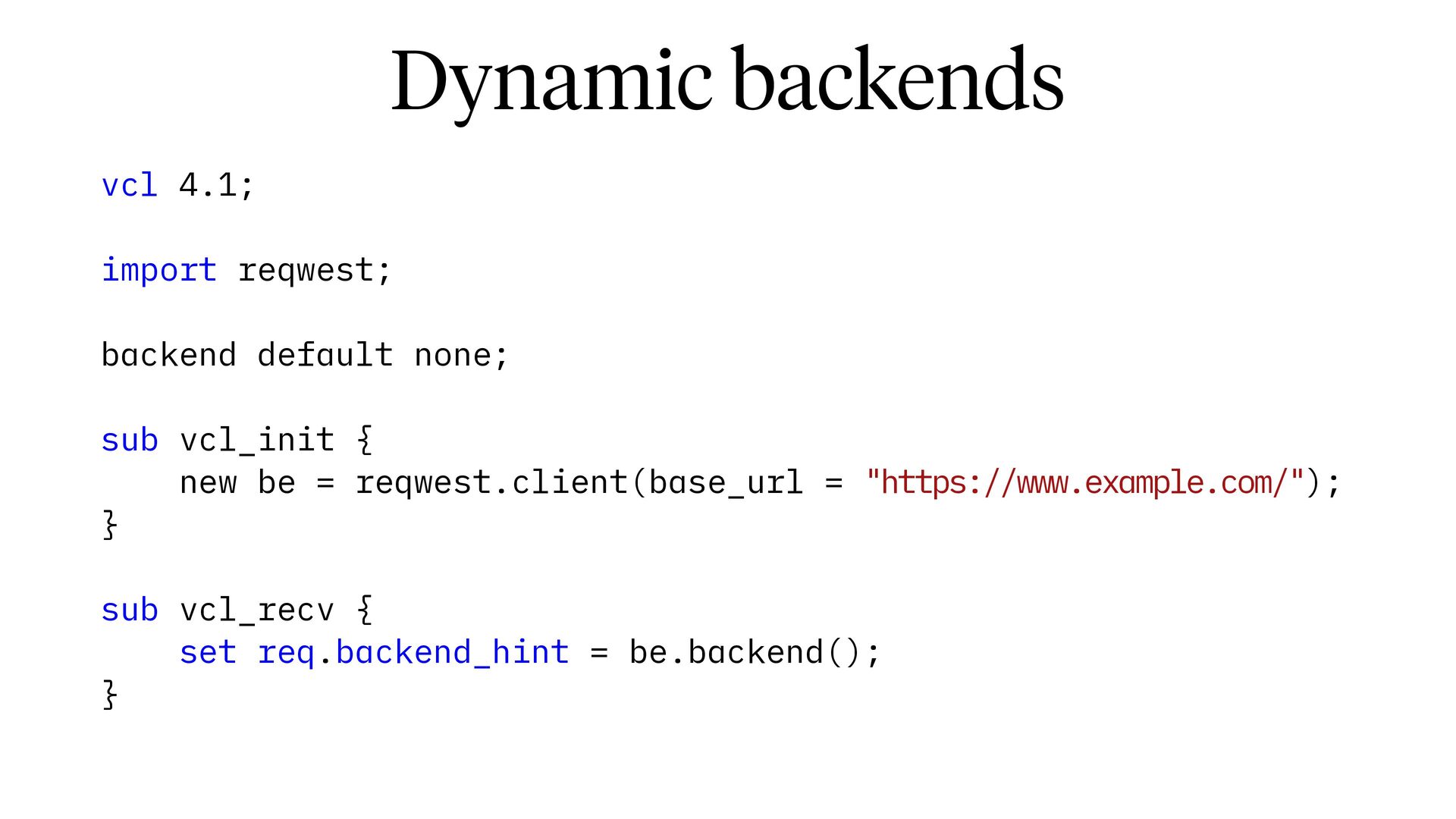
- Dynamic backends
- Local file server support
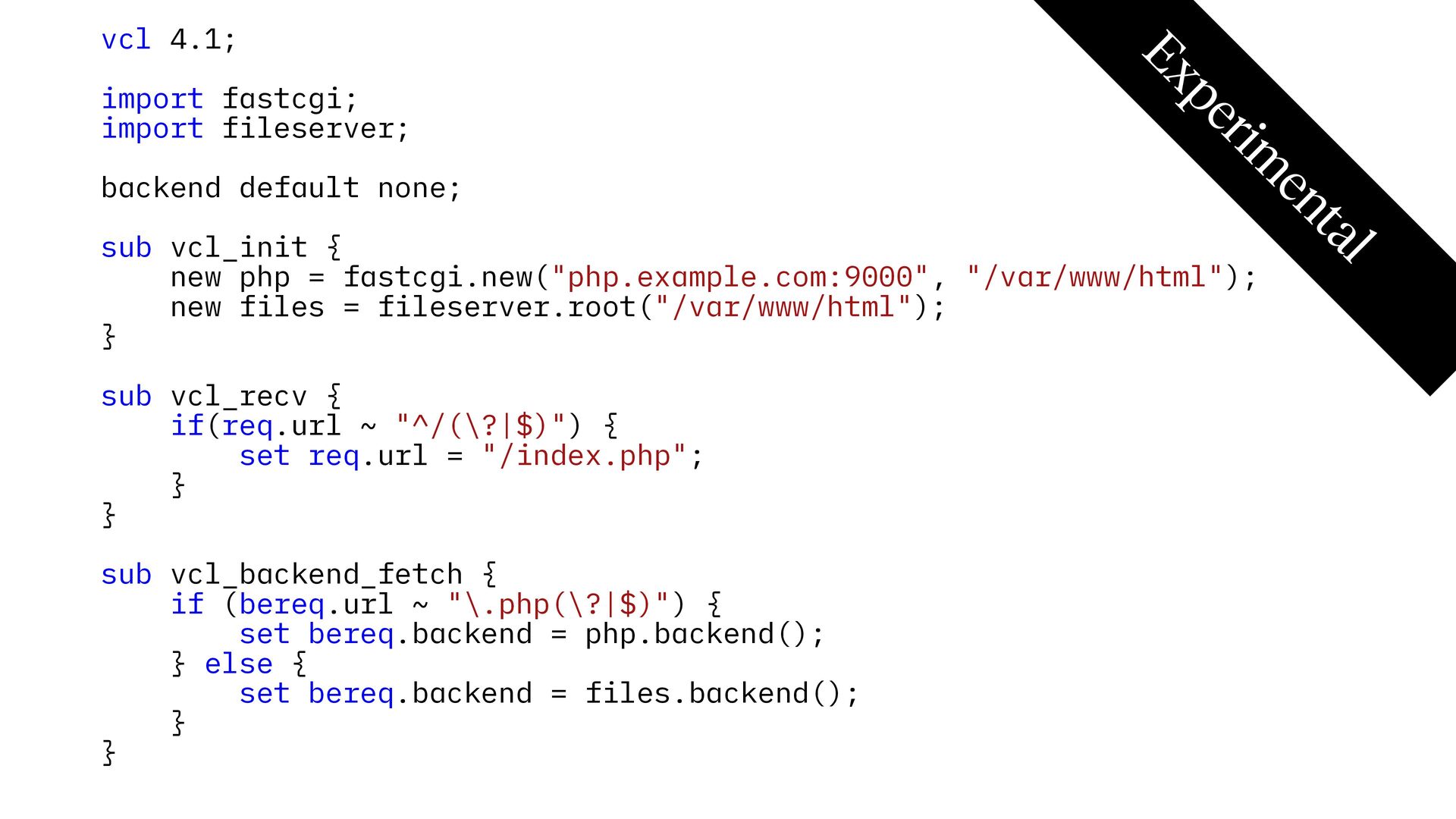
- FastCGI support
- Tag-based cache invalidation
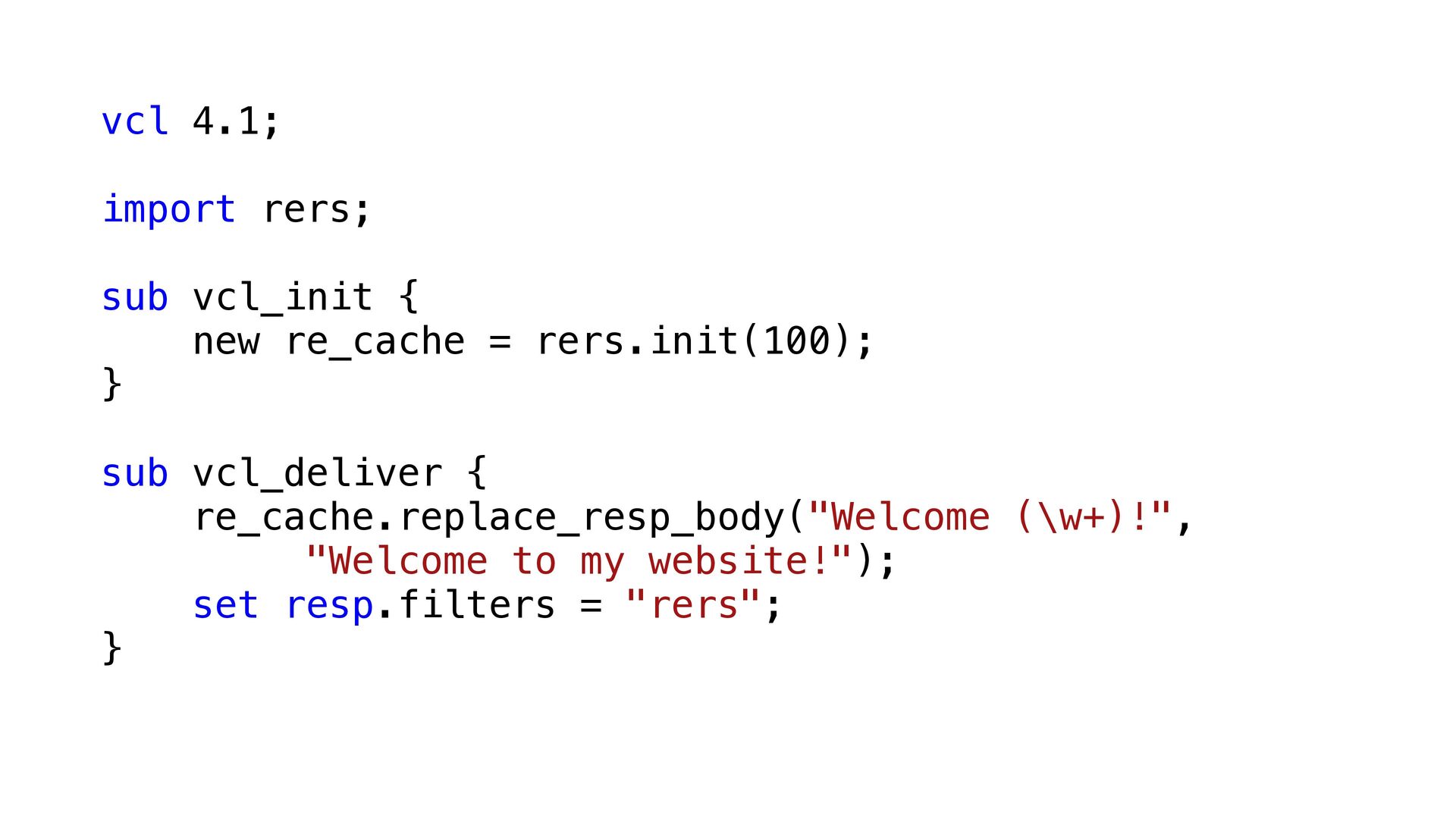
- Response body manipulation
- Structured JSON logging
- OpenTelemetry support
- A rich collection of extra Varnish modules

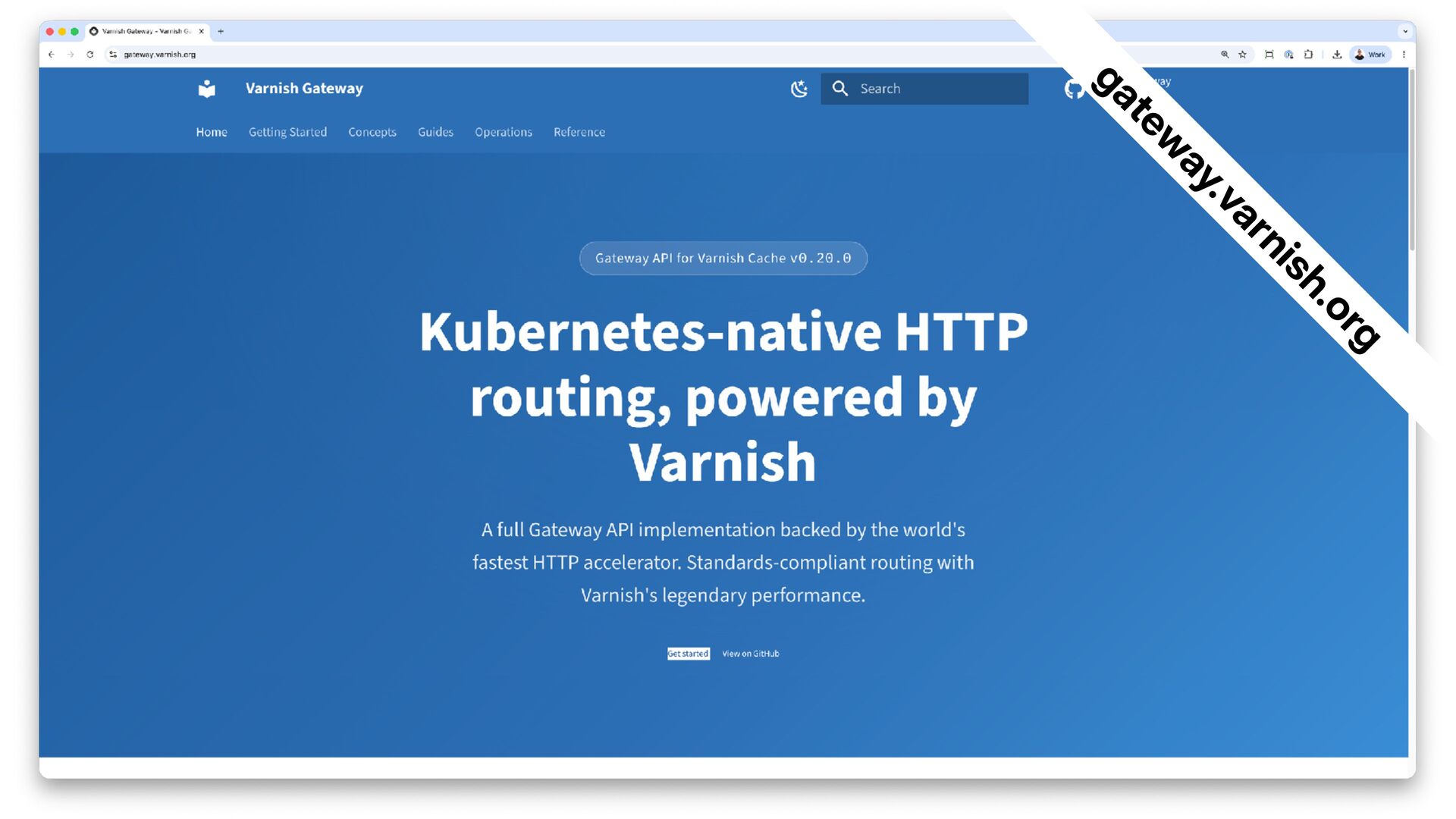
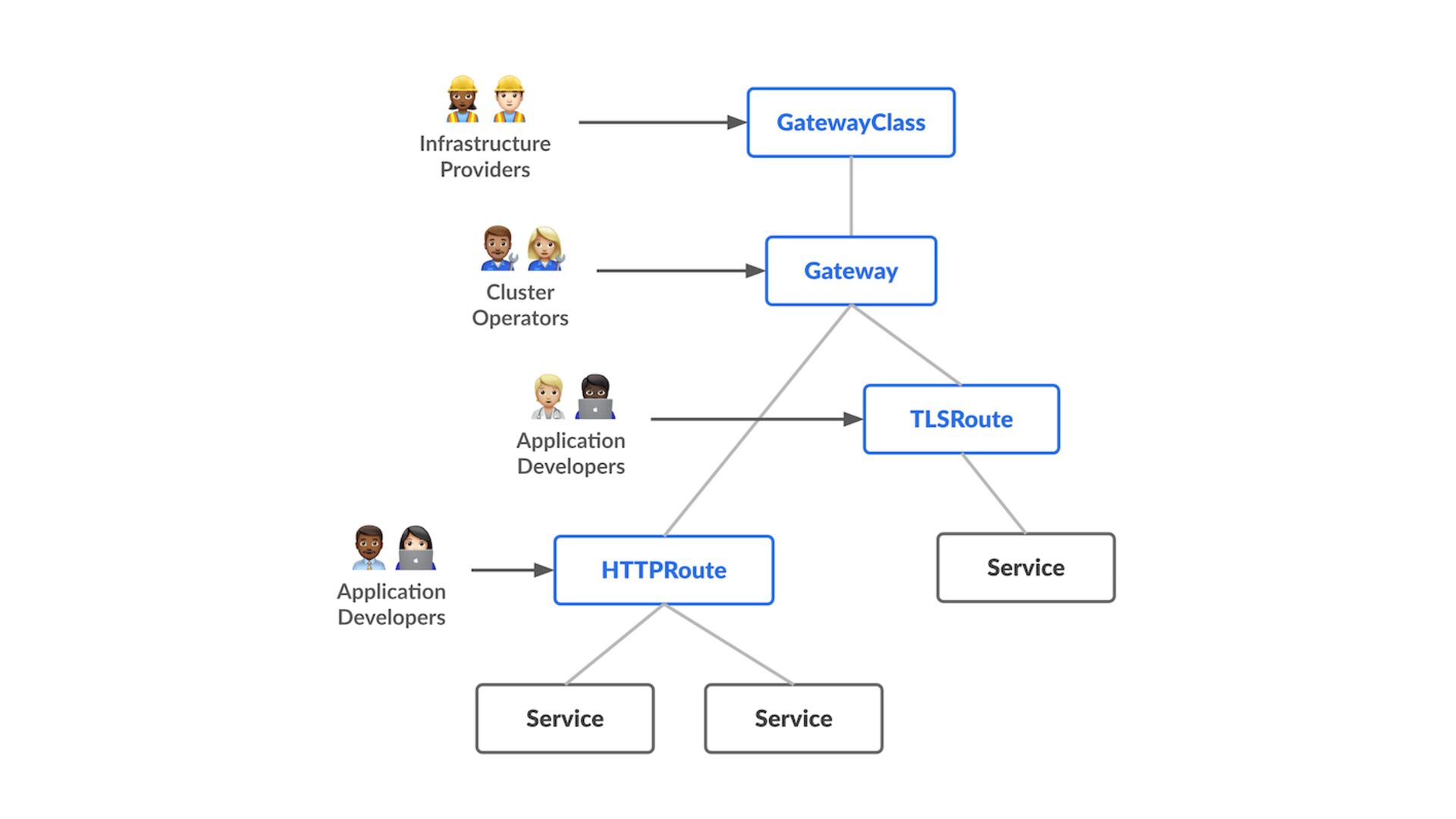
Varnish Cache users can run Varnish in a Kubernetes cluster, either as a separate deployment, or as a Gateway API that acts as a native Kubernetes router, with Varnish caching capabilities.

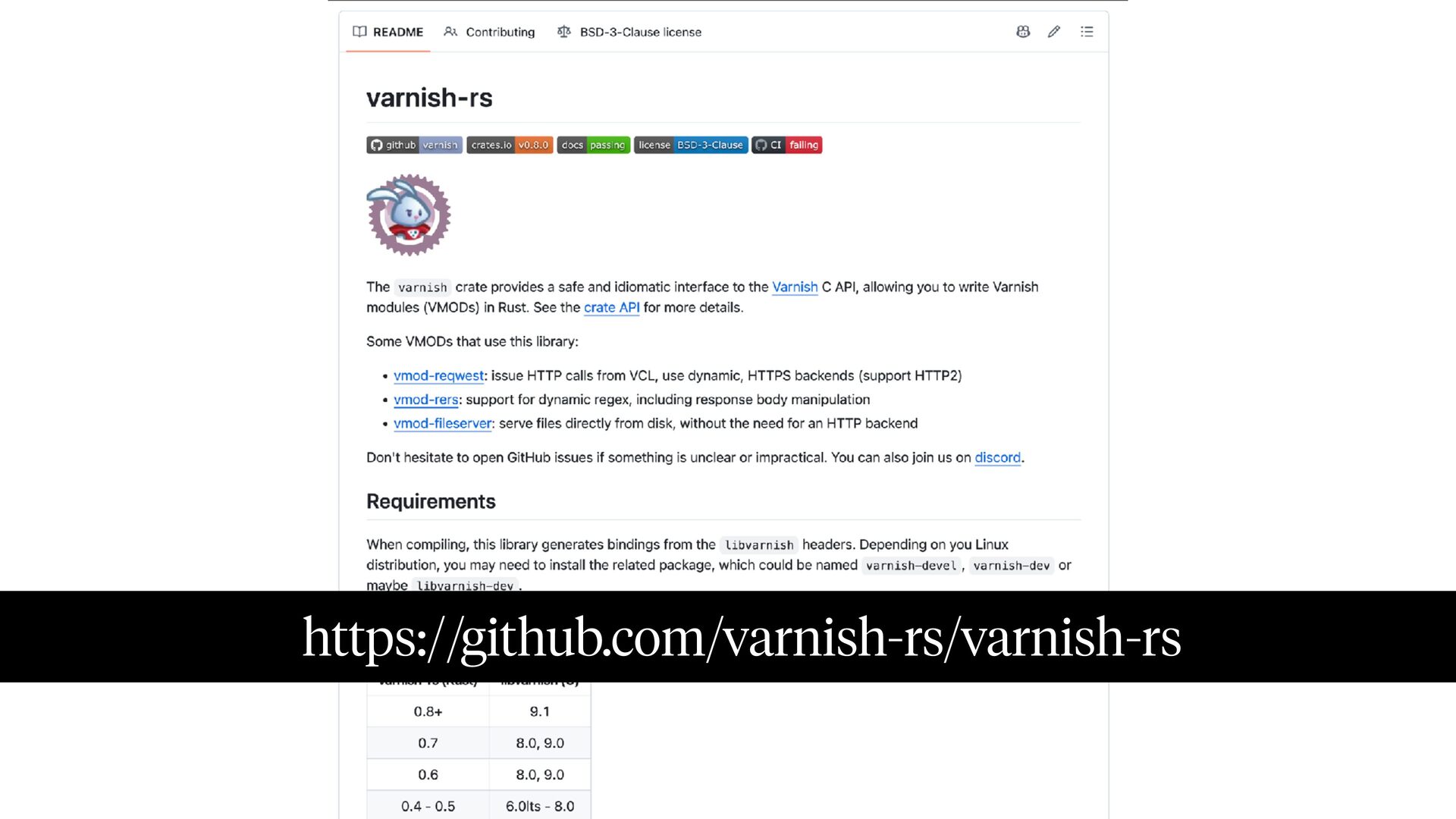
For developers who want to develop their own VMODs, Varnish also has a comprehensive Rust framework that makes module development easier.

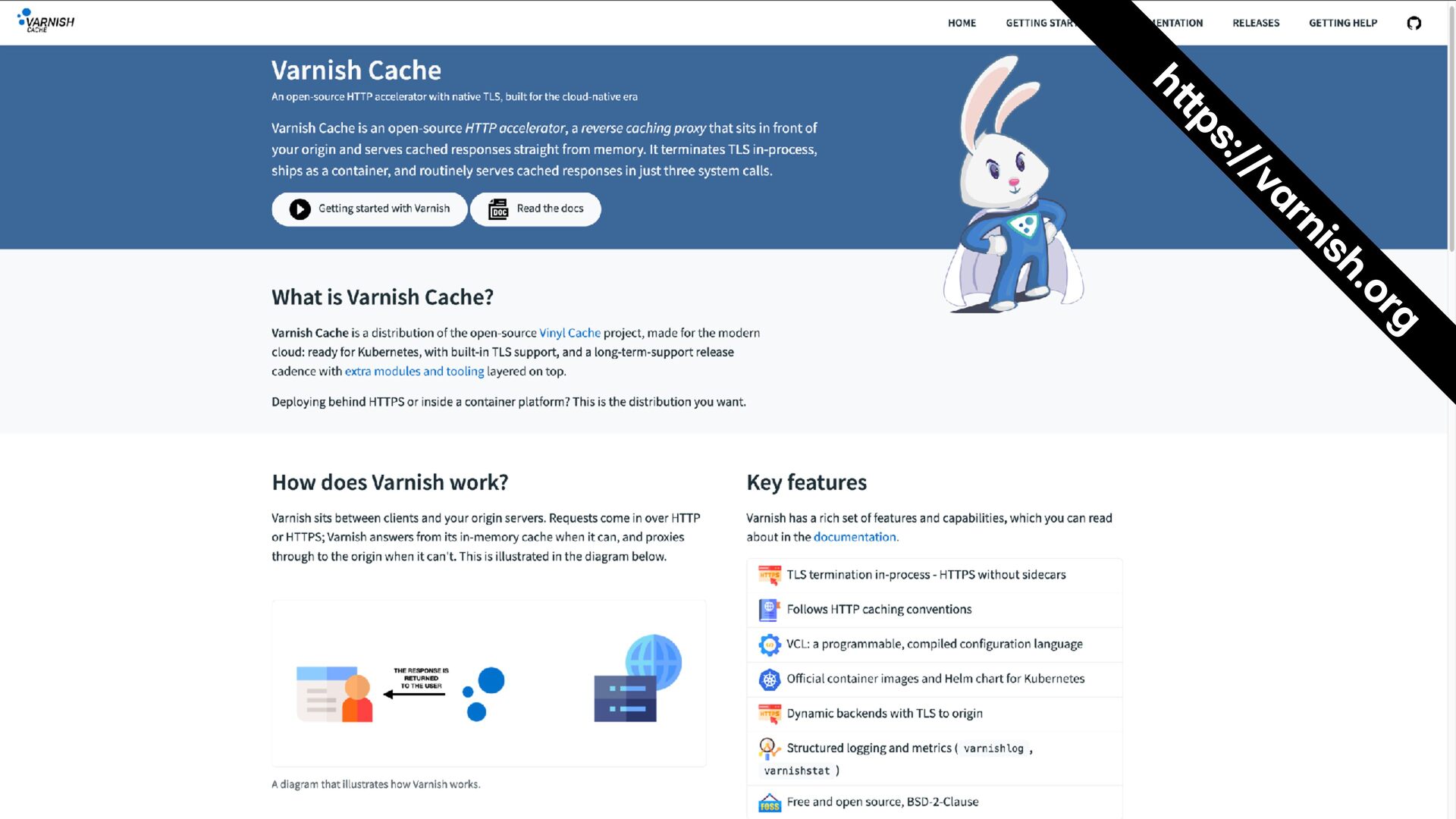
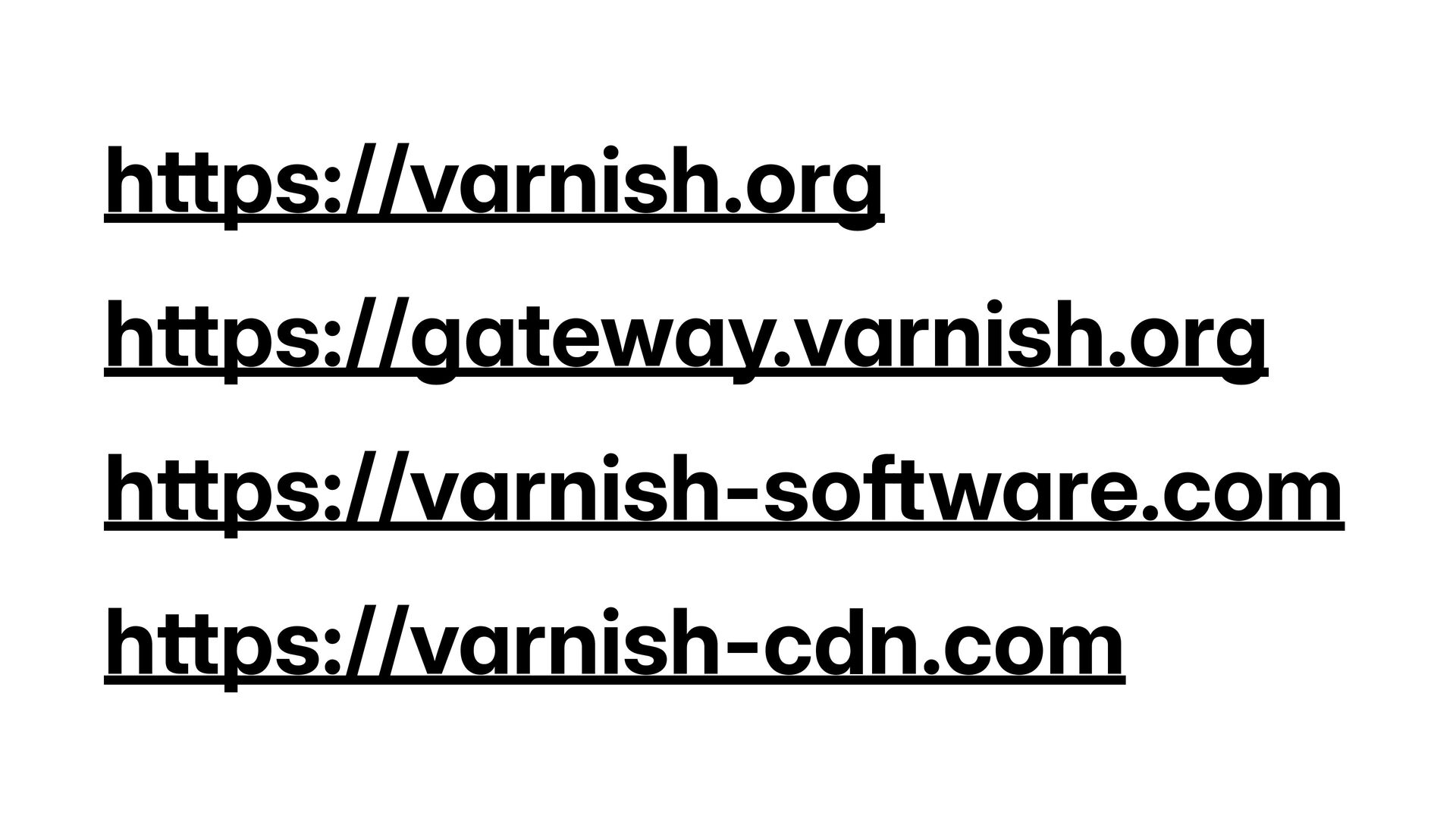
See https://www.varnish.org/ for more information about Varnish Cache and about the Varnish 9 release.

Avatar for Thijs Feryn

Thijs Feryn PRO

November 02, 2026

More Decks by Thijs Feryn

Other Decks in Technology

Transcript

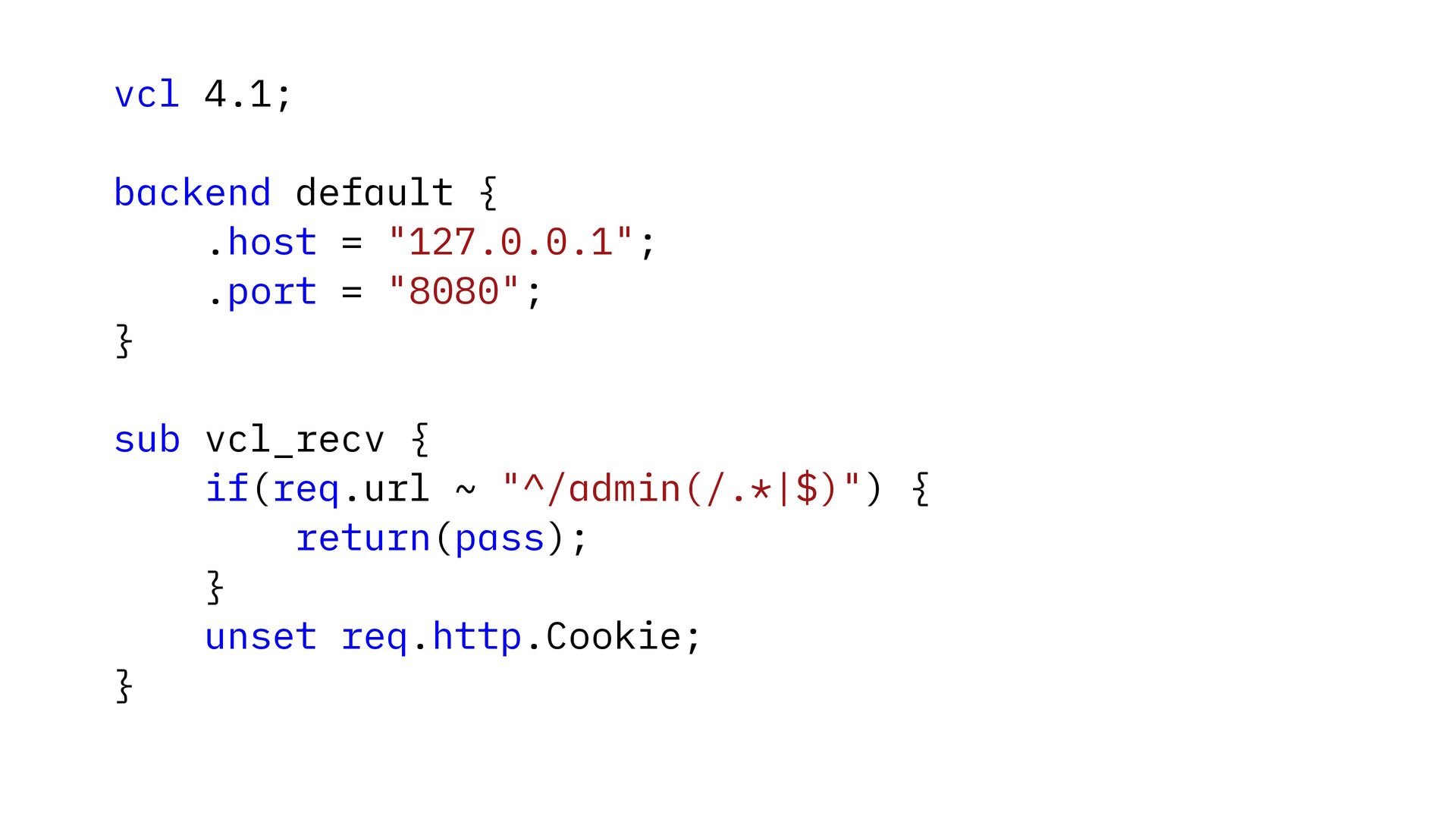
  1. vcl 4.1; backend default { .host = "127.0.0.1"; .port =

    "8080"; } sub vcl_recv { if(req.url ~ "^/admin(/.*|$)") { return(pass); } unset req.http.Cookie; }
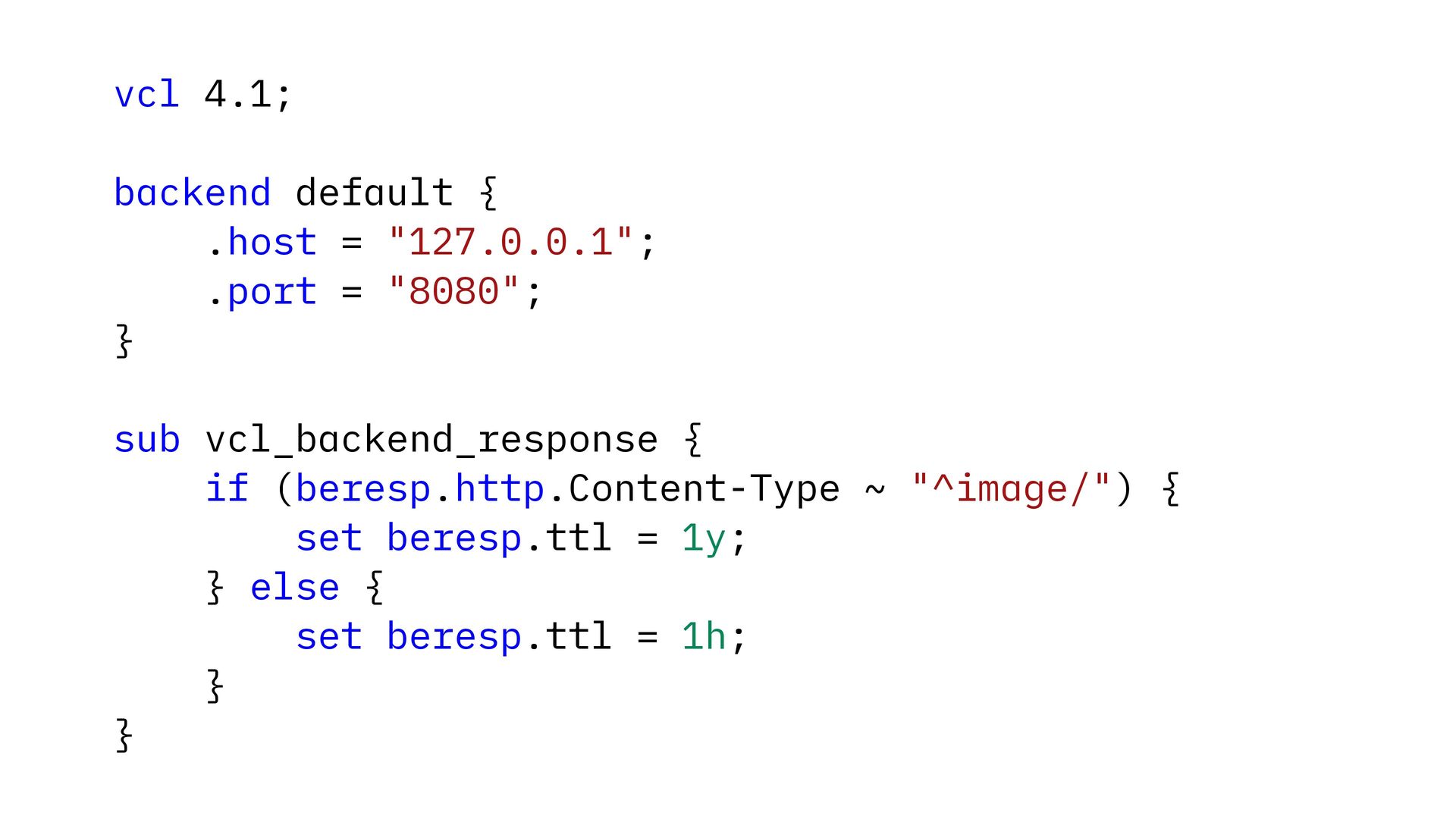
  2. vcl 4.1; backend default { .host = "127.0.0.1"; .port =

    "8080"; } sub vcl_backend_response { if (beresp.http.Content-Type ~ "^image/") { set beresp.ttl = 1y; } else { set beresp.ttl = 1h; } }
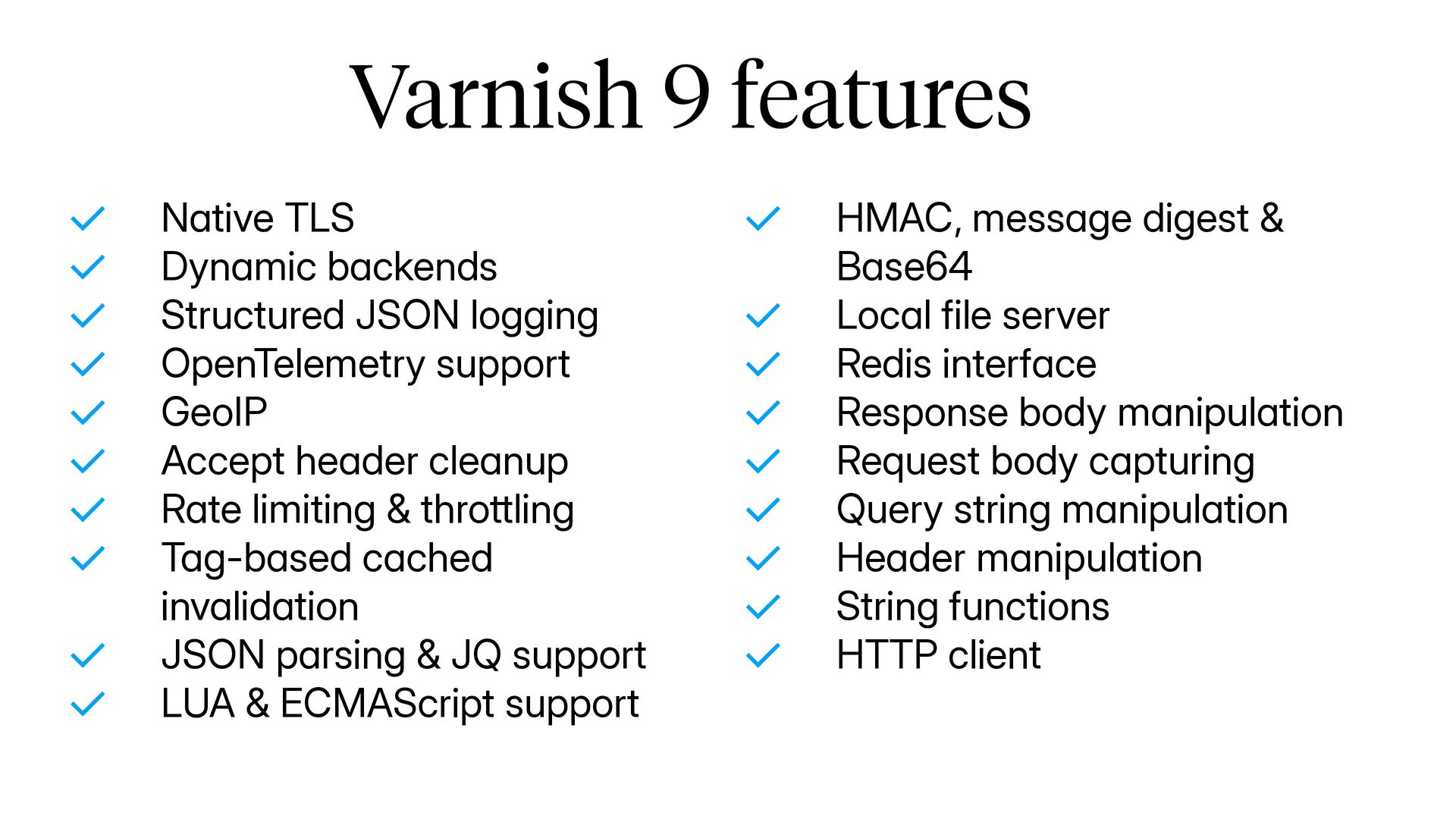
  3. Varnish 9 features ✓ ✓ ✓ ✓ ✓ ✓ ✓

    ✓ ✓ ✓ Native TLS Dynamic backends Structured JSON logging OpenTelemetry support GeoIP Accept header cleanup Rate limiting & throttling Tag-based cached invalidation JSON parsing & JQ support LUA & ECMAScript support ✓ ✓ ✓ ✓ ✓ ✓ ✓ ✓ ✓ HMAC, message digest & Base64 Local file server Redis interface Response body manipulation Request body capturing Query string manipulation Header manipulation String functions HTTP client
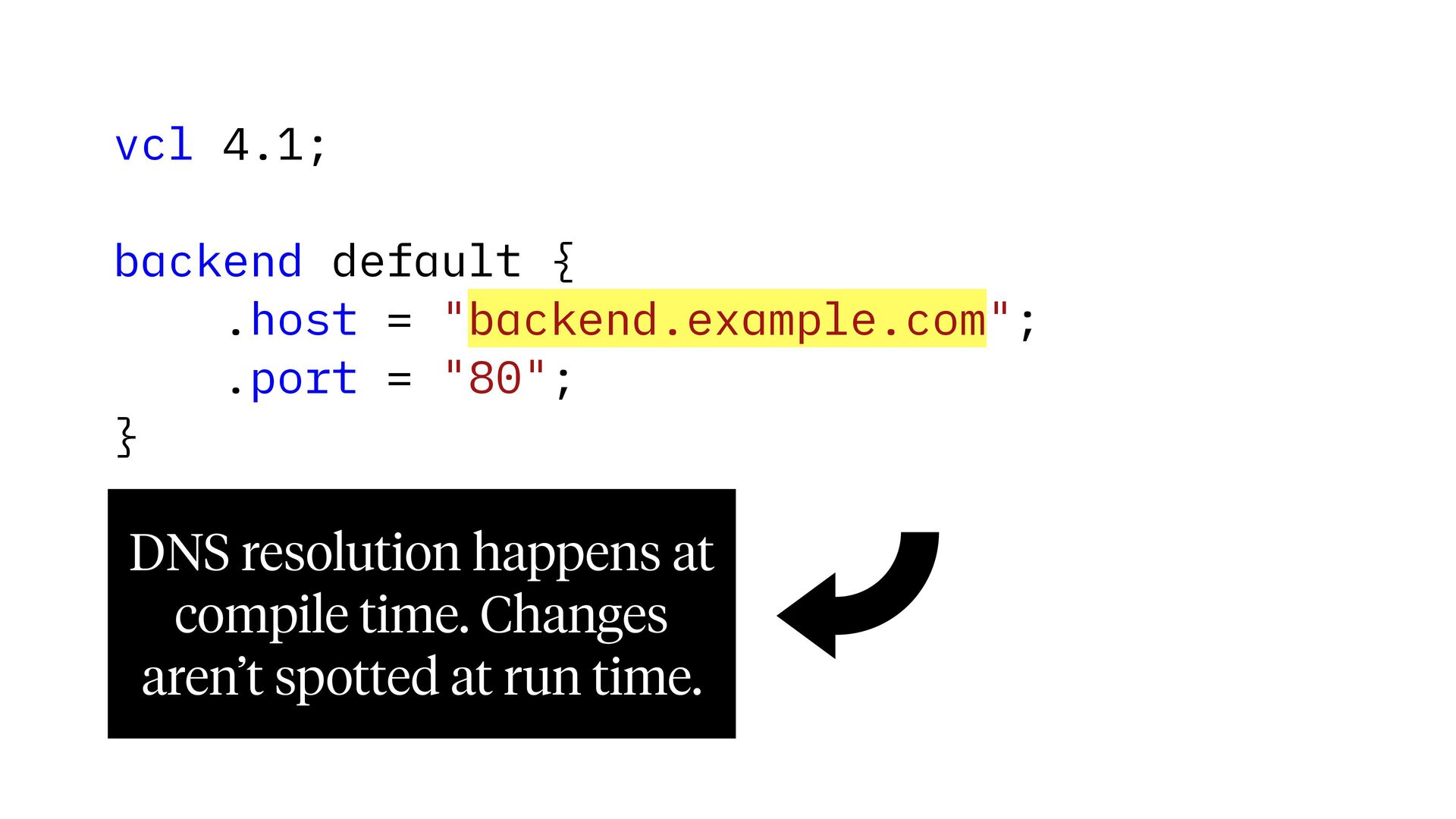
  4. vcl 4.1; backend default { .host = "backend.example.com"; .port =

    "80"; } DNS resolution happens at compile time. Changes aren’t spotted at run time.
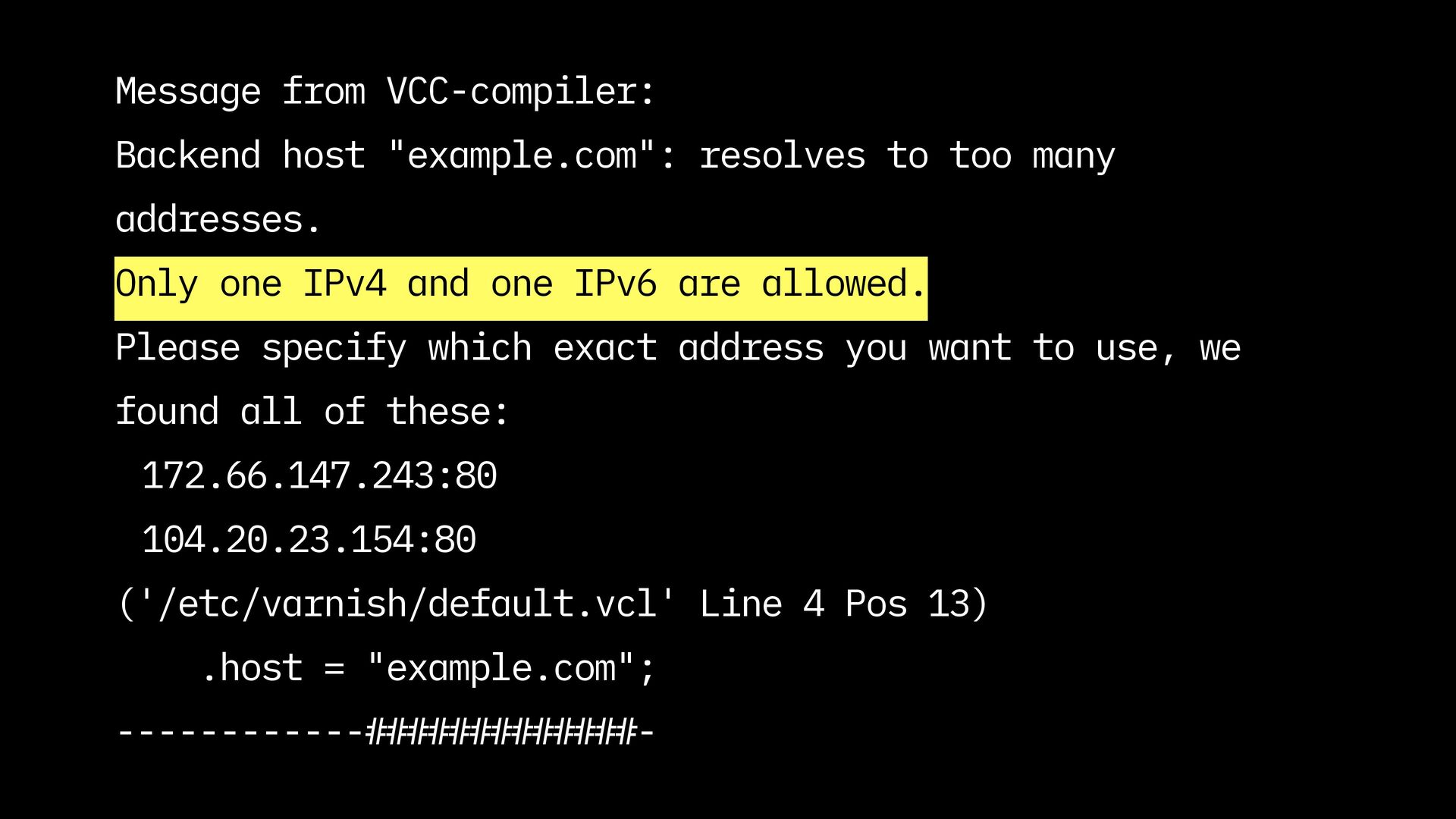
  5. Message from VCC-compiler: Backend host "example.com": resolves to too many

    addresses. Only one IPv4 and one IPv6 are allowed. Please specify which exact address you want to use, we found all of these: 172.66.147.243:80 104.20.23.154:80 ('/etc/varnish/default.vcl' Line 4 Pos 13) .host = "example.com"; ------------#############-
  6. Dynamic backends vcl 4.1; import reqwest; backend default none; sub

    vcl_init { new be = reqwest.client(base_url = "https://www.example.com/"); } sub vcl_recv { set req.backend_hint = be.backend(); }
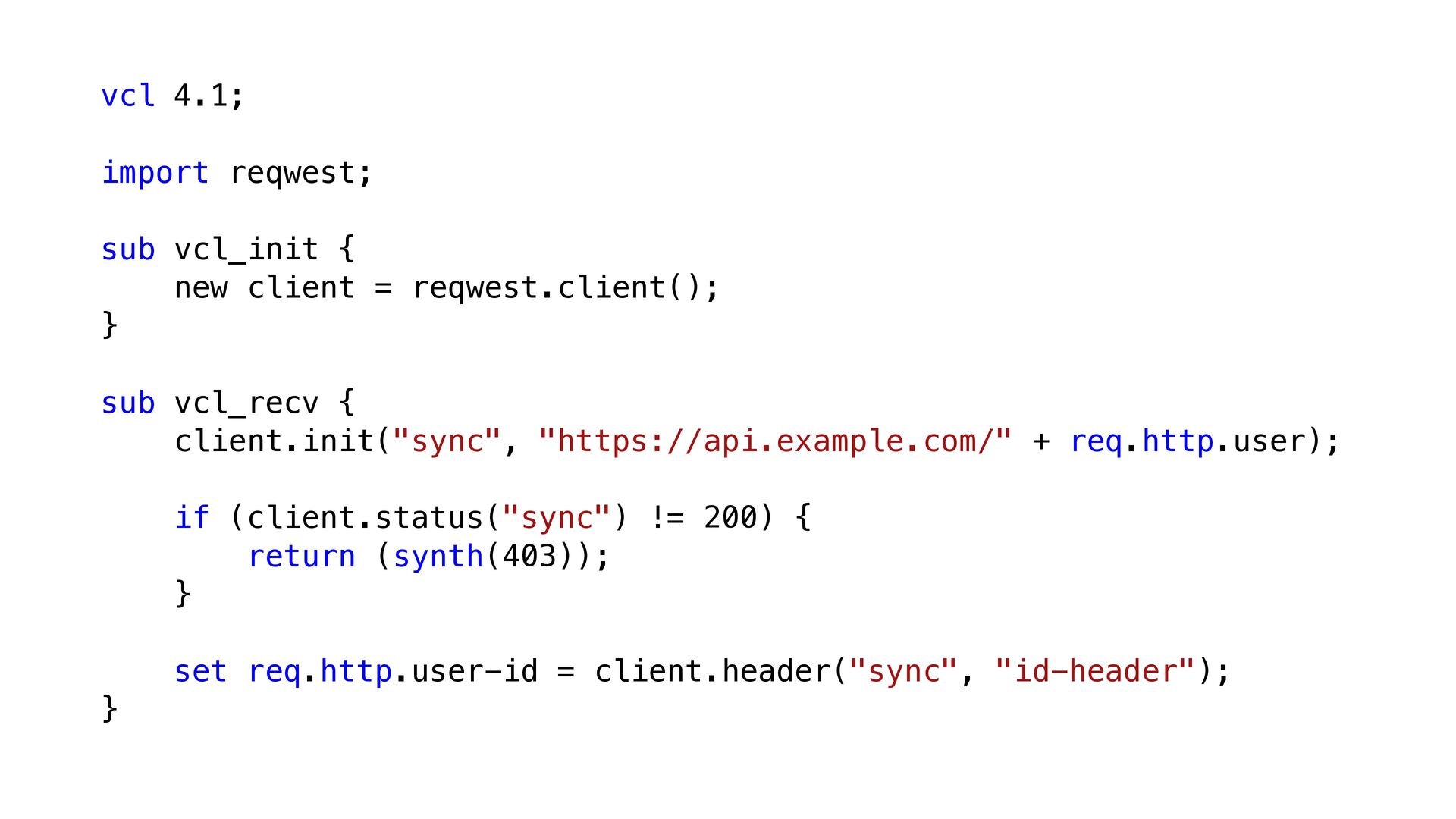
  7. vcl 4.1; import reqwest; sub vcl_init { new client =

    reqwest.client(); } sub vcl_recv { client.init("sync", "https://api.example.com/" + req.http.user); if (client.status("sync") != 200) { return (synth(403)); } set req.http.user-id = client.header("sync", "id-header"); }
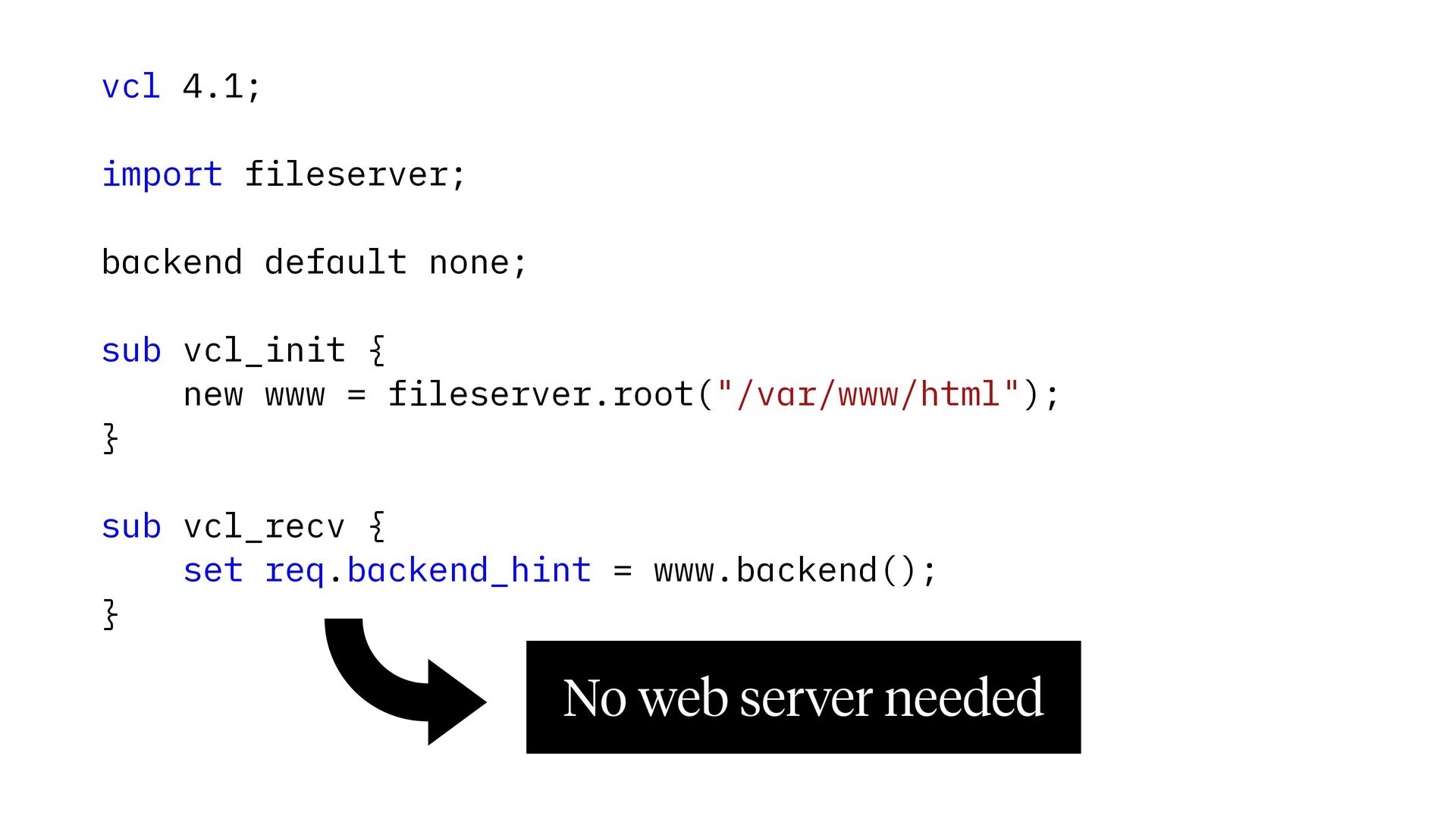
  8. vcl 4.1; import fileserver; backend default none; sub vcl_init {

    new www = fileserver.root("/var/www/html"); } sub vcl_recv { set req.backend_hint = www.backend(); } No web server needed
  9. sub vcl_recv { if(req.url ~ "^/(\?|$)") { set req.url =

    "/index.php"; } } sub vcl_backend_fetch { if (bereq.url ~ "\.php(\?|$)") { set bereq.backend = php.backend(); } else { set bereq.backend = files.backend(); } } l sub vcl_init { new php = fastcgi.new("php.example.com:9000", "/var/www/html"); new files = fileserver.root("/var/www/html"); } ta en rim backend default none; pe import fastcgi; import fileserver; Ex vcl 4.1;
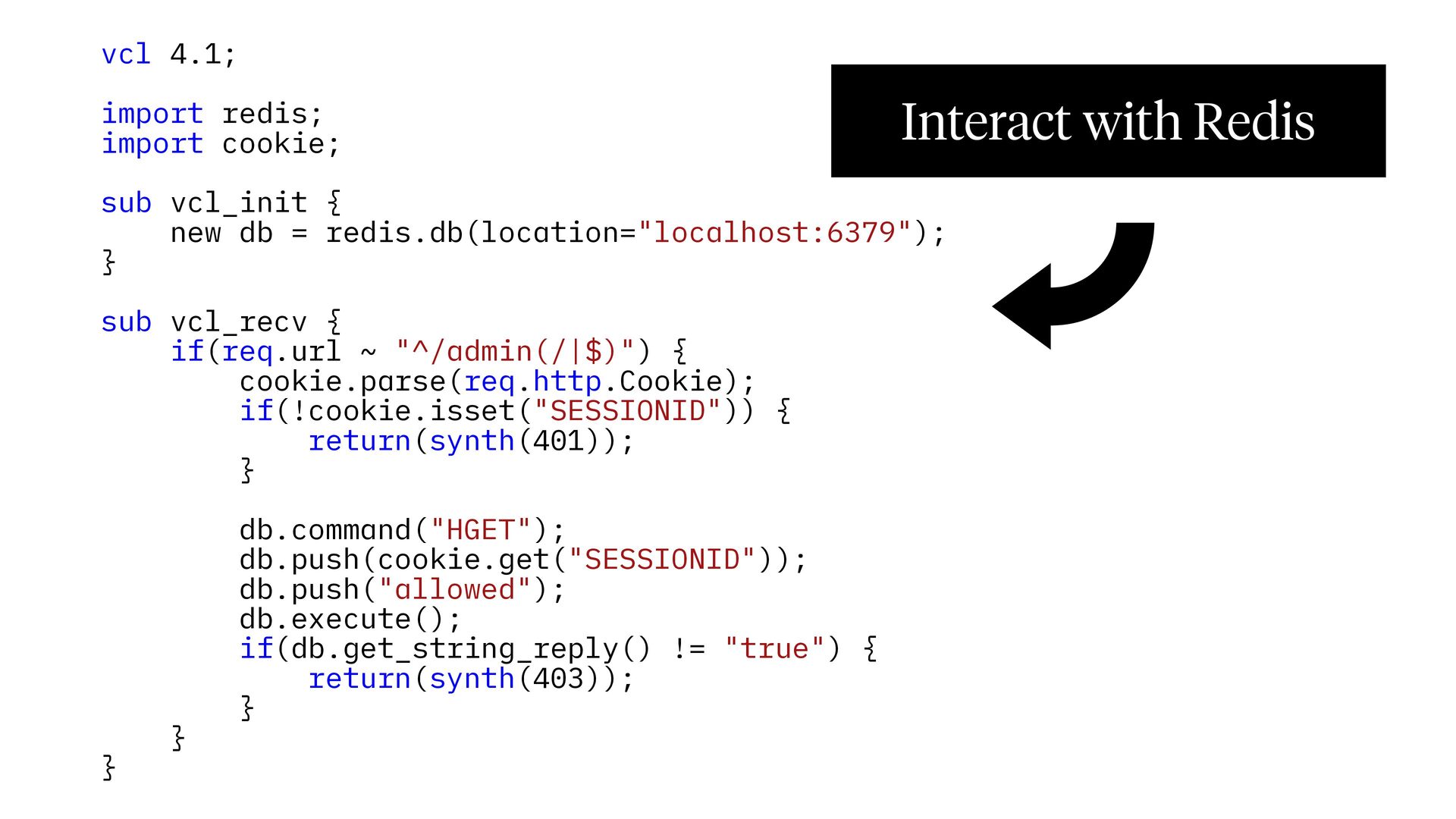
  10. vcl 4.1; import redis; import cookie; Interact with Redis sub

    vcl_init { new db = redis.db(location="localhost:6379"); } sub vcl_recv { if(req.url ~ "^/admin(/|$)") { cookie.parse(req.http.Cookie); if(!cookie.isset("SESSIONID")) { return(synth(401)); } } } db.command("HGET"); db.push(cookie.get("SESSIONID")); db.push("allowed"); db.execute(); if(db.get_string_reply() != "true") { return(synth(403)); }
  11. vcl 4.1; import rers; sub vcl_init { new re_cache =

    rers.init(100); } sub vcl_deliver { re_cache.replace_resp_body("Welcome (\w+)!", "Welcome to my website!"); set resp.filters = "rers"; }
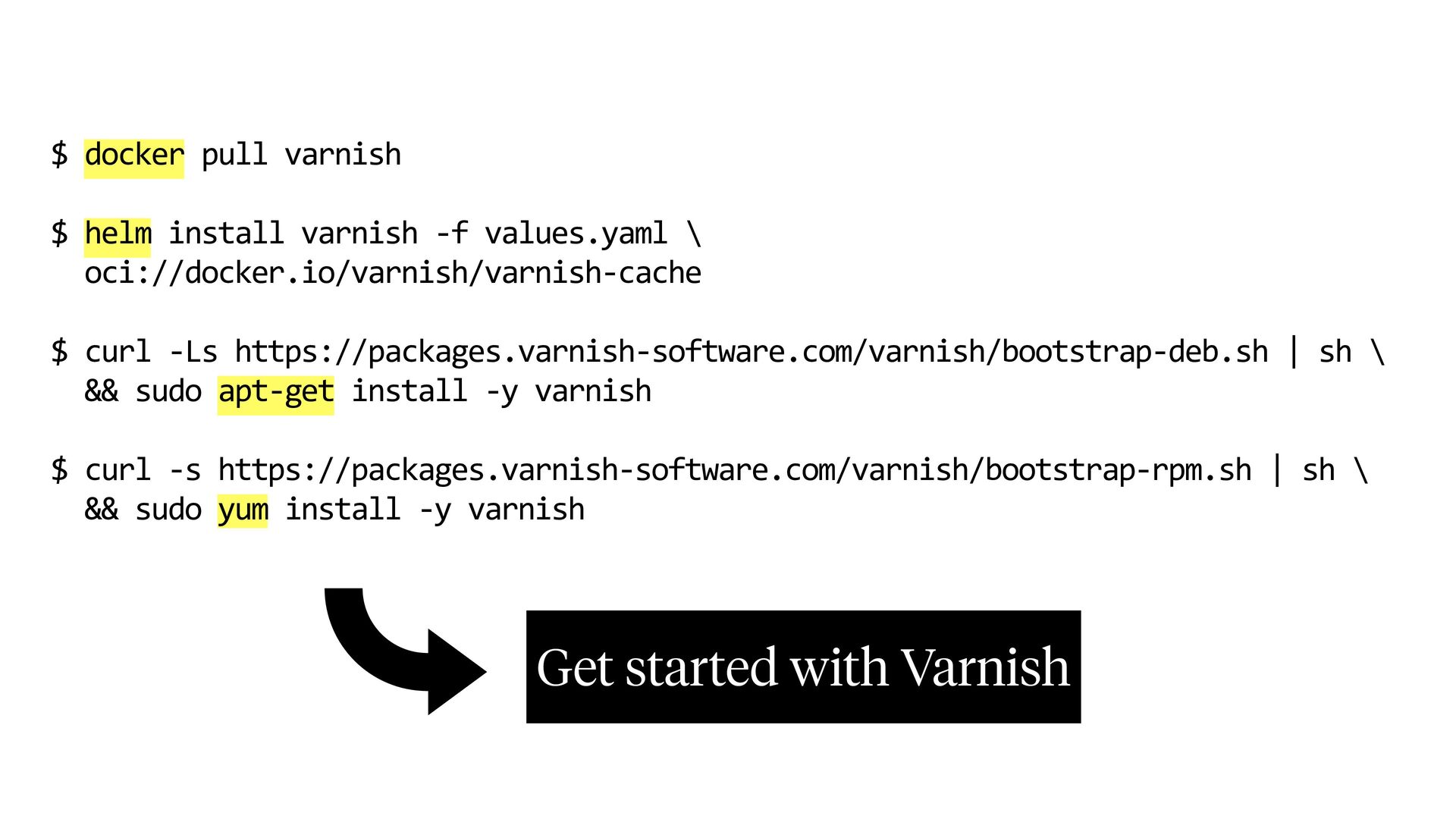
  12. $ docker pull varnish $ helm install varnish -f values.yaml

    \ oci://docker.io/varnish/varnish-cache $ curl -Ls https://packages.varnish-software.com/varnish/bootstrap-deb.sh | sh \ && sudo apt-get install -y varnish $ curl -s https://packages.varnish-software.com/varnish/bootstrap-rpm.sh | sh \ && sudo yum install -y varnish Get started with Varnish
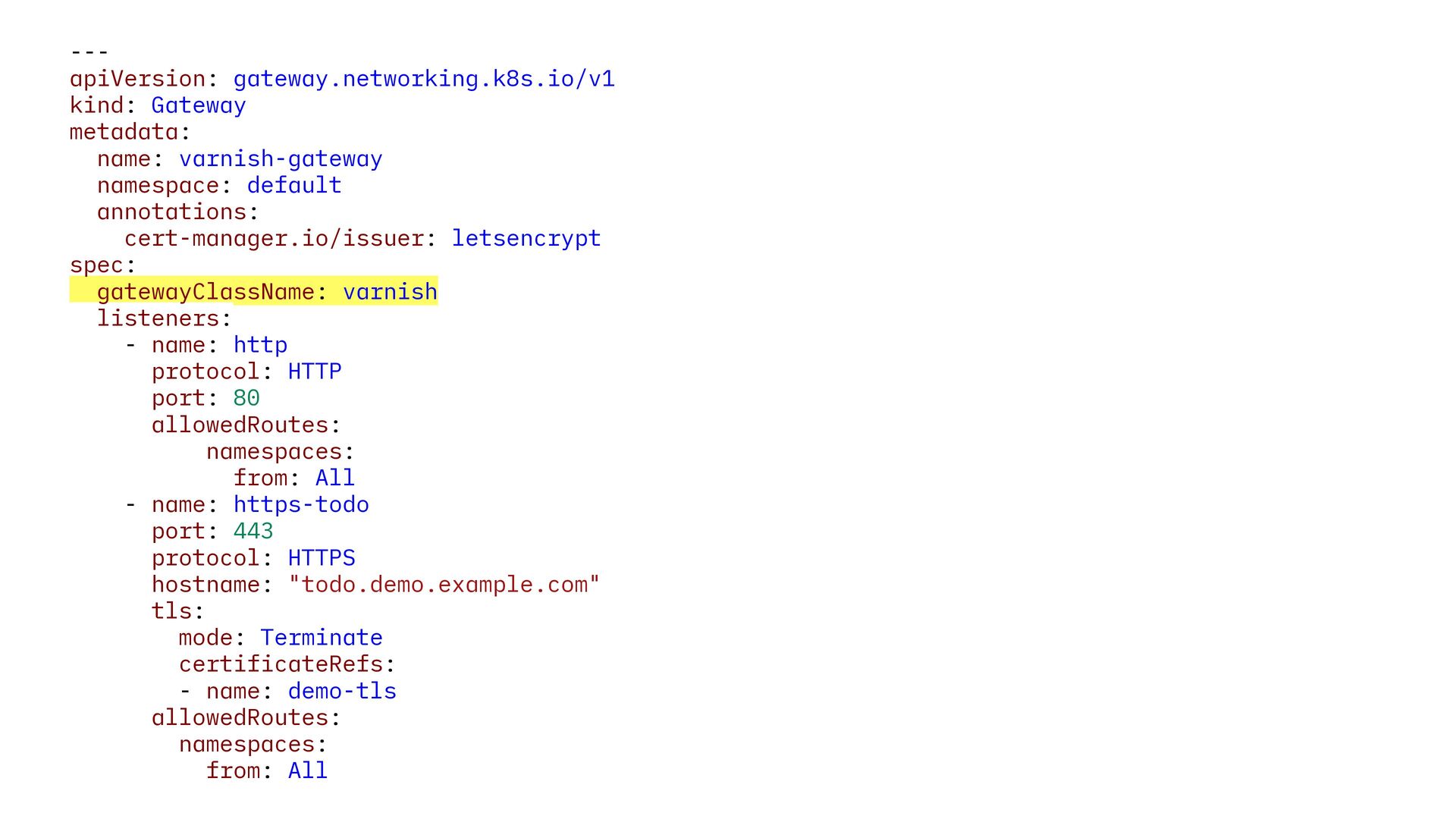
  13. --apiVersion: gateway.networking.k8s.io/v1 kind: Gateway metadata: name: varnish-gateway namespace: default annotations:

    cert-manager.io/issuer: letsencrypt spec: gatewayClassName: varnish listeners: - name: http protocol: HTTP port: 80 allowedRoutes: namespaces: from: All - name: https-todo port: 443 protocol: HTTPS hostname: "todo.demo.example.com" tls: mode: Terminate certificateRefs: - name: demo-tls allowedRoutes: namespaces: from: All
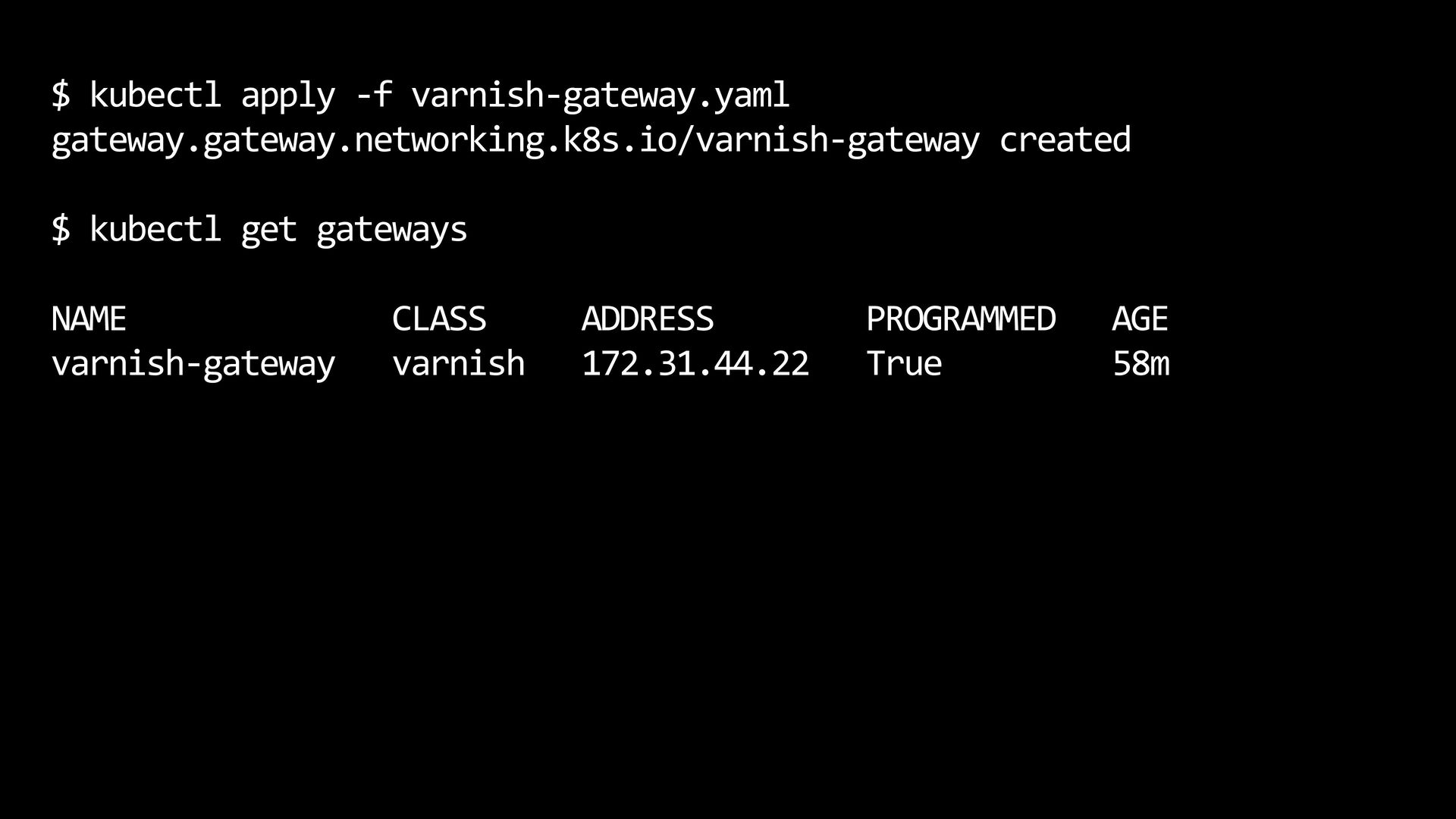
  14. $ kubectl apply -f varnish-gateway.yaml gateway.gateway.networking.k8s.io/varnish-gateway created $ kubectl get

    gateways NAME varnish-gateway CLASS varnish ADDRESS 172.31.44.22 PROGRAMMED True AGE 58m
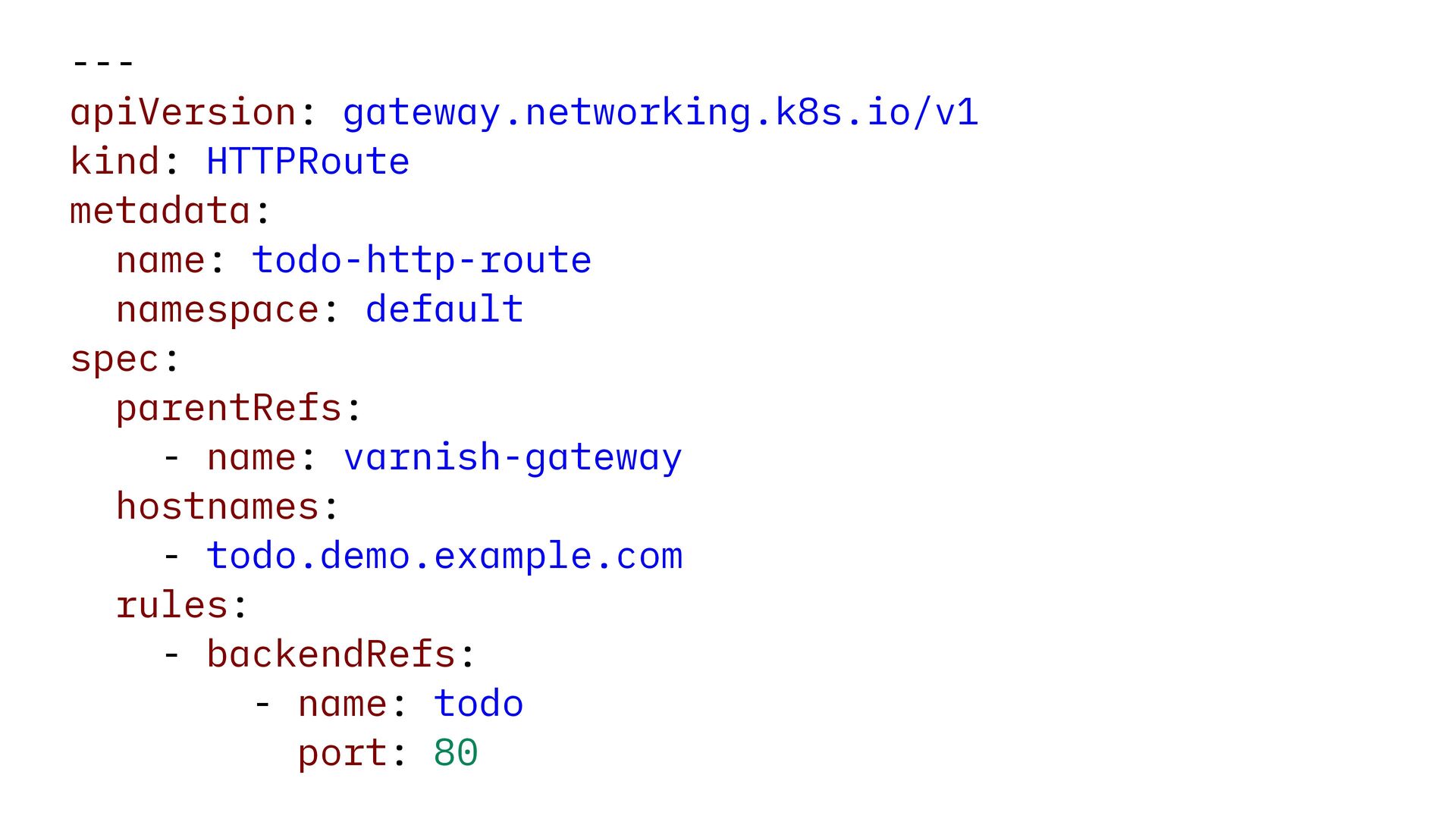
  15. --apiVersion: gateway.networking.k8s.io/v1 kind: HTTPRoute metadata: name: todo-http-route namespace: default spec:

    parentRefs: - name: varnish-gateway hostnames: - todo.demo.example.com rules: - backendRefs: - name: todo port: 80
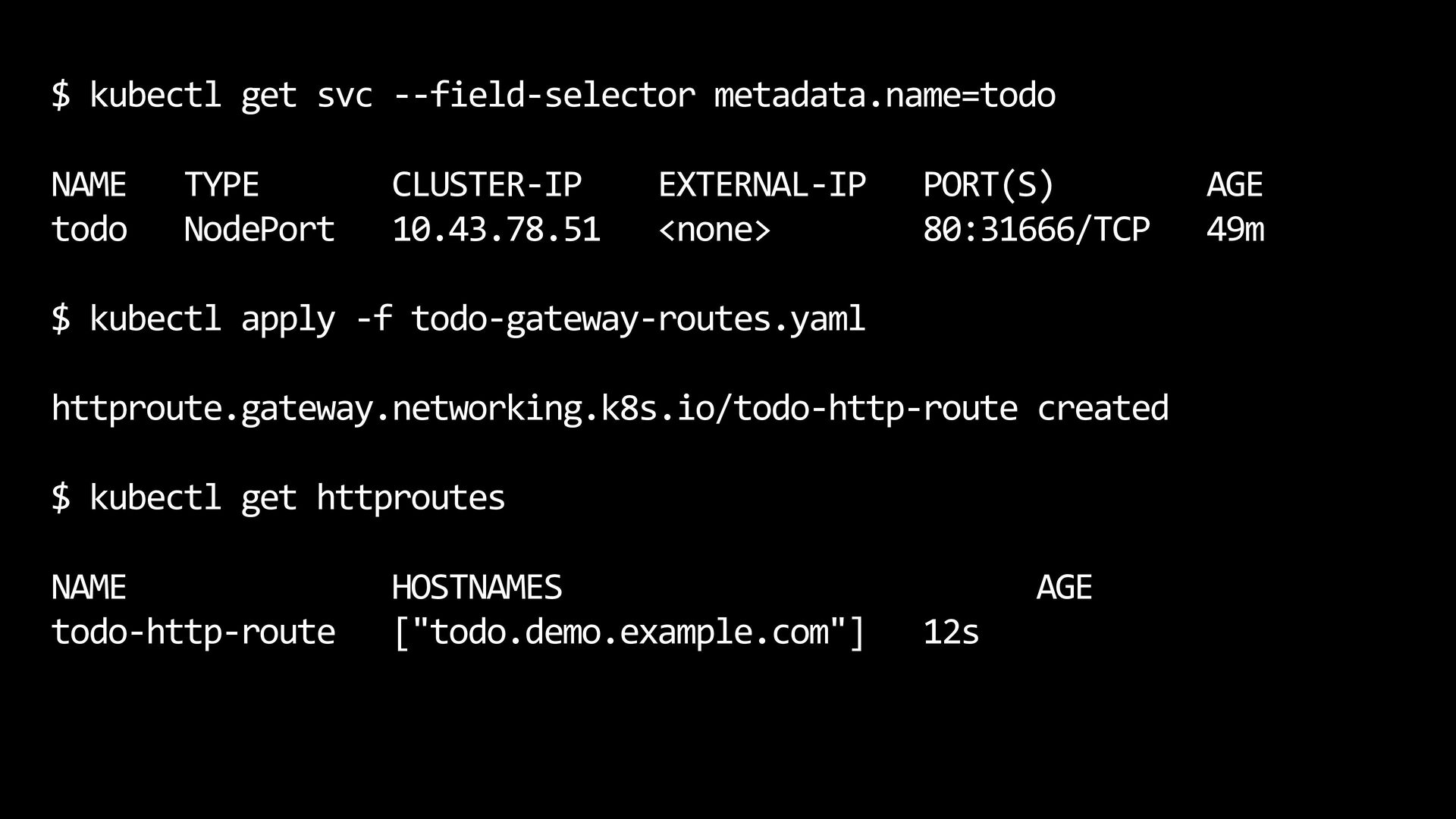
  16. $ kubectl get svc --field-selector metadata.name=todo NAME todo TYPE NodePort

    CLUSTER-IP 10.43.78.51 EXTERNAL-IP <none> PORT(S) 80:31666/TCP $ kubectl apply -f todo-gateway-routes.yaml httproute.gateway.networking.k8s.io/todo-http-route created $ kubectl get httproutes NAME todo-http-route HOSTNAMES ["todo.demo.example.com"] AGE 12s AGE 49m
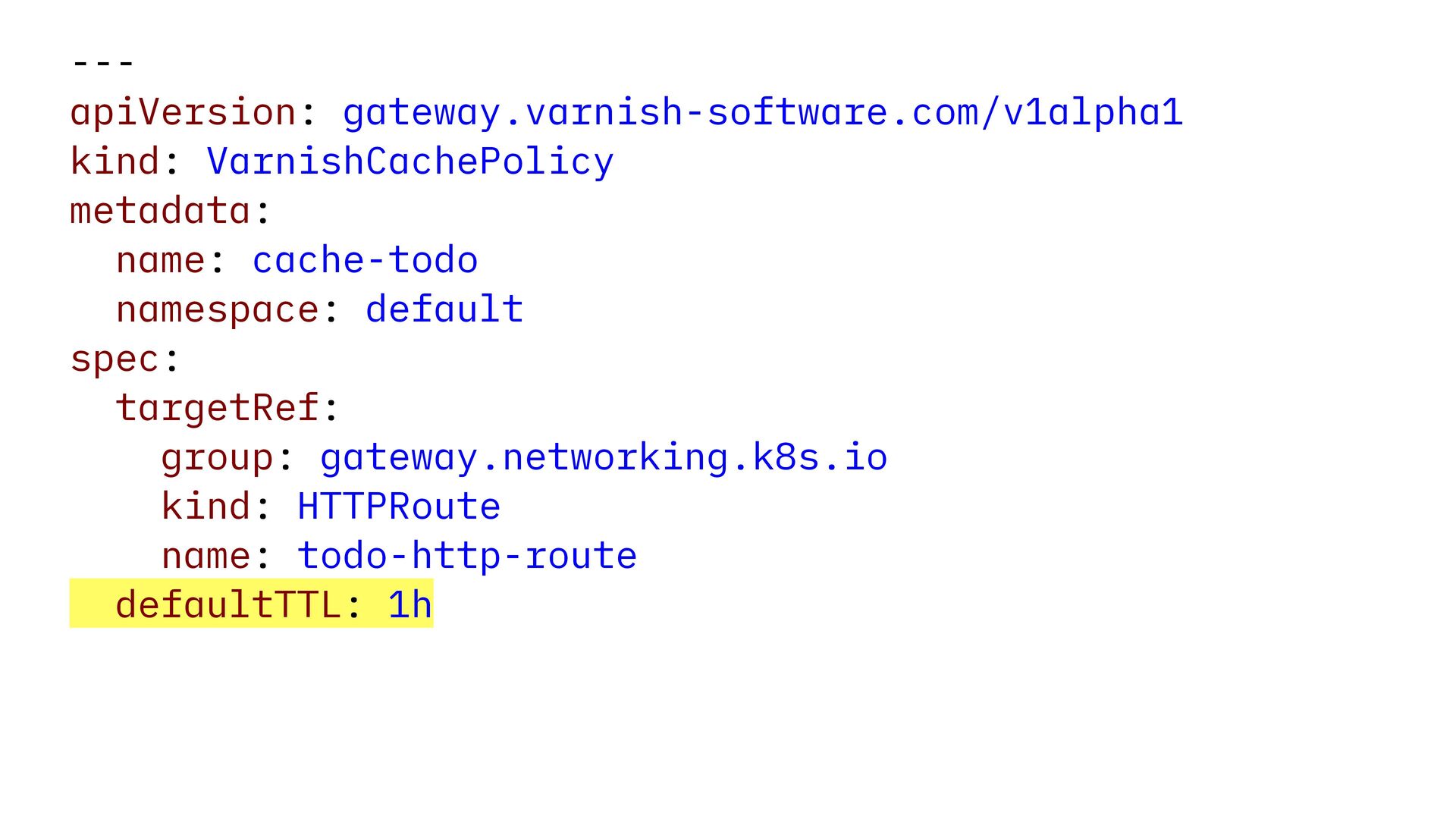
  17. --apiVersion: gateway.varnish-software.com/v1alpha1 kind: VarnishCachePolicy metadata: name: cache-todo namespace: default spec:

    targetRef: group: gateway.networking.k8s.io kind: HTTPRoute name: todo-http-route defaultTTL: 1h
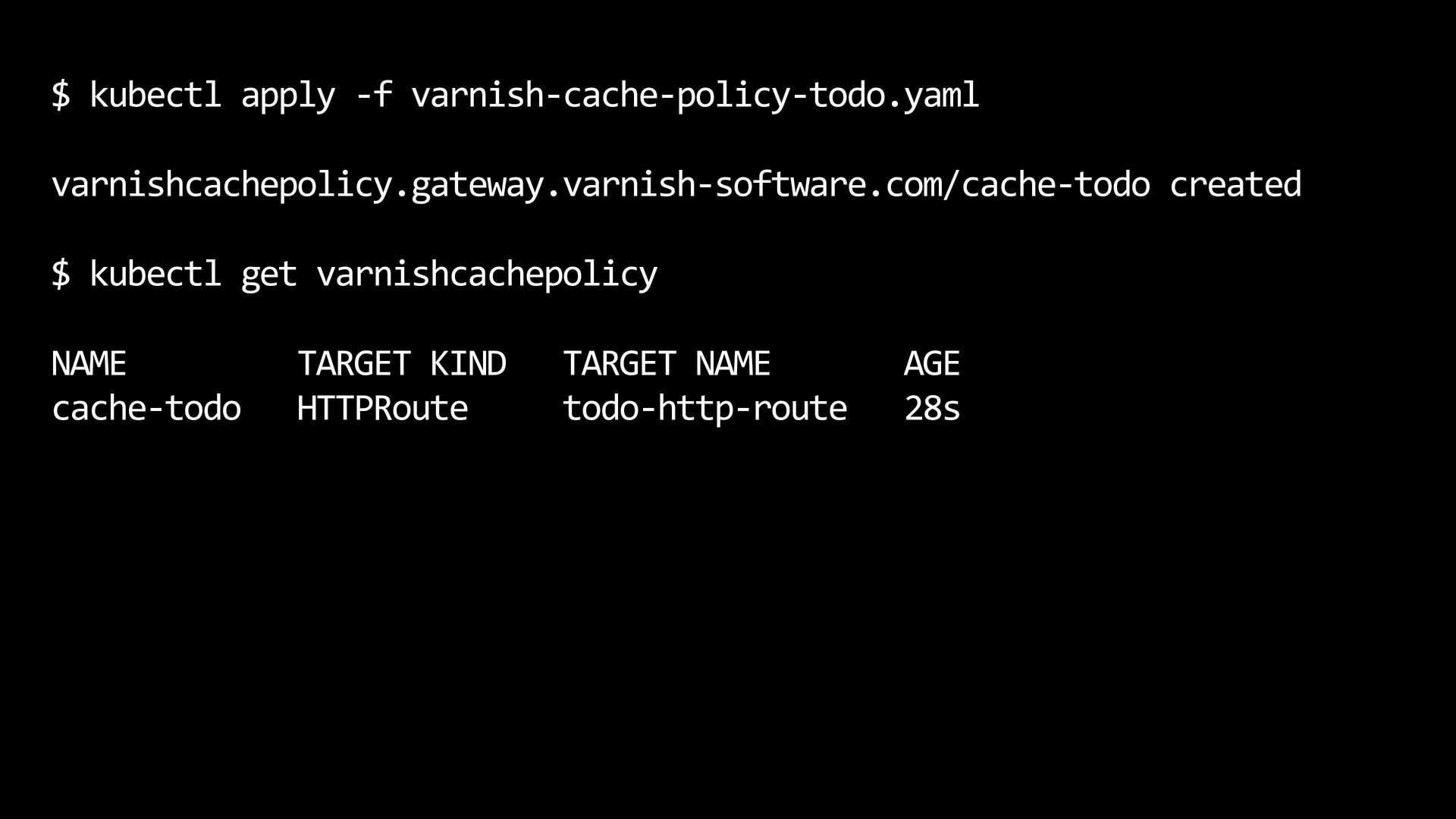
  18. $ kubectl apply -f varnish-cache-policy-todo.yaml varnishcachepolicy.gateway.varnish-software.com/cache-todo created $ kubectl get

    varnishcachepolicy NAME cache-todo TARGET KIND HTTPRoute TARGET NAME todo-http-route AGE 28s
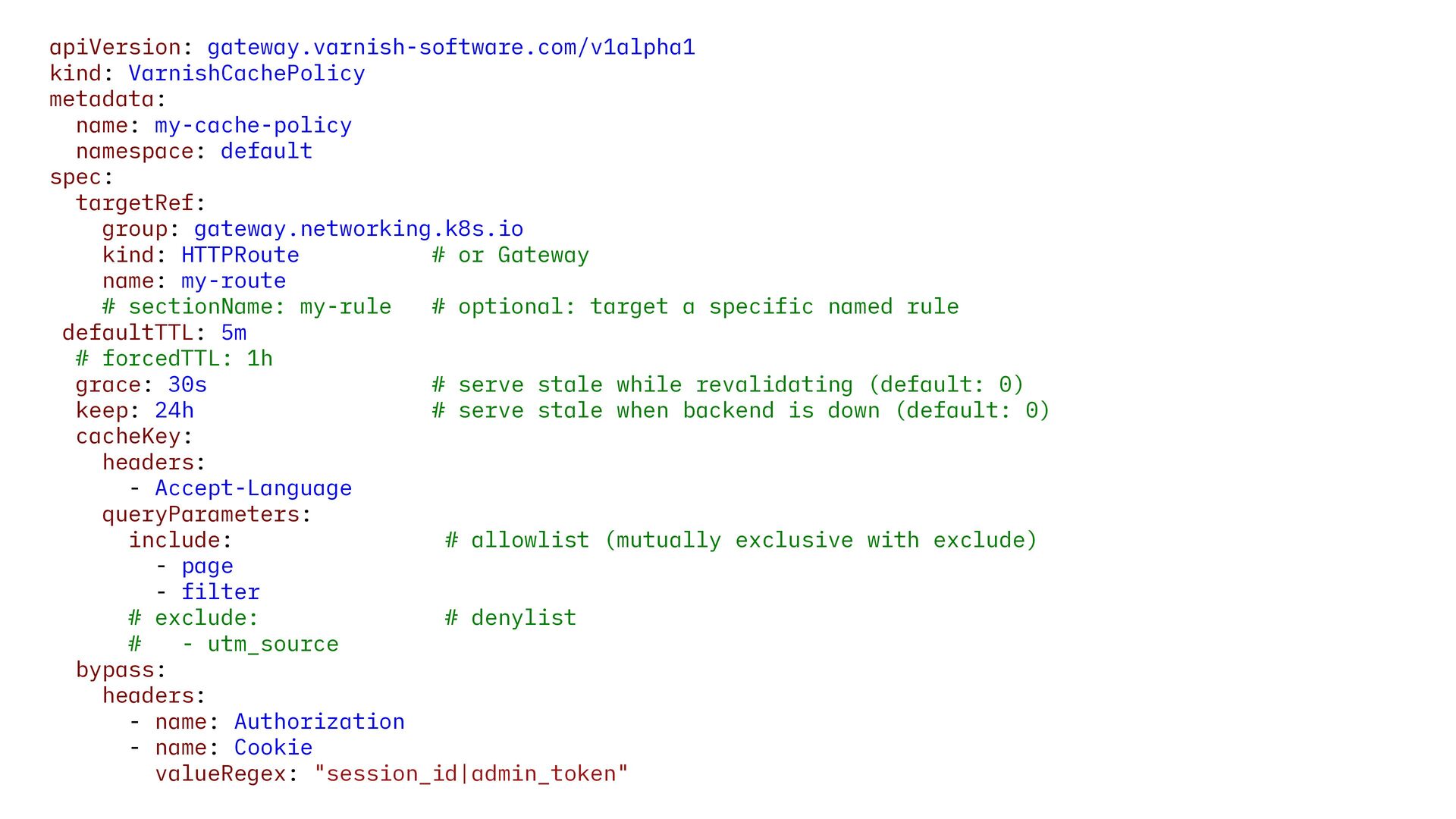
  19. apiVersion: gateway.varnish-software.com/v1alpha1 kind: VarnishCachePolicy metadata: name: my-cache-policy namespace: default spec:

    targetRef: group: gateway.networking.k8s.io kind: HTTPRoute # or Gateway name: my-route # sectionName: my-rule # optional: target a specific named rule defaultTTL: 5m # forcedTTL: 1h grace: 30s # serve stale while revalidating (default: 0) keep: 24h # serve stale when backend is down (default: 0) cacheKey: headers: - Accept-Language queryParameters: include: # allowlist (mutually exclusive with exclude) - page - filter # exclude: # denylist # - utm_source bypass: headers: - name: Authorization - name: Cookie valueRegex: "session_id|admin_token"
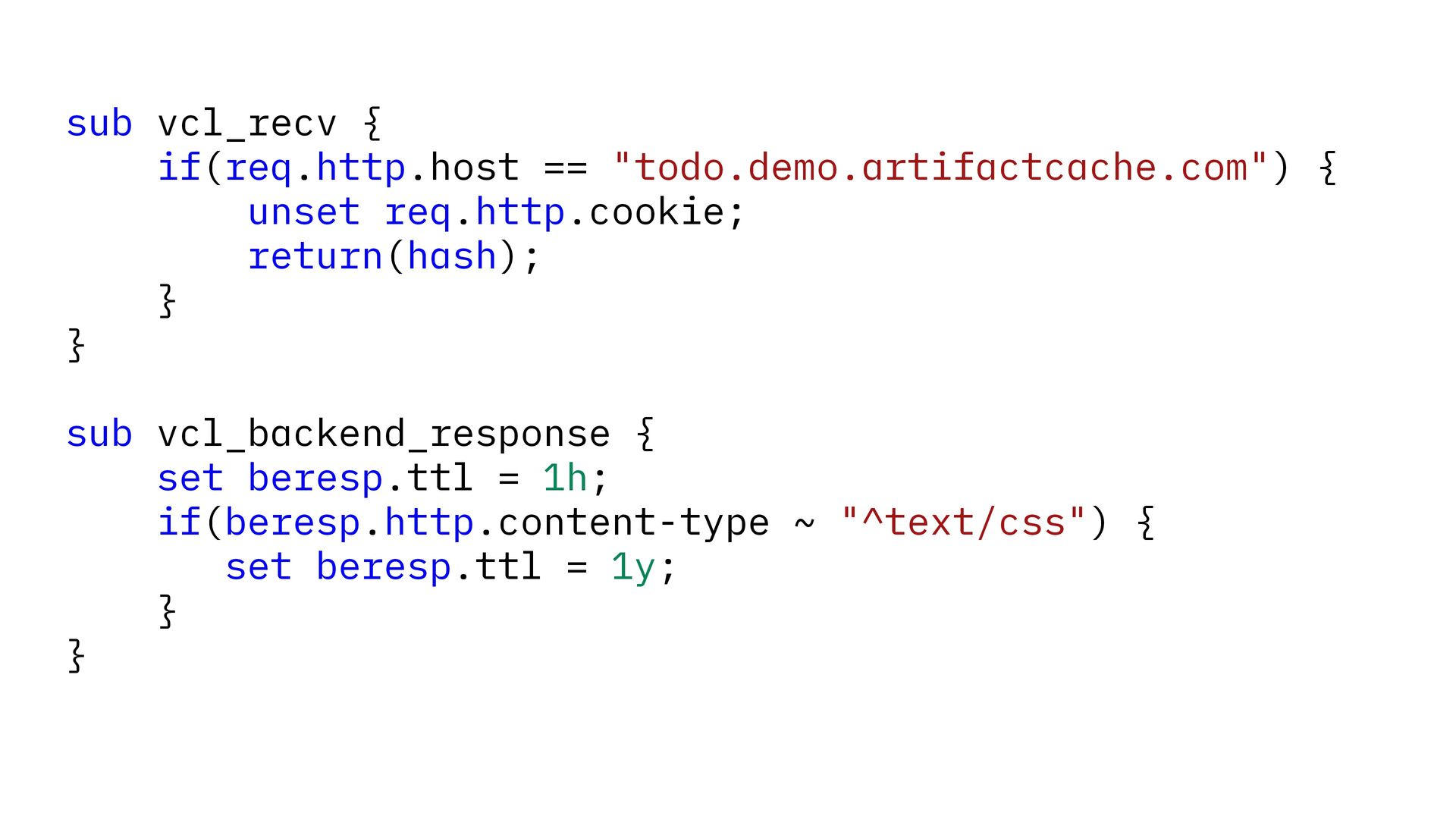
  20. sub vcl_recv { if(req.http.host == "todo.demo.artifactcache.com") { unset req.http.cookie; return(hash);

    } } sub vcl_backend_response { set beresp.ttl = 1h; if(beresp.http.content-type ~ "^text/css") { set beresp.ttl = 1y; } }
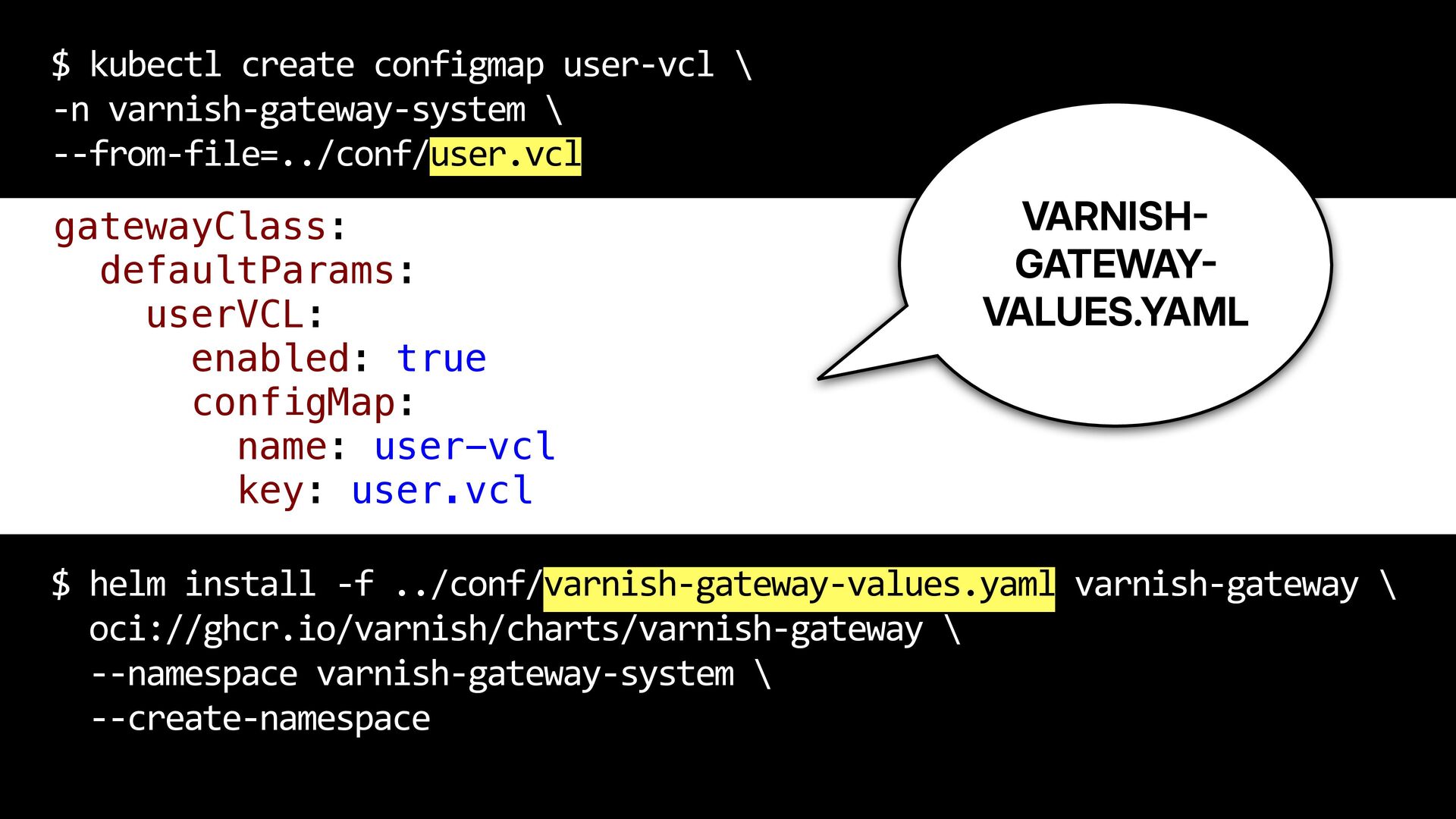
  21. $ kubectl create configmap user-vcl \ -n varnish-gateway-system \ --from-file=../conf/user.vcl

    gatewayClass: defaultParams: userVCL: enabled: true configMap: name: user-vcl key: user.vcl VARNISH GATEWAY VALUES.YAML - - $ helm install -f ../conf/varnish-gateway-values.yaml varnish-gateway \ oci://ghcr.io/varnish/charts/varnish-gateway \ --namespace varnish-gateway-system \ --create-namespace