Upgrade to Pro
— share decks privately, control downloads, hide ads and more …
Speaker Deck
Sign up for free
Menu
Search
Features
All features
Private URLs
Password Protection
Custom URLS
Scheduled publishing
Remove Branding
Restrict embedding
Deck Collections
Notes
Features
All features
Private URLs
Password Protection
Custom URLS
Scheduled publishing
Remove Branding
Restrict embedding
Deck Collections
Notes
Explore
Featured decks
Featured speakers
Programming
Technology
Storyboards
Explore
Featured decks
Featured speakers
Programming
Technology
Storyboards
Pricing
Search
Sign in
Sign up for free
プロジェクト着手時に意識した大切なこと
Search
Tomomi Kimura
December 17, 2024
91
0
Share
Embed
Copy iframe code
Copy JS code
Copy link
Start on current slide
プロジェクト着手時に意識した大切なこと
React Native Meetup #19. マイベスト登壇資料
https://react-native-meetup.connpass.com/event/336611/
Tomomi Kimura
December 17, 2024
Featured
See All Featured
Design in an AI World
tapps
1
350
Navigating Weather and Climate Data
rabernat
0
560
The SEO identity crisis: Don't let AI make you average
varn
0
590
Learning to Love Humans: Emotional Interface Design
aarron
275
41k
[RailsConf 2023] Rails as a piece of cake
palkan
59
7.1k
GraphQLとの向き合い方2022年版
quramy
50
15k
Applied NLP in the Age of Generative AI
inesmontani
PRO
4
2.5k
ラッコキーワード サービス紹介資料
rakko
1
5.4M
Save Time (by Creating Custom Rails Generators)
garrettdimon
PRO
33
5.3k
Accessibility Awareness
sabderemane
1
250
From π to Pie charts
rasagy
1
400
How To Speak Unicorn (iThemes Webinar)
marktimemedia
1
600
Transcript
プロジェクト着手時に意識した 大切なこと Tomomi Kimura
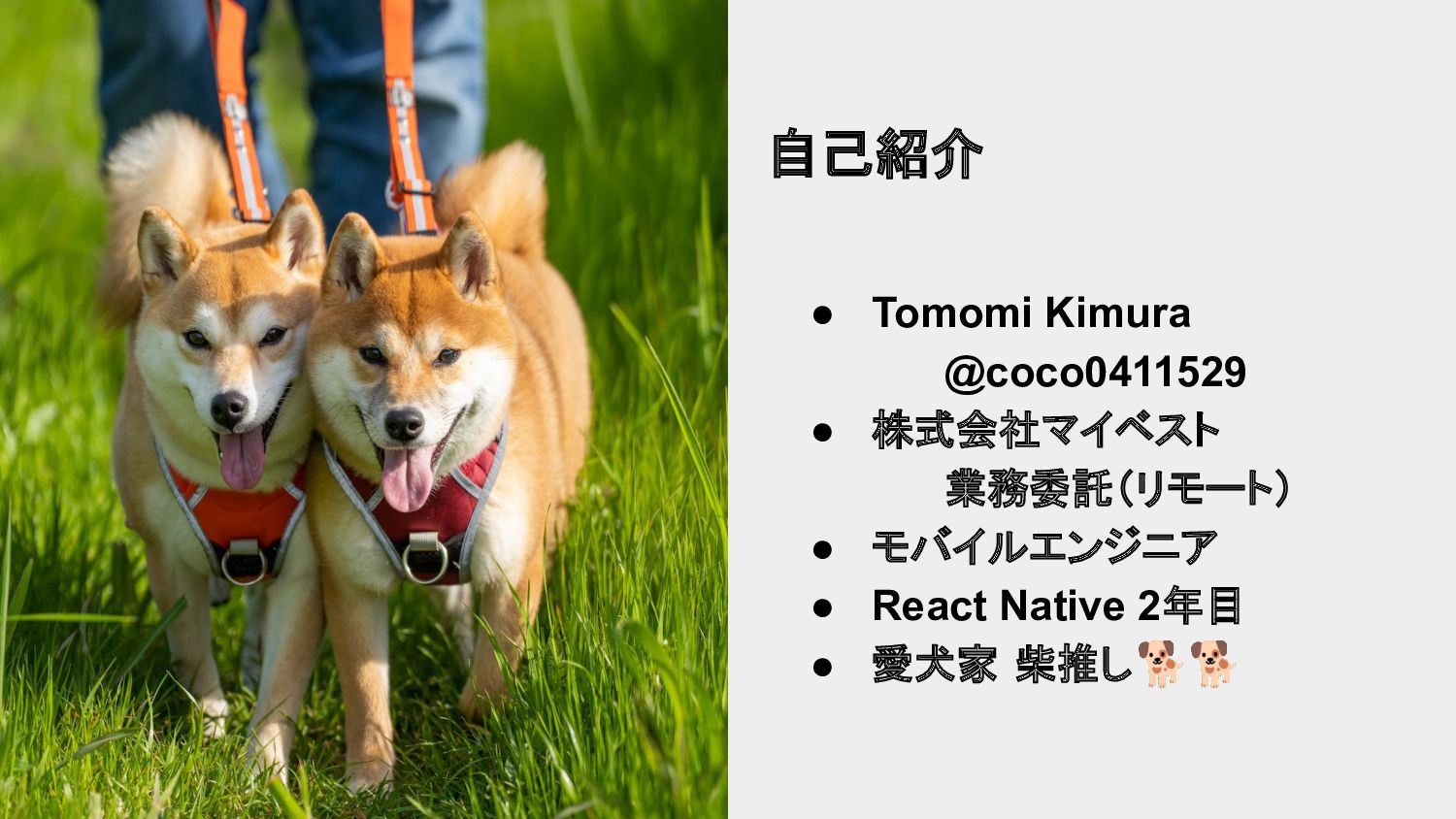
写真 • Tomomi Kimura @coco0411529 • 株式会社マイベスト 業務委託(リモート) • モバイルエンジニア
• React Native 2年目 • 愛犬家 柴推し🐕🐕 自己紹介
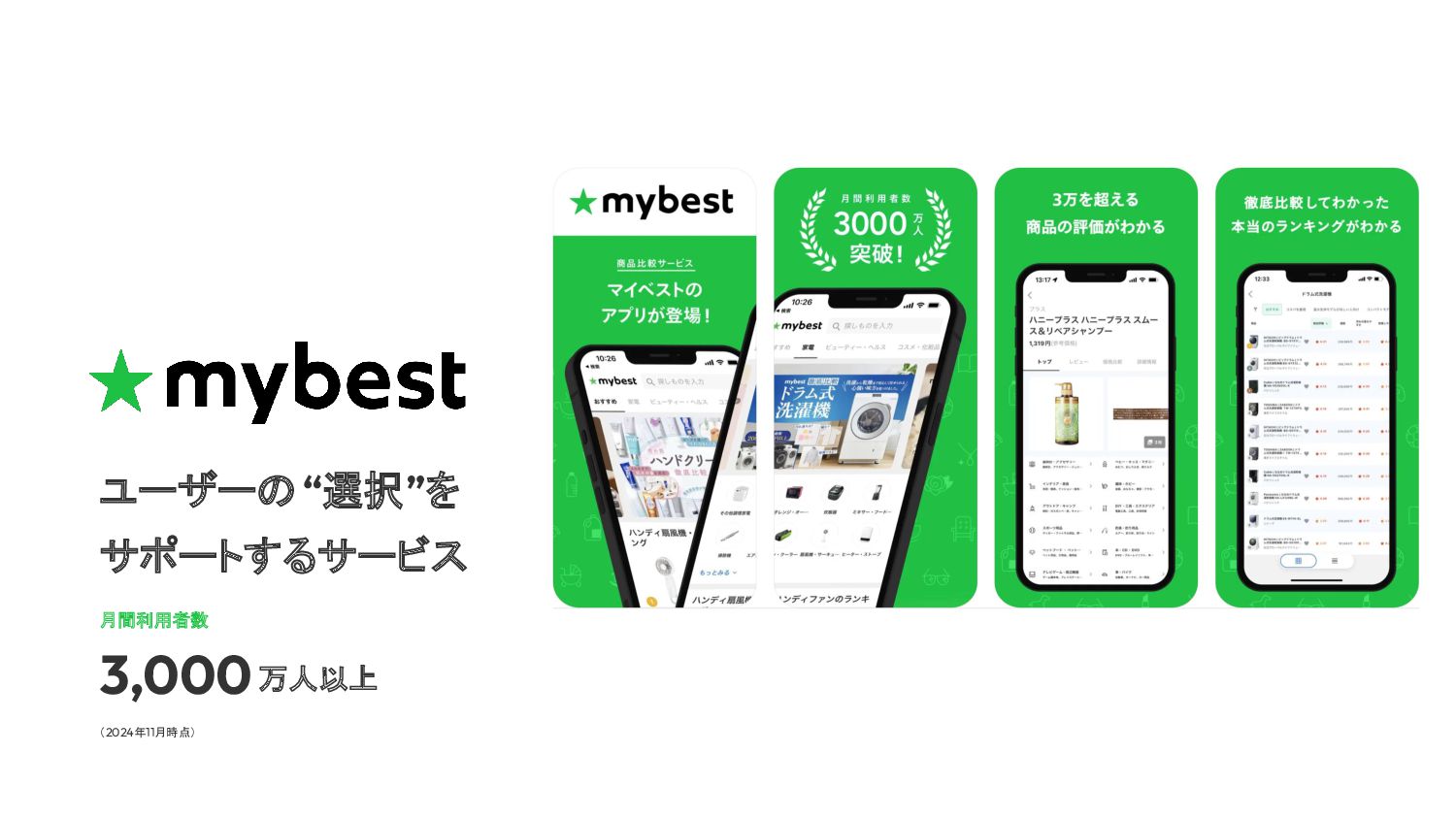
月間利用者数 3,000 ユーザーの “選択”を サポートするサービス 万人以上 (2024年11月時点)
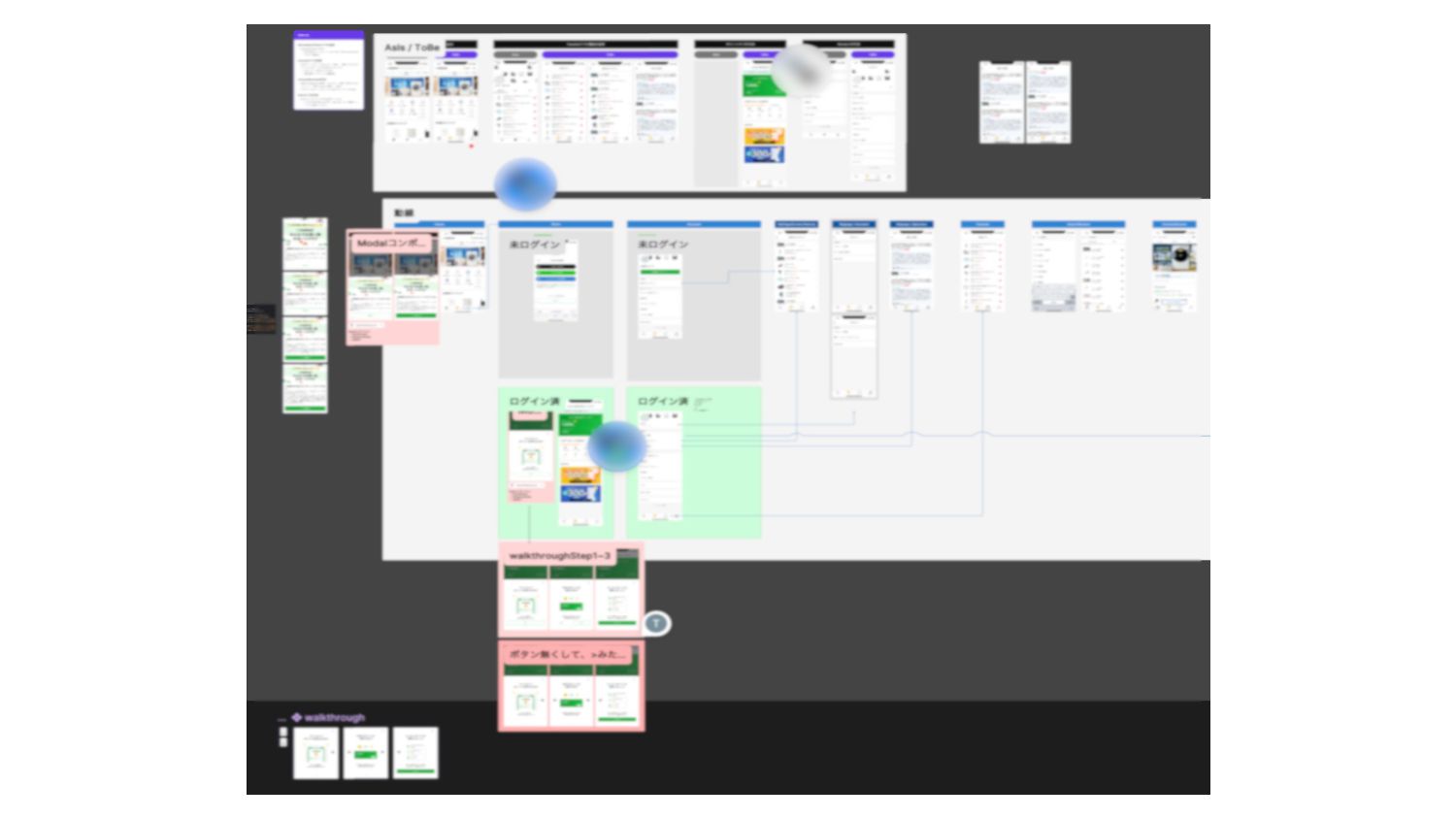
プレゼンの内容 • React Nativeアプリケーションを開発する際、プロジェクト着手時に意識した大切な こと フォーカスしたいポイント ◦ デザインレビュー ◦ コンポーネントの複雑性
◦ マルチデバイスサポート
None
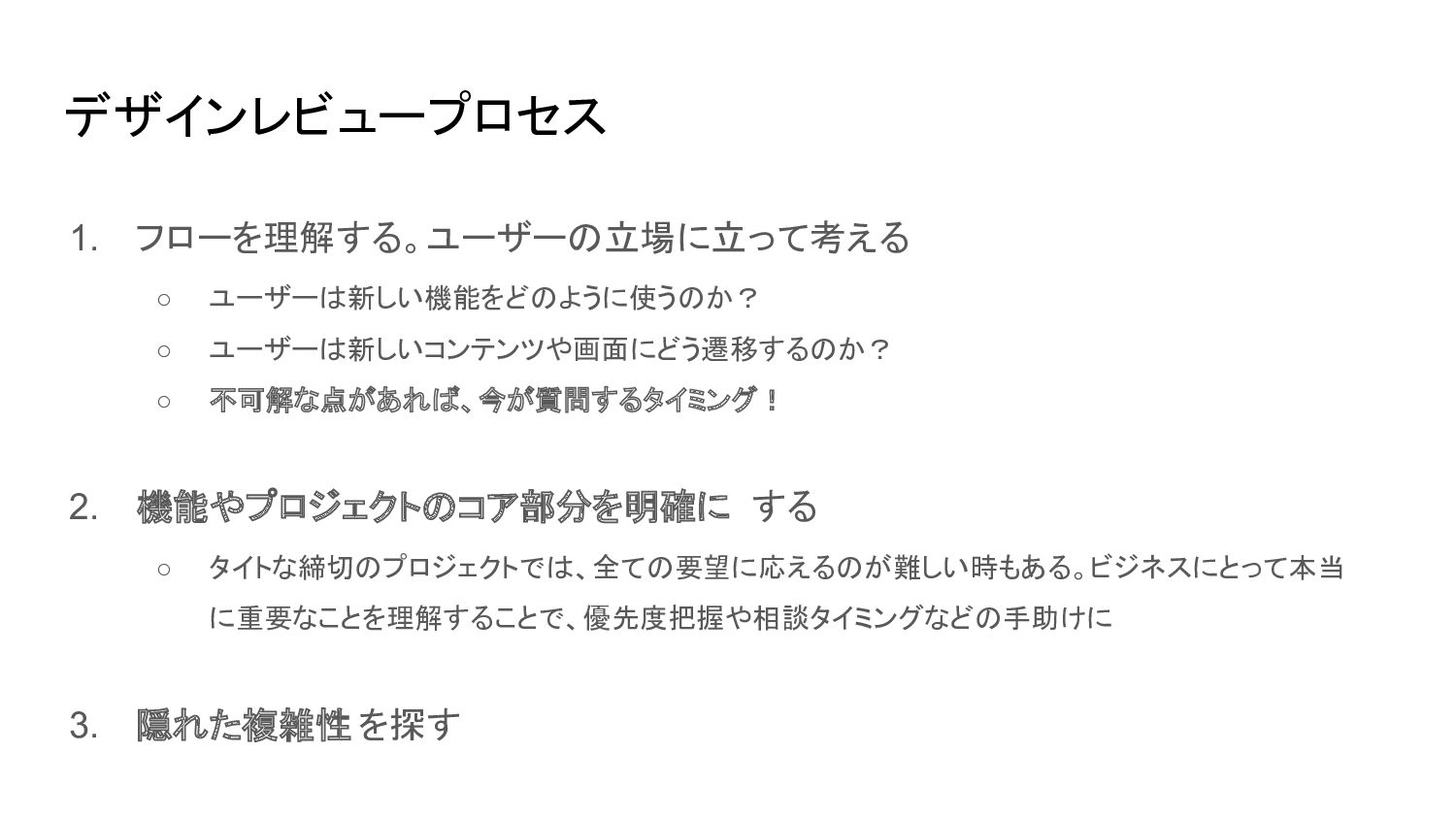
デザインレビュープロセス 1. フローを理解する。ユーザーの立場に立って考える ◦ ユーザーは新しい機能をどのように使うのか? ◦ ユーザーは新しいコンテンツや画面にどう遷移するのか? ◦ 不可解な点があれば、今が質問するタイミング! 2.
機能やプロジェクトのコア部分を明確に する ◦ タイトな締切のプロジェクトでは、全ての要望に応えるのが難しい時もある。ビジネスにとって本当 に重要なことを理解することで、優先度把握や相談タイミングなどの手助けに 3. 隠れた複雑性 を探す
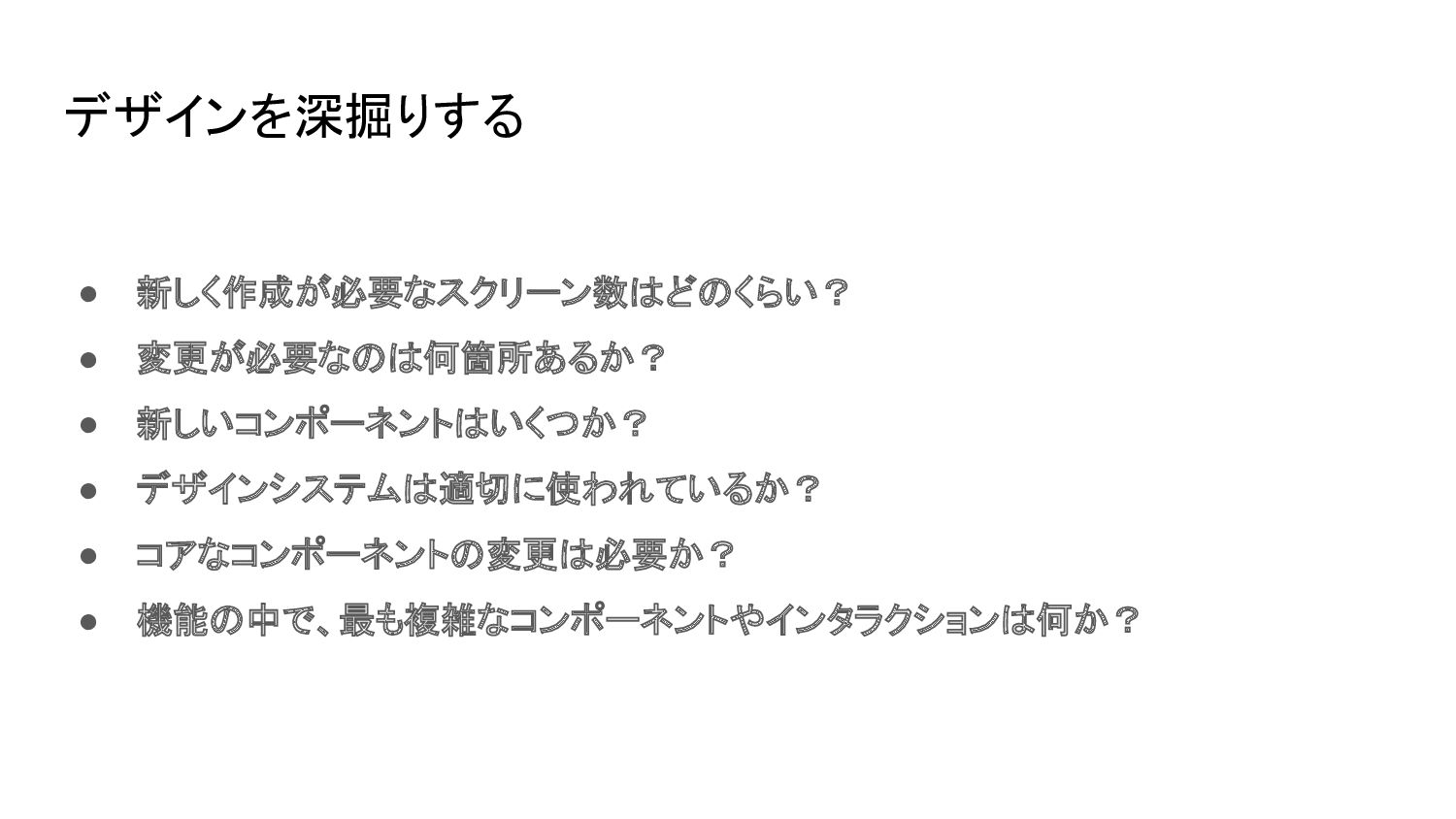
デザインを深掘りする • 新しく作成が必要なスクリーン数はどのくらい? • 変更が必要なのは何箇所あるか? • 新しいコンポーネントはいくつか? • デザインシステムは適切に使われているか? •
コアなコンポーネントの変更は必要か? • 機能の中で、最も複雑なコンポーネントやインタラクションは何か?
None
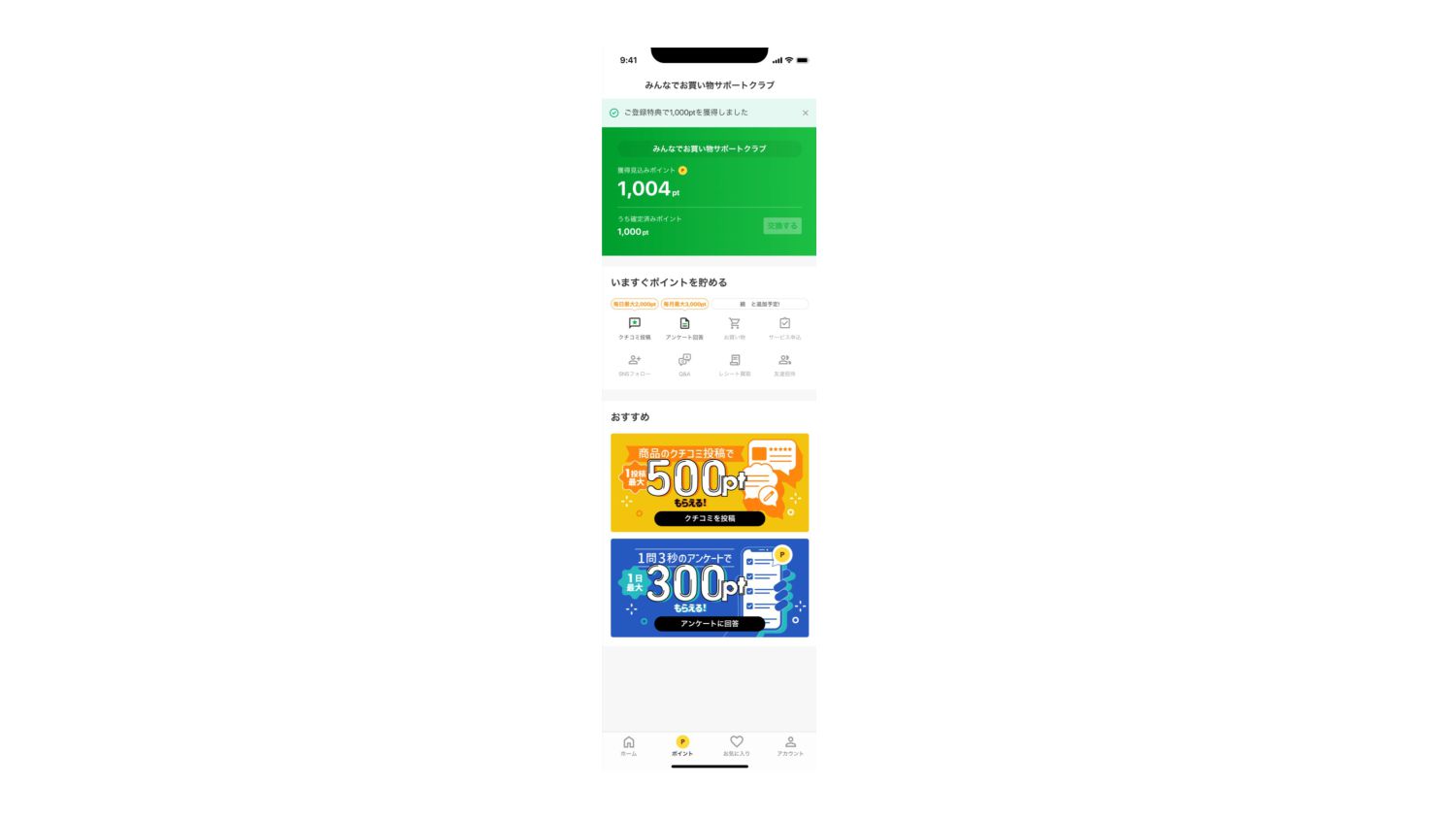
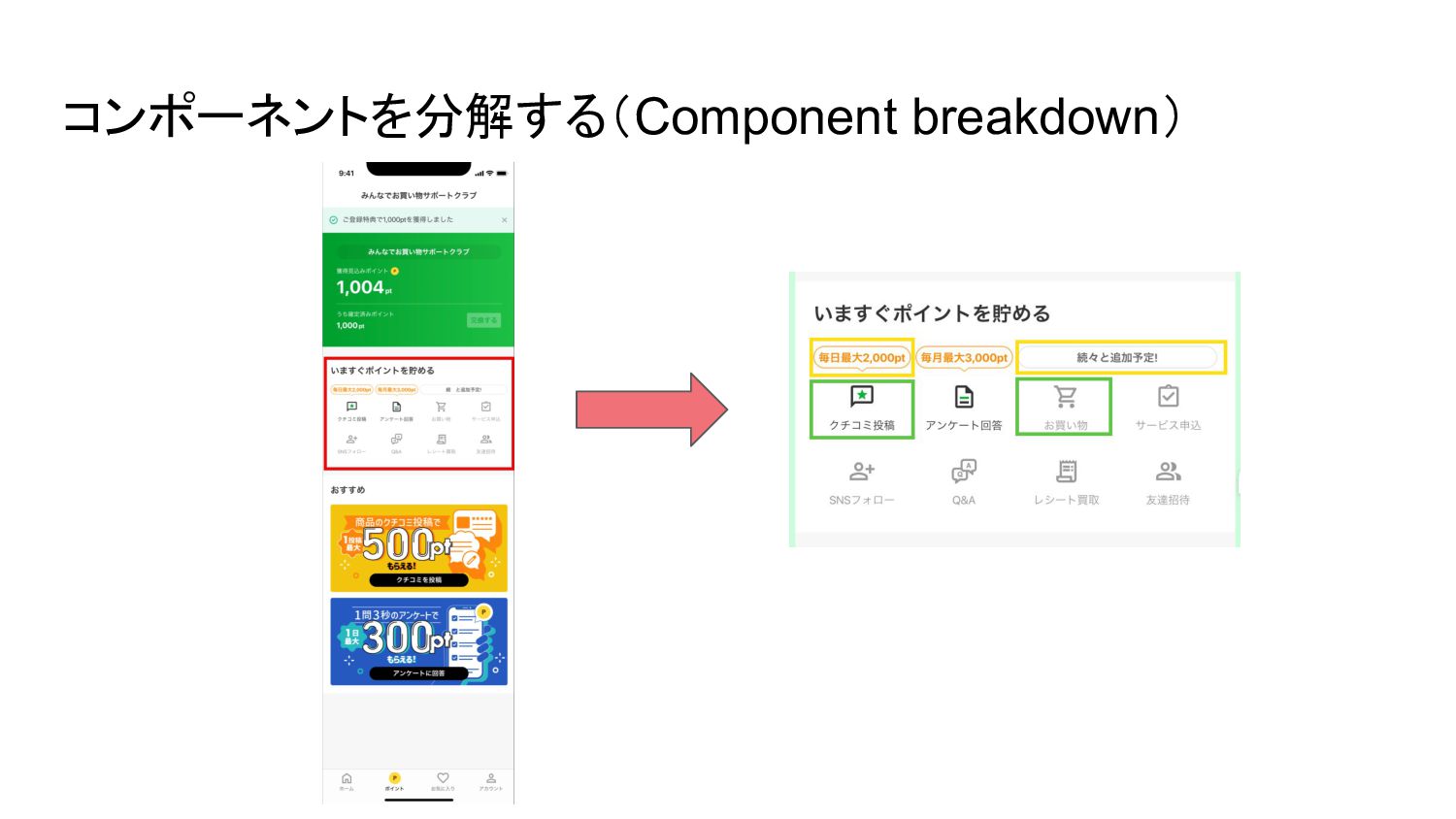
コンポーネントを分解する(Component breakdown)
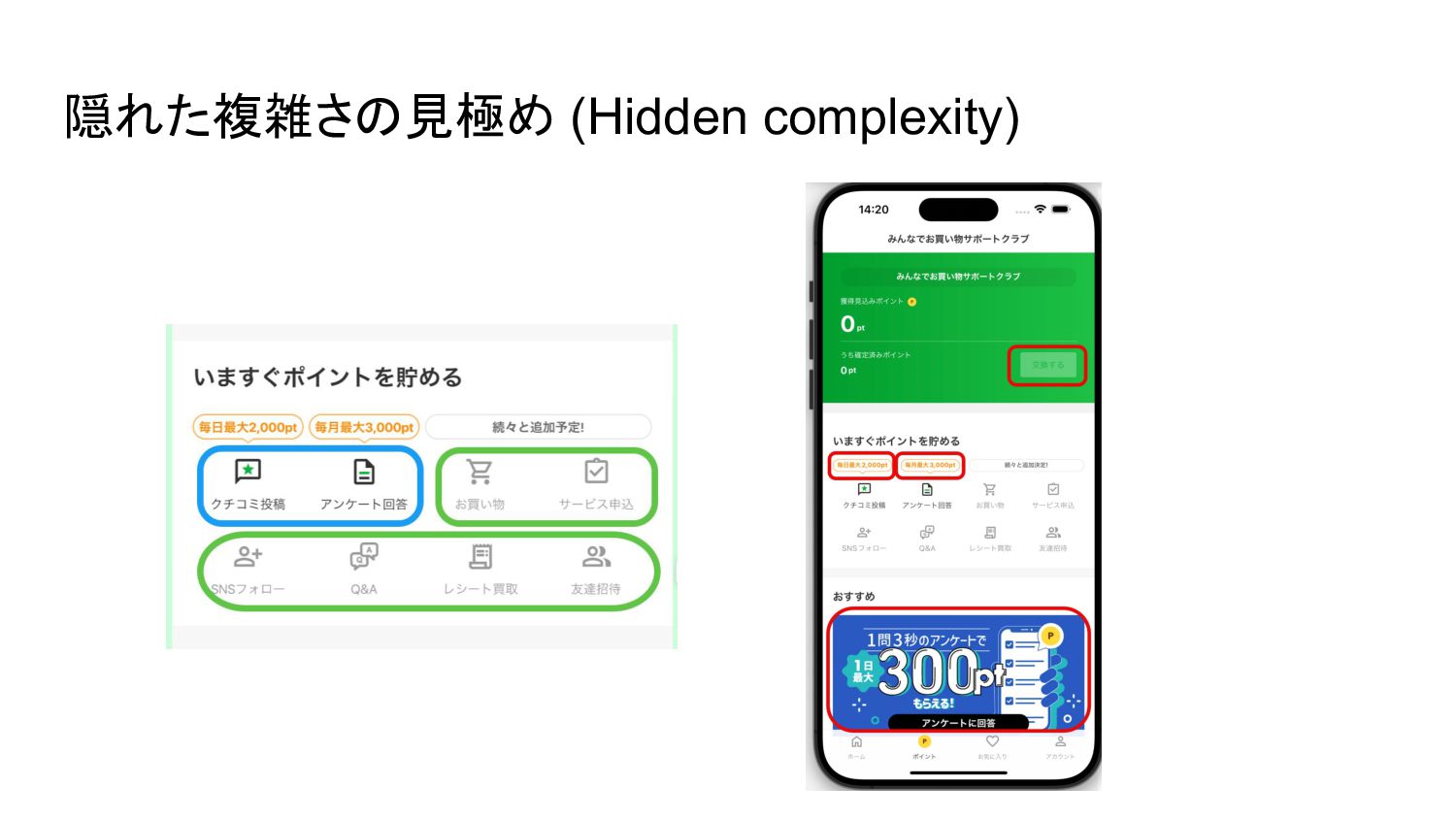
隠れた複雑さの見極め (Hidden complexity)
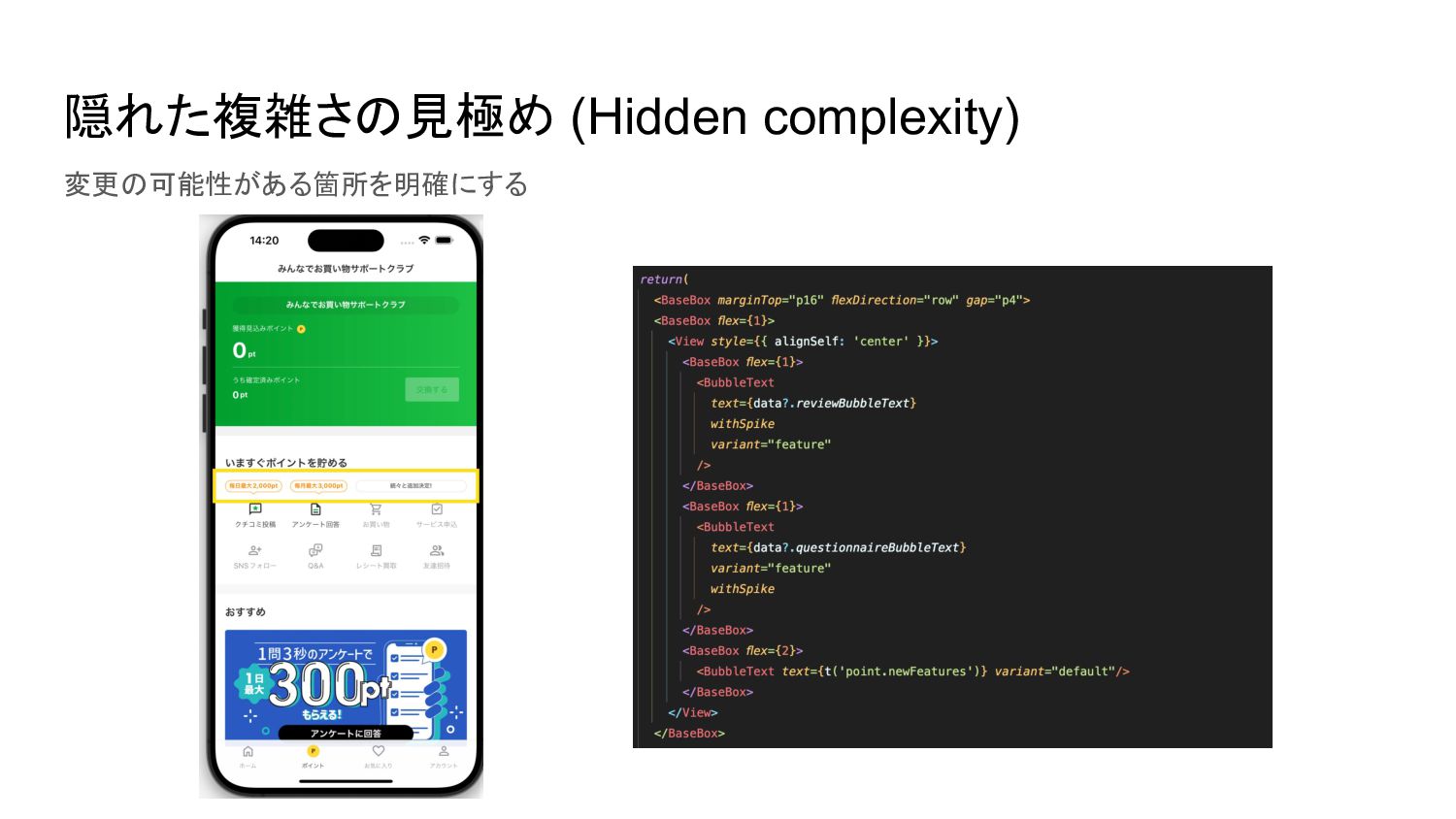
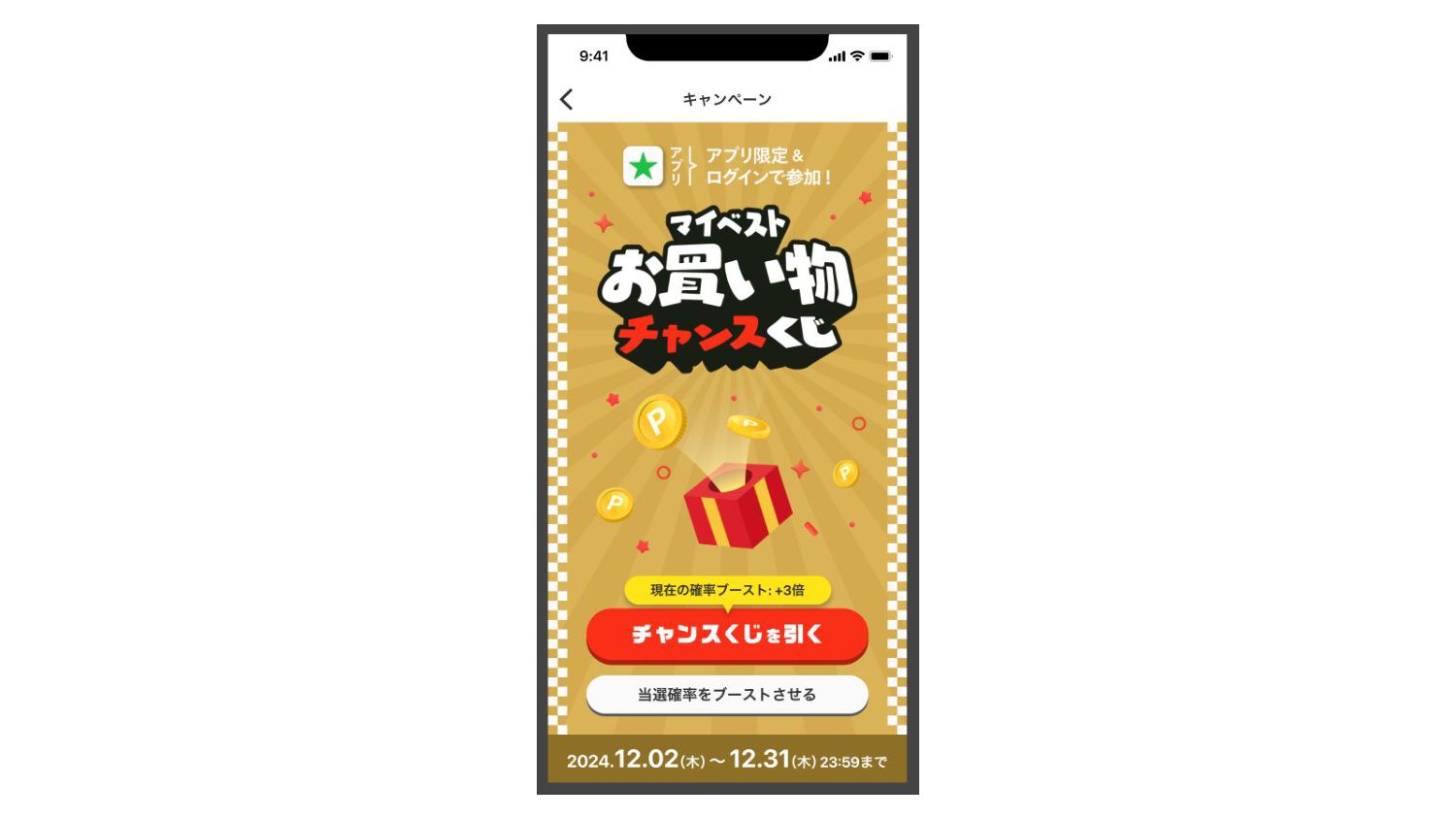
隠れた複雑さの見極め (Hidden complexity) 変更の可能性がある箇所を明確にする
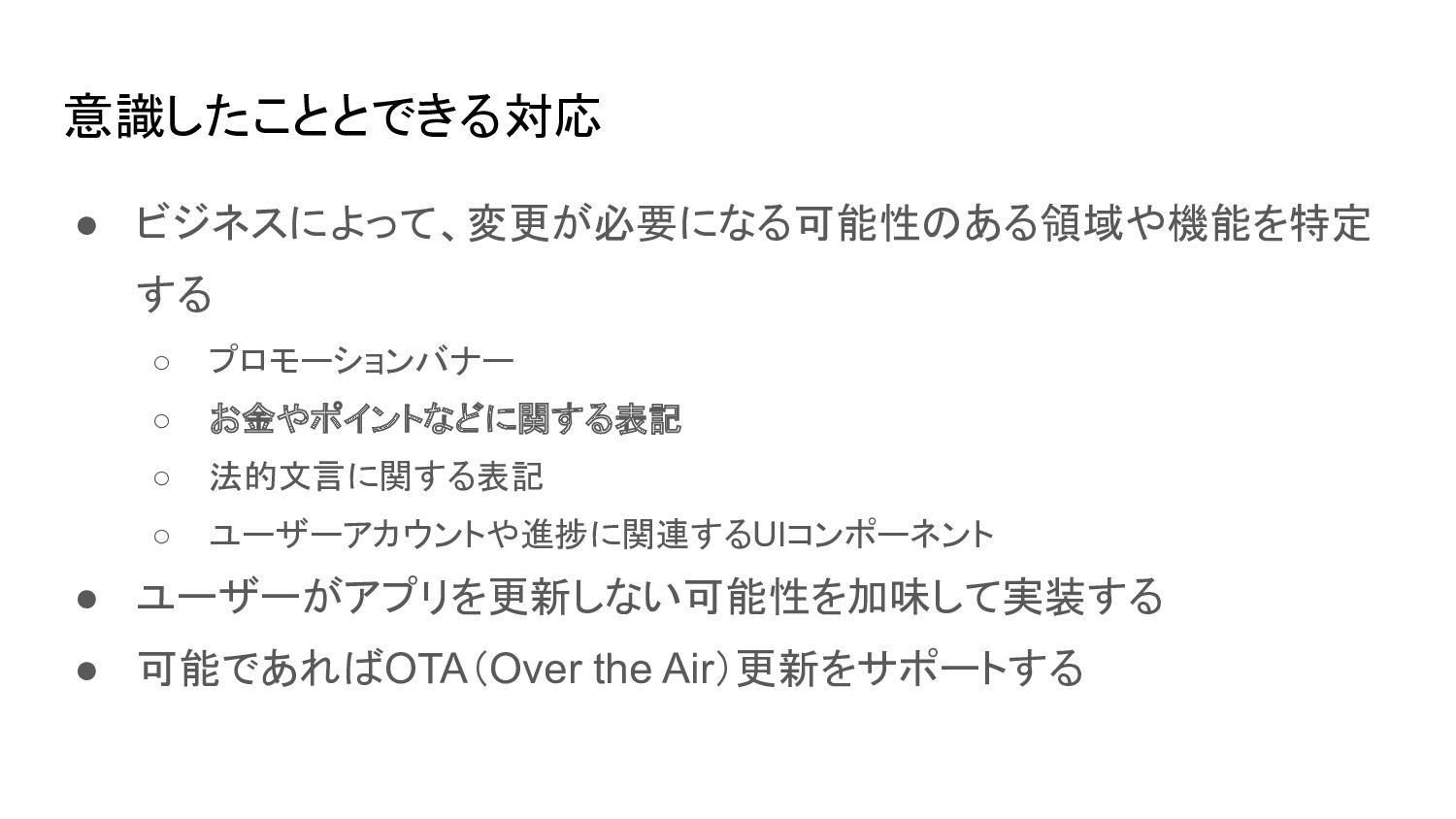
意識したこととできる対応 • ビジネスによって、変更が必要になる可能性のある領域や機能を特定 する ◦ プロモーションバナー ◦ お金やポイントなどに関する表記 ◦ 法的文言に関する表記
◦ ユーザーアカウントや進捗に関連するUIコンポーネント • ユーザーがアプリを更新しない可能性を加味して実装する • 可能であればOTA(Over the Air)更新をサポートする
None
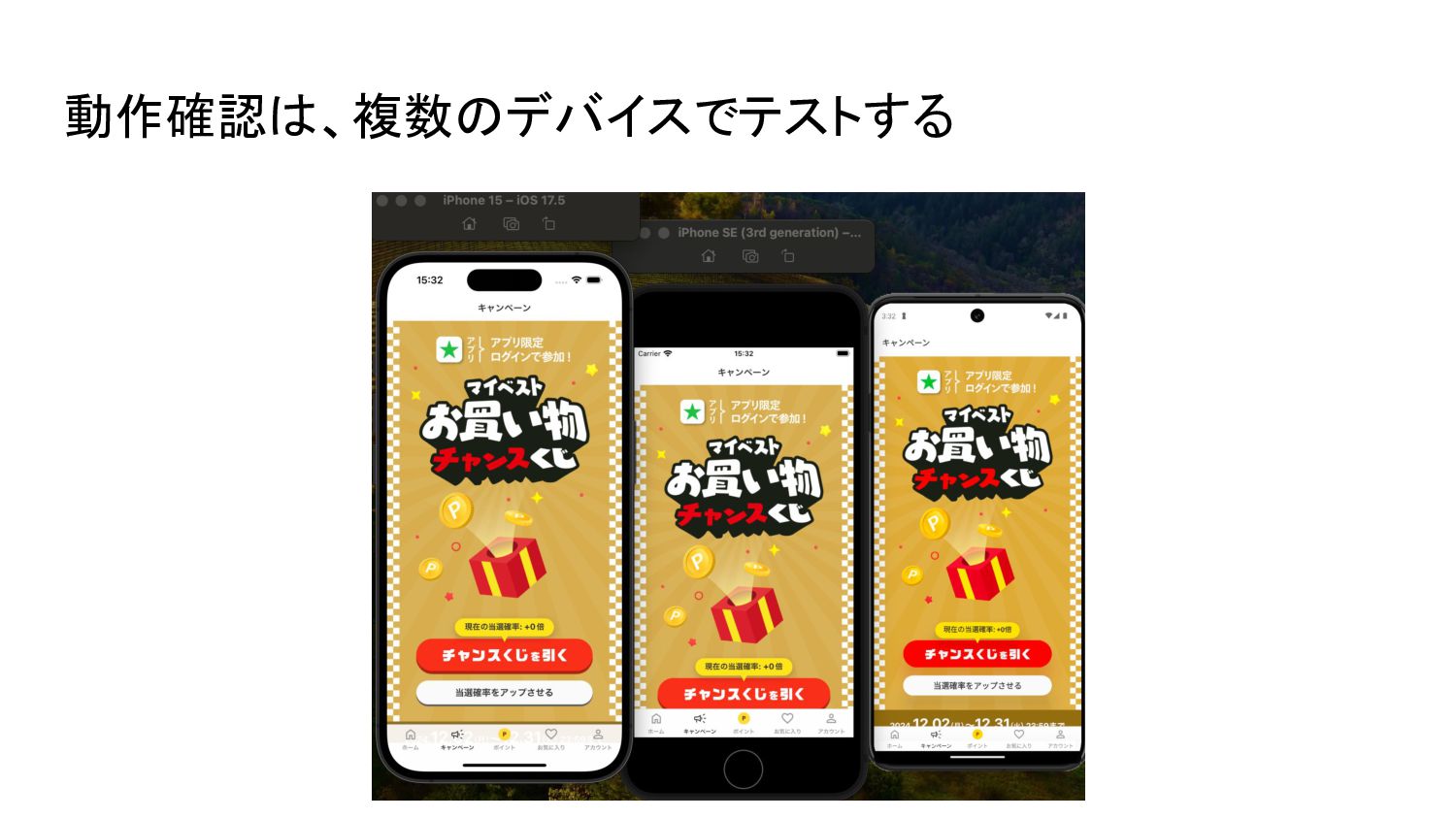
動作確認は、複数のデバイスでテストする
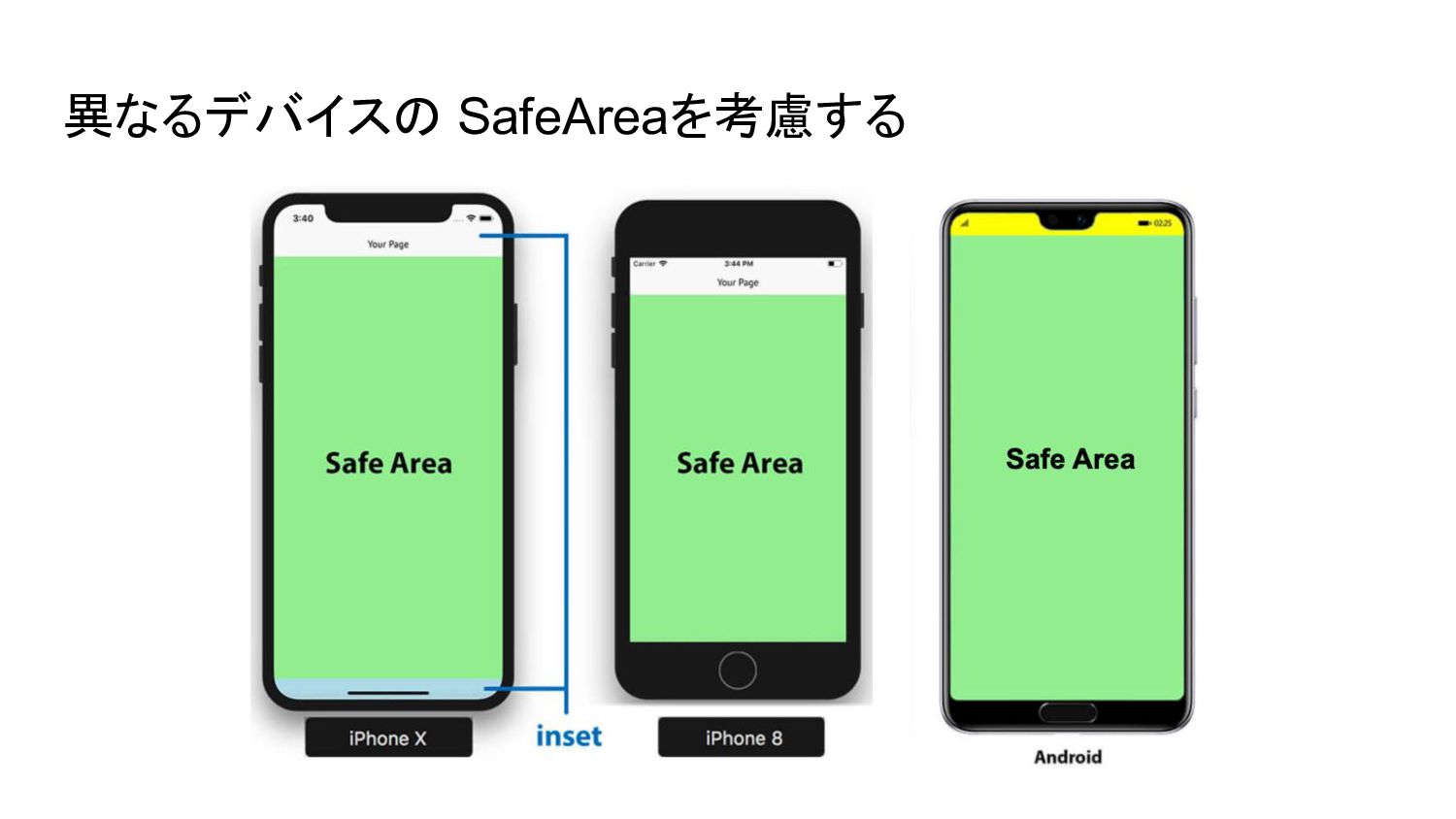
異なるデバイスの SafeAreaを考慮する
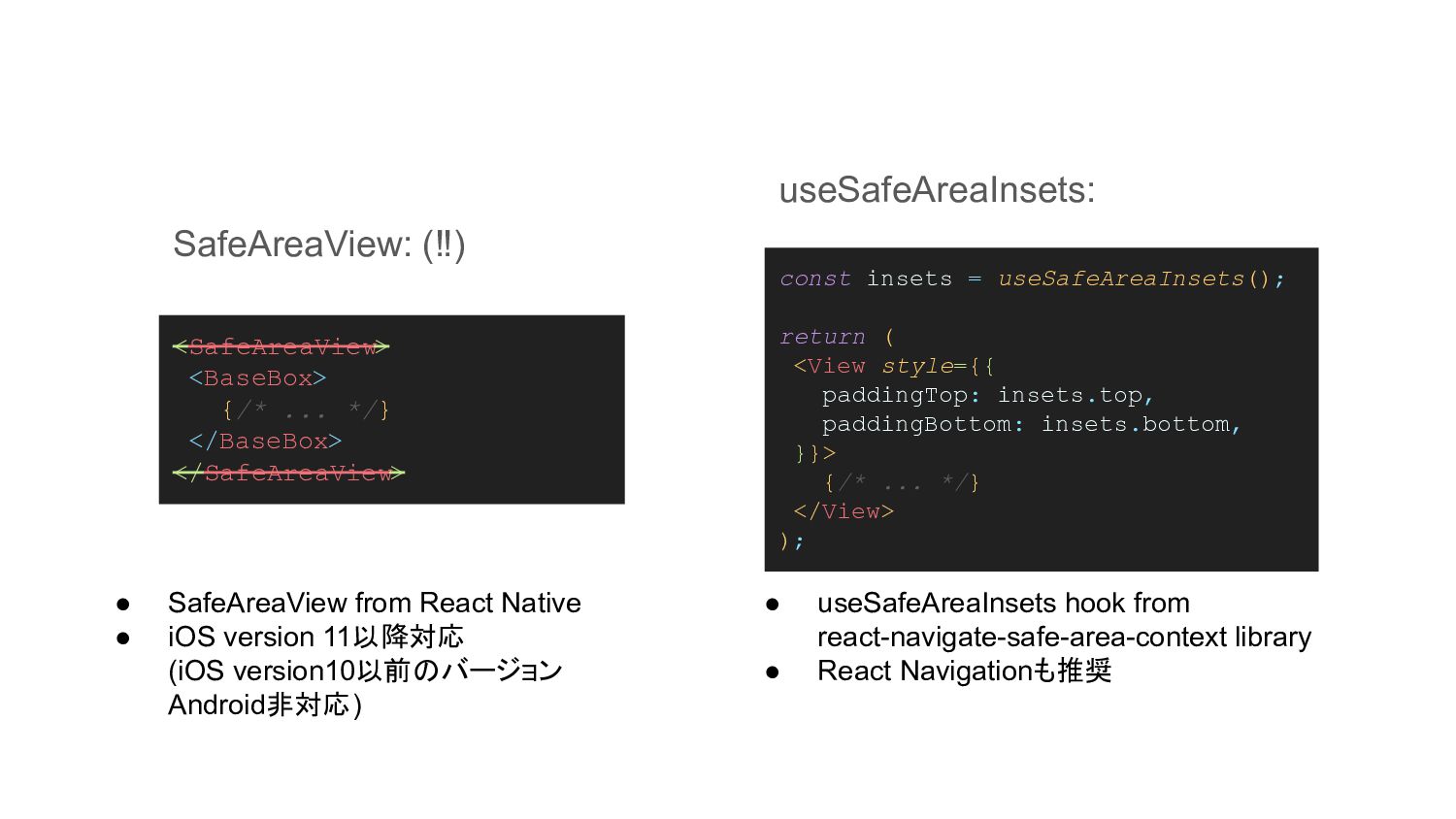
<SafeAreaView> <BaseBox> {/* ... */} </BaseBox> </SafeAreaView> const insets =
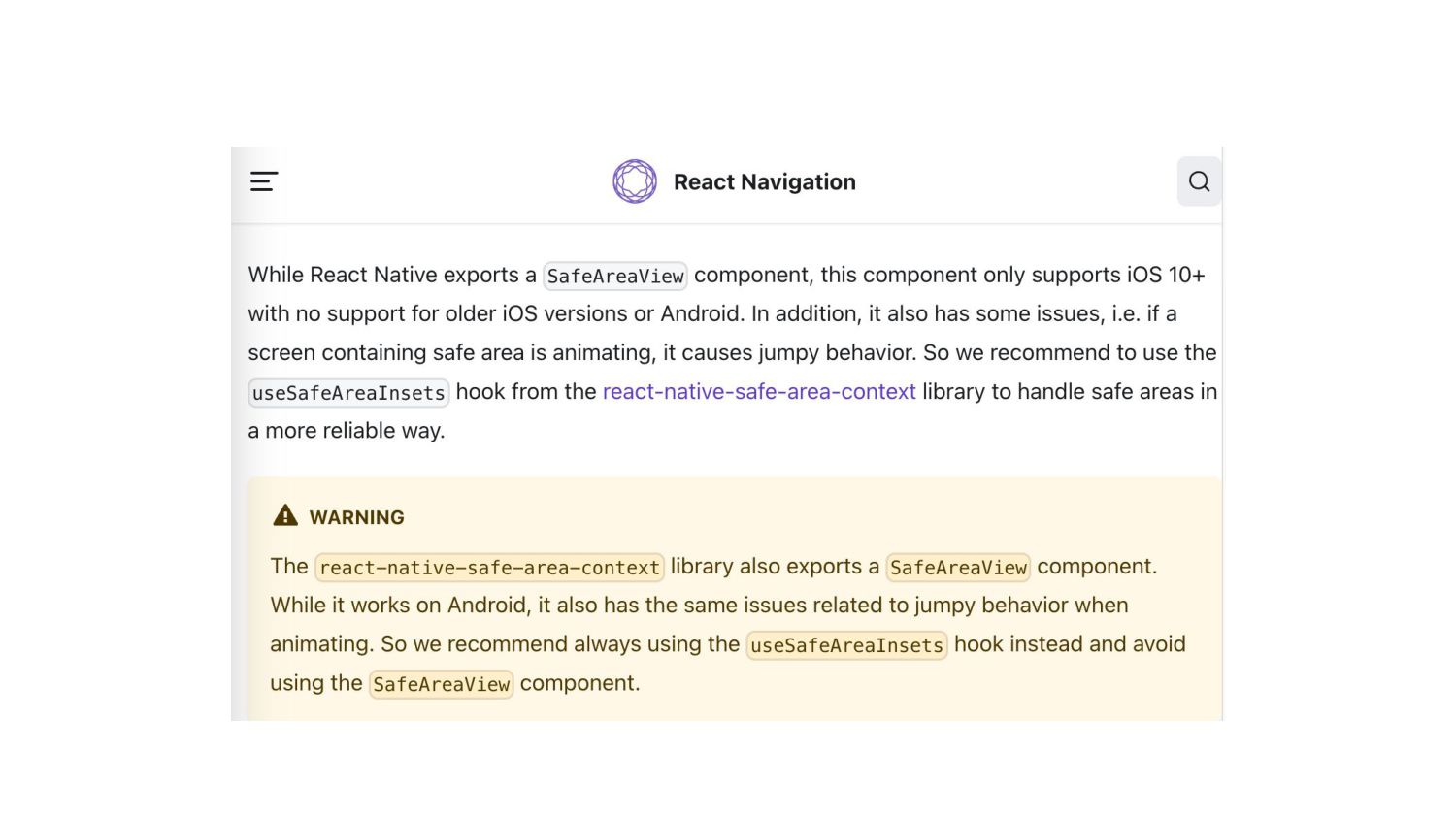
useSafeAreaInsets(); return ( <View style={{ paddingTop: insets.top, paddingBottom: insets.bottom, }}> {/* ... */} </View> ); SafeAreaView: (‼) useSafeAreaInsets: • SafeAreaView from React Native • iOS version 11以降対応 (iOS version10以前のバージョン Android非対応) • useSafeAreaInsets hook from react-navigate-safe-area-context library • React Navigationも推奨
None
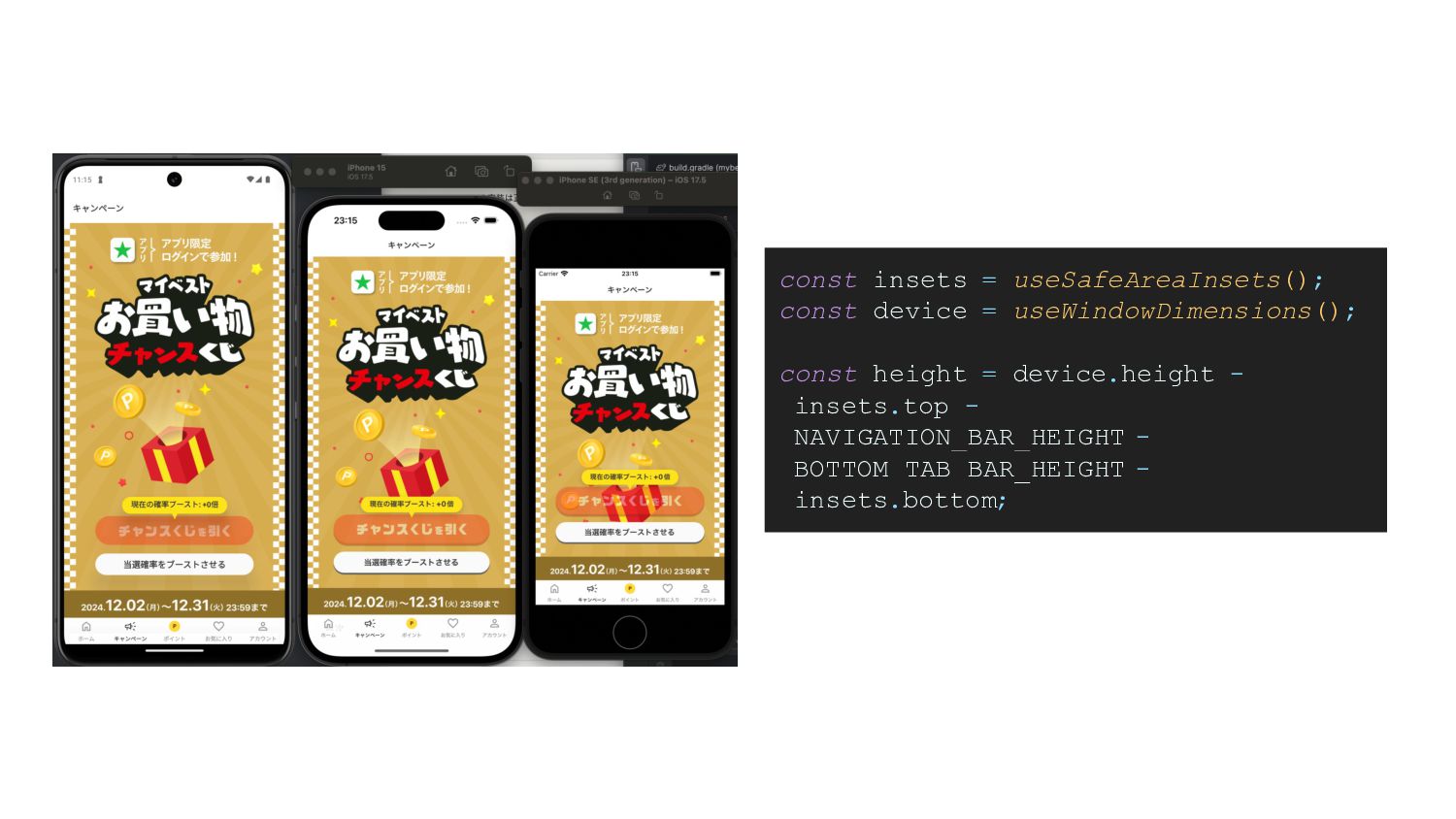
const insets = useSafeAreaInsets(); const device = useWindowDimensions(); const height
= device.height - insets.top - NAVIGATION_BAR_HEIGHT - BOTTOM_TAB_BAR_HEIGHT - insets.bottom;
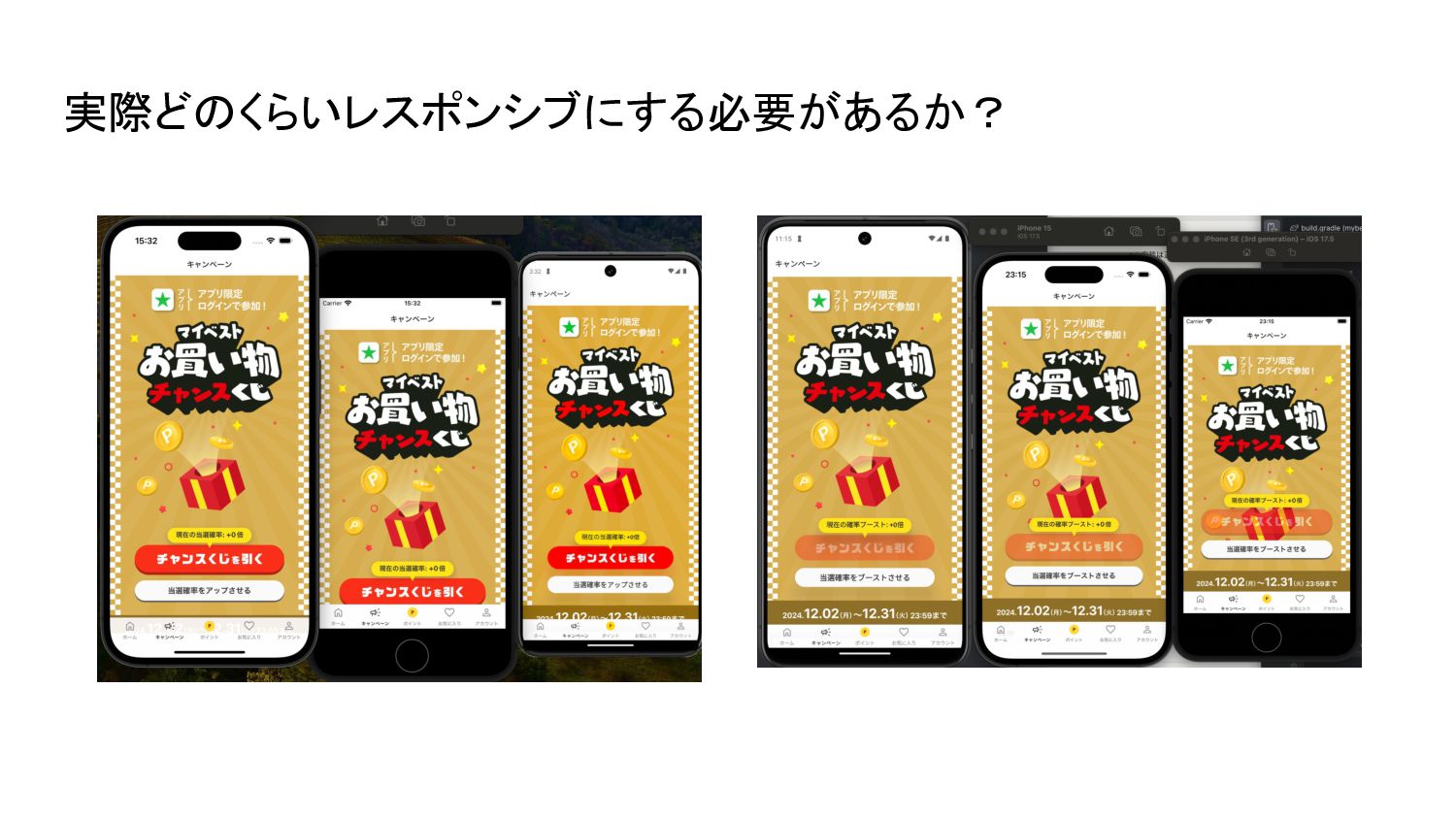
実際どのくらいレスポンシブにする必要があるか?
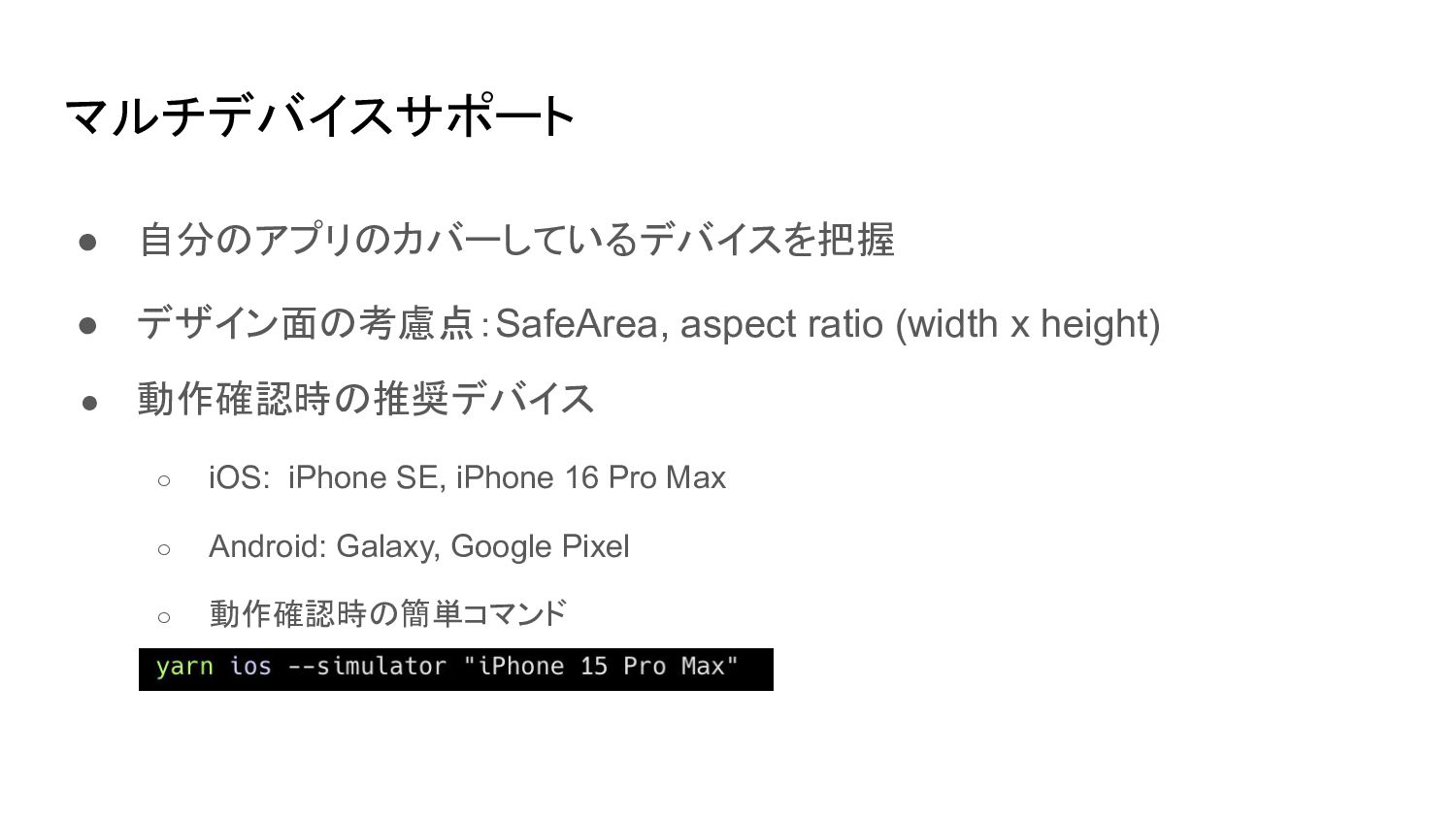
マルチデバイスサポート • 自分のアプリのカバーしているデバイスを把握 • デザイン面の考慮点:SafeArea, aspect ratio (width x height)
• 動作確認時の推奨デバイス ◦ iOS: iPhone SE, iPhone 16 Pro Max ◦ Android: Galaxy, Google Pixel ◦ 動作確認時の簡単コマンド ▪
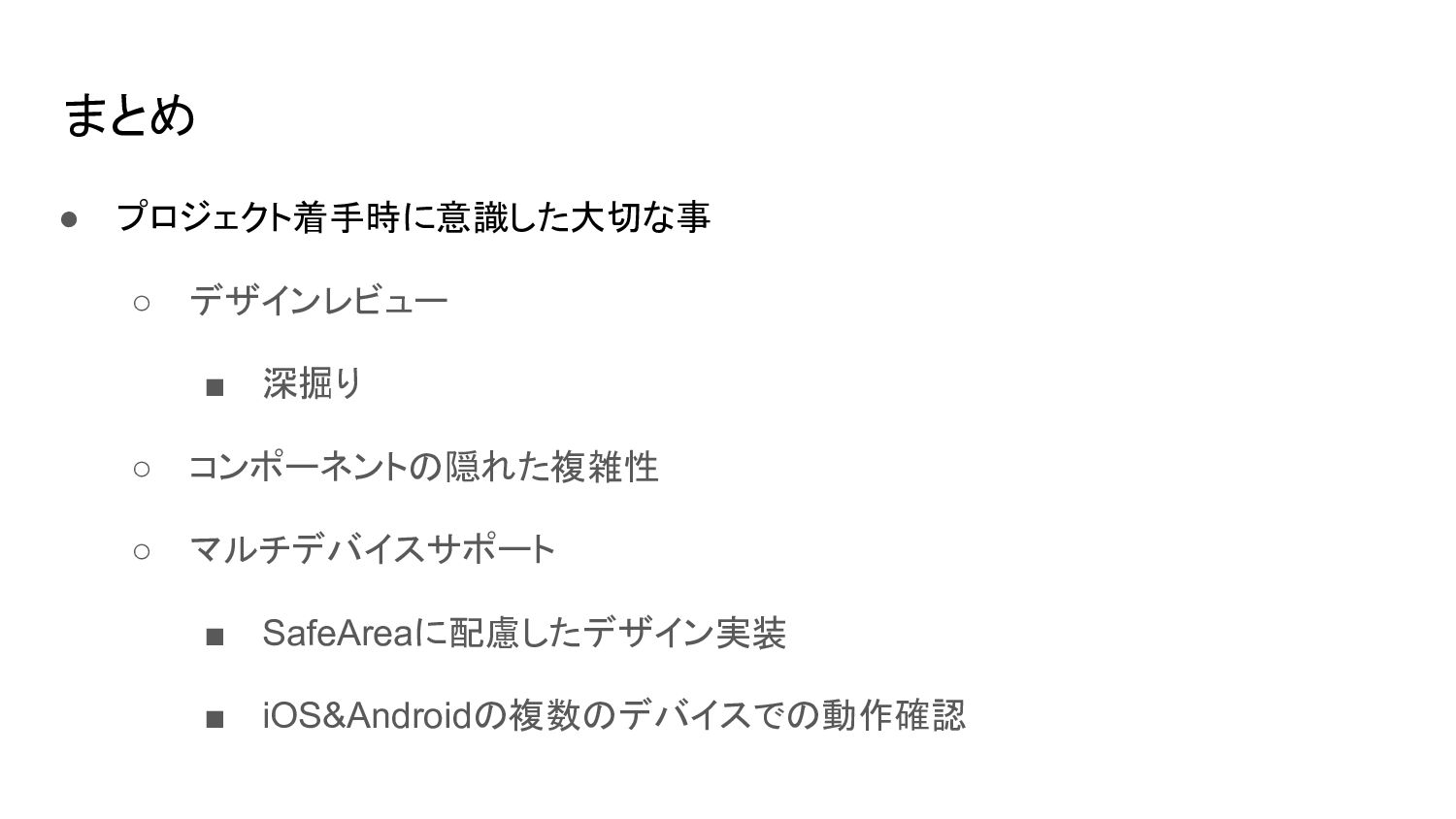
まとめ • プロジェクト着手時に意識した大切な事 ◦ デザインレビュー ▪ 深掘り ◦ コンポーネントの隠れた複雑性 ◦
マルチデバイスサポート ▪ SafeAreaに配慮したデザイン実装 ▪ iOS&Androidの複数のデバイスでの動作確認
ご清聴ありがとうございました!


 tapps
tapps
 rabernat
 varn
varn
 aarron
 palkan
 quramy
 inesmontani
 rakko
rakko
 garrettdimon
 sabderemane
 rasagy
 marktimemedia