Upgrade to Pro
— share decks privately, control downloads, hide ads and more …
Speaker Deck
Sign up for free
Menu
Search
Features
All features
Private URLs
Password Protection
Custom URLS
Scheduled publishing
Remove Branding
Restrict embedding
Deck Collections
Notes
Features
All features
Private URLs
Password Protection
Custom URLS
Scheduled publishing
Remove Branding
Restrict embedding
Deck Collections
Notes
Explore
Featured decks
Featured speakers
Programming
Technology
Storyboards
Explore
Featured decks
Featured speakers
Programming
Technology
Storyboards
Pricing
Search
Sign in
Sign up for free
Jetpack Composeにおける自動入力の実装と注意点(作成者:Gemini 2.5 P...
Search
tonionagauzzi
April 24, 2025
200
0
Share
Embed
Copy iframe code
Copy JS code
Copy link
Start on current slide
Jetpack Composeにおける自動入力の実装と注意点(作成者:Gemini 2.5 Pro Exp 03-25)
tonionagauzzi
April 24, 2025
More Decks by tonionagauzzi
See All by tonionagauzzi
Androidエンジニアが大規模プロダクトのWebフロントエンドとバックエンドに越境して感じたギャップと習得したマインド
tonionagauzzi
0
500
Kotlin2.3明示的バッキングフィールド
tonionagauzzi
1
430
【Android】テキスト選択色の問題修正で心がけたこと
tonionagauzzi
0
300
Android 15以上でPDFのテキスト検索を爆速開発!
tonionagauzzi
0
430
Googleの新しいコーディングAIエージェントJulesを使ってみた
tonionagauzzi
0
900
Compose におけるパスワード自動入力とパスワード保存
tonionagauzzi
0
580
Androidテスト基礎講義
tonionagauzzi
0
440
Android Composeでの自動入力(作成:GPT-4o)
tonionagauzzi
0
180
Jetpack Composeで自動入力(Autofill)を実装しよう(作成:claude-3.7-sonnet)
tonionagauzzi
0
190
Featured
See All Featured
Navigating Algorithm Shifts & AI Overviews - #SMXNext
aleyda
1
1.7k
The agentic SEO stack - context over prompts
schlessera
0
980
ラッコキーワード サービス紹介資料
rakko
4
5.5M
Claude Code どこまでも/ Claude Code Everywhere
nwiizo
68
59k
Raft: Consensus for Rubyists
vanstee
143
7.8k
Keith and Marios Guide to Fast Websites
keithpitt
413
23k
Exploring the Power of Turbo Streams & Action Cable | RailsConf2023
kevinliebholz
37
6.6k
A Guide to Academic Writing Using Generative AI - A Workshop
ks91
PRO
1
530
Let's Do A Bunch of Simple Stuff to Make Websites Faster
chriscoyier
508
140k
Ruling the World: When Life Gets Gamed
codingconduct
0
420
Rebuilding a faster, lazier Slack
samanthasiow
85
9.7k
The Curse of the Amulet
leimatthew05
3
16k
Transcript
\ marp: true theme: default paginate: true Jetpack Composeにおける自動入力の実装と注意点 発表者:
[Your Name] 日付: 2024/MM/DD
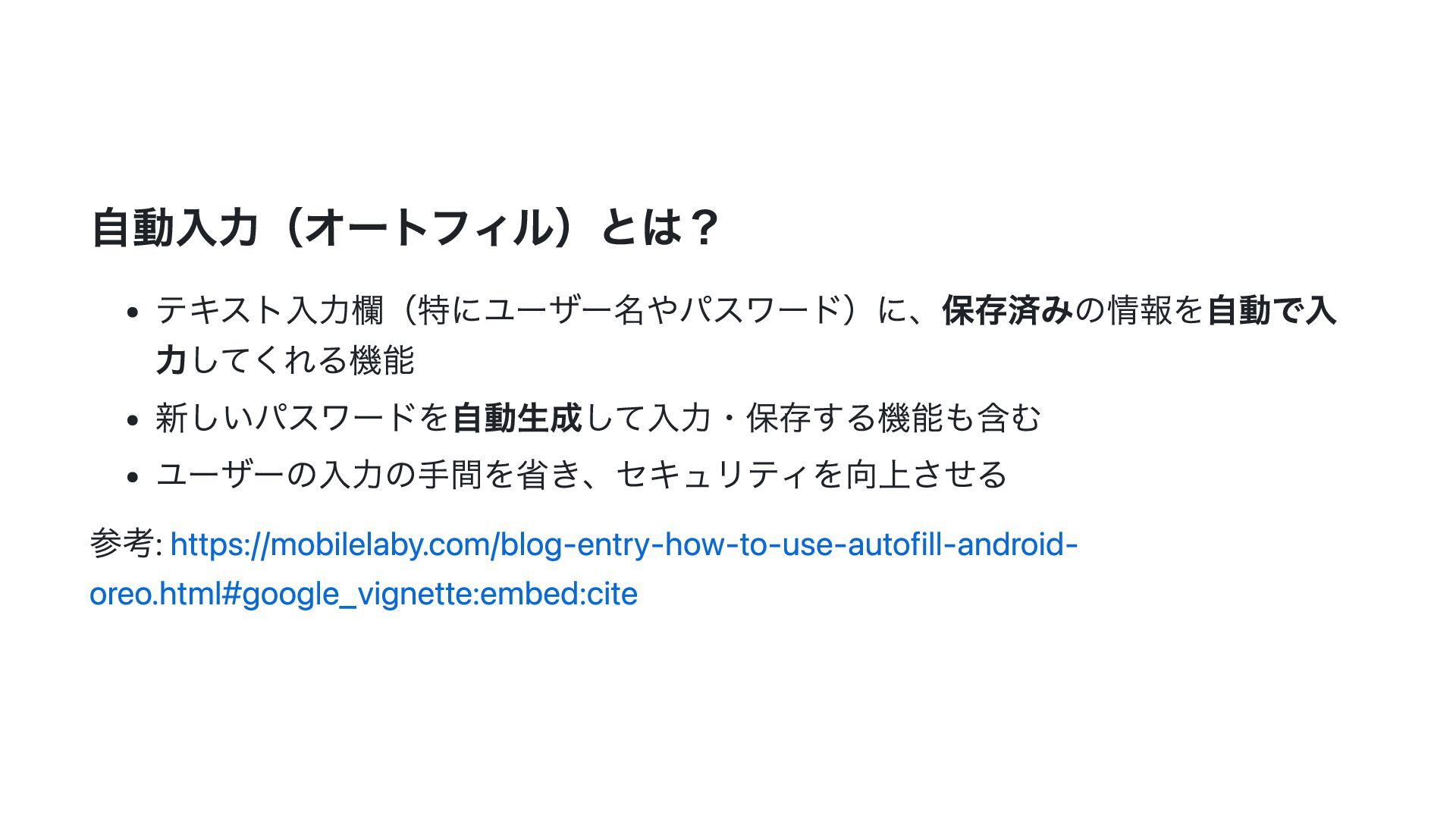
自動入力(オートフィル)とは? テキスト入力欄(特にユーザー名やパスワード)に、保存済みの情報を自動で入 力してくれる機能 新しいパスワードを自動生成して入力・保存する機能も含む ユーザーの入力の手間を省き、セキュリティを向上させる 参考: https://mobilelaby.com/blog-entry-how-to-use-autofill-android- oreo.html#google_vignette:embed:cite
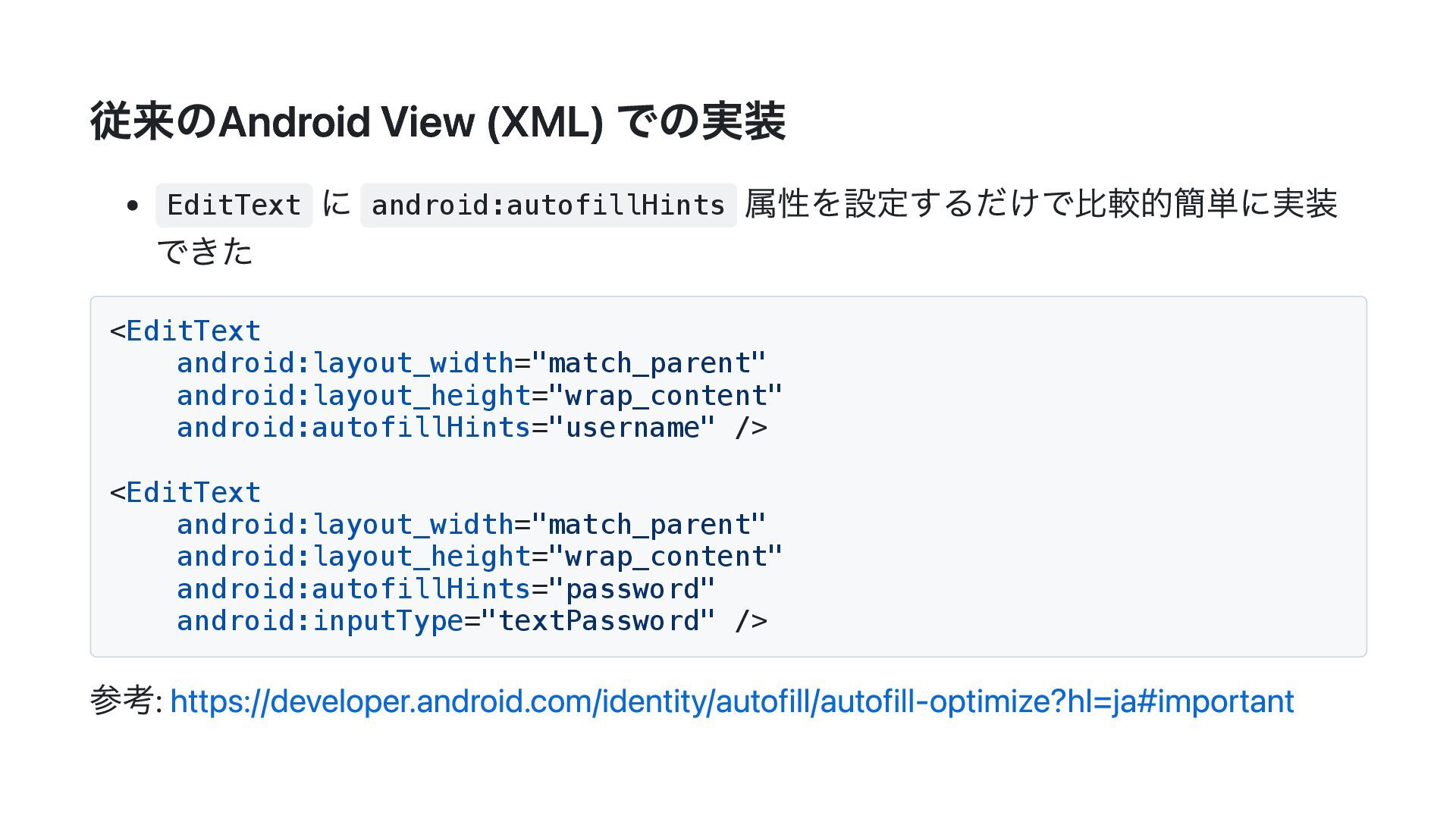
従来のAndroid View (XML) での実装 EditText に android:autofillHints 属性を設定するだけで比較的簡単に実装 できた <EditText
android:layout_width="match_parent" android:layout_height="wrap_content" android:autofillHints="username" /> <EditText android:layout_width="match_parent" android:layout_height="wrap_content" android:autofillHints="password" android:inputType="textPassword" /> 参考: https://developer.android.com/identity/autofill/autofill-optimize?hl=ja#important
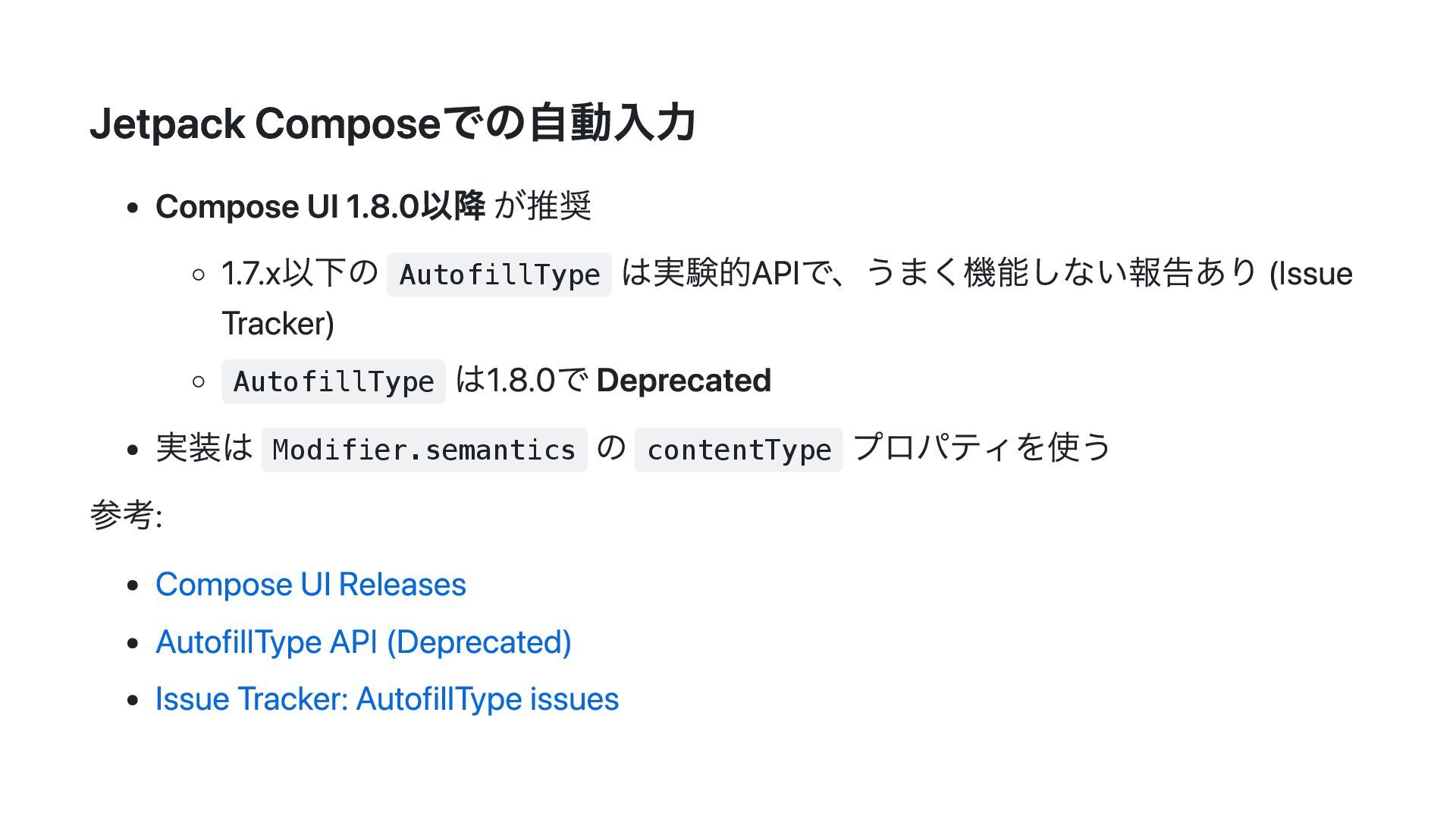
Jetpack Composeでの自動入力 Compose UI 1.8.0以降 が推奨 1.7.x以下の AutofillType は実験的APIで、うまく機能しない報告あり (Issue
Tracker) AutofillType は1.8.0で Deprecated 実装は Modifier.semantics の contentType プロパティを使う 参考: Compose UI Releases AutofillType API (Deprecated) Issue Tracker: AutofillType issues
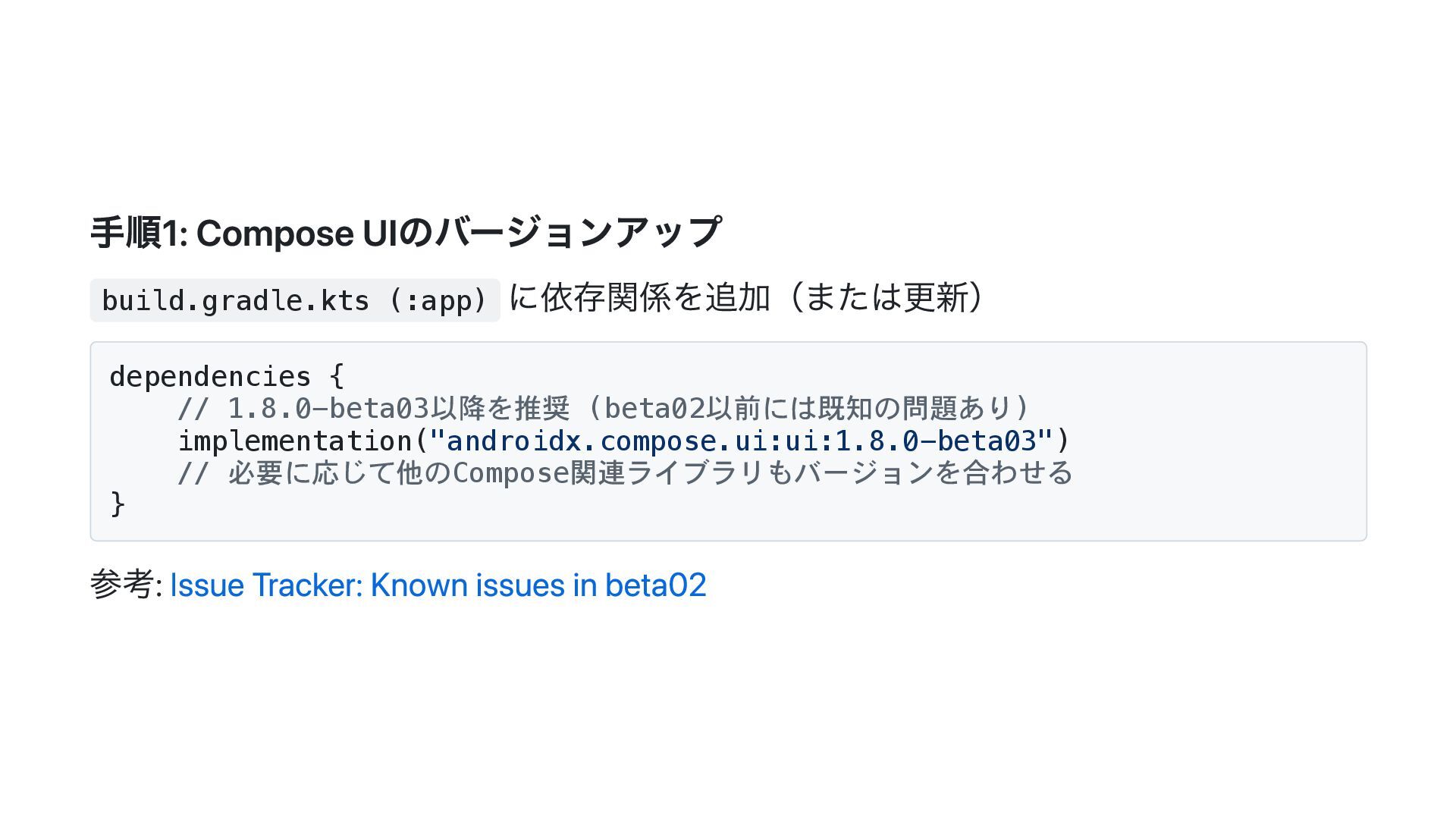
手順1: Compose UIのバージョンアップ build.gradle.kts (:app) に依存関係を追加(または更新) dependencies { // 1.8.0-beta03以降を推奨
(beta02以前には既知の問題あり) implementation("androidx.compose.ui:ui:1.8.0-beta03") // 必要に応じて他のCompose関連ライブラリもバージョンを合わせる } 参考: Issue Tracker: Known issues in beta02
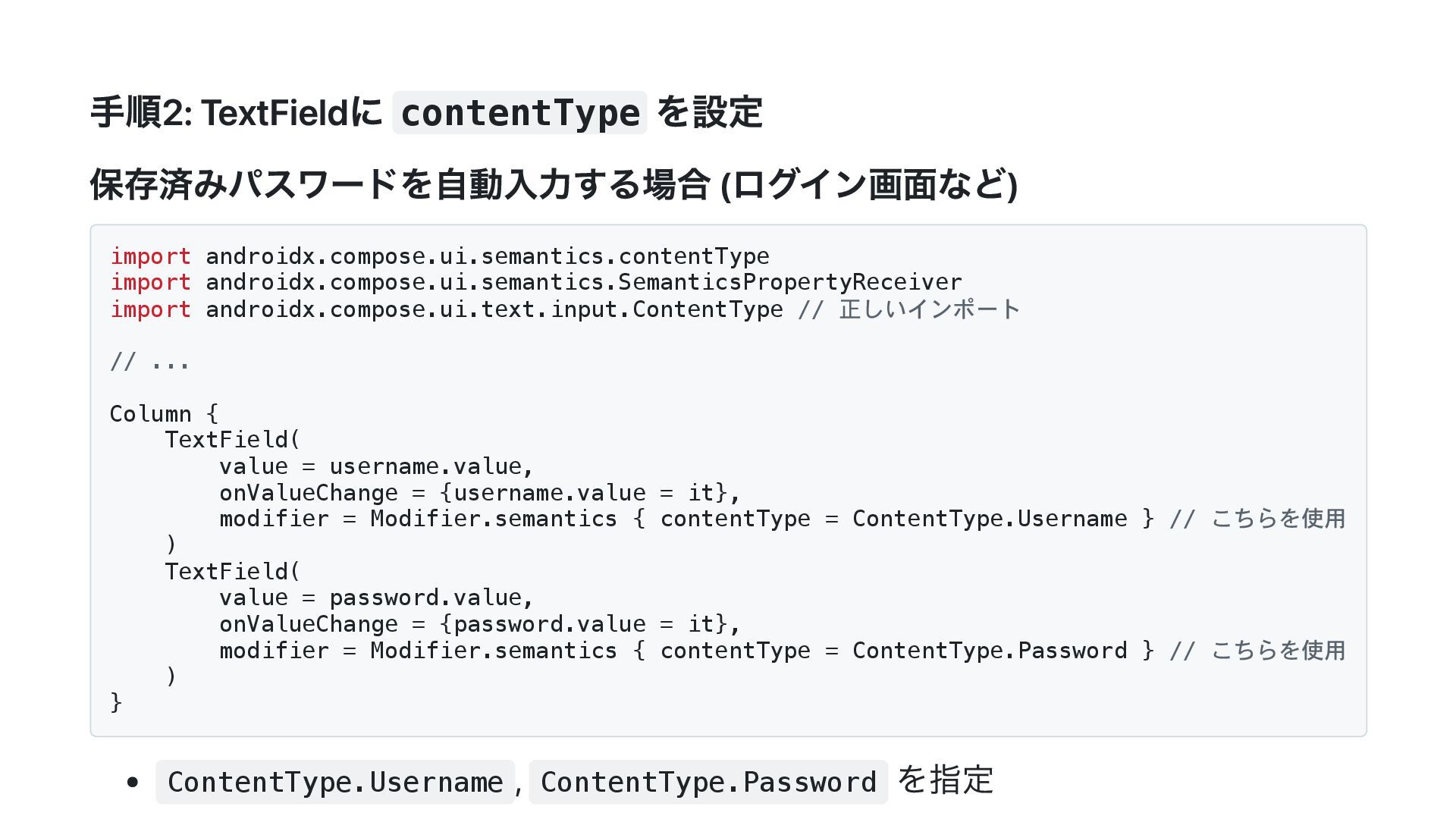
手順2: TextFieldに contentType を設定 保存済みパスワードを自動入力する場合 (ログイン画面など) import androidx.compose.ui.semantics.contentType import androidx.compose.ui.semantics.SemanticsPropertyReceiver
import androidx.compose.ui.text.input.ContentType // 正しいインポート // ... Column { TextField( value = username.value, onValueChange = {username.value = it}, modifier = Modifier.semantics { contentType = ContentType.Username } // こちらを使用 ) TextField( value = password.value, onValueChange = {password.value = it}, modifier = Modifier.semantics { contentType = ContentType.Password } // こちらを使用 ) } ContentType.Username , ContentType.Password を指定
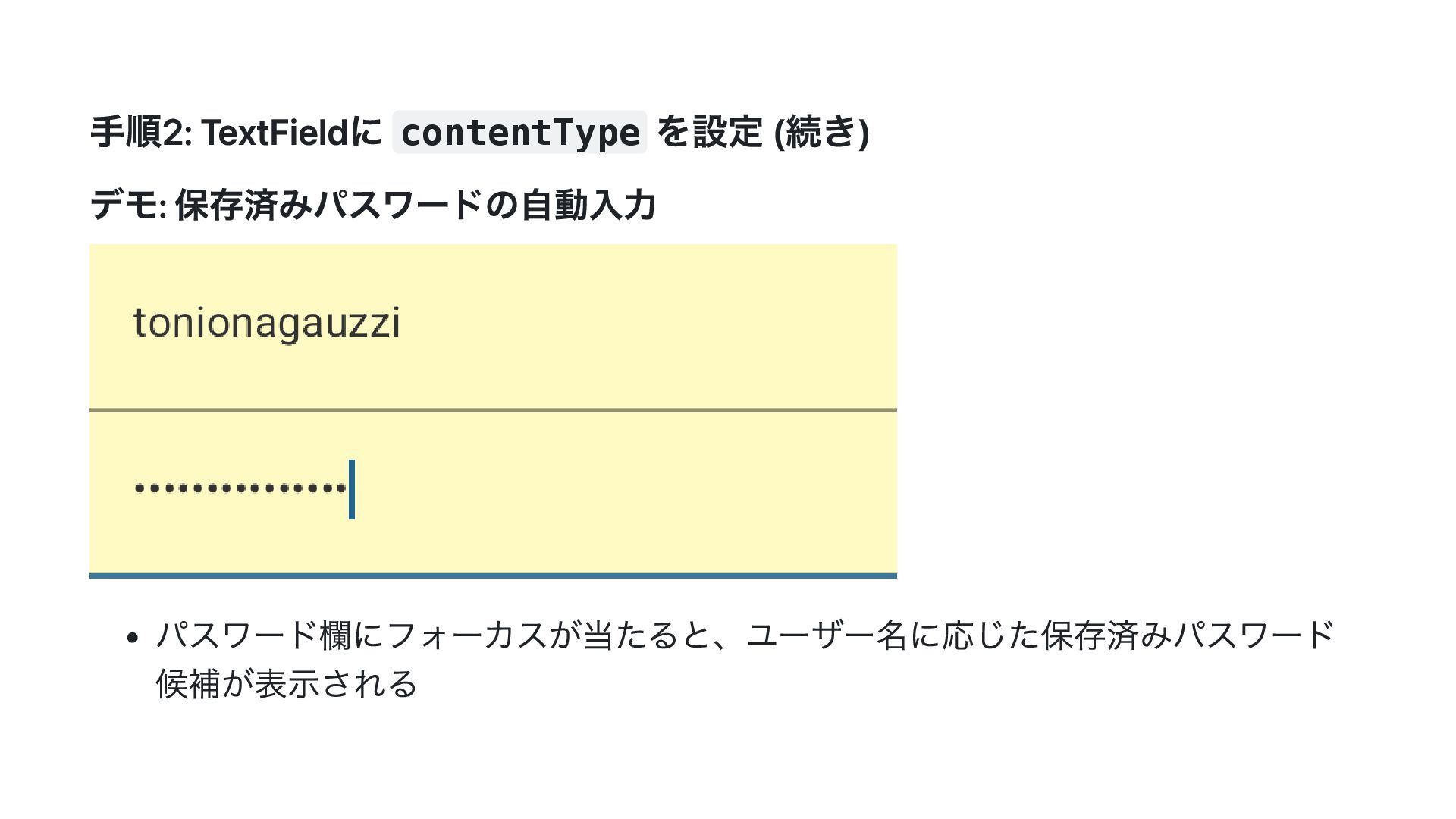
手順2: TextFieldに contentType を設定 (続き) デモ: 保存済みパスワードの自動入力 パスワード欄にフォーカスが当たると、ユーザー名に応じた保存済みパスワード 候補が表示される
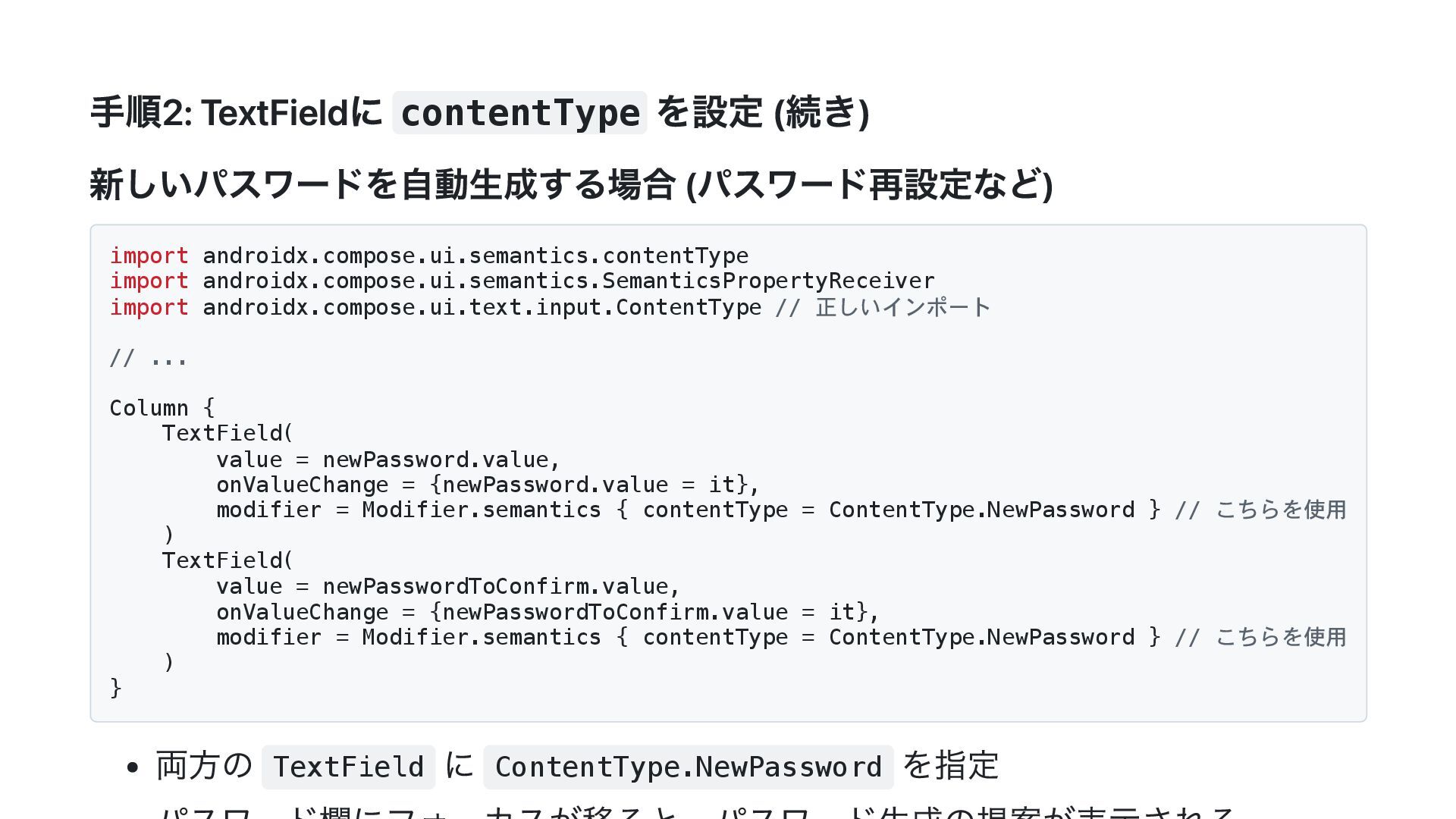
手順2: TextFieldに contentType を設定 (続き) 新しいパスワードを自動生成する場合 (パスワード再設定など) import androidx.compose.ui.semantics.contentType import
androidx.compose.ui.semantics.SemanticsPropertyReceiver import androidx.compose.ui.text.input.ContentType // 正しいインポート // ... Column { TextField( value = newPassword.value, onValueChange = {newPassword.value = it}, modifier = Modifier.semantics { contentType = ContentType.NewPassword } // こちらを使用 ) TextField( value = newPasswordToConfirm.value, onValueChange = {newPasswordToConfirm.value = it}, modifier = Modifier.semantics { contentType = ContentType.NewPassword } // こちらを使用 ) } 両方の TextField に ContentType.NewPassword を指定
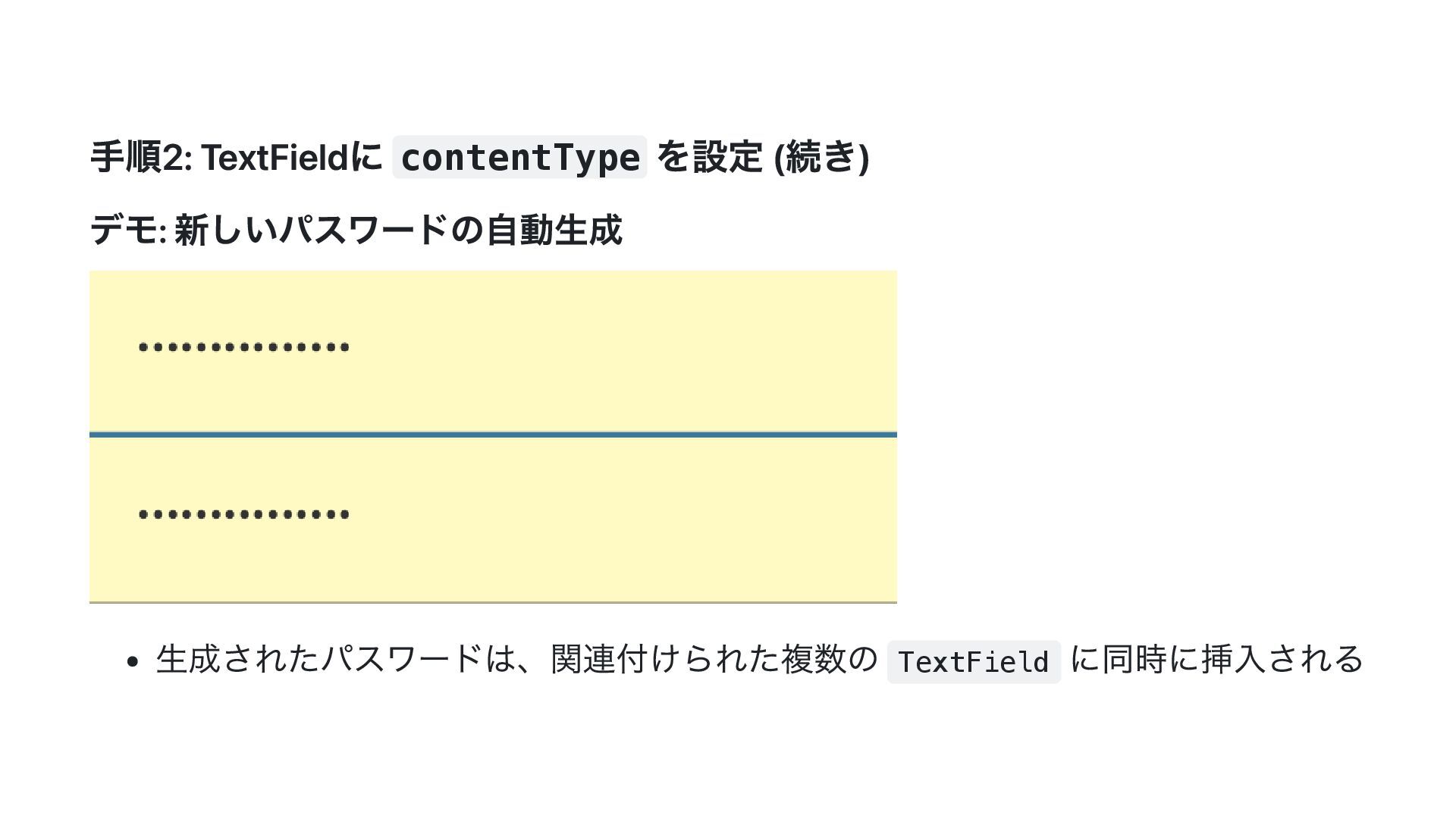
手順2: TextFieldに contentType を設定 (続き) デモ: 新しいパスワードの自動生成 生成されたパスワードは、関連付けられた複数の TextField に同時に挿入される
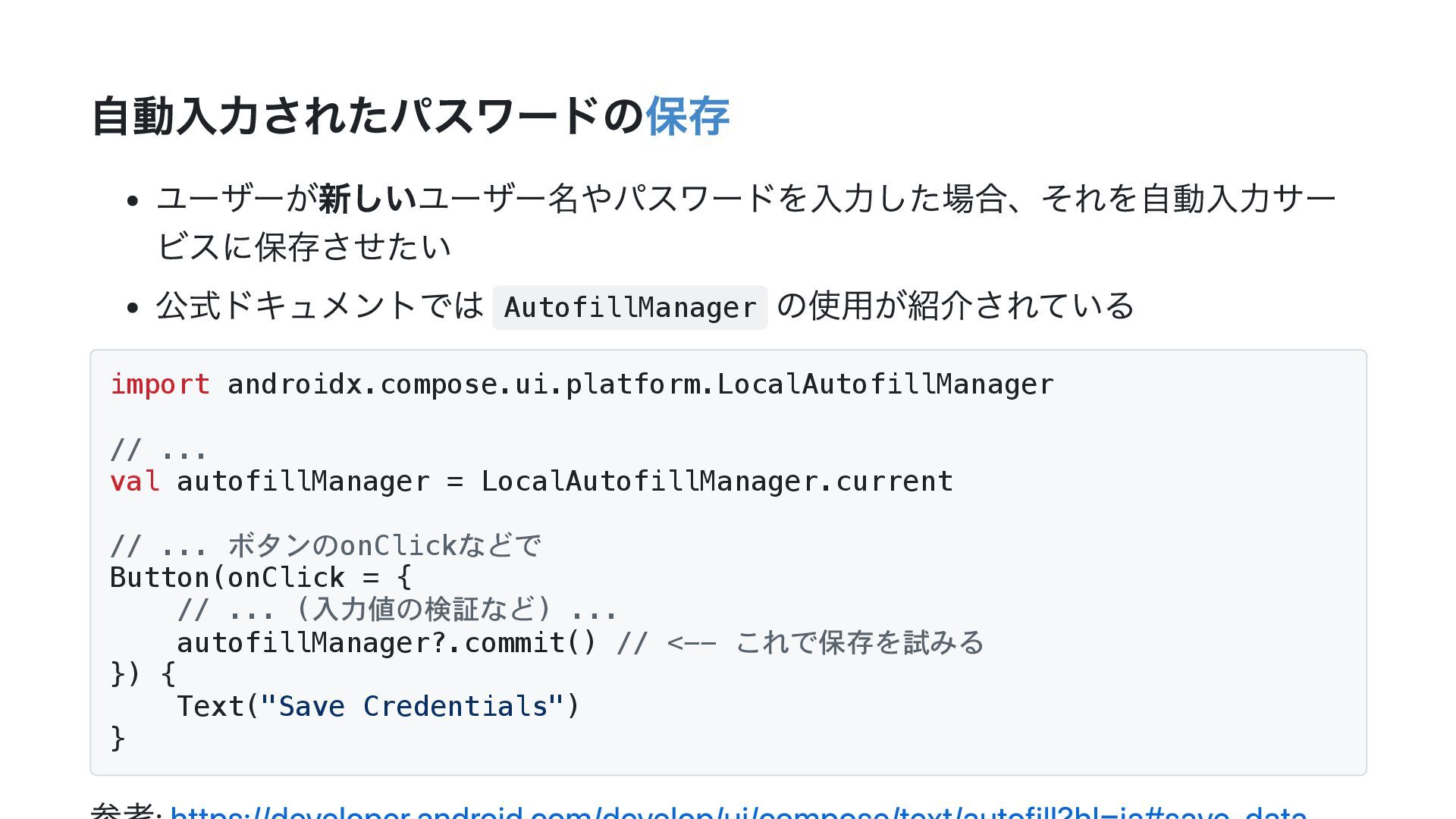
自動入力されたパスワードの保存 ユーザーが新しいユーザー名やパスワードを入力した場合、それを自動入力サー ビスに保存させたい 公式ドキュメントでは AutofillManager の使用が紹介されている import androidx.compose.ui.platform.LocalAutofillManager // ...
val autofillManager = LocalAutofillManager.current // ... ボタンのonClickなどで Button(onClick = { // ... (入力値の検証など) ... autofillManager?.commit() // <-- これで保存を試みる }) { Text("Save Credentials") }
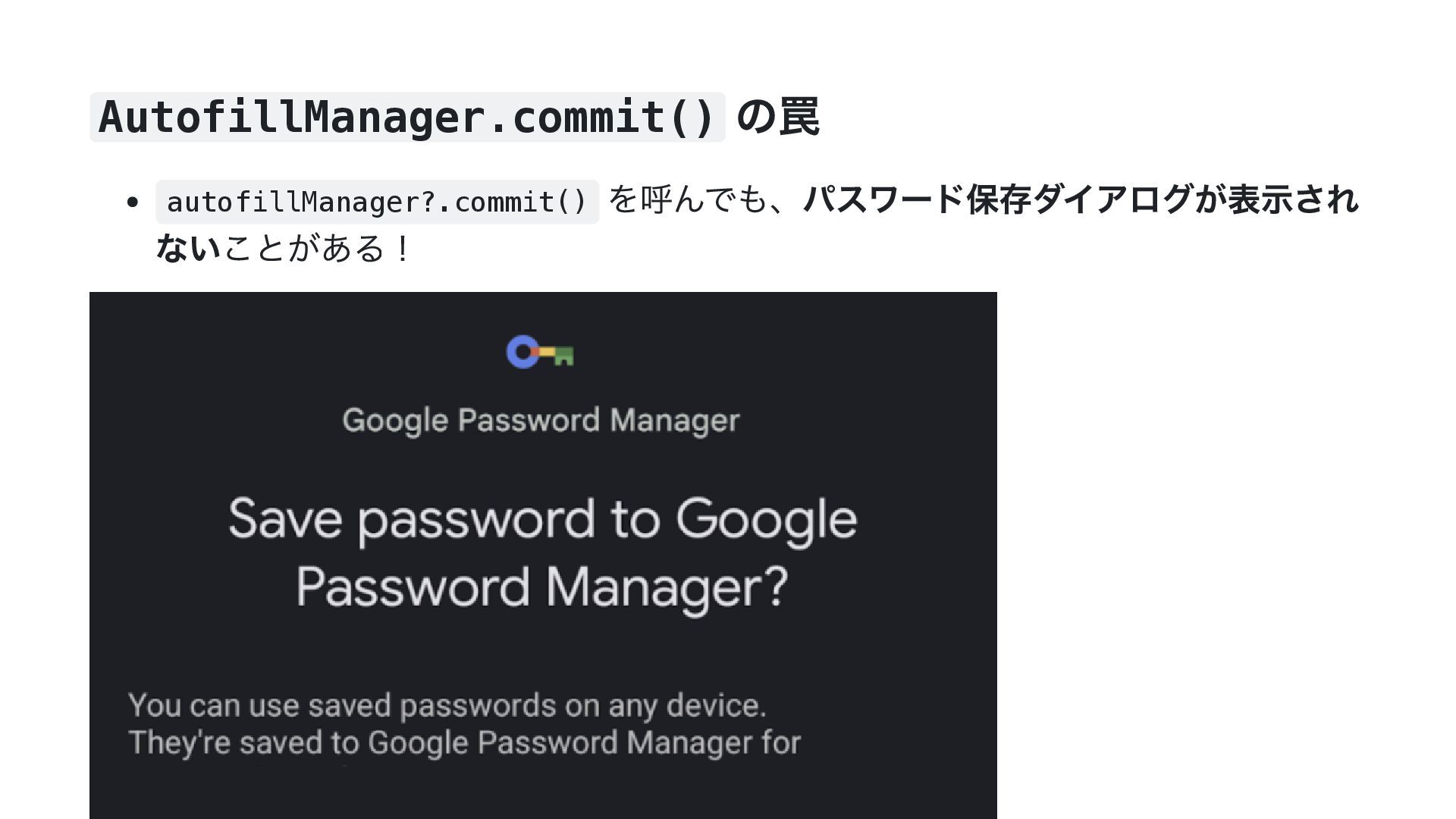
AutofillManager.commit() の罠 autofillManager?.commit() を呼んでも、パスワード保存ダイアログが表示され ないことがある!
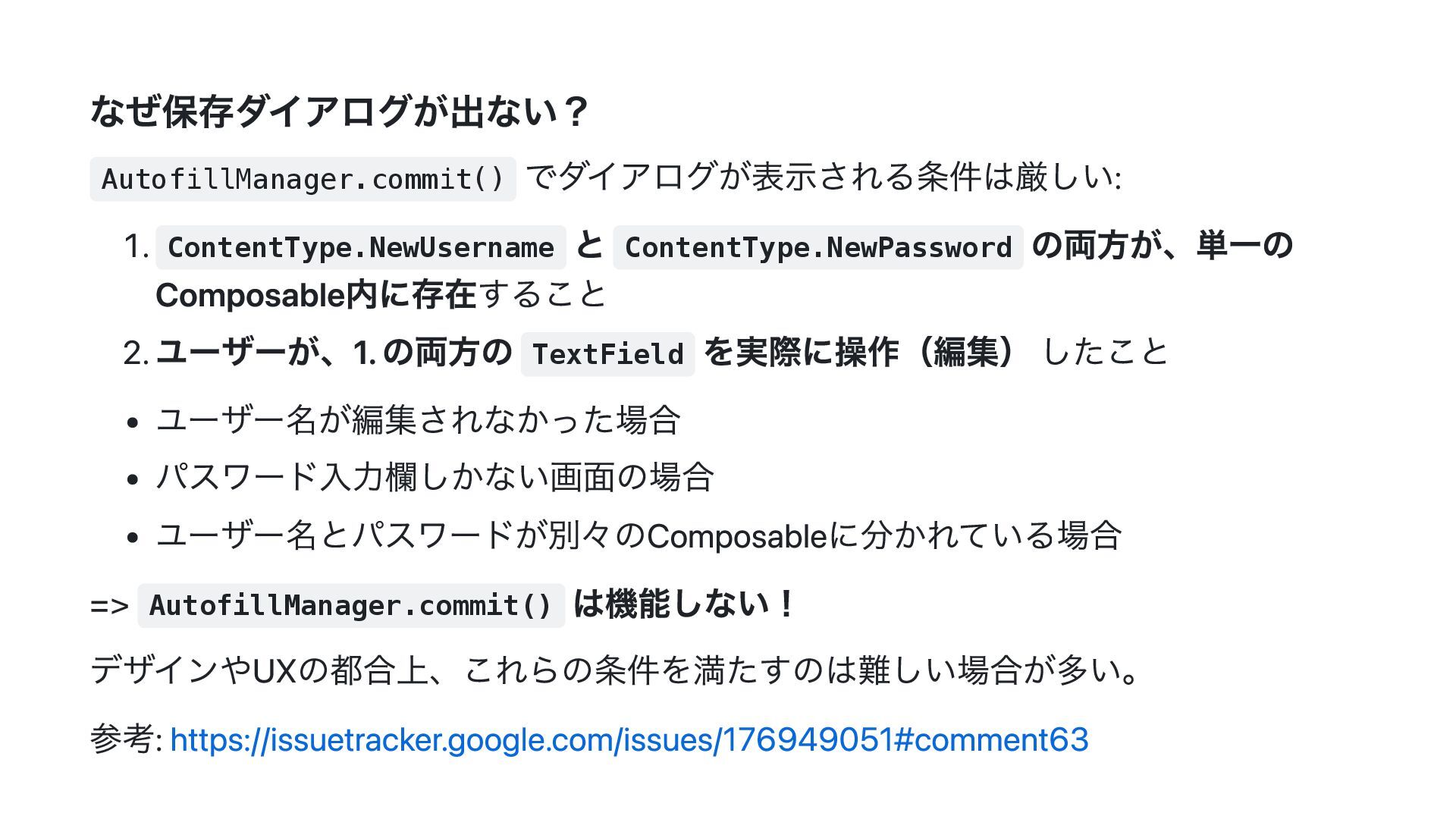
なぜ保存ダイアログが出ない? AutofillManager.commit() でダイアログが表示される条件は厳しい: 1. ContentType.NewUsername と ContentType.NewPassword の両方が、単一の Composable内に存在すること 2.
ユーザーが、1. の両方の TextField を実際に操作(編集) したこと ユーザー名が編集されなかった場合 パスワード入力欄しかない画面の場合 ユーザー名とパスワードが別々のComposableに分かれている場合 => AutofillManager.commit() は機能しない! デザインやUXの都合上、これらの条件を満たすのは難しい場合が多い。 参考: https://issuetracker.google.com/issues/176949051#comment63
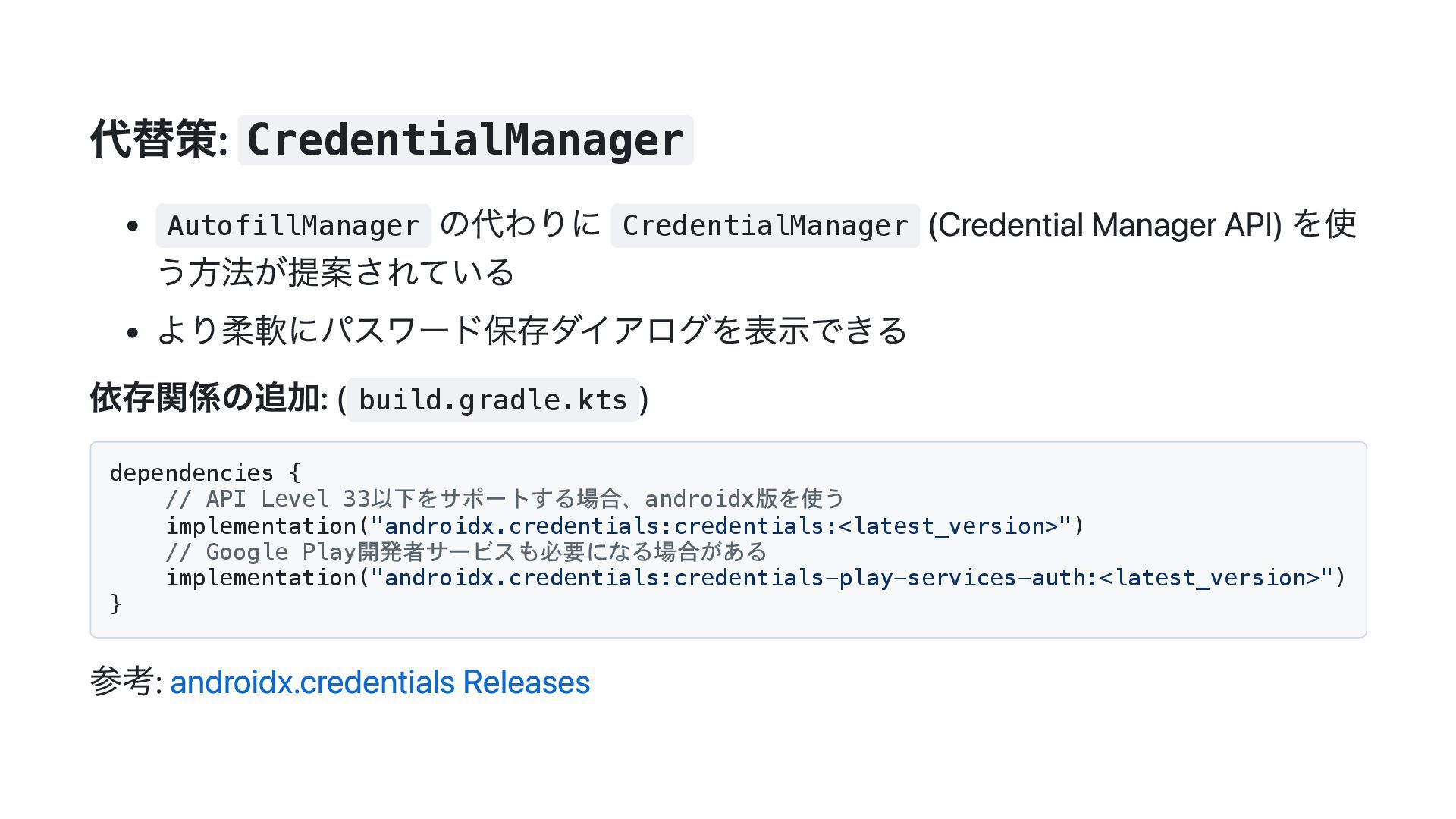
代替策: CredentialManager AutofillManager の代わりに CredentialManager (Credential Manager API) を使 う方法が提案されている
より柔軟にパスワード保存ダイアログを表示できる 依存関係の追加: ( build.gradle.kts ) dependencies { // API Level 33以下をサポートする場合、androidx版を使う implementation("androidx.credentials:credentials:<latest_version>") // Google Play開発者サービスも必要になる場合がある implementation("androidx.credentials:credentials-play-services-auth:<latest_version>") } 参考: androidx.credentials Releases
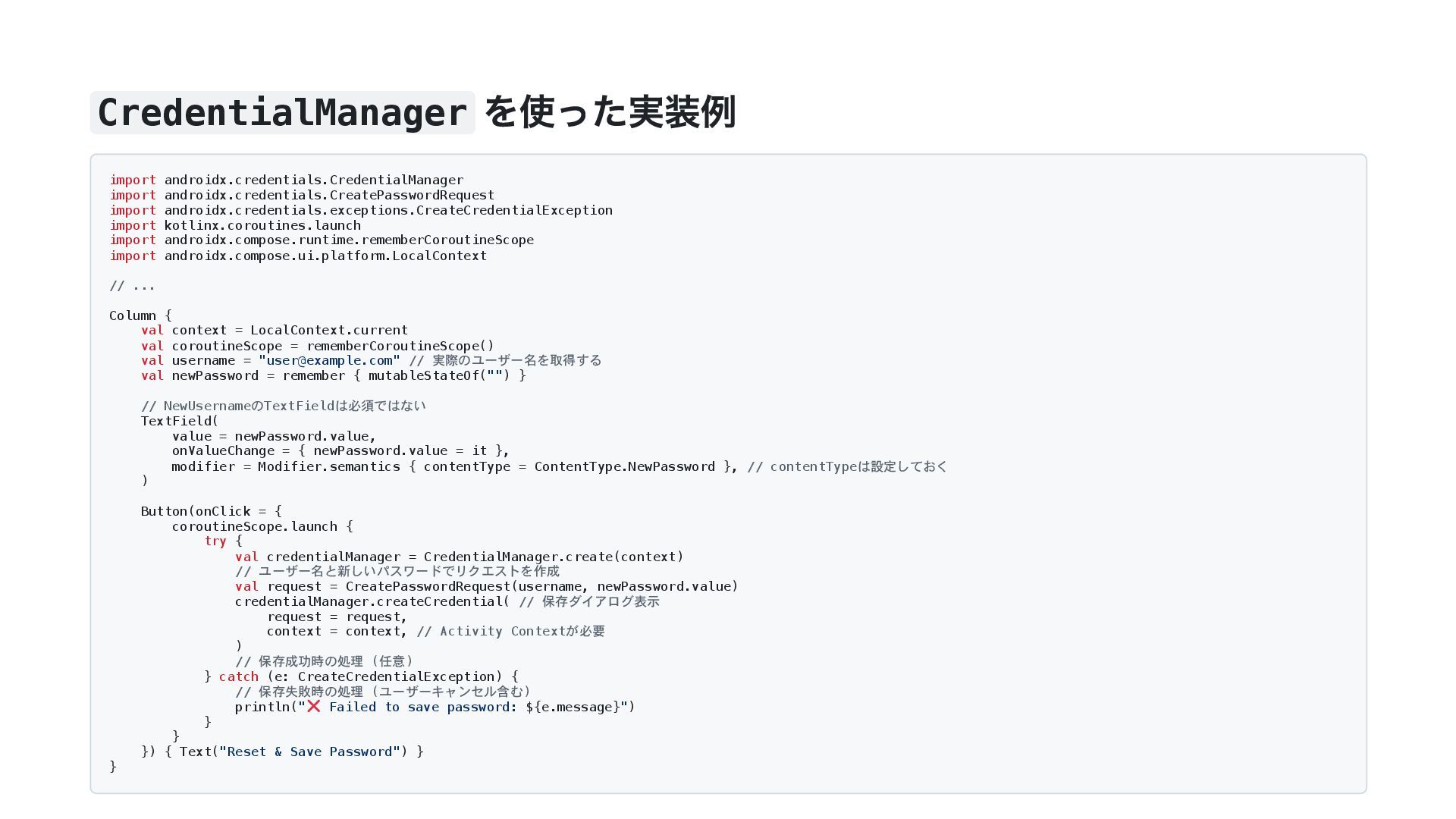
CredentialManager を使った実装例 import androidx.credentials.CredentialManager import androidx.credentials.CreatePasswordRequest import androidx.credentials.exceptions.CreateCredentialException import kotlinx.coroutines.launch
import androidx.compose.runtime.rememberCoroutineScope import androidx.compose.ui.platform.LocalContext // ... Column { val context = LocalContext.current val coroutineScope = rememberCoroutineScope() val username = "
[email protected]
" // 実際のユーザー名を取得する val newPassword = remember { mutableStateOf("") } // NewUsernameのTextFieldは必須ではない TextField( value = newPassword.value, onValueChange = { newPassword.value = it }, modifier = Modifier.semantics { contentType = ContentType.NewPassword }, // contentTypeは設定しておく ) Button(onClick = { coroutineScope.launch { try { val credentialManager = CredentialManager.create(context) // ユーザー名と新しいパスワードでリクエストを作成 val request = CreatePasswordRequest(username, newPassword.value) credentialManager.createCredential( // 保存ダイアログ表示 request = request, context = context, // Activity Contextが必要 ) // 保存成功時の処理 (任意) } catch (e: CreateCredentialException) { // 保存失敗時の処理 (ユーザーキャンセル含む) println(" Failed to save password: ${e.message}") } } }) { Text("Reset & Save Password") } }
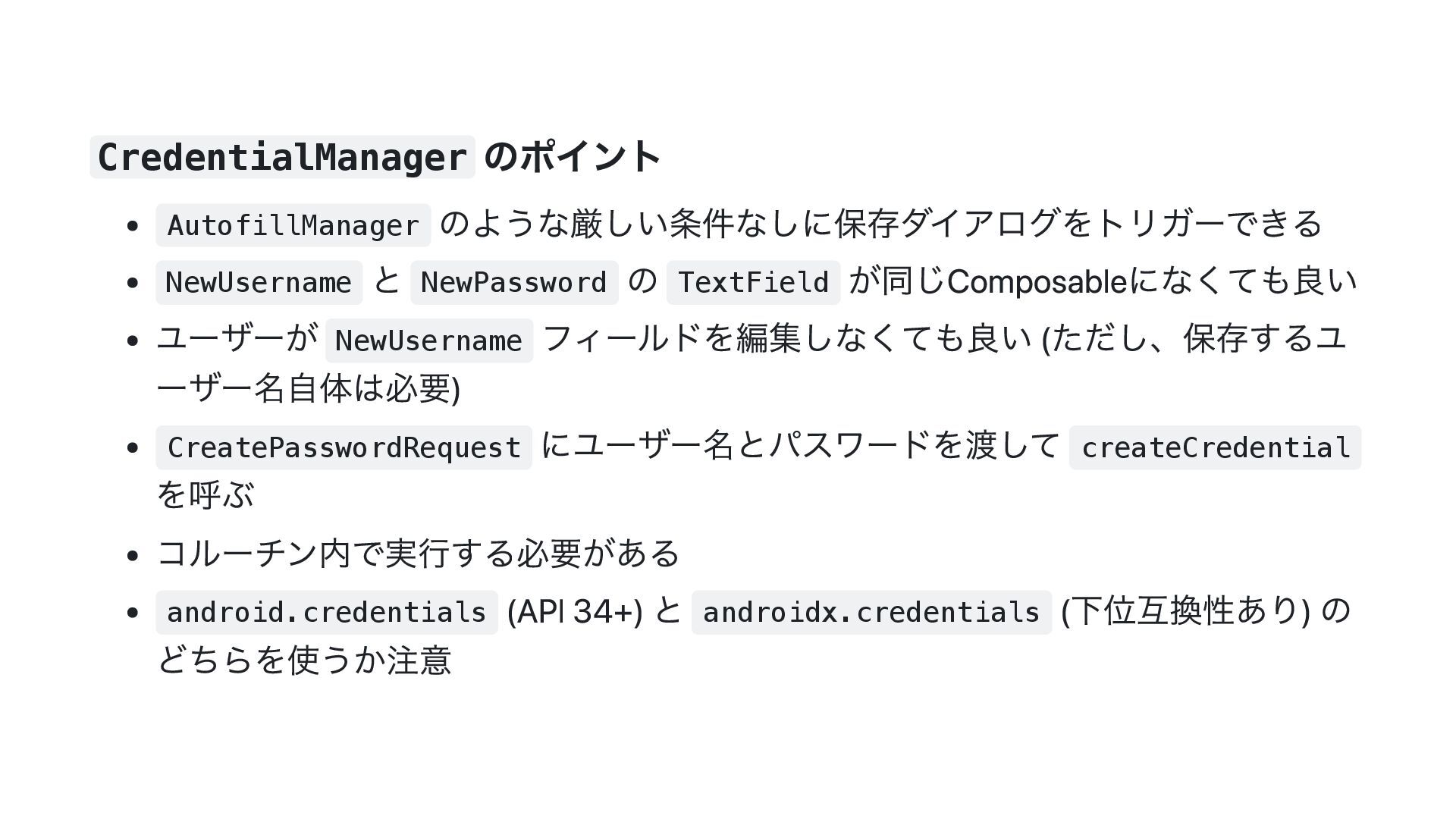
CredentialManager のポイント AutofillManager のような厳しい条件なしに保存ダイアログをトリガーできる NewUsername と NewPassword の TextField が同じComposableになくても良い
ユーザーが NewUsername フィールドを編集しなくても良い (ただし、保存するユ ーザー名自体は必要) CreatePasswordRequest にユーザー名とパスワードを渡して createCredential を呼ぶ コルーチン内で実行する必要がある android.credentials (API 34+) と androidx.credentials (下位互換性あり) の どちらを使うか注意
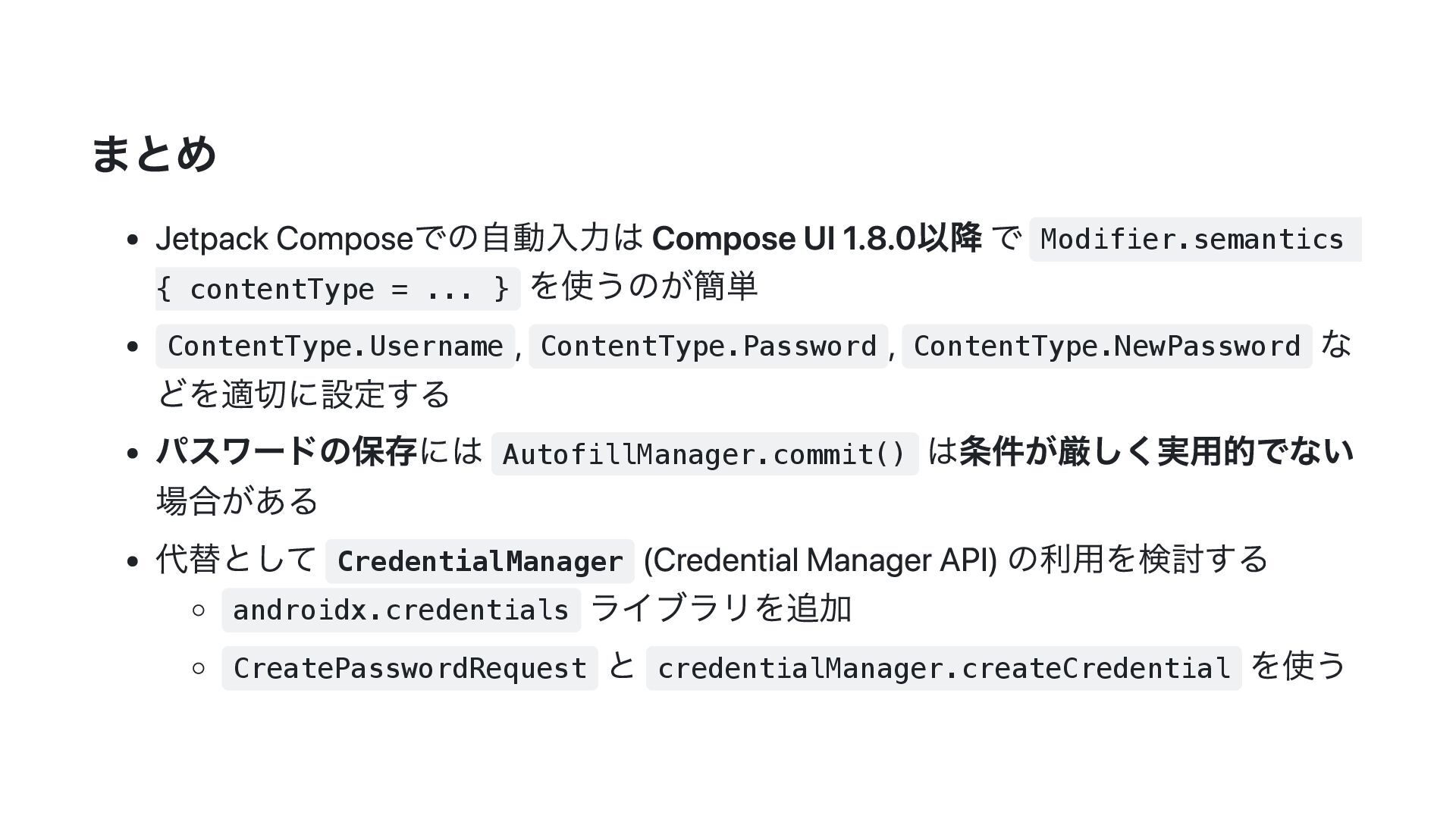
まとめ Jetpack Composeでの自動入力は Compose UI 1.8.0以降 で Modifier.semantics { contentType
= ... } を使うのが簡単 ContentType.Username , ContentType.Password , ContentType.NewPassword な どを適切に設定する パスワードの保存には AutofillManager.commit() は条件が厳しく実用的でない 場合がある 代替として CredentialManager (Credential Manager API) の利用を検討する androidx.credentials ライブラリを追加 CreatePasswordRequest と credentialManager.createCredential を使う
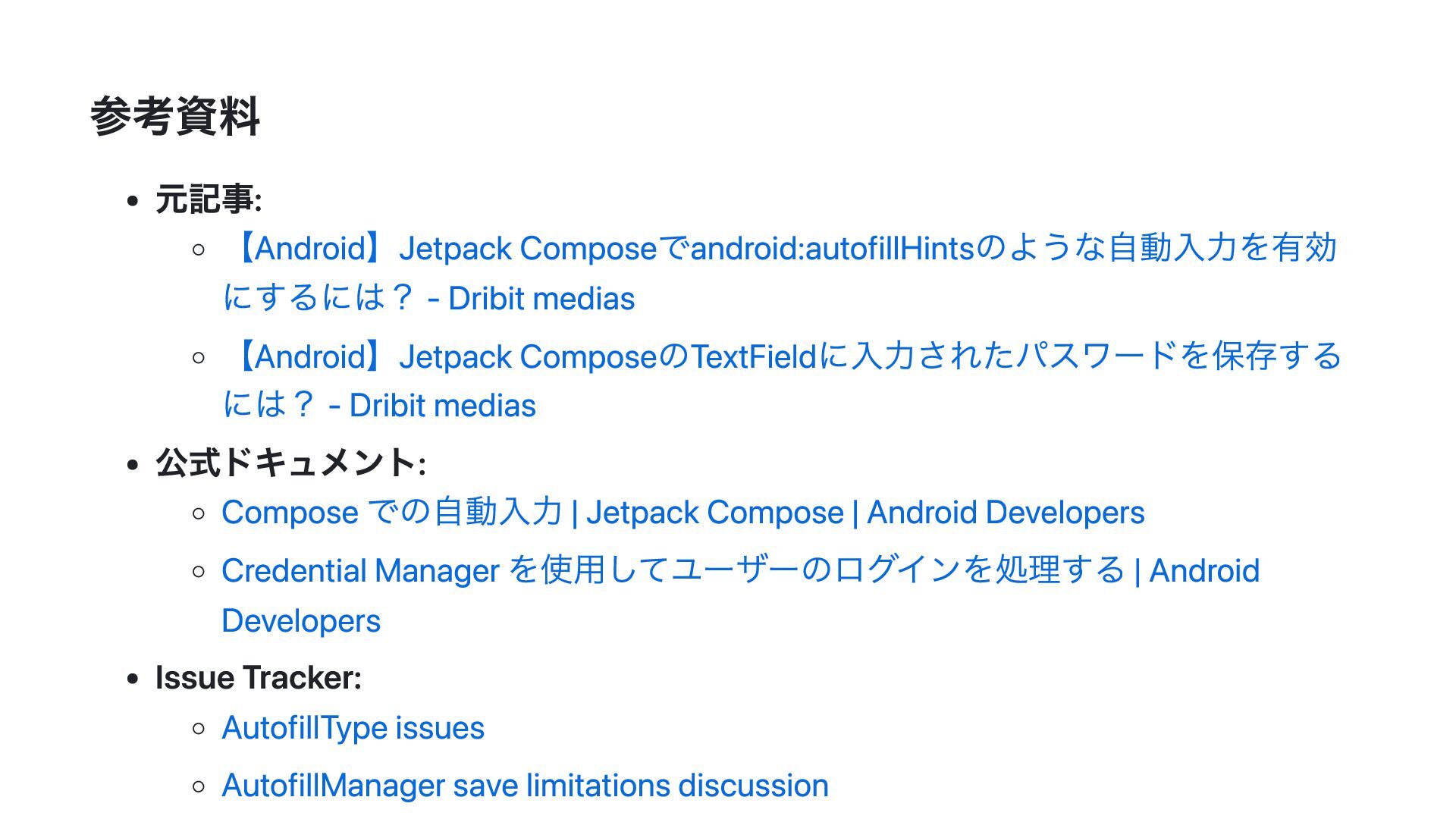
参考資料 元記事: 【Android】Jetpack Composeでandroid:autofillHintsのような自動入力を有効 にするには? - Dribit medias 【Android】Jetpack ComposeのTextFieldに入力されたパスワードを保存する
には? - Dribit medias 公式ドキュメント: Compose での自動入力 | Jetpack Compose | Android Developers Credential Manager を使用してユーザーのログインを処理する | Android Developers Issue Tracker: AutofillType issues AutofillManager save limitations discussion
ご清聴ありがとうございました!


 tonionagauzzi
 aleyda
 schlessera
 rakko
rakko
 nwiizo
 vanstee
 keithpitt
 kevinliebholz
 ks91
ks91
 chriscoyier
 codingconduct
 samanthasiow
 leimatthew05