Upgrade to Pro
— share decks privately, control downloads, hide ads and more …
Speaker Deck
Sign up for free
Menu
Search
Features
All features
Private URLs
Password Protection
Custom URLS
Scheduled publishing
Remove Branding
Restrict embedding
Deck Collections
Notes
Features
All features
Private URLs
Password Protection
Custom URLS
Scheduled publishing
Remove Branding
Restrict embedding
Deck Collections
Notes
Explore
Featured decks
Featured speakers
Programming
Technology
Storyboards
Explore
Featured decks
Featured speakers
Programming
Technology
Storyboards
Pricing
Search
Sign in
Sign up for free
Android Composeでの自動入力(作成:GPT-4o)
Search
tonionagauzzi
April 24, 2025
Programming
180
0
Share
Embed
Copy iframe code
Copy JS code
Copy link
Start on current slide
Android Composeでの自動入力(作成:GPT-4o)
tonionagauzzi
April 24, 2025
More Decks by tonionagauzzi
See All by tonionagauzzi
Androidエンジニアが大規模プロダクトのWebフロントエンドとバックエンドに越境して感じたギャップと習得したマインド
tonionagauzzi
0
490
Kotlin2.3明示的バッキングフィールド
tonionagauzzi
1
420
【Android】テキスト選択色の問題修正で心がけたこと
tonionagauzzi
0
300
Android 15以上でPDFのテキスト検索を爆速開発!
tonionagauzzi
0
420
Googleの新しいコーディングAIエージェントJulesを使ってみた
tonionagauzzi
0
890
Compose におけるパスワード自動入力とパスワード保存
tonionagauzzi
0
570
Androidテスト基礎講義
tonionagauzzi
0
430
Jetpack Composeで自動入力(Autofill)を実装しよう(作成:claude-3.7-sonnet)
tonionagauzzi
0
190
Jetpack Composeにおける自動入力の実装と注意点(作成者:Gemini 2.5 Pro Exp 03-25)
tonionagauzzi
0
200
Other Decks in Programming
See All in Programming
當我們開始不讀 Code - AI Agent 時代,Code Review 與 Clean Code 還剩下什麼?
jame2408
1
270
コーディング自動化の次へ。人の介入をゼロにするファクトリーとサポートAIによる実践
timakin
5
4k
[JA] Domain Modeling with Vanilla Rails: 「操作」から再考するRailsの設計論
yasaichi
3
460
作って学ぶSpring BootのAuto Configuration / JJUG Night Seminar 2026-10-19
rshindo
0
190
最近”作らせてる” ローカルAIアプリの話
akit37
0
480
【加筆修正版】Laravel のアプリケーションをどこにデプロイするか #phpcon_ehime
akase244
0
150
コードレビューのボトルネックを"する側"と"される側"の両面から解消する
yub0n
2
1.6k
IBM Bob でAI駆動開発『QC-Playbook』
ichirokano2
0
110
Augmenting AI with the Power of Jakarta EE
ivargrimstad
0
240
C#の現在地 進化の歴史と、AI時代の.NET Everywhere
neuecc
5
5.2k
AWSに止められる覚悟してますか?
morizo_1984
2
540
半永久的に提供し続けられるプライベートクラウドを目指して ― 利用者の認知負荷を抑えるAPI抽象化とハードウェア世代交代の基盤設計
tomokon
0
510
Featured
See All Featured
Effective software design: The role of men in debugging patriarchy in IT @ Voxxed Days AMS
baasie
1
570
Jamie Indigo - Trashchat’s Guide to Black Boxes: Technical SEO Tactics for LLMs
techseoconnect
PRO
0
710
Highjacked: Video Game Concept Design
rkendrick25
PRO
1
480
Conquering PDFs: document understanding beyond plain text
inesmontani
PRO
4
3.2k
SEO Brein meetup: CTRL+C is not how to scale international SEO
lindahogenes
2
2.9k
How to Talk to Developers About Accessibility
jct
2
580
Stop Working from a Prison Cell
hatefulcrawdad
274
21k
The Language of Interfaces
destraynor
162
27k
How Fast Is Fast Enough? [PerfNow 2025]
tammyeverts
3
940
The Invisible Side of Design
smashingmag
301
52k
First, design no harm
axbom
PRO
2
1.3k
Automating Front-end Workflow
addyosmani
1369
210k
Transcript
Android Composeでの自動入力 Jetpack Composeでの自動入力の有効化方法 ハマりどころと解決策 1
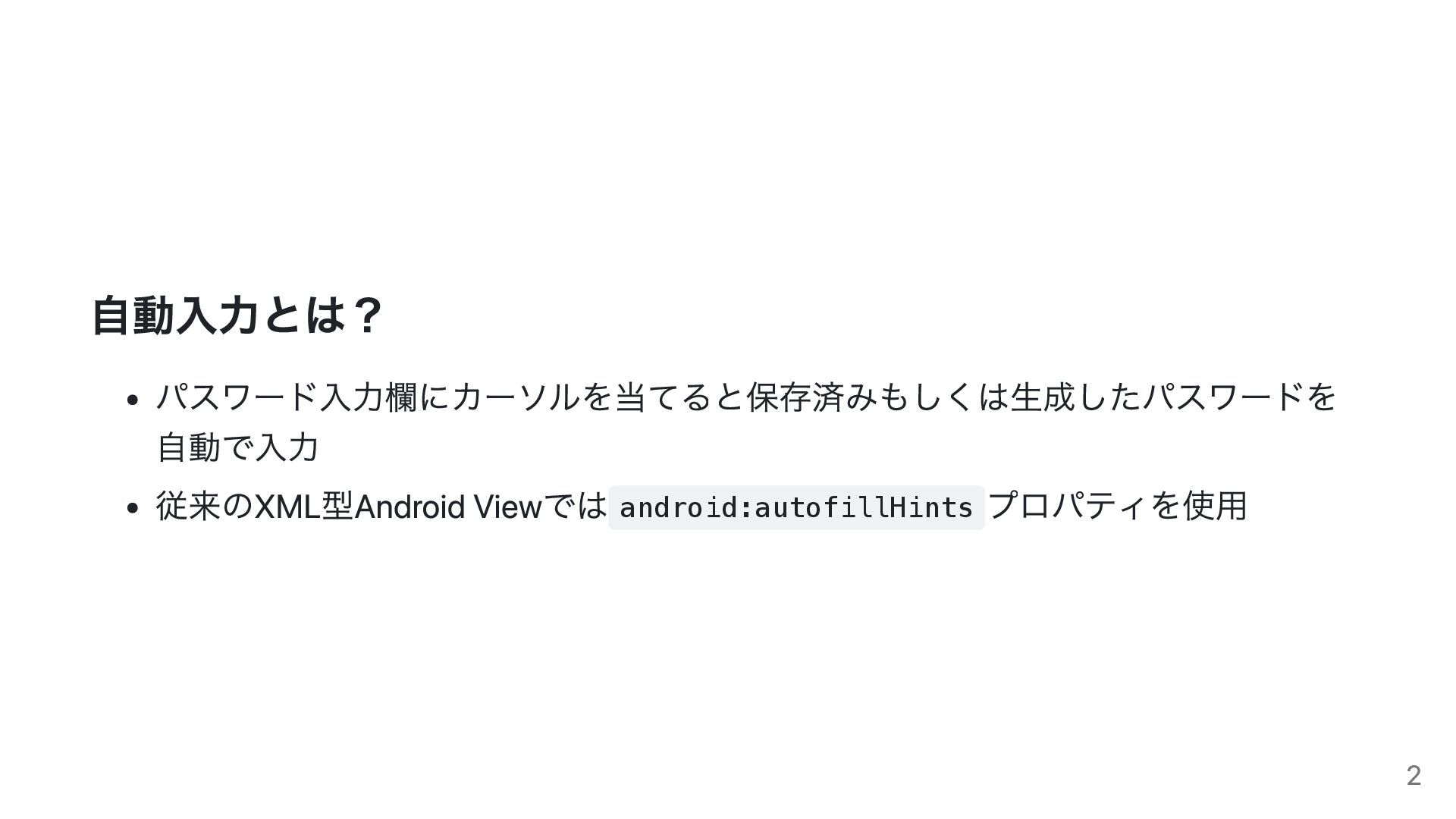
自動入力とは? パスワード入力欄にカーソルを当てると保存済みもしくは生成したパスワードを 自動で入力 従来のXML型Android Viewでは android:autofillHints プロパティを使用 2
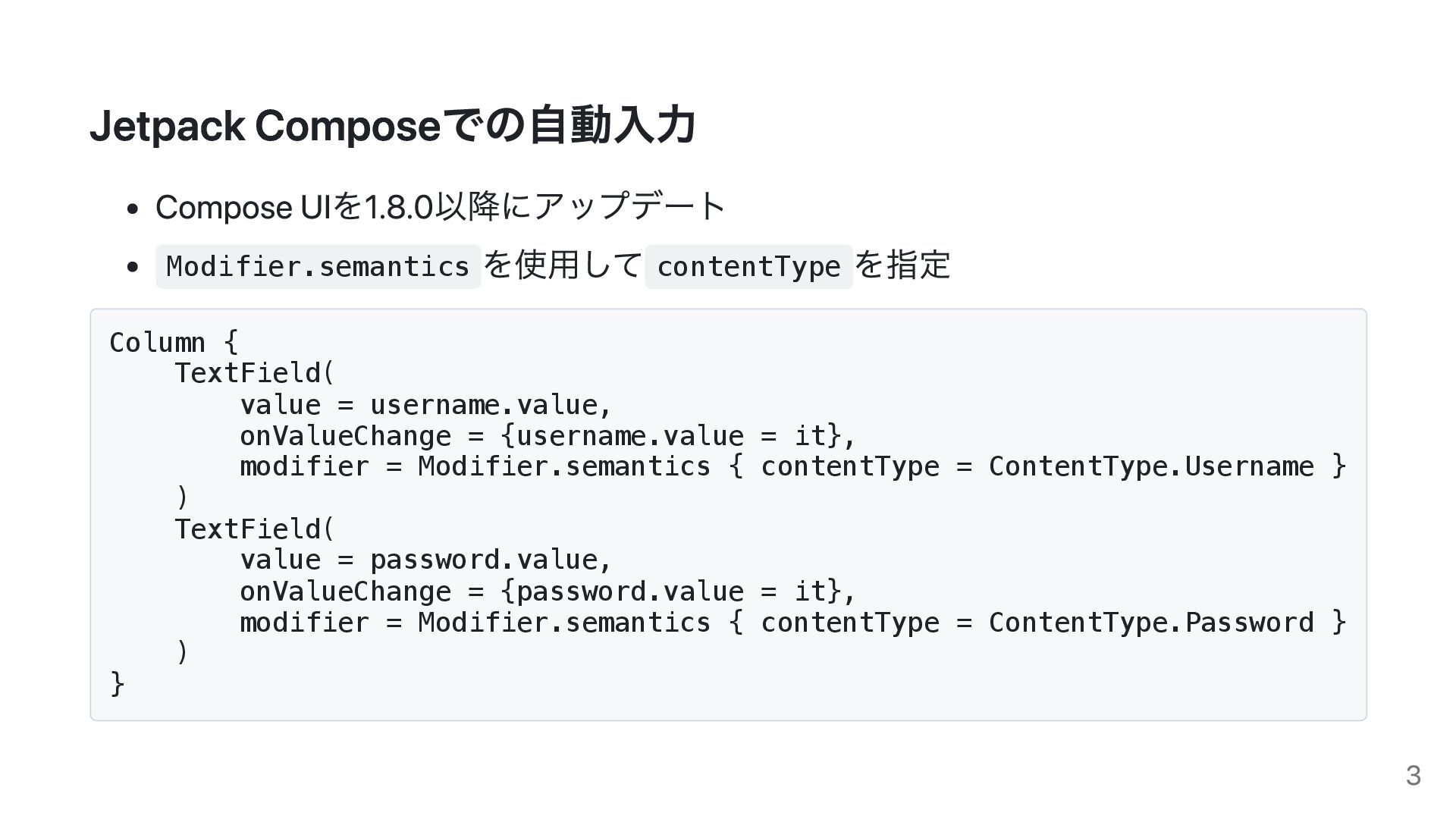
Jetpack Composeでの自動入力 Compose UIを1.8.0以降にアップデート Modifier.semantics を使用して contentType を指定 Column {
TextField( value = username.value, onValueChange = {username.value = it}, modifier = Modifier.semantics { contentType = ContentType.Username } ) TextField( value = password.value, onValueChange = {password.value = it}, modifier = Modifier.semantics { contentType = ContentType.Password } ) } 3
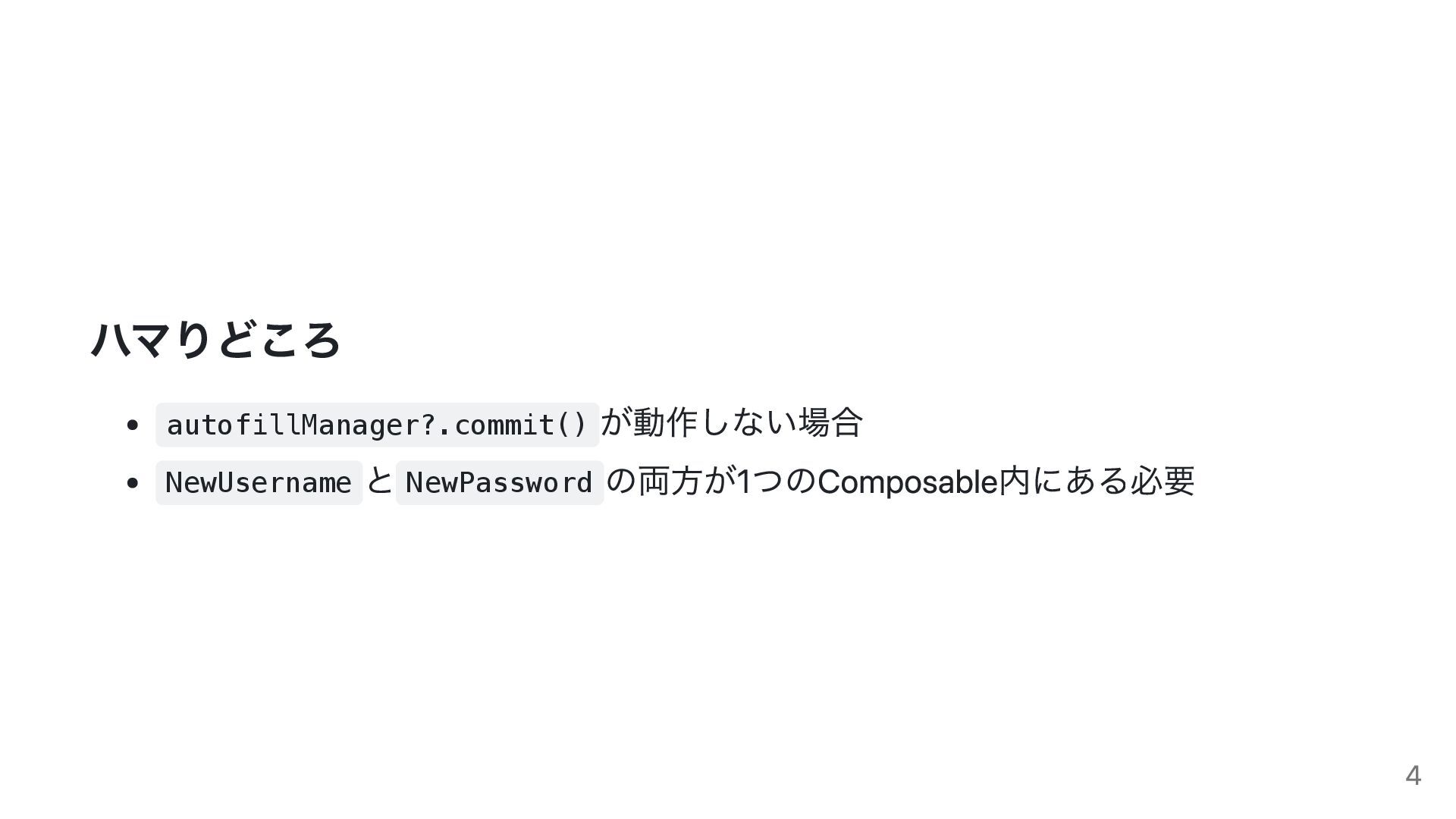
ハマりどころ autofillManager?.commit() が動作しない場合 NewUsername と NewPassword の両方が1つのComposable内にある必要 4
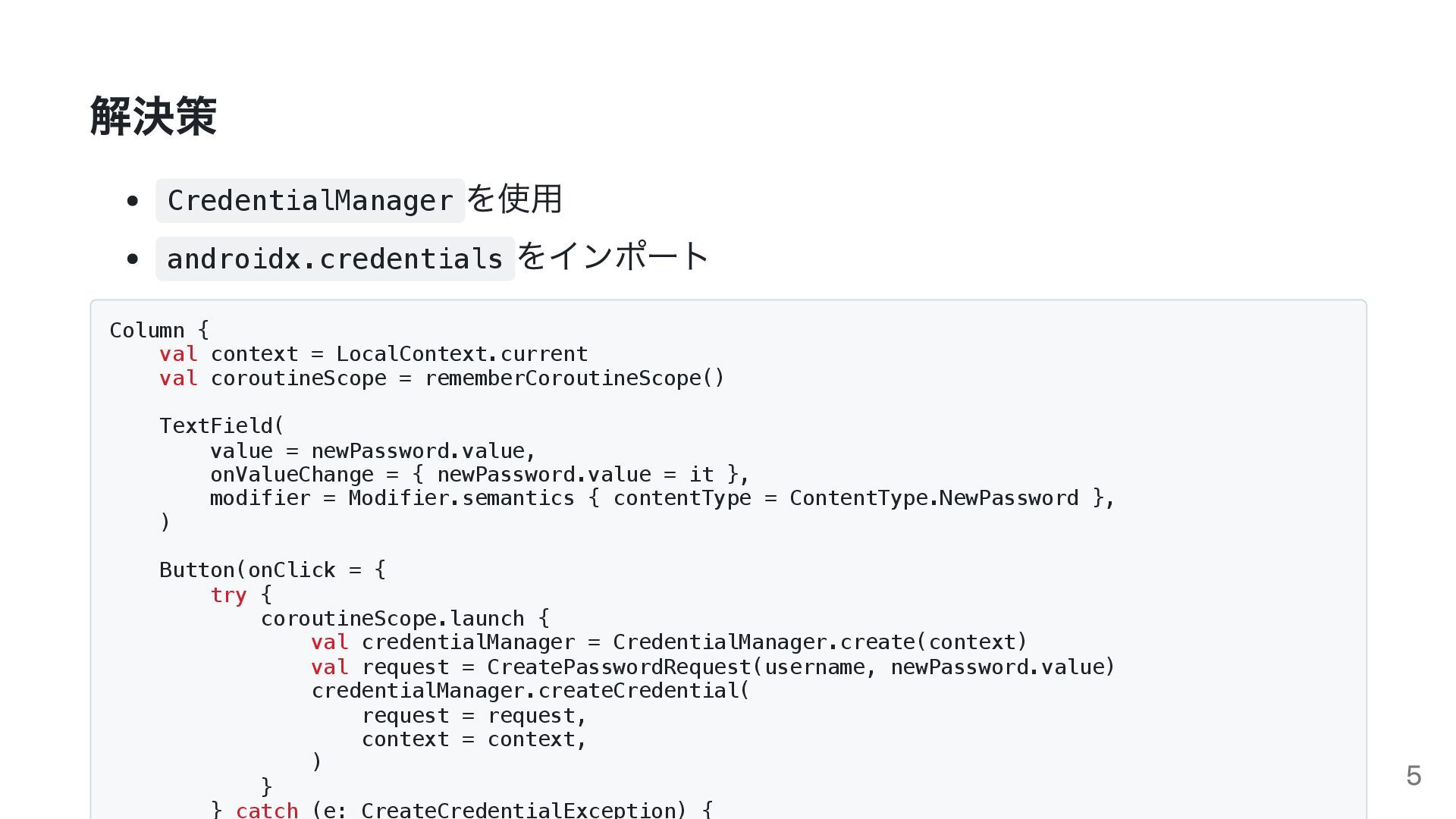
解決策 CredentialManager を使用 androidx.credentials をインポート Column { val context =
LocalContext.current val coroutineScope = rememberCoroutineScope() TextField( value = newPassword.value, onValueChange = { newPassword.value = it }, modifier = Modifier.semantics { contentType = ContentType.NewPassword }, ) Button(onClick = { try { coroutineScope.launch { val credentialManager = CredentialManager.create(context) val request = CreatePasswordRequest(username, newPassword.value) credentialManager.createCredential( request = request, context = context, ) } } catch (e: CreateCredentialException) { 5
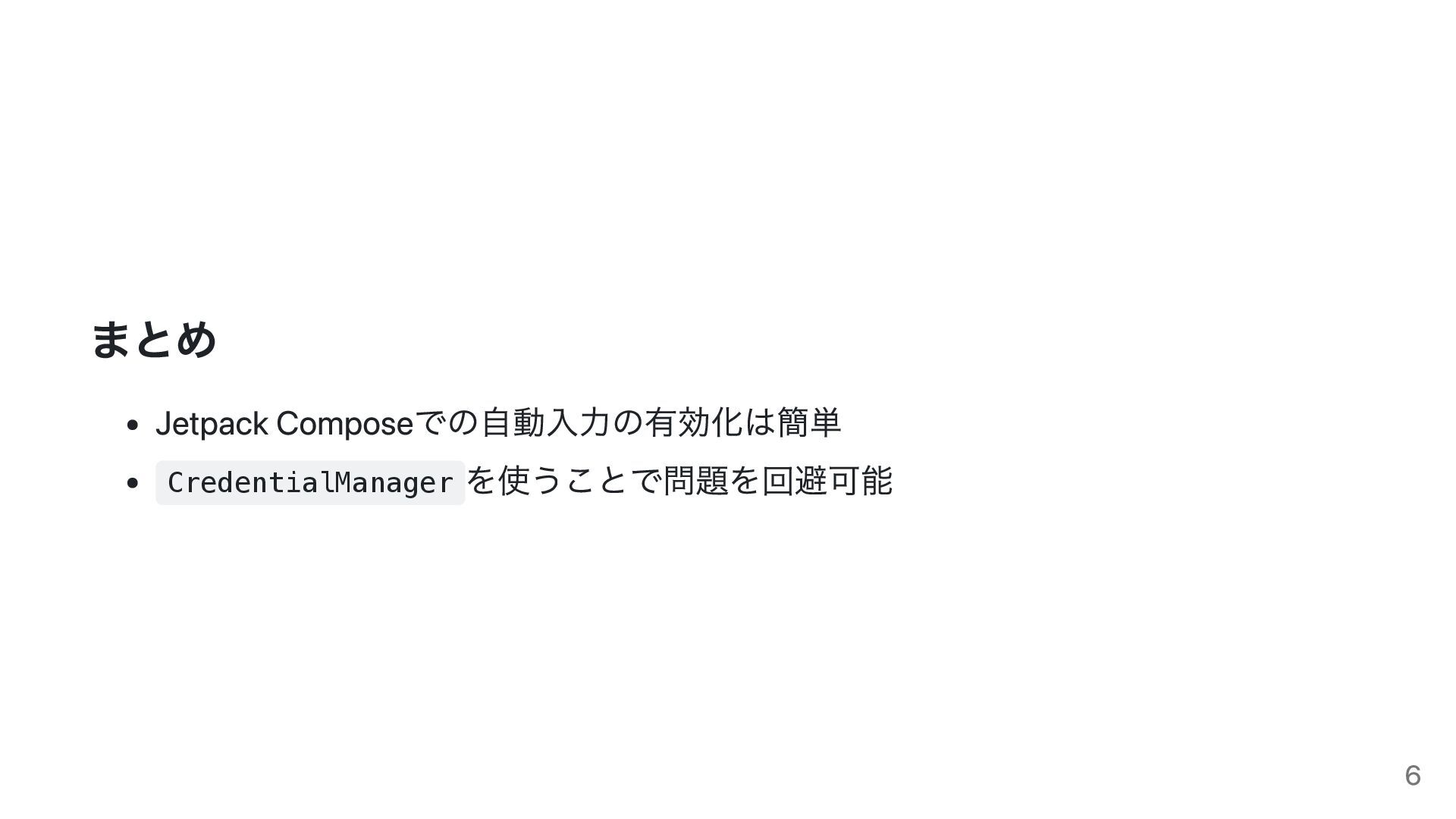
まとめ Jetpack Composeでの自動入力の有効化は簡単 CredentialManager を使うことで問題を回避可能 6
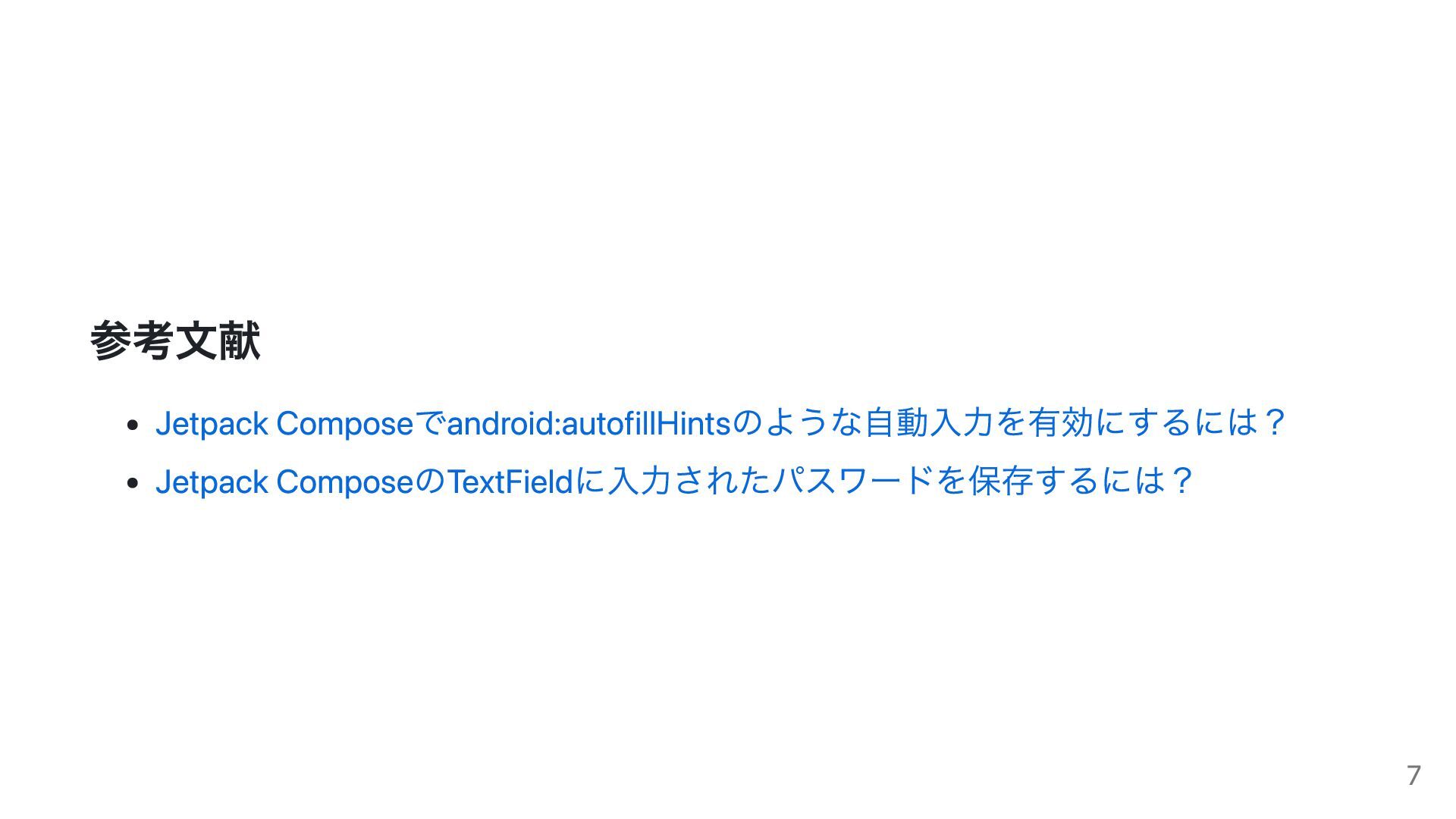
参考文献 Jetpack Composeでandroid:autofillHintsのような自動入力を有効にするには? Jetpack ComposeのTextFieldに入力されたパスワードを保存するには? 7


 tonionagauzzi
 jame2408
 timakin
 yasaichi
 rshindo
 akit37
 akase244
 yub0n
yub0n
 ichirokano2
 ivargrimstad
 neuecc
 morizo_1984
 tomokon
 baasie
 techseoconnect
 rkendrick25
 inesmontani
 lindahogenes
 jct
jct
 hatefulcrawdad
 destraynor
 tammyeverts
 smashingmag
 axbom
axbom
 addyosmani