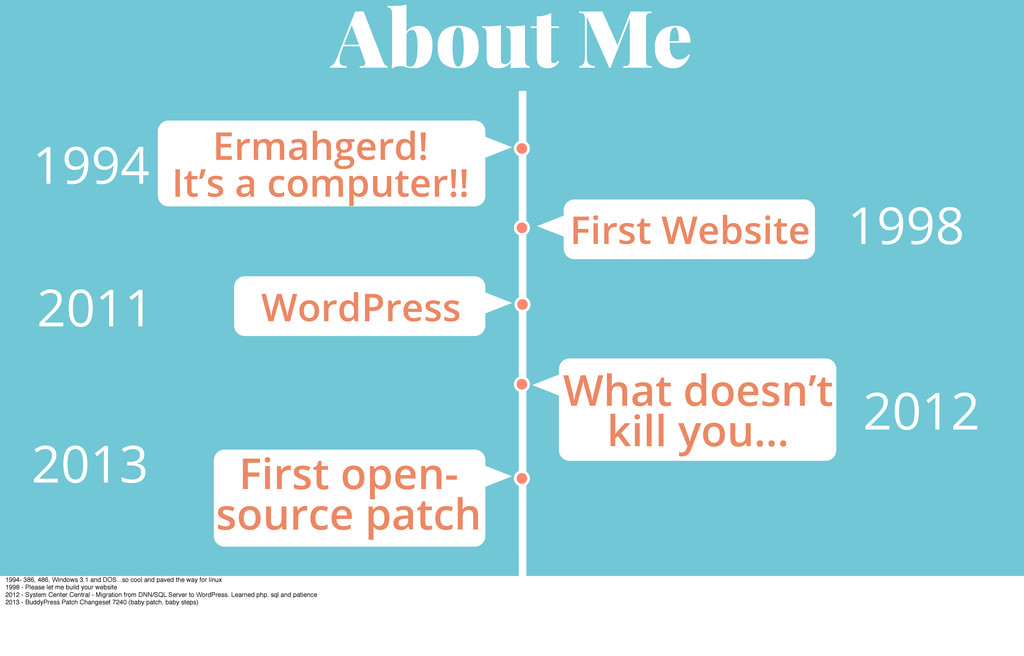
2012 What doesn’t kill you… 2011 WordPress First open- source patch 2013 First Website 1994- 386, 486, Windows 3.1 and DOS...so cool and paved the way for linux 1998 - Please let me build your website 2012 - System Center Central - Migration from DNN/SQL Server to WordPress. Learned php, sql and patience 2013 - BuddyPress Patch Changeset 7240 (baby patch, baby steps)
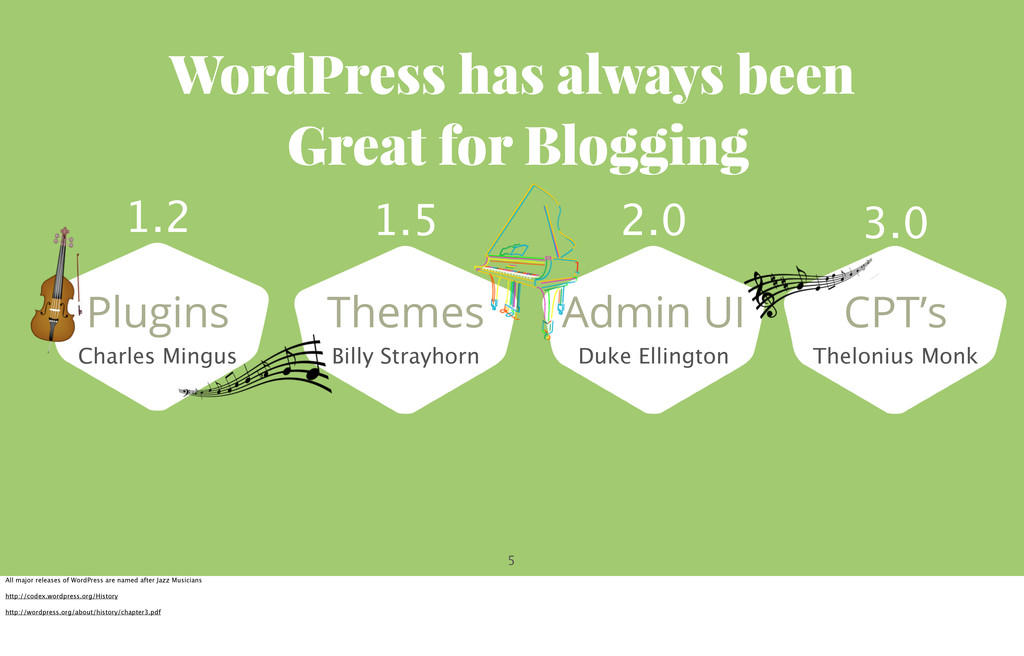
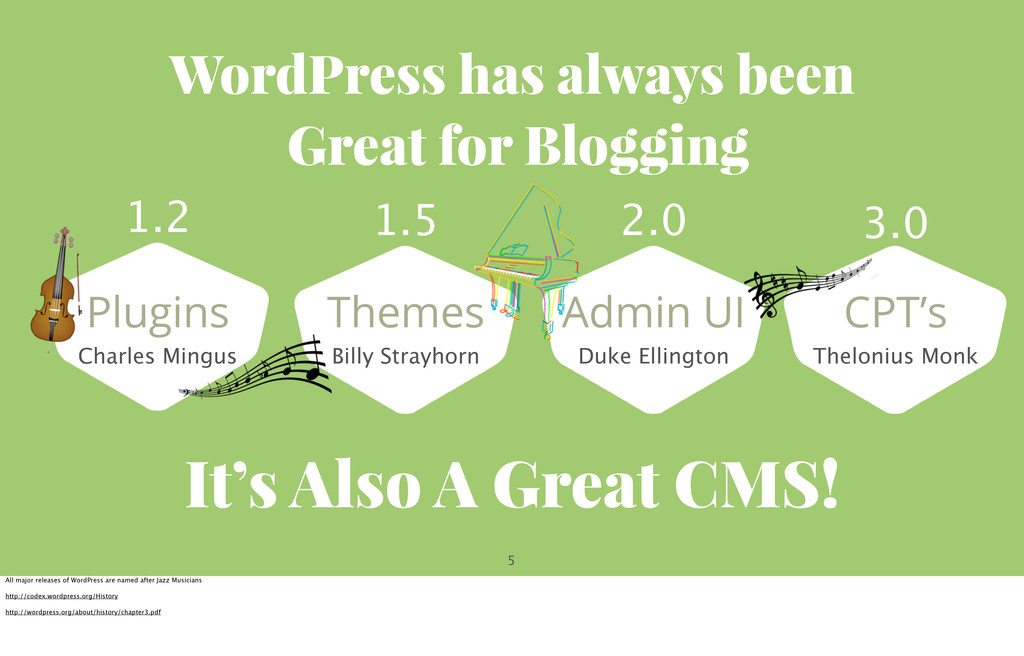
Mingus 1.2 Themes Billy Strayhorn 1.5 Admin UI Duke Ellington 2.0 CPT’s Thelonius Monk 3.0 All major releases of WordPress are named after Jazz Musicians http://codex.wordpress.org/History http://wordpress.org/about/history/chapter3.pdf
A Great CMS! Plugins Charles Mingus 1.2 Themes Billy Strayhorn 1.5 Admin UI Duke Ellington 2.0 CPT’s Thelonius Monk 3.0 All major releases of WordPress are named after Jazz Musicians http://codex.wordpress.org/History http://wordpress.org/about/history/chapter3.pdf
never change ? A Challenge when thinking about Custom Post Types…they’re cool and all but why should we use them? Quote from WordPress, Freedom, Community and the Business of Open Source bySiobhan Mckeown (Chapter 3, p.14)
never change is our commitment to web standards and an unmatched user experience…” Matt Mullenweg A Challenge when thinking about Custom Post Types…they’re cool and all but why should we use them? Quote from WordPress, Freedom, Community and the Business of Open Source bySiobhan Mckeown (Chapter 3, p.14)
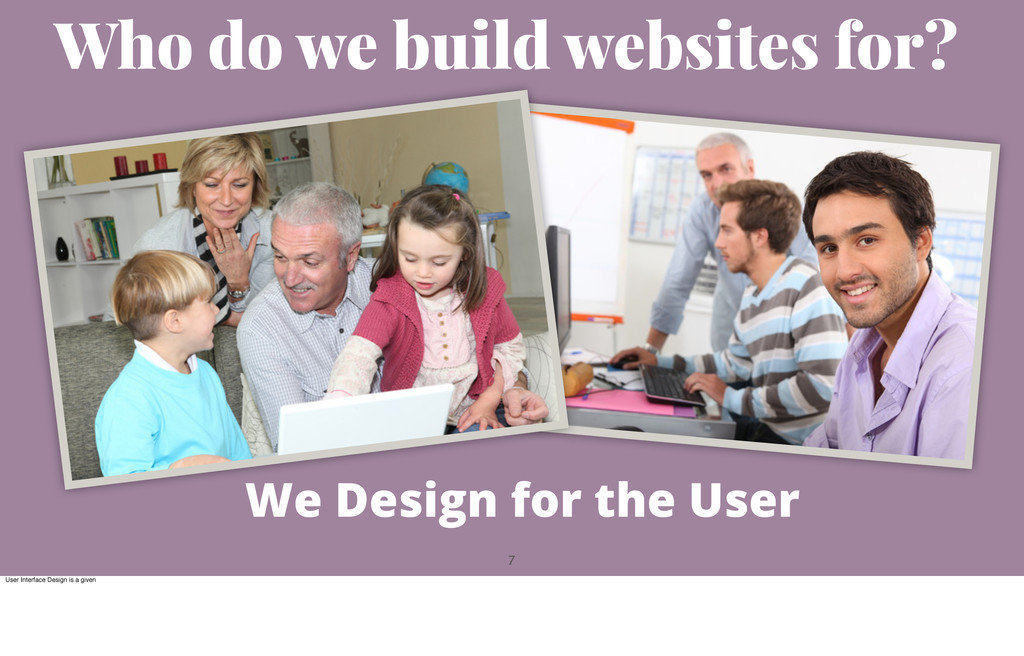
our clients? Is it right to turn over a website with an ugly, cluttered, intimidating admin are to them? Our client is usually a business owner who knows she needs a website but is more comfortable running her business than she is running a website. My clients are intimidated with the admin area. I hear jokes and sarcasm about how much they ‘love’ it (not).
our clients? Is it right to turn over a website with an ugly, cluttered, intimidating admin are to them? Our client is usually a business owner who knows she needs a website but is more comfortable running her business than she is running a website. My clients are intimidated with the admin area. I hear jokes and sarcasm about how much they ‘love’ it (not).
client! But what about our clients? Is it right to turn over a website with an ugly, cluttered, intimidating admin are to them? Our client is usually a business owner who knows she needs a website but is more comfortable running her business than she is running a website. My clients are intimidated with the admin area. I hear jokes and sarcasm about how much they ‘love’ it (not).
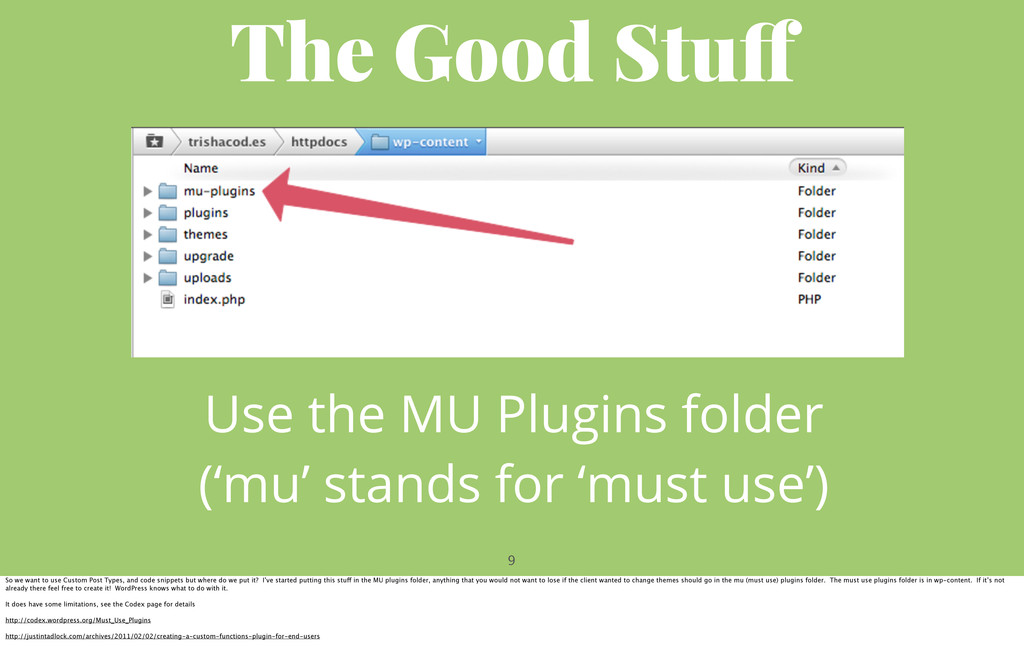
stands for ‘must use’) So we want to use Custom Post Types, and code snippets but where do we put it? I’ve started putting this stuff in the MU plugins folder, anything that you would not want to lose if the client wanted to change themes should go in the mu (must use) plugins folder. The must use plugins folder is in wp-content. If it’s not already there feel free to create it! WordPress knows what to do with it. It does have some limitations, see the Codex page for details http://codex.wordpress.org/Must_Use_Plugins http://justintadlock.com/archives/2011/02/02/creating-a-custom-functions-plugin-for-end-users
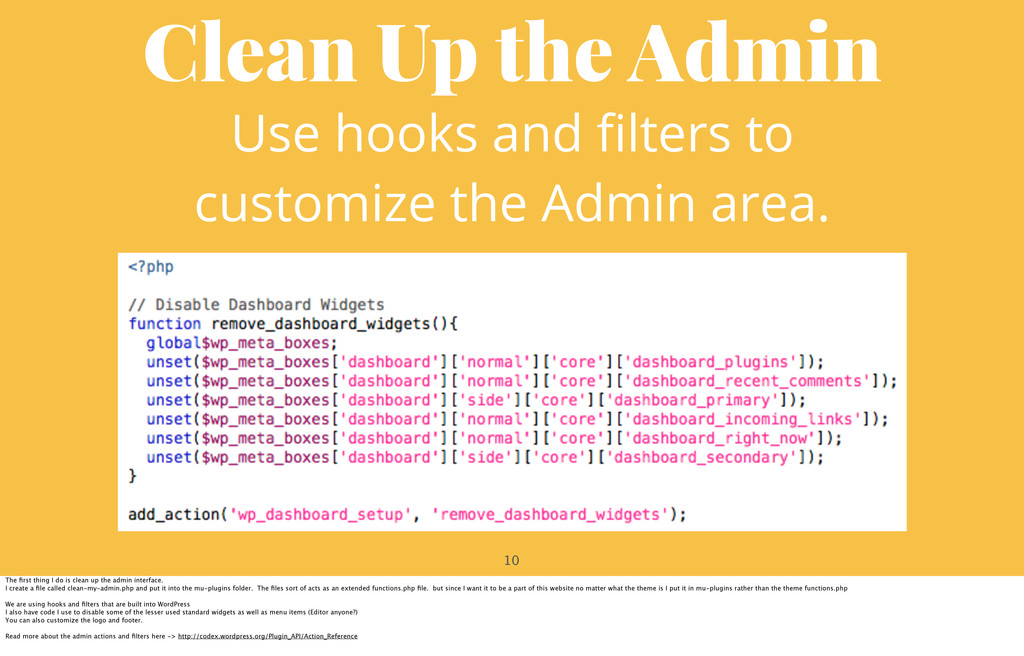
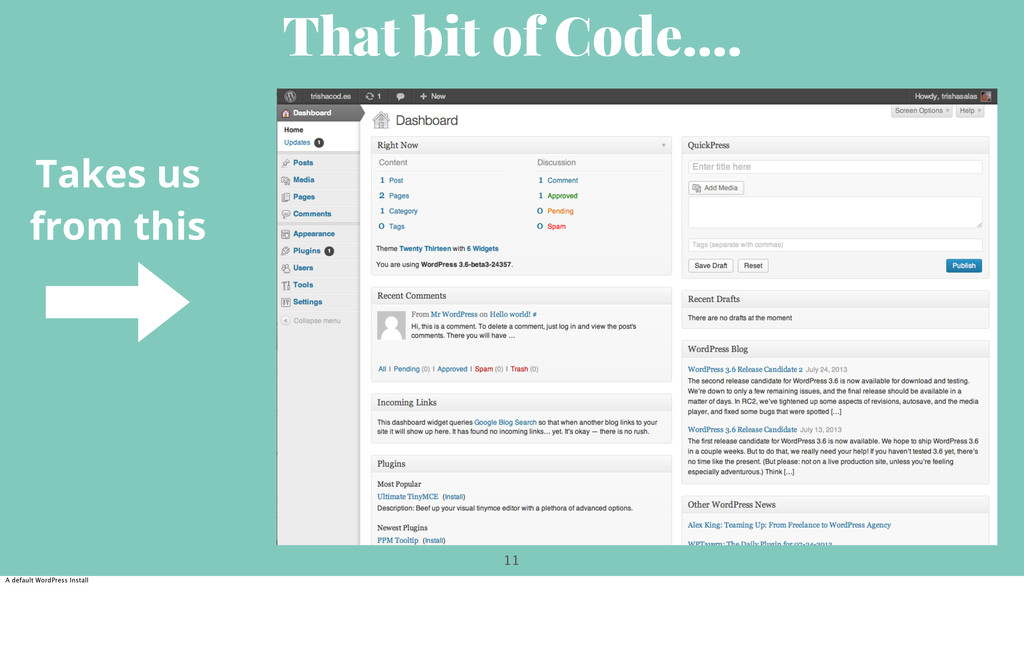
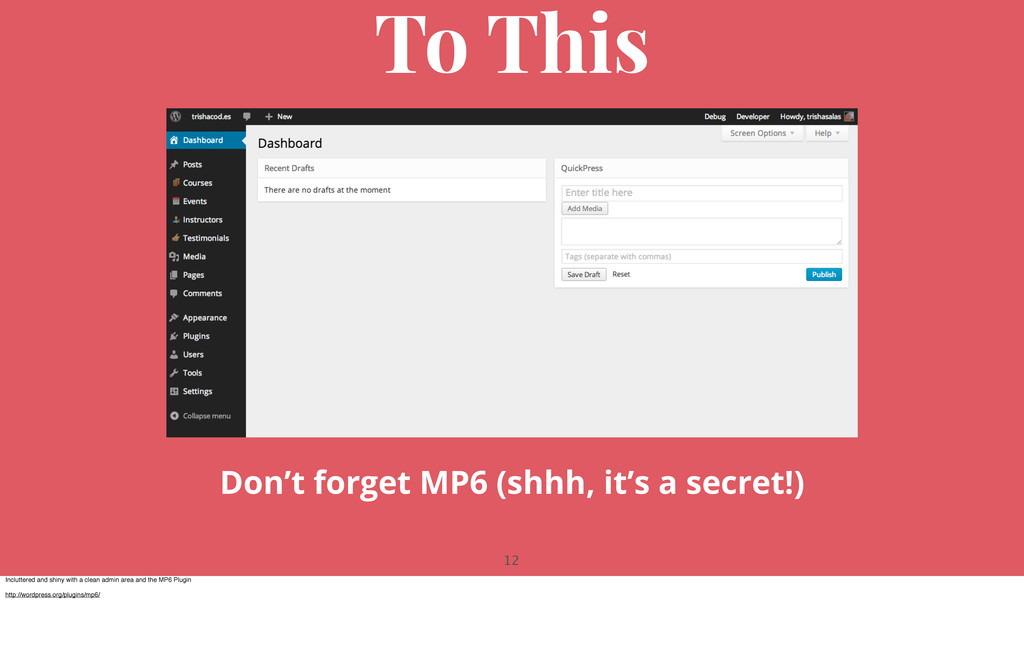
customize the Admin area. The first thing I do is clean up the admin interface. I create a file called clean-my-admin.php and put it into the mu-plugins folder. The files sort of acts as an extended functions.php file. but since I want it to be a part of this website no matter what the theme is I put it in mu-plugins rather than the theme functions.php We are using hooks and filters that are built into WordPress I also have code I use to disable some of the lesser used standard widgets as well as menu items (Editor anyone?) You can also customize the logo and footer. Read more about the admin actions and filters here -> http://codex.wordpress.org/Plugin_API/Action_Reference
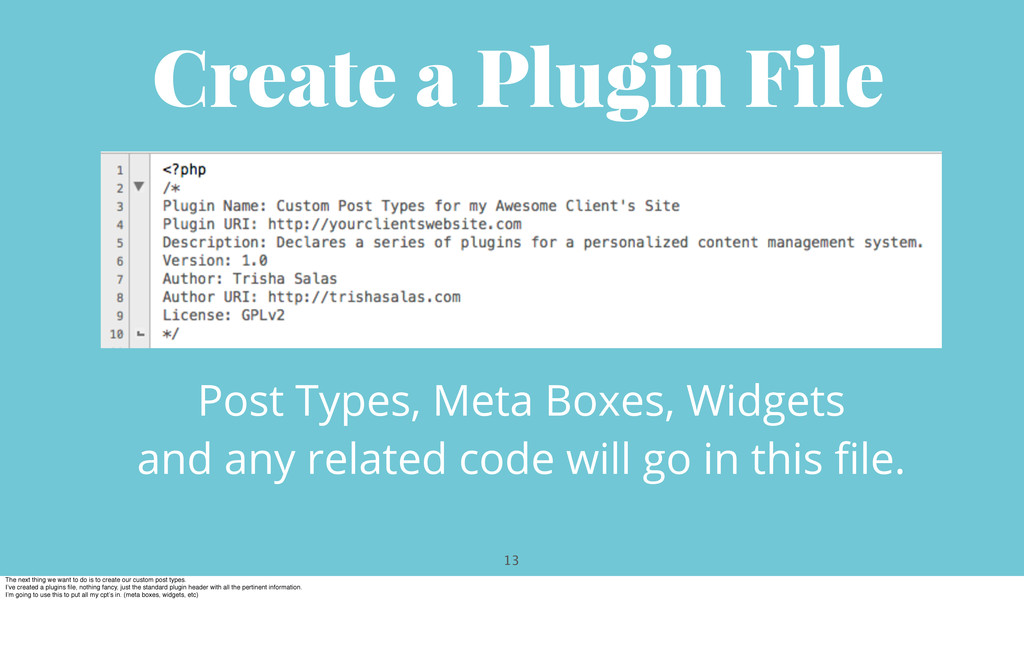
and any related code will go in this file. The next thing we want to do is to create our custom post types. I’ve created a plugins file, nothing fancy, just the standard plugin header with all the pertinent information. I’m going to use this to put all my cpt’s in. (meta boxes, widgets, etc)
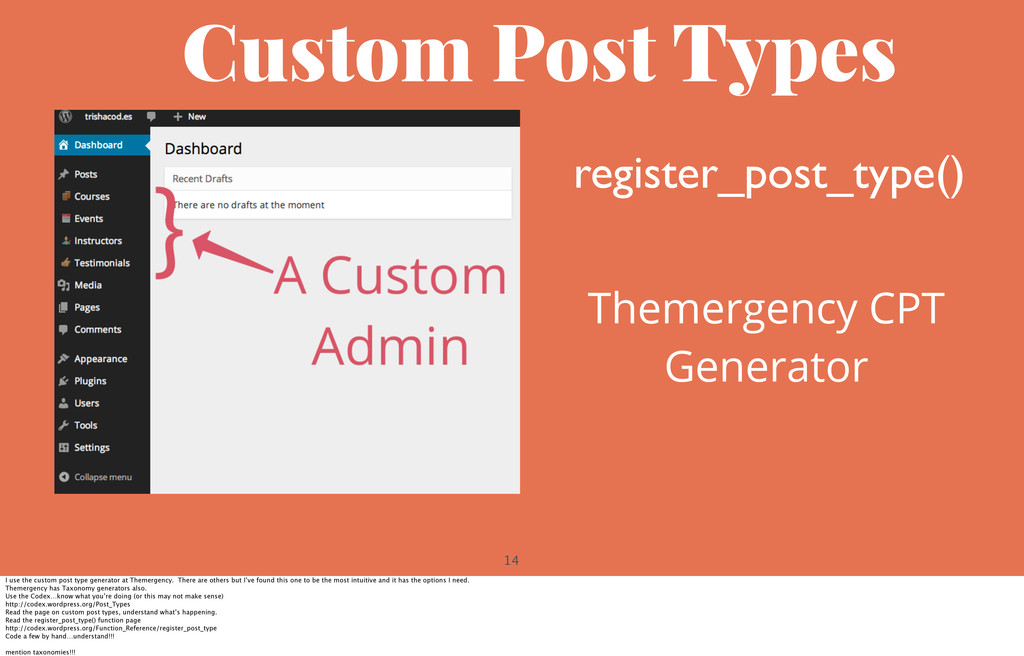
the custom post type generator at Themergency. There are others but I’ve found this one to be the most intuitive and it has the options I need. Themergency has Taxonomy generators also. Use the Codex…know what you’re doing (or this may not make sense) http://codex.wordpress.org/Post_Types Read the page on custom post types, understand what’s happening. Read the register_post_type() function page http://codex.wordpress.org/Function_Reference/register_post_type Code a few by hand…understand!!! mention taxonomies!!!
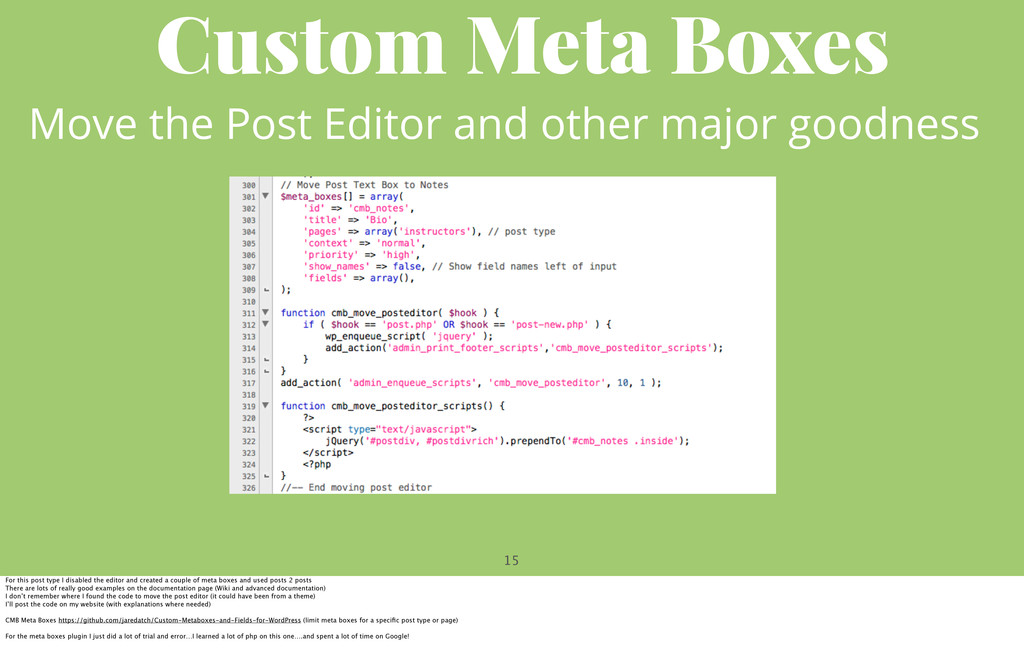
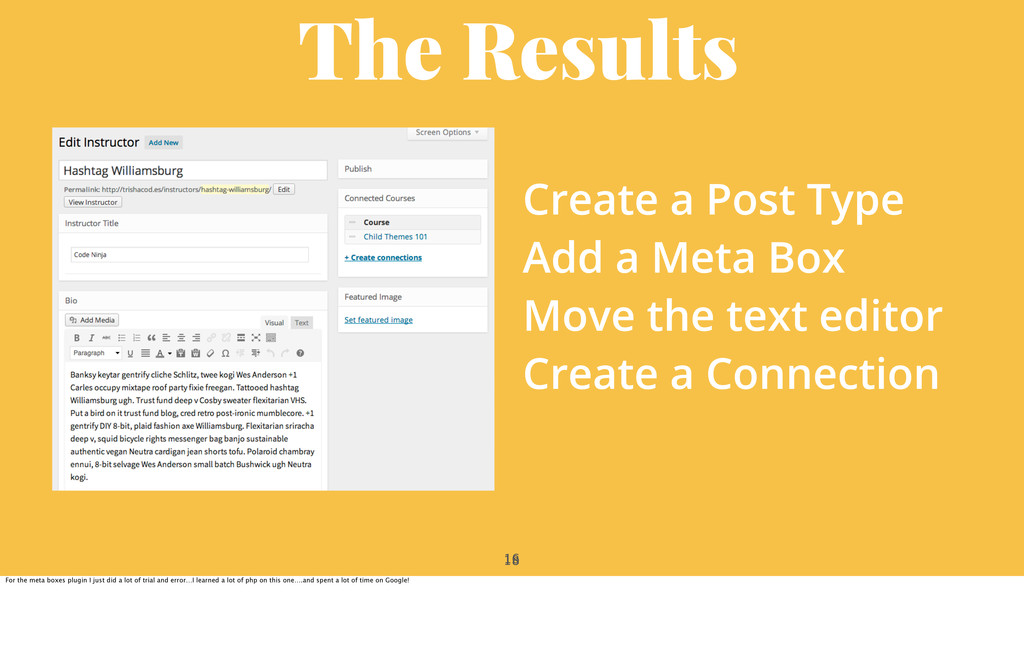
major goodness For this post type I disabled the editor and created a couple of meta boxes and used posts 2 posts There are lots of really good examples on the documentation page (Wiki and advanced documentation) I don’t remember where I found the code to move the post editor (it could have been from a theme) I’ll post the code on my website (with explanations where needed) CMB Meta Boxes https://github.com/jaredatch/Custom-Metaboxes-and-Fields-for-WordPress (limit meta boxes for a specific post type or page) For the meta boxes plugin I just did a lot of trial and error…I learned a lot of php on this one….and spent a lot of time on Google!
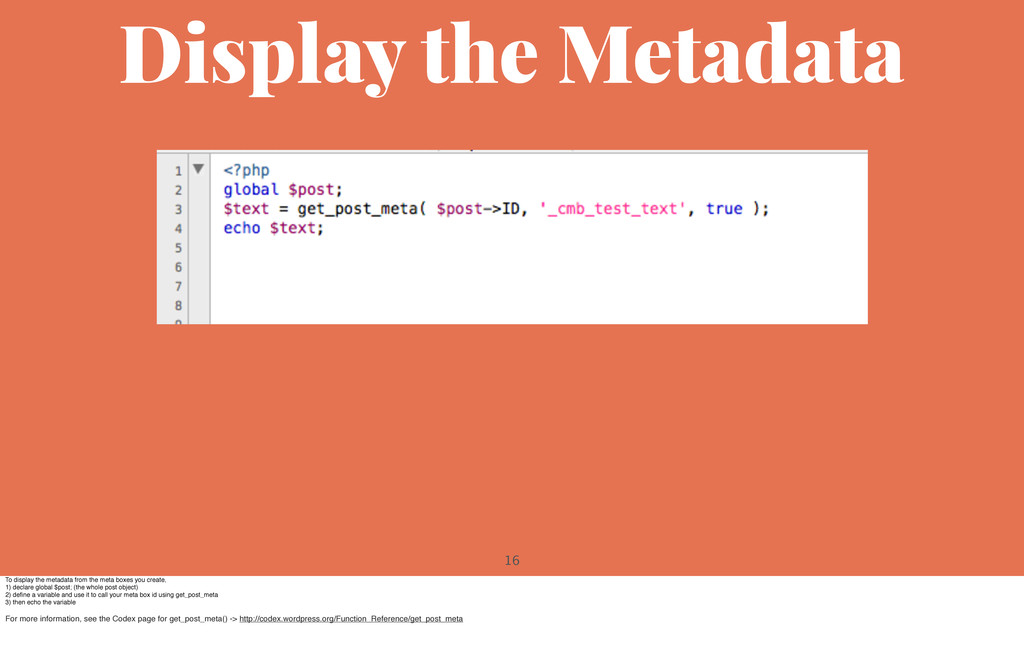
meta boxes you create, 1) declare global $post; (the whole post object) 2) define a variable and use it to call your meta box id using get_post_meta 3) then echo the variable For more information, see the Codex page for get_post_meta() -> http://codex.wordpress.org/Function_Reference/get_post_meta
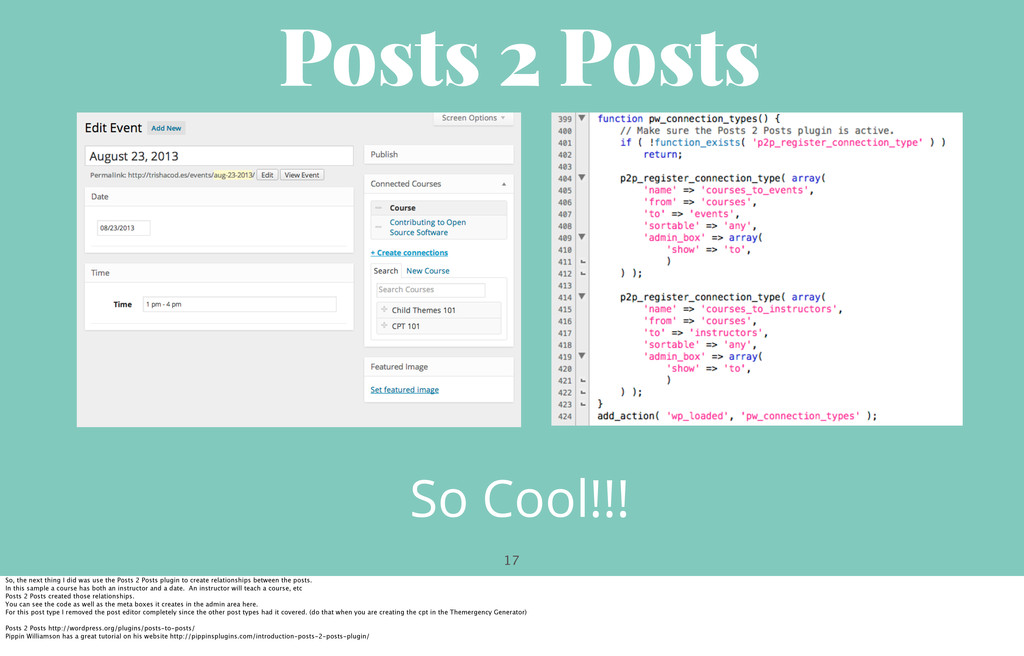
I did was use the Posts 2 Posts plugin to create relationships between the posts. In this sample a course has both an instructor and a date. An instructor will teach a course, etc Posts 2 Posts created those relationships. You can see the code as well as the meta boxes it creates in the admin area here. For this post type I removed the post editor completely since the other post types had it covered. (do that when you are creating the cpt in the Themergency Generator) Posts 2 Posts http://wordpress.org/plugins/posts-to-posts/ Pippin Williamson has a great tutorial on his website http://pippinsplugins.com/introduction-posts-2-posts-plugin/
Meta Box Move the text editor Create a Connection For the meta boxes plugin I just did a lot of trial and error…I learned a lot of php on this one….and spent a lot of time on Google!


 trishasalas
 lynnswap
 tomokon
 uyuki234
 clockmaker
 morizo_1984
 naokihaba
 sylph01
 prota
prota
 kawashimo0
 yuta_onishi_97
 htkym
htkym
 steliosf
 techseoconnect
 jcasabona
 shpigford
 stephaniewalter
 tmiket
 axbom
axbom
 auna
auna
 baasie
 brettharned
 charlesmeaden