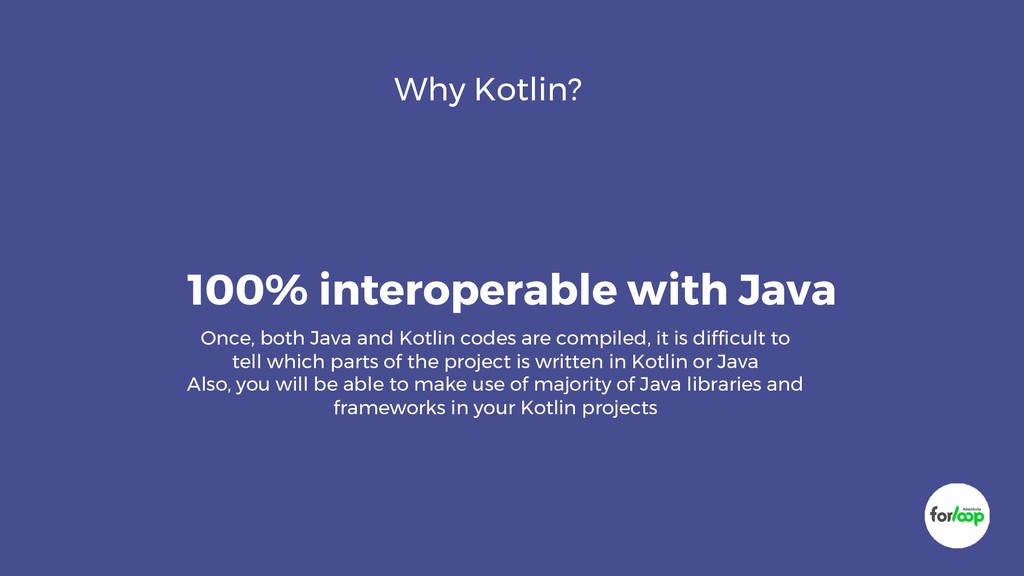
Kotlin codes are compiled, it is difficult to tell which parts of the project is written in Kotlin or Java Also, you will be able to make use of majority of Java libraries and frameworks in your Kotlin projects
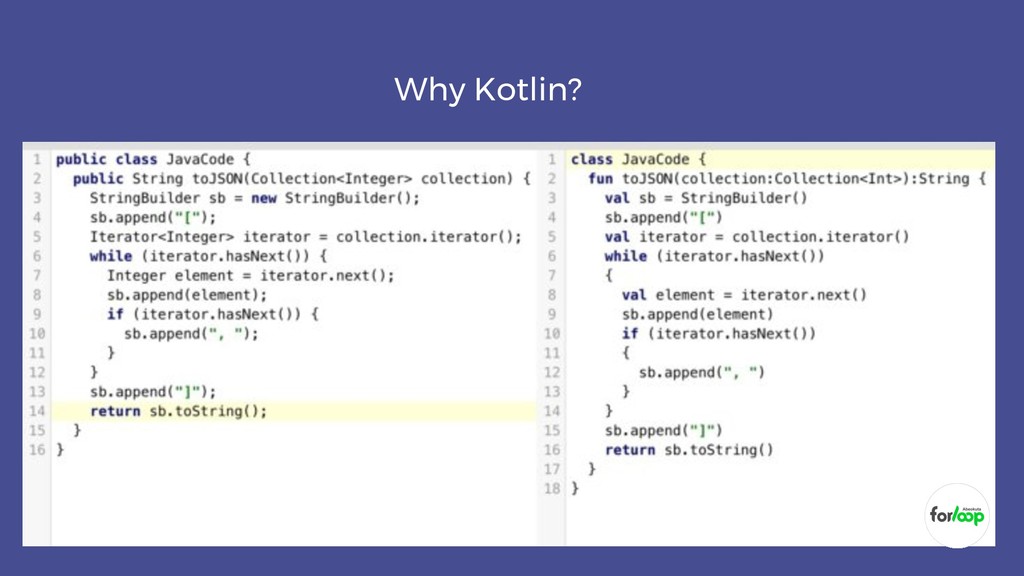
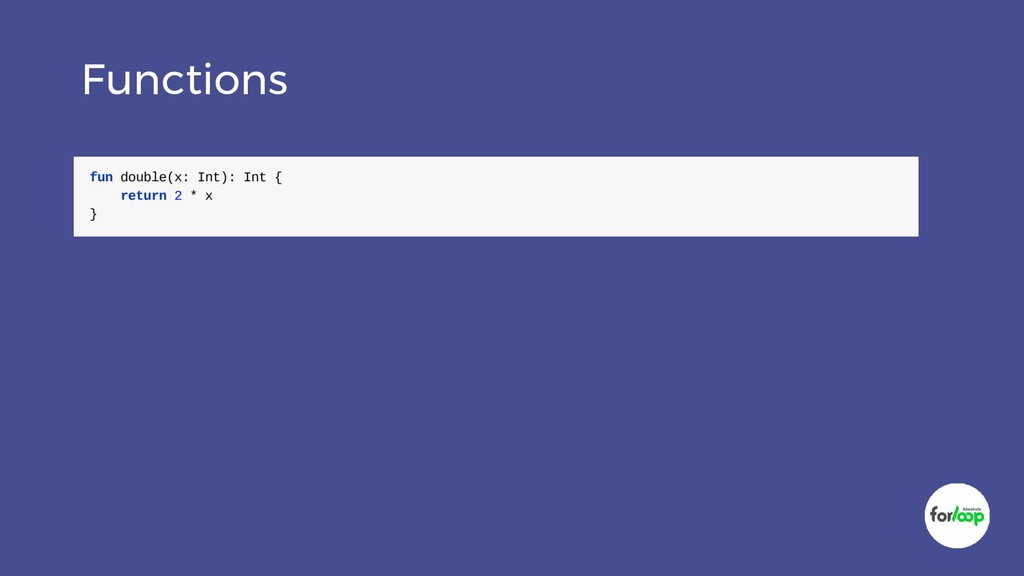
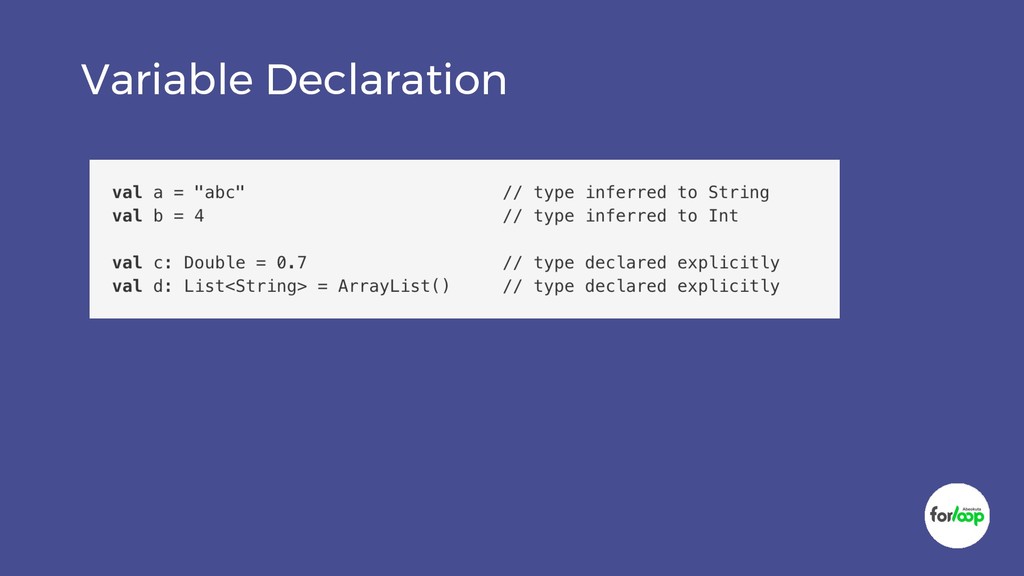
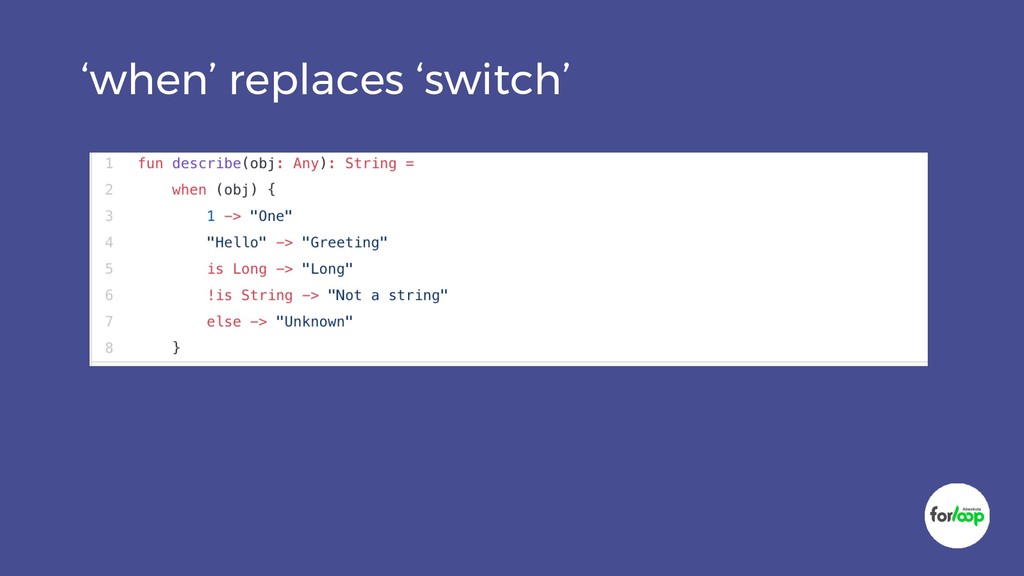
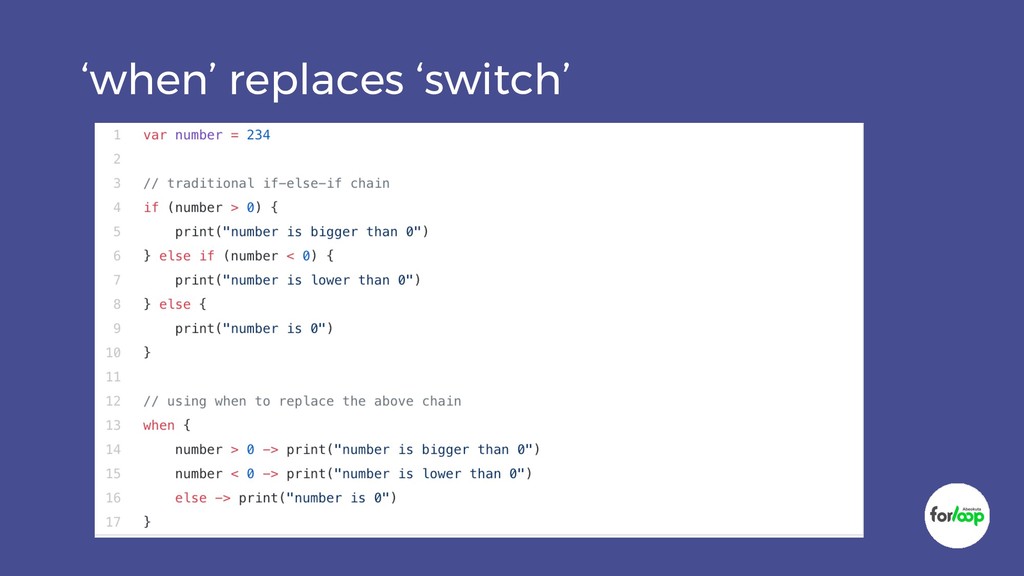
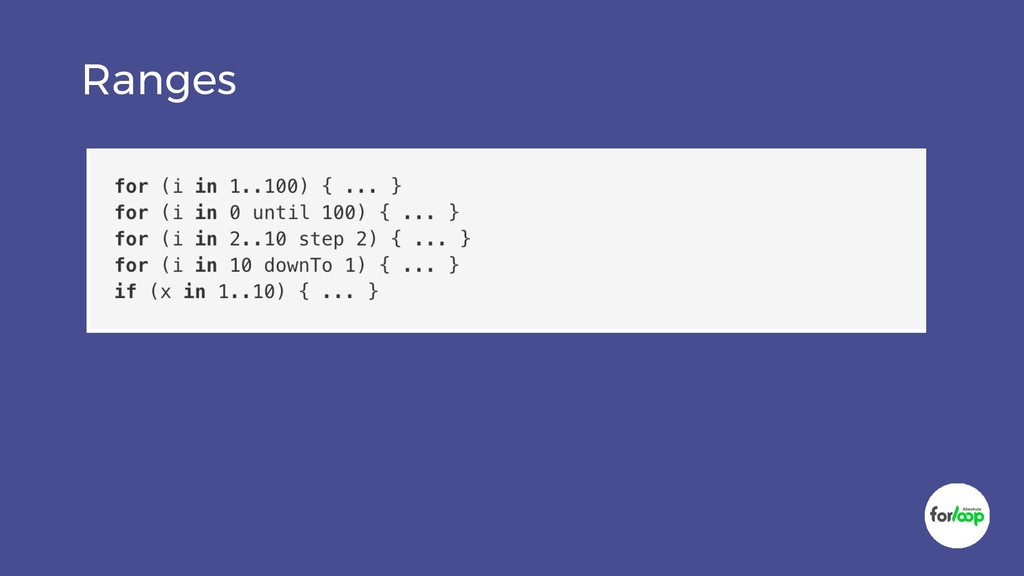
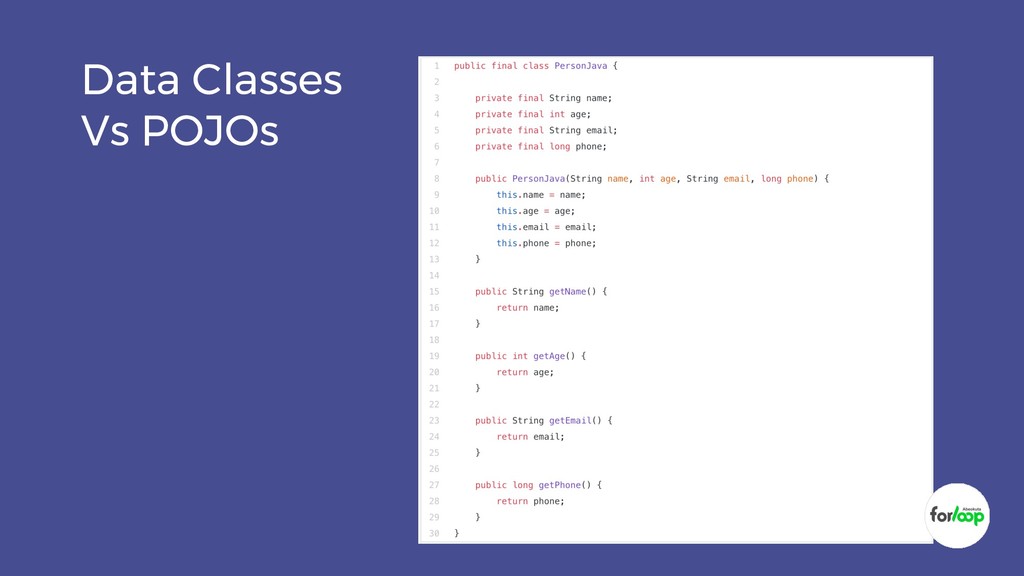
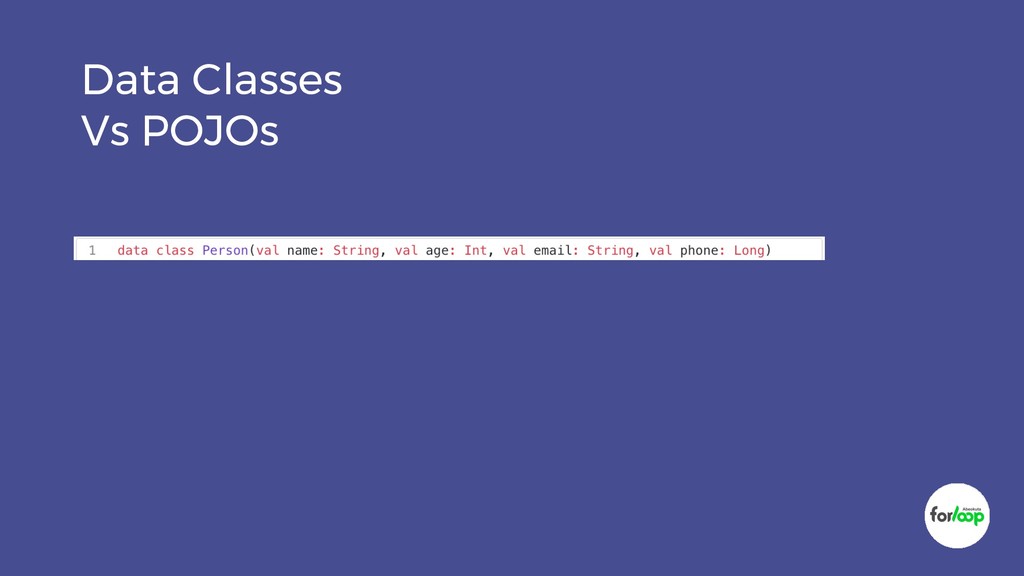
Kotlin Class that produce the same results, you will observe that the one written in Kotlin is more compact and concise than the Java equivalent. So Kotlin is good at reducing the amount of boilerplate code you need to write
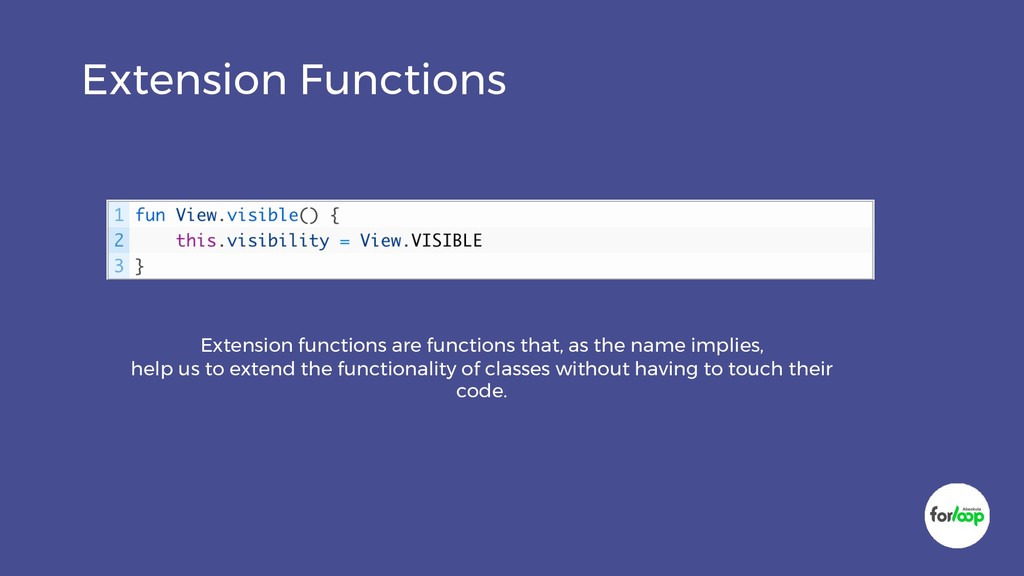
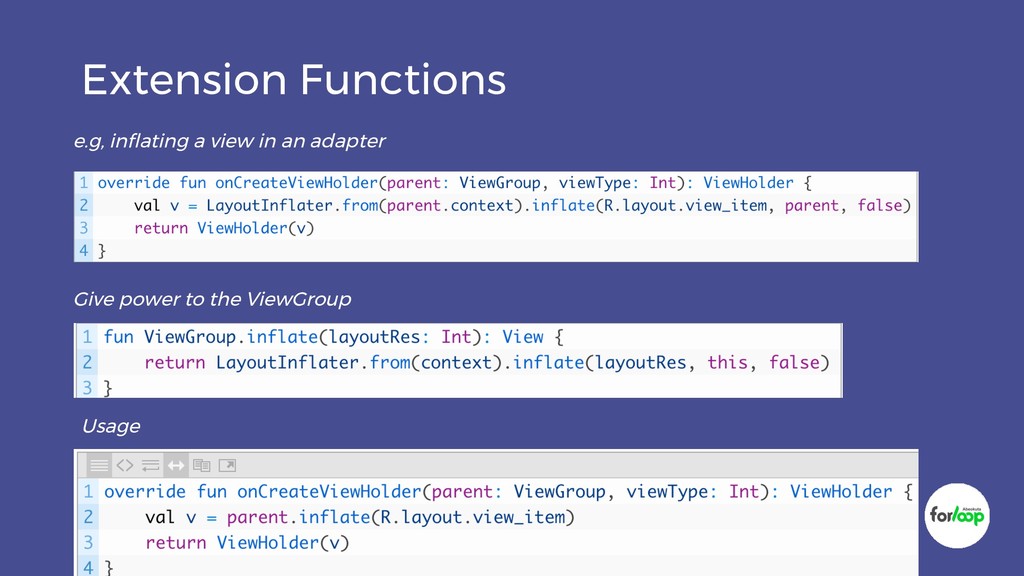
is one of the language’s greatest strengths. It may be a bit difficult to decipher since a lot is going on under the curtain for a small amount of code


 carta_engineering
 yazm
yazm
 hiracky16
 shugo
shugo
 ezaki
ezaki
 occhi
occhi
 sh_fk2
 takanorip
 teamlab
 nealle
 tokuty
 yamanoku
 reverentgeek
 charlesmeaden
 bluesmoon
 chrislema
 davidcarrasco
 livdayseo
 codingconduct
 seathinner
 hannesfritz
 inesmontani
 axbom
axbom
 honnibal