Upgrade to Pro — share decks privately, control downloads, hide ads and more …

Meteor – The Fastest Way to Build Javascript Apps
Meteor – The Fastest Way to Build Javascript Apps

Why Meteor is great for prototyping as well as for bigger apps. Showing you the key features of Meteor.

I held this presentation at the SeeIT meetup in Constance, Germany.

Avatar for Valentin Uhrmeister

Valentin Uhrmeister

October 24, 2018

More Decks by Valentin Uhrmeister

Other Decks in Programming

Transcript

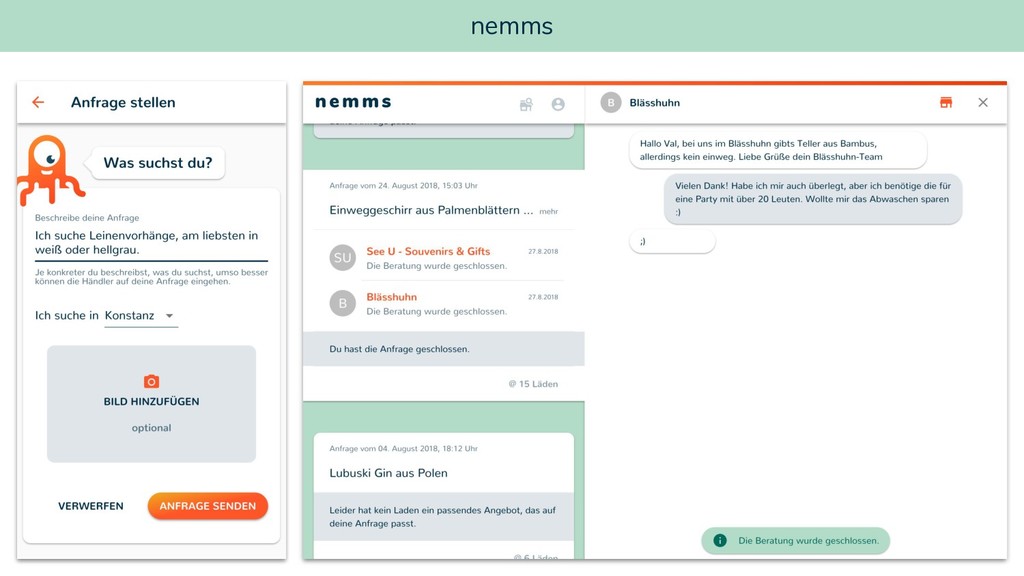
  1. That’s me … • Javascript / Frontend Developer • Co-Founder

    at nemms • Formerly worked at HolidayCheck, Namics, innoQ • Passionate in creating great web experiences • Experience with Meteor since 2015 • I like Material Design :) Valentin Uhrmeister Twitter / Github: @vuhrmeister
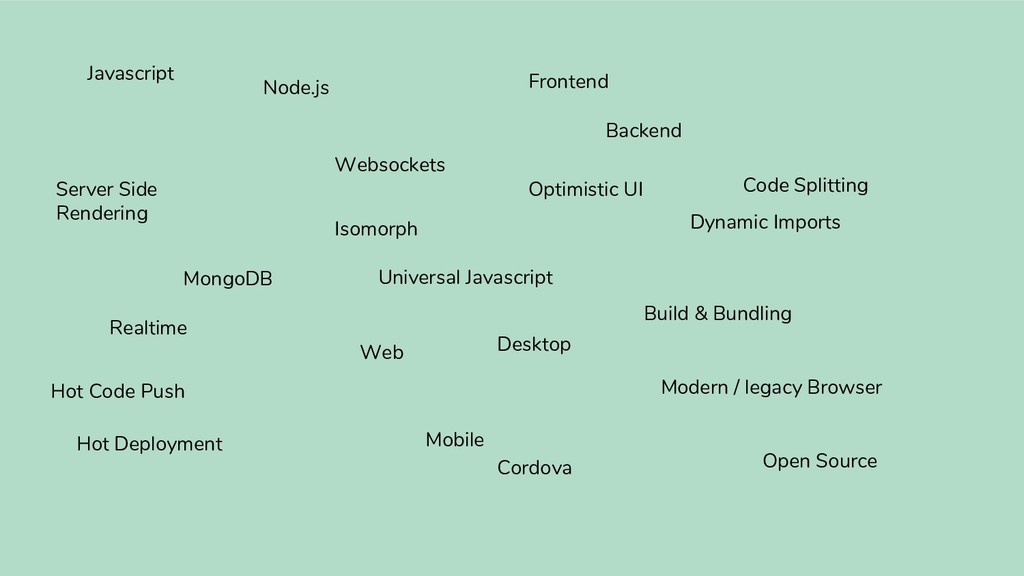
  2. Javascript Node.js MongoDB Websockets Optimistic UI Frontend Backend Web Mobile

    Desktop Cordova Dynamic Imports Server Side Rendering Realtime Hot Deployment Hot Code Push Open Source Build & Bundling Modern / legacy Browser Code Splitting Isomorph Universal Javascript
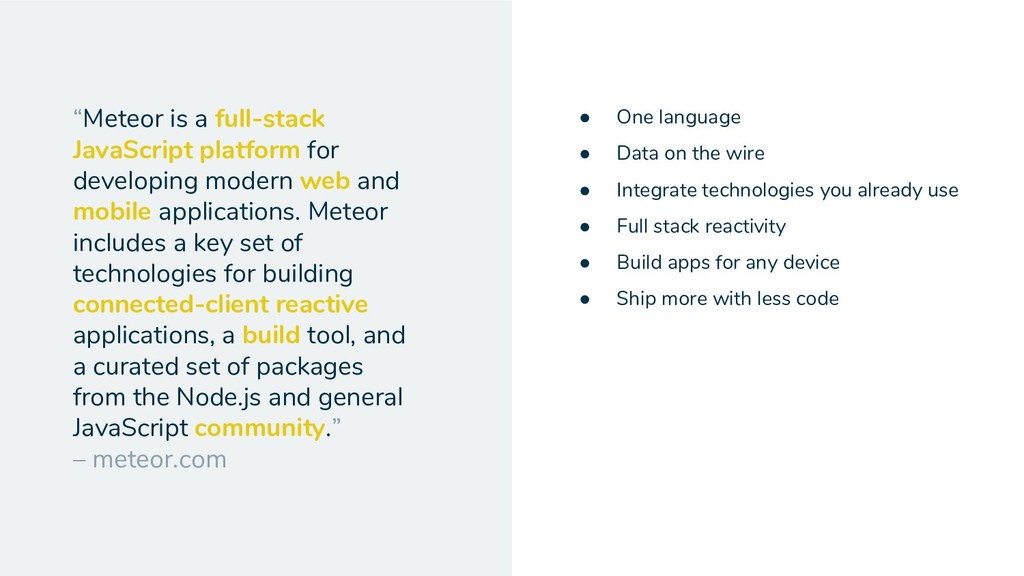
  3. “Meteor is a full-stack JavaScript platform for developing modern web

    and mobile applications. Meteor includes a key set of technologies for building connected-client reactive applications, a build tool, and a curated set of packages from the Node.js and general JavaScript community.” – meteor.com • One language • Data on the wire • Integrate technologies you already use • Full stack reactivity • Build apps for any device • Ship more with less code
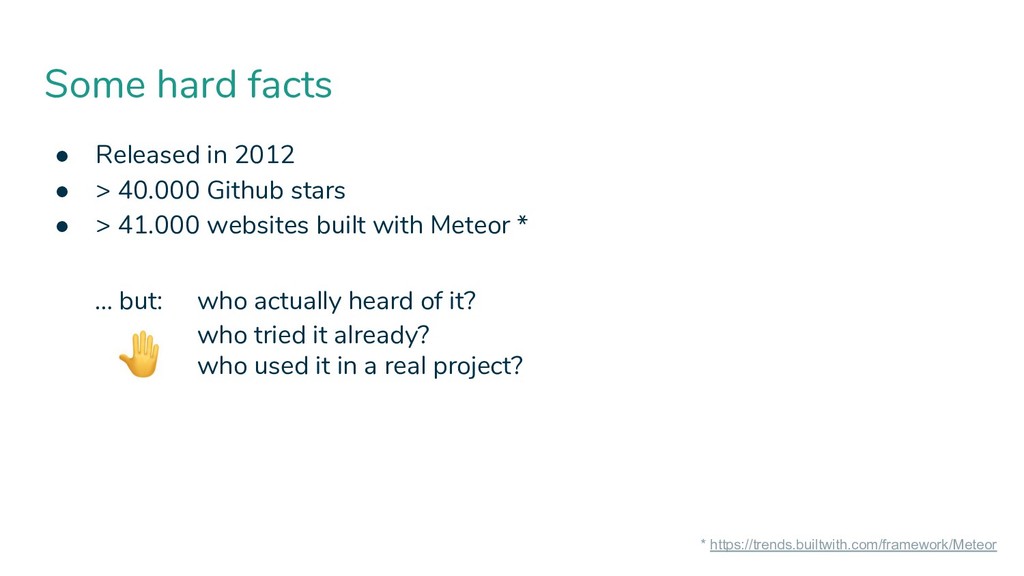
  4. who tried it already? who used it in a real

    project? Some hard facts • Released in 2012 • > 40.000 Github stars • > 41.000 websites built with Meteor * … but: who actually heard of it? * https://trends.builtwith.com/framework/Meteor
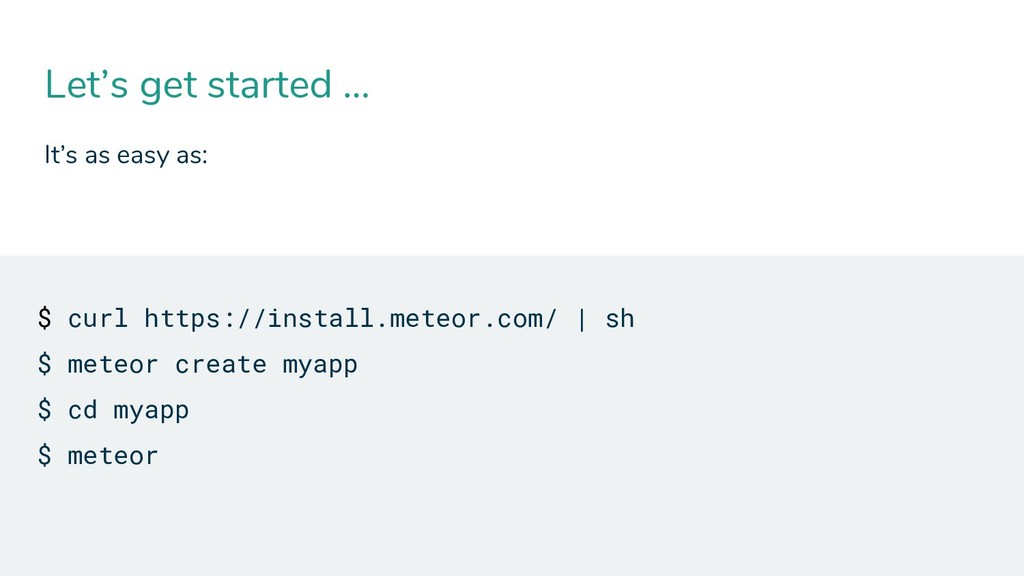
  5. Let’s get started … It’s as easy as: $ curl

    https://install.meteor.com/ | sh $ meteor create myapp $ cd myapp $ meteor
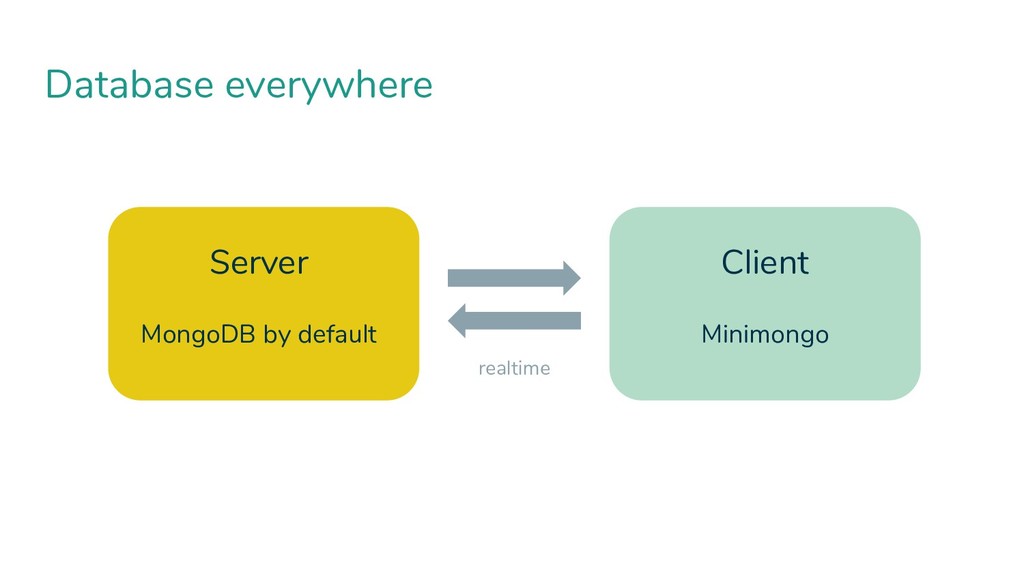
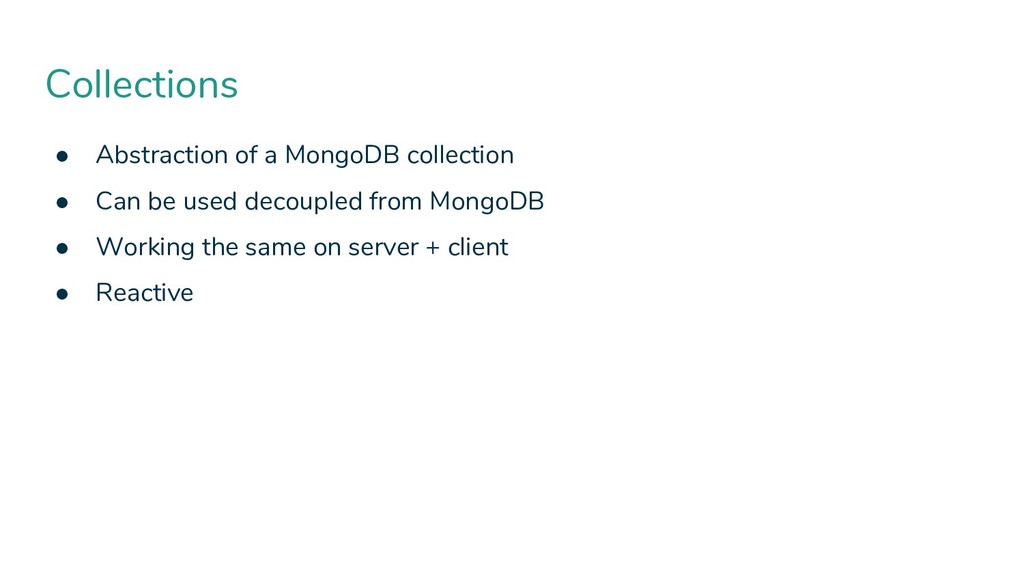
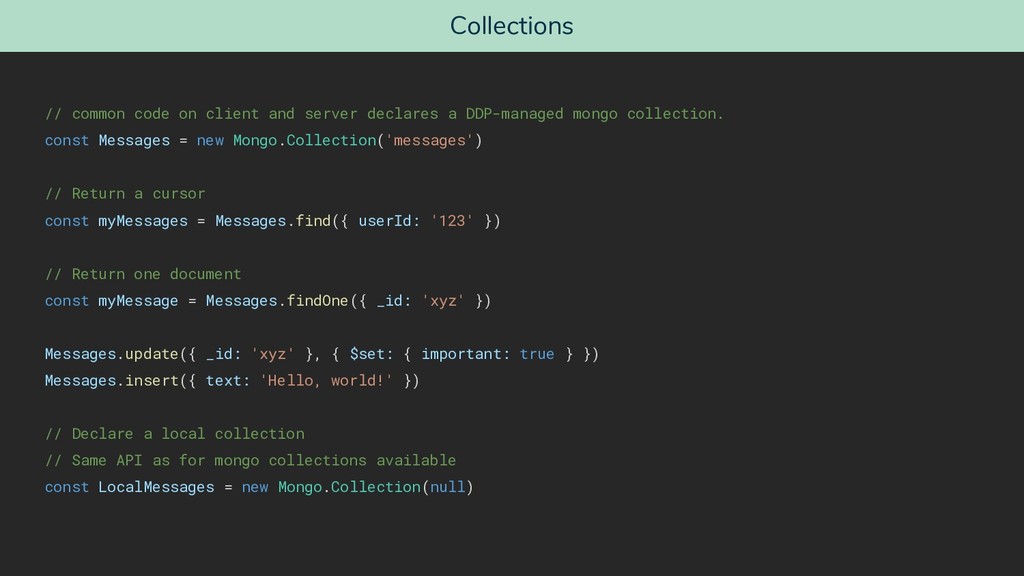
  6. Collections • Abstraction of a MongoDB collection • Can be

    used decoupled from MongoDB • Working the same on server + client • Reactive
  7. Collections // common code on client and server declares a

    DDP-managed mongo collection. const Messages = new Mongo.Collection('messages') // Return a cursor const myMessages = Messages.find({ userId: '123' }) // Return one document const myMessage = Messages.findOne({ _id: 'xyz' }) Messages.update({ _id: 'xyz' }, { $set: { important: true } }) Messages.insert({ text: 'Hello, world!' }) // Declare a local collection // Same API as for mongo collections available const LocalMessages = new Mongo.Collection(null)
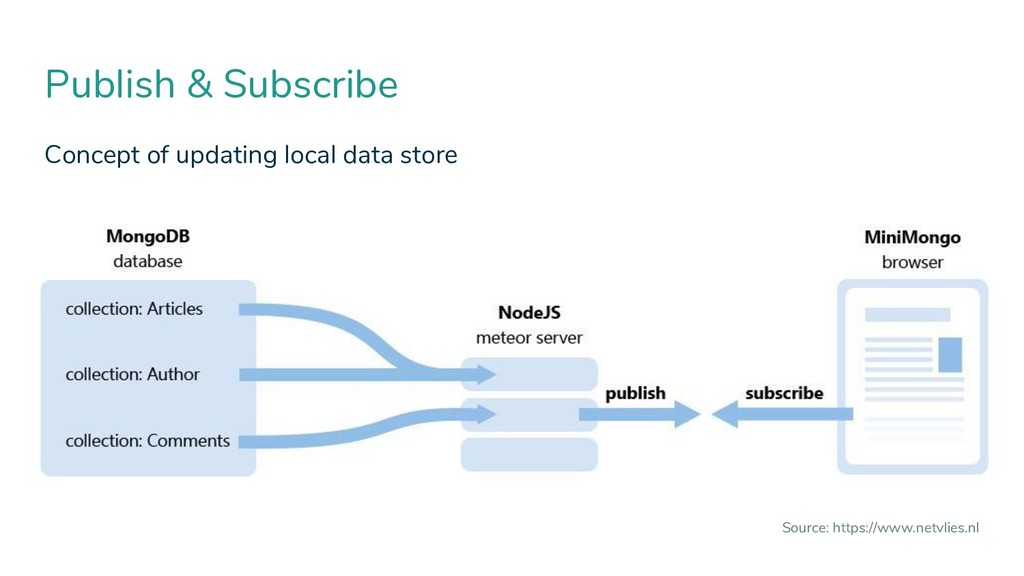
  8. We need a way to limit data sent to and

    manipulated on the client. Wait ... what about security?
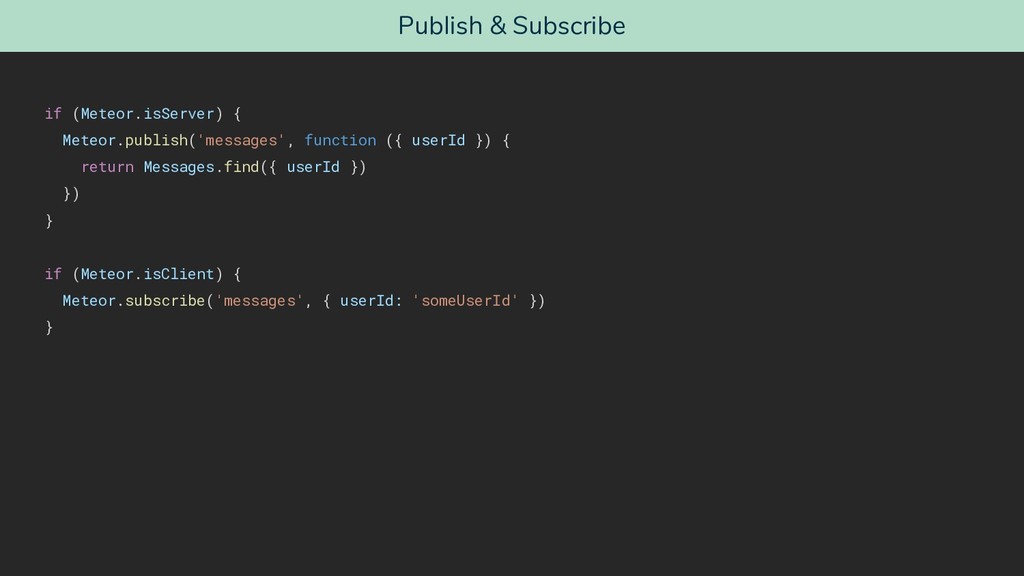
  9. Publish & Subscribe if (Meteor.isServer) { Meteor.publish('messages', function ({ userId

    }) { return Messages.find({ userId }) }) } if (Meteor.isClient) { Meteor.subscribe('messages', { userId: 'someUserId' }) }
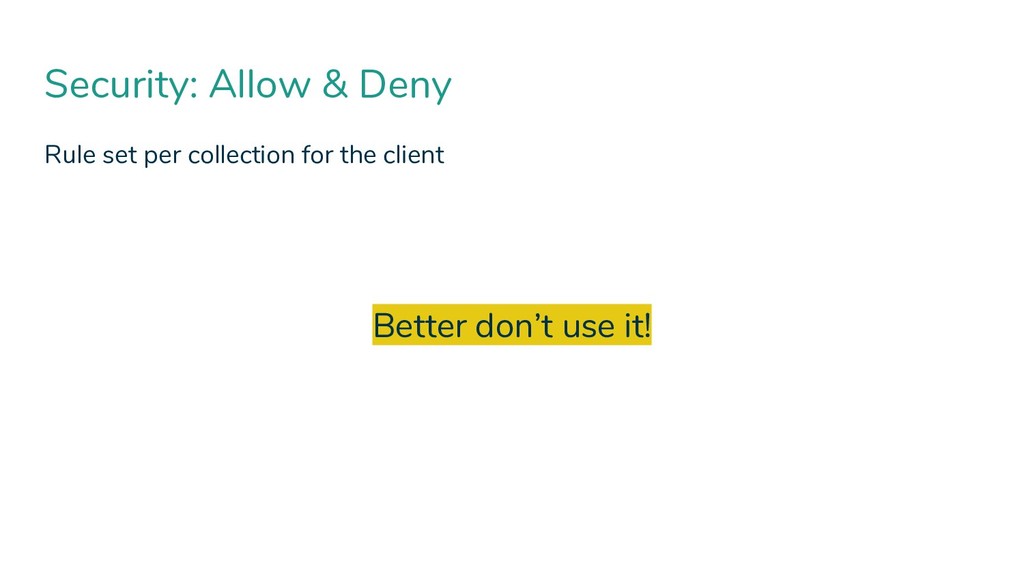
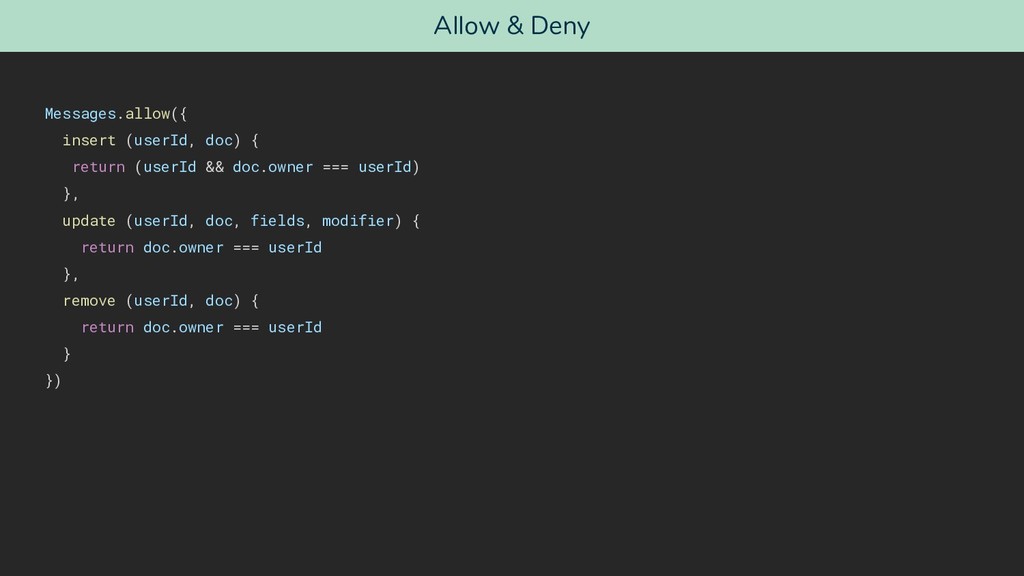
  10. Allow & Deny Messages.allow({ insert (userId, doc) { return (userId

    && doc.owner === userId) }, update (userId, doc, fields, modifier) { return doc.owner === userId }, remove (userId, doc) { return doc.owner === userId } })
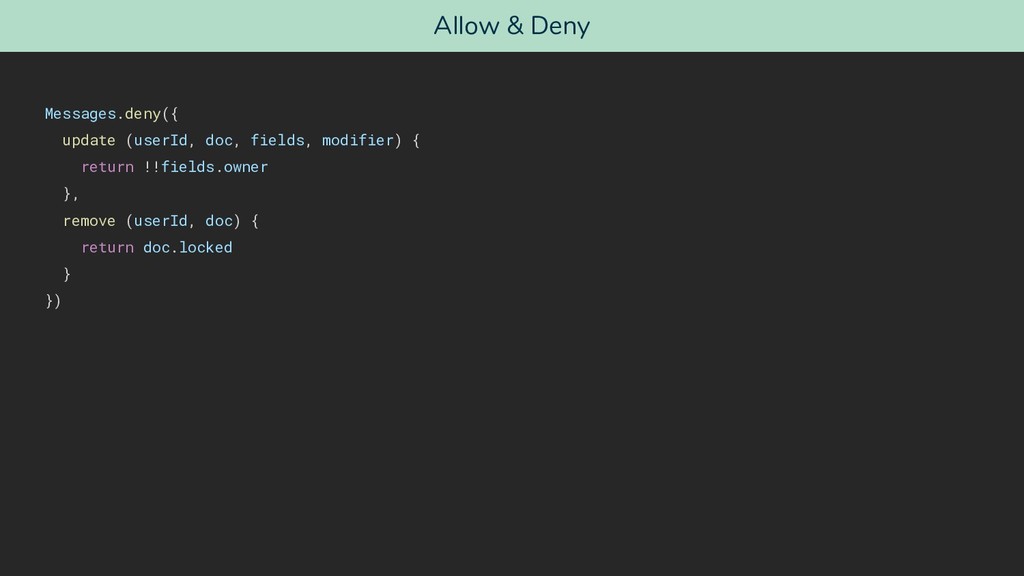
  11. Allow & Deny Messages.deny({ update (userId, doc, fields, modifier) {

    return !!fields.owner }, remove (userId, doc) { return doc.locked } })
  12. Methods … are like RPCs (Remote Procedure Calls) Use them

    instead of defining “Allow & Deny” rules Define once, use everywhere …
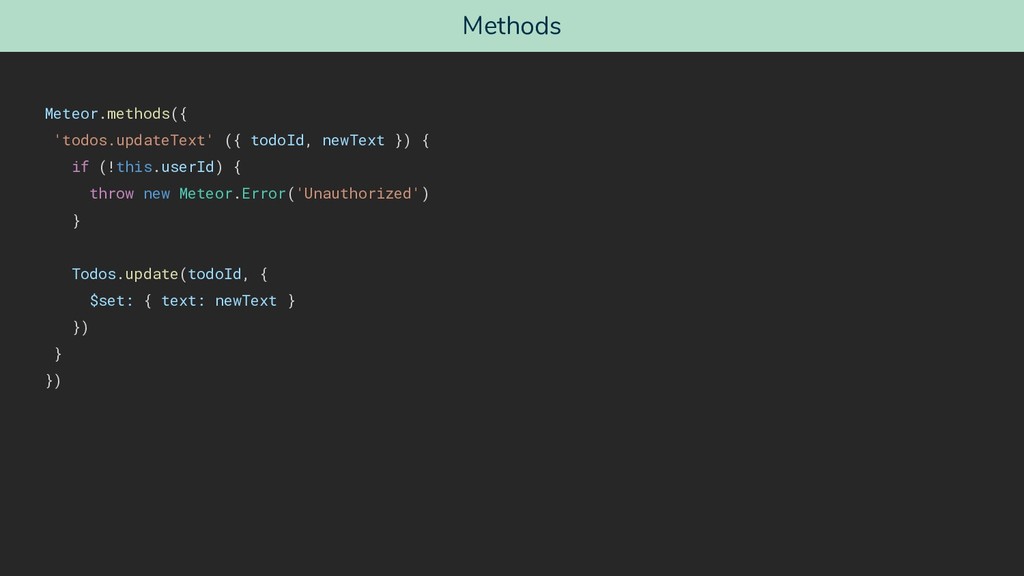
  13. Methods Meteor.methods({ 'todos.updateText' ({ todoId, newText }) { if (!this.userId)

    { throw new Meteor.Error('Unauthorized') } Todos.update(todoId, { $set: { text: newText } }) } })
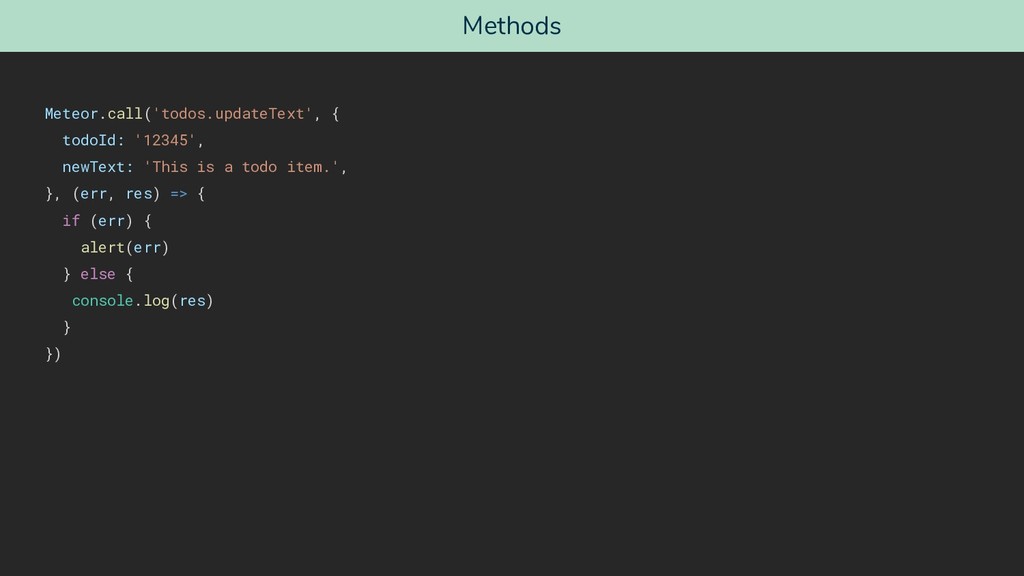
  14. Methods Meteor.call('todos.updateText', { todoId: '12345', newText: 'This is a todo

    item.', }, (err, res) => { if (err) { alert(err) } else { console.log(res) } })
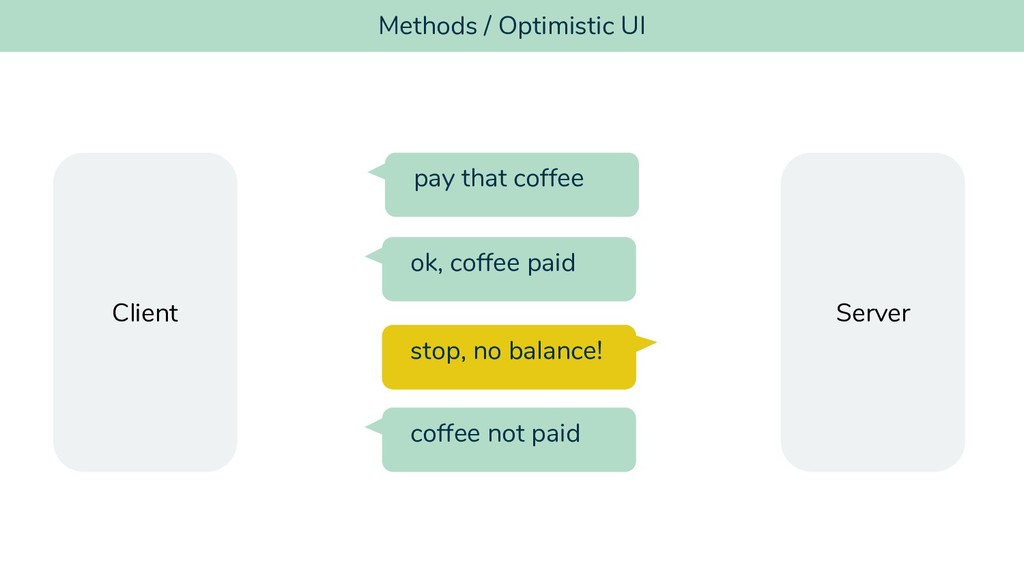
  15. Methods / Optimistic UI pay that coffee ok, coffee paid

    ok, coffee paid Client Server stop, no balance! coffee not paid
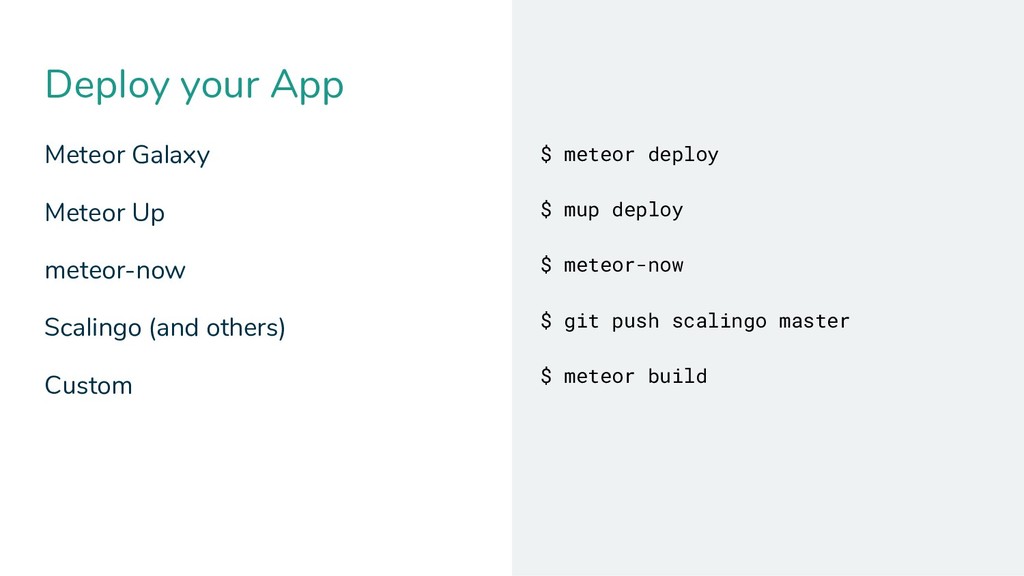
  16. Deploy your App Meteor Galaxy Meteor Up meteor-now Scalingo (and

    others) Custom $ meteor deploy $ mup deploy $ meteor-now $ git push scalingo master $ meteor build
  17. Hot Deployment Hot code push (during development) – of course!

    Instant update of connected clients – nice!
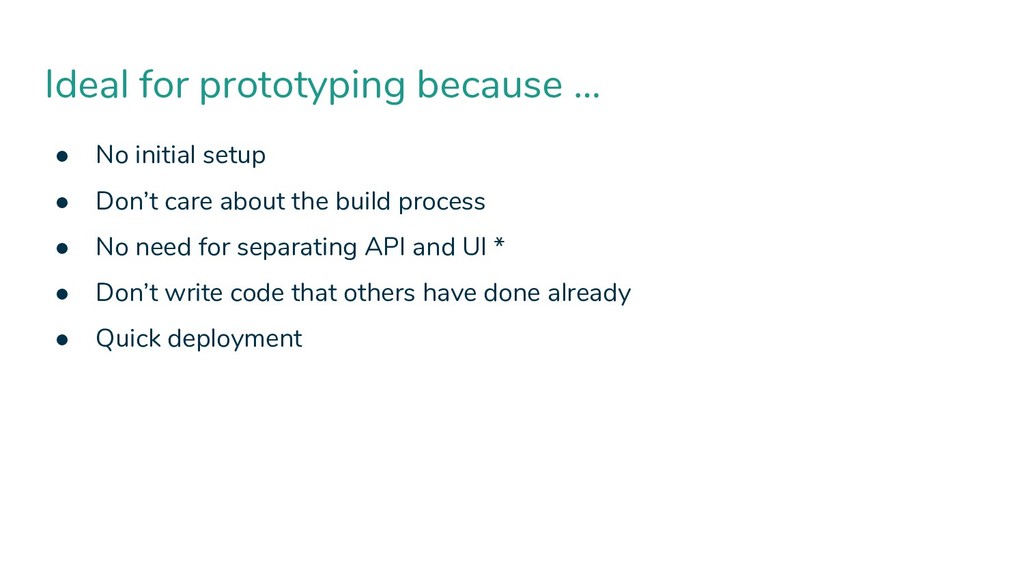
  18. • No initial setup • Don’t care about the build

    process • No need for separating API and UI * • Don’t write code that others have done already • Quick deployment Ideal for prototyping because …
  19. * make use of these two packages: autopublish + insecure

    Don’t use in production ready apps!
  20. Want to be really dirty? Don’t use ES modules, use

    globals That’s how Meteor worked before ES2015 That’s the backwards compatibility philosophy Ok, forget about that!
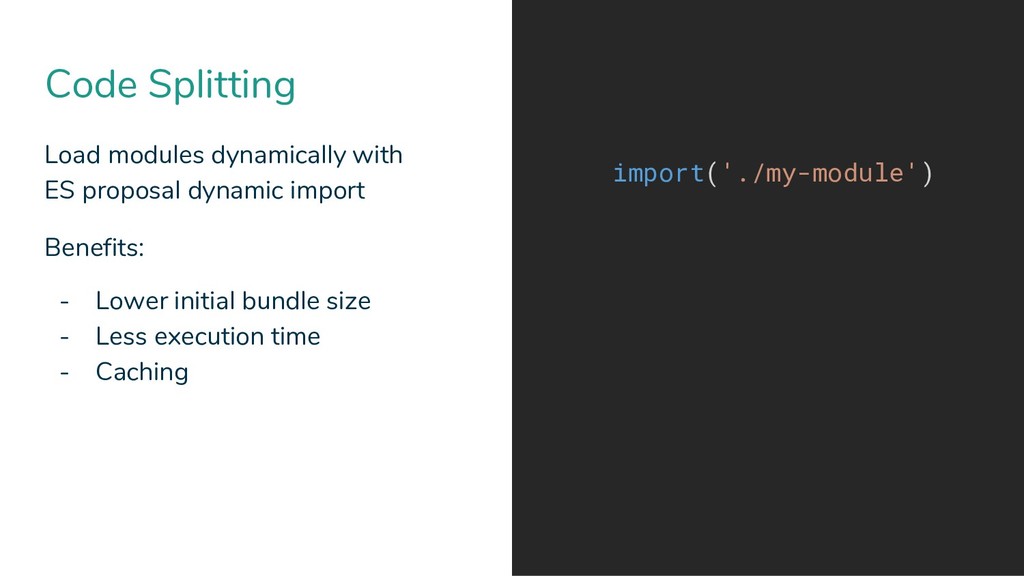
  21. Code Splitting Load modules dynamically with ES proposal dynamic import

    Benefits: - Lower initial bundle size - Less execution time - Caching import('./my-module')
  22. Evergreen vs. Nevergreen Need to support older browsers? Want latest

    browser to benefit from latest Javascript features? Just lean back and keep on coding
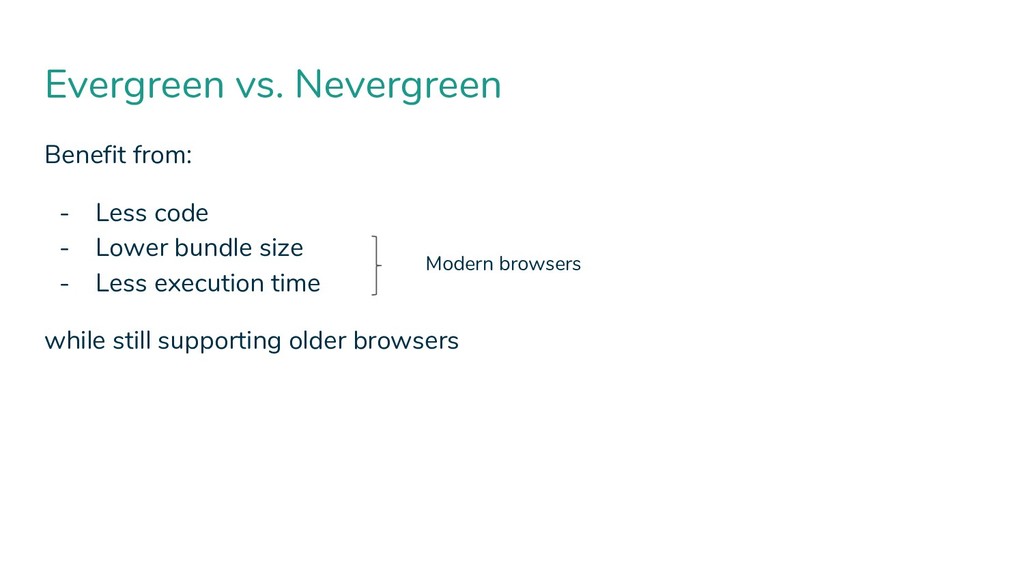
  23. Evergreen vs. Nevergreen Benefit from: - Less code - Lower

    bundle size - Less execution time while still supporting older browsers Modern browsers
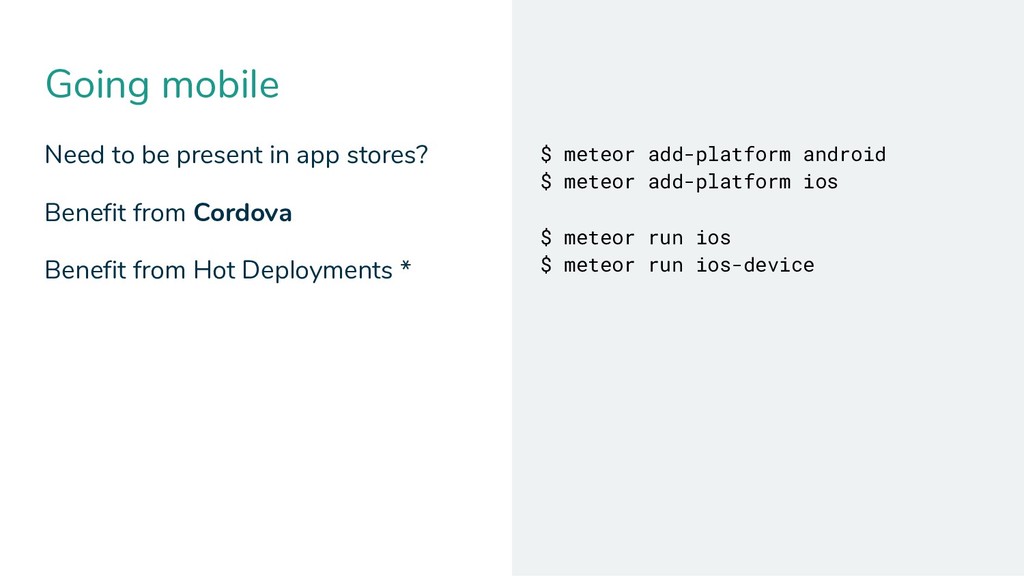
  24. Going mobile Need to be present in app stores? Benefit

    from Cordova Benefit from Hot Deployments * $ meteor add-platform android $ meteor add-platform ios $ meteor run ios $ meteor run ios-device
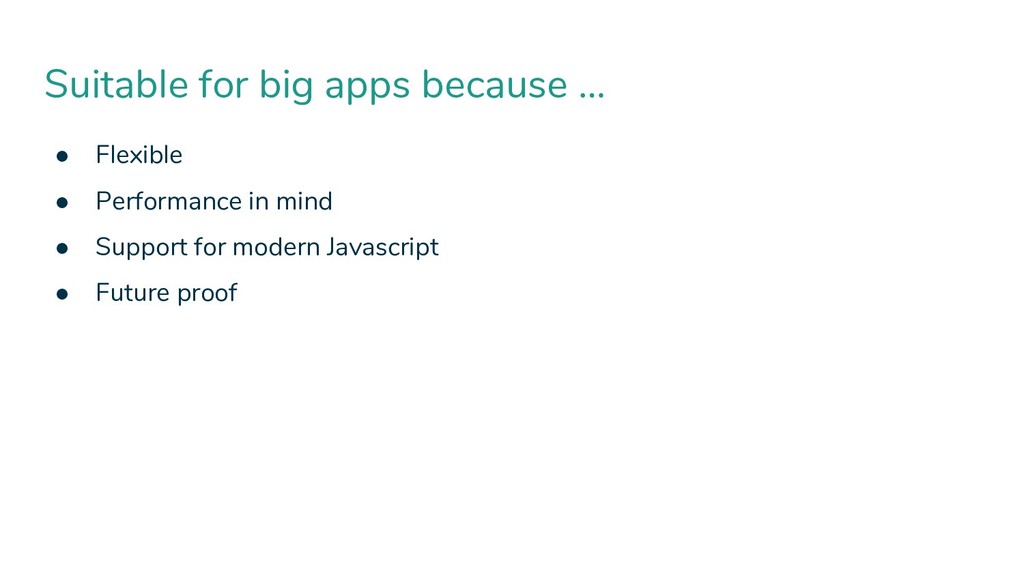
  25. • Flexible • Performance in mind • Support for modern

    Javascript • Future proof Suitable for big apps because …
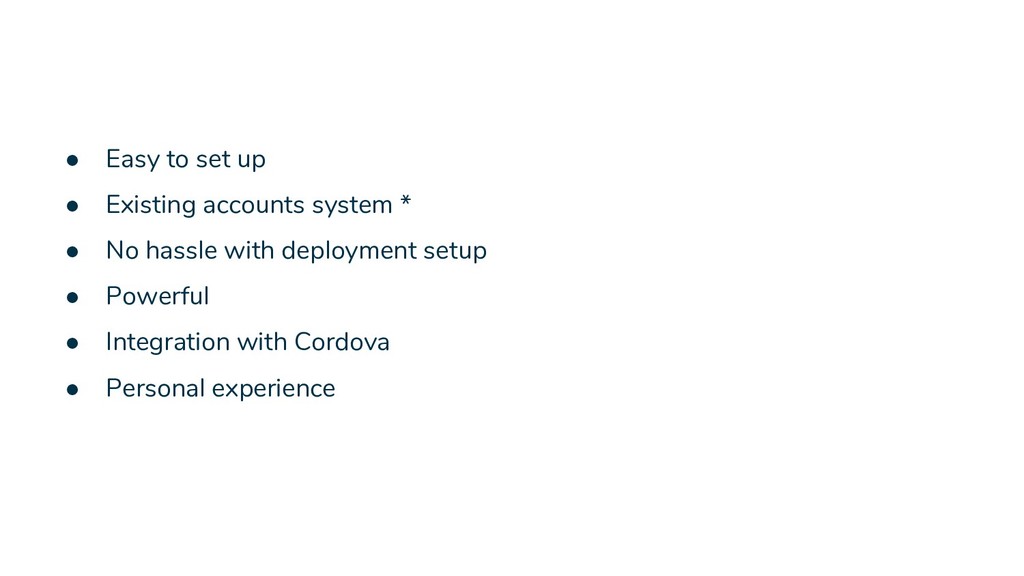
  26. • Easy to set up • Existing accounts system *

    • No hassle with deployment setup • Powerful • Integration with Cordova • Personal experience
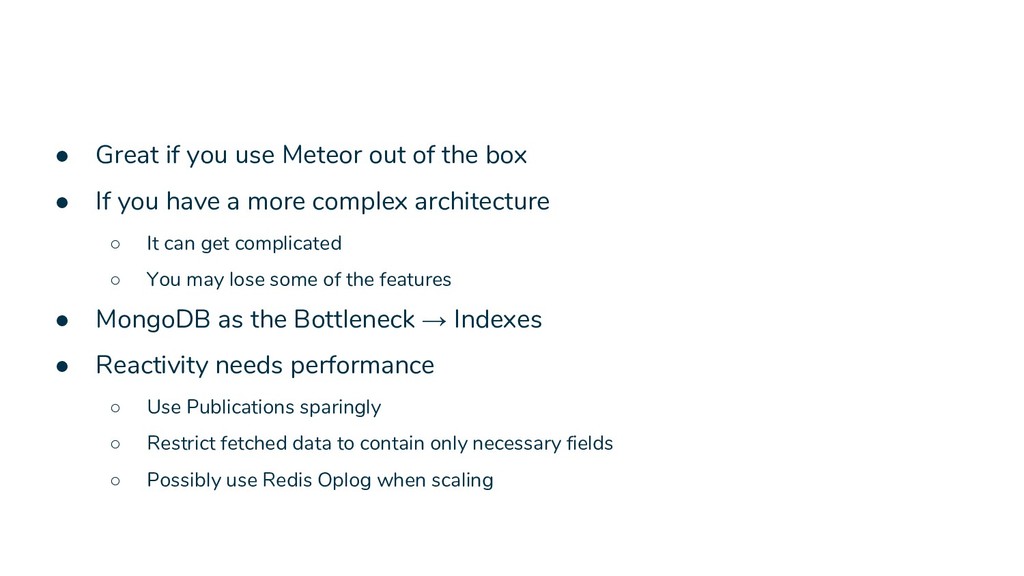
  27. • Great if you use Meteor out of the box

    • If you have a more complex architecture ◦ It can get complicated ◦ You may lose some of the features • MongoDB as the Bottleneck → Indexes • Reactivity needs performance ◦ Use Publications sparingly ◦ Restrict fetched data to contain only necessary fields ◦ Possibly use Redis Oplog when scaling